

OCZ DDR Booster
Introduction
We recently reviewed the OCZ PC4000 Gold memory, which was undoubtedly one of the best performing PC4000+ memory available. It overclocked extremely well and provided excellent performance. However, in order to reach the insane overclock, we had to up the juice and give it a good 3v in order for it to start performing. Most of the motherboards produced today only give enthusiasts the option of VDIMM up to 2.8v-2.9v. Other than utilizing voltage modifications, there is no way to increase voltage to memory. OCZ strives to give overclockers a better chance at improving overclocking results. They have made everyone’s dream piece of hardware–the DDR Booster.
The DDR Booster is a device used to increase voltage to memory without the need to do voltage mods. This is extremely ideal to those who do not wish to break out the soldering iron and void the motherboard’s warranty. Another extremely appealing feature is the ability to draw power from the 5v rail. Most motherboards have VDIMM to draw from the 3.3v rail, which is the standard for memory power. If an overclocker decides to do voltage mods to the motherboard to increase VDIMM, then he would have to raise the 3.3v rail in order to accommodate his needs. This is where another problem may arise. In order to raise the 3.3v rail, enthusiasts would have to find a good, stable power supply and mod the power supply so that the rail can be adjusted. There’s more to VDIMM modding than just soldering resistors. There are numerous factors to keep in mind.
OCZ’s new product takes away most of the factors with voltage modding and makes it nice and simple to increase your FSB. Did you notice that I said “most”? You’ll see what I mean.
DDR Booster
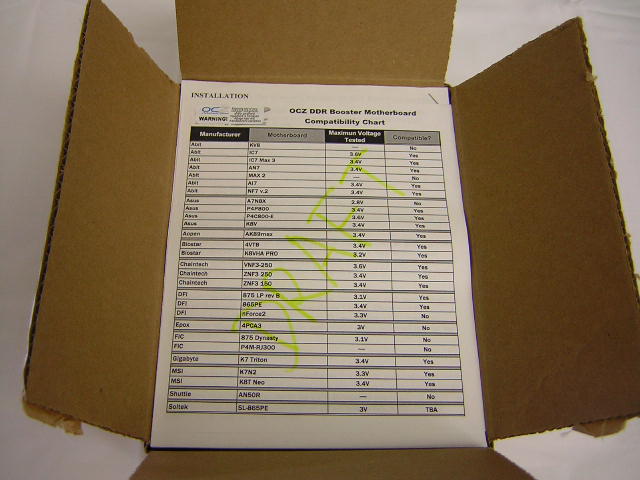
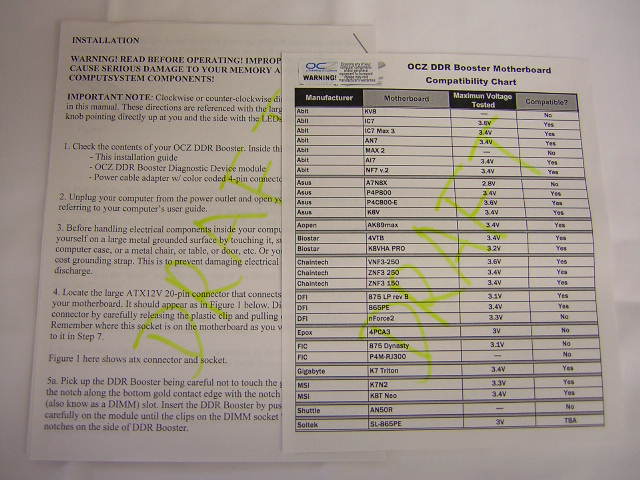
The Booster was packed inside a cardboard box with orange packaging. Like mentioned before in the Gold PC4000 review, the new orange is a good eye-catching color. OCZ claims that the booster is capable of supplying a whopping 3.9v to your memory. Of course this is not ideal. You’ll fry your memory, and if not, shorten its life considerably. Inside the box is a chart of current compatible motherboards and an instructions manual. Unfortunately, the Booster does not work with all motherboards due to regulators and motherboard design. However, it does work with most of the top motherboards available. The instructions manual is short but thorough, answering simple questions I had in mind. The compatibility chart and instructions manual were drafts at the time I received my sample. The instructions manual should be a finalized version when you make your purchase, but the compatibility chart will always be updated. For the most recent updated version, visit OCZ’s Motherboard Compatibility Page.
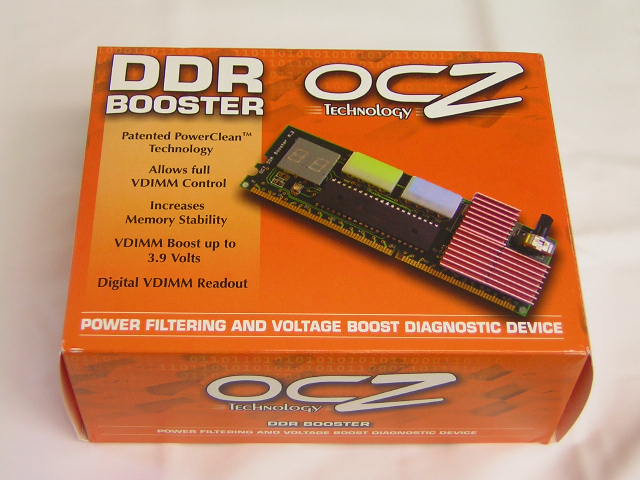
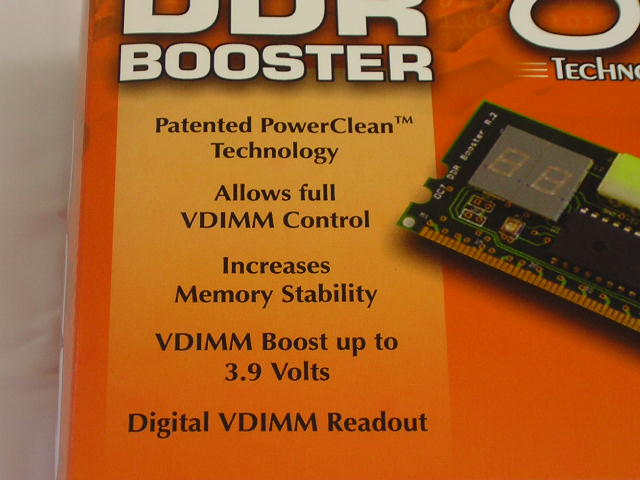
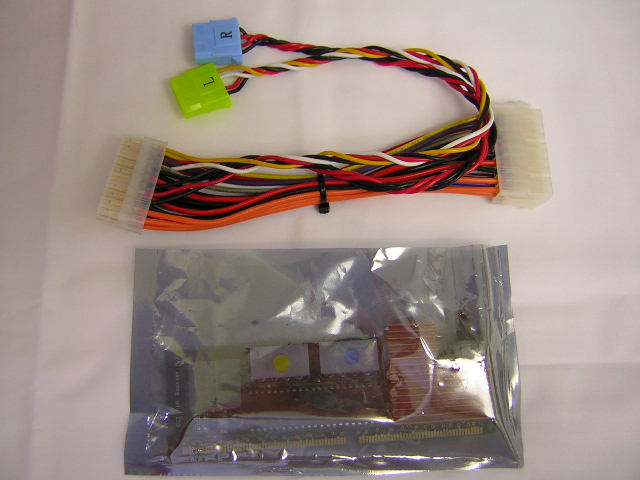
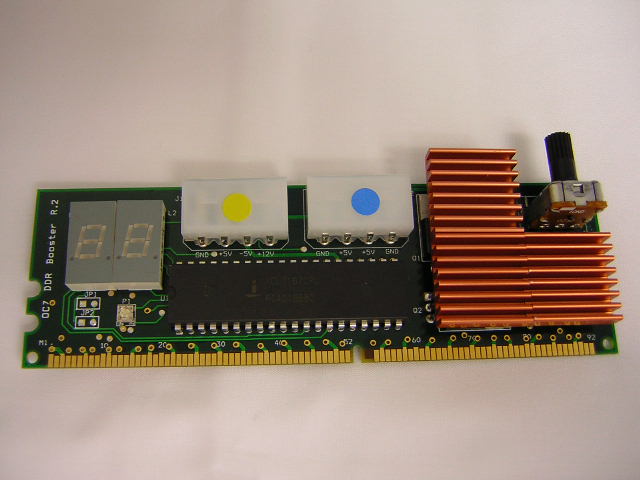
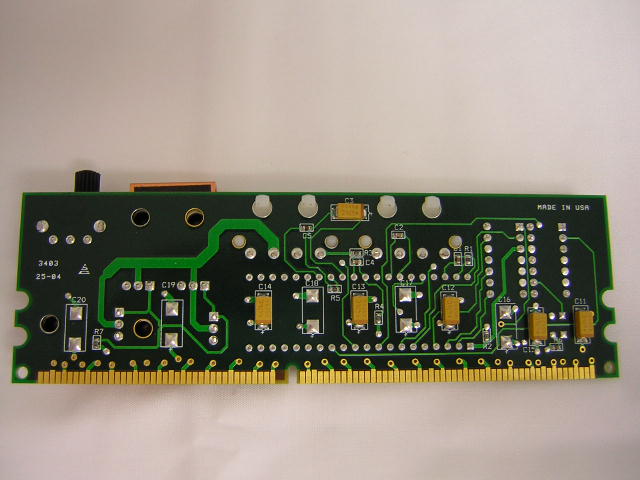
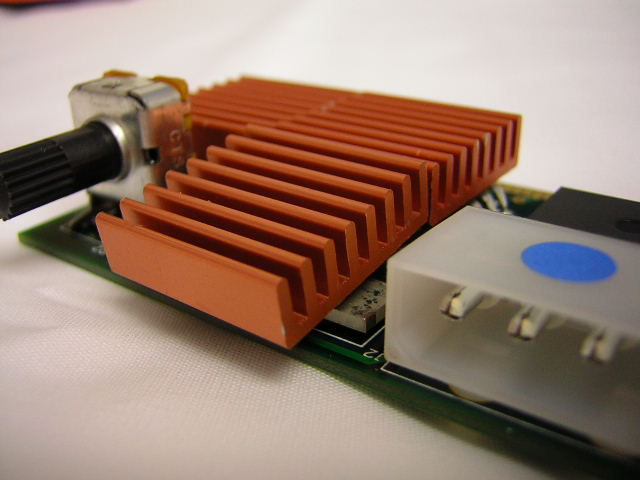
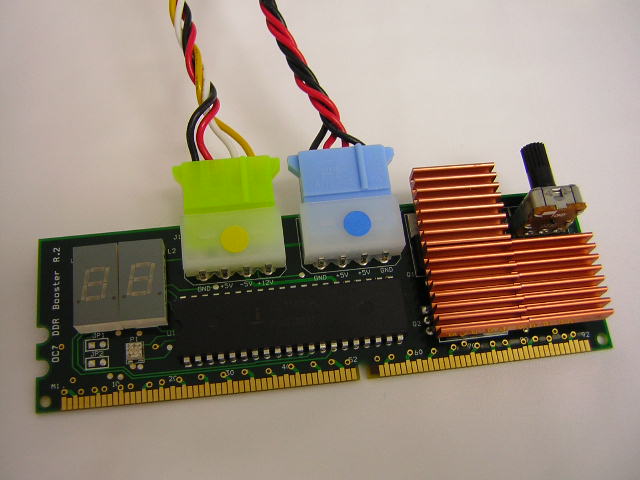
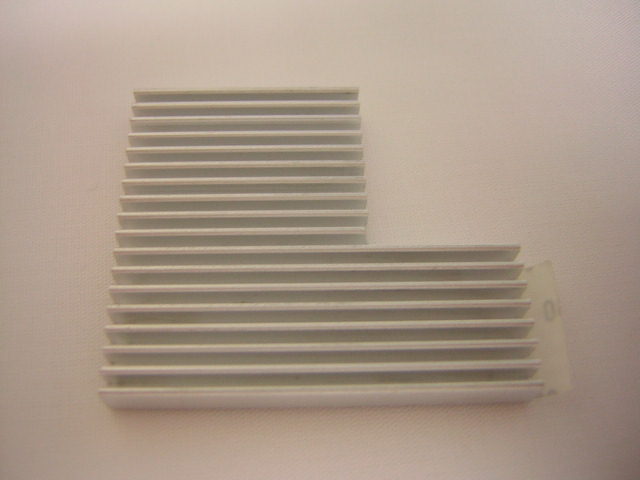
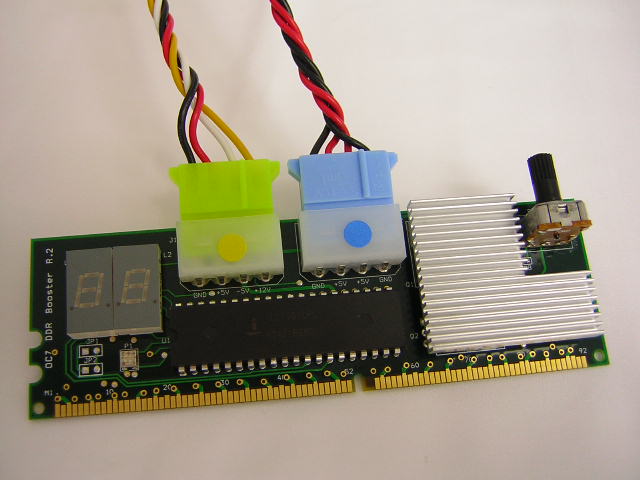
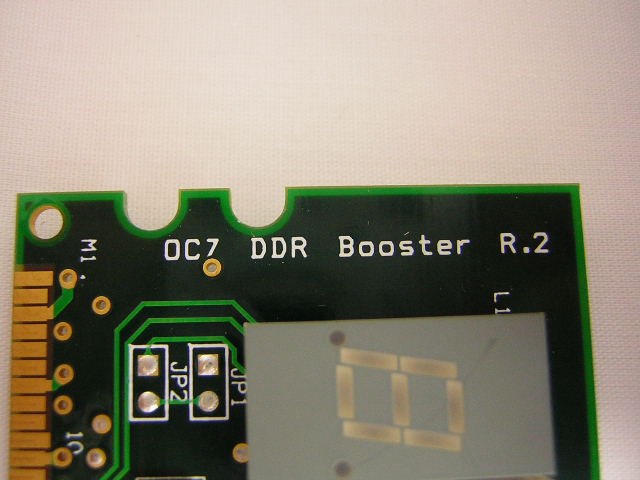
The Booster module itself looks just like a stick of memory. There are two Molex connectors to draw power, a knob to adjust the voltage, and three small heatsinks on the mosfets to help dissipate heat. The heatsinks come in very handy as the mosfets become extremely hot. One of the small heatsinks only has half of the base in use, so the other half hangs and wobbles. While this does not affect the heatsink contact all that much, it can be a tad annoying to know that your heatsink moves around. To solve this, OCZ will be using a single piece heatsink in their future shipments of the Booster. I think it looks better too.
Also included is an ATX power connector. This is a specially made connector with two special Molex connectors to power the Booster. You HAVE to use this. Failure to do so will result in damaging your hardware components as well as OCZ’s warranty. If you use the Molex connectors found on the power supply, the Booster will not work. The two Molex connectors from the special ATX connector are color coded to match the connectors on the Booster.
How It Works
The way the Booster works is very simple. Simply install the module in a DIMM slot and connect your power connectors. I tried using different DIMM slots but found that it can only be installed on the outermost slot, depending on the notch in your DIMM slot. For example, on my P4C800-E, I was only able to install it on the 4th DIMM slot. The Booster was too thick to squeeze in between memory modules.
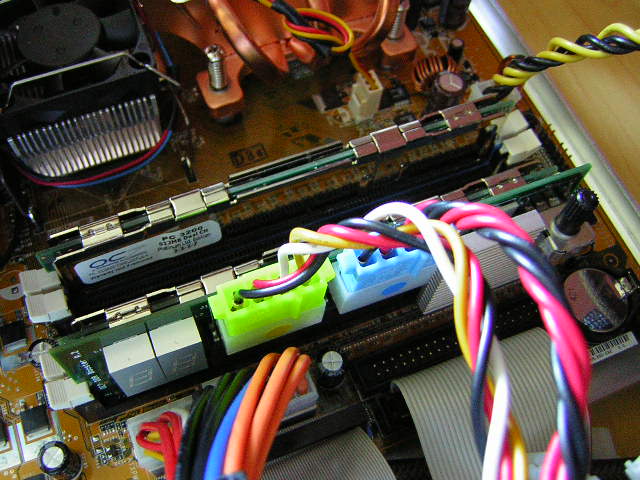
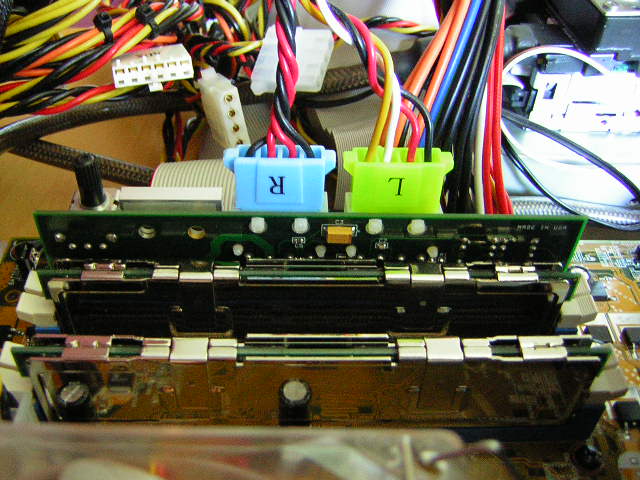
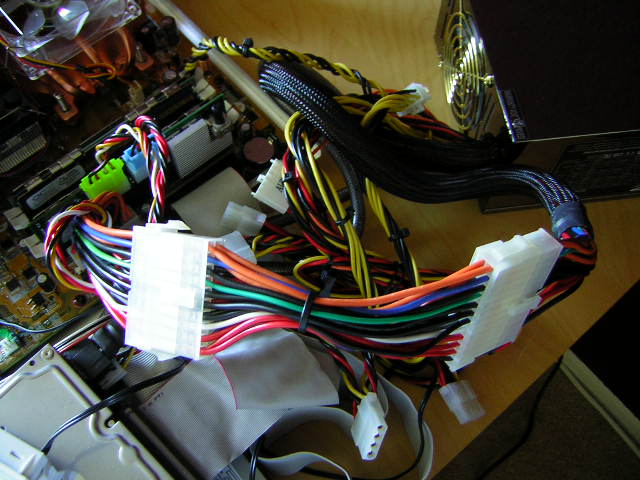
To change the voltage, simple enter the BIOS upon boot up and adjust the settings. Initially when booting up, you will see the voltage of the VDIMM you’re currently at. I had mine at 2.85v and it booted showing 2.8v on the Booster. Turn the knob slowly in a clockwise direction until you reach your desired voltage. Then, simply save and exit BIOS. That’s all there is to it.
Test Procedures and Methods
To test the stability of the memory, I will be using Memtest+ as it provides quick and excellent stability tests. The test stresses the memory to a full extent to make sure that it is 100% error free. When the memory is found error free and stable under Memtest+, a continuous loop of the Lobby test in 3DMark2001SE will be run. The Lobby benchmark tests the FSB of the system and will error out whenever instability occurs.
Test System:
- Intel P4 2.4C
- Asus P4C800-E Deluxe (1.8v VAGP)
- Radeon 9800 Pro
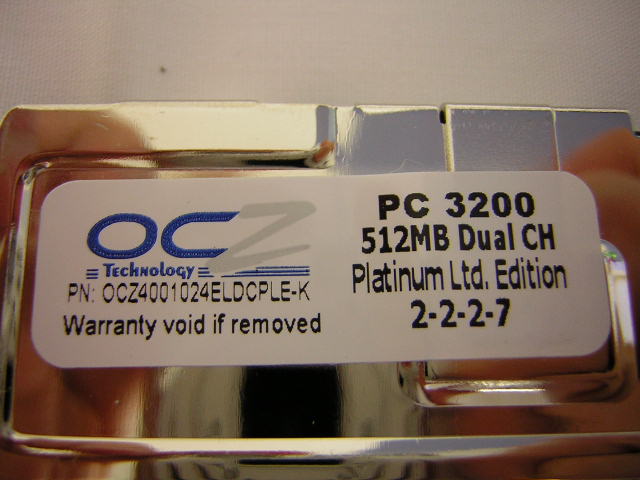
- 2 x 512MB OCZ PC3200 Platinum Limited Edition (Winbond BH6)
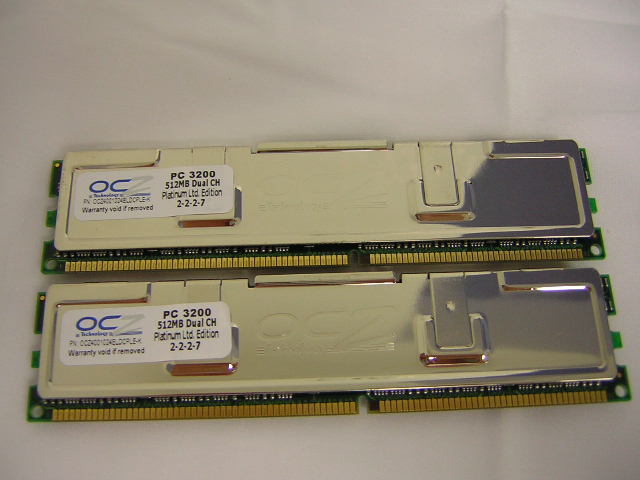
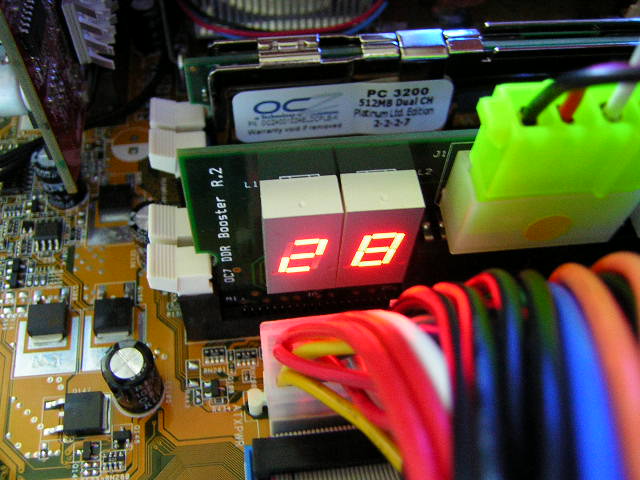
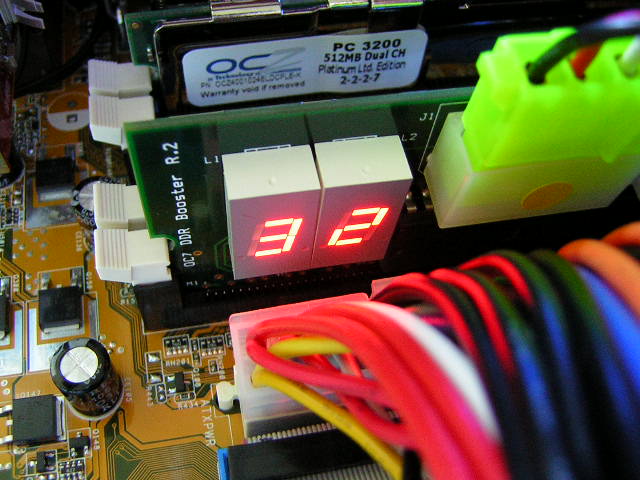
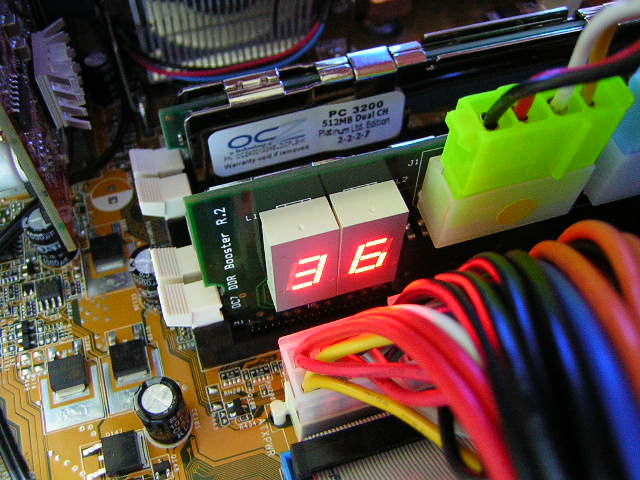
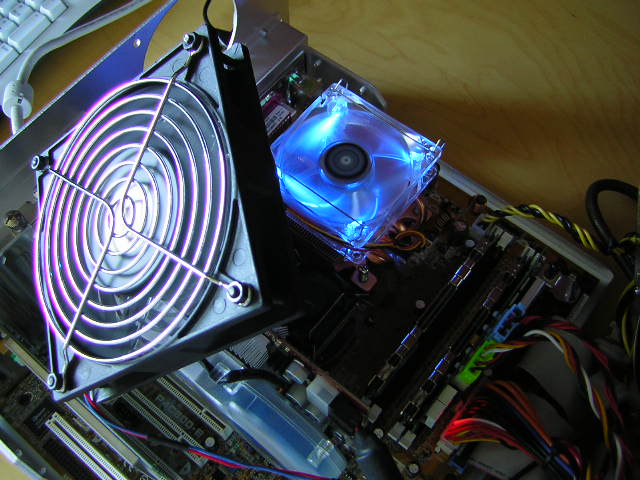
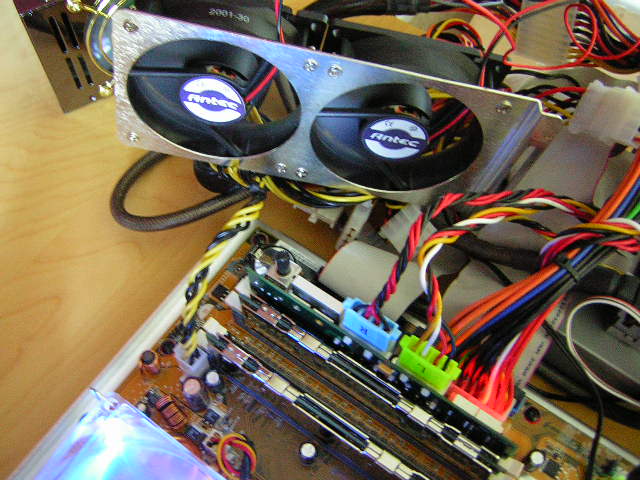
Since my motherboard has been qualified for a maximum of 3.6v, that will be the highest I will use to juice up the memory. Tests will be done under 2.8v, 3.2v, and 3.6v, while keeping latencies at 2-2-2-6. Keep in mind that when going over 3.4v, it is HIGHLY recommended that you provide cooling to your memory sticks. Since my testbed is outside the case and on my desk, I’ve provided some ghetto cooling with some fan brackets.
Overclocking Results
The results I obtained were quite impressive. I was already able to run my memory at 225FSB 2-2-2-6 at 2.85v; and after increasing the voltage to 3.2v, I was able to run the memory at a stable 240FSB 2-2-2-6. Although many others have reached higher than 240FSB, keep in mind that I’m using two 512MB modules. Overclocking two 512MB modules is more difficult than overclocking two 256MB modules. I further increased the voltage to 3.6v, but that didn’t seem to help. My memory was already tapped out. I was not satisfied so I dug out my trusty Kingston HyperX PC3500, which use Winbond BH5 chips. As I expected, the two 256MB modules yielded better results. Pumping a full 3.6v into it gave me 255FSB 2-2-2-6. I’m pretty sure that I didn’t need a full 3.6v to run the memory at 255FSB but I wanted to make sure that I got the highest FSB possible.
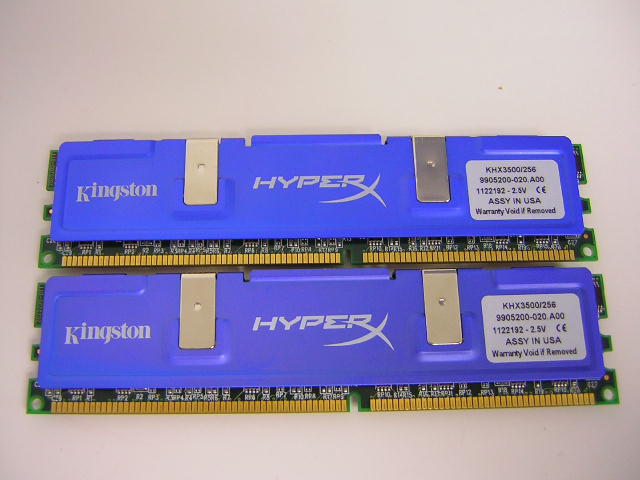
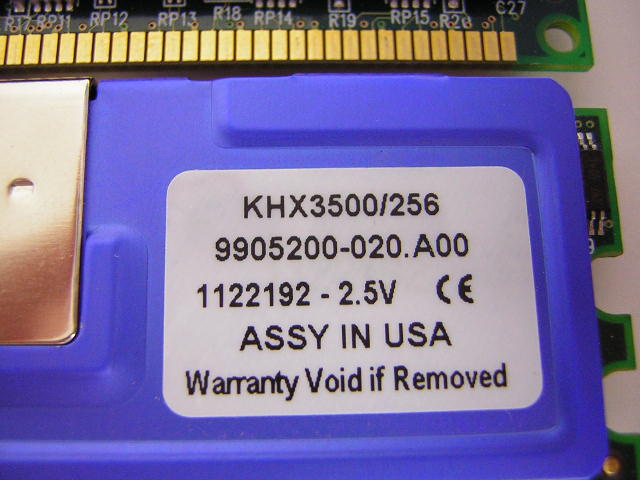
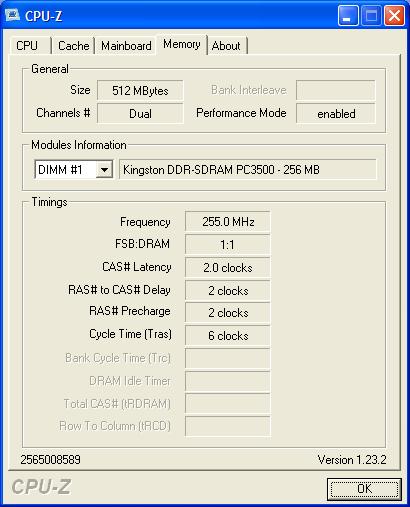
I must say that these are some nice results. If you own a relatively good overclocking 3.0C processor, running it at 255FSB 2-2-2-6 with a 1:1 ratio would give you some impressive scores.
Conclusion and Thoughts
The OCZ DDR Booster is definitely one amazing product. It does what it was made to do. It allows users to increase voltage to memory without the need to do any voltage modifications. It is easy and simple to use. The best part of the device is that it draws power from the 5v rail rather than the 3.3v rail. Many people overlook the problem of the 3.3v rail. In order to go beyond the 3.3v ceiling, the 3.3v rail must be adjusted to run higher in order to allow the VDIMM to go higher. To do that, you must have a good stable power supply. Any fluctuation in the 3.3v rail will cause instability and even hardware malfunctions. Not only that, you’ll have to mod the power supply if the power supply doesn’t come with adjustable potentiometers.
Of course every good thing on Earth comes with faults. The Booster has its downsides. The main problem is the compatibility. It doesn’t work with all motherboards. Popular motherboards like the DFI Infinity and the Asus A7N8X are not compatible. It works with the Abit NF7 series but you’ll lose the dual channel feature. Although it does work with the Abit IS7/IC7 series motherboards, these motherboards have the VTT tracing issue. In order for the Booster to work on those boards, you’ll have to fix the VTT problem with a VTT mod. Of course it doesn’t mean that this is the Booster’s problem. Then again if you do the VTT mod, might as well do the VDIMM mod right? One other thing that I didn’t like was the need to install the module in one of the outermost slots. Like I mentioned earlier, I was only able to install the Booster in the 4th DIMM slot. If I wanted to run my memory in the 2nd and 4th slots (to test for better overclocking results), I wouldn’t be able to install the Booster. It’s a bit thick.
So with all said and done, is the Booster worthwhile for you? If you don’t plan on performing voltage mods to your board for fear of shaky hands and voiding warranties, then definitely yes. The only thing to keep in mind is that you have to make sure that your motherboard is compatible. If you have Winbond BH5, BH6, or even CH5, then you’ll definitely want the Booster. Those chips are voltage hungry and need it like we need overclocked computers. Even current memory chips like the Hynix or Samsung will run great at around 3v. If you check our OCZ PC4000 Gold memory review, it required 3v in order to do some impressive overclocks. If you’re board maxes out at 2.8v or 2.9v, then you’re just out of luck. With the availability of the Booster, you’re luck has changed.
Pros:
- Able to supply a maximum of 3.9v!
- Helps increase memory overclocking
- Extremely easy to use
- Does not require voltage modifications (unless you have an IS7 or IC7)
- Does not require an extremely good power supply
- Draws power from 5v rail and not 3.3v rail
Cons:
- Not compatible with all motherboards
- Limits you to use certain DIMM slots for memory

We would like to thank OCZ for providing us the sample. If you have any questions or comments, feel free to hit us up in the forums. You can also check out more of our latest reviews on the front page.
Looking back: Where Are They Now: OCZ