

Arctic Cooling ATI Silencer 5 Rev2
Introduction
I laugh every time I see a thread about “What cooler should I get for my video card?” or “OHH MY GOD!!! 70 degrees LOAD!! HELP!!” If you browse through dozens of forums. you will usually find similar questions regarding video card cooling. A majority, if not all the replies, recommend Arctic Cooling Silencers. AC’s Silencers are the most popular video card coolers for a number of reasons: affordability, excellent cooling for both the GPU core and memory, availability for nearly all existing video cards, and the exhaust directed outside the case. Honestly, what more could you want?
Today, we will be viewing Arctic Cooling’s latest edition to their Silencer line: the ATI Silencer 5. The Silencer 5 is Arctic Cooling’s answer for more efficient cooling for both the X850 series and X800XL video cards of ATI. Arctic Cooling has made sure that every video card on the market can be cooled by their Silencer line. Let’s just hope the ATI Silencer 5 cools as well as its predecessors.
Arctic Cooling Silencer 5
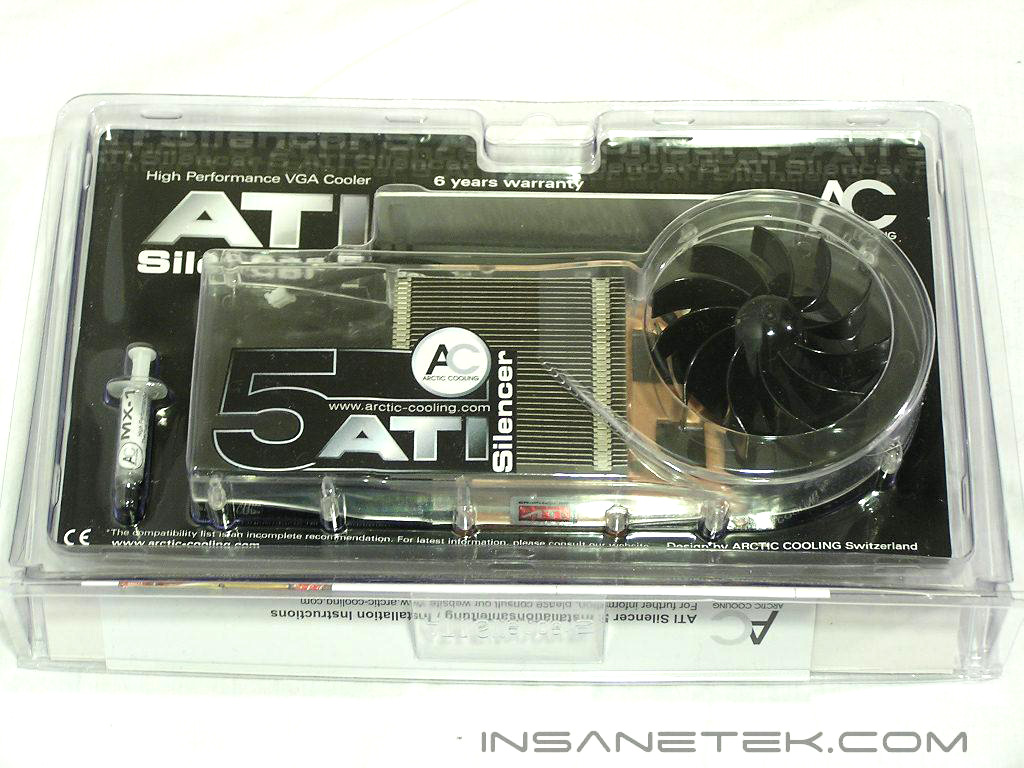
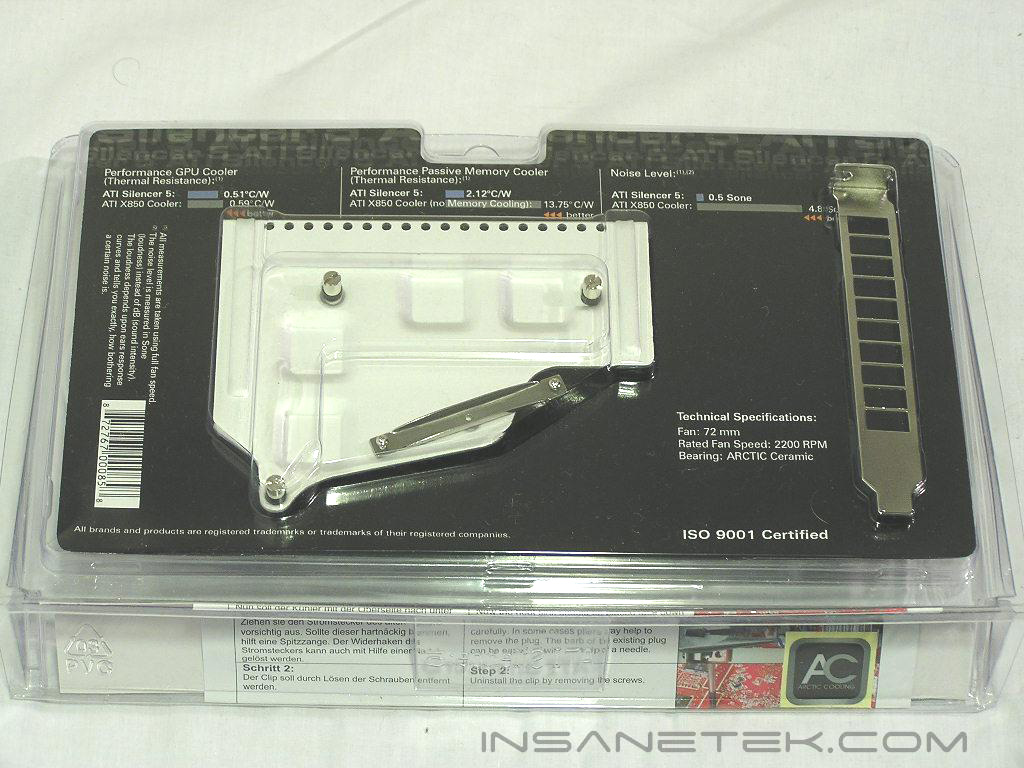
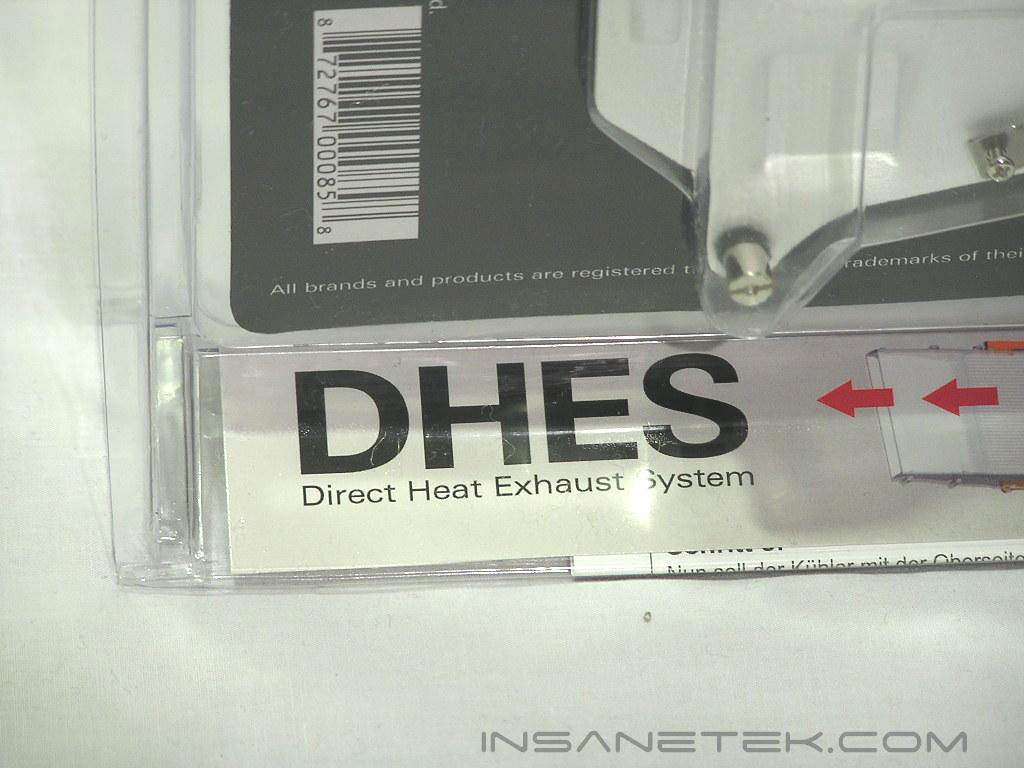
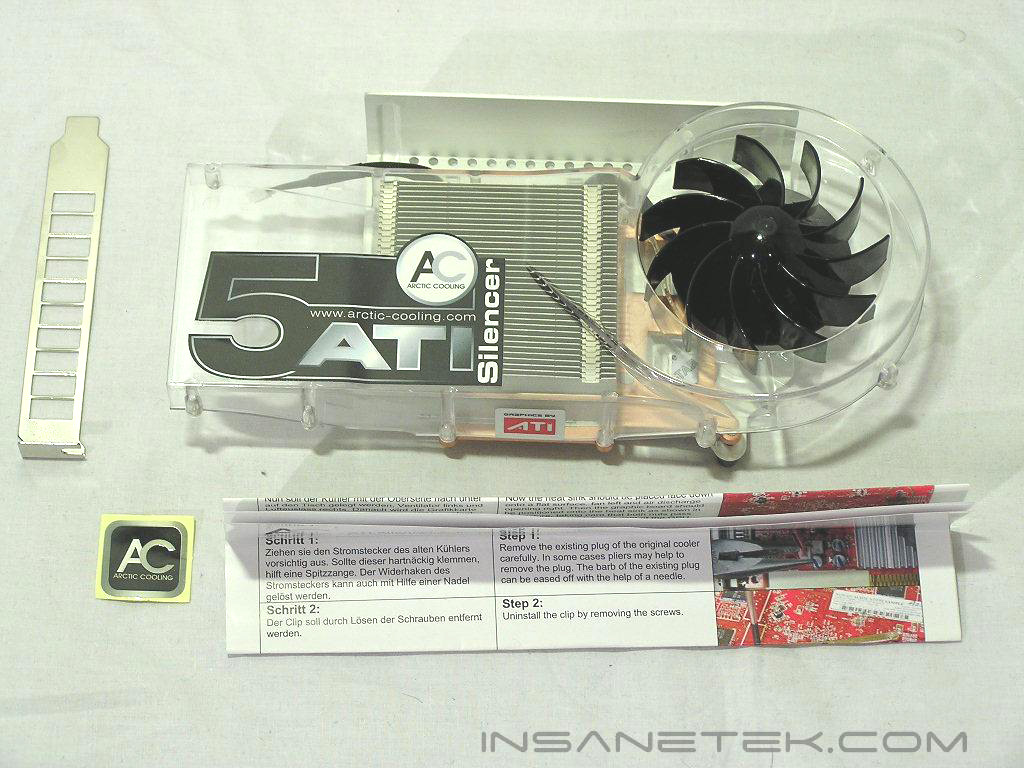
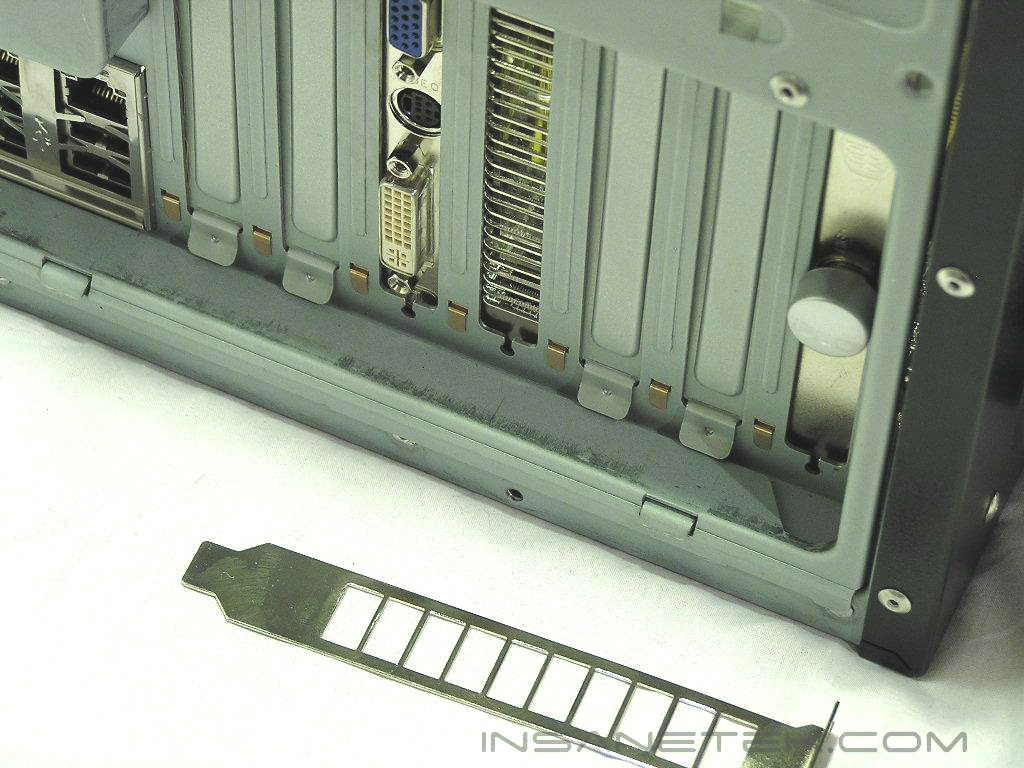
The AC Silencer 5 came sealed in tight packaging that also explained the technology behind what makes the Silencer line so effective. AC included the comparisons with both sound and cooling that the Silencer improves upon. Perhaps the most significant feature of the Silencer series is the “DHES” (Direct Heat Exhaust System) technology, which is explained by an illustration on the front that shows hot air being exhausted through the duct and out of the system. The contents of the packaging included the Silencer 5 itself (with all the necessary mounting screws already attached), an AC sticker, a grilled PCI slot bracket for an exhaust, thermal paste, and a detailed instruction manual.
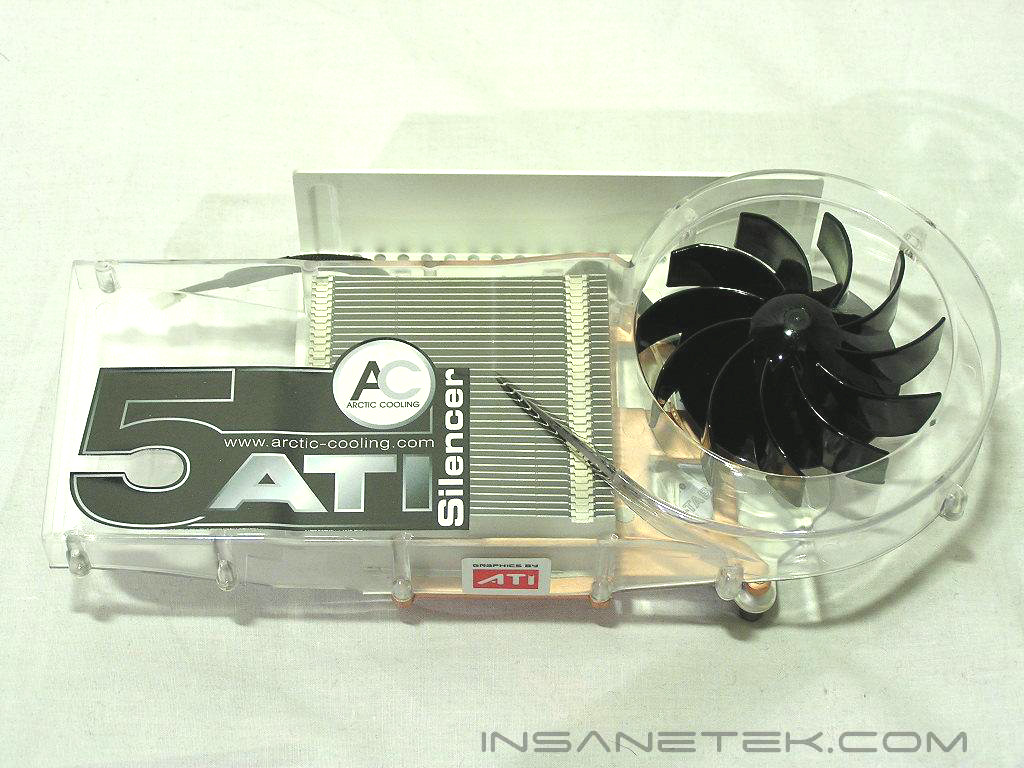
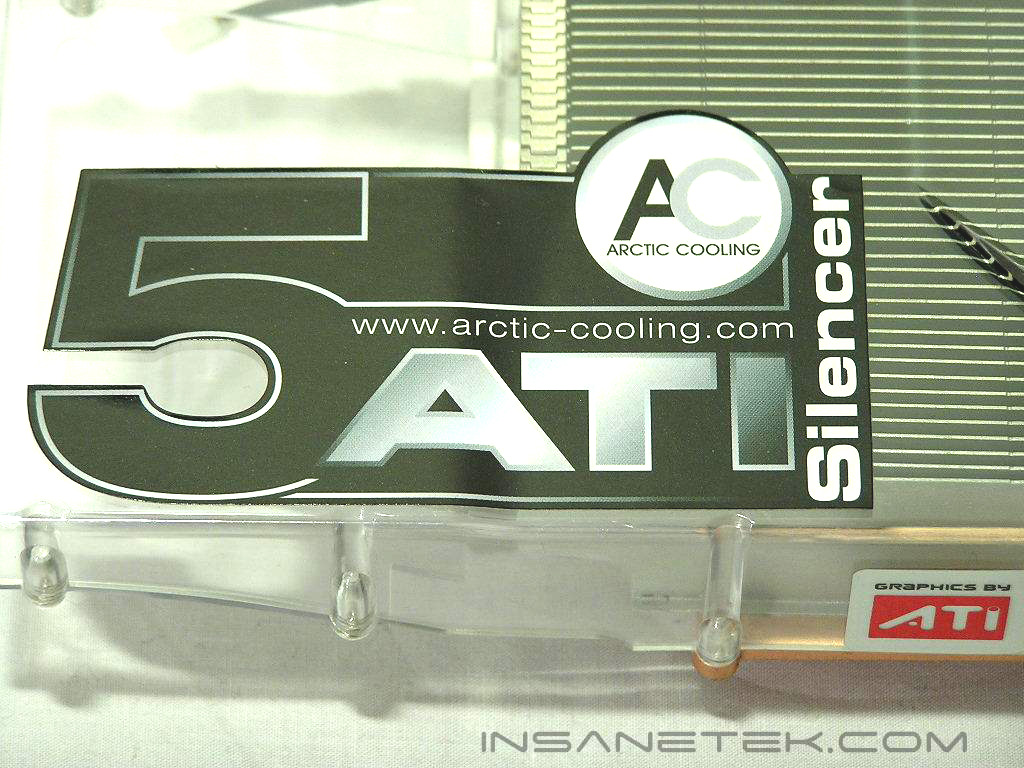
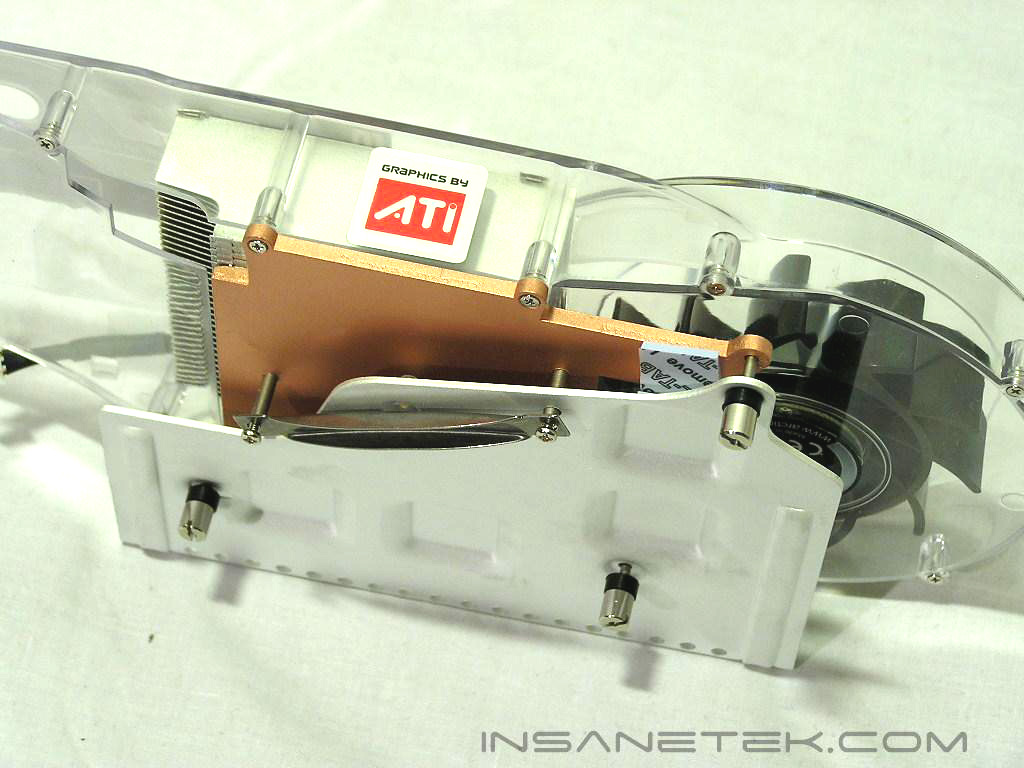
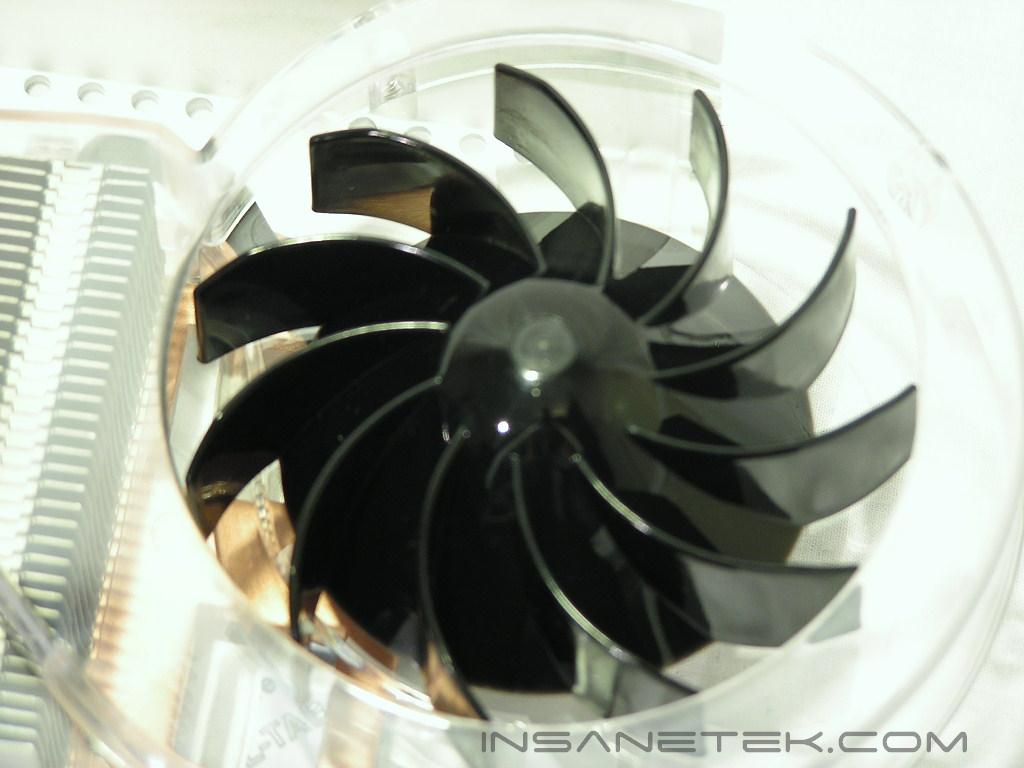
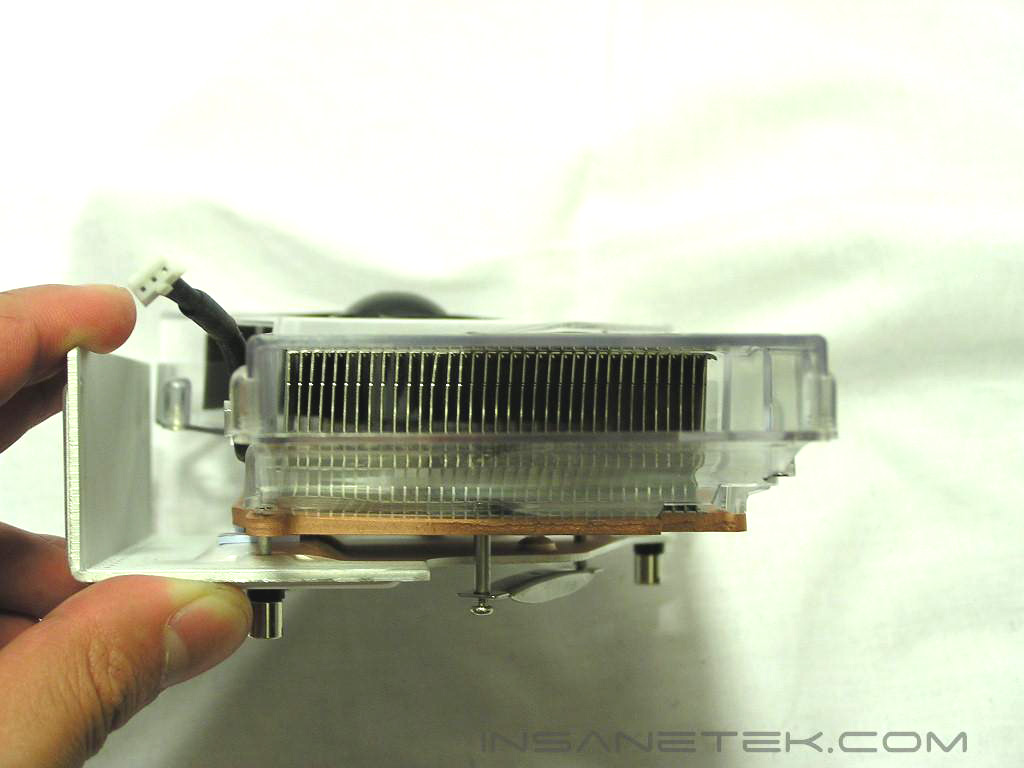
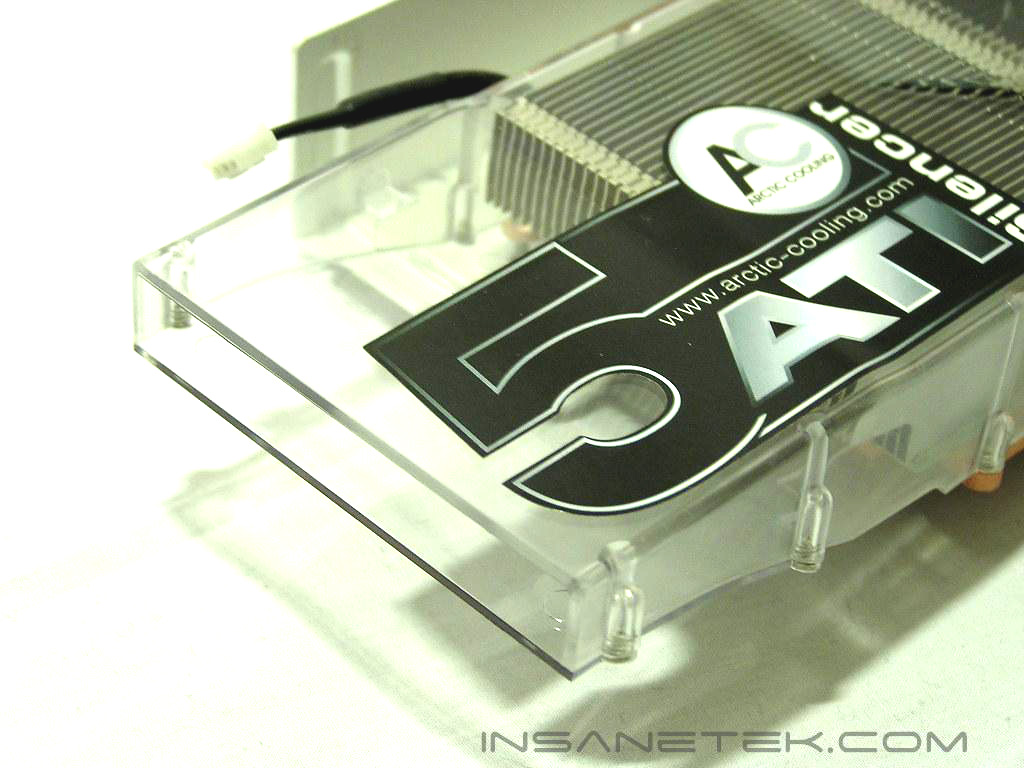
The Silencer 5 continues the same excellent workmanship as the previous Silencers. The cooler is comprised of aluminum fins and a copper base that also cools the front BGA memory chips. The entire cooler is fastened from both a GPU bracket and a large aluminum backplate that cools the back BGA memory chips. The heatsink is then encapsulated by an efficient air duct that is powered by a 72mm fan that pushes air through the heatsink and out the other side of the duct.
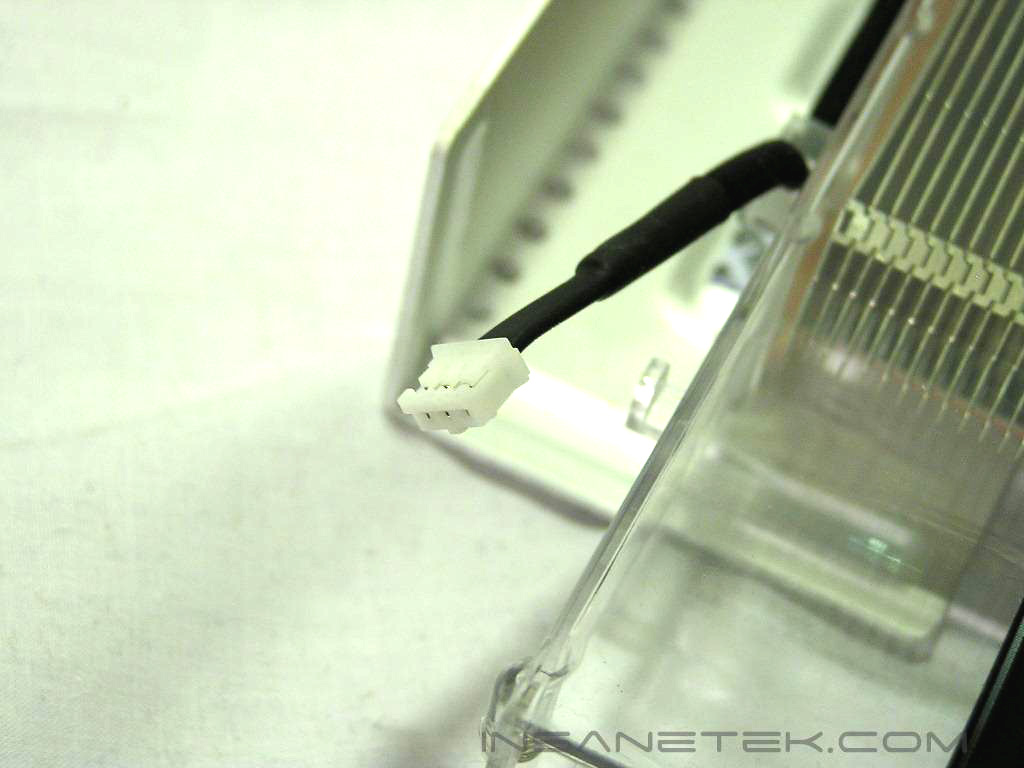
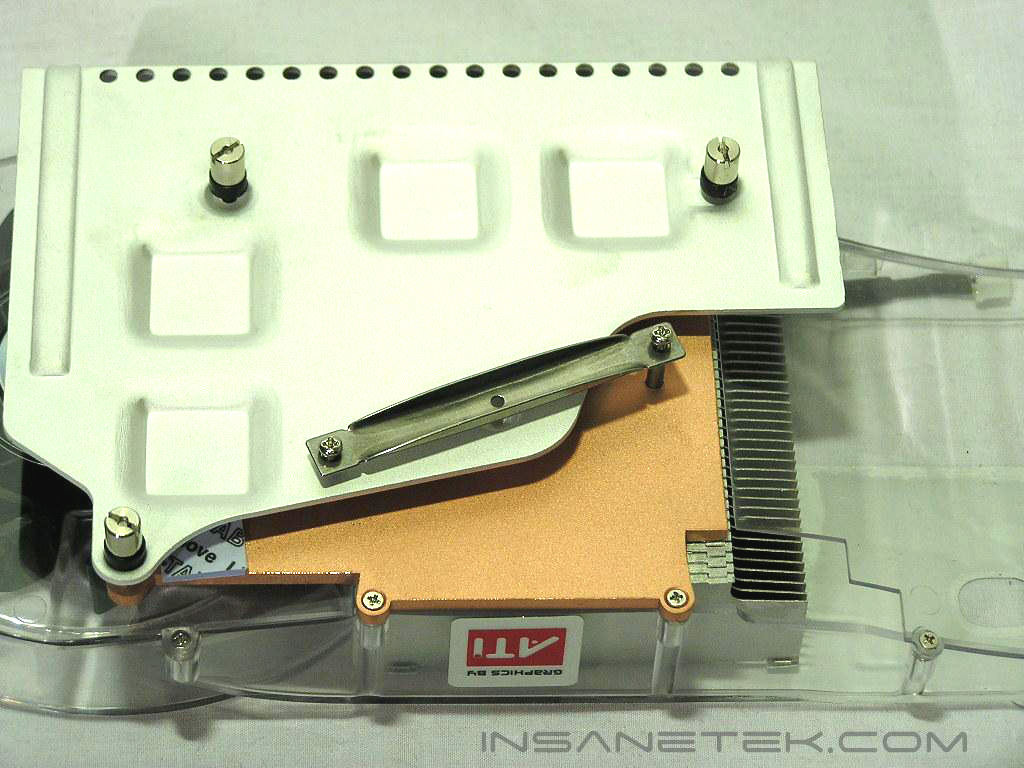
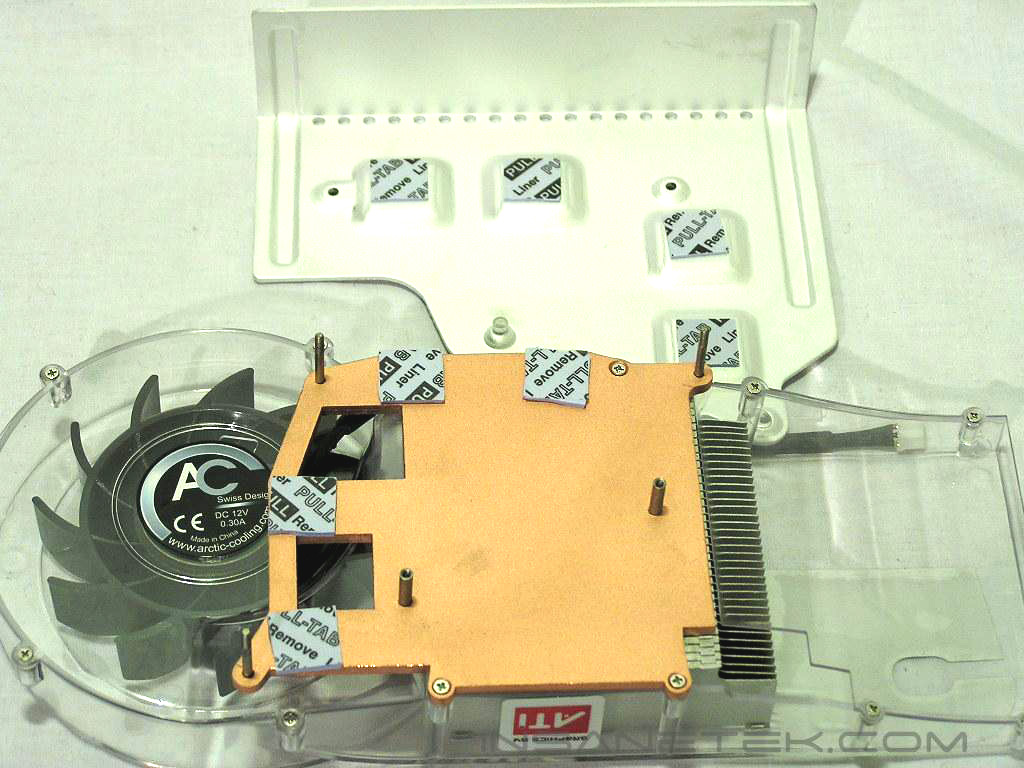
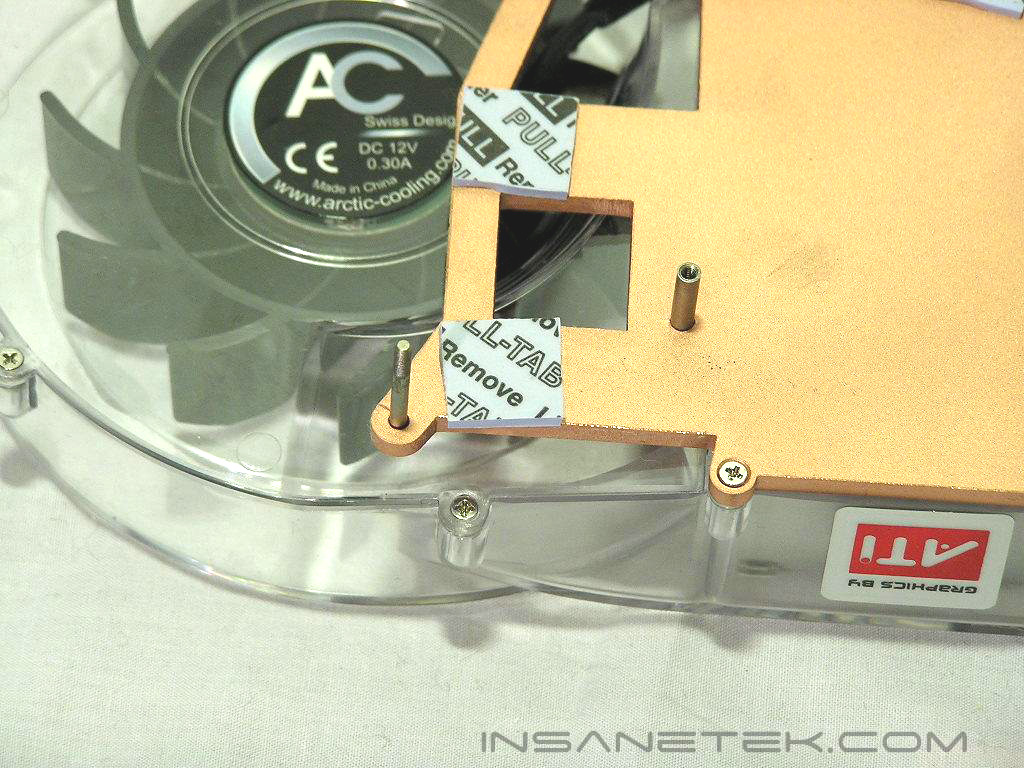
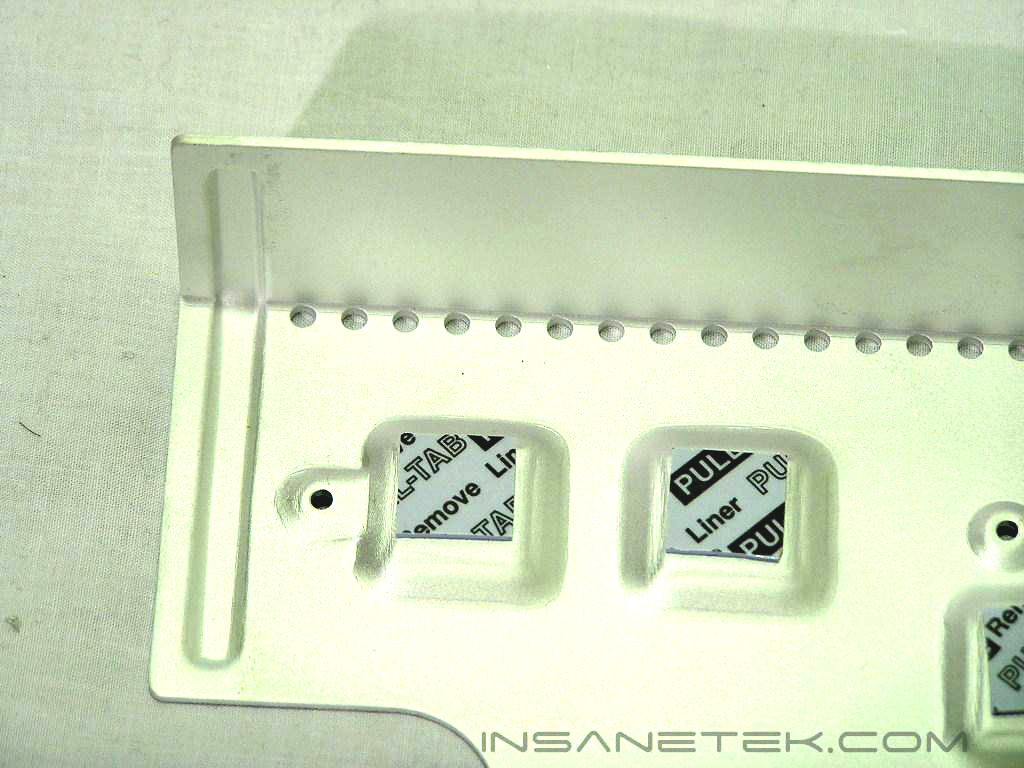
The AC Silencer 5 is also as convenient as the original Silencers. Rather than utilizing an external power source for the fan, the Silencer 5 uses the same 2 pin connection that powers the stock fan of the X850. While the Silencer is already quiet, a fan control option would be nice for those wanting to alter fan speed. After opening up the backplate, you can see the same coarse finish on the area that has contact with the GPU core. While performance is probably still amazing, imagine how many more MHZ can be gained with a simple mirror-finish. The memory pads were also protected with a thin film.
Installation
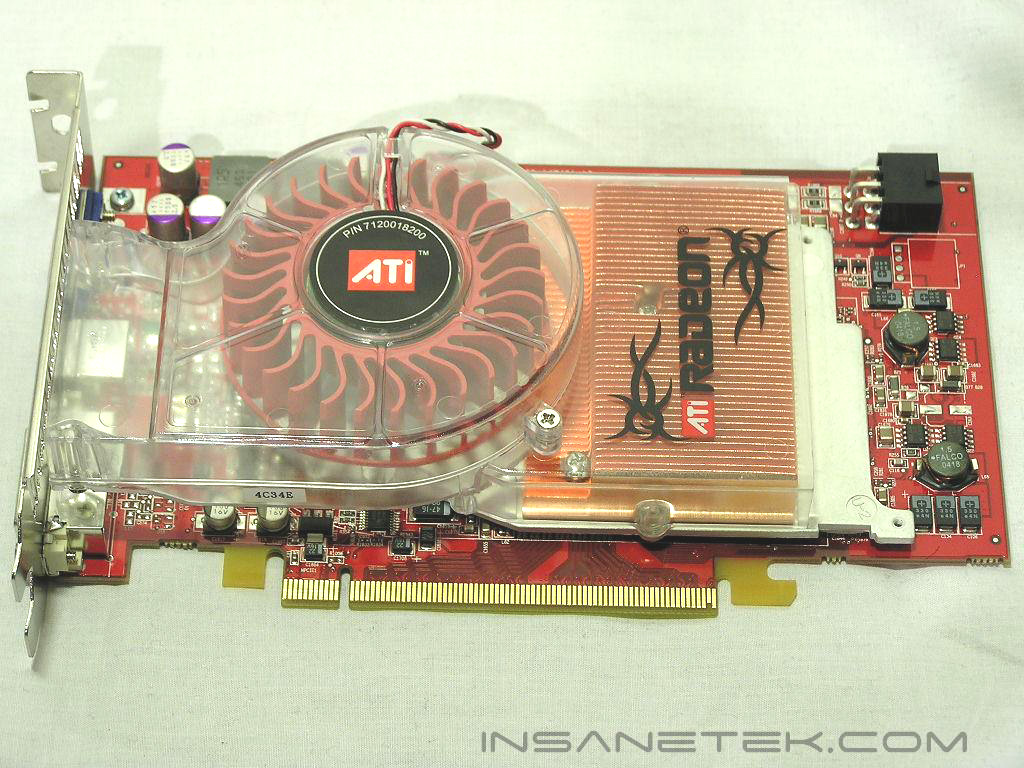
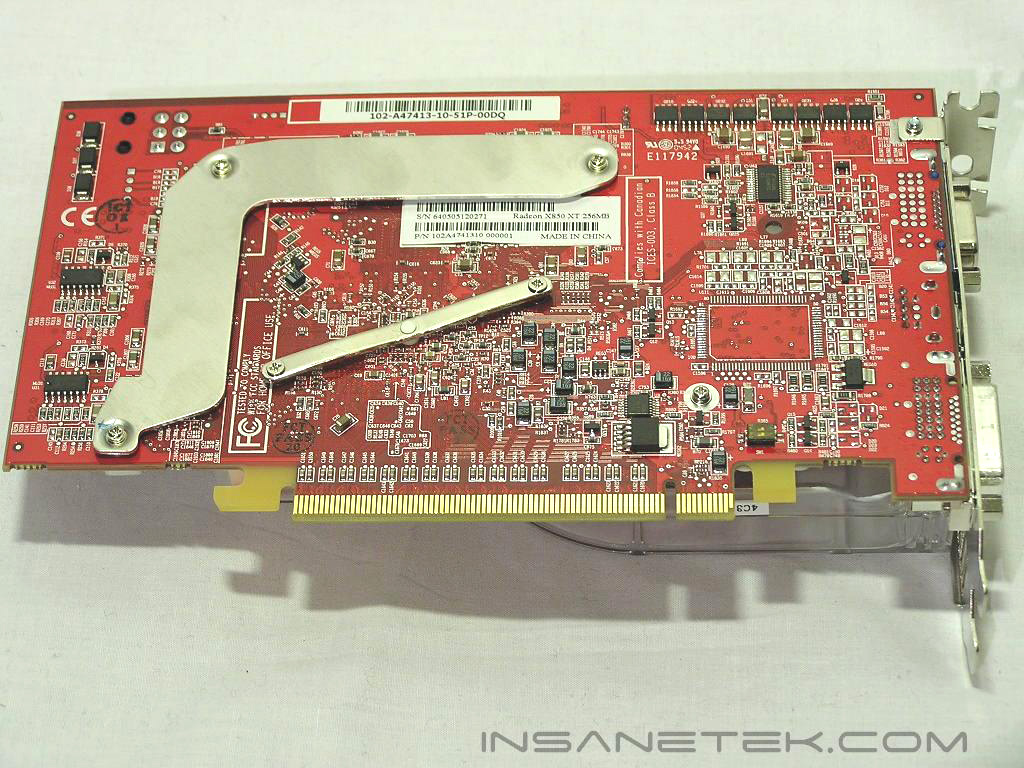
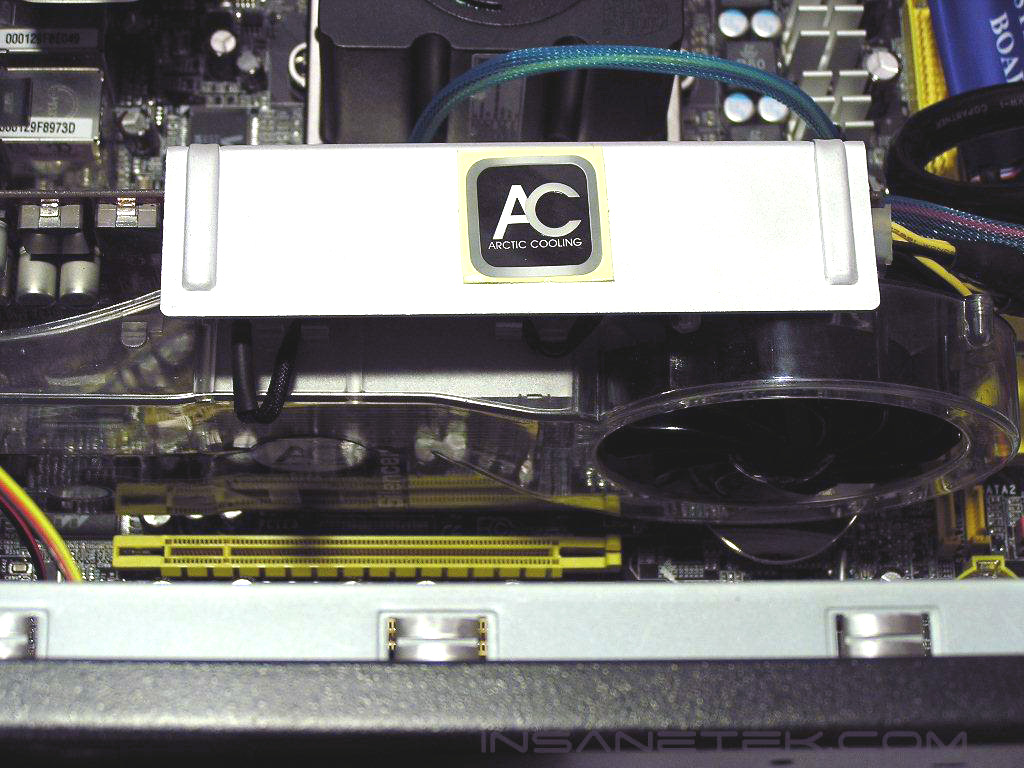
Installation for the ATI Silencer 5 follows the same easy installation of the previous Silencers. I’ve noticed that Arctic Cooling has improved upon some problematic areas of the previous Silencers, namely the strength of the threaded screws. They feel much stronger than before and less prone to breaking. I will be installing the Silencer 5 on a Sapphire X850XT. Notice how the stock heatsink dissipates heat from the back memory with only a thin piece of aluminum. Hopefully, we will see some improvements in memory overclocks using the Silencer 5 and its much larger aluminum backplate.
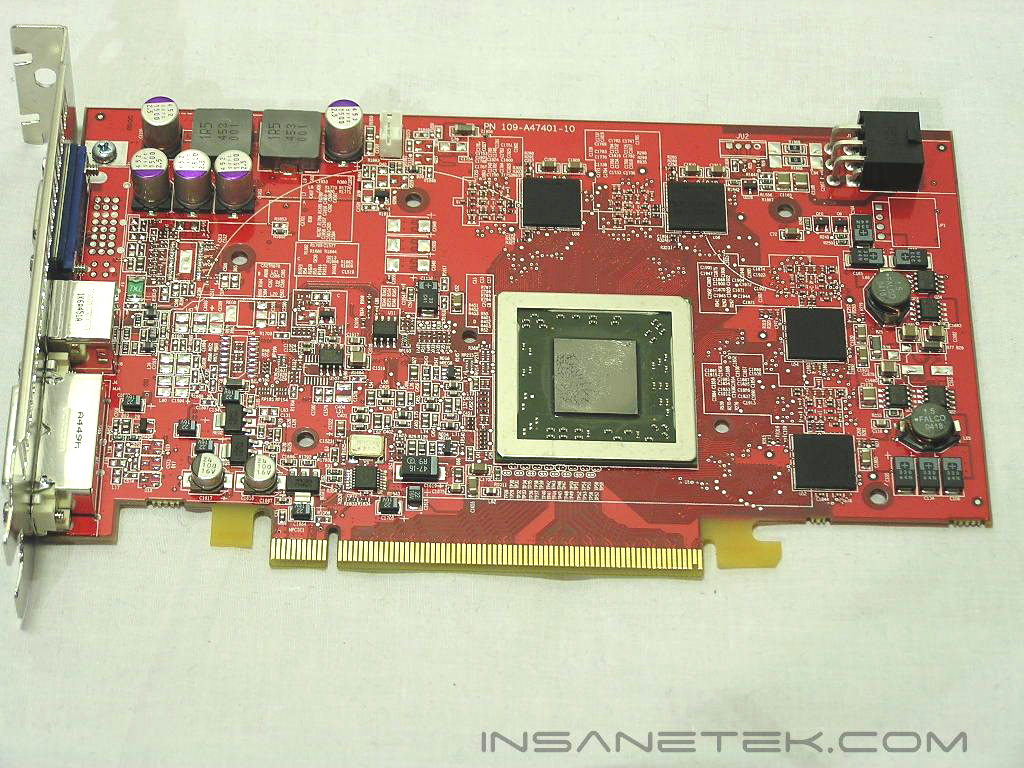
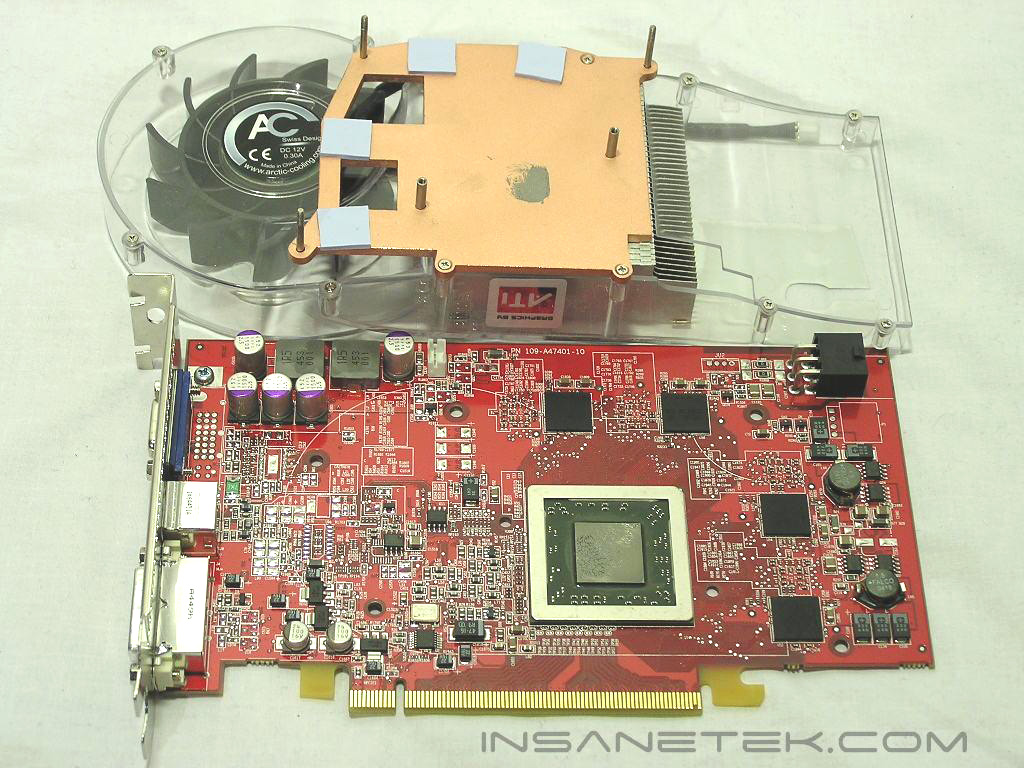
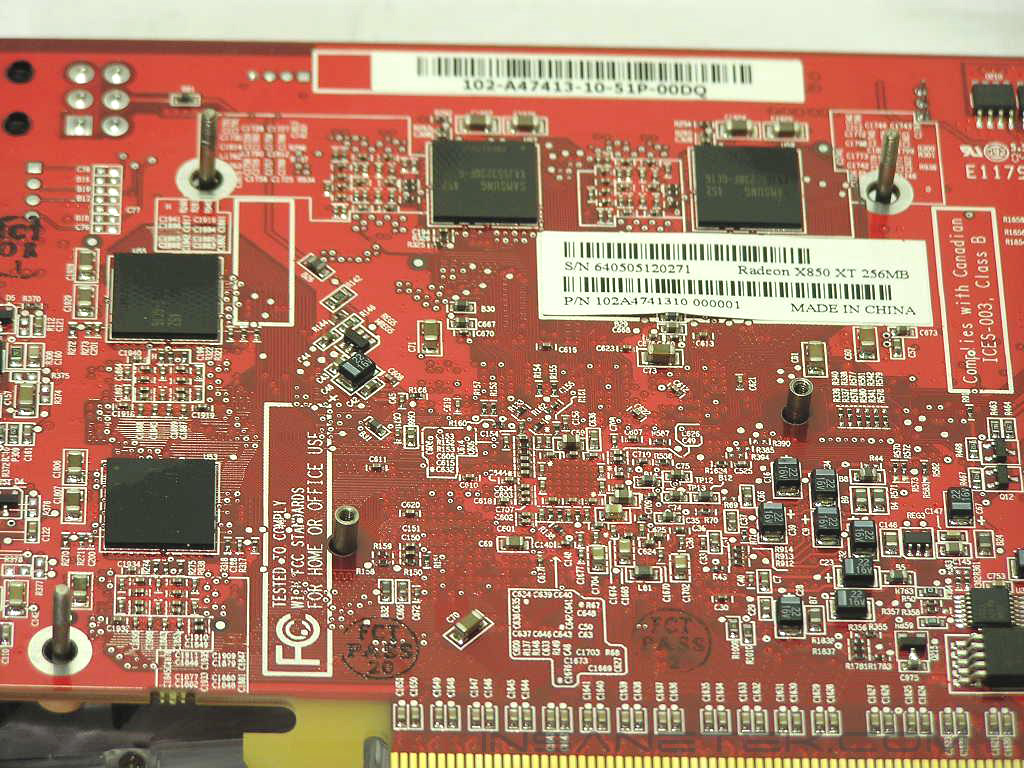
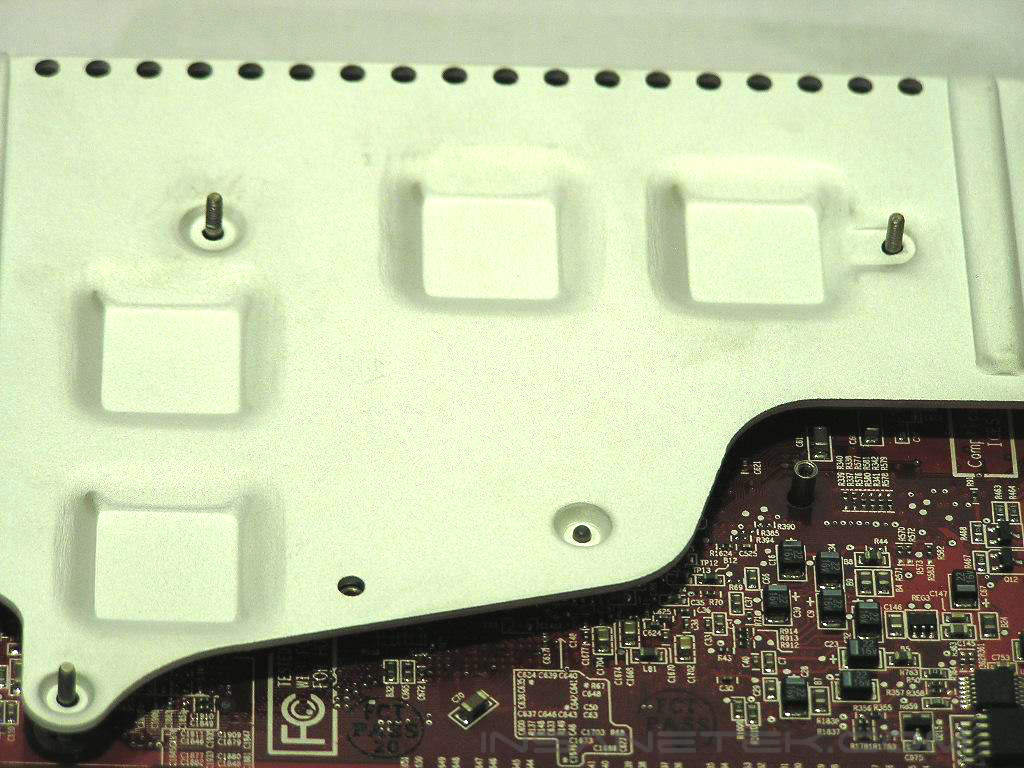
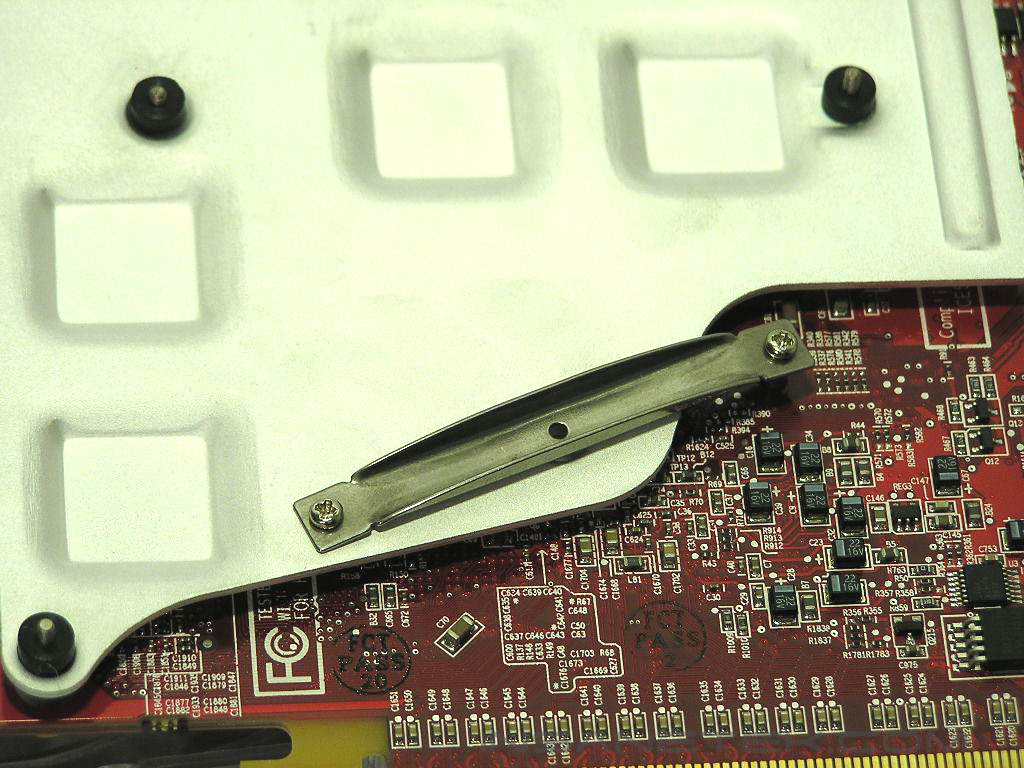
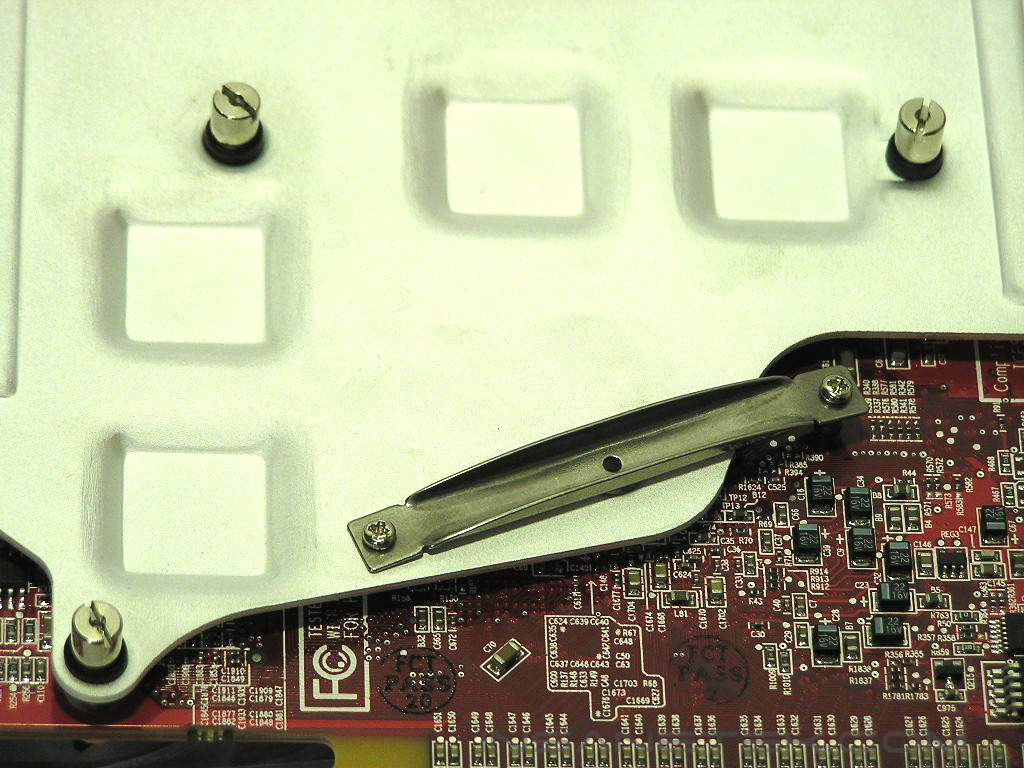
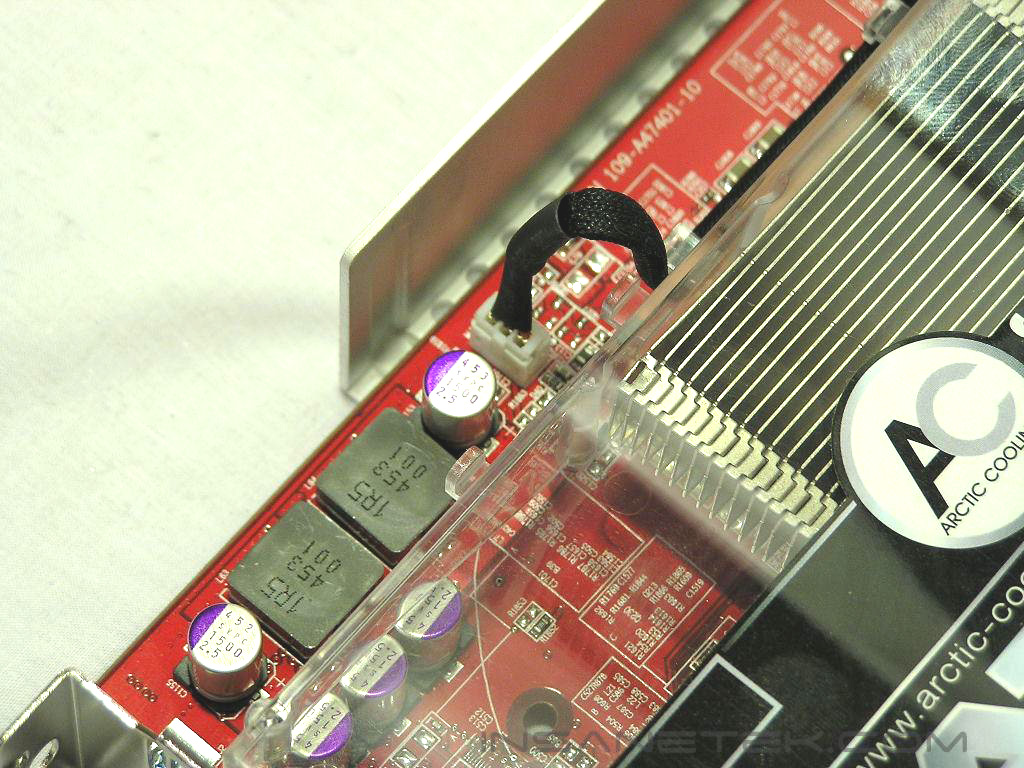
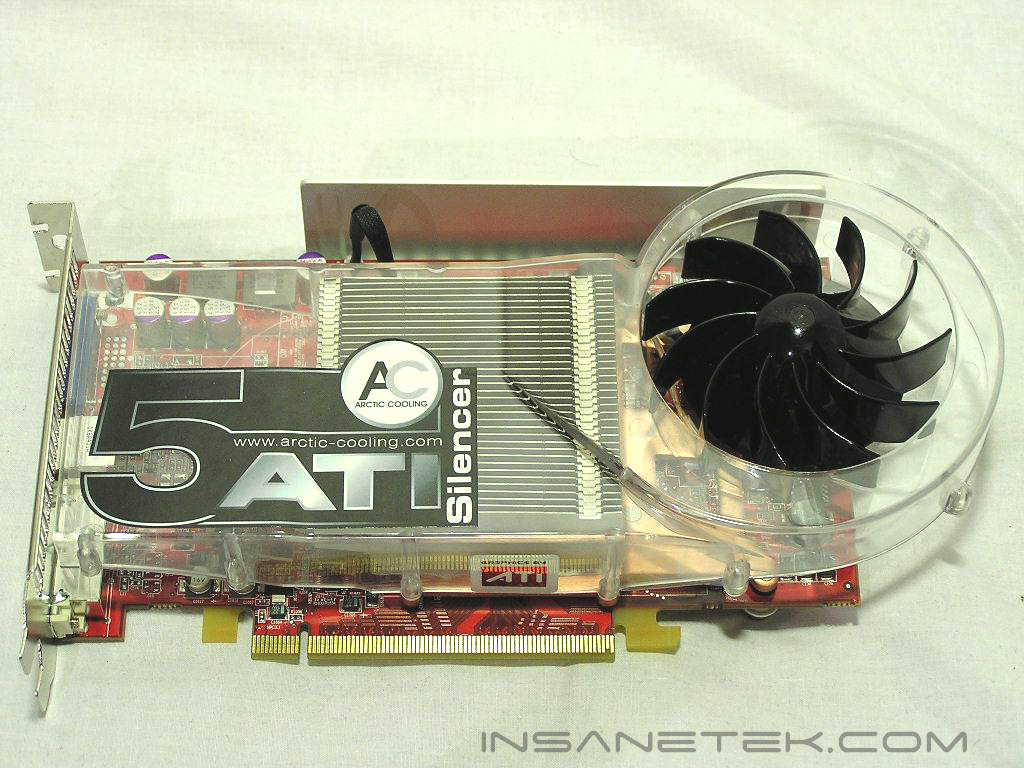
First, remove the stock cooler on the video card. Next, apply thermal grease evenly on the GPU core, remove the memory thermal pad protective film from the copper base, and then lineup the threaded screws with the respective holes on the video card. Be careful in lining up the copper base of the Silencer 5 evenly with the GPU core. Afterwards, apply the backplate aluminum bracket, with the memory pad protective film removed, over the holes. Next, apply the GPU metal bracket with the provided GPU screws, and then apply the thick rubber washers on the aluminum backplate. Then apply the metal screws to secure the backplate and connect the 2-pin fan connector to the PCB. Overall, installation is no different from the easy installation of previous Silencers.
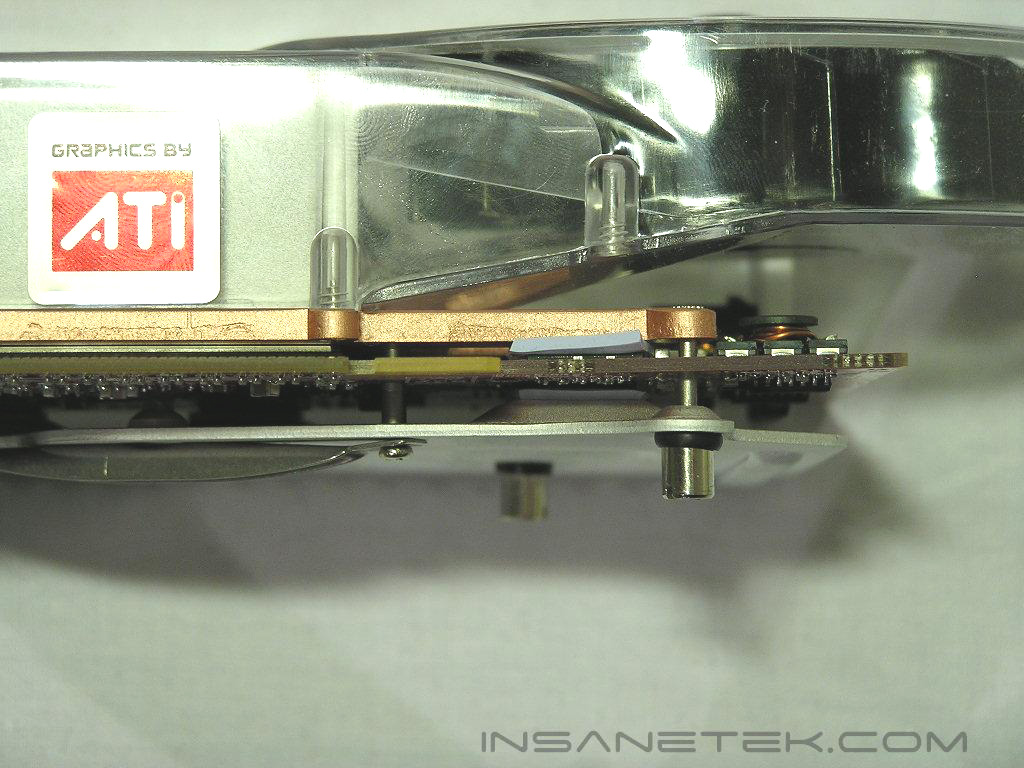
The only drawback with this type of installation is the thick memory pads on the memory and whether or not this method would be more efficient then metal-to-metal contact. We will see later on during testing if this hinders performance.
Test Setup and Results
Test Setup and Method:
Test System:
- Athlon64 4000+
- 2 x 512MB Centon PC3200LL
- DFI NF4 Ultra-D
- Sapphire Radeon X850XT
- Thermaltake 680W PurePower
- Thermaltake Kandalf Super Tower
- 2x120mm Thermaltake Fans for intake and exhaust
Both ambient and core temperatures were taken using ATITool and its temperature readout function. Ambient temps within the testing environment were 24 degrees Celsius taken with a Compunurse. I will give comparisons against ATI’s stock cooler in both temperature and maximum overclock ability.
Results:
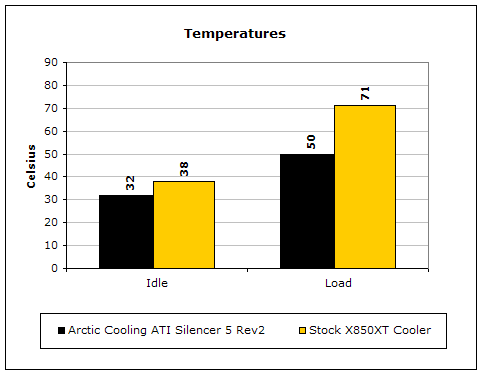
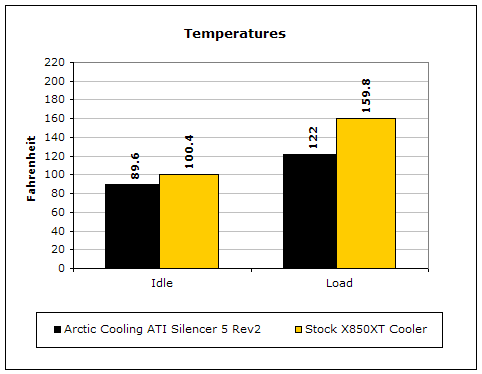
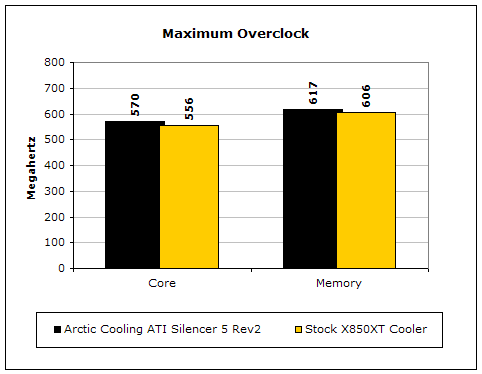
As you can see from the results, the Silencer 5 helped reduce load temps by as much as 20 degrees without any added noise whatsoever. This resulted in a large increase in overclock on both the memory and GPU core. Also, notice how the ambient temps also decreased as well due to the ability of the heatsink to exhaust heat outside of the case. This cooler is excellent.
Conclusion and Thoughts
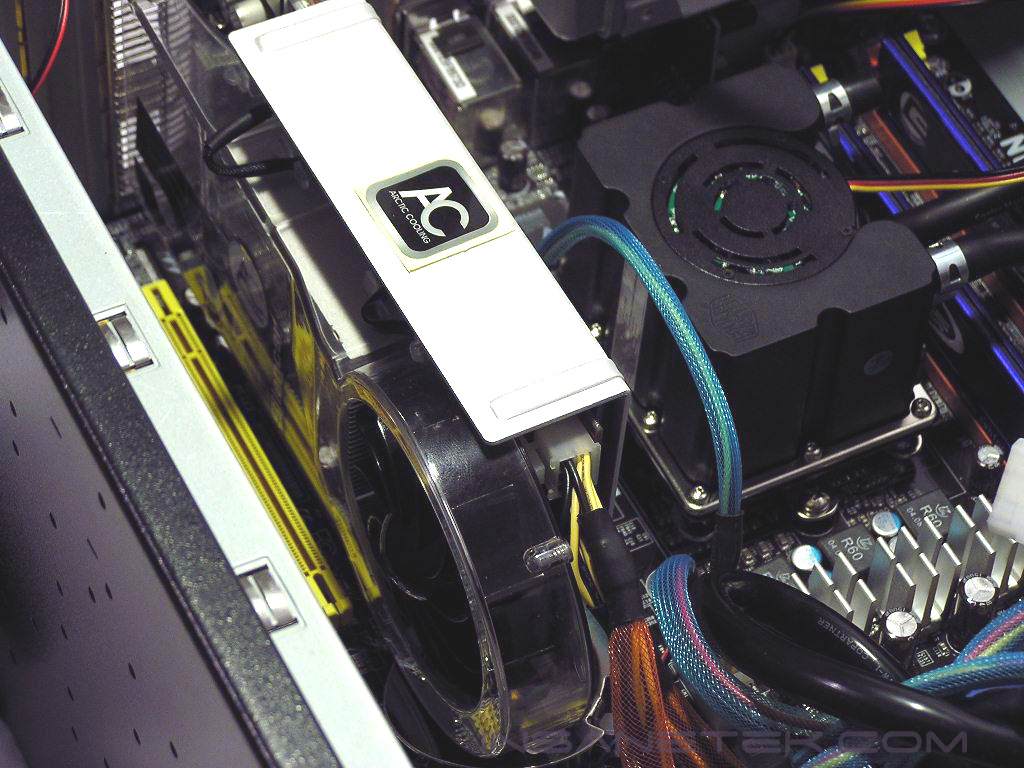
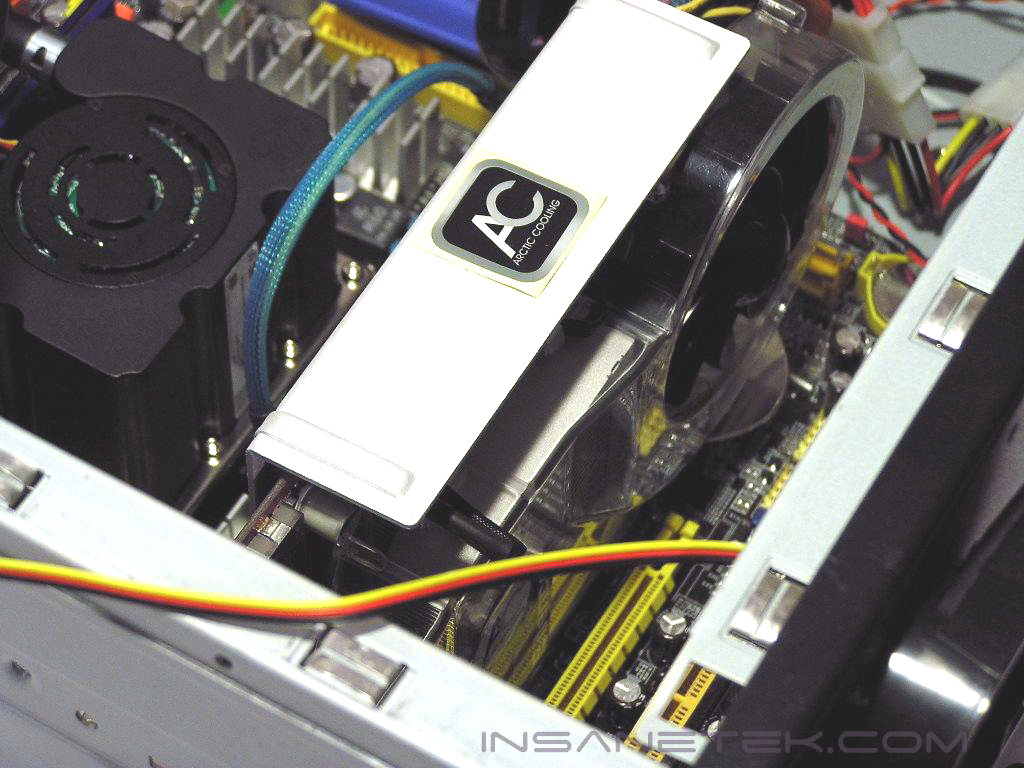
The Arctic Cooling ATI Silencer 5 was equally as impressive as the originally released Silencers. Where I saw minimal gain with the ATI Silencer 4 over the stock 9800XT cooler, the Silencer 5 showed a remarkable improvement over the already immense double-slot cooler of the X850XT. The only downside is the increased heat on the chipset of the DFI NF4 Ultra-D motherboard due to the size of the Silencer 5 covering the entire chipset. This problem can be easily remedied with more efficient case cooling. Other than this small drawback, I could not find anything else wrong with this cooler whatsoever. After showing an impressive performance in cooling and maximum overclock, the Silencer 5 should be on everyone’s short list for cooling their X850s or X800 XLs. While also providing the same silence and easy installation as the previous line of Silencers, the Arctic Cooling ATI Silencer 5 earns InsaneTek’s prestigious “MUST HAVE” award.
John’s Addition:
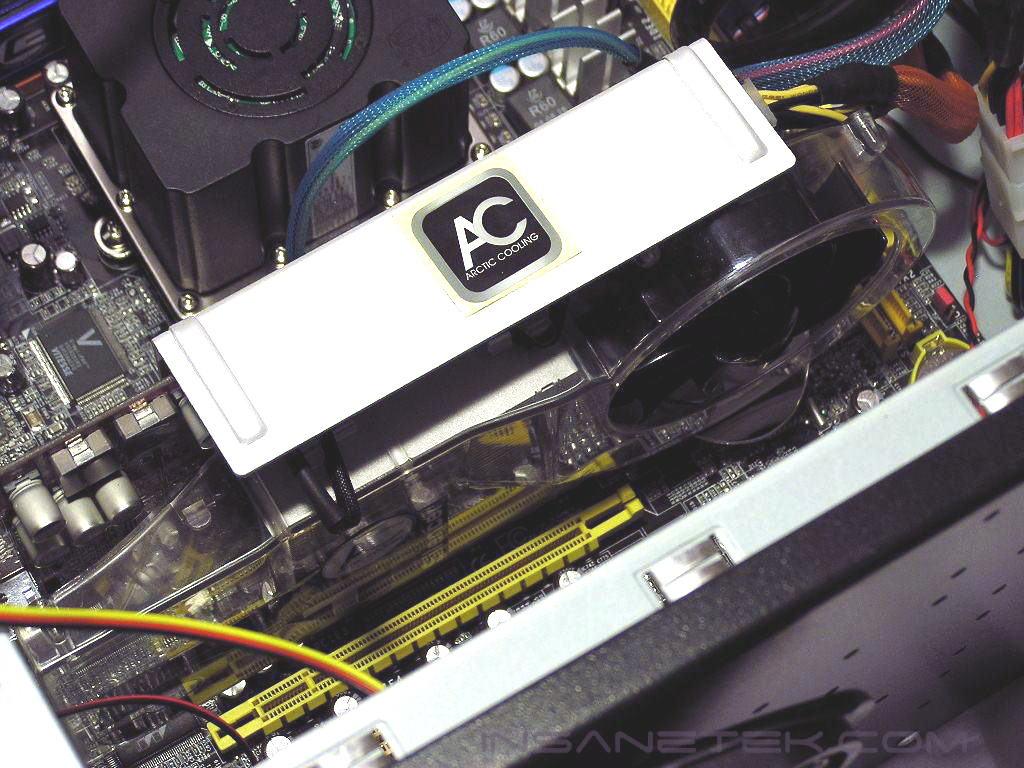
There’s not much more needed to be said with Arctic Cooling’s VGA Silencers. The performance on these puppies are superb. Not only does the Silencer make your cards run cooler, but it also gives your system that beefier macho look. I personally use these all the time on all my cards, whether I’m overclocking or not. My only gripe with the cooler would be that it’s not universal. For each different card I upgrade to, I’d have to buy a whole new one. But honestly, who cares! With the Silencer attached to your card, you’ll be able to get a couple more bucks out of your sale, which in turn gets you another new Silencer. One great thing about the revised ATI Silencer 5 Rev2 is that the back memory cooling plate folds down instead of up. I don’t know why but it just looks better to me.
Pros:
- Low Noise
- Excellent Cooling Ability
- Ability to cool the memory as well
- Ability to exhaust the heat outside of the case
- Awesome aesthetics
- No need for an external fan connector
- Inexpensive
Cons:
- On a DFI NF4, it can make your chipset hotter

We would like to thank Scythe for providing us the sample. If you have any questions or comments, feel free to hit us up in the forums. You can also check out more of our latest reviews on the front page.