

Seagate USB 2.0 5GB Pocket Hard Drive
Introduction
Nowadays people can’t get enough storage in their systems. If you were to go out and get yourself a pre-built OEM system, you’d get at least 160GB worth of space. I personally don’t need more than 40GB for my usual Windows, programs, and games. The extra space does come in handy sometimes when you want to store extra movies or songs. I used to have a 60GB mule for music only! Now I’m back down to about 30GB after some cleaning. It’s funny how you find things you don’t remember having. ;)
While desktop storage size increases at a drastic rate, portable storage is slowly increasing its size as well. When USB pen drives were first released, it was in small sizes of 64MB and 128MB. Now these small portable drives have moved up to as large as 2GB. The small compact size makes these drives ideal for attaching to keychains. For those who don’t own one, I suggest you go out and get one. They’re not as expensive anymore and it really comes in handy, especially for the times you want to transfer some small files or storing drivers and such. These USB pen drives basically make floppy drives obsolete. If 2GB worth of space isn’t big enough for you, then try on 5GB for size. Seagate’s USB 2.0 5GB Pocket Hard Drive may be a bit on the larger side but it does provide a great amount of storage on the go.
Seagate USB 2.0 5GB Pocket Hard Drive
Seagate is one of the best choices when it comes to storage. Although they don’t hold the records for having the fastest drives, they do hold the record for having the quietest drives. I know plenty of enthusiasts who prefer silence over fast spinning drives, and I’m one of those enthusiasts. I personally own a pair of Western Digital Raptors, and while the performance is awesome, the sounds emitted from hard drive accessing gets on my nerves. I’d much prefer silence and sacrifice a few seconds to loading times.
When I met the Seagate reps, they kindly asked me to mention about the packaging. I looked at it and knew why. It’s packed rather nicely on the outside and opens up easily but there’s another plastic seal around the Pocket Drive itself. This plastic seal is the kind that cuts your hand and causes you to bleed to death. I hate it. There you have it Seagate, now you can tell your guys to stop it with the packaging and go with something more friendly.
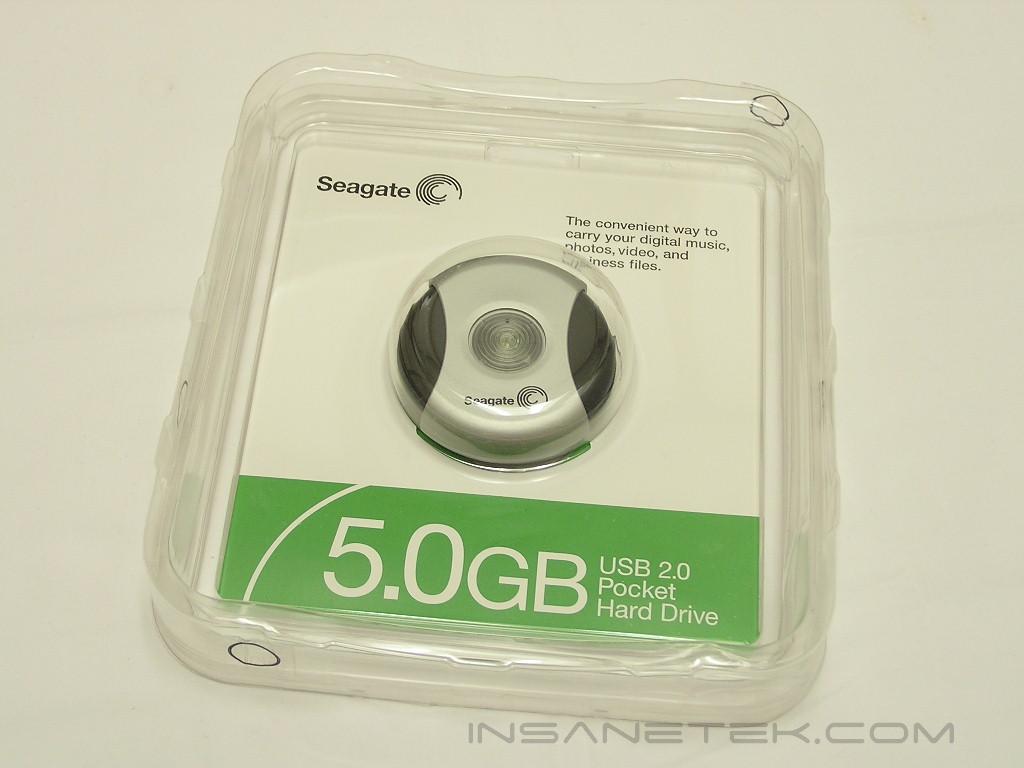
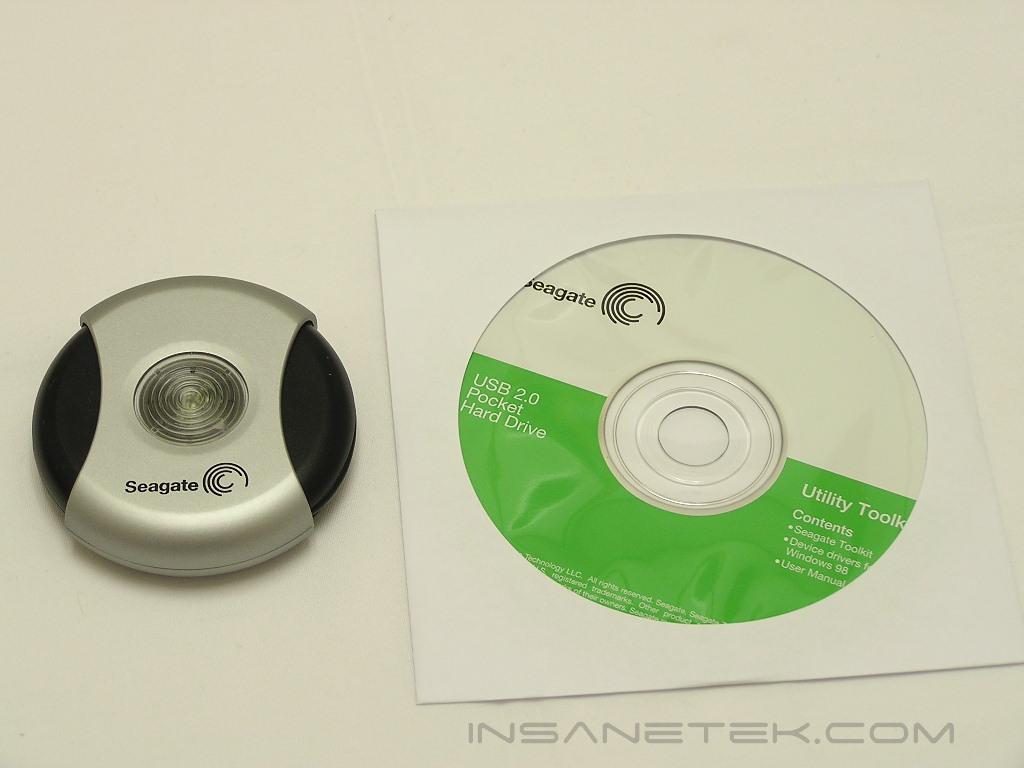
Inside the package contains the Pocket Drive and a drivers CD. If you’re using Windows XP, the drive will automatically be detected and installed. The CD is for those with older version of Windows, like Windows 98/ME.
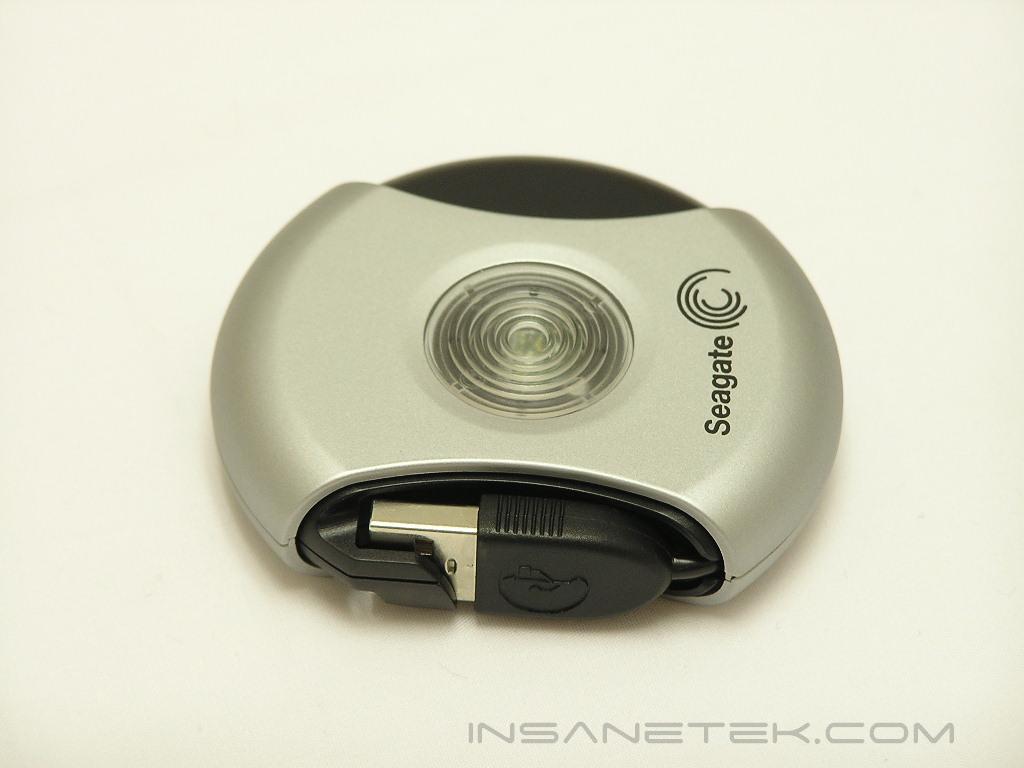
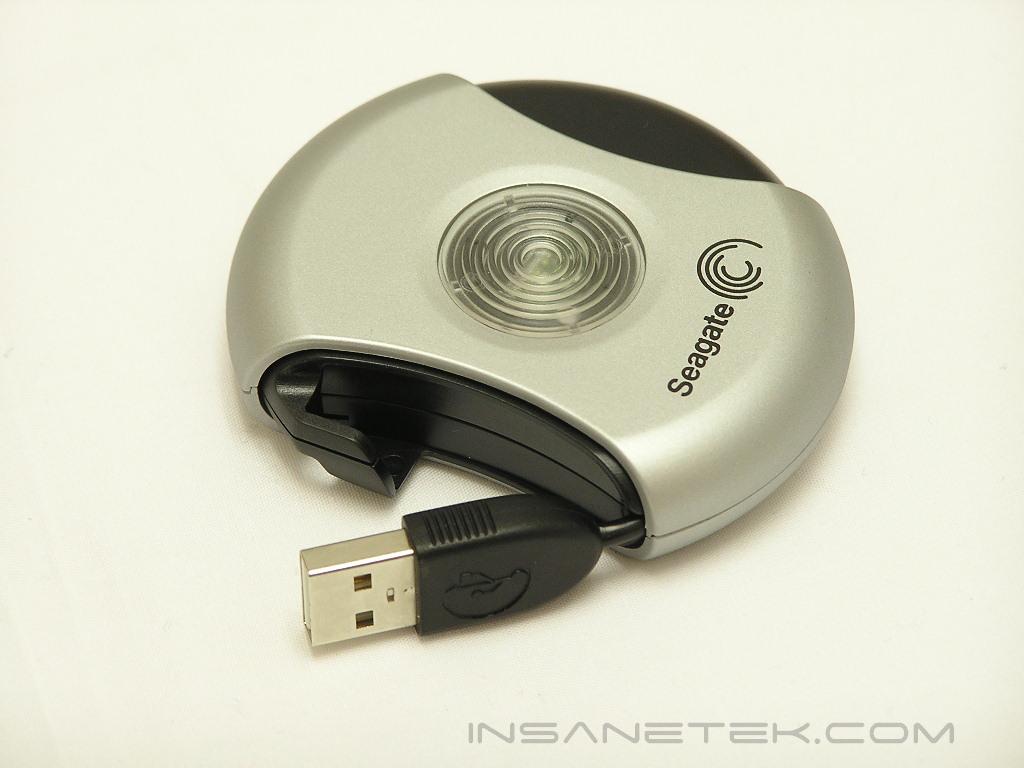
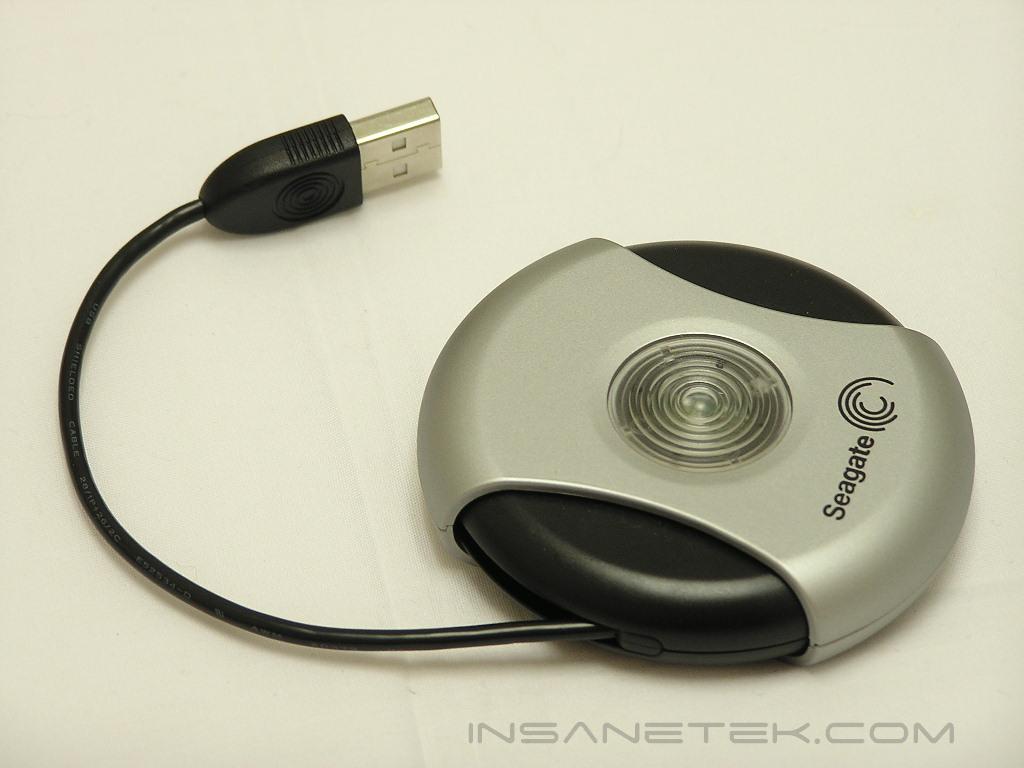
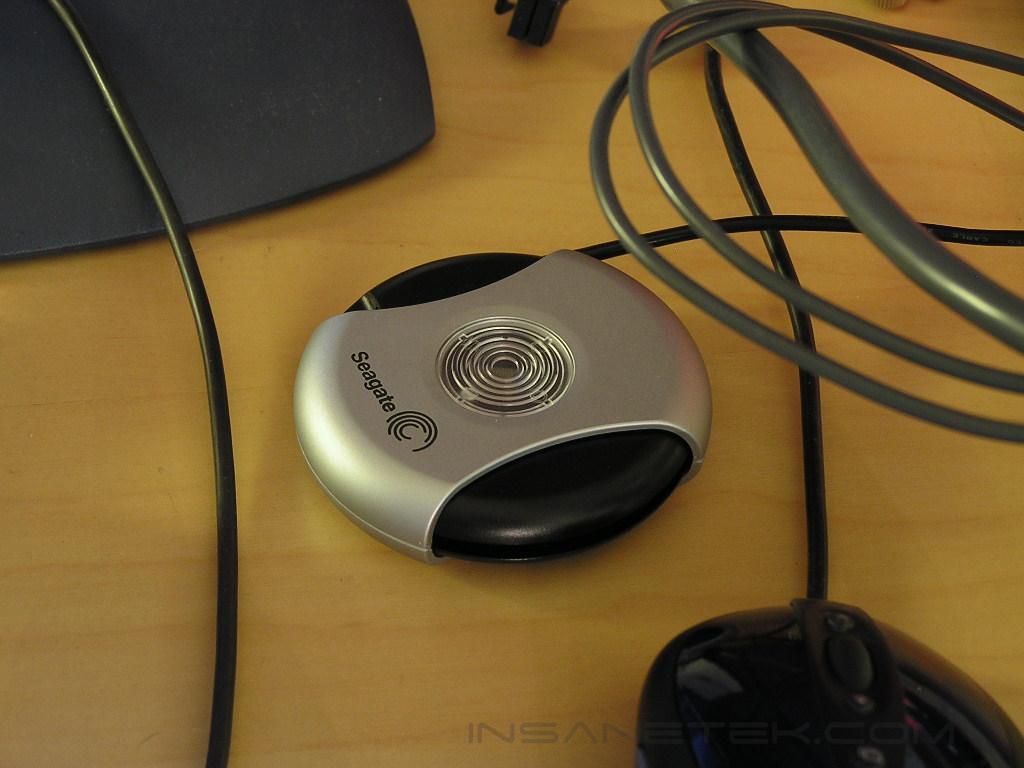
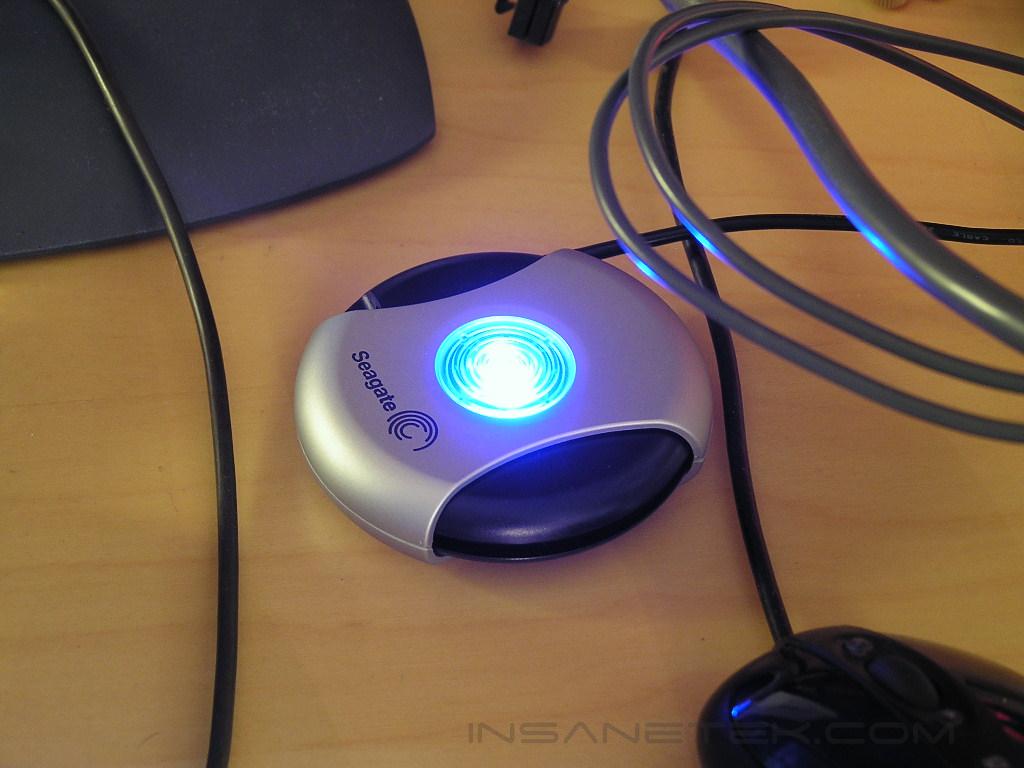
The Pocket Hard Drive is circular and makes it very compact. From the picture above, you can see that it’s smaller than the size of a regular CD. It can fit nicely inside an open pocket. To attach the Pocket Drive, simply turn black portion of the drive to reveal the USB cable. The drive is designed to run USB 2.0 but is also backwards compatible with USB 1.1. The drive gets power through the USB port so no additional power cable is necessary. When the drive is active, a bright blue LED will light up. The Pocket Hard Drives spins at 3,600RPM and has a built in 2MB of cache.
Included Software
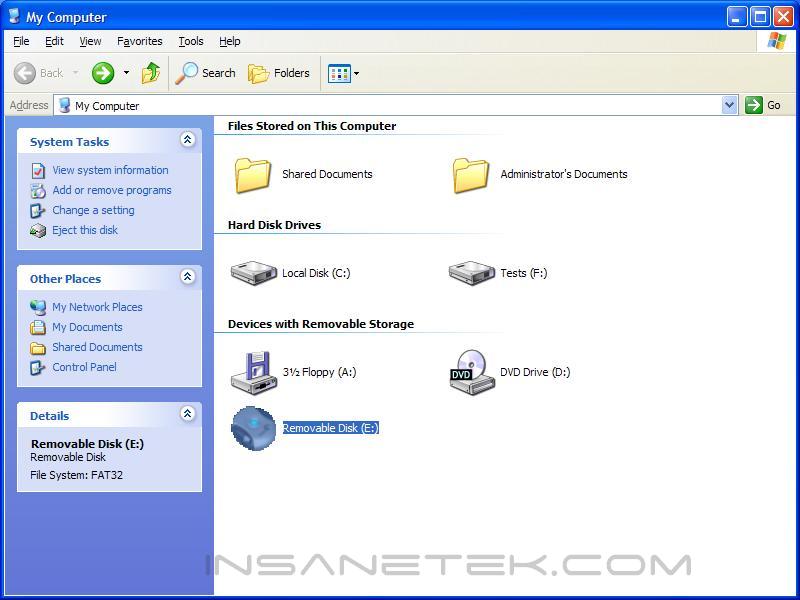
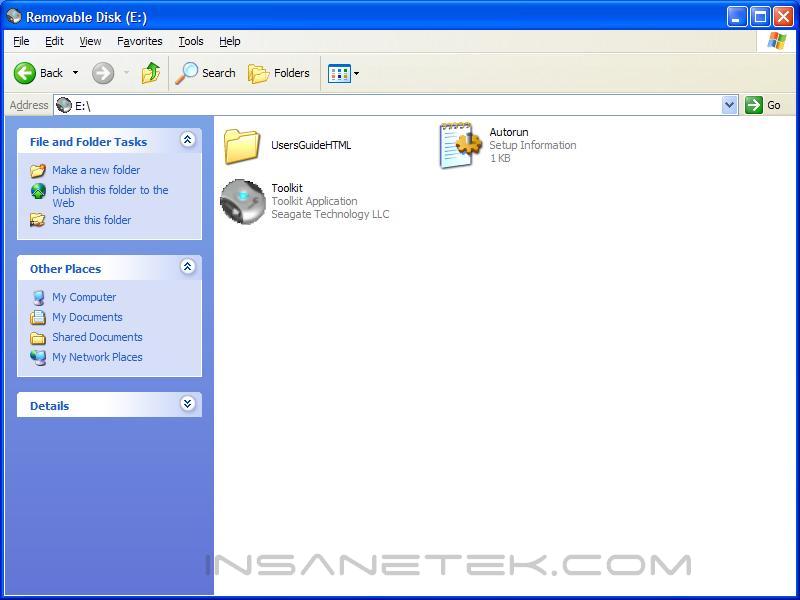
Because the operation system used was Windows XP, I didn’t have to bother with the drivers CD. I plugged in the Pocket Drive and Windows automatically picked it up and installed it. After the device is installed, you’ll see a small Pocket Drive icon in your system tray area. The icon will show no matter what, even when the drive is not attached.

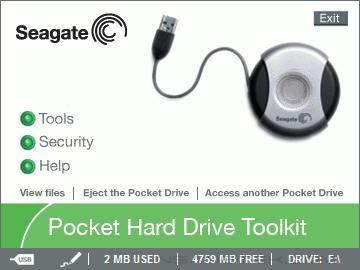
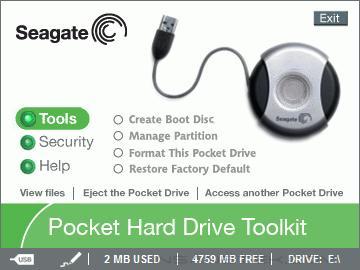
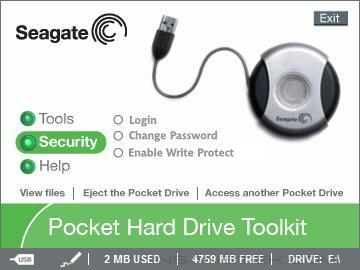
A menu will appear to provide user options and drive information. Under the Tools section, users can create a boot disc, manage partitions, format the drive, or restore to factory defaults. It’s nice to know that this drive can be created as a boot disc. Maybe you can install an OS on there and install Steam. This way you can take the game on the go and won’t have to be annoyed with the ridiculous long downloads!
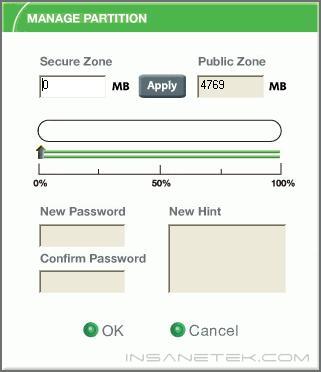
Under the Security section, users can enable write protect and slap on a password to keep all their files safe from intruders. This also helps increase privacy of your files.
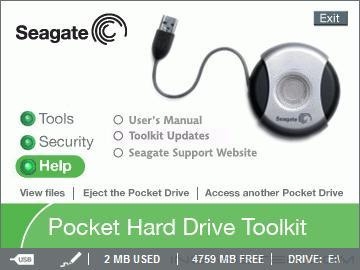
Under the Help, you’ll find the typical user’s manual and a Seagate support link to the website.
Conclusion and Thoughts
Well you must be wondering why no performance charts or benchmarks were conducted. I find that need to be rather irrelevant with a component like this. The goal of the Pocket Hard Drive is to provide high portable storage. It’s aimed for high flexibility and not high performance. Sure the drive spins at 3,600RPM and comes with 2MB of cache but the main wonder highlight of the drive is the ease of use. With majority of systems operating under Windows XP, the drive is simply plug-n-play. The high storage makes the Pocket Drive a much better choice than pen drives. Compress a movie and transfer it over to the Pocket Drive, head over to a friend’s place and enjoy a movie night. Those who work with high demanding tasks that requires high storage can couple the Pocket Drive with a laptop to achieve true portability. Basically with a Pocket Drive in hand, you can do just about anything on the go. You can keep all your precious pictures and music, bring your work with you, and even watch a movie. Forget those small pen drives that run out of space so fast. The Seagate Pocket Drive is a much better choice.
Pros:
- Great portability
- High storage capacity
- Easy installation
- Provides password security
- Quiet
- USB powered
- USB 2.0/1.1 compatible
Cons:
- Price may be a little high

We would like to thank Seagate for providing us the sample. If you have any questions or comments, feel free to hit us up in the forums. You can also check out more of our latest reviews on the front page.