

XG Magnum 500W
Introduction
Several months back, we took a close look at an XG power supply, the Vortec. The model we received delivered a healthy dose of power and great aesthetics, but lacked PCI-Express and 24 pin ATX connections. XG’s newest power supply, the Magnum, not only provides these updated connections, but also offers several other unique features like silent cooling, modular cabling, an LCD display, and active power factor correction (PFC). Sure, the Magnum has all the fancy features, but can it provide us with the most important thing: performance?
XG Magnum External
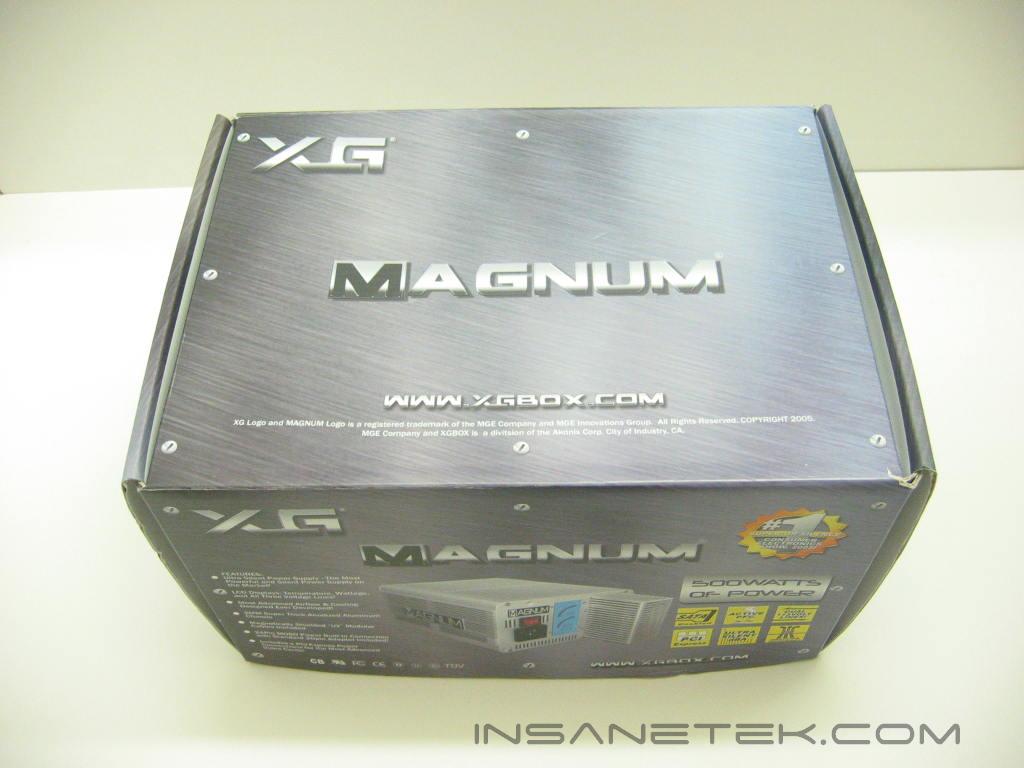
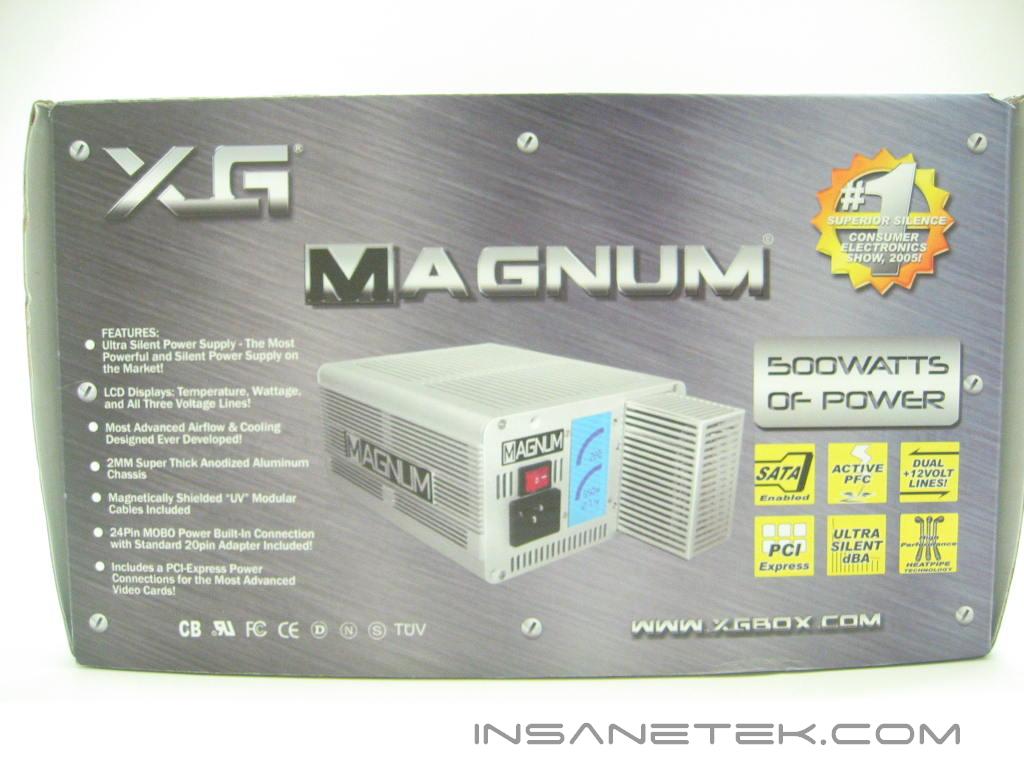
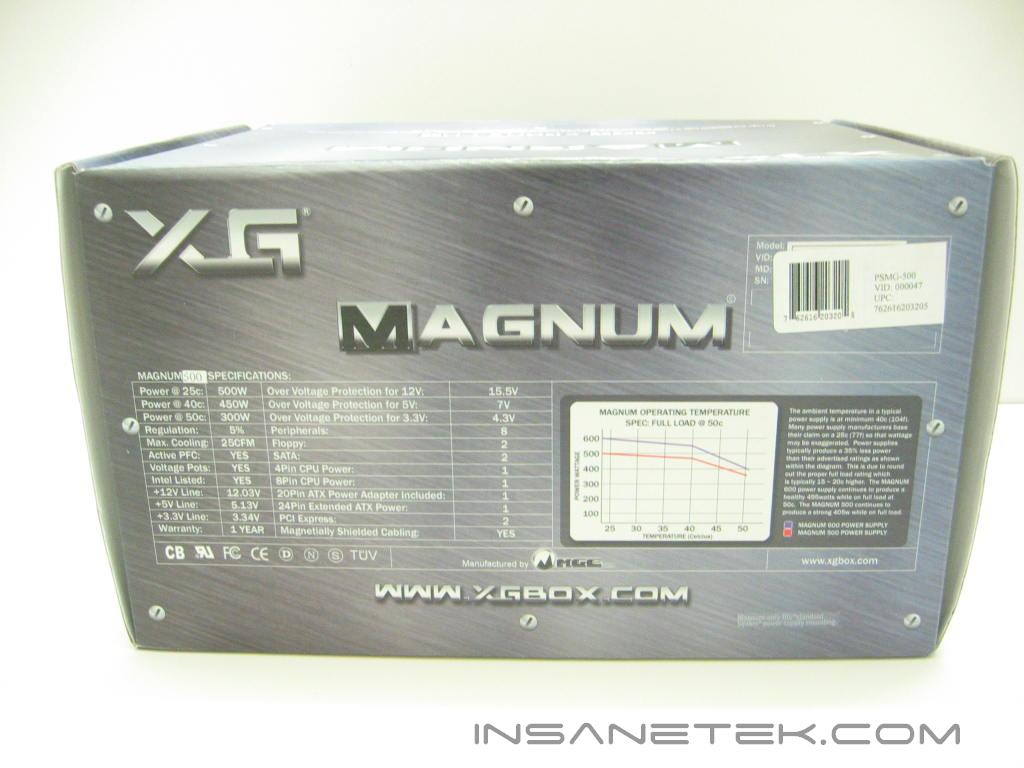
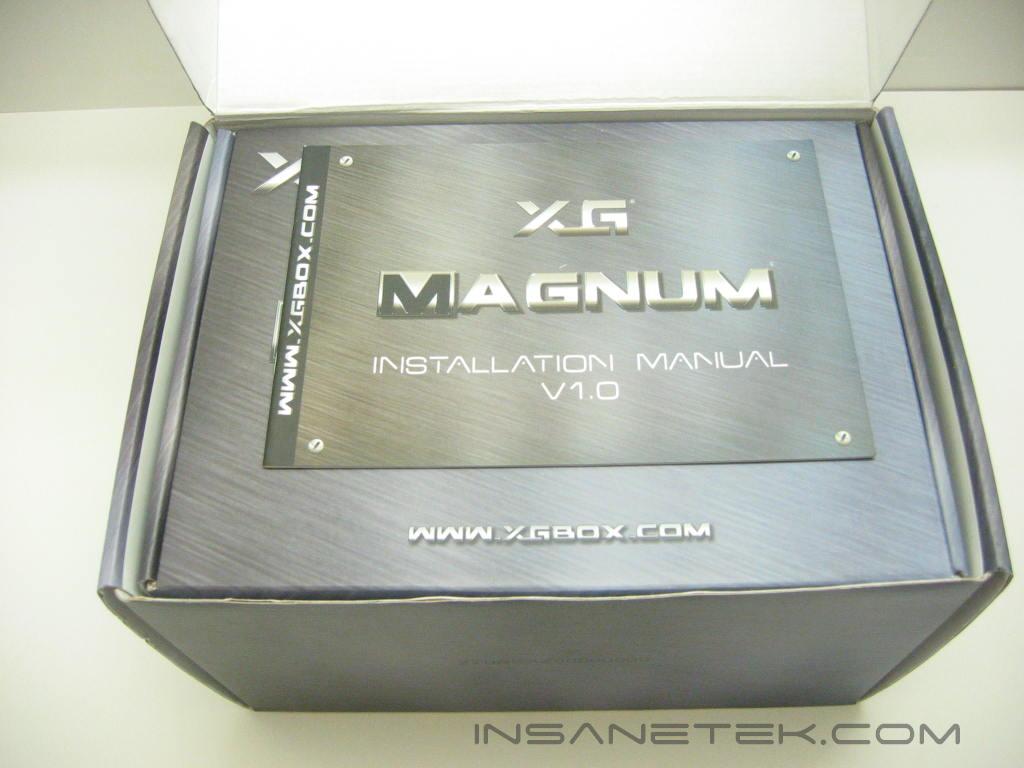
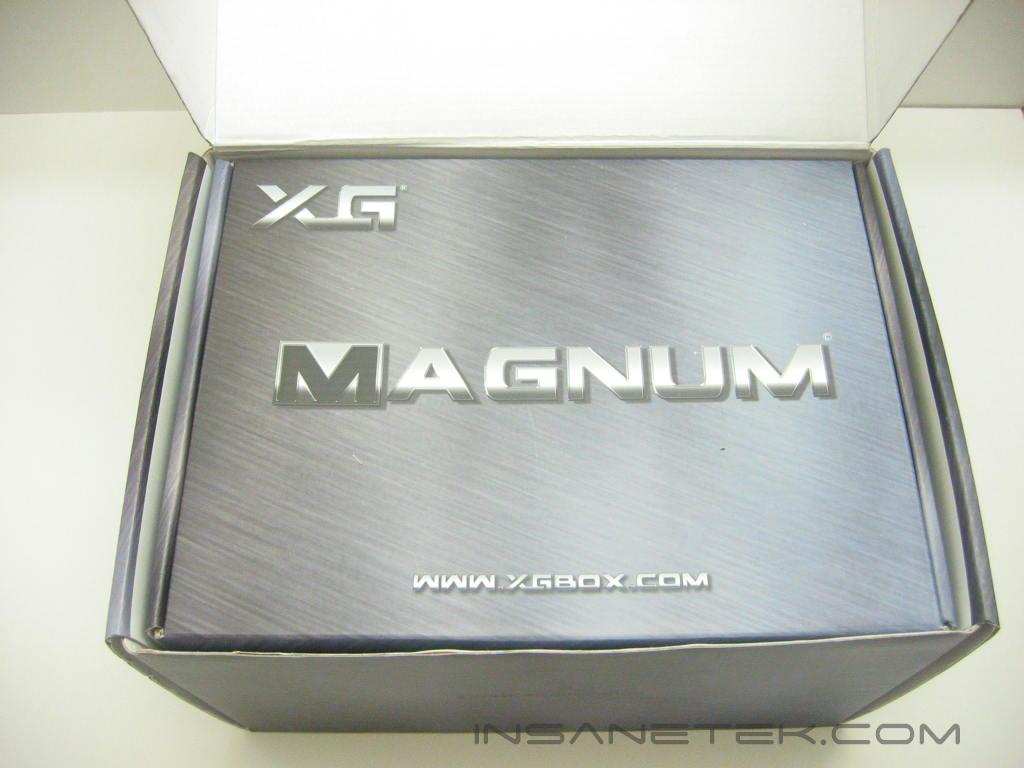
The Magnum’s packaging is designed like a brushed stainless box. The product photo and its features are shown on the front panel of the box. The back of the package lists the specifications of the power supply and a chart detailing the power output at different temperatures. The manual is the first thing out of the box.
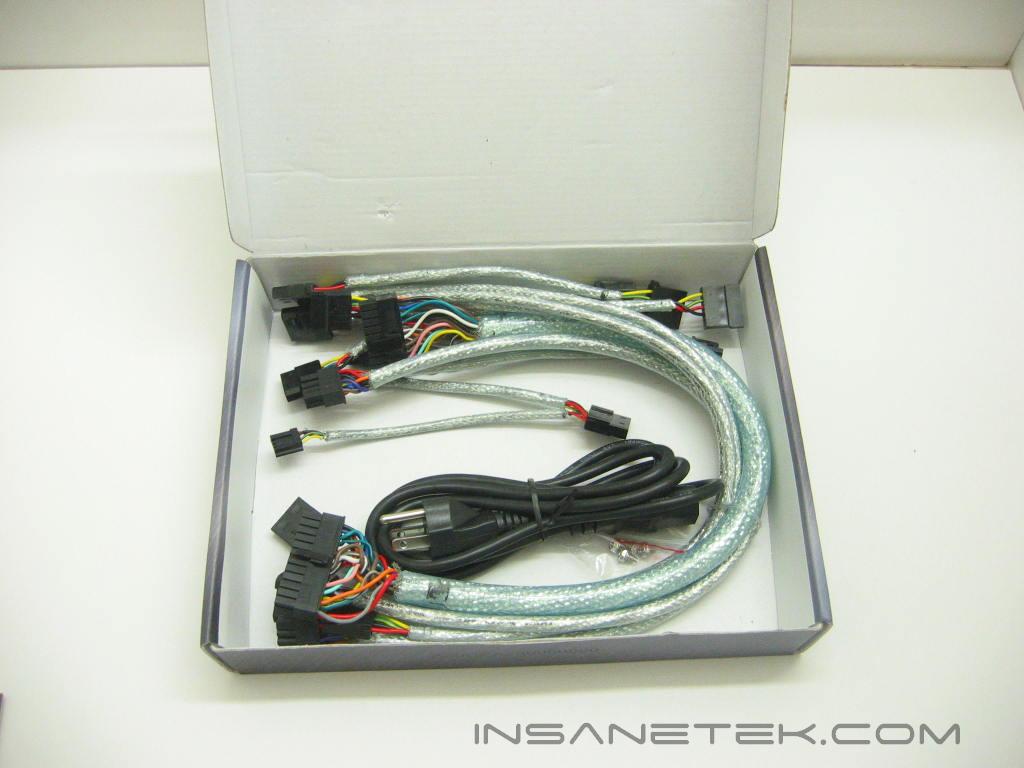
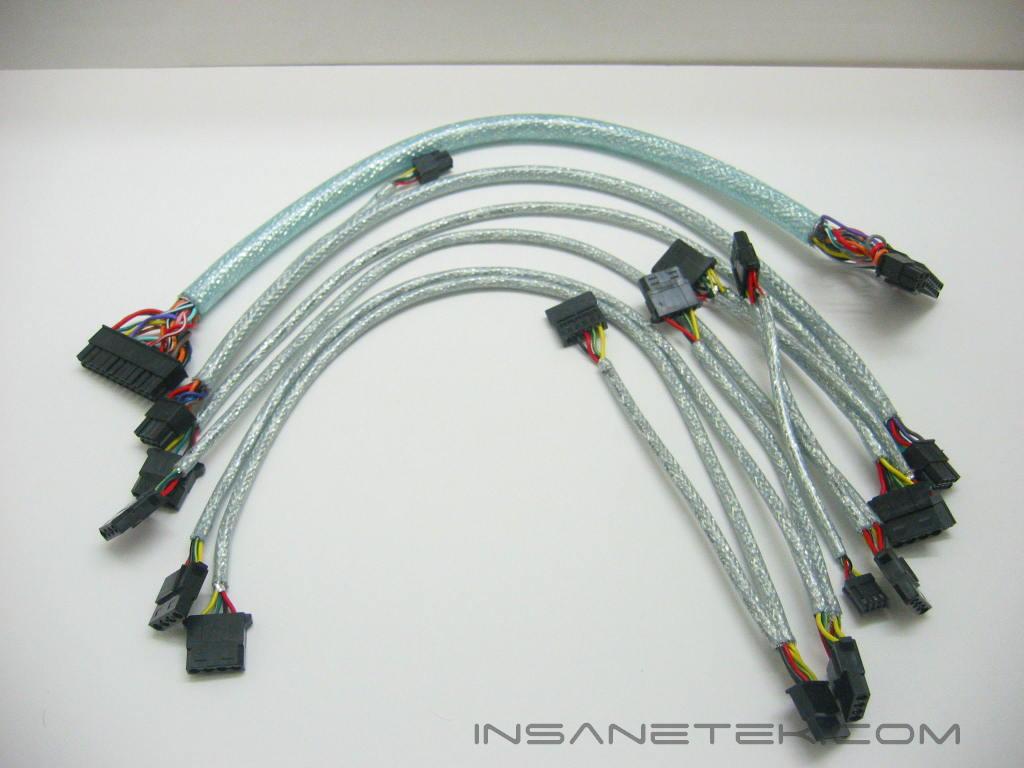
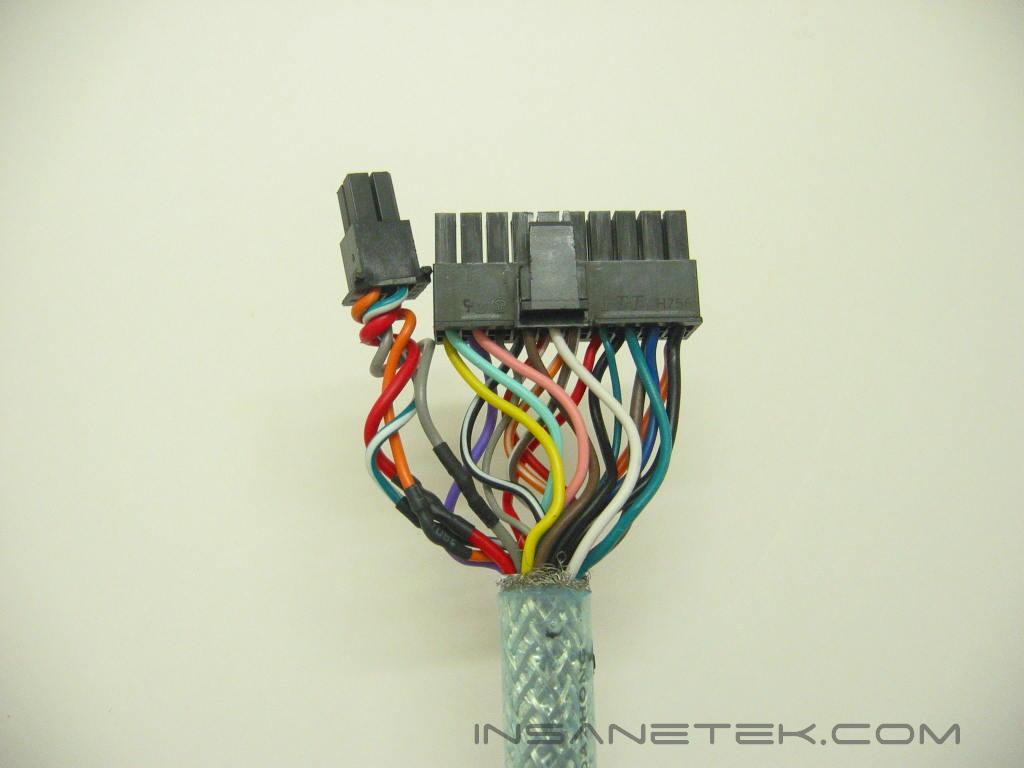

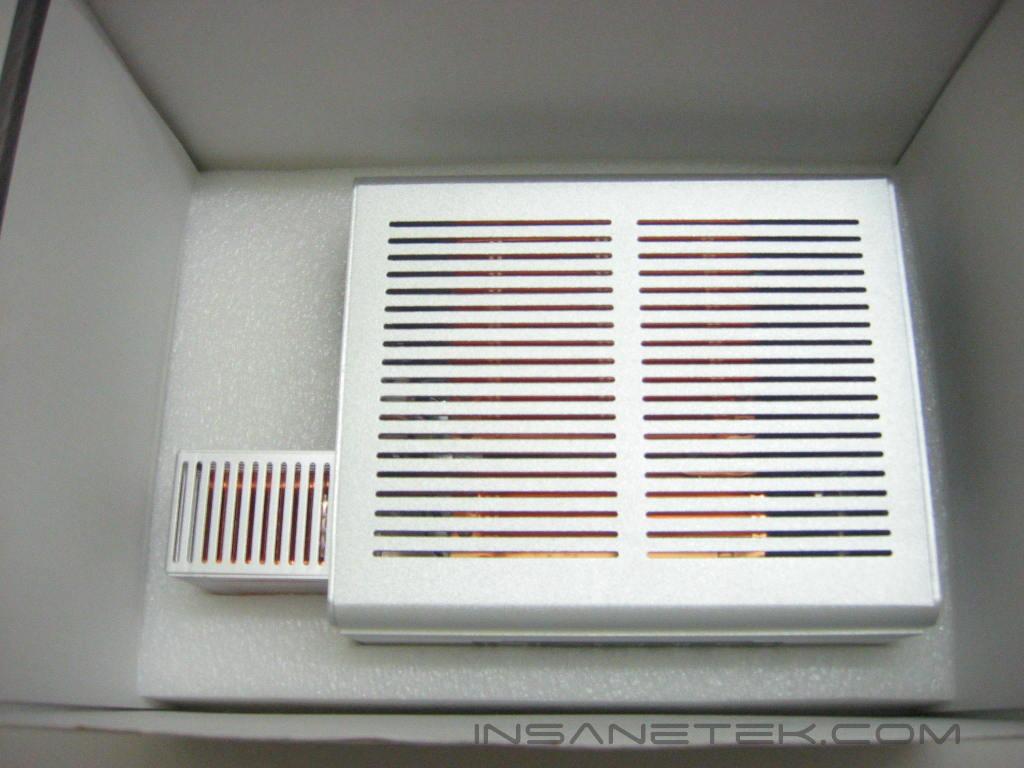
Underneath the manual is another box (continuing with the stainless steel theme) that contains the power leads, mounting screws, and power outlet cable. As the Magnum is a modular power supply, each of its cables are independent from the unit and can be connected when needed. The cables include an ATX connection, a 4 pin or 8 pin P4 connection, a PCI-Express connection, 2 SATA connections, 2 floppy connections, and 6 Molex connections. The ATX connection can be used as 20 or 24 pin connection because XG has left 4 additional pins separate from the main connection. Each cable has wire mesh and UV reactive sleeving that glows when under UV light. You may notice that the ends of the sleeving are frayed and lacking a cover. Due to a design flaw with the boots (that were initially used for the Magnum and interfered with the connections), XG has removed them from the review samples. The retail products should have this issue sorted out. Finally, at the bottom of the package, we get to the Magnum itself which sits in an acrylic foam casing which protects it throughout shipment.
XG Magnum External Continued
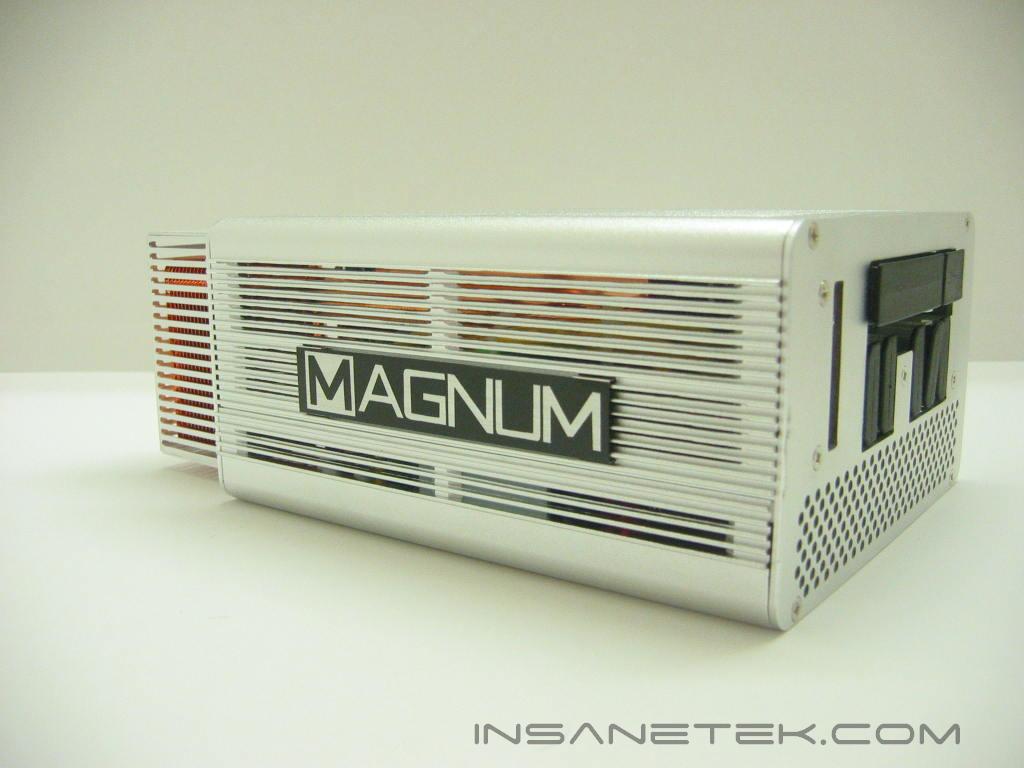
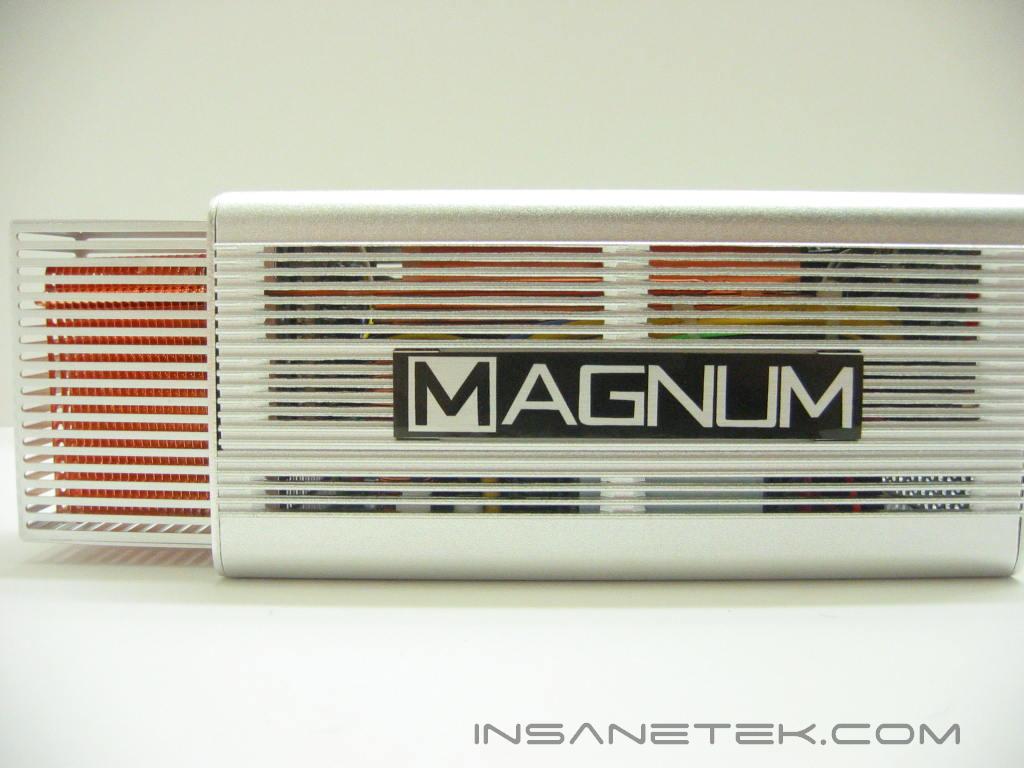
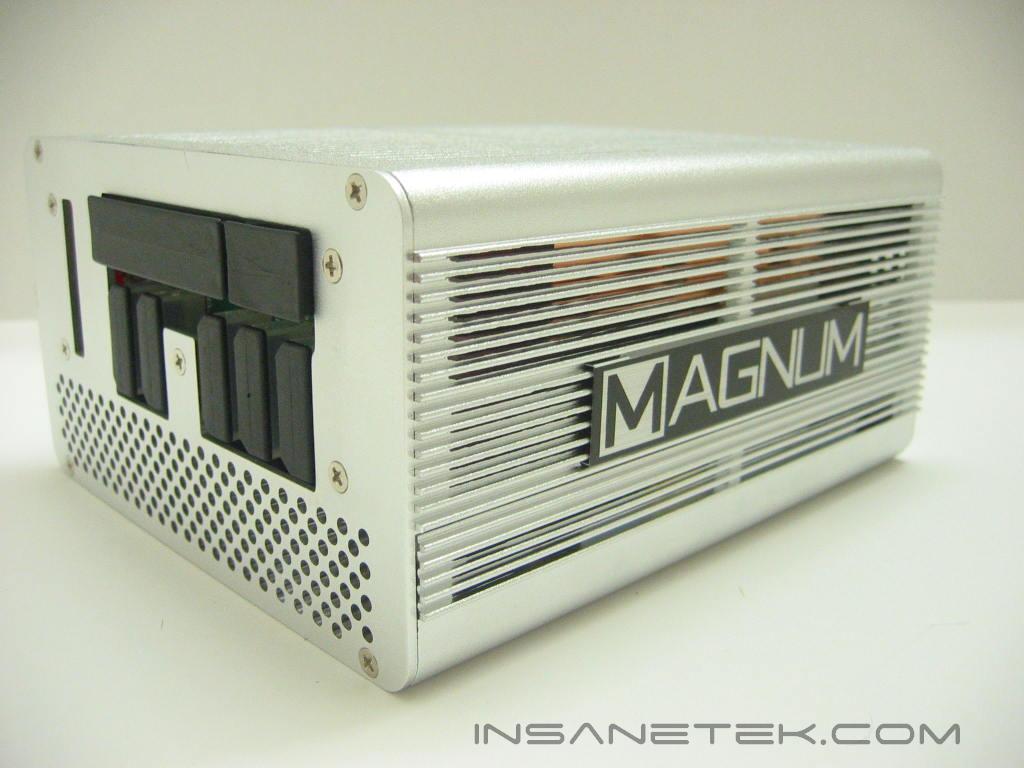
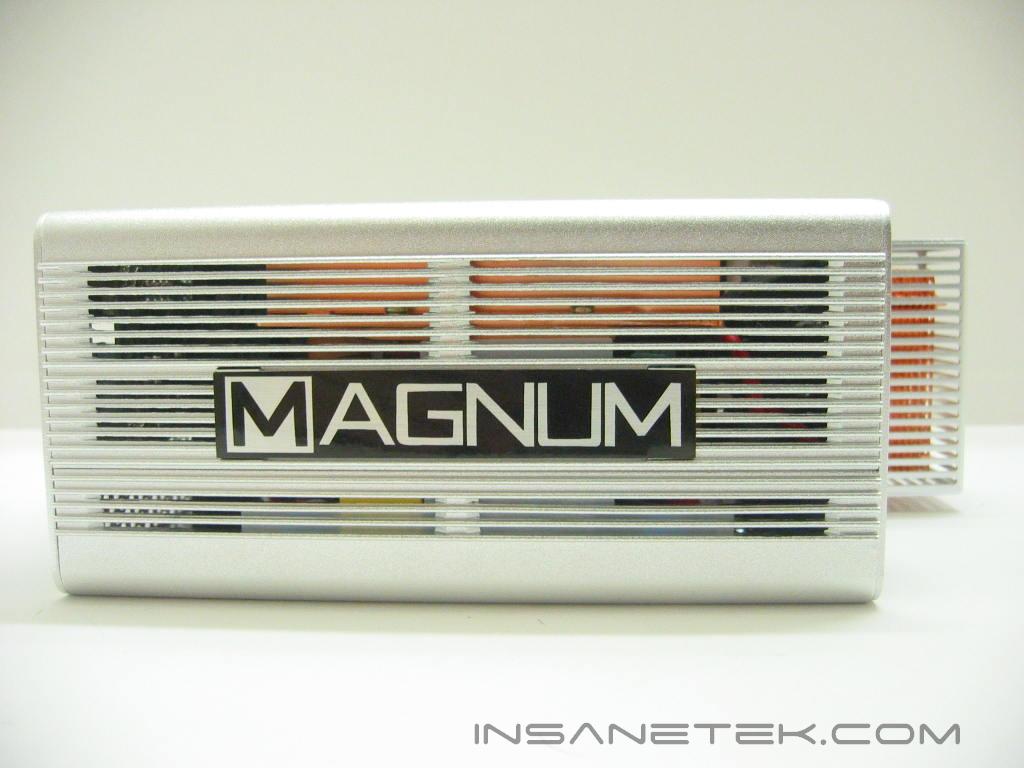
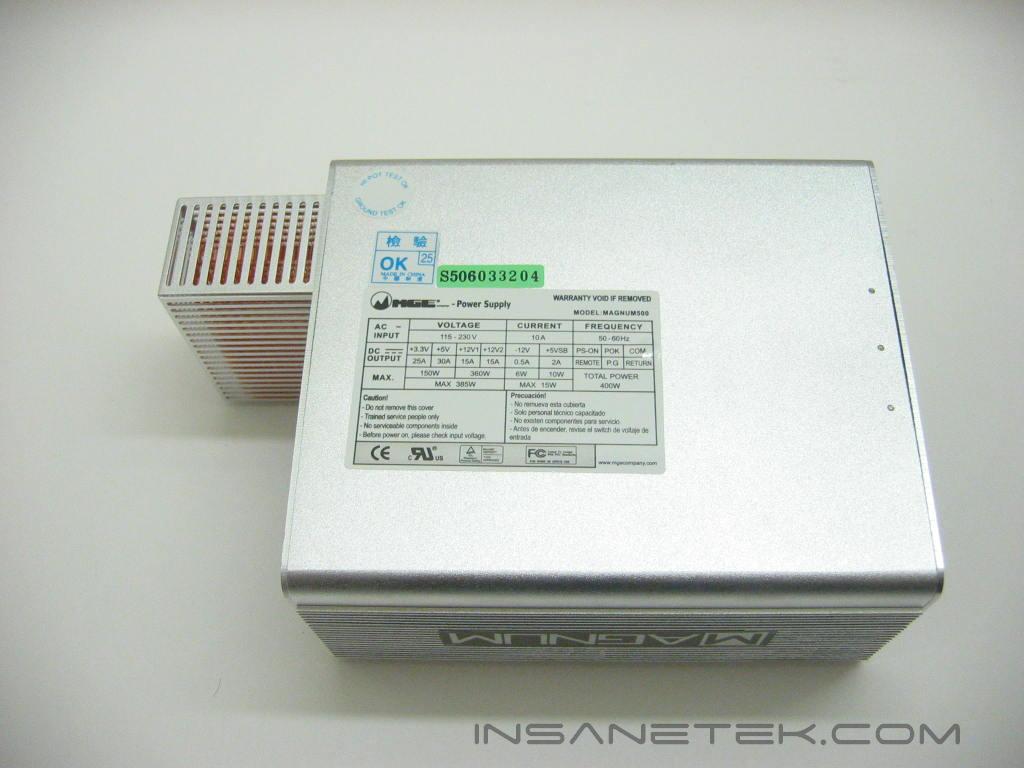
The Magnum has quite a weight to it, which is usually good news when it comes to power supplies. The Magnum’s cases are made completely from 2mm aluminum with slits on the top and sides for airflow. The large copper heatsinks can easily be seen inside the casing and offer a nice contrast to the aluminum. The Magnum logo is conveniently placed of both sides of the unit in bold lettering. On the underside of the Magnum is its voltage specification label.
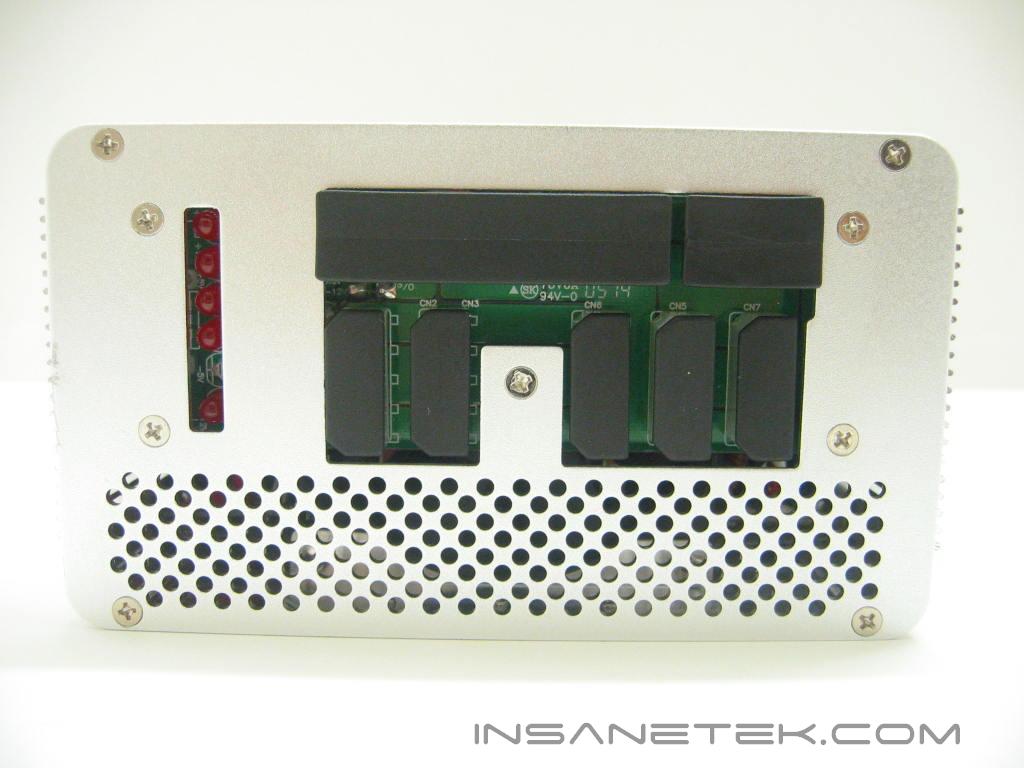
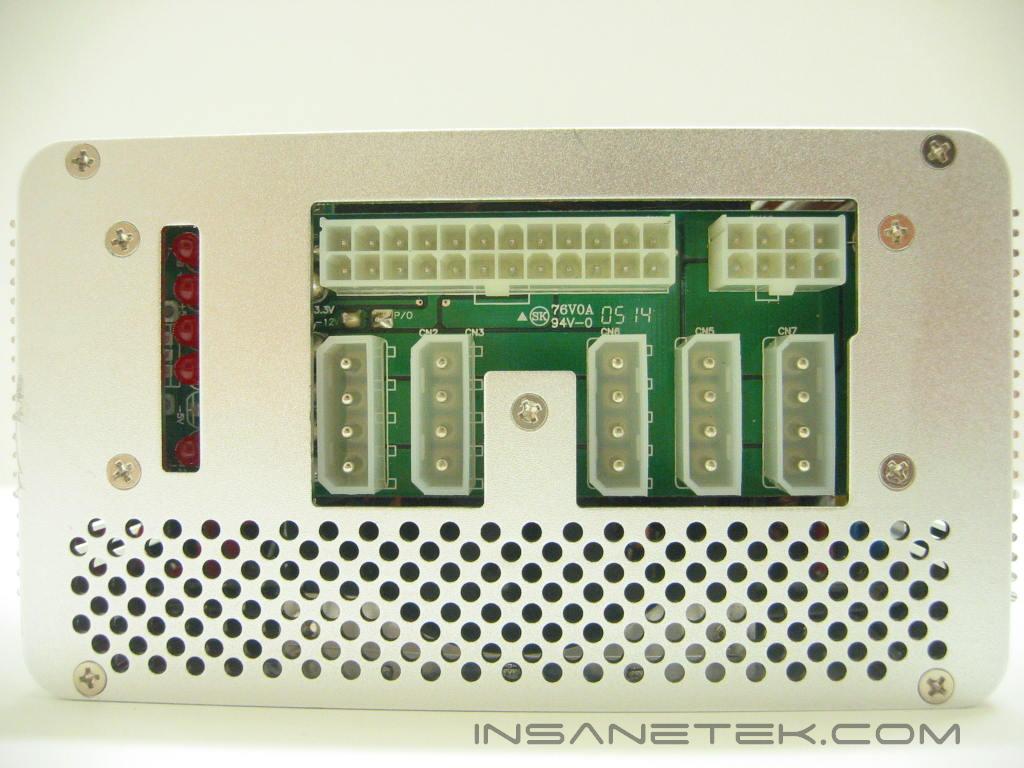
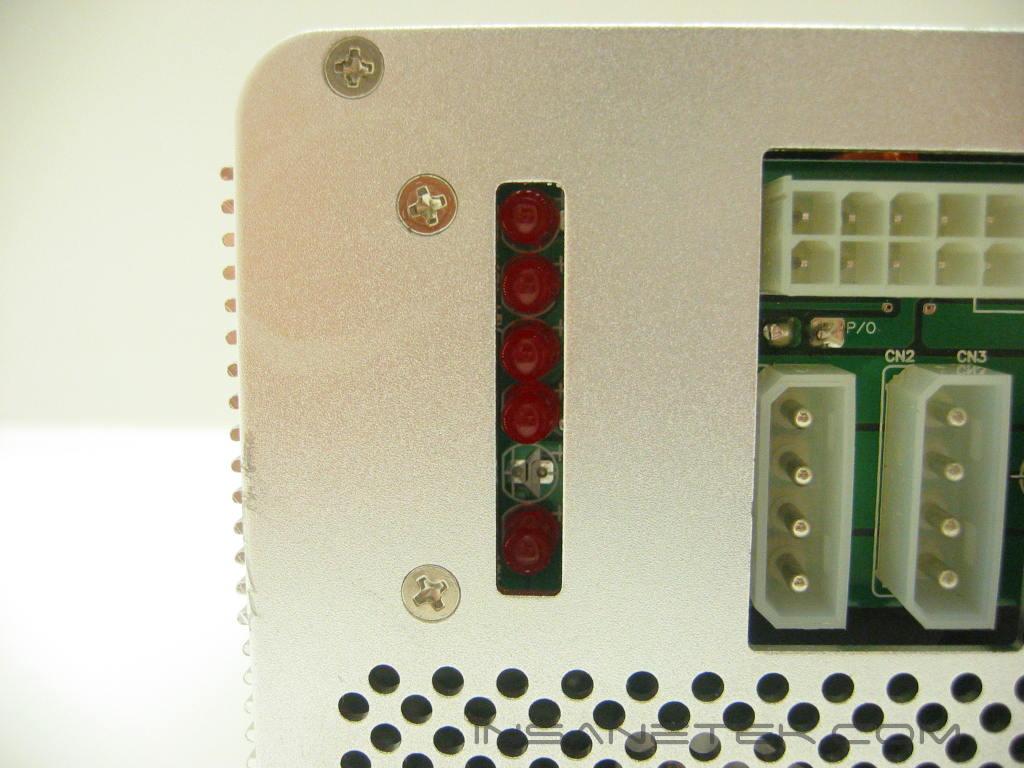
The Magnum ships with plastic covers to protect the modular ports. The Magnum uses ports for the ATX connection, P4 connection, and 5 peripheral connections. Another feature of the Magnum are voltage indicator LEDs. The three highest LEDs located on the left side of the panel indicate when the 12v, 5v, and 3.3v rails are active, the bottom two indicate voltage maintenance.

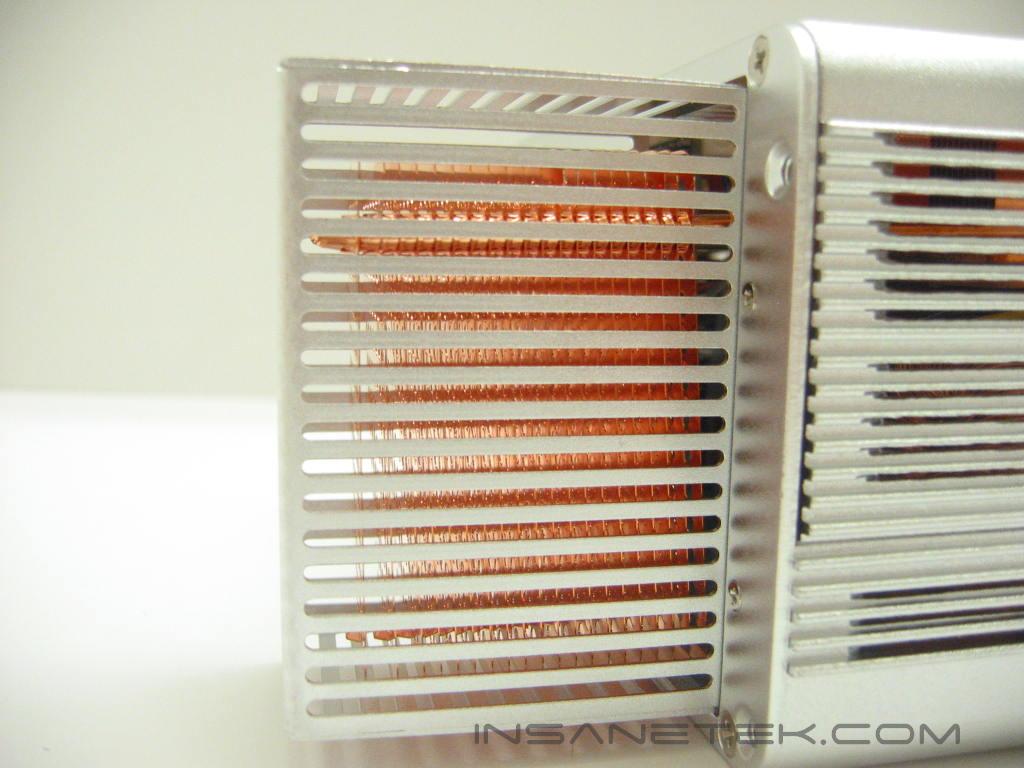
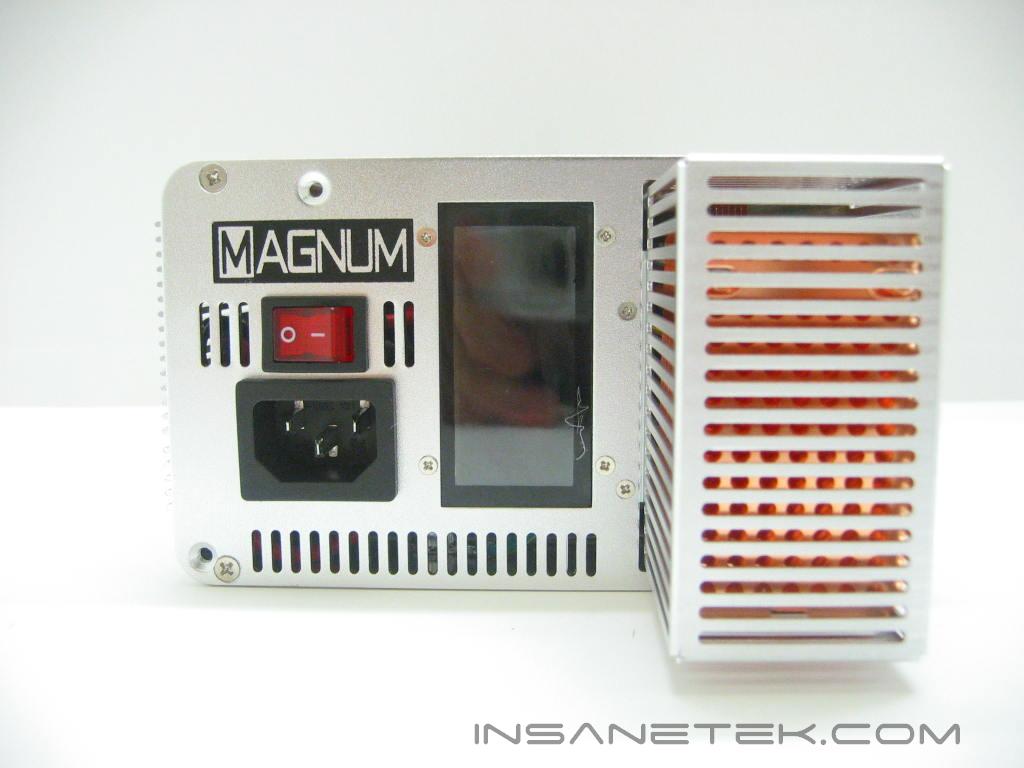
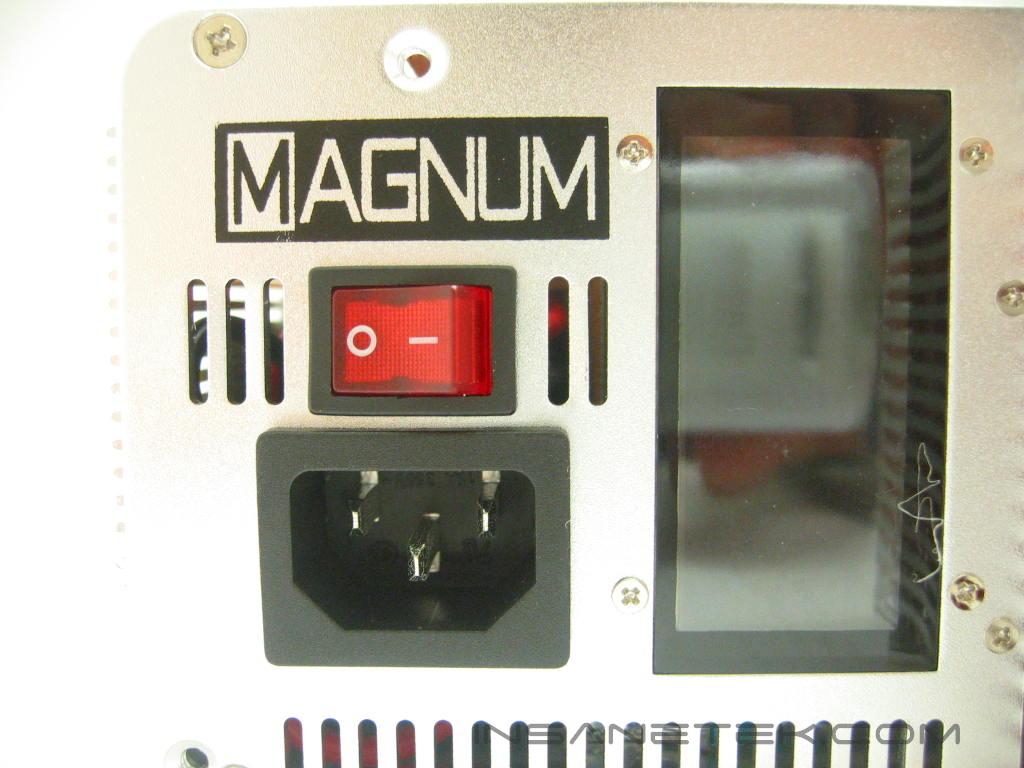
Along with the heatsink, the Magnum uses two heatpipes to cool the internals. The heatpipes run all the way to the outside of the case where it can be cooled by passing air. Also on the back of the Magnum is another logo and the power input and switch. The Magnum’s large LCD displays the temperature, wattage in use, and the voltage of the 12v rail.
XG Magnum Internal
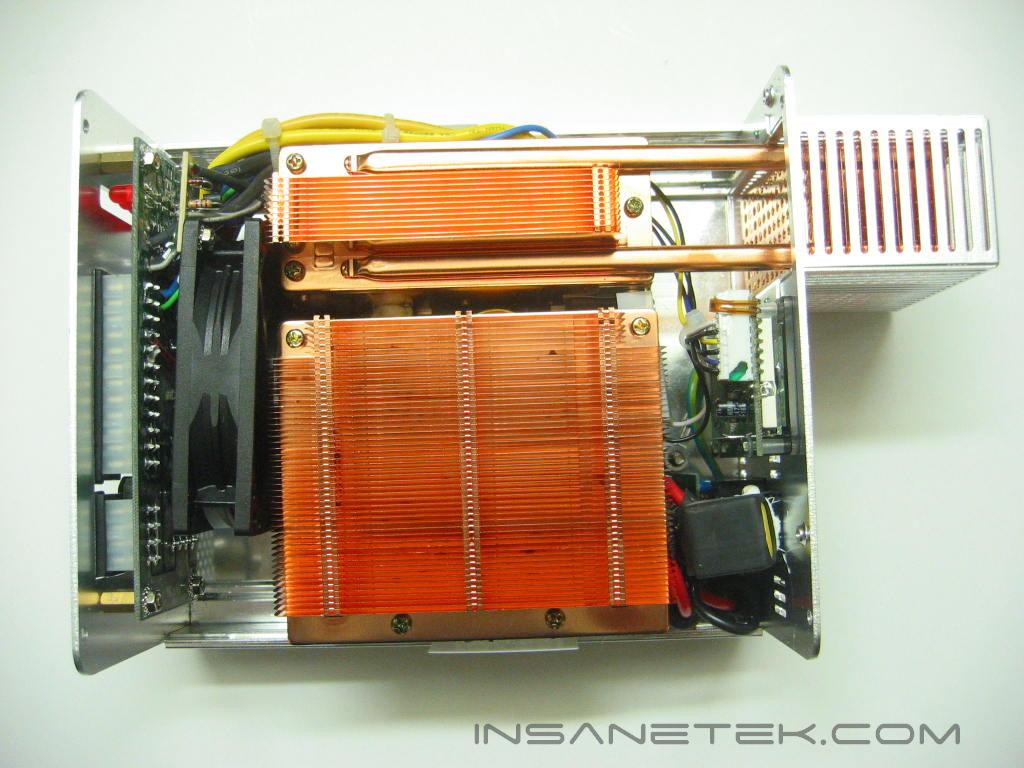
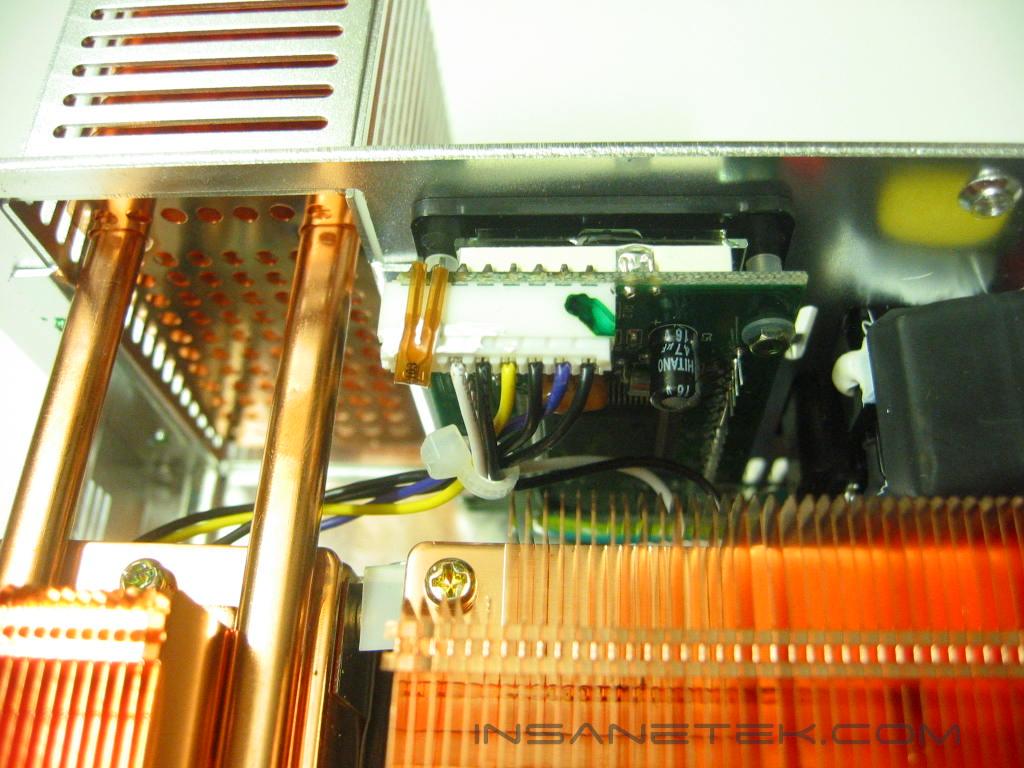
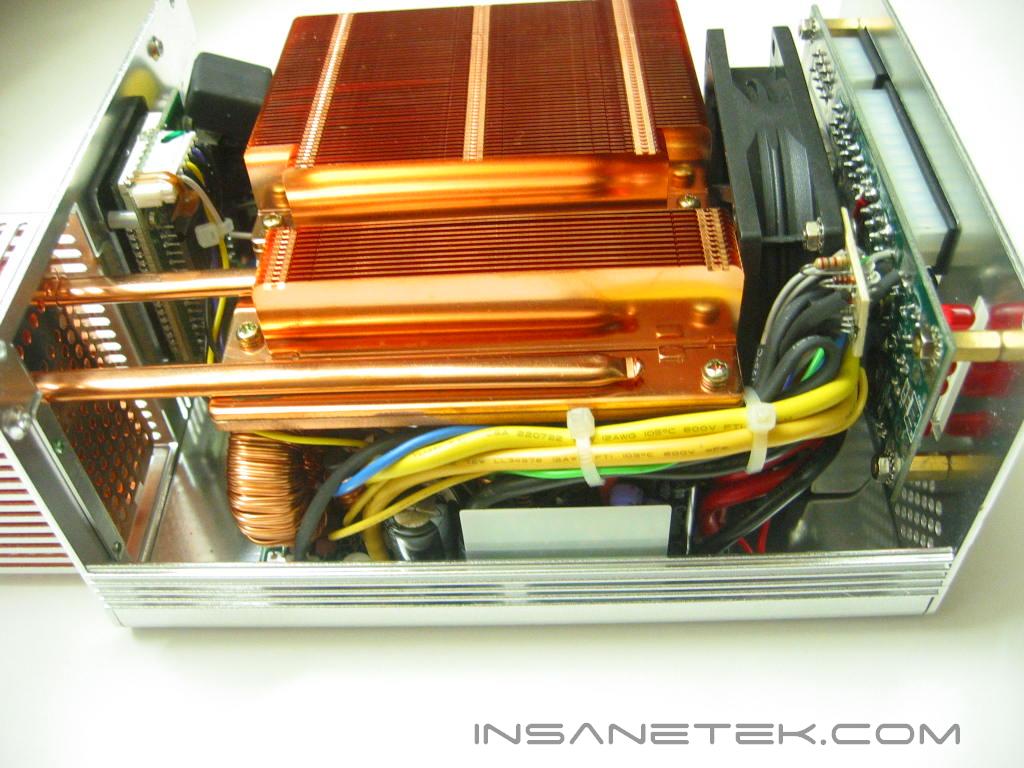
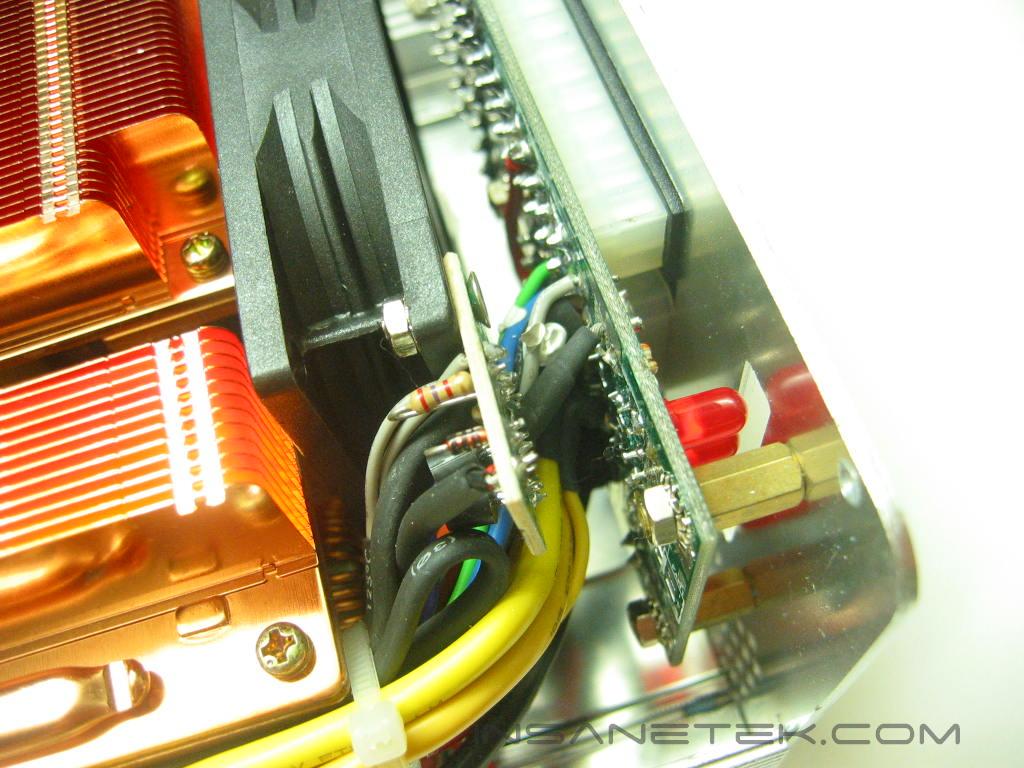
There is no getting away from the Magnum’s heatsinks because they provide a great amount of surface area to cool the internals. The Magnum has an 80mm, thermally-controlled fan at the front of the chassis for additional cooling if necessary. In front of the fan is the circuit board for the modular ports and voltage indication LEDs. The temperature probe is located on top of the LCD. While this will not give an accurate temperature reading from any one heat source in the Magnum, it can tell the ambient temperature.
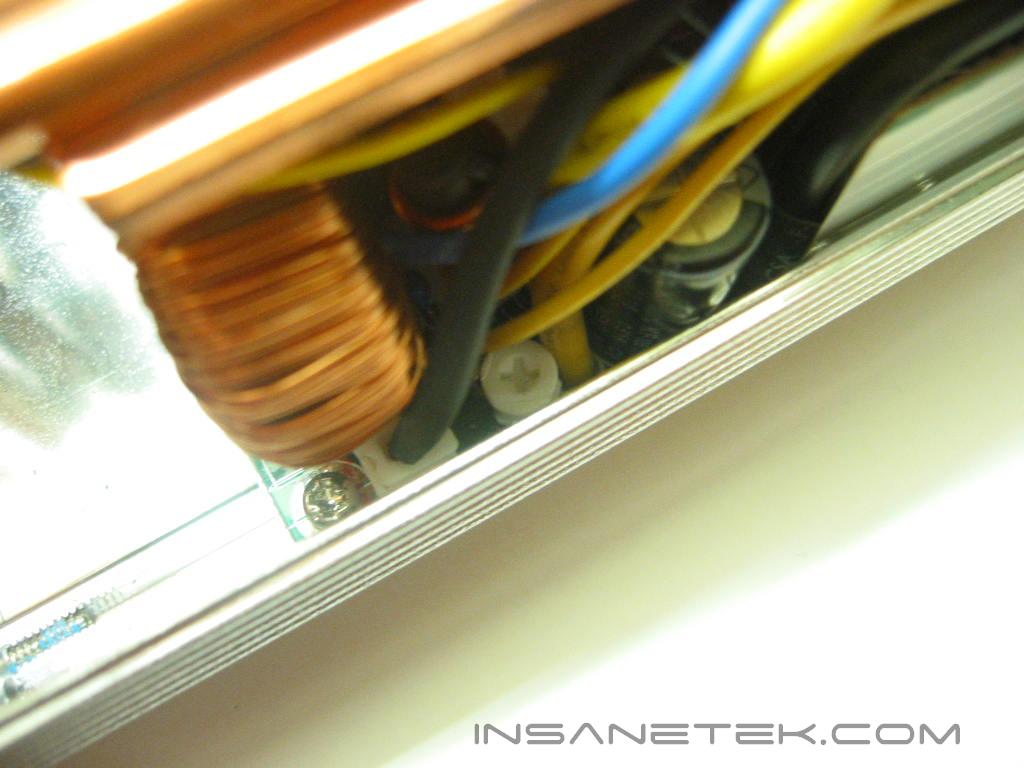
After testing was complete, I poked around and spotted the screw head of a potentiometer, which usually allows you to adjust the voltage of one of the 12v, 5v, or 3.3v rails. I started the system and made a slight adjustment to the screw, which increased the voltage of the 12v rail. This is a convenient feature as it will allow you to raise the voltage if it drops while the system is under load.
Specifications and Test System
Specifications:
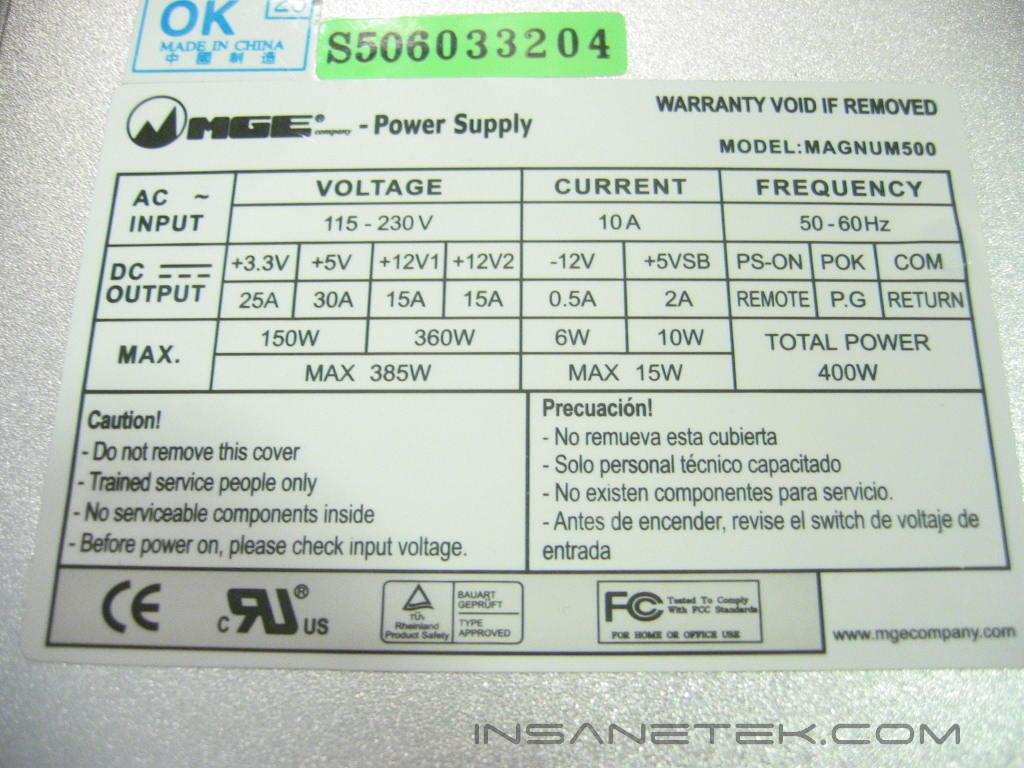
The Magnum has a constant power of 400 watts (w) and a peak of 500w. Although this would seem low compared to the standards of newer power supplies, the Magnum pumps its power where it needs to be, on the 12 volt line. Many of the power supplies with ratings of over 500w usually allocate a ridiculous amount of power to their 3.3v and 5v lines which usually just ends up unconsumed.
Test Setup and Methods:
- AMD Athlon64 3700+ San Diego
- DFI LANParty UT nF4 Ultra-D
- Power Color Radeon X850XTPE with AC Silencer 5
- 2 x 512MB OCZ Platinum PC3200 Rev.2
- Seagate 160GB 7200RPM SATA
- Lite-On DVD/CD-RW combo drive
- Floppy drive
- Corsair COOL water cooling kit
Running stock
- AMD Athlon64 3700+ @ 2.2GHz 1.4v
- Radeon X850XTPE @ 540/590
- 2x512MB OCZ @ 200MHz 1:1 2.7v
Running overclocked
- AMD Athlon64 3700+ @ 2.75GHz 1.56v
- Radeon X850XTPE @ 635/620
- 2x512MB OCZ @ 250MHz 2.7v
Testing the power supply is a tedious task. Like cooling products, the “proper” testing method is long and strenuous. It involves high end equipment and testing materials that we simply cannot get our hands on. A simple, proper testing method would constitute testing the wattage draw from the AC outlet, the voltage rail fluctuations, wattage fluctuations under high operating temperatures, power efficiency, and the power supply’s reaction to low input voltage. Because this site is dedicated to overclocking, we’ll check for voltage fluctuations in an overclocked environment.
Results
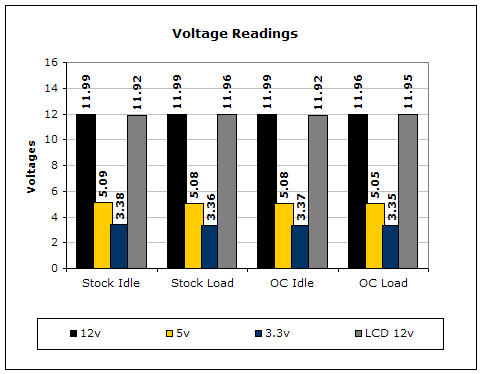
Voltages were measured by a digital multimeter on each the 12v, 5v, and 3.3v lines on the ATX connection. Idle voltage readings were done with the system at desktop with no programs running. Load voltages were read with the system running the Prime95 torture test blend and the test Nature, from 3DMark2001SE.
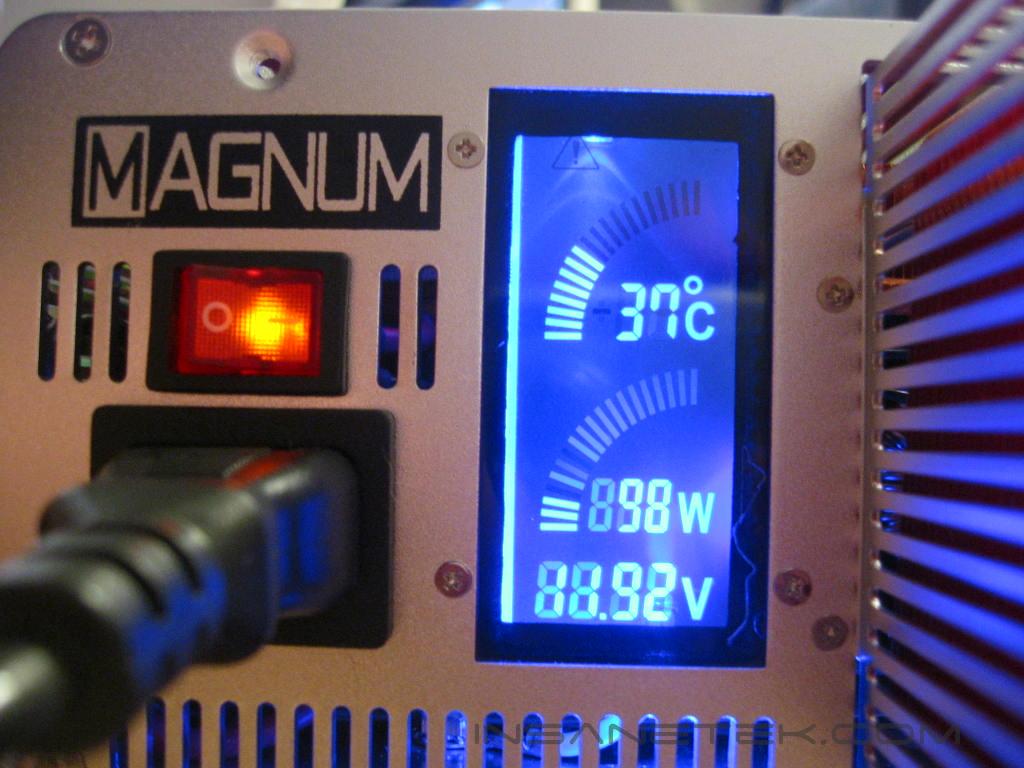
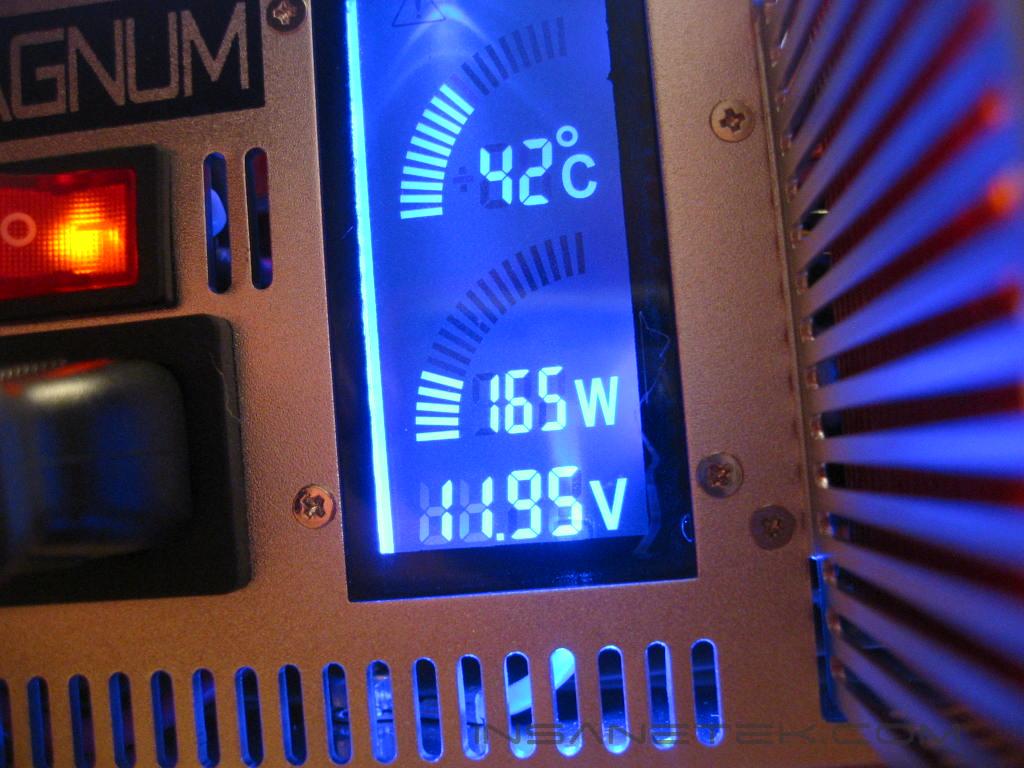
The Magnum’s LCD backlights emit a bright blue glow that can be seen though the slits in rear of the casing. The LCD is very difficult to see except when looking at directly at it. The temperature remained in the low 40s under load and the power consumption went to around 170w. When testing overclocked settings, the LCD displayed the 12v rail at 11.92v while idle and 11.95v under load. Though they are very close, the reading on the LCD is not the same as when read from a multimeter, though it is not very far off.
Conclusion and Thoughts
The XG Magnum certainly held it own throughout testing, varying only .03 volts between idle and load. This may very well be due to the improved efficiency from the use of active PFC. While the modular concept (the ability to use only the number of cables you need) is interesting, by the time you have set up your entire system, you most likely have used up all of the cables anyway. Therefore, what is the point of going modular? To those people with very minimal peripherals and few connections, this may seem like an attractive concept. The LCD readings of the power consumption, 12v rail voltage, and temperature are definitely nice touches, but not a necessity. The only real problem I find with the Magnum is that the heatpipe segment that extends from the unit will not fit in some cases. Modifying the case may be needed. Whether you’re looking for silence, looks, or just a supply to bring life to your power thirsty rig, the XG Magnum will fit the bill.

Pros:
- Lifetime warranty
- Attractive design
- Silent
- Power and temperature display
- Active PFC
Cons:
- Heatpipe extension may not allow the Magnum to fit in some cases without modification
- LCD has a very small viewing angle.

We would like to thank XG for providing us the sample. If you have any questions or comments, feel free to hit us up in the forums. You can also check out more of our latest reviews on the front page.