

Thermaltake PurePower 680W
Introduction
Last month, John reviewed the ThermalRock Circle Case, a brand that is branched off of Thermaltake. While the case utilized the exact same internal chassis as the SilverStone Temjin TJ06 and the Enermax MaxFlow, it provided the same excellent functionality as its competitors with a unique twist. Today, we will be reviewing Thermaltake’s PurePower 680W, which is their high-end power supply designed specifically to power today’s state of the art systems. This power supply looks to offer the same functionality, but with an amazing sense of aesthetic appeal.
Thermaltake PurePower 680W
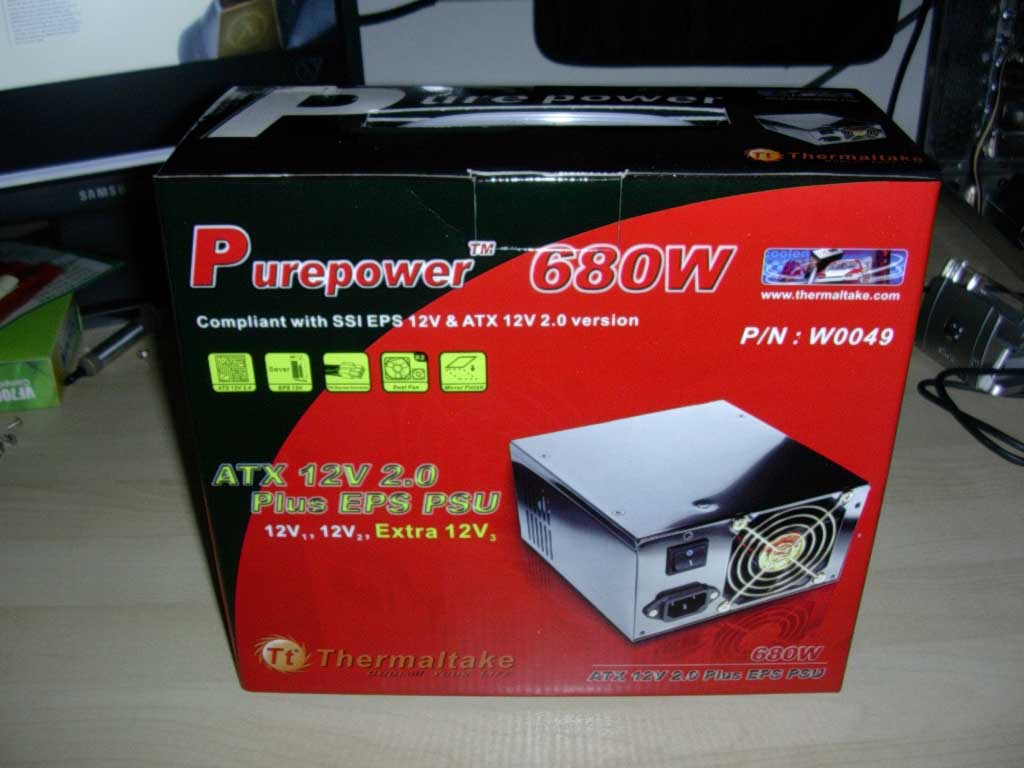
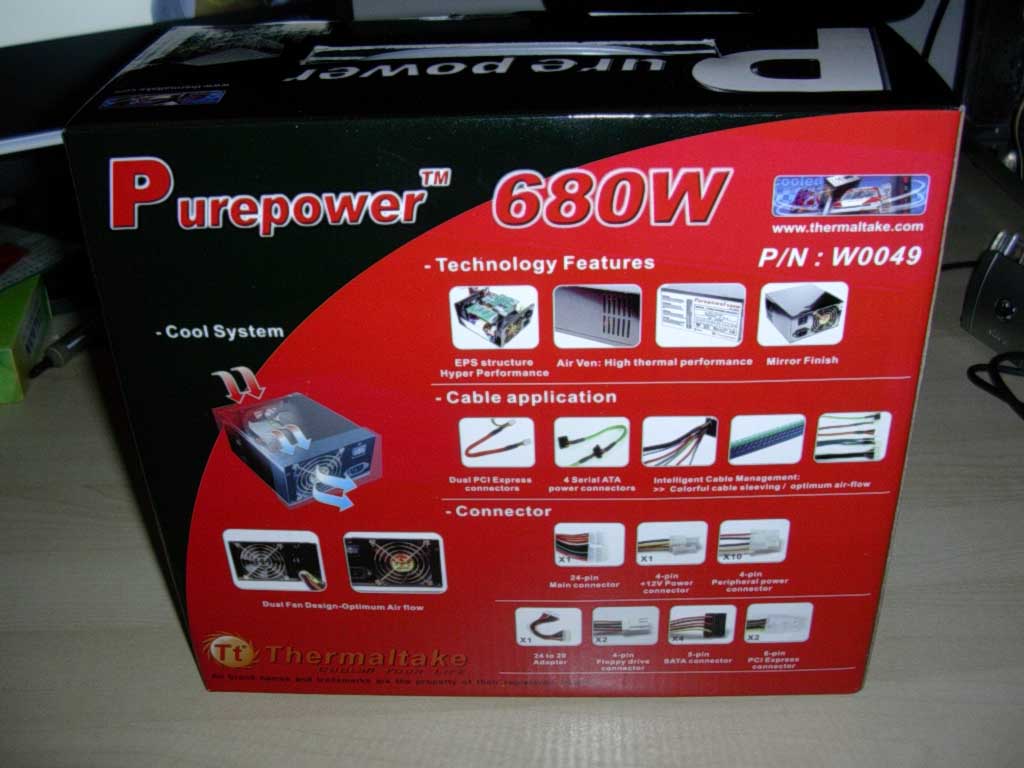
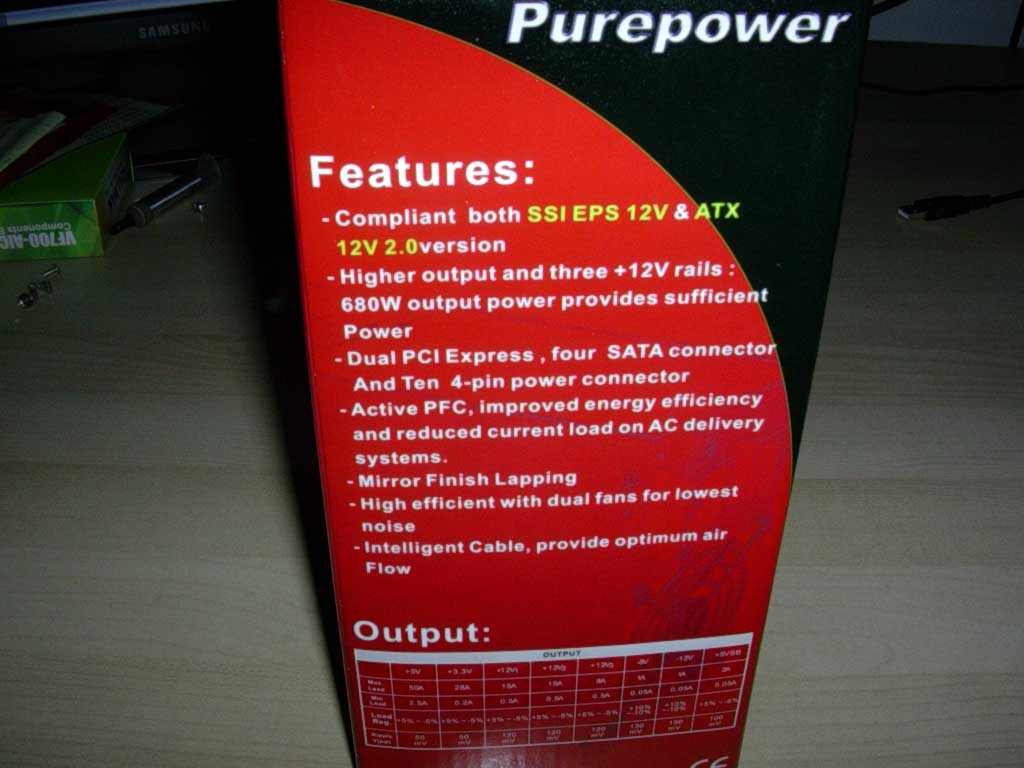
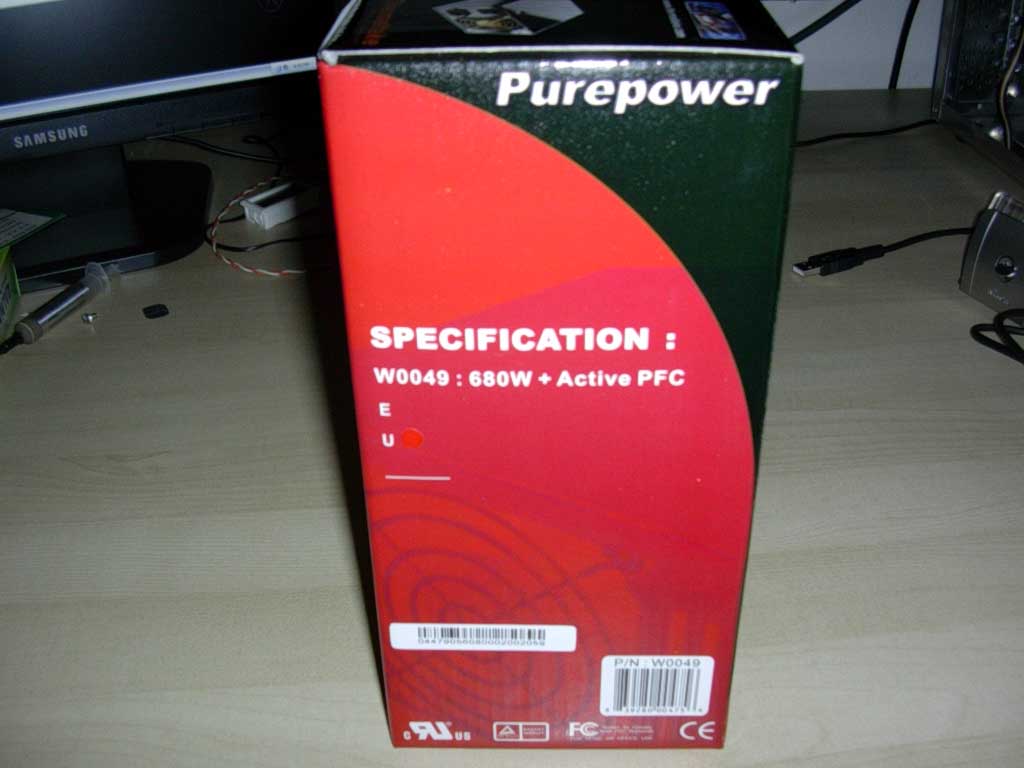
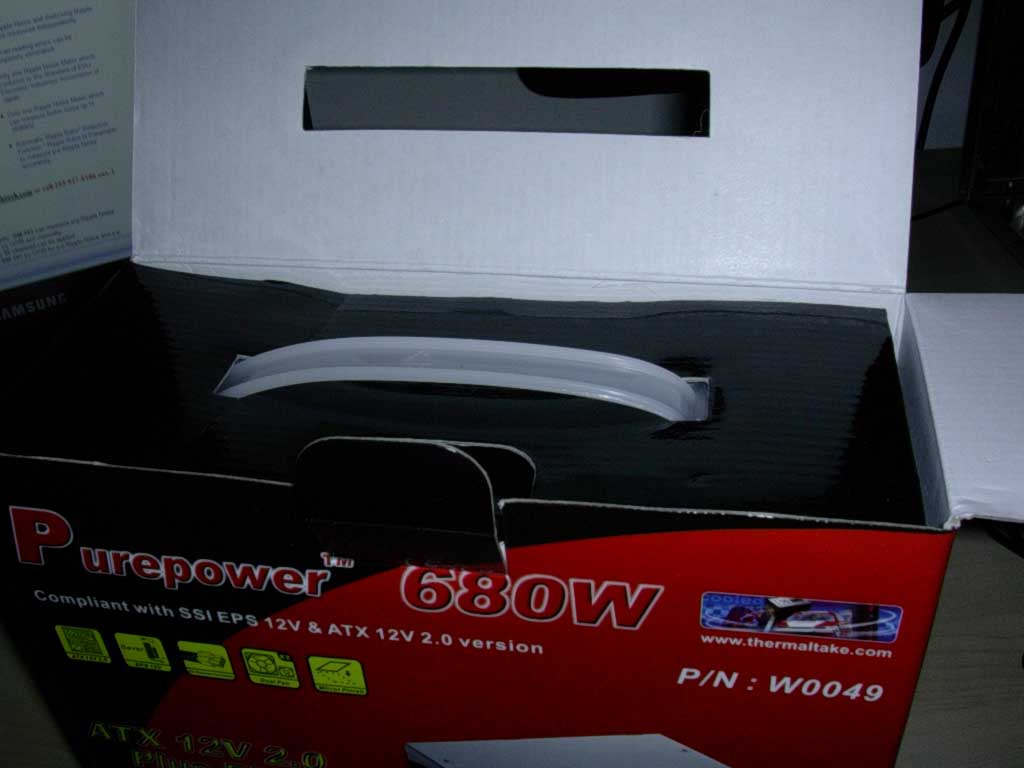
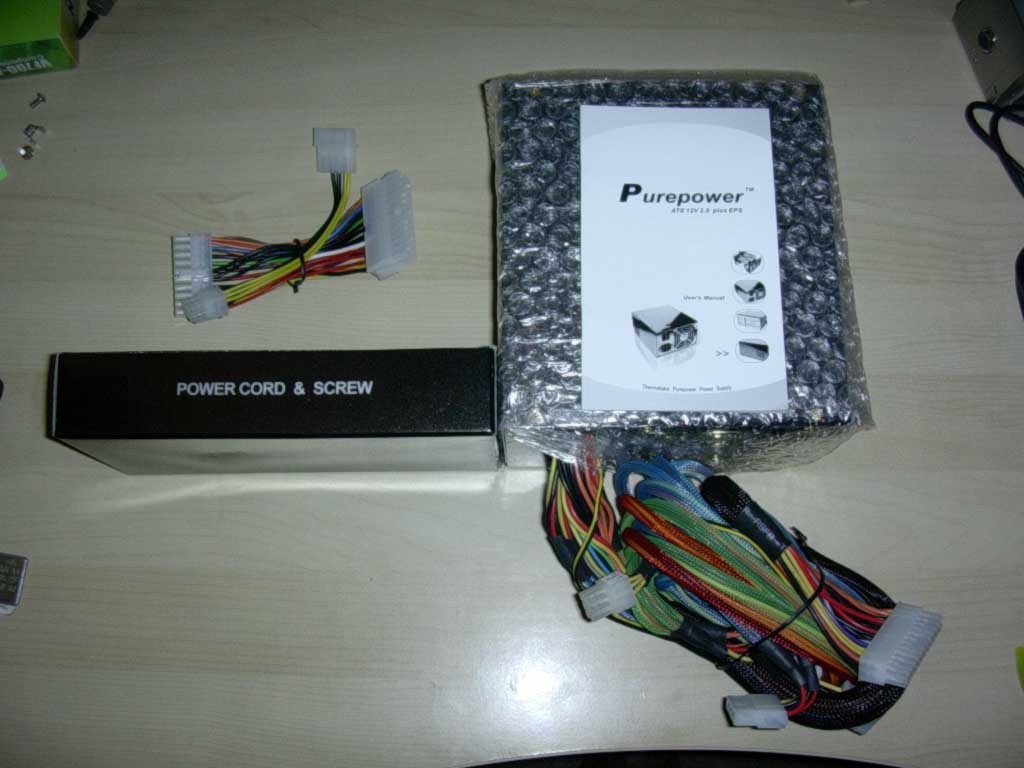
As usual, Thermaltake has packaged the power supply in a box that illustrates all of its useful features in detailed form and includes a handle for easy carrying. In detailed pictures, it lists all the connections, hardware, and features that the power supply carries. The contents of the packaging include an instruction manual, a set of screws, an extra PCI-E adaptor, a 24-pin to 20-pin ATX adaptor, a power cable, and the unit itself, which is protected by bubble wrap.
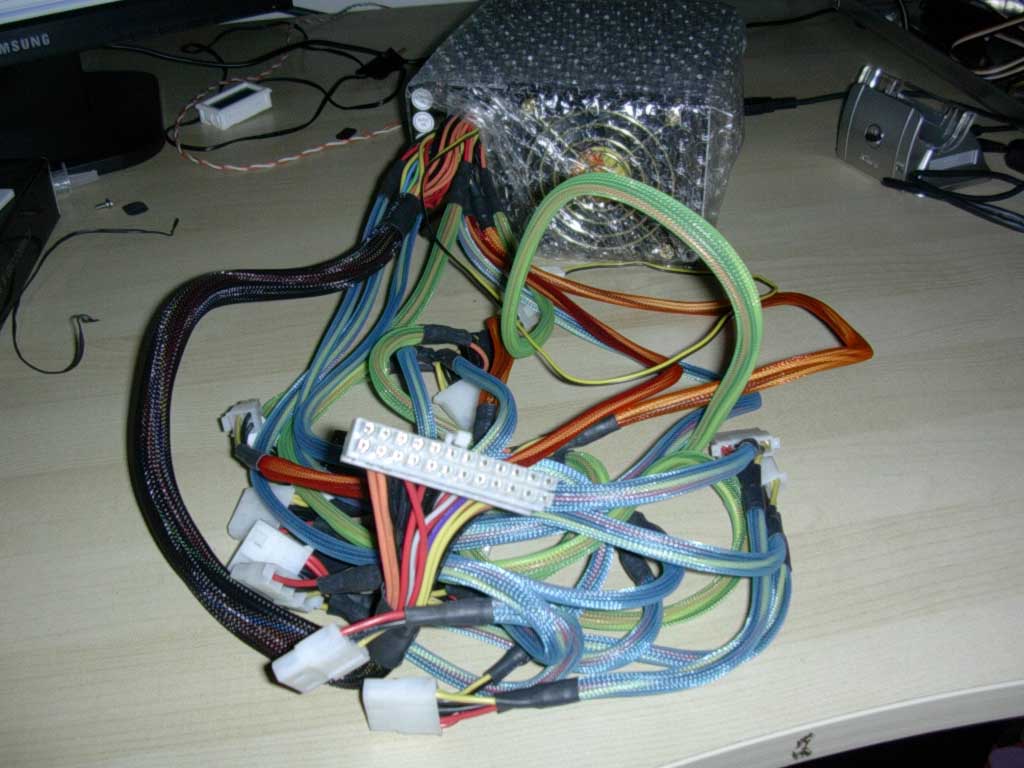
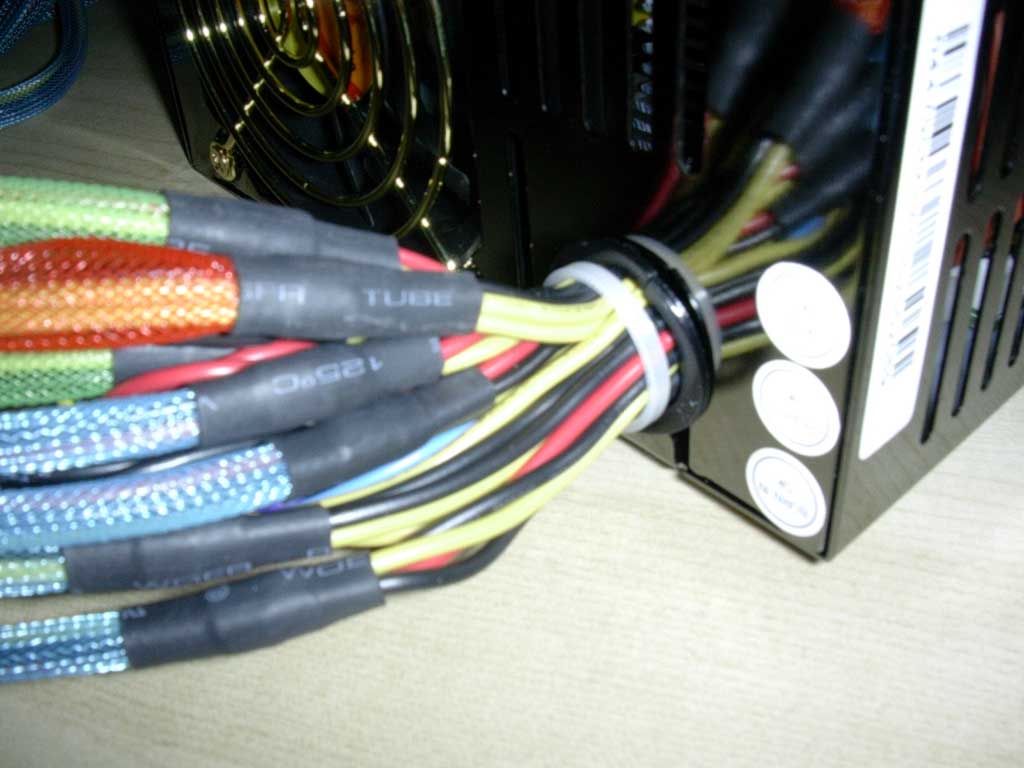
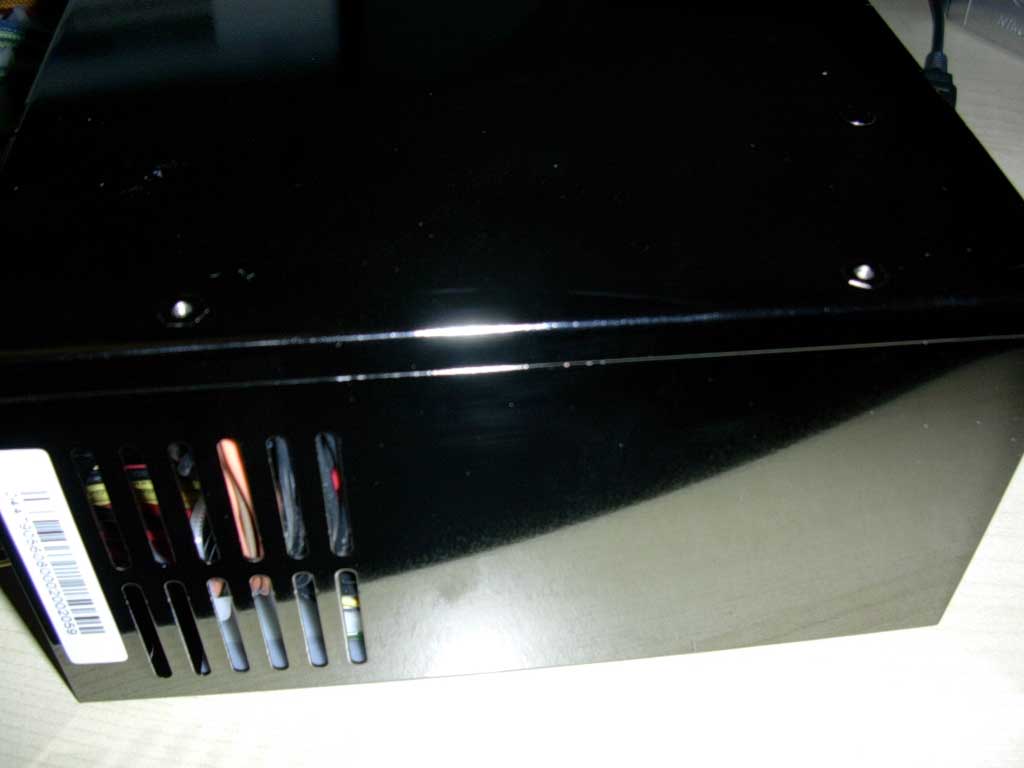
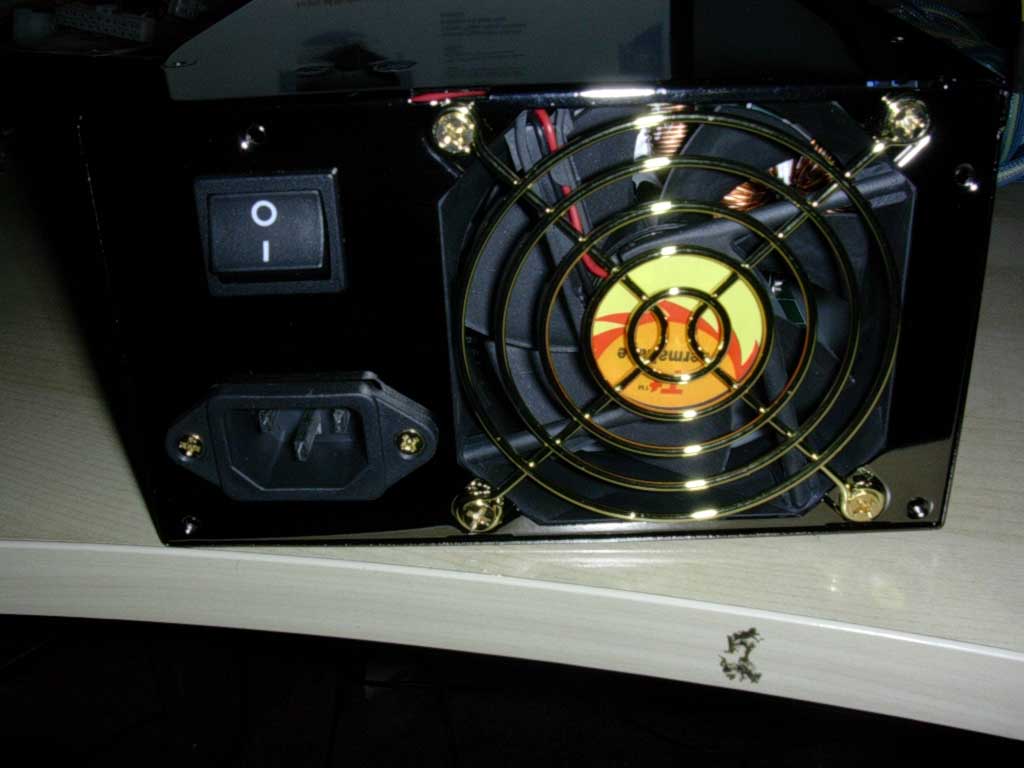
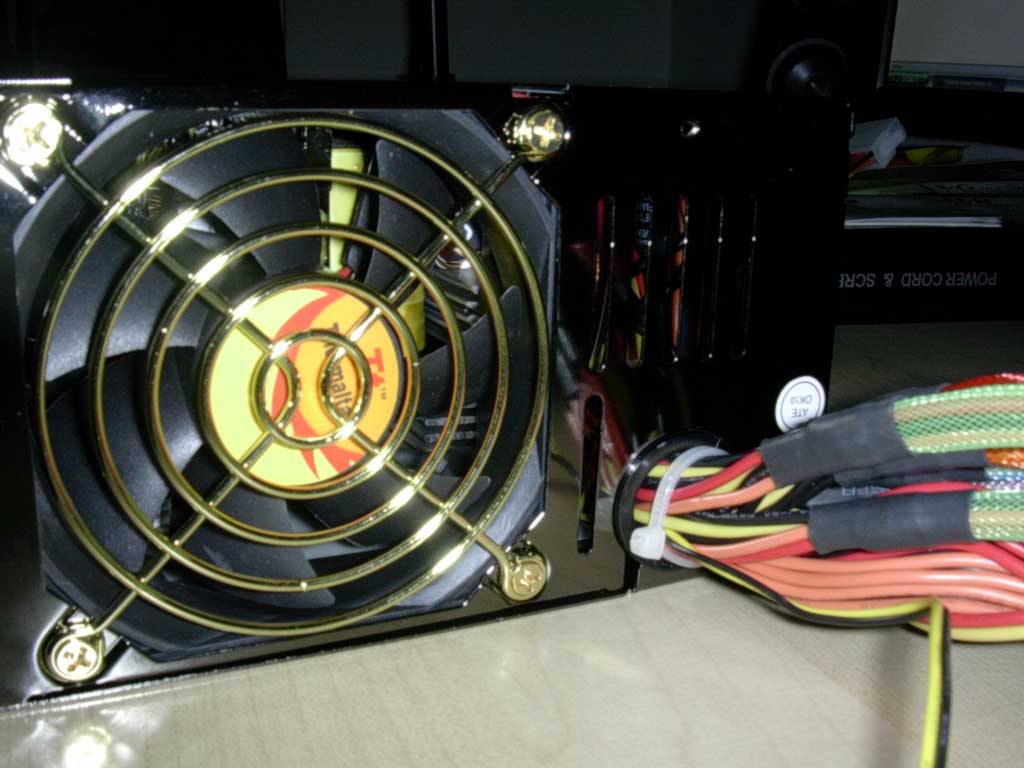
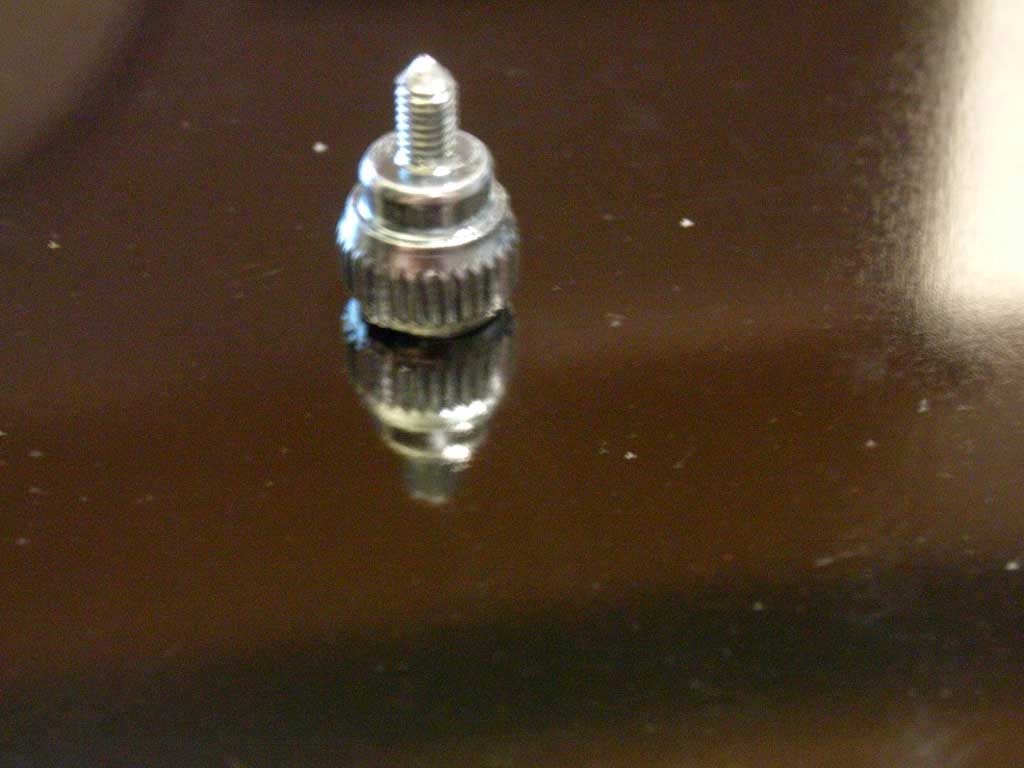
I immediately noticed the beauty of this power supply after taking off the bubble wrap. The unit has EVERY cable sleeved and is color coded for ease of connections. Although I prefer sleeves that extend all the way into the power supply itself, Thermaltake has done an excellent job of applying heat-shrink for a clean look. The unit itself utilizes electroplated black nickel finis,h which gives off a very professional, mirror-finished look. The wire grills are gold colored and match the look of the orange and yellow Thermaltake logo on the 2 80mm fans.
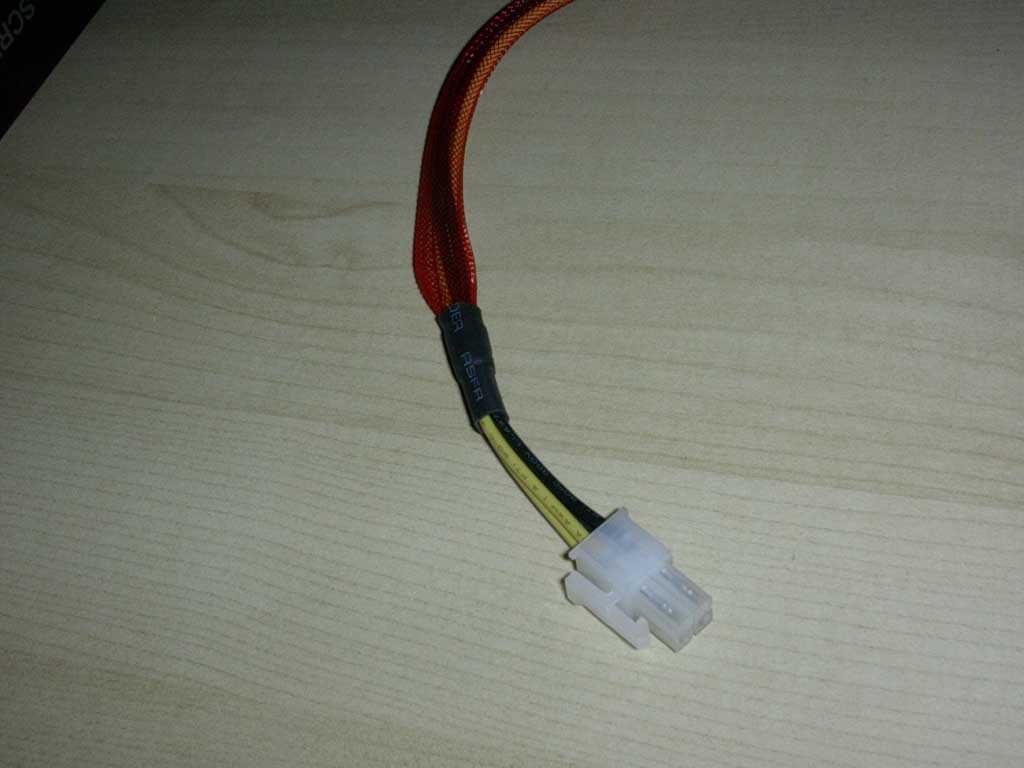
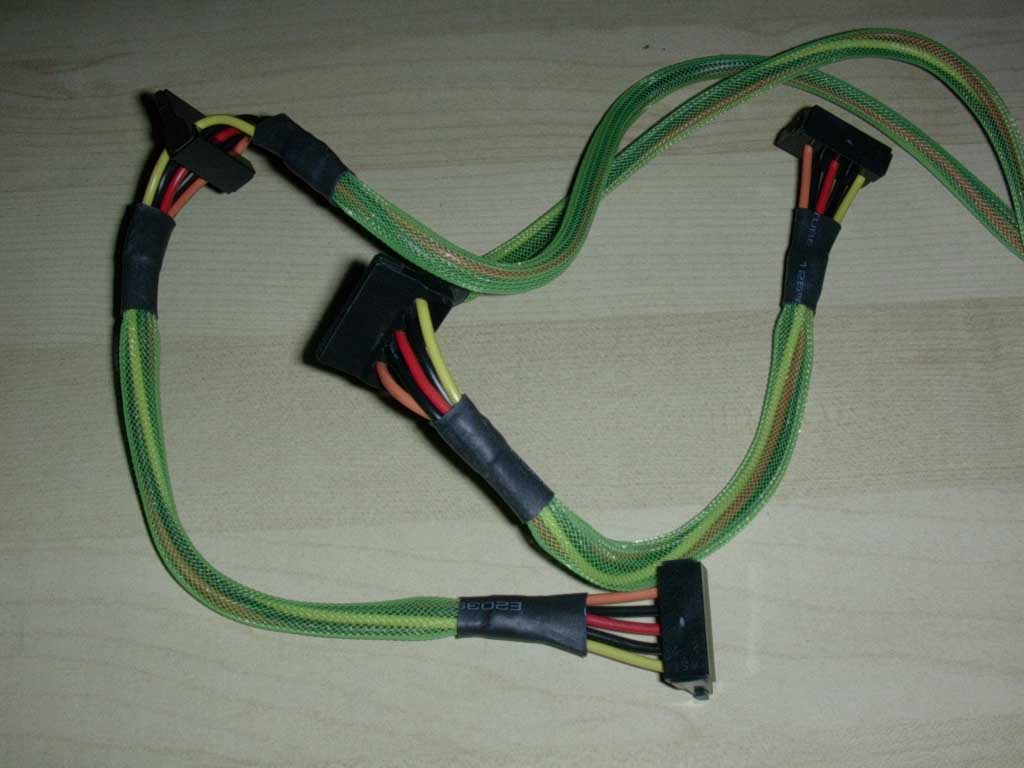
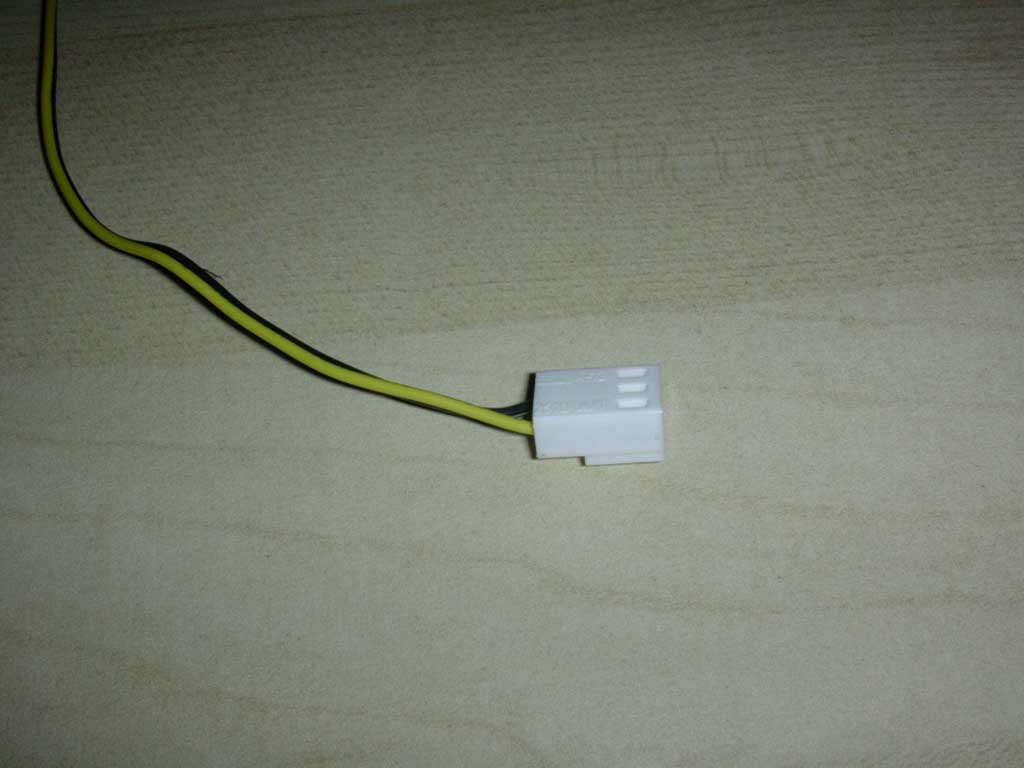
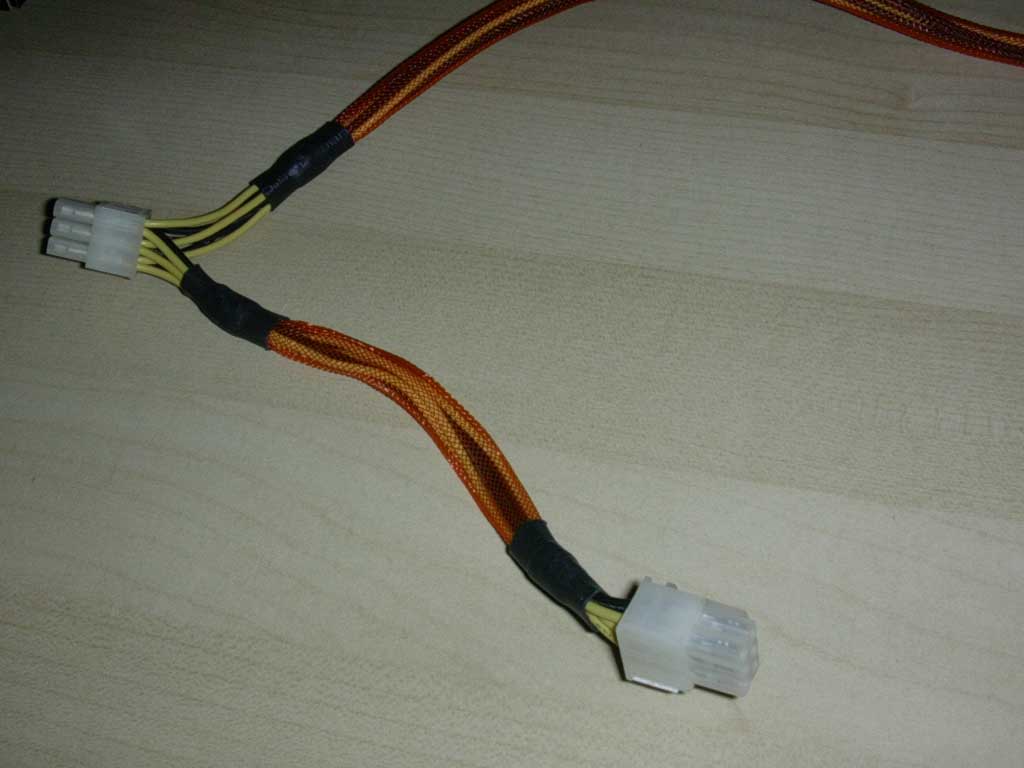
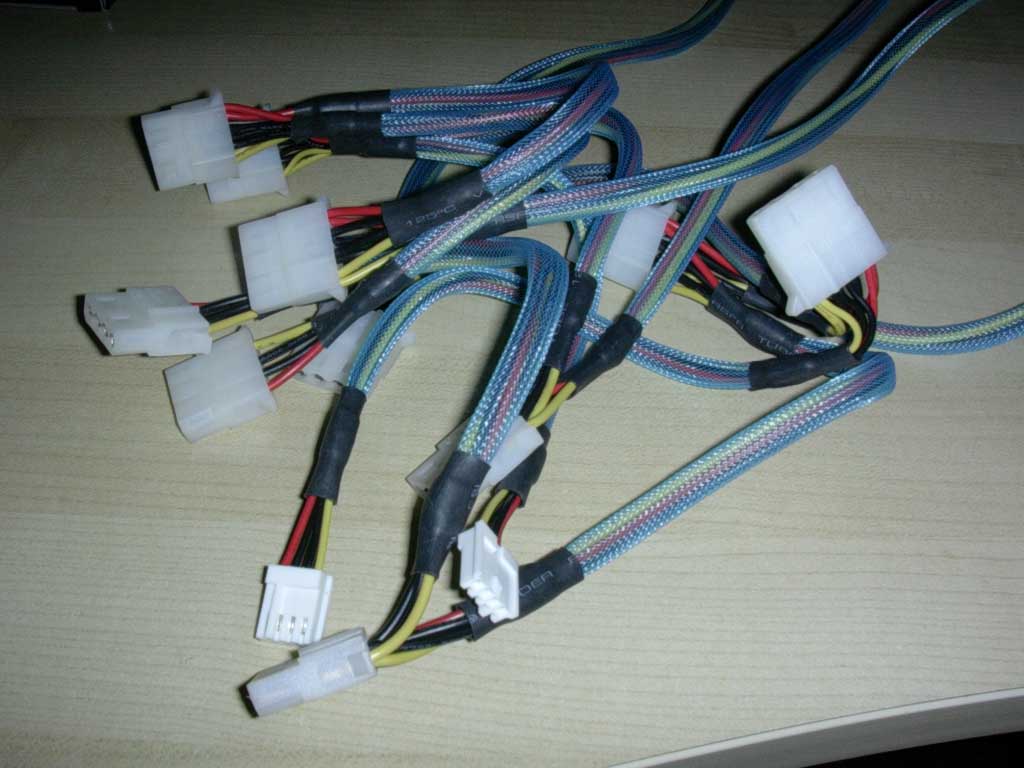
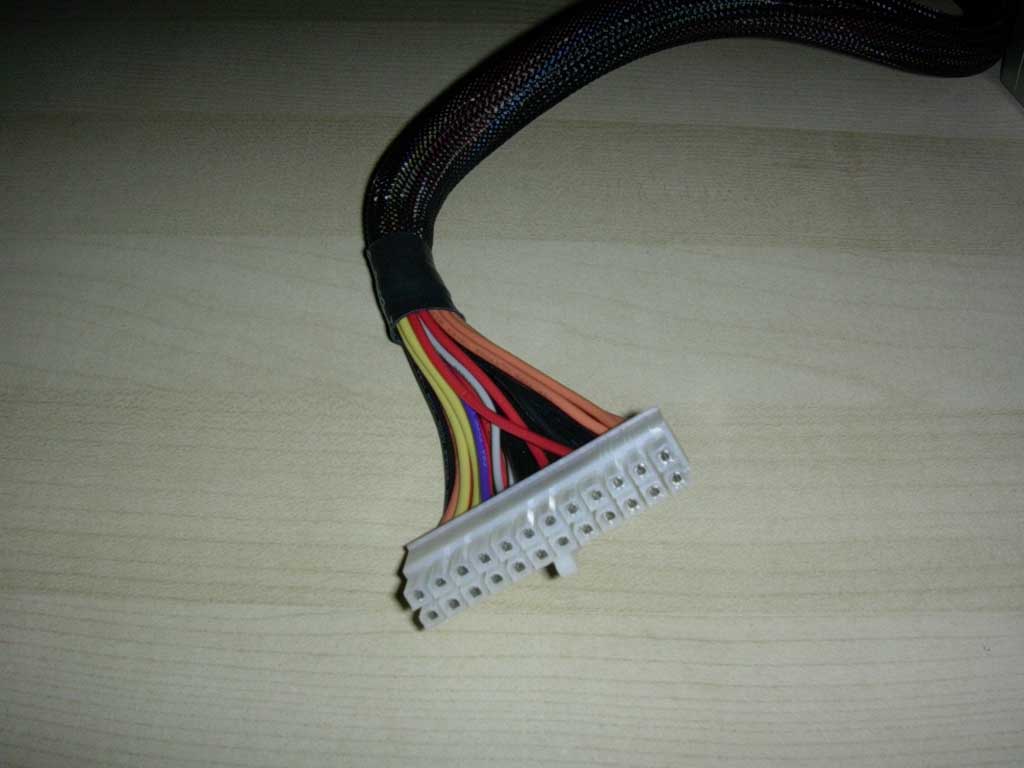
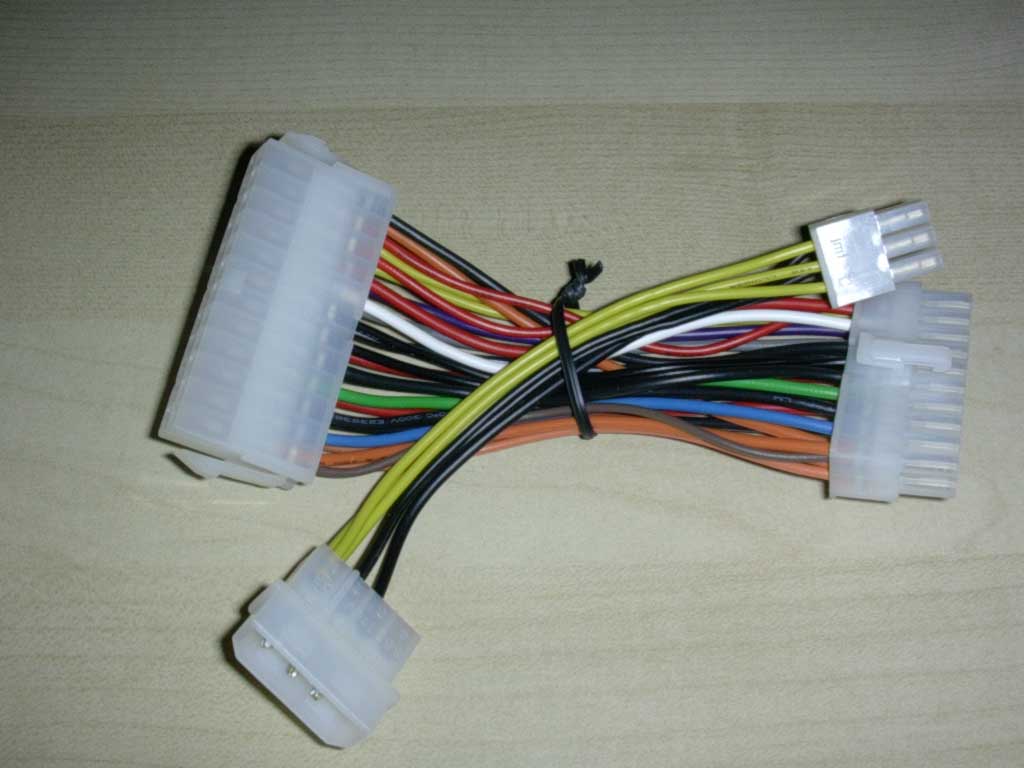
The unit boasts the most impressive amount of connections that I have ever seen in a power supply. From left to right in the pictures, it has a 4-pin 12v connection, 4 SATA connections, RPM fan monitoring 3-pin connection, 2 PCI-E connections on the same cable, 10 Molex connections, a 24-pin ATX connection, and a 24-20 pin connection adaptor, and a Molex to PCI-E connection adaptor. The length of the cables are also very long and are catered towards those will use larger cases, such as Thermaltake’s newest Kandalf and Armor line.
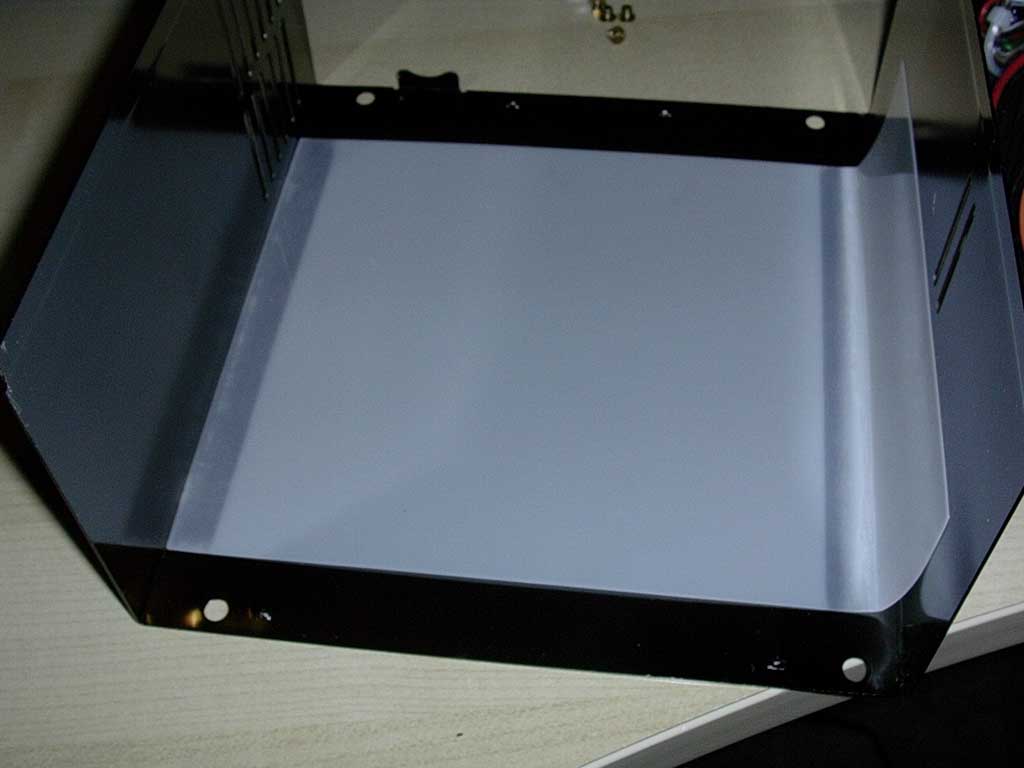
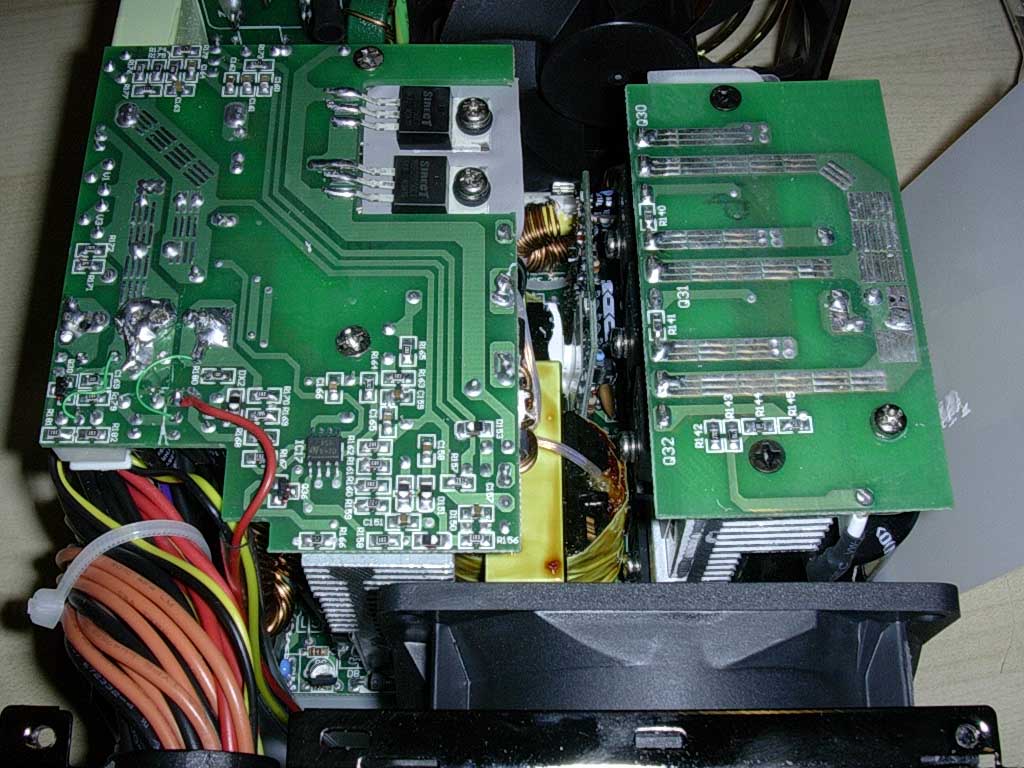
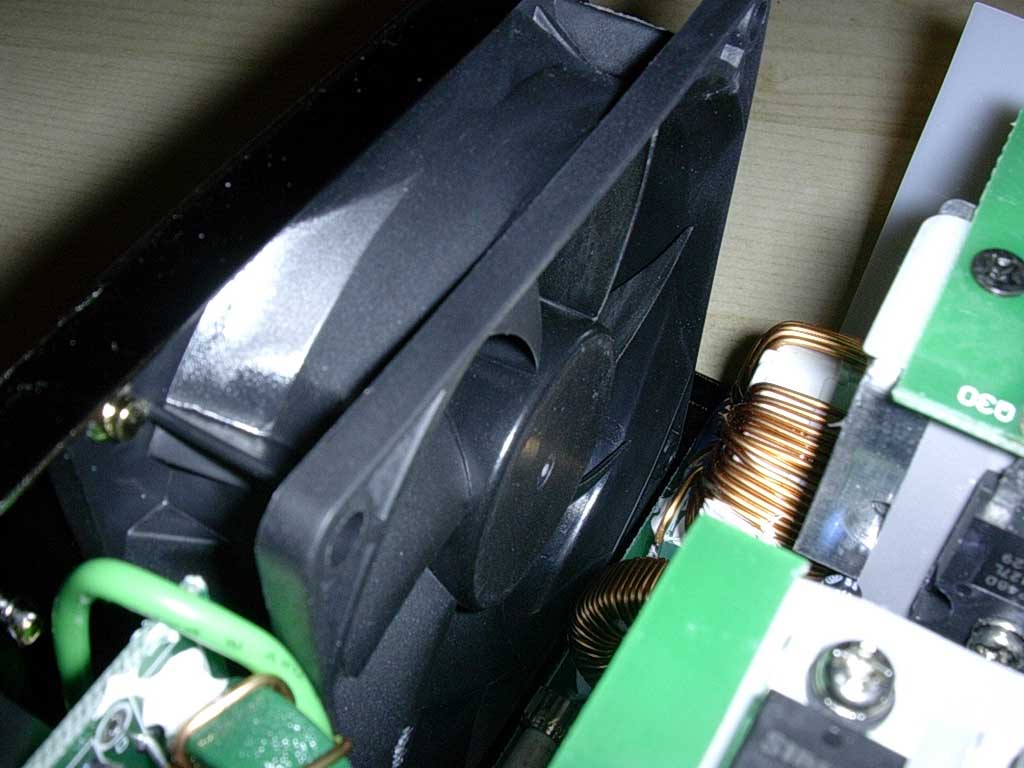
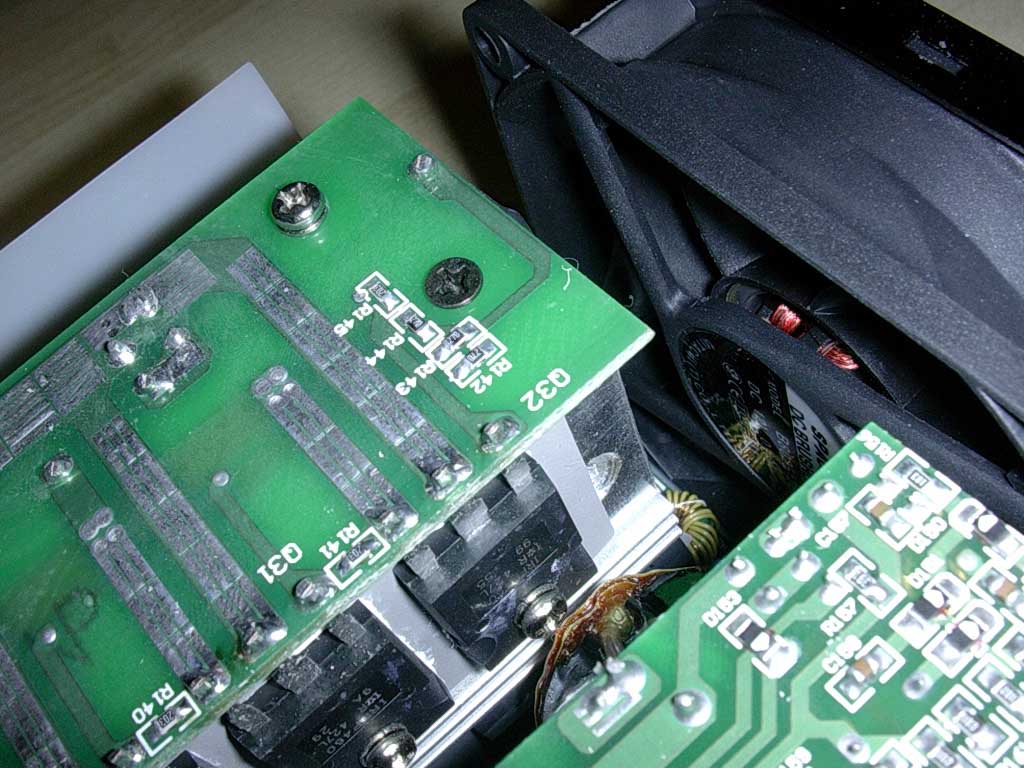
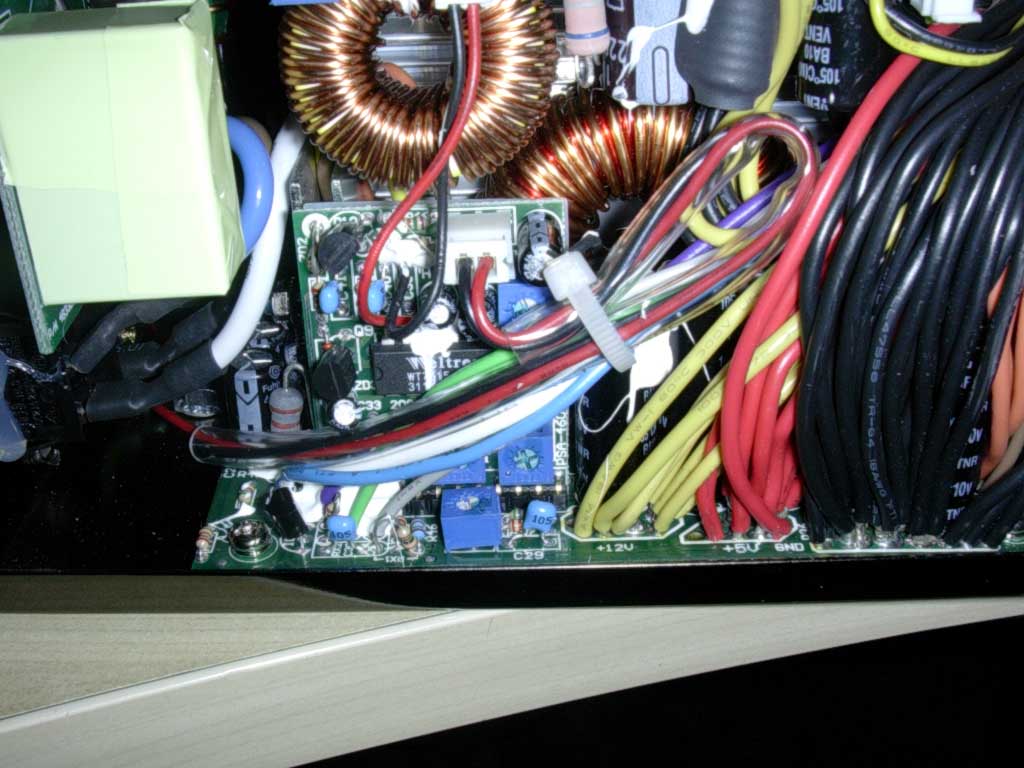
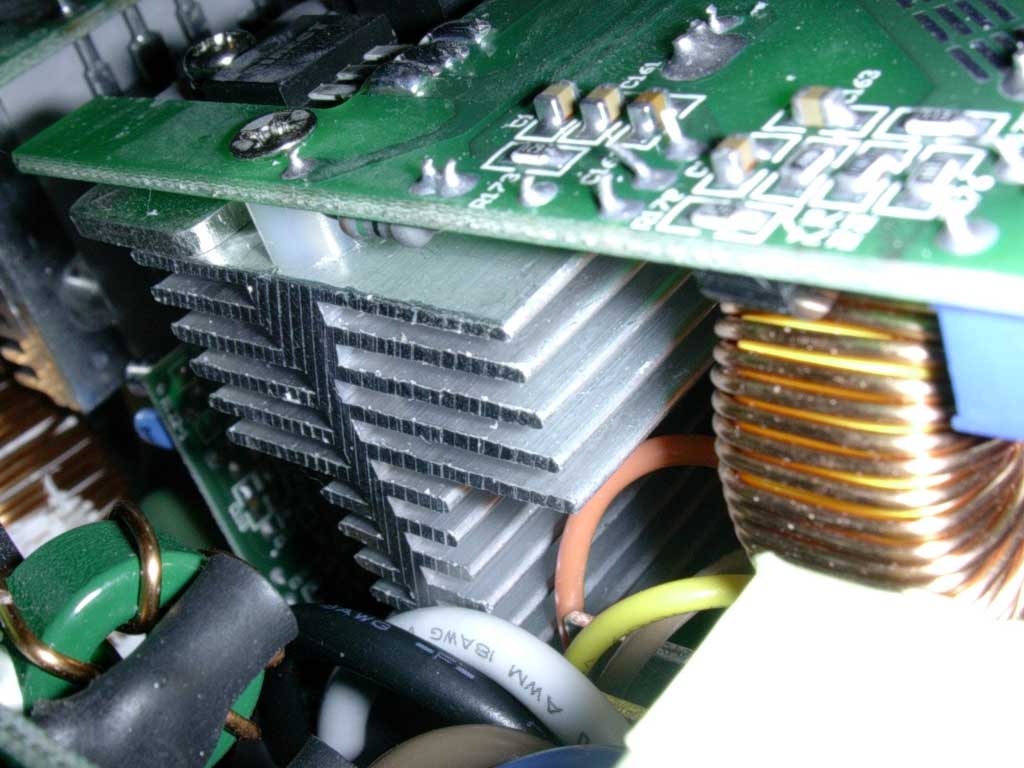
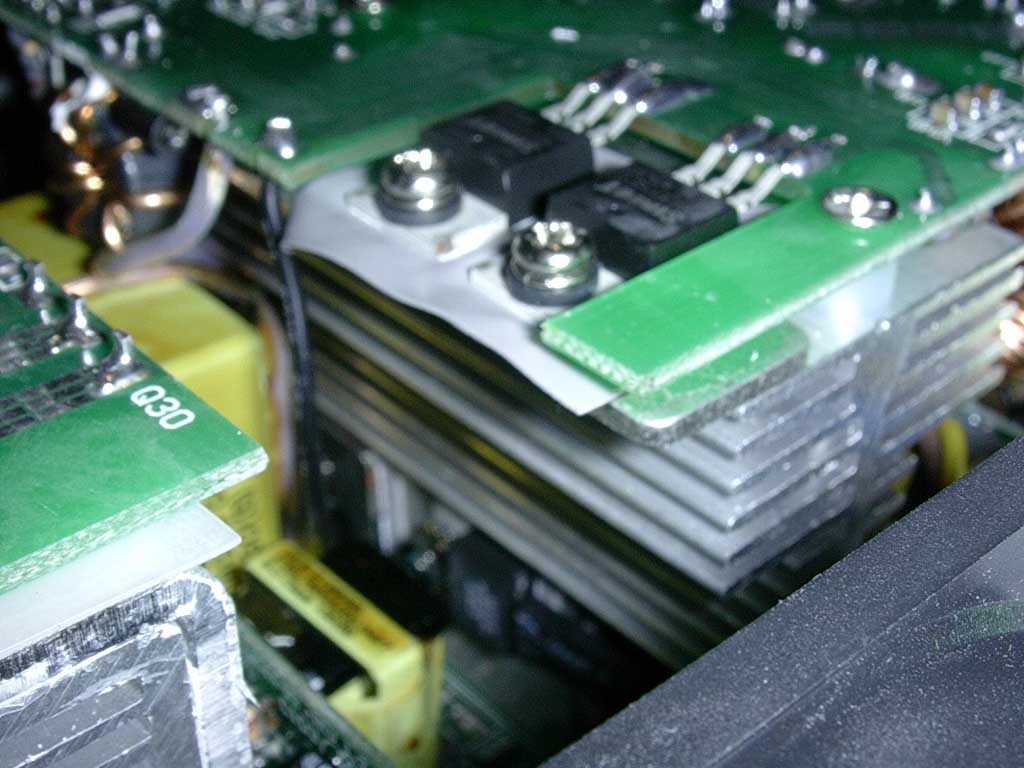
Generally, a quick way to measure a power supply’s quality is by weight. A good quality power supply will be heavy because it uses large, high quality capacitors and has no wasted space. The PurePower 680 watt is very heavy at 2.7 kg. After taking off the cover, I understood why. The power supply uses large capacitors and contains no wasted space whatsoever, despite the fact that the unit is about 2 inches longer than a normal power supply. It also uses huge aluminum heatsinks for excellent heat dissipation and uses 2 80mm fans that spin at a maximum of 2000RPM at 40CFM each. The power supply is rated to run at 17 dBA, which is very quiet for near-silent operation.
Specifications
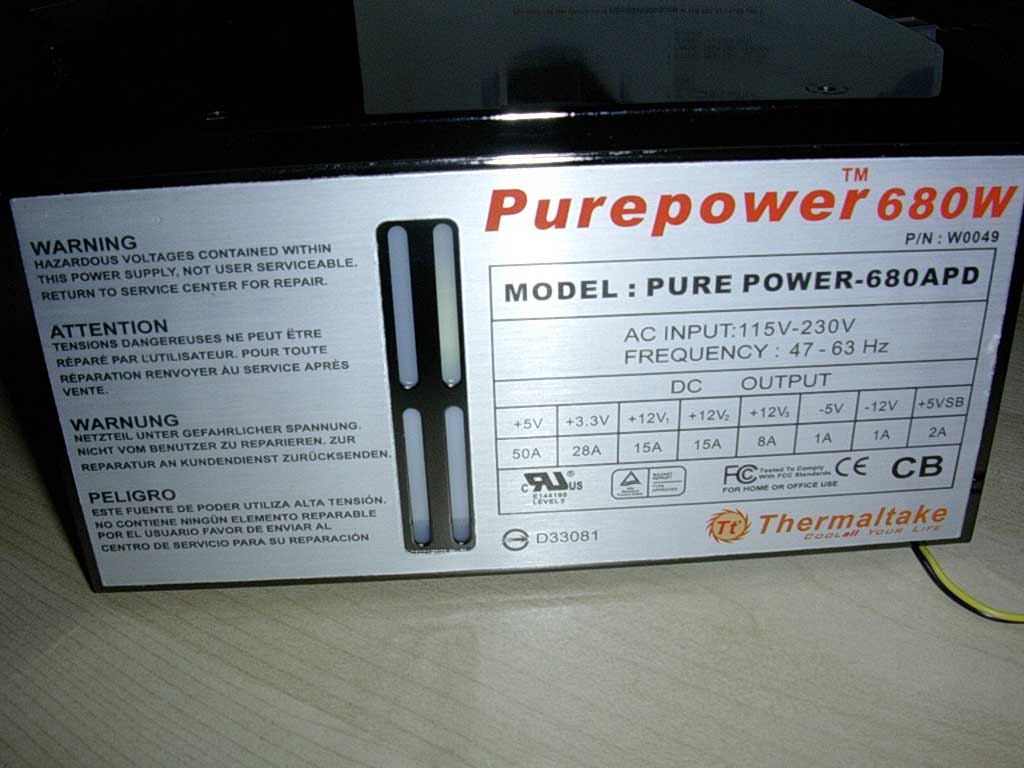
Looking at the output features of the power supply, you can see Thermaltake has done all their homework in determining the amount of power that users need today.
| OUTPUT | ||||||||
| | +5V | +3.3V | +12V | +12V | +12V | -5V | -12V | +5VSB |
| Max. Load | 50A | 28A | 15A | 15A | 8A | 1A | 1A | 2A |
| Min. Load | 2.5A | 0.2A | 0.5A | 0.5A | 0.5A | 0.05A | 0.05A | 0.05A |
| Load Reg. | +5% ~ -5% | +5% ~ -5% | +5% ~ -5% | +5% ~ -5% | +5% ~ -5% | +10% ~ -10% | +10% ~ -10% | +5% ~ -5% |
| Ripple V(p-p) | 50mV | 50mV | 120mV | 120mV | 120mV | 130mV | 150mV | 100mV |
Taken from Thermaltake’s product page for this unit, the unit boasts an impressive amount of amps per rail. It utilizes 50 amps for the +5v rail, 28A for the 3.3v rail, and, unique to this power supply alone, utilizes 3 separate 12v rails for a total sum of 38 amps for the 12v line. The unit also protects against over-voltage, short circuits, over loads, and excessive temperatures. The unit, more importantly, implements Active PFC, which is a much more efficient means of drawing power from the AC.
Test Setup and Results
I decided to choose an SLI system, seeing as how two 6800’s can cause various power supplies to crawl. Hopefully, this power supply, which was made for systems with SLI, will have no problem.
Test System:
- Gigabyte K8NXP-SLI
- AMD Athlon64 3000+ Winchester
- 2 x BFG 6800GT OC
- 120GB 7200RPM Western Digital
- 2x512MB Centon PC3200LL (TCCD)
- 52x Lite-On CD-RW
- 2 x 80mm Cooler Master Case Fans
- Zalman CNPS7700-Alcu on full speed
Stock Settings:
- Athlon64 3000+ at 1.8Ghz (1.4v)
- 2 x BFG 6800GT OC at 370/500
- 2 x 512MB at 200HTT 1:1 at 2.6
Overclocked Settings:
- Athlon64 3000+ at 2.61Ghz (1.6v)
- 2 x BFG 6800GT OC at 420/520
- 2 x 512MB at 290HTT 1:1 at 2.8v
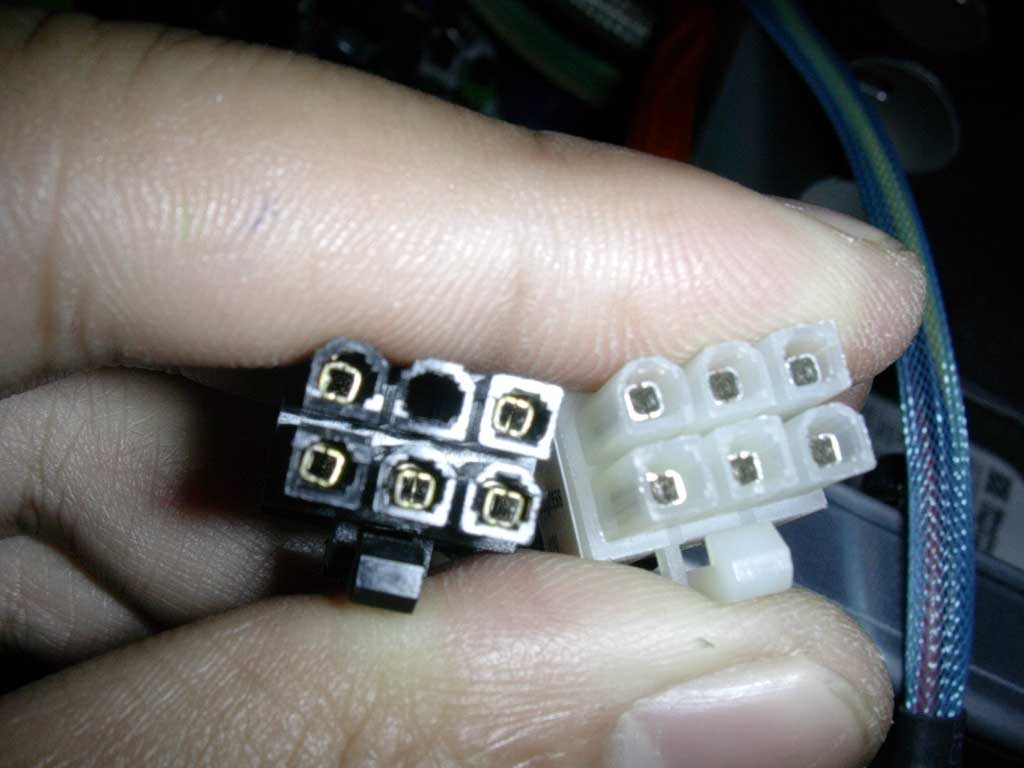
Note: I noticed the PCI-E connectors did not fit while attempting hook up the SLI cards. Even the extra PCI-E adaptor for a Molex connector did not fit. I noticed the bottom center was a different shape than it was supposed to be, so I broke out a razor and performed some cosmetic work. I managed to get one to work, but I did not want to mess with the other one. I ended up using one true PCI-E connector from the PurePower and one PCI-E adaptor (two Molex’s to one PCI-E connector). Thermaltake did send me a fixed adaptor for the other PCI-E, but I had already finished installation and testing. However, I applaud Thermaltake for their quick response.
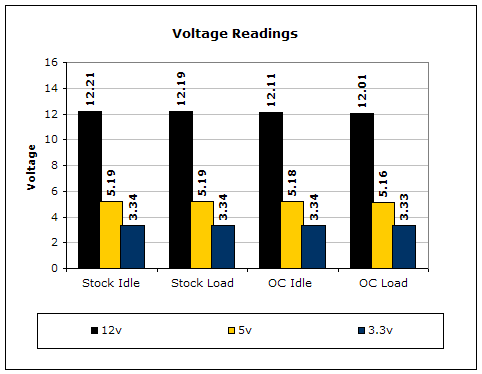
Testing the power supply is a tedious task. Like cooling products, the “proper” testing method is long and strenuous. It involves high end equipment and testing materials that we simply cannot get our hands on. A simple proper testing method would be to test the wattage draw from the AC outlet, voltage rail fluctuations, wattage fluctuations under high operating temperatures, power efficiency, and the power supply’s reaction to low input voltage. But because this site is dedicated more to overclocking, we’ll check for voltage fluctuations in an overclocked environment. To do this, I utilized a multimeter and positioned the leads in the respective wires on the ATX connection. For idle voltage readings, the system was left on the desktop not running any programs. For full load, the system ran 2 instances of CPU Burn-in, Prime95 torture test for maximum power consumption, and the Nature test in 3DMark2001SE. CPU Burn-in is a good program to maximize the CPU load.
Results:
Conclusion and Thoughts
The Thermaltake 680W has placed Thermaltake in the recommended overclocker’s choice for power supplies. While offering amazing aesthetic features, such as a titanium finish and fully sleeved cables, it has enough power to supply the most straining components available. The power supply is also one of the few power supplies that is able to power two PCI-E video cards, aside from the PC Power and Cooling SLI series. While the 12v dropped considerably with a high CPU and GPU overclock, the 12v never dipped below 12v and still ran stable. Thermaltake has also illustrated their excellent service by quickly sending me an adaptor for the PCI-E connectors that didn’t fit. Unfortunately, while this power supply is awesome in most regards, the PCI-E connectors that did not fit can be annoying with the use of the adaptors. Hopefully Thermaltake has fixed this problem in production. The unit was also much louder than the 17dBA specified. Perhaps it was because of the high amount of load, as it was near silent in IDLE mode but noticeably loud at LOAD. At a price of $159.95, the unit is much cheaper than the other power supplies in its class, which average around 200 dollars. The Thermaltake 680W, despite its PCI-E connector problem, will still receive the InsaneTek “Recommended” award because of its combination of looks, functionality, and affordability.
John’s Addition:
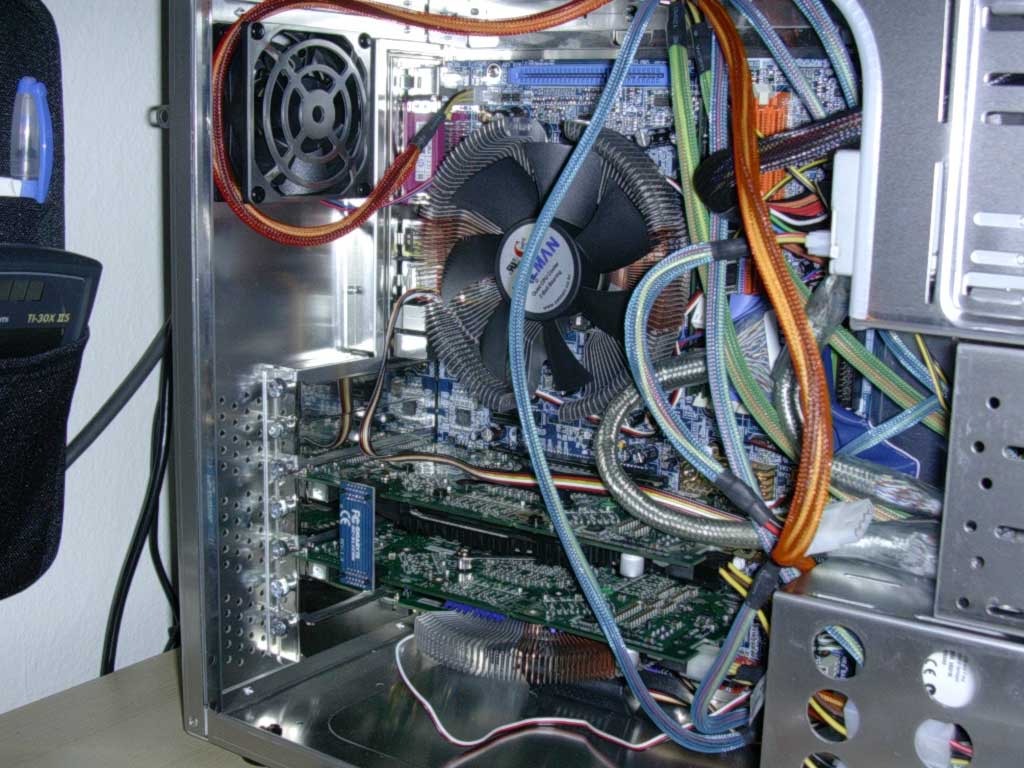
Thermaltake’s flagship power supply is definitely a great product. From the looks of Randy’s pictures, there seem to be adjustable potentiometers readily available for extra tweaking. The sleeved power cables are a nice touch, providing great looks and a clean system. Unfortunately, as Randy mentioned, the PCI-E connector was faulty; the connection didn’t allow proper installation. The good thing is that Thermaltake provided a replacement connector that fixes this problem. With such a robust power supply available for a decent price, there is no doubt that this should be a top consideration for your high end SLI system.
Pros:
- An excellent number of connections
- Beautiful mirror finish on the chassis and nice use of color-coded sleeving
- Powerful enough, even for an SLI system.
- Active PFC
- Heavy
Cons:
- Louder than rated noise level
- PCI-E connectors do not fit

We would like to thank Thermaltake for providing us the sample. If you have any questions or comments, feel free to hit us up in the forums. You can also check out more of our latest reviews on the front page.