

TITAN Robela

Introduction
TITAN should be well known name to most enthusiasts when it comes to cooling. They are famous for giving their products a feminine name and basing their case designs on a female character. TITAN has recently taken steps to release a watercooling case to the market and as expected, it does not stray very far from their traditional hallmarks. Although the concept of building a watercooling kit right into a case isn’t exactly original, it certainly can be appealing. Who wouldn’t want a quality watercooling kit already built right into the case to a perfect fit? After fiddling around with the Asetek WaterChill kit and not being able to fit it inside my case, I’m actually looking forward to having that everything-in-one kind of comfort and avoiding all the hassle. But, as always, the main selling point will always be the performance of the kit.
The TITAN Robela was made to surpass all previous watercooling cases. Indeed there is a lot of pressure for it to perform–its price tag is already a big turn-off!
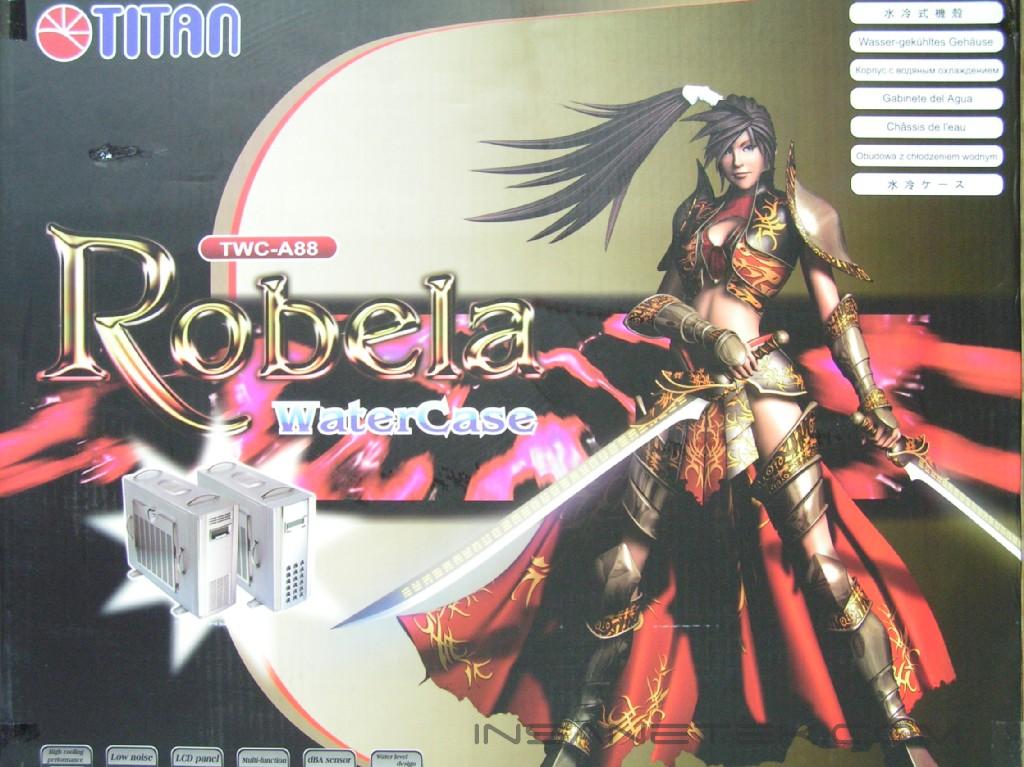
TITAN Robela Watercooling Case
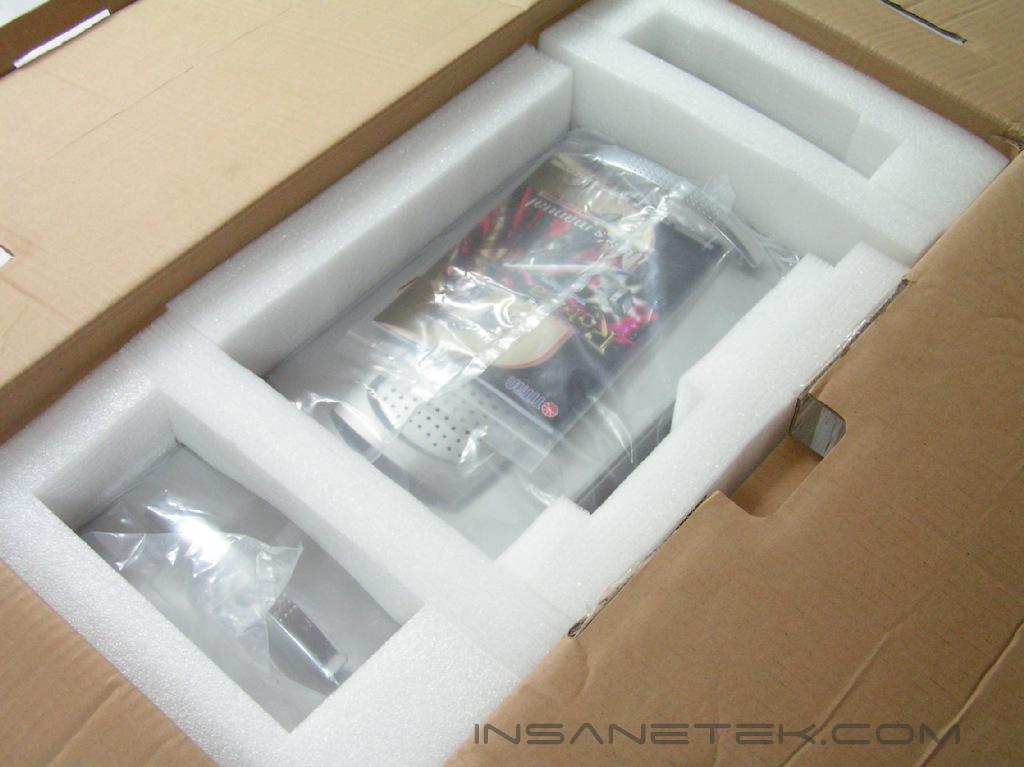
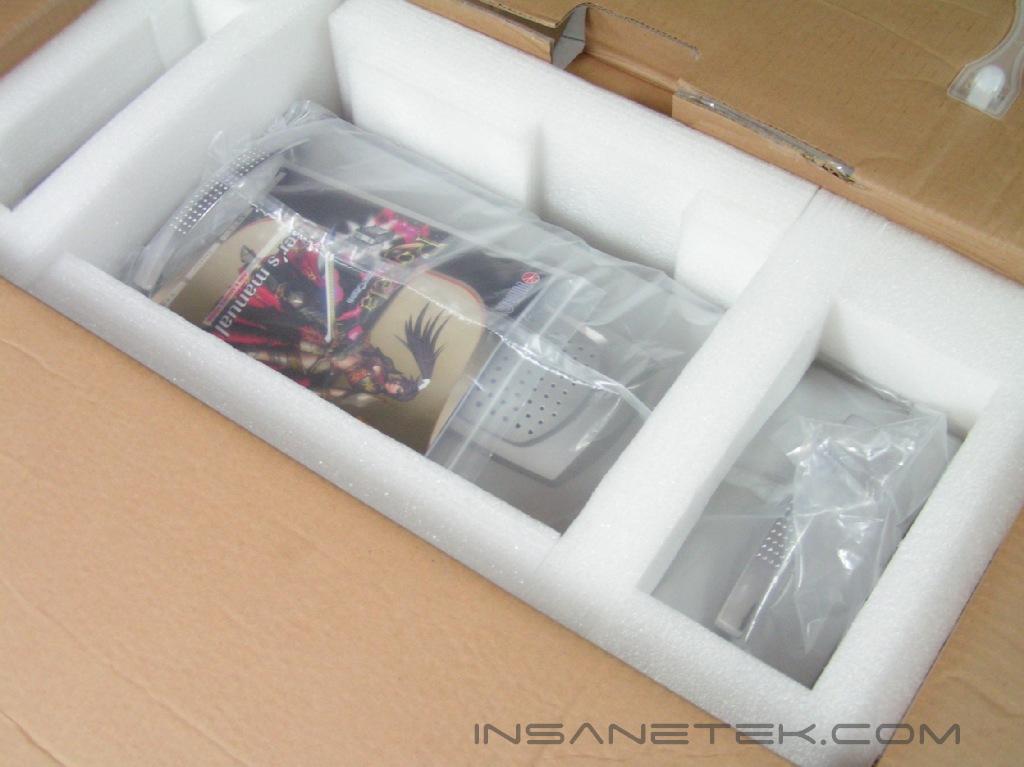
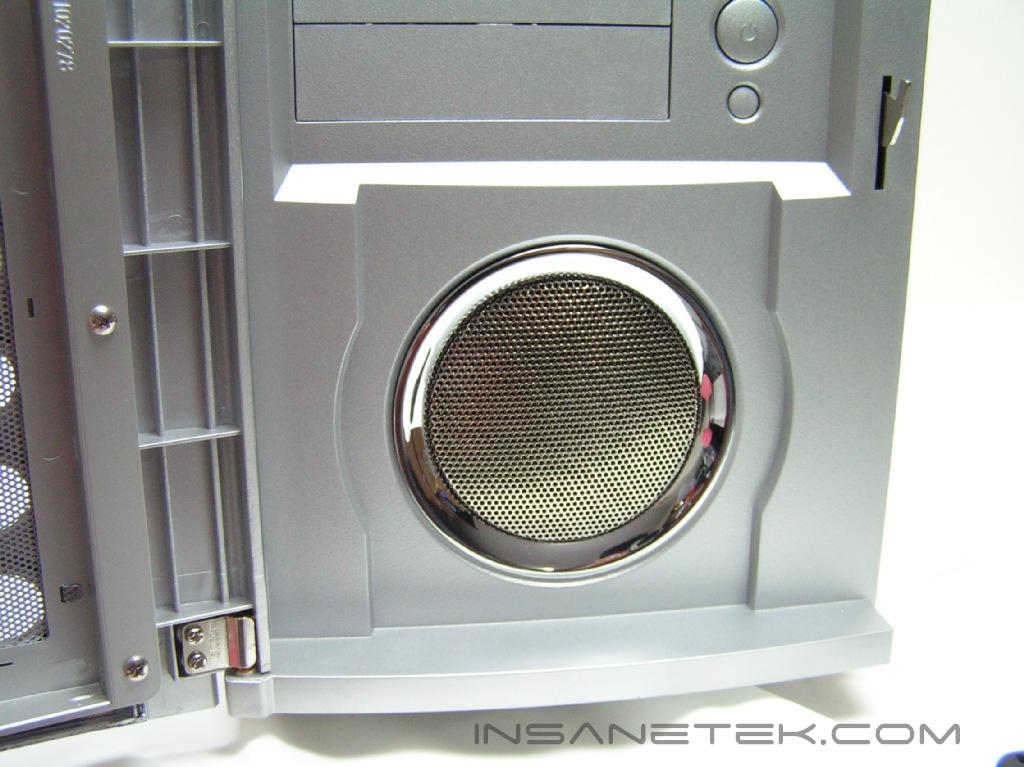
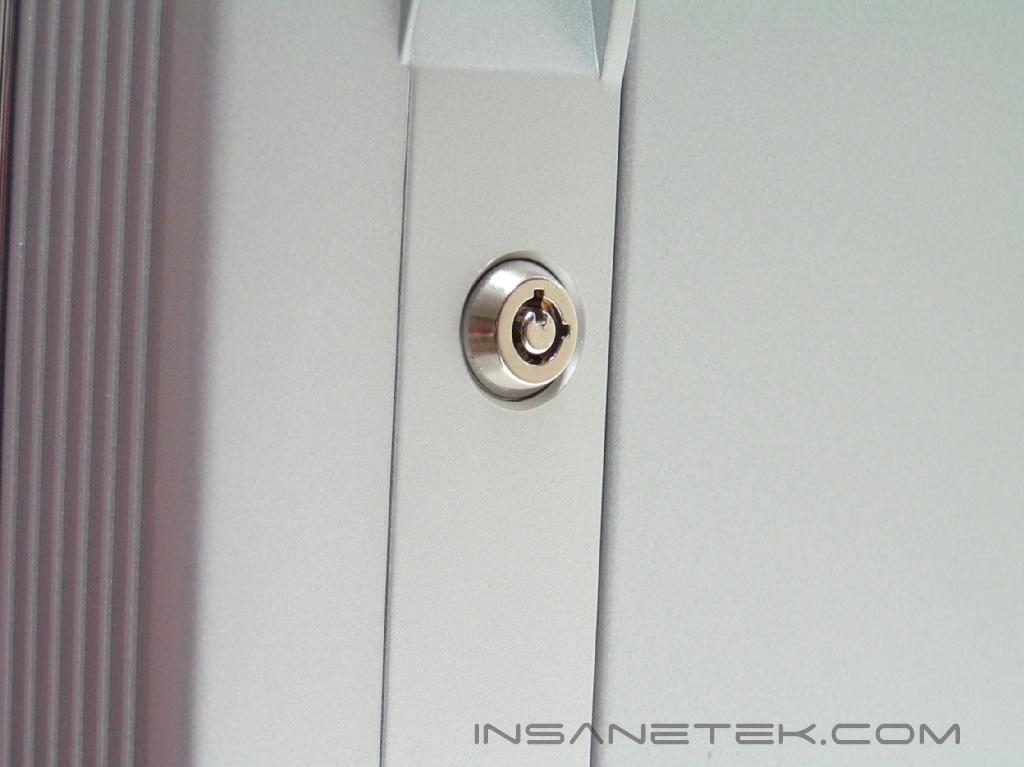
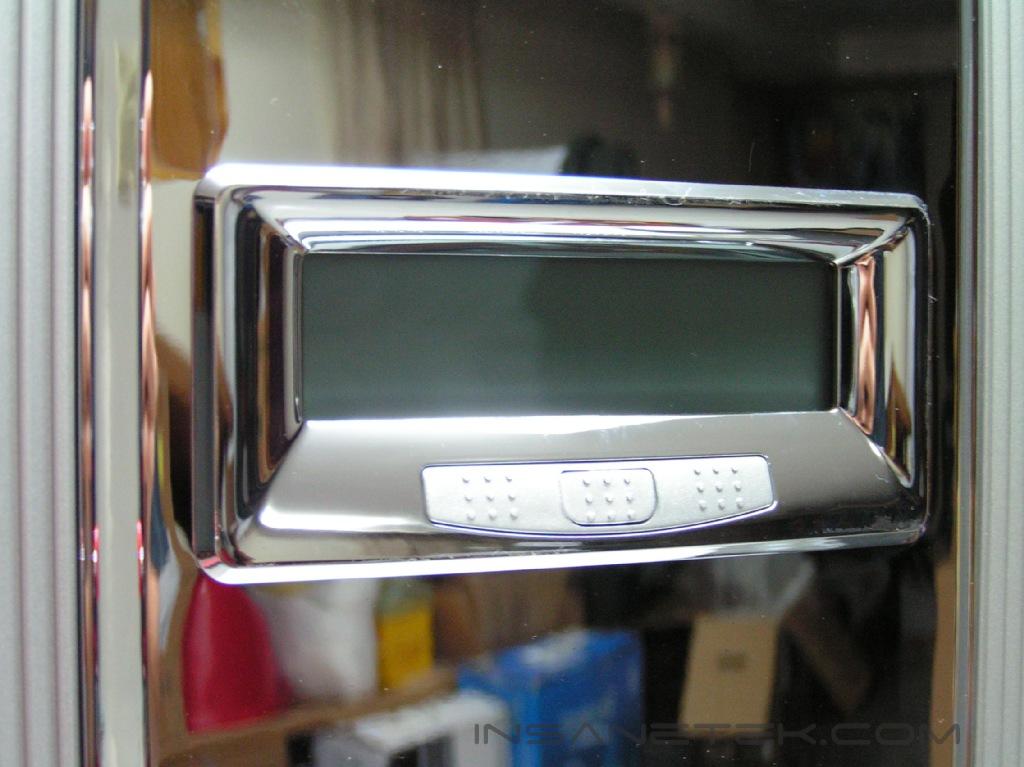
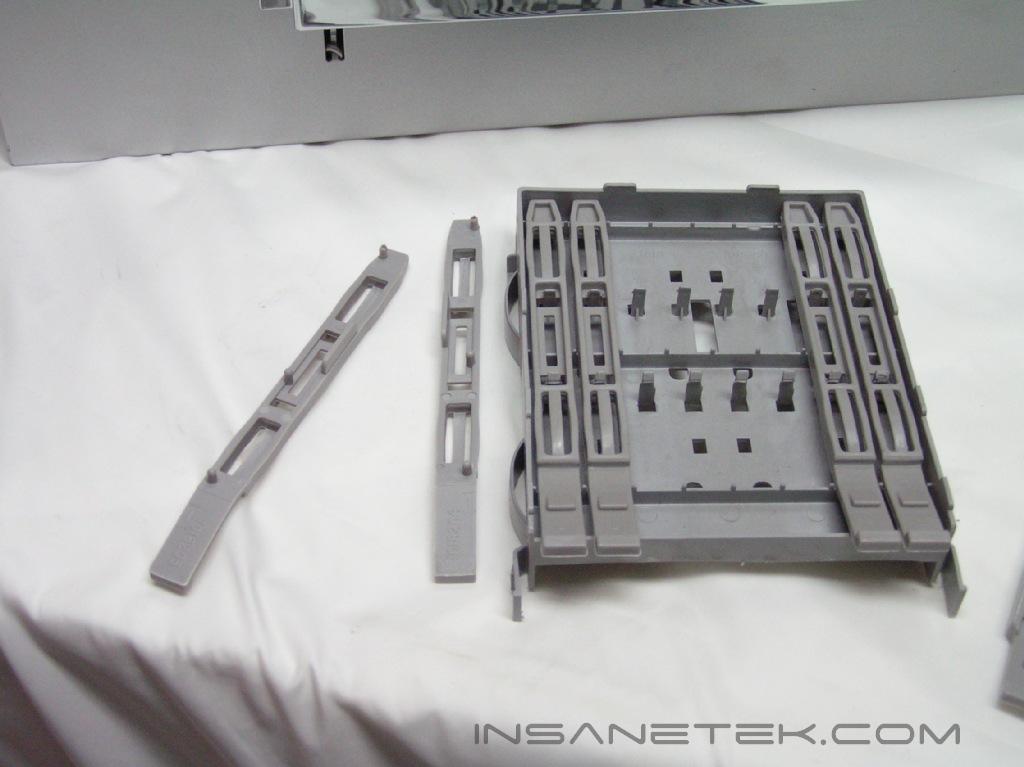
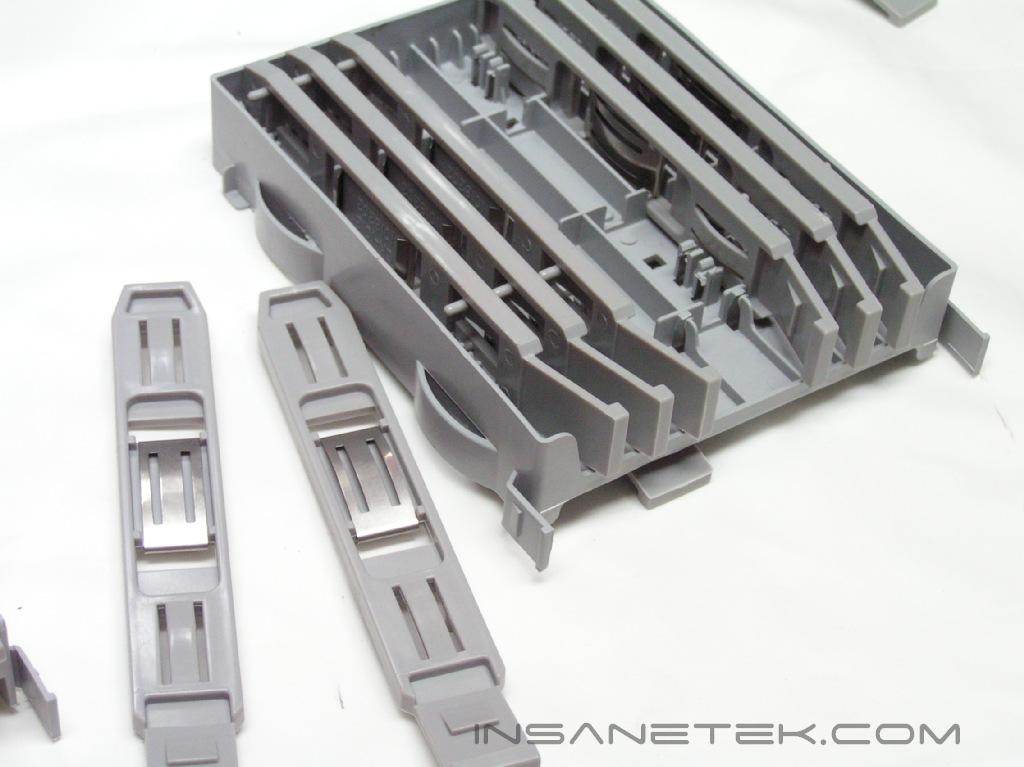
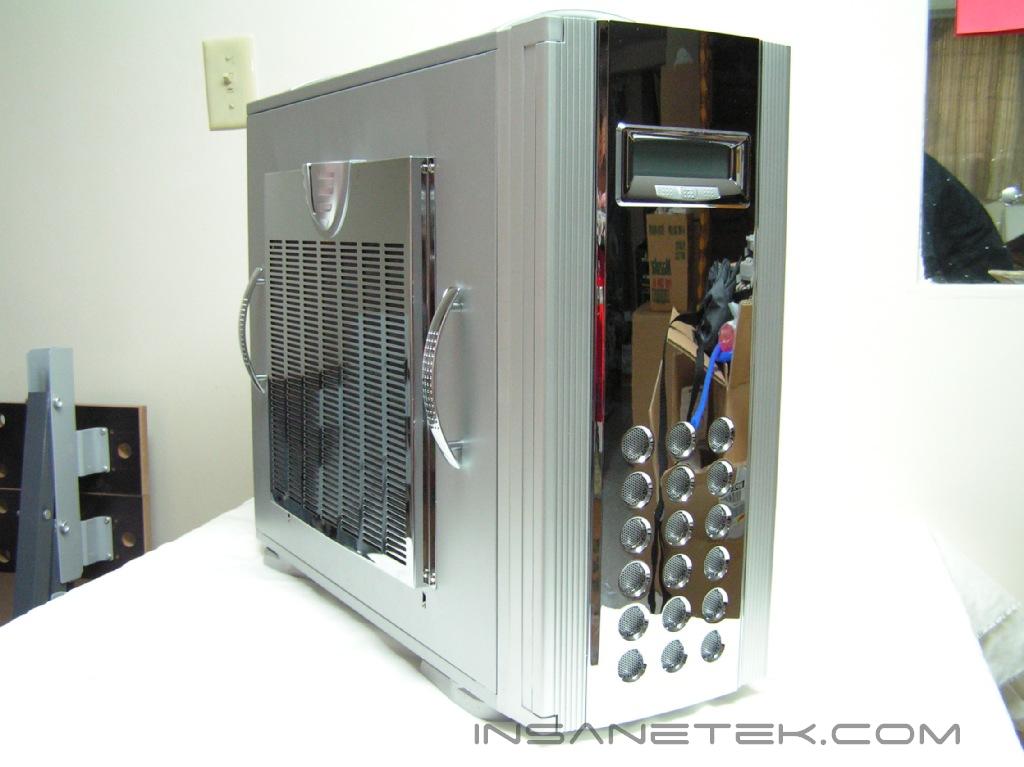
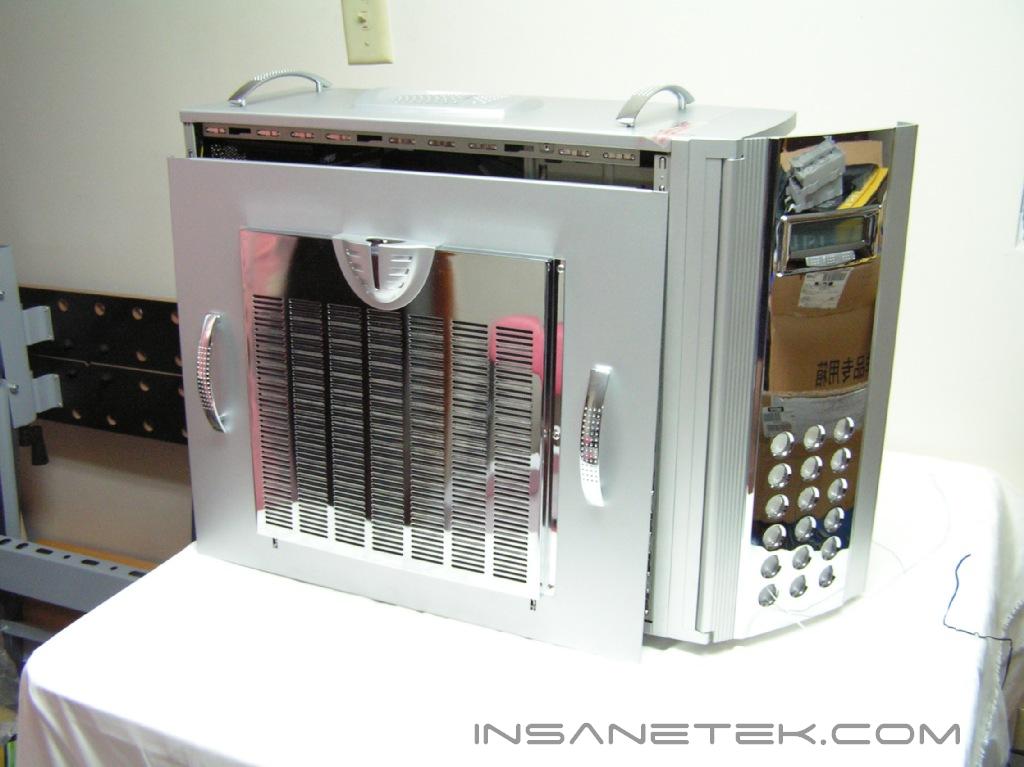
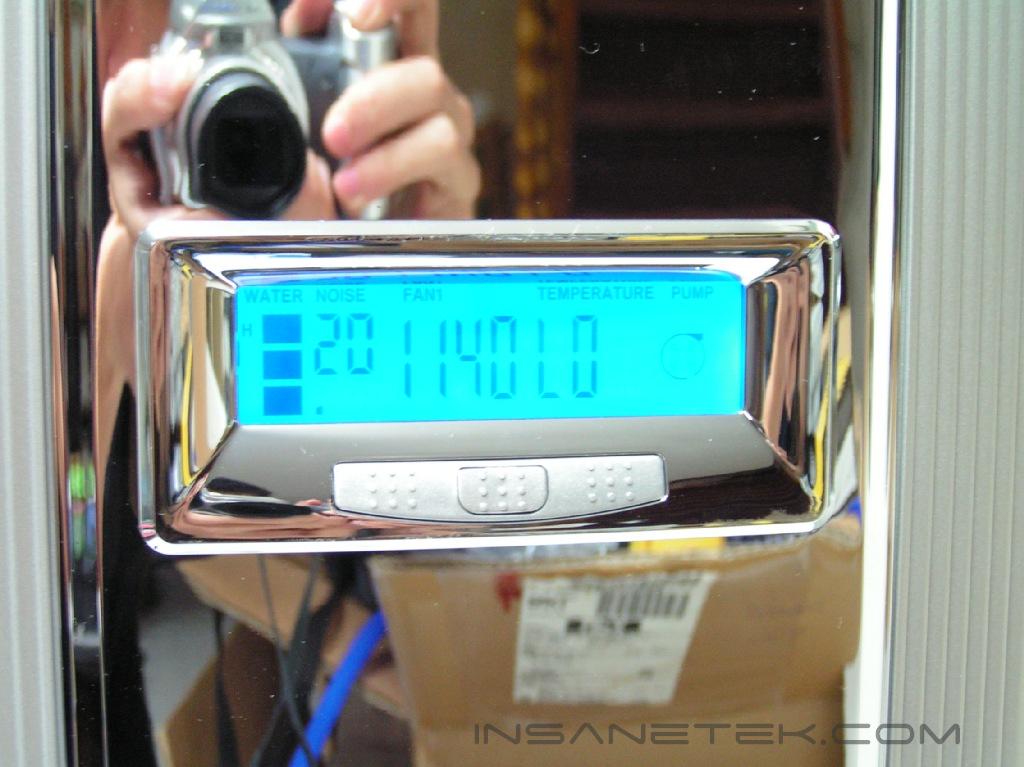
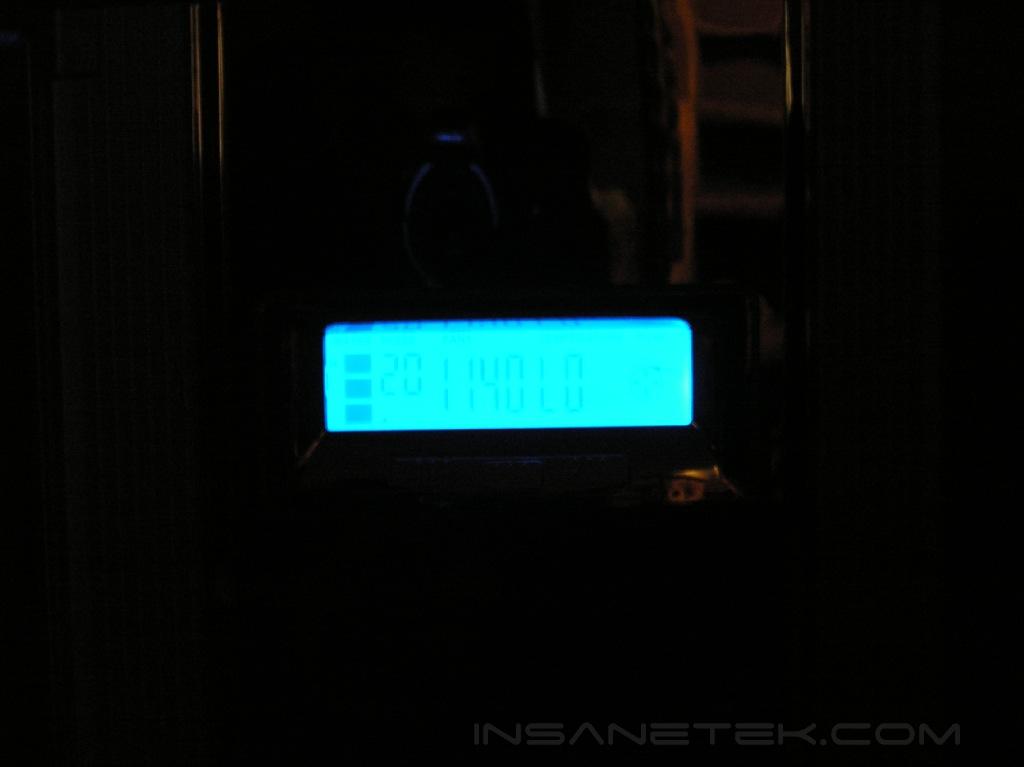
The Robela arrived at my house in a very colorful box loaded with graphics. The case comes safely snuggled between four sheets of Styrofoam and wrapped in plastic. It is worth mentioning that the case is extremely heavy–it weighs about 50 lbs without any parts mounted. There are rock solid handle bars mounted on top of the case to allow for easier carrying that are especially useful. The exterior looks extremely stunning once the plastic comes off. There is a fancy-looking LCD screen on the front panel, which boldly displays the fan rpm speed, temperature, and pump activity. After opening the front panel door, the case brought back memories of the MGE Quantum case. The fan grill at the bottom, the location of the buttons, and the drive bays were all reminiscent of Quantum. There are five 5.25” bays and two 3.5” bays. There is a key lock on the side of the case (with a pair of keys zip-tied to the back of the case). After opening the front cover further, a fan filter and the side panel lock are visible.
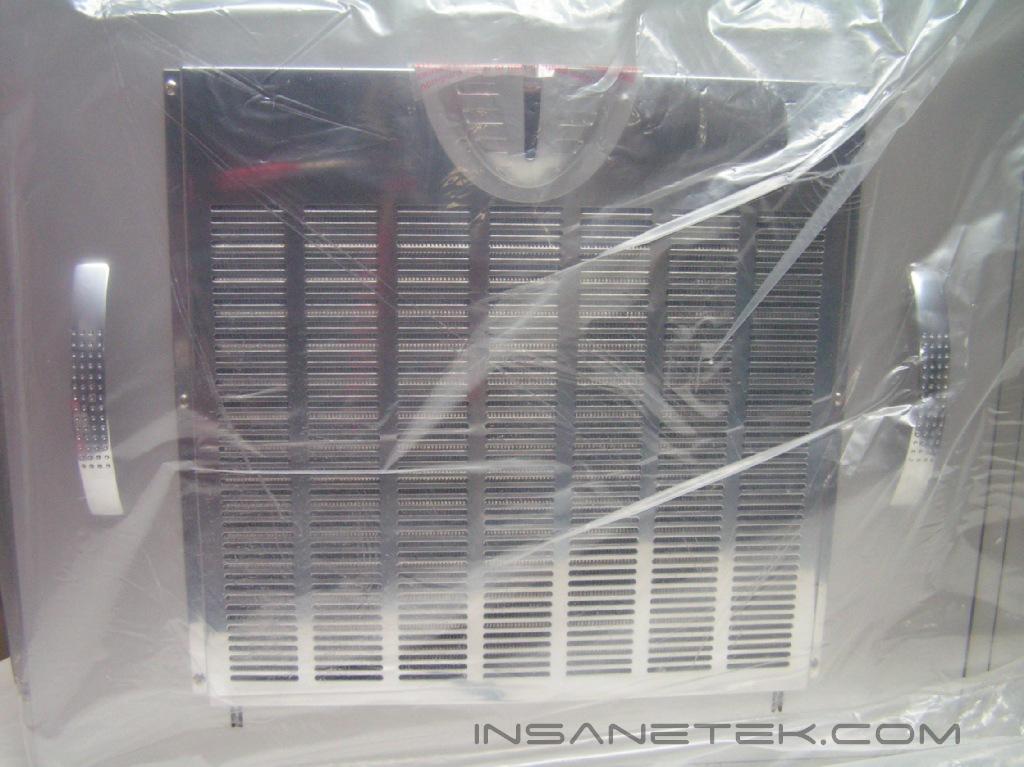
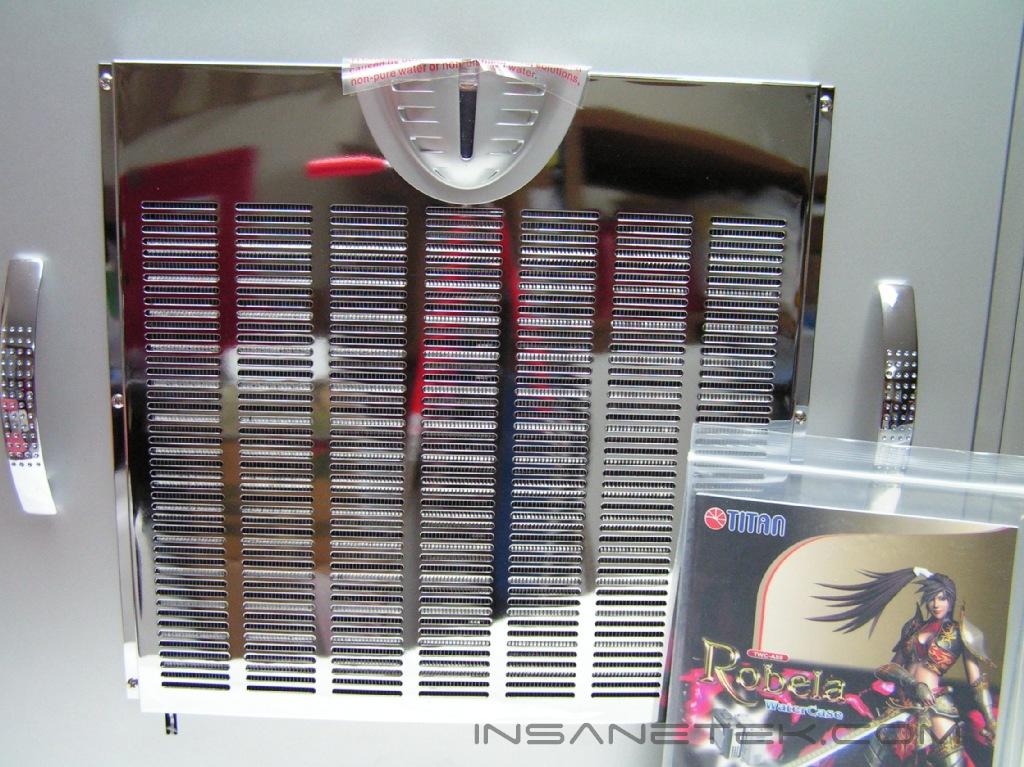
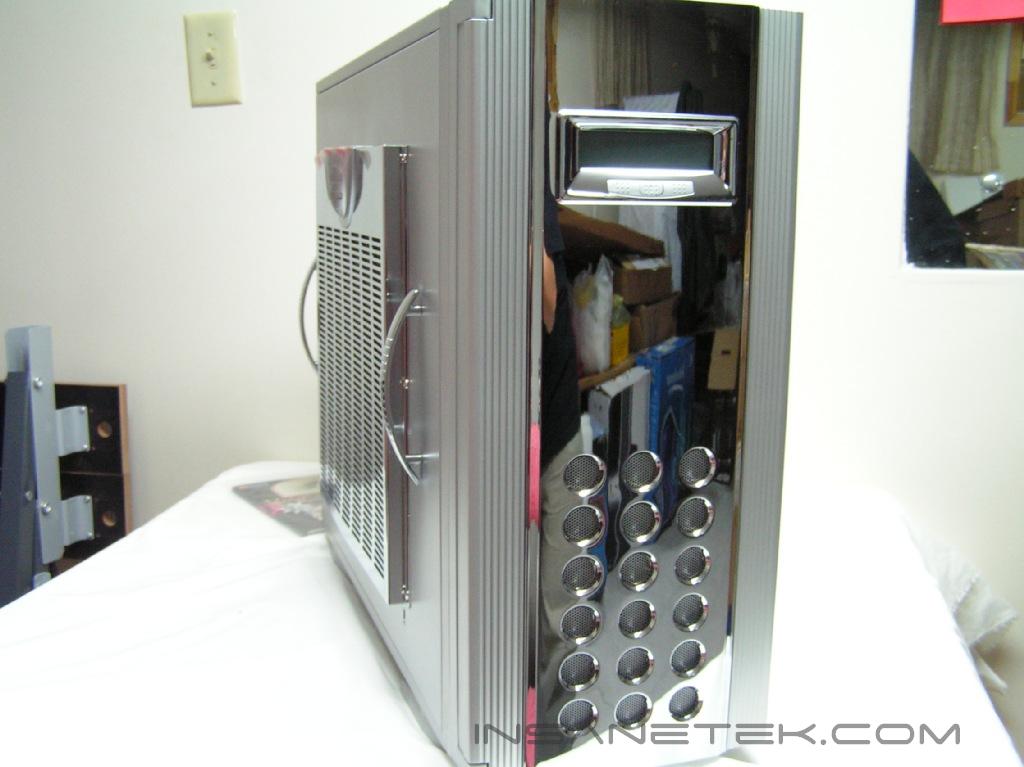
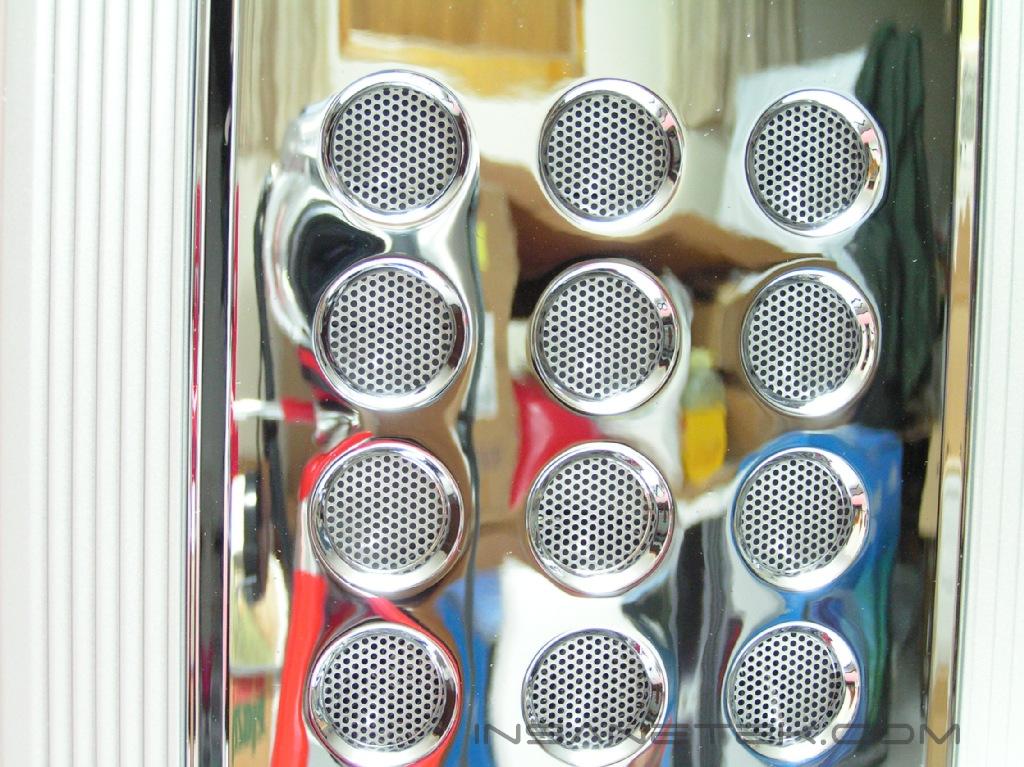
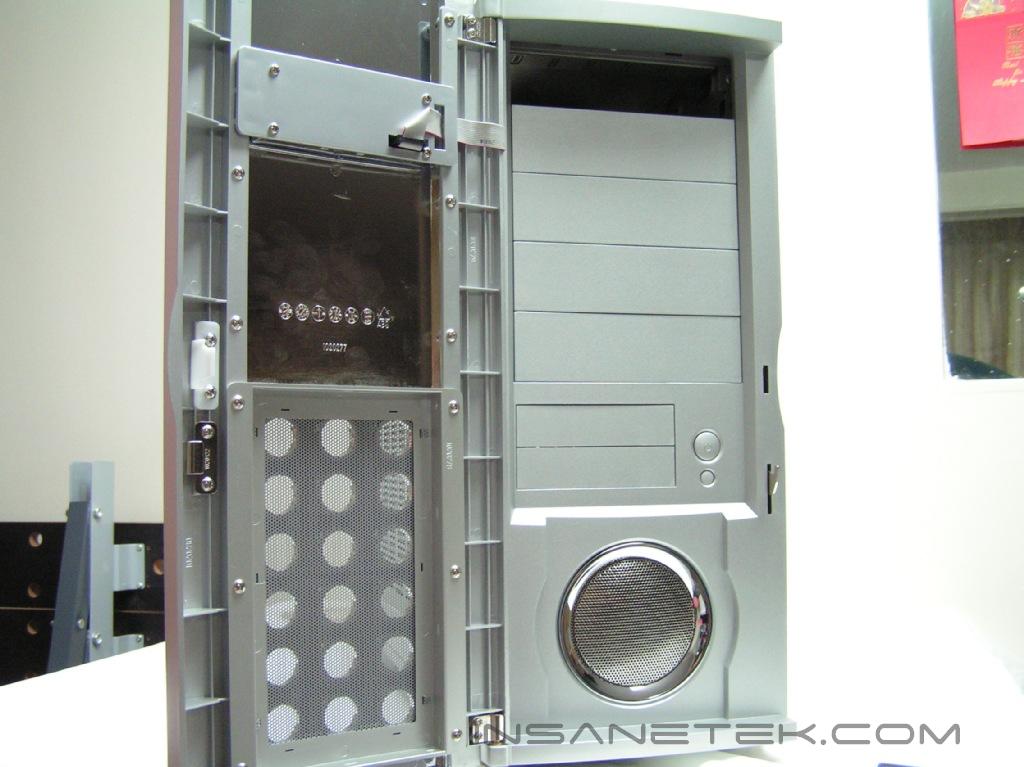
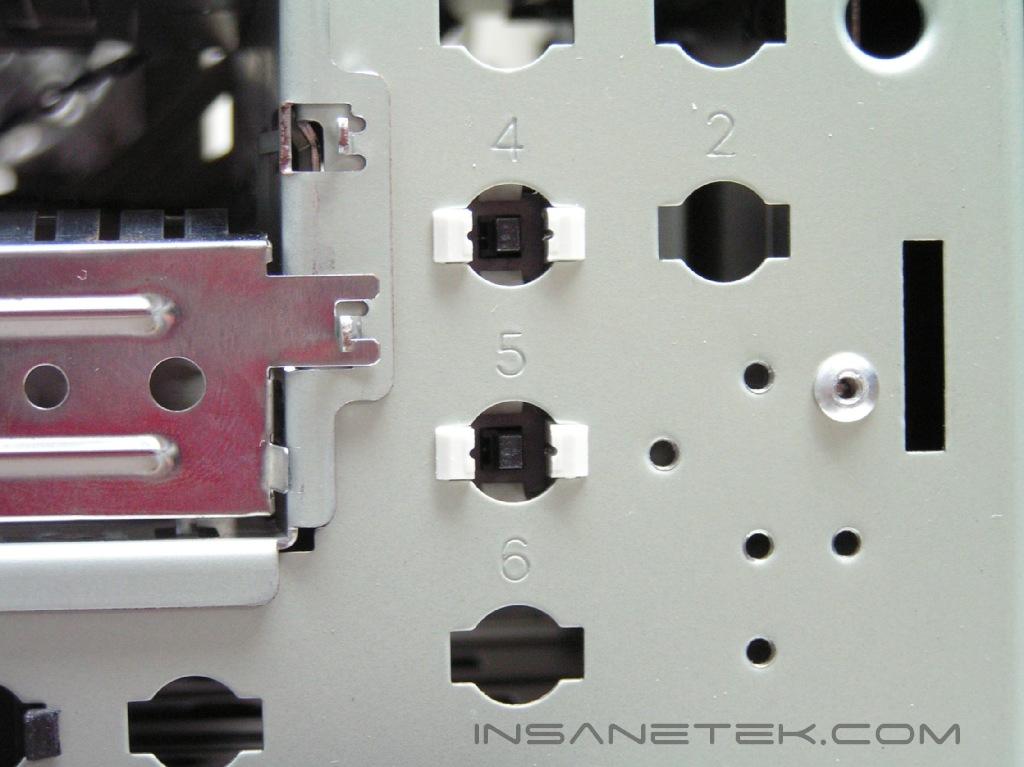
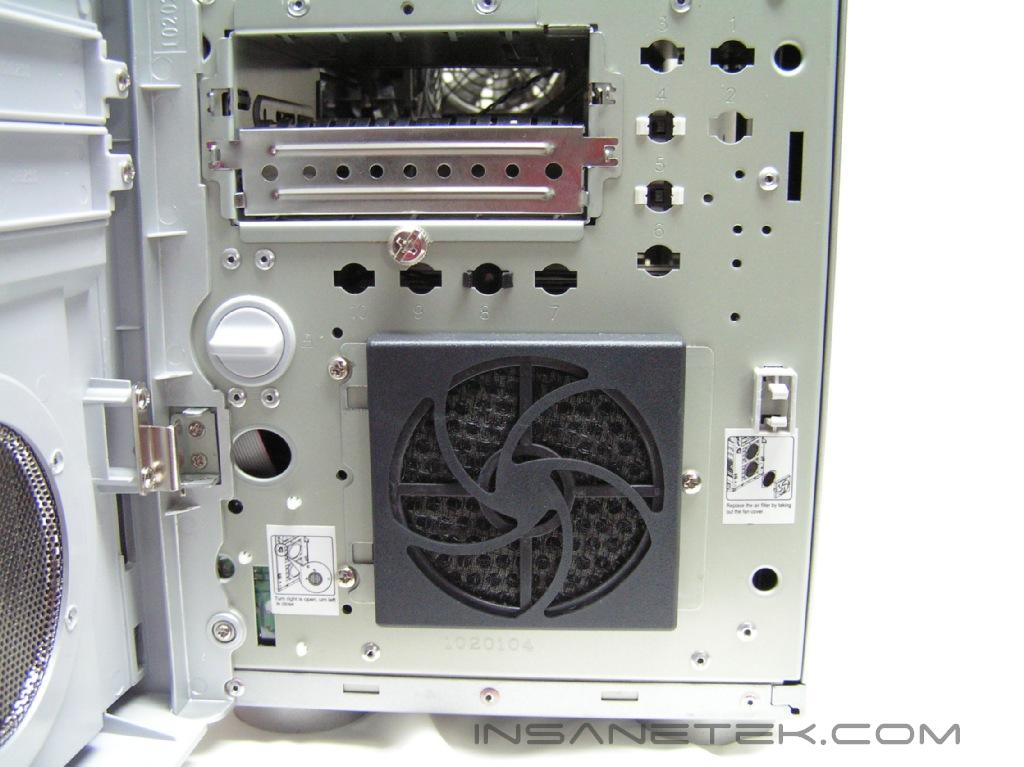
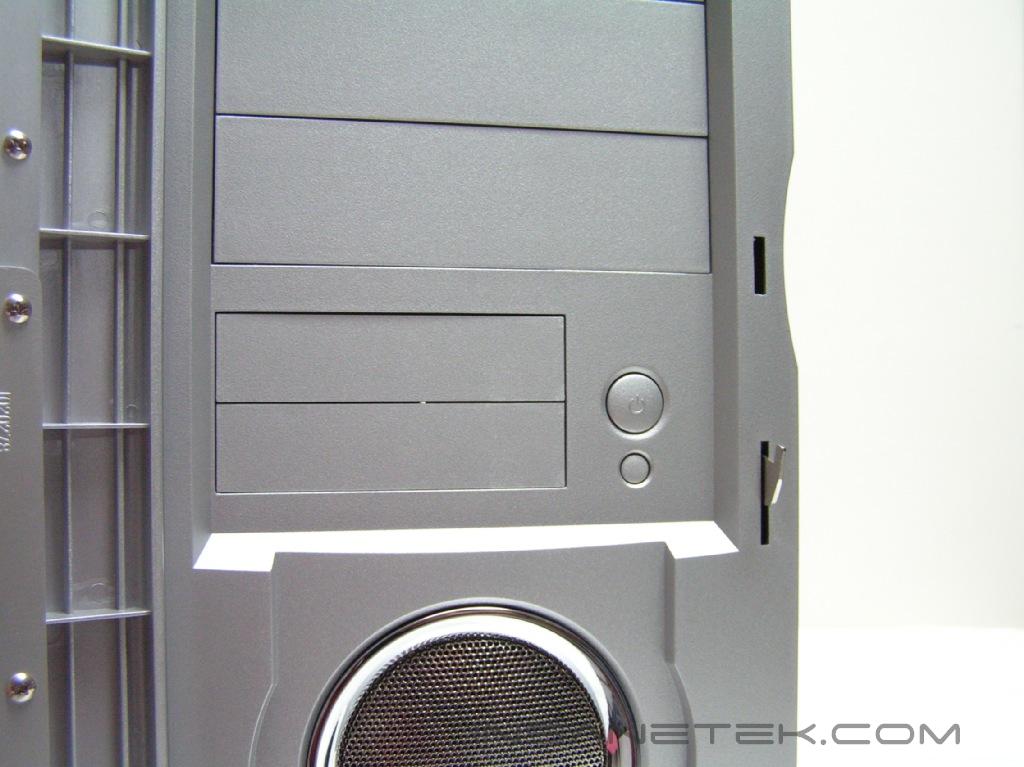
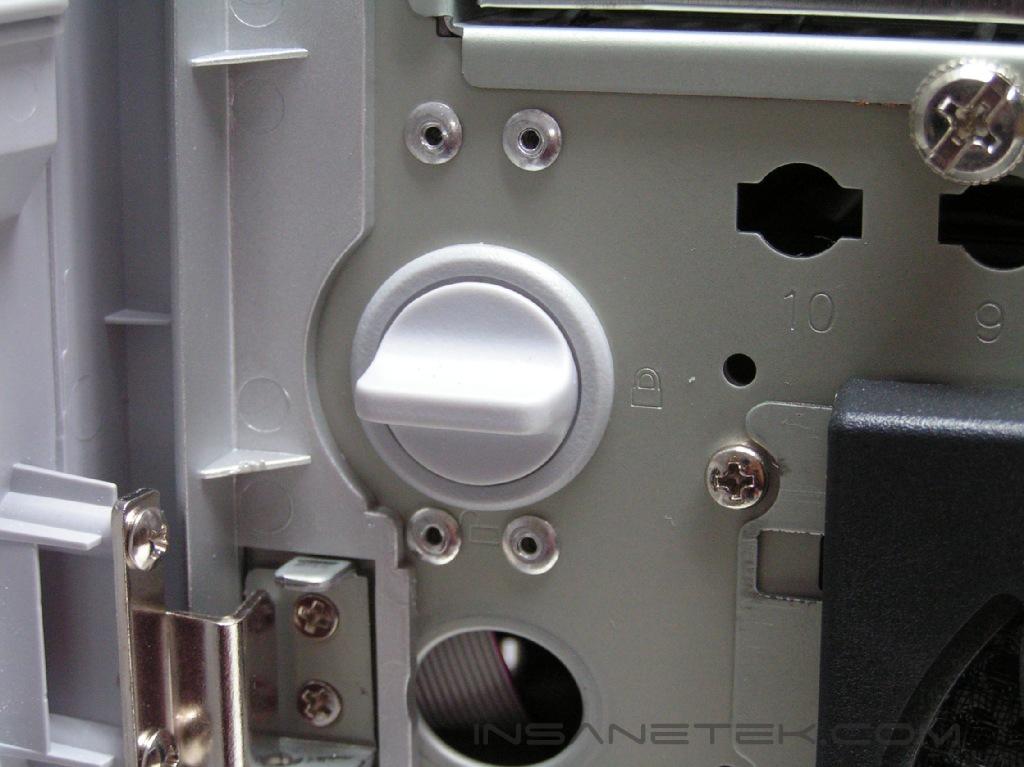
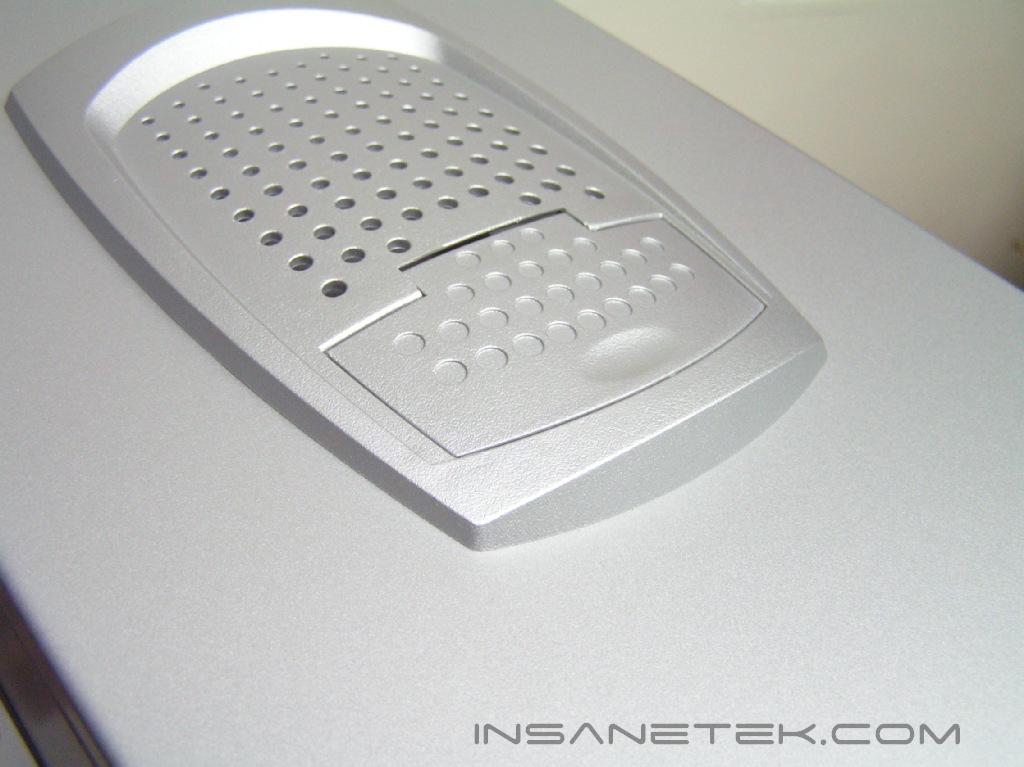
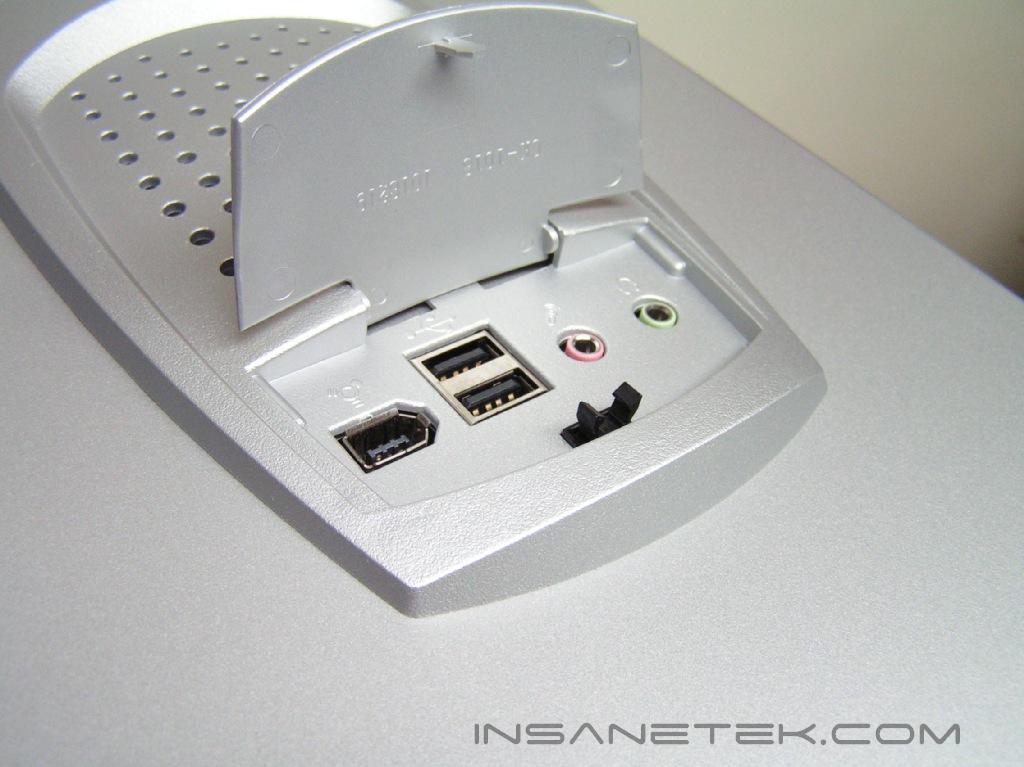
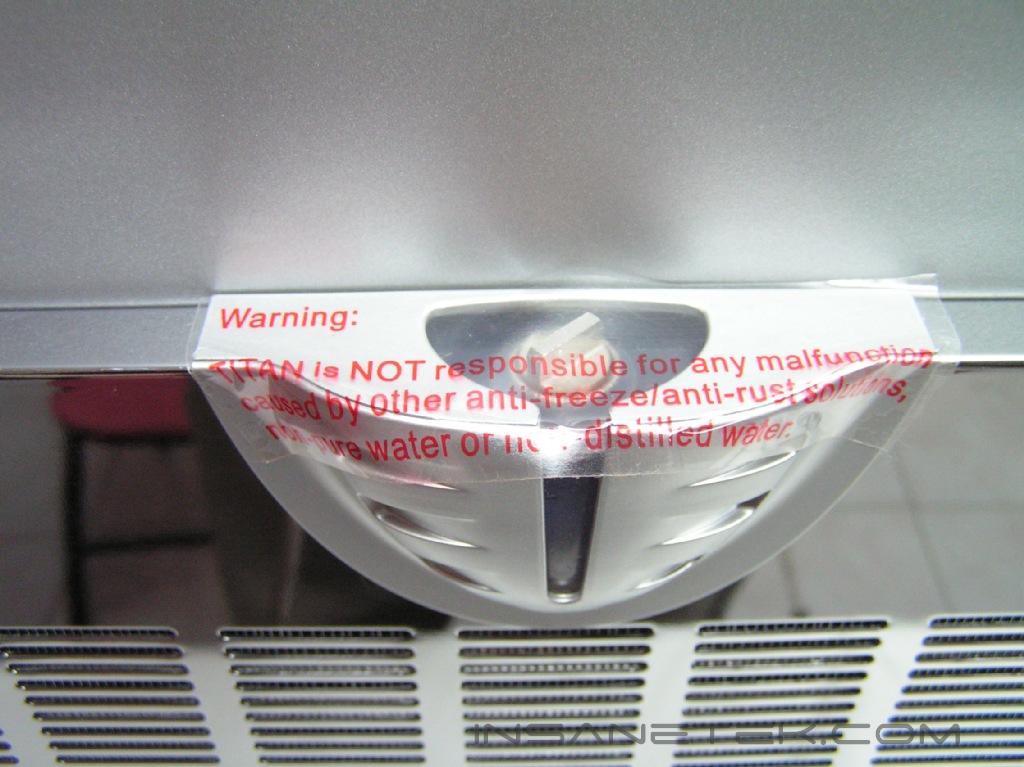
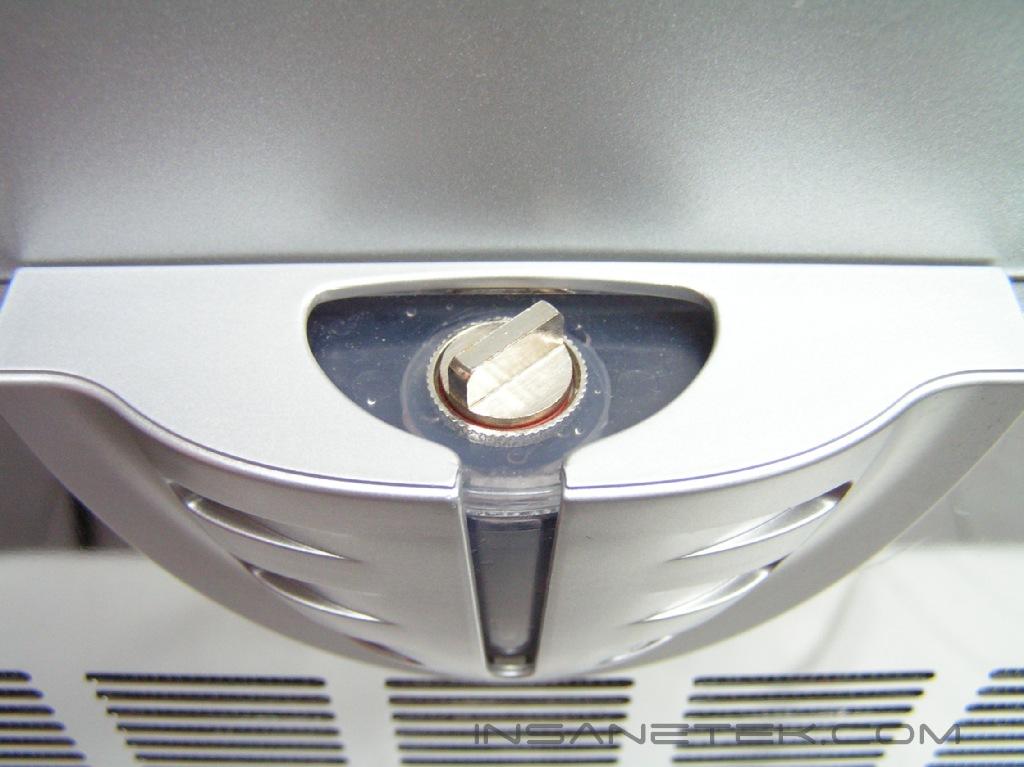
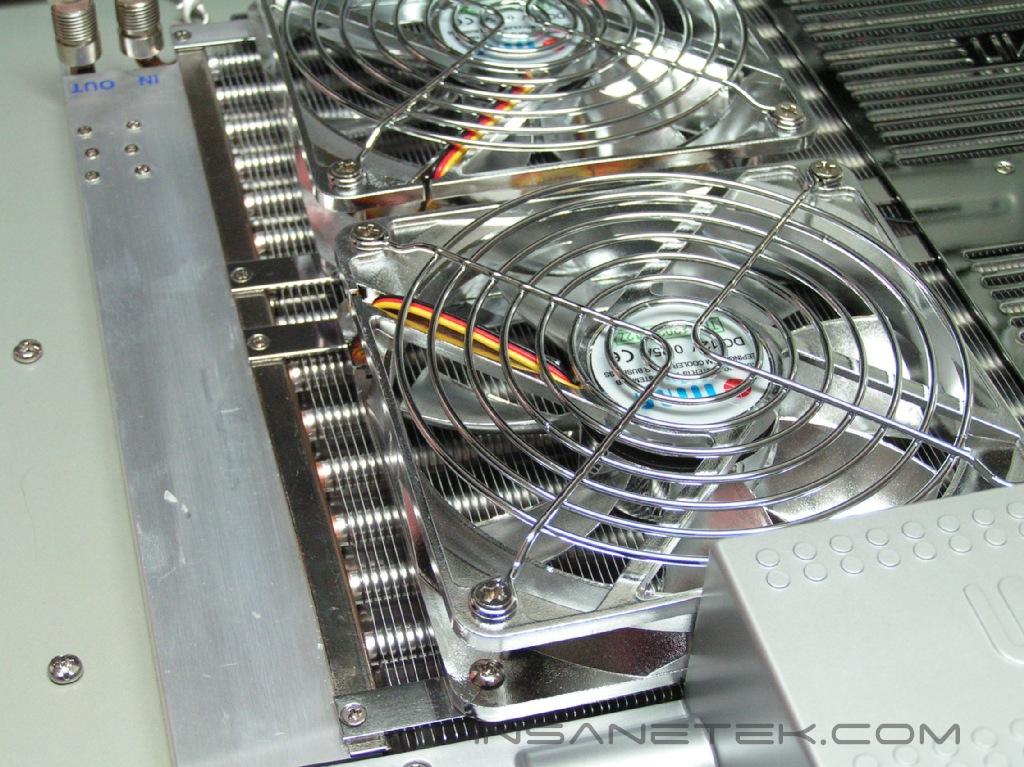
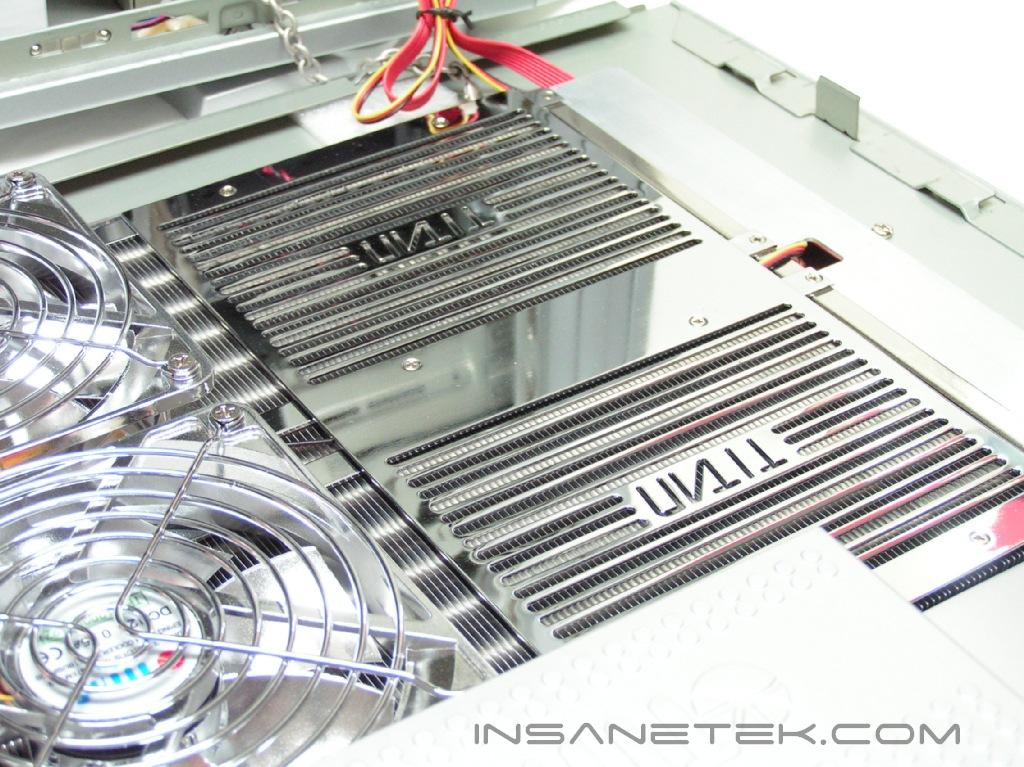
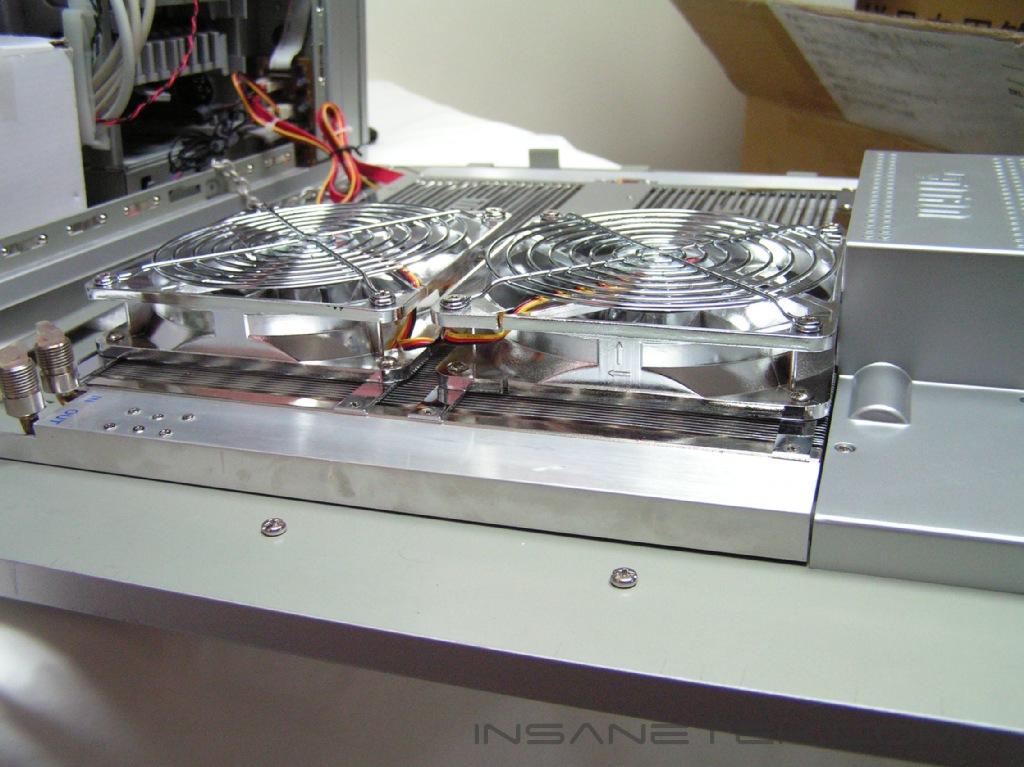
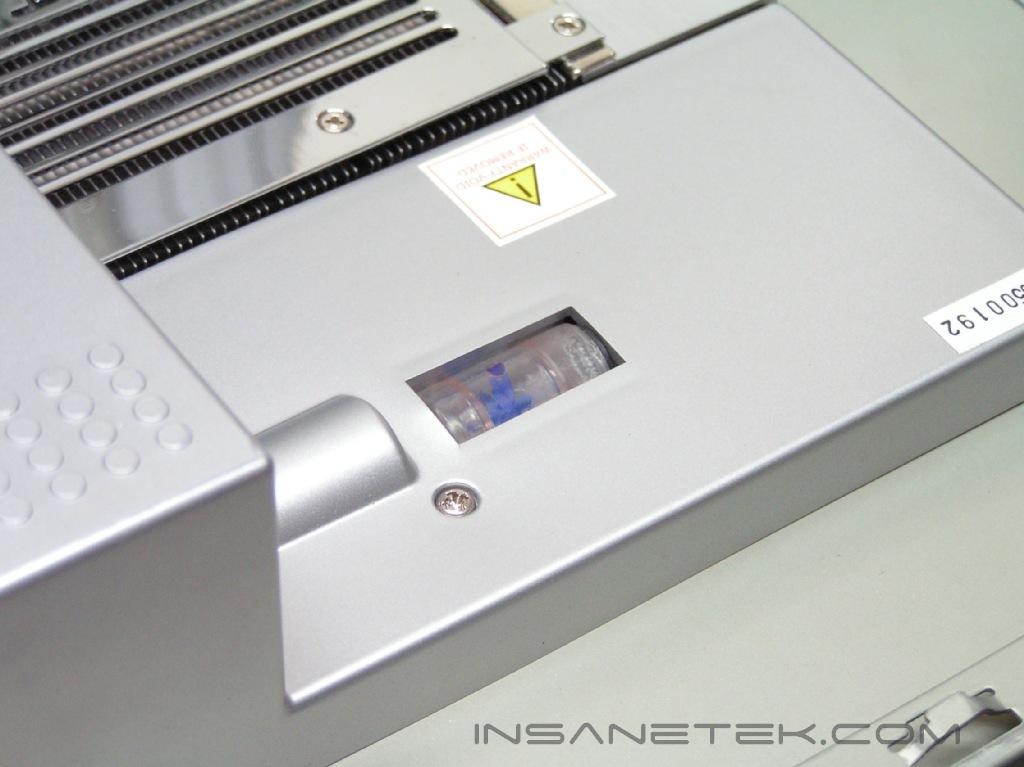
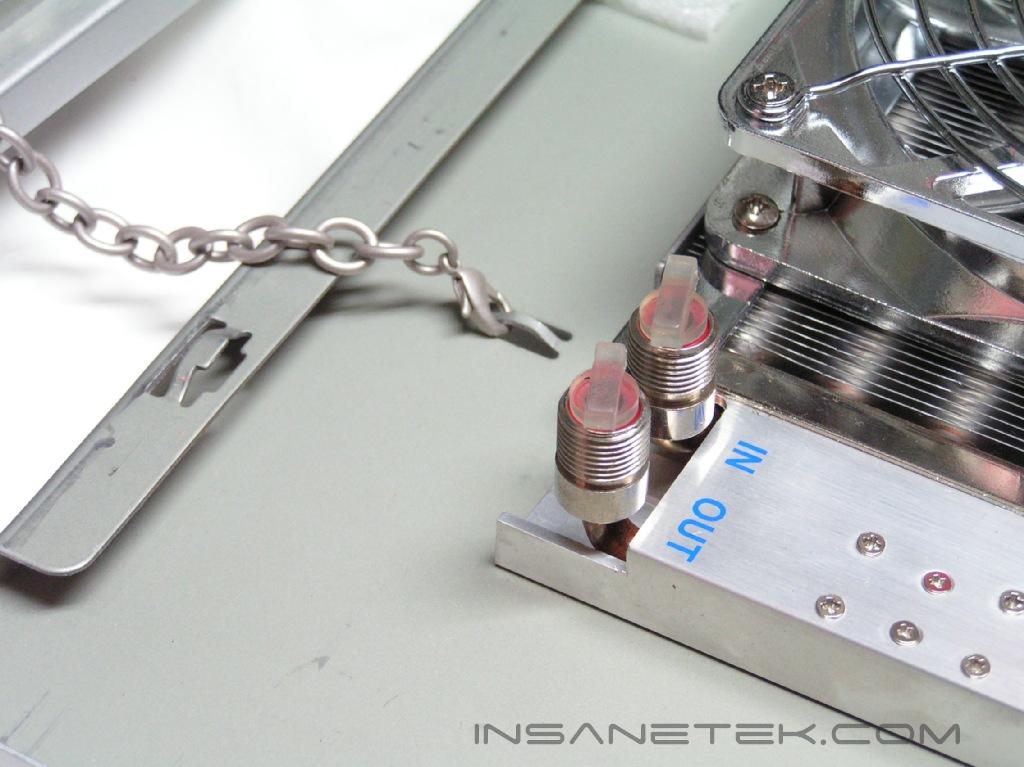
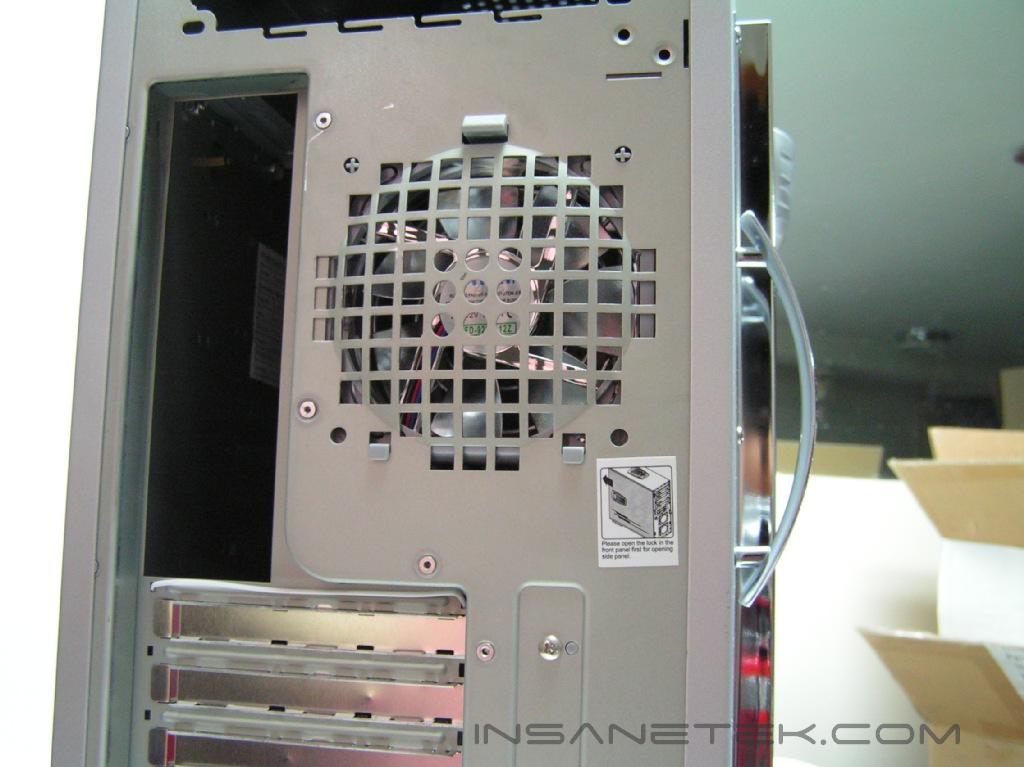
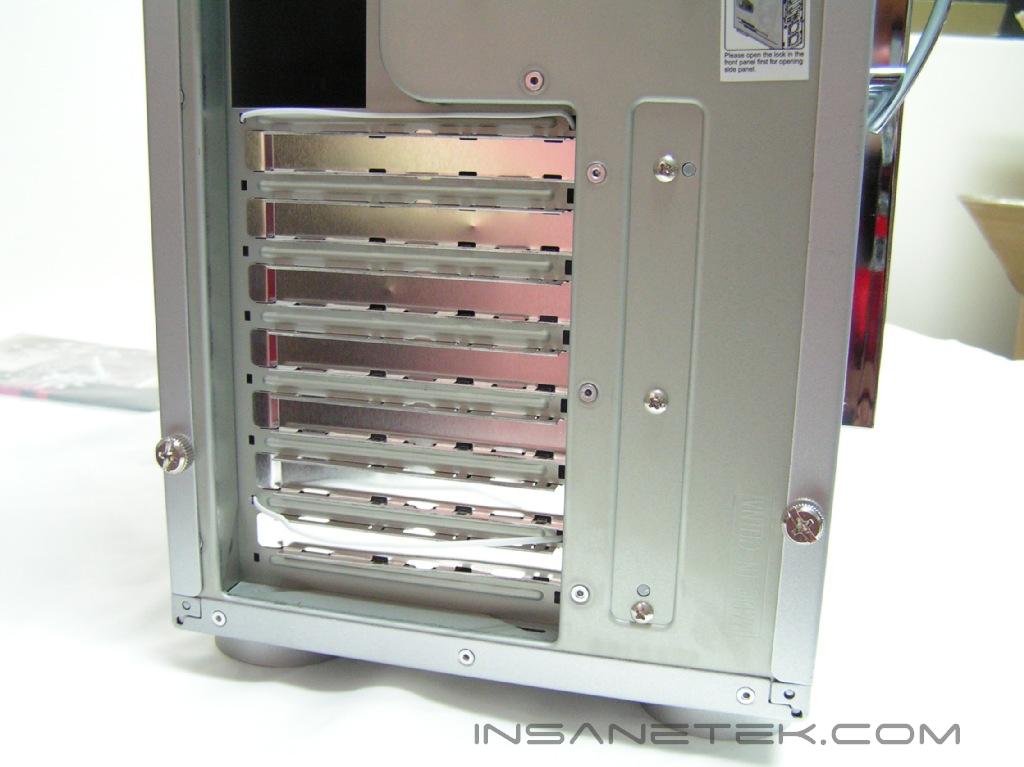
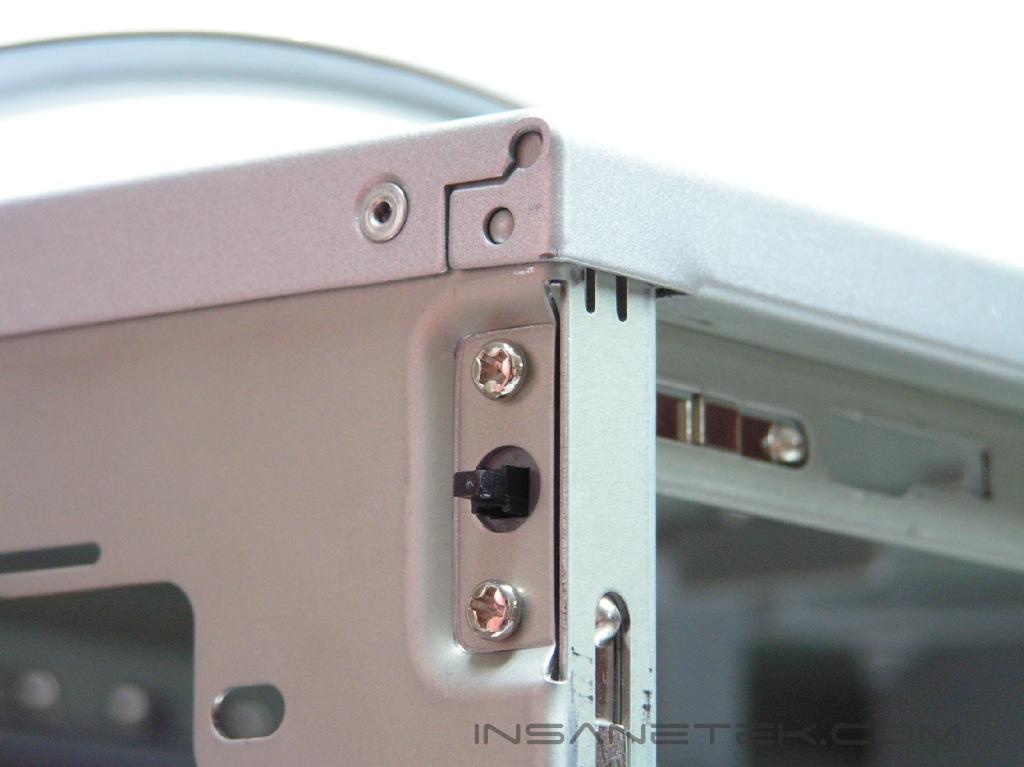
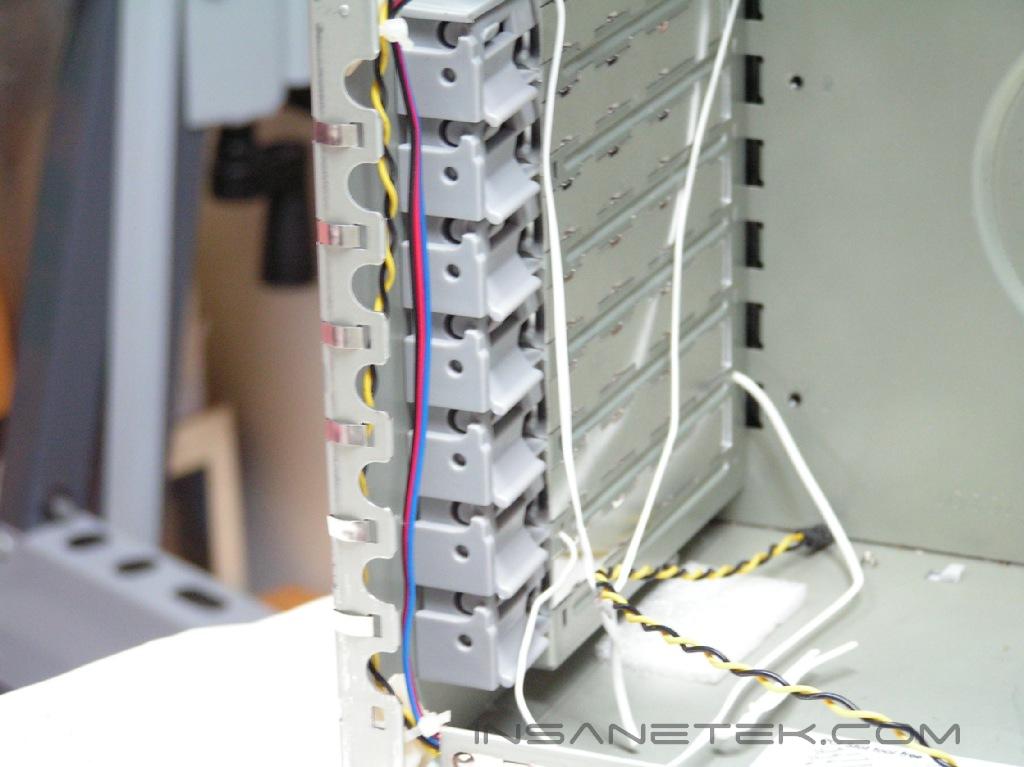
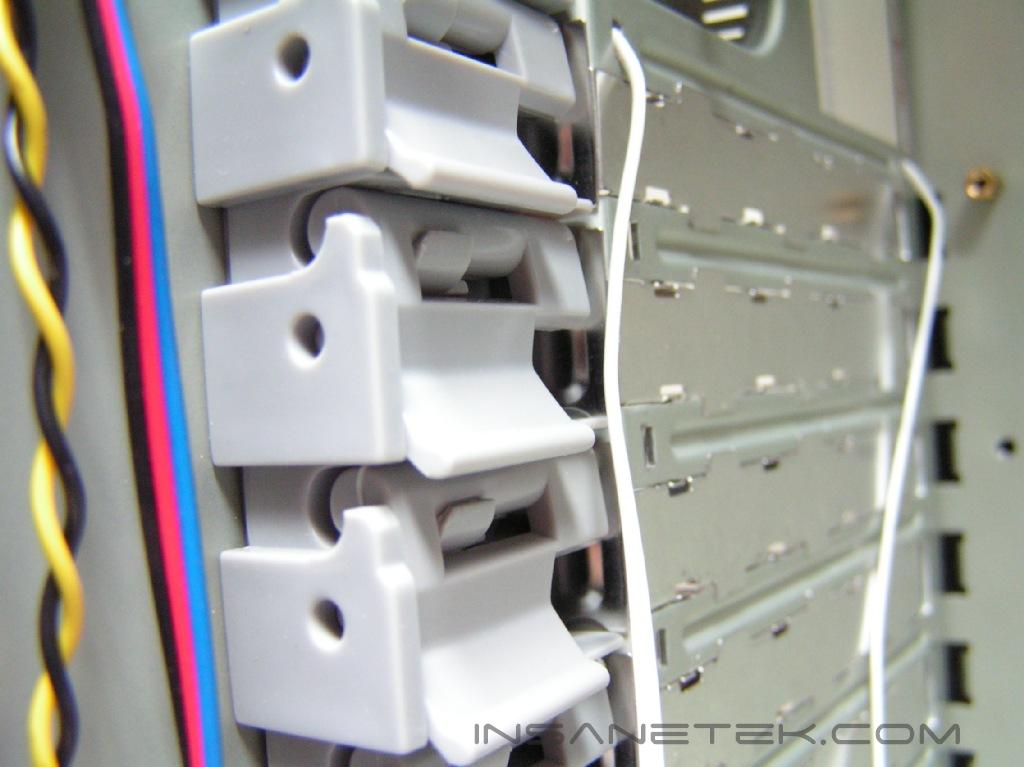
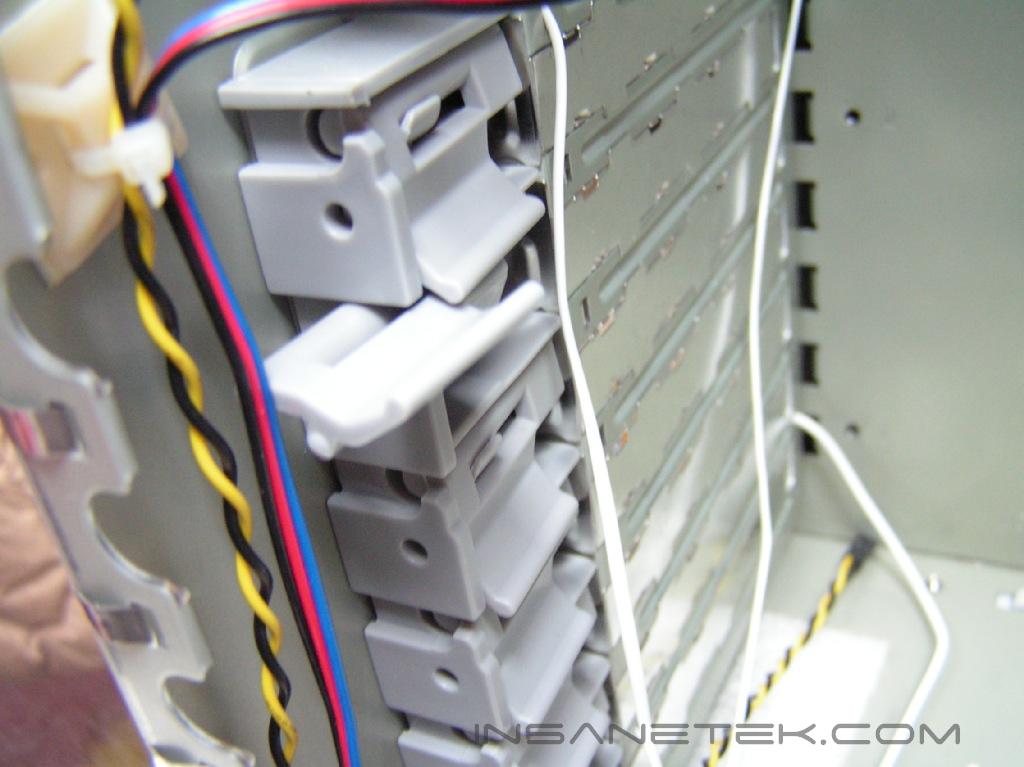
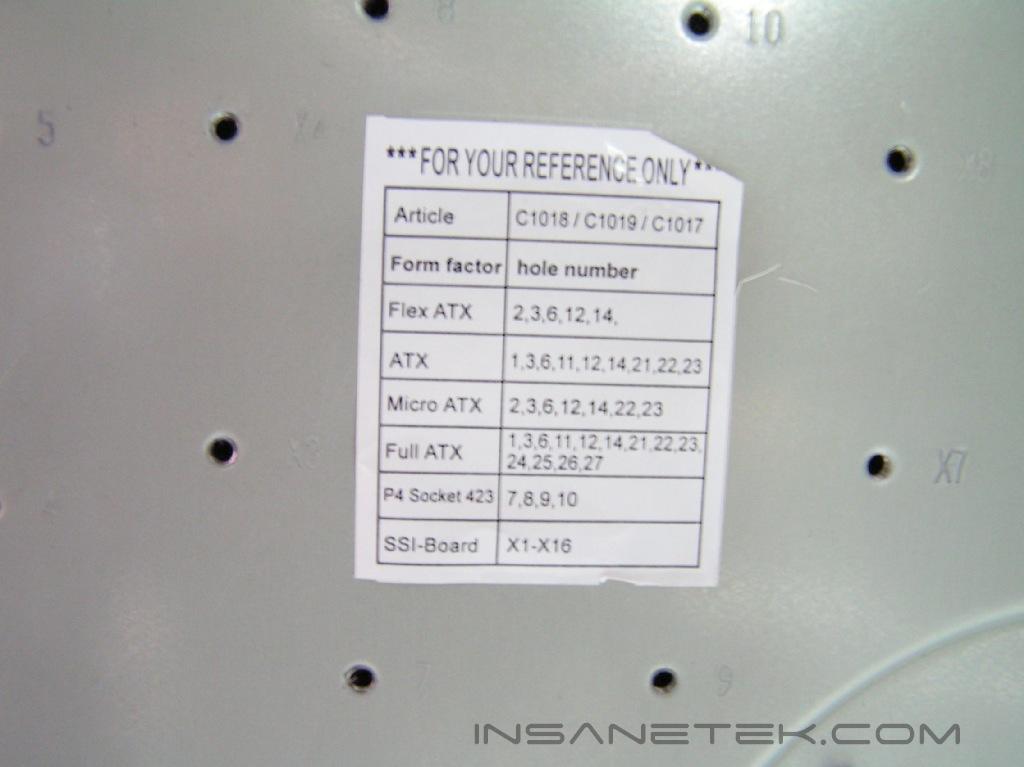
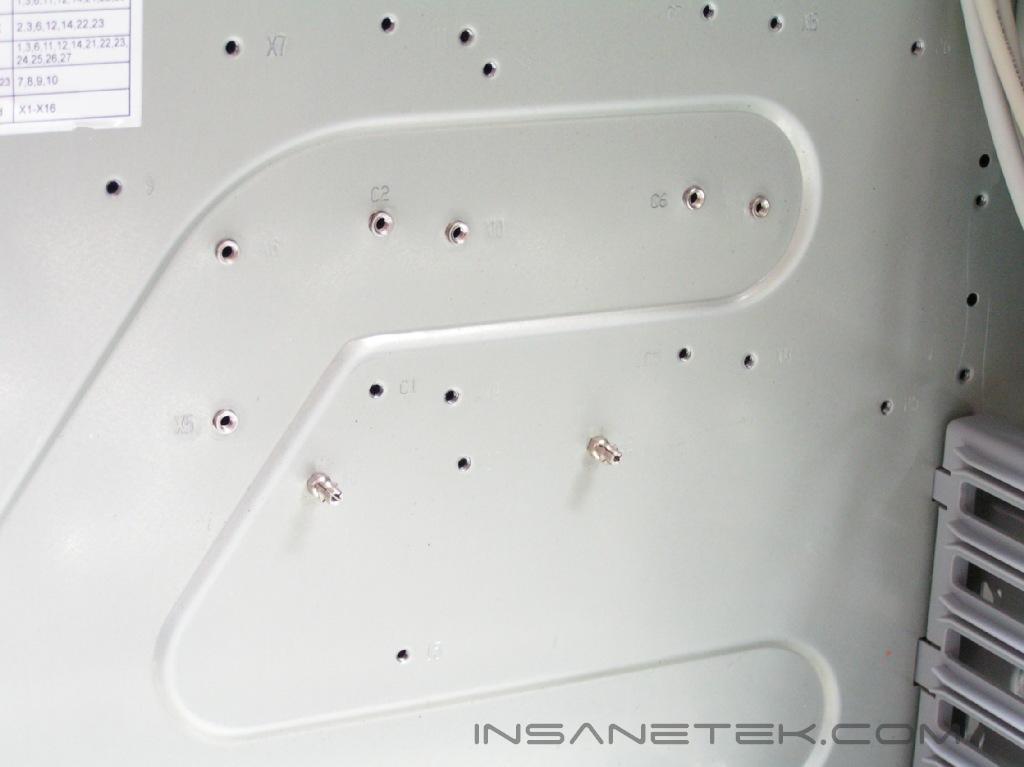
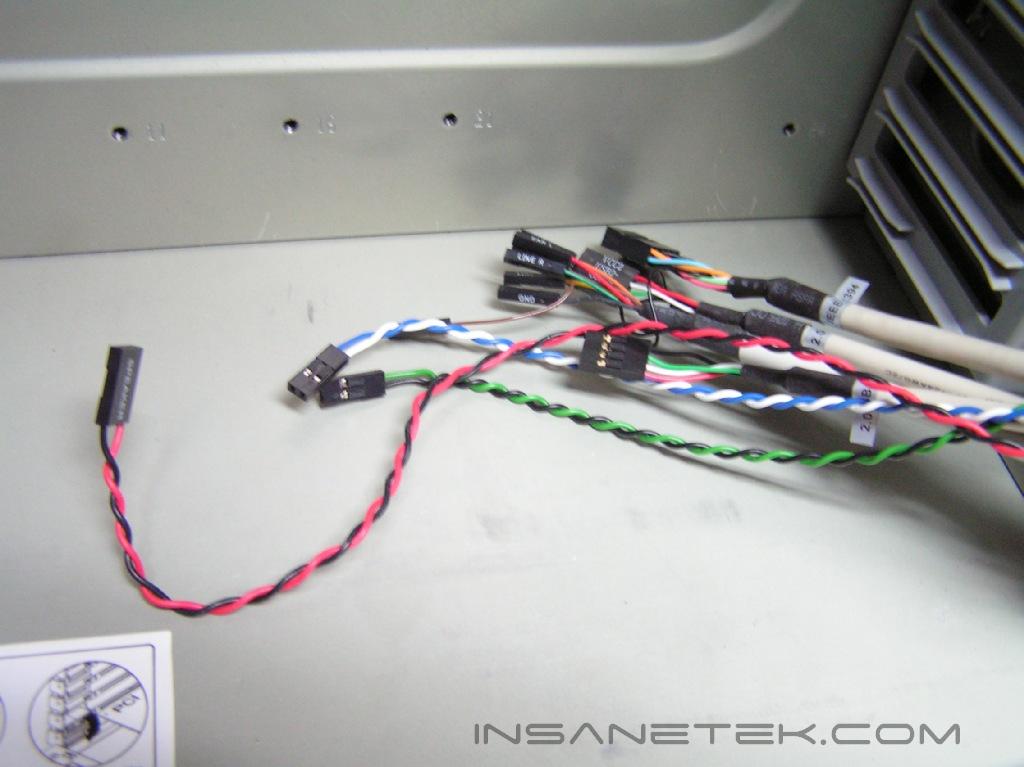
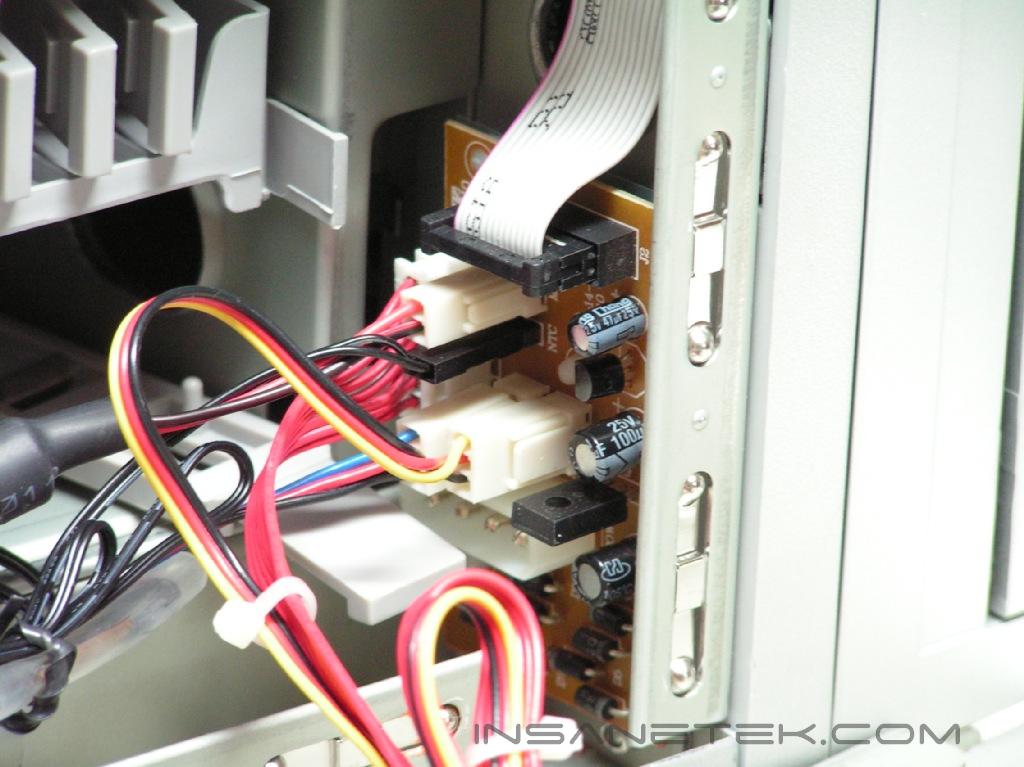
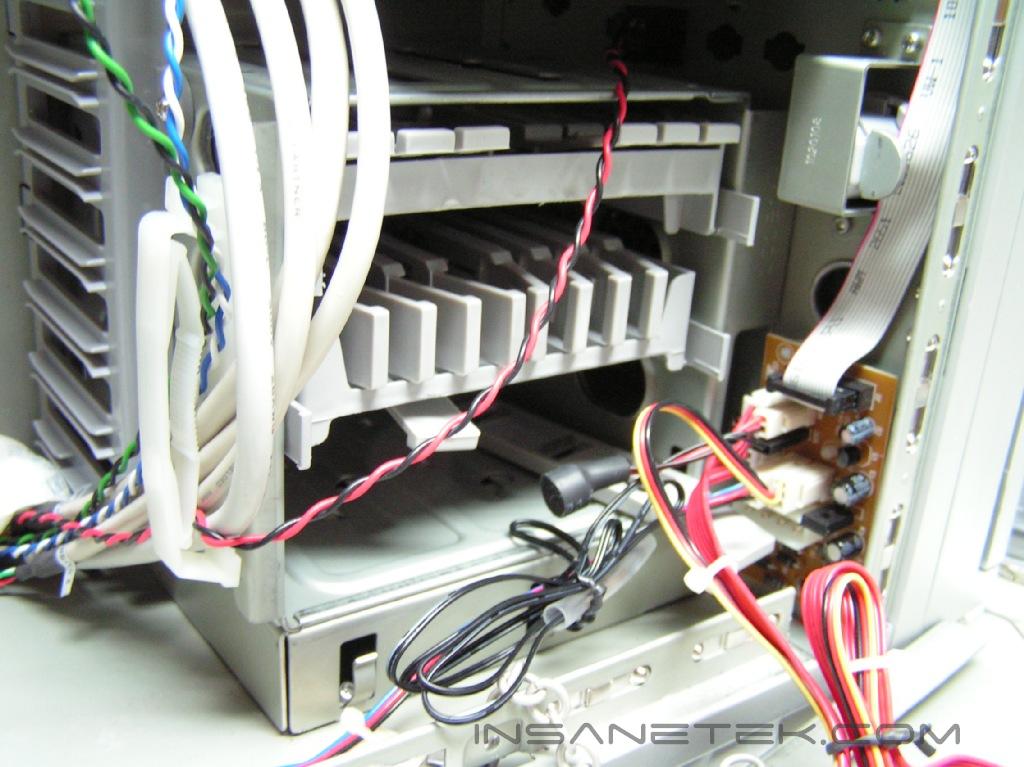
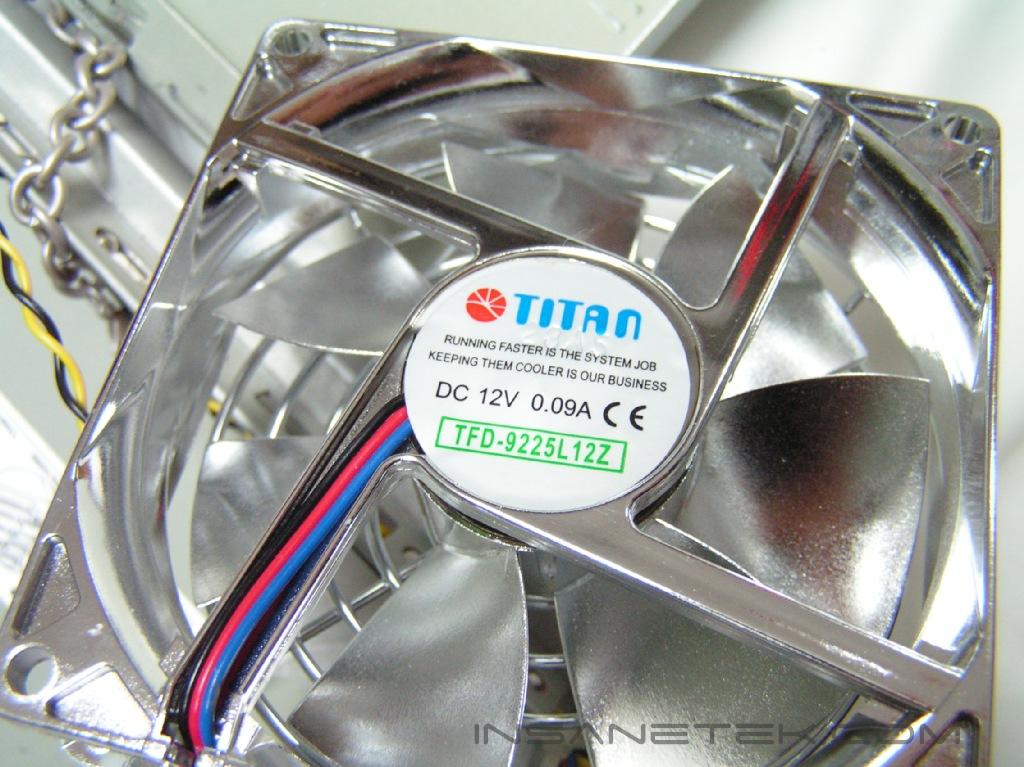
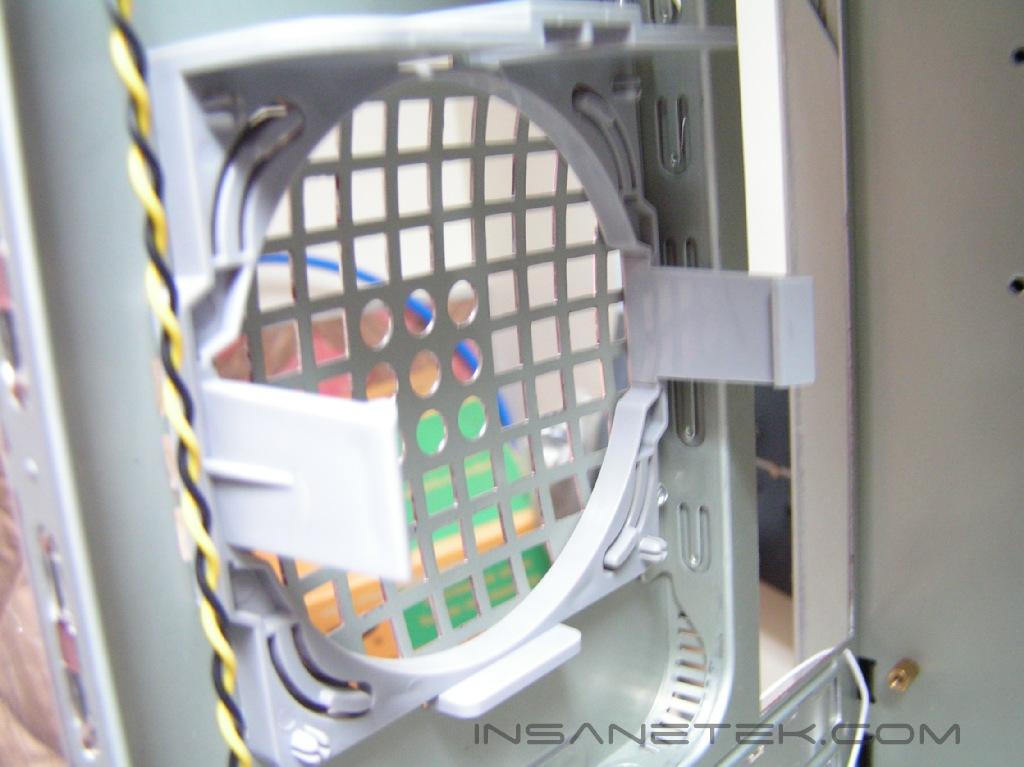
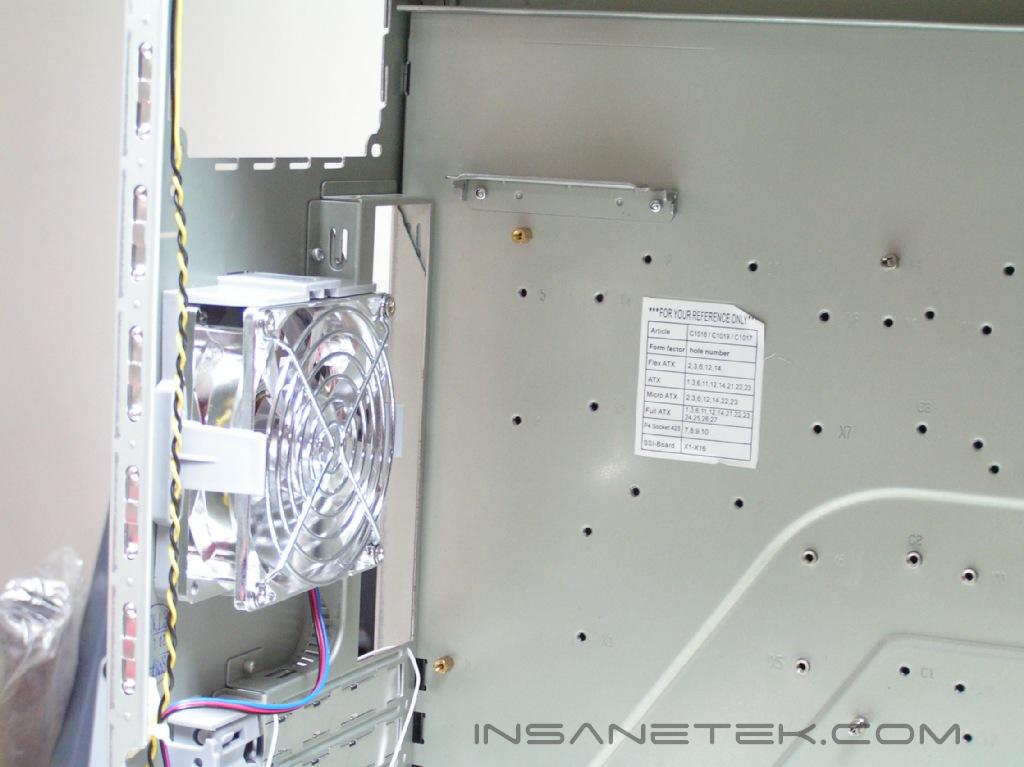
On the top of case, there are headphone and microphone connectors as well as two USB and one fire wire port. The case has a support for an 80mm fan (not included) underneath. The opening for fill the reservoir with water is found on the side panel. Several visible holes serve as air vents for fans behind the case that cool the heatpipes. The usual PCI expansion slots and holes for a case fan can be found towards the back of the case. The case structure looks exactly like the MGE Quantum upon removal of the side panel. The quick release on the PCI expansion and the drive bays all utilize the same method. The Robela supports a total of five 5.25” bays as well as two visible and three hidden 3.5” bays. There is a label on the motherboard mounting tray that points out which mounting holes are used for your motherboard’s form factor. Opposite the side panel are the heatpipes and two 120mm fans. The side panel is secured by two metal chains that are connected on the bottom. This mechanism ensures that the side panel does not venture too far from the case since the watercooling tubes are attached to it.
Included Accessories
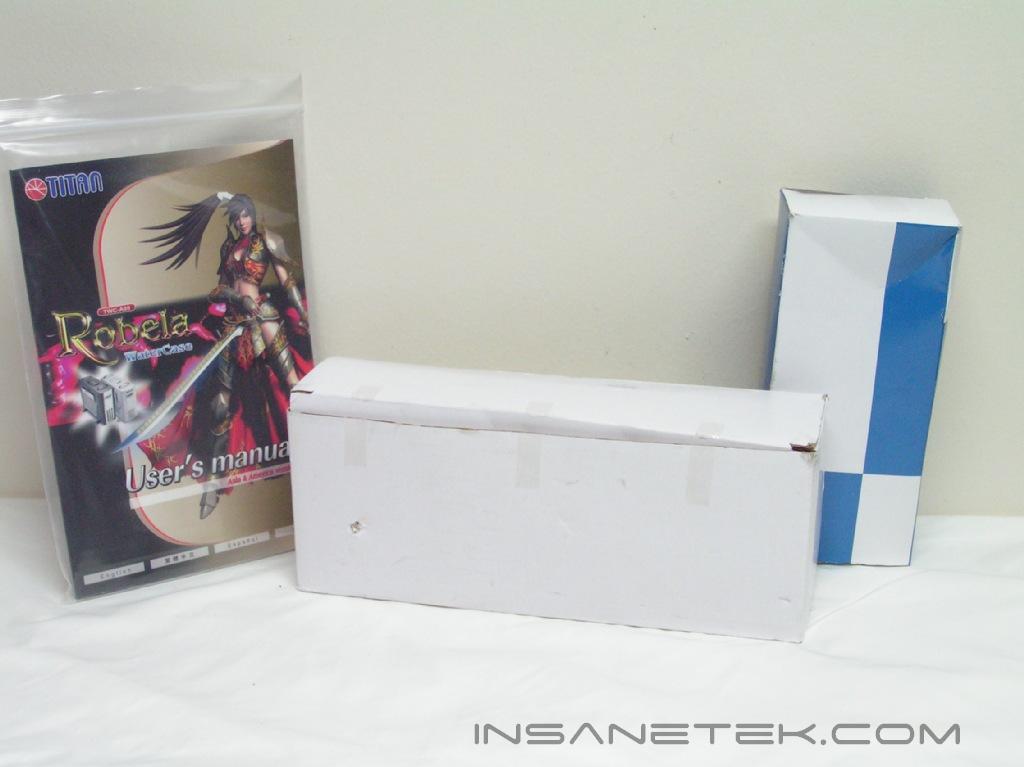
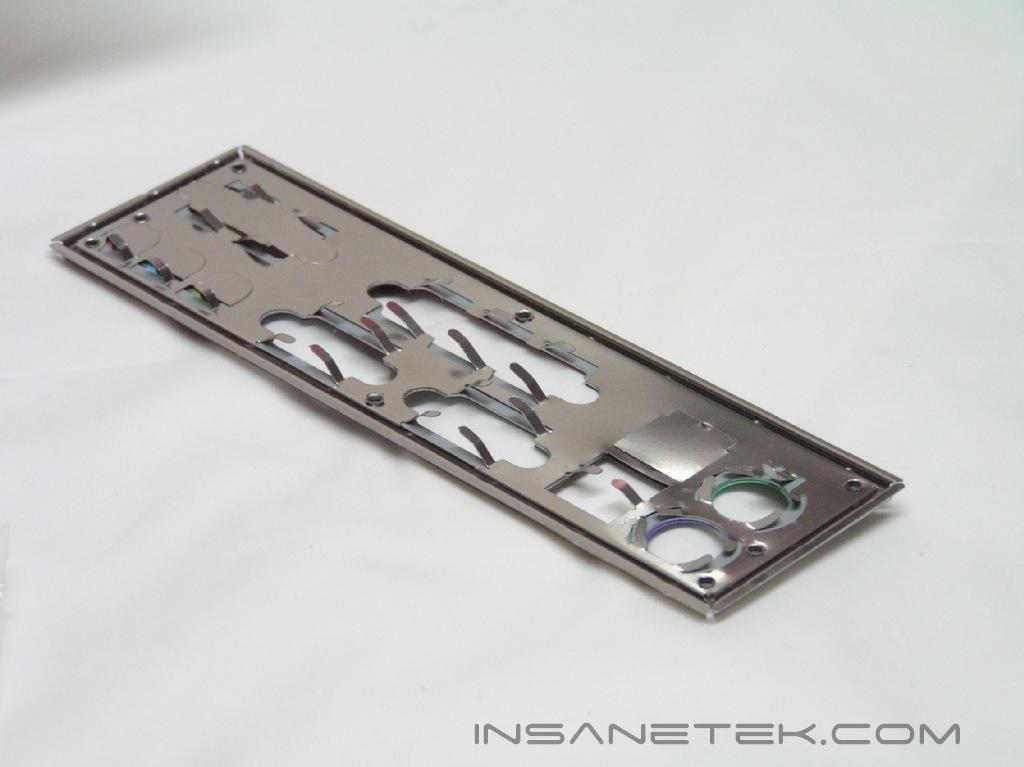
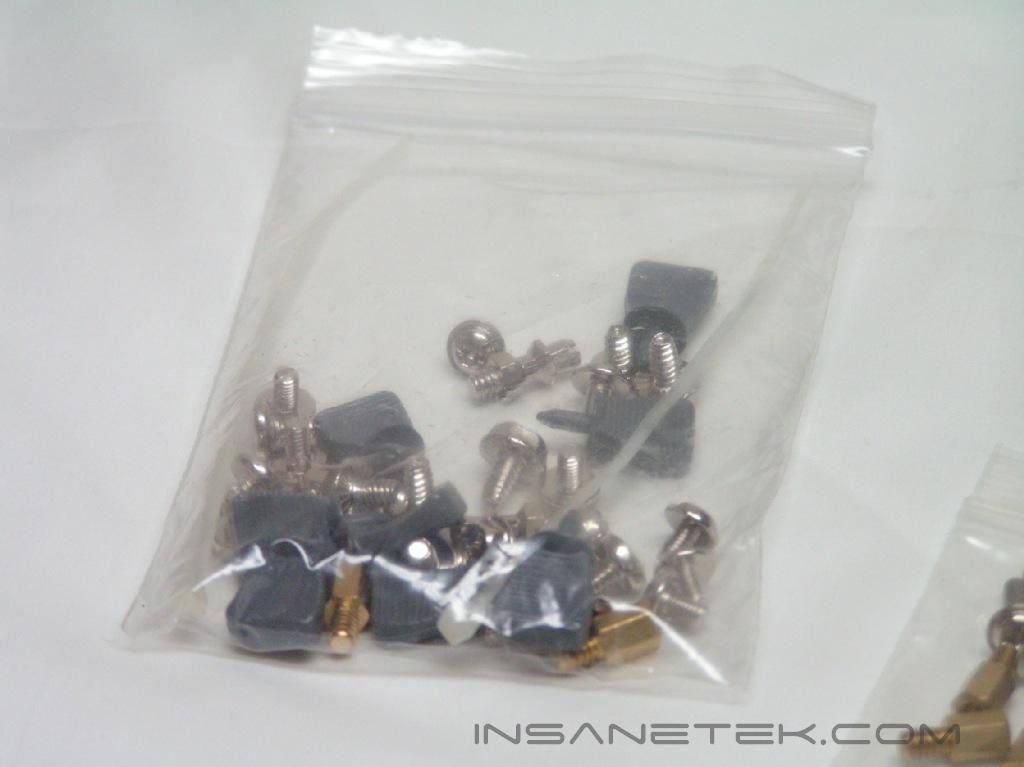
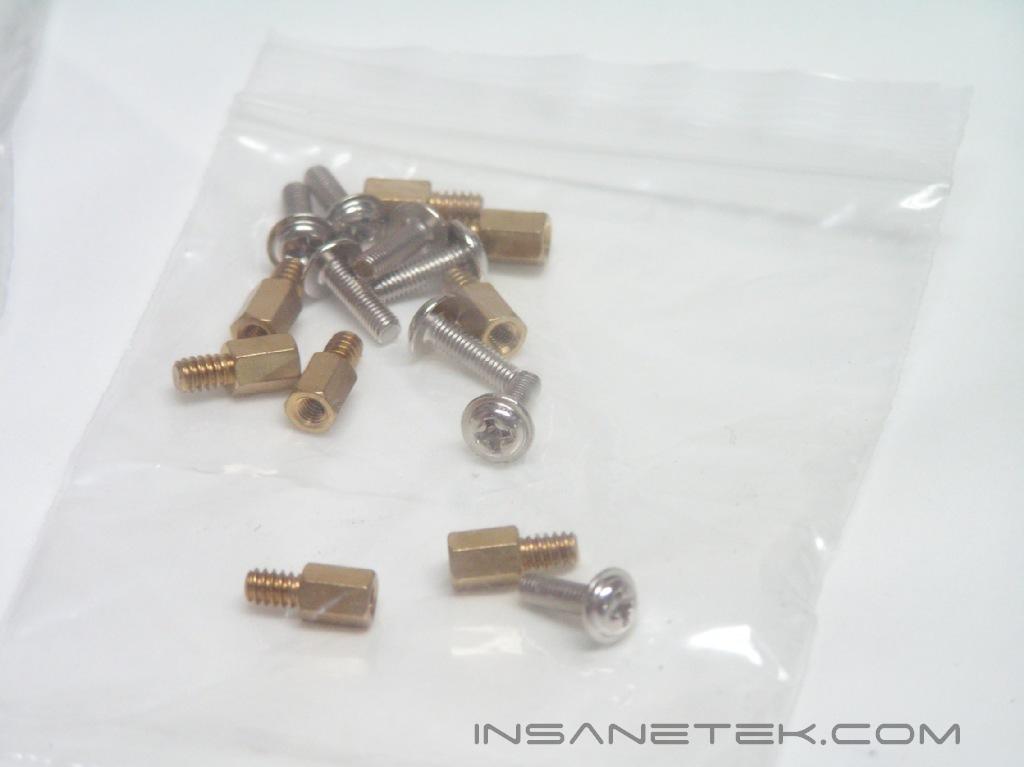
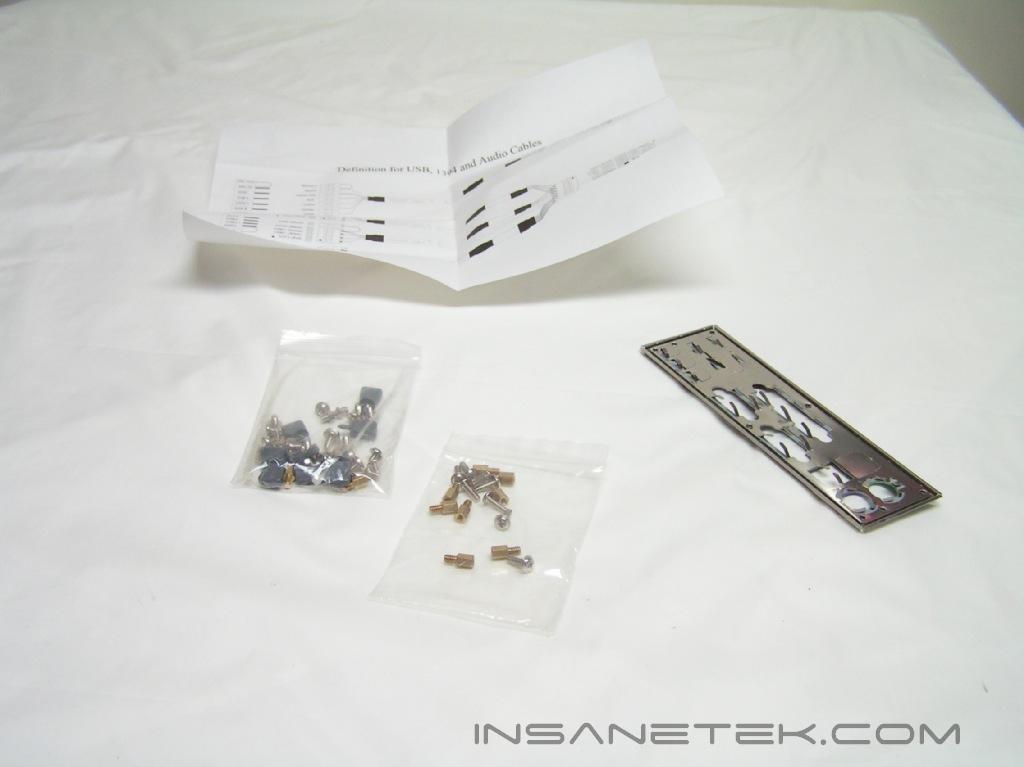
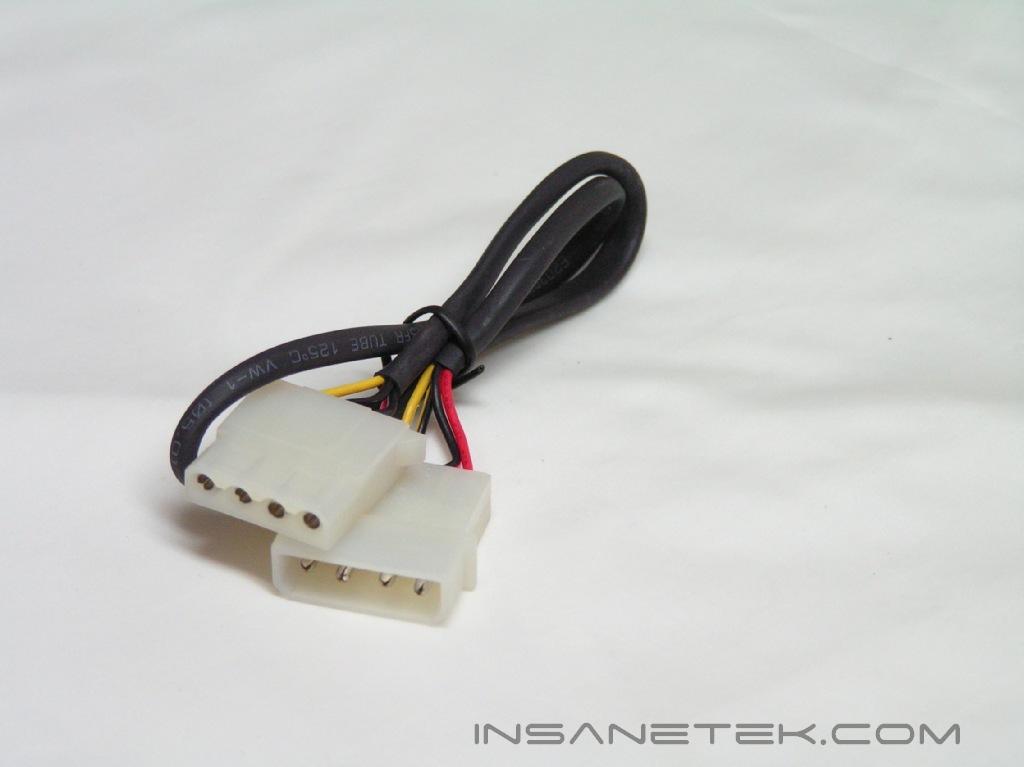
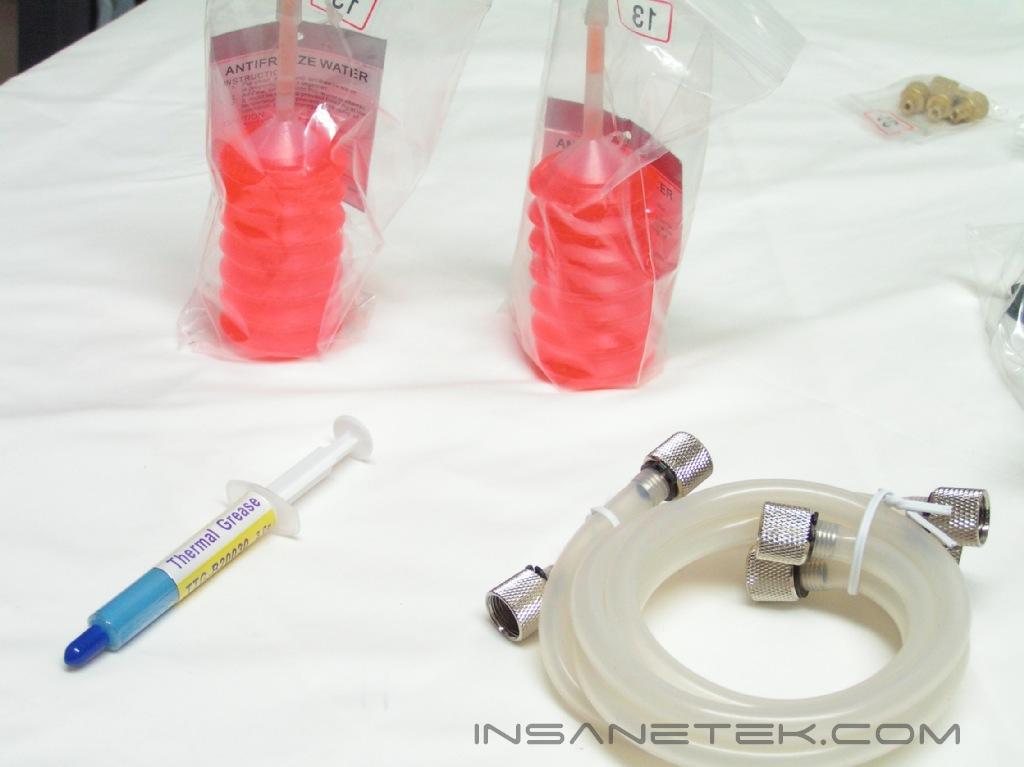
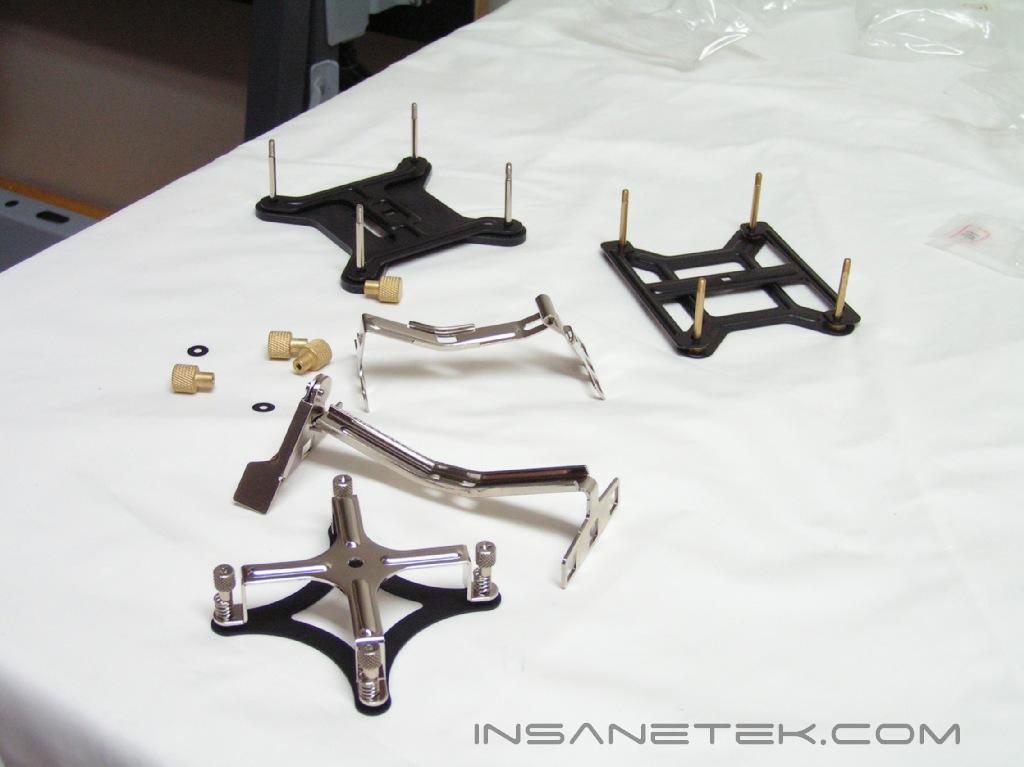
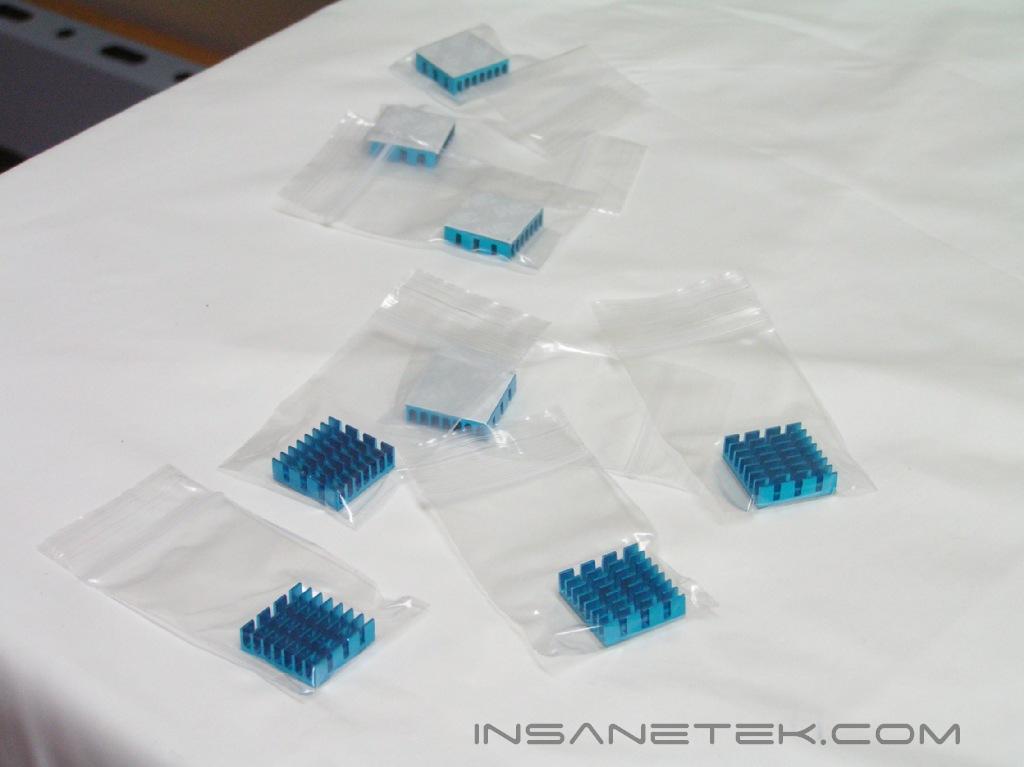
There were two boxes of accessories that come with this case. One box has the specifications/blueprint of the case, a pack of screws and an I/O face plate. The other box contains the accessories necessary to get the watercooling up and running, such as the mounting brackets for Socket 478, 775, 754, 939, and 940, two bottles of anti-algae fluid, one tube of thermal grease, a CPU block, a VGA block, hose clamp tool, VGA memory sinks, silicon tubing, and a power cable extender.
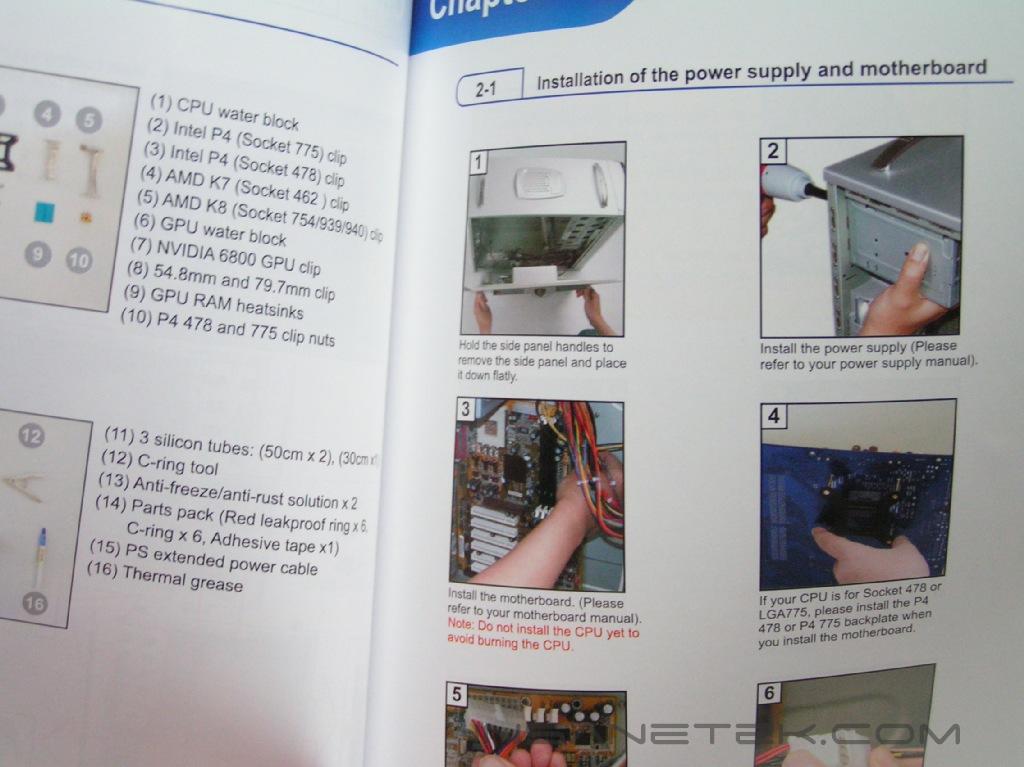
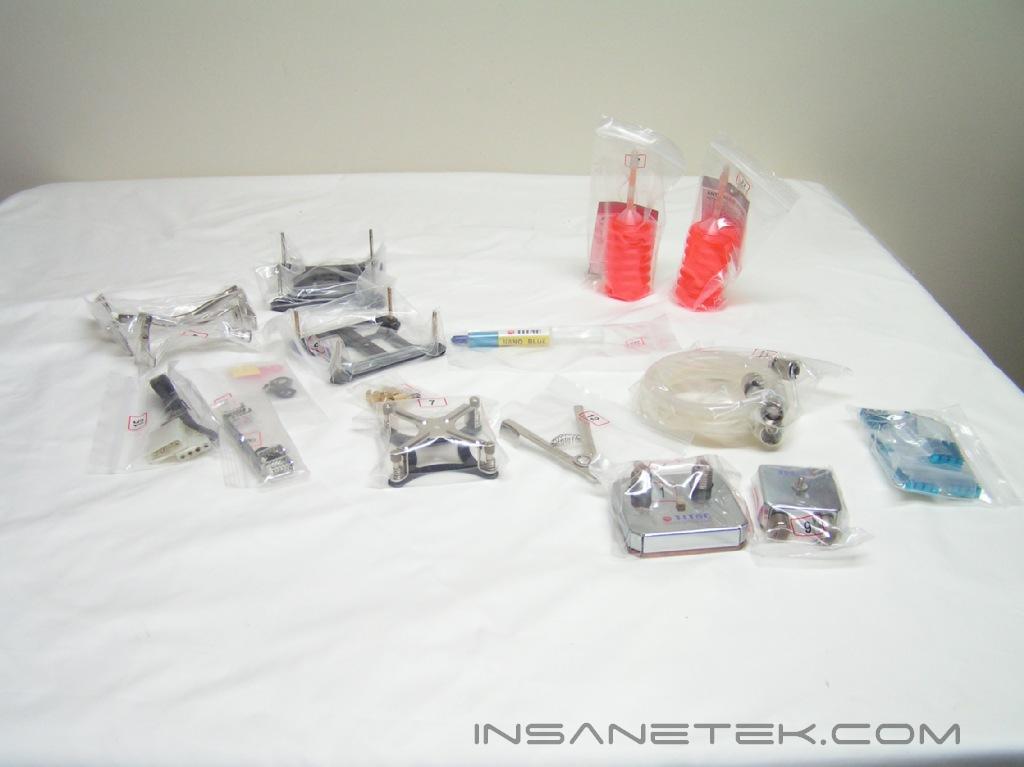
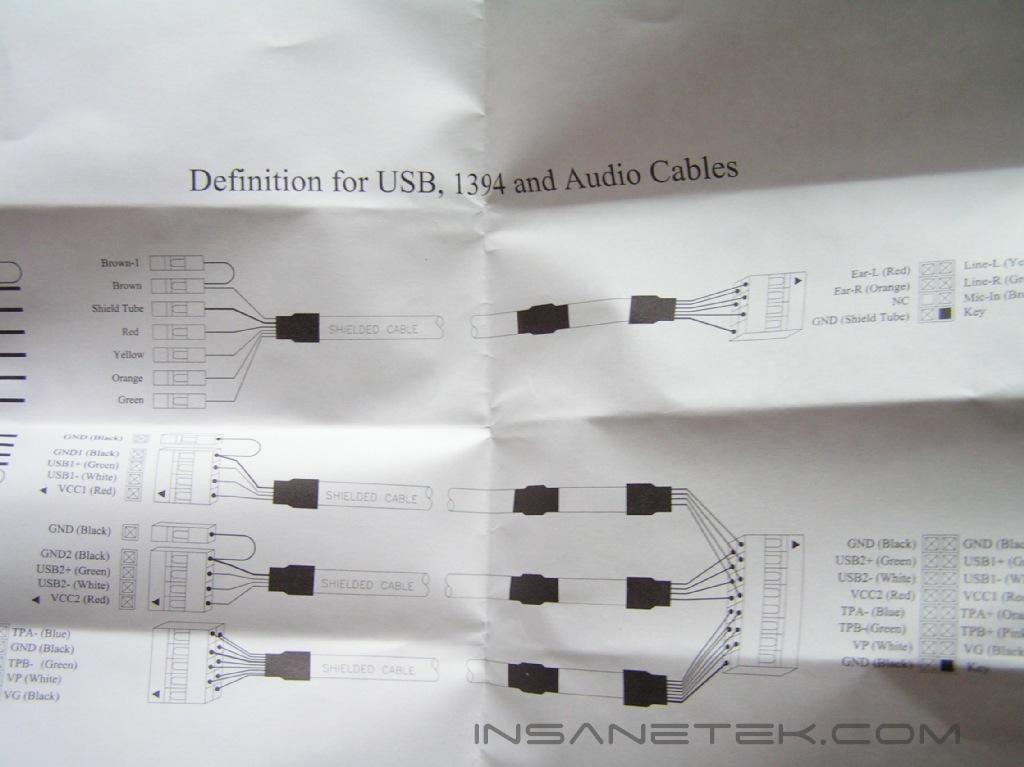
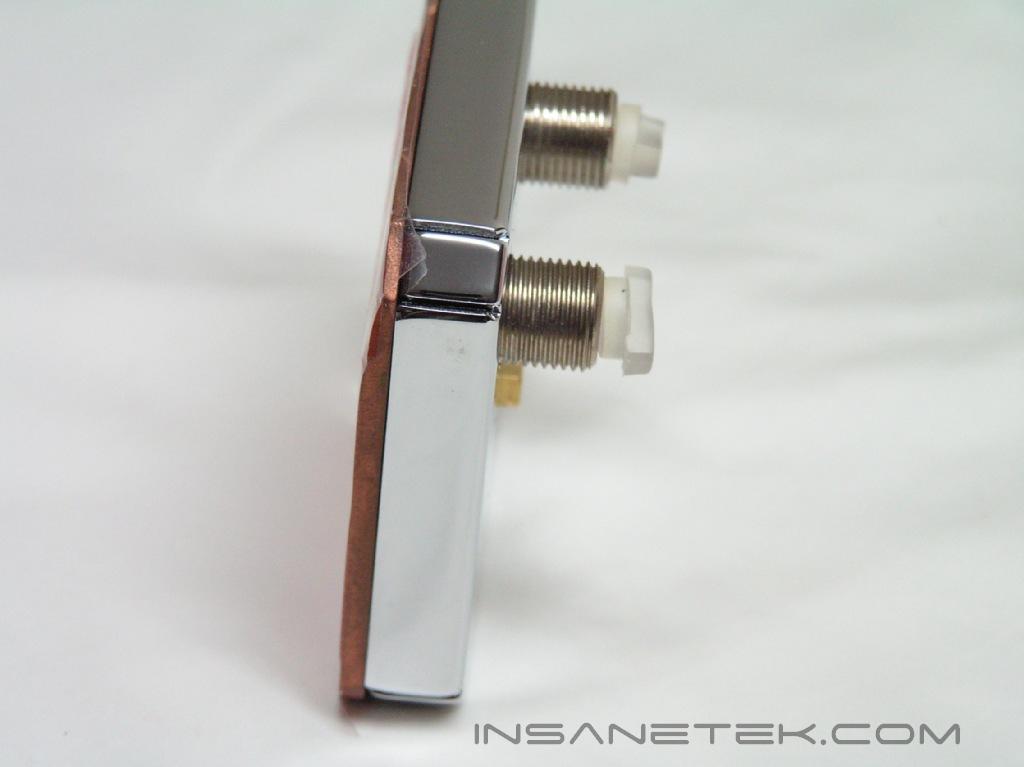
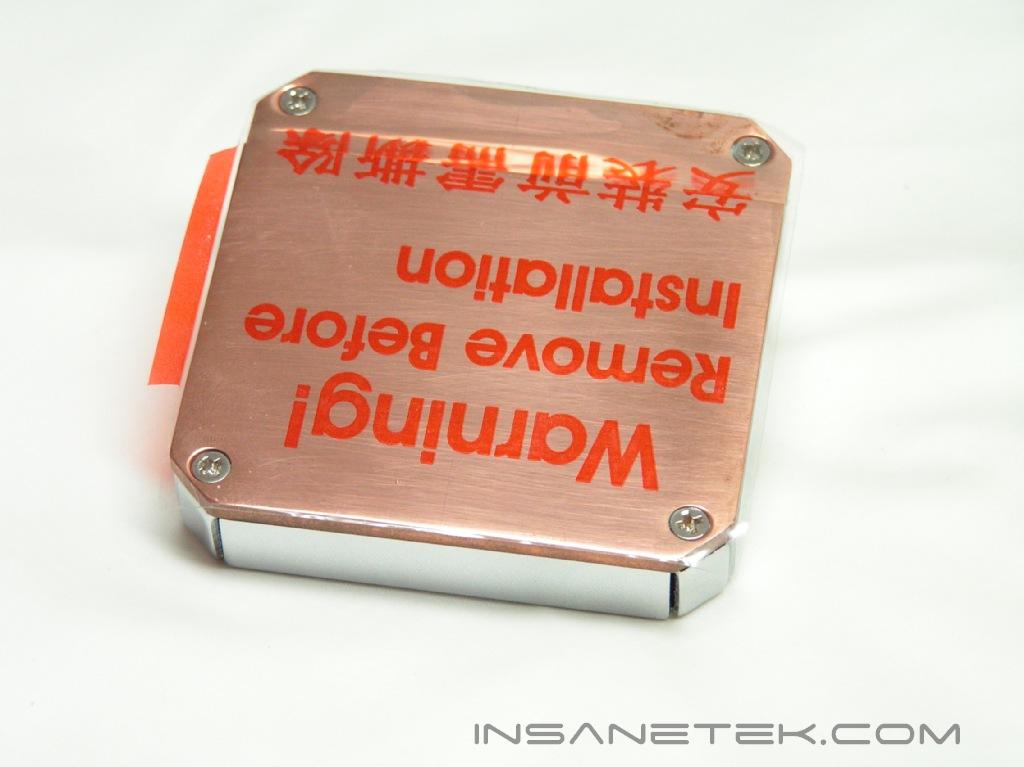
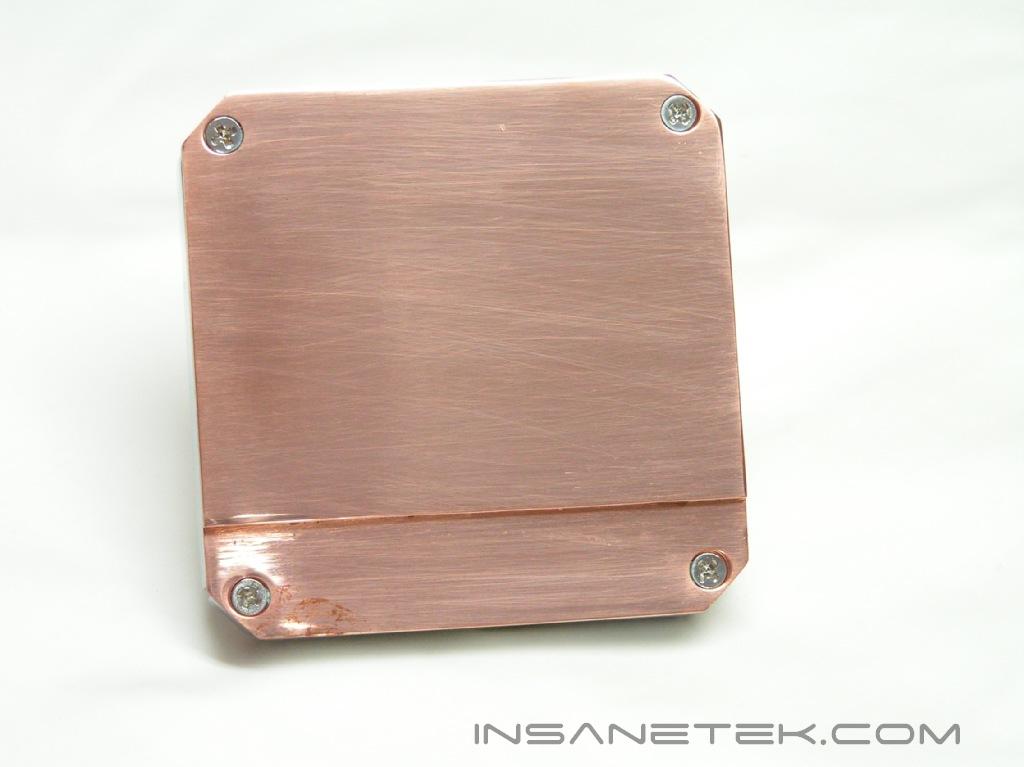
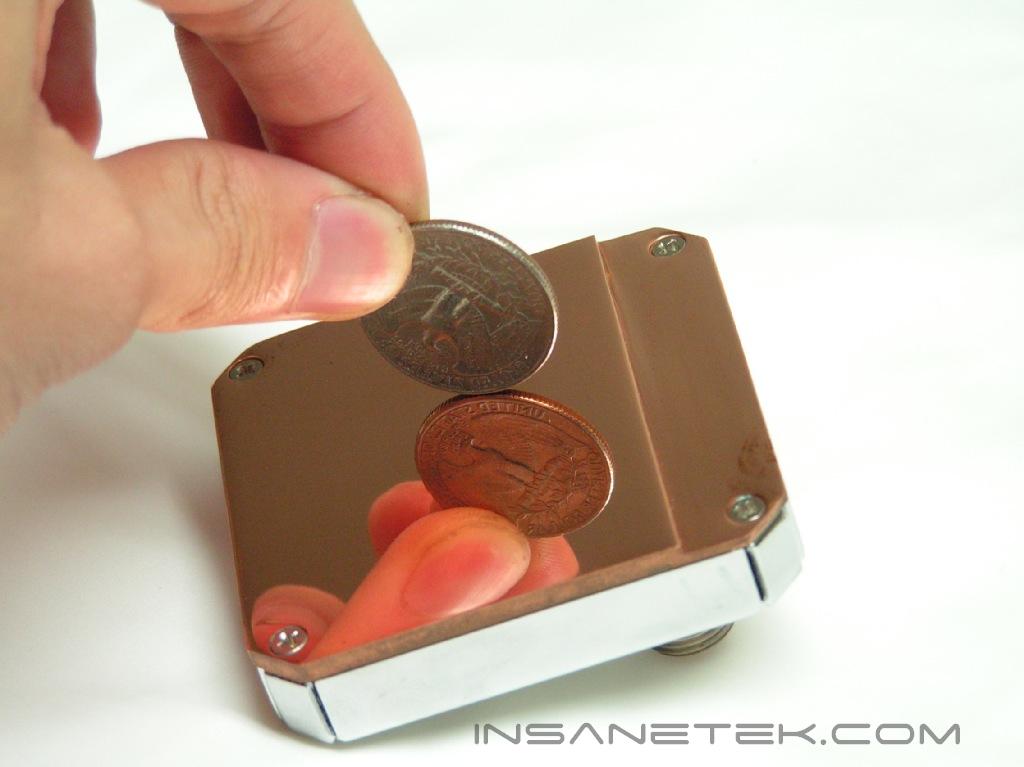
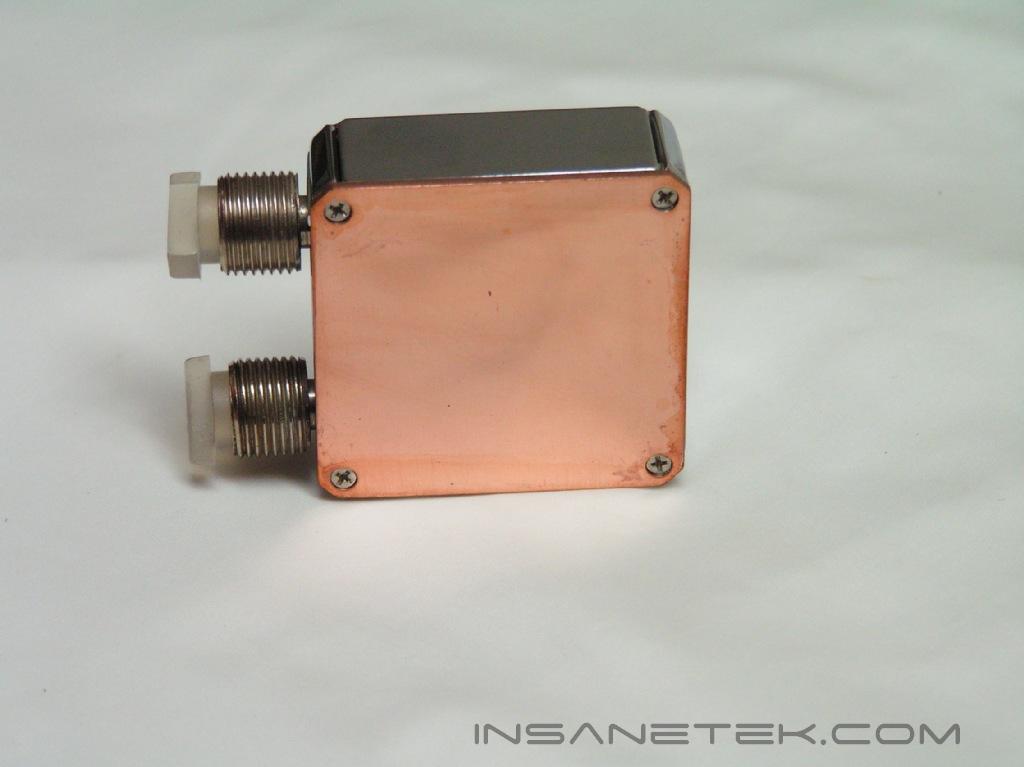
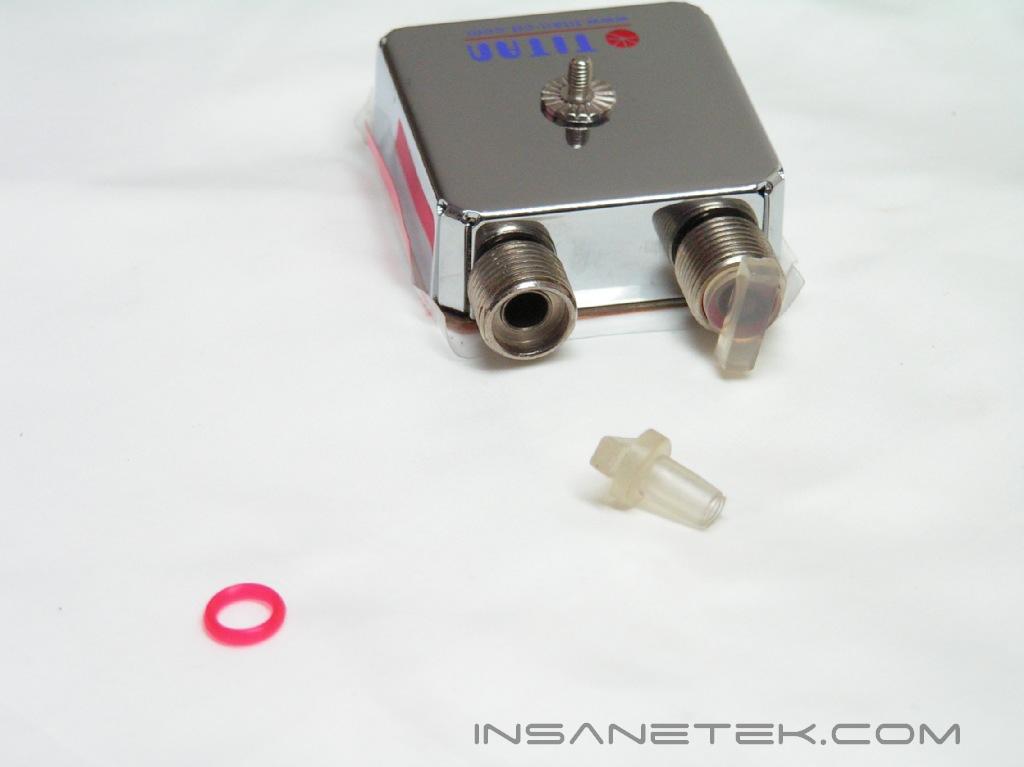
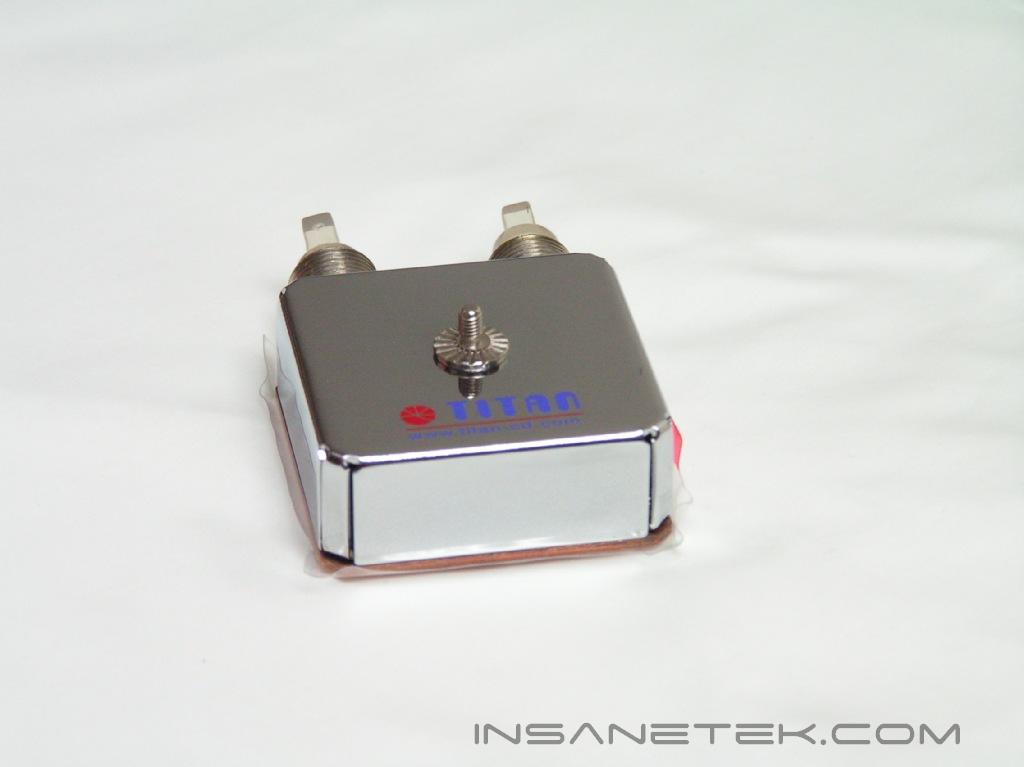
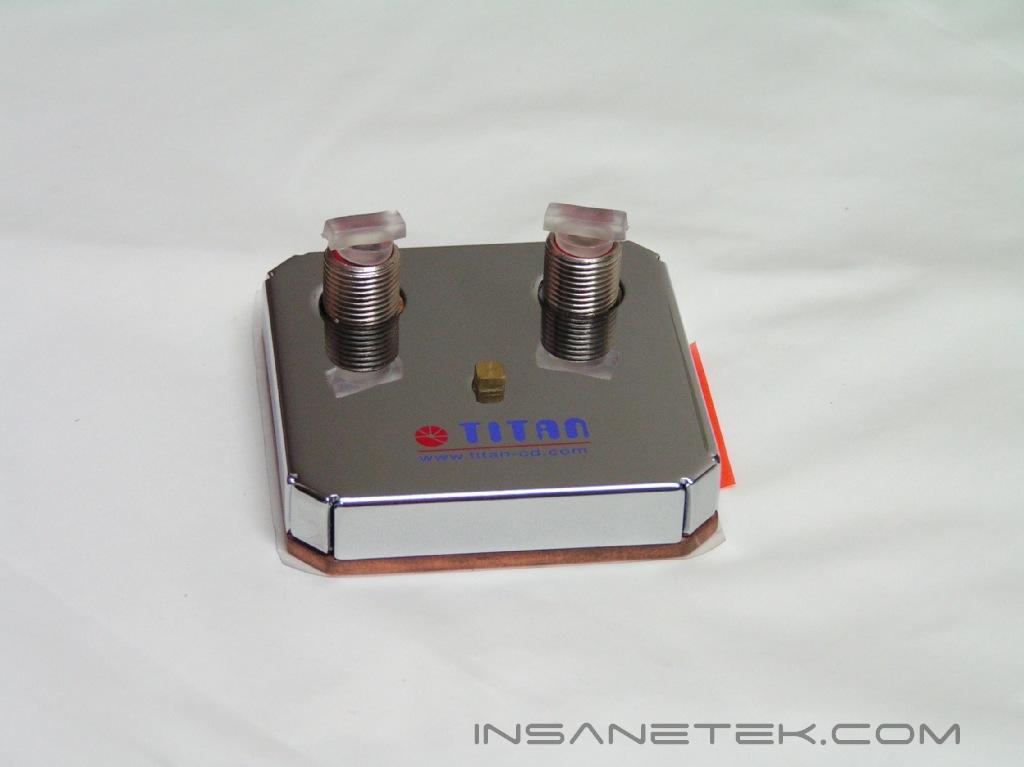
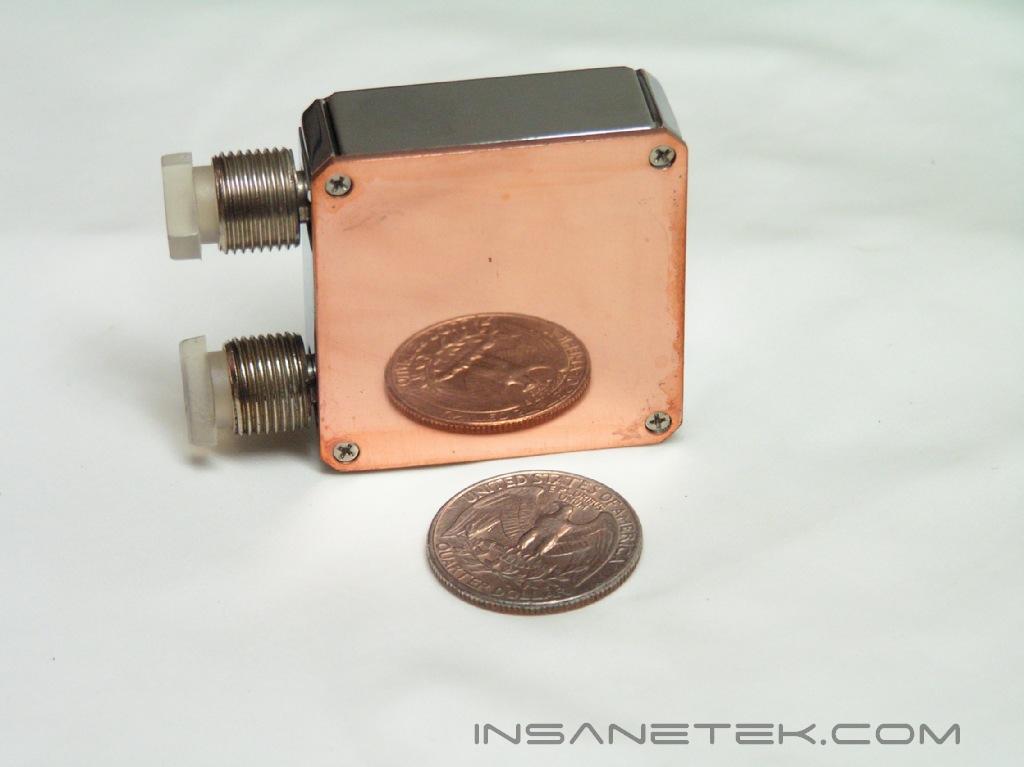
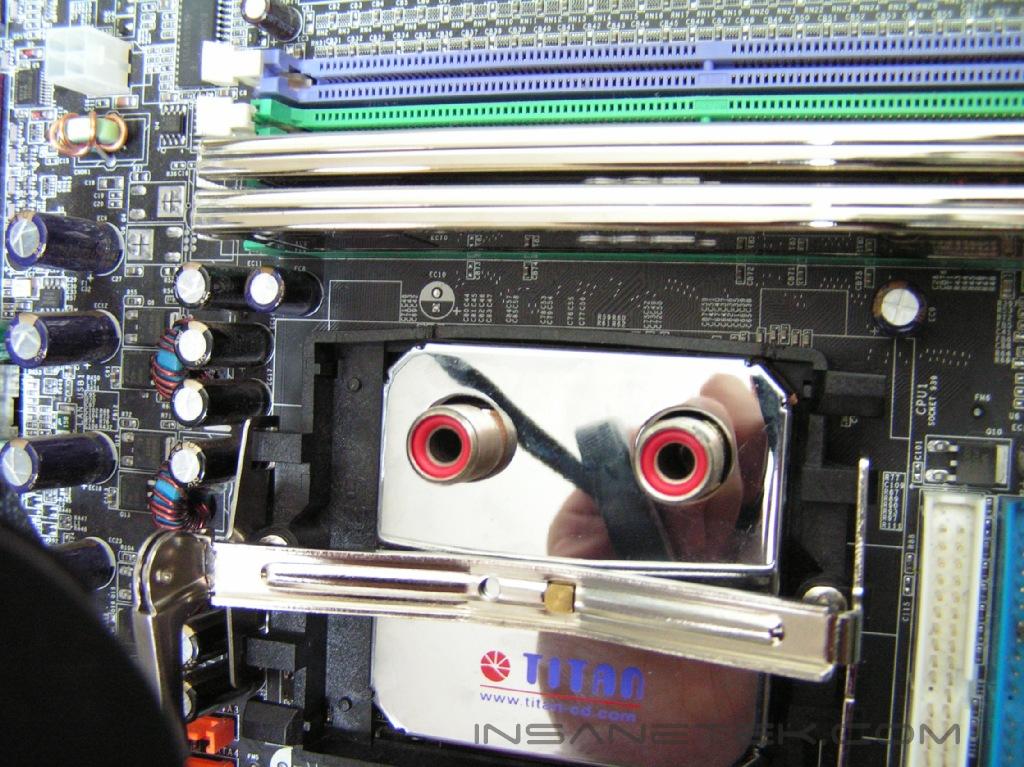
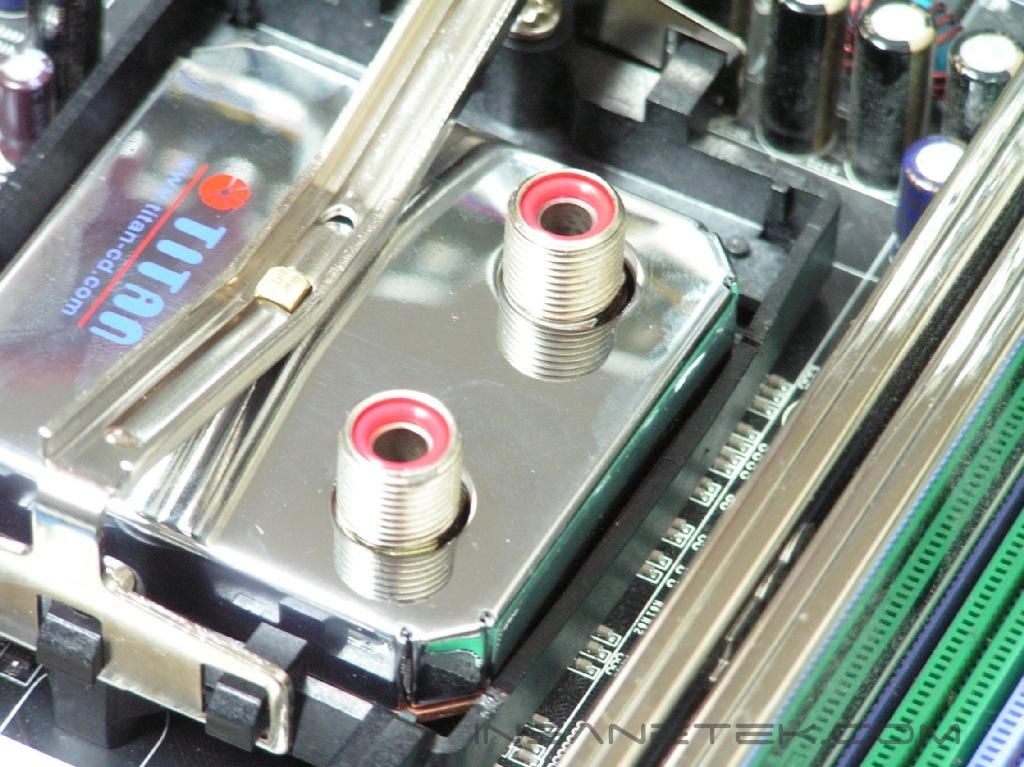
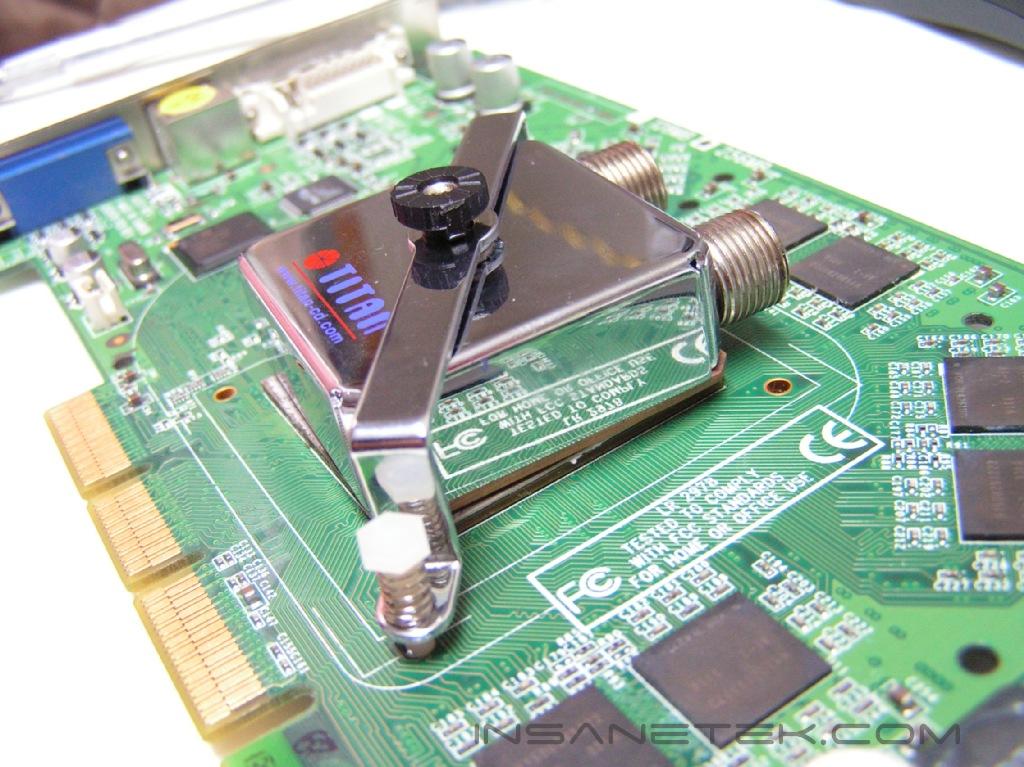
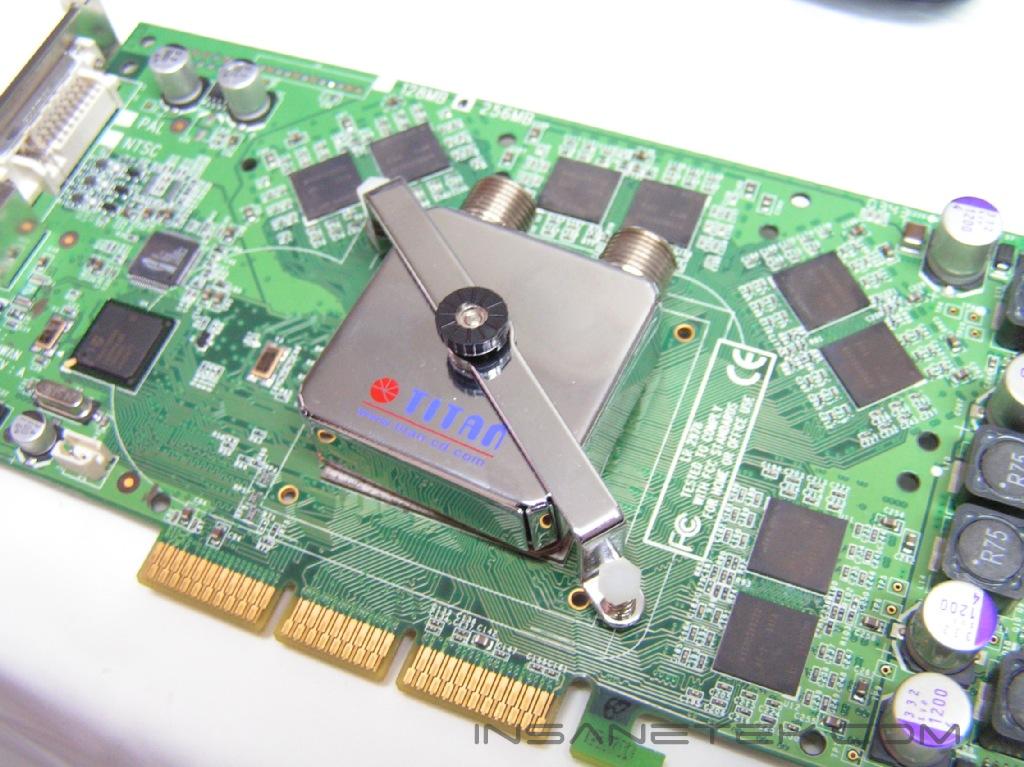
The CPU block and VGA block are identical to the ones used in the TITAN Bianca we reviewed a while back. They had a shiny and flat base and outstanding performance. Upon closer inspection, these blocks retain all of their previous features. Be sure to peel off the protective film on the water blocks before use.
Installation
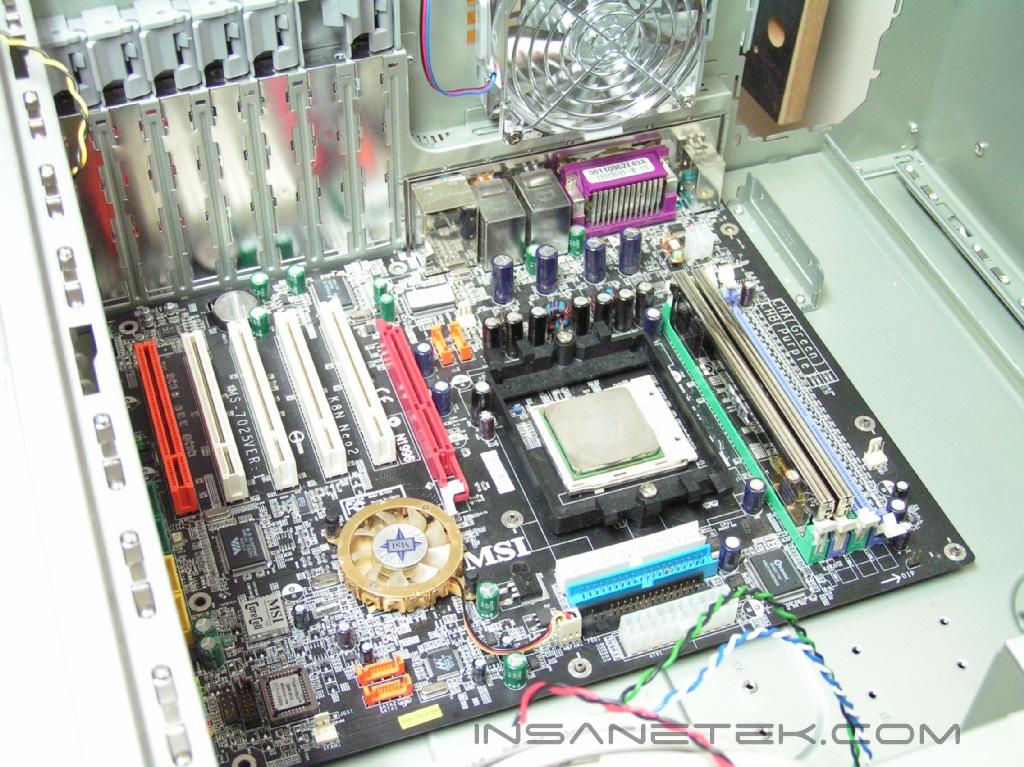
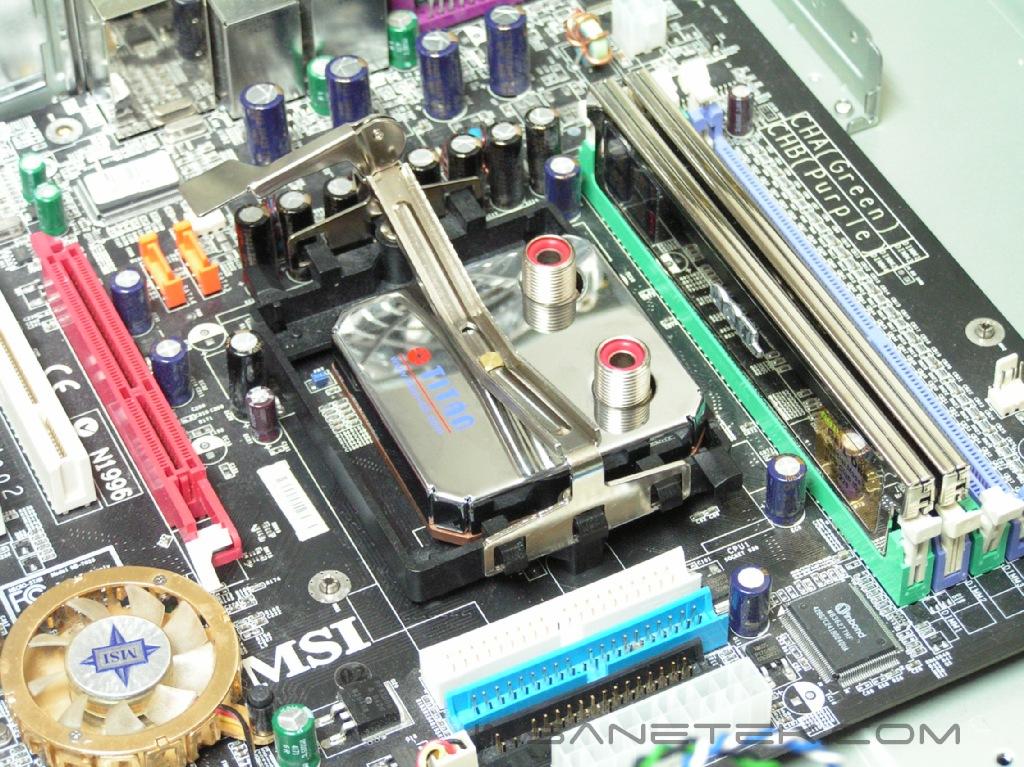
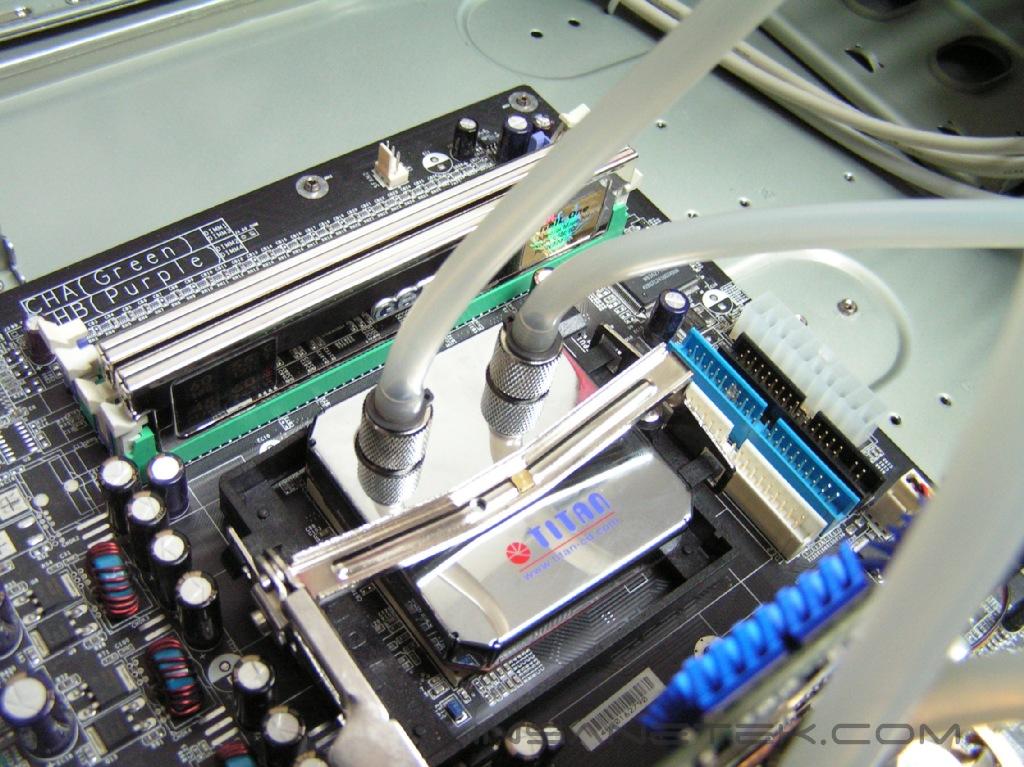
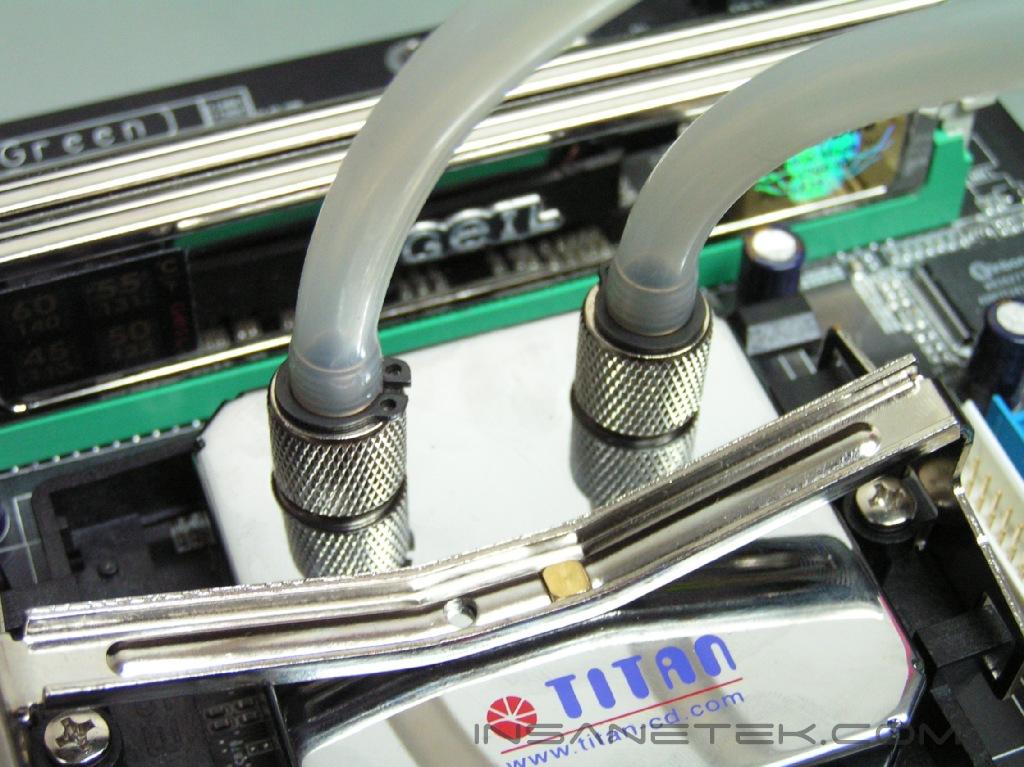
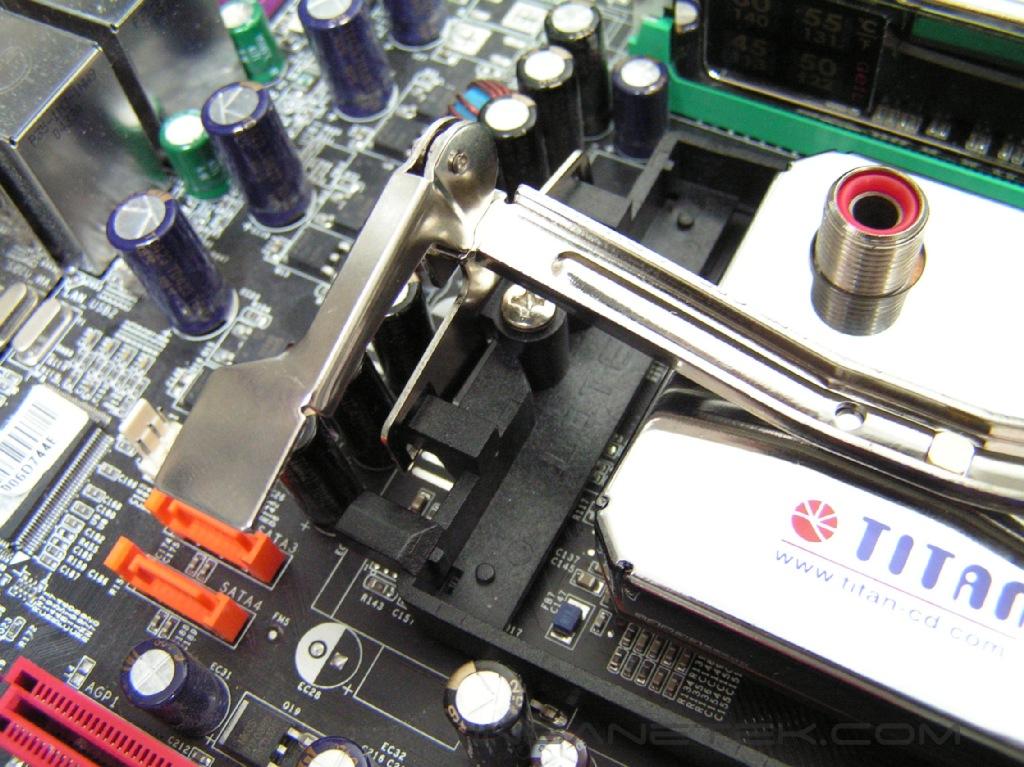
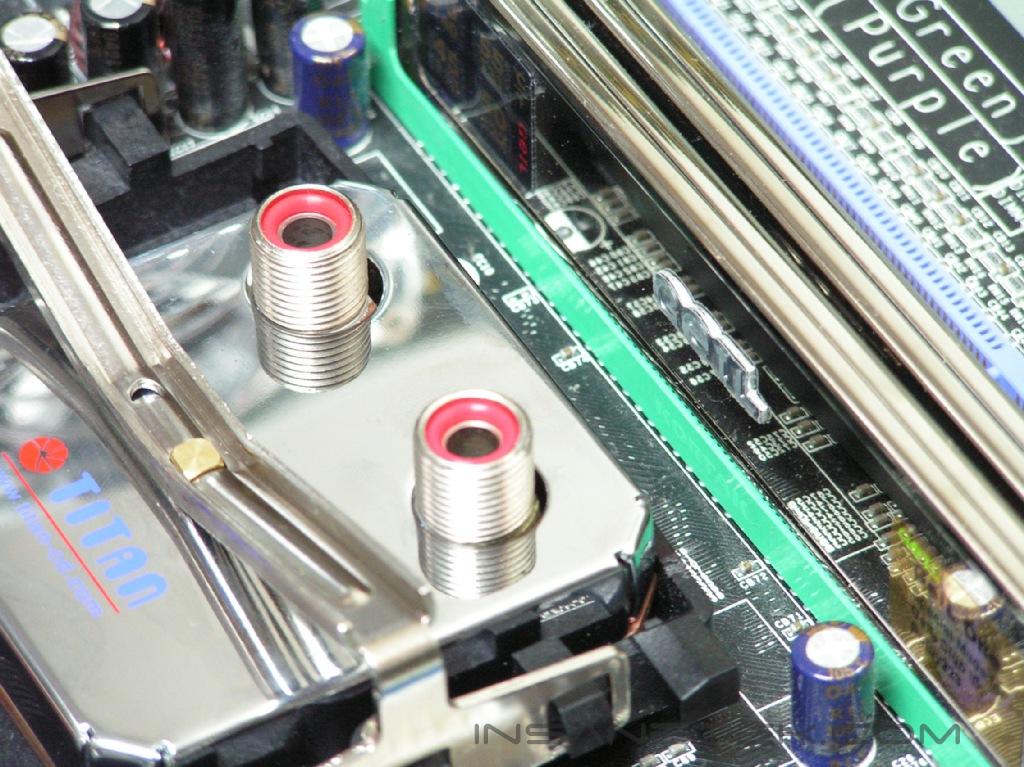
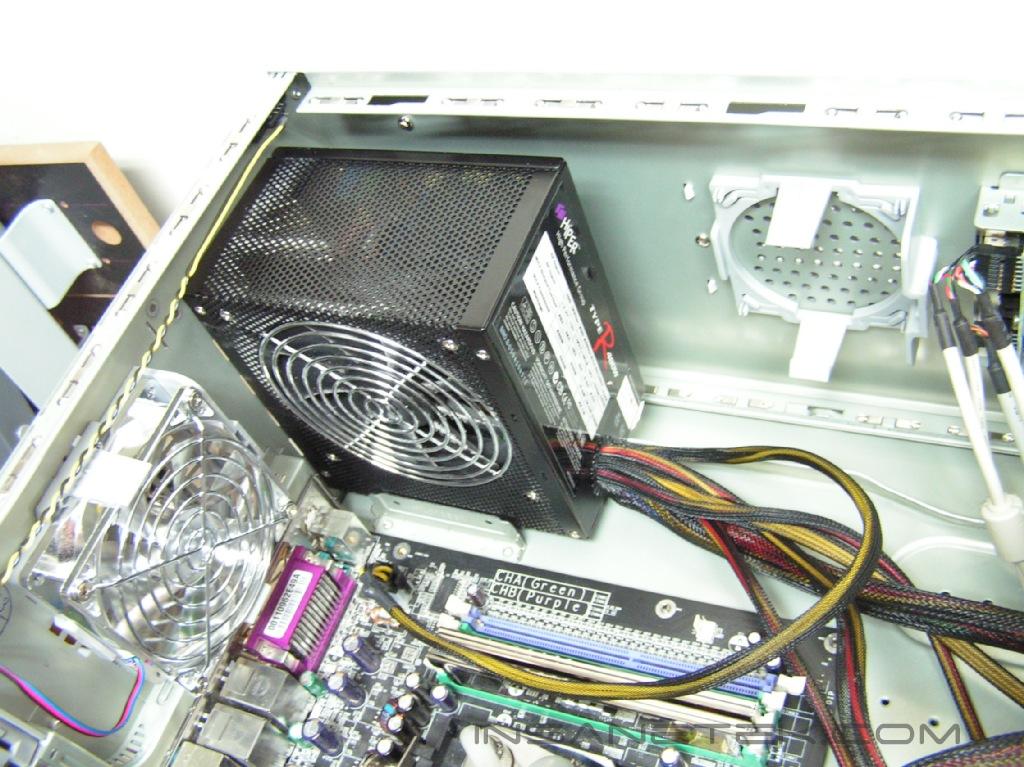
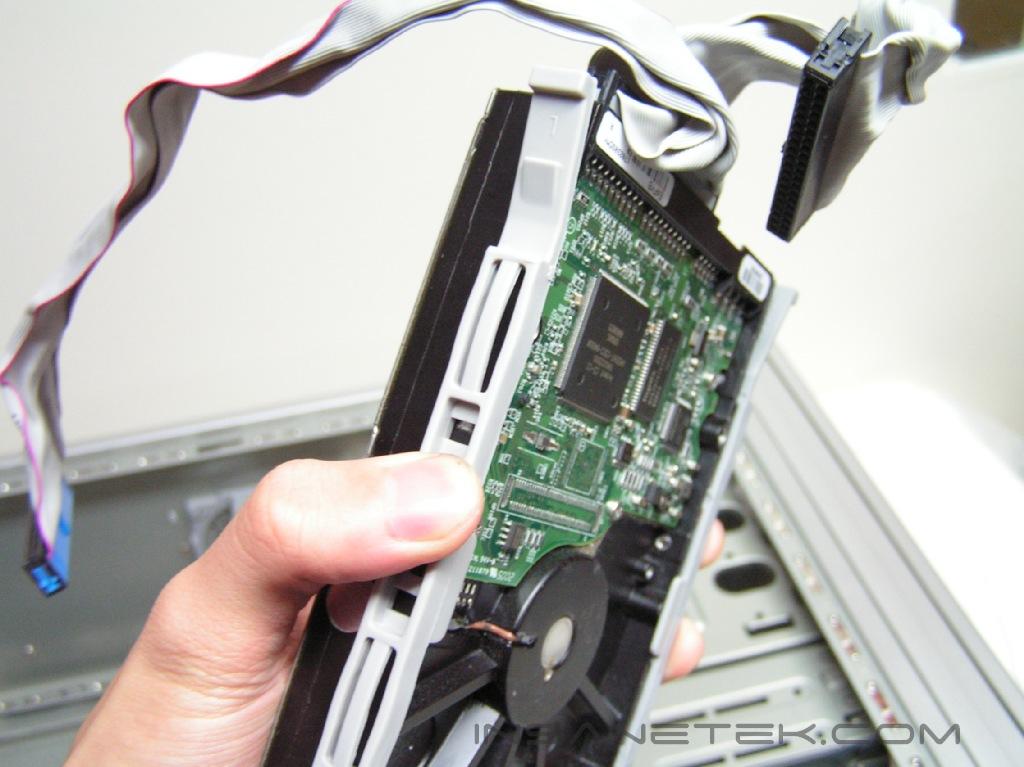
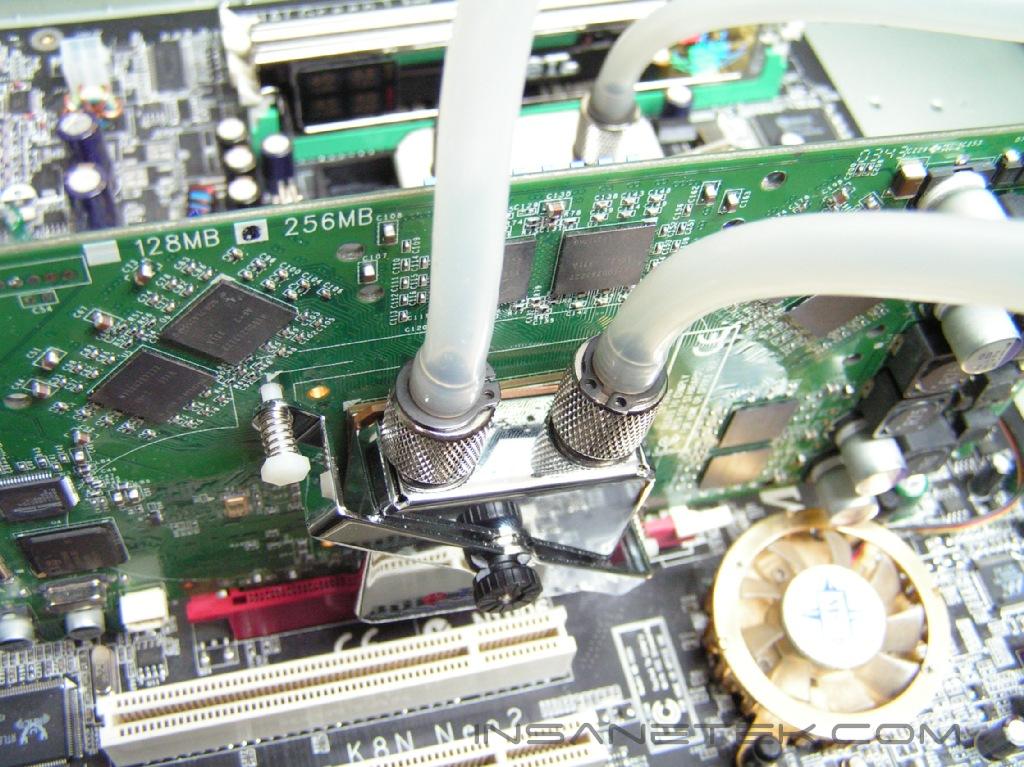
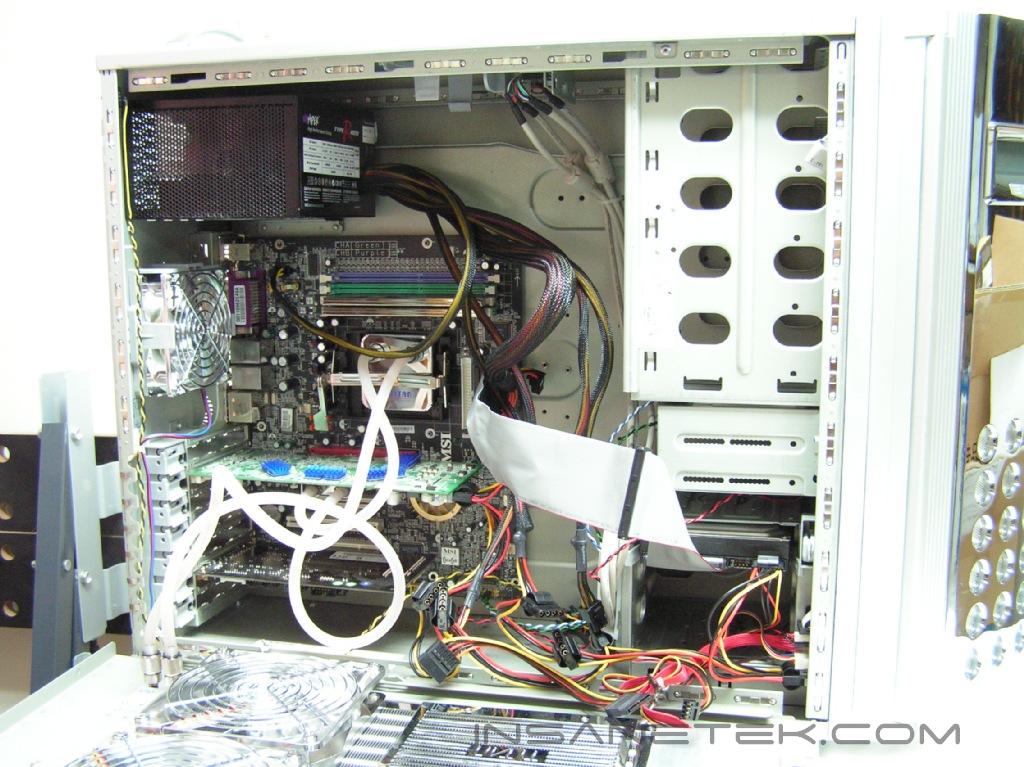
Installation could not have been any simpler, with the watercooling kit already built into the case, save all of the time and headaches associated with finding a place for the kit within the case. The whole process took no less than 15 to 20 minutes. After mounting the motherboard and the PCI cards/CD Drives/Hard Disk Drives with the quick mount/release mechanisms, the CPU block was next. This was the only part of the installation where I ran into some trouble. The defaulted K8 bracket mount on the motherboard conflicted with the CPU block. When I tried to put the K8 clip on, the CPU block had to be shifted upward, causing the waterblock to contact the side of the bracket. While this might not always be the case with all K8 bracket mounts, I thought that it was worth mentioning. I mounted the VGA block without any hassle and proceeded to screw the tubing together. Make sure that the red ring is always inside an outlet or inlet before screwing the silicon tubing on. Afterwards, I filled up the reservoir with water. After adding the anti-algae fluid and filling it to the top with distilled water, I turned on the power to bleed the system with water. I pinched the tubing for thirty seconds and released it to let all of the air bubbles out of the system. I filled it up to the brim with distilled water and put the screw cap back on. It is recommended that you test the system for leaks by running it out of the computer with paper towels placed under the components.
Test Setup and Results
Test Setup and Method:
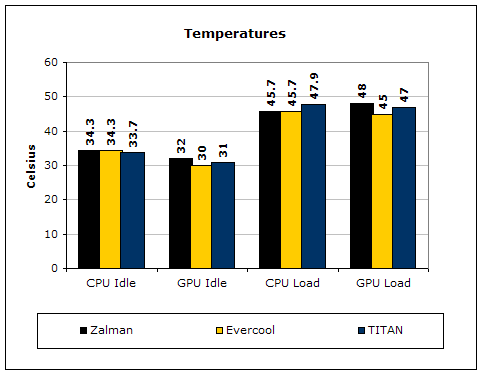
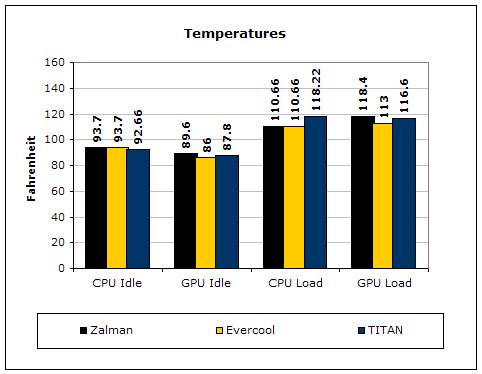
Ambient temperature was kept at a consistent 24.1°C. Arctic Silver 5 thermal compound was used during the entire testing process. A temperature probe was placed on the side of the AMD heat-spreader to measure CPU temperature. One instance of CPU Burn-in was used to create maximum load on the CPU. To maximize the load on the GPU, 3dmark2003 will be looped five times. The purpose of this test was to determine the results a home end user would obtain. There was no scientific testing conducted on temperature or water-flow, simply because I do not have the proper equipment.
Test System Specifications:
- AMD Athlon64 3000+ Venice (overclocked at 9x250 = 2250mhz @ 1.62v)
- MSI K8N Neo2 Platinum
- 2 x 512MB GeIL ONE PC4800
- Leadtek Geforce FX 5950 Winfast A380 Ultra (575MHz Core Frequency / 975MHz Memory Frequency)
- Hiper 480W Power Supply
Competition:
- Zalman Reserator 1 Plus
- Evercool WC-202
Test Procedures:
- Idling at desktop for 45 minutes
- Full load with one instance of CPU Burn-in for 45 minutes
- Five loops of 3dmark2003
Results:
Conclusion and Thoughts
This is definitely one of the more interesting products that I’ve gotten my hands on. From a personal standpoint, this was my first time dealing with a watercooling case and I must admit it has been a rather fun experience. Quite often, the long, drawn-out installation process tends to numb my interest and affect my opinion of the product but this time the installation process was one of the fastest I’ve ever come across. The performance was not disappointing as well. It could have yielded better numbers but it’s hard to ask for too much when the watercooling is already built in to the case. There was a significant shift in noise level when the fans are turned on but that it appears inevitable given the two 120mm fans and another 92mm in the back of the case. The LCD feature was also praiseworthy. It gives the case a great overall look while providing useful information about what’s going on inside. Opening this type of case with the cooling already set up is not advisable. The quick release were kept simple and to the point. Integration of a decent watercooling kit into a case is a concept that has both its strengths and its weaknesses. Though it may save room, the heavy weight, price tag, and increased noise level from the fans may collectively drag down the overall appeal of the product.
Pros:
- Smooth installation process
- Support for almost all platforms
- Decent performance
- Features easy to use quick release
- Saves room
- Watercooling kit already built in
- Comes with both CPU and VGA block
- LCD provided on the front panel
- Can come in either a plastic or aluminum panel
- Sturdy case handles
Cons:
- Price tag
- Noisy when fans are on
- Very heavy when all components are mounted

We would like to thank TITAN for providing us the sample. If you have any questions or comments, feel free to hit us up in the forums. You can also check out more of our latest reviews on the front page.