

TITAN Bianca TWC-A05
Introduction
TITAN has built a good reputation with their cooling products. While we weren’t able to review their first entry-level water cooling kit, John had the pleasure of reviewing the TITAN Vanessa S-type heatsink. Although performance was great with the S-type, many of TITAN’s products are not widely available. Shifting our view to water cooling, a few kits have been released. While many water cooling enthusiasts like to buy their parts separately to achieve the best performance for their systems, those enthusiasts that are new to the scene may not. TITAN’s first water cooling kit was the TWC-A04. Now they introduce the TWC-A05 entry kit.
TITAN Bianca TWC-A05
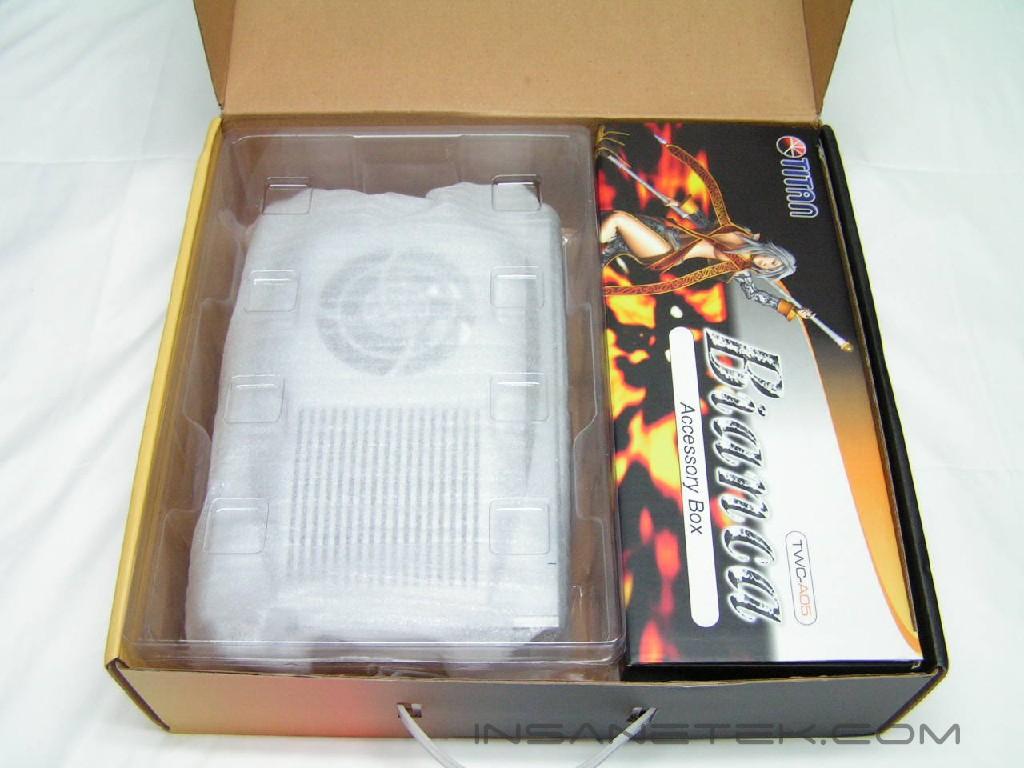
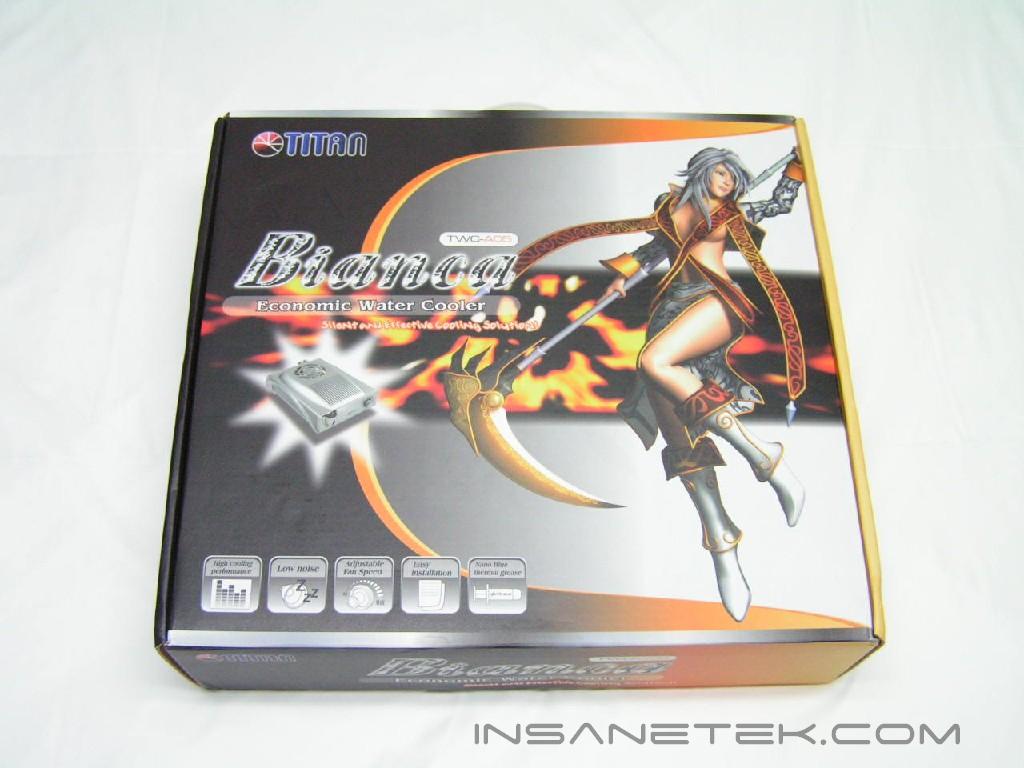
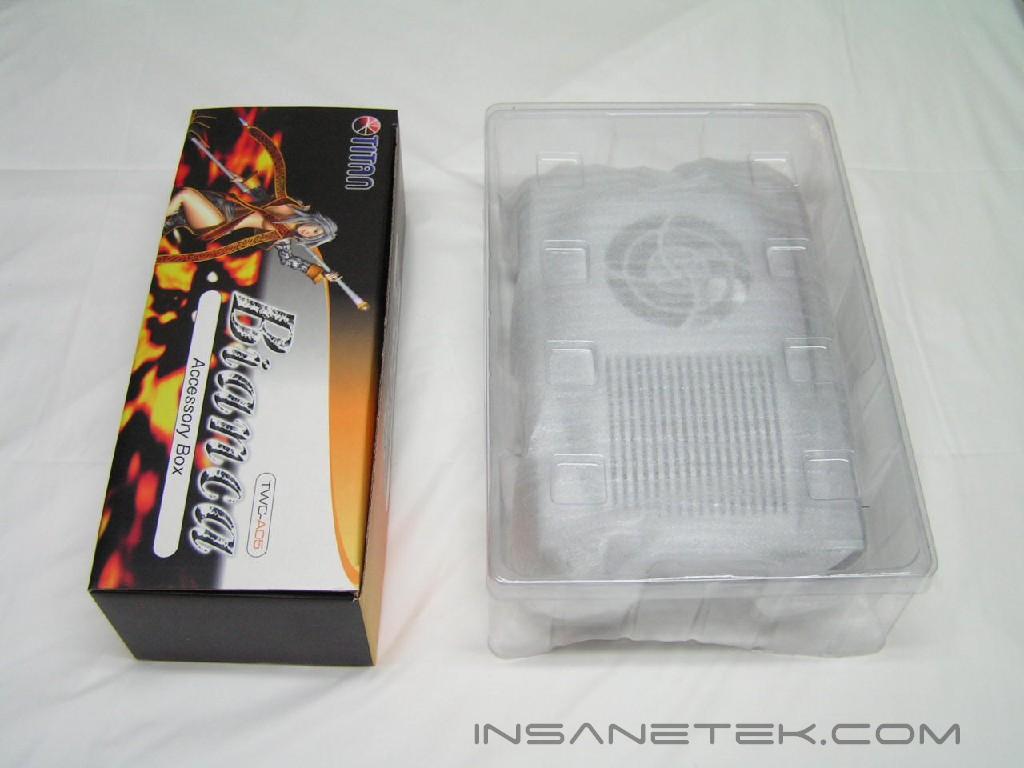
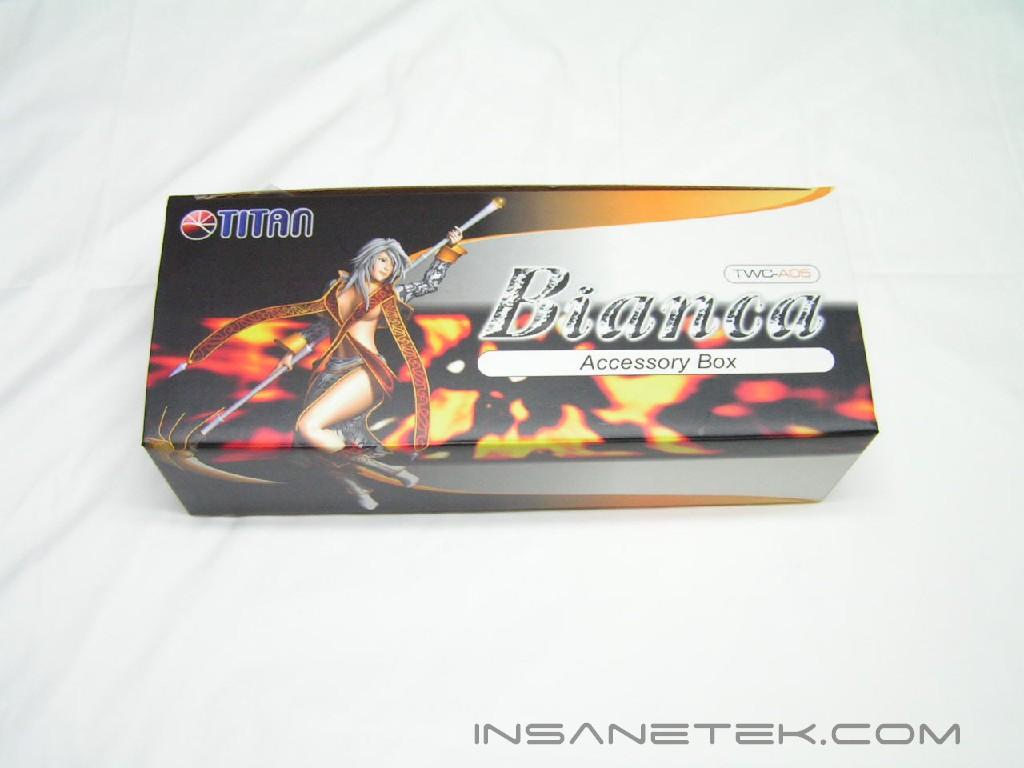
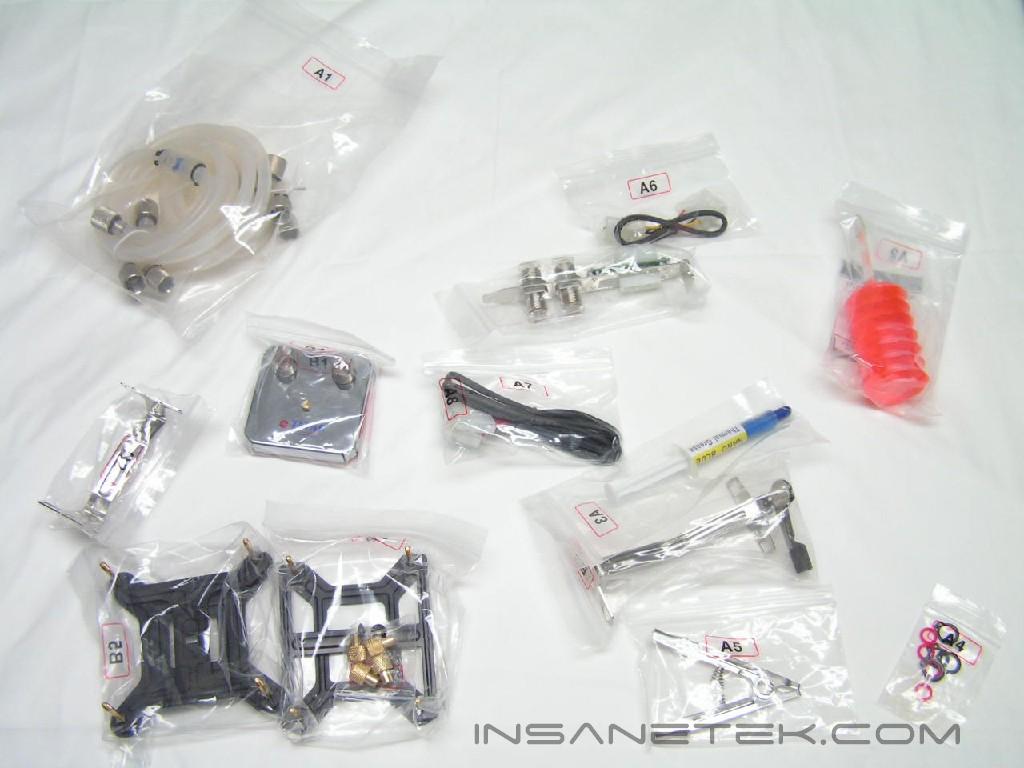
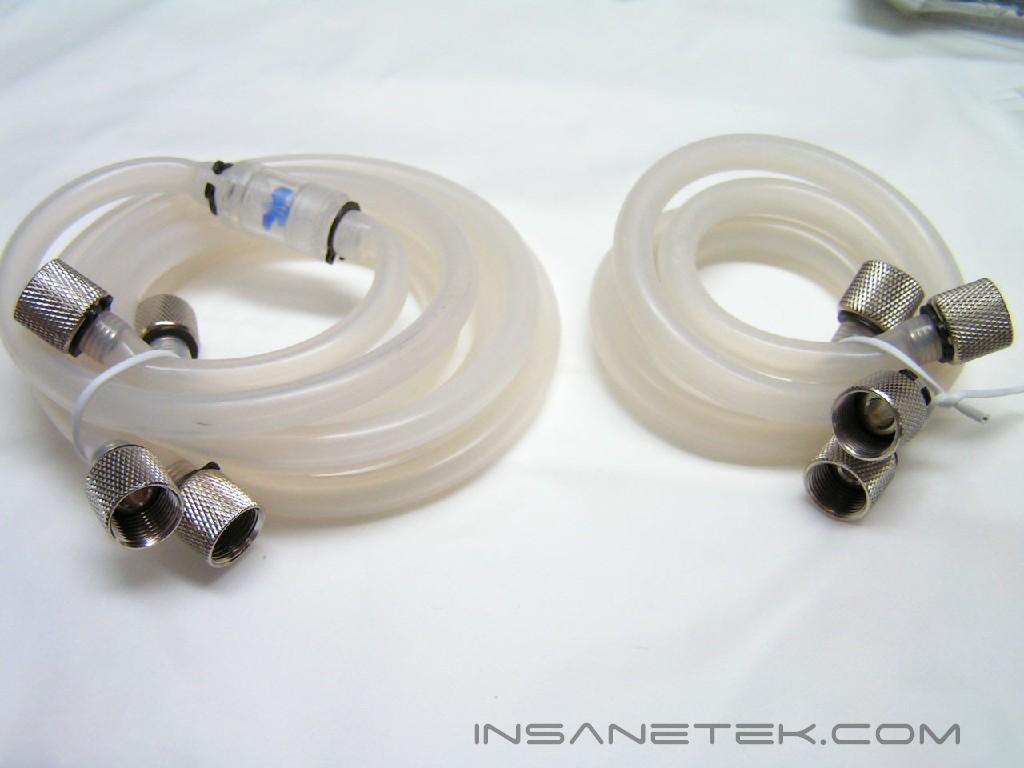
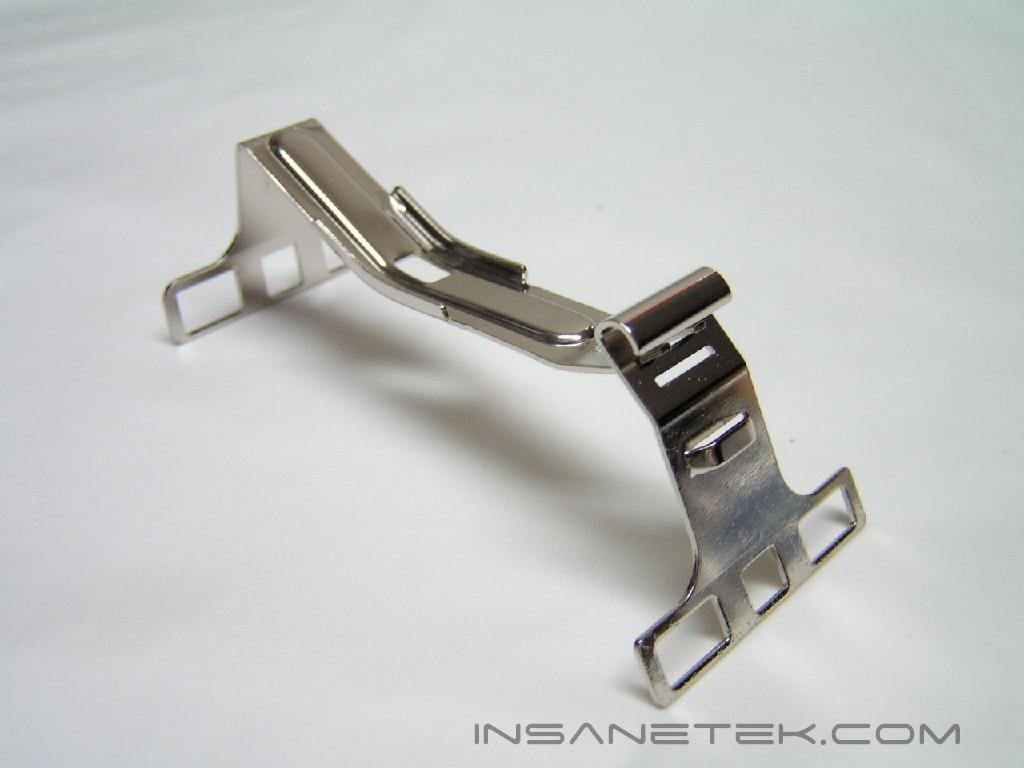
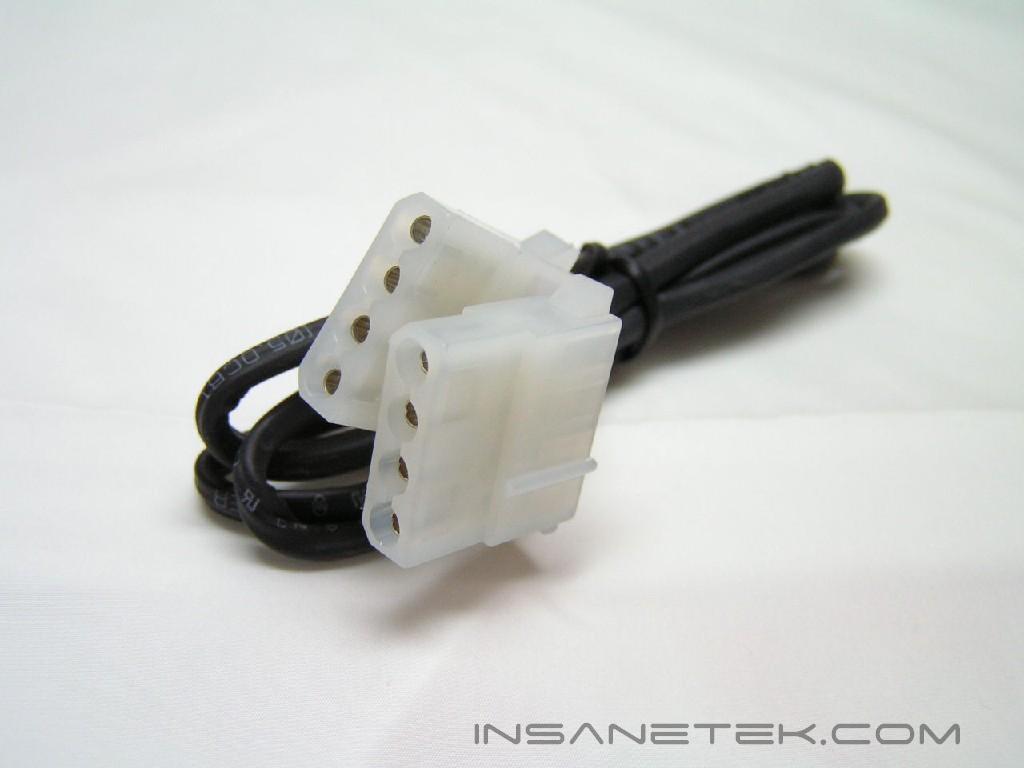
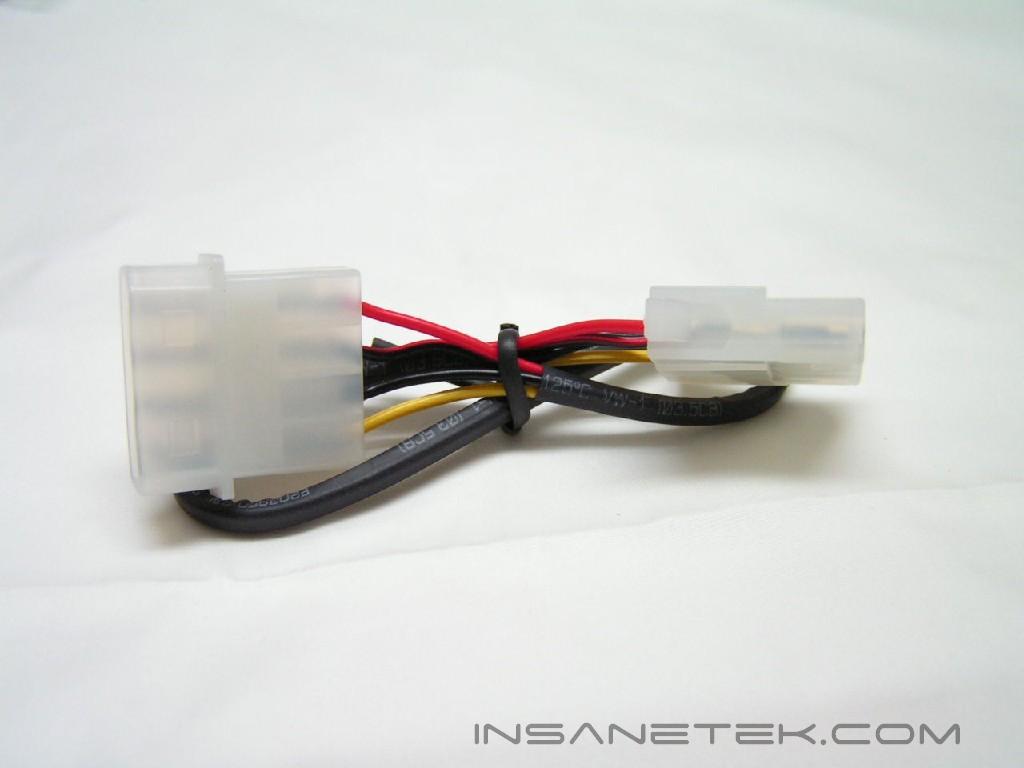
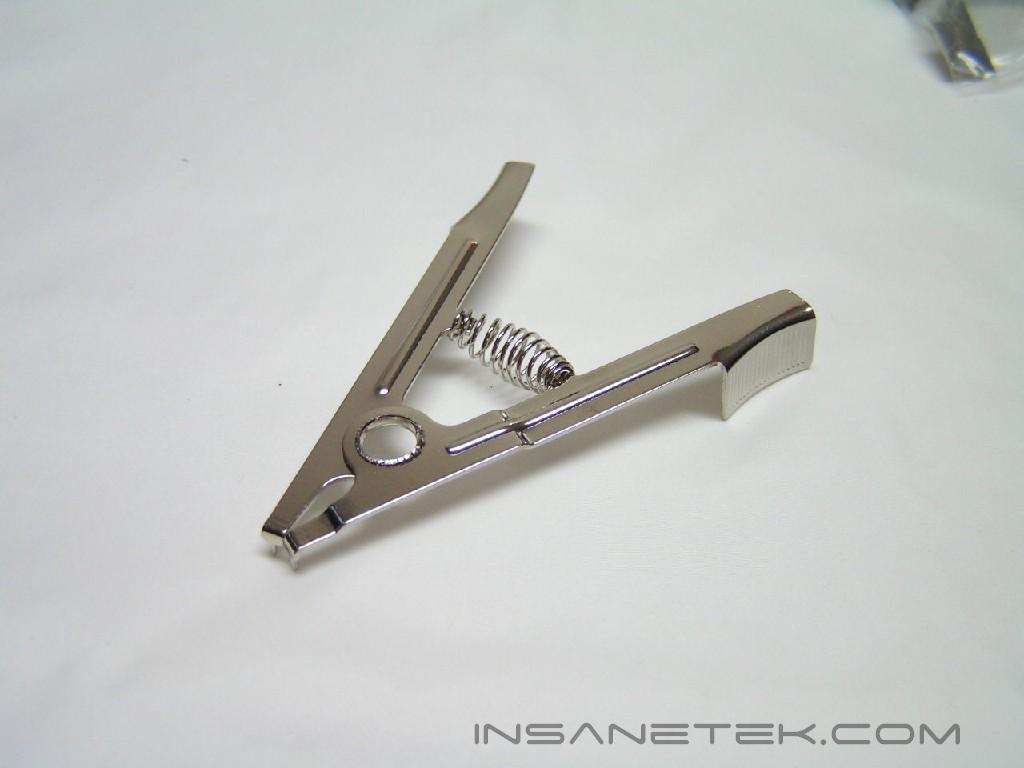
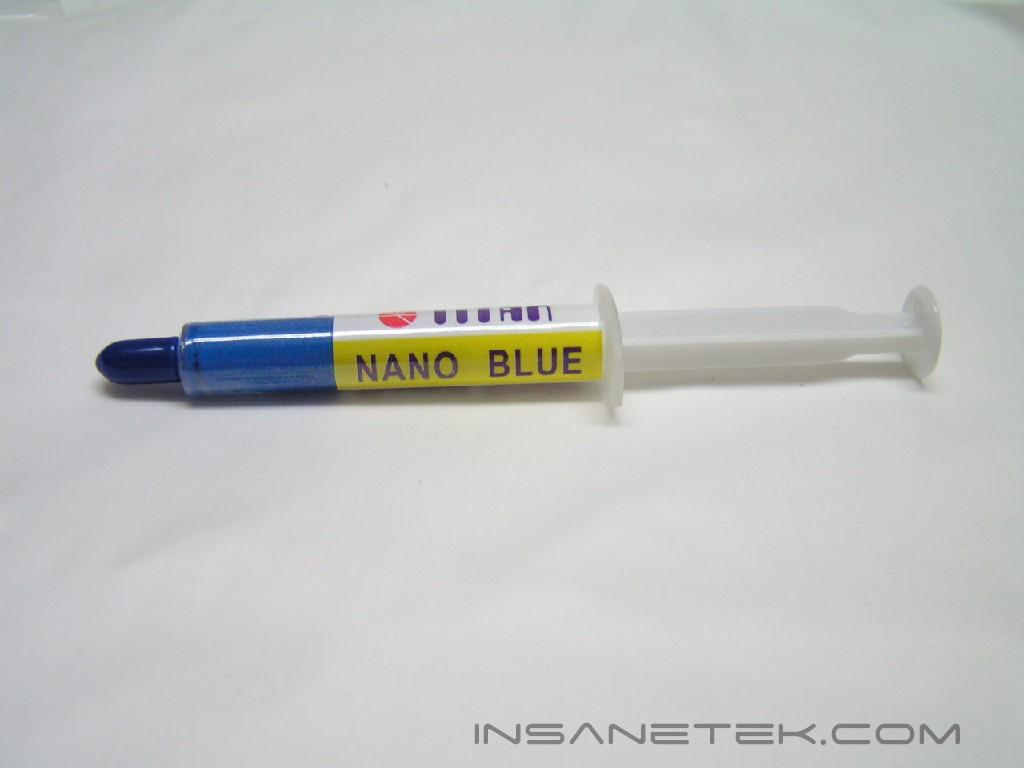
I’ve just noticed that most of TITAN’s products use girls’ names. I wonder why? The Bianca comes packaged in a sharp-looking, graphics-rich box. Carefully packed inside was a long box containing all the accessories and the kit itself. The accessories box contains 4 silicon tubes, anti-freeze, thermal grease, leak-proof rings, tube clamps, tube clamp tool, Molex extension cable, main power cable, PCI adapter, CPU water block, and the AMD and Intel platform clips. The parts are contained in labeled bags, which correspond to the ones listed in the instructions manual. The instruction manual has multi-language pages and is filled with details. This is my first water cooling kit, so you can understand it if I can.
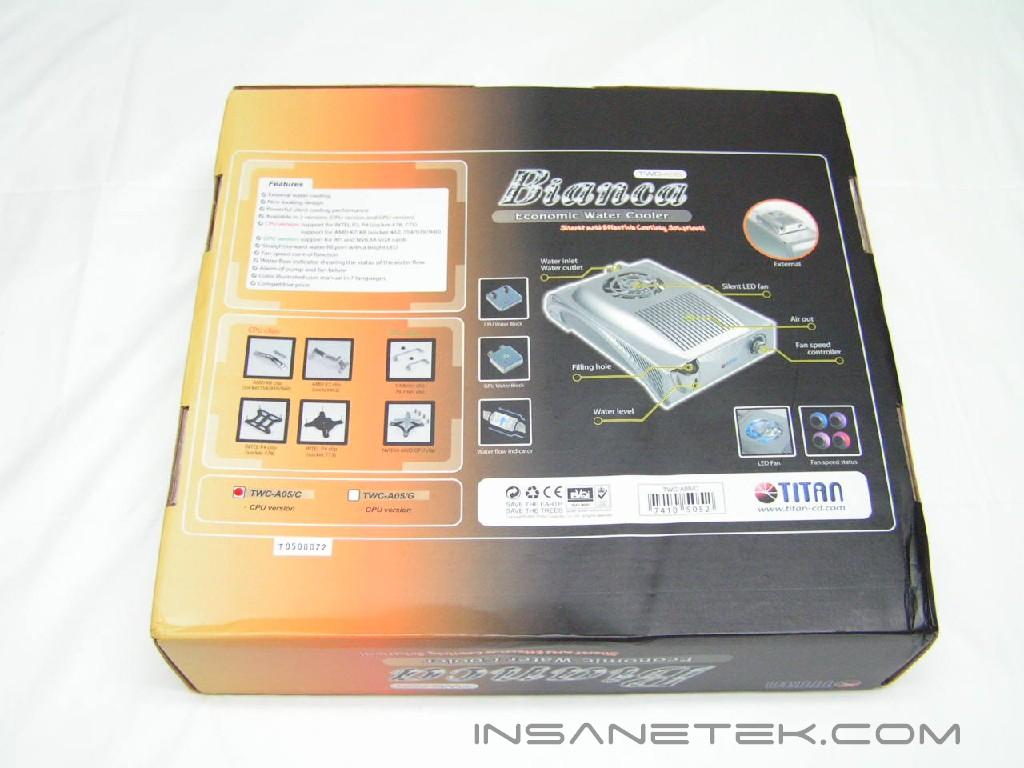
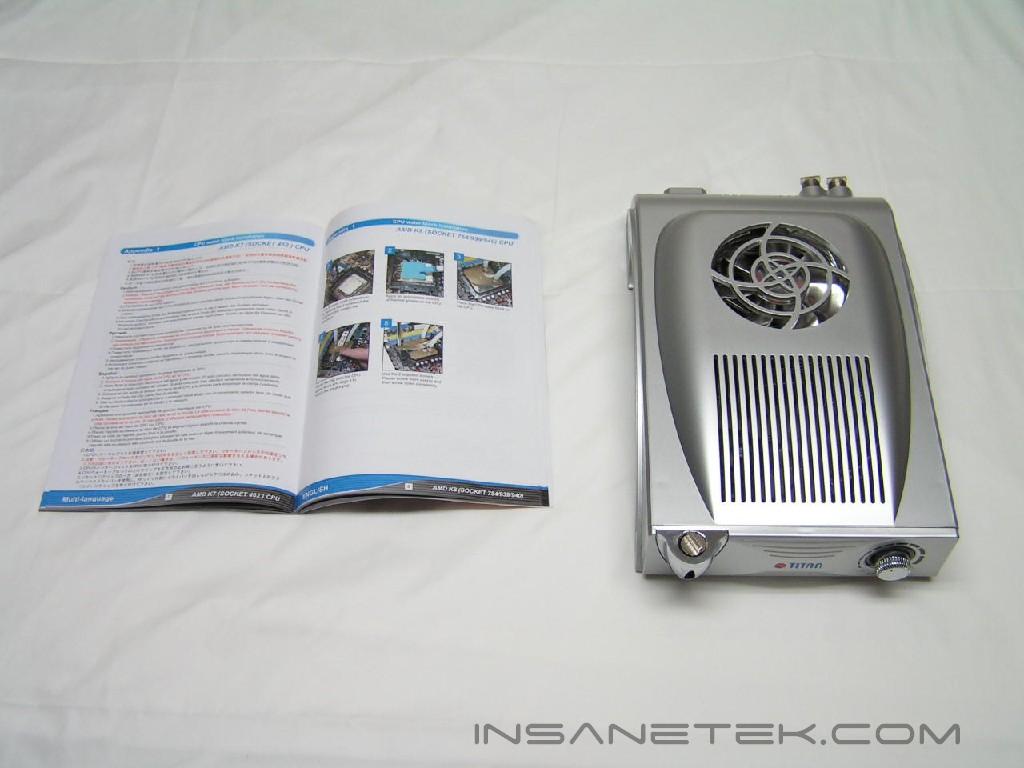
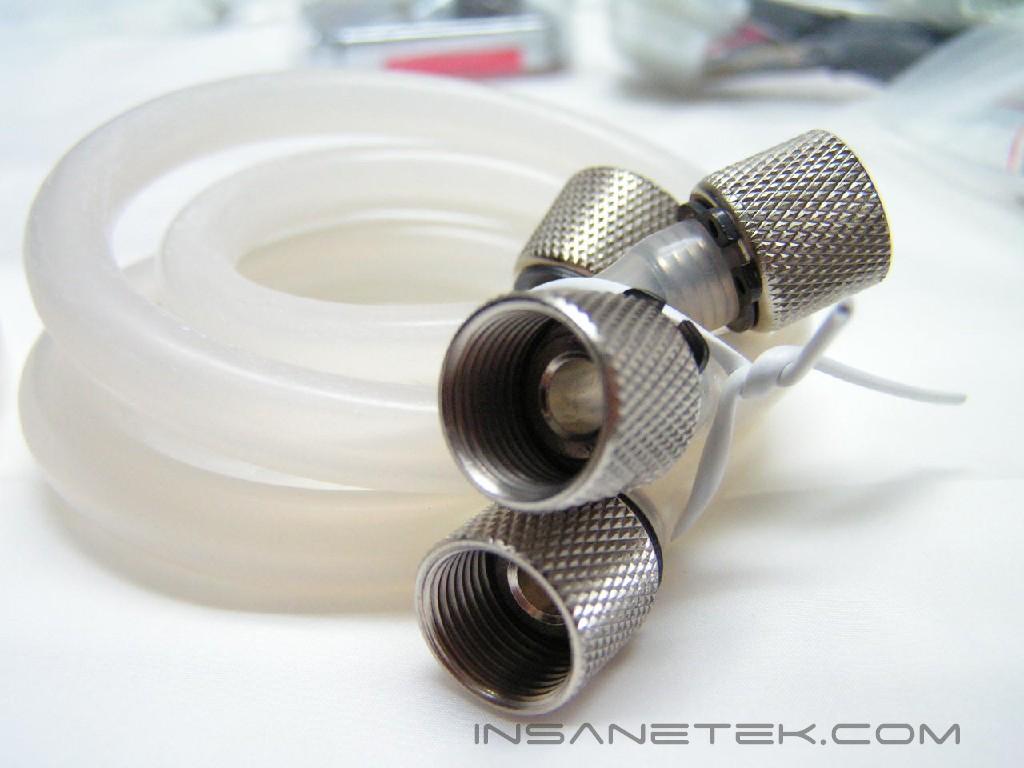
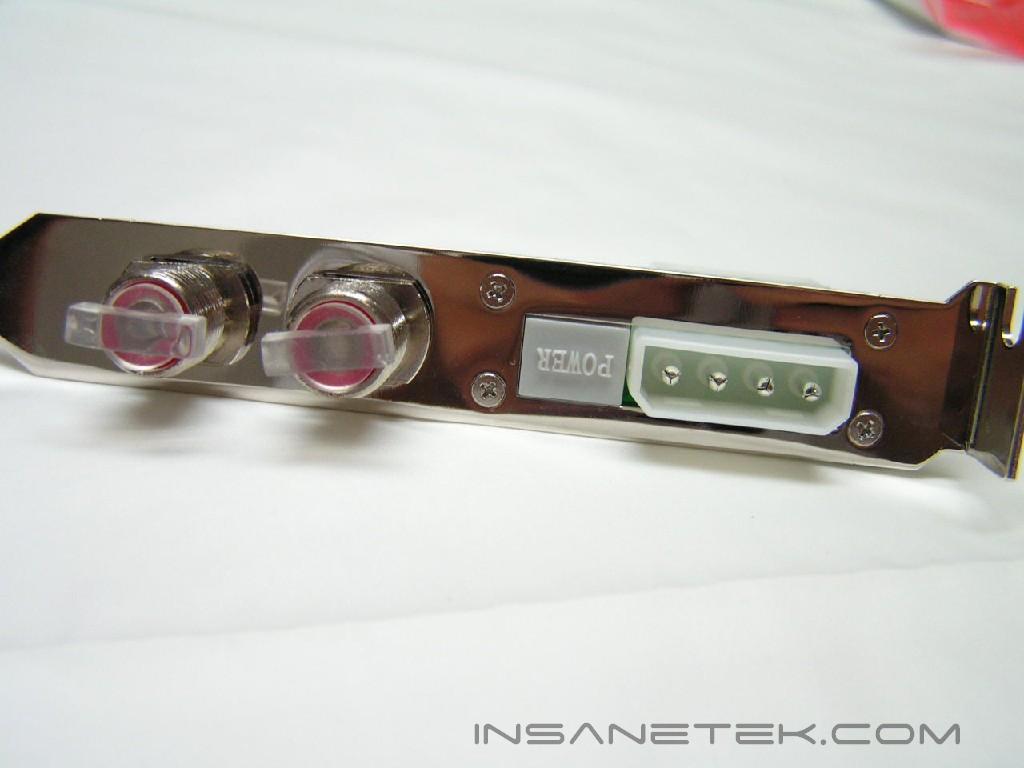
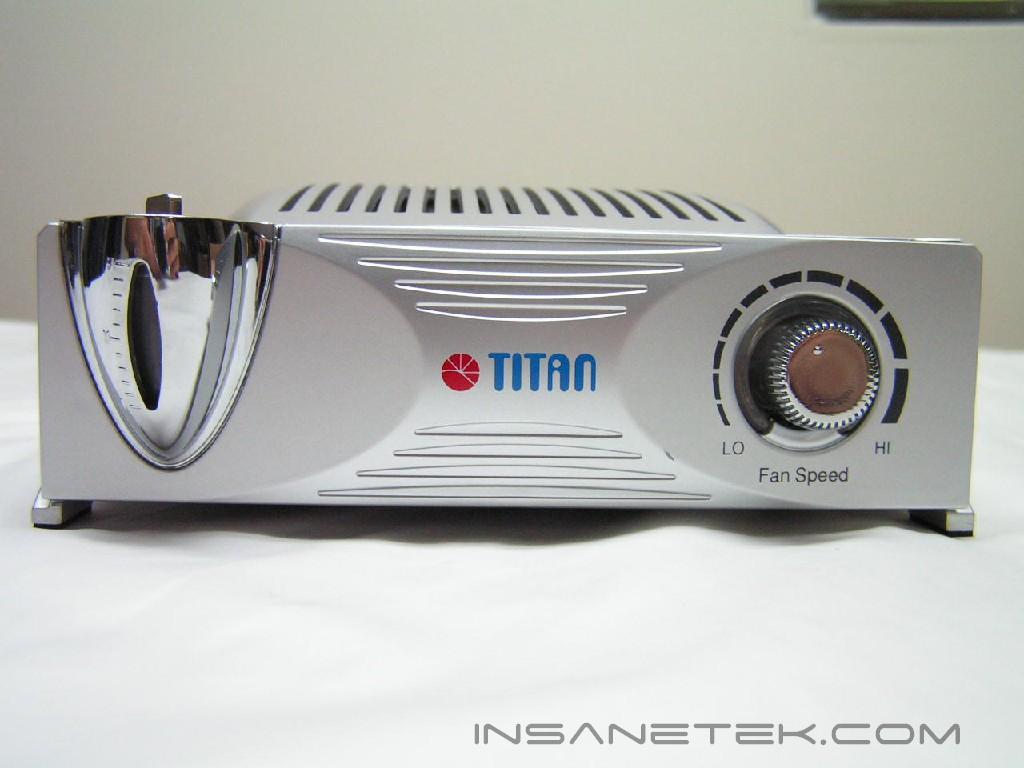
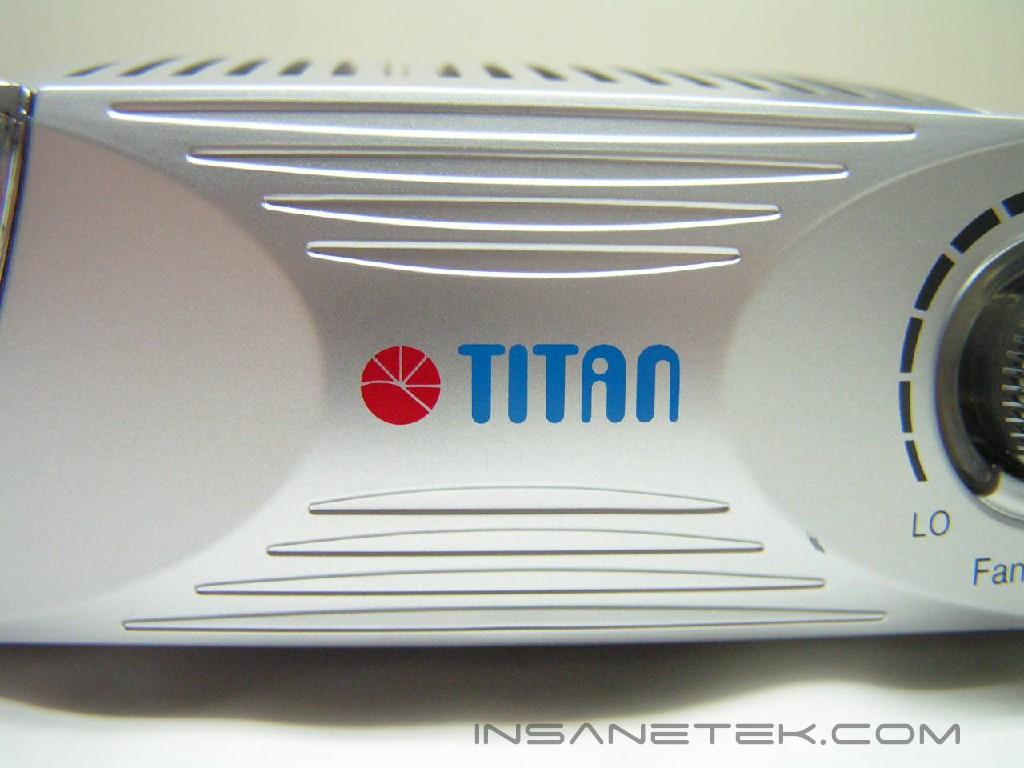
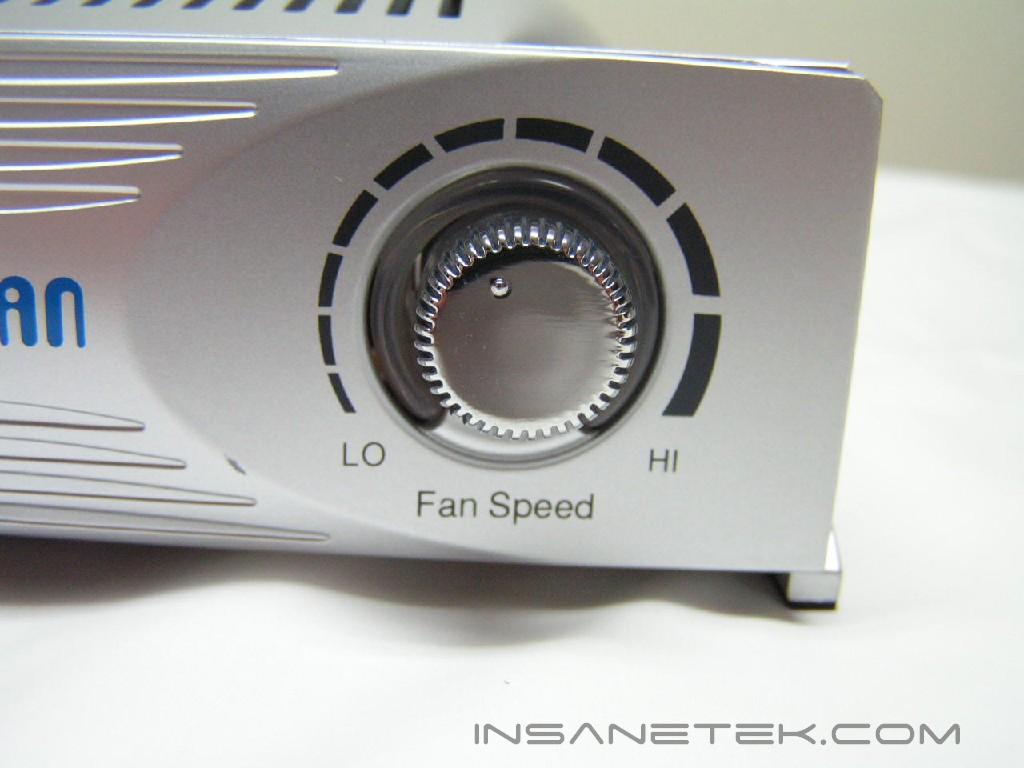
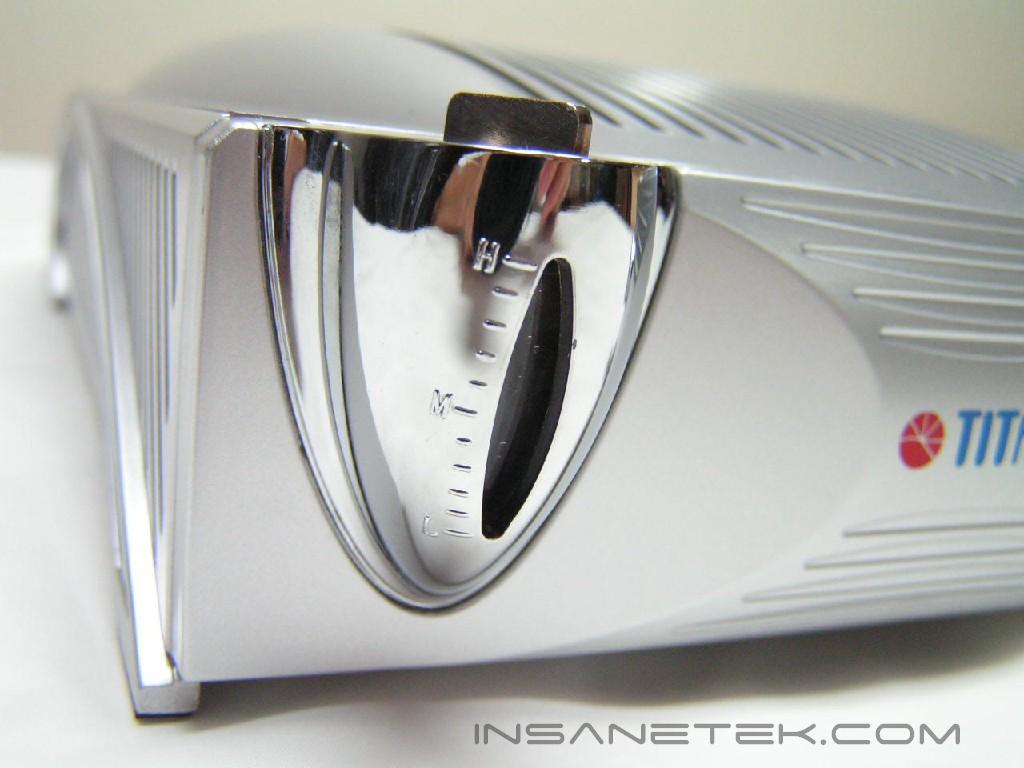
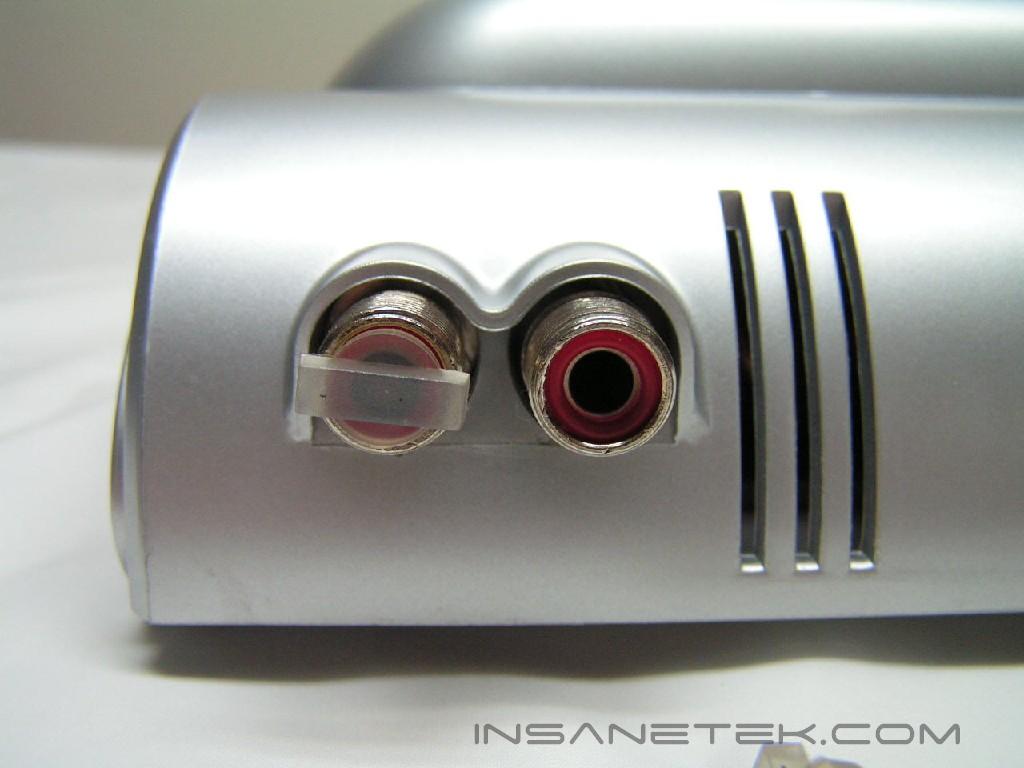
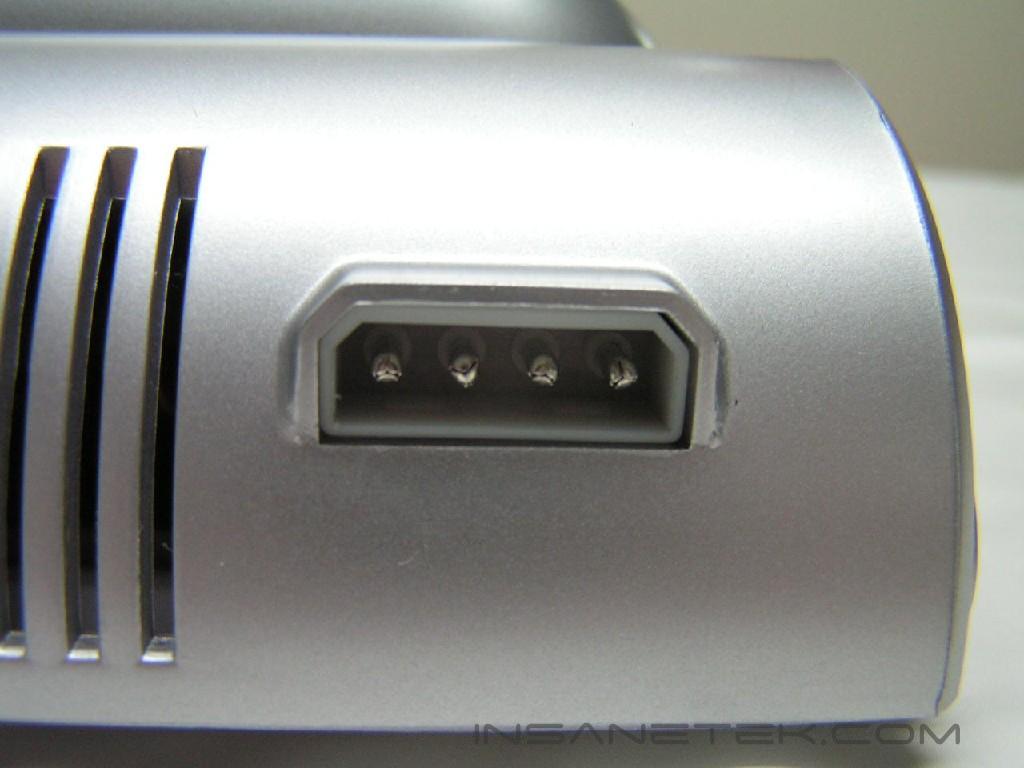
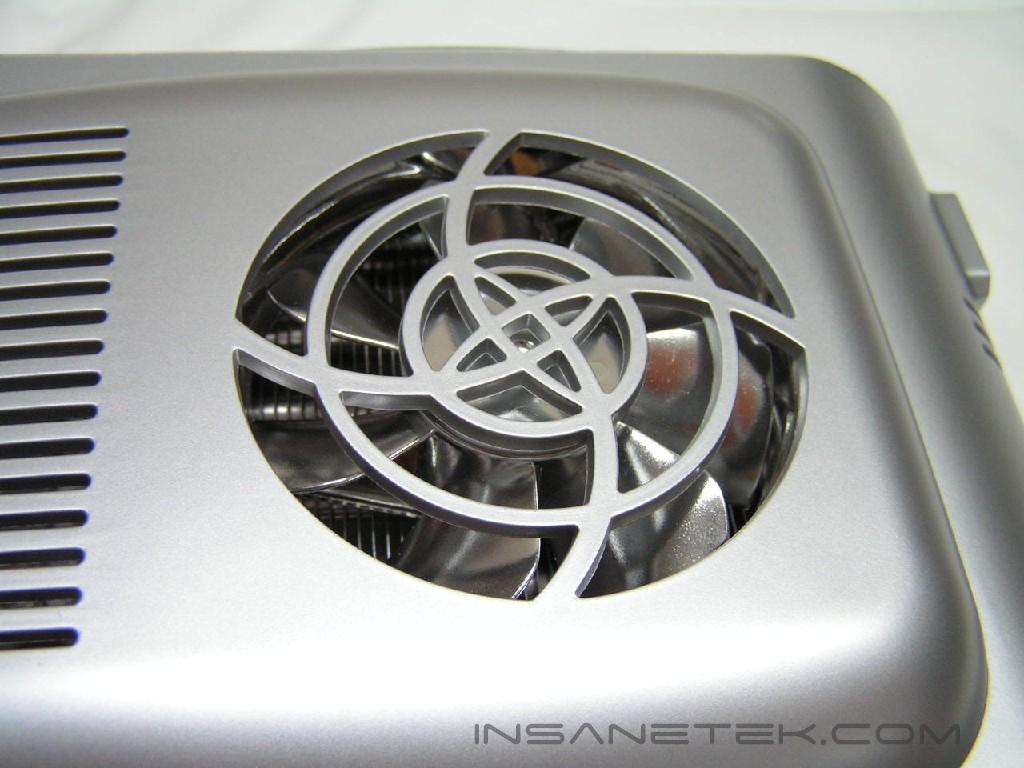
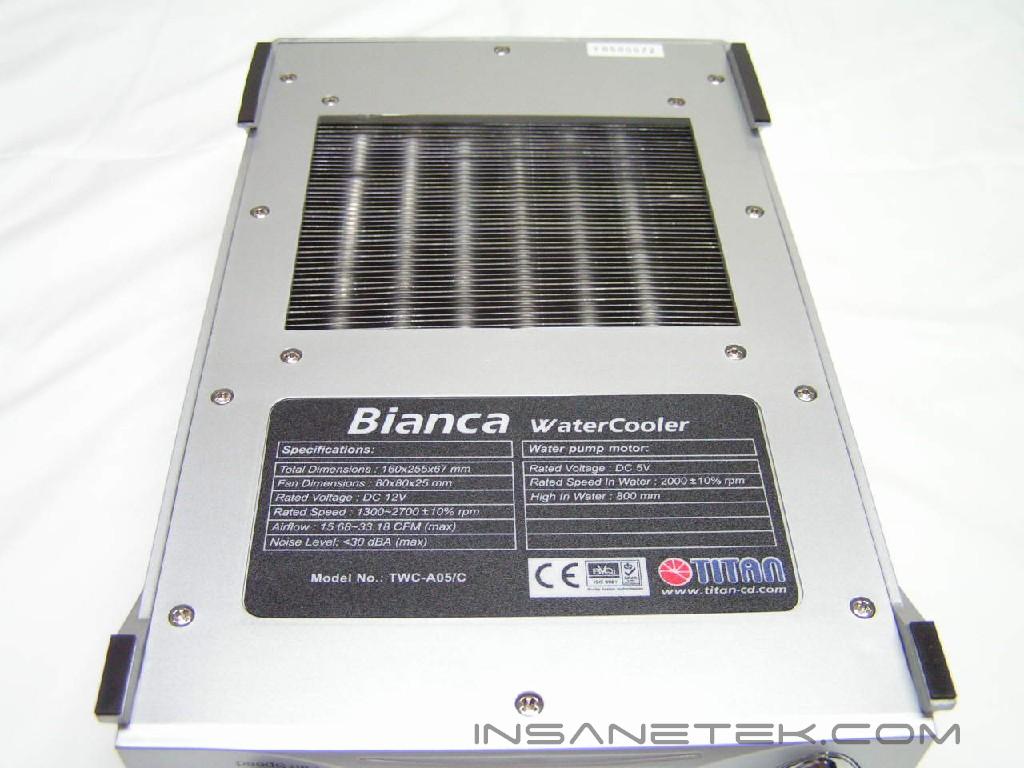
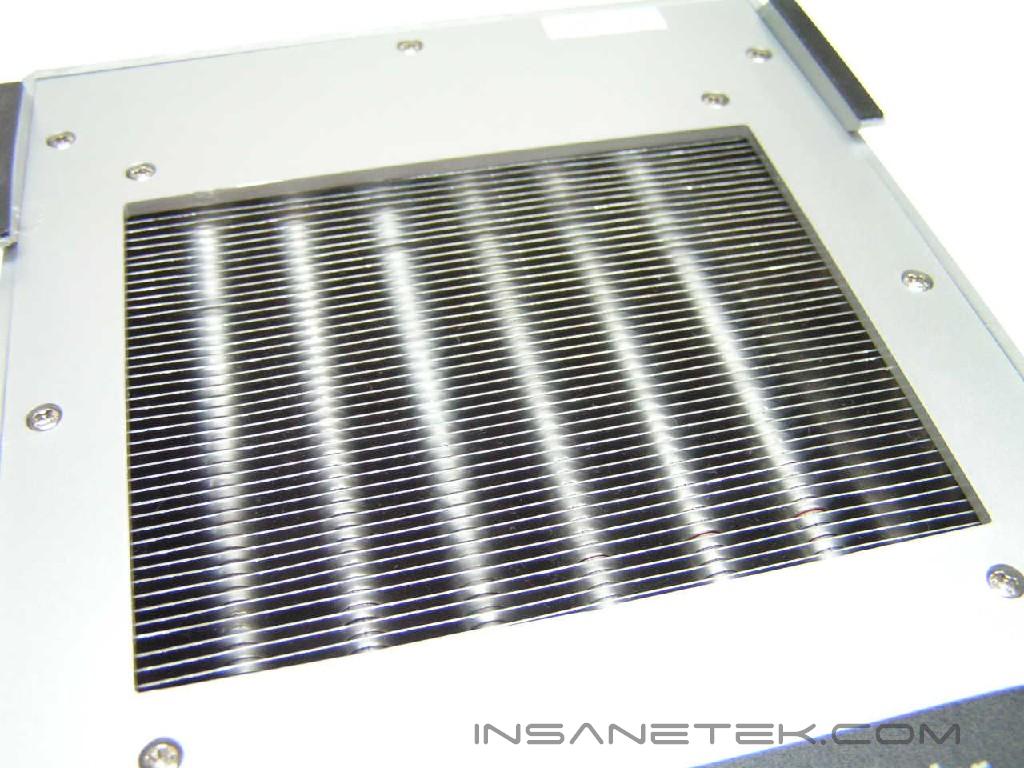
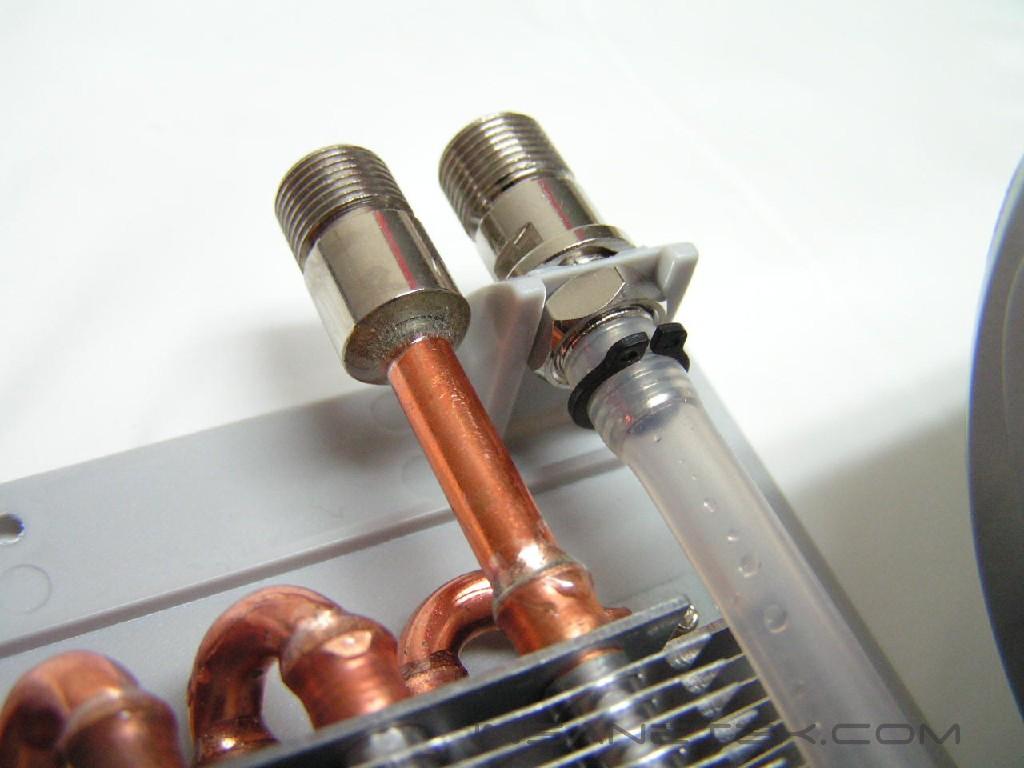
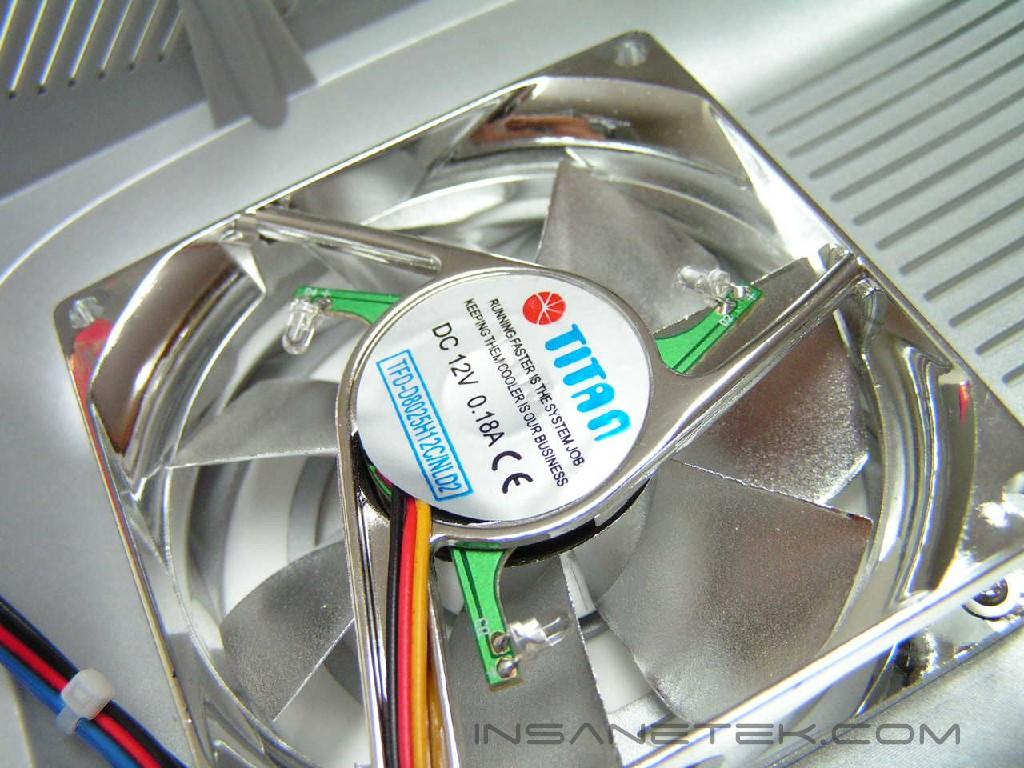
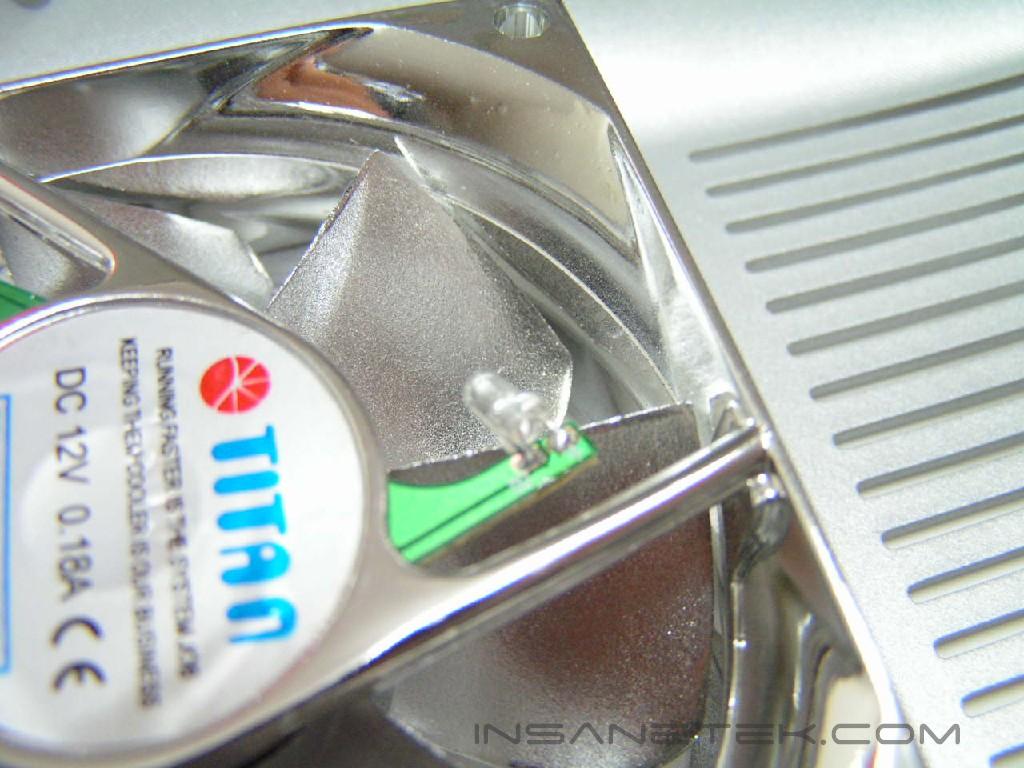
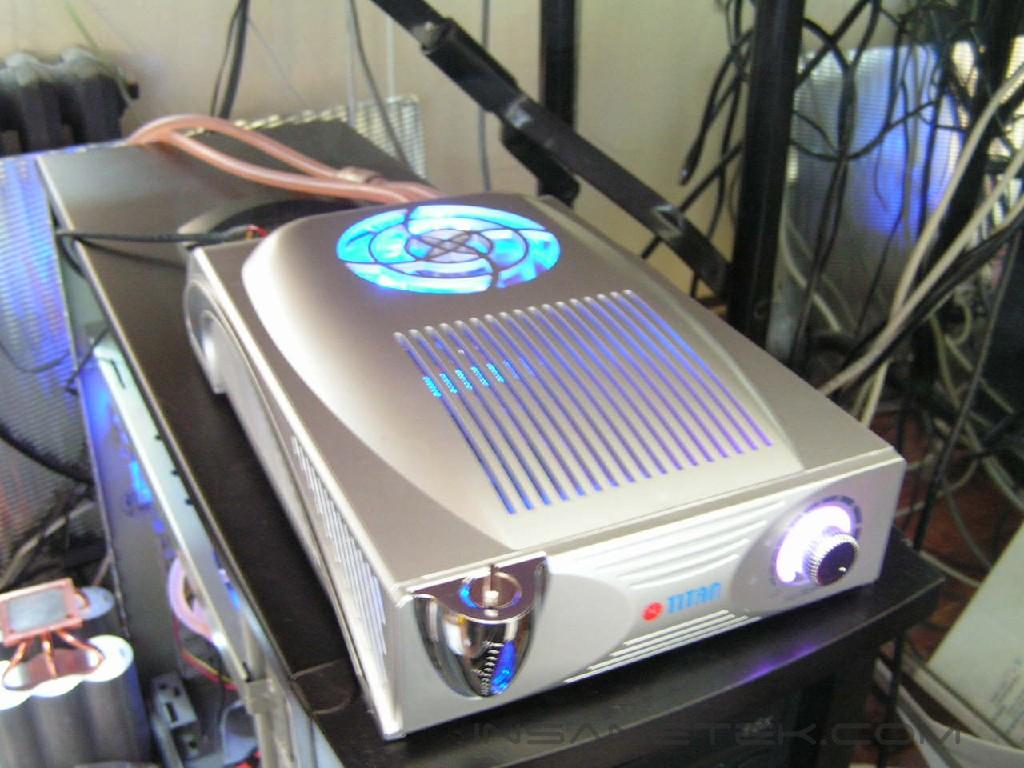
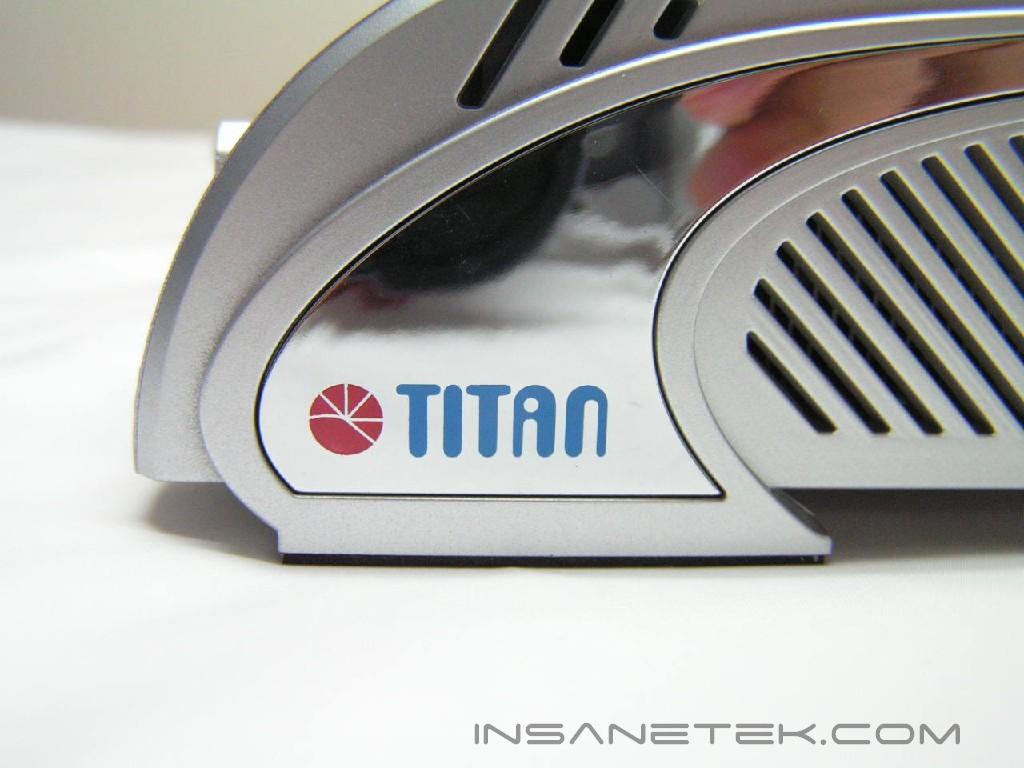
Unlike the TWC-A04, this is an external kit. It won’t fit into a 5.25” bay and is only operable when it sits on a flat surface. The front resembles the TWC-A04, with respect to the water level, filling hole, and the fan control knob. A shiny and reflective fan sits on top. This fan has blue LED’s and will illuminate the inside of the box to give a nice glow during operation. On the bottom, we can see the specifications and the large, exposed heatsink. Located on the back are the power connector and the intake/outtake holes. The left hole is outtake and the right is intake. Don’t switch the two around or you’ll create an undesired effect. The pump pumps water to the outtake, so the flow will be altered if the holes are confused.
Bianca Continued
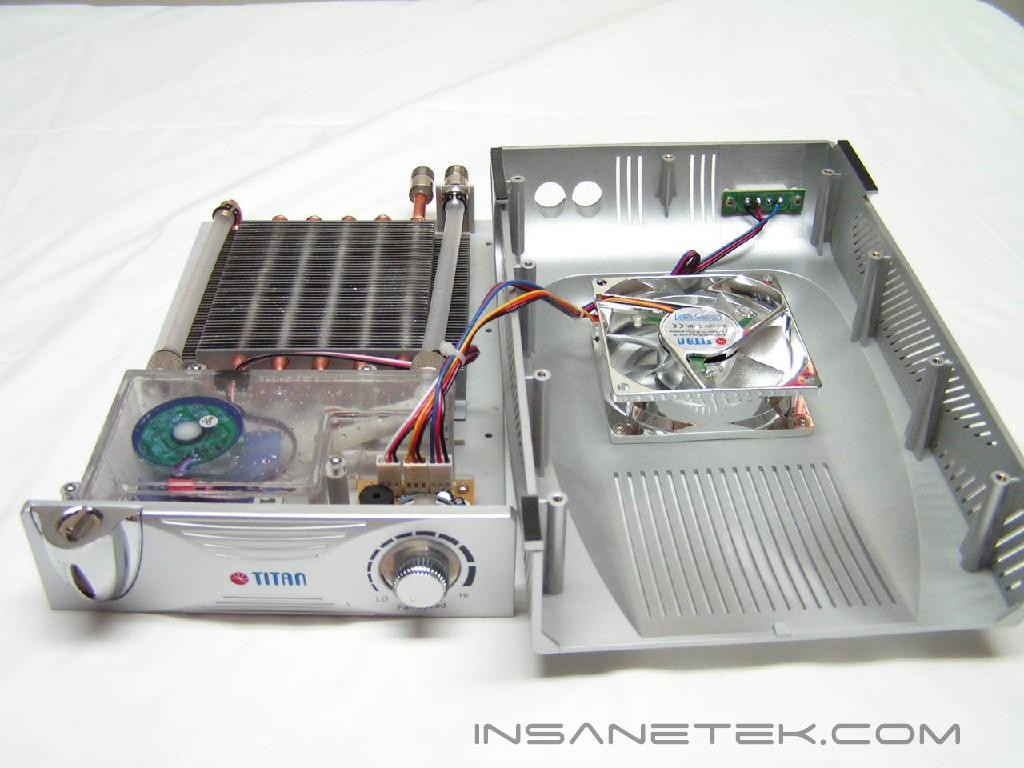
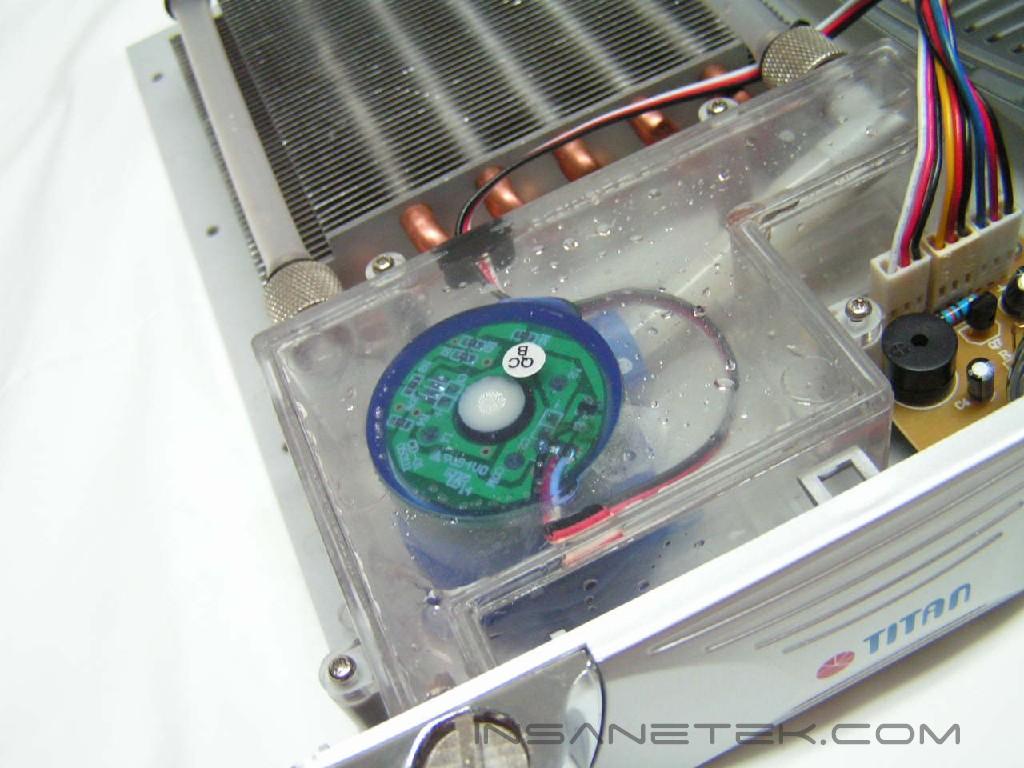
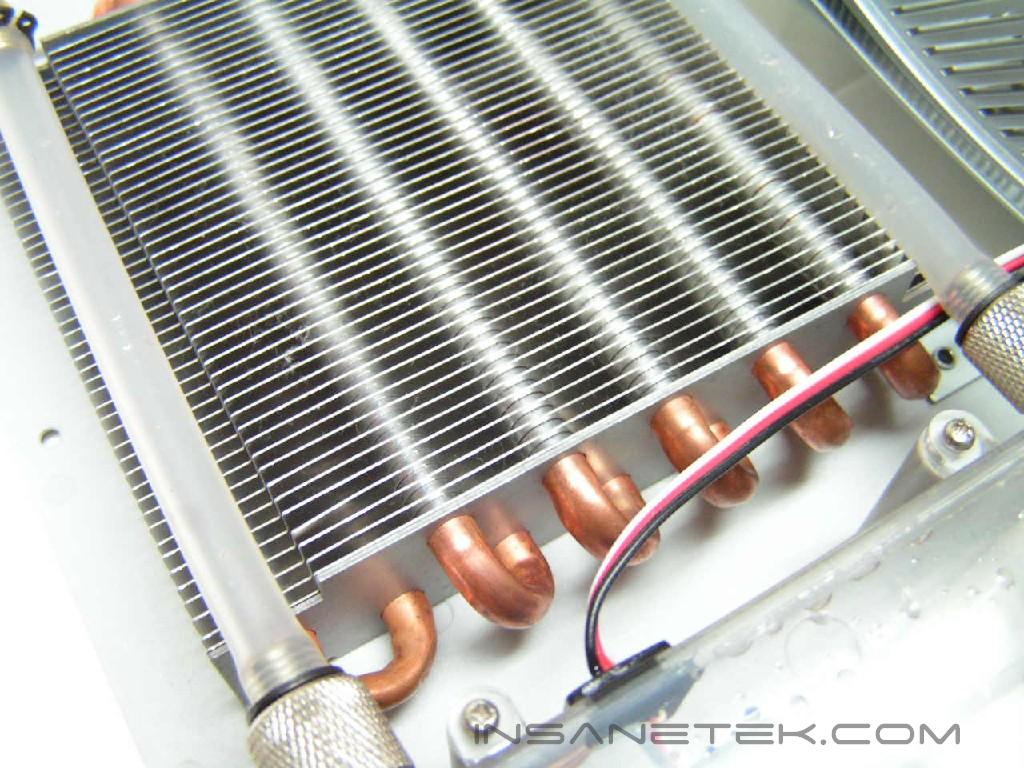
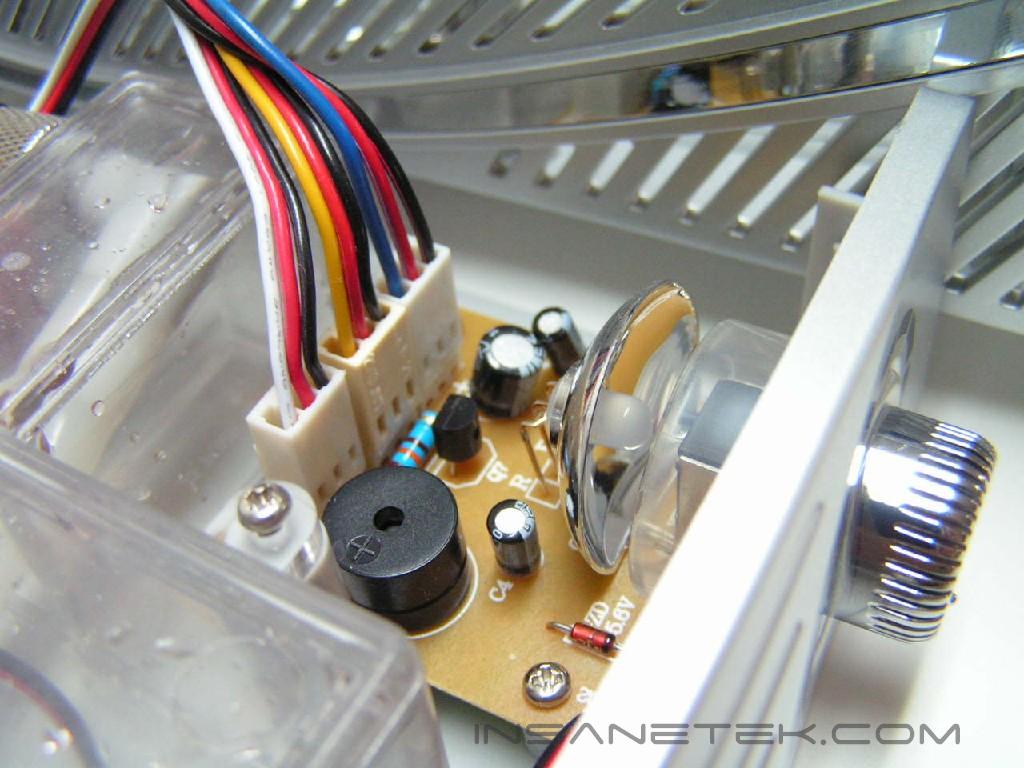
Inside you’ll immediately notice a clear plastic box. That box is the reservoir to ensure enough cool water circulates through the system. From the reservoir, the pump inside pumps water through the outtake tube and to the rest of your system. As the water returns, it comes through the intake opening. The intake opening is connected to a long copper tube, which has aluminum fins attached for heat dissipation. The water passes through six successful loops through the copper tube for better distribution of heat. The fan provided is a bit slower, but is still silent even when the knob is on high. There is an LED behind the knob to change colors as you change the speed of the fan.
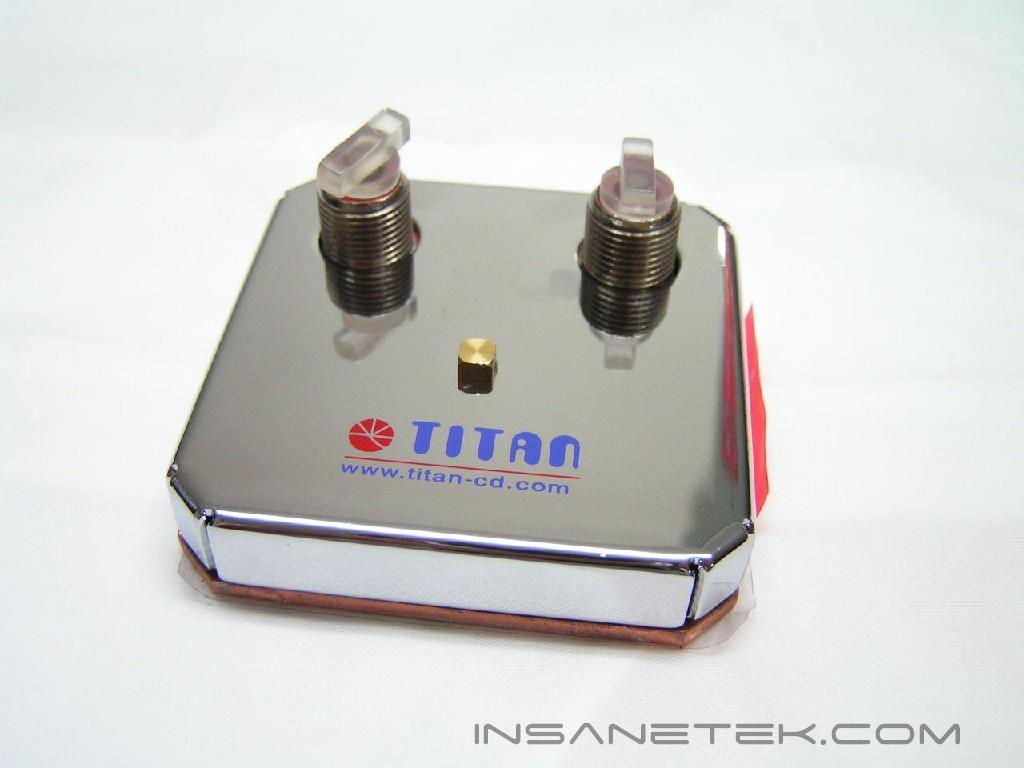
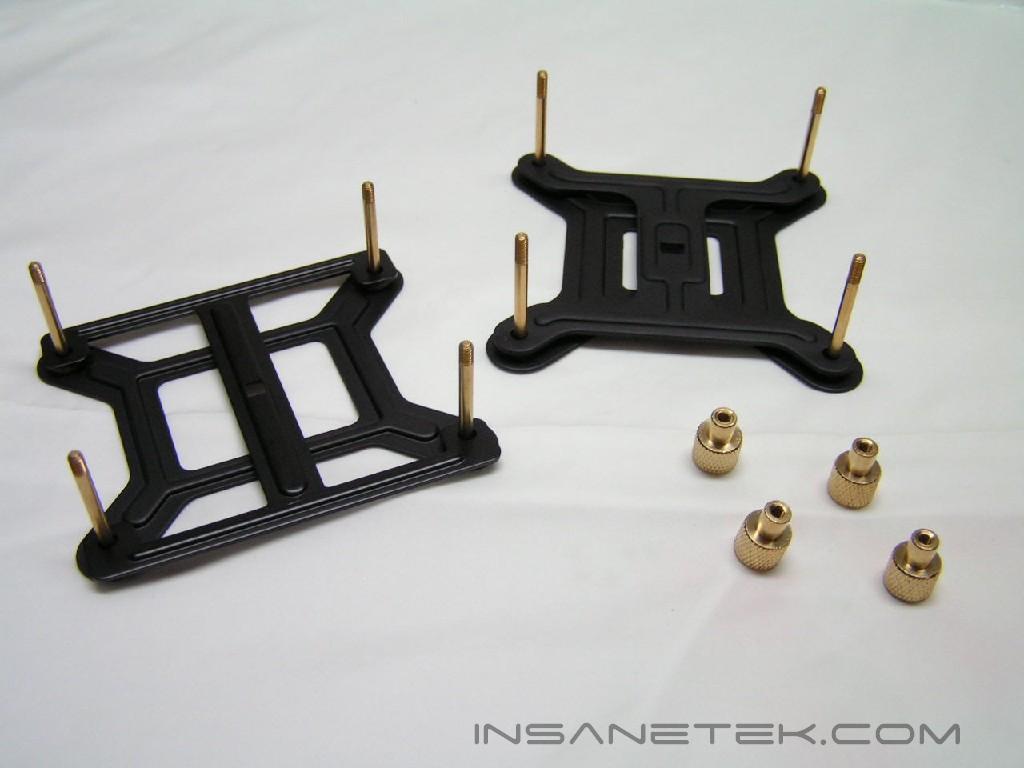
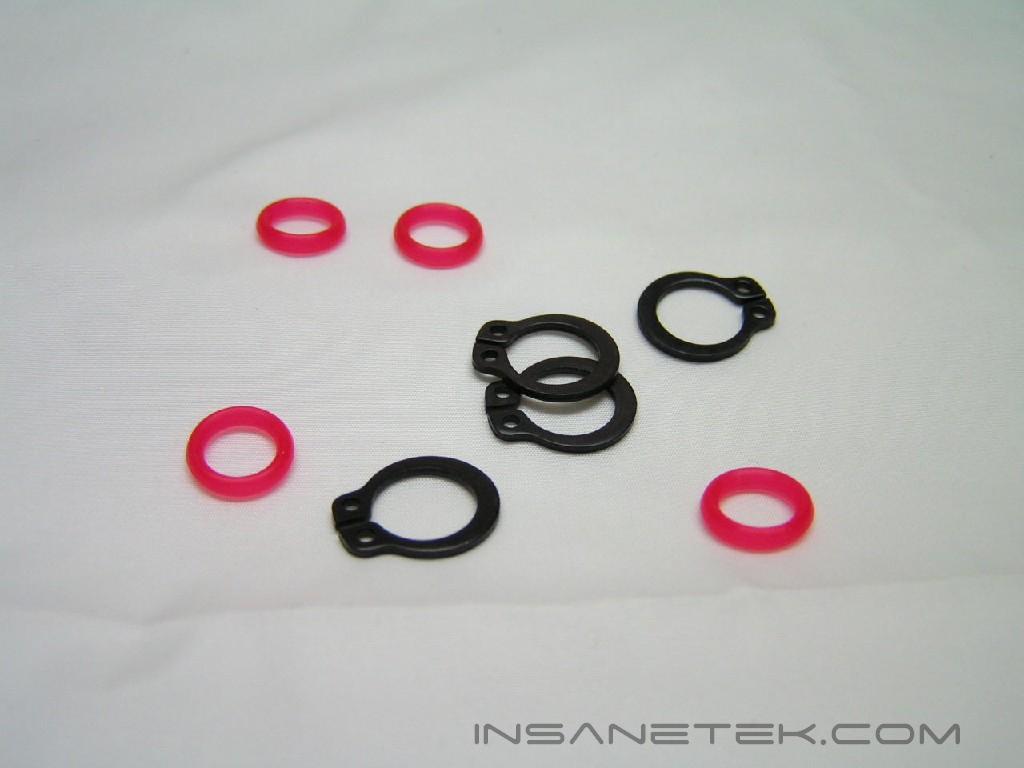
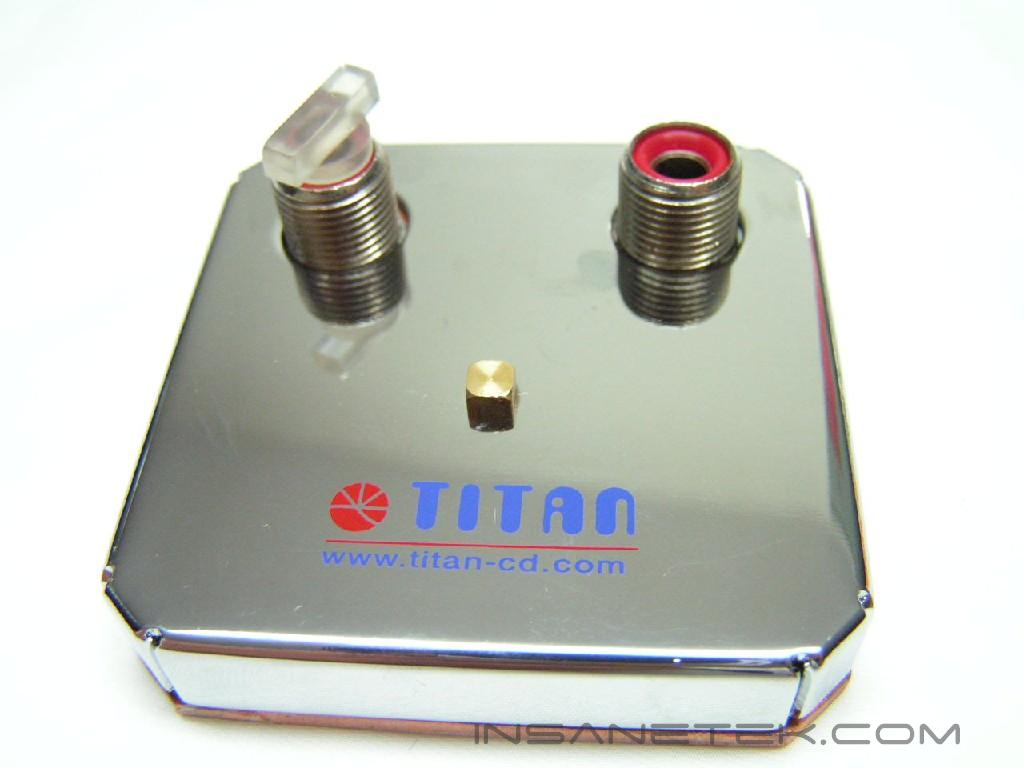
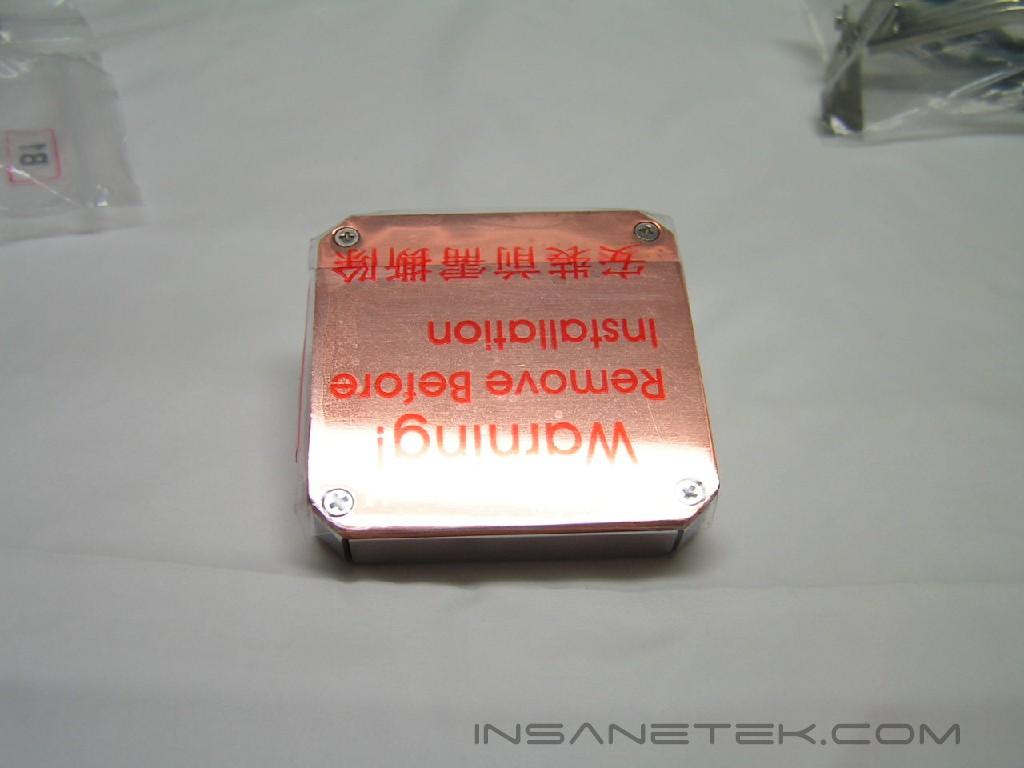
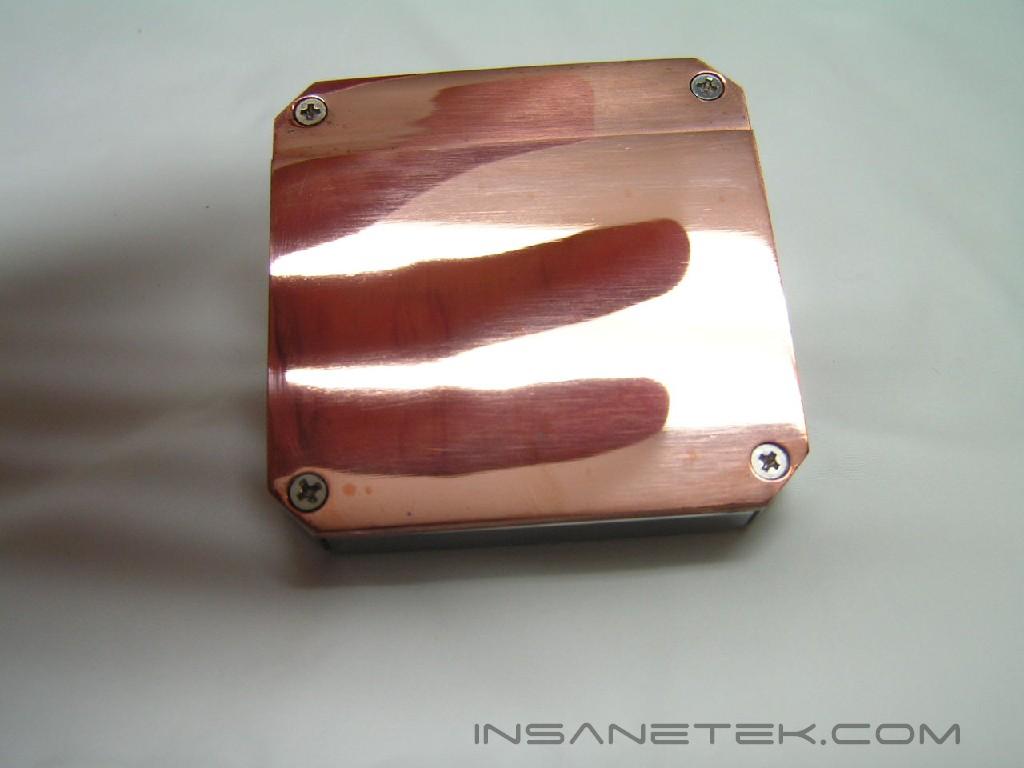
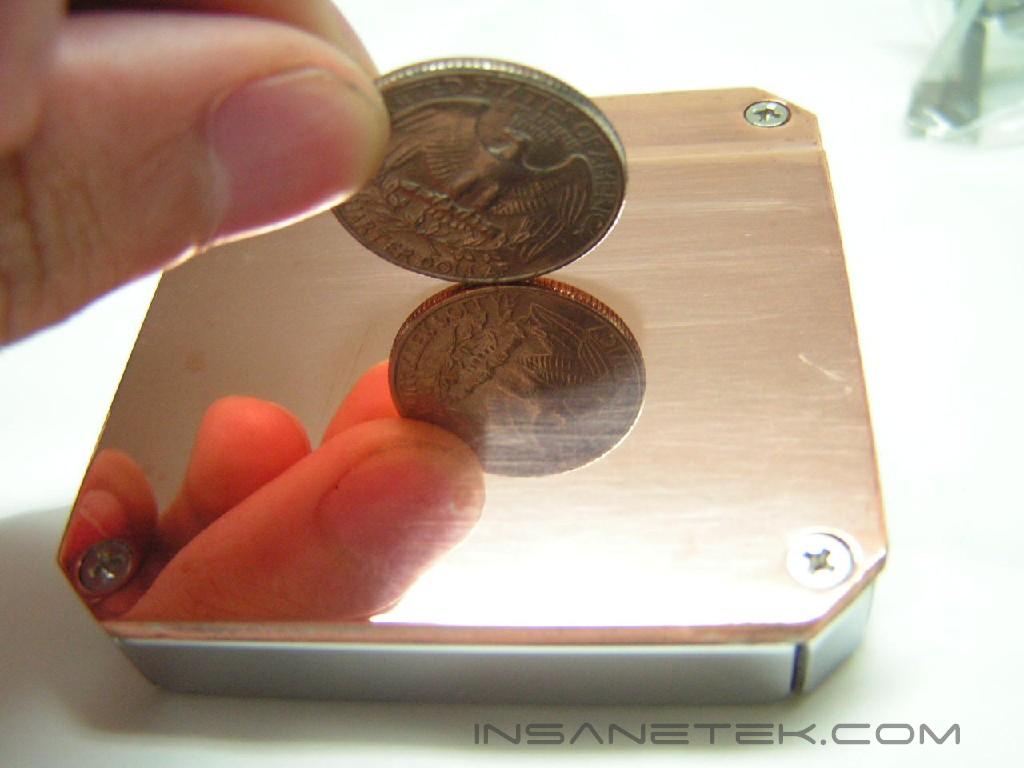
The kit I received is the CPU block version. There is another version which has a GPU block that cools the graphics card. The CPU block has an intake and outtake hole. There is also a protective sticker on the bottom. Peeling off the sticker, we can see that the base is extremely shiny. The base is completely flat, as it shows undistorted reflections. This will allow the best contact with the CPU. The red rings placed in selected intake/outtake holes can fall out. These red rings are made of rubber to fill up any gaps when you screw the tubes in. Make sure that the tube clamps are all in place or replace them if you cut the tubes shorter.
Specifications and Installation
Installation:
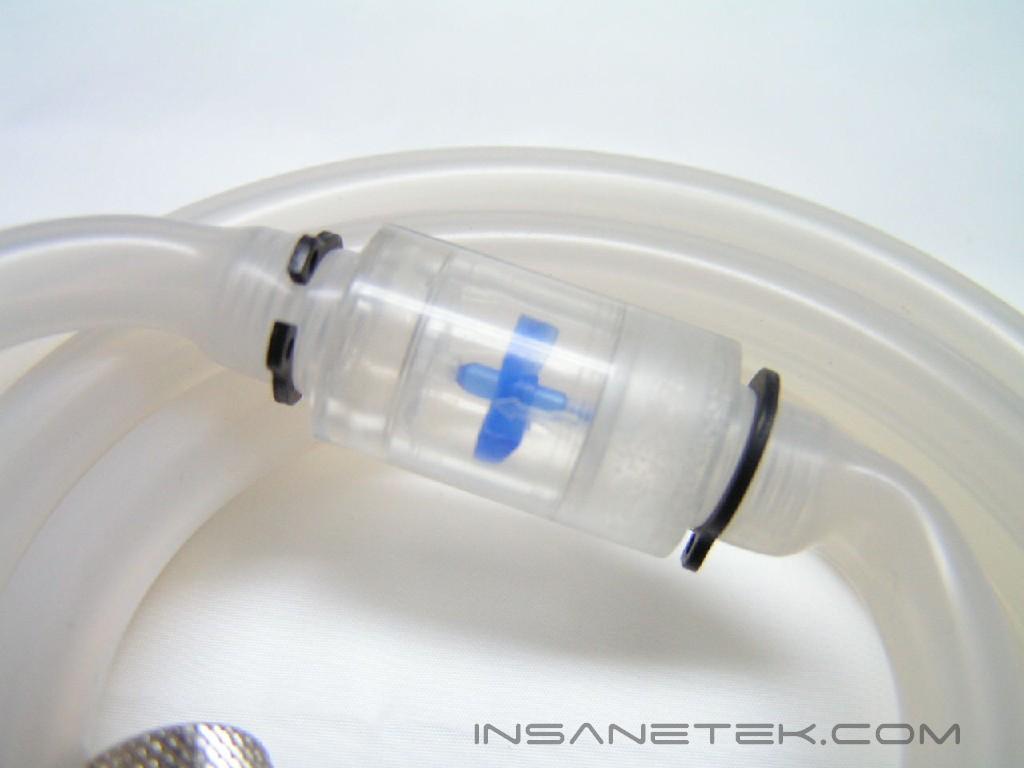
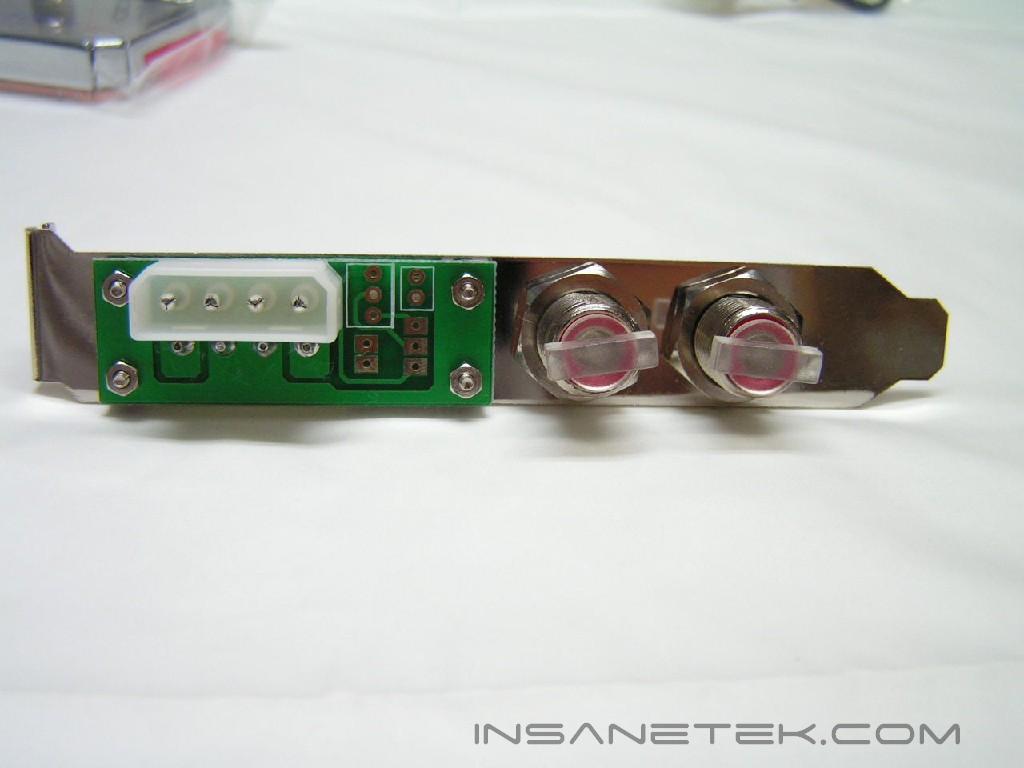
Installation was extremely easy. It took about 20 minutes to get everything installed and water filled into the kit. While it was my first time ever dealing with water cooling, it was self explanatory. I only looked up which tube to use in which hole in the instruction manual. The outtake hole on the external box needs to have the tube with the flow indicator connected to it. From there, you connect that tube to the PCI expansion slot. You then use a shorter tube to connect the PCI expansion slot to the CPU block. Use another short tube and attach it to the remaining hole on the CPU block to the remaining hole on the PCI slot. From the PCI slot, use the remaining tube to connect that to the intake hole on the external box.
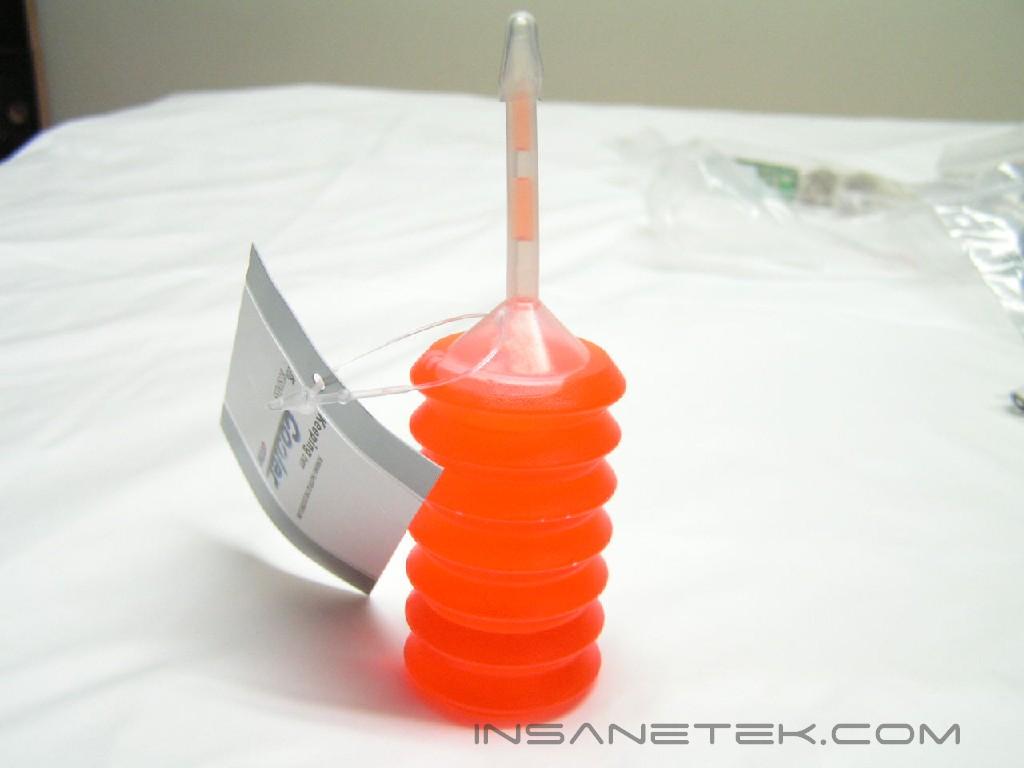
After the initial setup is completed, it’s time to fill the kit. The instructions allow the use of the whole bottle of anti-freeze, so go ahead and unscrew the opening to the water-level indicator. Using the provided thin cap, carefully squeeze the anti-freeze into the hole. After you’re done with this, fill the reservoir with distilled water. Distilled water is recommended, so that rusting and micro-organisms won’t grow in the kit. Any bottled wate sold at the grocery store or a supermarket is usually distilled, such as Poland Spring and Aquafina. When the water-level indicator hits full, turn on the power to pump water through the system. After this is done, turn it off and continue to fill it up with water until the indicator is full.
After installation, it is important to test the setup kit for leaks. Lay out the parts and place paper towels underneath. Make sure the kit is completely filled with no air bubbles and leave the kit running for a day or two. If you notice any leaks, simply cut off the top of the tube in a nice clean cut, and reattach the screw-on hole with a tube clamp.
Specifications:
| Total Dimensions | 164 x 255 x 67 mm | |
| Fan Dimensions | 80 x 80 x 25 mm | |
| Rated Current | 0.30A | |
| Total Power Consumption | 1.50W | |
| Rated Voltage | DC 12V | |
| Rated Speed | Min: 1300±10%RPM Max: 2700±10%RPM | |
| Airflow | Min: 15.68CFM Max: 33.18CFM | |
| Noise Level | Min: <21dBA Max: <26dBA | |
| No of Pole | 4 Pole | |
| Rotation Direction | Counter-clockwise | |
| Bearing Type | Sleeve / One Ball / Two Ball / Z-AXIS | |
| Life Time | 25,000 / 35,000 / 50,000 / 60,000 Hours |
Test Setup and Results
Test Setup and Method:
Ambient temperature was kept at a consistent 23.3°C. Arctic Silver 5 thermal compound was used during the entire testing process. A temperature probe was placed on the side of the AMD heat-spreader to measure CPU temperature. One instance of CPU Burn-in was used to create maximum load on the CPU. The purpose of this test was to determine the results a home end user would obtain. There was no scientific testing conducted on temperature or water-flow, simply because I do not have the proper equipment.
Test System Specifications:
- AMD Athlon64 3000+ Winchester (9 x 275FSB = 2.475GHz @ 1.65v)
- MSI K8N Neo2 Platinum
- 2 x 512MB PDC1G3200+XBLK
- Leadtek Geforce FX 5950 Winfast A380 Ultra
- TTGI SF-450TS 450W Power Supply
Competition:
- Thermaltake Sonic Tower w/ 120mm fan
Test Procedures:
- Idling at desktop for 45 minutes
- Full load with one instance of CPU Burn-in for 45 minutes
- Temperatures will be recorded while fan is on both low and high speeds
Results:
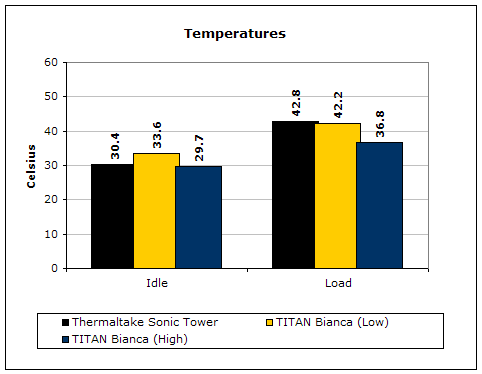
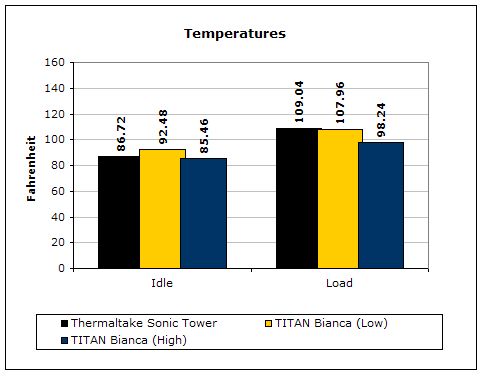
The performance of the Bianca is superb for a starter’s kit. At idle and load, the Bianca performed better while the fan was on high. With the fan on low, the fan was much too weak to cool the aluminum fins.
Conclusion and Thoughts
Water cooling certainly has advantages over conventional air cooling. The Bianca, like all other products, is not perfect. There are a few little details which I found completely annoying. My hearing is quite sensitive and there was a slight whine from the pump. It also did not quite fit on my case. Cases with top fan/extension ports will encounter the same problem. My case simply did not have a large flat surface for me to lay the cooler on. The CPU block was flawless and the performance of this kit was outstanding. Yet like most other TITAN products, it might take a while before any store will carry the Bianca. This availability issue will definitely hurt, as it gives other competitors time to develop something better.
Pros:
- Fan controller
- Excellent performance
- Water-level indicator
- Heatsink uses copper tube and aluminum fins
- Easy to install and remove
Cons:
- Will be slanted on some cases with a top fan/extension ports
- Whine-noise from the pump
- Availability

We would like to thank TITAN for providing us the sample. If you have any questions or comments, feel free to hit us up in the forums. You can also check out more of our latest reviews on the front page.