

Thermaltake Sonic Tower
Introduction
Thermaltake is a well known company that manufactures cooling products. Their cooling products include water cooling kits, performance fans, and CPU heatsinks. Their past heatsinks had a widely supported the aged Socket A to 478, and now the popular K8 and LGA775. While heatsinks were migrating from the original copper base and aluminum fins style to the use of heatpipes, Thermaltake has taken a part in the migration and showed us the true wonders of heatpipes: Silence without lacking performance. Many enthusiasts should know that with fans smaller than 120mm, the noise level jumps by a great margin.
Recently we reviewed the Big Typhoon and the Beetle, both of which performed superbly in silence. Today we’ll take a look at their third attempt, the Sonic Tower.
Thermaltake Sonic Tower
The first thing to know about this heatsink is that it is a fanless cooling solution. That’s a bit of a misnomer, isn’t it? Naming a heatsink Sonic Tower when it’s meant for complete silence. Anyways, this means that without the use of a fan, the heatsink will dissipate all the heat accumulated from the CPU. Like many heatpipe towers, the heatsink utilizes aluminum fins to remove the heat from the heatpipes because aluminum cools far quicker than copper. Contrary to many heatsinks that need a fan blowing directly, this heatsink only requires an exhaust fan to provide a slight breeze to cool the aluminum fins. Exhaust fans from the power supply would also work, but it is recommended that the case have a separate fan in the back. The Sonic Tower is like it’s predecessors, it supports Socket A, 478, K8, and LGA775.
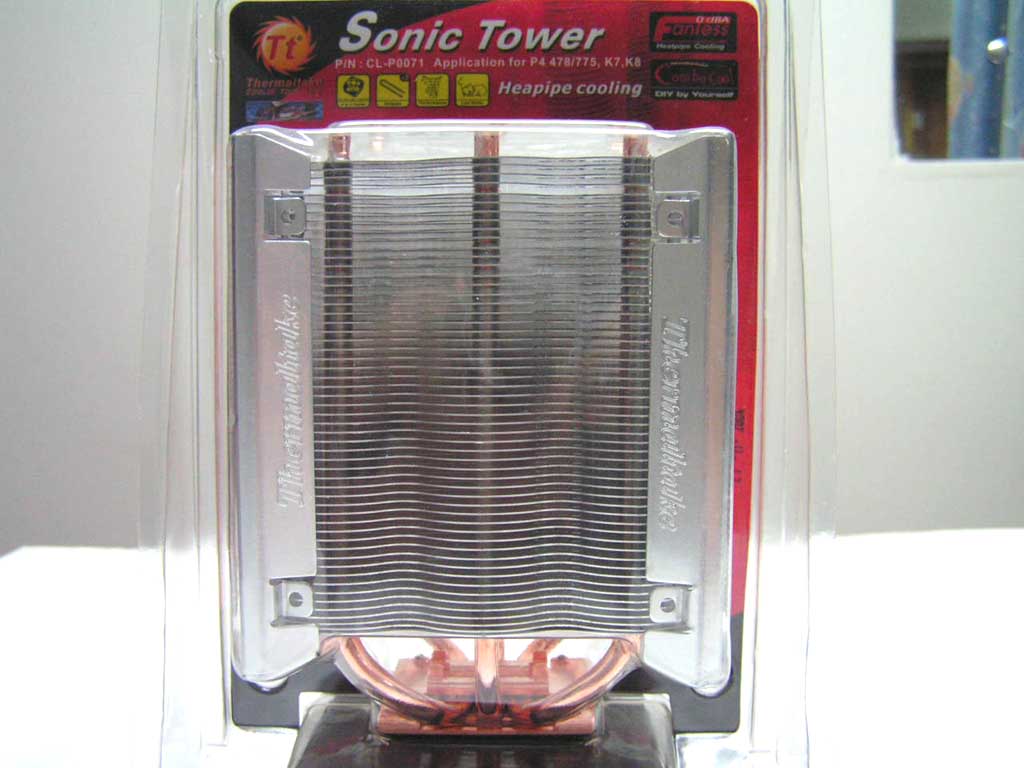
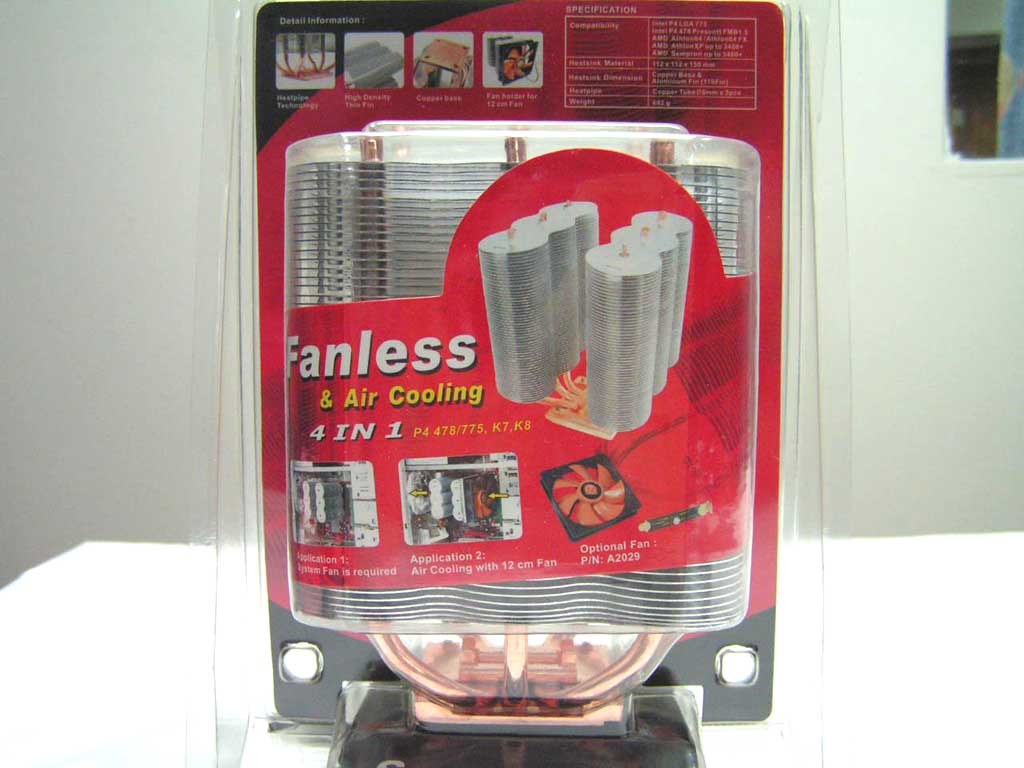
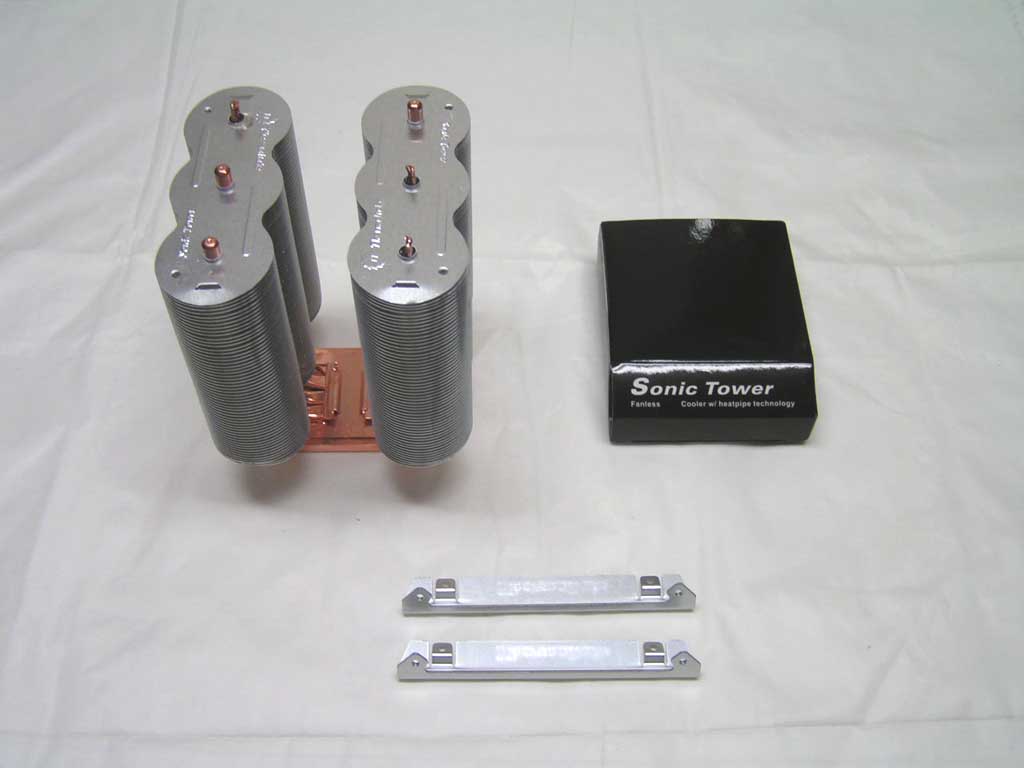
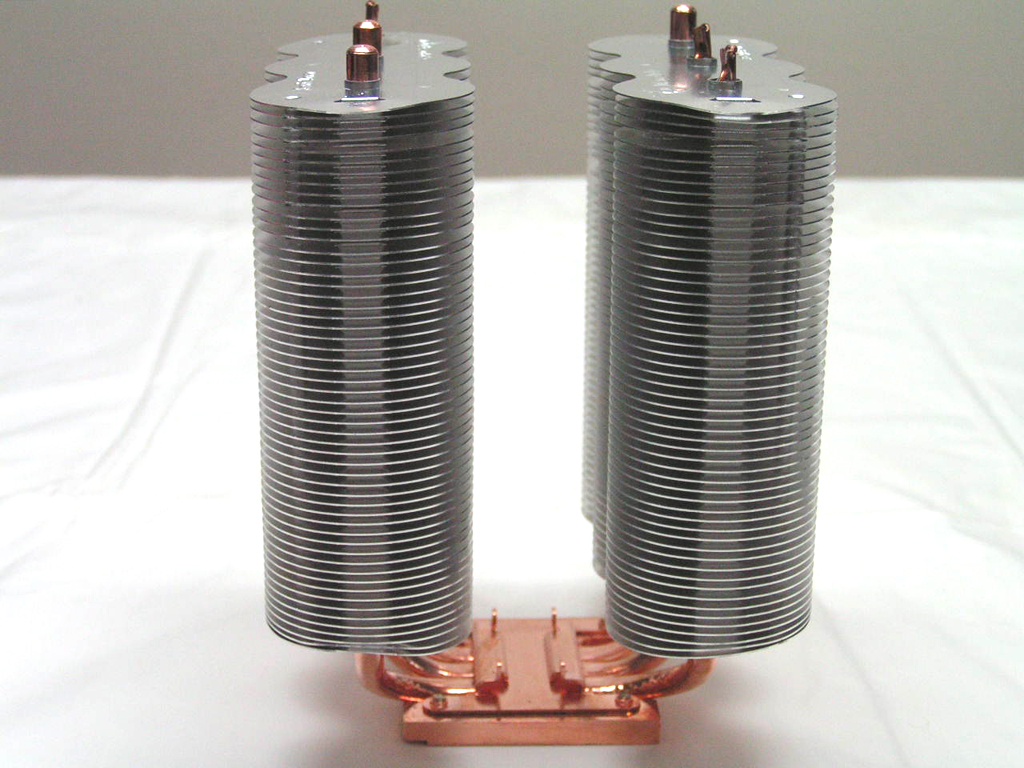
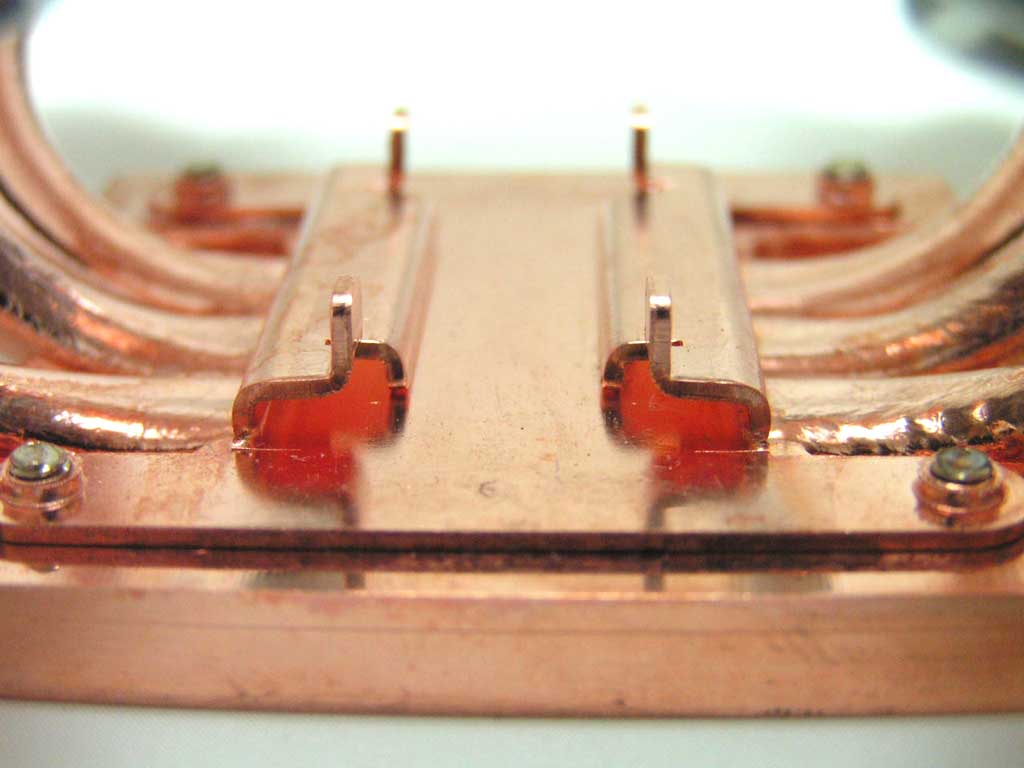
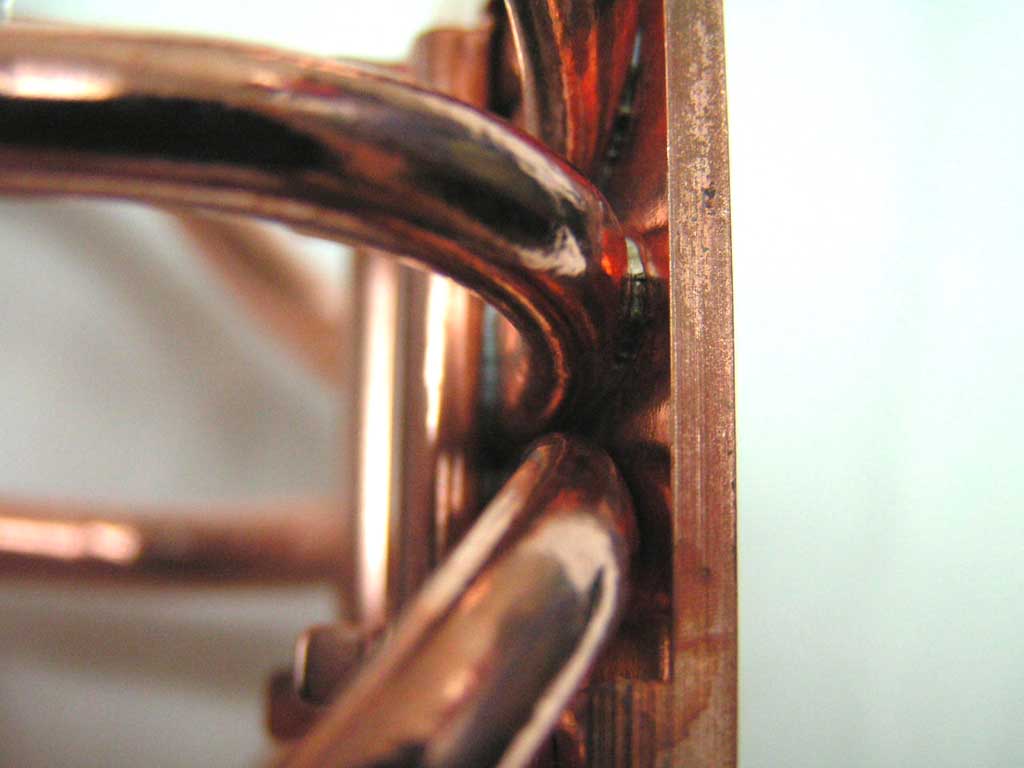
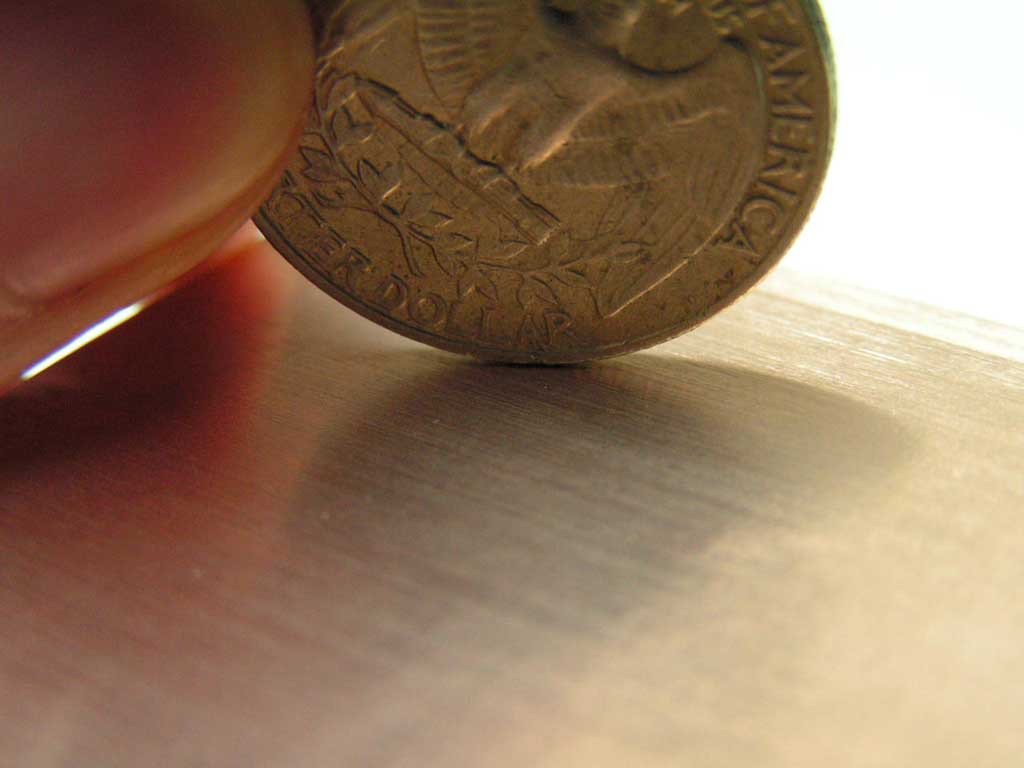
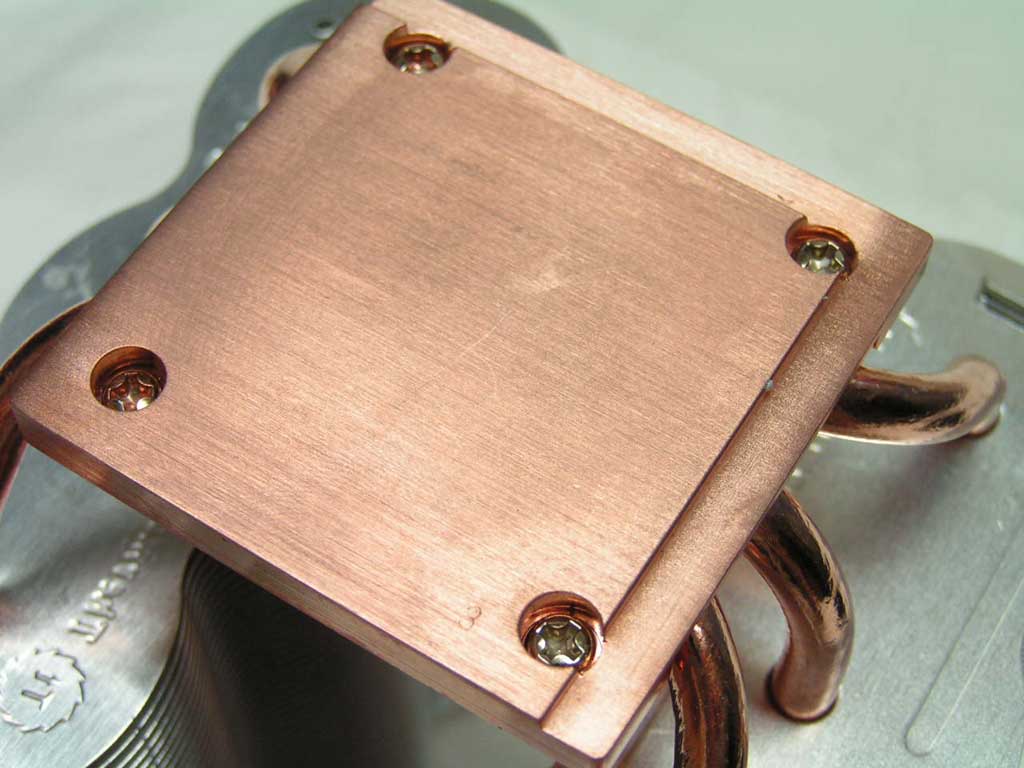
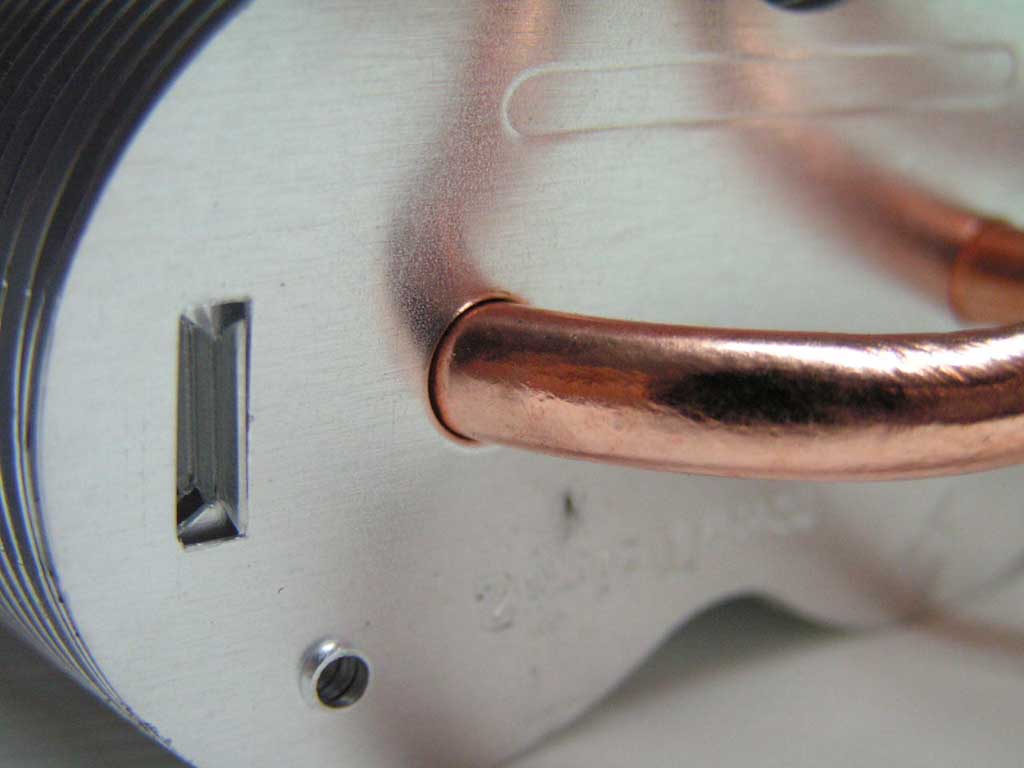
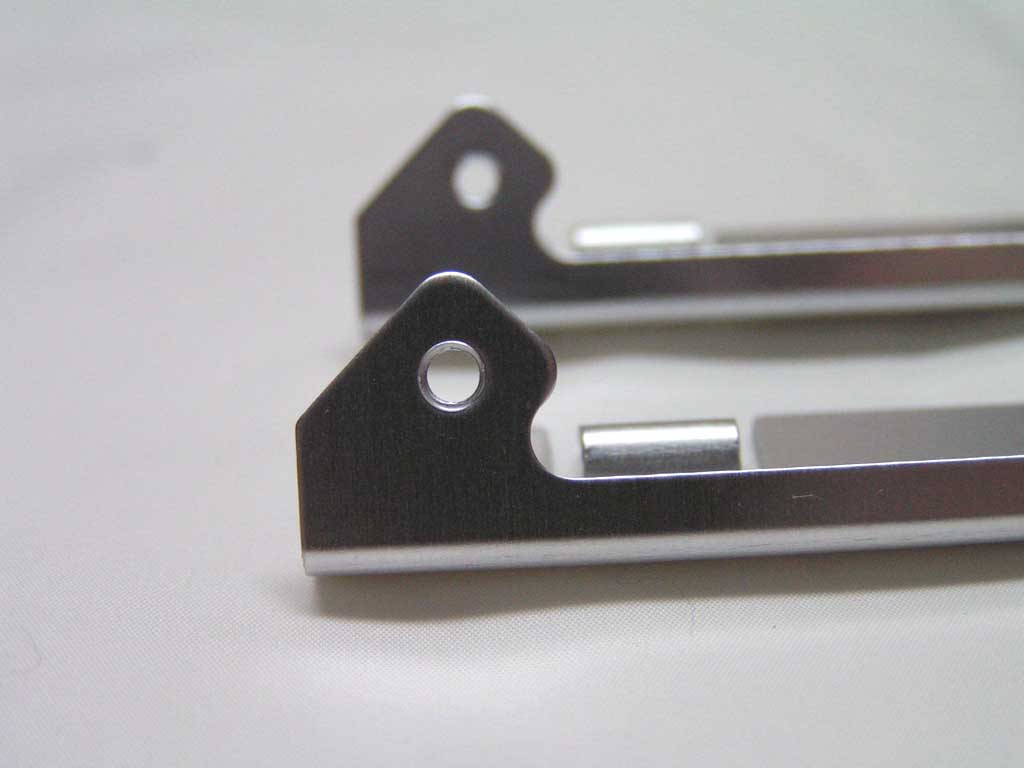
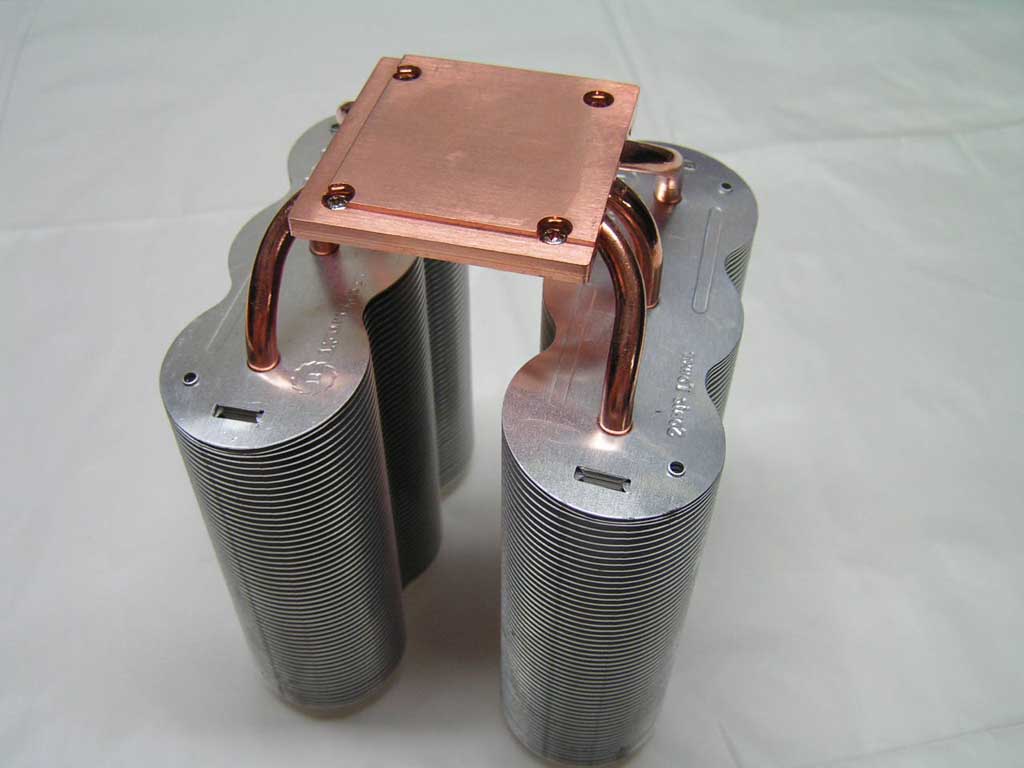
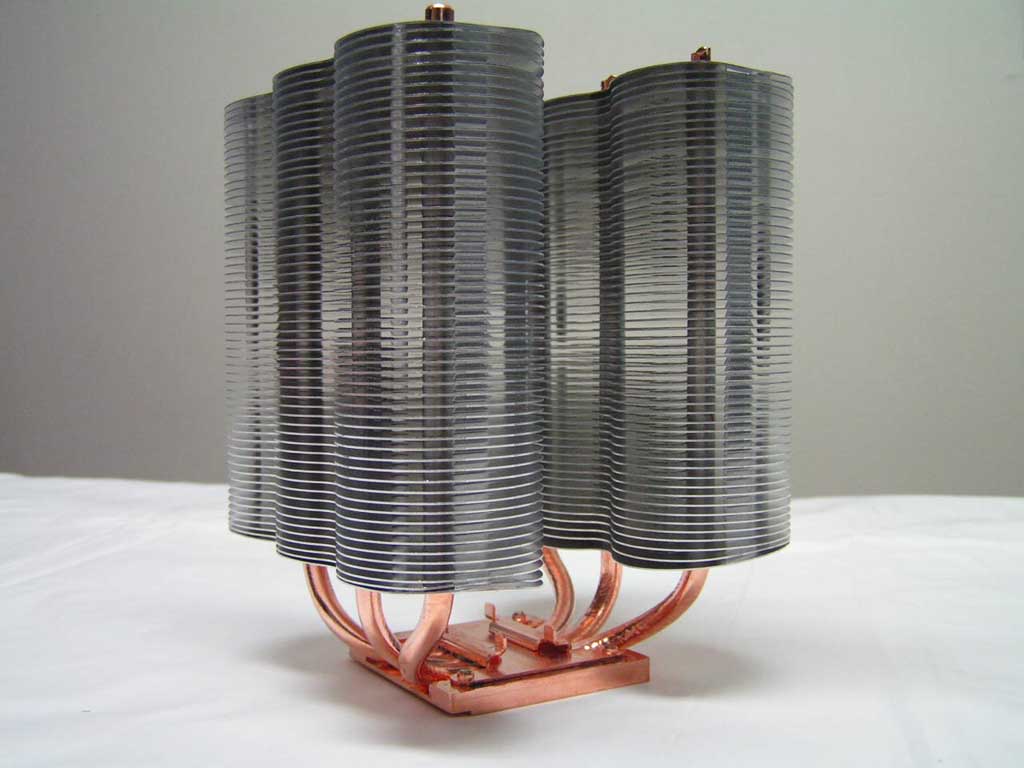
The Sonic Tower has qualities similar to the Big Typhoon and the Beetle. It uses six long heatpipes which are soldered onto a copper base. Yet, the heatsink has a straightforward original look to it. The aluminum fins split into two directions, following three heatpipes on each side. Why the aluminum fins weren’t connected together, I’m not sure. However, I was able to just stick a fan in the space. The base of the heatsink is thin and to the point. The middle spot on top of the base is used for mounting. Looking at the bottom of the base, there’s no mirror finish. The base is well lapped but thermal paste will do the rest. It is completely flat, so it will make the best contact with all parts of the CPU. Thermaltake also gives users an option to either use a fan or not. This heatsink comes with brackets for the use of two 120mm fans, one on each side.
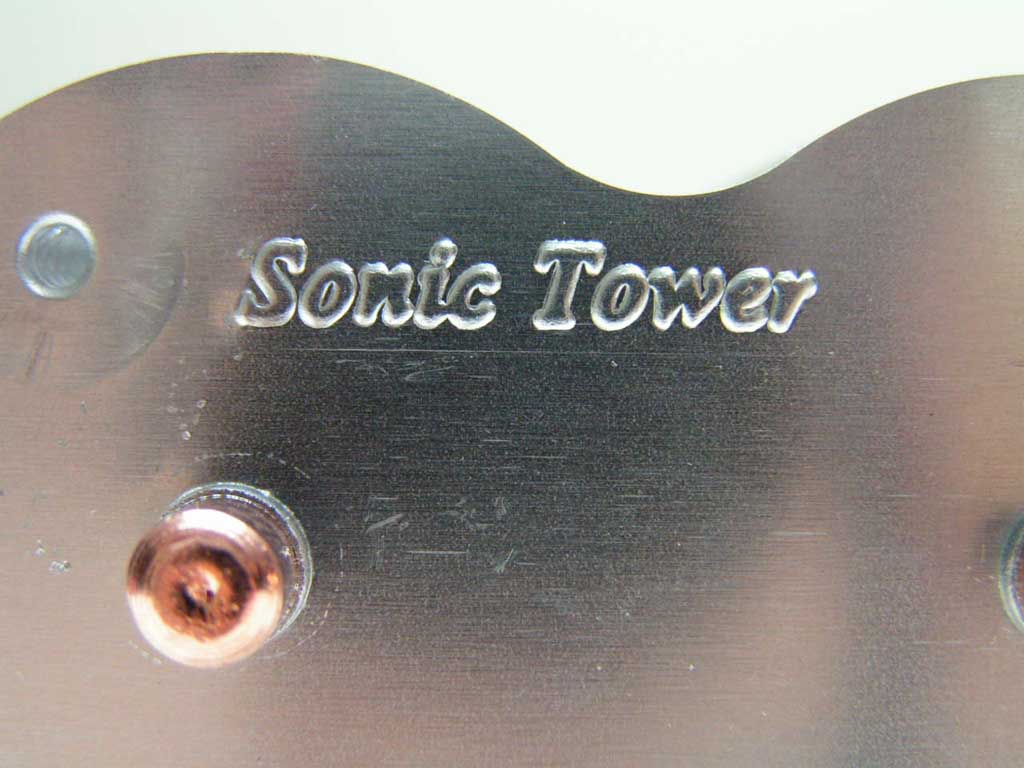
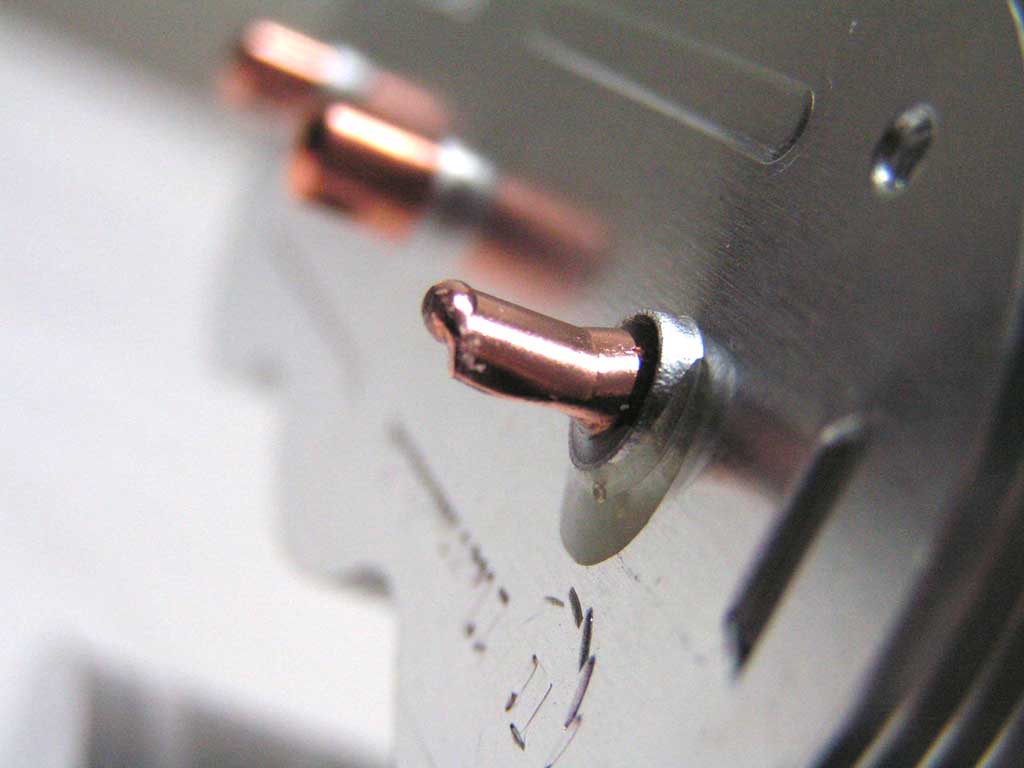
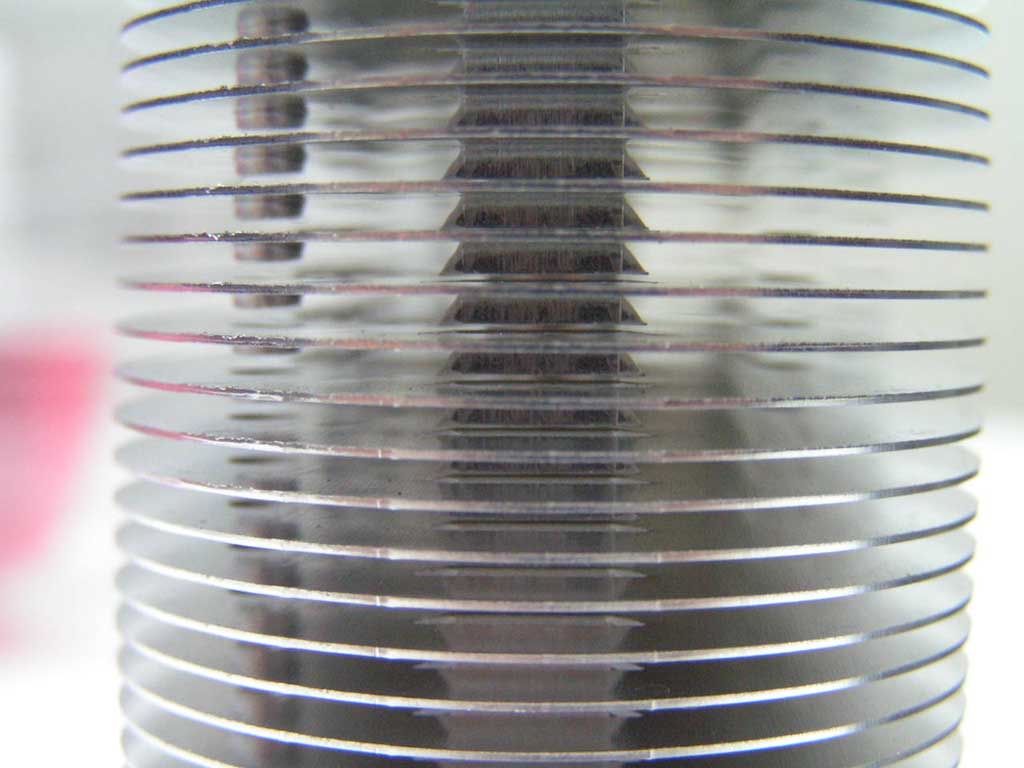
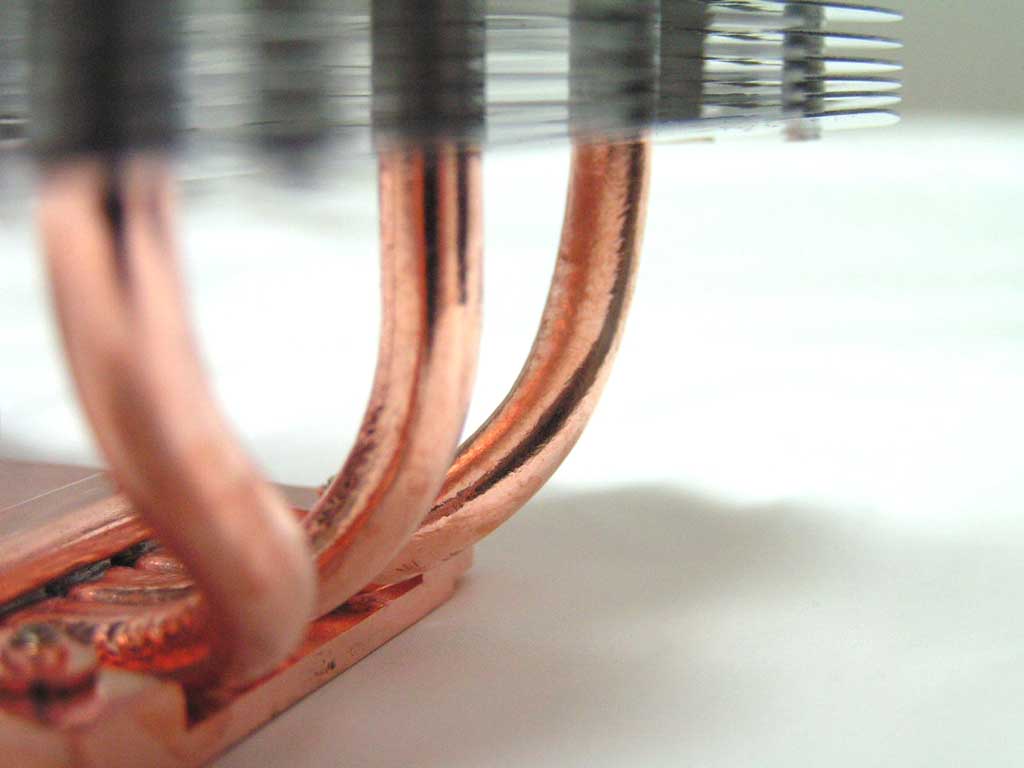
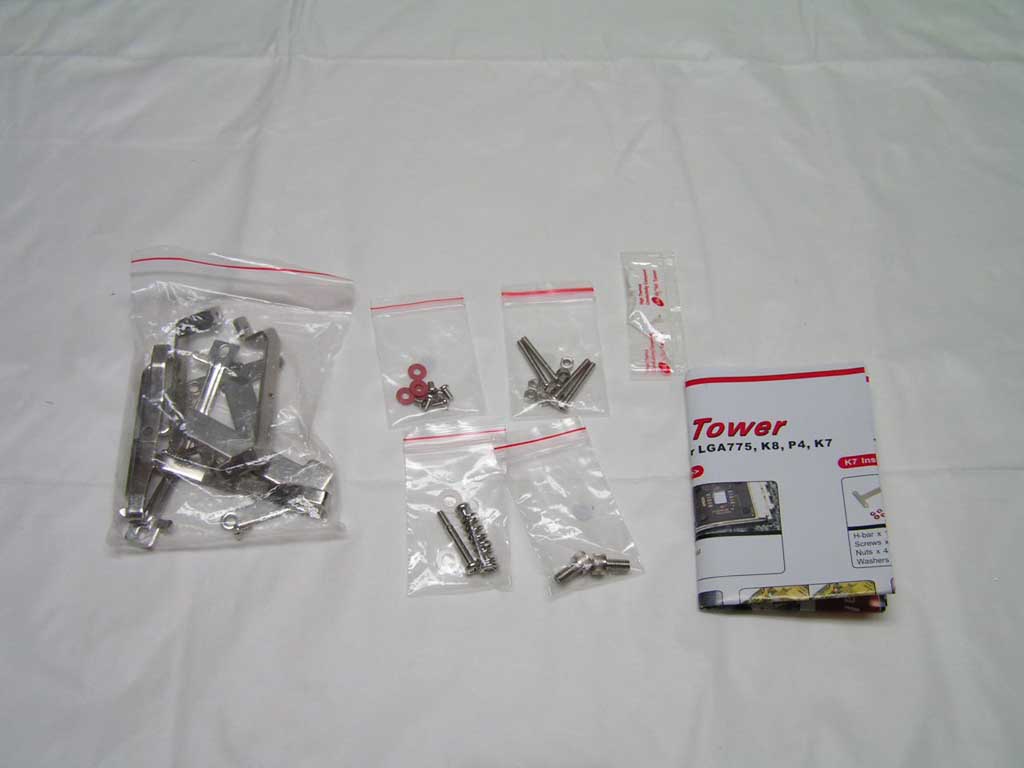
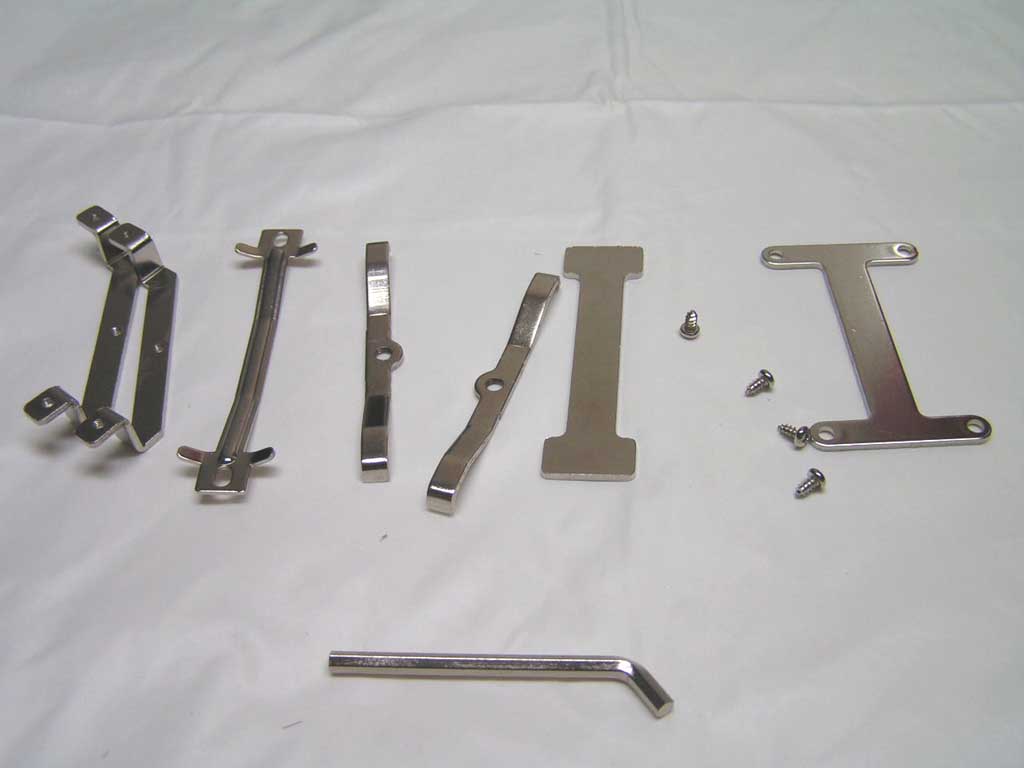
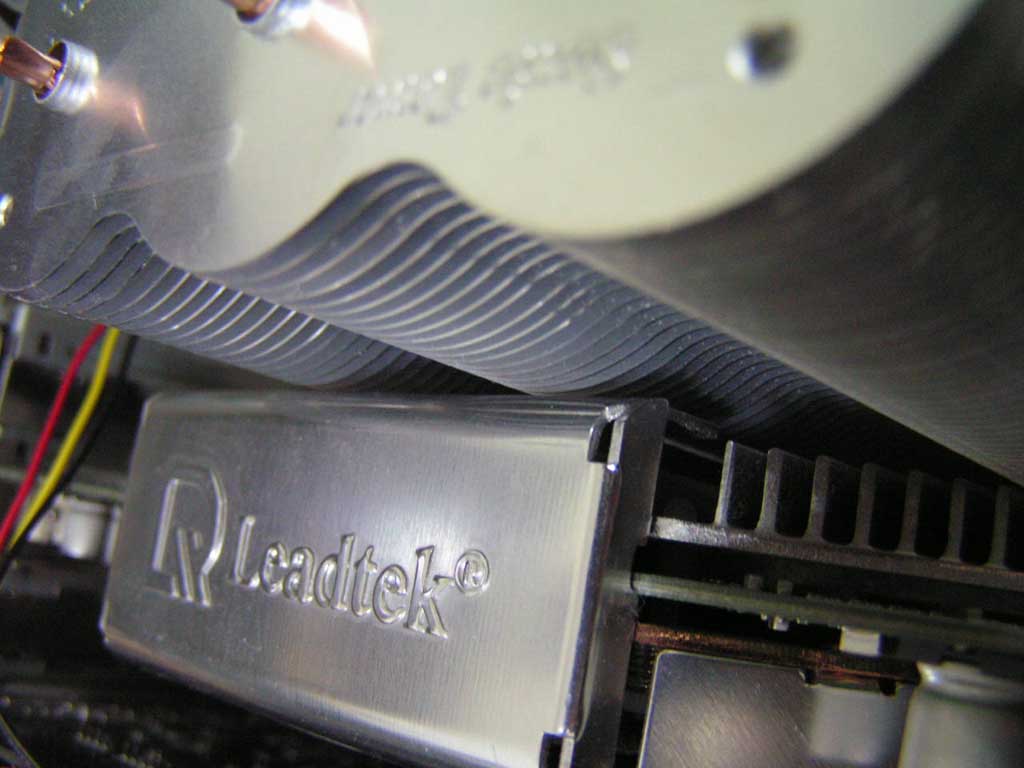
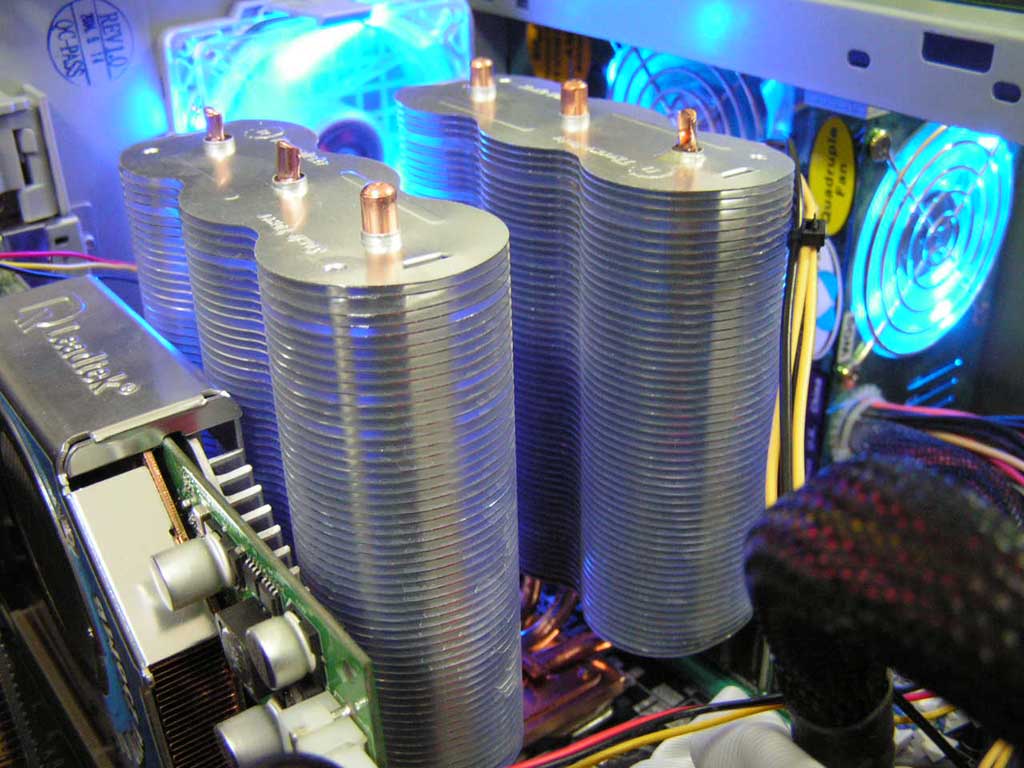
The packaging in the box includes everything needed to install the heatsink; Four packages of screws, one for each supported platform, one main package of mounting accessories, a packet of thermal paste, and instructions. The instructions were easy to read without lacking too much detail. Installation on the K8 platform was pretty simple. Using two screws and a mounting bracket, just screw in each side decently tight and it will hold to the CPU rather well. I’m not too sure of how it will be on the LGA775 platform, as the other two heatsinks gave John a headache during installation. Be aware if you have a huge video card heatsink, the Sonic Tower might just slightly touch it, but it won’t bend the card. On my board, the heatsink only blocked memory slot A when a fan was used.

Specifications
|
Note that when the specifications say 3 pieces of heatpipes, they mean three on each side. The optional fans must also be purchased separately.
Test Setup and Results
Test Setup and Method:
Testing will be conducted on an overclocked K8 platform. The two optional fans will not be used in the testing. This heatsink was rated to be 0 dBA, therefore testing will not include a fan. Results will be pitted against the Big Typhoon, the Beetle, and the stock AMD heatsink, for a broader range of comparisons. Ambient temperature was kept at 20.9°C with +/-0.1°C. Arctic Silver 5 thermal paste was used during the entire testing process. A temperature probe was placed on the side of the AMD Athlon64 chip’s heatspreader to measure CPU temperature. One instance of CPU Burn-in was used to create maximum load on the CPU. No scientific testing will be conducted. The purpose of this test was to determine the results a home end user would obtain.
Test System Specifications:
- AMD Athlon 64 2.475GHz (9 x 275FSB = 2.475GHz @ 1.65v)
- MSI K8N Neo2 Platinum
- Kingston Value Ram PC3200 (1 x 512MB @ 2.5-3-3-7)
- Leadtek Geforce FX5950 Ultra Winfast A380
- TTGI SF-450TS 450W Power Supply
Competition:
- Thermaltake Big Typhoon
- Thermaltake Beetle
- Stock AMD64 heatsink
Test Procedures:
- Idling at desktop for 45 minutes
- Full load with one instance of CPU Burn-in for 45 minutes
Results:
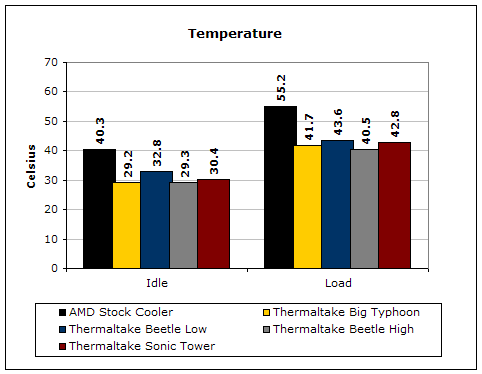
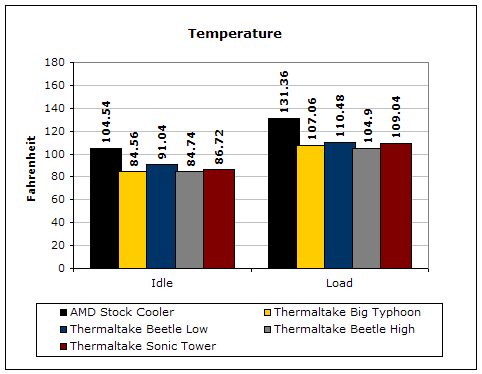
The Sonic Tower kept up extremely well for a fanless heatsink. The performance is absolutely astounding. Although the Big Typhoon and Beetle out perform the Sonic Tower at full load, they required the use of fans. Imagine the temperatures when you use a fan or two.
Conclusion and Thoughts
The Sonic Tower’s performance was absolutely superb for a fanless heatsink. The only issue was that a fan would block memory slot A on a MSI K8N Neo2 Platinum. I did not find this to be that big of a deal because I placed a fan in the middle of the heatsink where there was empty space. The price to performance ratio is well worth your investment. How often are fanless heatsinks able to hold the temperatures of an overclock? Not often, I can assure you. I guess the third time is the charm for Thermaltake. This heatsink very well deserves a Must-Have reward on the K8 platform.
John’s Addition:
The Sonic Tower proves to be one extremely powerful cooler. The massive fins and numerous heatpipes provide great cooling without a fan! While it does say that it’s a fanless cooler and provides 0 dBA, you still need a system exhaust fan in order for it to operate properly. Yet, it still does lower your overall system noise. One less fan is still one less noise source. The great thing about the Sonic Tower is that it has the option for use of a 120mm fan. The brackets provided can actually be split up to include two 120mm fans for a push-pull effect, that is if you have enough room in your case. This heatsink is simply huge. The downside is that it’s designed with the same installation methods as the Thermaltake Beetle. As I mentioned in the Beetle review, installation for Socket 478 and LGA775 proved to be impossible. I really wish Thermaltake would stick to their universal installation bracket found on the Big Typhoon. It’s much better and user friendly.
Pros:
- Fanless heatsink
- Extremely good performance
- Complete silence at 0 dBA
- Support for multiple sockets
- Heatpipe technology
- Copper base with aluminum fins
- Total of six heatpipes
- Reasonable price/performance ratio
Cons:
- Bad installation methods like the Beetle

We would like to thank Thermaltake for providing us the sample. If you have any questions or comments, feel free to hit us up in the forums. You can also check out more of our latest reviews on the front page.