

Thermaltake Schooner
Introduction
As video cards advance in their evolutionary path, many enthusiasts seek the most performance possible for their money. As a result, cooling also becomes a problem. Quite a few companies have tackled this problem, such as Arctic Cooling’s line of Silencers. Arctic Cooling helped users obtain performance gains with less noise. With these two factors in mind, Thermaltake steps in once again with their own product.
Thermaltake has been producing many products focused on silence, such as the Big Typhoon and the Sonic Tower. It shouldn’t be a big surprise that Thermaltake created a passive cooler for video cards. The Sonic Tower performed especially well as a passive cooler on the CPU side, which hopefully transfers over to the Schooner’s performance. The Schooner will be pitted against the the stock cooler. Noise will be a minor consideration during testing.
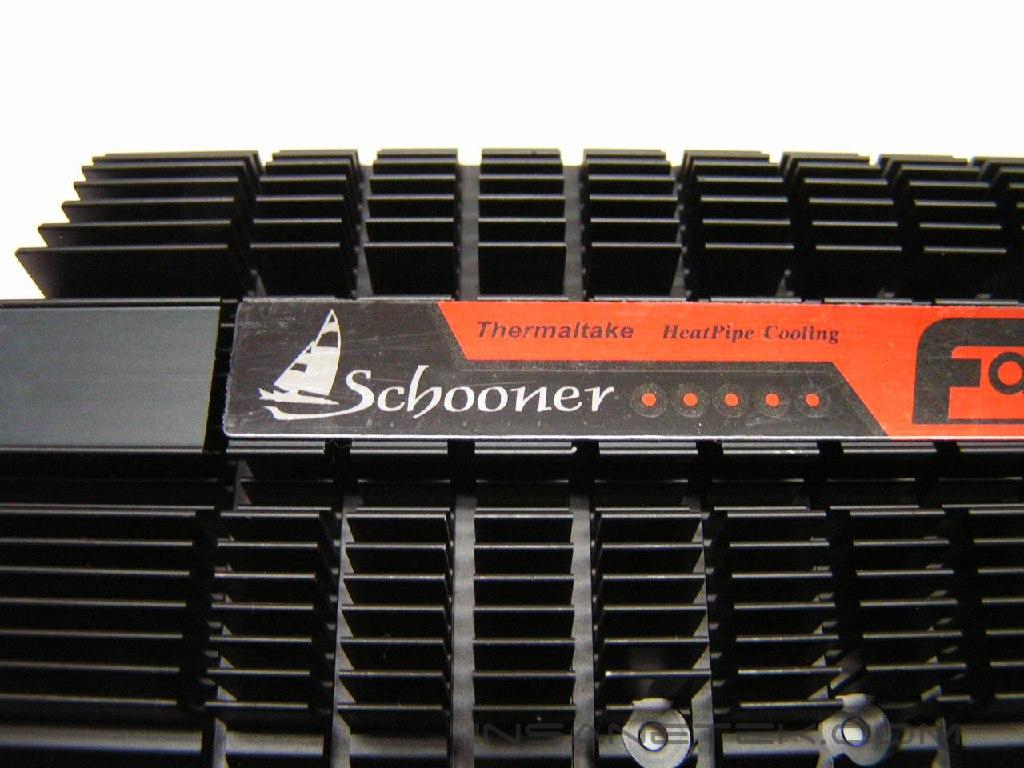
Thermaltake Schooner
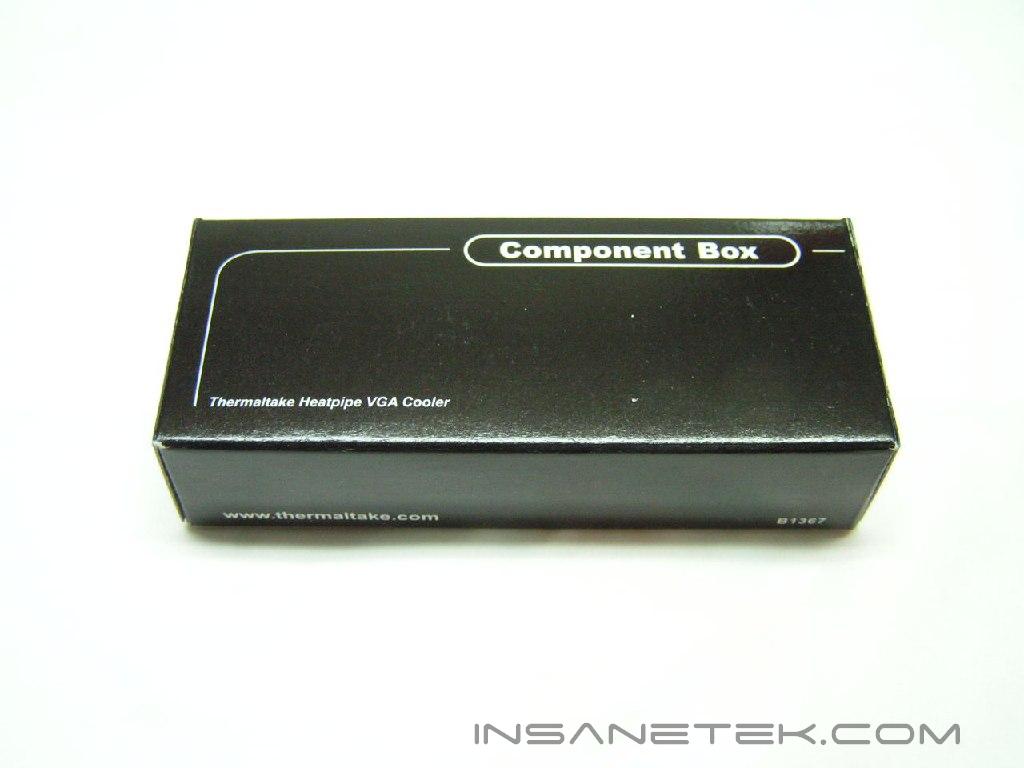
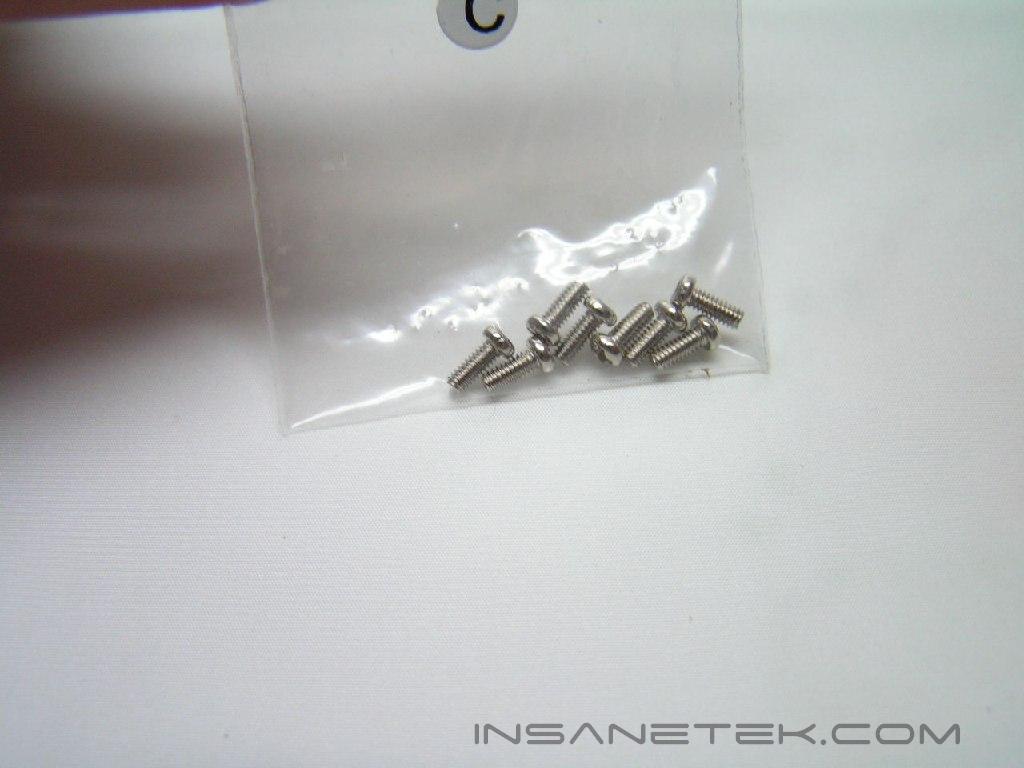
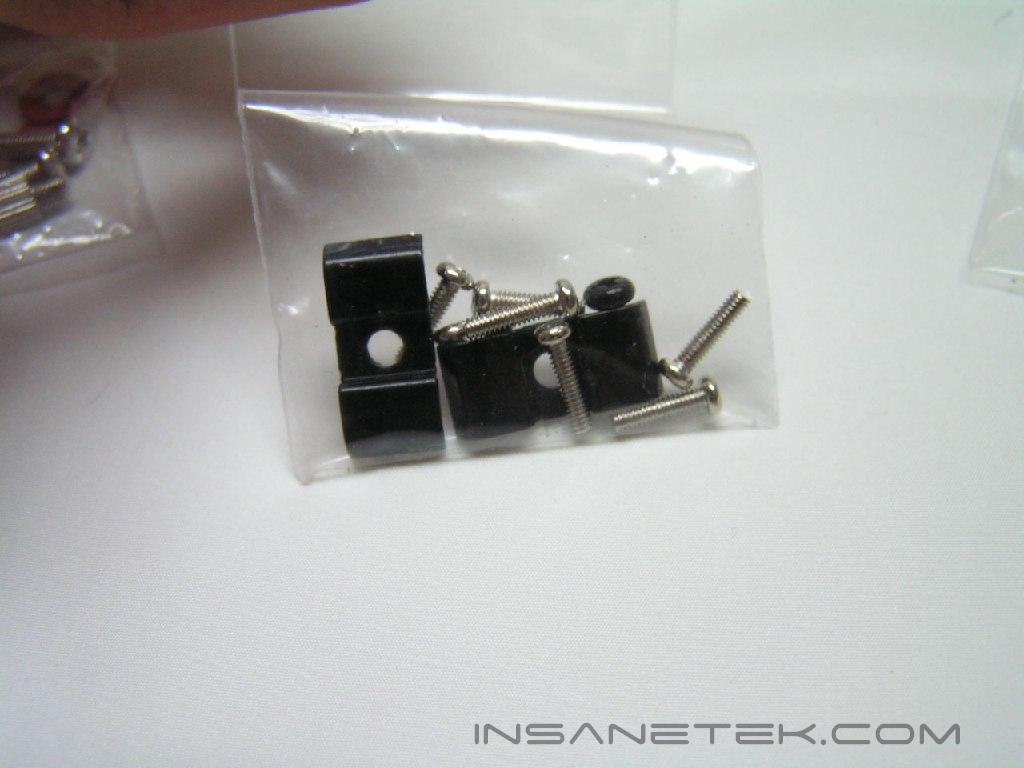
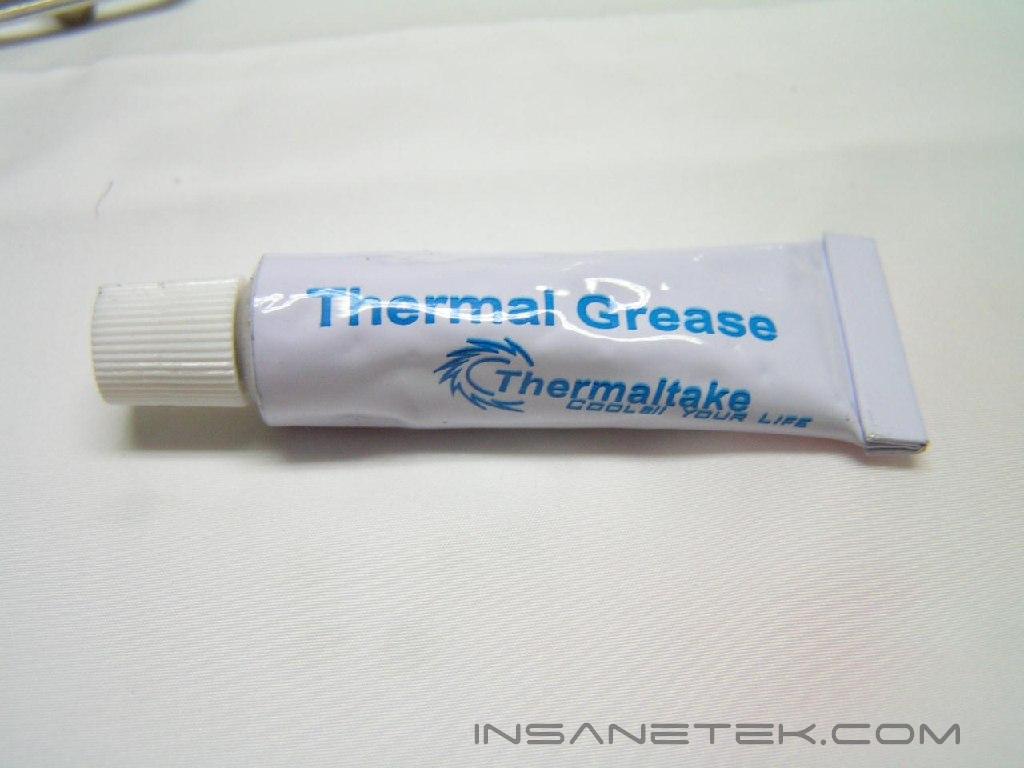
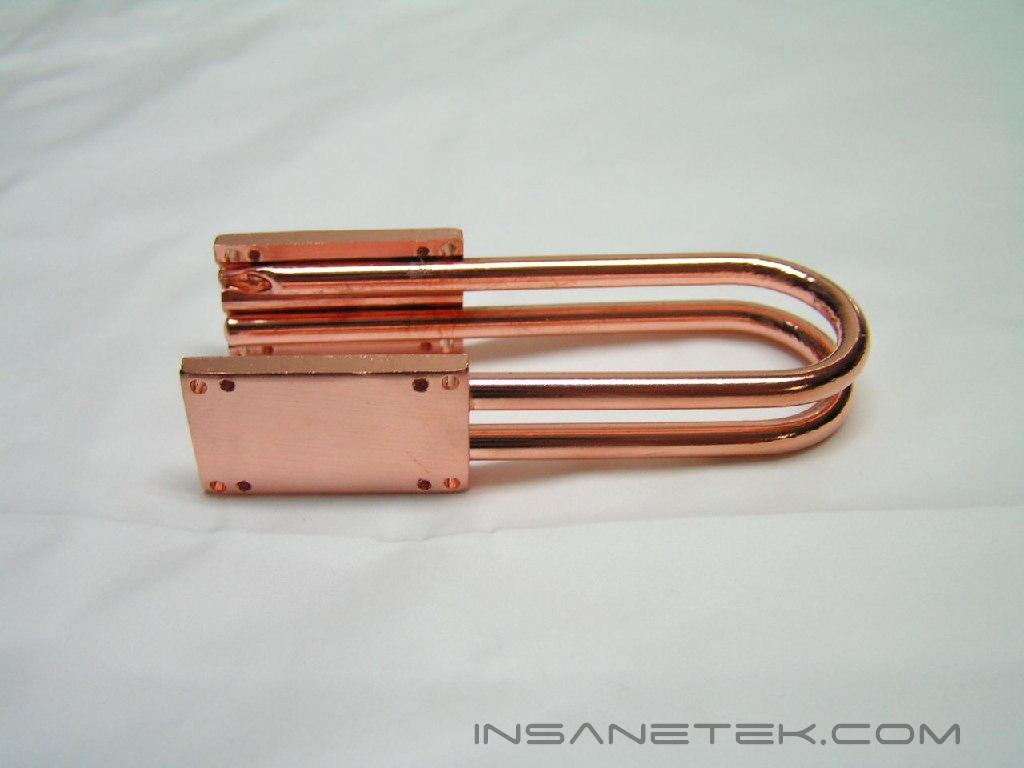
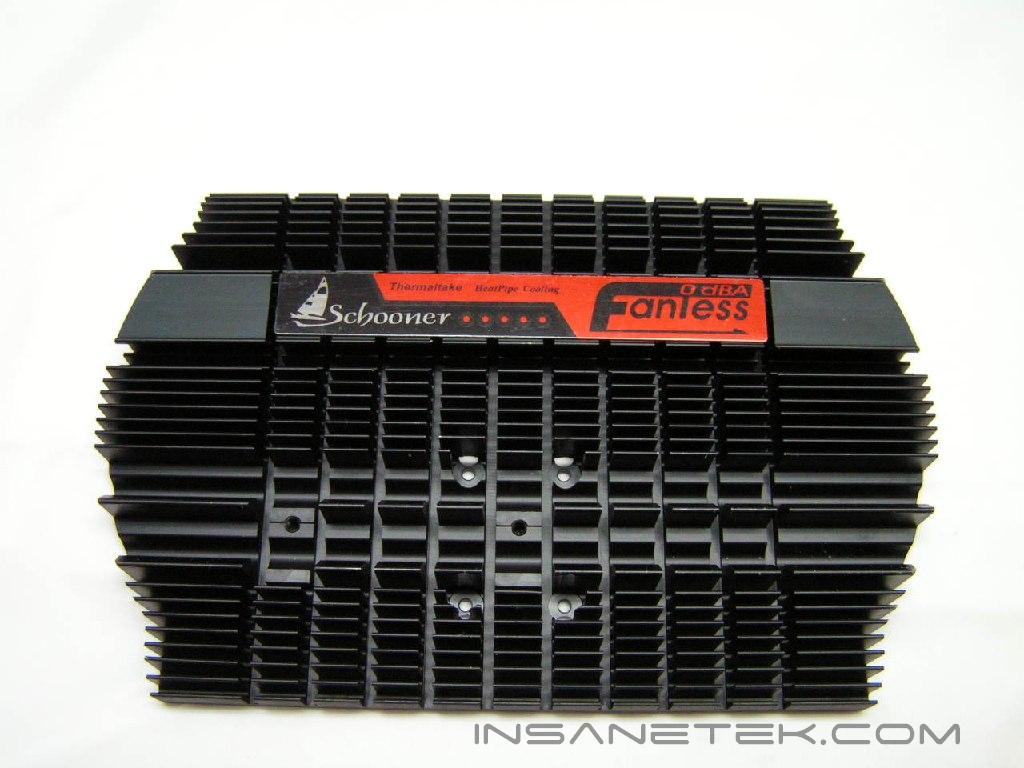
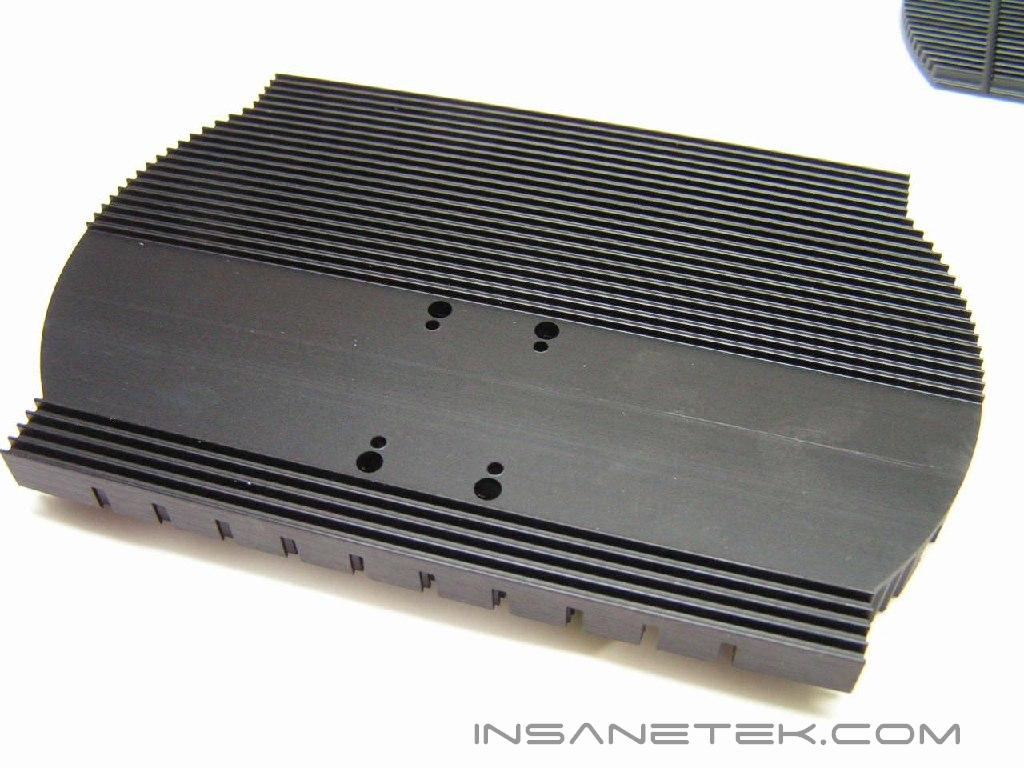
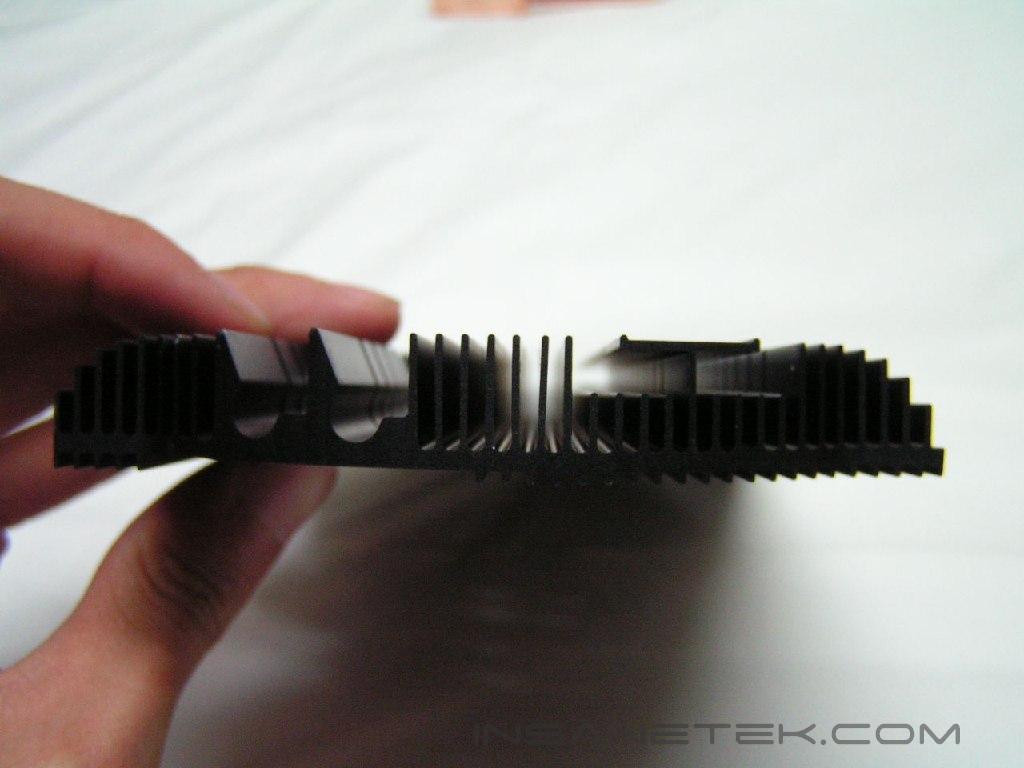
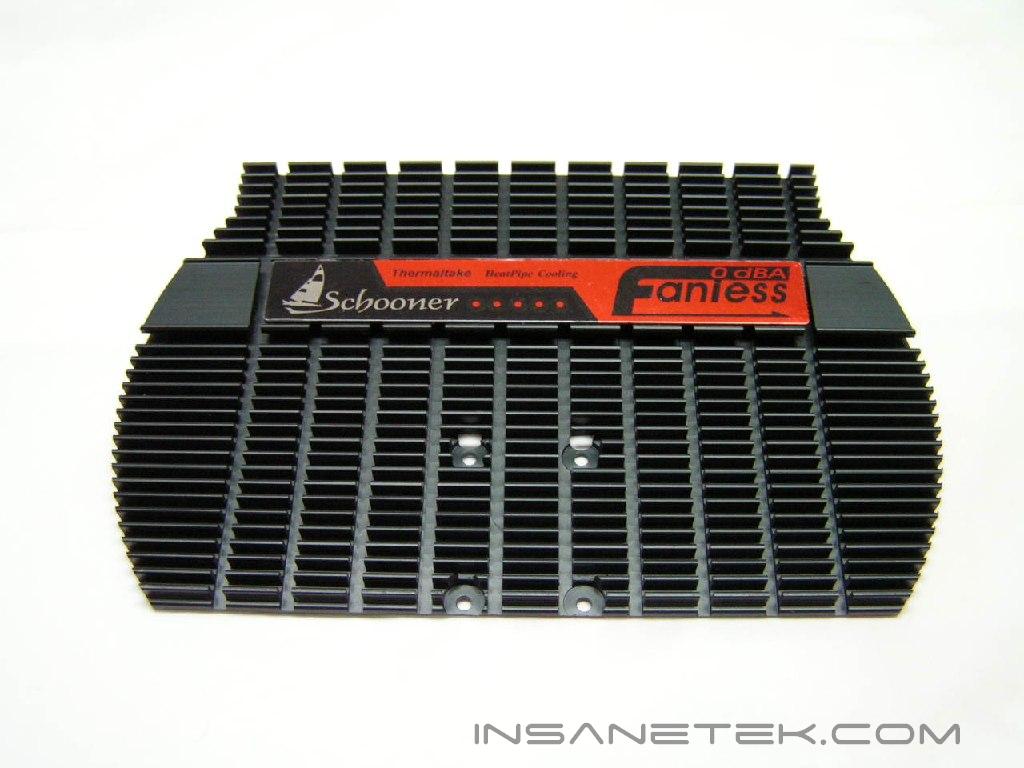
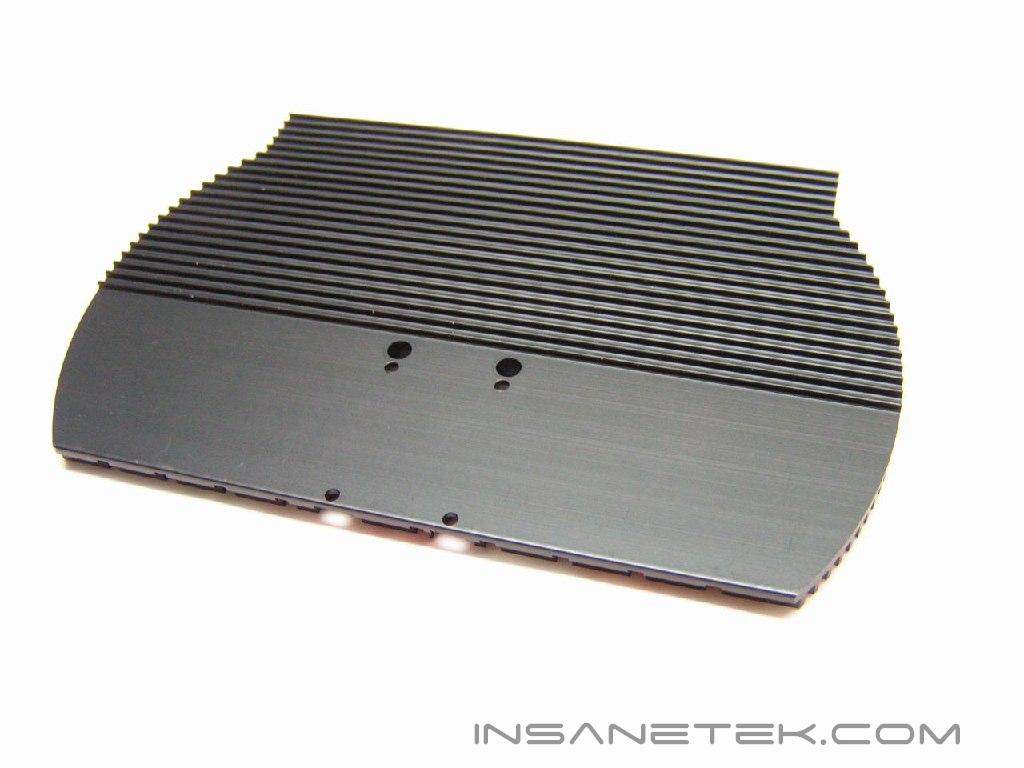
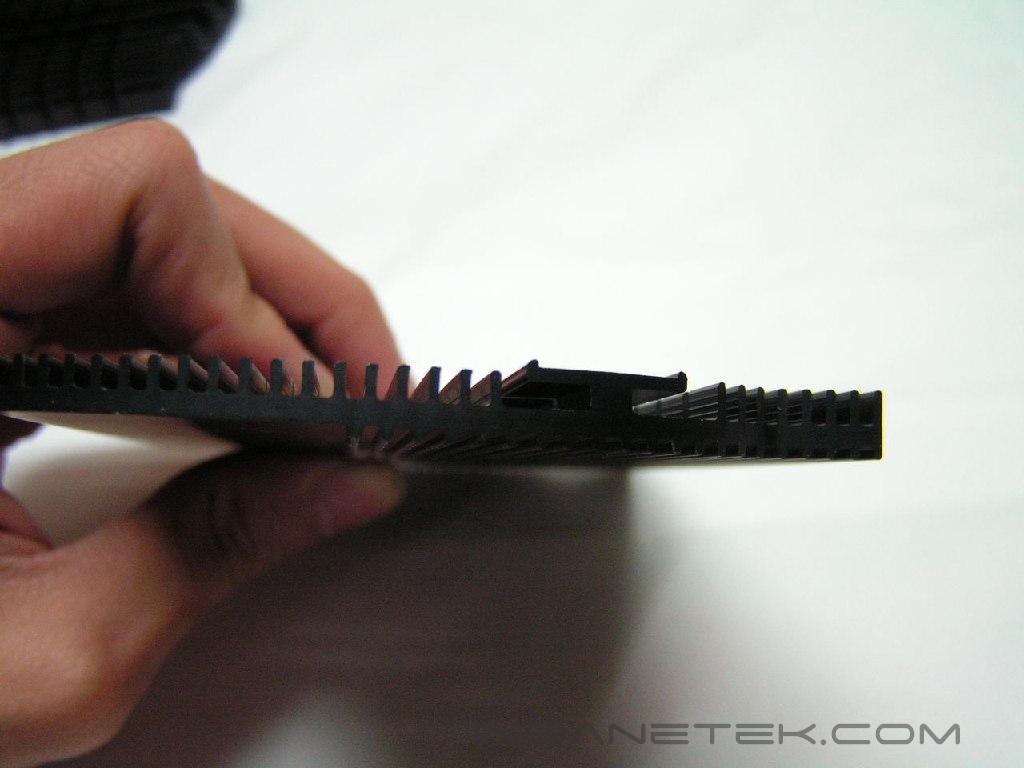
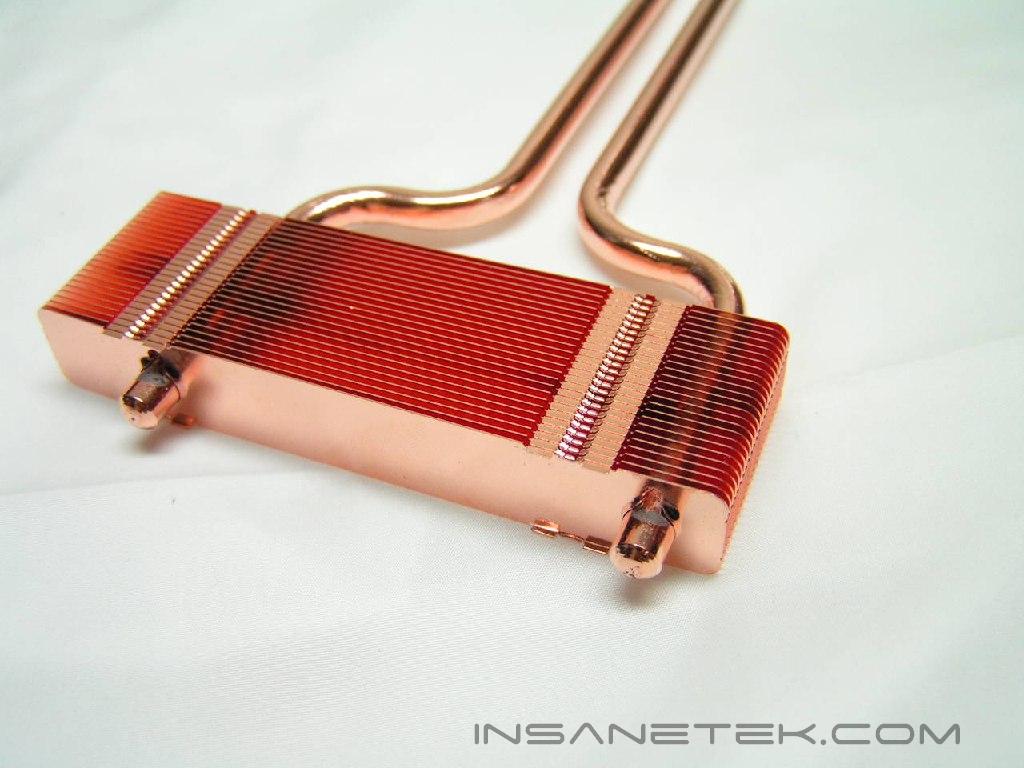
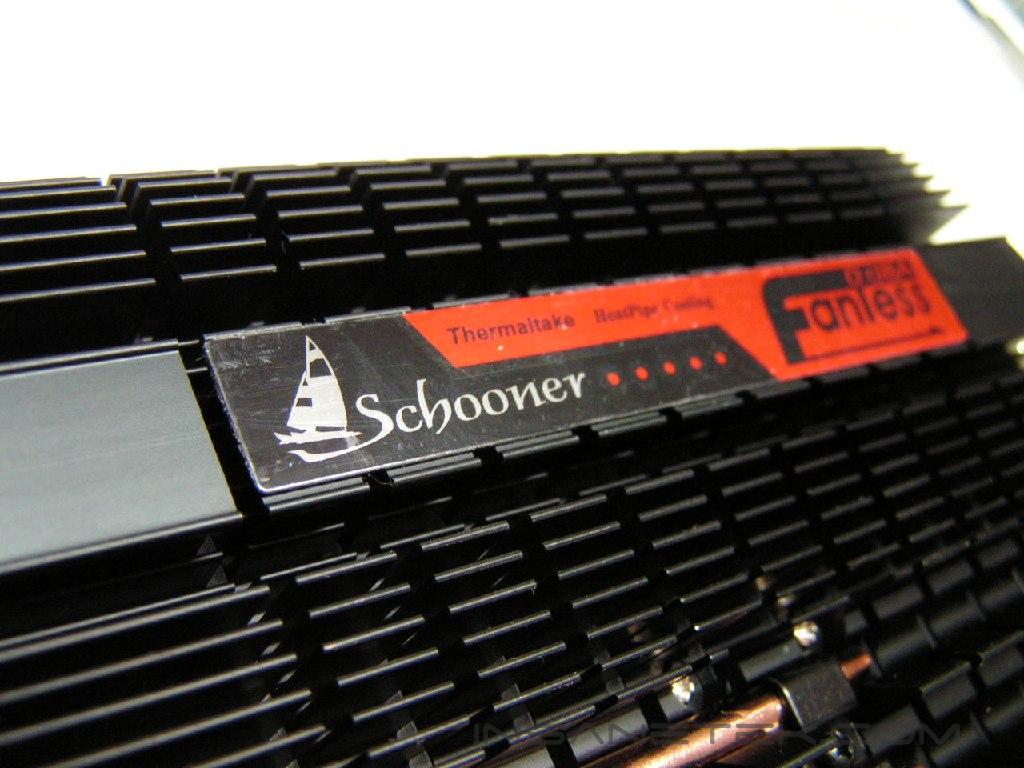
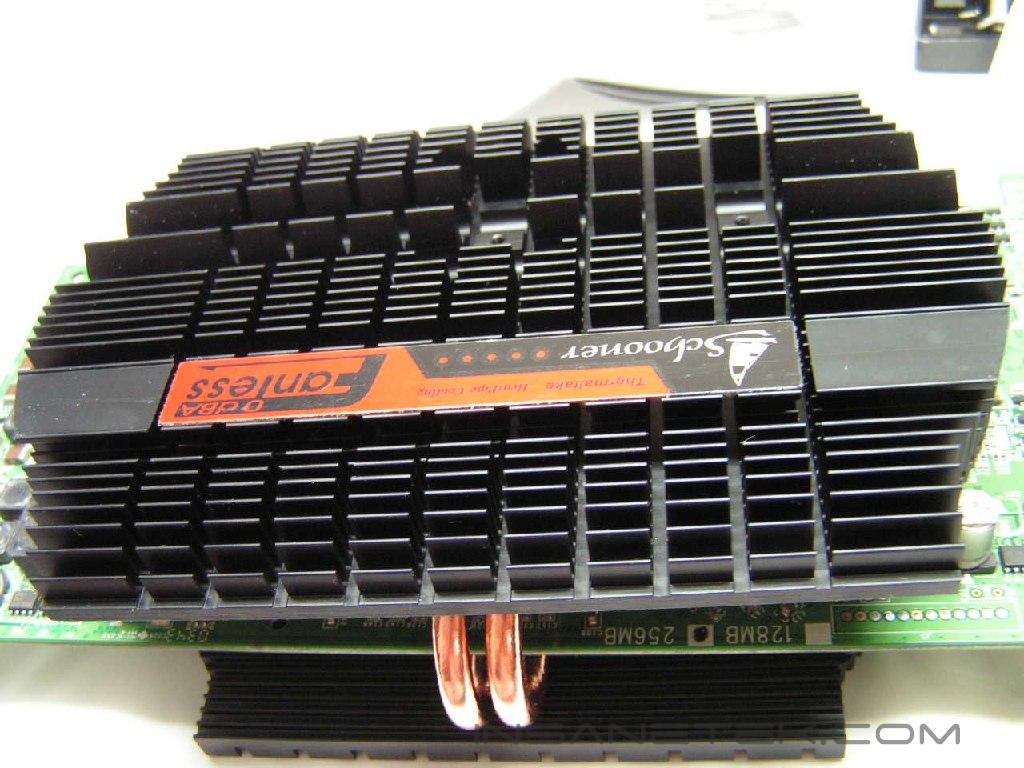
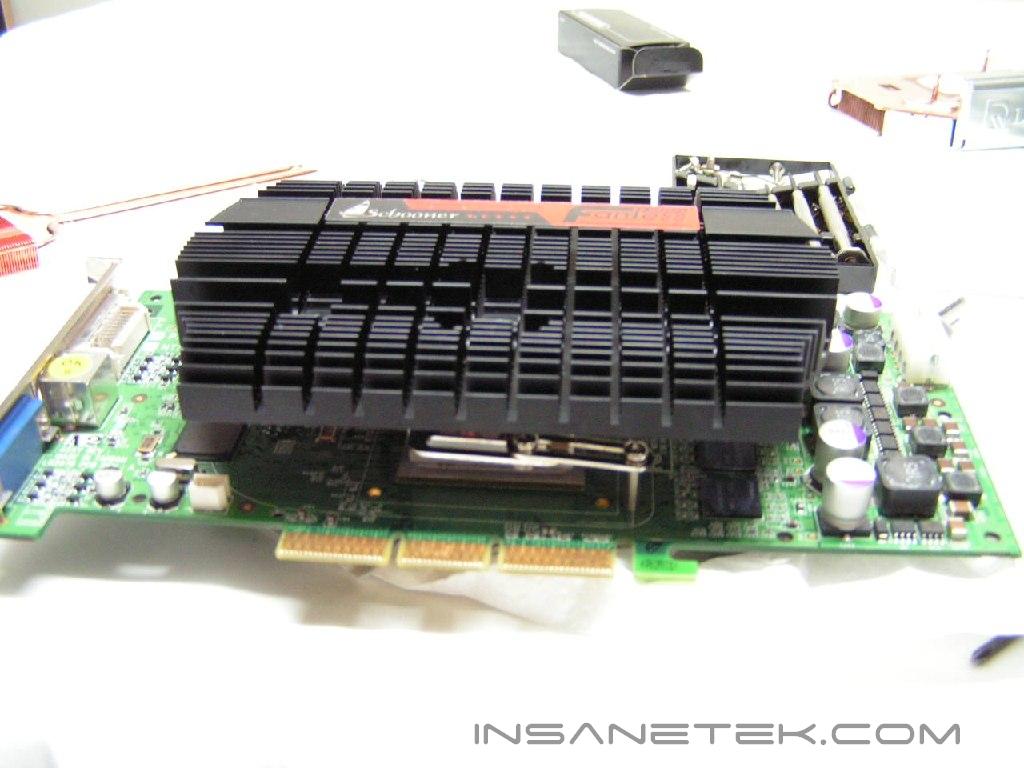
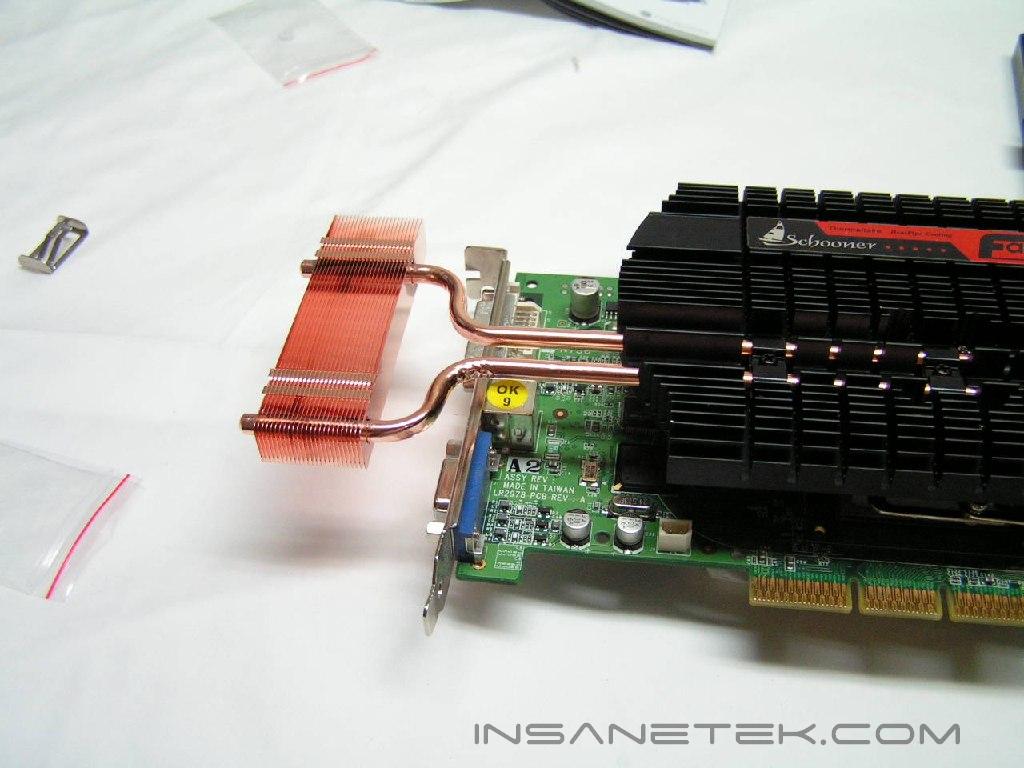
The Schooner is packaged in a flat box. It uses a heatpipe with black aluminum plates. The two black plates are aluminum, shaped with many fins. The plates are then connected to a copper heatpipe that extends through a PCI slot, where the copper fins will reside outside of the computer. It is also compatible with both Nvidia and ATI cards. A component box was included with the necessary screws, thermal paste, brackets, and instruction booklet.
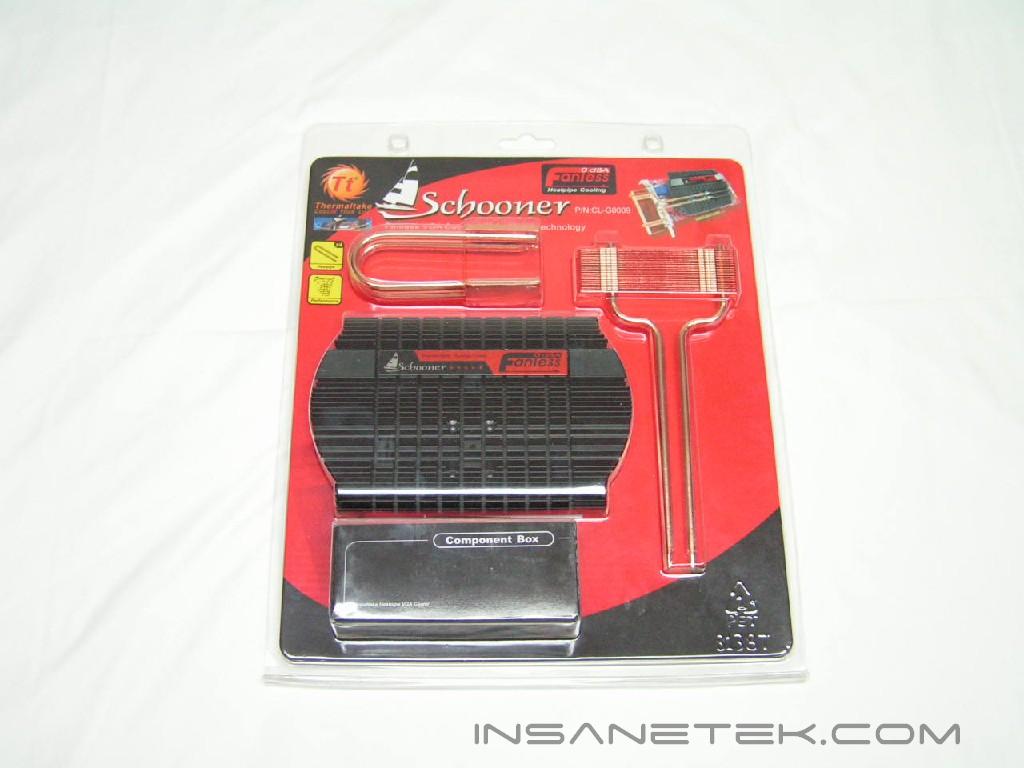
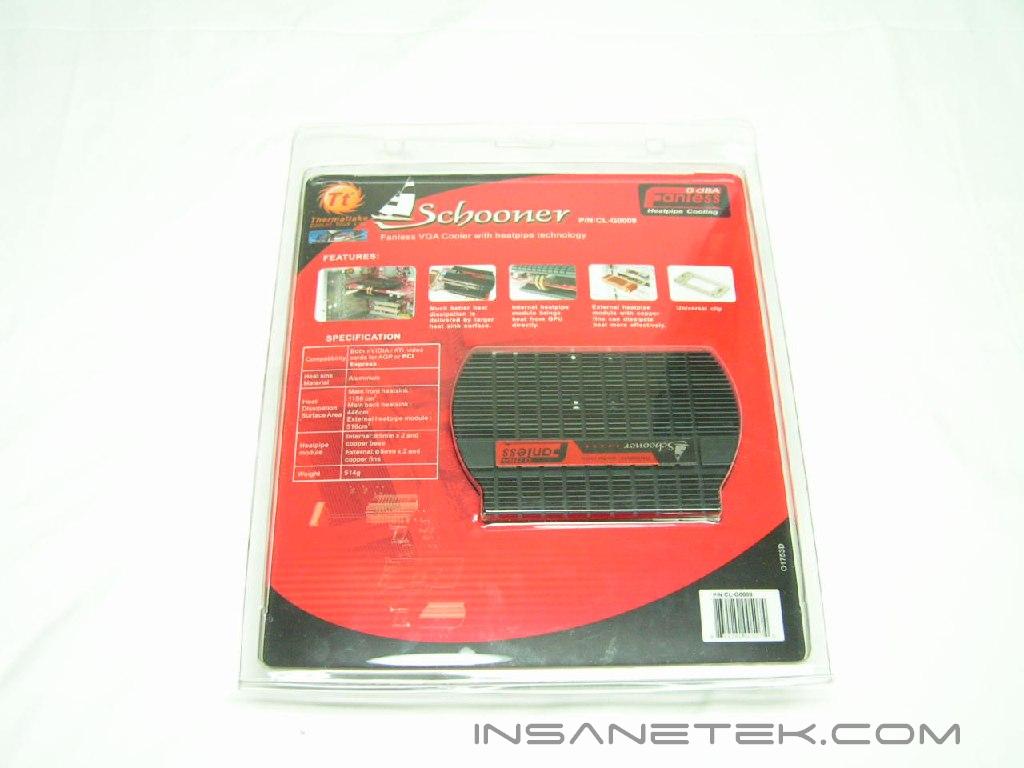
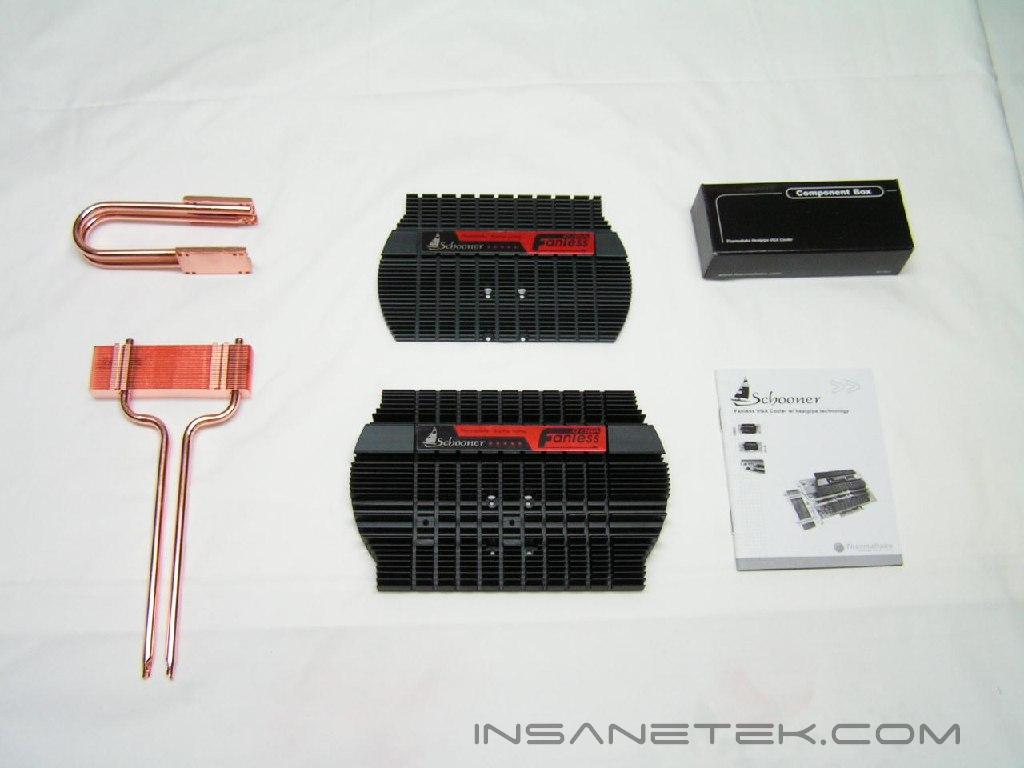
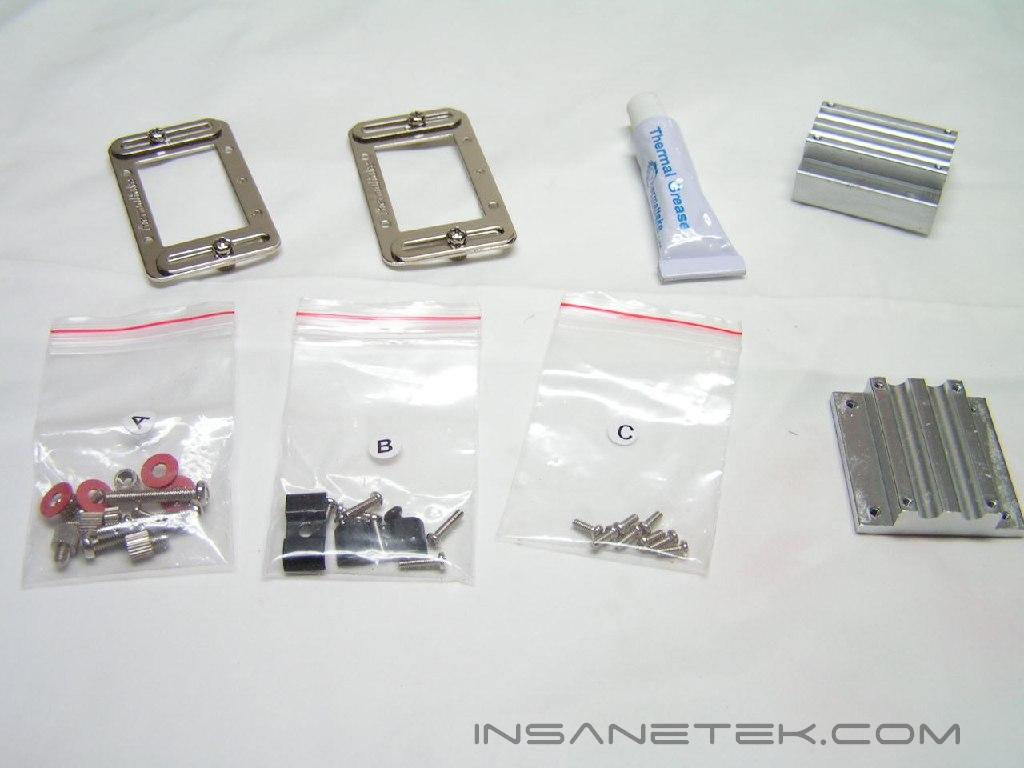
I was turned off by the lack of memory sinks to be used in conjunction with the Schooner. RAM-sinks are important for keeping the chips running cool and squeezing the last few MHZ out of the card.
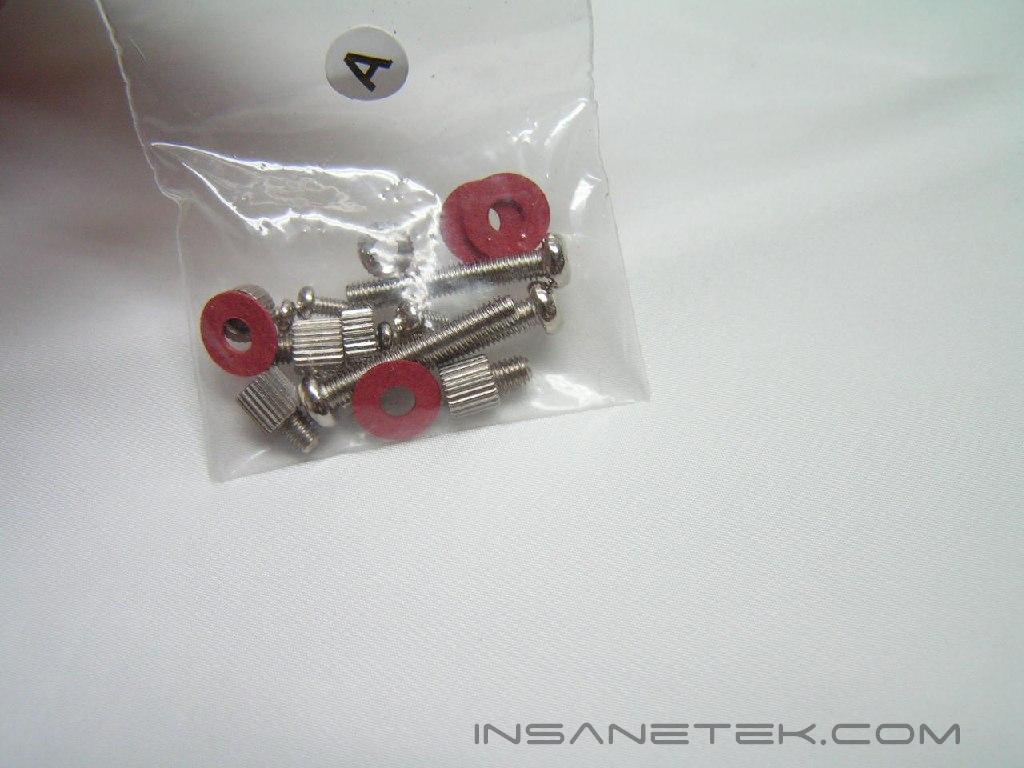
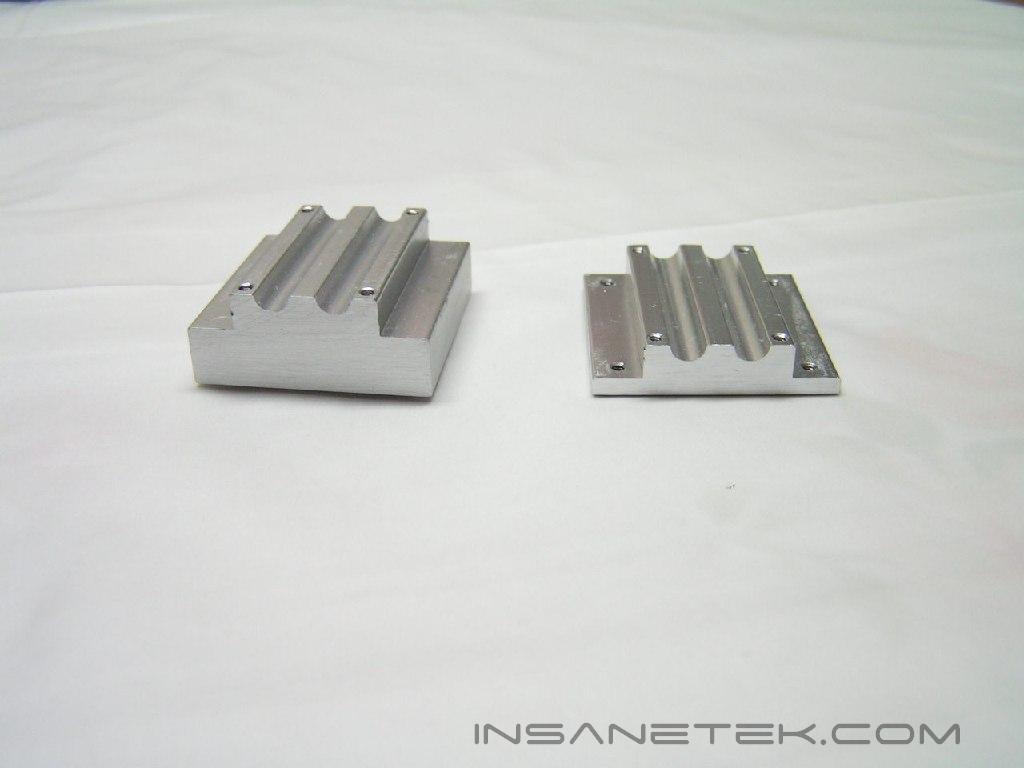
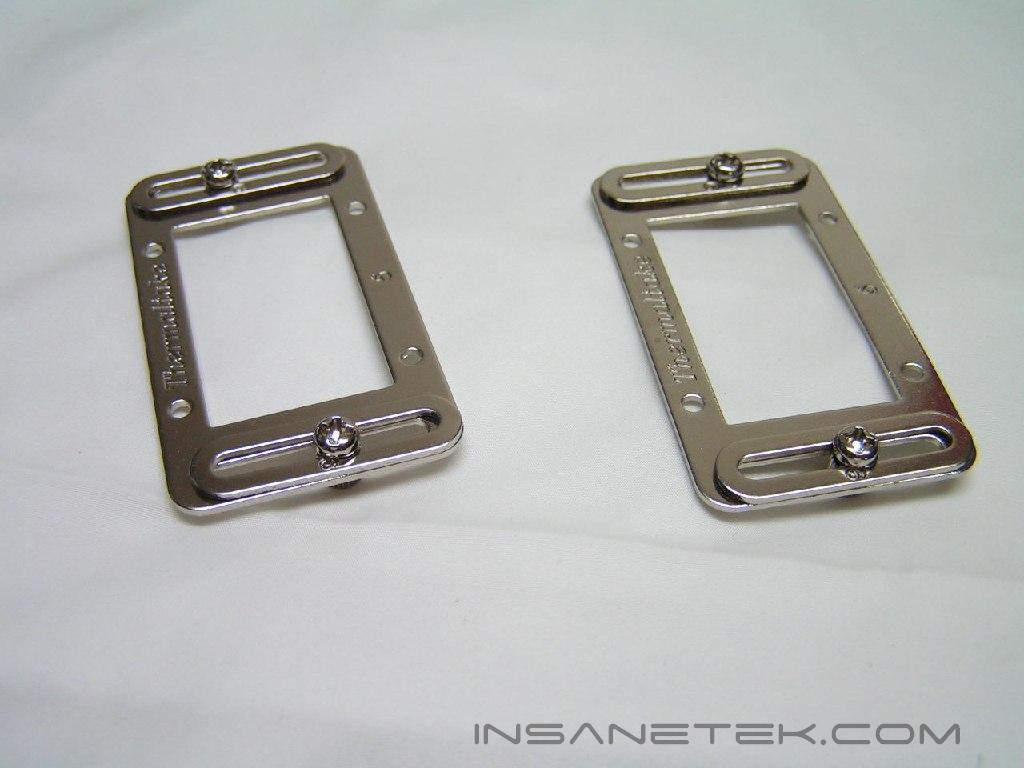
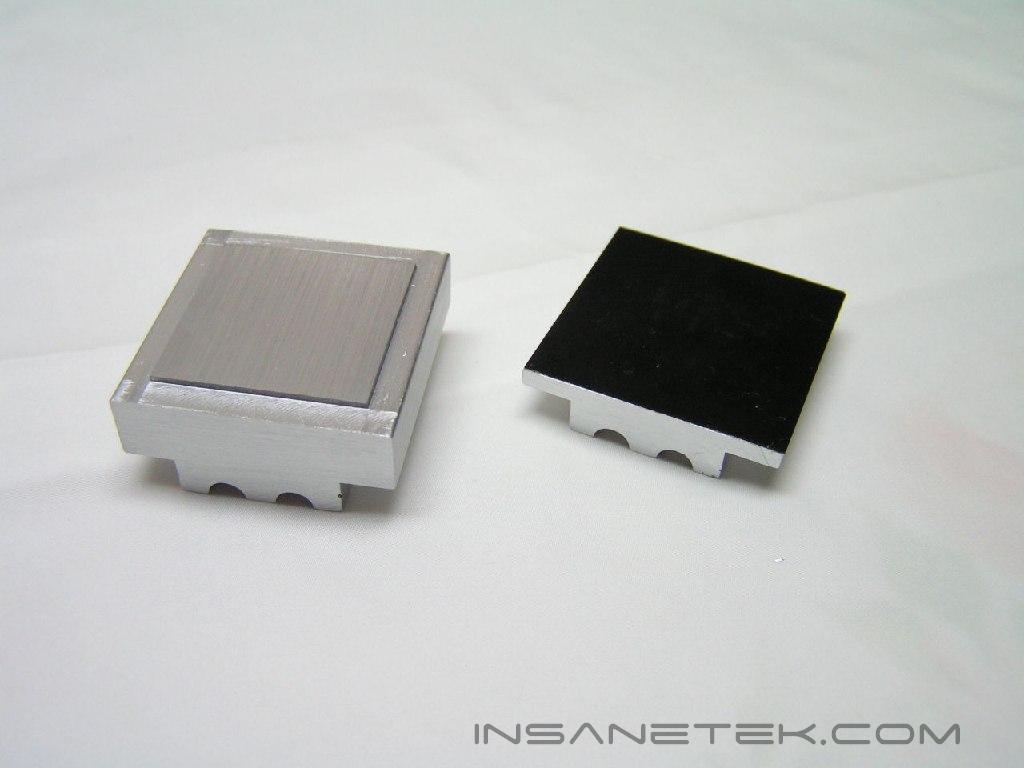
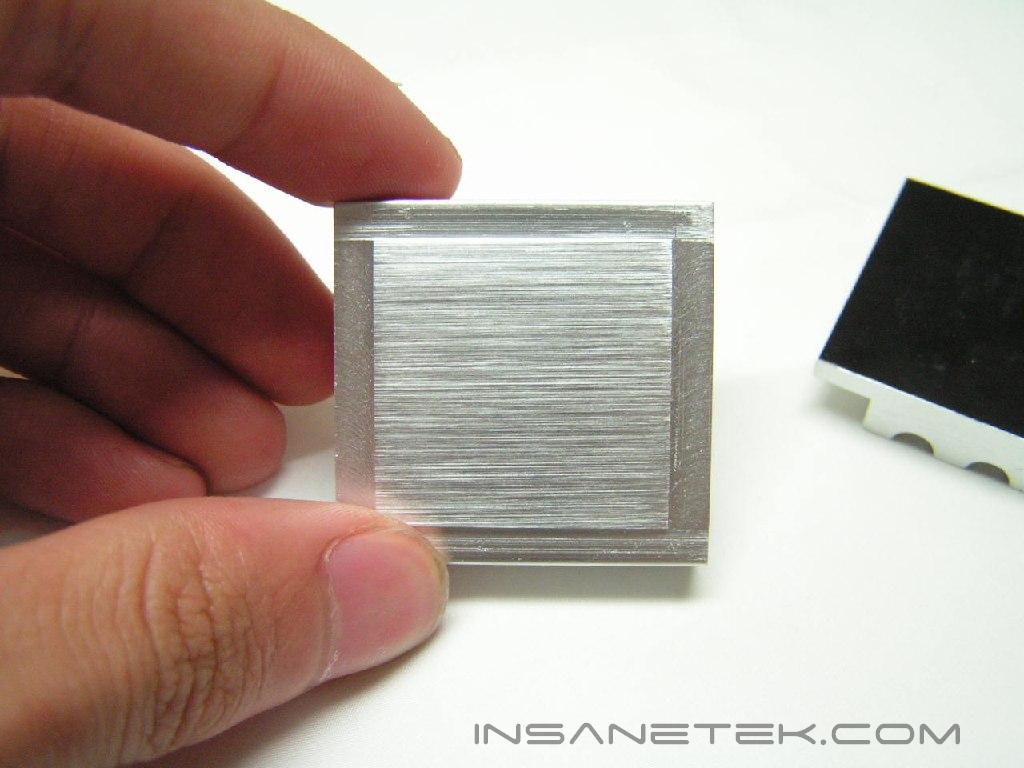
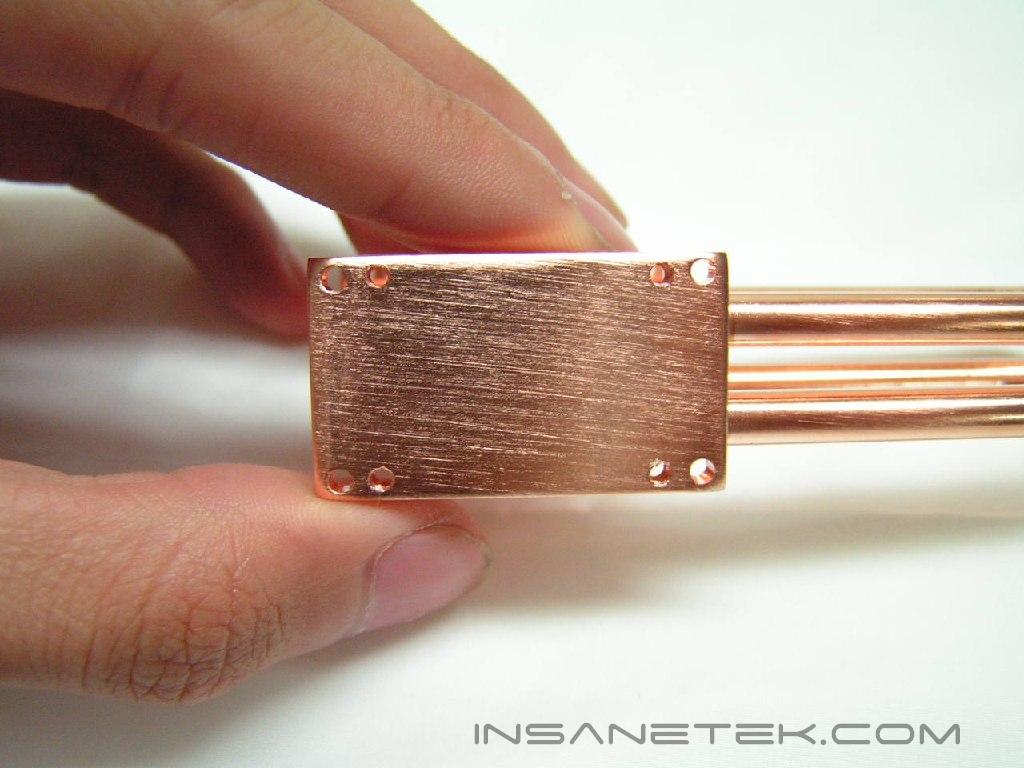
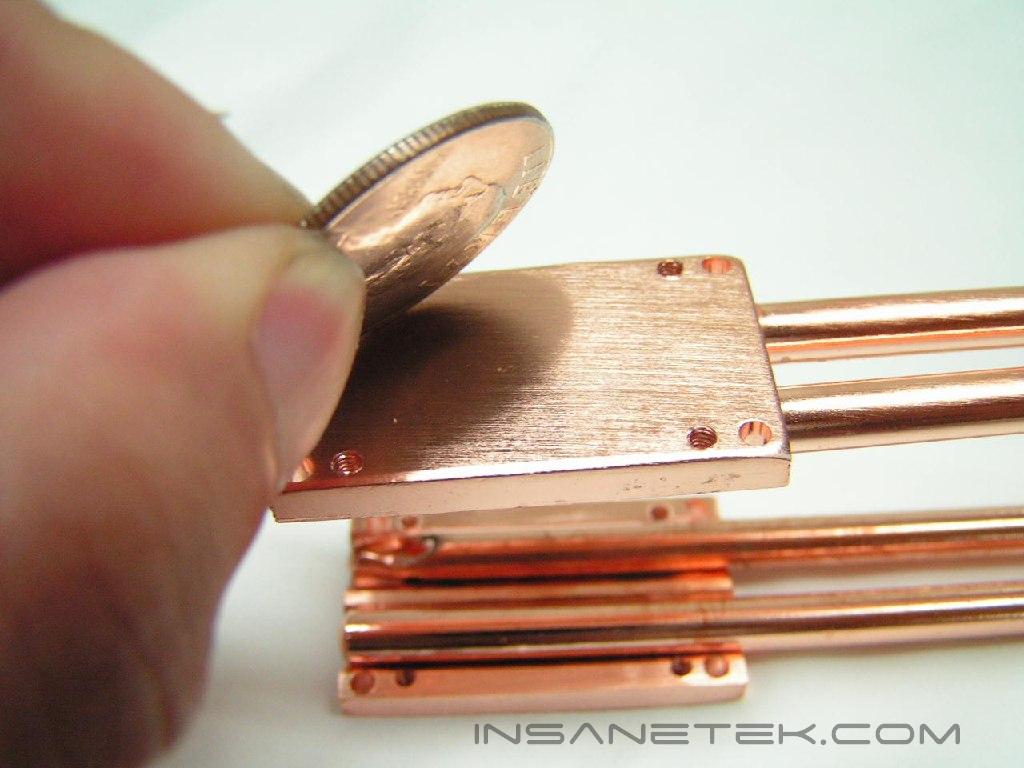
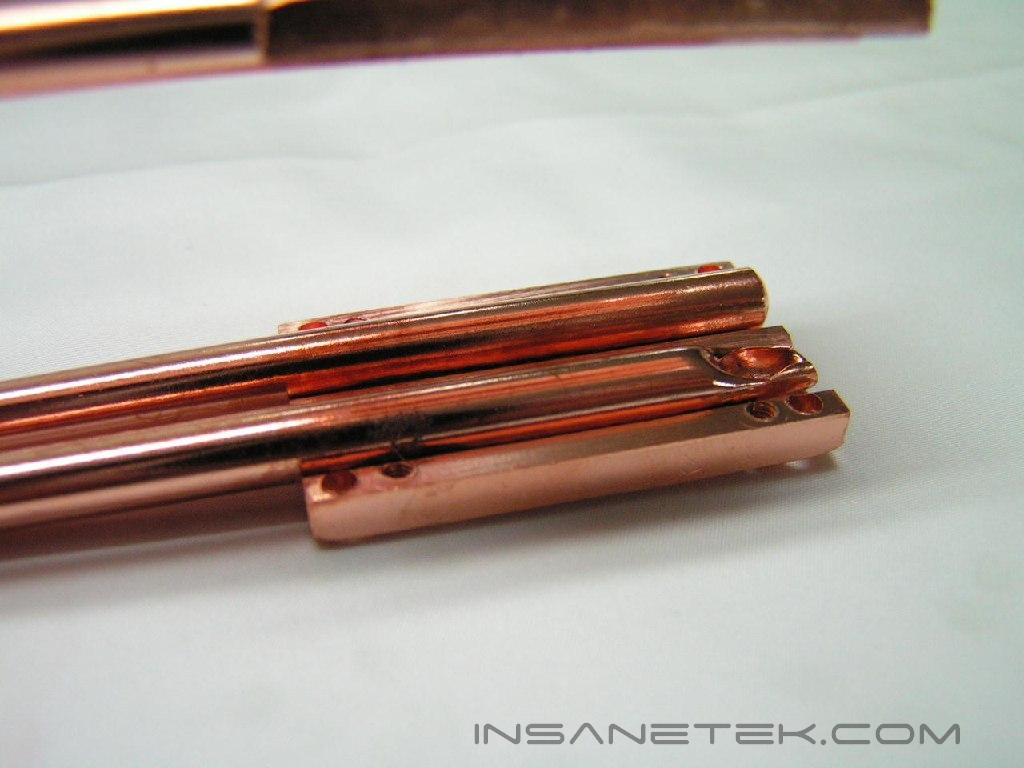
There are several pieces of metal that transfer or dissipate heat. The two aluminum sinks attach to the core and the back of the core. The back of the heatsink is a decently sanded surface, which is flat and non-reflective. The interior heatpipe is designed to transfer the heat from the aluminum sink attached to the core to the other sink and transfer heat to the other set of black aluminum plates. The base of that heatpipe is also non-reflective and flat. The black aluminum plates have many fins, as well as a large surface area that will dissipate most of the heat. The final piece of the Schooner is the exterior heatpipe. This heatpipe will take some heat away from the black aluminum plates and transfer it outside of the computer.
Specifications and Installation
Specifications:
|
Installation:
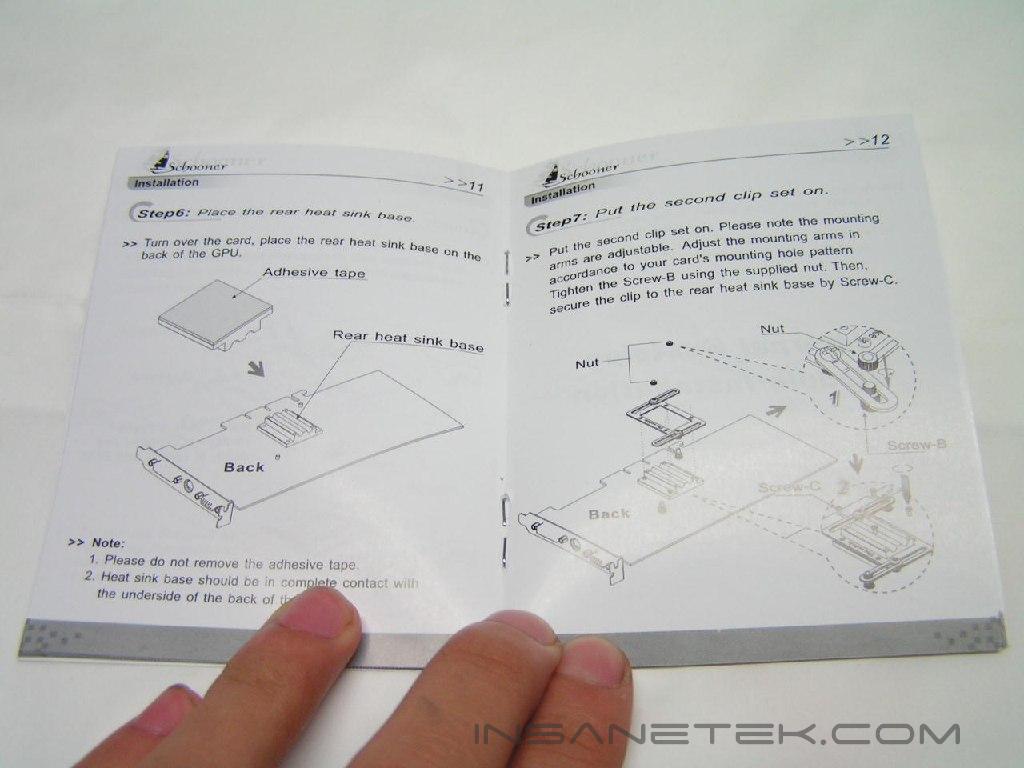
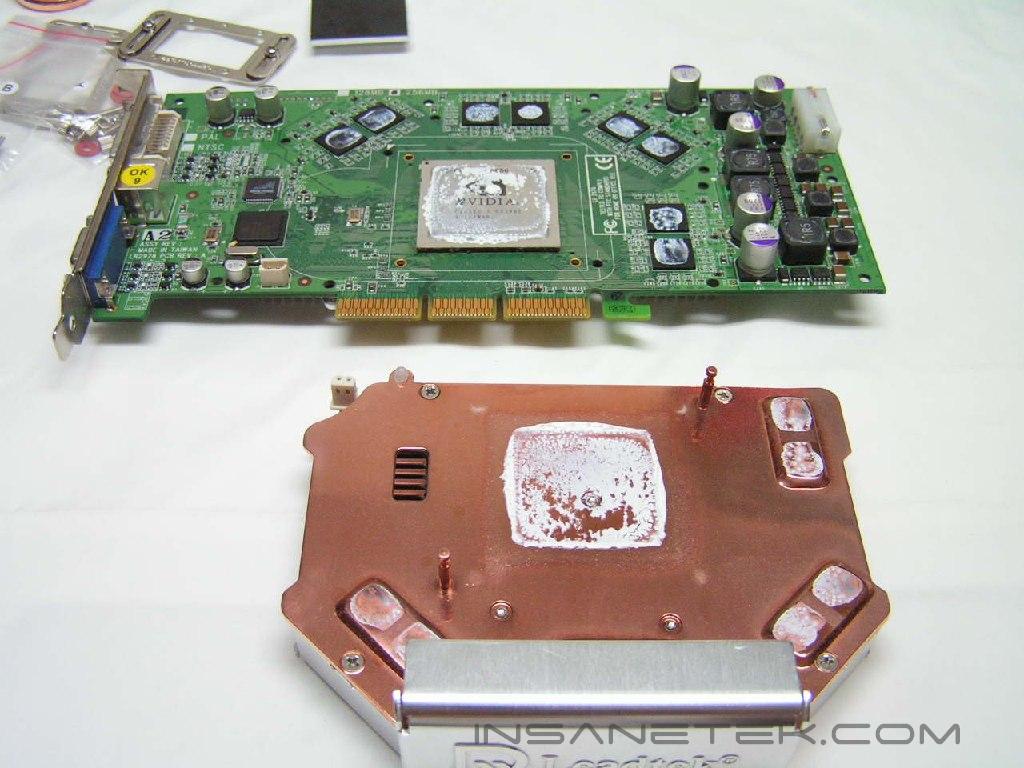
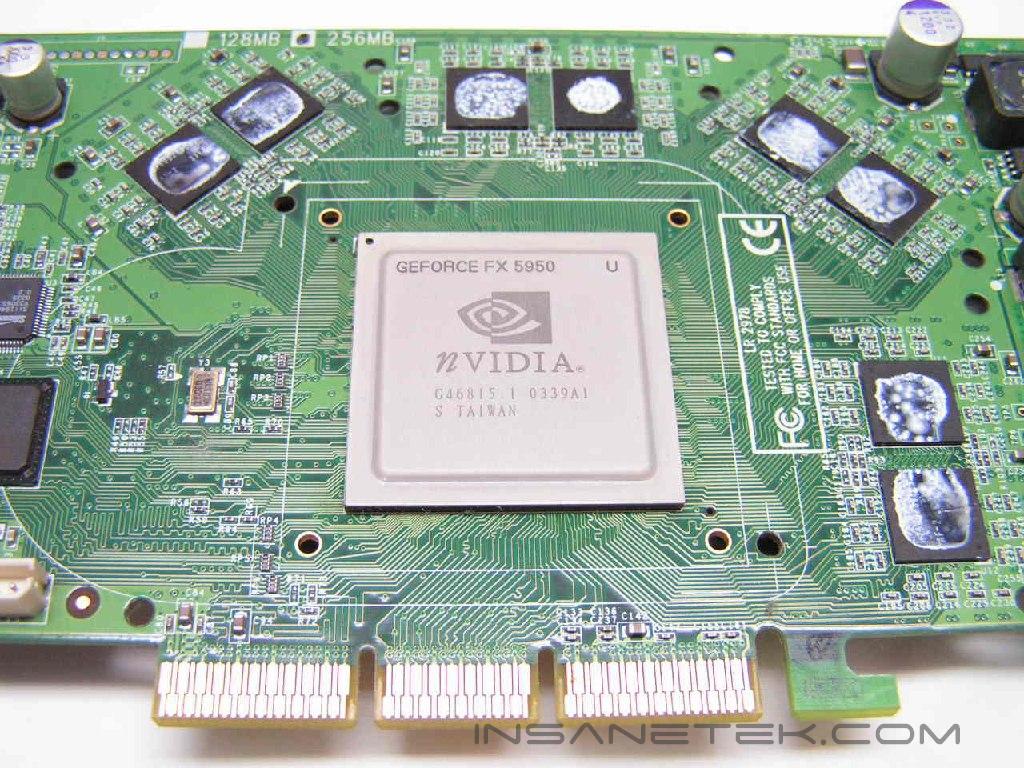
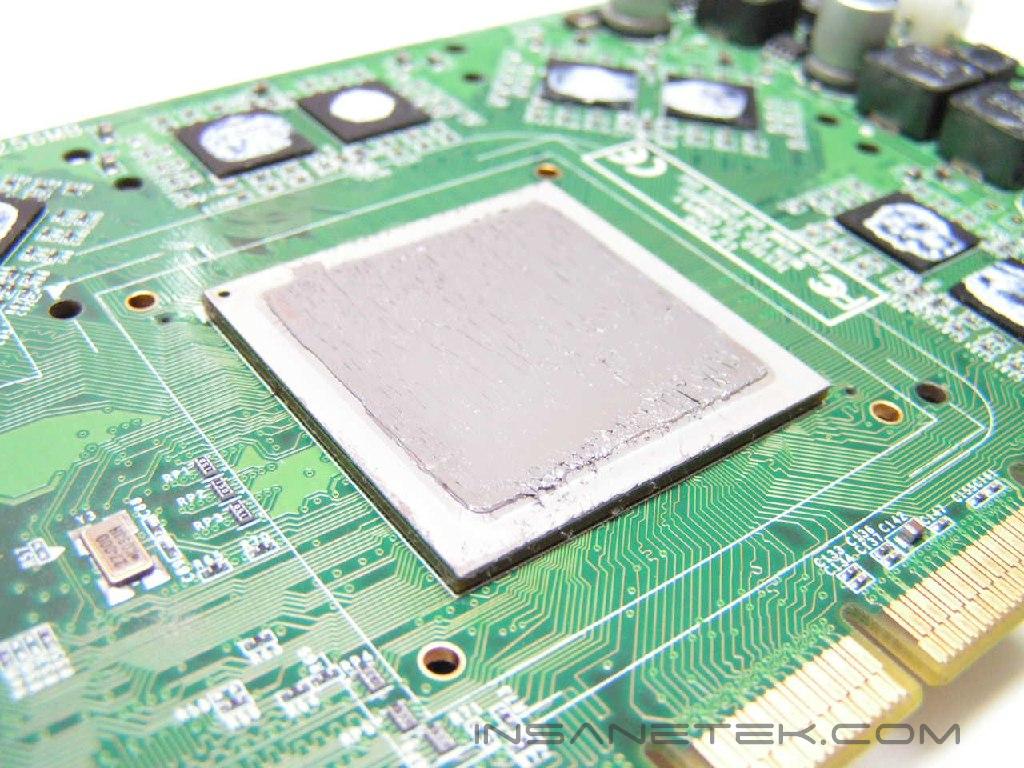
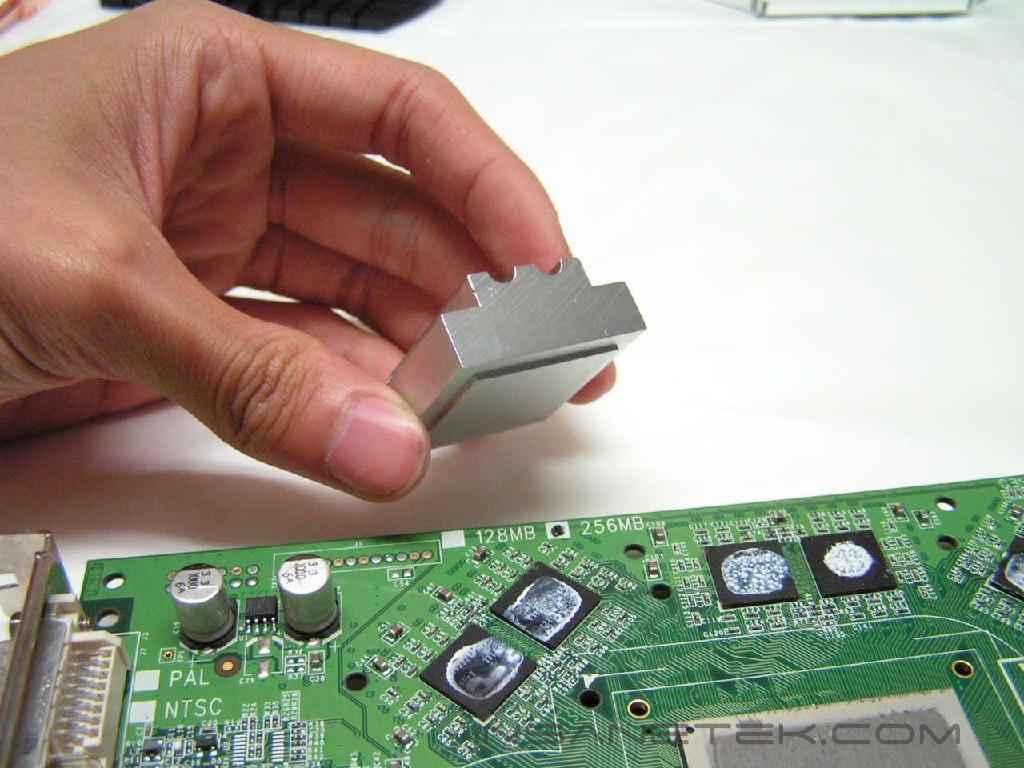
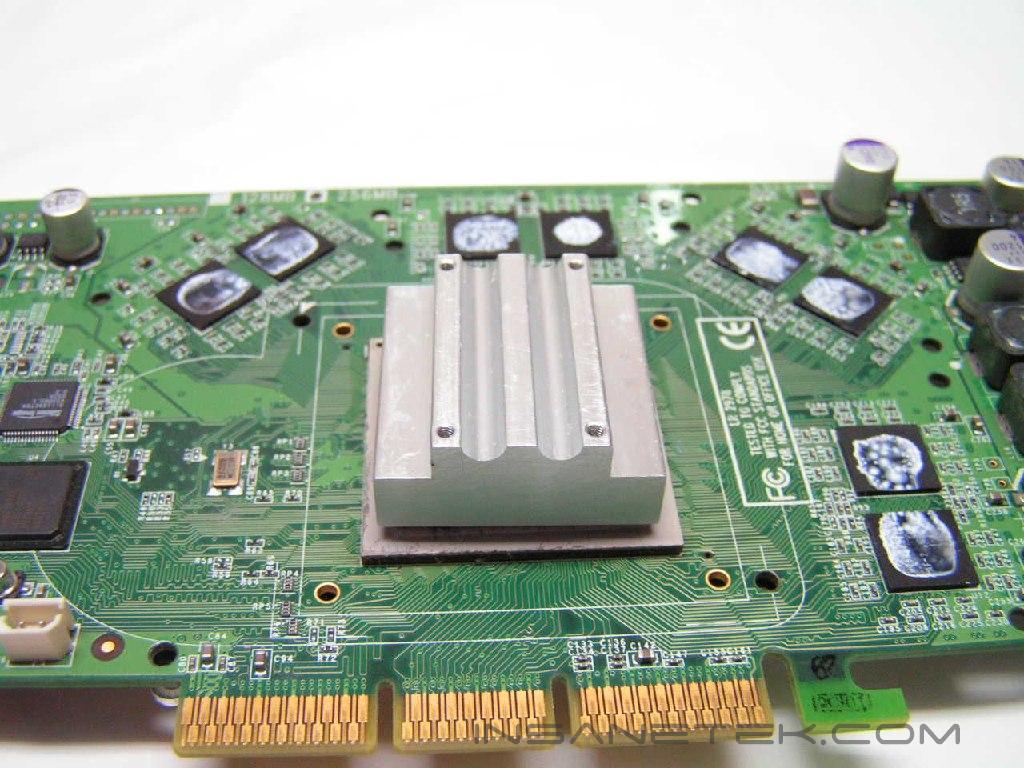
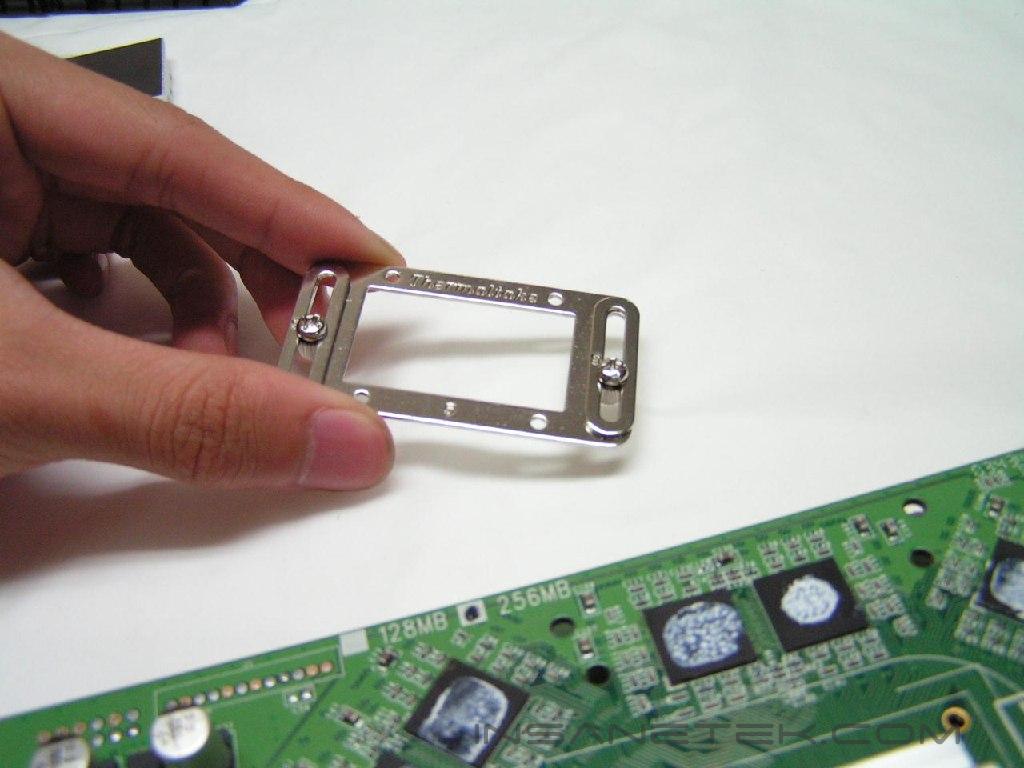
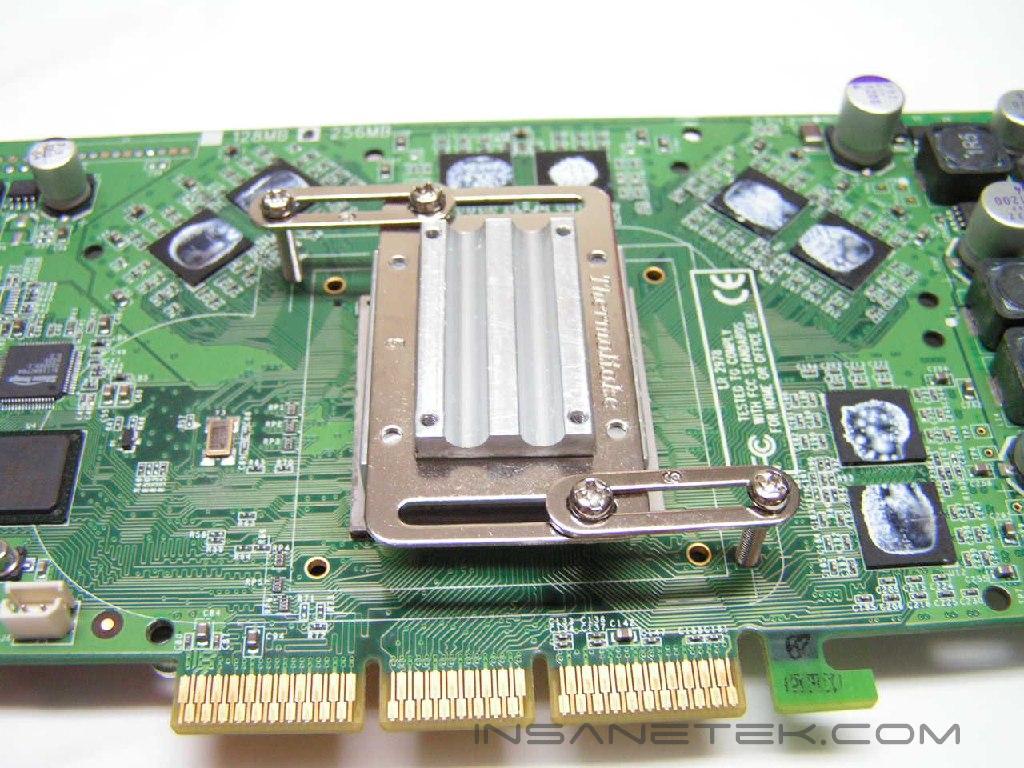
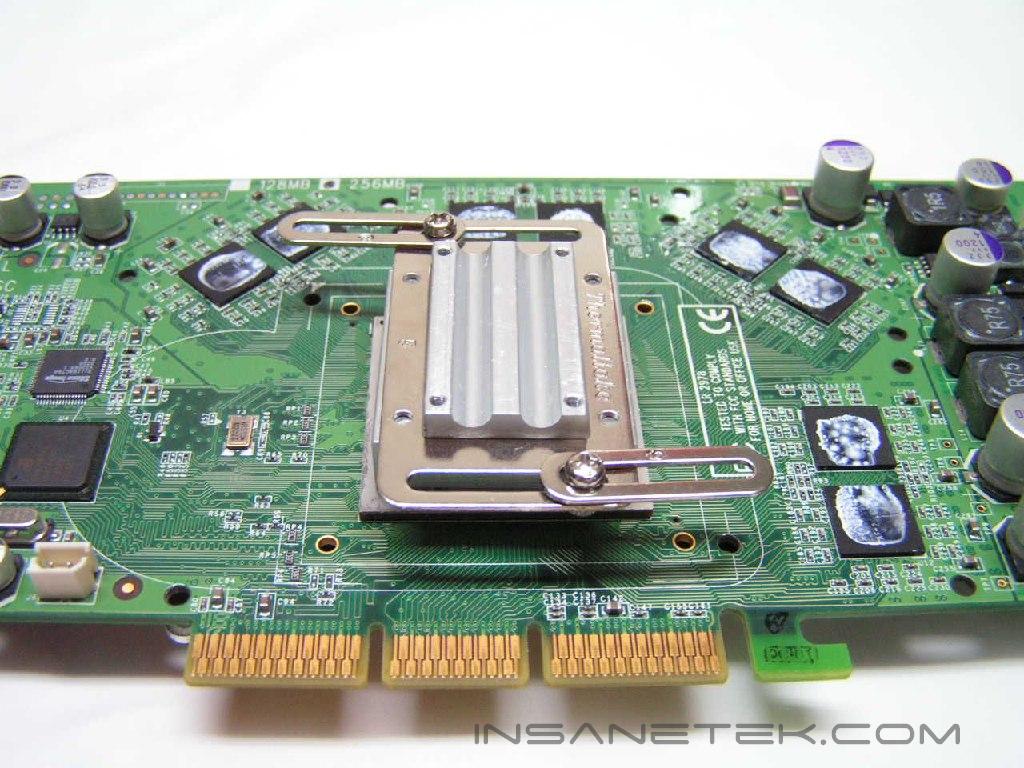
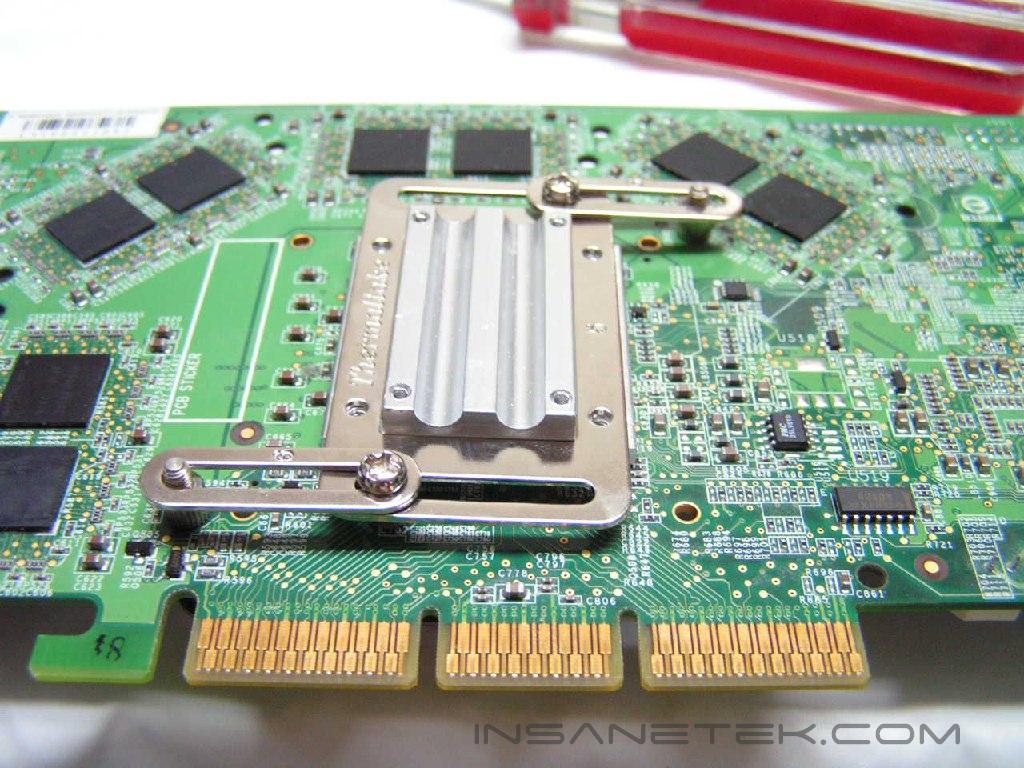
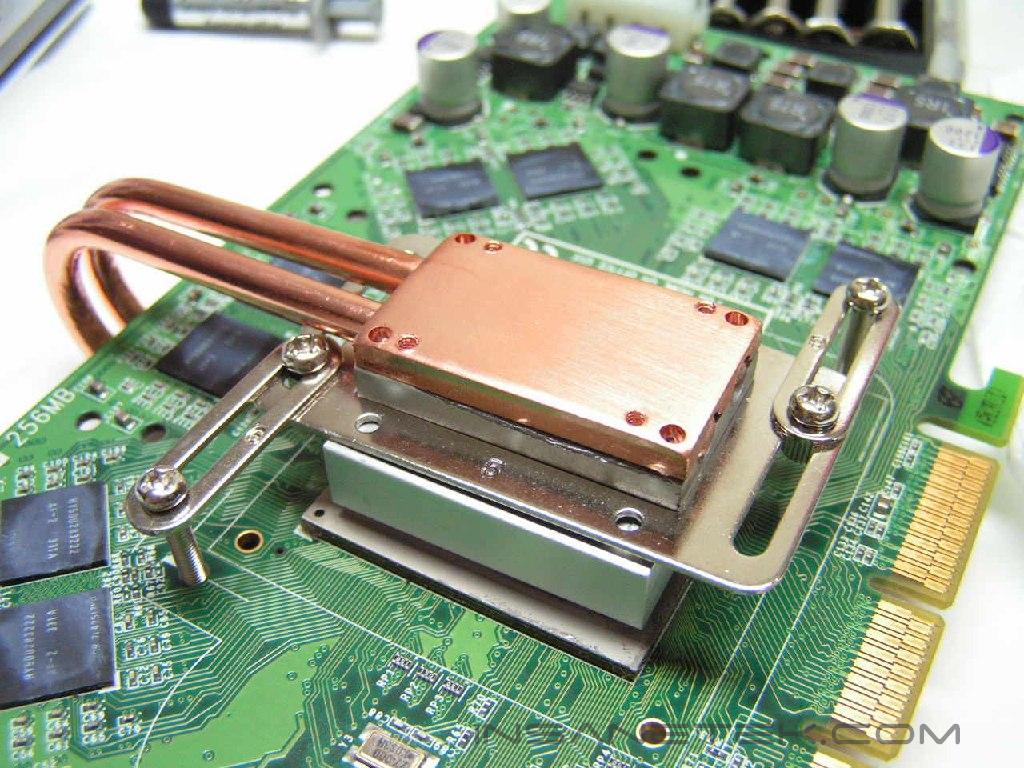
I will be using a GeForce FX5950 for the installation process. Installation was quite tedious for this cooler. Taking off the stock heatsink was the easy part. I cleaned off the thermal paste that was placed on the core by the manufacturer. The next step is to put thermal paste onto the core. I then put the bigger heatsink onto the core. I then grabbed a bracket, placed it on the heatsink, and loosened the screws to the metal rings. Then I readjusted its position and aligned it to the mounting screw holes. After doing this, I repeated the process on the other side. It was difficult to keep still, but eventually I managed to secure everything together. I then put thermal paste on top of the aluminum heatsinks. After it is evenly and neatly spread out, I slid the interior heatpipe into place. I wiped away all excess thermal paste and screwed the interior heatpipe to the aluminum heatsink to retain the position and tightness. After I put thermal paste the base of the interior heatpipe, I placed the black aluminum plates onto the heatpipes. Make sure to adjust the metal pieces properly to align the screw holes together. Don’t cover those holes with thermal paste. Finally, I attached the exterior heatpipe. No need for thermal paste here, but with the exterior heatpipe placed in the middle, screw the brackets to the black aluminum plate.
I followed all these steps directly from the installation booklet in the component box. It was easy to understand and a revision sheet was included. Though it was easily comprehendible, the installation time took about 30 minutes. The process is quite tedious when compared to the Arctic Cooling Silencer, which installs in a few simple steps. After installation of the Schooner, I placed the card into my AGP slot and realized that the Thermaltake Sonic Tower was in the way. I had to readjust the CPU cooler and slide it up a few centimeters. The Schooner’s size was much to big and obstructed another Thermaltake product. It could be the layout of the board; we all know the MSI K8N Neo2 utilizes a bad layout when using newer products.
Test Setup and Results
Test Setup and Method:
The GeForce FX5950 has a built-in temperature diode, which is what I will use to read the temperatures. The Schooner will be pitted against the stock cooler provided by Leadtek. I used Arctic Silver 5 thermal paste in all the tests. Another temperature sensor will be used to record the ambient temperatures three feet away from the computer, which was 23.4°C +/- 0.1°C. The only cooling within the case was an exhaust fan in the back, the PSU exhaust fan, and the intake fan in the front. The maximum overclock between the stock cooler and the Schooner will be tested after the cooling test. The stress test will be conducted with five loops of 3dmark03. There will be no scientific experiments conducted, simply because I do not have the proper equipment.
Test Setup Specifications:
- AMD Athlon64 3000+ Winchester (9 x 275FSB = 2.475GHz @ 1.65v)
- MSI K8N Neo2 Platinum
- 2 x 512MB PDC1G3200+XBLK @ 2.5-3-3-7
- Leadtek GeForce FX 5950 Winfast A380 Ultra (500MHZ Core Frequency / 1000MHZ Memory Frequency)
- TTGI SF-450TS 450W Power Supply
Competition:
- Thermaltake Schooner
- Stock Leadtek cooler
Test Procedures:
- Idling for 45 minutes on desktop
- Five loops of 3dmark03
Results:
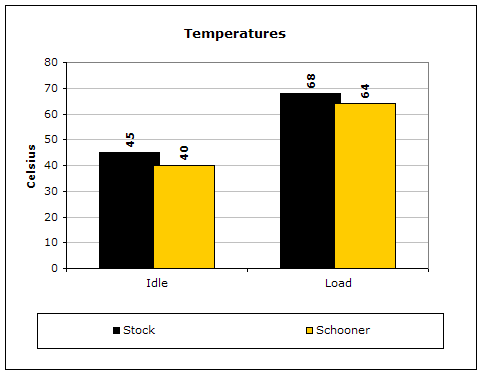
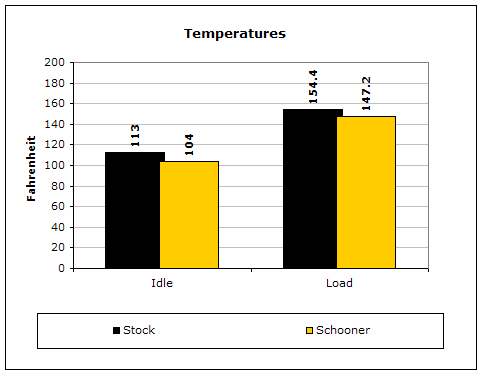
The Schooner was able to excel over the stock cooler provided by Leadtek. I tried to increase the overclock on this card, but there was no gain. The noise level was about the same after installation, due to the case fans and PSU fan.