

Thermaltake Beetle
Introduction
Thermaltake has taken many people by surprise with their new line of heatsinks. Recently at InsaneTek, we reviewed the Thermaltake Big Typhoon. It was a huge heatsink, but it performed well and was quiet. Looks wasn’t really a part of the Big Typhoon, but that’ll change with the heatsink up for review today: The Thermaltake Beetle. This heatsink has a retail price of $56.99 and provides modding enthusiasts with something special in their case.
Thermaltake Beetle
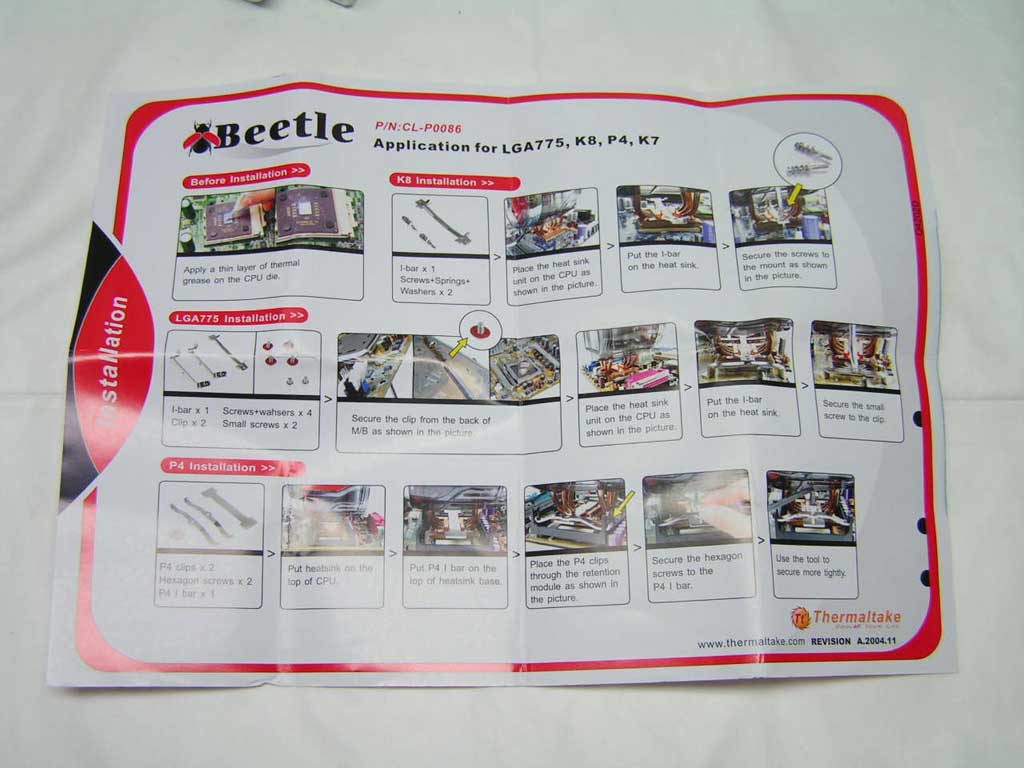
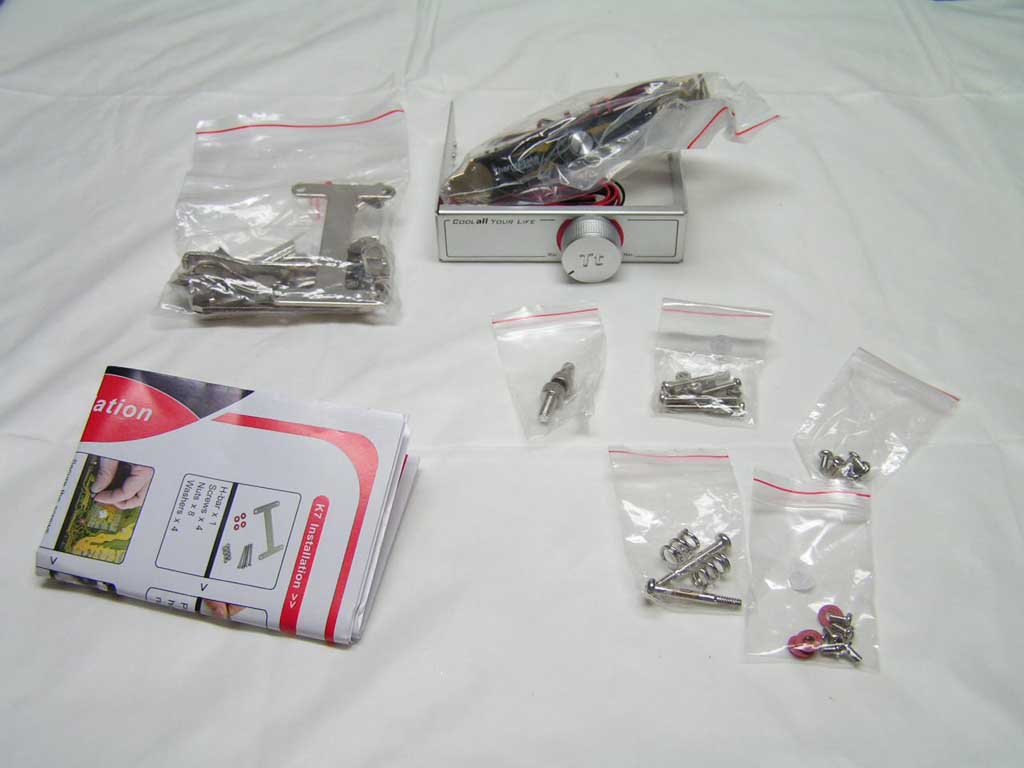
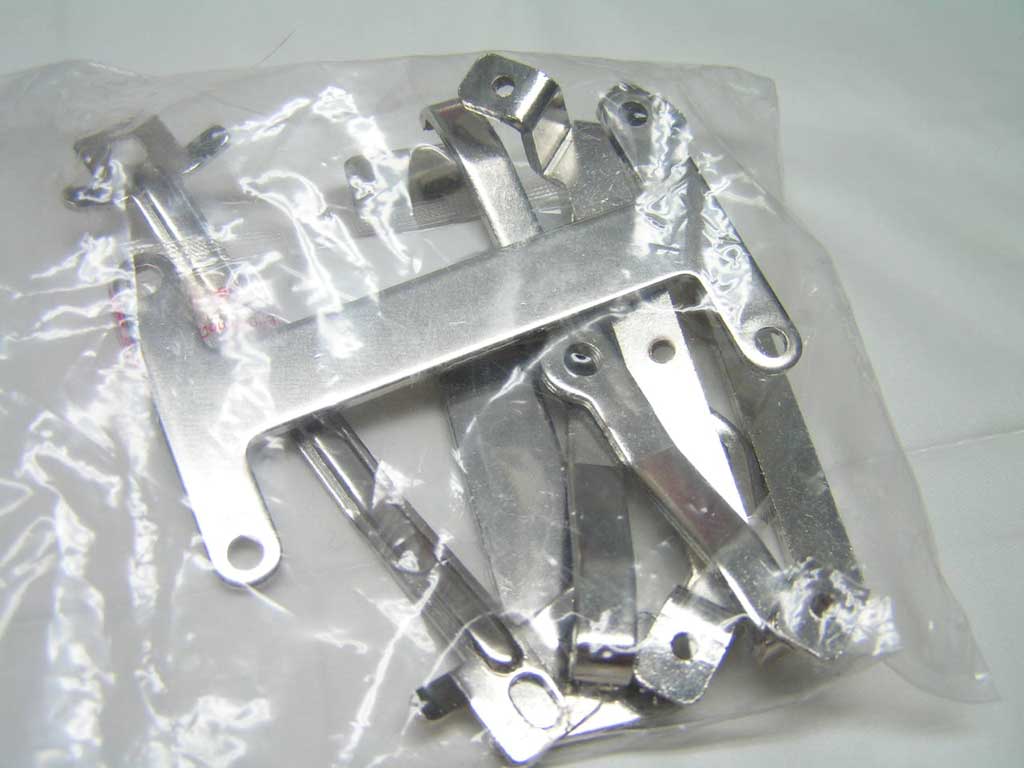
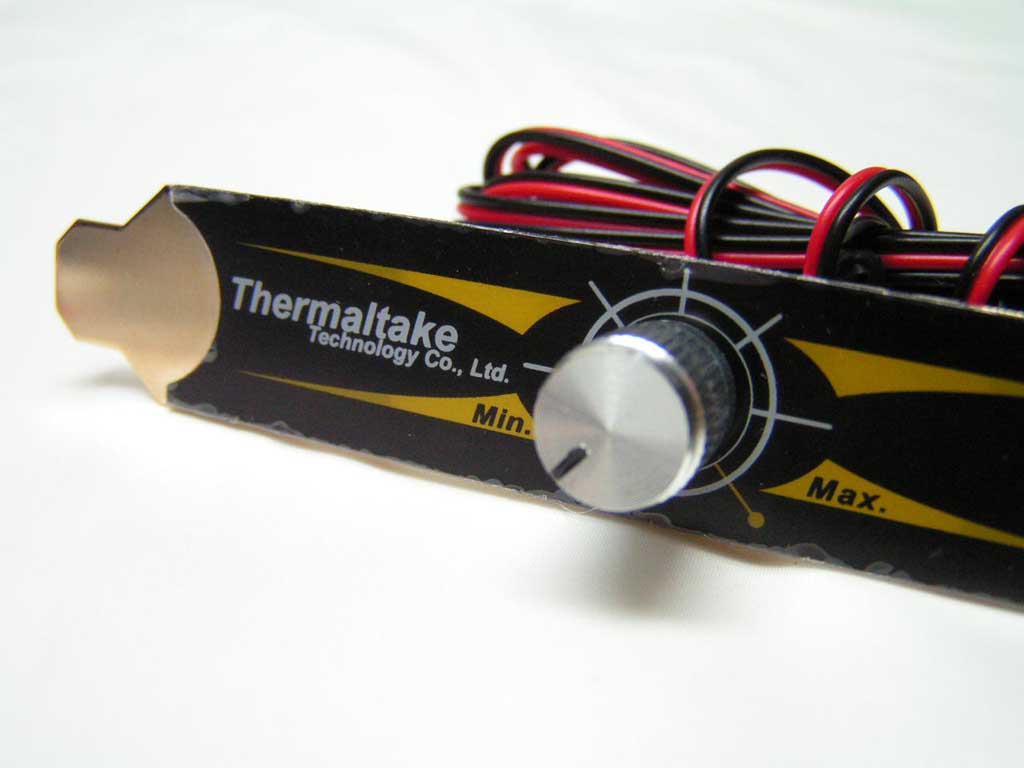
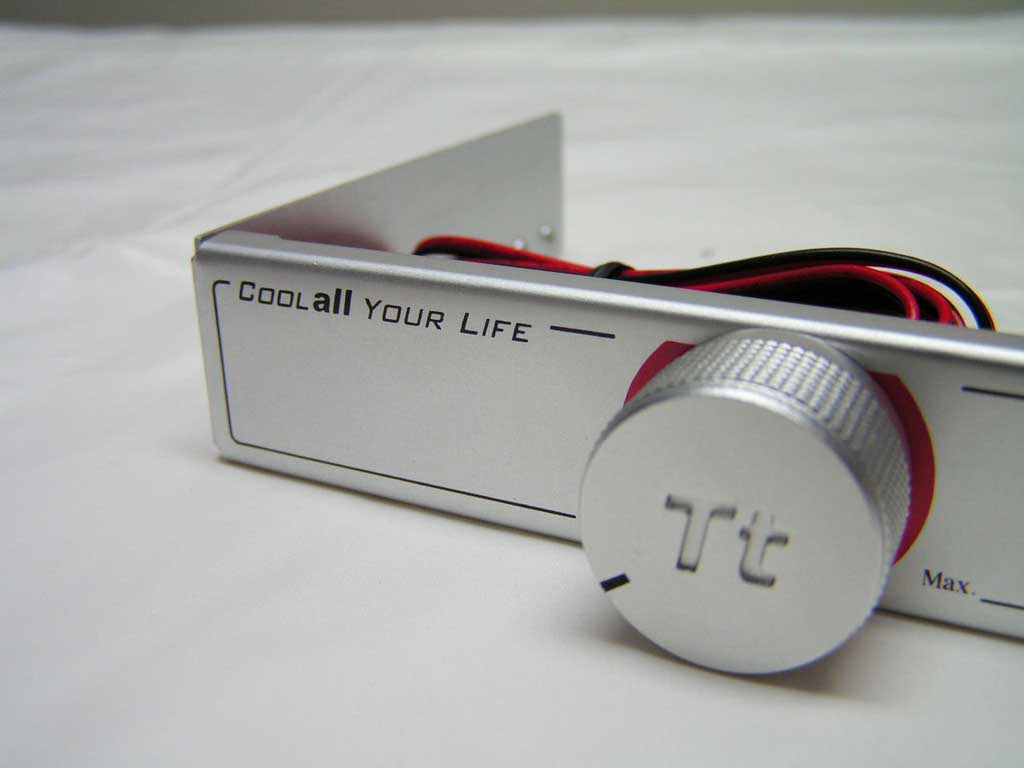
The Thermaltake Beetle’s packaging comes in a plastic box. It is compatible with the Intel P4 478, 775, and the AMD K7 and K8 sockets. Unlike the Big Typhoon, the beetle utilizes a 92mm fan that is included with the heatsink. On the back of the heatsink, there are four mounting holes for an optional 80mm fan. The component box contains brackets for the four platforms, each in their own labeled bag. Along with the mounting brackets and screws were the instructions, two fan controllers, and a small bag of thermal paste. Thermaltake provided two fan controllers so those with a front door on their case can still enjoy the benefits of a lower rpm fan by installing the PCI slot controller. The 92mm fan has two connectors, a 3-pin connector and a special 2-pin connector. Both controllers connects to the 2-pin connector. The fan’s speed is rated to be 16004300 rpm, and noise level is about 2044.5 dBA.
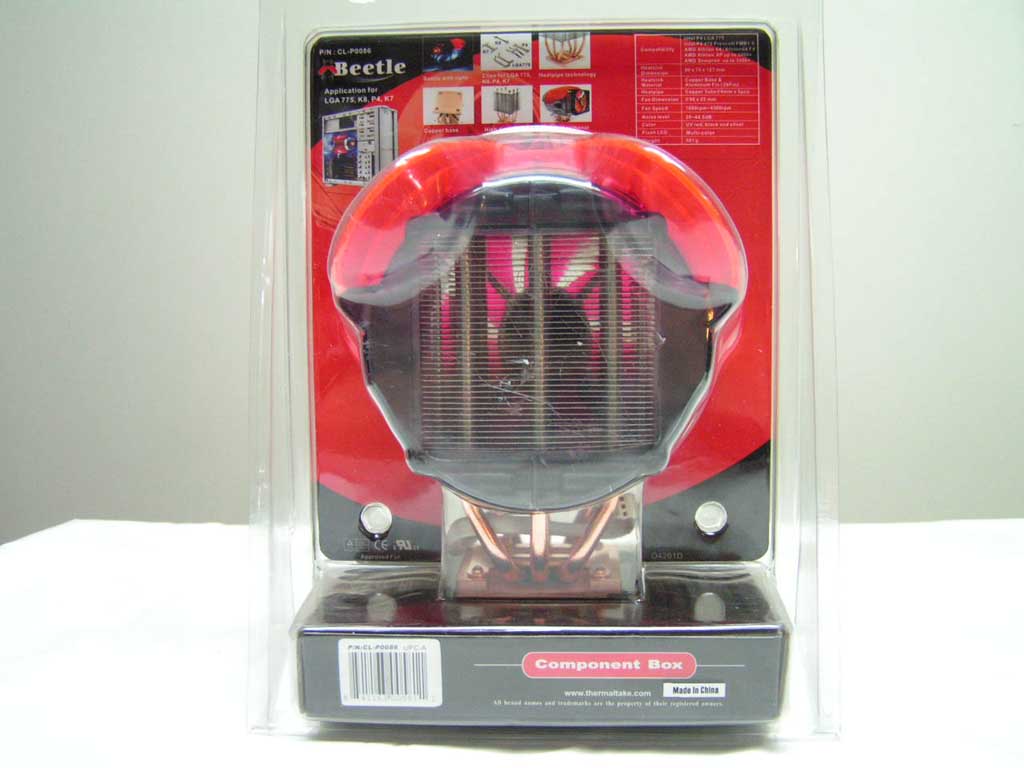
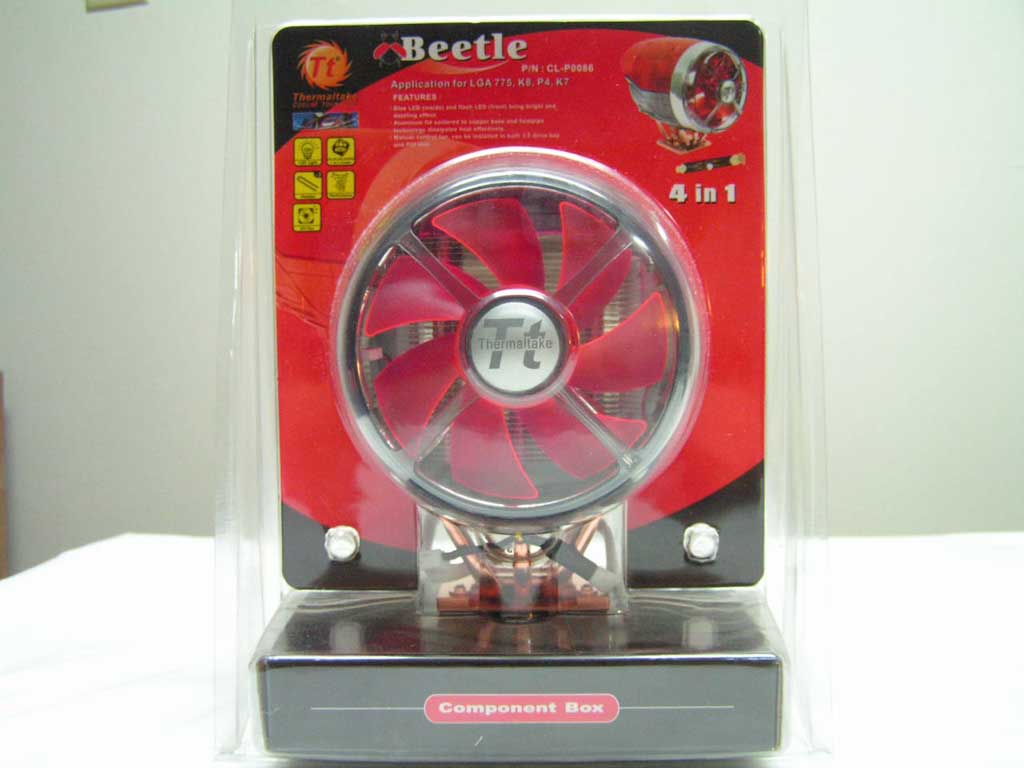
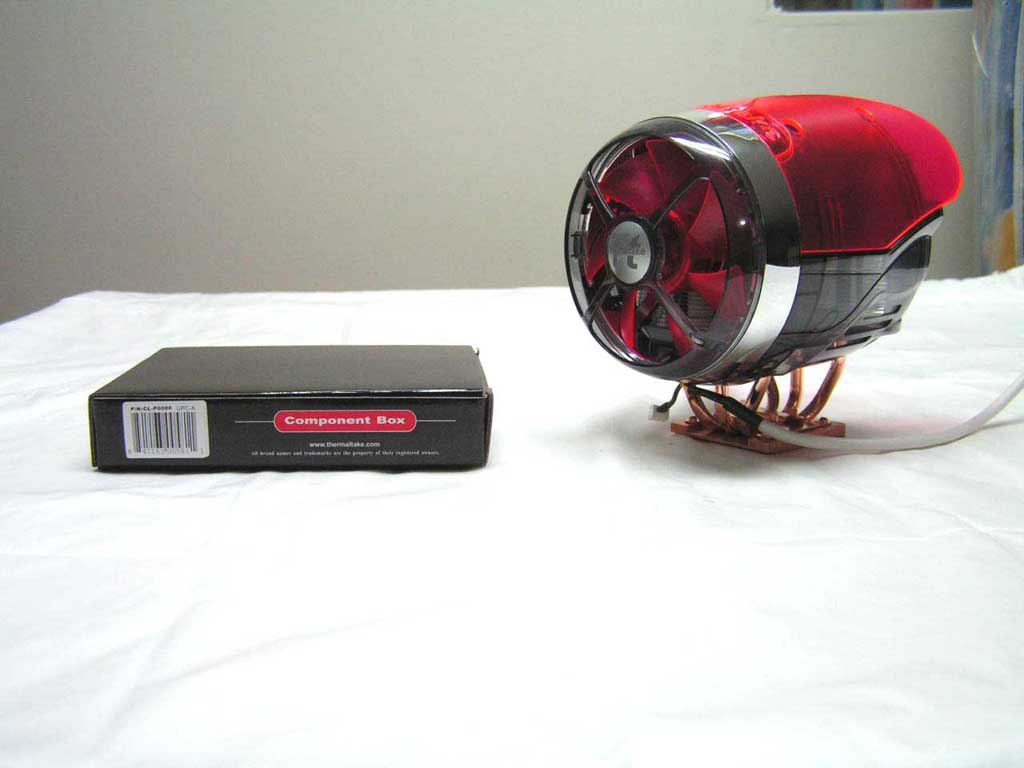
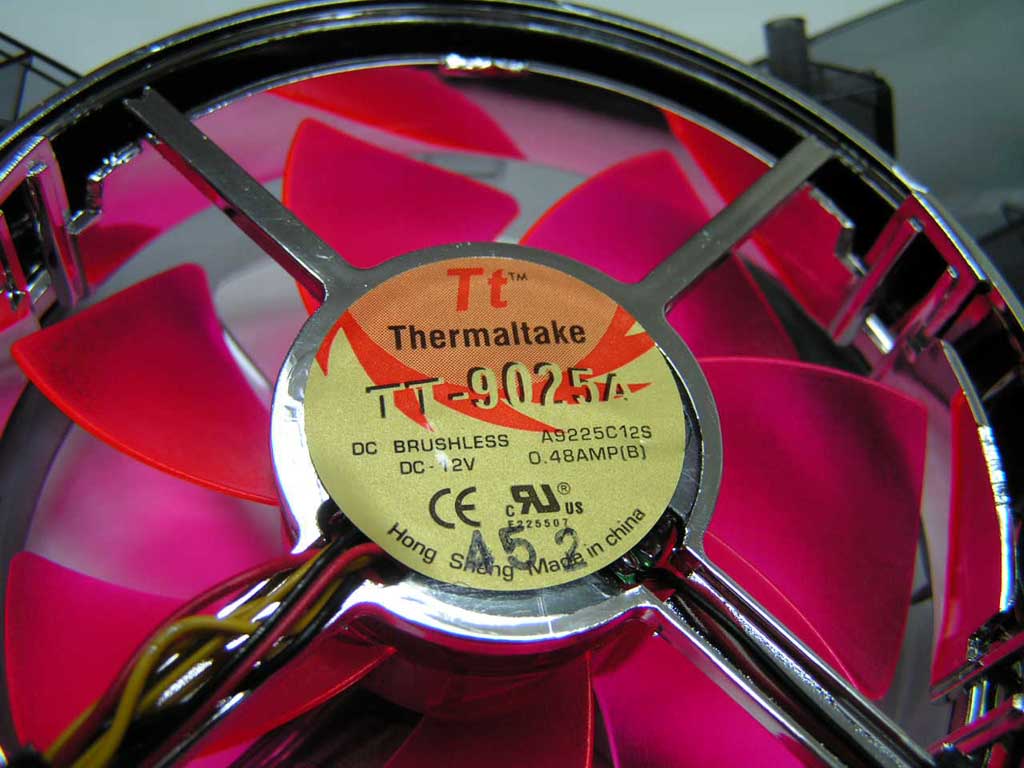
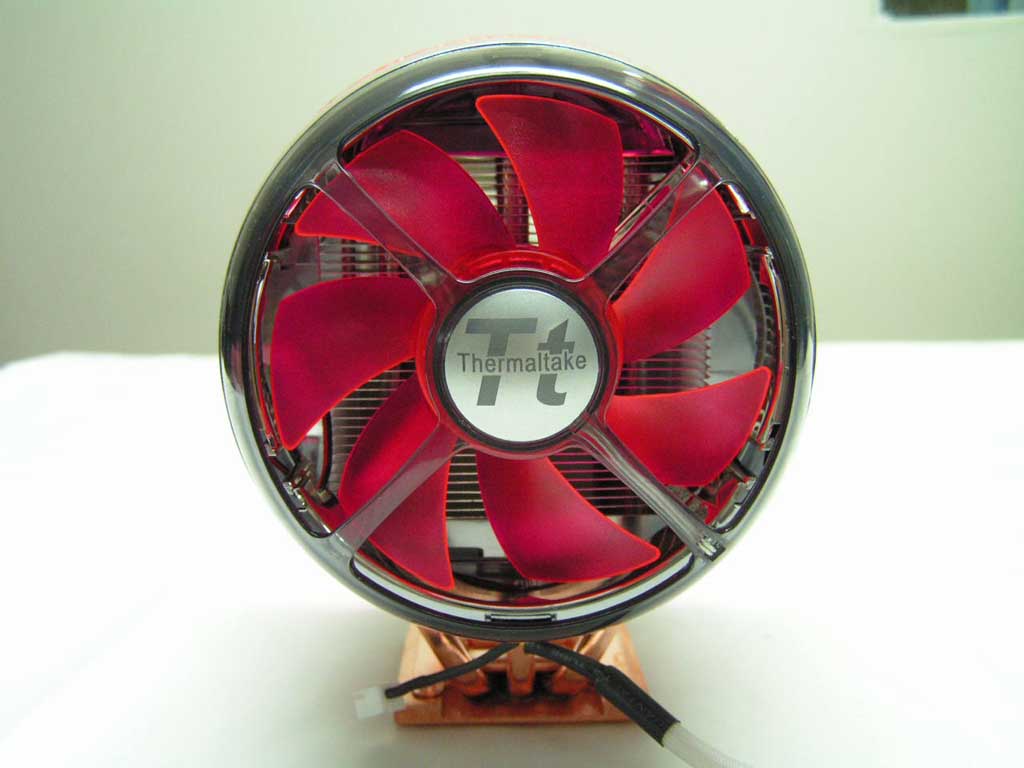
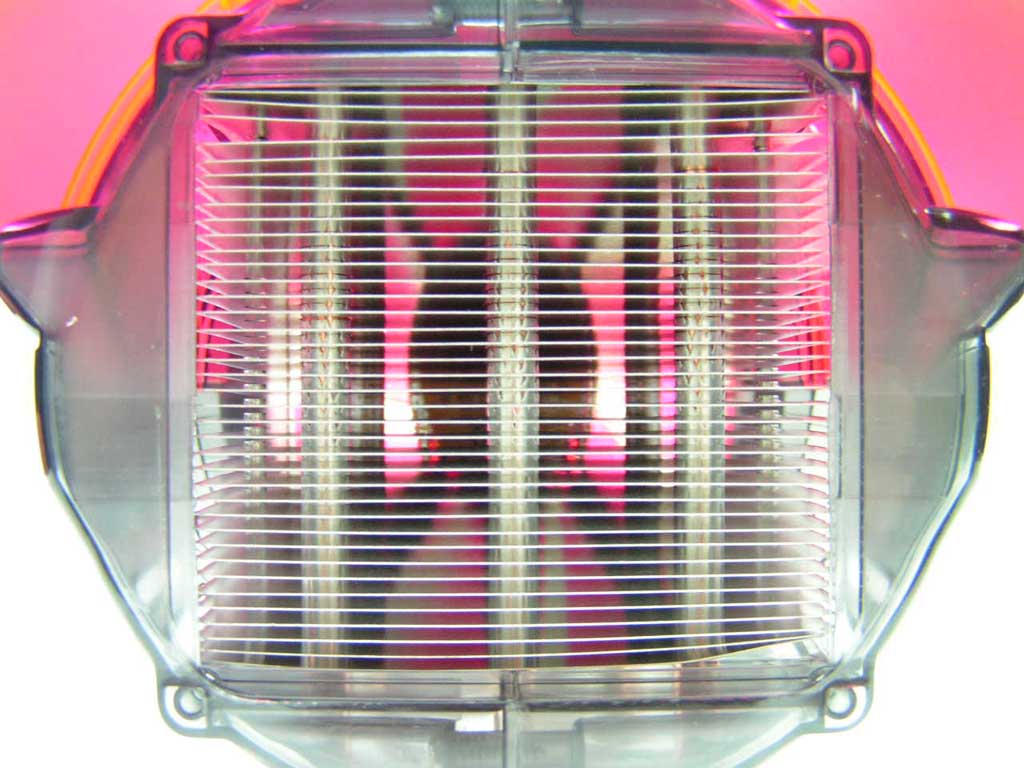
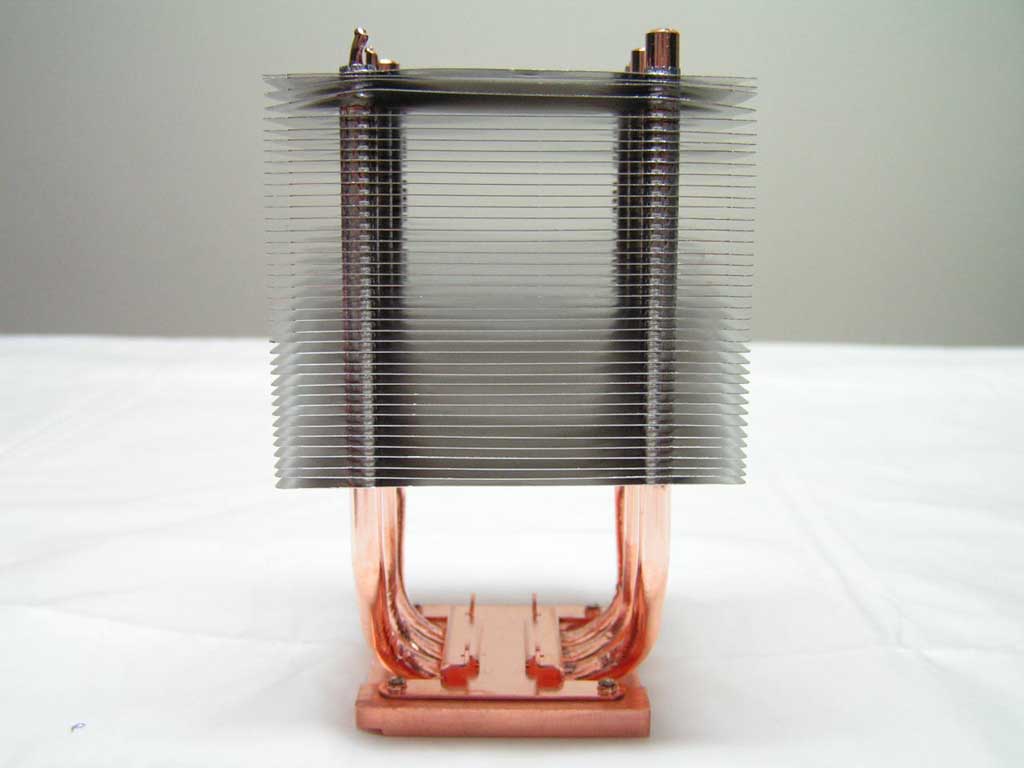
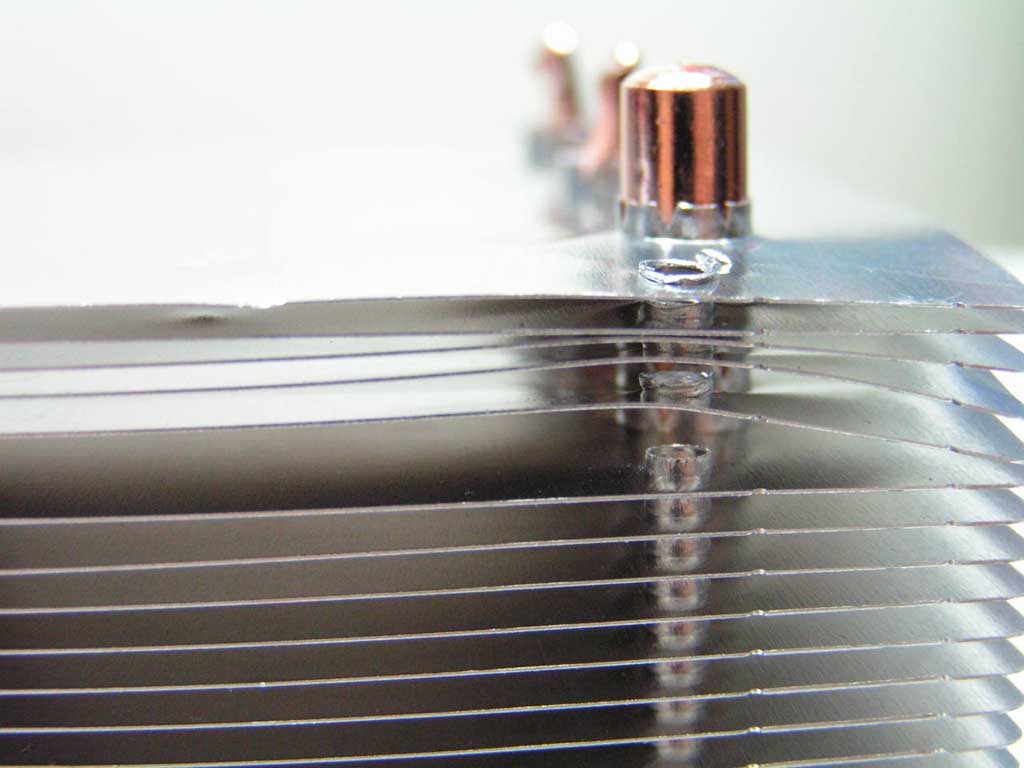
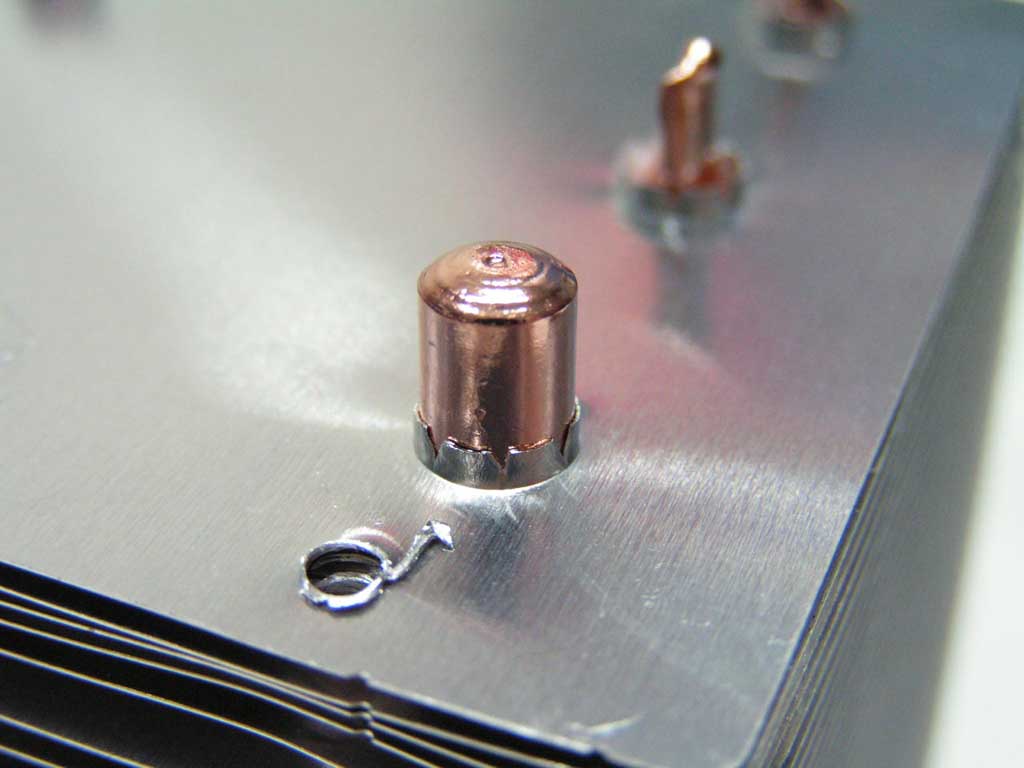
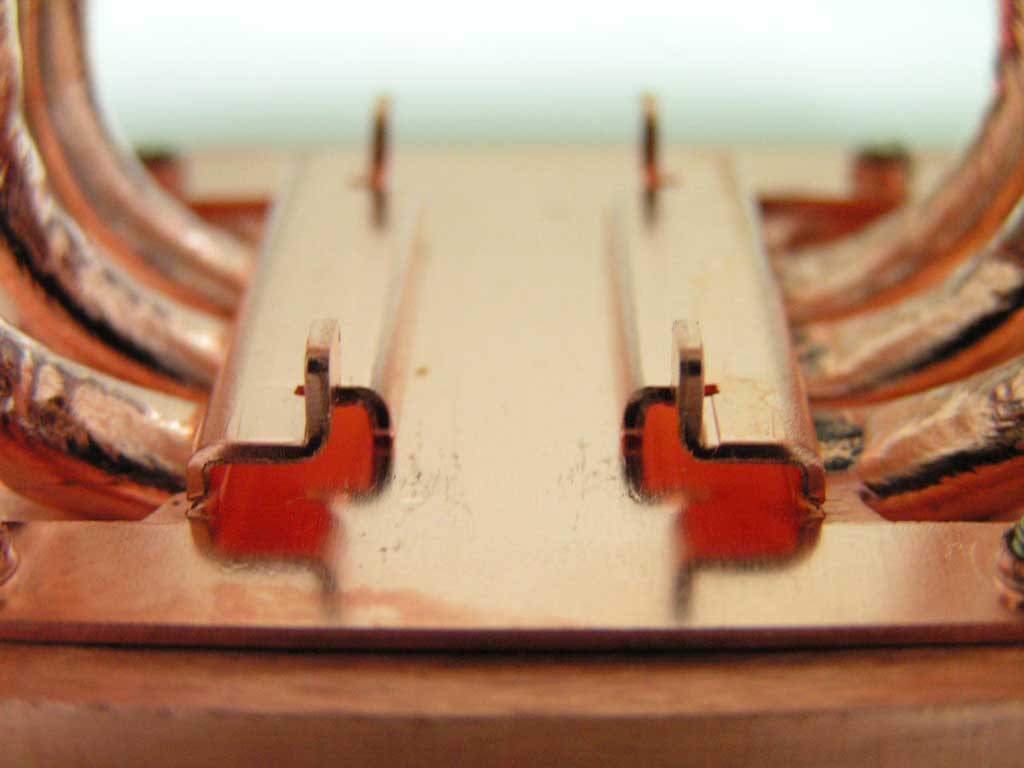
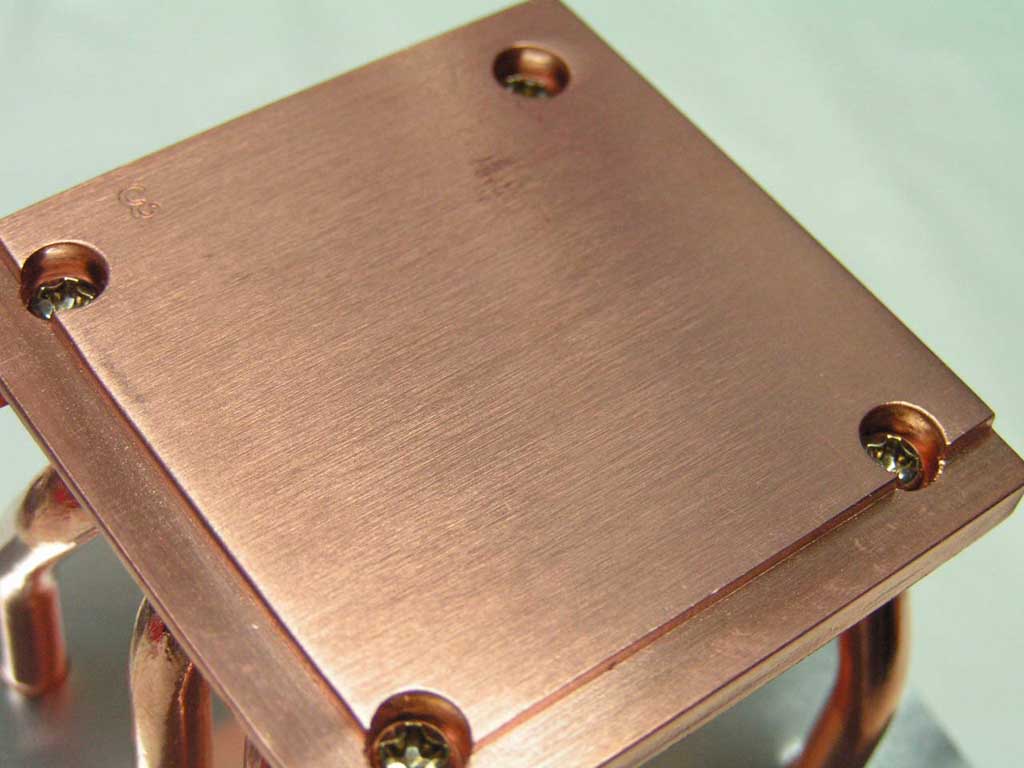
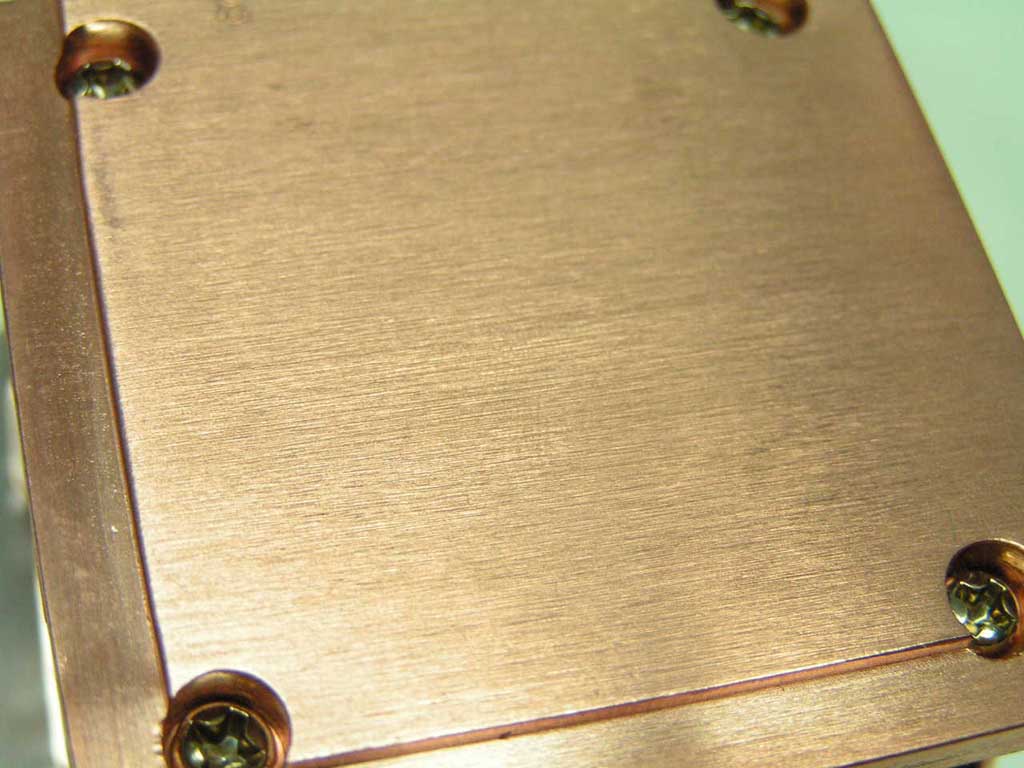
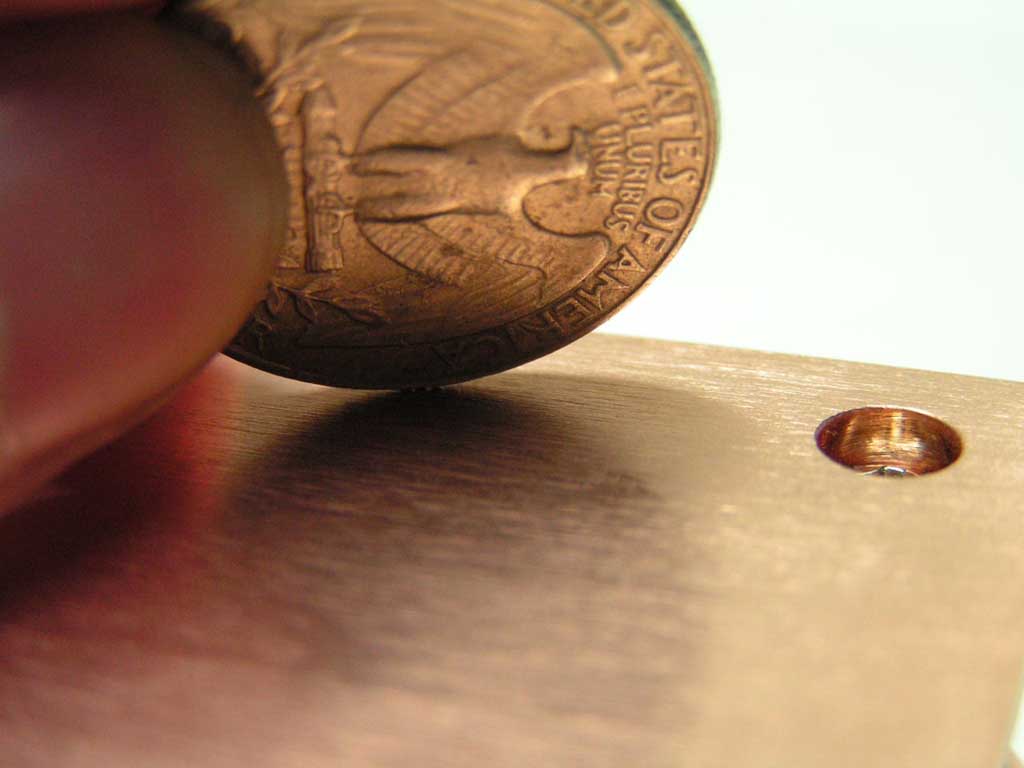
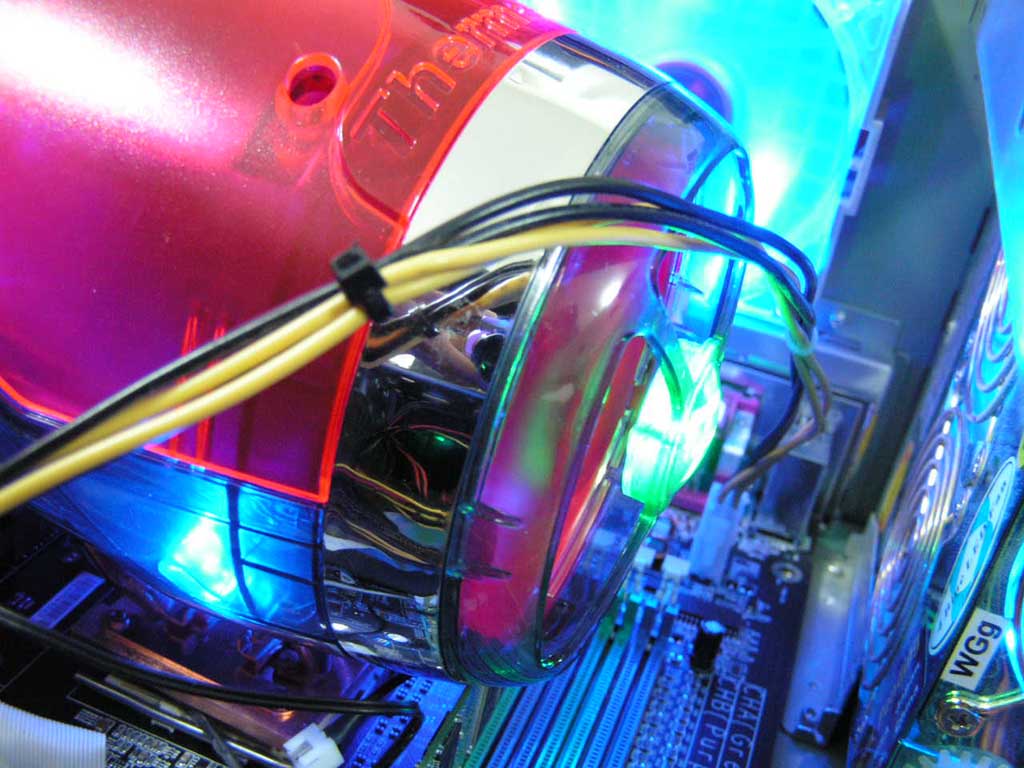
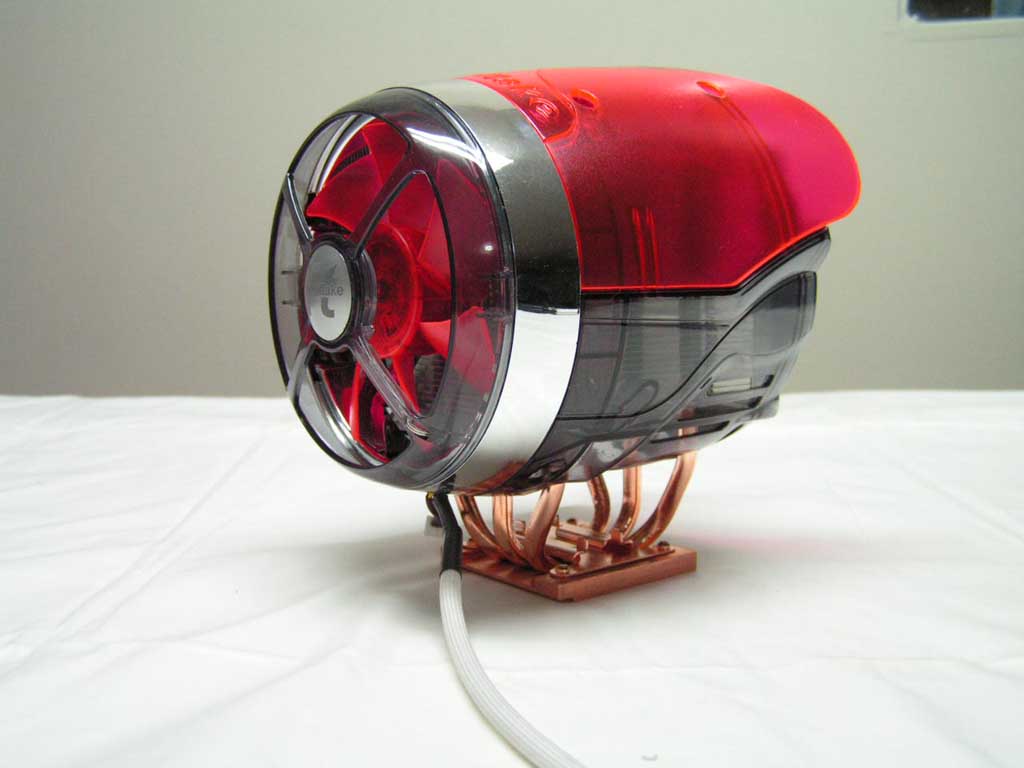
For the modding enthusiasts, this heatsink comes with a set of blue LEDs on the shell, and a flashing LED on the front logo. While the actual heatsink is quite small, the shell’s “wings” are quite big. It seems to me that the shell provides maximum cooling of the heatsink by creating a small air tunnel. Taking apart the shell reveals the actual size of the heatsink. The Beetle, like the Big Typhoon, uses a total of 6 heatpipes. The heatpipes run through about 40 aluminum fins and extend out of the top. The heatpipes are especially short and the fins are especially small. As I have found with previous heatsinks, size doesn’t necessarily correspond with performance. The area between the heatpipes and below the fins is there for mounting. The base of the heatsink is made entirely out of copper and was well lapped, but had no mirror finish. When it comes to heatsink bases, flatness counts more than a bent up mirror finish.
Specifications and Installation
Specifications:
|
Installation:
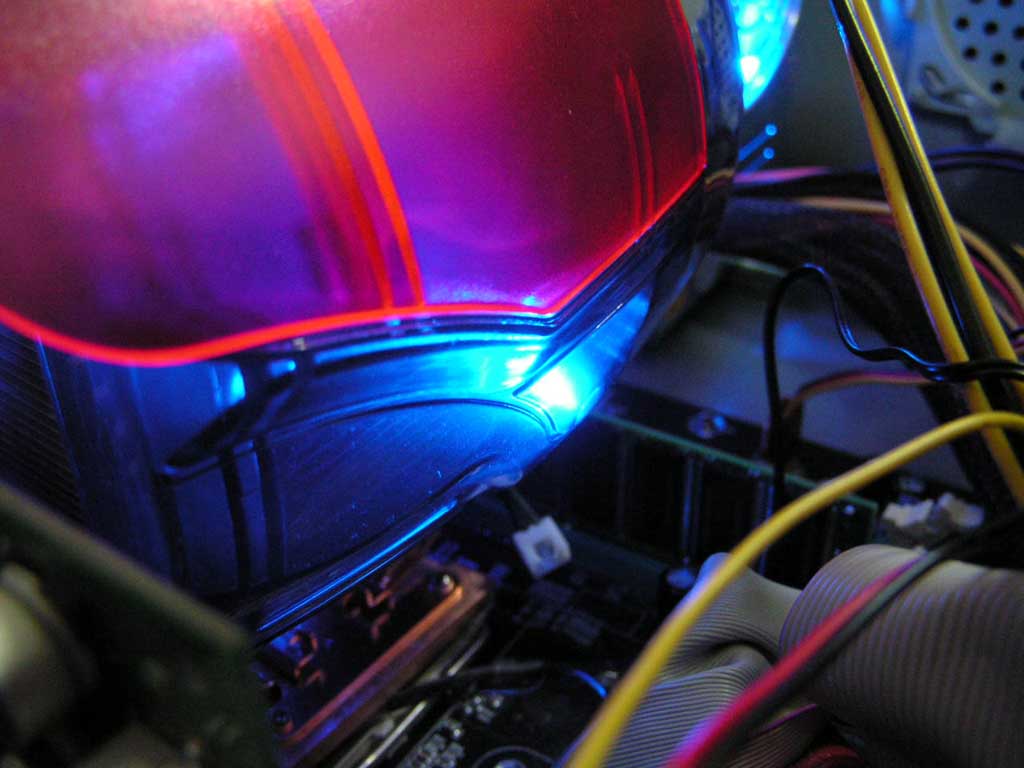
During the installation of this heatsink, I ran in to a few problems similar to the Big Typhoon. Screwing on the mounting bracket was no problem. Yet, a conflict between the video card’s heatsink interfered with the Beetle’s space. As a result, the video card was bent down again, but worse than the Big Typhoon. Nevertheless, it was still usable so I proceeded. Be aware that after installing the heatsink, the memory slot 1 and 2 could be affected. Whether there will be tight space for memory or none at all is dependant on the motherboard’s memory slot location. Here are a few pictures of the heatsink in operation with the LEDs on.
Test Setup and Results
Test Setup and Method:
An optional 80mm fan can be applied on the back. This 80mm fan was not used in my testing simply because I did not have any room at all between the video card and the heatsink. The Beetle will be compared to the stock AMD cooler and the Big Typhoon. Temperatures will be taken at maximum and minimum speed to see how well the Beetle performs on various levels. Ambient temperature will be kept at about 20.9°C with +/- 0.1°C. Arctic Silver 5 will be used as the thermal paste in the whole process. One instance of CPU Burn-in was used to stress the CPU so it can generate maximum heat. Temperatures will be taken with a Compu-nurse temperature probe placed on the heat dissipator of the CPU chip. Actual die temperatures should be much higher. No scientific testing will be conducted as this test was conducted to see the results a home end user would obtain.
Test System Specifications:
- AMD Athlon64 3000+ Winchester (9 x 280FSB = 2.52GHZ @ 1.65v)
- MSI K8N Neo2 Platinum
- Kingston Value Ram PC3200 (1 x 512MB @ 2.5-3-3-7)
- Leadtek Geforce FX5950 Ultra Winfast A380
- TTGI SF-450TS 450W Power Supply
Test Procedures:
- Idling at desktop for 45 minutes
- Full load with CPU Burn-in for 45 minutes
Results:
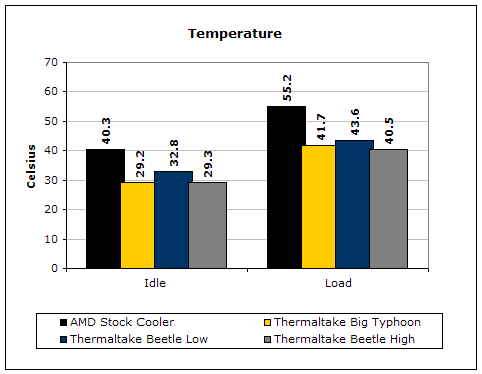
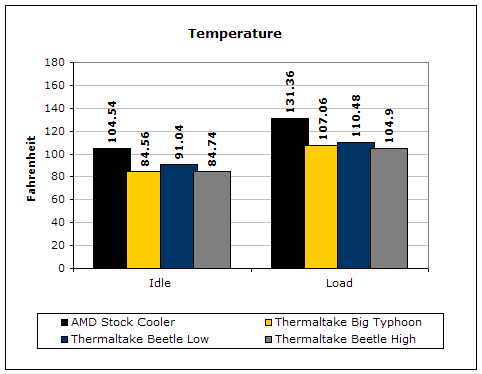
Although the Beetle’s fan at minimum speed was a tad louder than the Big Typhoon’s, the results are superb. The Beetle sure belongs to the Thermaltake’s line of new heatsinks.
Conclusion and Thoughts
If there was one thing about this heatsink, it’s the fact that it combined an interesting look with the option to change noise level at almost no cost to performance. The results I obtained reveal that there isn’t much difference between higher and lower fan speeds. This is due to heatpipes distributing heat to the fins with no cooling to the base. This heatsink can be installed on most sockets with no problems. However, positioning of the CPU socket, memory slots, and AGP slot can play a huge part in whether there will be any hardware conflicts. Taking off the heatsink when the Arctic Silver has settled might be difficult. Simply use a slight force to rotate and shift the heatsink loose. Do not attempt to pull the heatsink out as it can rip the CPU out of the socket. The Beetle is an outstanding heatsink and is on the same level as the Big Typhoon in terms of performance.
John’s Addition:
I had hands on experience with the Beetle before sending it to Patrick for review. Once again, my beef is with installation. I tried installing it on an LGA775 platform and it was just impossible. The clip for the two small screws was extremely stiff. I used so much force trying to get the small screws into the threads of the bracket that a CPU without an integrated heatspreader would have cracked easily. I wanted to pair this with my Socket 478 platform for my ThermalRock Circle case. Once again, installation prevented it from happening. The method Thermaltake utilizes makes installation a tedious task. I spent well over 15 minutes trying to get the bracket to sit correctly and not move. The hex screws provided was also hard to work with. It kept slipping out of the threads in the metallic “I” bar. I didn’t like it at all. However, if you’re building a K8 box, your life will be much easier. Thermaltake’s engineers need improve installation methods.
Pros:
- Excellent performance
- Has different color LEDs for looks
- 6 heatpipes
- Two fan controllers provided
- Optional 80mm fan on the back
- Copper base with attached aluminum fins
- Compatible with most motherboard sockets
Cons:
- Might have other hardware conflicts
- Almost impossible installation on other platforms
- Front fan can not be swapped out

We would like to thank Thermaltake for providing us the sample. If you have any questions or comments, feel free to hit us up in the forums. You can also check out more of our latest reviews on the front page.