

Thermalright XP-90C
Introduction
For the past few years, Thermalright has always been at the top of the heatsink charts. They always bring innovative and effective cooling solutions to the table, and with the rising thermal specifications of Intel and AMD processors, effectiveness is all the more important. Last year Thermalright announced its XP-90 and XP-120 heatsinks for the P4 and K8 platforms. Prerelease photos brought much attention to their size. Photos of the XP-120 next to an SP-94 astounded most, and made many ponder its performance. Both the XP-90 and 120 are almost all aluminum, which keeps them very light in weight for their size. Only the bases are copper, which is plated in nickel. Although such size does come with restrictions , the XP-120’s large footprint makes it incompatible with many motherboards. That’s where the XP-90 comes in. Not only is it universally compatible, it provides nearly the same cooling power as its brother. Thermalright received great acclaim for the XP-90 and has revamped it for even greater performance. The new model, the XP-90C, is entirely copper. We’ll see just how much an improvement comes from this as we pit the XP-90C against the XP-90.
Thermalright XP-90C
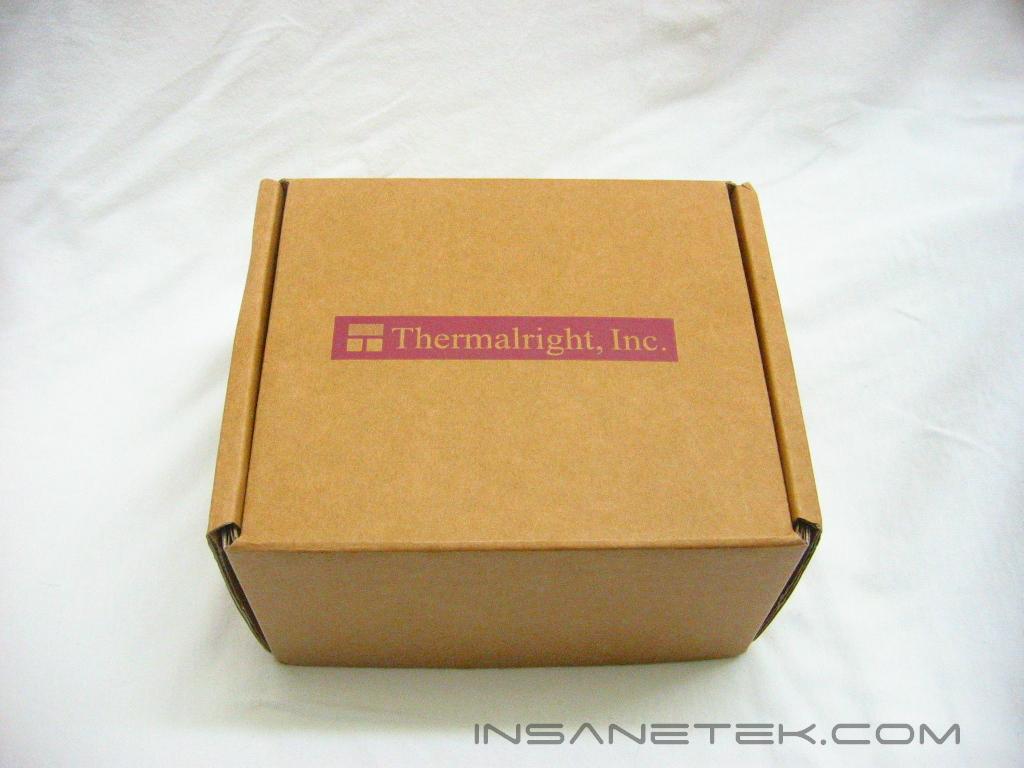
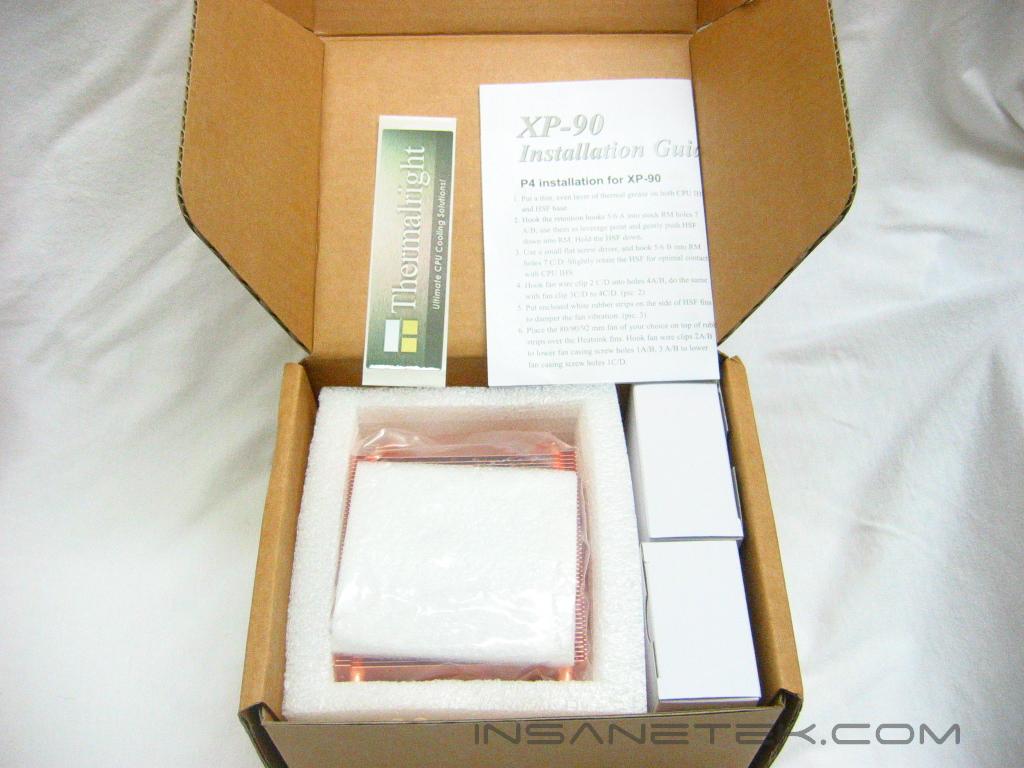
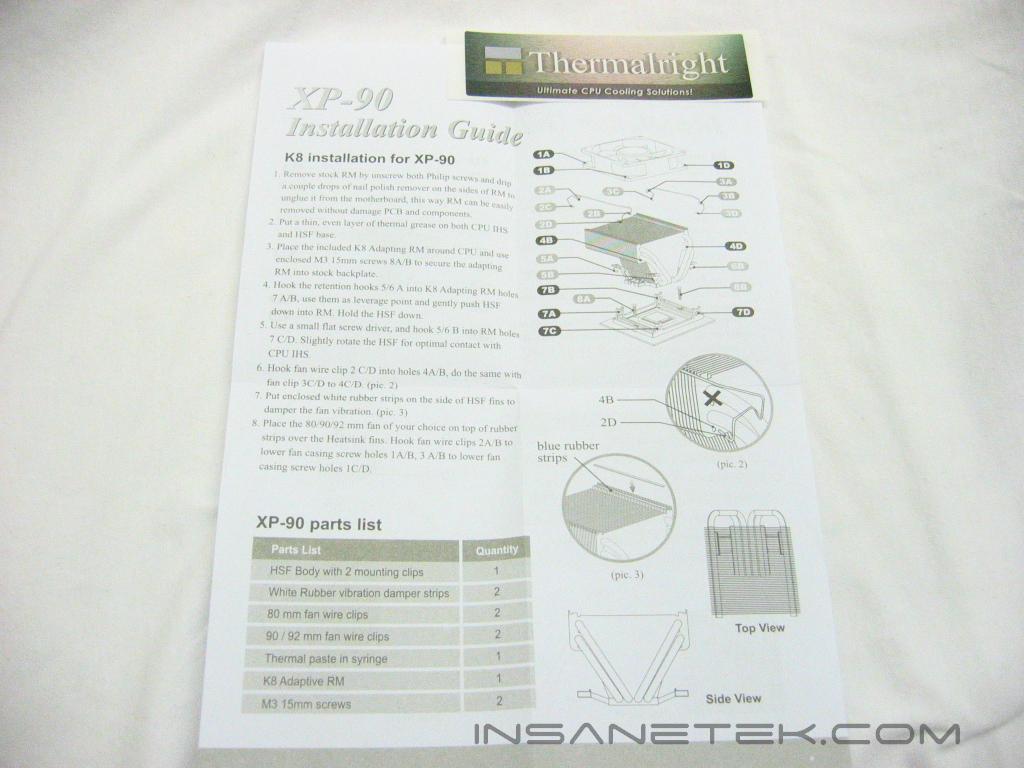
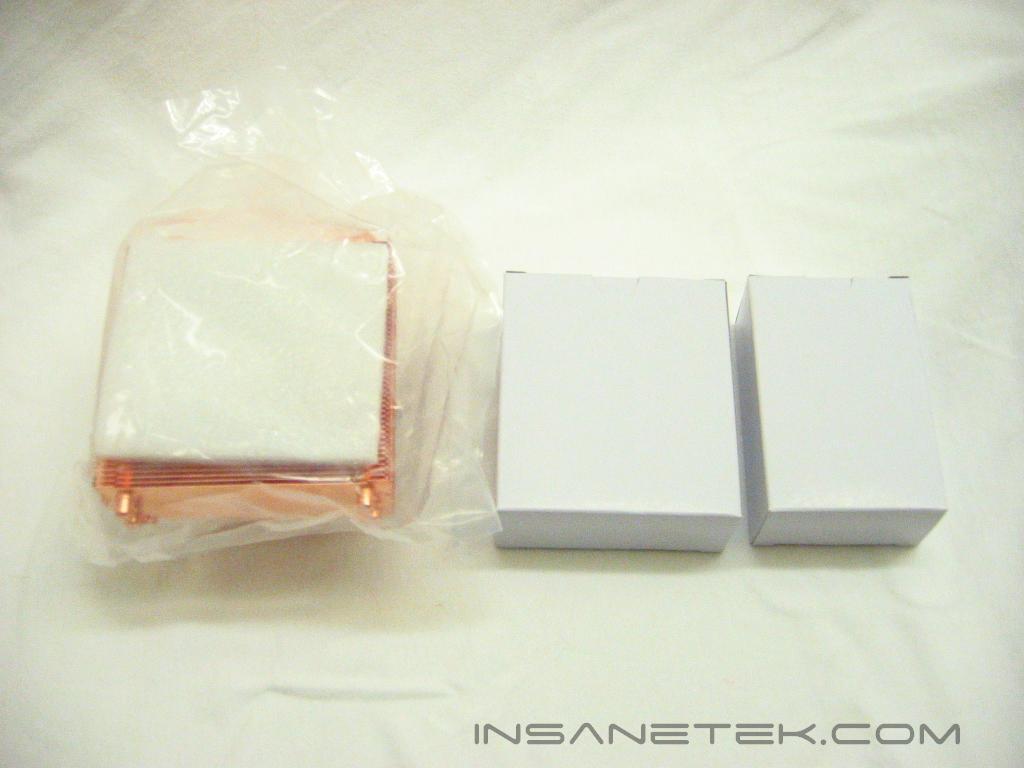
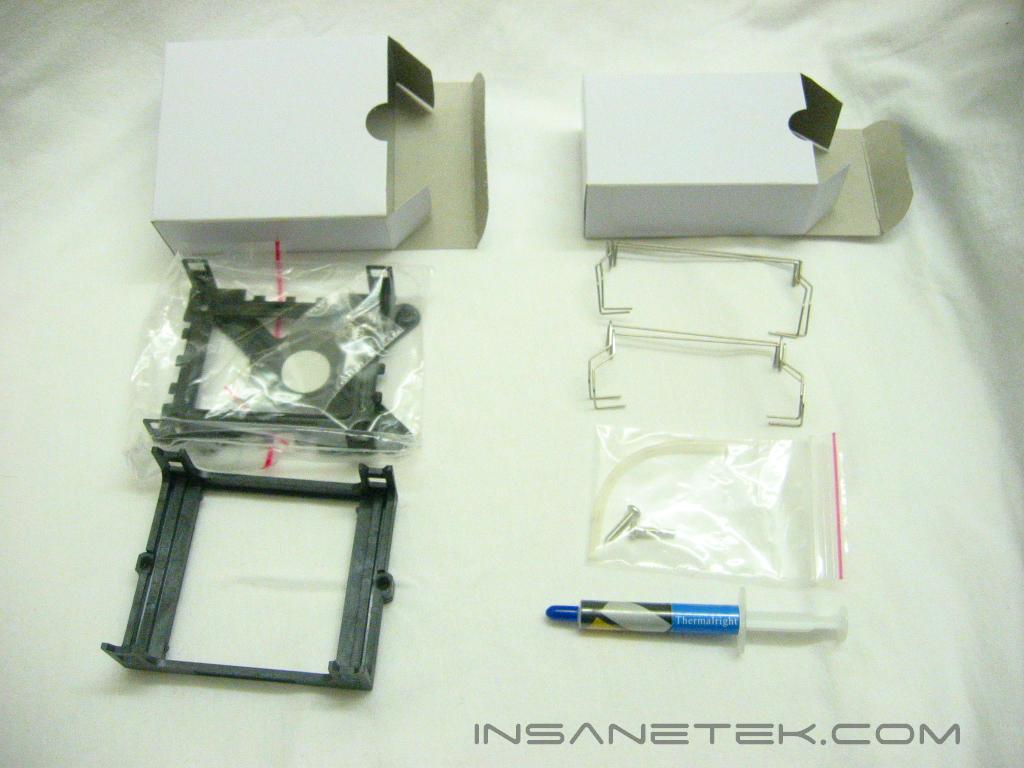
The XP-90C comes packaged quite well with foam padding securing it from rattling around within the box. Along with the heatsink are installation instructions and a sticker bearing the Thermalright right name and logo. Place it anywhere, on your lunch box or next to those Jerbears on your bumper. Mounting hardware for both AMD 64 sockets 754/940/939 and Pentium 4 socket 478 are included, although mounting for Pentium 4 on socket LGA775 must be purchased separately. Wire clips for both 80mm and 92mm fans (although the XP-90C was obviously made for 92mm fans), two rubber strips to prevent vibration, and Thermalright branded thermal paste are also included.
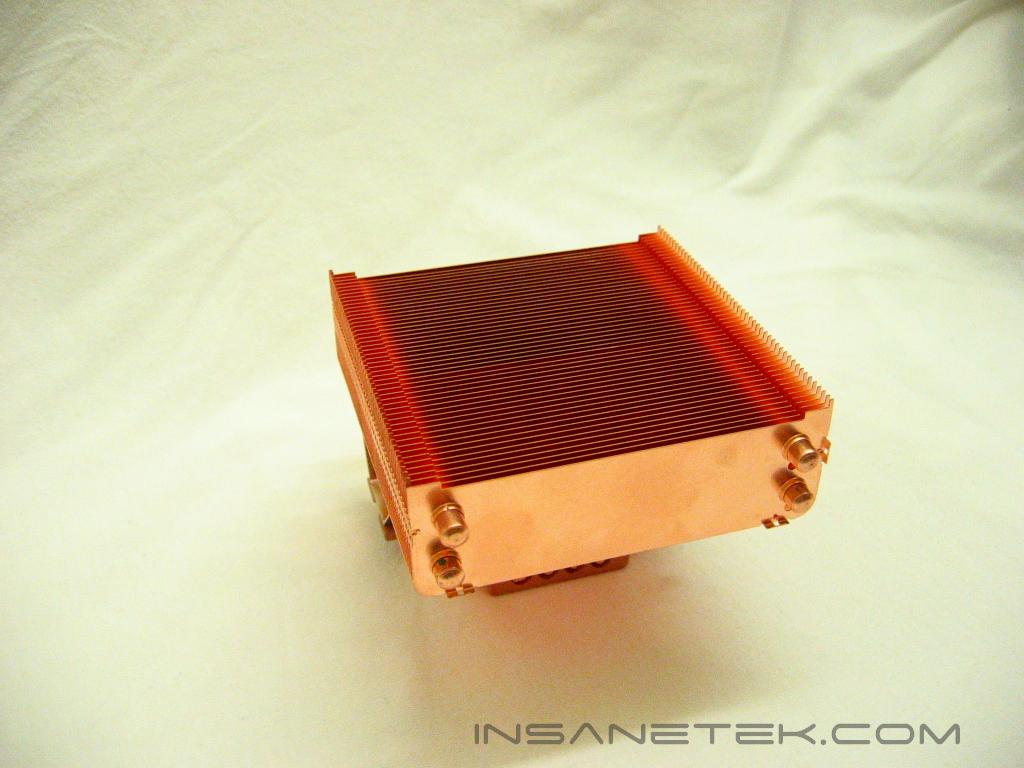
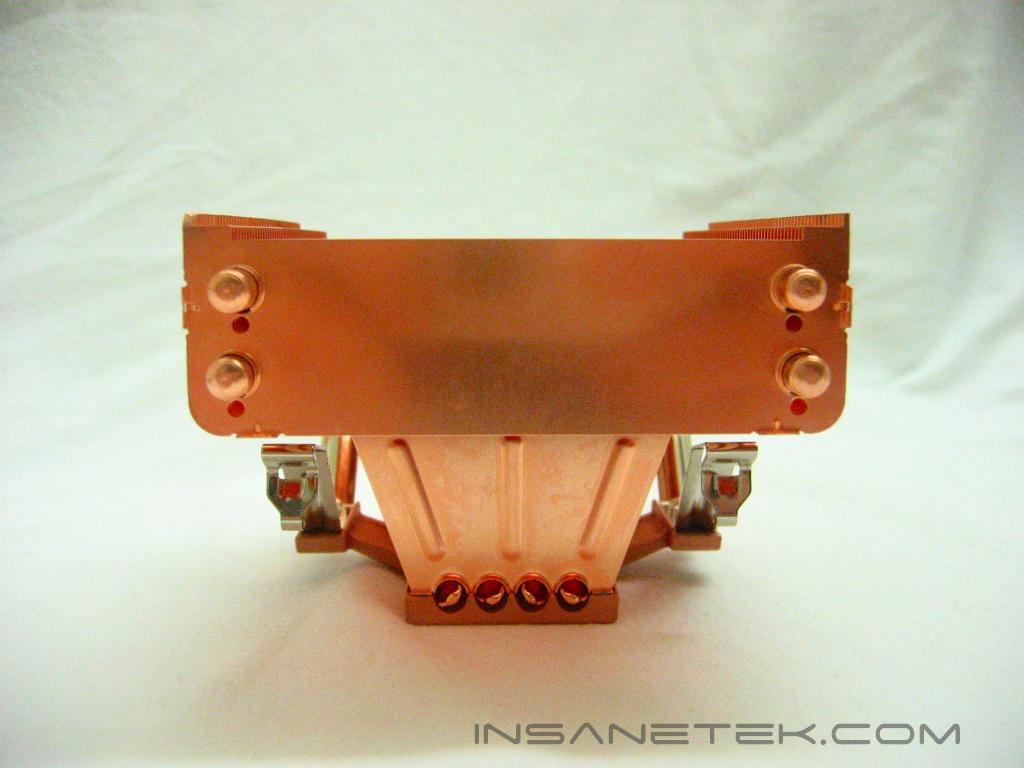
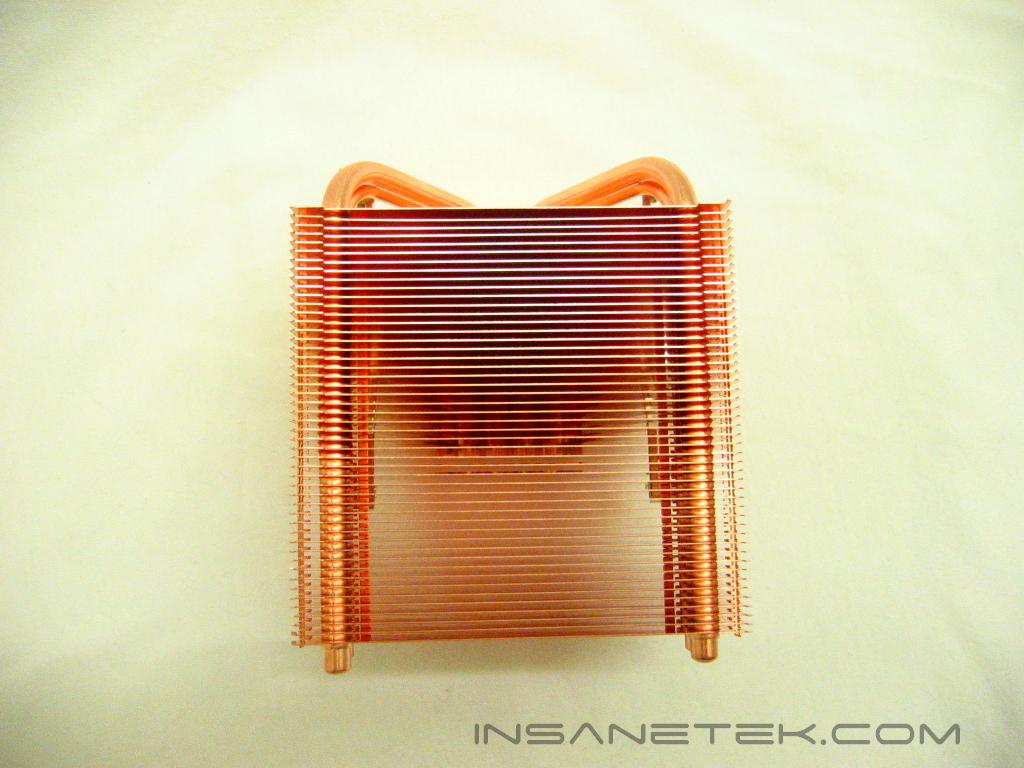
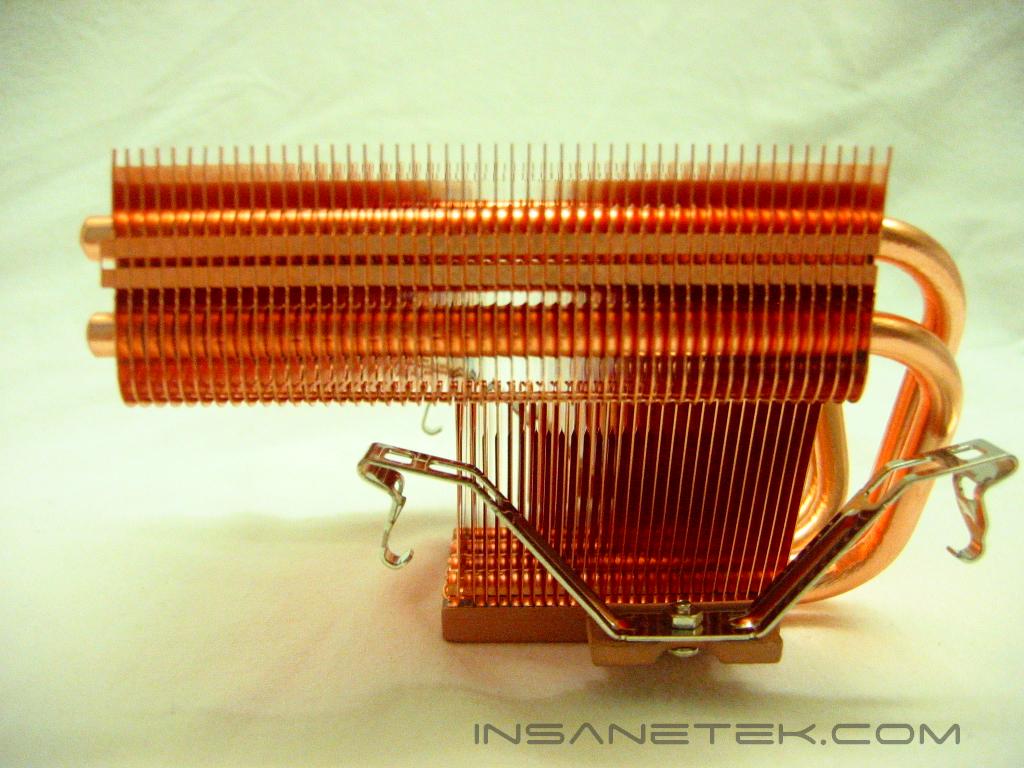
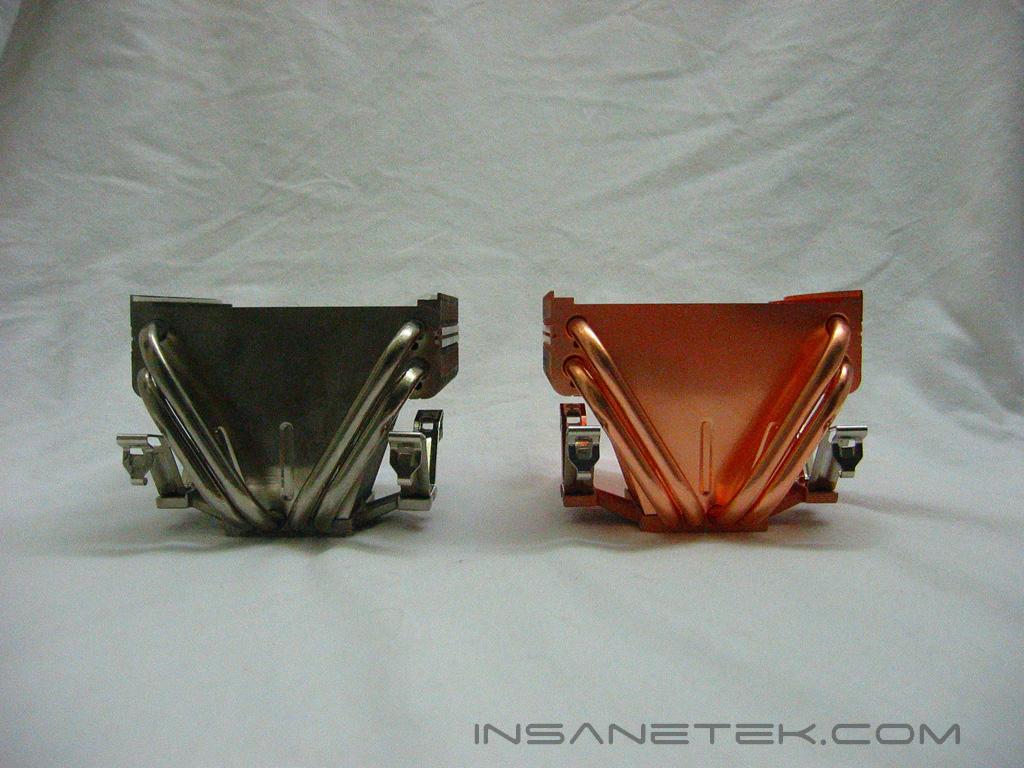
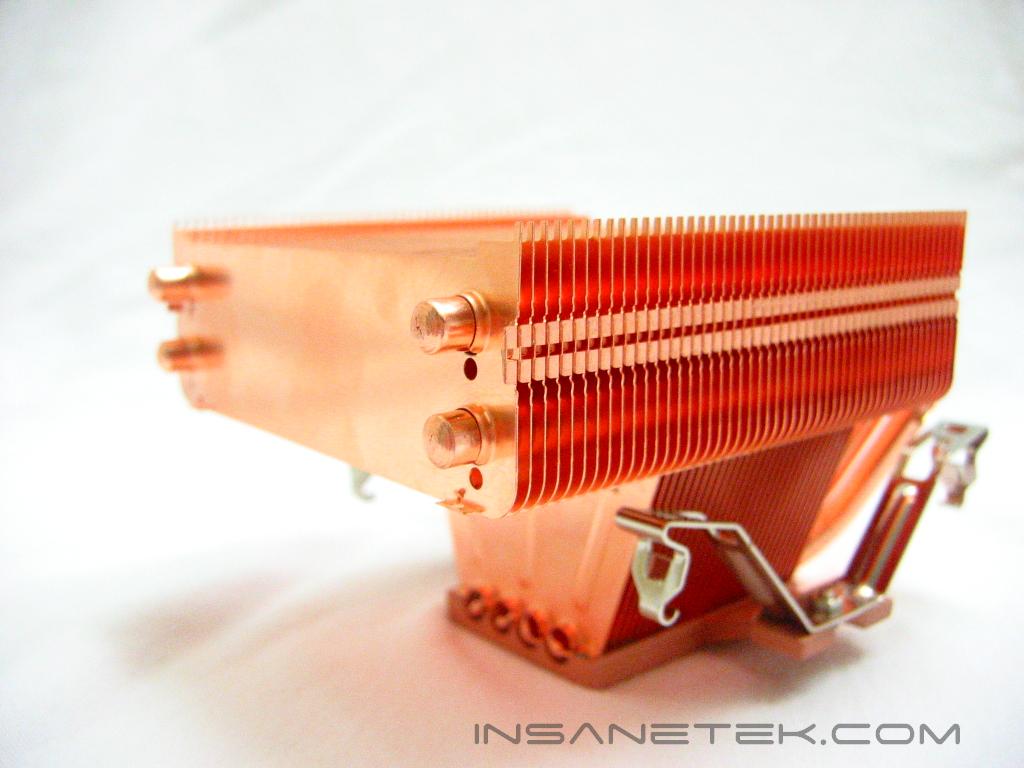
The XP-90C uses four heatpipes to transfer heat more efficiently than fins alone. The pipes run through the base and up through the 49 fins to dissipate the heat produced by the processor. 21 of the 49 copper fins run into the base to help in the cooling. The heatpipes look to have proper connection to the base and fins, ensuring optimal heat transfer. The XP series of heatsinks mount to the motherboard by clips, rather than by screws like Thermalright’s SP and SLK series.
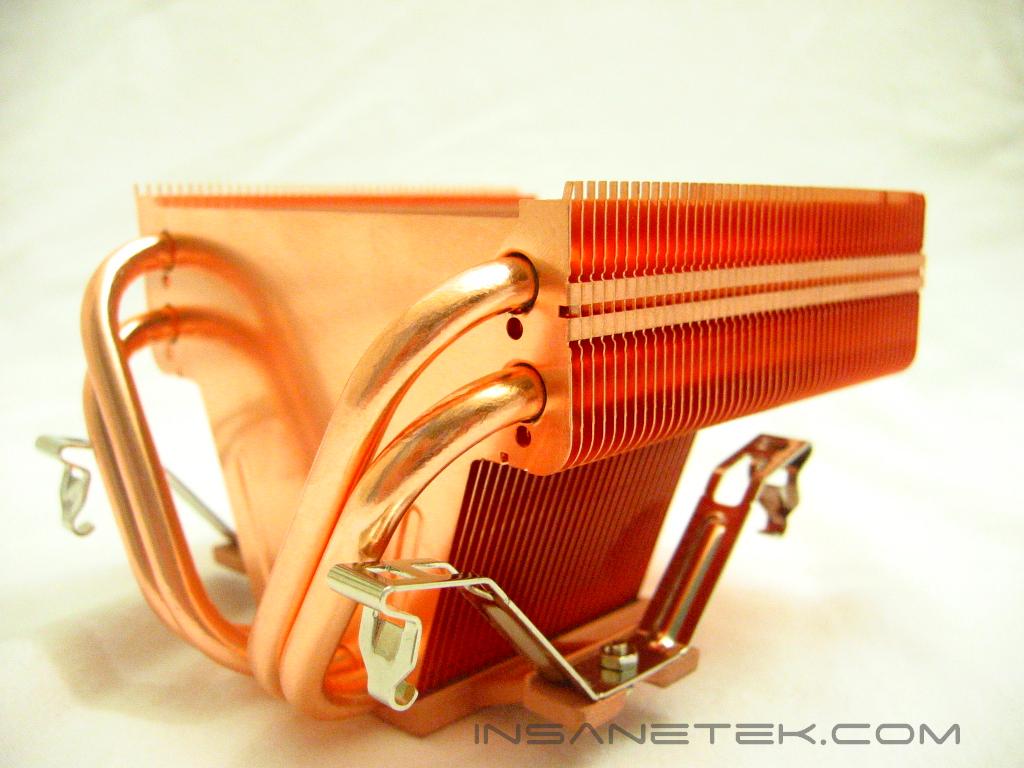
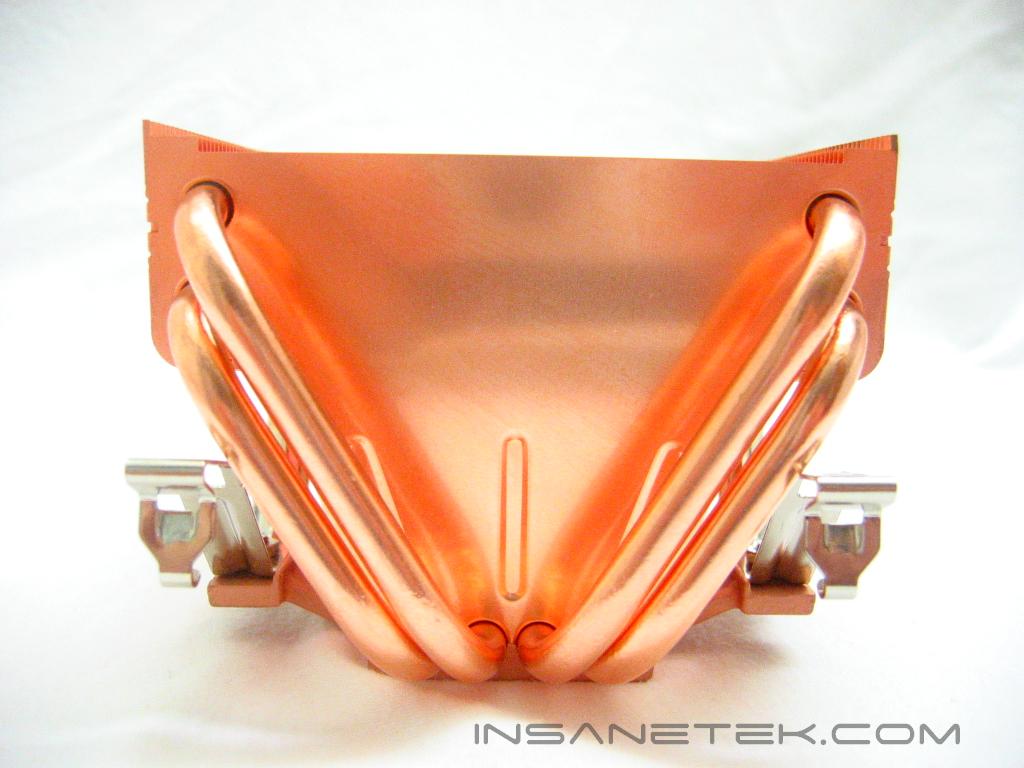
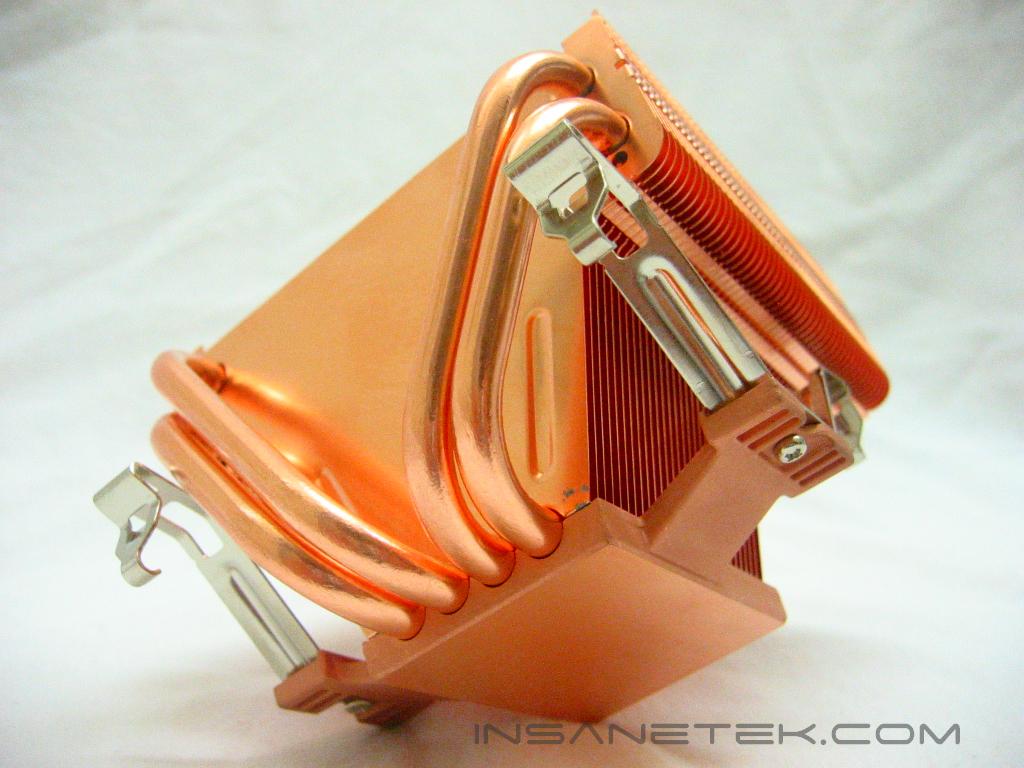
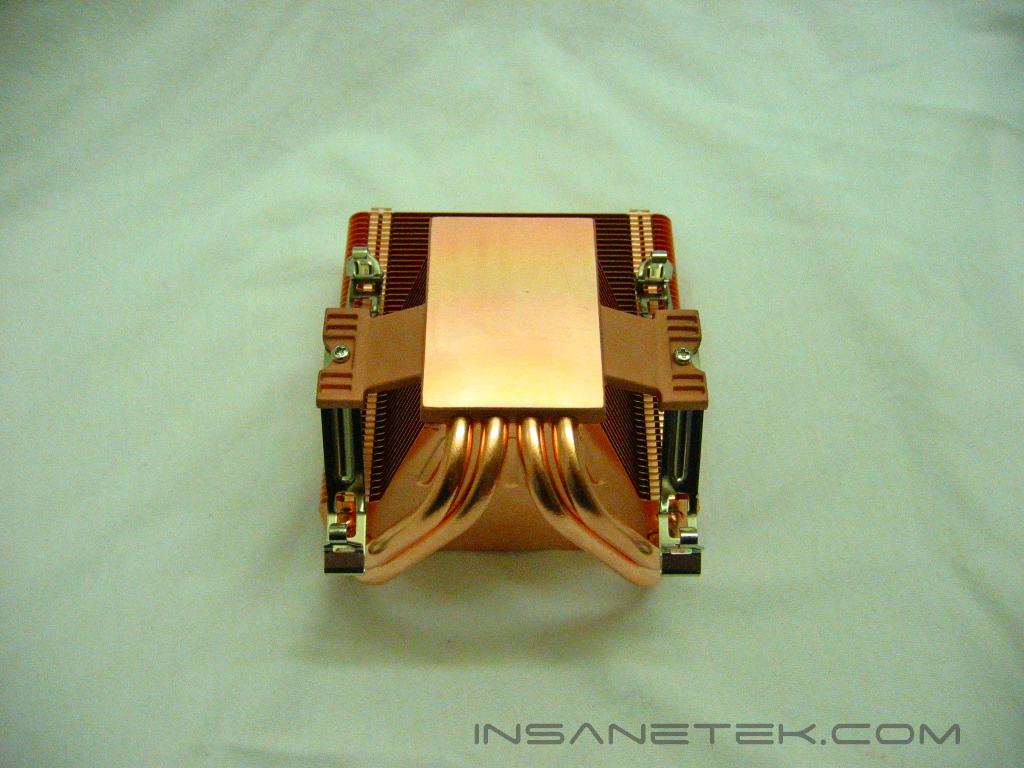
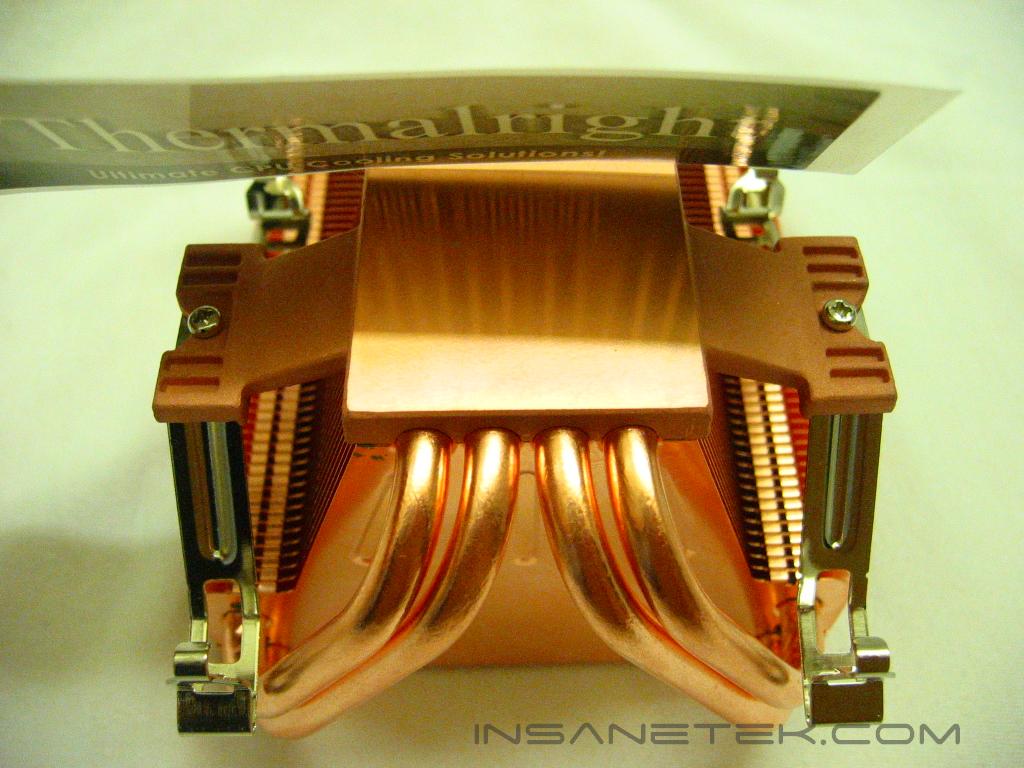
Although the base of the XP-90C is not polished to a mirror finish, it does seem very flat. There are no visible imperfections on its base.
Specifications
Specifications:
Dimension: L116 x W96 x H75 (mm) Fin only, without fan
Weight: 690g
The XP-90C has the exact dimensions as the XP-90, same number of heatpipes, same count of fins, though the XP-90C is nearly double its weight. The XP90 comes in at only 360 grams, light considering its size.
Installation:
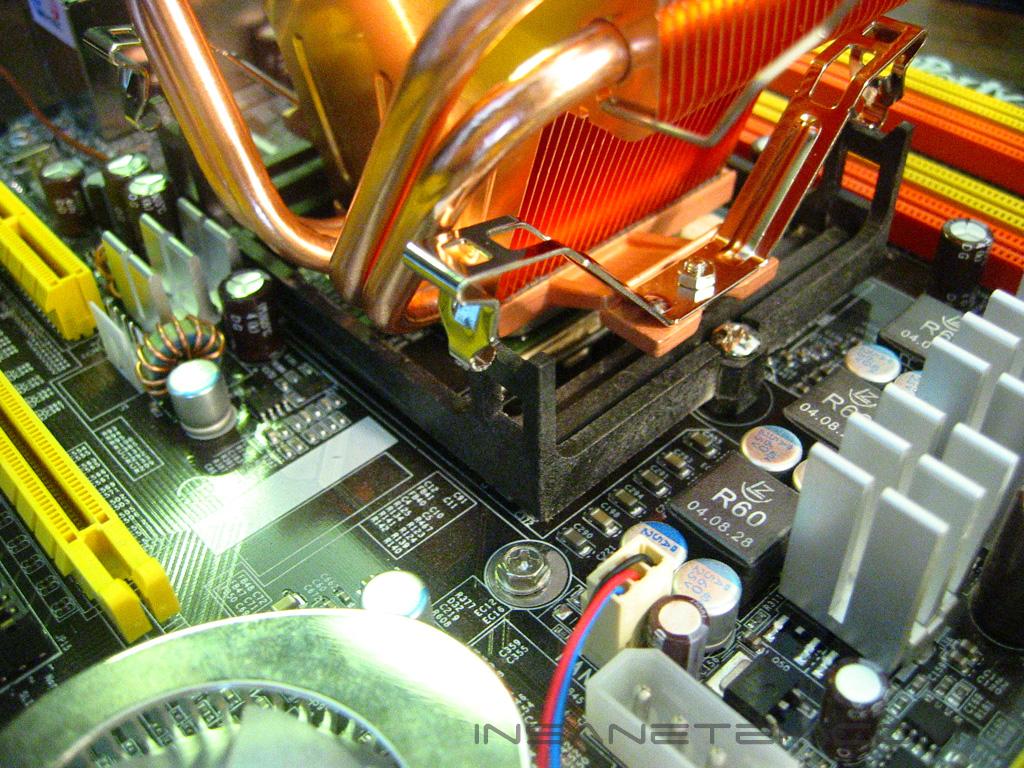
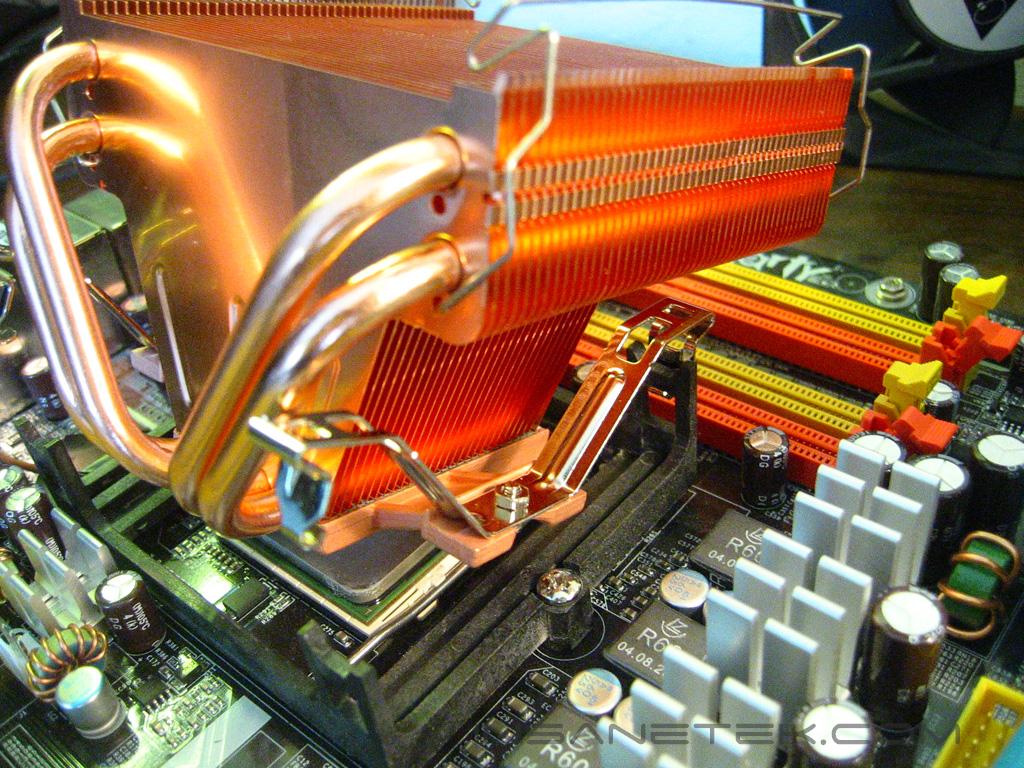
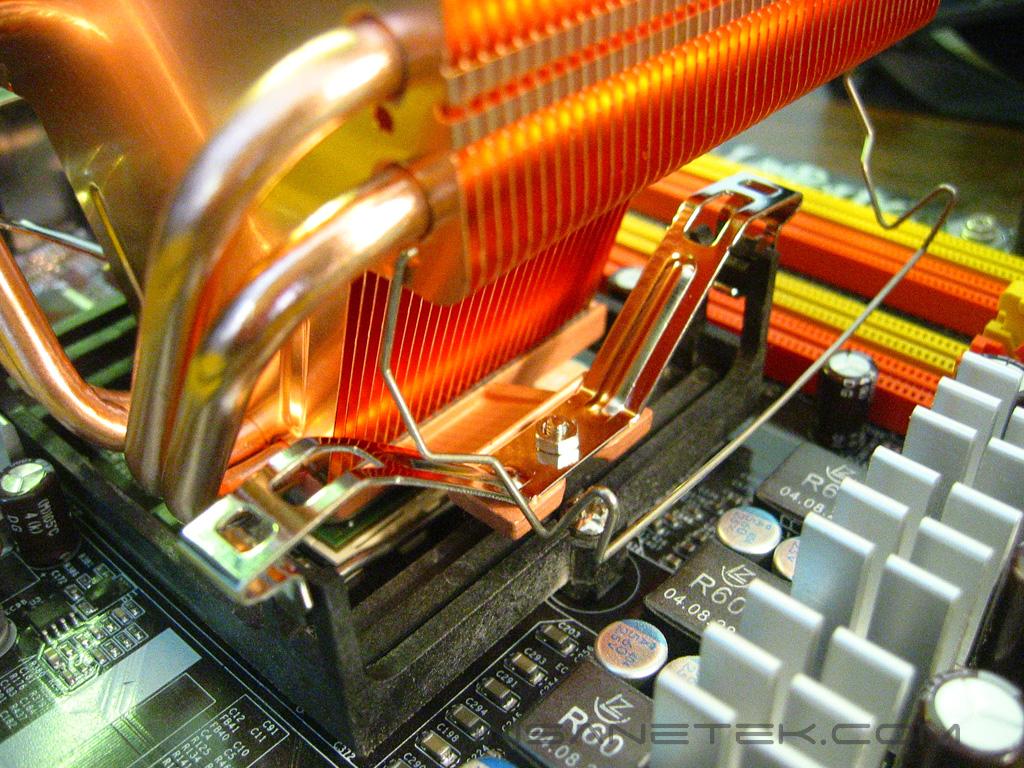
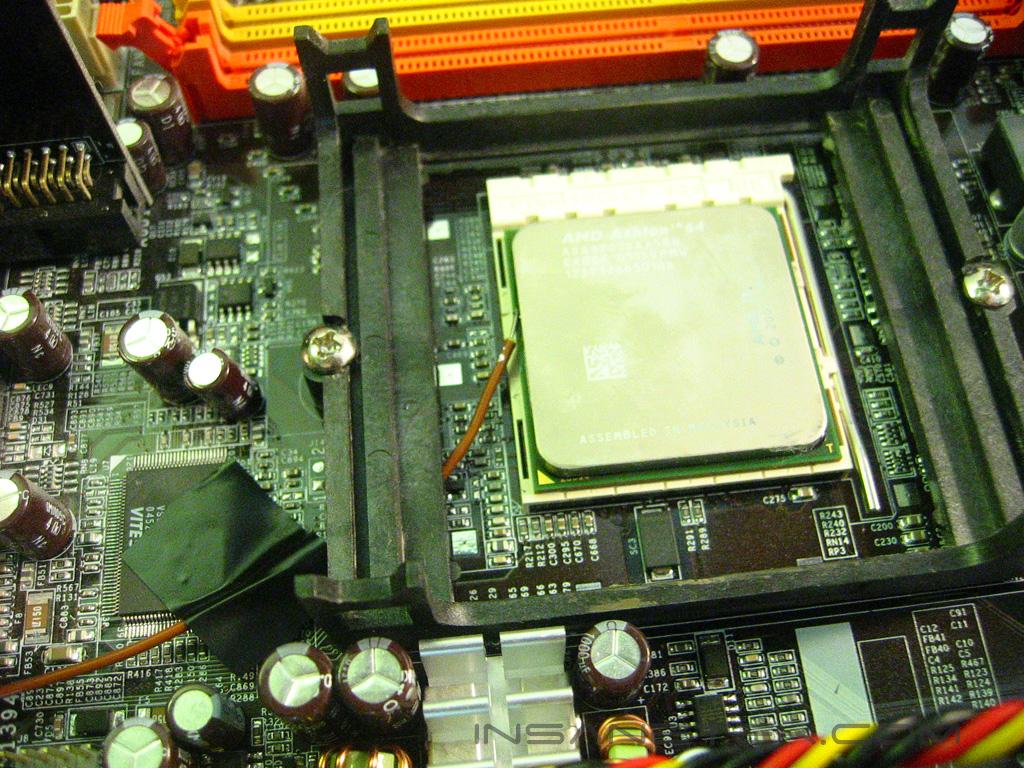
Installing the XP-90C is a very simple and straightforward process, the only tool necessary is a screw driver, but it does require quite a bit of force to insert the clips into the mounting bracket. I will be installing the XP-90C onto an AMD 64 processor so, of course, I will be using the AMD 64 mounts. All that is necessary is removing the stock AMD 64 mounts by unscrewing two screws and replacing the stock mounting bracket with the one Thermalright provides. I then went on to install the XP-90C. The easiest way to install the XP-90C is to insert the front two clips of the heatsink into the mounting bracket, then press down on the back of the heatsink to level it out until you are able to insert the back clips into the bracket. Users with processors without heatspreaders should be weary of the XP series. It would be very easy to crack your core trying to mount the heatsink.
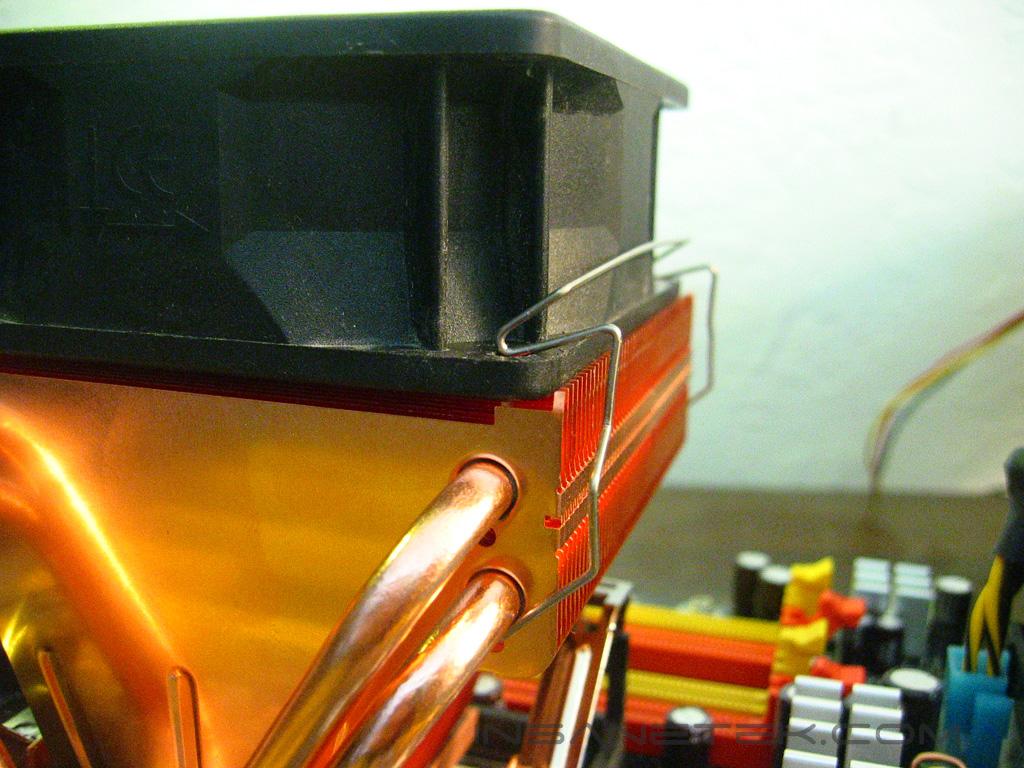
Here we can see how the fan mounts to the XP-90C. The wire clips insert into the holes underneath the heatpipes, and then the secure the fan to the heatsink by clipping into the fan screw holes.
Test Setup and Results
Test Setup and Method:
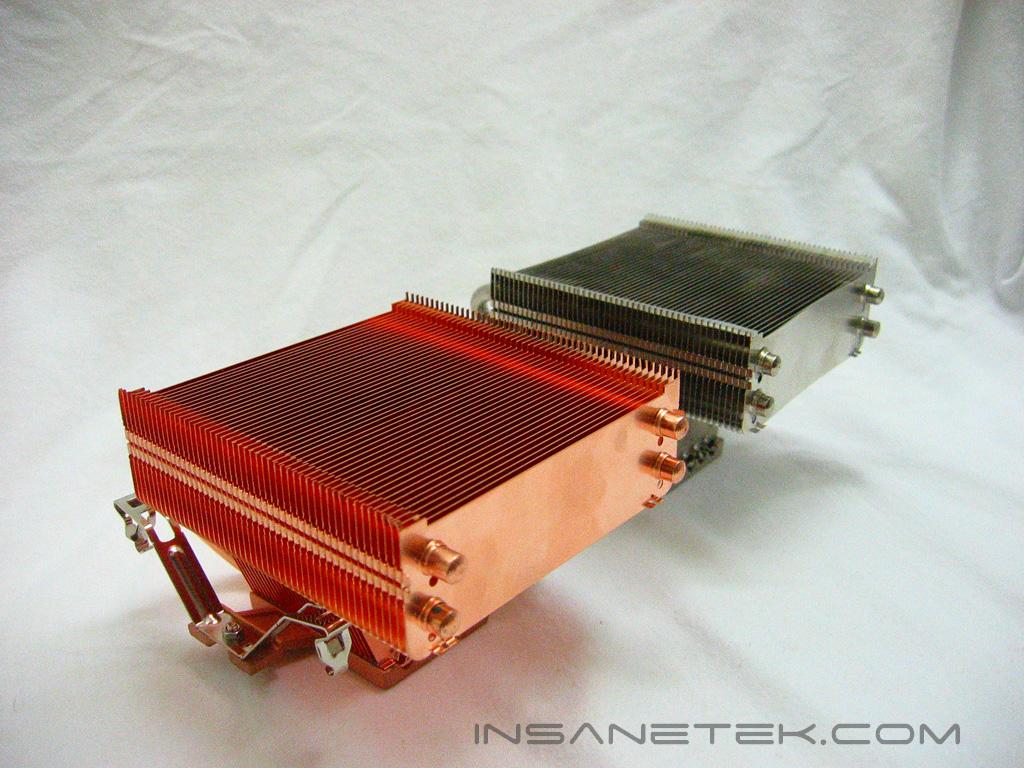
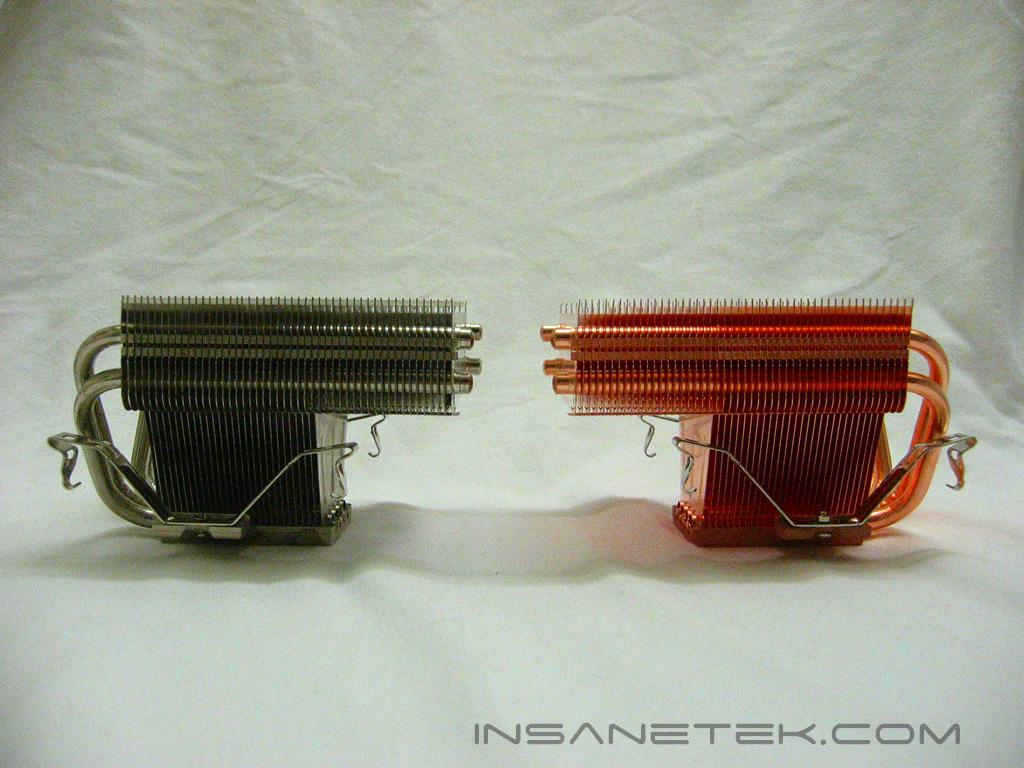
Thermalright does not bundle a fan in their package, I chose to use a 92mm Vantec Tornado at both 7v for quiet operation and 12v for a deafening, but high performance test. Results will be pitted against the XP-90 for comparison. Ambient temperature was kept at 20°C with +/-0.1°C. Arctic Silver Ceramique thermal paste was used throughout the testing process. A temperature probe was placed on the side of the processors heatspreader to measure the CPU temperature. One instance of CPU Burn-in was used to create maximum load on the CPU. No scientific testing will be conducted. The purpose of this test was to determine the results a home end user would obtain.
Test System Specifications:
- AMD Athlon 64 3700+ San Diego (stock at 11x200 = 2200mhz @ 1.35v, overclocked at 11x246 = 2706mhz @ 1.52v)
- DFI LANParty UT nF4 Ultra-D
- 2x512MB OCZ PC3200 Plat. Rev.2
- PowerColor Radeon X850XT PE
- OCZ PowerStream 600W
Test Procedures:
- Idling at desktop for 30 minutes
- Full load with one instance of CPU Burn-in for 30 minutes
Results:
Conclusion and Thoughts
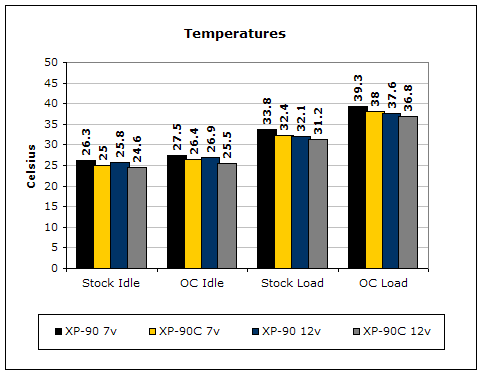
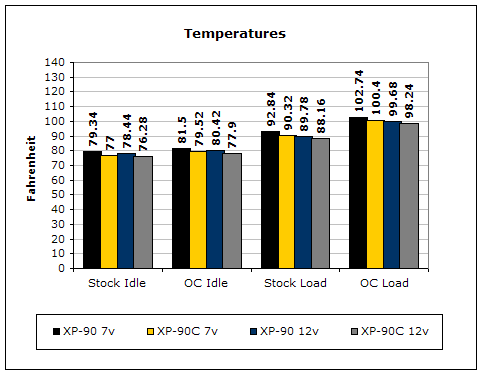
The XP-90C is definitely an improvement on an already fantastic heatsink. The move to make the XP-90 an entirely copper heatsink proved to be a great one, with a good one degree advantage in most cases. Lower air flow does not seem hinder performance as much on the XP-90C as it does with its aluminum brother. Like the XP-90, the XP-90C allows for cooling of the memory on some motherboards and other components, an added plus. The XP-90 is compatible with most all motherboards, and shouldn’t conflict with surrounding components. The XP-90C is definitely a must have for those looking for a new heatsink, but for those who already own a XP-90 the one degree improvement in temperature may not be enough to justify a new purchase.
John’s Addition:
Personally, I question the release of the XP-90C. It is true that the performance is indeed better over the older XP-90 but the difference isn’t something to drool about. Yes one degree Celsius drop is a lot in the cooling section of computers but that extra degree is not going to increase your overall overclock by much, if any at all. My main issue would be the weight and installation method of the heatsink. It’s definitely one of the heavier heatsinks available. While installation is fairly easy, removal is extremely frustrating. I’ll give you props for removing it without ripping the CPU right out of the socket. All that said, I believe that the main (or maybe the only) reason that the XP-90C was released is to perhaps phase out the XP-120. While the XP-120 is the king of all aircooling heatsinks, the compatibility issues are a major pain. Unfortunately, we didn’t have an XP-120 with us to include in the tests, but the XP-90C should come very close in terms of performance. With absolutely no compatibility issues, the XP-90C should be a top choice for overclocking enthusiasts. If you already own the older XP-90, don’t bother upgrading. It’s not worth spending your money on. If you’re just building a new system, then it’s a definite no-brainer here.
Pros:
- Fantastic performance
- Allows use of larger 92mm fans
- Heatpipe based
- Universally compatible
- Cools RAM and surrounding components
Cons:
- Clip mounting require quite a bit of pressure
- Heavy
- Shouldn’t be used with CPUs without heatspreaders

We would like to thank Thermalright for providing us the sample. If you have any questions or comments, feel free to hit us up in the forums. You can also check out more of our latest reviews on the front page.