

SilverStone Nitrogon NT02
Introduction
SilverStone started with a big bang in the computer case community. They’ve been focusing so much on stylish HTPC cases that offerings from competitors can hardly compare. One easy example would be the upcoming LC18 showcased at this year’s Computex. It features a touch screen LCD and enough room to fit your whole family. Not only that, it’s designed with cooling performance in mind and certainly won’t cause any of your components to overheat, provided every component runs at stock speeds.
With such great innovative minds, SilverStone certainly isn’t going to stop at just cases and power supplies. Like many other case manufacturers, SilverStone has opened up a line of CPU cooling products. The first SilverStone cooler was the NT01, which featured copper fins and three copper heatpipes. The NT01 was a bit strange, considering it was designed to use two small 60mm fans. We all know that the smaller the fan, the higher the noise level when pushing high CFM. While the cooler is capable of cooling the latest high end processors, a system exhaust fan is required to help dissipate heat. One such example would be to pair the NT01 with the TJ06. The large exhaust fan at the bottom was great at removing heat from the heatpipes and fins of the NT01. In the computer industry, if there’s a first there will be a second. SilverStone has created their newest version of the NT01; the Nitrogon NT02.
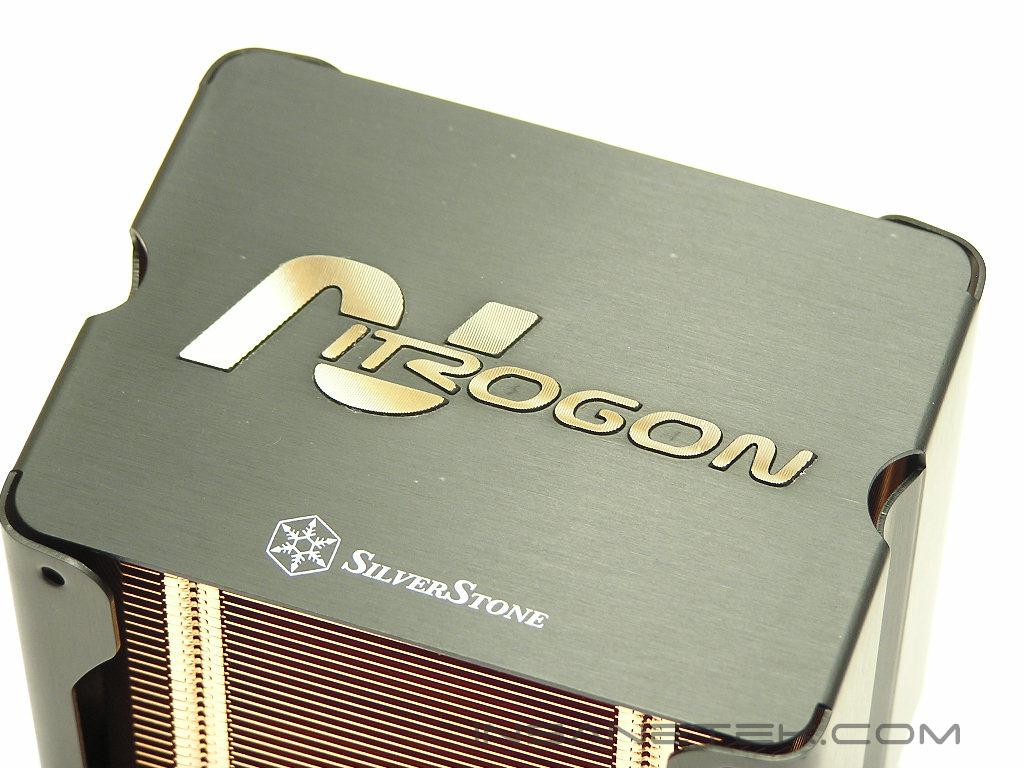
SilverStone Nitrogon NT02
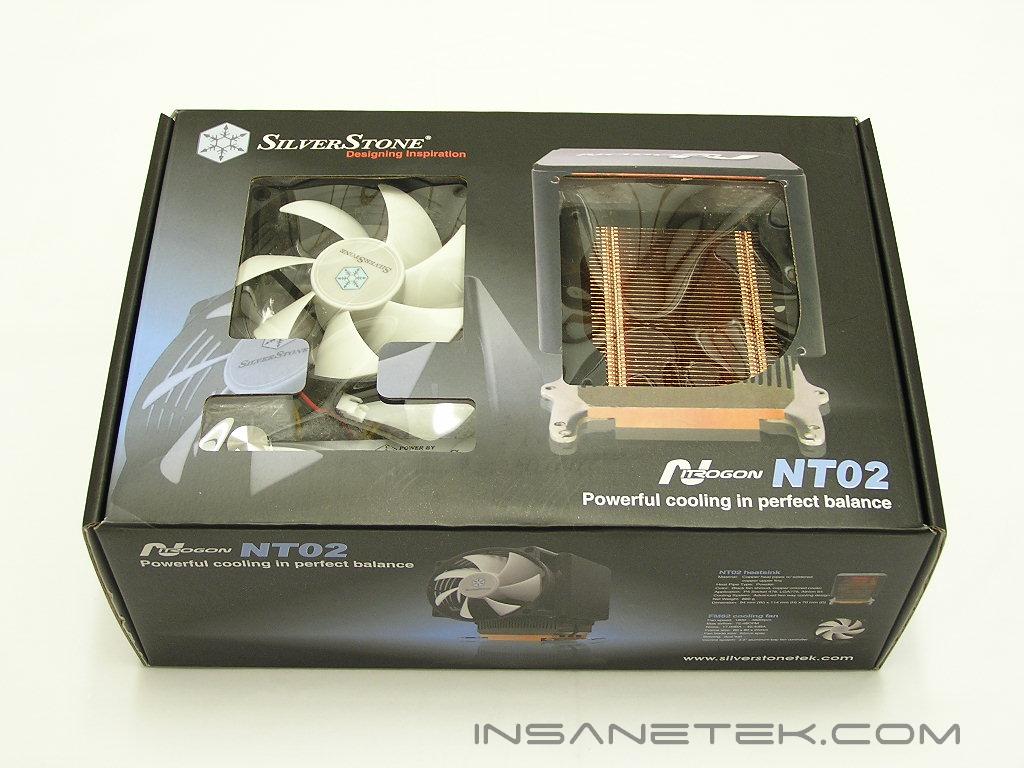
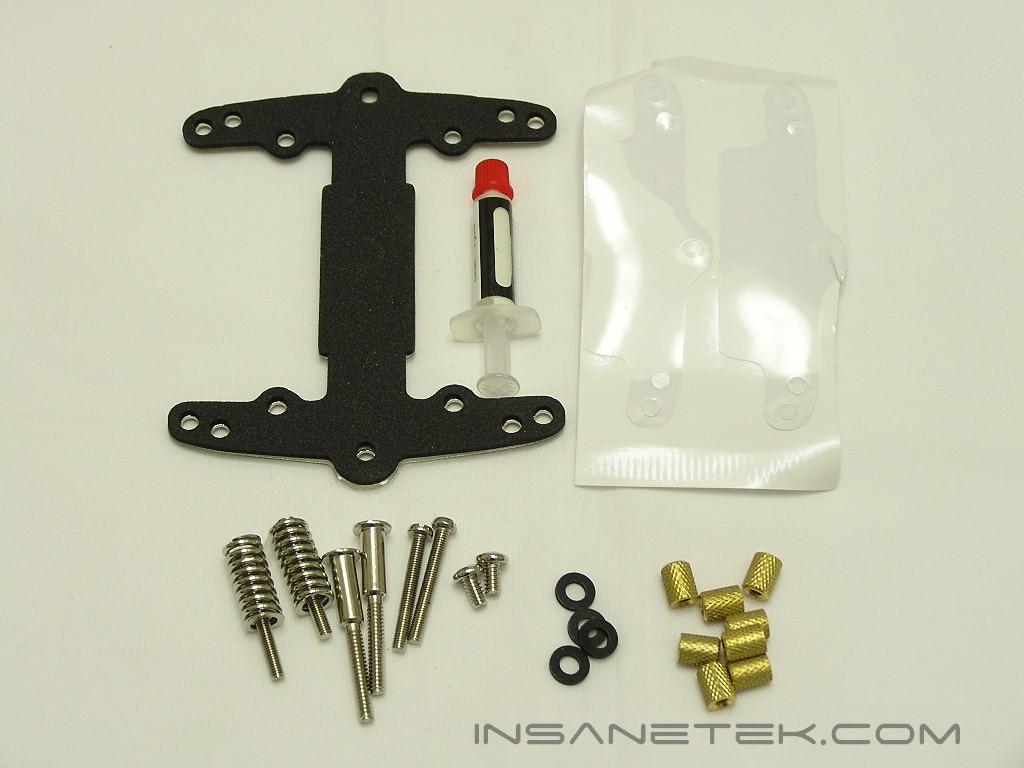
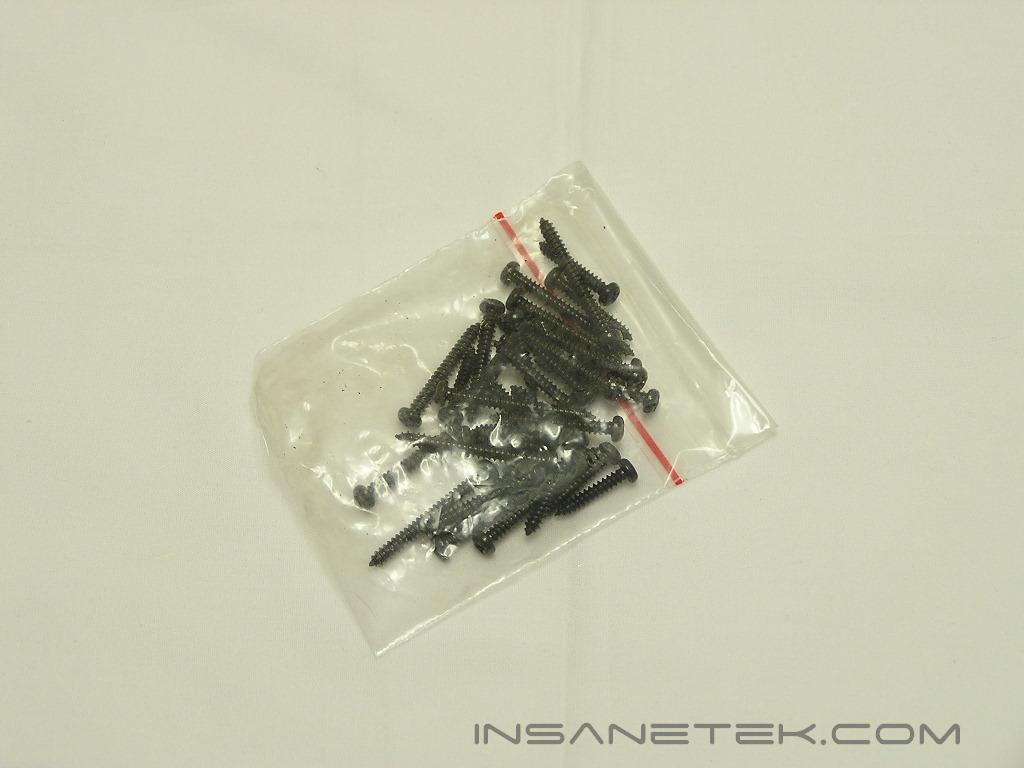
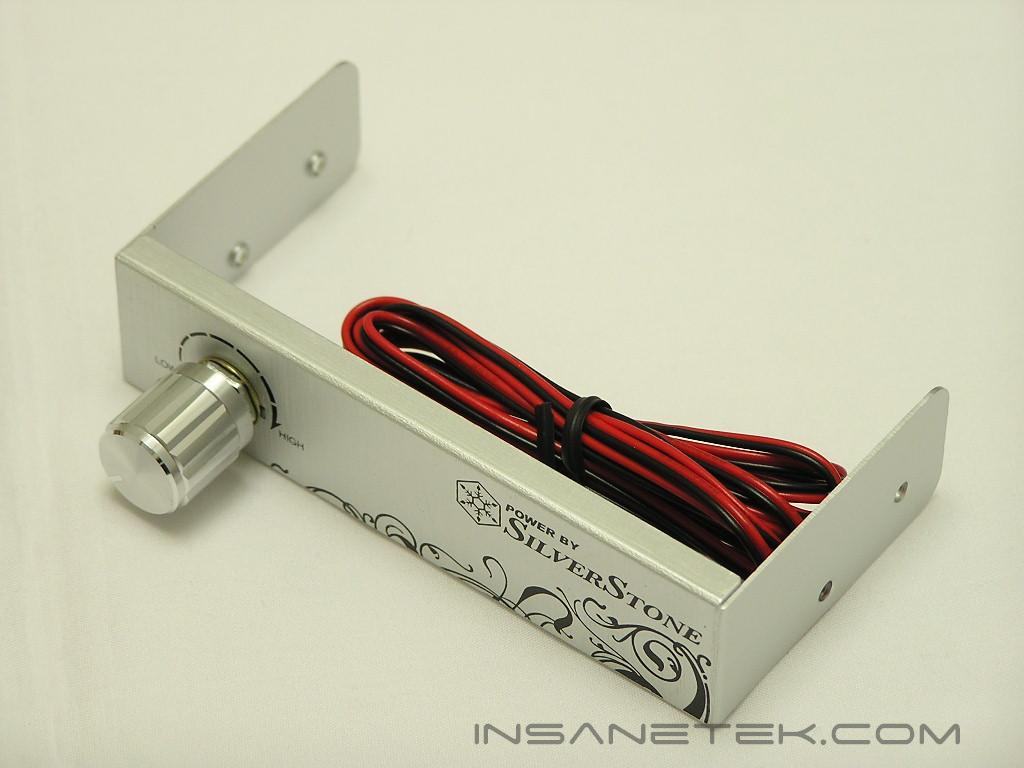
Like always, SilverStone provides a great packaged box with their products. The box is nothing to drool over, but the artwork is beautiful. I just love it. All the contents are well protected by thick soft cushion. Included are the necessary installation accessories, lots of self-tapping screws for installing fans with different thicknesses, and a fan controller. It’s a shame the fan controller doesn’t match the NT02. Make it black!
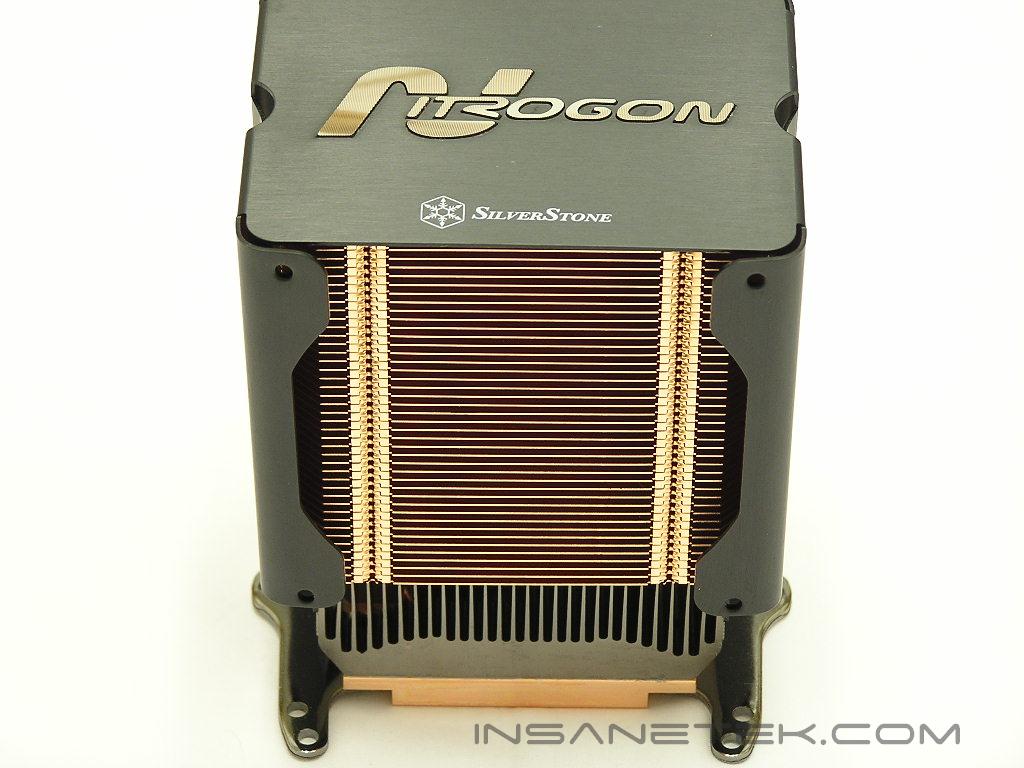
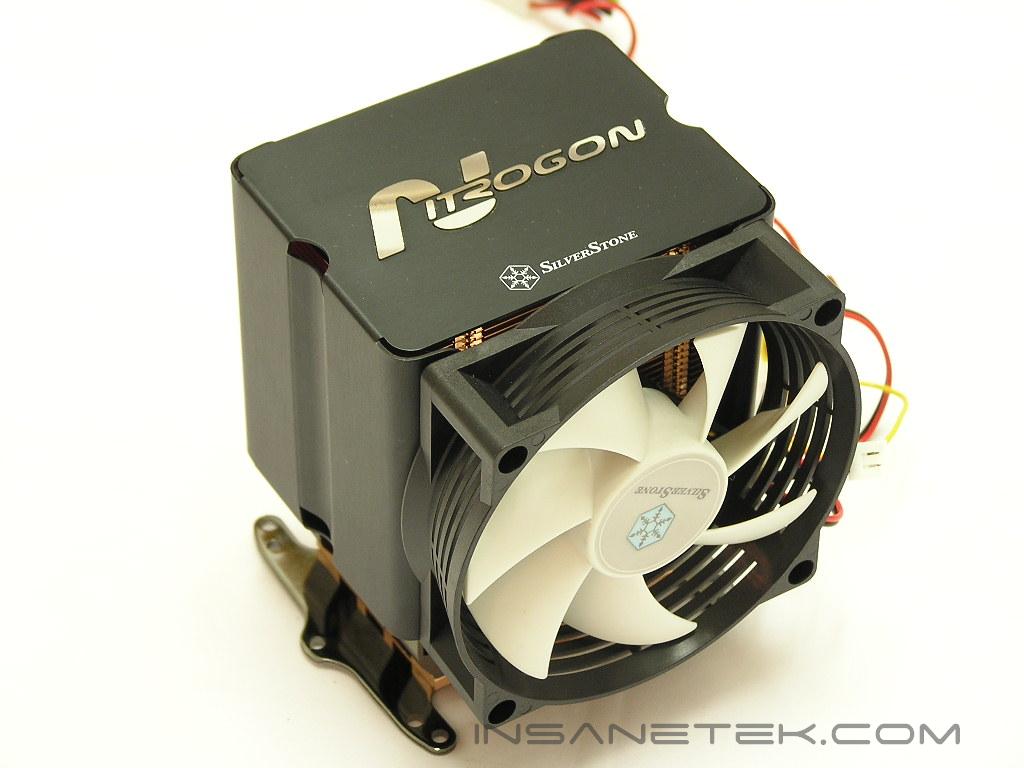
The heatsink itself resembles the Cooler Master Hyper 6. There are differences, though. The first is that the NT02 only uses of 3 heatpipes. SilverStone claims that the NT02 can achieve high cooling performance like their competitors, but with less heatpipes. We’ll see about that later. Another notable difference is the small heatsink placed right at the base. Instead of all copper, it’s a small block of aluminum. There are many heatpipe towers out there that have just a copper plate for the base and heatpipes extruded to fins at the top. There is no extra surface area for immediate heat dissipation at the bottom. Some, like the Thermaltake Sonic Tower, work very well, but some don’t, like the Thermalright SI-97. Hopefully the small aluminum heatsink at the base will help and not cause the NT02 to rely heavily on the heatpipes. The black fan shroud allows installation of fans on both sides of the heatsink for a push-pull effect. There is only one fan included with the heatsink, so only one fan will be used for testing.
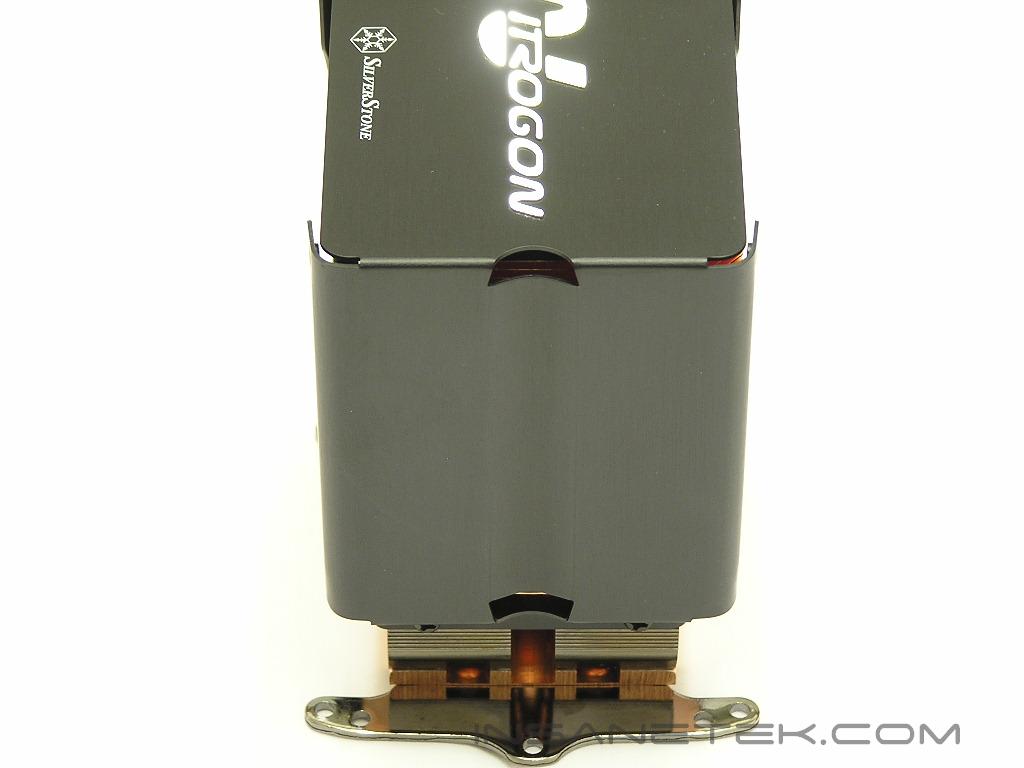
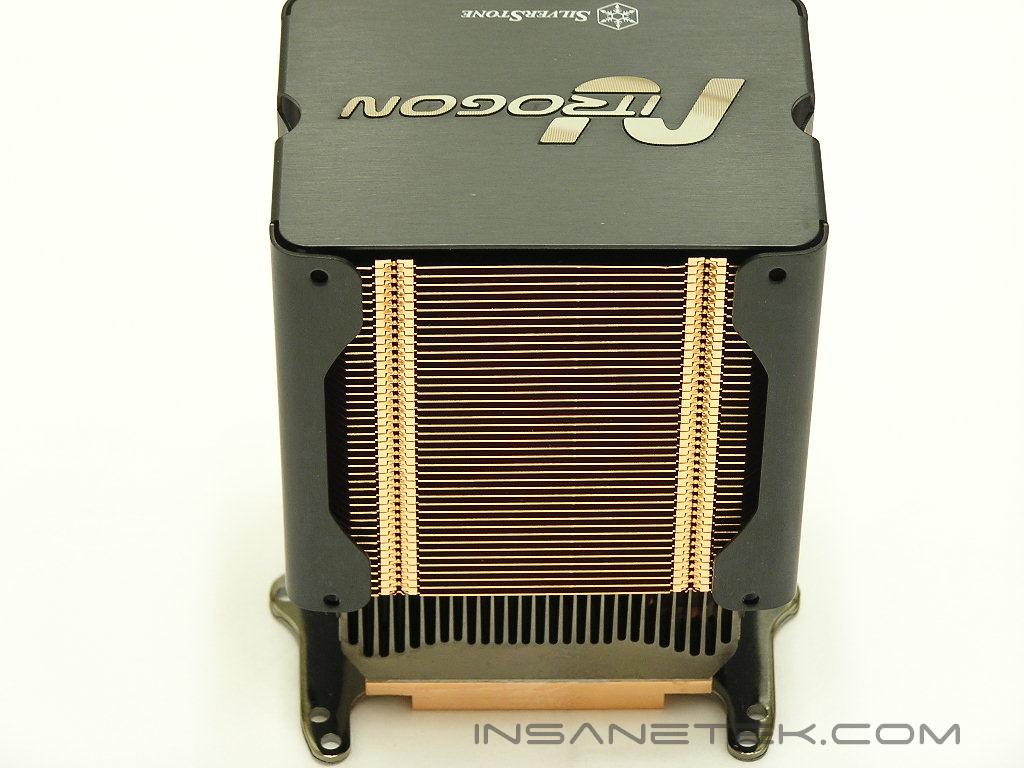
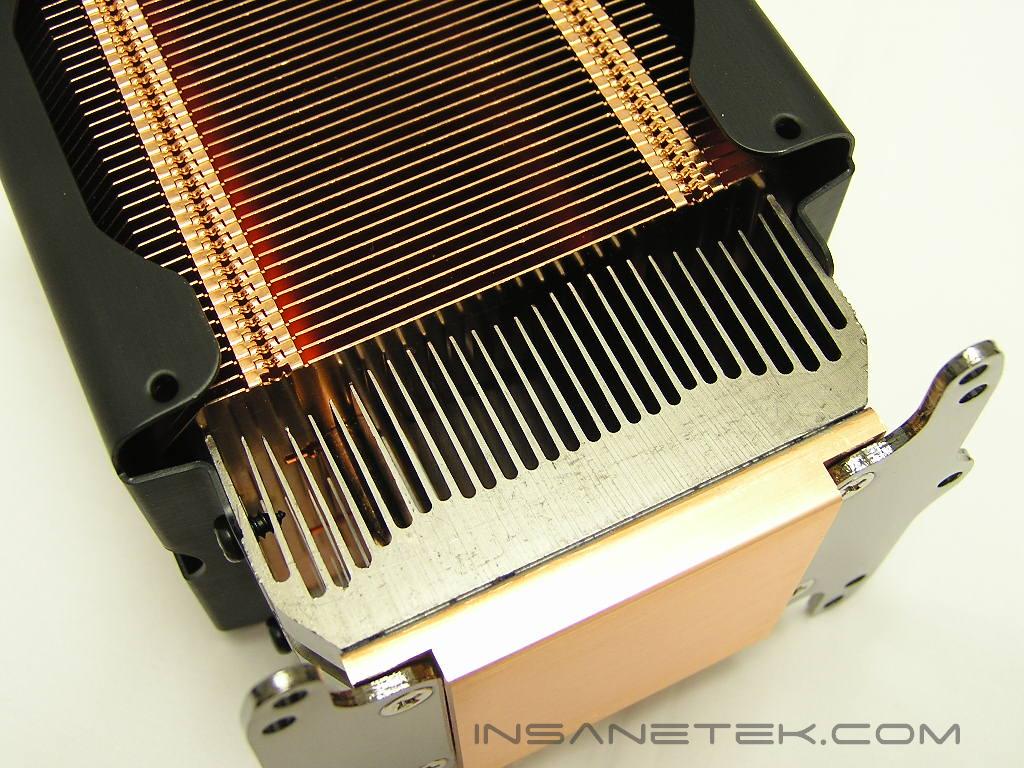
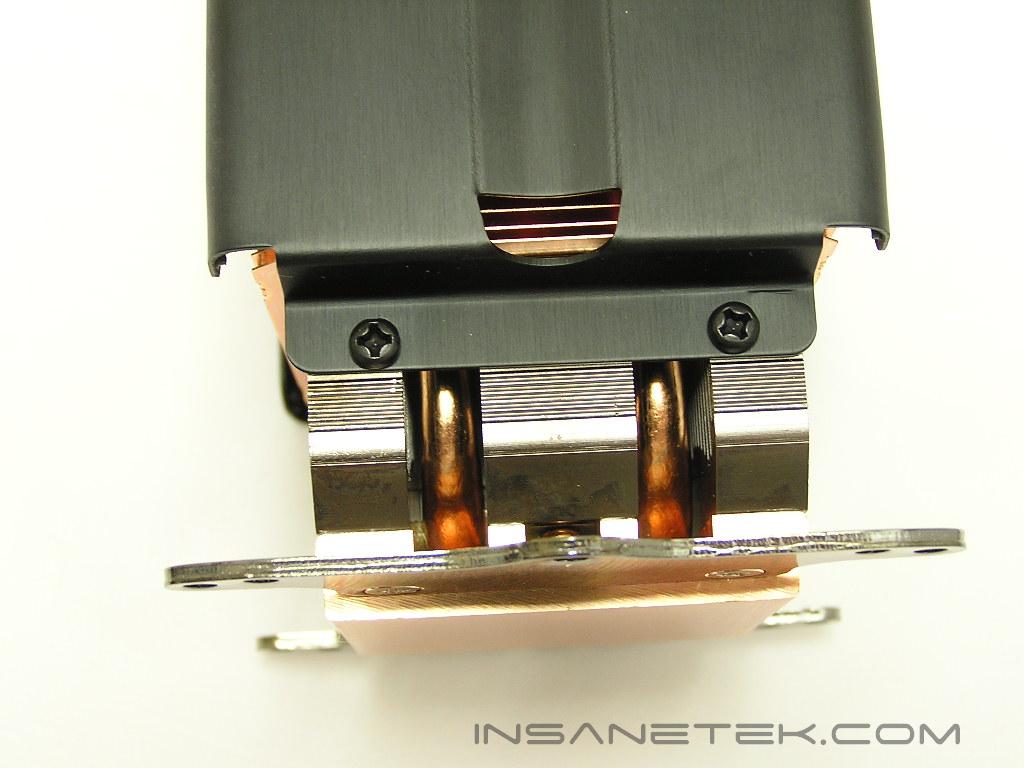
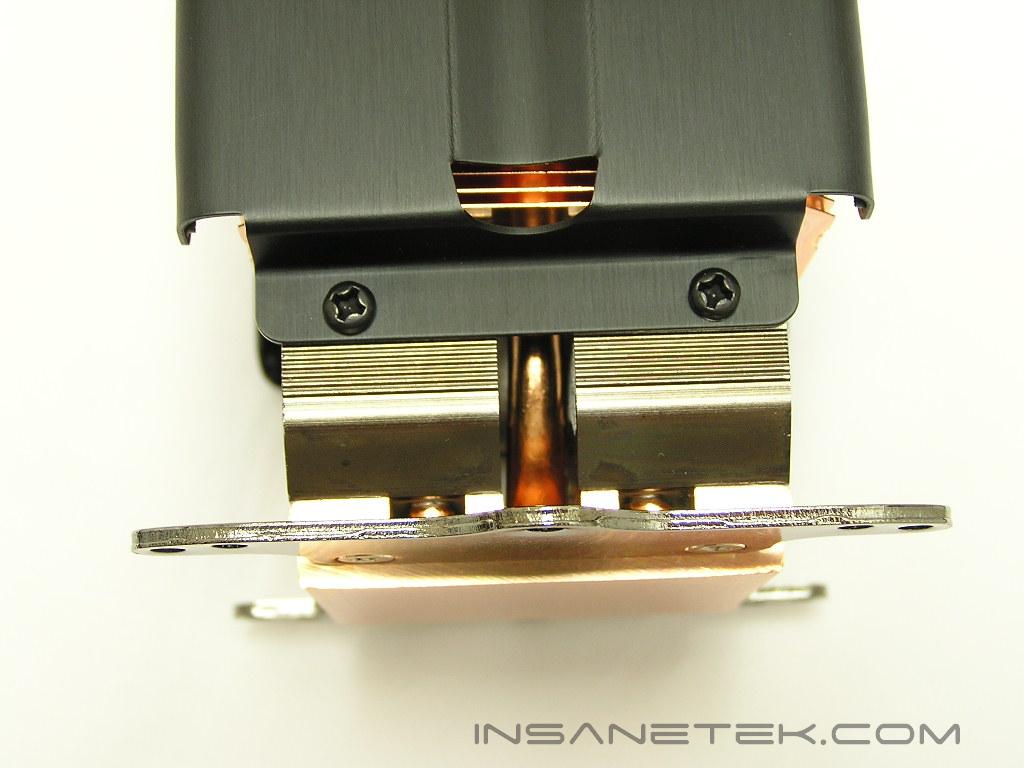
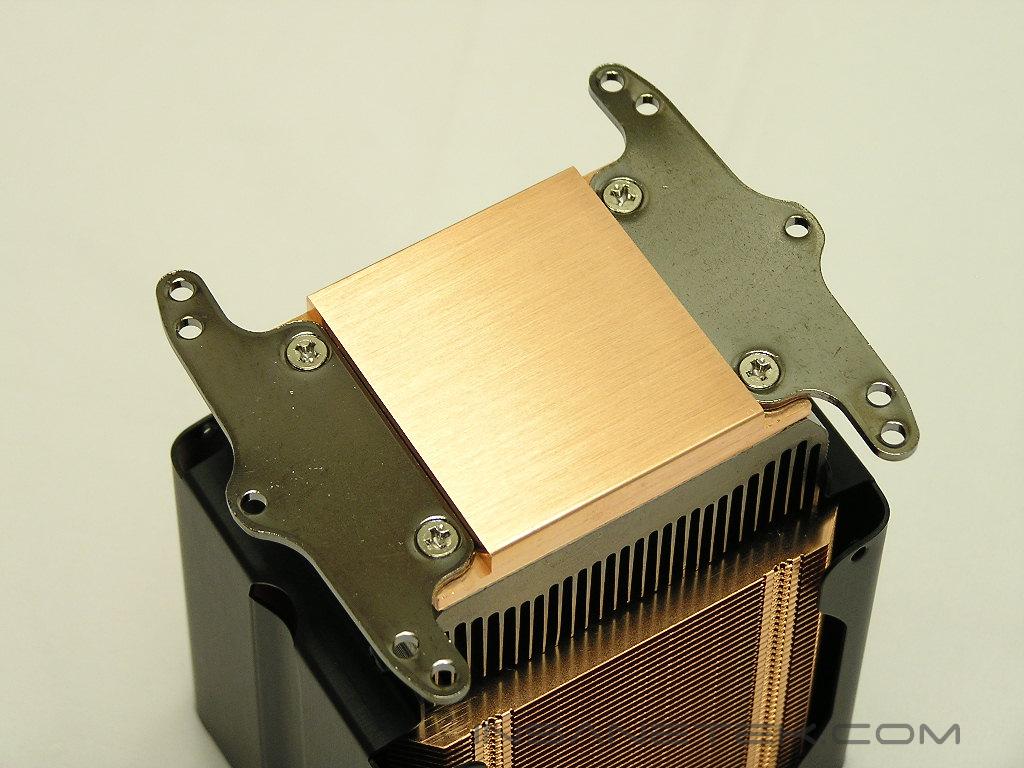
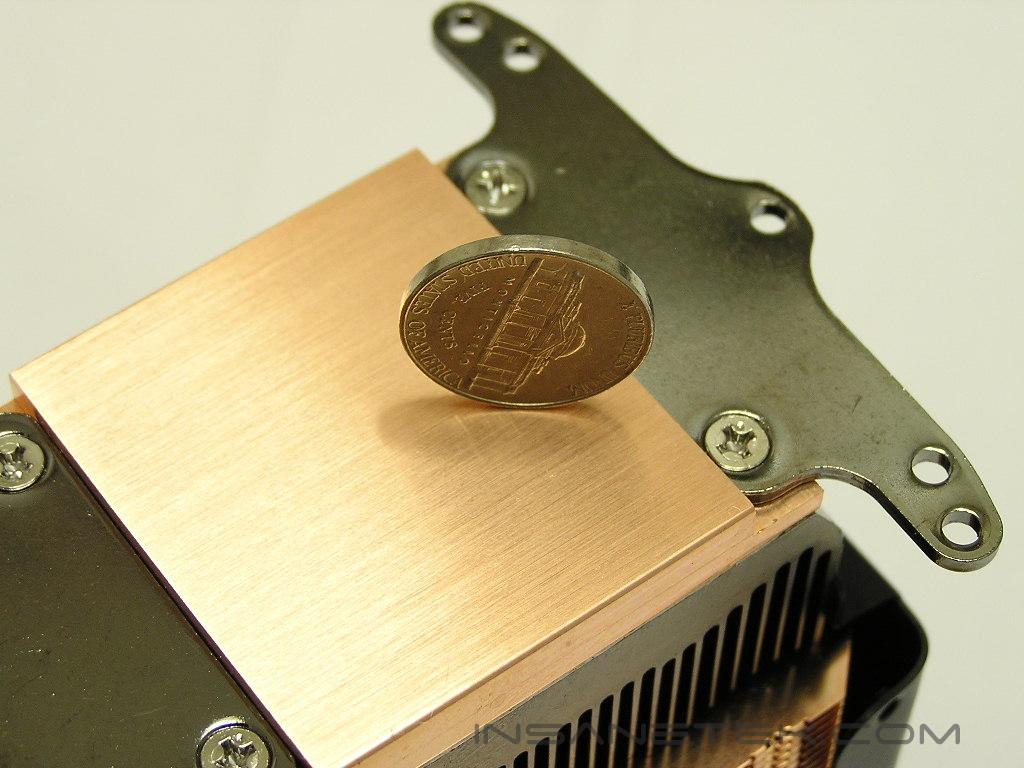
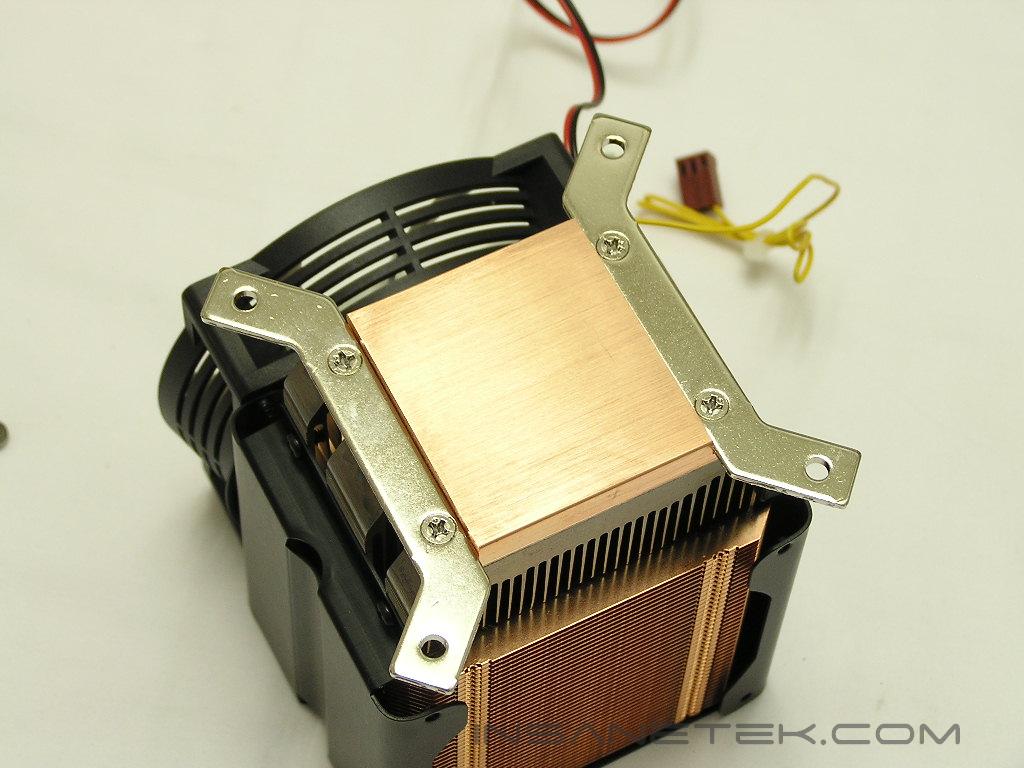
The base of the NT02 is well lapped and very smooth. SilverStone made sure that it comes free of grease and dirt spots. Thus, the contact is as perfect as possible. While the base is nice and smooth, it’s not polished to a mirror finish. Don’t be fooled though, not having a mirror finish does not mean that the contact will be poor. A mirror finish just makes it look good.
Specifications and Fan
 | NT02 heatsink |
| Material | Copper base w/ bonded aluminum lower fins Copper heat pipes w/ soldered copper upper fins |
| Heat Pipe Type | Powder |
| Color | Black fan shroud, copper colored cooler |
| Application | P4 Socket 478, LGA775, AMD Socket 754, 939, 940 |
| Cooling System | Advanced two way cooling design |
| Net Weight | 880 g |
| Dimension | 88 mm (W) x 114 mm (H) x 71 mm (D) |
 | FM82 cooling fan |
| Fan speed | 1800 ~ 3800rpm |
| Max airflow | 72.48CFM |
| Noise | 17.0dBA ~ 40.4dBA |
| Frame size | 80 x 80 x 25mm |
| Fan blade size | 92mm spec |
| Bearing | dual ball |
| Control system | 3.5" aluminum bay fan controller |
Oh my god! Look at the weight of this hefty beast. 880g!!! The installation better be secure, because I’m not ready to have a heatsink crash through my precious video card.
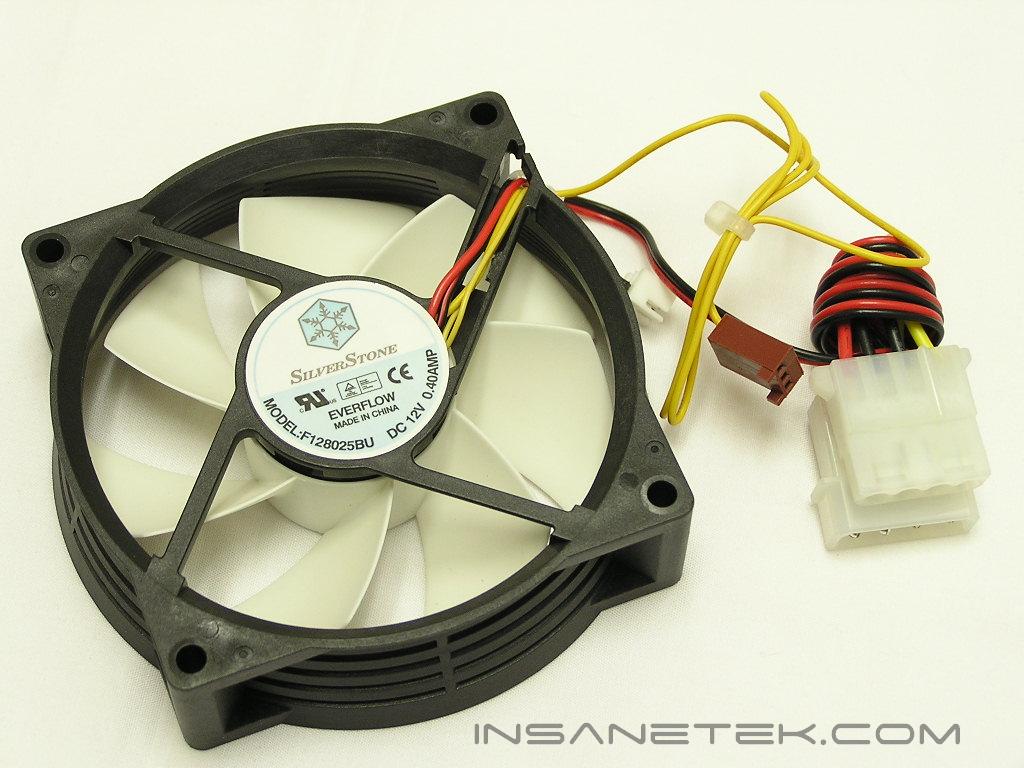
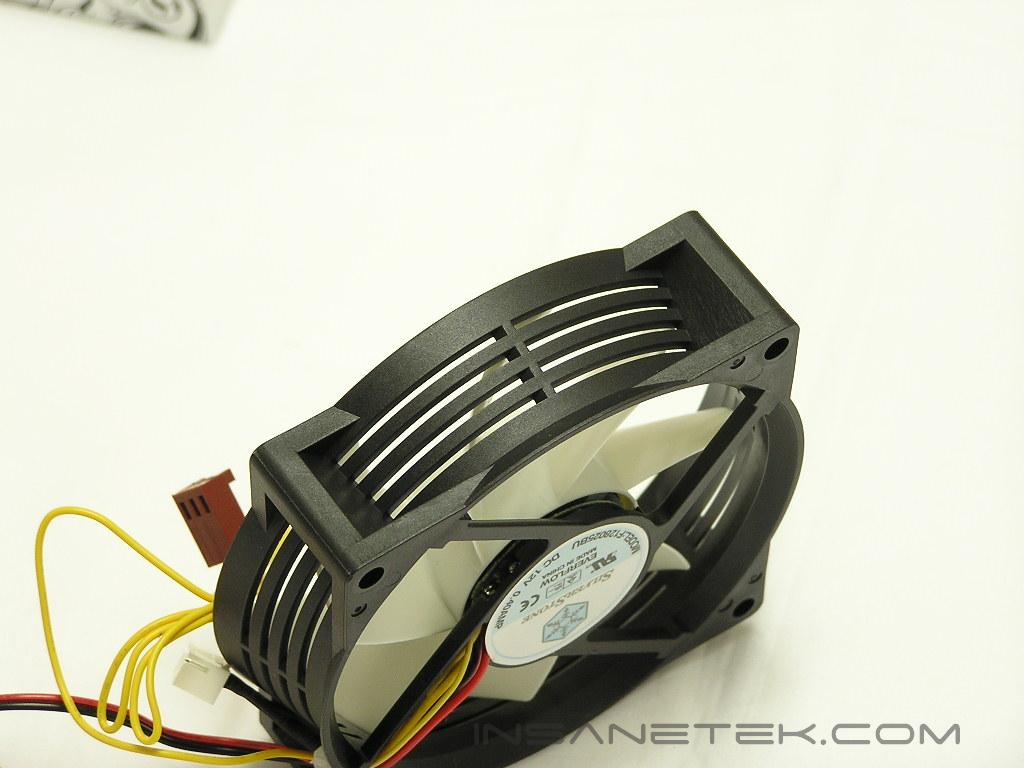
The fan included is a SilverStone exclusive FM82. The fan is unique because it has shroud size of an 80mm fan, but uses 92mm fan blades. The sides of the fan shroud have slits that allow air to be sucked in from all directions, instead of only from the top. As you can see from the chart above, it’s capable of pushing quite a lot of CFM. Of course, the downside is that you’ll be sacrificing silence for more performance. Even at full speed, the fan doesn’t produce a loud, high pitch whine. Instead, it sounds more like a loud humming bass.
Installation
The included installation guide is quite simple and easy to follow. Installing the cooler on the K8 platform is very painless and straightforward. Remove the top portion of the motherboard bracket, take the pair of screws and springs (there are only two), and tighten down until the cooler is fully secured. It’s as simple as that. You don’t even have to remove the motherboard if you already have it sitting in your case! Installing on the LGA775 and Socket 478 platforms is a different story. For testing purposes, the LGA775 platform is used so installation process will be described for LGA775 motherboards. Don’t be scared, ancient Socket 478 users, the method is about 99.9% the same.
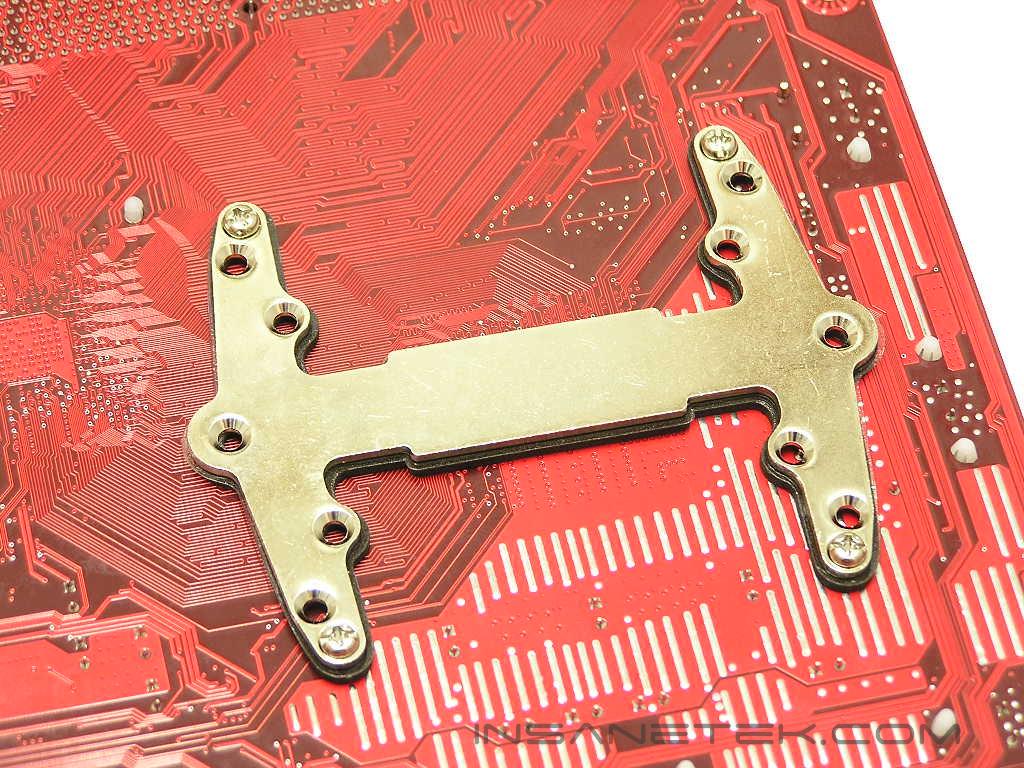
With the “I” shaped backplate, insert the four screws (there are only four of the same) through the back. One weird thing about SilverStone’s installation guide is that they tell you to install the four standoffs before placing the black washers. I did it the other way, in fear that the standoffs will either short out my motherboard or scratch the PCB surface.
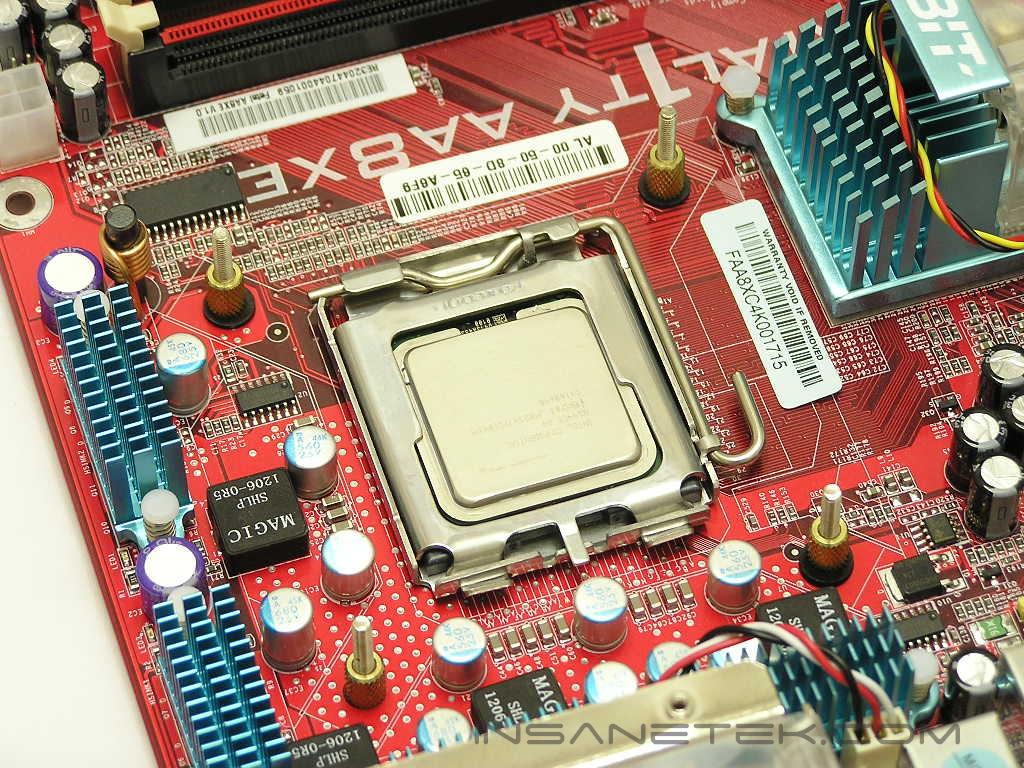
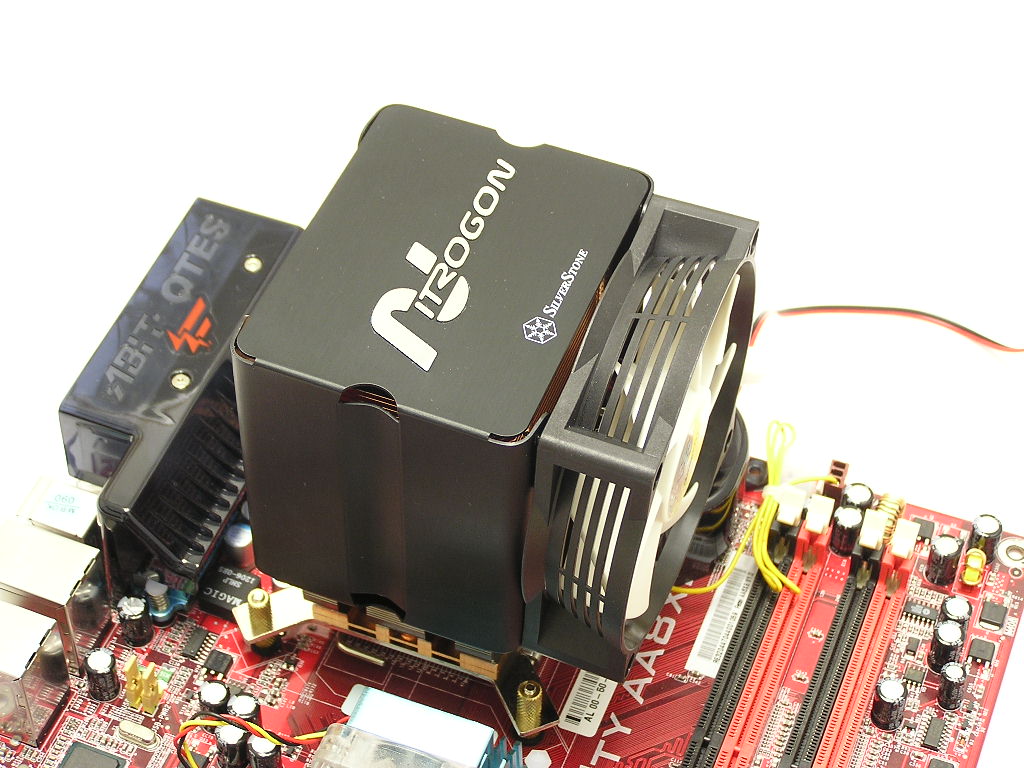
When installing the NT02 on LGA775 motherboards, there are two different brackets that you can use. The first is the “I” shaped bracket. If the CPU socket area allows clearance for the bracket, then simply sit the cooler down through the four holes. The way to secure the heatsink is with the remaining four standoffs. Since there are no tools needed, all you have to do to make sure that the cooler stays put is to provide a finger-tight install. This is one heavy cooler, so make sure that the standoffs are tightened as much as you can with your fingers. Don’t overdo it, as it’ll squeeze your CPU and cause some serious damage. Notice how close the fan came within the Fatal1ty Northbridge cooler. I had to turn the heatsink around to allow the NT02 to fit.
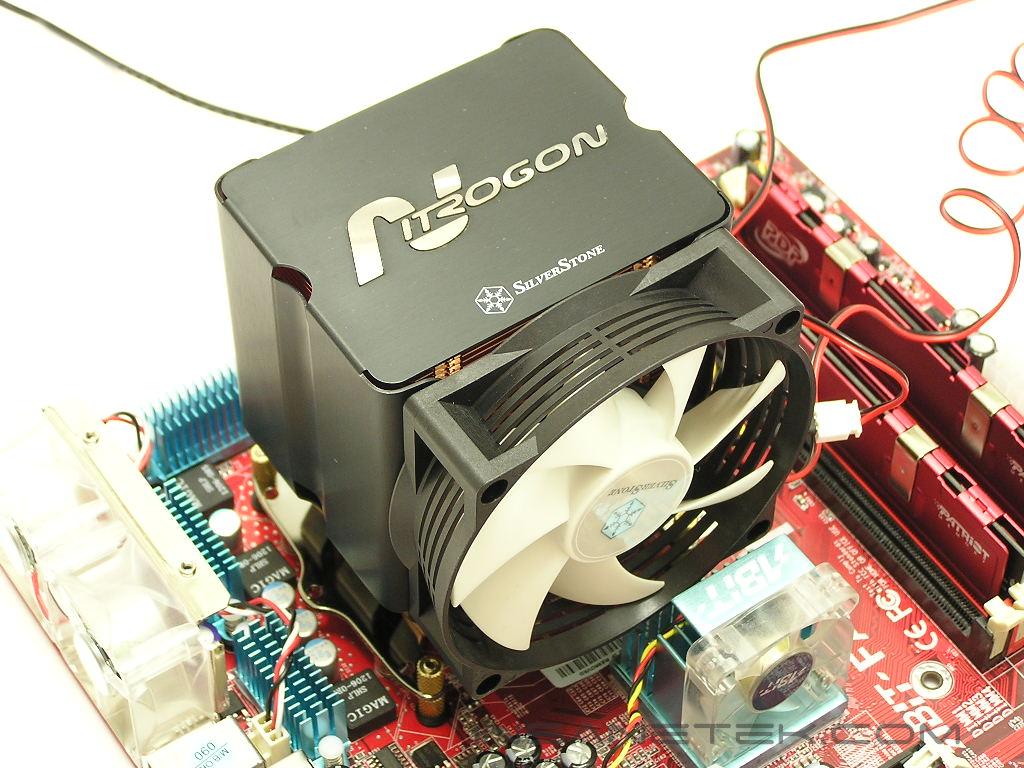
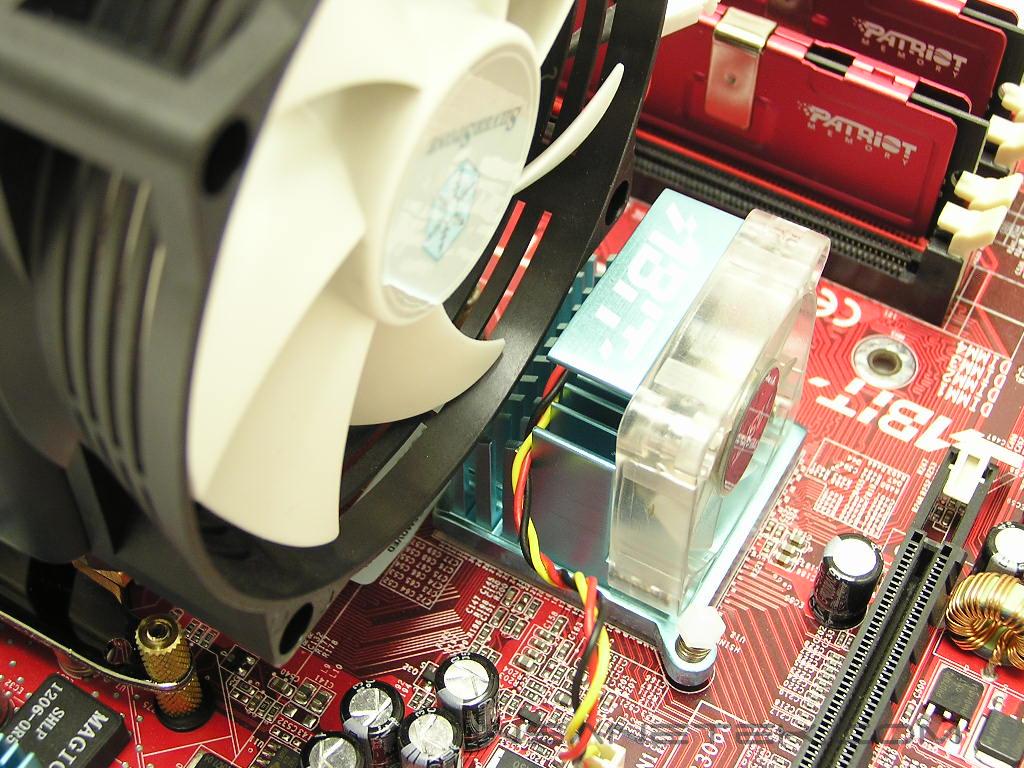
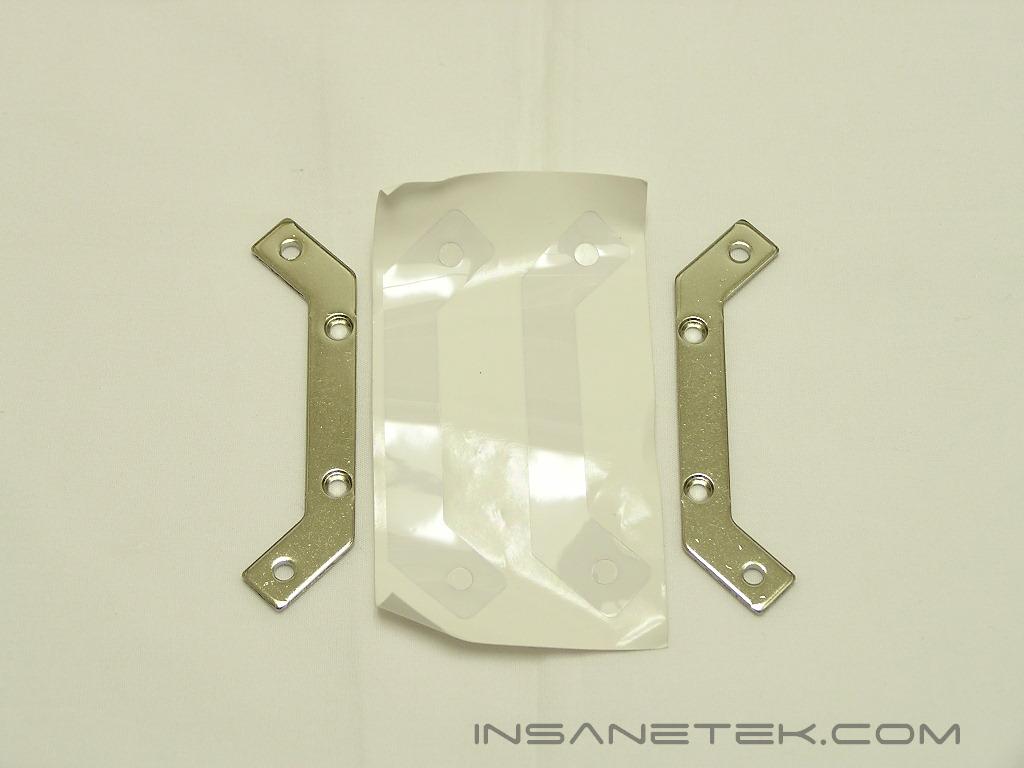
Notice that with the original “I” bracket, installation on the Fatal1ty AA8XE forced the fan to face upwards and blow towards the power supply area. That’s because the “I” bracket did not allow me to position the NT02 to face the fan to the left side. There was a small capacitor in the way. Wouldn’t it be better if you had the fan face left and blow directly at the case exhaust fan area? Of course that’s possible! Included is another set of brackets just for LGA775 motherboards. This bracket allows better clearance and allows you to position the cooler in any of the four directions. Simply unscrew the “I” bracket and replace it with the LGA775-only bracket. Now the NT02 can sit and let the fan blow towards the left side. While changing the bracket is not always necessary for LGA775 motherboards, it’s definitely recommended.
Test Setup and Results
Test Setup and Method:
Ambient temperature was kept at a consistent 23°C. Arctic Silver Ceramique thermal paste was used during the entire testing process. A temperature probe was placed next to the Intel heatspreader to measure CPU temperature. Two instances of CPU Burn-in were used to create maximum load on the CPU. The purpose of this test was to determine the results a home end user would obtain. There was no scientific testing conducted, simply because I do not have the proper equipment.
Test System Specifications:
- Intel Pentium 4 560 3.6GHZ (18 x 200FSB = 3.6GHZ @ 1.3625v)
- Abit Fatal1ty AA8XE
- Centon Advanced PC2-5300
- MSI Geforce 6600GT
- Thermaltake PurePower 680W
Competition:
- Arctic Cooling Freezer 7
Test Procedures:
- Idling at desktop for 30 minutes
- Full load with 2 instances of CPU Burn-in for 60 minutes
Results:
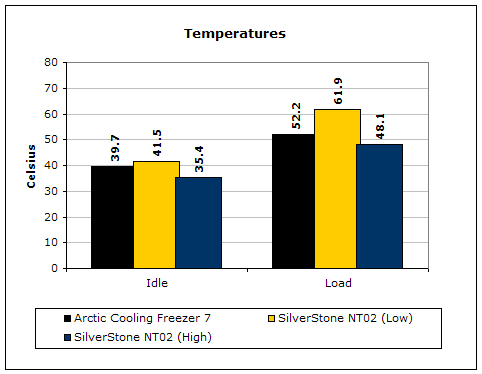
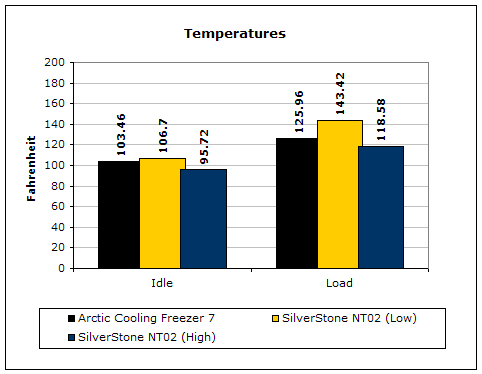
From the physical appearance alone, the NT02 looked to be a promising performer. With the NT02 fan at low speeds, the two coolers were at about the same noise level–dead silent. The unfortunate thing is that the NT02 couldn’t keep up with the Freezer 7’s performance at this low RPM. The lower performance could be due to a number of things. One, there just isn’t enough heatpipes to help with heat distribution; the NT02 only has three heatpipes, as opposed to the Freezer 7’s four heatpipes. Two, the small aluminum heatsink at the bottom does not get any airflow for cooling. Or three, the FM82 fan at low speeds just doesn’t push enough air to cool properly. By turning up the fan, greater performance was achieved at the cost of some silence. Enthusiasts will have to fine tune the fan speeds to get the best performance/noise level ratio.
Conclusion and Thoughts
The NT02 is SilverStone’s second attempt at providing CPU cooling solutions and proves SilverStone to be a worthy consideration. The NT02 is by far the best looking CPU cooler I’ve ever laid my eyes on. Then again, aesthetics for a CPU cooler is pointless, just like my fantasies of Elisha Cuthbert. She’s so pretty…
There are a lot of ups and downs of the NT02. The cooler looks very promising with the use of all copper fins, copper base plate, small aluminum heatsink at the base, and three copper heatpipes. It sure looks like it can handle anything you throw at it. It certainly is capable, but doing so will require the fan to spin at high RPM’s, thus raising the noise level. Of course, that will most likely happen only when you use the cooler for an LGA775 setup. The heat output of my Pentium 4 560 is just ridiculous. There are two other frowns for the NT02–the weight and the price. With a measured weight of 880g, this cooler weighs more than me! I’m just kidding, but the weight is still an issue. LAN party goers should definitely be careful when using this cooler. Having it crash through your SLI setup WILL be painful for the heart, as well as your wallet. The price of the cooler certainly isn’t very compromising. With a price over the $50 mark, the NT02 now resides in the expensive CPU coolers section.
You’ve read enough of my chants, so I’ll get down to the point. Bottom line, the NT02 deserves a good recognition for the ability to cool well, but doesn’t deserve a higher praise due to the fact that it requires the fan to be run at full speeds. The NT02 looks so good that it makes me want to marry it. It’s defnitely going into my Fatal1ty SLI system.
Pros:
- Beautiful
- Excellent build quality
- All copper fins and copper plate
- Small aluminum heatsink for immediate heat dissipation
- Good performance, only with fan on high speed
- Easy and flexible installation methods
- Universal cooler for K8/LGA775/Socket 478 platforms
Cons:
- Poor performance with fan on low speed
- Small aluminum heatsink does not get airflow
- Heavy!
- Expensive!

We would like to thank SilverStone for providing us the sample. If you have any questions or comments, feel free to hit us up in the forums. You can also check out more of our latest reviews on the front page.