

OCLabs Monoblock 6
Introduction
With the increasing popularity of watercooling systems, there is an ever increasing array of components available that can be used to configure a setup. There are companies that produce entire kits– consisting of a waterblock, radiator, pump, reservoir, tubing, and even coolant–while there are companies that only specialize in one or two of these components. Among the various watercooling components, the waterblock is the most varied. This time we will be taking a closer look at a waterblock from Overclock Labs.
Overclock Labs is an Italian manufacturer of computer cooling equipment. OCLabs was created in 2001 with the intention of bringing watercooling and overclocking resources to the Italian market. To date they have created numerous waterblocks and reservoirs as well a liquid nitrogen/dry ice tube. Today we have OCLabs’ latest model in their Monoblock line of waterblocks, the Monoblock MB-06. Let’s see how well the Monoblock performs.
OCLabs Monoblock 6
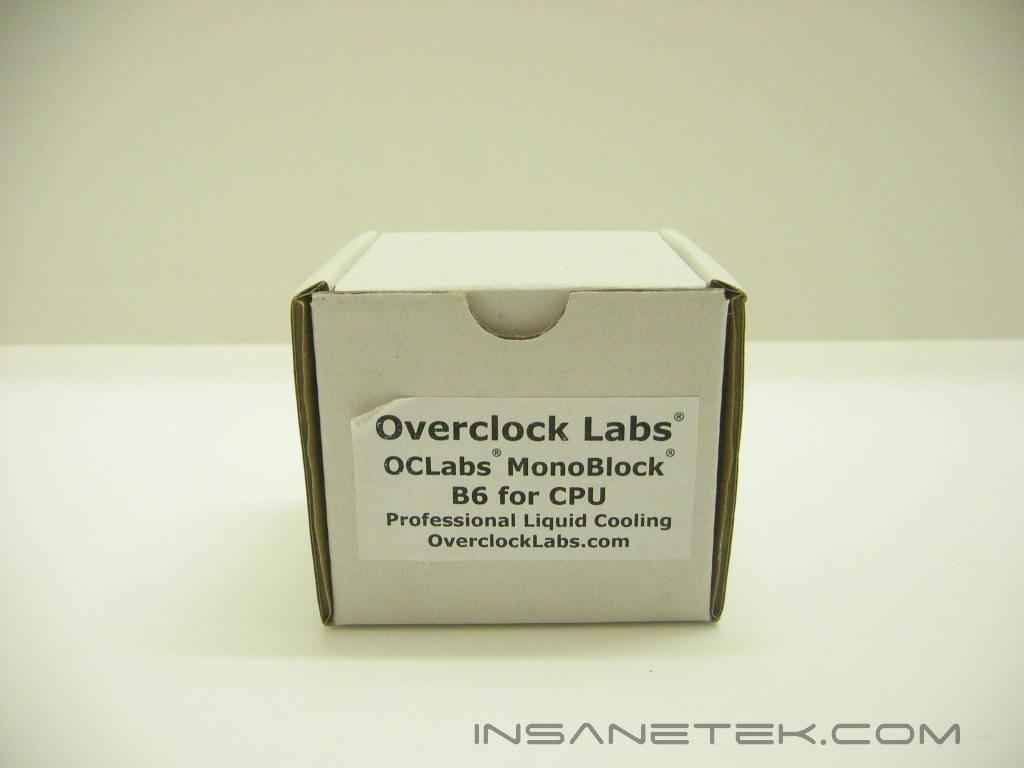
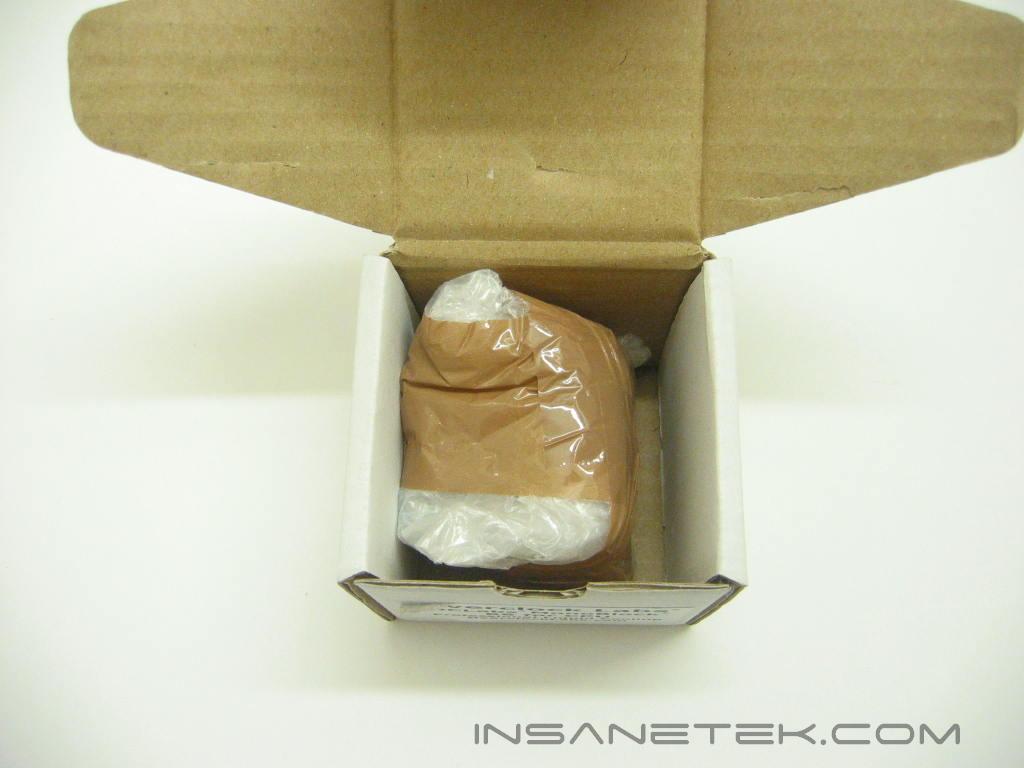
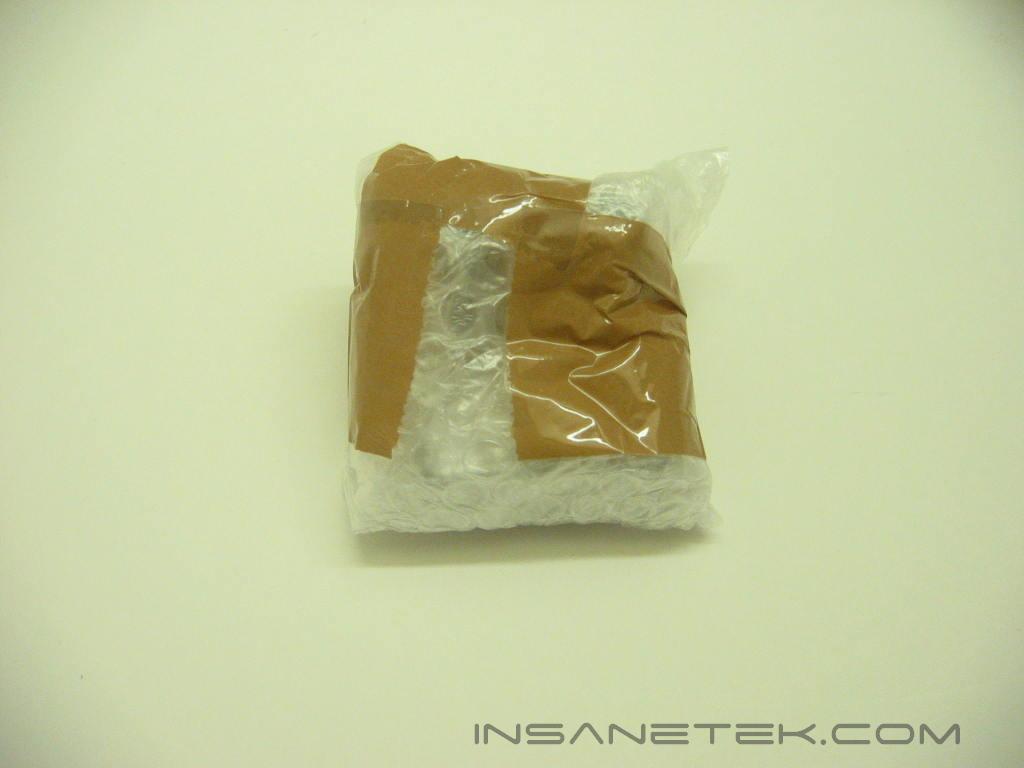
The Monoblock is packaged in a small cardboard box with a simple label describing its contents. The block is wrapped in bubble wrap and sealed within the box. The packaging isn’t too extensive, but there really isn’t any part on the block that needs a whole lot of protection.
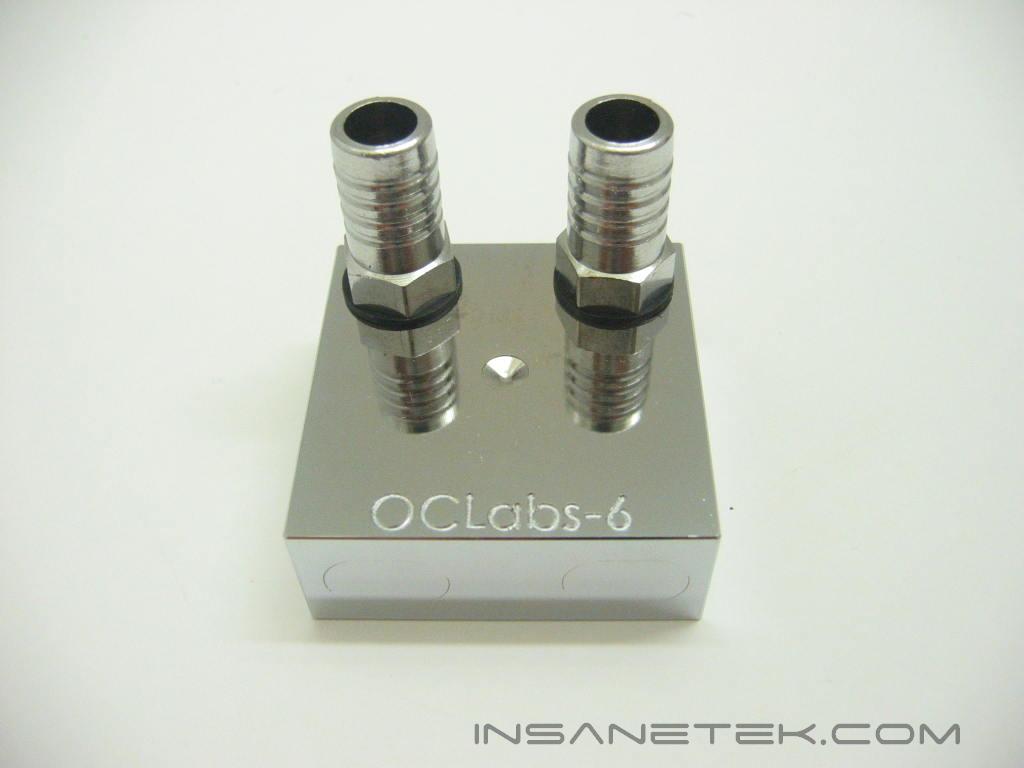
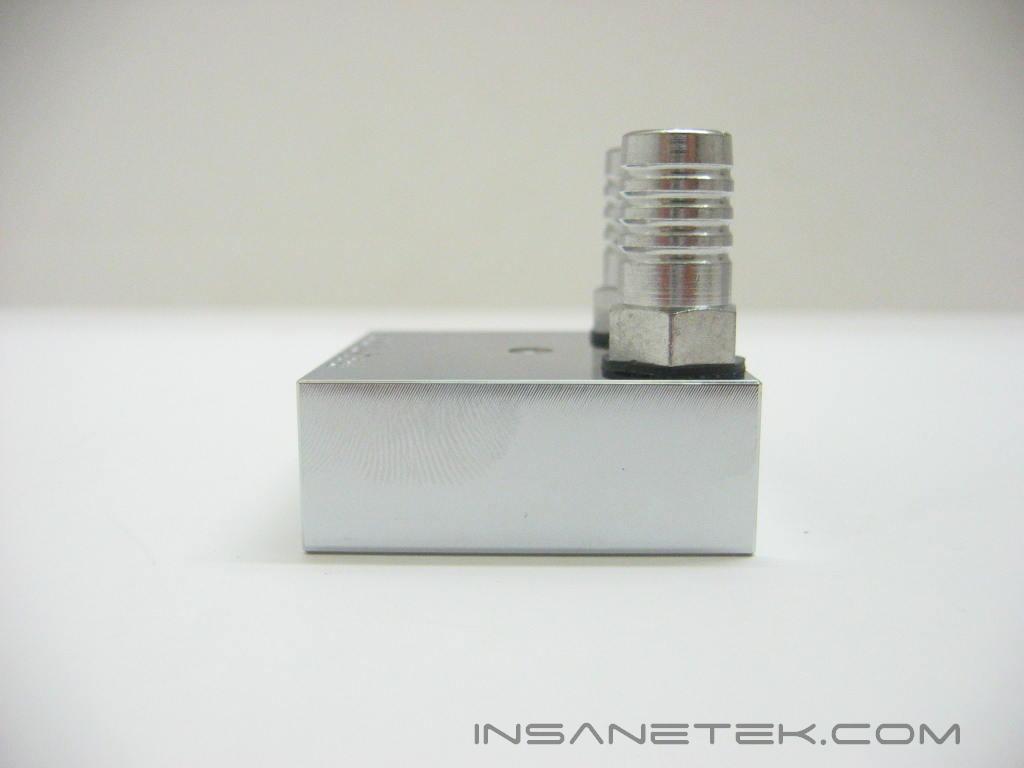
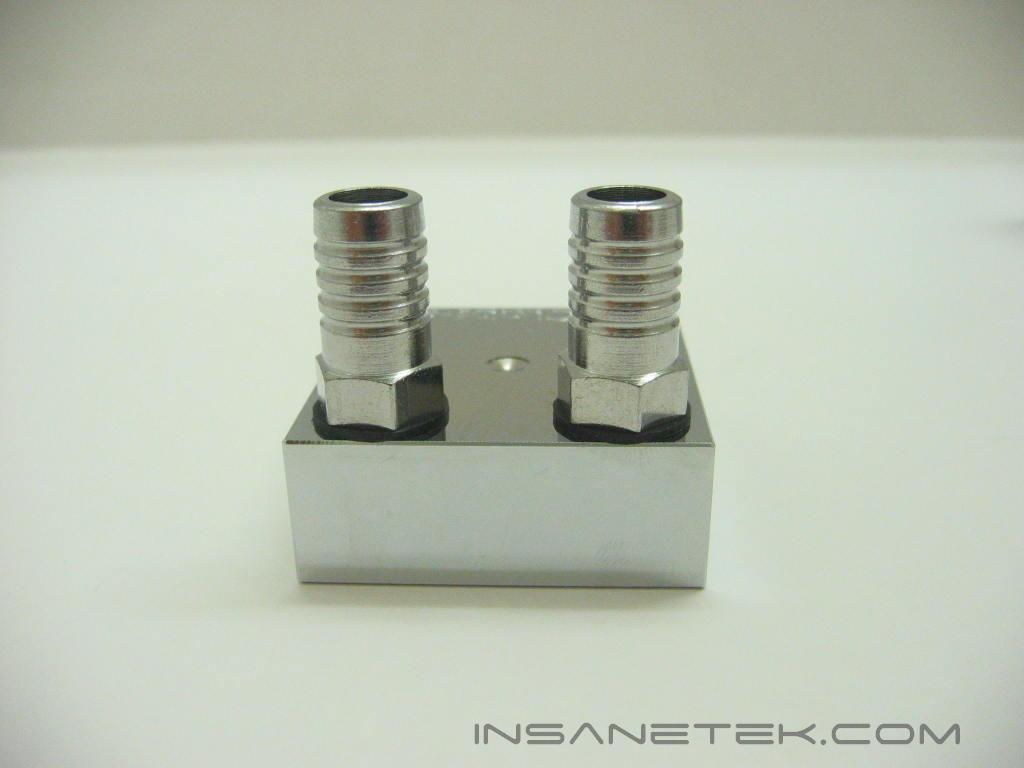
The OCLabs Monoblock is made from a solid copper block. A Computer Numerical Control (CNC) machine is used to drill into the block forming three separate canals which the water can flow through. The oval cuts on the sides of the block are the covered drill holes. Using this method, heat from the processor can transfer through the entire surface area of the block and the internal canals can cool it from all angles. After that, the blocks are chromed and then shined to a mirror finish. The Monoblock uses 1/2 inch fittings.
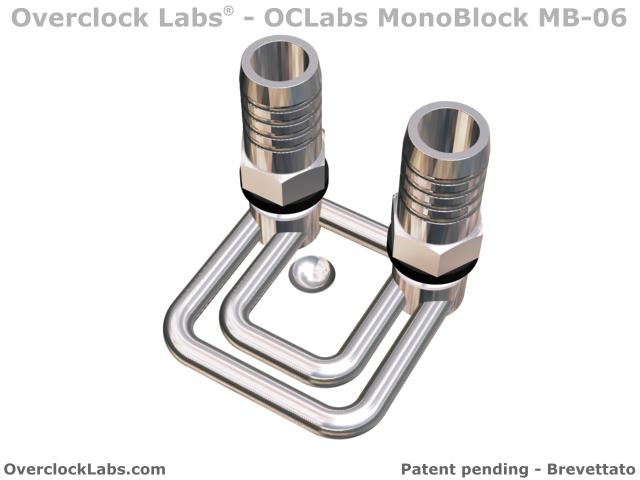
Here is an image from OCLabs site depicting the internal structure of the Monoblock. You can see just how the canals are situated.
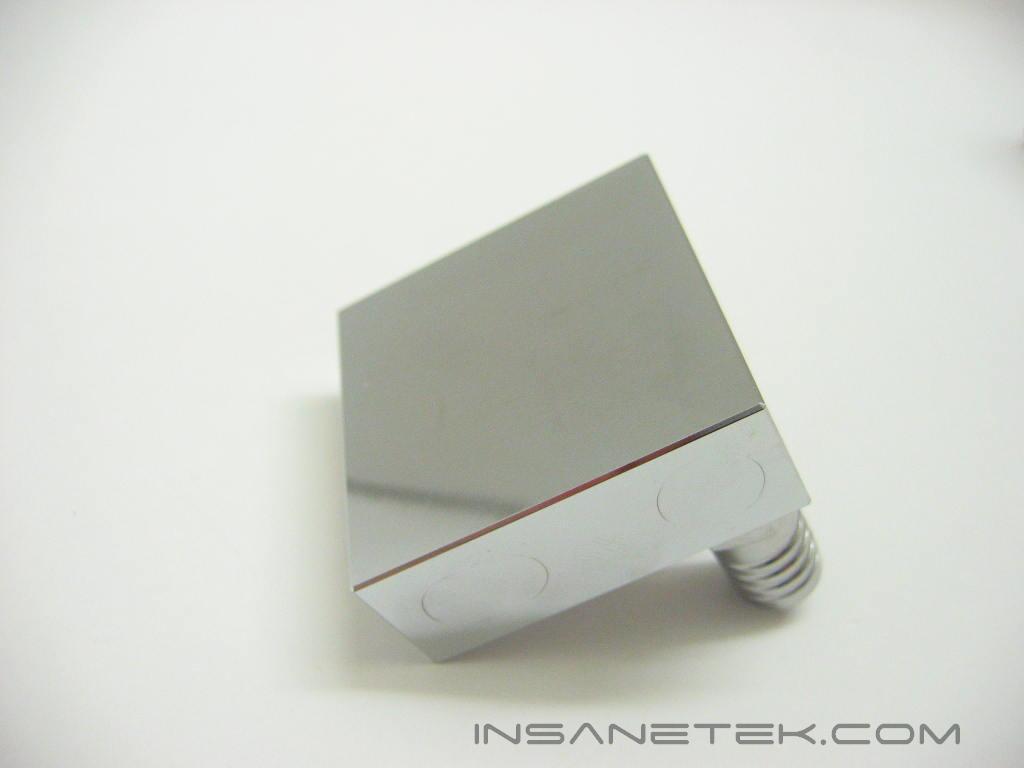
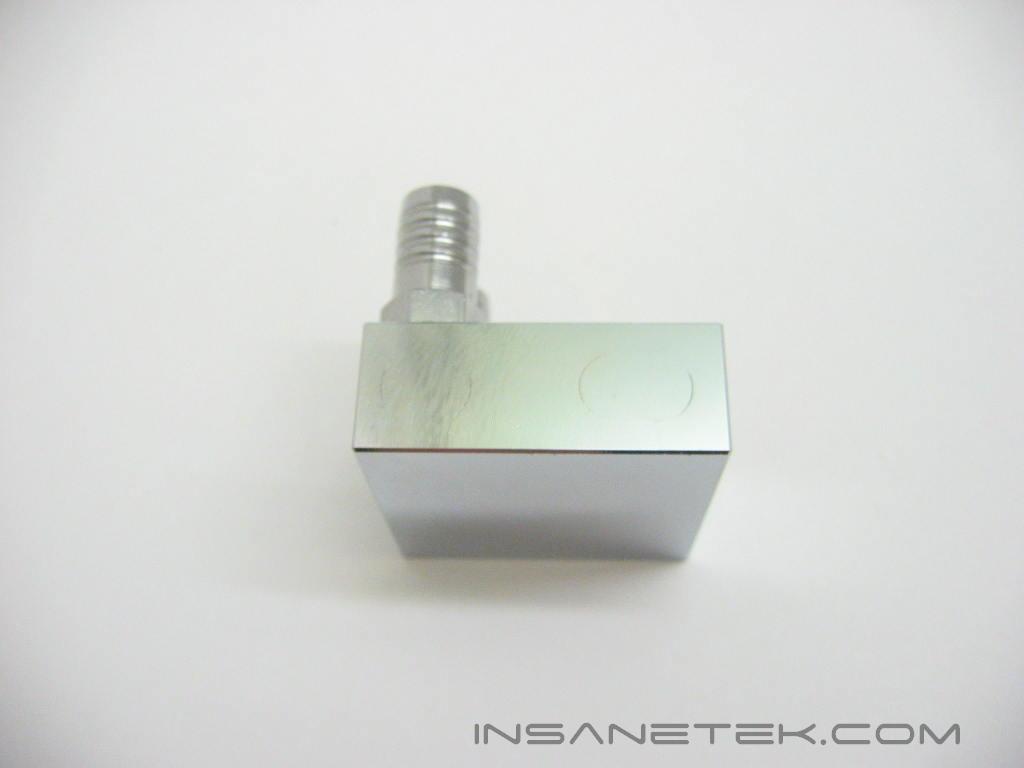
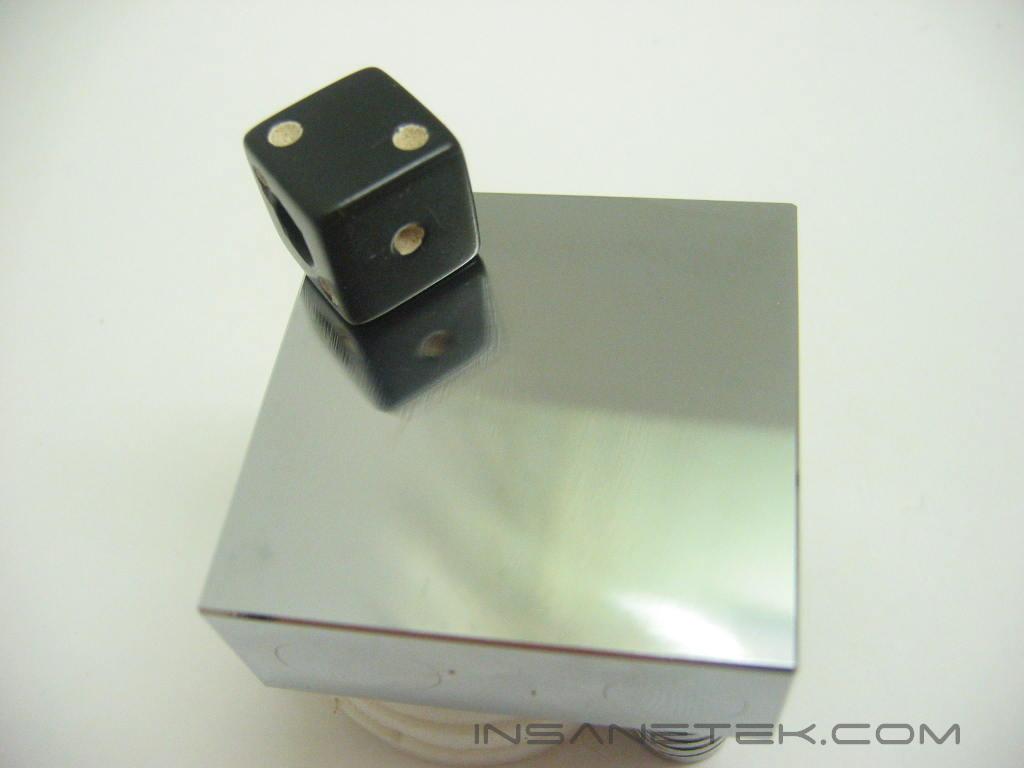
The finish on the Monoblock is flawless and every side is uniform. The smooth, mirror finish gives the block a very impressive look. The base is flat and will provide proper contact with the processor.
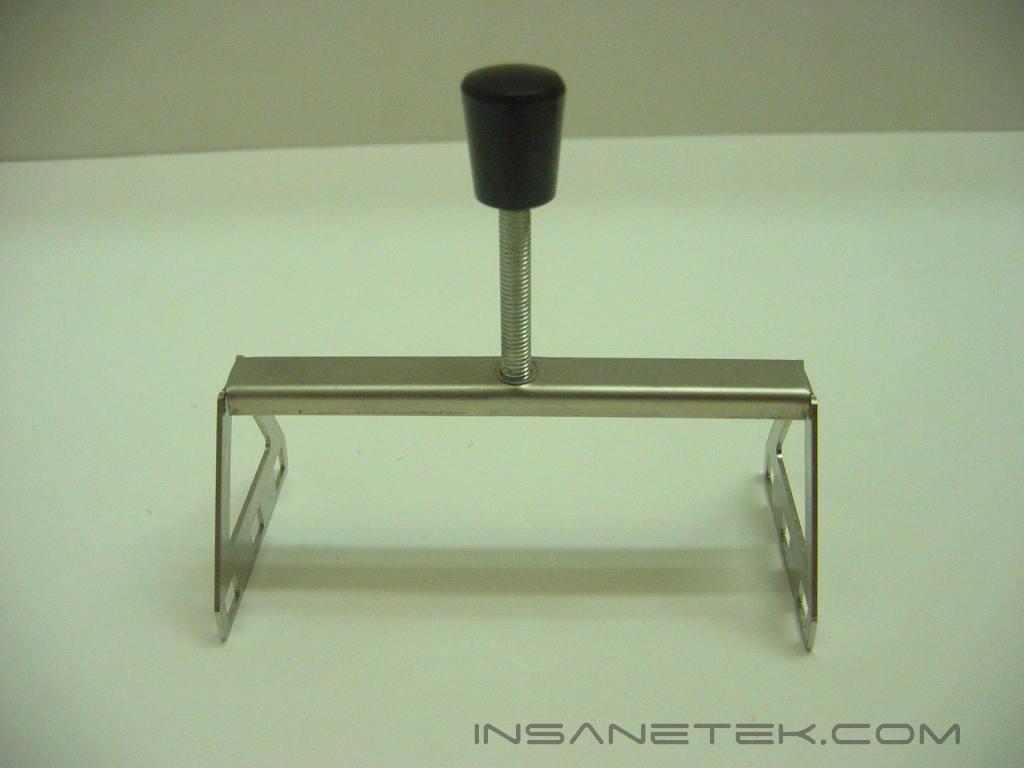
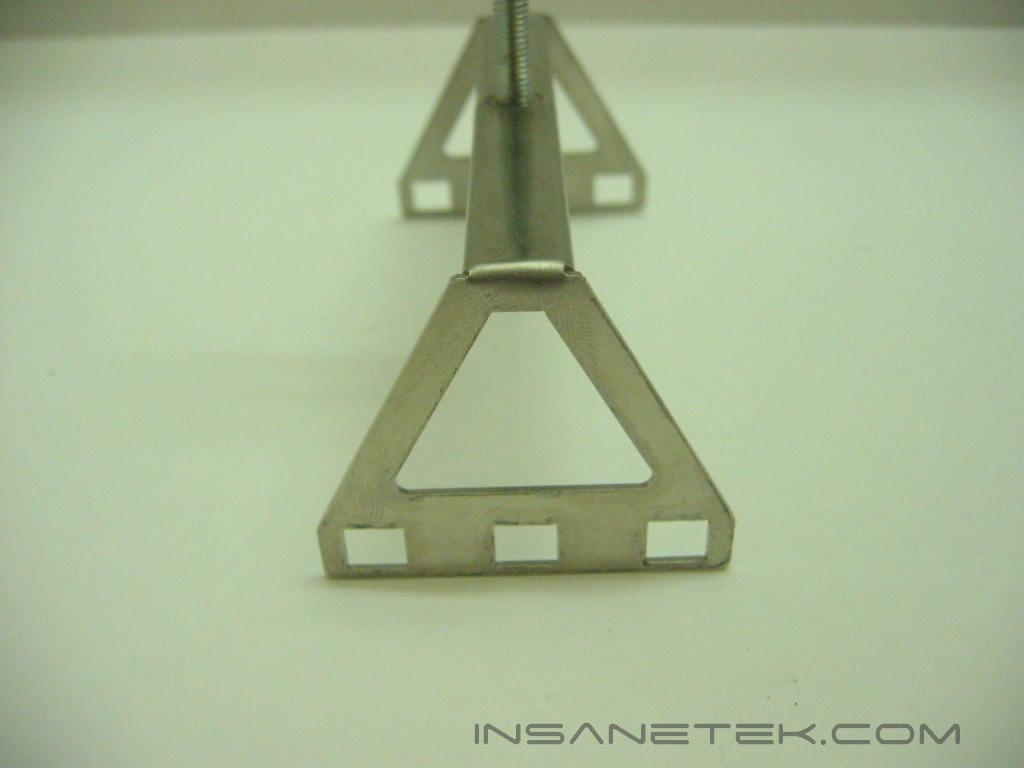
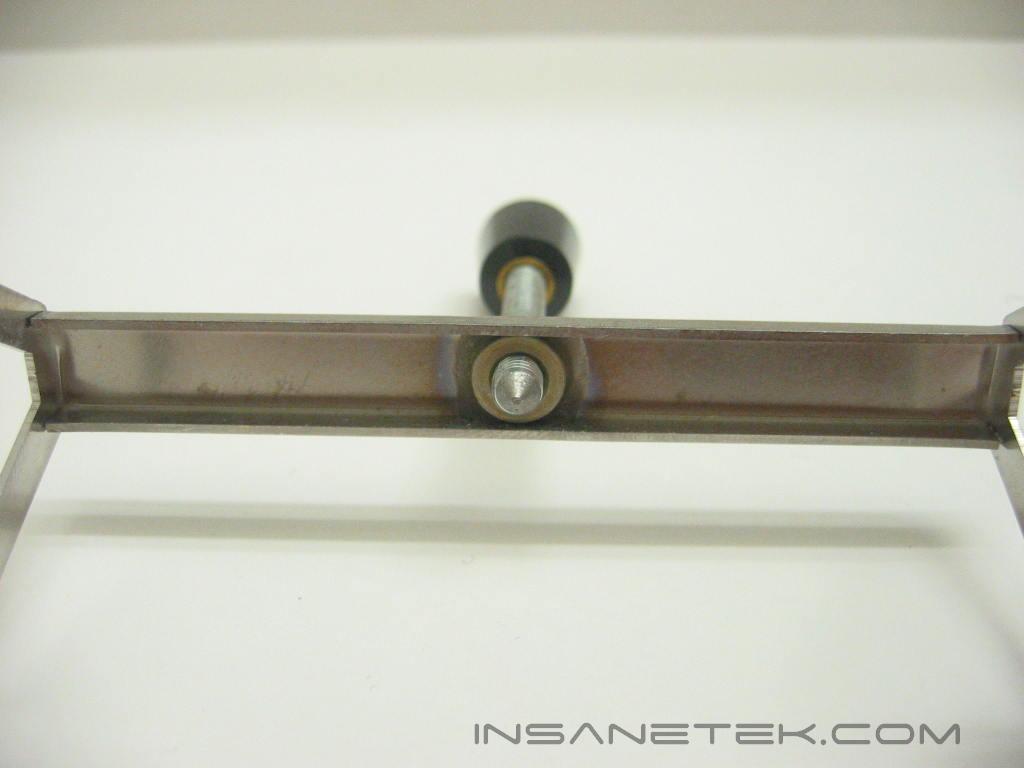
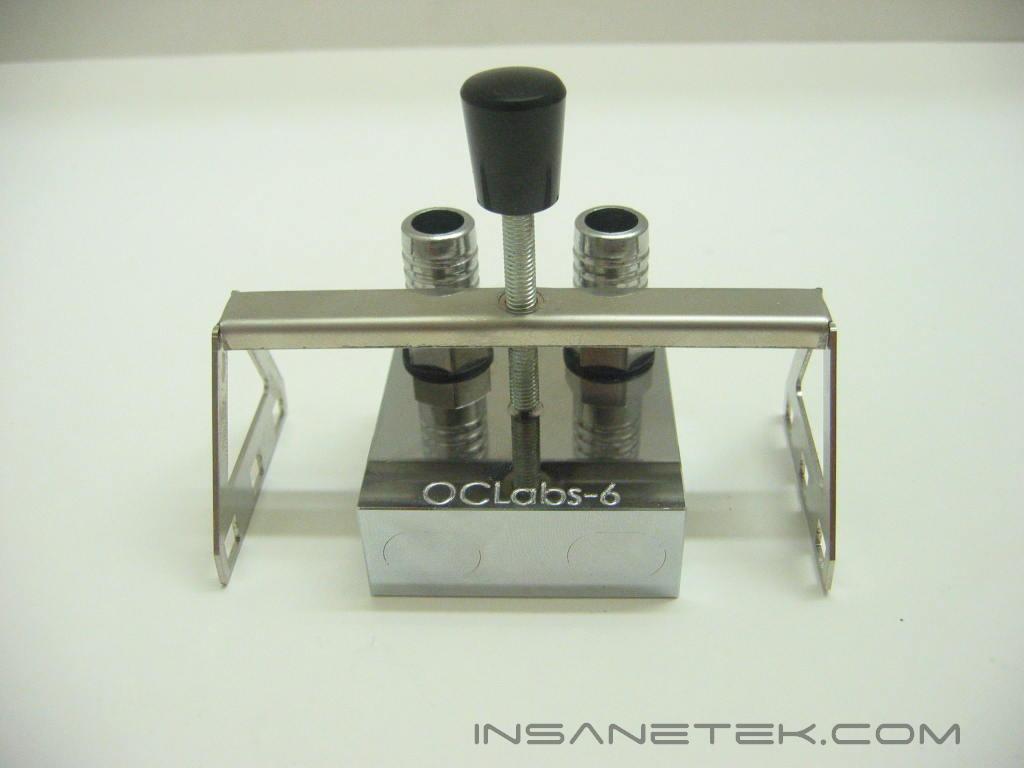
To mount the Monoblock onto the processor, a screw down mounting bracket is employed. The bracket mounts directly onto a stock K8 bracket by clipping onto it, much like the AMD supplied heatsink, and the waterblock is fastened by tightening the screw. The indentation on the block at the surface where it will be screwed down will reside directly above the core of the processor, ensuring great contact.
Installation
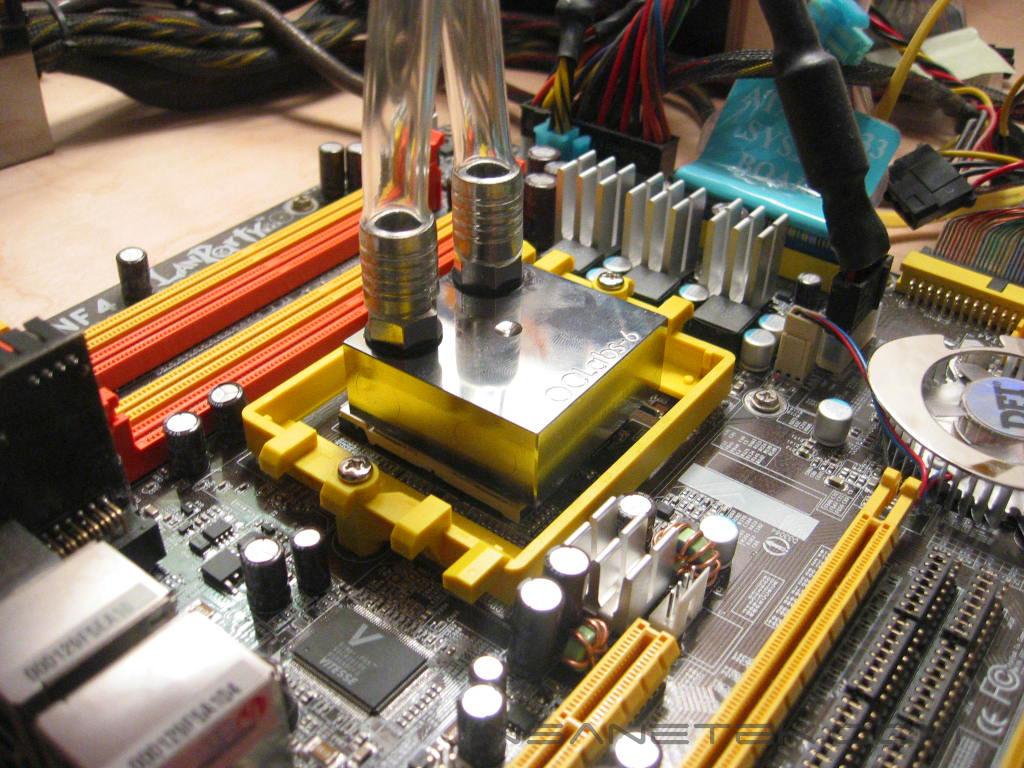
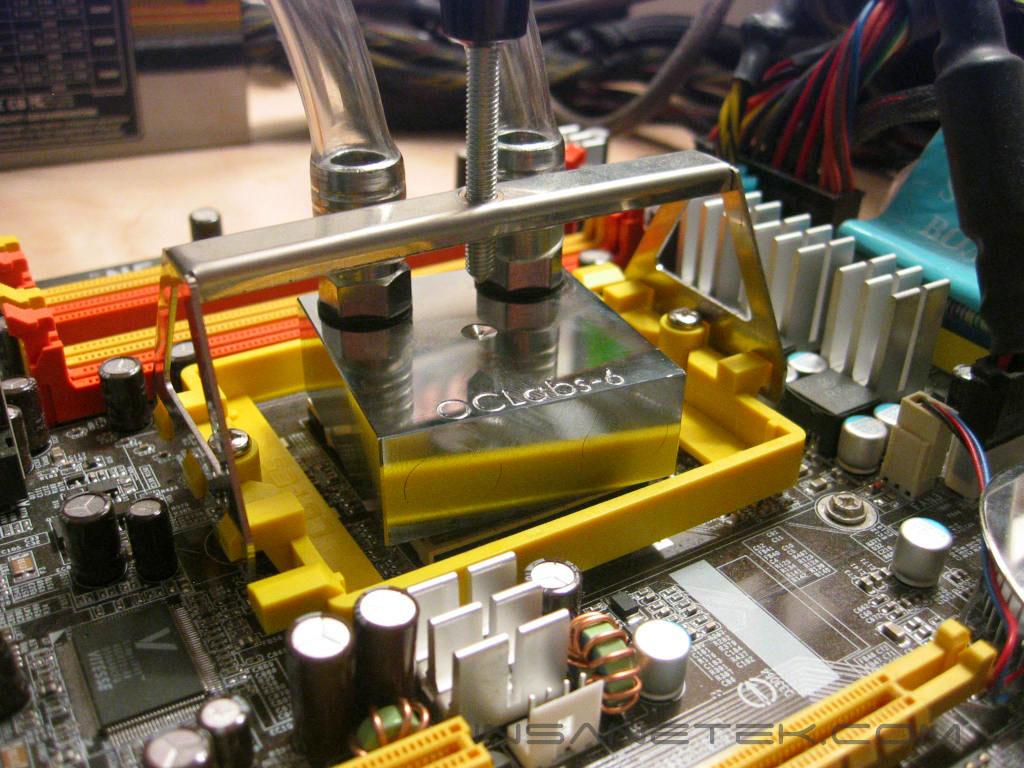
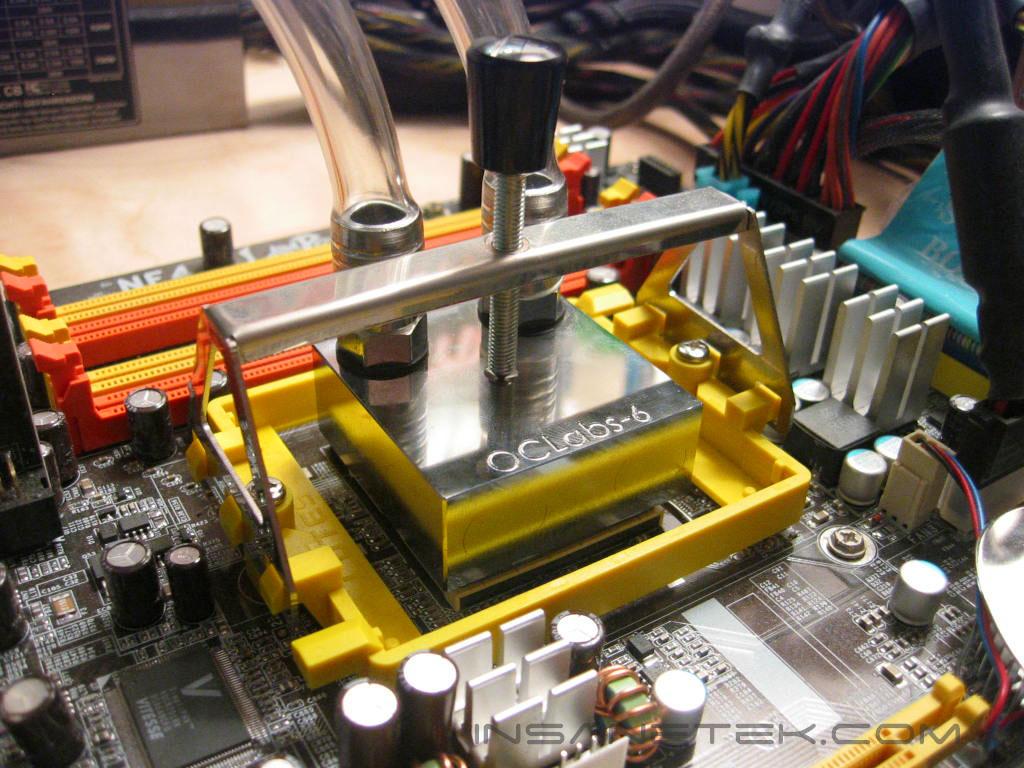
Installation of the Monoblock on the K8 platform is very simple. After applying some thermal paste, position the block on the processor. Next, clip the Monoblock’s mounting bracket onto the K8 bracket and then drive the screw until the block fits tightly. It appeared at first that the block would rotate or come loose on the processor using this mounting mechanism, but it remained snug against the processor throughout testing.
Test Setup and Results
Test Setup and Method:
- AMD Athlon 64 3700+ San Diego (stock at 11x200 = 2200MHZ @ 1.35v, overclocked at 11x246 = 2706MHZ @ 1.52v)
- DFI LANParty UT nF4 Ultra-D
- 2 x 512MB OCZ PC3200 Plat. Rev.2 1:1
- PowerColor Radeon X850XT PE
- OCZ PowerStream 600W
Water Cooling Components:
- Swiftech MCP350 pump
- Black Ice Pro 120mm radiator
- Swiftech bay reservoir
Competition:
- Corsair COOL (Swiftech MCW6000)
Test Procedures:
- Idling at desktop for 30 minutes
- Full load with one instance of CPU Burn-in for 30 minutes
Testing will be done on the AMD64 platform. Temperatures will be monitored by the probe of an UEI DT150 thermometer placed on the side of the processors heatspreader. Ambient temperature was kept at 21°C with +/-0.1°C. Arctic Silver Ceramique thermal paste was used throughout the testing process. One instance of CPU Burn-in was used to create maximum load on the CPU. No scientific testing will be conducted, due to lack of equipment. The purpose of this test was to determine the results a home end user would obtain.
Results:
Conclusion and Thoughts
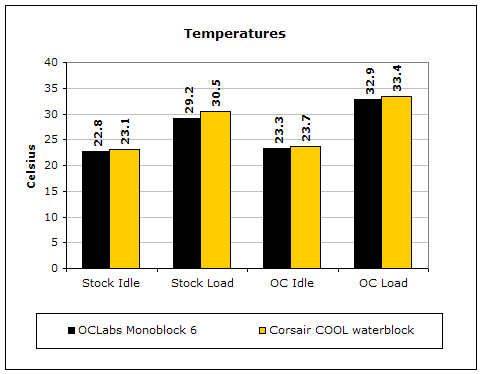
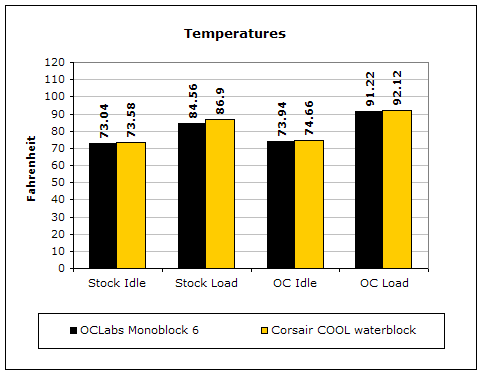
The Monoblock performed very well, lowering the temperature by more than one degree under load at the processor’s stock frequency and by .5 degrees under load when overclocked. The Monoblock’s internal structure proves that performance does not always stem from an intricate design. The mounting OCLabs has used makes installation very simple. Disassembly is just as easy. The styling of the Monoblock is very simple, but the chroming and etched logo give the Monoblock a very elegant look. Though a very good performer, the price (65.00EUR) and availability of the waterblock are the main factors that may wind up discouraging potential buyers.
Pros:
- Great performance
- Fantastic aesthetics
- Very easy mounting on K8
Cons:
- Price
- Availability in the U.S.

We would like to thank OCLabs for providing us the sample. If you have any questions or comments, feel free to hit us up in the forums. You can also check out more of our latest reviews on the front page.