

Gigabyte G-Power Pro
Introduction
Along with their top quality motherboards and video cards, Gigabyte also produces heatsinks. We reviewed their first heatsink, the 3D Rocket last September. Gigabyte’s newest heatsink is G-Power series. The G-Power series appears to borrow much of it’s design from Thermalright’s XP-90 series of heatsinks. Today, we find out if Gigabyte’s new heatsink performs as well as the XP-90 series.
Gigabyte G-Power Pro
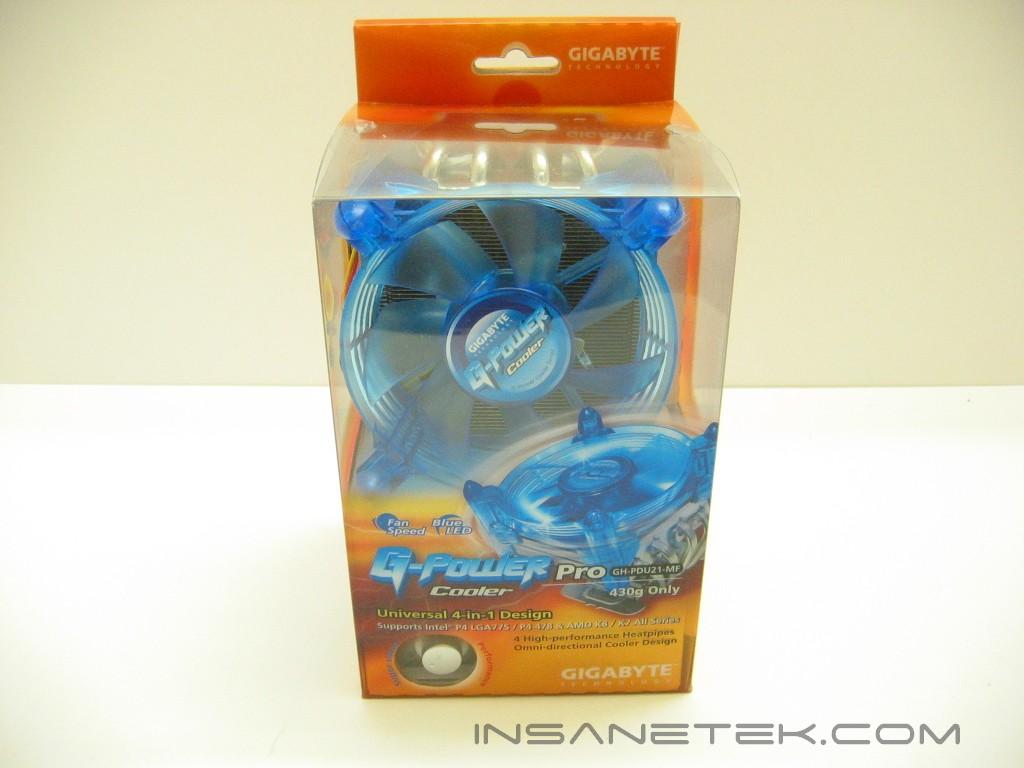
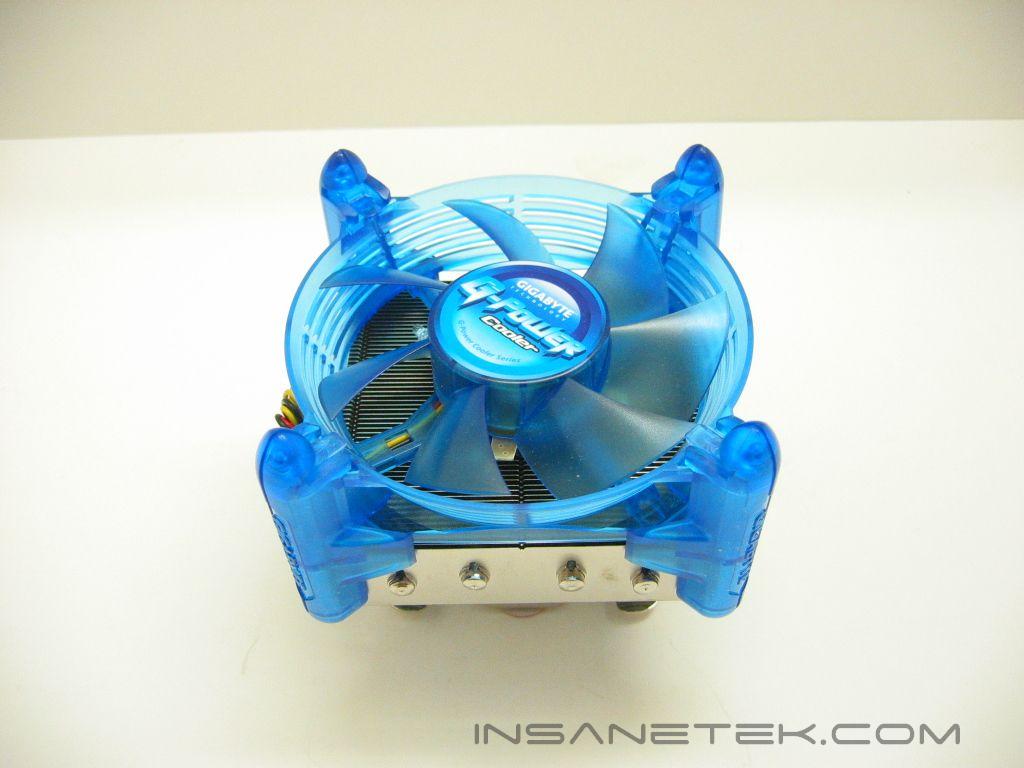
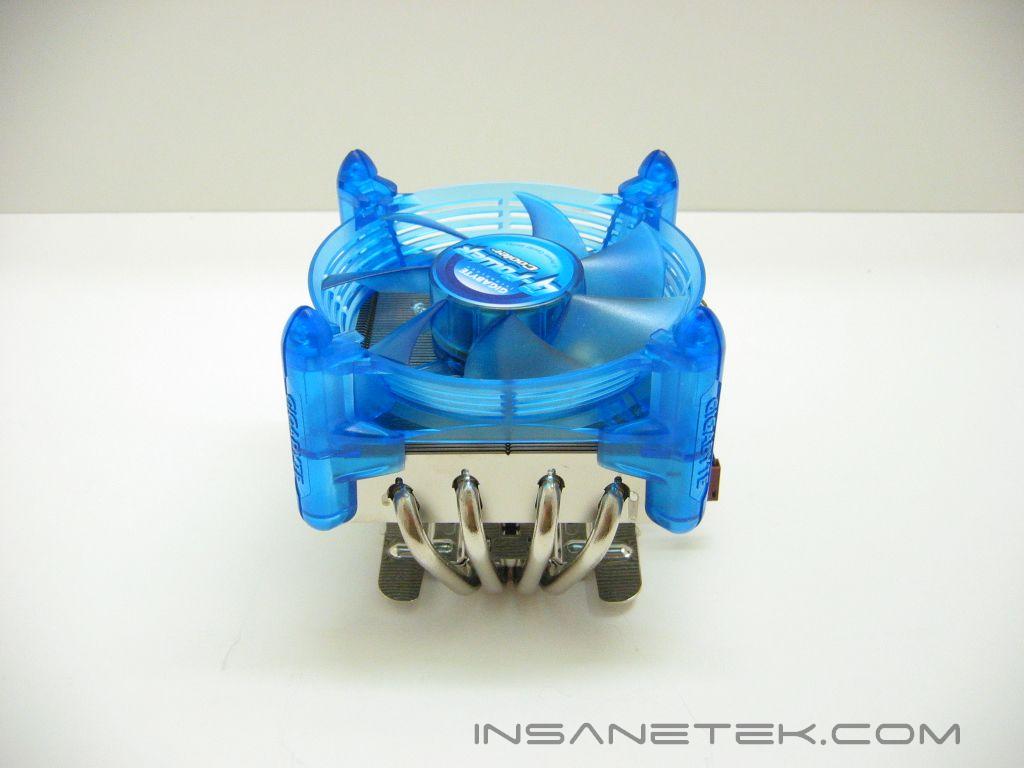
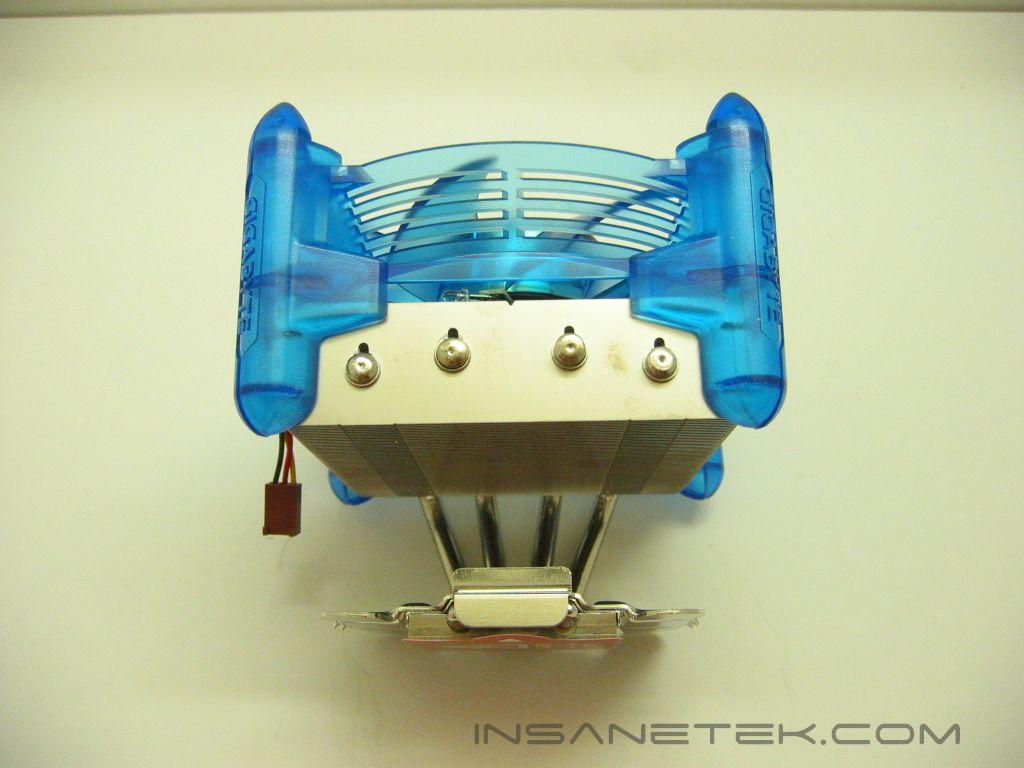
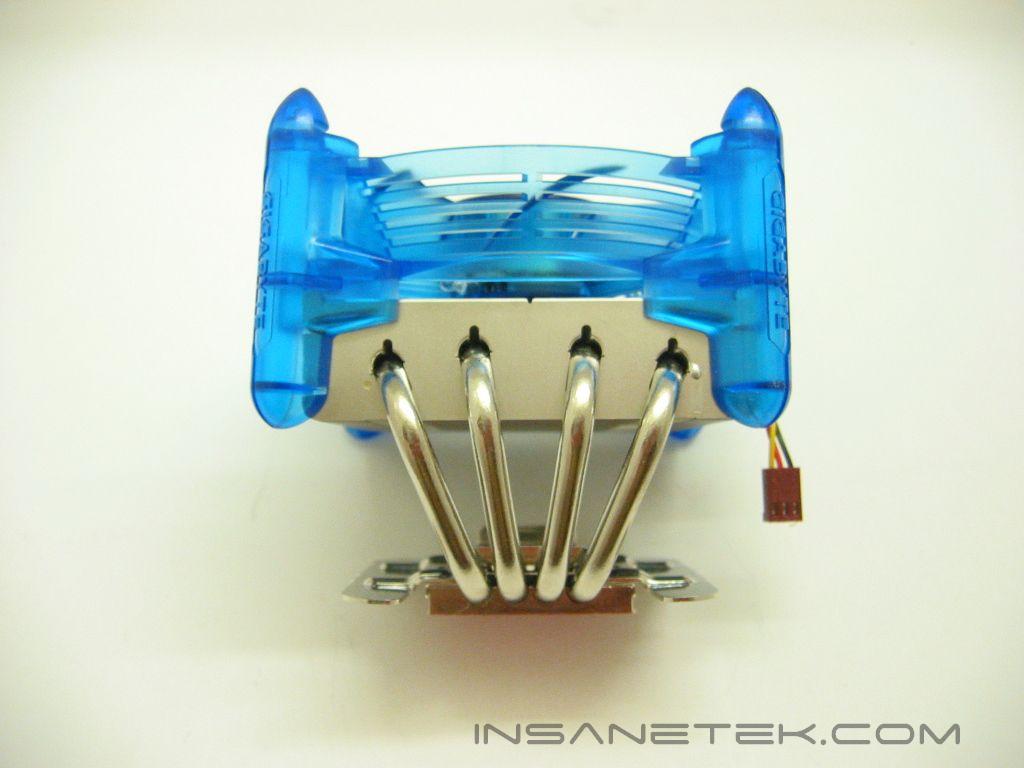
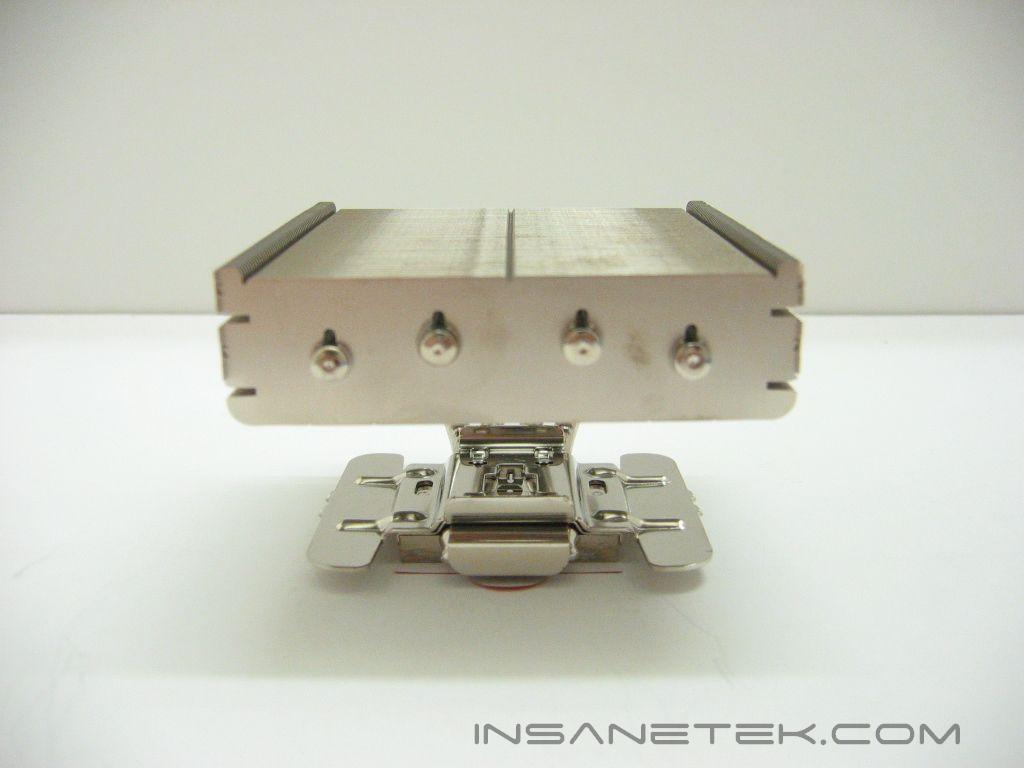
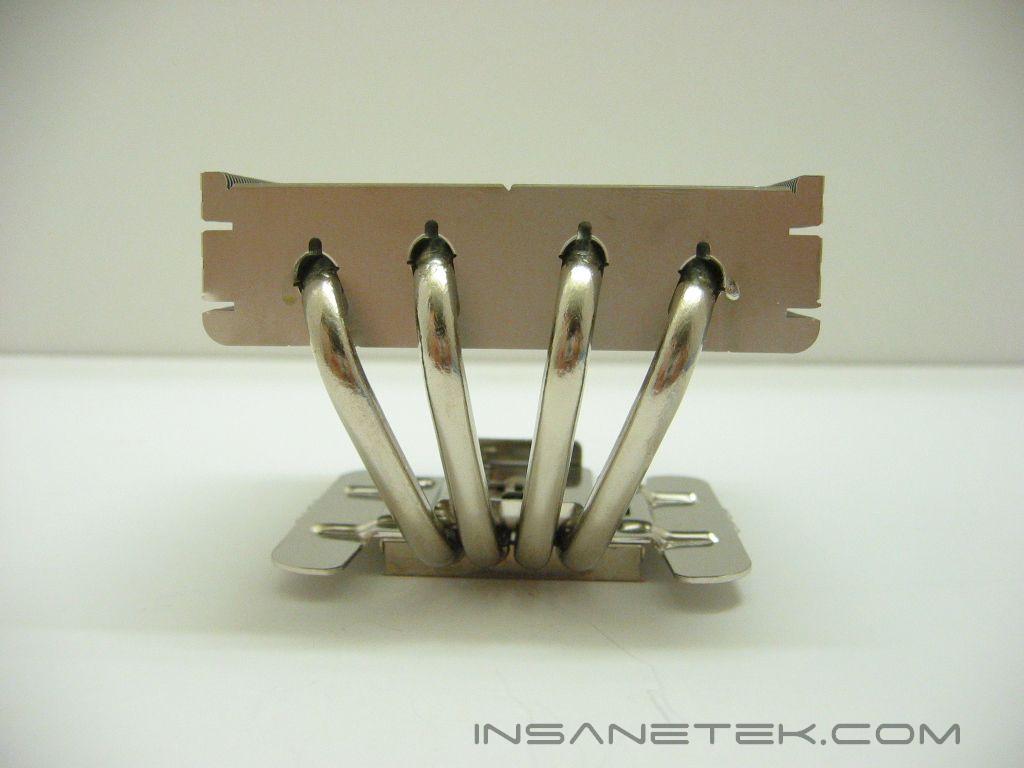
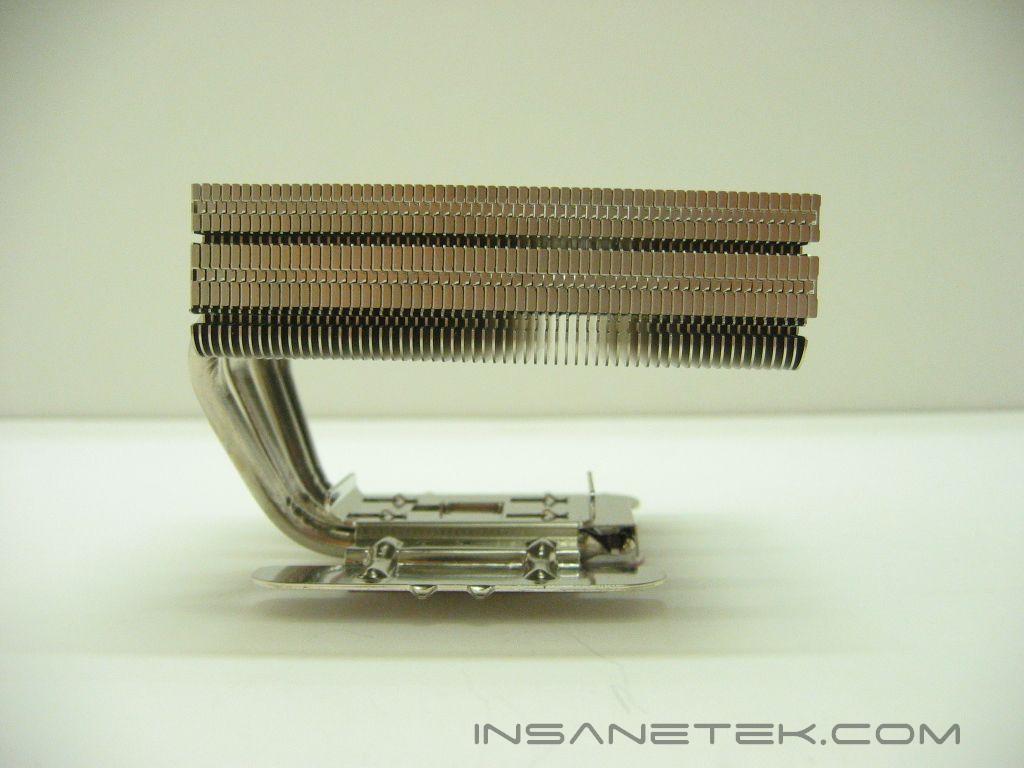
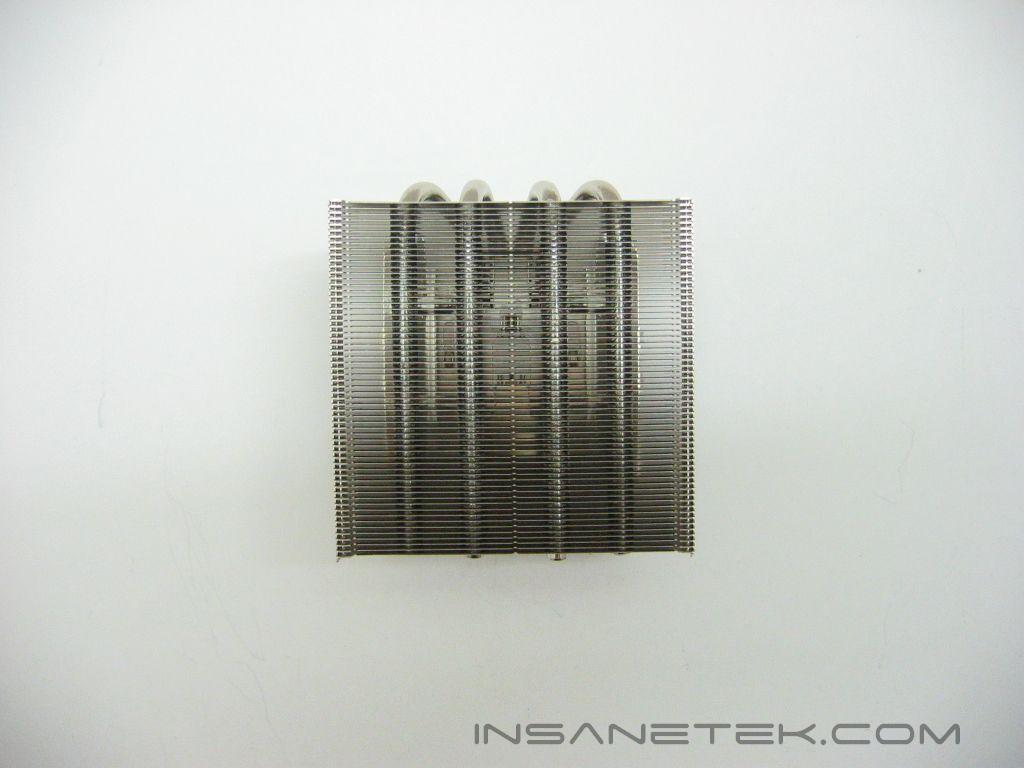
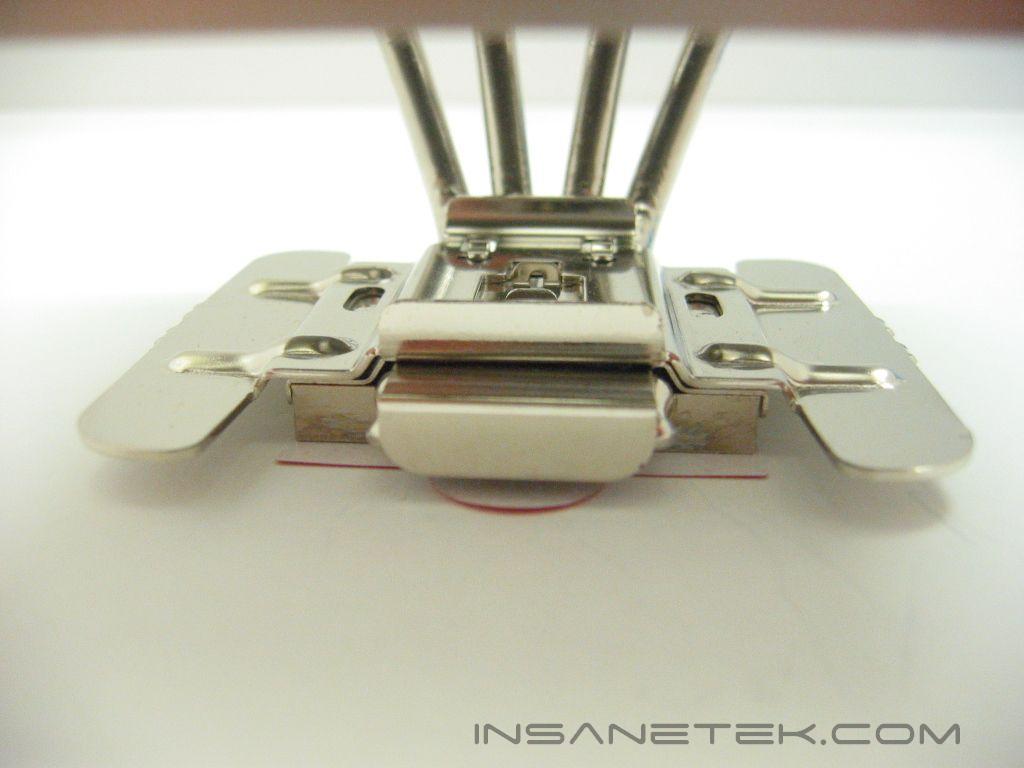
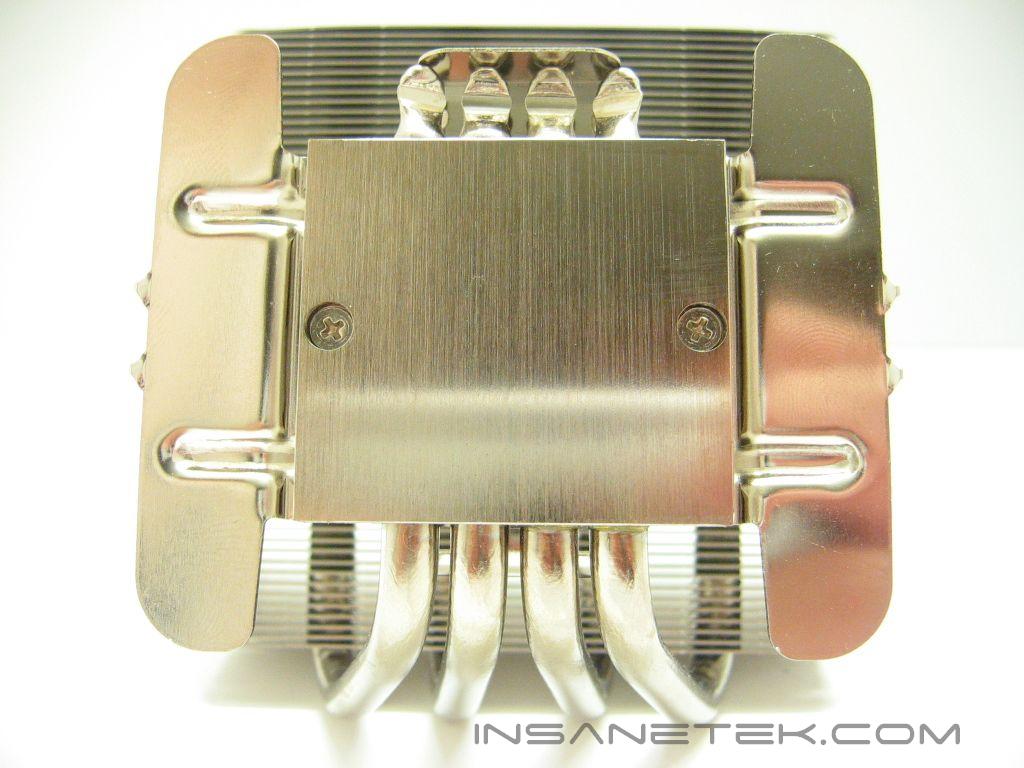
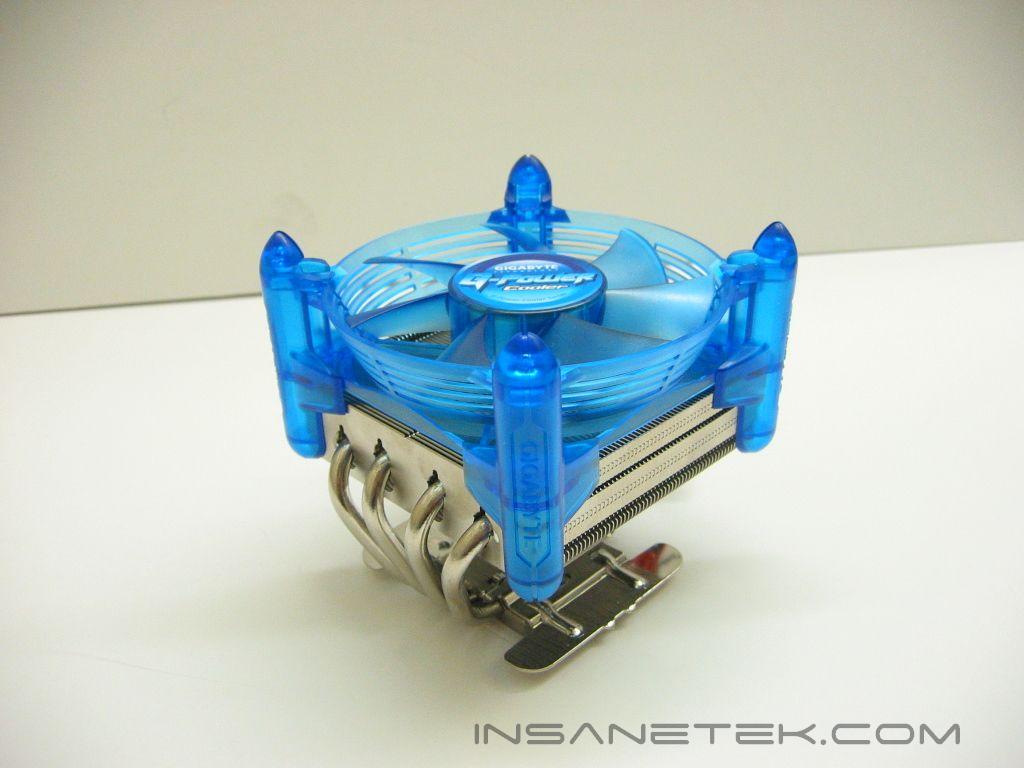
The G-Power Pro comes packed in a plastic package with orange accents. There are two different versions of the G-Power heatsink; The Pro and the BL. The Pro includes the G-Power, fan, and a fan controller, while the BL is only the heatsink and fan. The similarities in design between the G-Power and the XP series are quite noticeable. Both use four heatpipes, aluminum fins, and a nickel coated copper base. However, the G-Power allows the use of a larger fan. The placement of the heatpipes is also different on the G-Power. They are spread out over the width of the fins, whereas the XP-90 has two heatpipes stacked above each other on the outer edges of the fins. The base of the G-Power is not lapped to a mirror finish, but is flat with no imperfections.
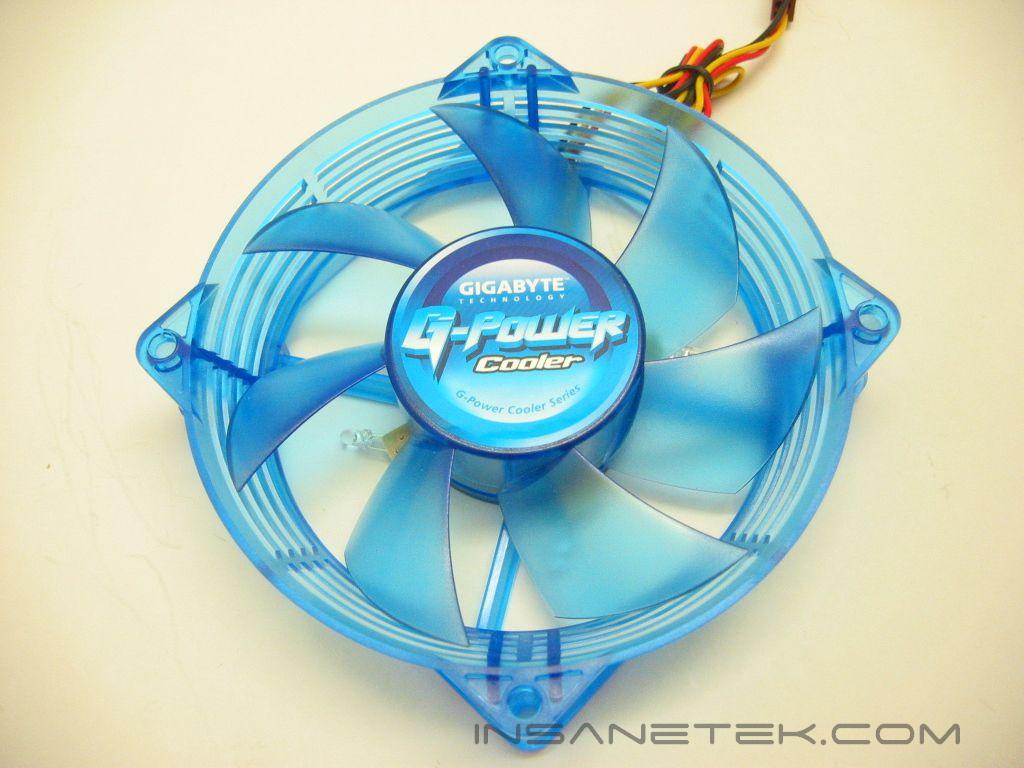
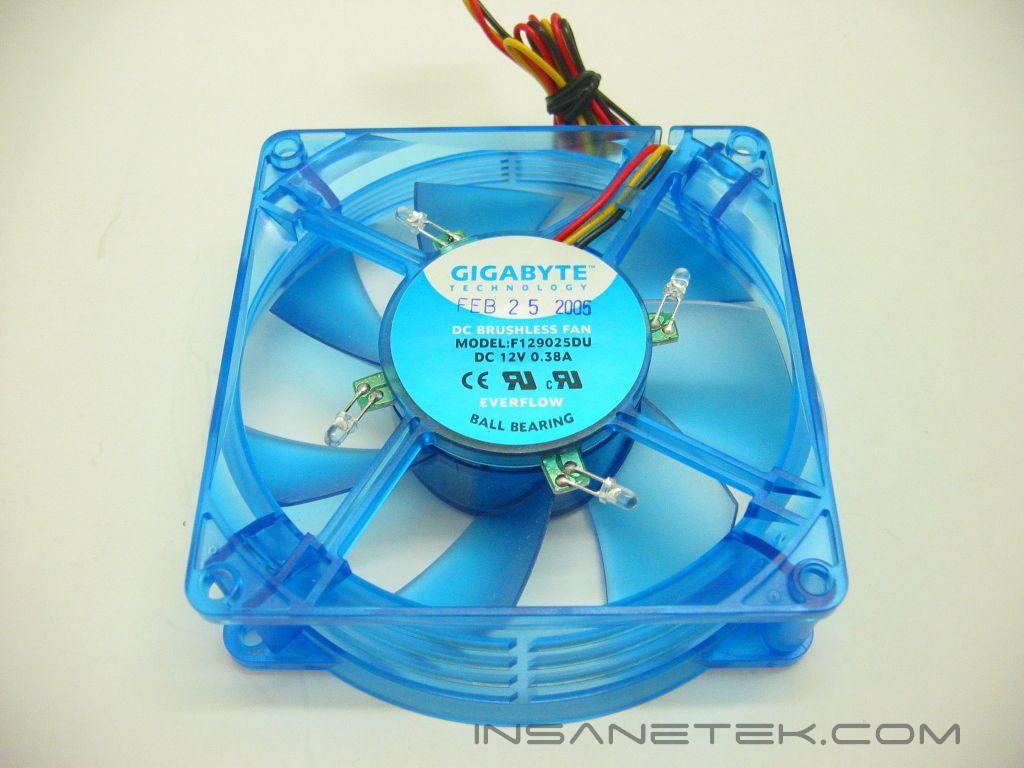
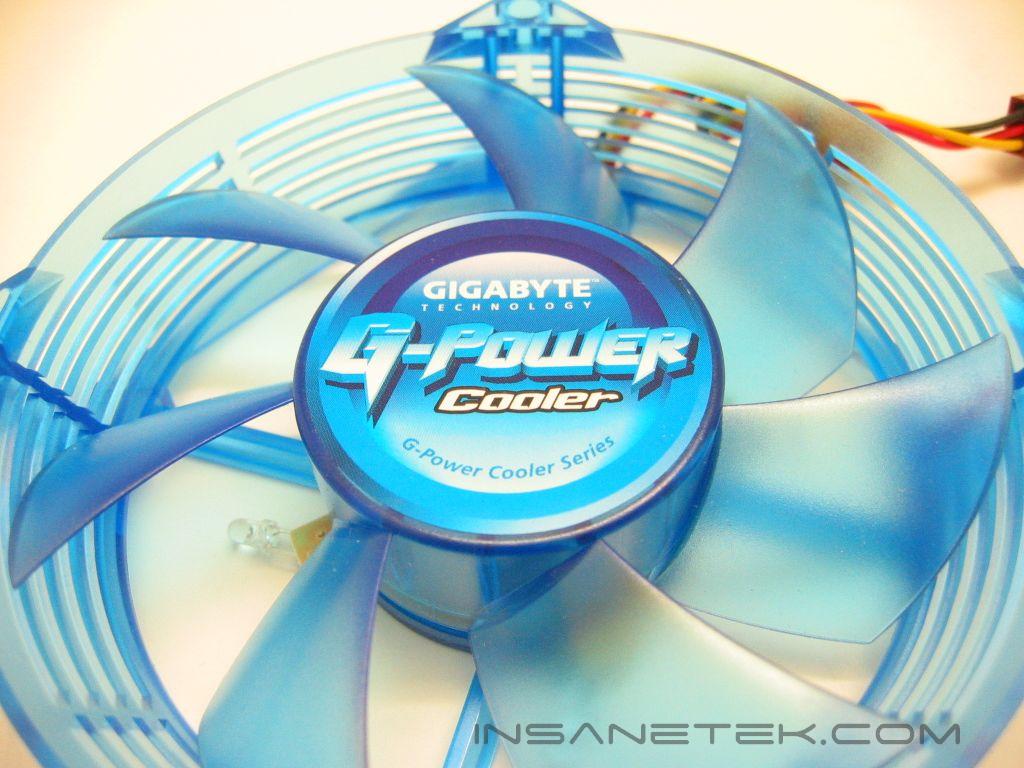
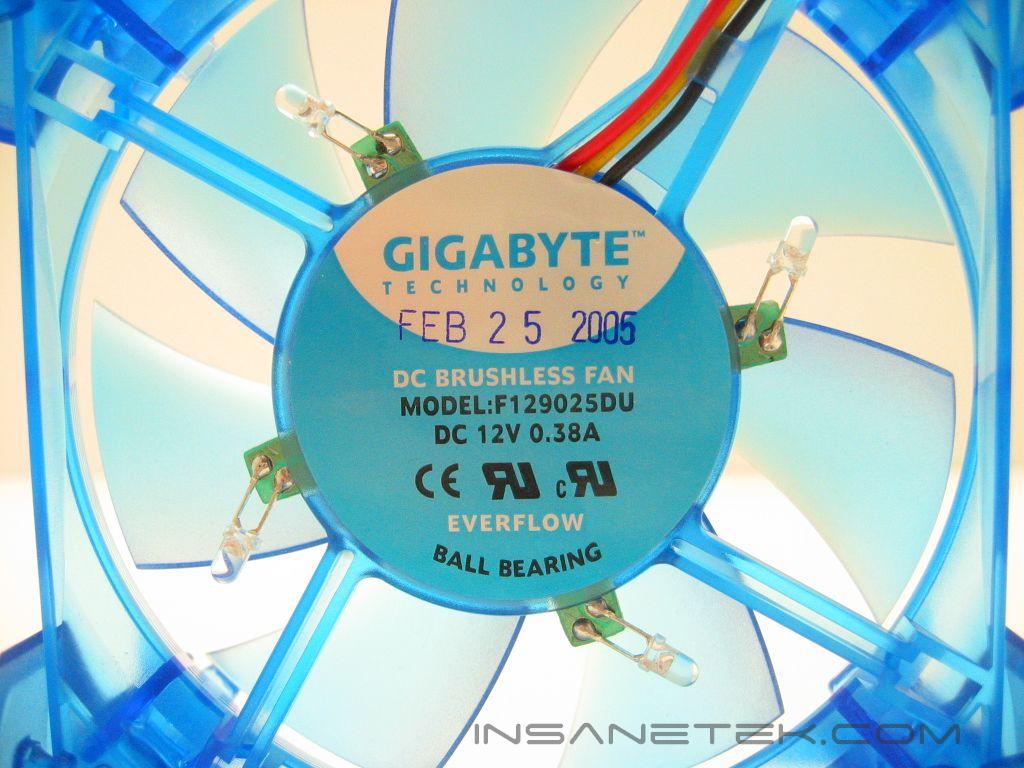
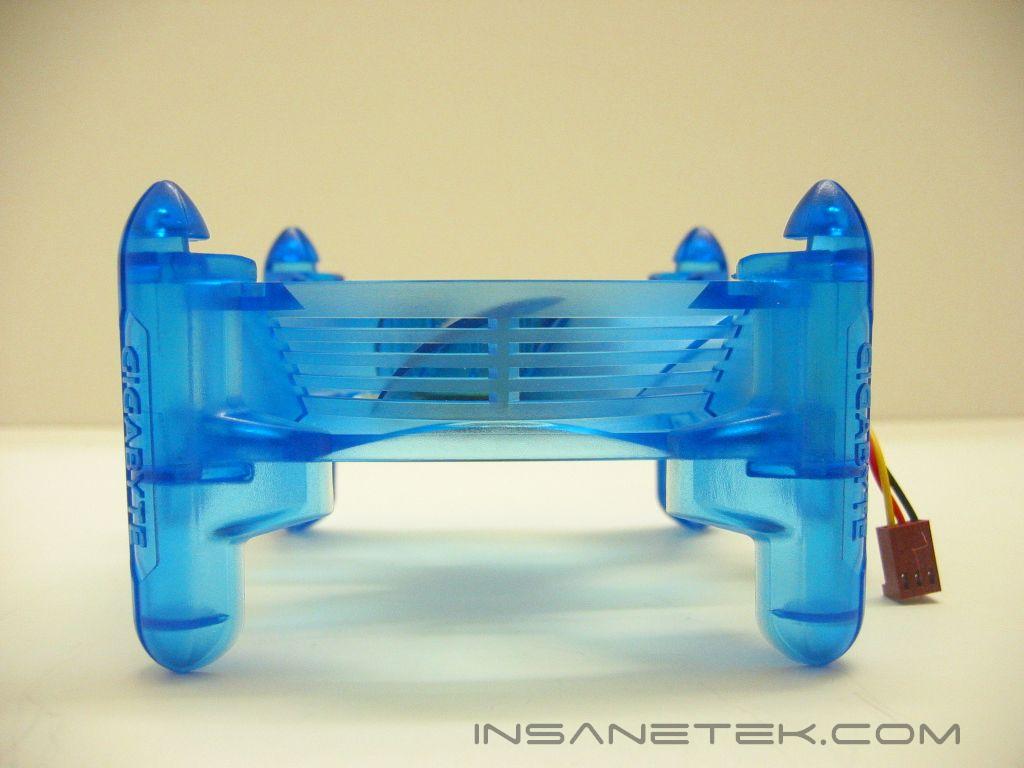

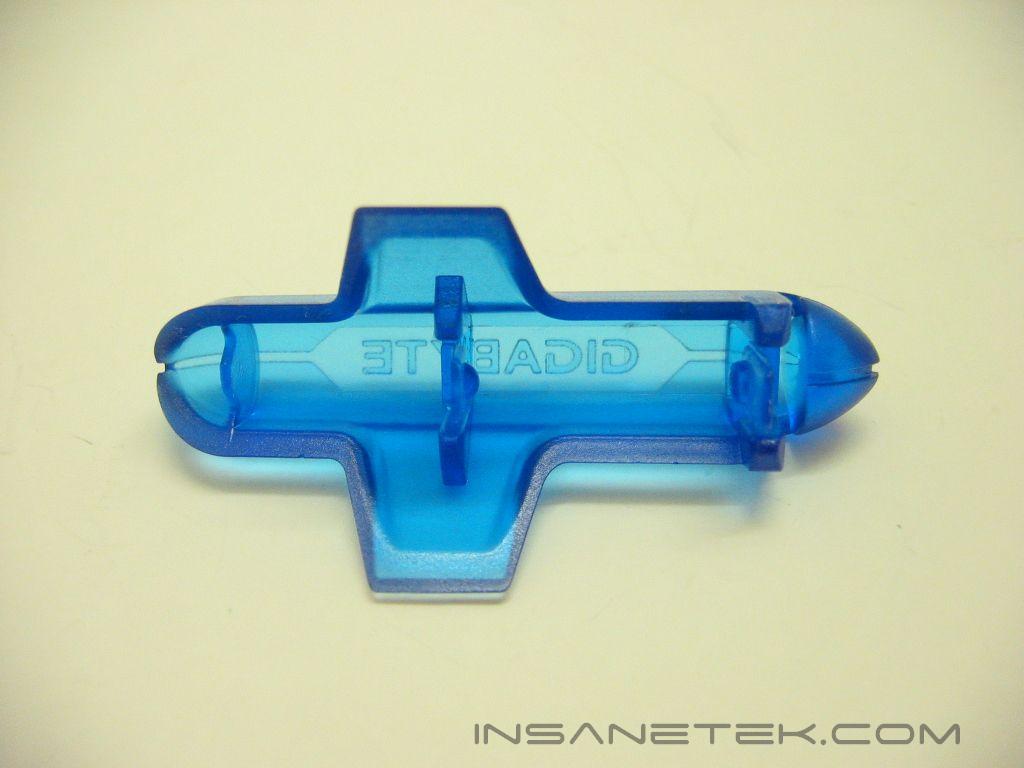
The G-Power’s fan is made from an appealing blue acrylic. It has four blue LED’s that illuminate the frame and fan blades. The frame is not very rugged; I felt I could snap it with a small amount of force. This is most noticeable when placing or removing the fan on the mounting clips. The fan mounts with four plastic harnesses that clip onto the fan at the fan screw holes. Then the fan mounts to the heatsink in the indentations in the fins of the heatsink. The fan’s frame is tapered inward at the bottom to improve airflow. It also has slits on the sides to help airflow.
Gigabyte G-Power Pro Continued
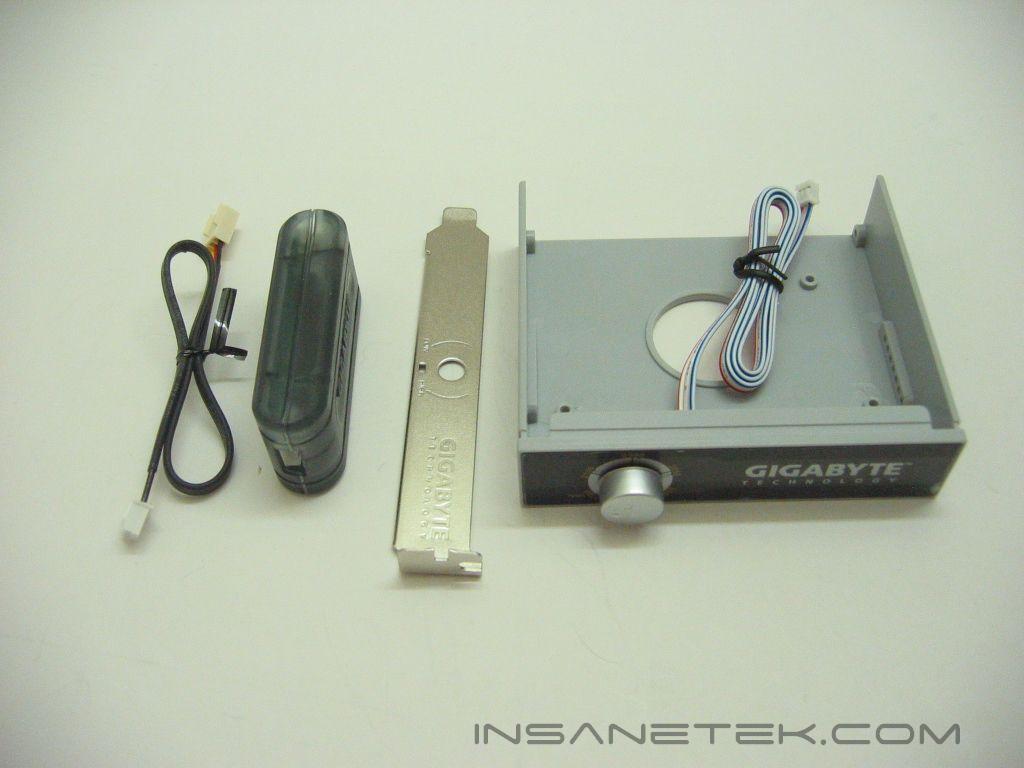
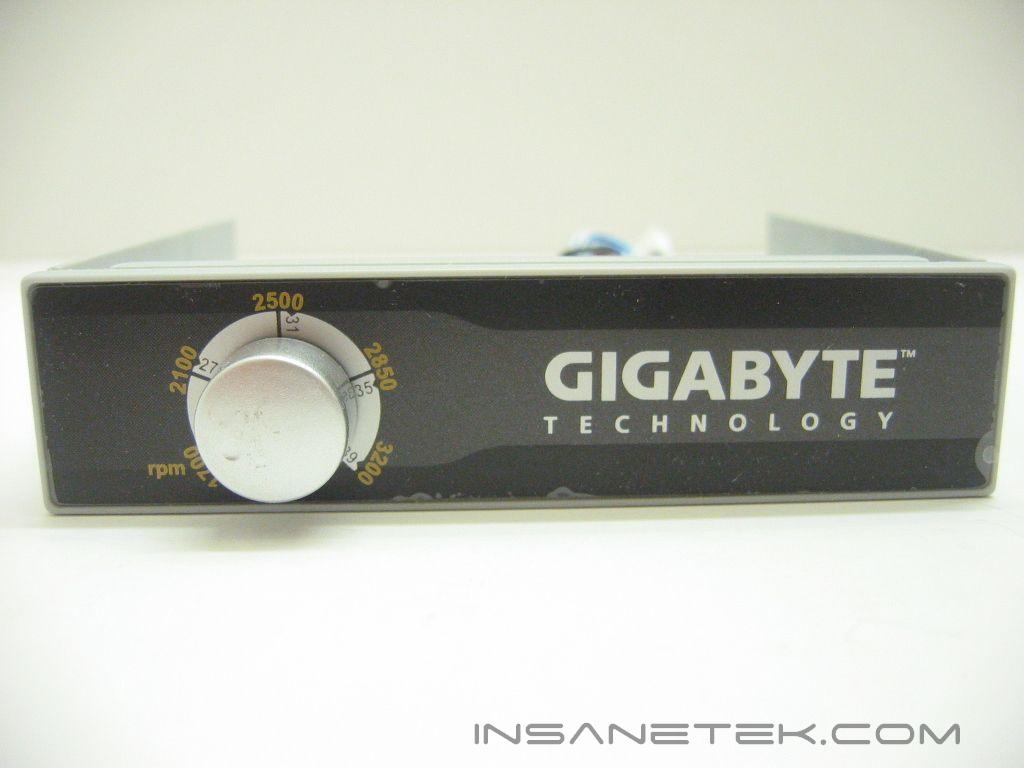
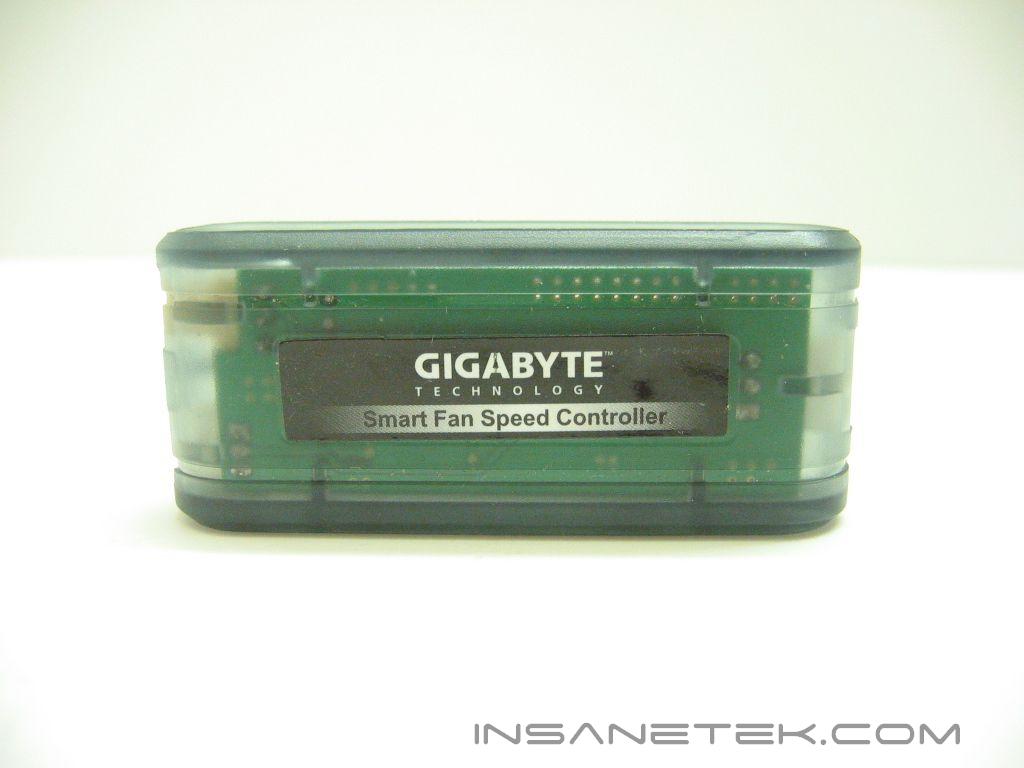
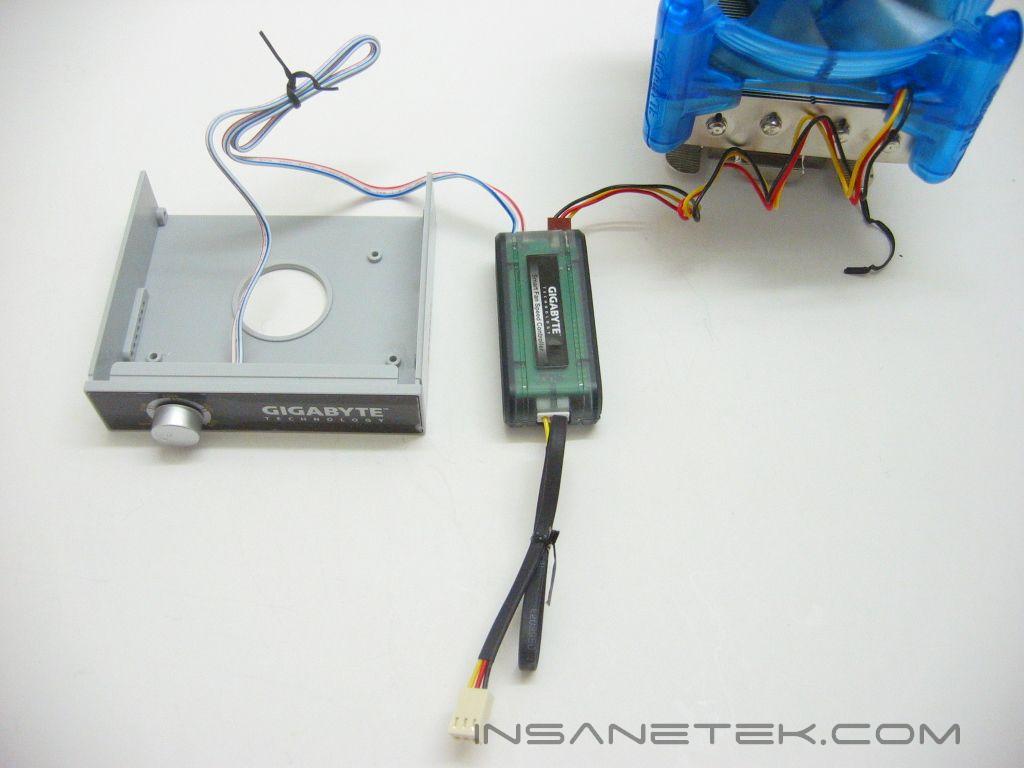
The fan controller can be placed in both a 3.5” drive bay or a PCI slot; You must pop out the control dial and place it in the PCI slot cover yourself if you choose not to use the 3.5” bay. The controller allows for limiting the fan RPM from 3200 to 1700, or 12v to 6v, as I measured with a voltmeter. To control the fan speed you must connect the fan and the dial to the “control box”, which then connects to your motherboard.
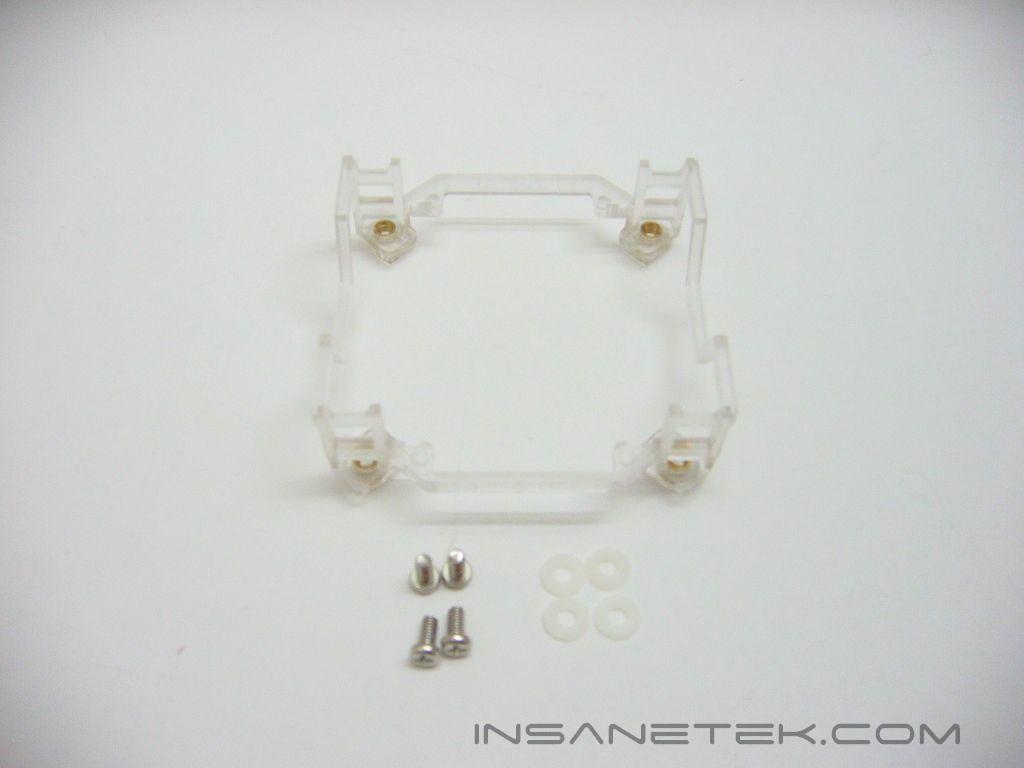
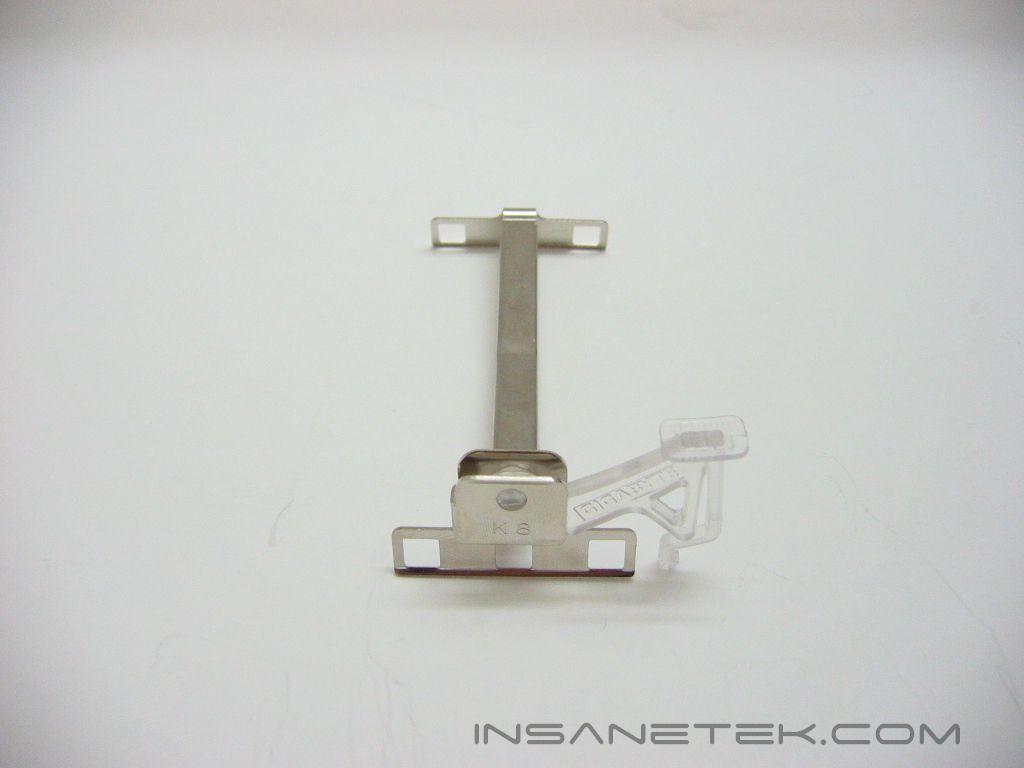
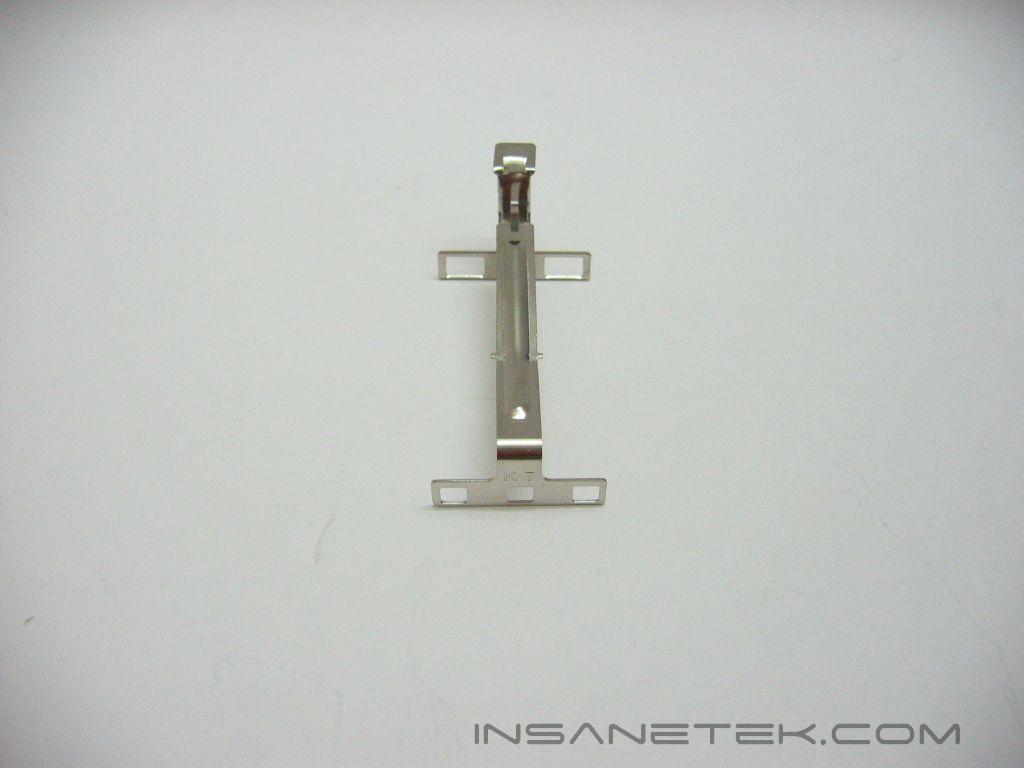
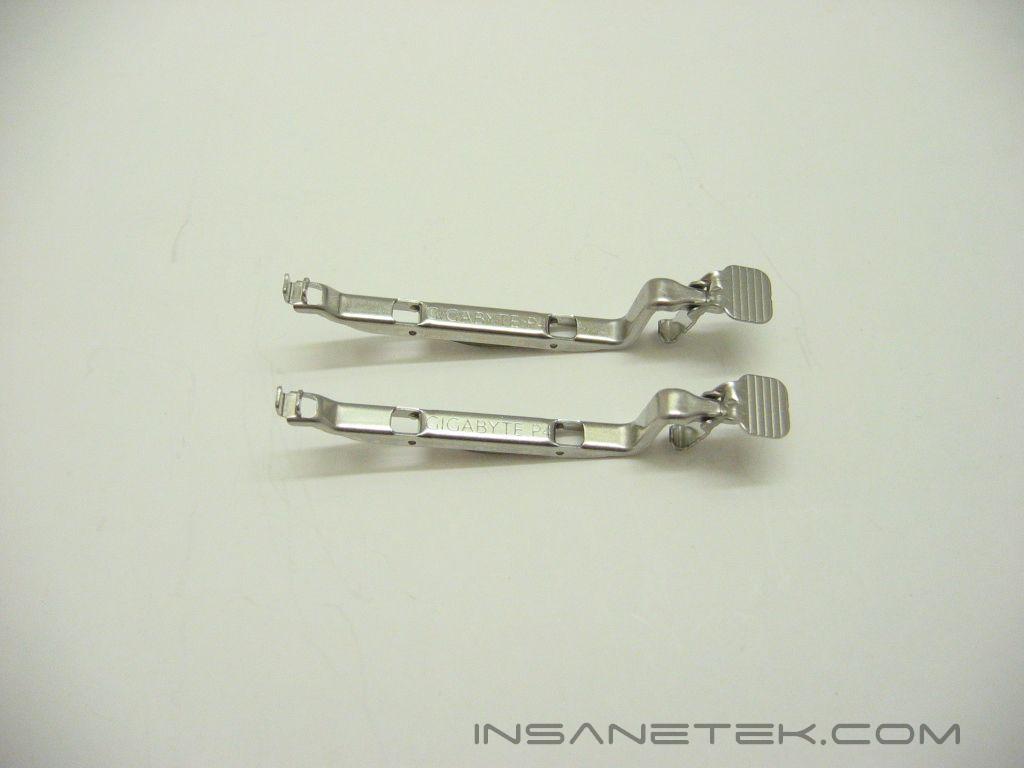
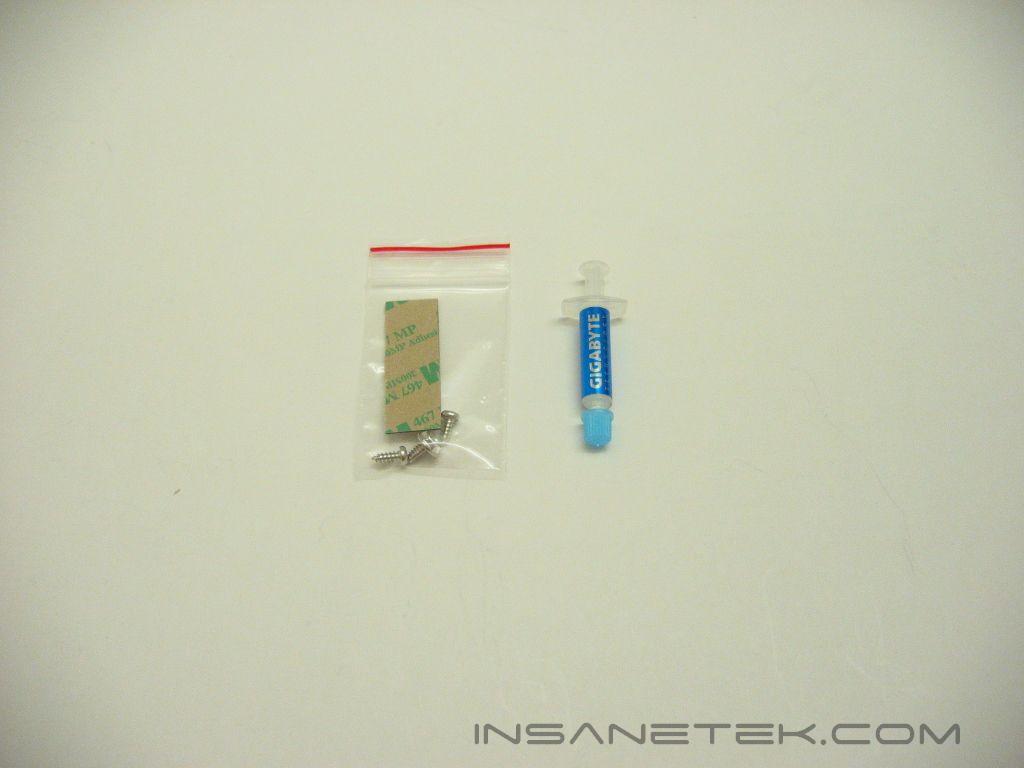
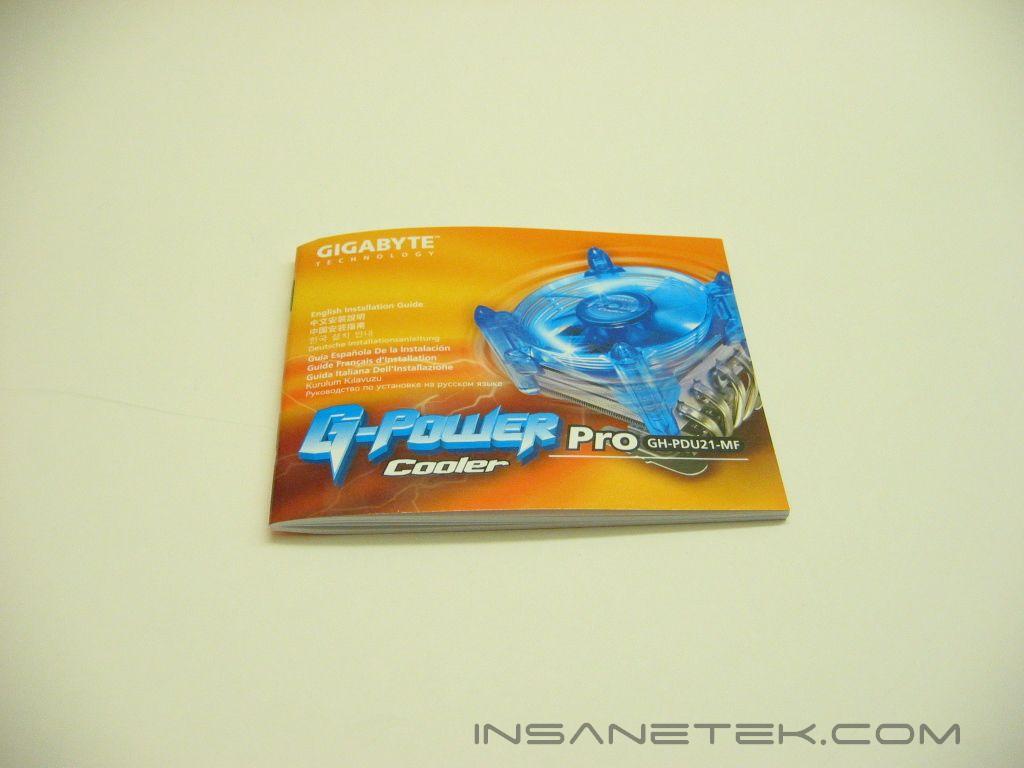
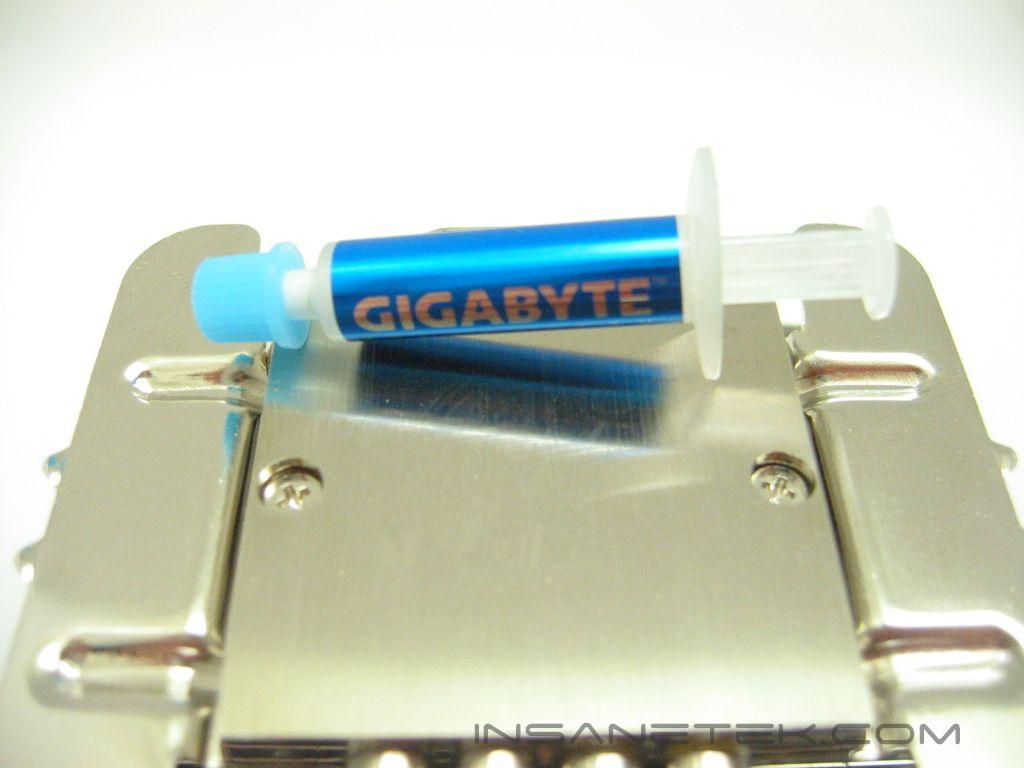
The G-Power is a universal heatsink with mounting for LGA775, socket 754/939/940 (K8), socket 462/A (K7), and socket 478. Also included is a small tube of thermal paste, an adhesive strip to mount the “control box”, screws to mount the 3.5” controller and PCI slot controller, and installation instructions.
Specifications and Installation
Specifications:
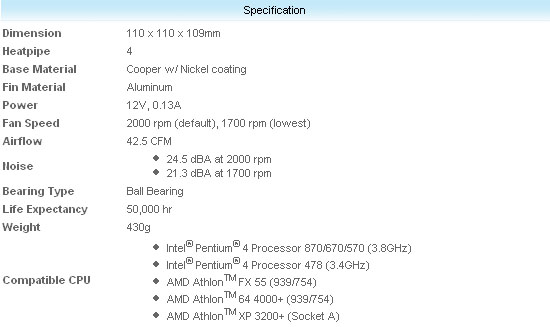
The awkward 110mm size limits the options for fans in combination with this heatsink, as I have never seen an aftermarket 110mm fan. The fan is rated at 42.5 CFM and 24.5 decibels at 7 volts. Yet at 12 volts, the fan pushes 68.5 CFM at a loud 40.1 decibels.
Installation:
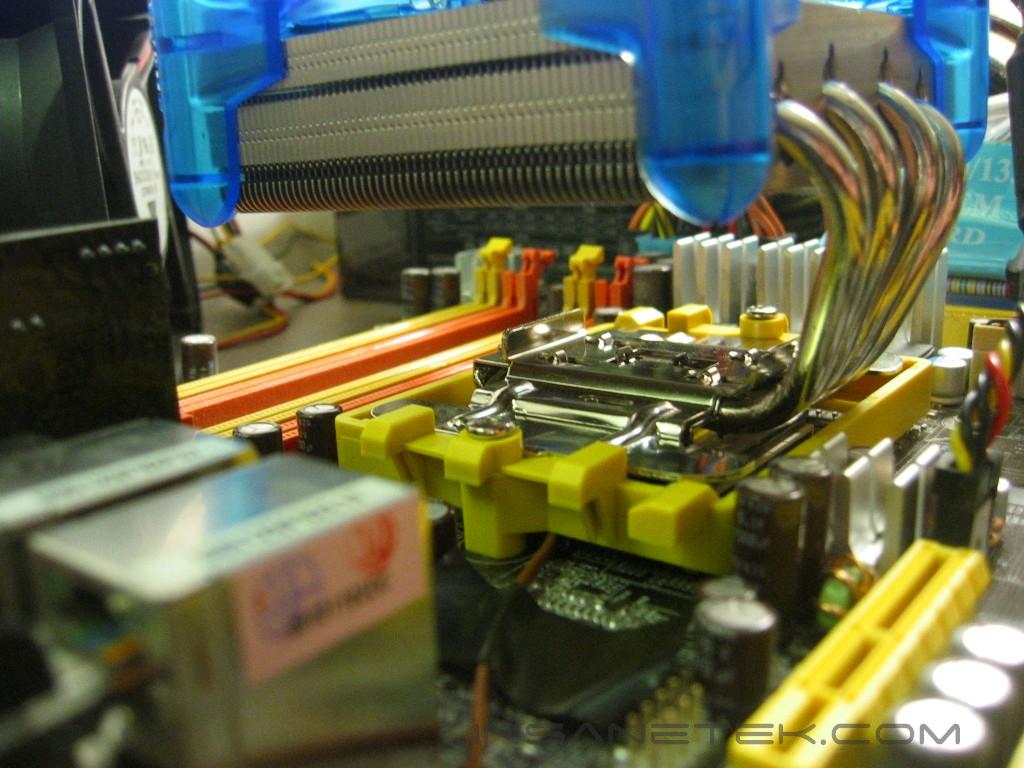
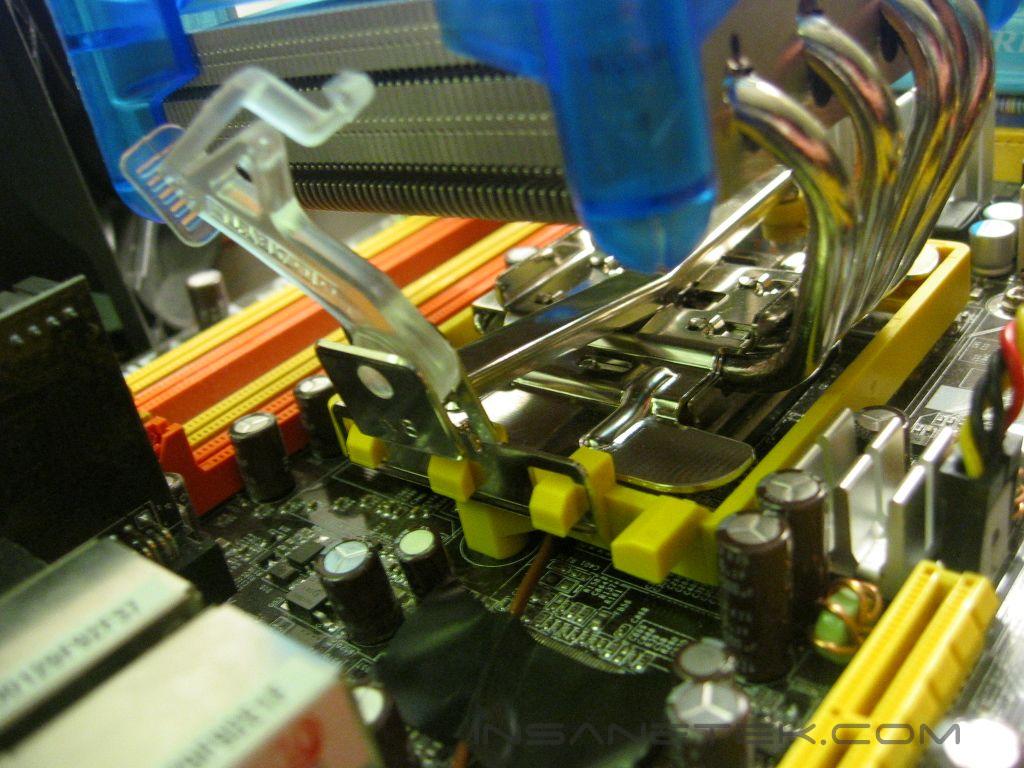
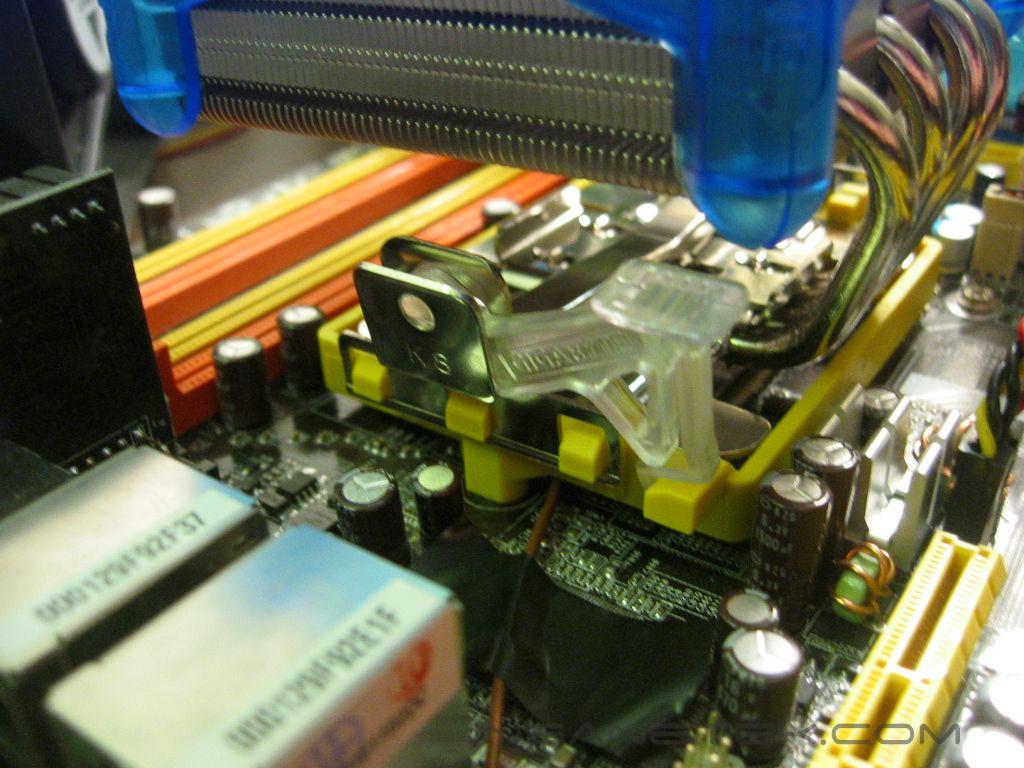
Installation on the Athlon 64 platform is very simple. The G-Power mounts the same way as the stock A64 heatsink and requires almost no effort at all. The metal “wings” that are above the base of the G-Power have just enough space to fit in between the sides of the mounting bracket and help keep the heatsink in place during installation. To secure it, place the three holes of the K8 mounting clip over each side of the mounting bracket and clip the lever into the bracket to lock it in place.
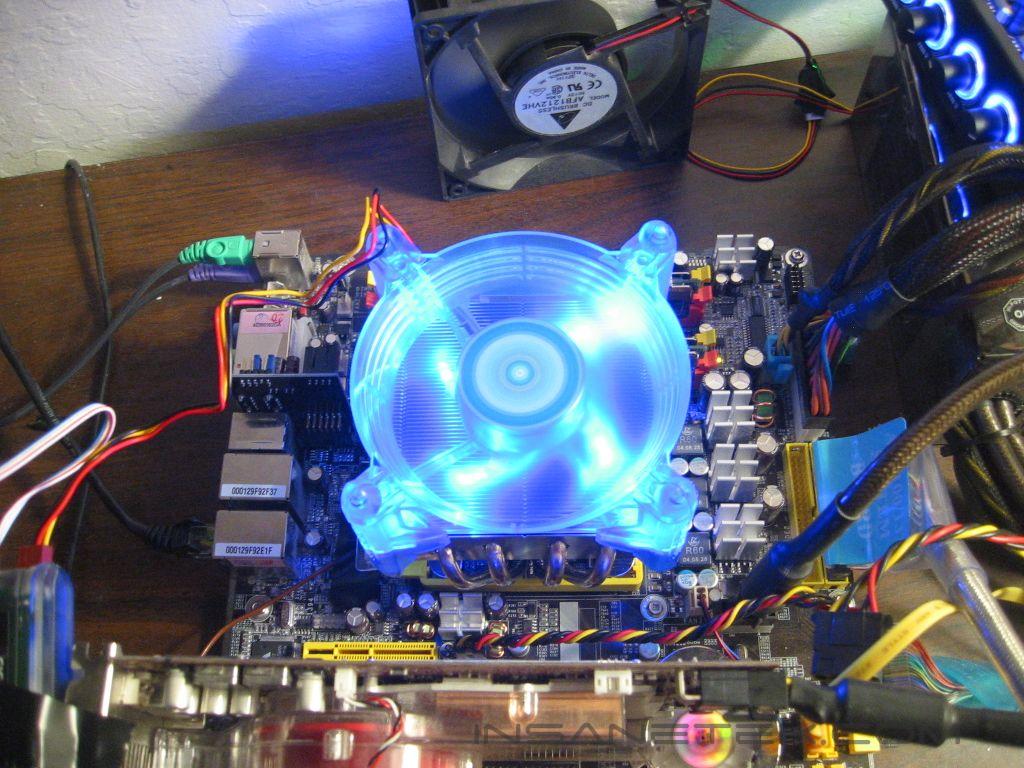
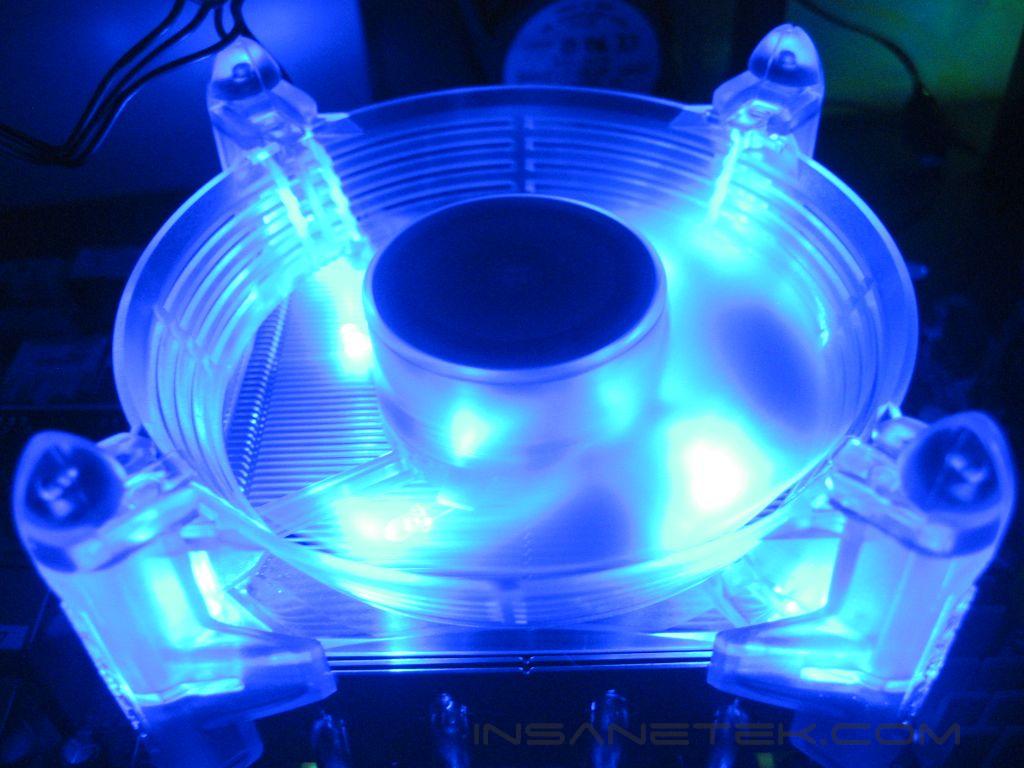
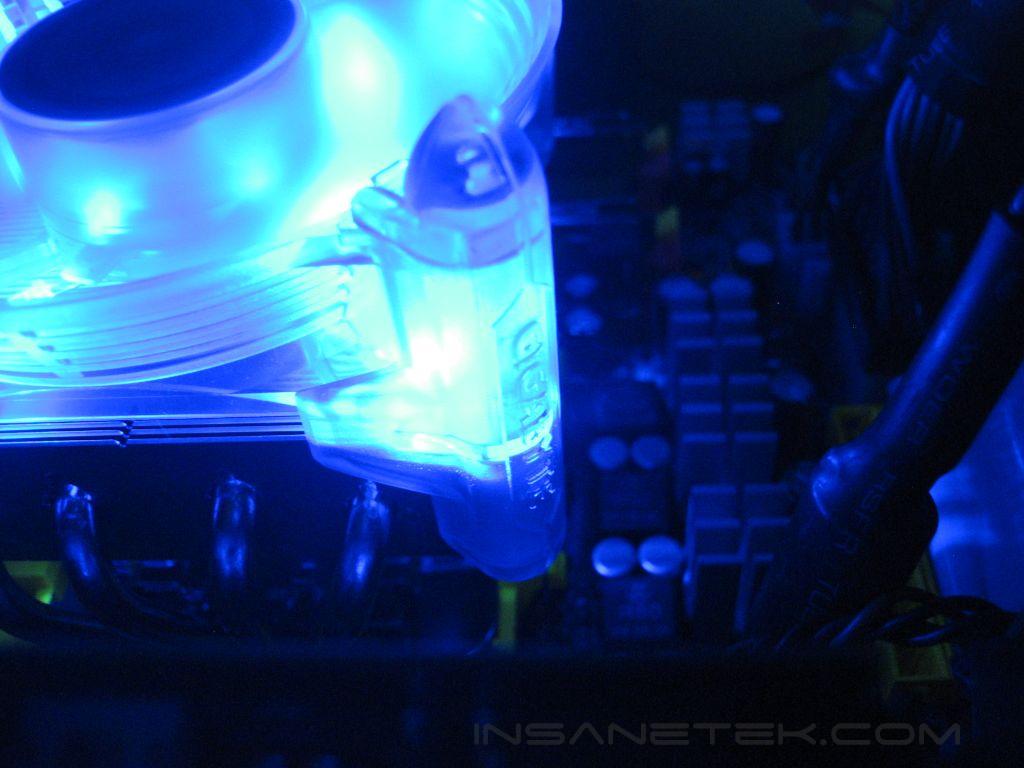
The G-Power’s blue LED fan is very attractive the entire fan frame glows. It would look great in any windowed case.
Test Setup and Results
Test Setup and Method:
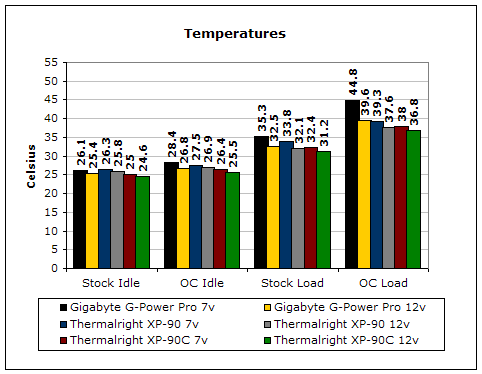
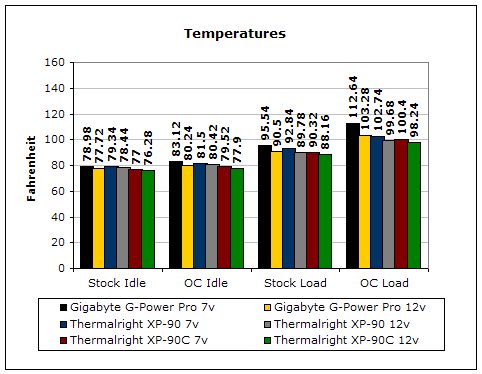
Testing will be done with the fan at both 7 and 12 volts. Ambient temperature was kept at 20°C with +/-0.1°C. Arctic Silver Ceramique thermal paste was used throughout the testing process. A temperature probe was placed on the side of the processors heatspreader to measure the CPU temperature. One instance of CPU Burn-in was used to create maximum load on the CPU. No scientific testing will be conducted. The purpose of this test was to determine the results a home-end user would obtain.
Because of the fan size difference, the Thermalright XP-90 and XP-90C will utilize a 92mm Vantec Tornado at both 7v and 12v.
Test System Specifications:
- AMD Athlon 64 3700+ San Diego (stock at 11x200 = 2200mhz @ 1.35v, overclocked at 11x246 = 2706mhz @ 1.52v)
- DFI LANParty UT nF4 Ultra-D
- 2x512MB OCZ PC3200 Plat. Rev.2
- PowerColor Radeon X850XT PE
- OCZ PowerStream 600W
Test Procedures:
- Idling at desktop for 30 minutes
- Full load with one instance of CPU Burn-in for 30 minutes
Results:
Conclusion and Thoughts
The G-Power proves to be a decent opponent to the XP-90 series with its fan at 12v. Yet at 7v, it just doesn’t compete. Perhaps the XP-90’s base fins give it the advantage, as the designs are nearly identical. Overall, Gigabyte’s package is great, including the fan and fan controller. The universal compatibility is definitely a plus. Like the XP series, it cools surrounding motherboard components and memory. I just wish the performance with lower air flow was better. With the price of around $50, the G-Power Pro has a high price tag, but includes a good package.
Pros:
- Think less installation on the K8 platform
- Universal compatibility
- Fan and fan controller included
- Great aesthetics
- Cools memory and motherboard
Cons:
- Mediocre performance at 7v
- Price

We would like to thank Gigabyte for providing us the sample. If you have any questions or comments, feel free to hit us up in the forums. You can also check out more of our latest reviews on the front page.