

Gigabyte 3D Rocket Pro
Introduction
Gigabyte is well known for their high-quality motherboards, but they also have expanded into the heatsink market. Gigabyte is using the same formula that it has used with it’s motherboards; pad the product with a variety of features and extras to make it stick out from the crowd. Instead of the regular heatsinks, which don’t do much as far as innovation goes, Gigabyte adds a unique blower fan, a “rocket” airflow shroud, custom mounting hardware, and LEDS!
3D Rocket Cooler-Pro
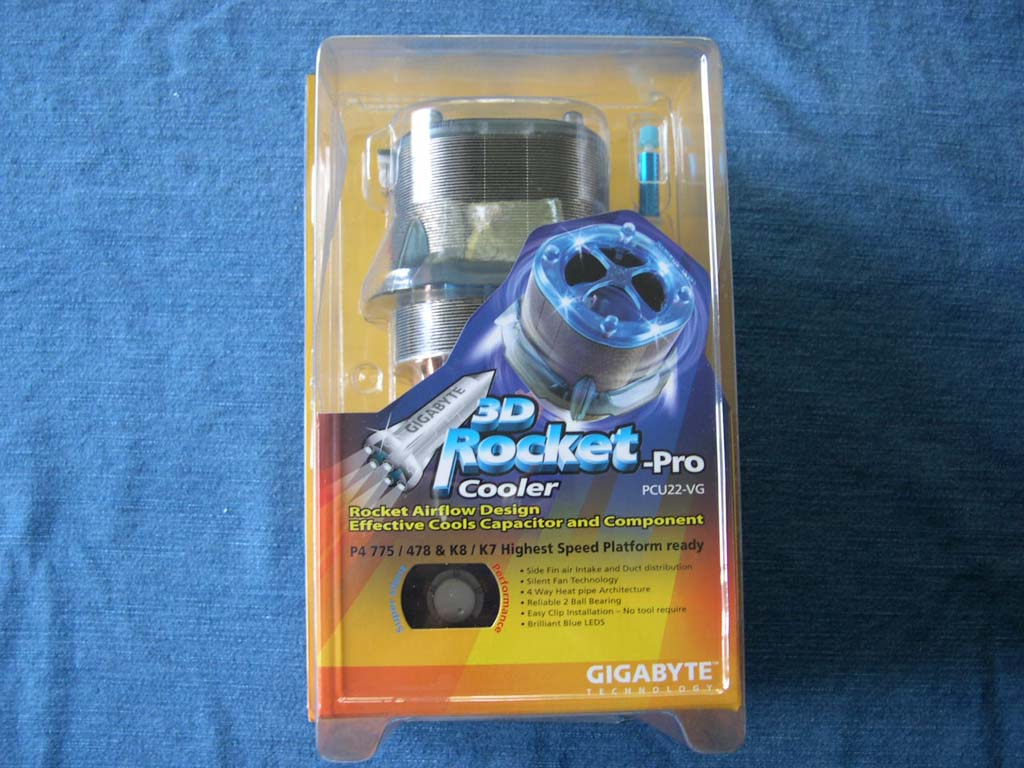
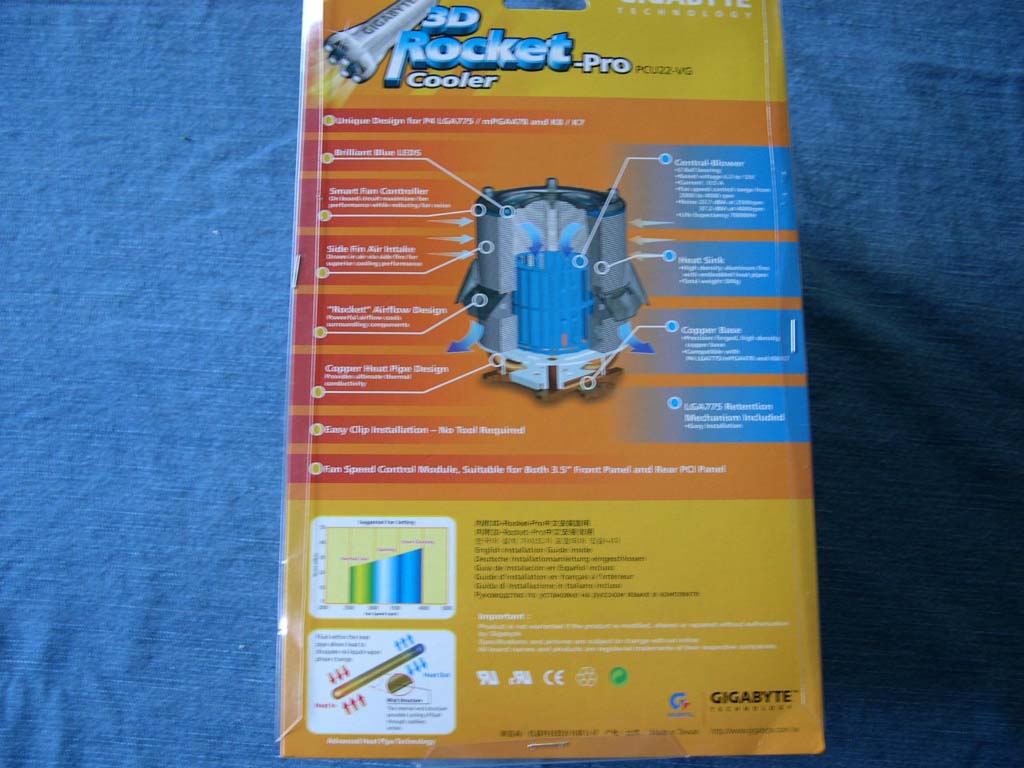
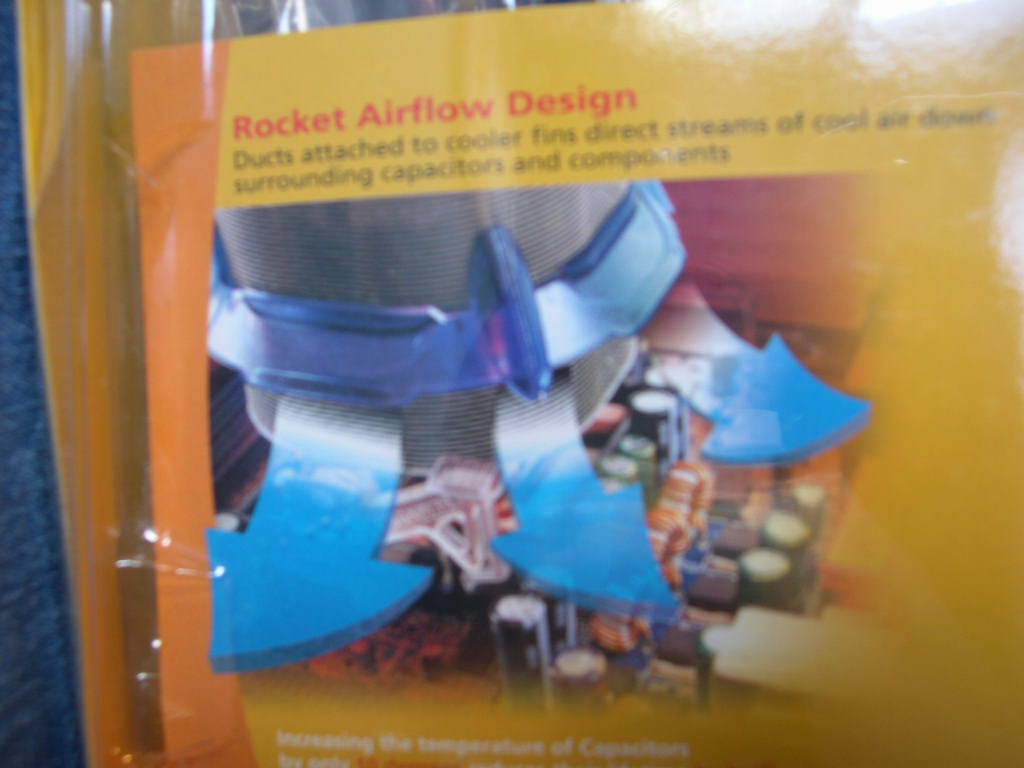
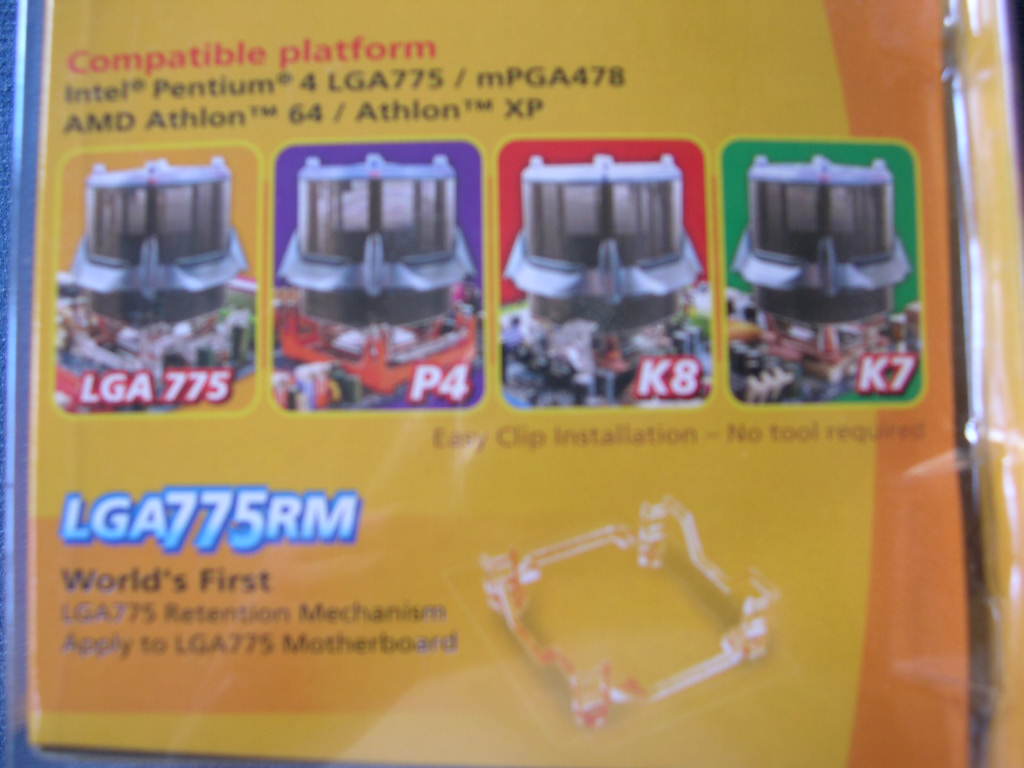
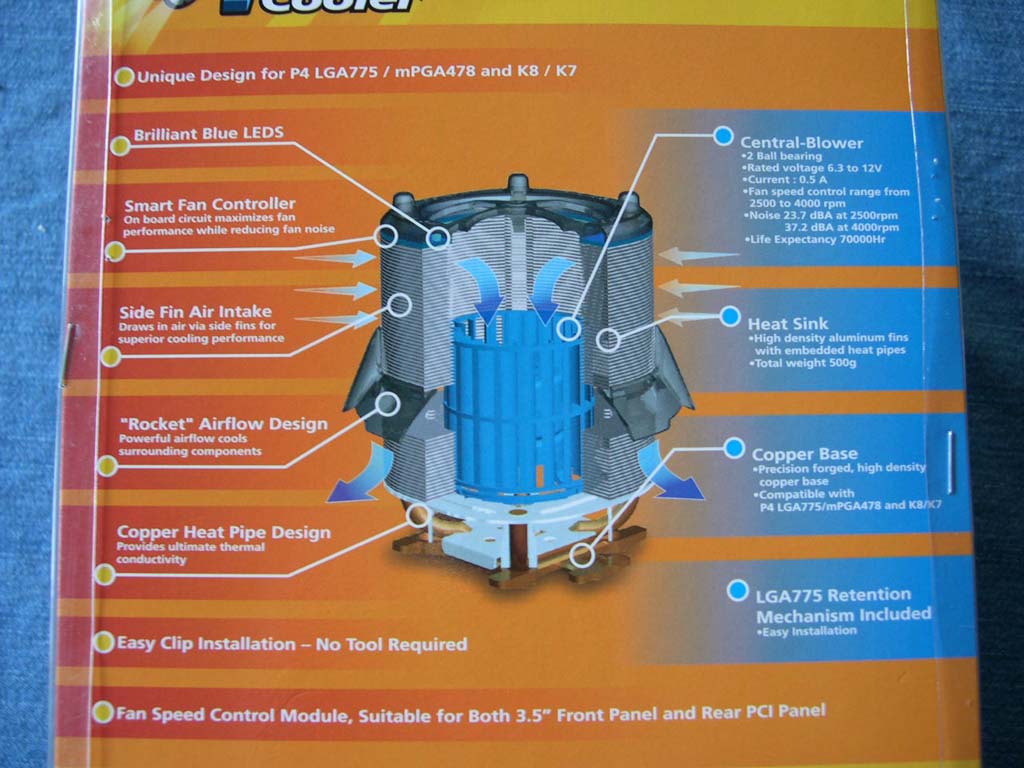
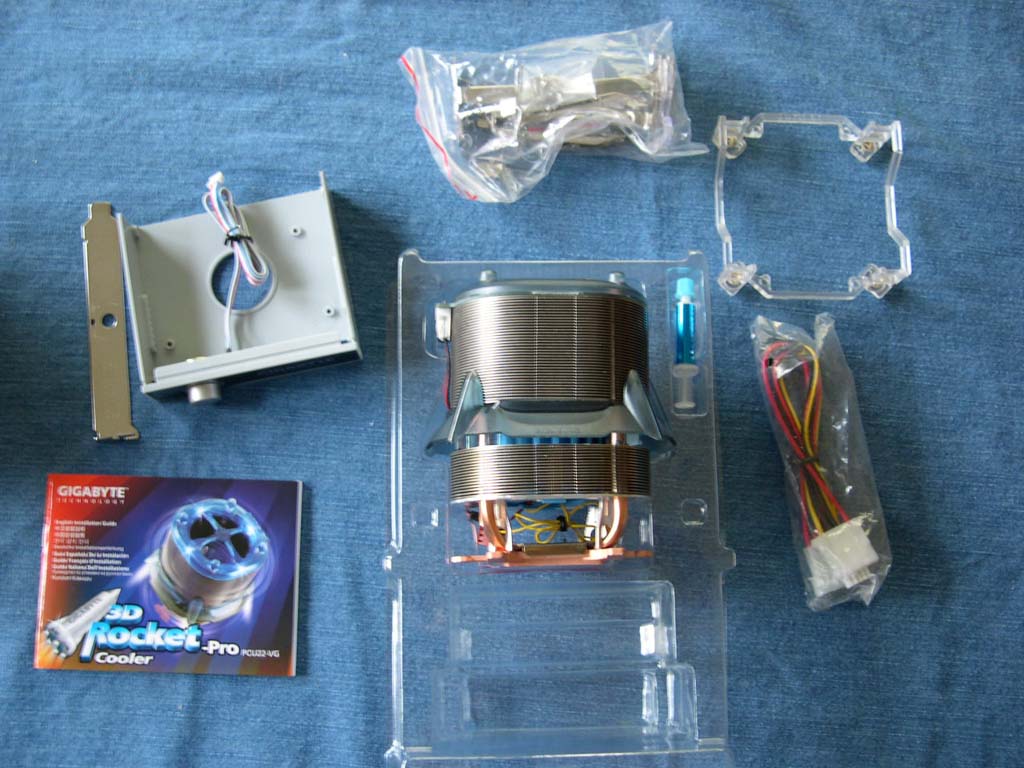
Gigabyte’s packaging isn’t your ordinary heatsink packaging (cardboard box). The package is bright and colorful. It reminds me of packaging you would find at a toy store for an action figure. The package includes the heatsink, small syringe of thermal grease, instruction booklet, 4-pin to 3-pin “Y” cable, mounting hardware, 3.5” bay RPM controller, and PCI bracket for the controller. The instruction booklet is thick because it has instructions in 5 different languages!
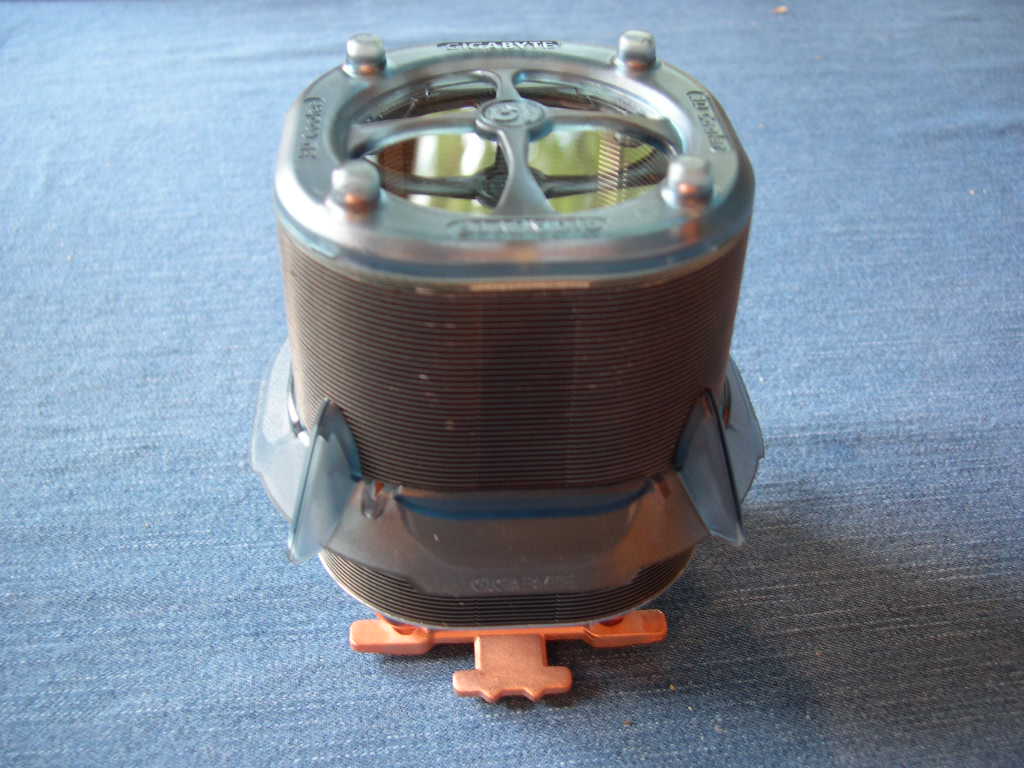
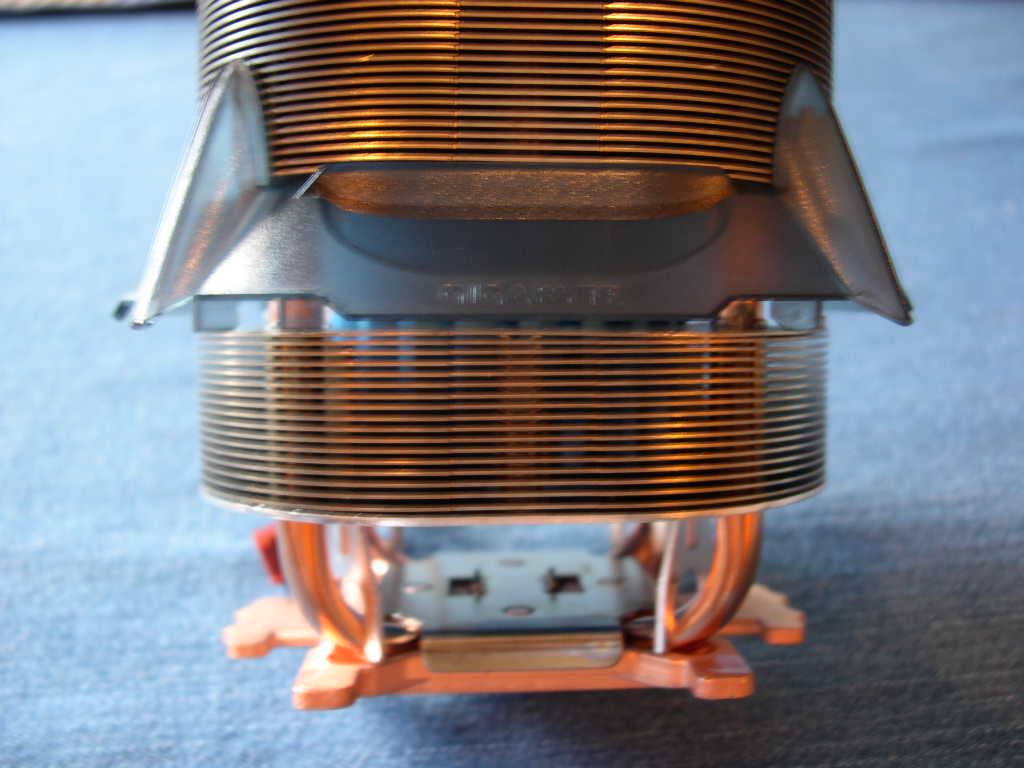
The 3D Rocket Cooler Pro gets its name from a plastic shroud around the fan and fins, which is meant to direct airflow. The blower fan sucks the air in through the top fins and exhausts it through the shroud. The shroud directs the air at the surrounding area on the motherboard, including the MOSFETs, Northbridge, and RAM. It’s nice to see a little design innovation.
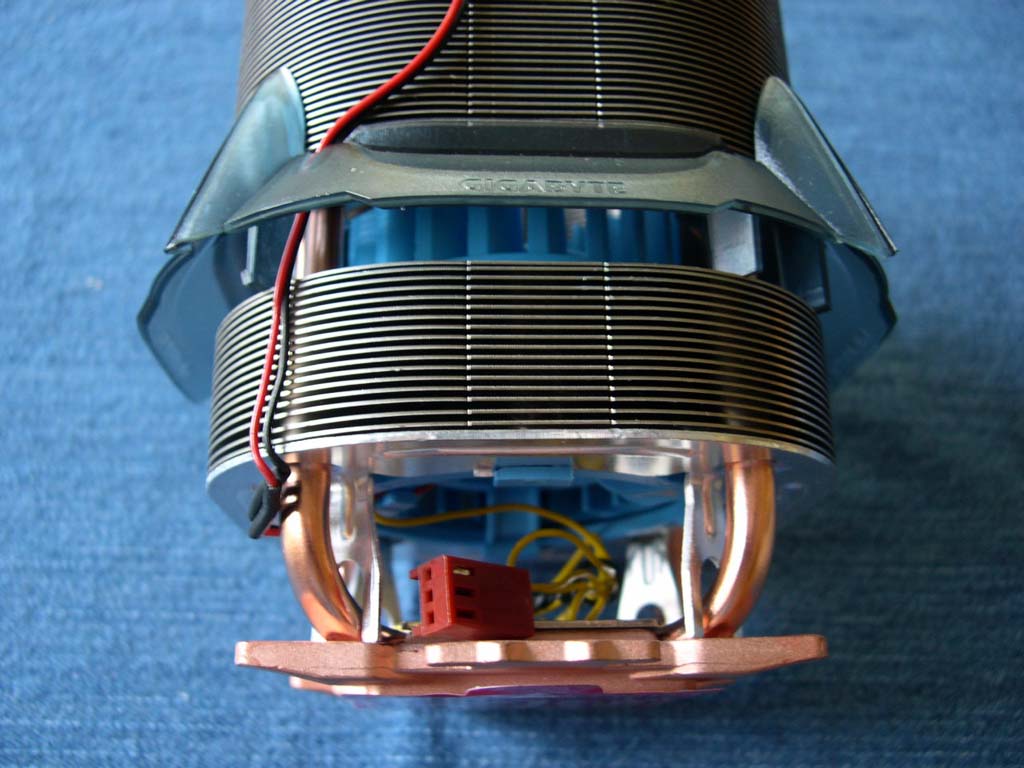
The 3D Rocket has 4 copper heatpipes and a copper base. The heatpipes are attached to aluminum fins that surround the blower fan. For the uninformed, heatpipe technology uses pipes filled with a fluid. When one side of the heatpipe gets hot, the fluid is turned into a vapor and the hot vapor travels towards the cooler opposite end. It condenses there and releases the heat. The heatsink is sturdy. It has 4 aluminum posts in the corners to keep the structural strain off the heatpipes.
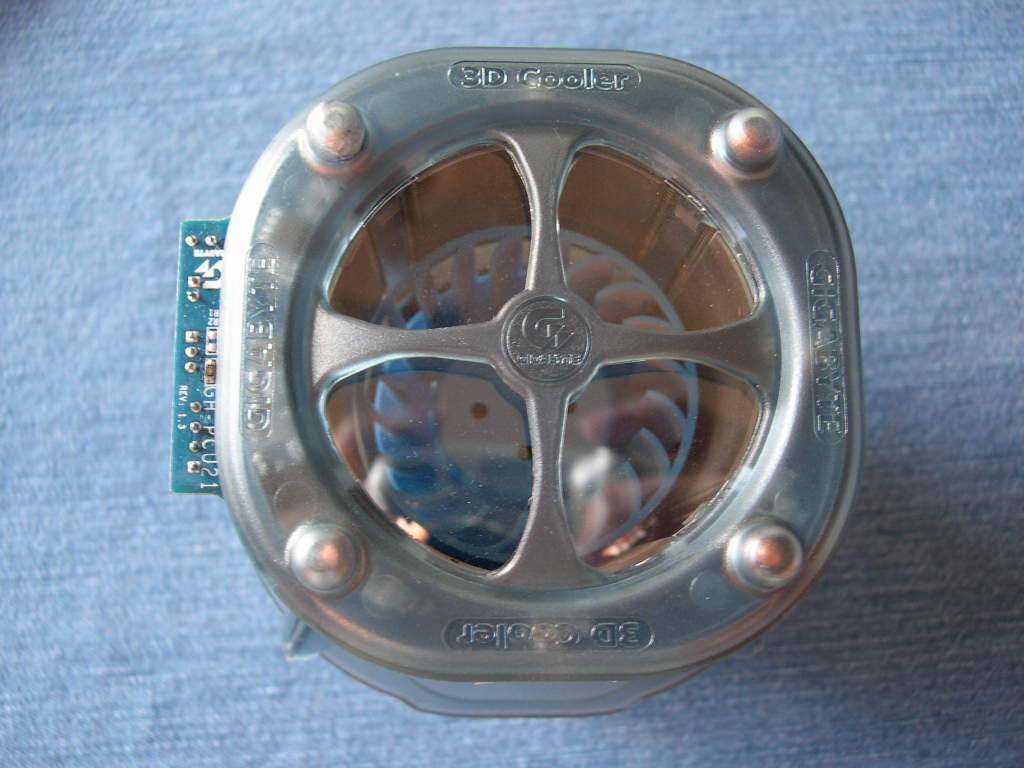
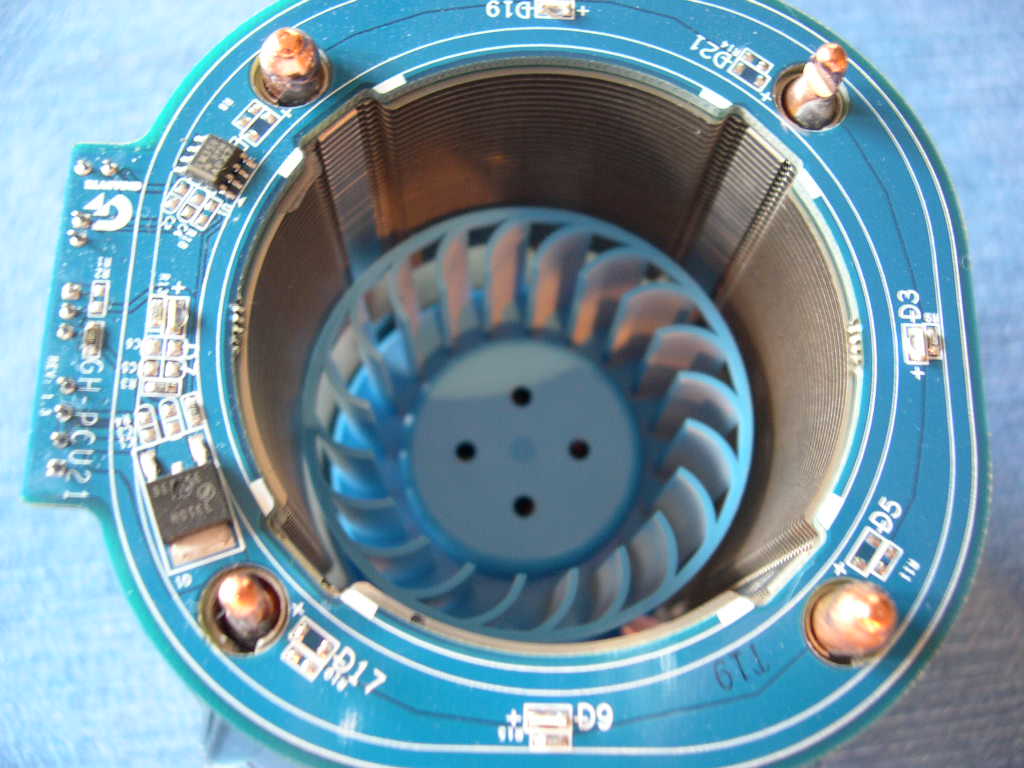
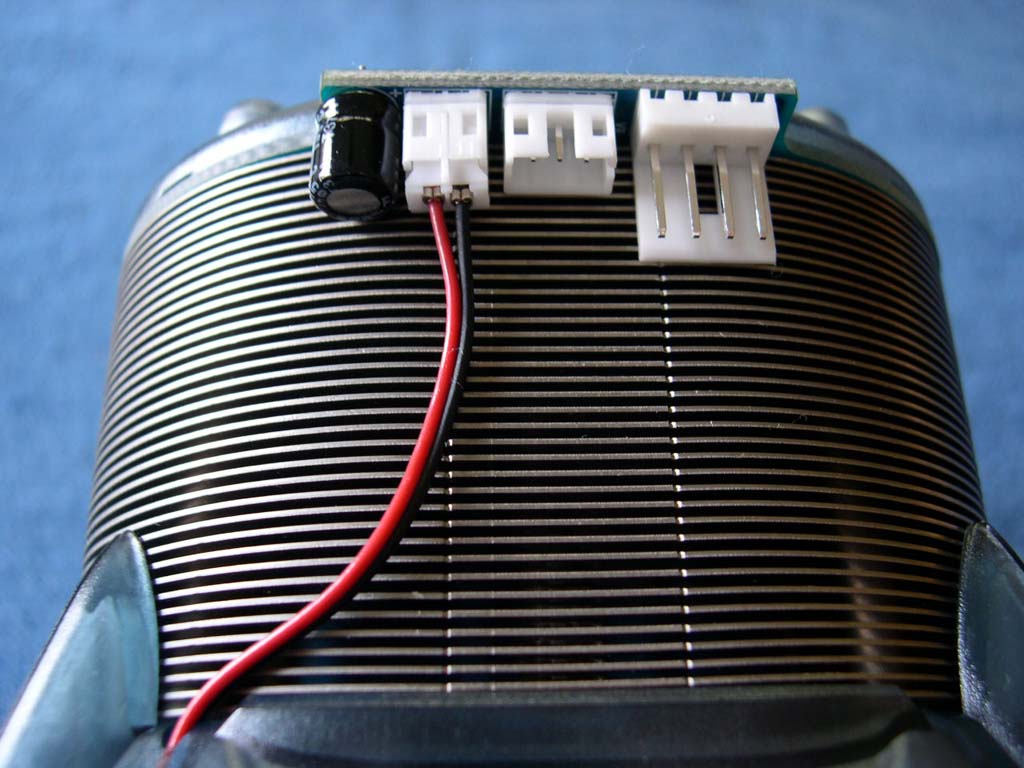
The top of the heatsink is a translucent blue plastic lid with 4 blue LED’s. The LED’s are nice and bright. They might be a turn off if your case contrasts too much; blue seems to match most colors, though. You might be wondering what all those connections are for on the small PCB. The left one is for the 3-pin RPM monitoring cable, the middle one is for the RPM controller cable, and the right floppy connector is for the fan and LED power connection. I don’t like the position of the connectors because they face down. It is difficult to connect wires after the heatsink is installed.
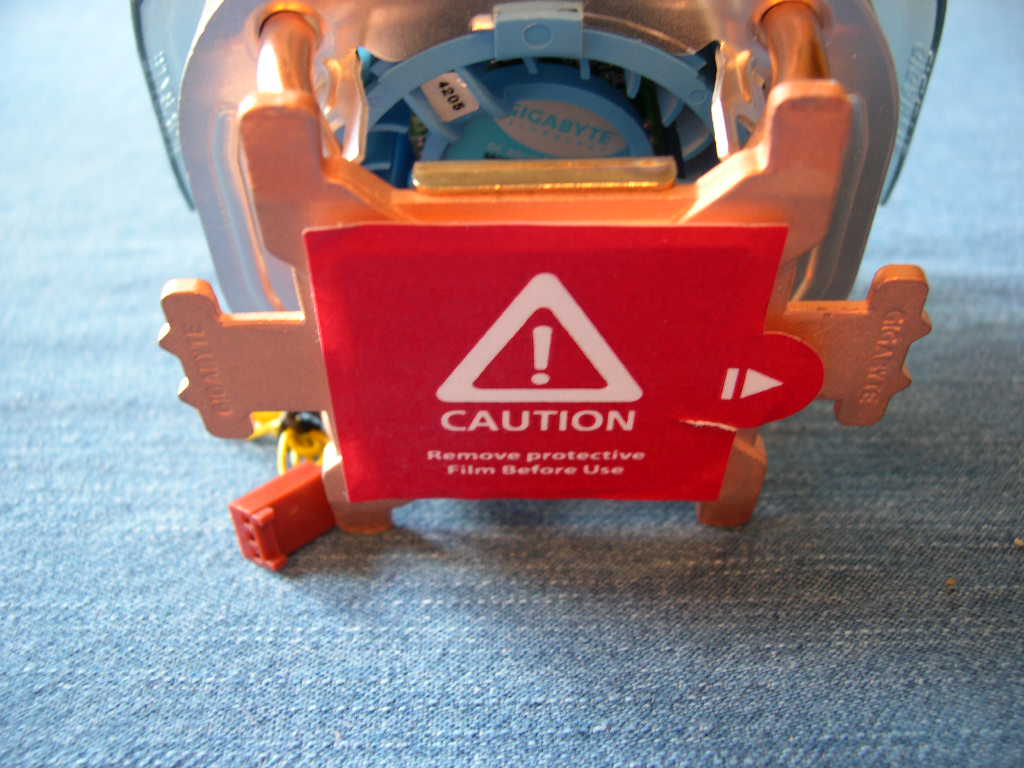
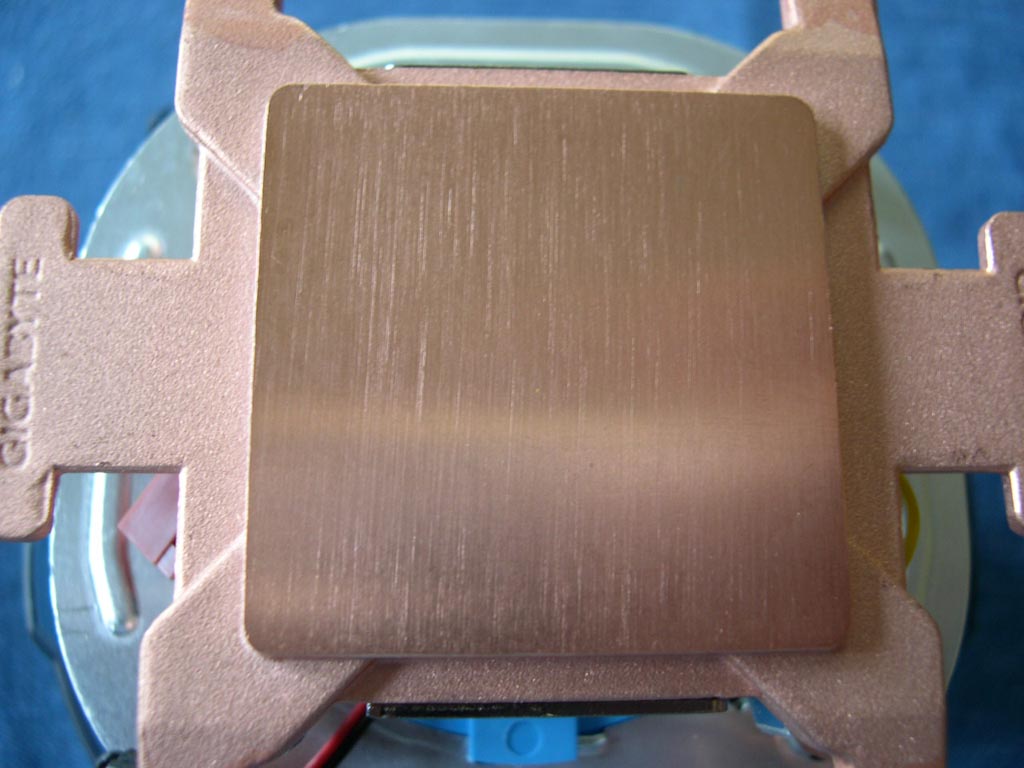
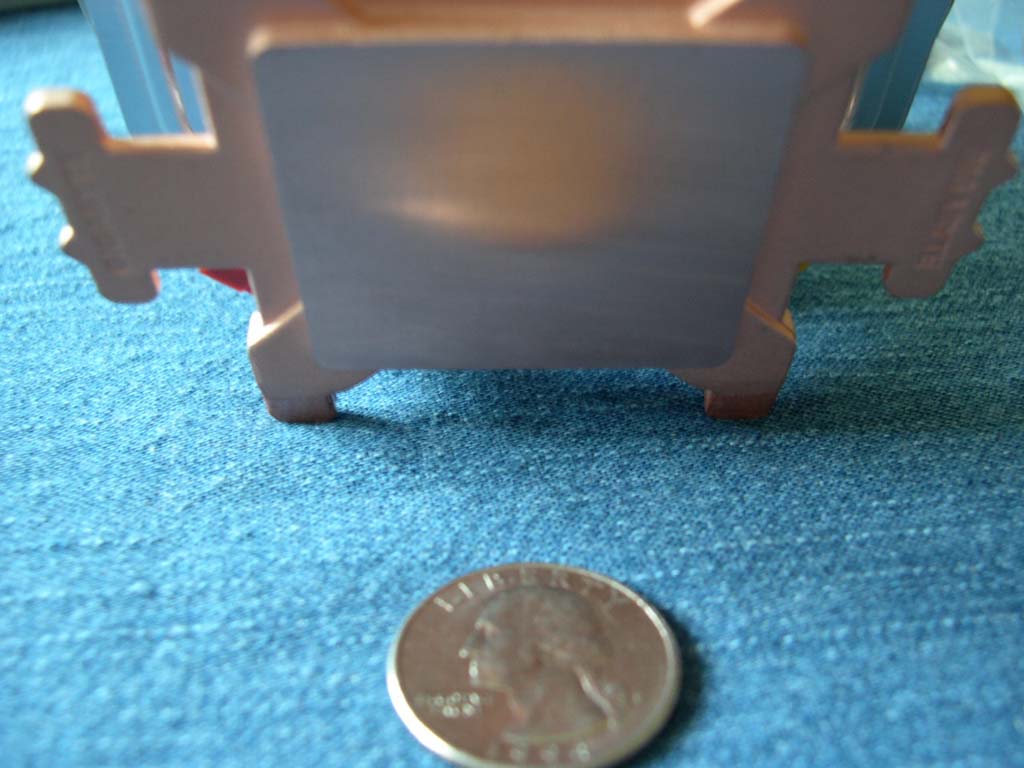
The base has a nice flat finish with a protective sticker to prevent grease smudging from handling. The base isn’t very reflective, but remember, reflectivity doesn’t matter compared to flatness. Oh yeah, don’t forget to remove the sticker before installing the heatsink!
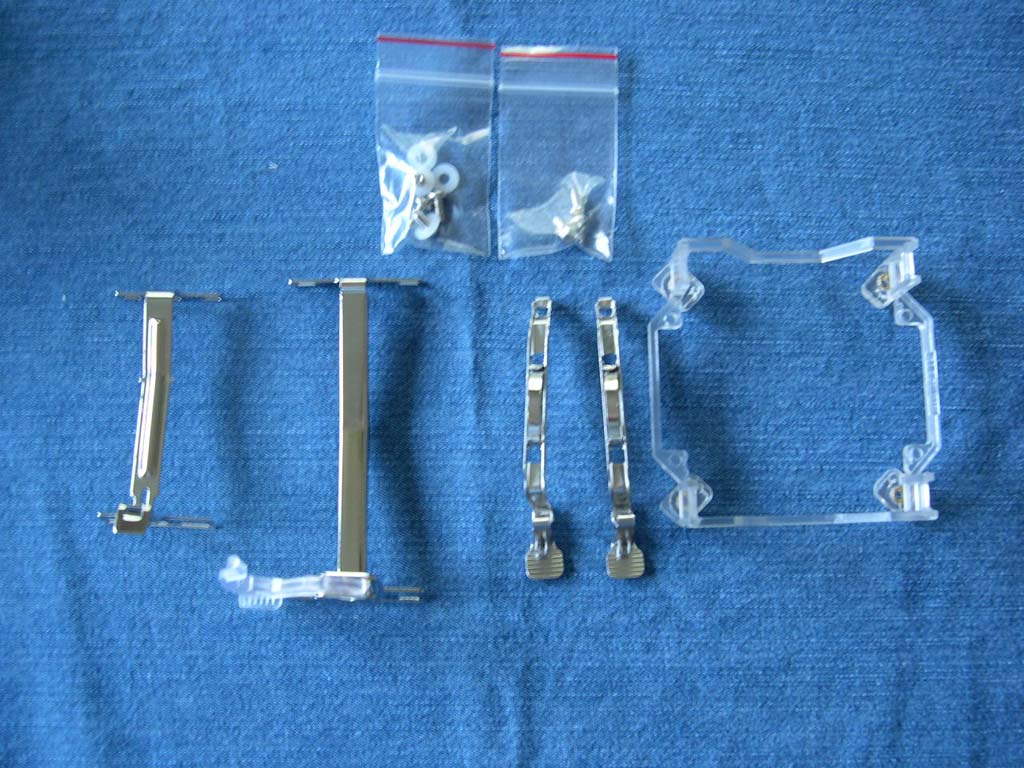
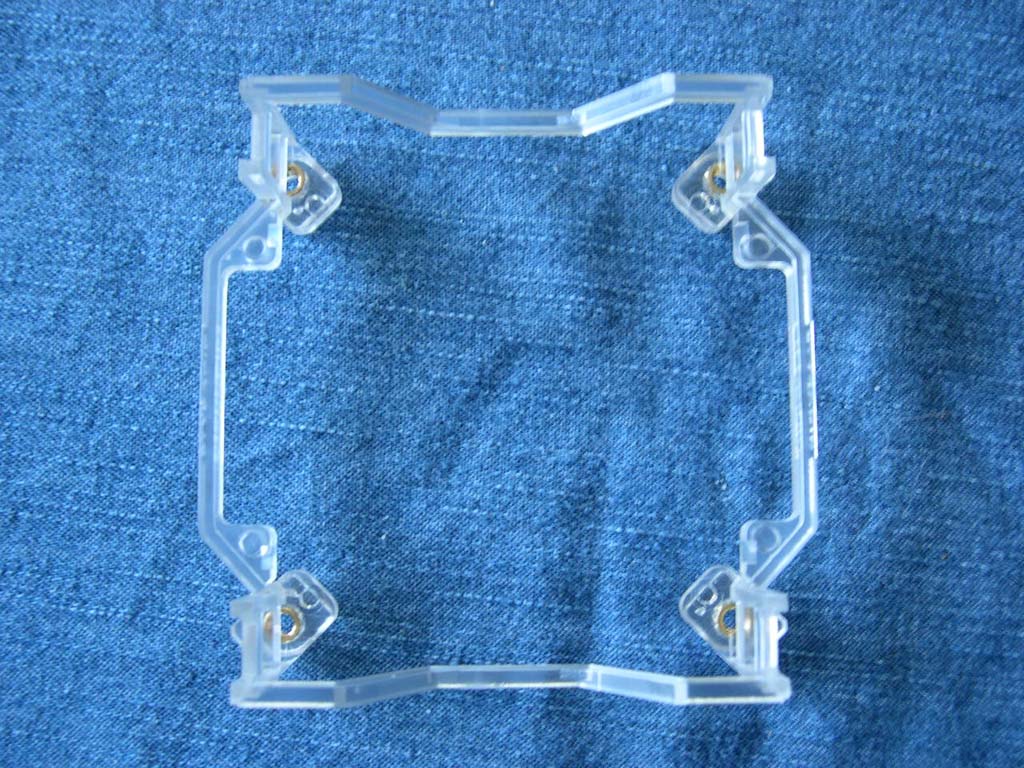
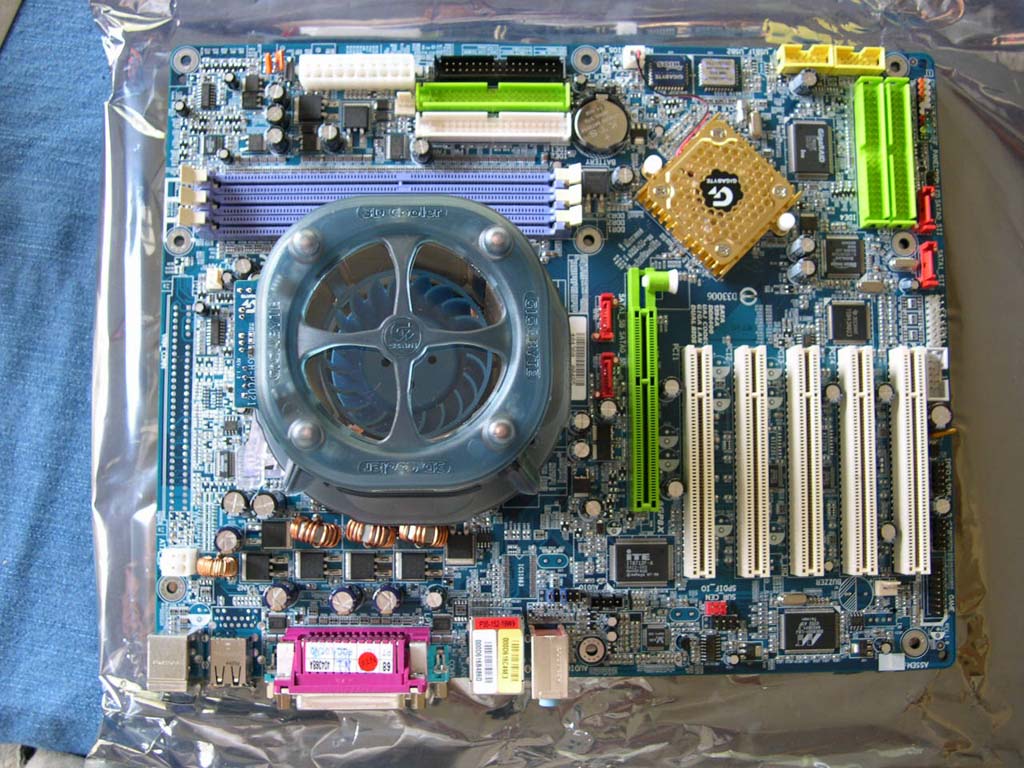
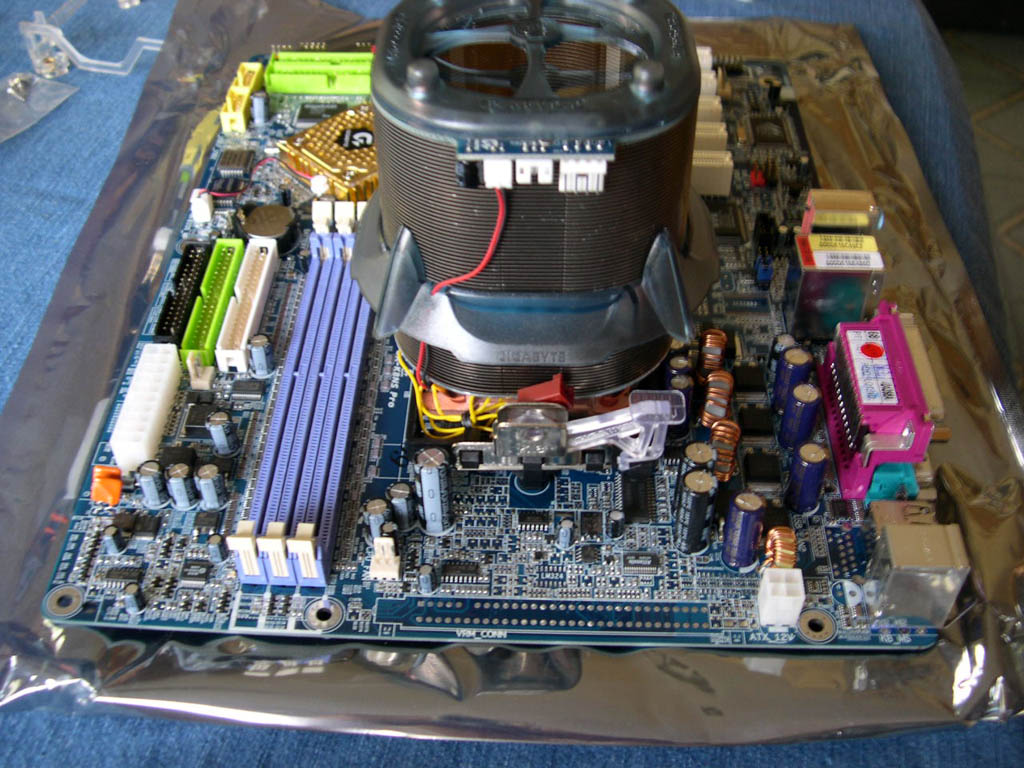
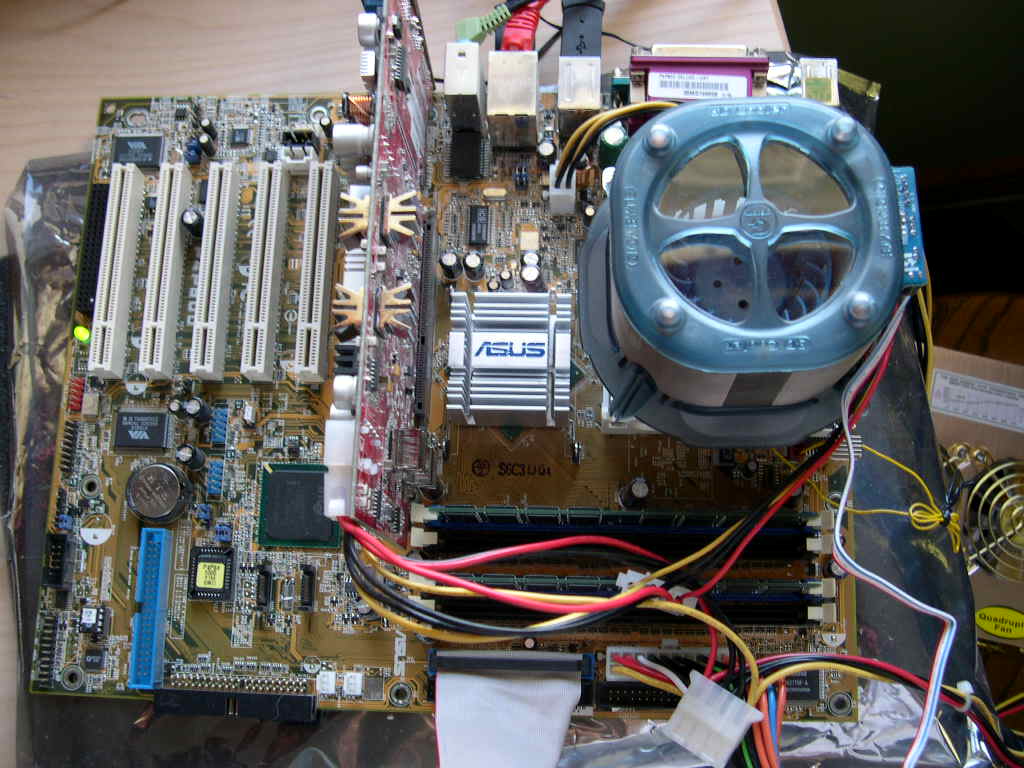
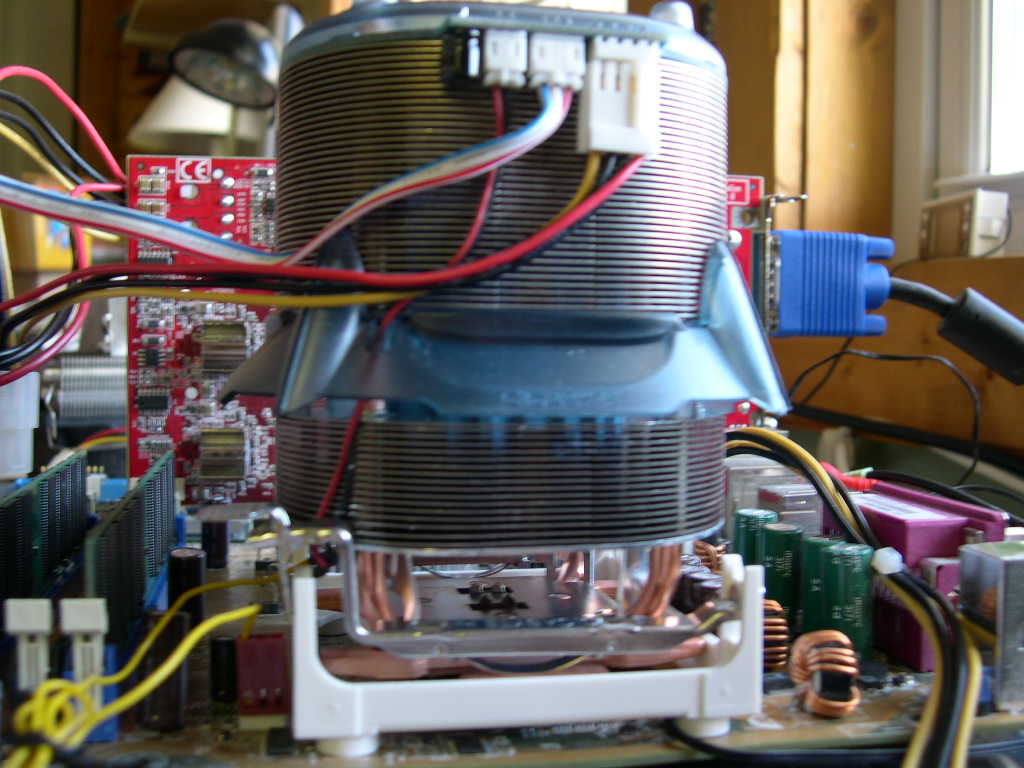
The 3D Rocket is compatible with LGA 775, Socket 478, all K8 sockets, and Socket A. Gigabyte designed a 775 retention bracket, claiming it as the world’s first, to easy installation on 775 motherboards. Unlike Socket 478 motherboards, LGA 755 motherboards do not come with a retention bracket. LGA 775 heatsinks normally bolt through the motherboard. This bracket attaches to the motherboard with the included screws and acts just like the old Socket 478 bracket. I did not test it on a 775 platform so I cannot comment on how well it works. I did install it on a Socket 478 and Socket 754 with the included mounting hardware. They were both easy to use. I liked the Socket 478 mounting specifically because it clips under one side of the retention bracket and over the other; most other heatsinks clip over the top of all sides. The big tabs and leverage make it effortless to install.
The 3rd and 4th pictures are of the cooler installed on a Gigabyte K8NS Pro Socket 754 motherboard. The last two are pictures the cooler installed on a Socket 478 motherboard. Note that I tested it using the Socket 478 motherboard.
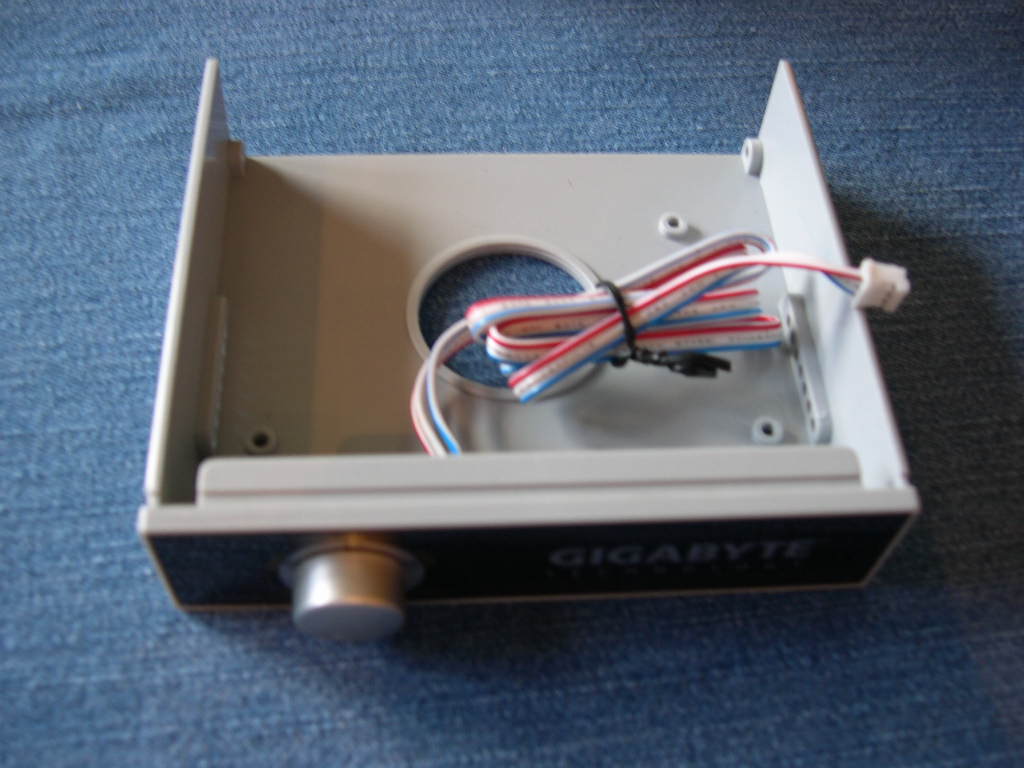
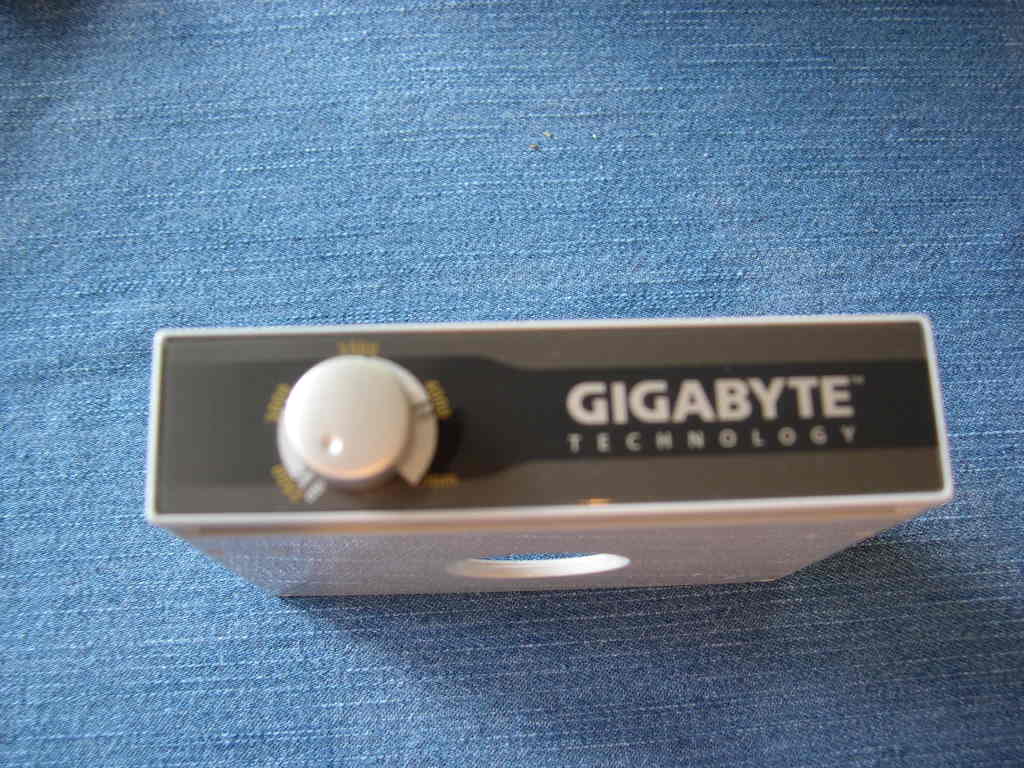
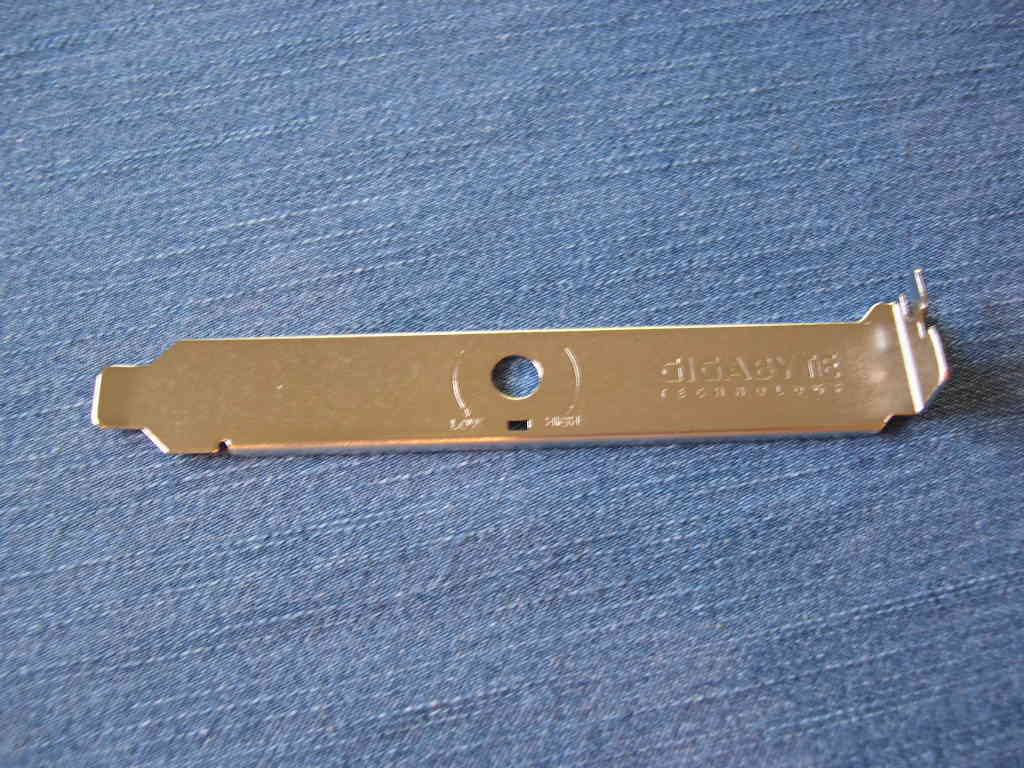
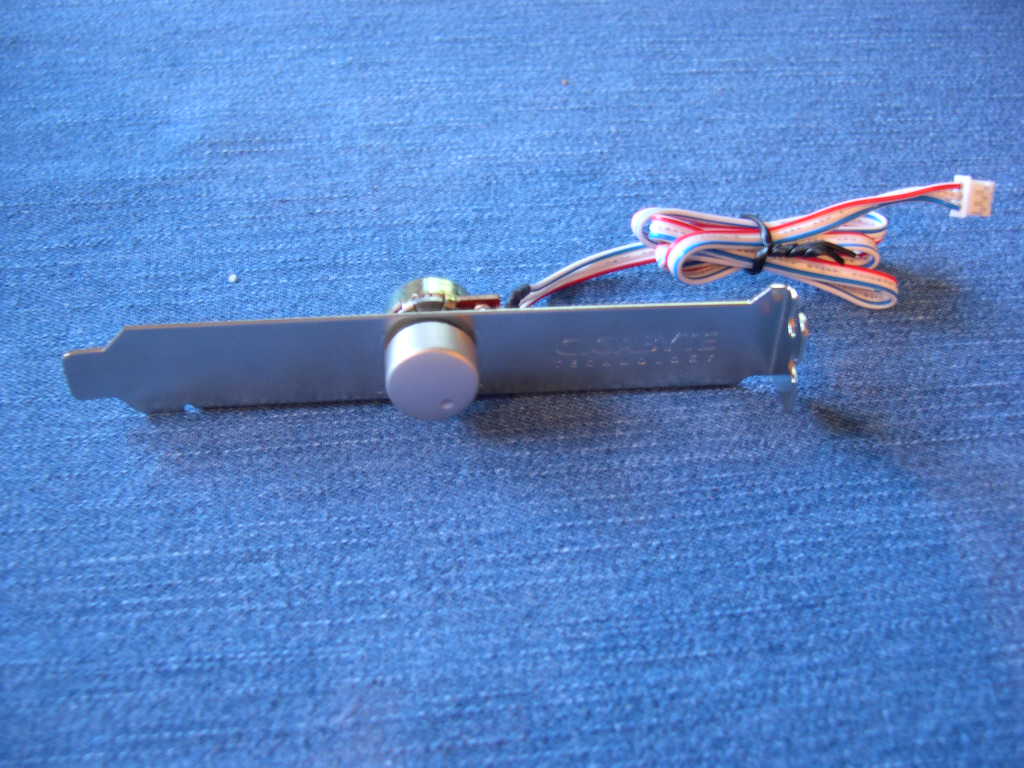
Like their motherboards, Gigabyte includes some nice accessories with their heatsinks. The 3D Rocket Cooler-Pro has a controller that fits in a 3.5” bay or PCI slot. It adjusts the fan from 2500rpm to 4000rpm. You can use the included PCI adapter if you don’t want the controller in a 3.5” bay. The instructions aren’t very helpful with disassembling the controller. To remove it from the 3.5” bay, pull the knob off, use a wrench to loosen a bolt and voila, you’re done. Do the opposite to install it on the PCI slot. The knob is pretty hard to pull off, I used screwdriver to pry it but the screwdriver scratched the front a little. I would suggest using a pair of pliers and pulling hard.
The Fan
Specifications:
- Fan Dimensions: 83 x 89 x 93mm
- Fan Speed: 2000~4000rpm
- Fan Life Expectance: 70,000Hr
- Voltage Rating: 6 - 12v
- Noise Level: 19.2~37.2dBA
- Connector: 4 pin (power input), 3 pin (speed Detection)
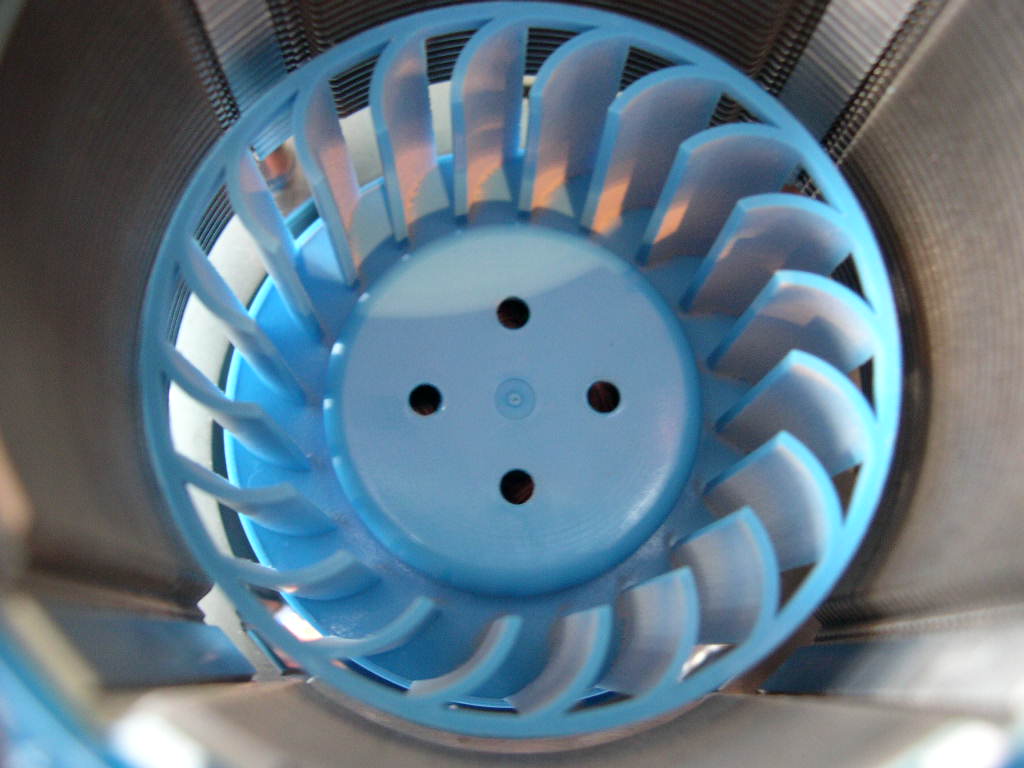
Instead of the normal axial fan, Gigabyte chooses to use a blower fan design. The fan is placed inside the aluminum fins and exhausts air to all sides. The fan gives a tiny rattling sound that gets a little annoying if you listen closely. It is more noticeable at lower RPM. The overall fan is pretty loud at high RPM but it gets significantly quieter at low RPM. Unfortunately with this design, you can’t swap the fan with anything else. For some reason, Gigabyte doesn’t list a CFM rating with the fan specifications on their website. That might be because the fan exhausts on all sides instead of just one direction like an axial fan. Gigabyte’s instructions recommend the fan to be turned to maximum speeds for overclocking, medium for gaming, and minimum for regular usage.
Test Setup and Results
Test Setup and Method:
I tested the heatsink using a Compunurse flat thermal probe. Ambient temperature was 24°C (+/-1°C). Arctic Silver Ceramique was used for the TIM (Thermal Interface Material) on all heatsinks. I used a Prime95 torture test with the large FFT’s option (max. heat) for load. Idle and load tests were run for 30 minutes.
- Pentium 2.4C overclocked to 3.0 - 1.6 VCore
- Asus P4P800 Deluxe
- 1GB Hynix BT-D5 PC4000 2.85v
- Radeon 9800 Pro
- TTGI 450w
Competition:
I pitted the 3D Rocket against the stock Intel HSF and Thermalright XP-120. The XP-120 is Thermalright’s flagship heatsink right now.
Results:
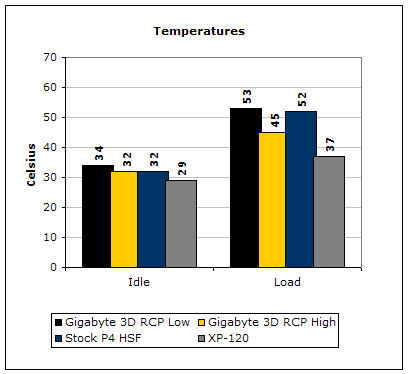
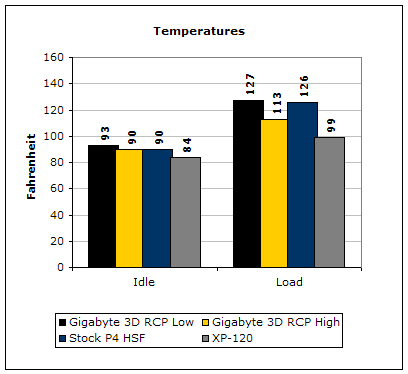
At low RPM the Gigabyte cooler is very close to the stock cooler’s performance. Unfortunately it can’t compete with the XP-120, even at high RPM.
Conclusion and Thoughts

One thing I would suggest to Gigabyte is changing the product name. “Gigabyte 3D Rocket Cooler Pro” doesn’t exactly roll off the tongue. Even shortening it with an abbreviation would be acceptable.
Innovation is nice to see in a crowded market. Unfortunately performance suffers compared to proven designs, but sometimes that happens. The accessories that are included are a plus, especially because this heatsink doesn’t cost much more than competing products. If you are a case modder who loves LED’s or someone who just wants a cool looking heatsink, then this is for you. If you are an overclocker who demands performance over appearance then you should look elsewhere. Overall, Gigabyte succeeds in providing an attractive substitute for your ordinary heatsink.
Pros:
- Nice Packaging
- Looks good
- Innovative design
- Easy installation
Cons:
- Performance is average

We would like to thank Gigabyte for providing us the sample. If you have any questions or comments, feel free to hit us up in the forums. You can also check out more of our latest reviews on the front page.