

Gigabyte 3D Galaxy
Introduction
You know there’s a big market for water cooling when motherboard manufacturers get involved. The need for performance cooling is growing in the computer industry. It’s not only needed by those who are increasing the heat by overclocking, but by those who are merely trying to tame their Prescotts. Gigabyte’s newest venture is their 3D Galaxy, a universal liquid cooling system.
Gigabyte’s 3D Galaxy is their first step into watercooling. Gigabyte’s first watercooling kit brought several firsts to the watercooling market. Two of them are features that provide safety for your system; Low water level and over-temperature protections that power your system down if your processor is close to harm and a MOSFET cooling fan that aims to keep power circuitry surrounding the CPU socket cool. Gigabyte has also started producing their first case, the Aurora, which is a perfect match for their watercooling kit. We’ll see if Gigabyte’s first attempt at watercooling is a worthy one.
Gigabyte 3D Galaxy and Waterblock
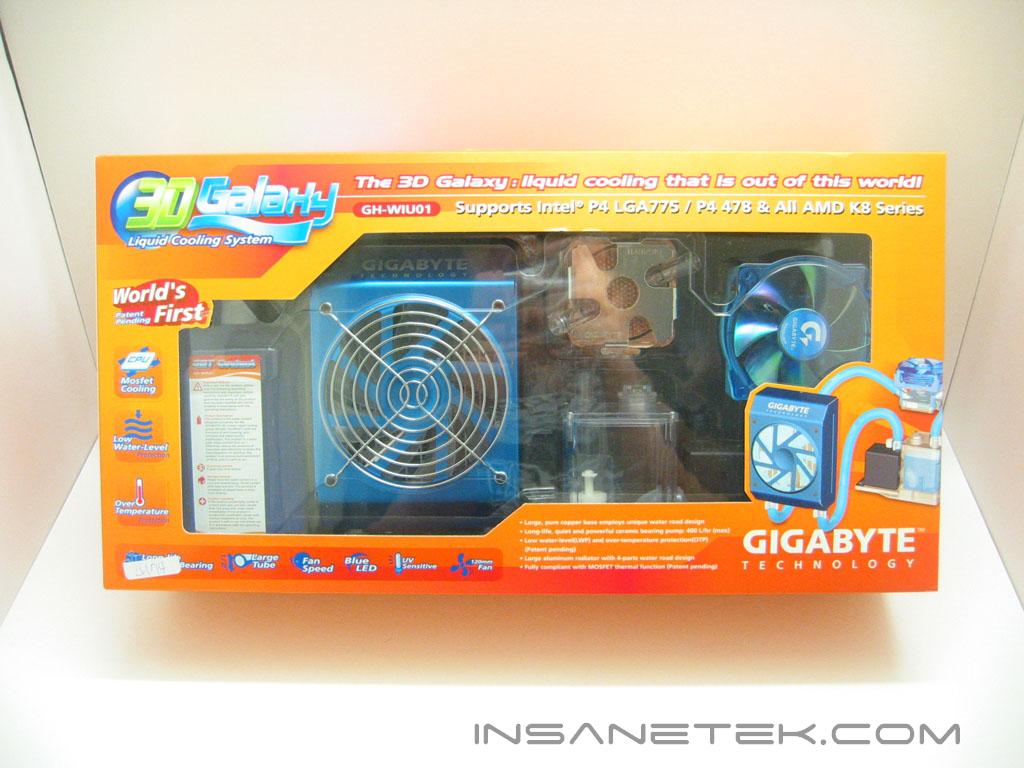
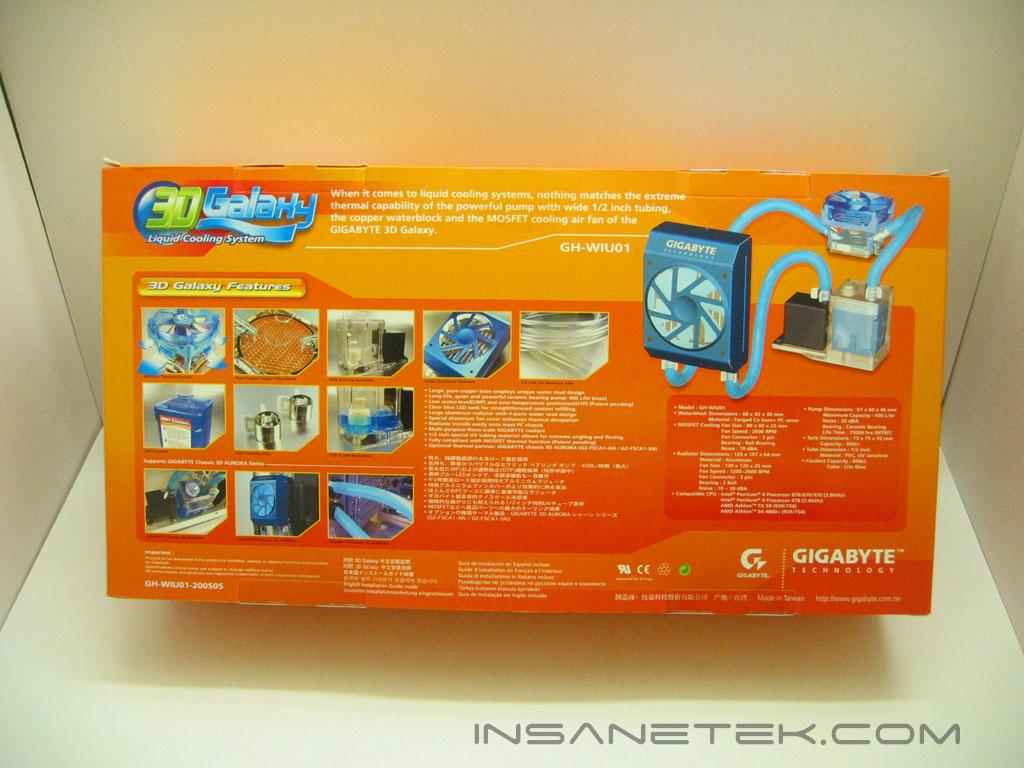
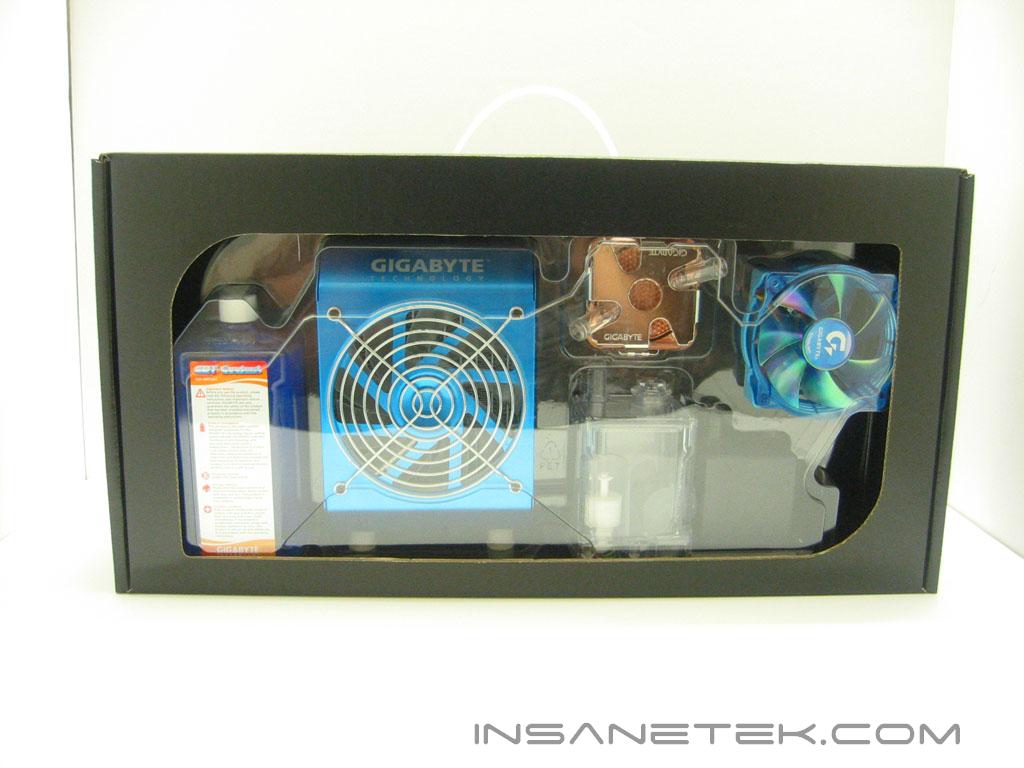
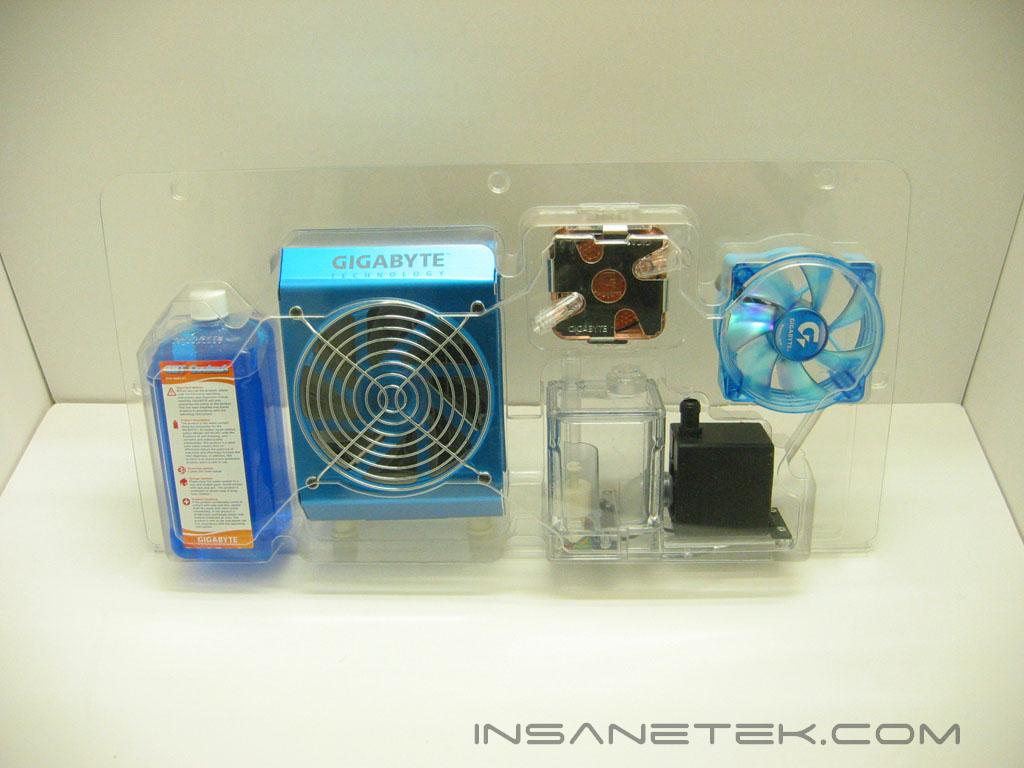
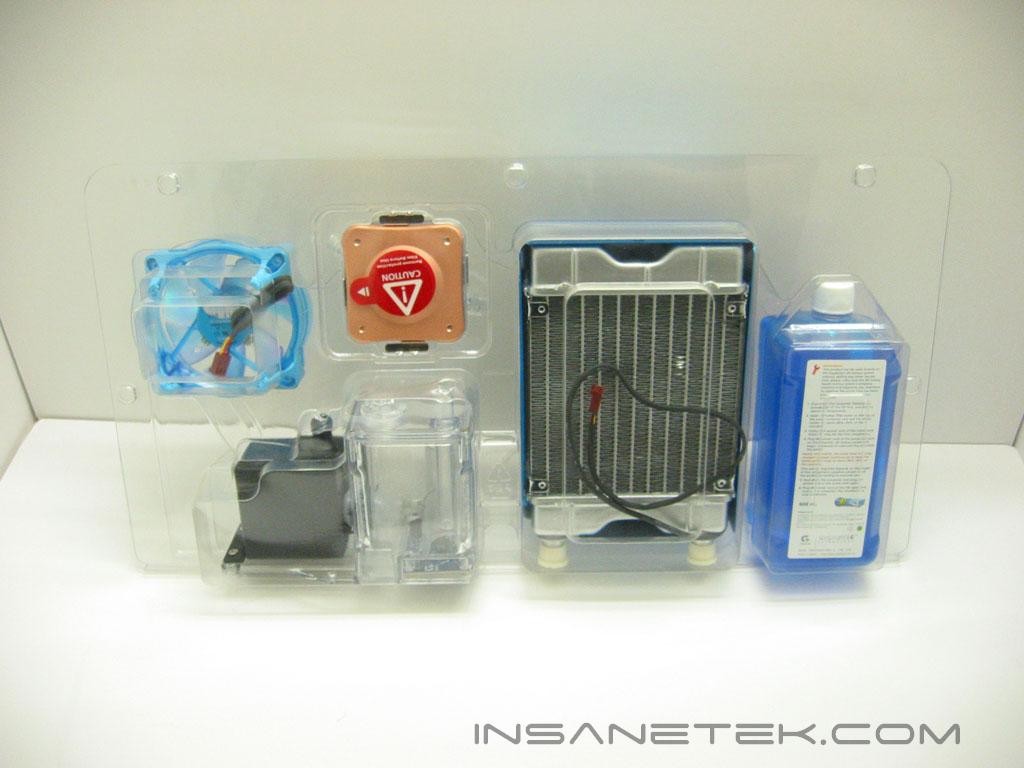
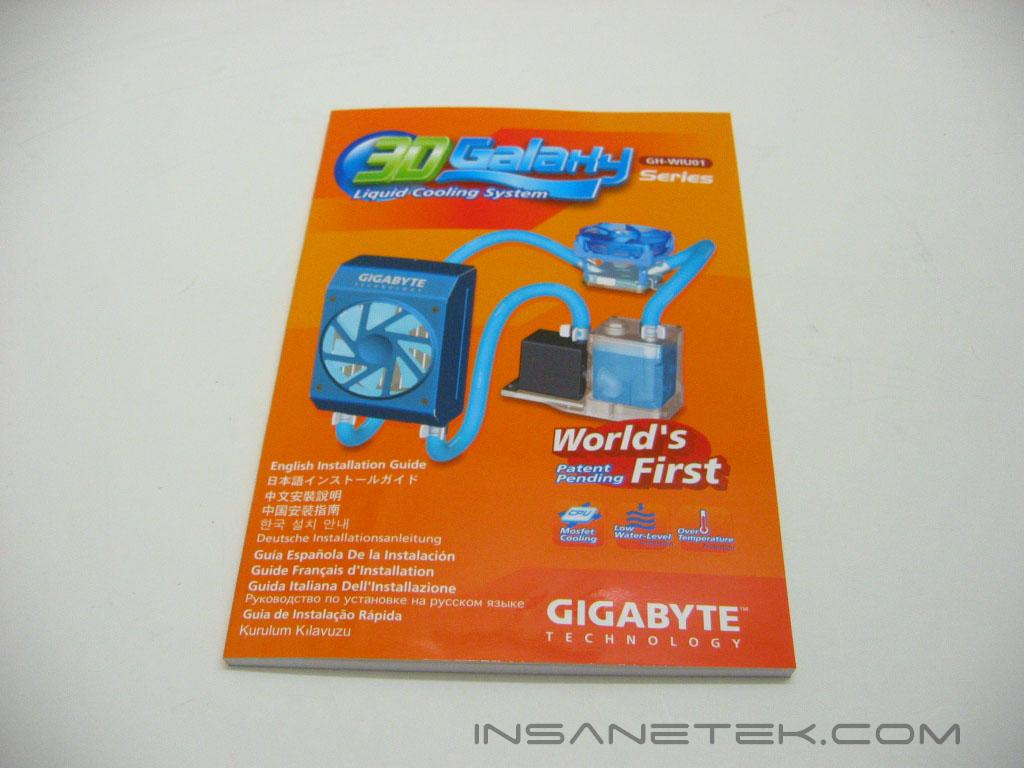
Gigabyte has packaged their recent heatsinks and cooling units in a striking orange packaging. That hasn’t changed with the 3D Galaxy. The box is very well designed; It has information on its specifications and features, as well as images. Beneath the orange cardboard casing is a heavier black cardboard which holds the components and accessories. The Galaxy’s components are secured within a plastic clamshell. Each component has its own formed section to keep it safe. The main parts of the water cooling kit are the radiator and fan, contained in the metallic blue casing, the water block, the pump, the reservoir, and the MOSFET cooling fan. The instruction manual guides you through installation in twelve languages.
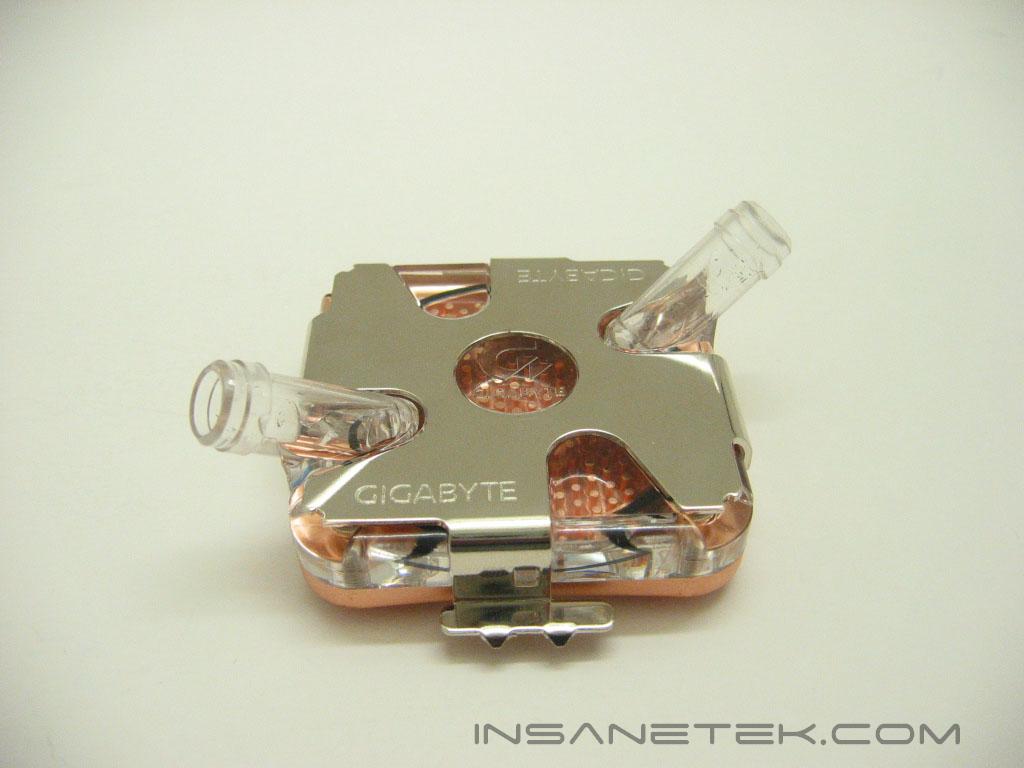
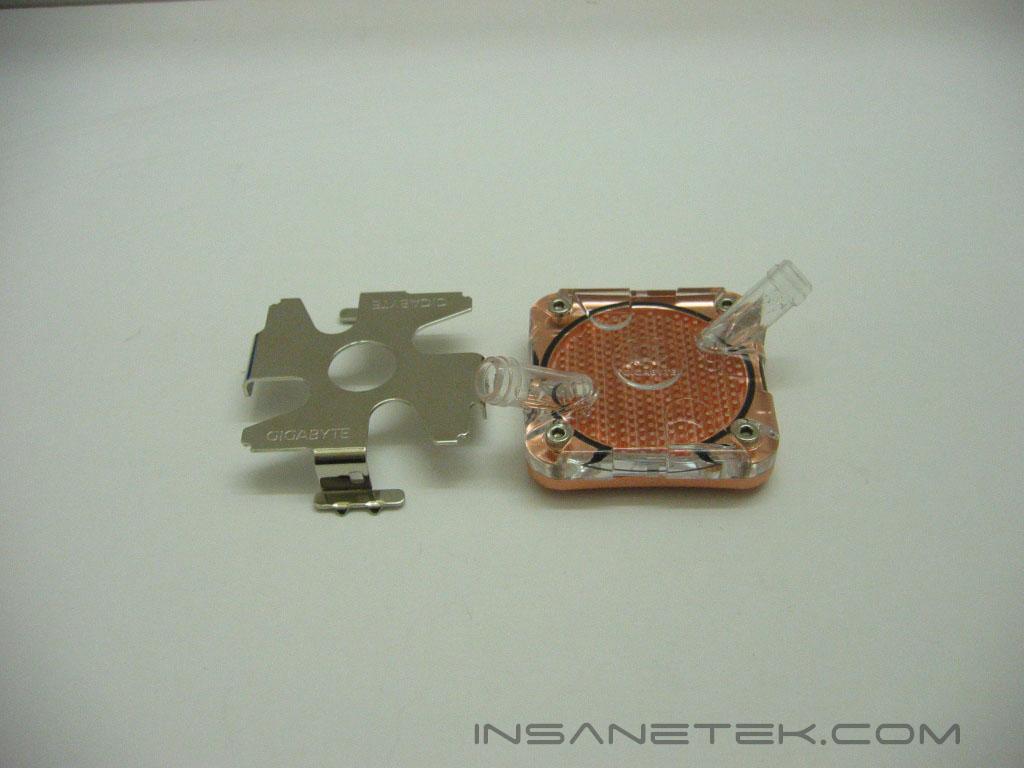
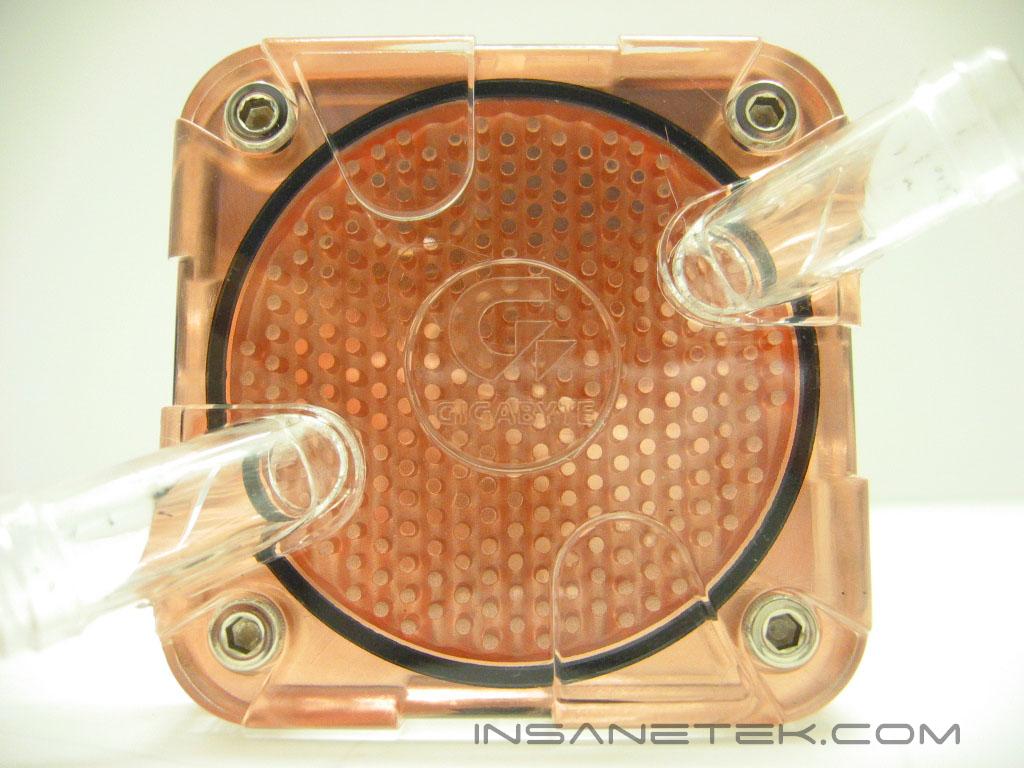
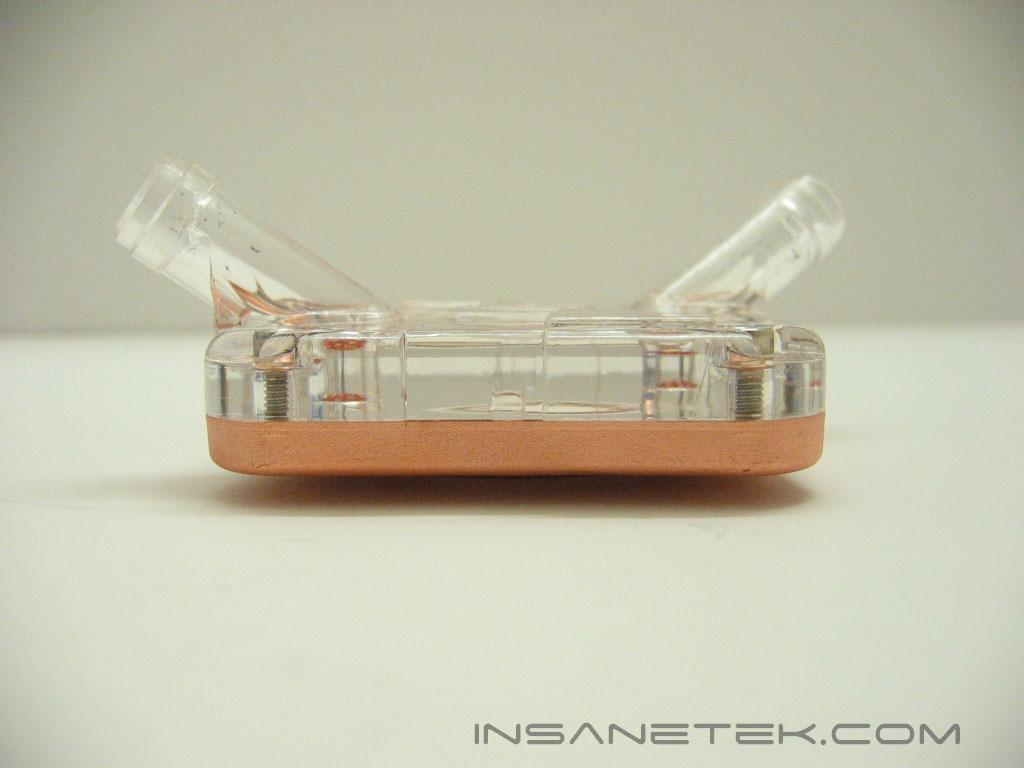
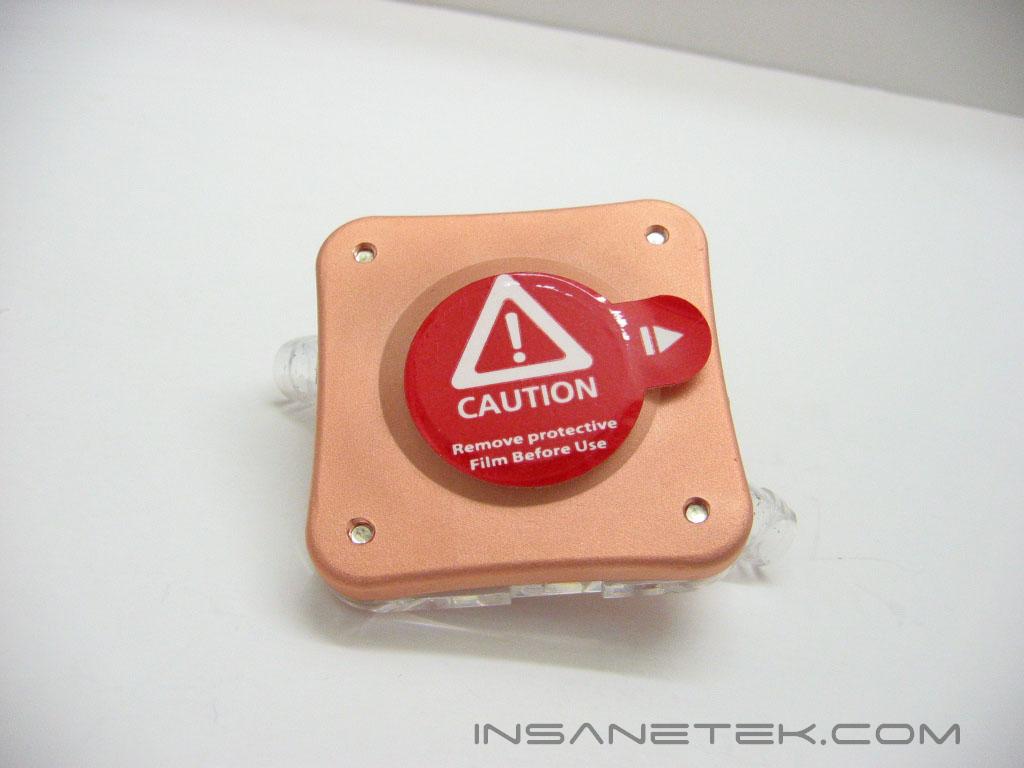
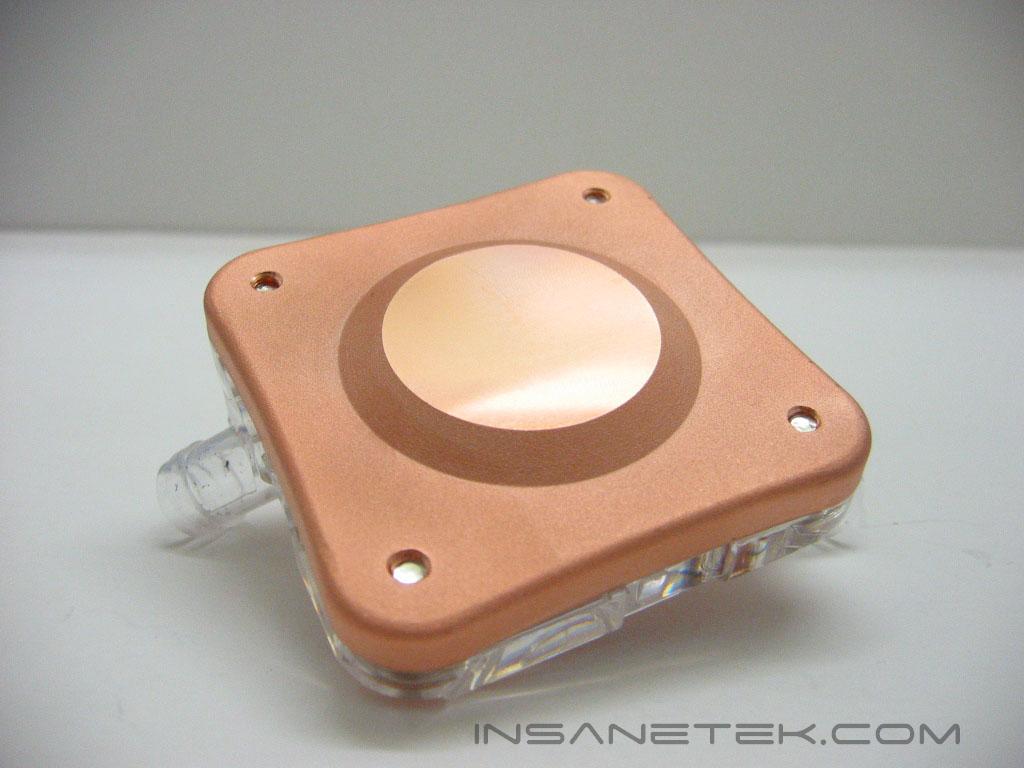
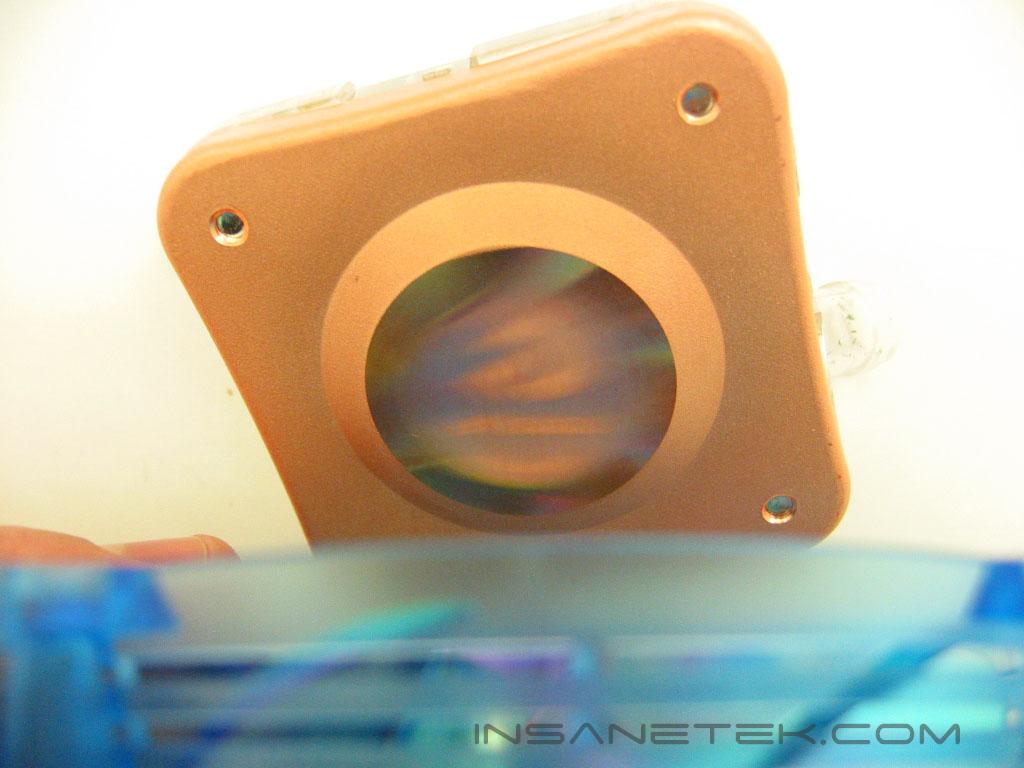
The Galaxy’s waterblock has a metal shim that secures the block to the motherboard. The shim comes off and we are able to see the design of the waterblock. The waterblock is made of pure copper. The 300 pins give it a good amount of surface area to dissipate the heat produced by the processor. The waterblock has a plastic top with barbs formed into it. The barbs use 1/2” ID tubing. The barbs are not very thick and could possibly crack. Since they are built into the top, there is no way to replace them. The barbs have an awkward placement, shooting out diagonally from the base, rather than horizontally. Removing the sticker uncovers a very nicely lapped base. The base is clearly machine lapped, as it has uniform ridges in it. The machine lapping provides a smooth, flat surface, but not very reflective. The base is raised where it meets the processor to ensure the best contact.
Fan, Reservoir, and Pump
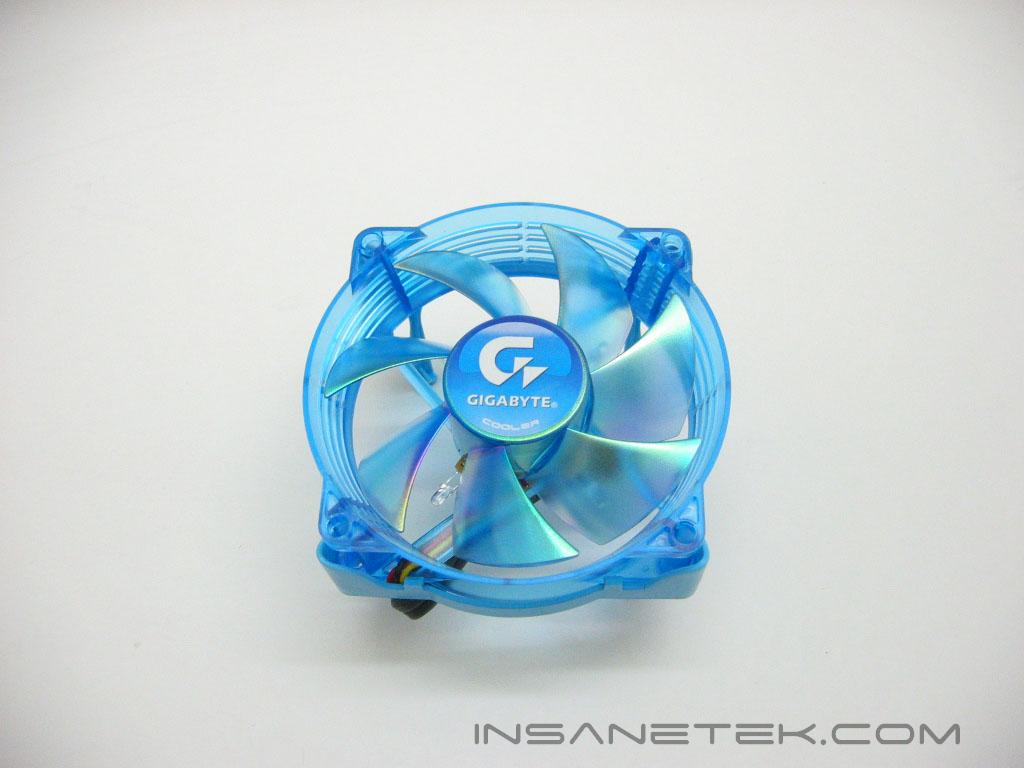
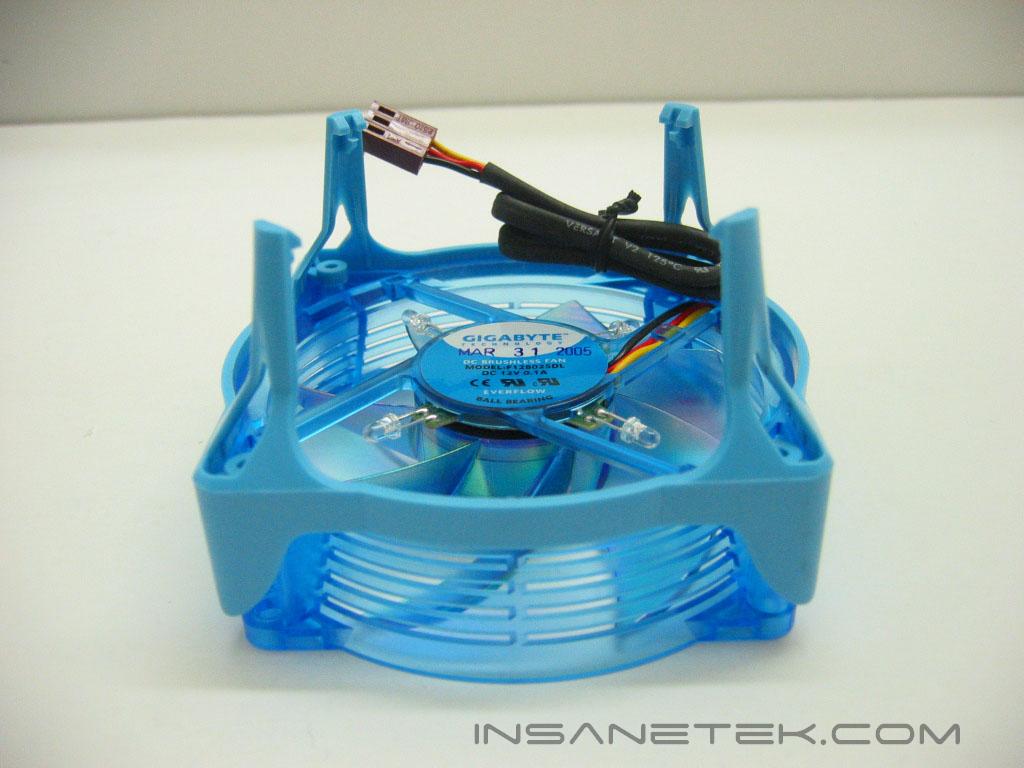
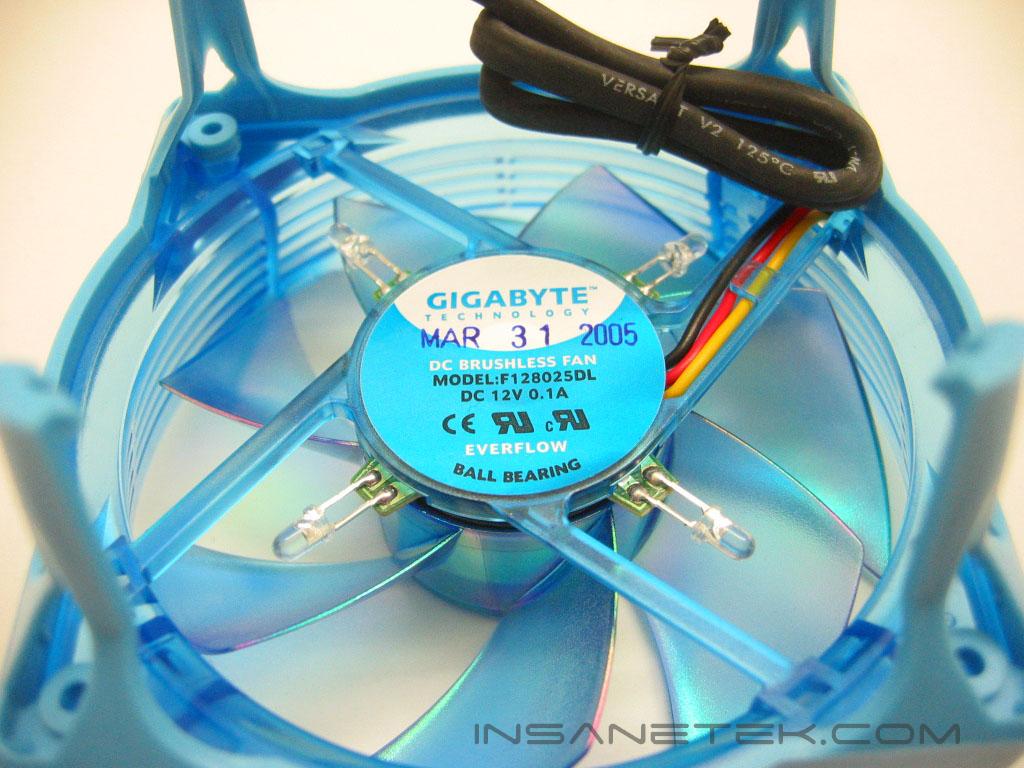
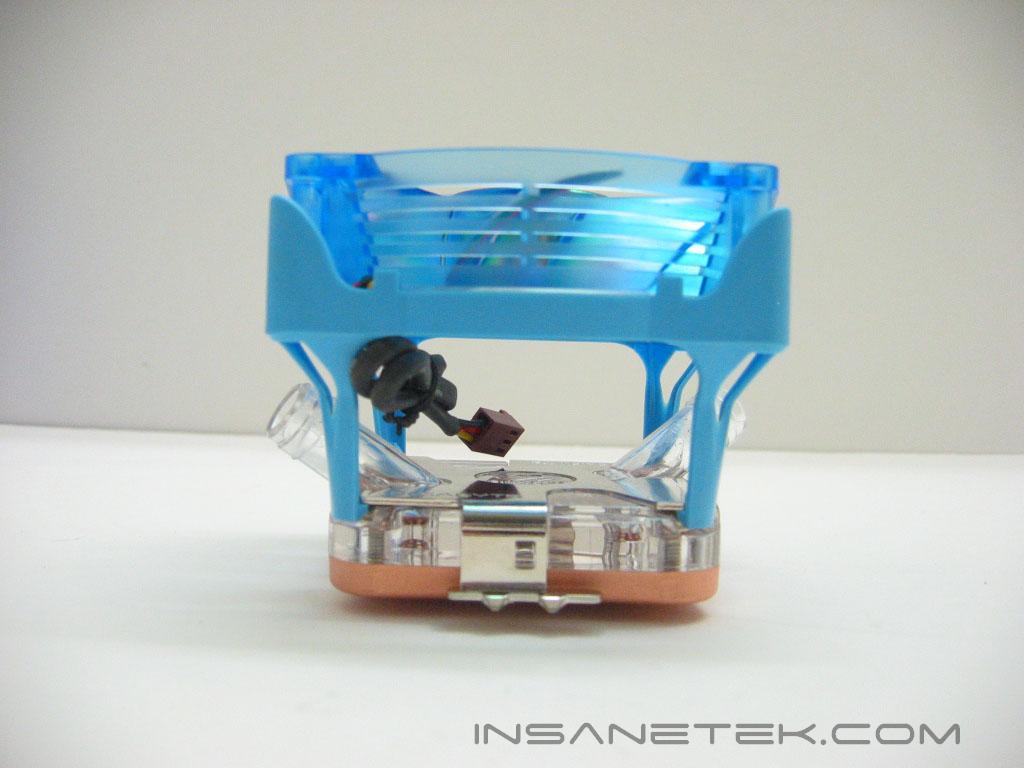
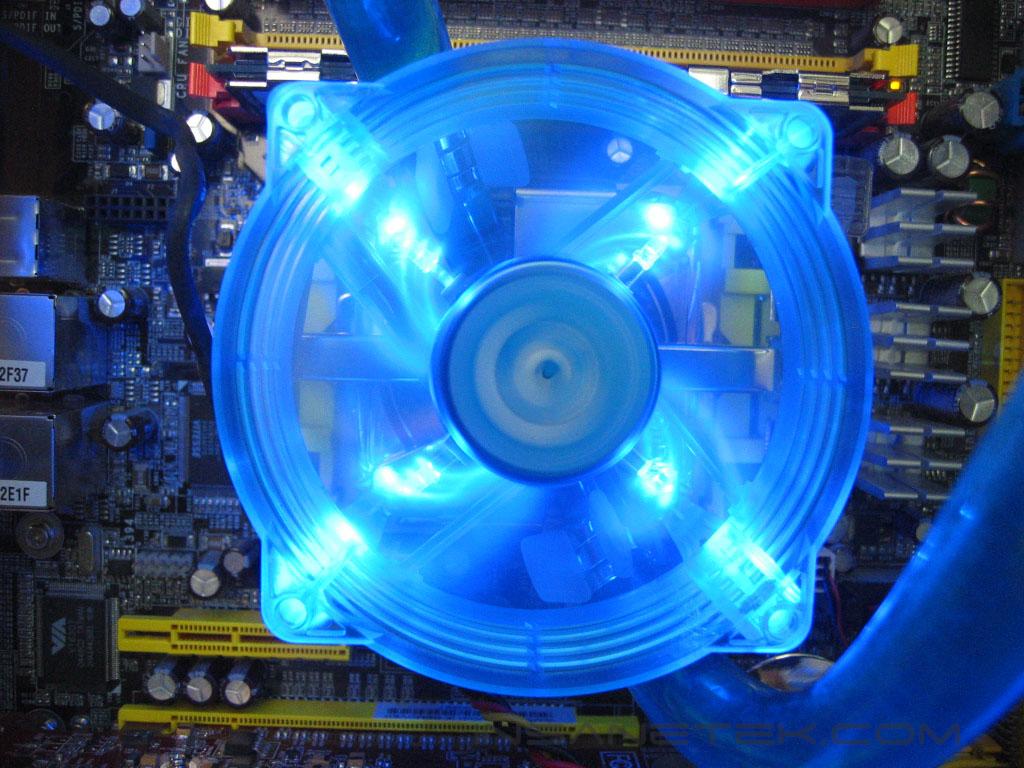
This is the MOSFET fan. We’ve seen this fan before! It is nearly identical to the fan Gigabyte uses with their G-Power heatsink, but this one is 80mm. The fan blades are also different. The blades now have a “chameleon” effect to them, changing from green to purple, and a variety of colors in between. The fan has four blue LED’s and is powered through a 3 pin connection. The fan attaches to the waterblock’s metal shim with a four legged plastic frame. Since this shares the same construction material that we had seen on its 110mm brother, the frame has the same flimsy feeling.
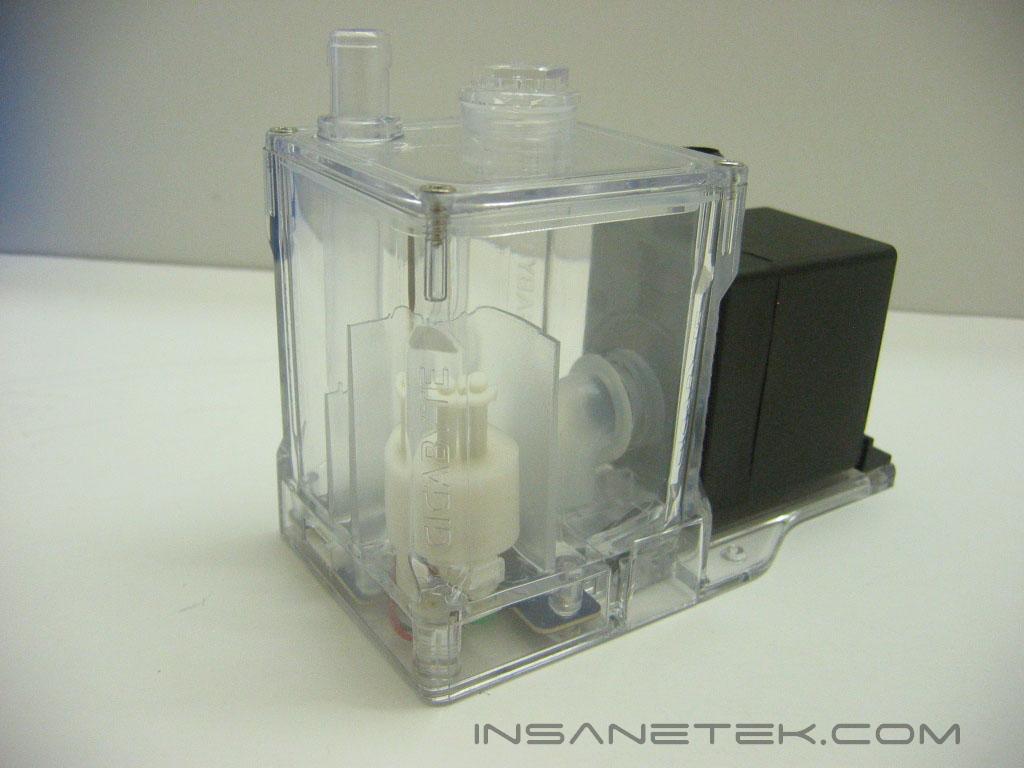
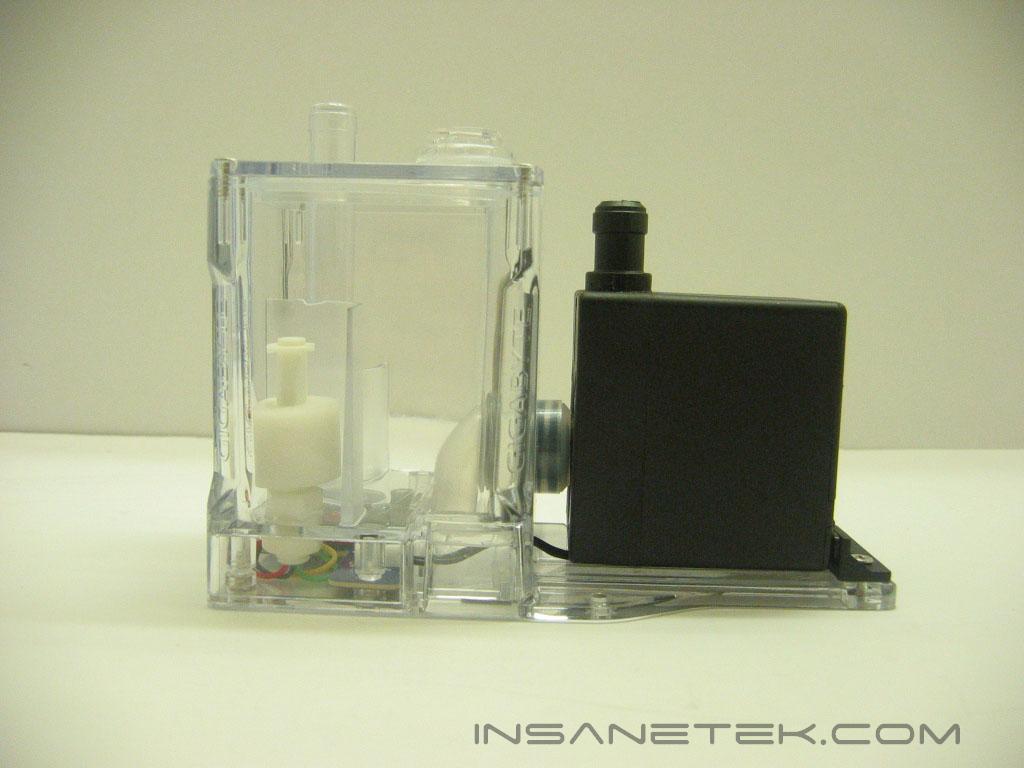
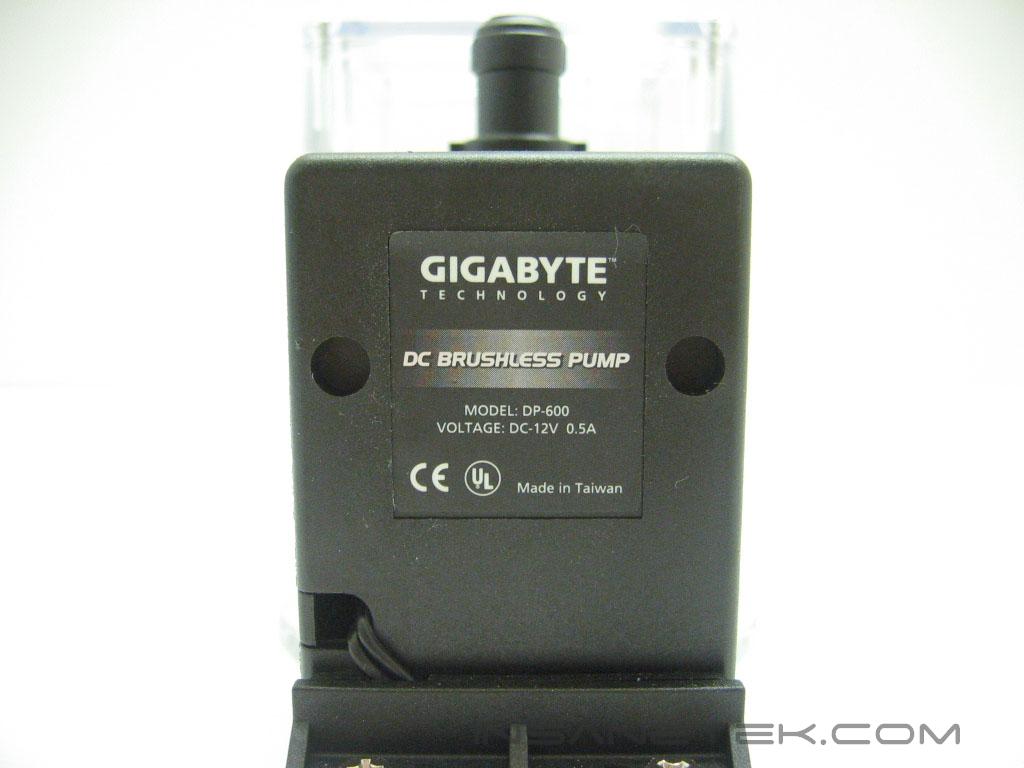
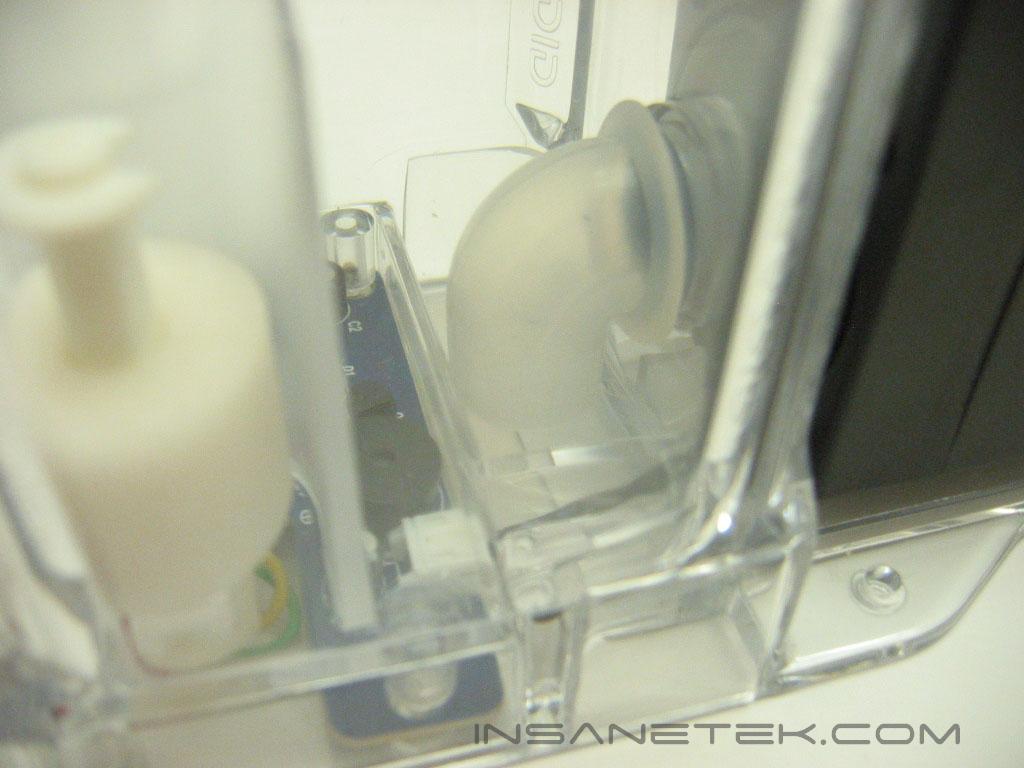
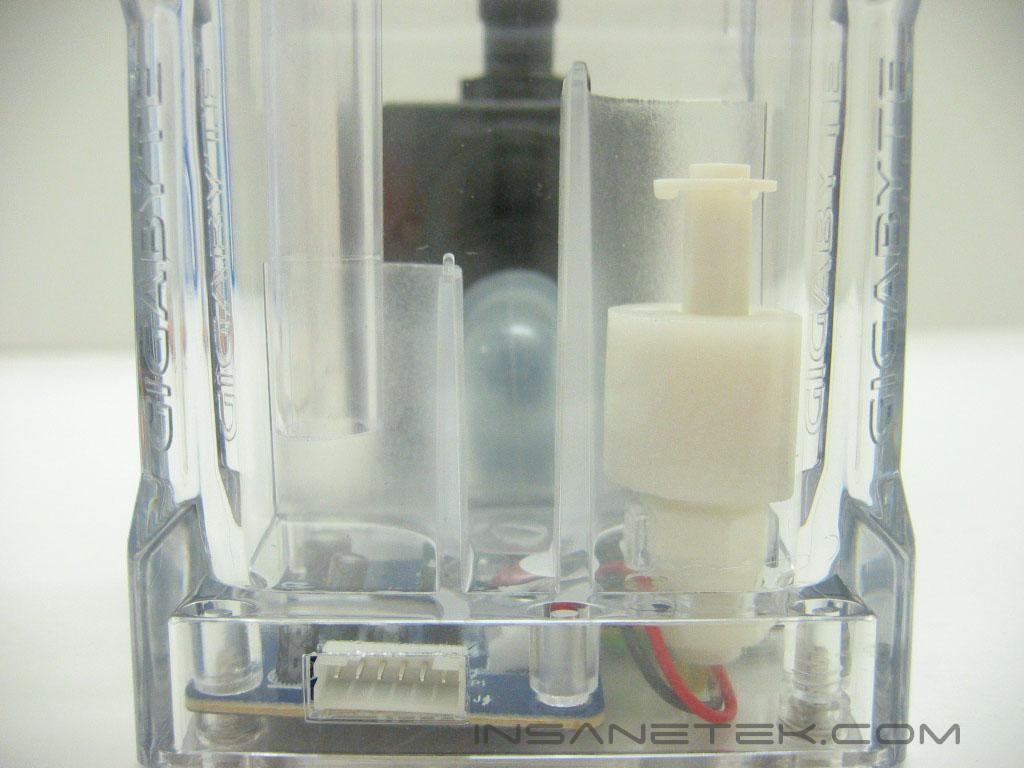
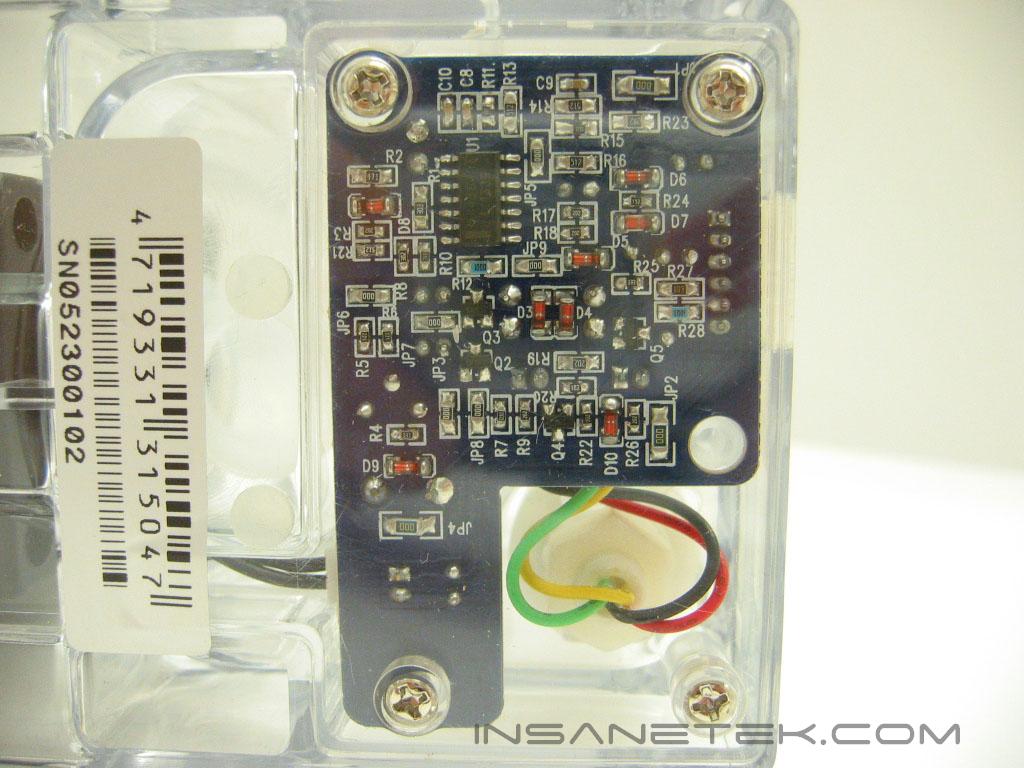
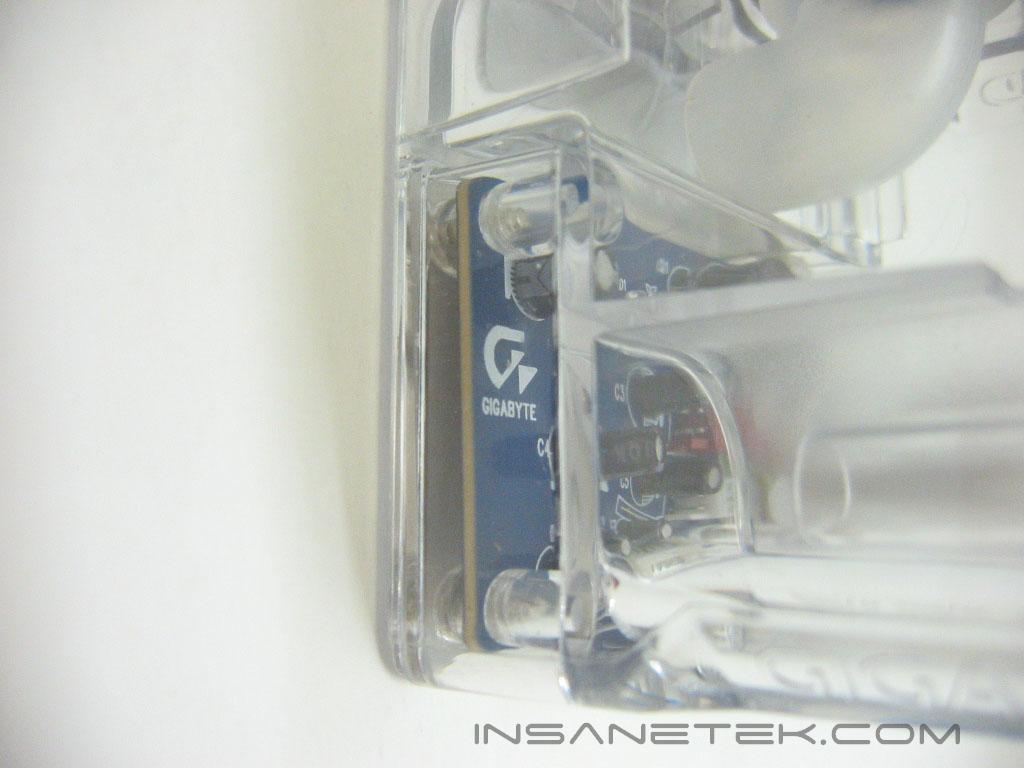
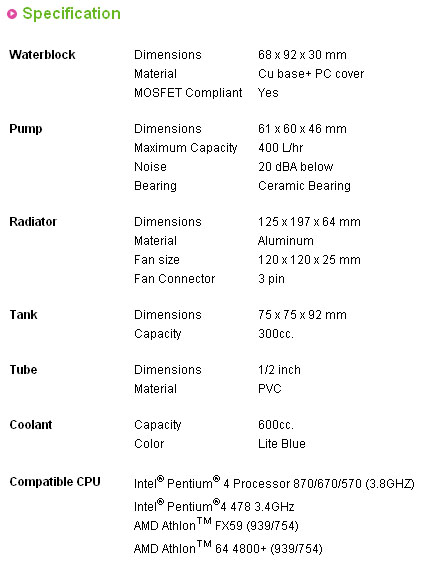
The 3D Galaxy’s pump and reservoir are joined together on a plastic frame. The pump pushes 400 liters per hour and has a life expectancy of up to 70000 hours. Like the water block, it uses 1/2” ID tubing. The reservoir is constructed out of acrylic. Its inlet and outlet design helps eliminate air from entering the loop. The “Gigabyte” name is displayed on each corner of the reservoir. The Galaxy’s reservoir has several unique features built into it, such as low water level protection. The water level is measured by a sponge that floats on a plastic beam. If the sponge drops below a certain point, a red LED will alert you and the system will shut down in four seconds. The other feature is its over-temperature protection. If the water temperature exceeds seventy degrees Celsius, a red LED alerts you and the system will shut down. The pump and reservoir are powered through a six pin connection. Four of the pins connect to a Molex connection, while the other two connect to the motherboard power switch connection to shut the system down if the low water level or over-temperature protection are triggered.
Radiator and Radiator Fan
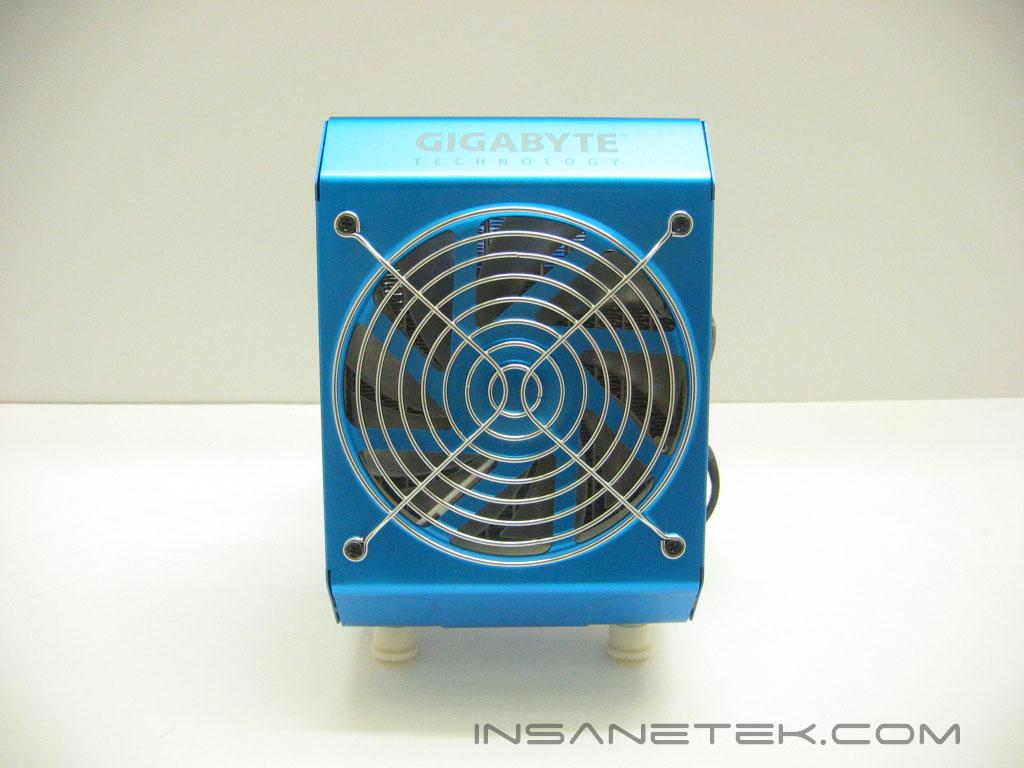
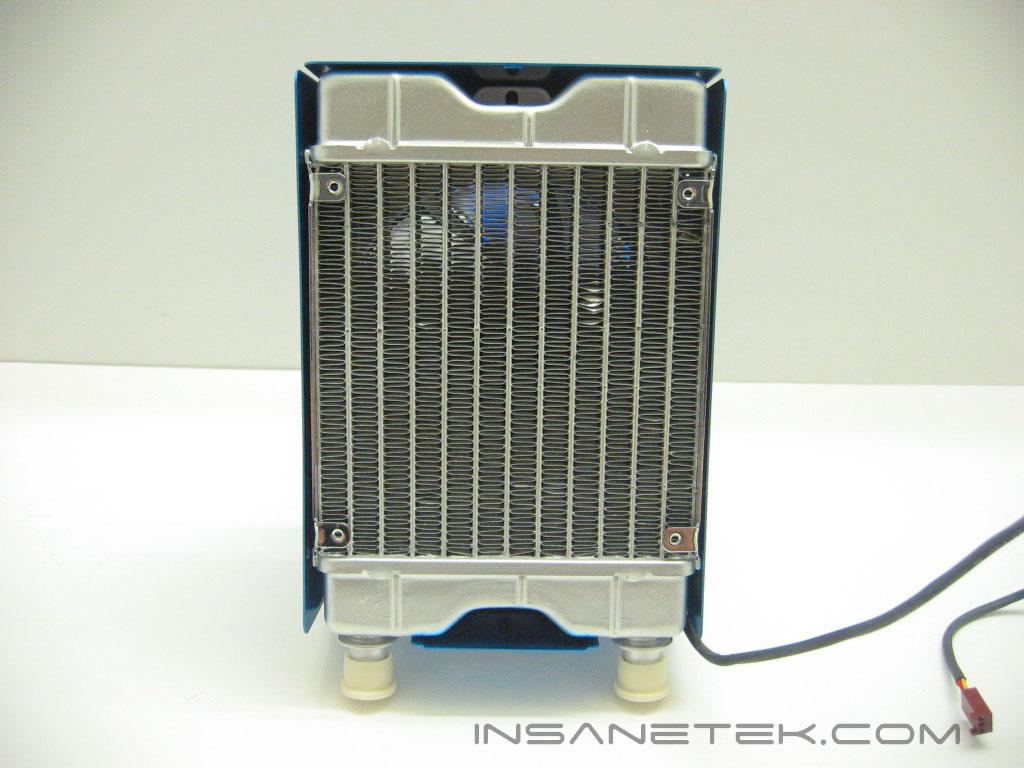
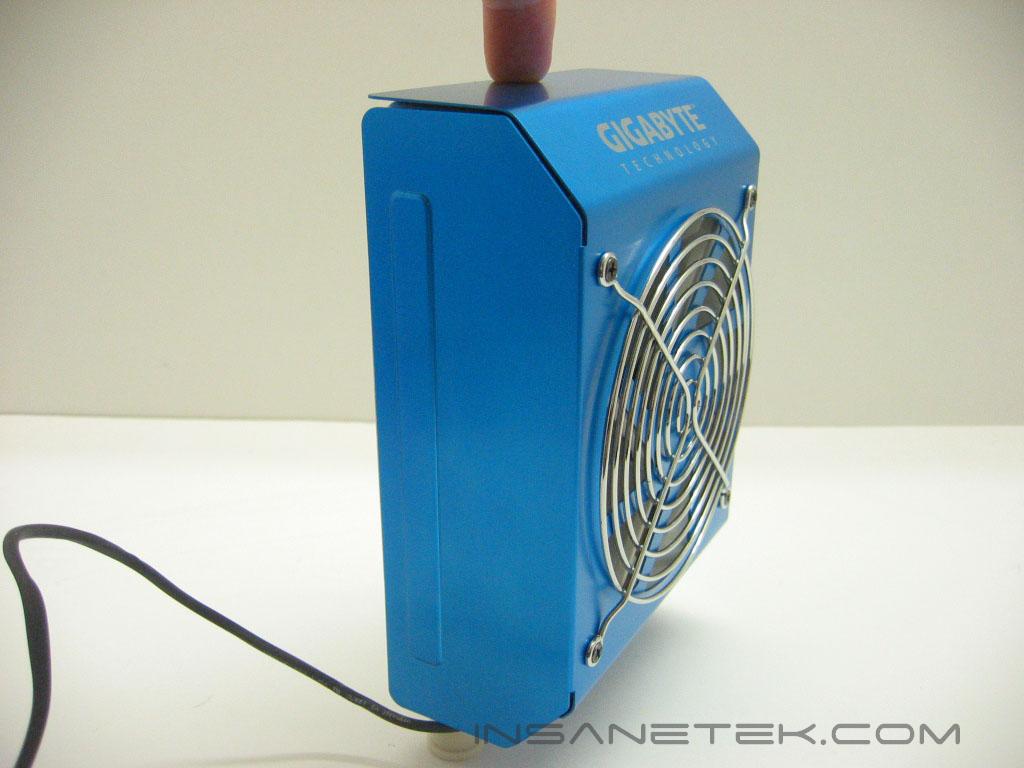
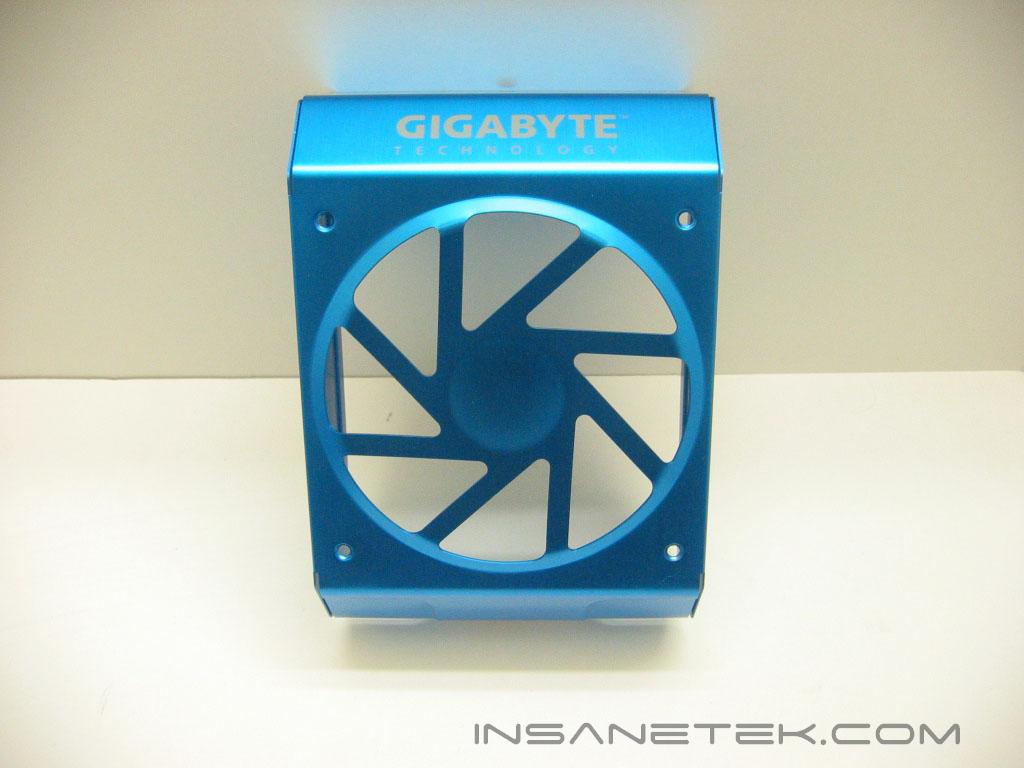
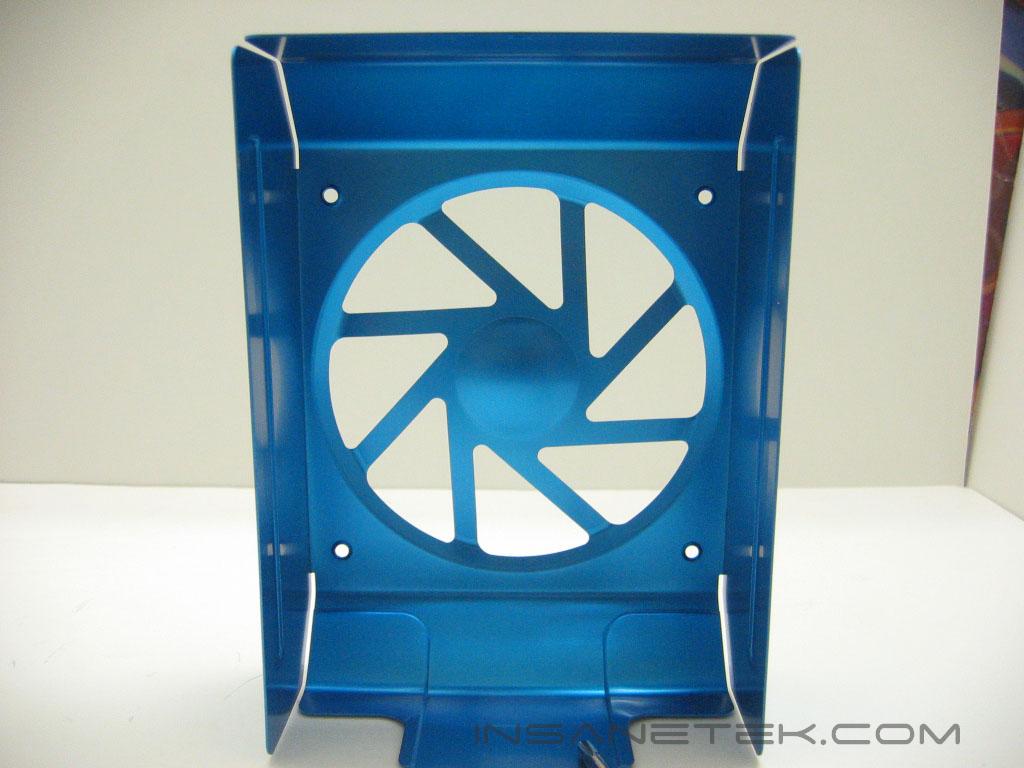
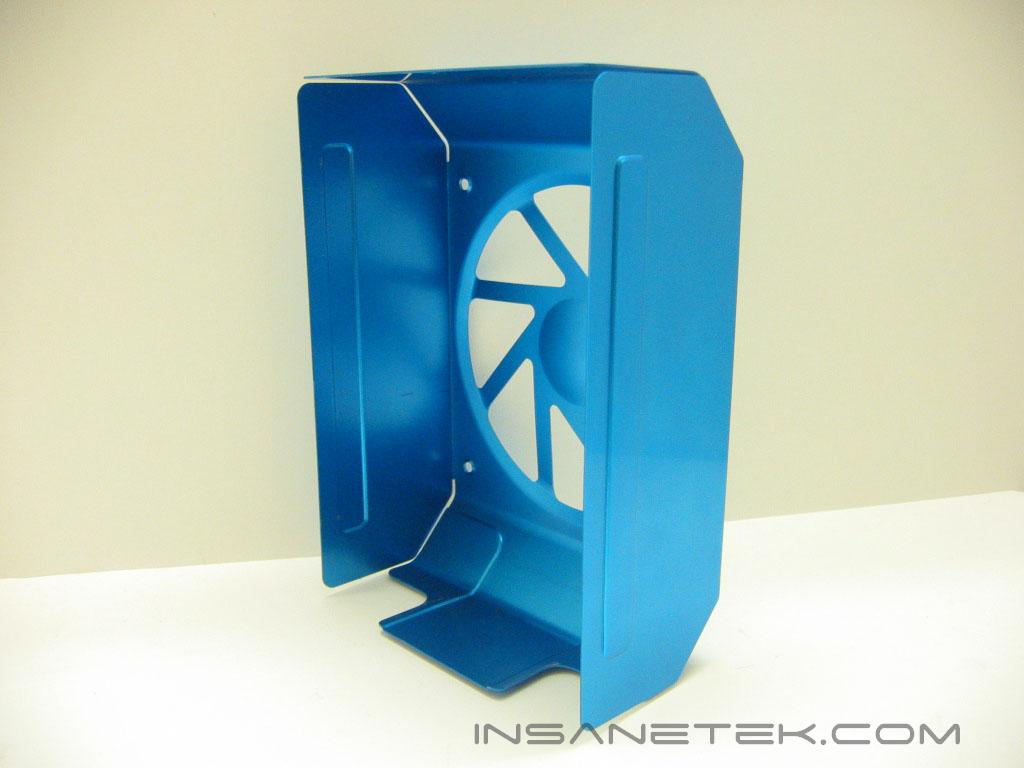
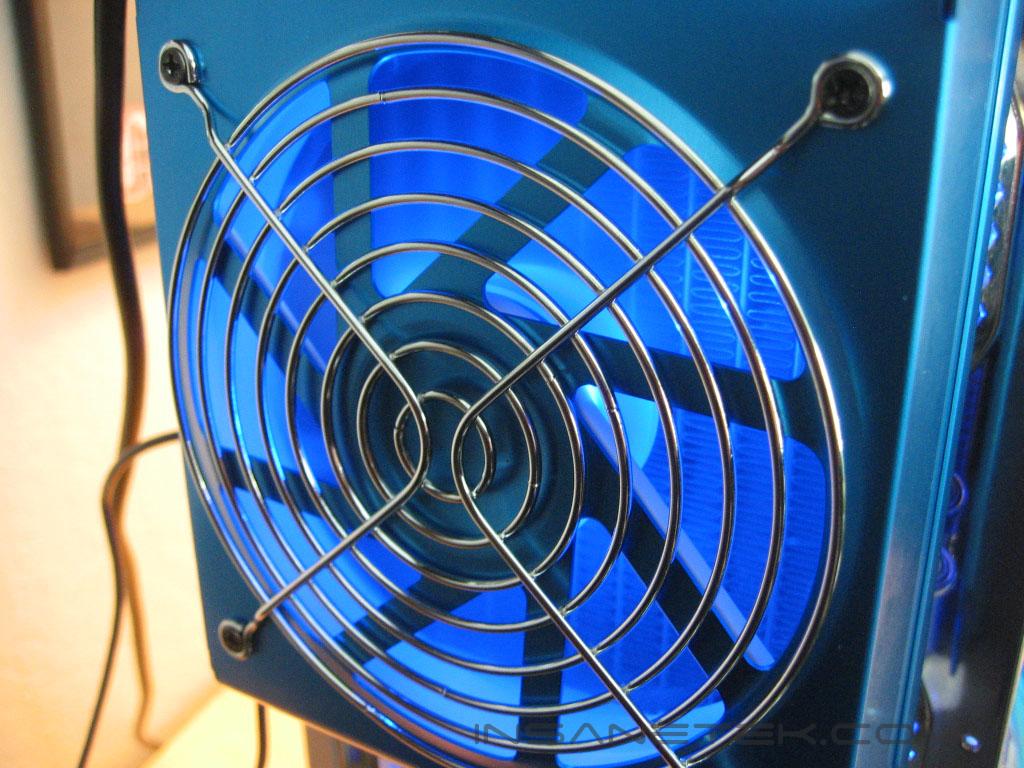
The radiator and fan are housed beneath an aluminum cover, which gives them a much better look. The blue paint allows the brushed aluminum to show through. It looks like a shroud allowing smoother airflow through the radiator, but it doesn’t. The radiator is meant to be mounted at the back of a case. Instead of the fan pushing air through the radiator, it will be pulling air through it. Since the fan is mounted directly onto the radiator, the casing is only for looks.
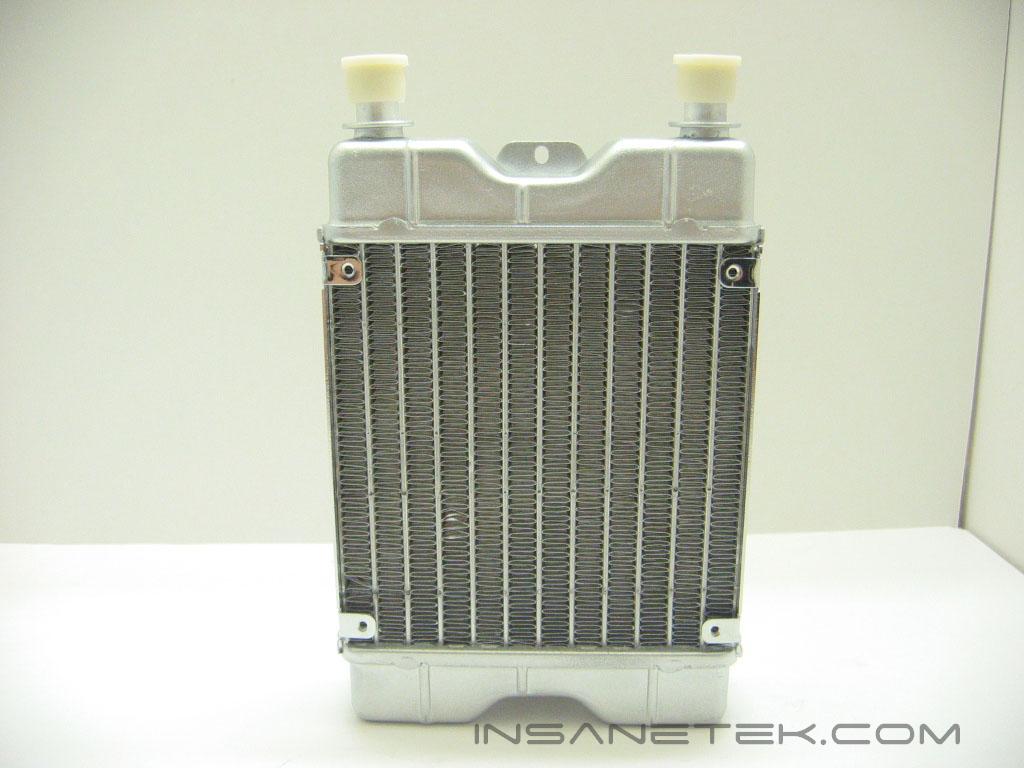
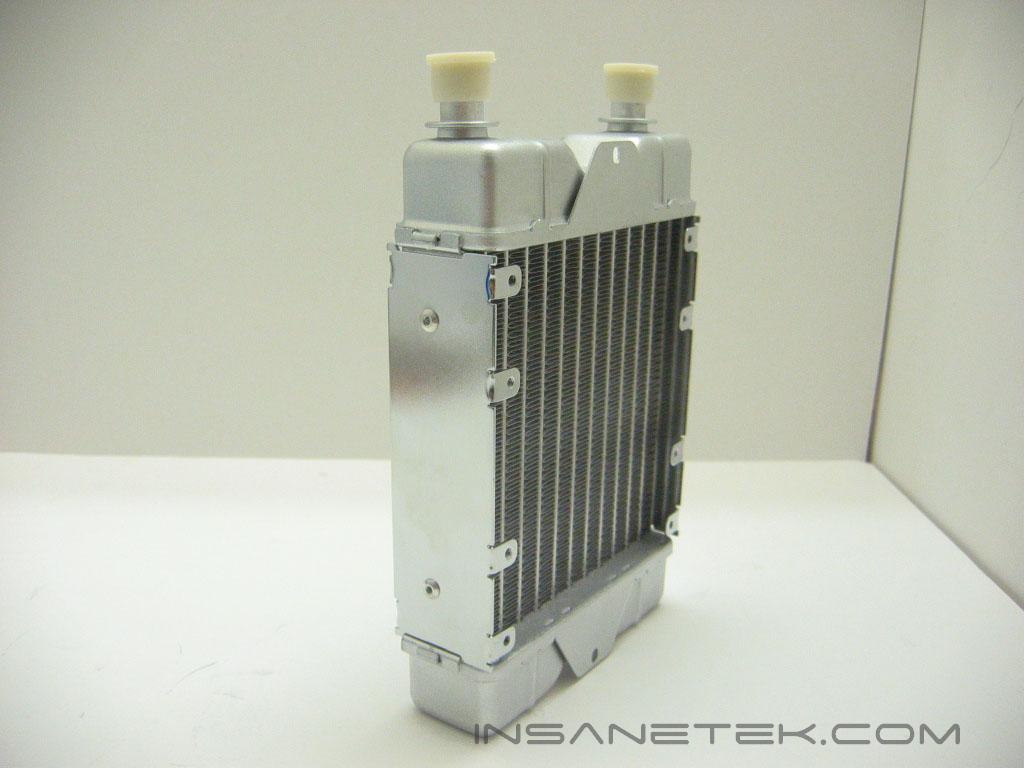
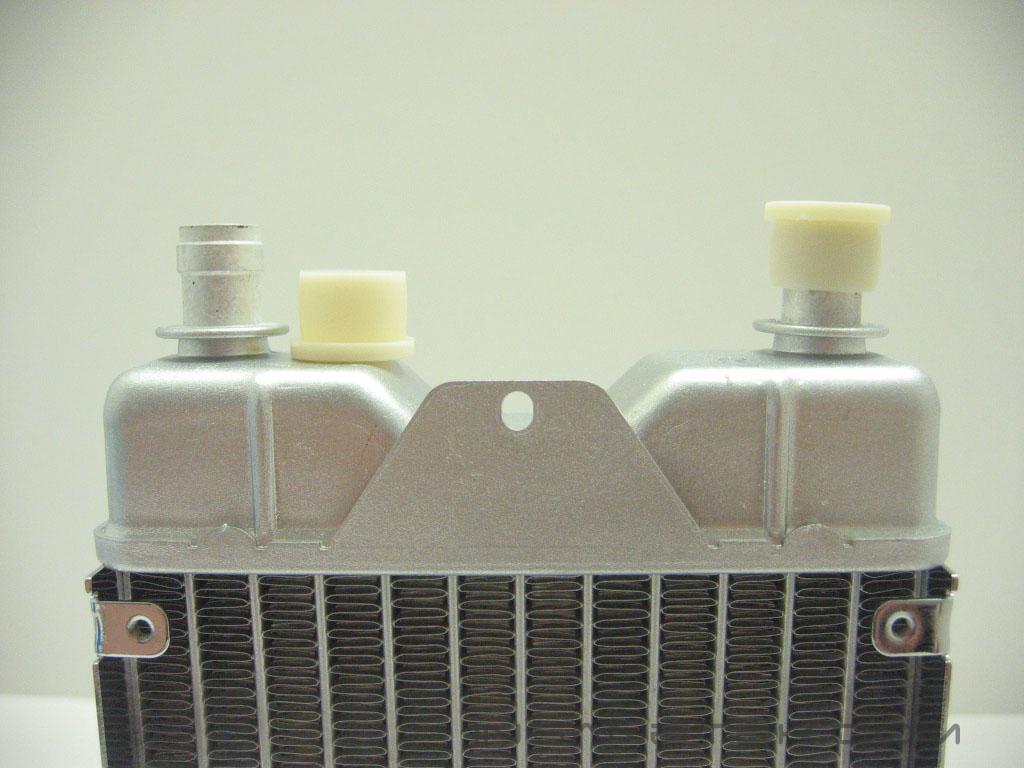
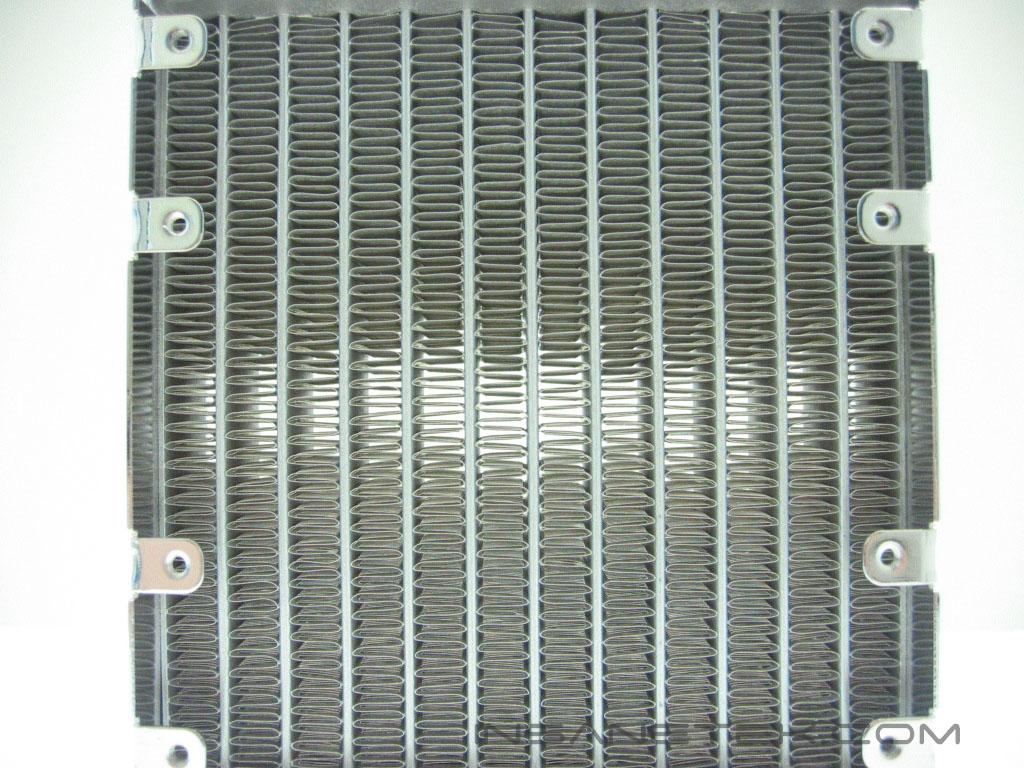
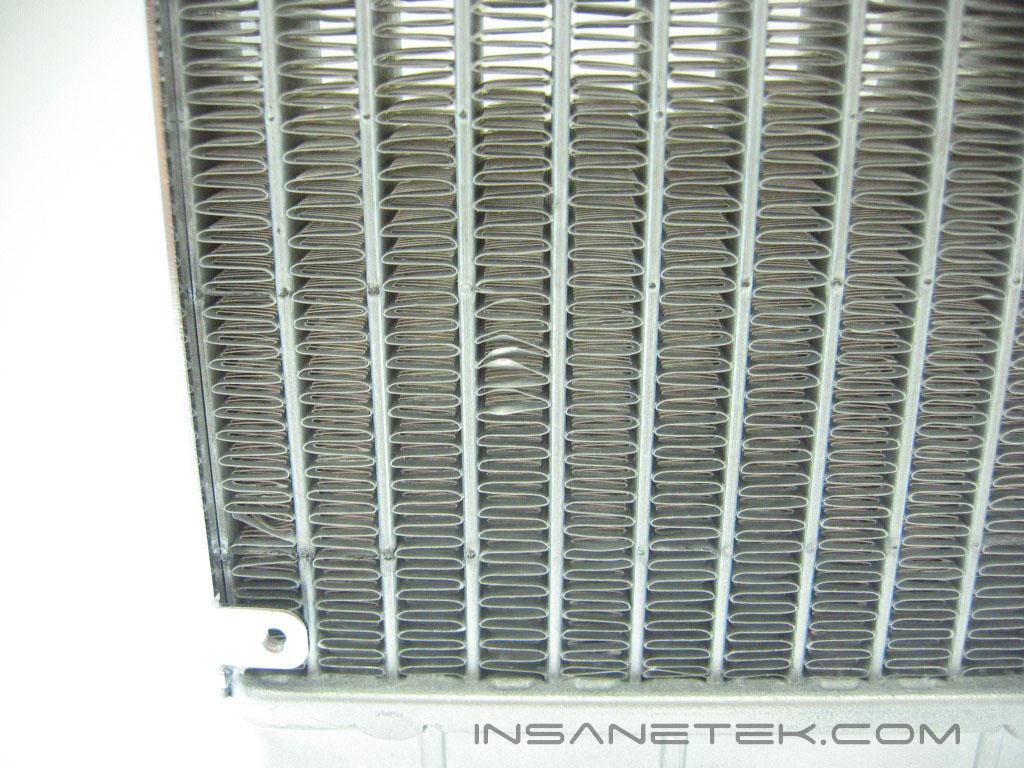
The radiator is constructed completely out of aluminum, which makes it very light. It is painted silver, so the blue casing really does allow it to blend in with the rest of the setup. Tthe radiator is designed to let the water move through in four passes; Up, down, up , down. This gives it a good amount of time to remove the heat from the water. The radiator supports a 120mm fan. Like the rest of the system, it has 1/2” barbs. The aluminum fins are delicate and can be damaged easily.
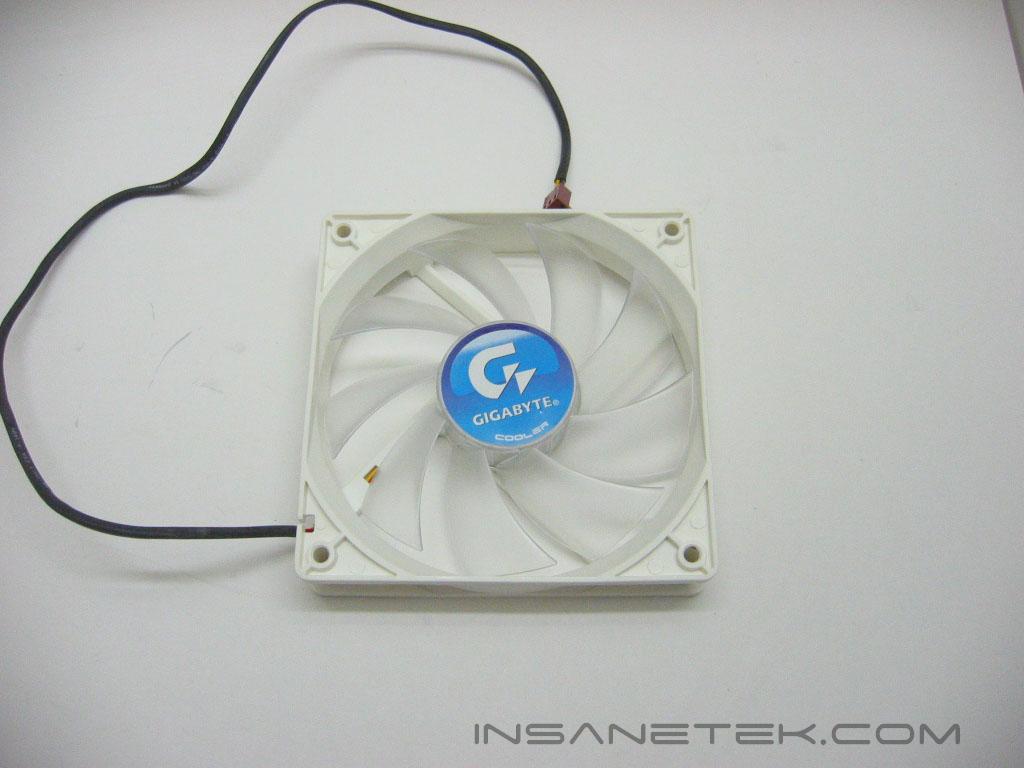
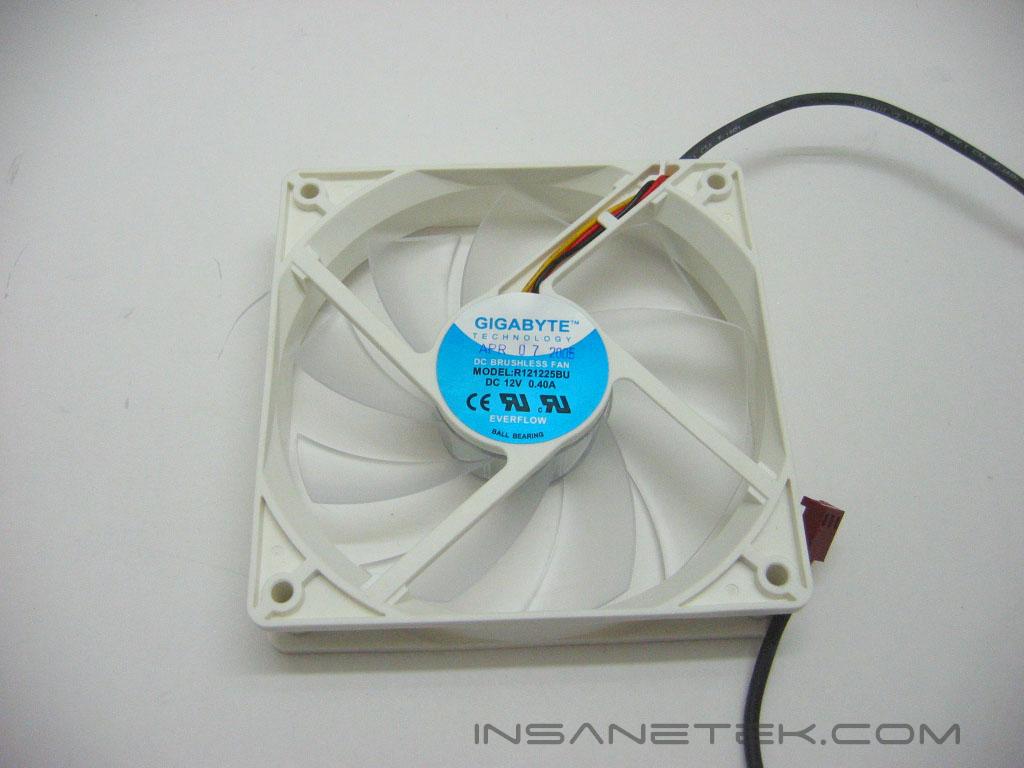
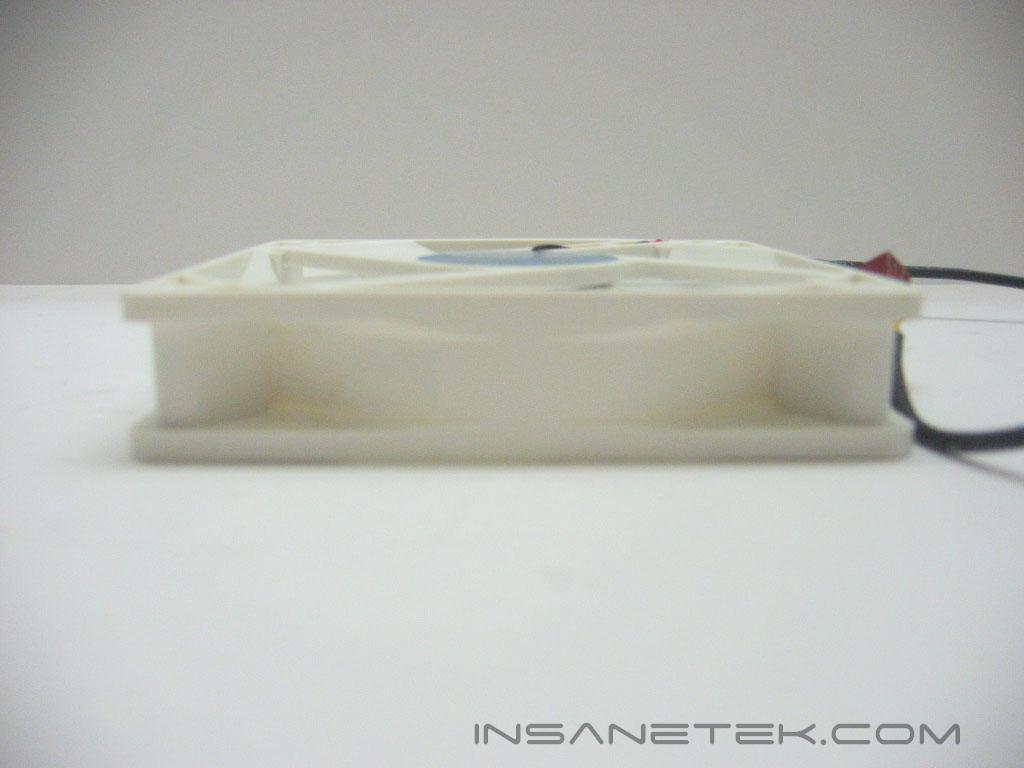
The 120mm fan that is attached to the radiator is thinner than most 120mm fans included with watercooling kits. It has blue LED’s that emit from beneath the fan motor.
Accessories
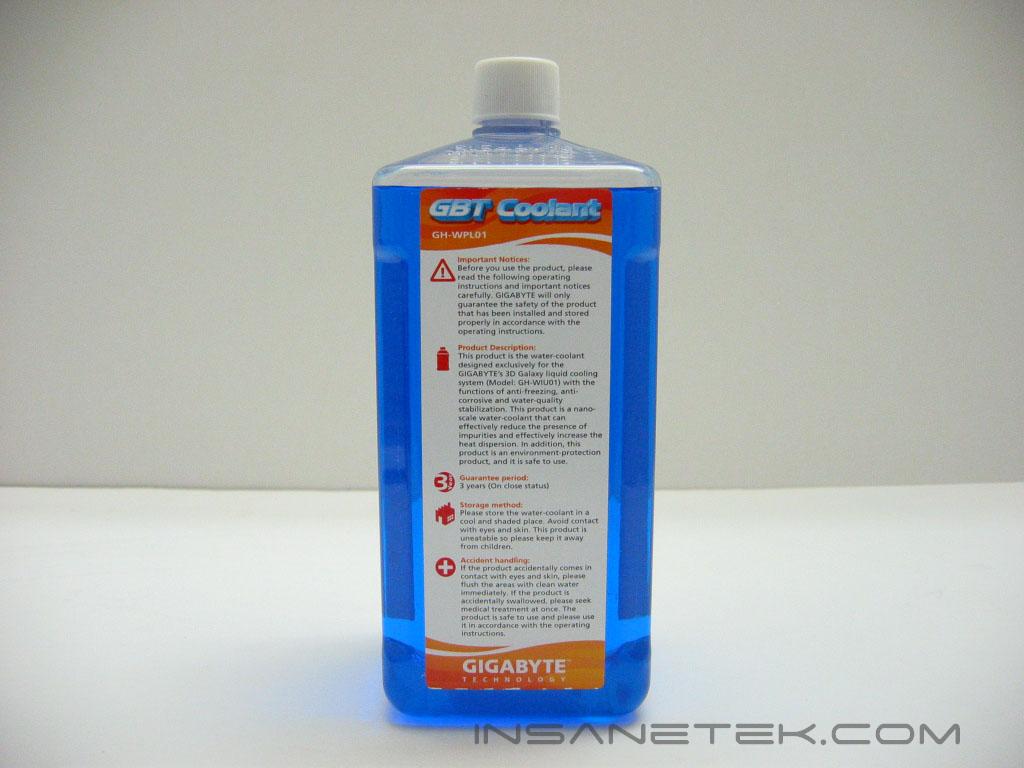
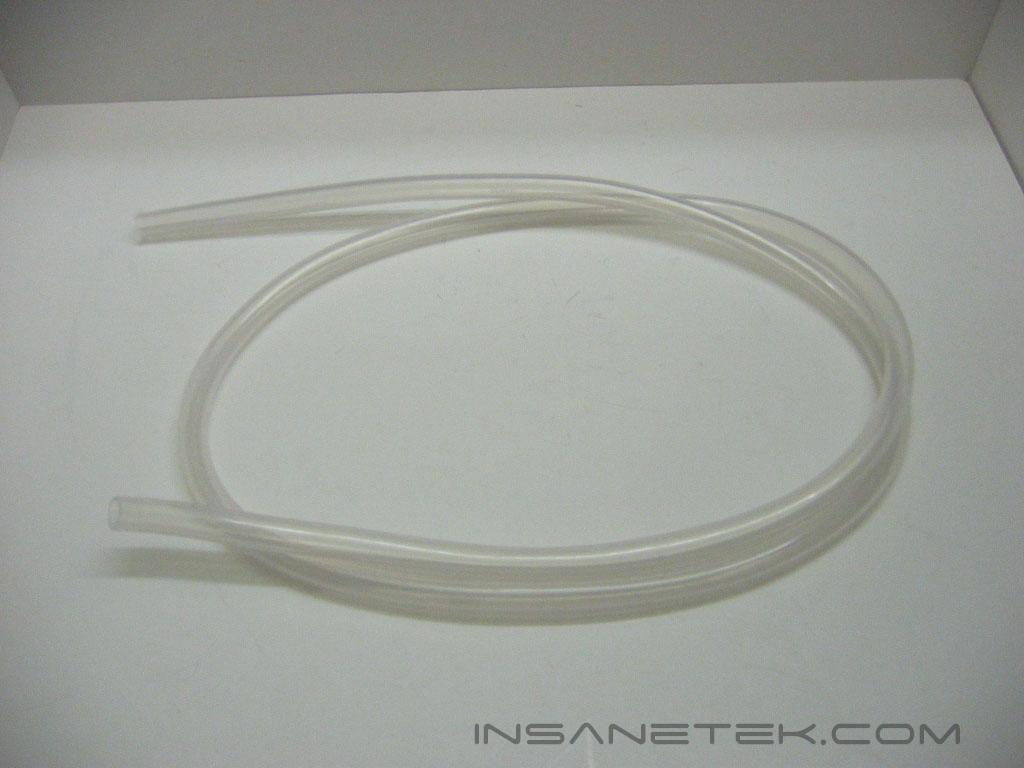
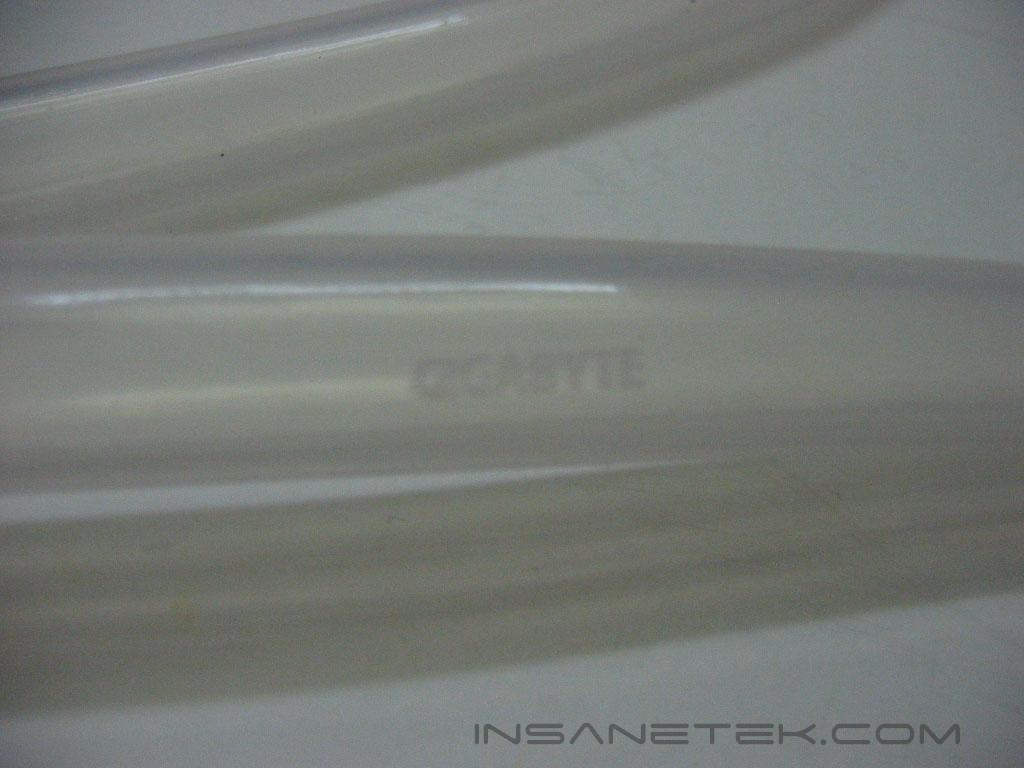
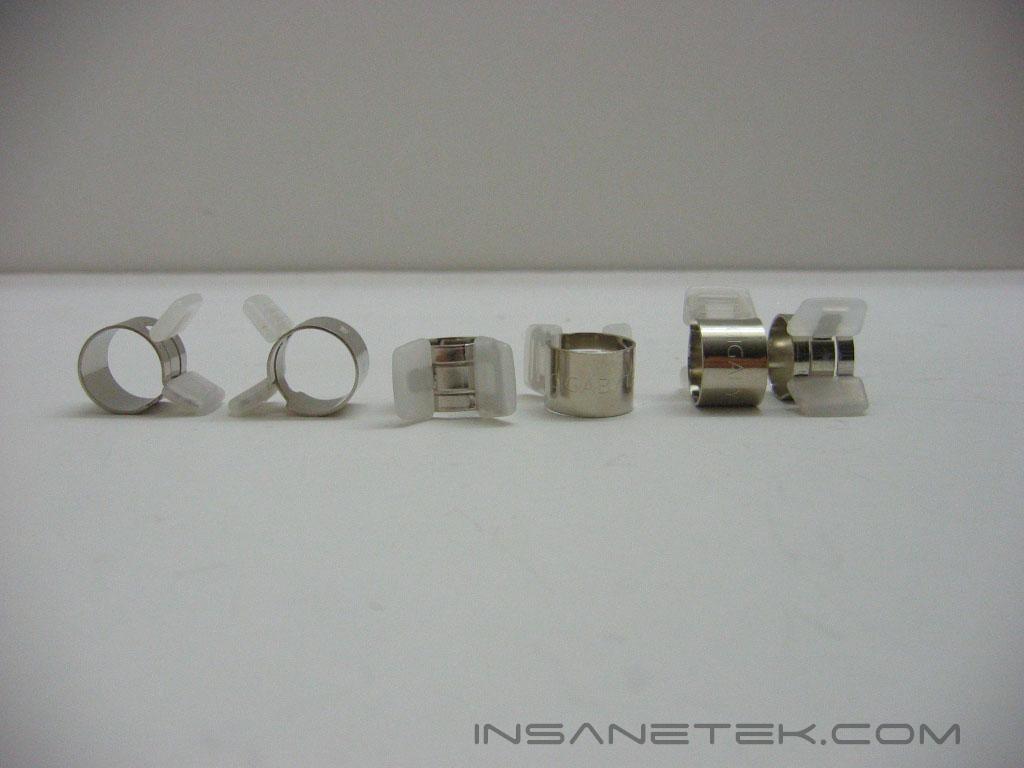
Gigabyte supplies 600ml of an anti-freezing, anti-corrosive, and water quality stabilizing coolant. It doesn’t require any additional water to be added, and is just enough to fill the loop. Gigabyte includes six feet of tubing that bears its name. It is not the most flexible tubing, but it’s UV reactive! What a trade off! Gigabyte also includes tube clips for securing the tubing to the barbs of the components.
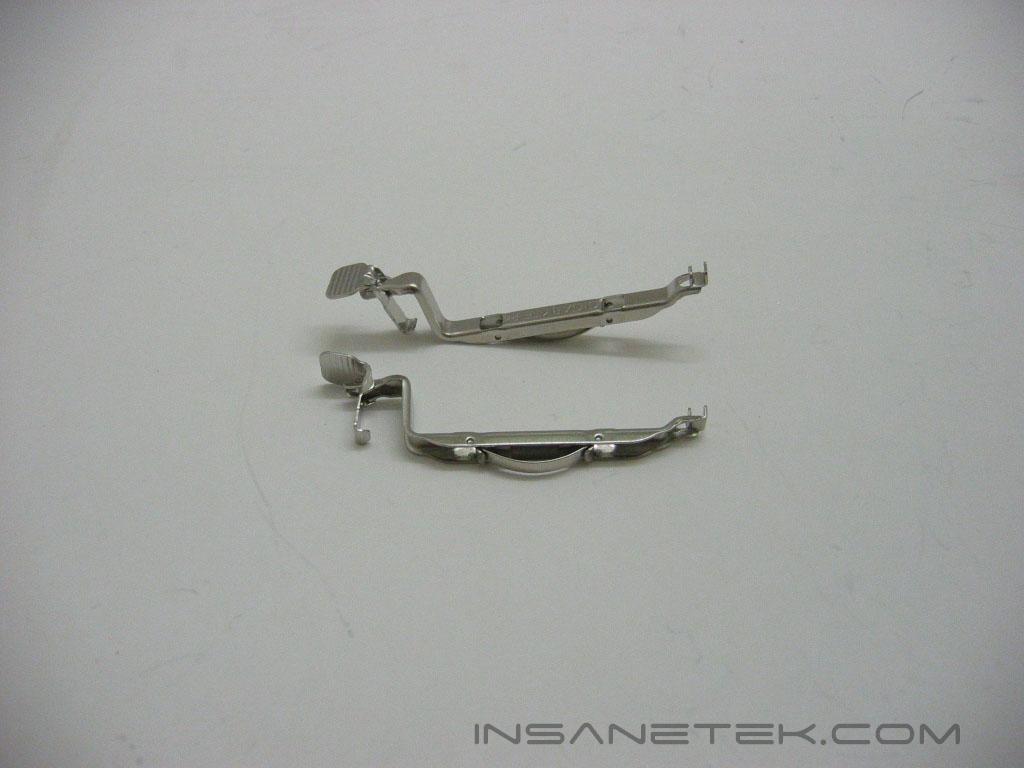
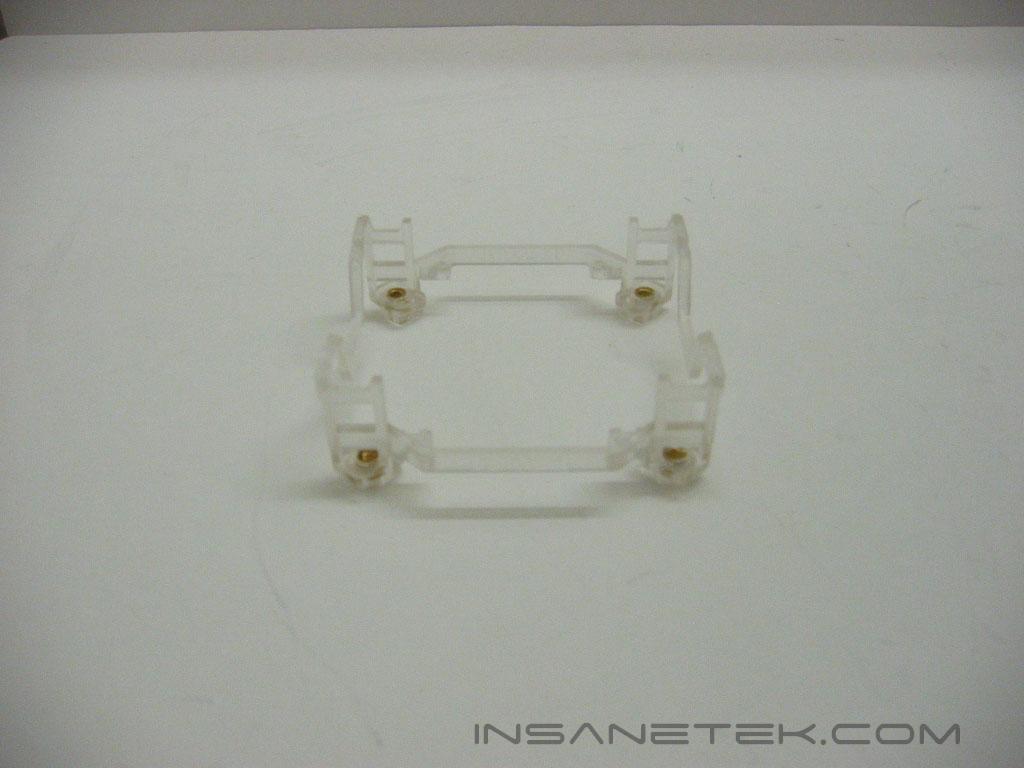
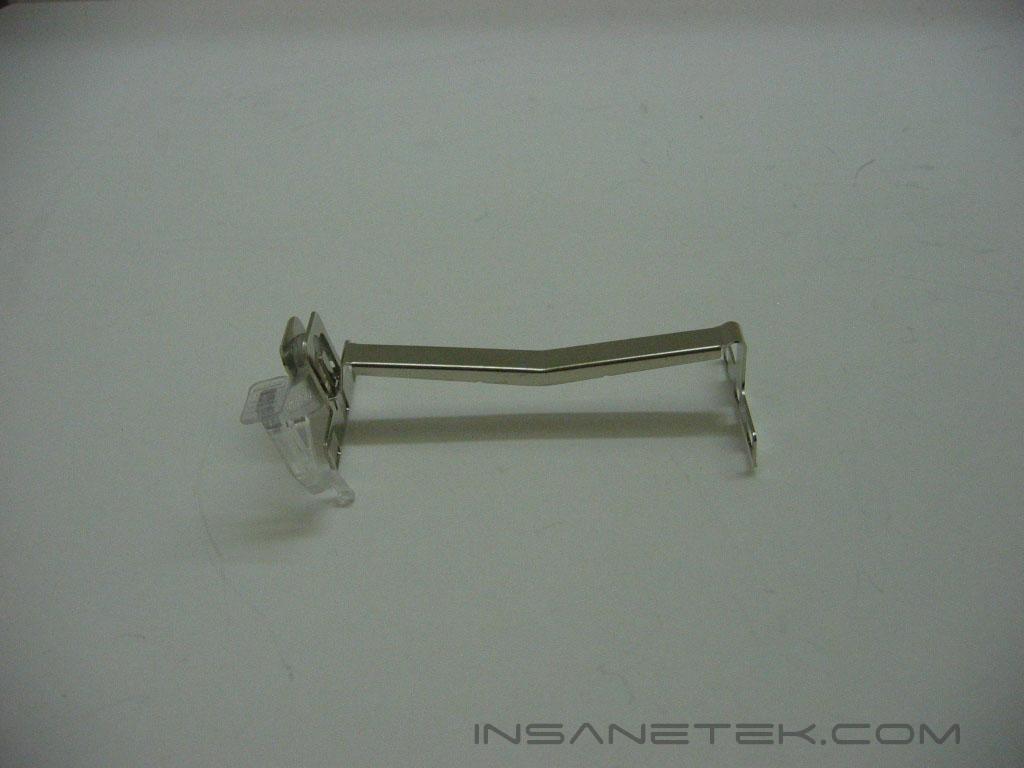
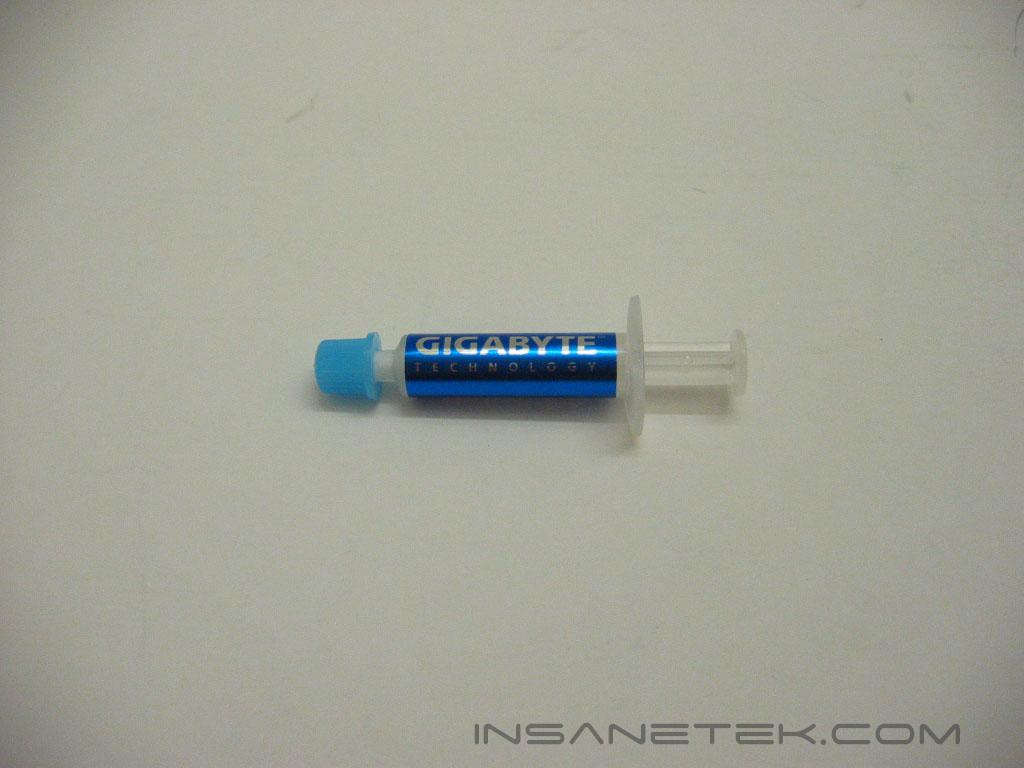
The 3D Galaxy is universal, as it has mounts for Pentium 4 socket 478 and socket LGA775, as well as AMD K8 sockets 754/939/940. There is no compatibility with older AMD Athlon XP, as the platform is being phased out. Also included with the 3D Galaxy is a small tube of Gigabyte branded thermal paste.
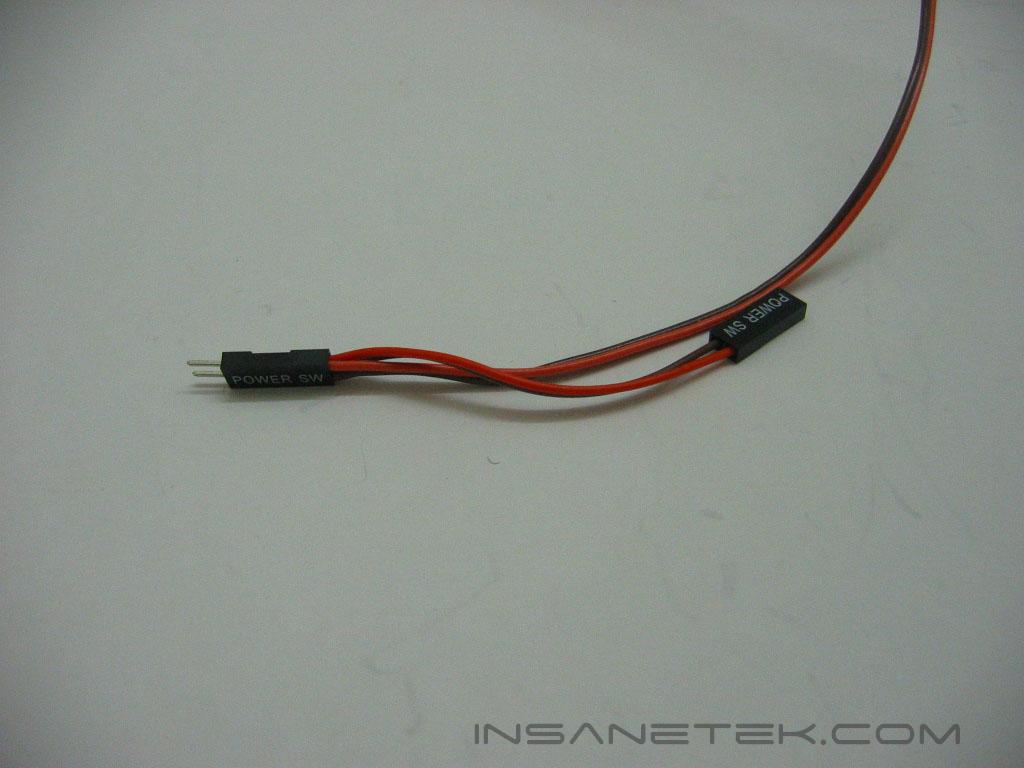
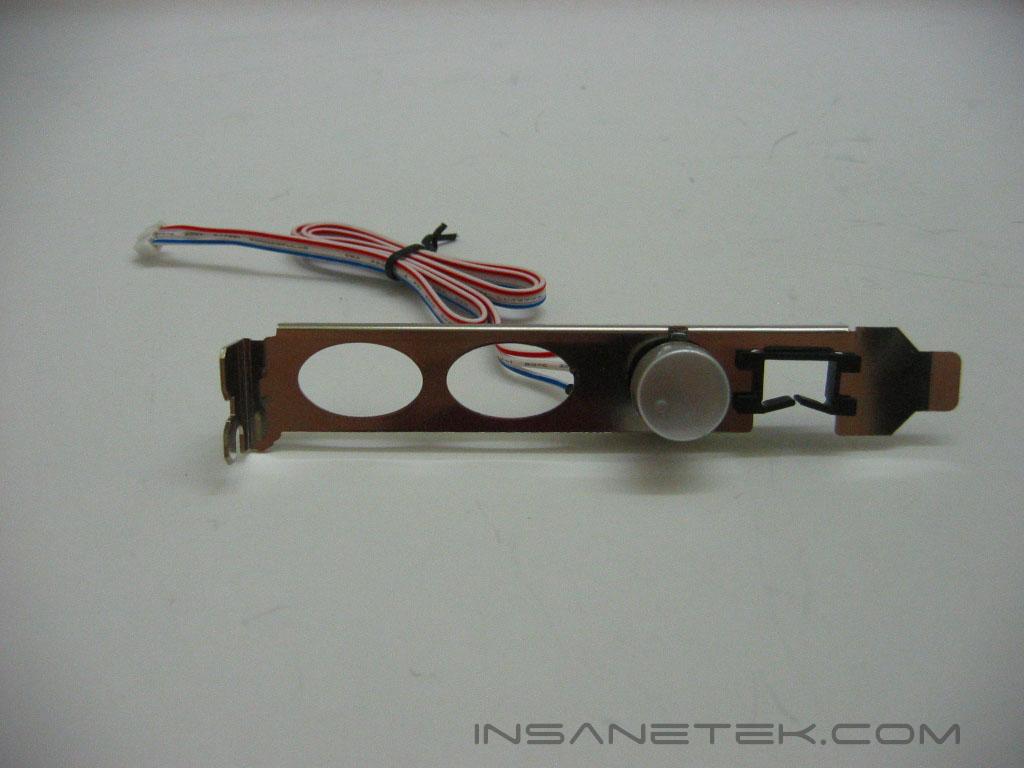
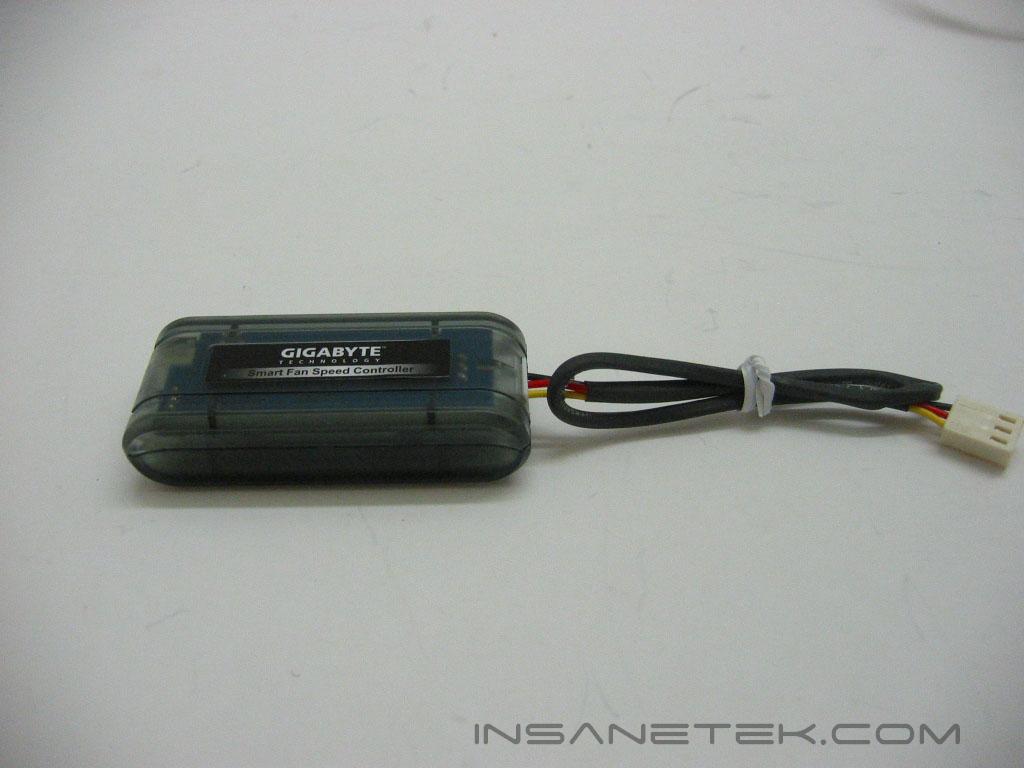
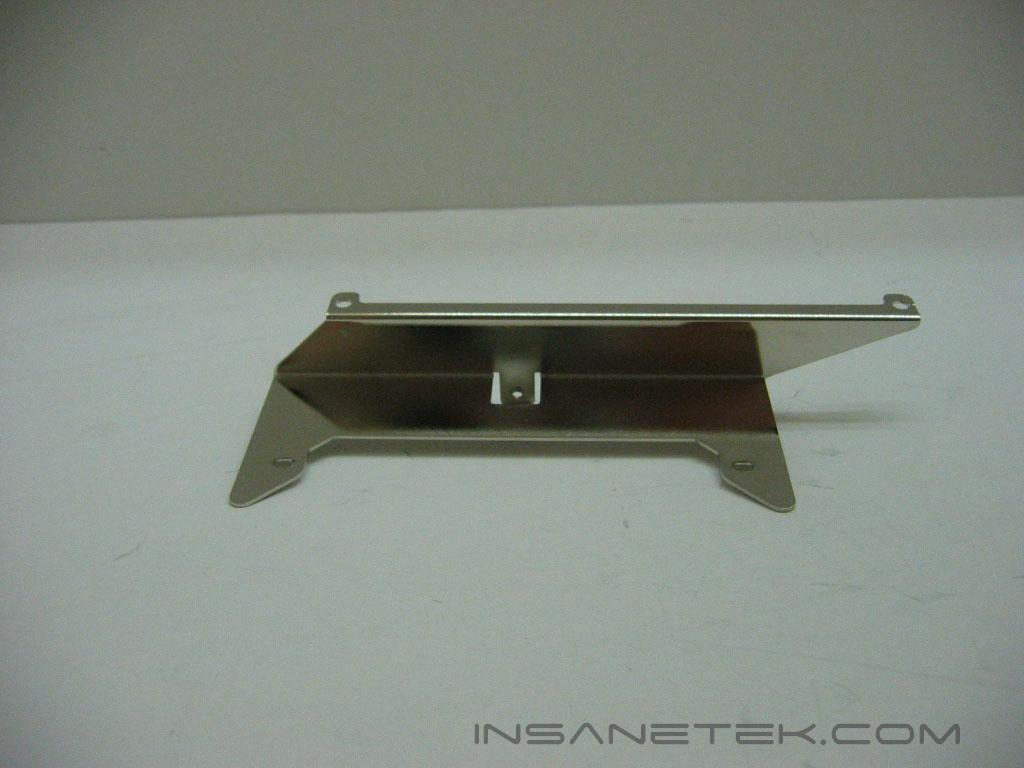
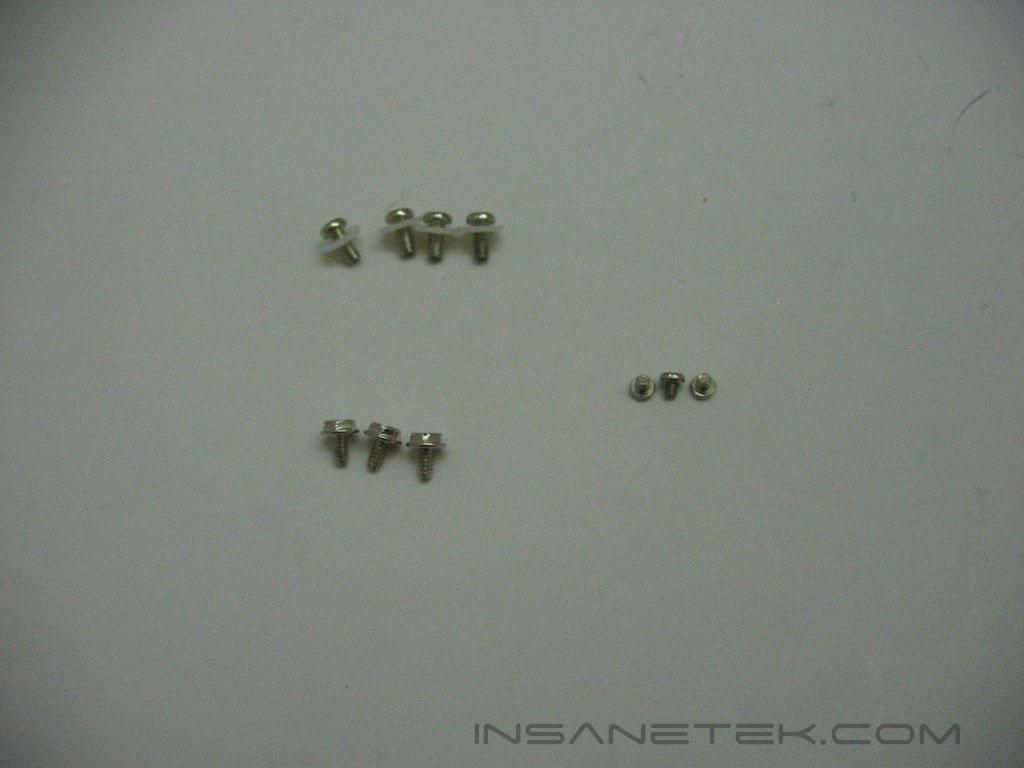
The wire labeled power switch interrupts the power switch on the front of the case and connects to the reservoir. This allows it to power down the system if the water-level protection or over-heating protection is tripped. The PCI slot bracket allows you to route tubing through the PCI slot. It also houses the fan control knob. The fan control knob’s wire connects to the fan speed controller and allows you to change the radiator fan’s voltage from 7v to 12v, decreasing or increasing its speed. The metal bracket connects the radiator to the back of the case. It connects to the radiator by three small screws, and connects to your case’s bottom two power supply screws. In the last image, the four top screws are for mounting of the LGA775 bracket. The rest are for mounting the radiator.
Specifications
Installation
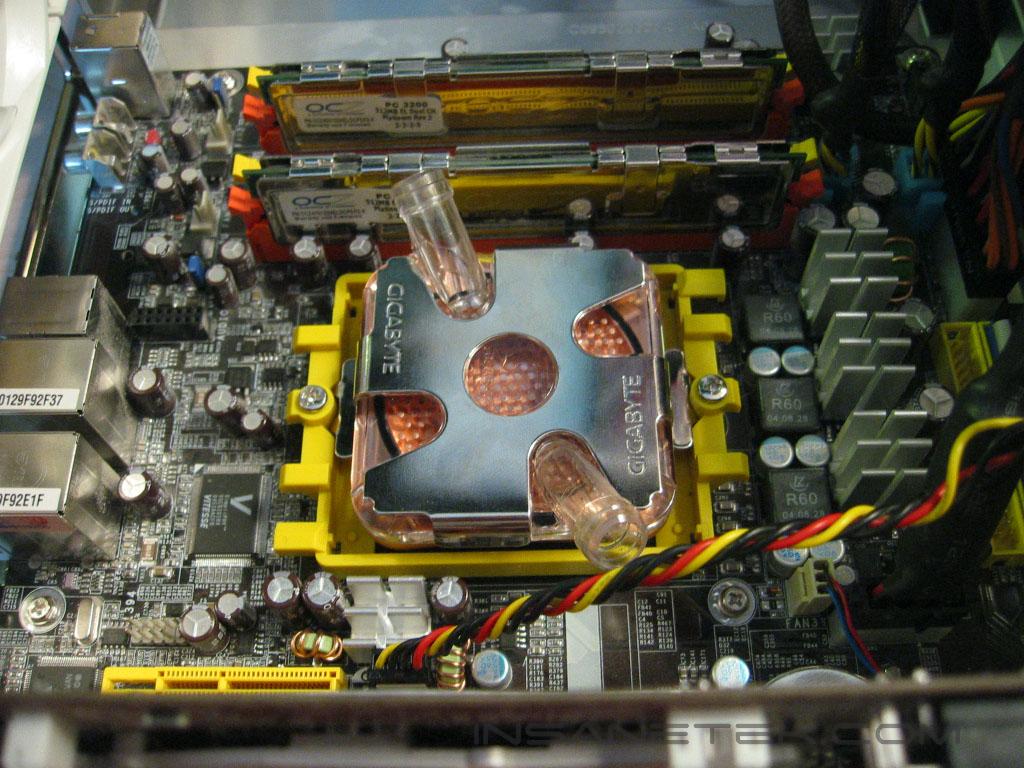
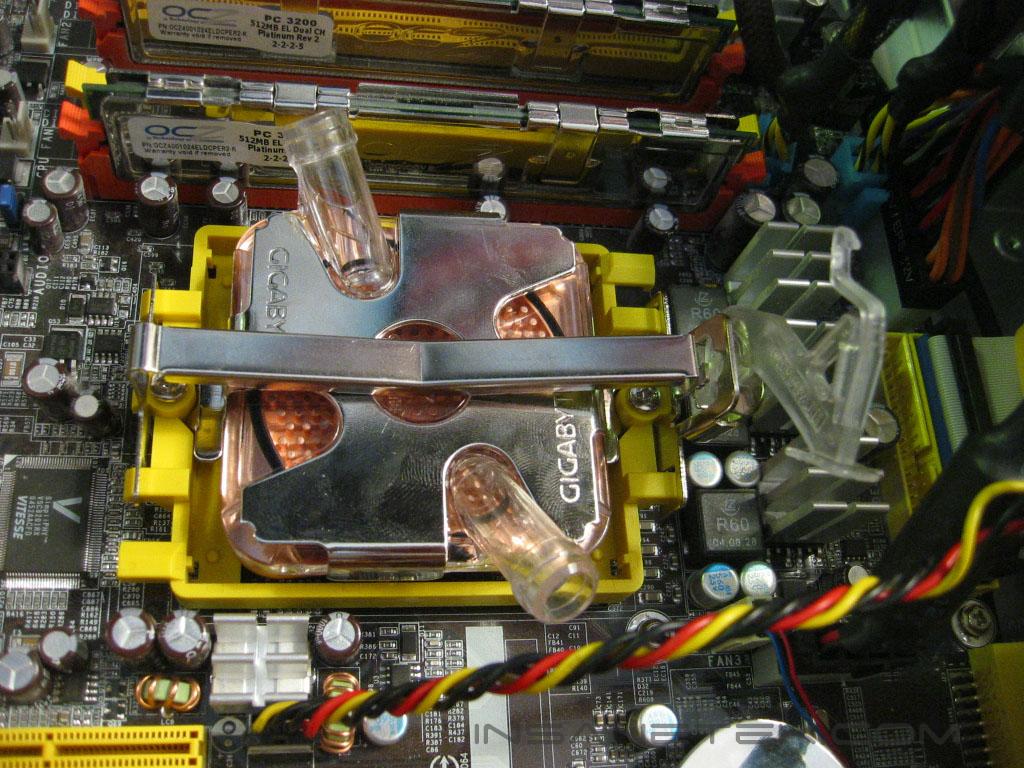
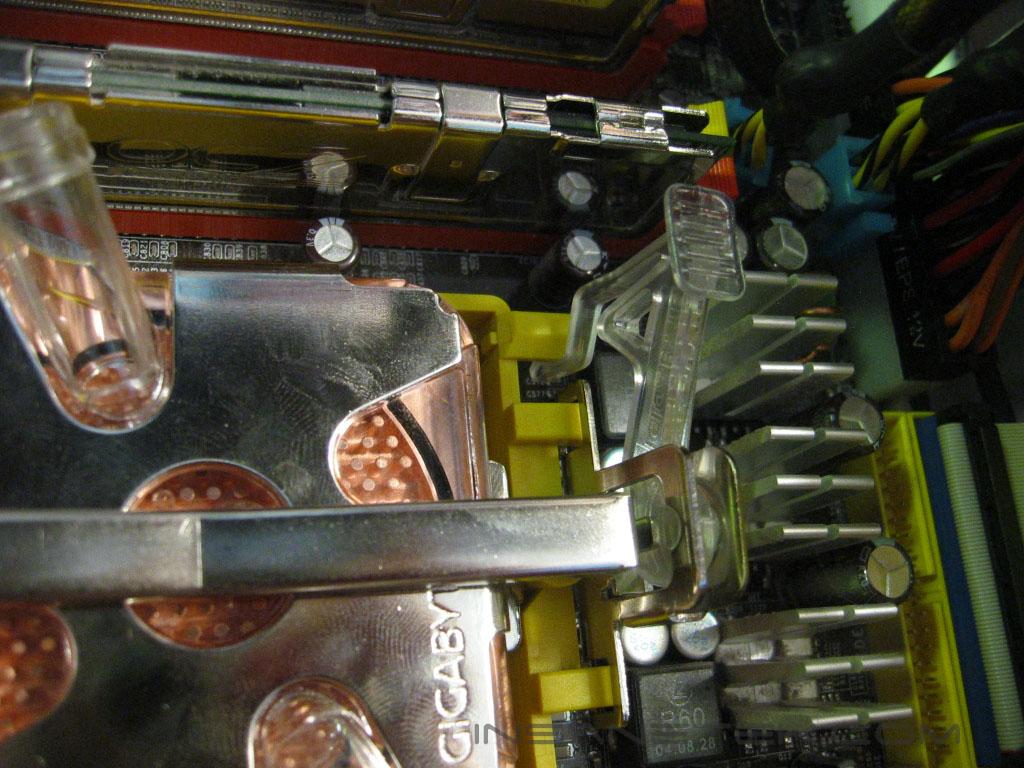
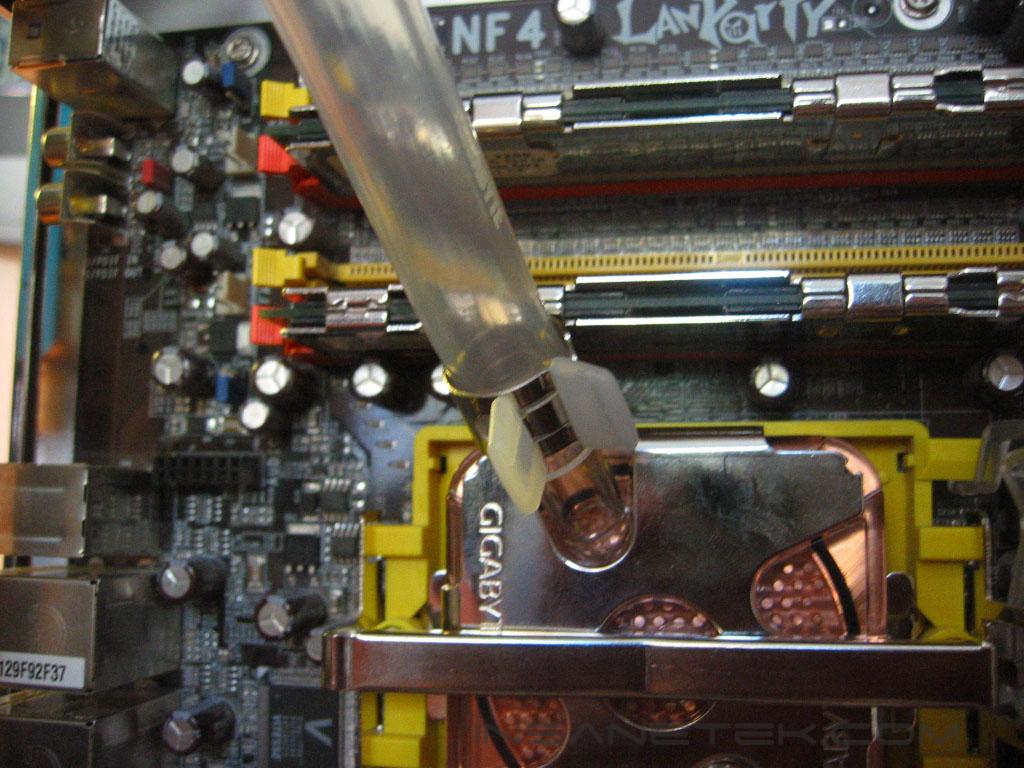
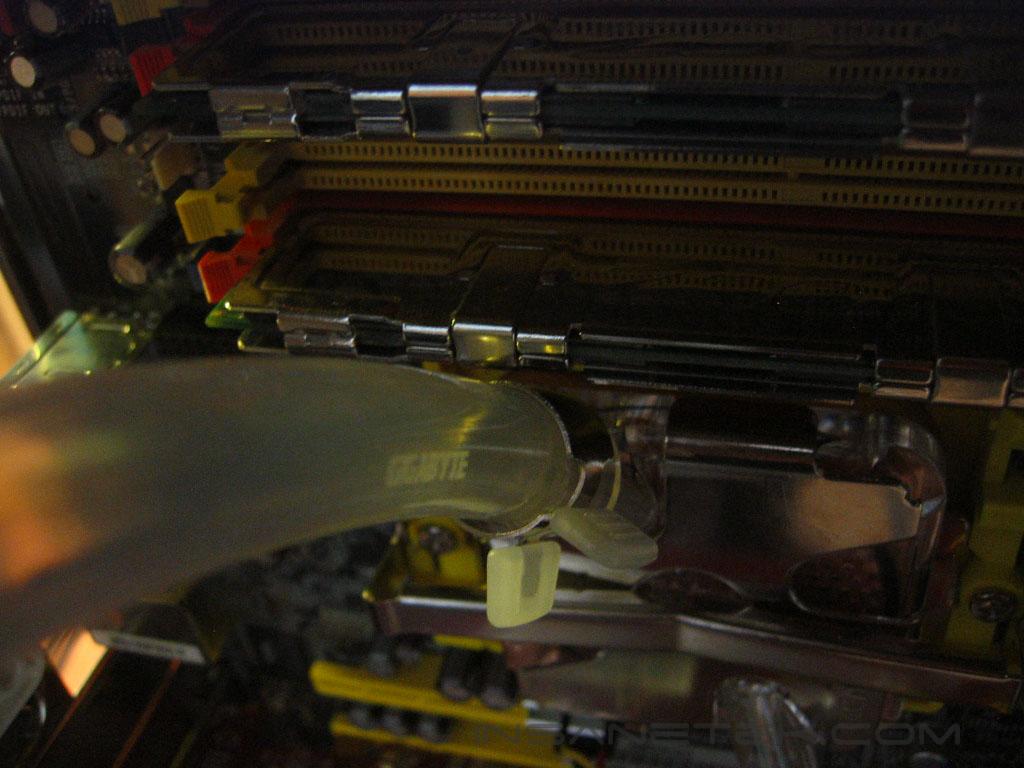
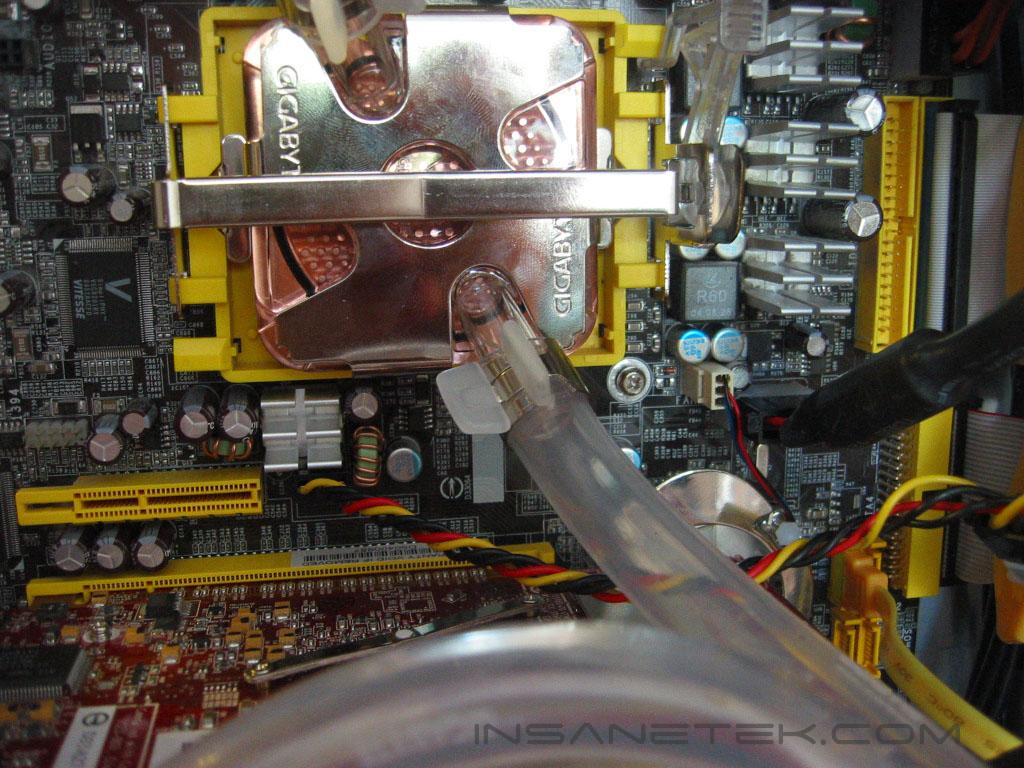
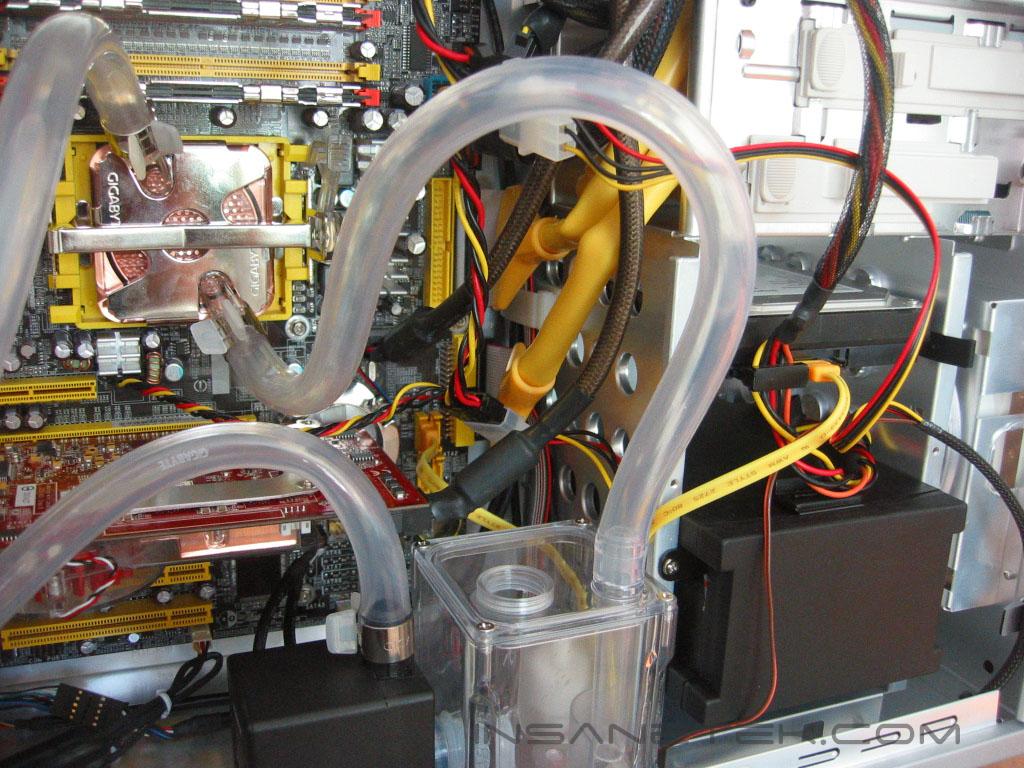
The Galaxy’s waterblock mounts very easily on the AMD K8 platform. Since the Galaxy’s K8 mounting clip mounts on the stock bracket, there is no preparation needed. Just put some thermal paste on the processor, place the waterblock on top, clip in the hold-down, and clip down the lever. Installing the waterblock was very simple, though the tubing gave me some troubles. On the DFI NF4 boards, the inlet tubing goes directly over the memory slot closest to the CPU socket. Installing and taking out memory could be a hassle, because you are required to place it in the slot at somewhat of an angle. Once the memory is secured into the slot it is seated fine. The outlet is directed downward at the video card. For the tubing not to rest on the video card, and also not to kink, I had to use a large curve in the tubing.
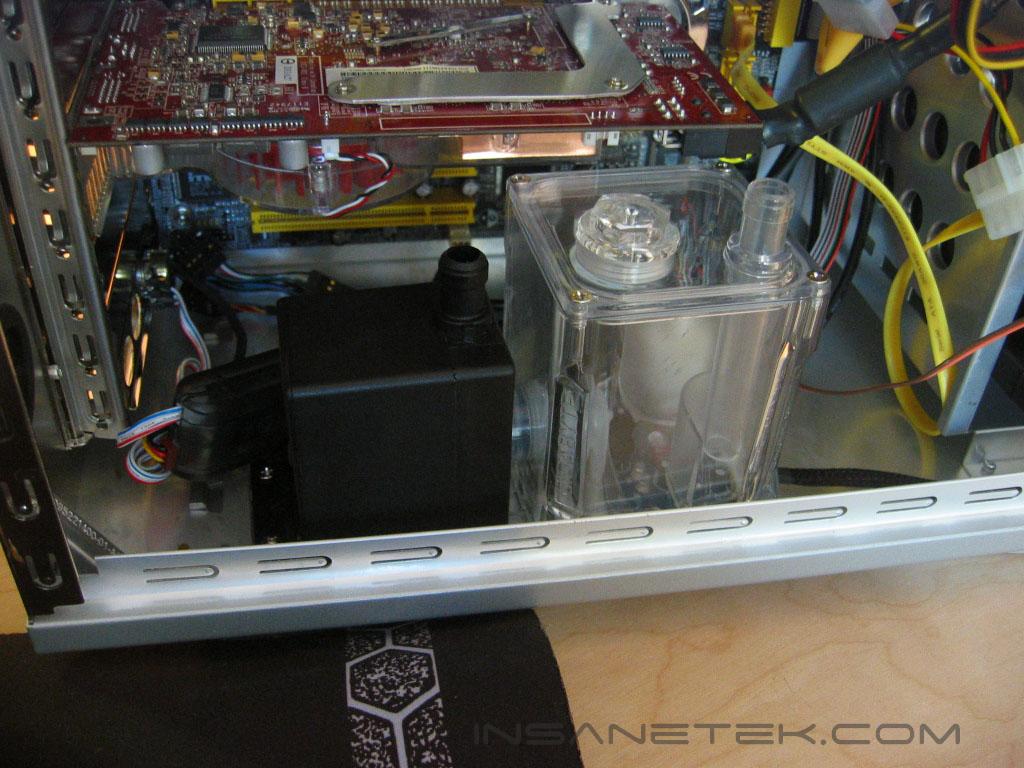
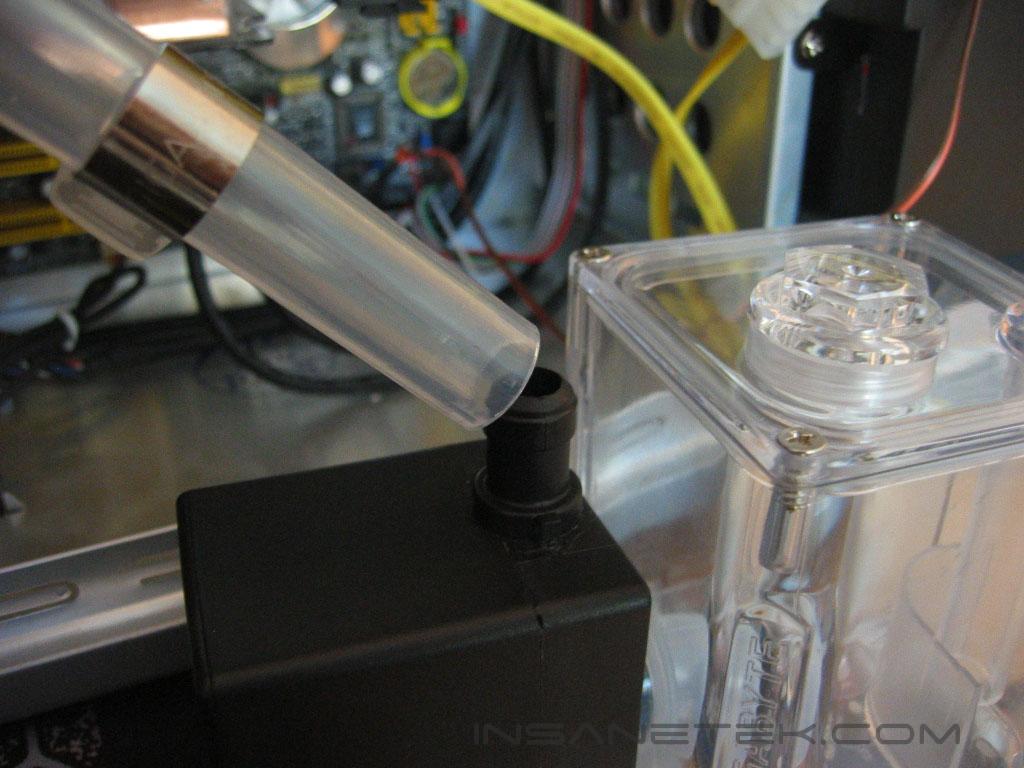
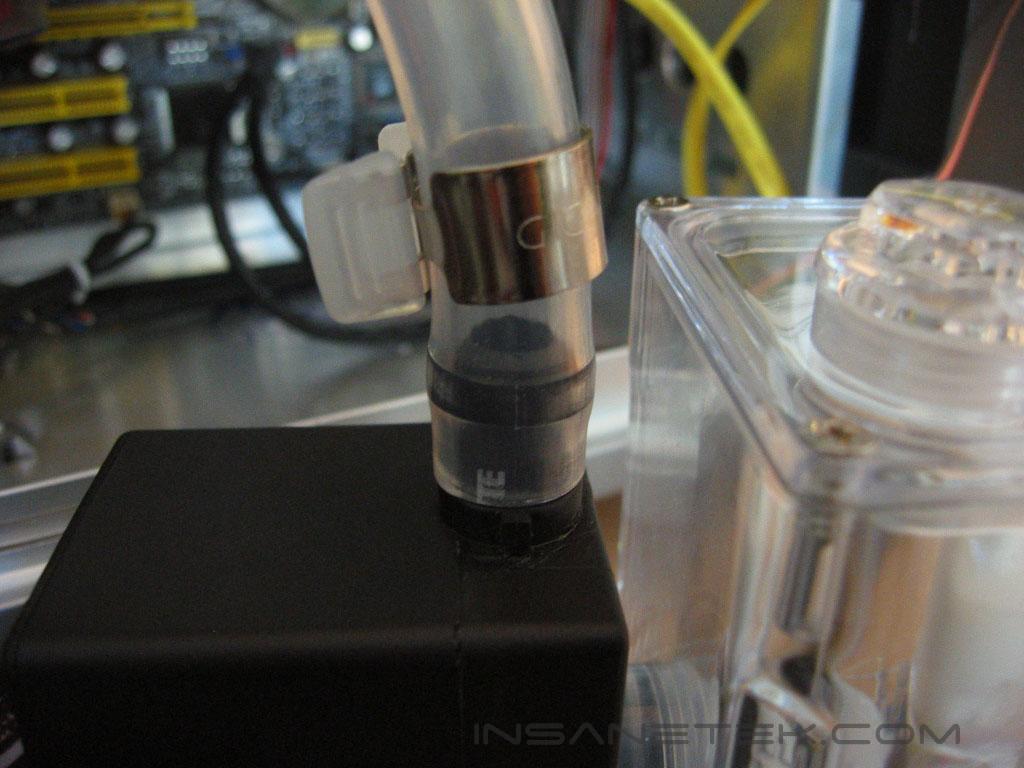
The only place the pump and reservoir can fit is on the floor of the case. They can be secured by included strips of Velcro. To install the tubing, place the clip on the tubing prior to connecting it, connect the tubing to the barb, and place the clip over the barb to secure it.
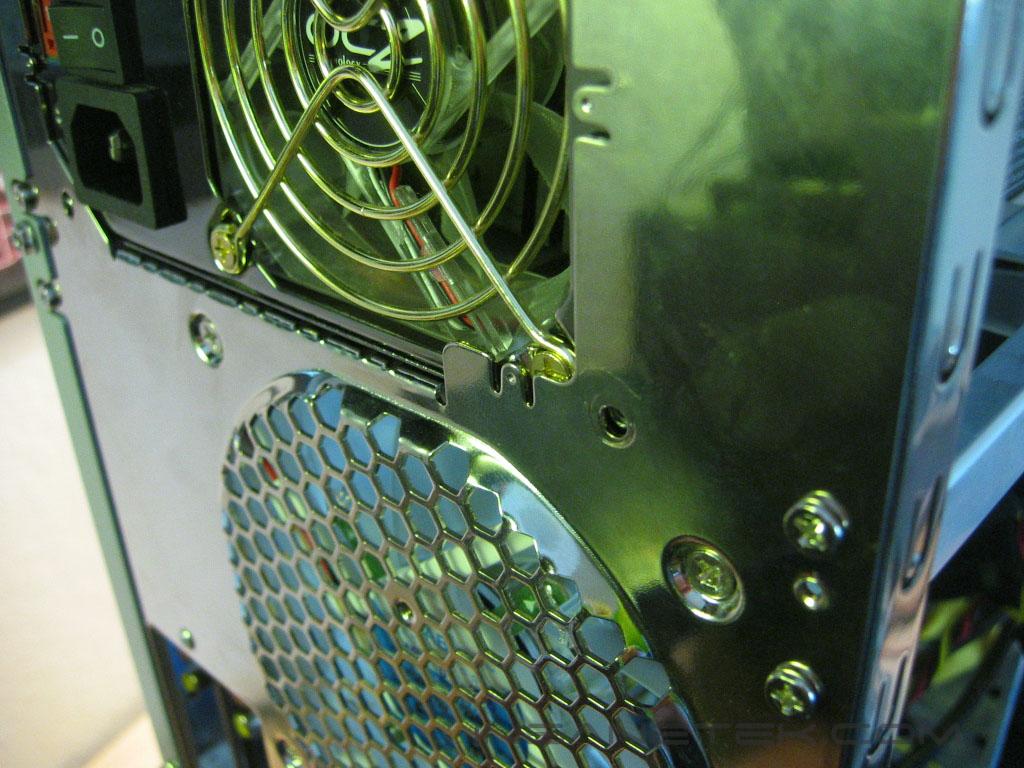
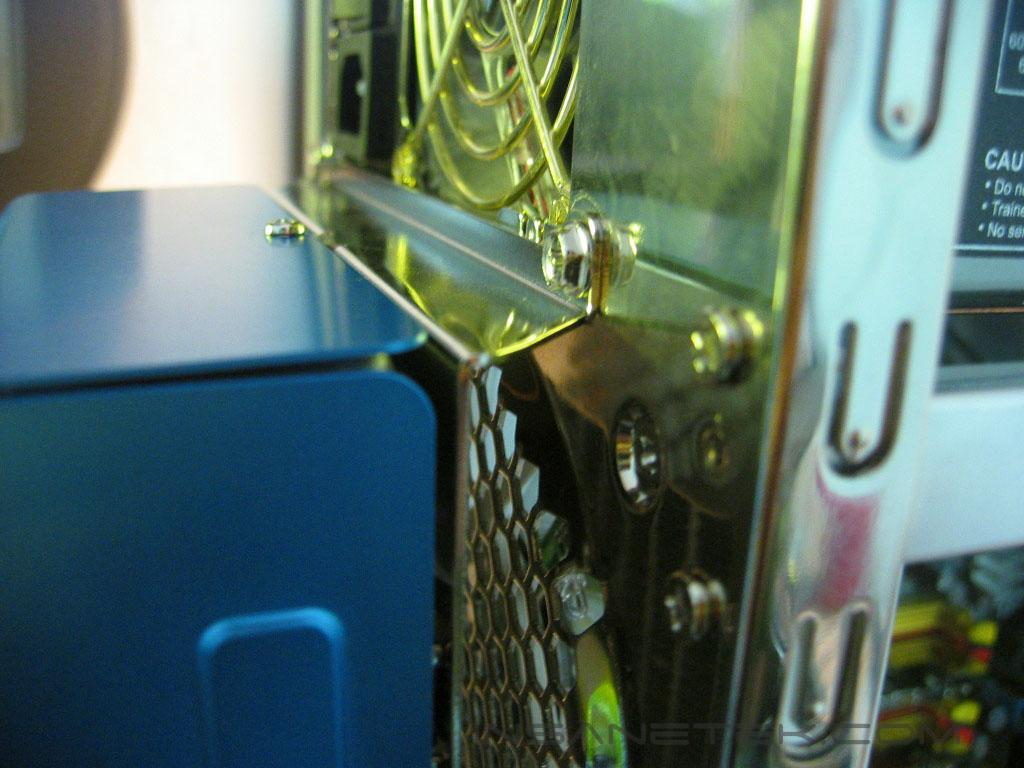
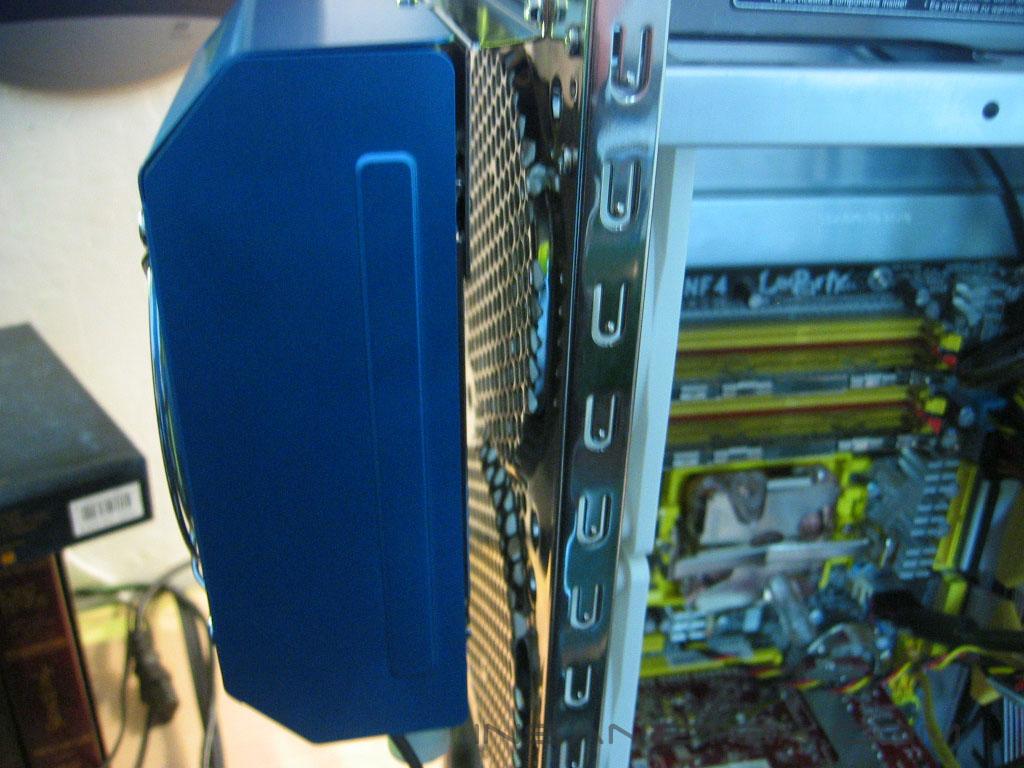
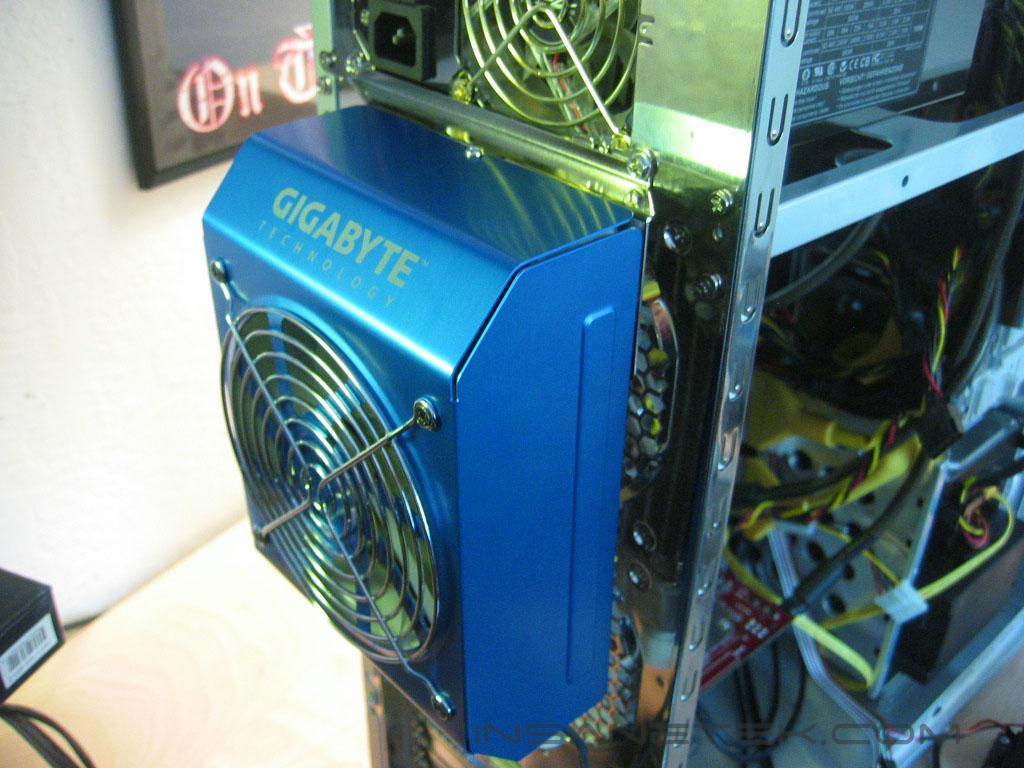
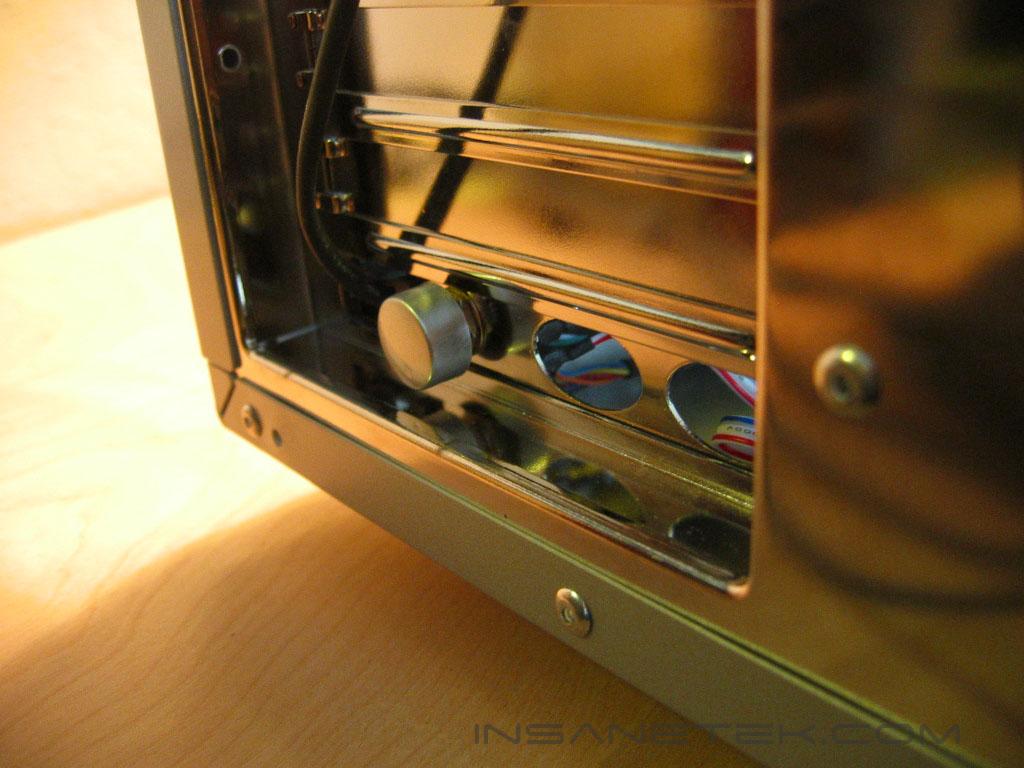
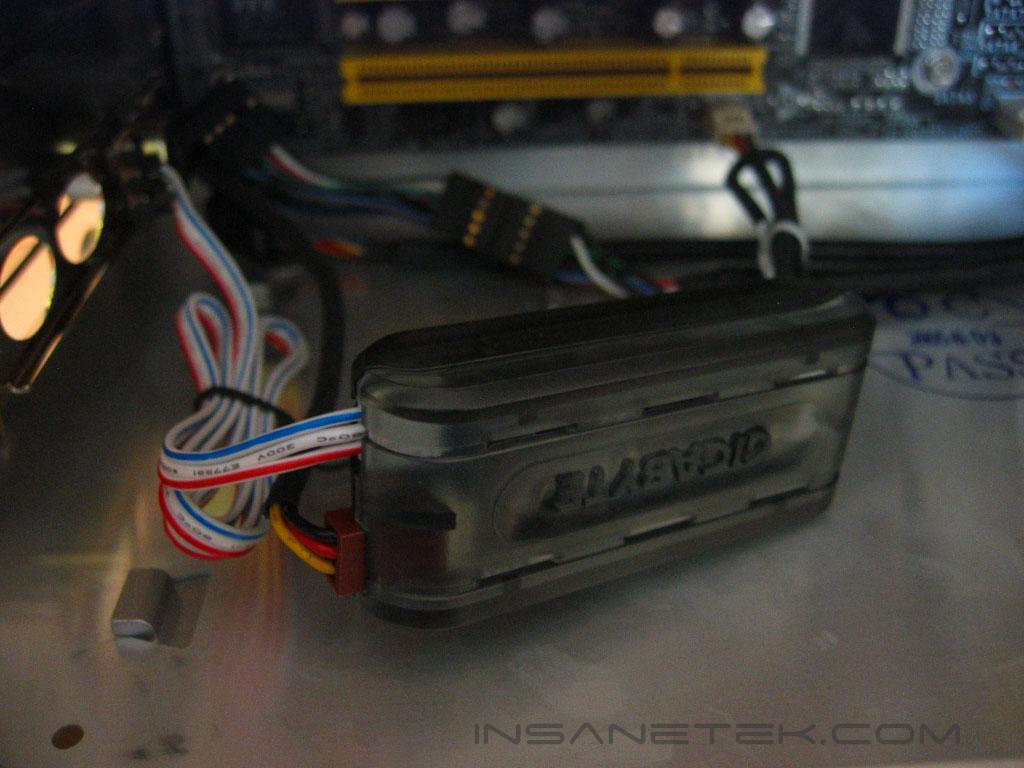
To install the radiator to the back of the case, take out the bottom two power supply screws, place the mounting bracket over the screw holes, and drive the screws back into the power supply. Mounting at the back of the case will allow exhaust fans to blow into the radiator as well. To install the PCI slot fan controller, you must remove the top of the fan control knob to fit it through the slot and place it back on when it is outside of the case.
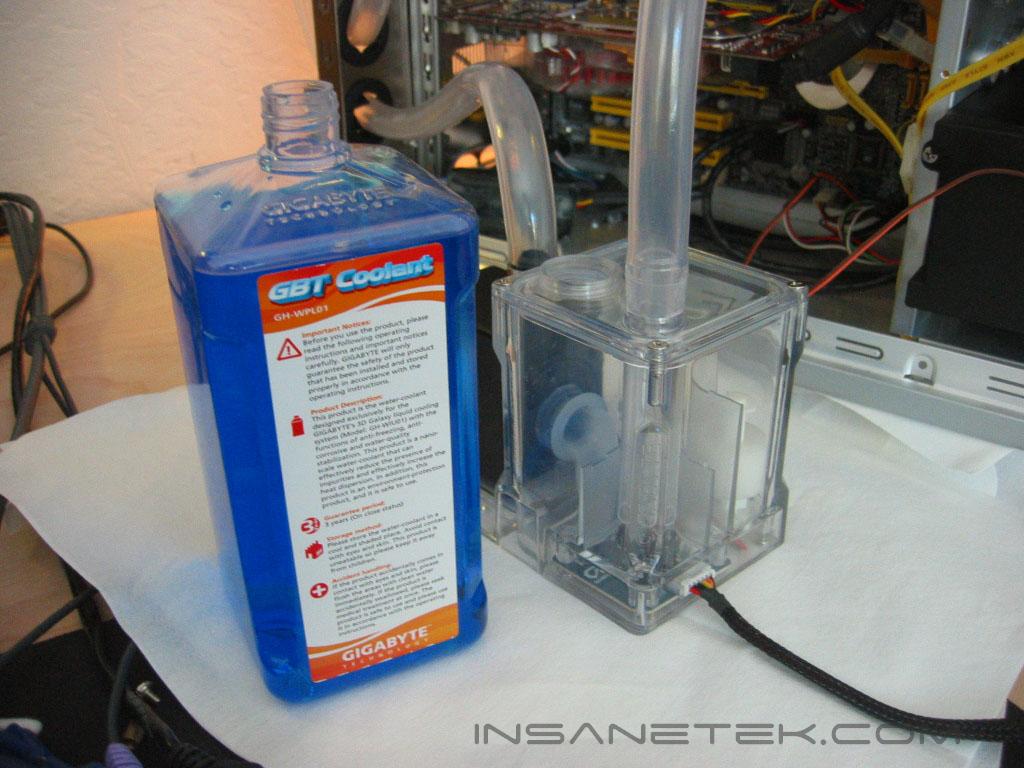
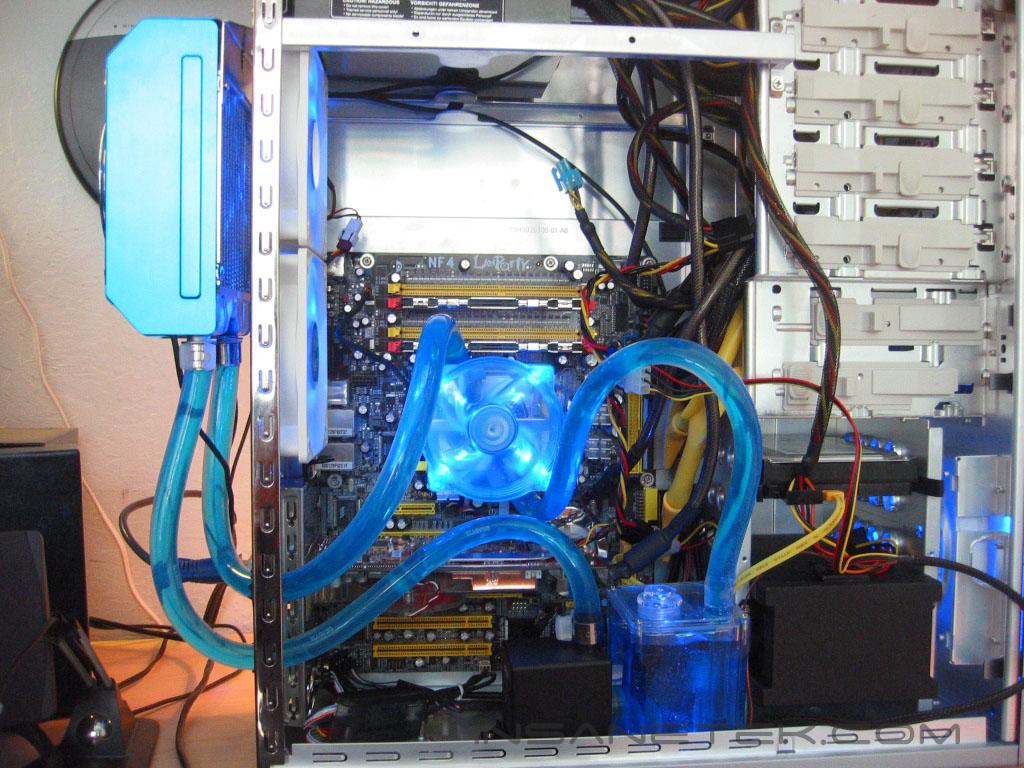
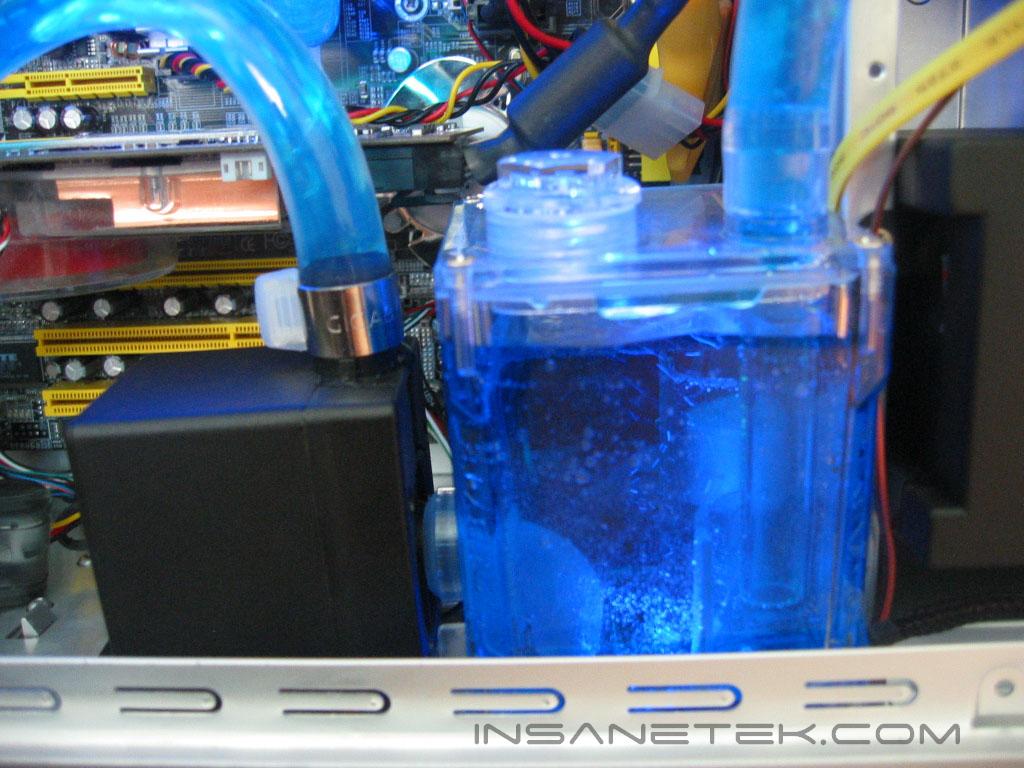
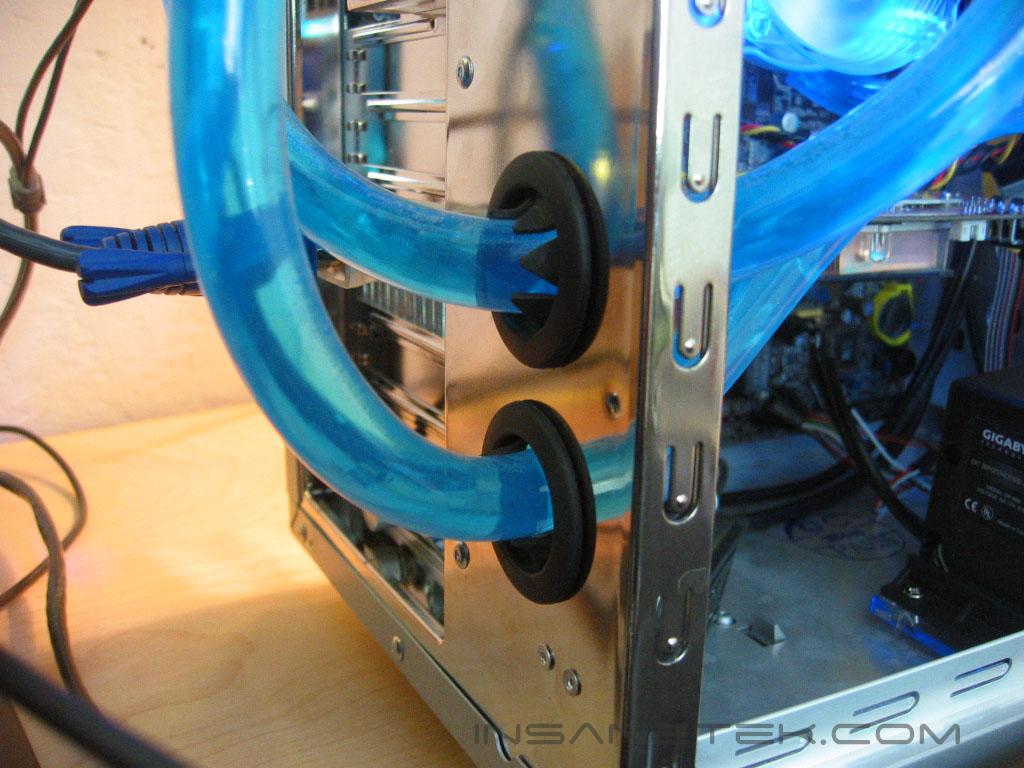
Filling the loop is very easy with Gigabyte’s reservoir design. It makes removing air from the loop very easy. Start by filling the reservoir. When it is full, power the system. Continue this until the system is full and all of the air is out of the system.
Test Setup and Results
Test Setup and Method:
- AMD Athlon 64 3700+ San Diego (stock at 11x200 = 2200mhz @ 1.35v, overclocked at 11x246 = 2706mhz @ 1.52v)
- DFI LANParty UT nF4 Ultra-D
- 2x512MB OCZ PC3200 Plat. Rev.2 1:1
- PowerColor Radeon X850XT PE
- OCZ PowerStream 600W
Test Procedures:
- Idling at desktop for 30 minutes
- Full load with one instance of CPU Burn-in for 30 minutes
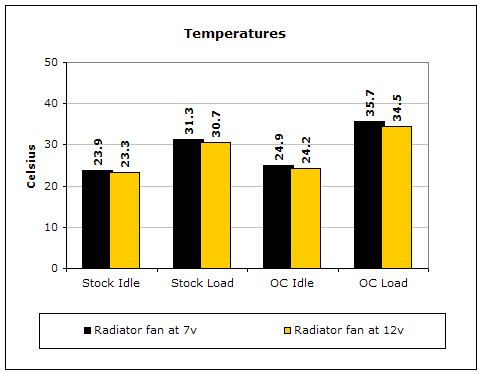
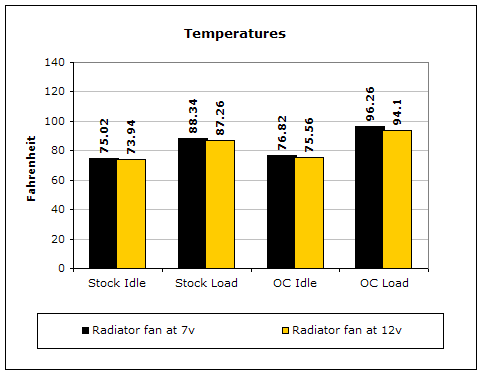
Testing will be done on the AMD64 platform. Temperatures will be monitored by the probe of an UEI DT150 thermometer placed on the side of the processors heatspreader. Ambient temperature was kept at 24°C with +/-0.1°C. Arctic Silver Ceramique thermal paste was used throughout the testing process. One instance of CPU Burn-in was used to create maximum load on the CPU. No scientific testing will be conducted, due to lack of equipment. The purpose of this test was to determine the results a home end user would obtain. Testing will be done within a closed case. The fan will be tested at 7v and 12v.
Results:
Conclusion and Thoughts
I didn’t come into this with high hopes, but Gigabyte turned out an impressive kit. The 3D Galaxy’s looks and design are really what make it stick out from other watercooling kits. It has very easy assembly that shouldn’t give anyone to much trouble. Yet, it isn’t without its faults. It uses 1/2” tubing, which is a good when considering it allows better headroom for water flow. Yet, if the pump isn’t strong enough for the larger tubing, it will only hurt its performance. Another bad aspect of 1/2” tubing routing. Gigabyte’s tubing did not have the flexibility to make somewhat easy turns without kinking. I think that 3/8” tubing would have been a much better match to these components. The water block design made removing and installing memory in the first bank of the DFI NF4 board difficult. The cause of design of the diagonal barbs is the MOSFET fan. Placing the barbs on the top of the heatsink wouldn’t allow the fan to be placed there, but it would clear up some of the routing problems. The pump and reservoir take up quite a bit of space. Those with smaller cases would have some difficulty in finding a place to mount them. The radiator fan is very loud at 12 volts, but at 7 volts it was quiet and there was little performance loss. Gigabyte’s low water level and over-temperature protection are fantastic features that ensure the safety of your processor. Gigabyte’s 3D Galaxy would make a great addition for anyone that needs performance and a very visually appealing watercooling kit.
Pros:
- Fantastic aesthetics
- Easy installation
- Good performance
- MOSFET cooling
- low water level and over-temperature protection
Cons:
- Waterblock tubing makes removing/installing memory in first slot on DFI NF4 boards difficult
- Pump underpowered for 1/2”
- Mild/tight turns in tubing can lead to kinks
- Fan is loud at 12 volts

We would like to thank Gigabyte for providing us the sample. If you have any questions or comments, feel free to hit us up in the forums. You can also check out more of our latest reviews on the front page.