

Evercool WC-202 Watercooling Kit
Introduction
Watercooling is becoming popular because of its effective performance and decreased noise levels relative to conventional air cooling methods. It’s also not restricted to extreme enthusiasts. There are many people that still question the safety issues of water. Yet with proper installation, watercooling is certainly not dangerous in a system. Many manufacturers have spent a lot of money producing starter kits geared towards people uncertain about a move to watercooling.
Evercool is known for their production of fans and cooling products. Their offices are located in Taiwan, but they have several distributors all around the world. They haven’t received much attention from enthusiasts because most of their products are used in OEM computers. Unfortunately, those parts are also the first to be replaced because people are interested in bigger brands offering higher performance gains. Evercool has produced a watercooling kits that attempts to compete as a well made and affordable kit.
Evercool WC-202 Watercooling Kit
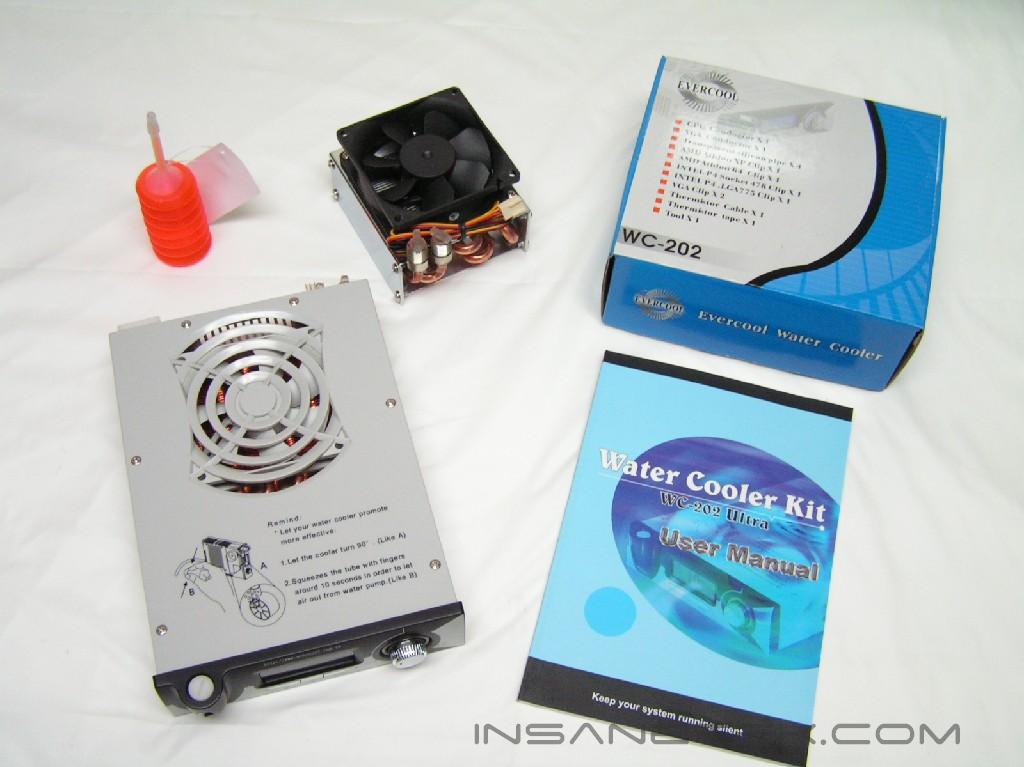
This watercooling kit resembles TITAN’s Bianca Watercooling Kit . It is compatible with virtually all platforms, including Socket 478/T/K6/K7/K8. It also offers temperature monitoring, a second radiator that further cools the water, and a CPU/GPU cooling combination. The kit comes in a graphics-rich box that contains an instruction manual, an accessories box, the main cooling unit, a second radiator, and some orange anti-freeze solution. The instruction manual contains four different languages with vibrant pictures. The simple steps and procedures allow for easy understanding. The accessories box contains the necessary equipment and parts to complete the installation.
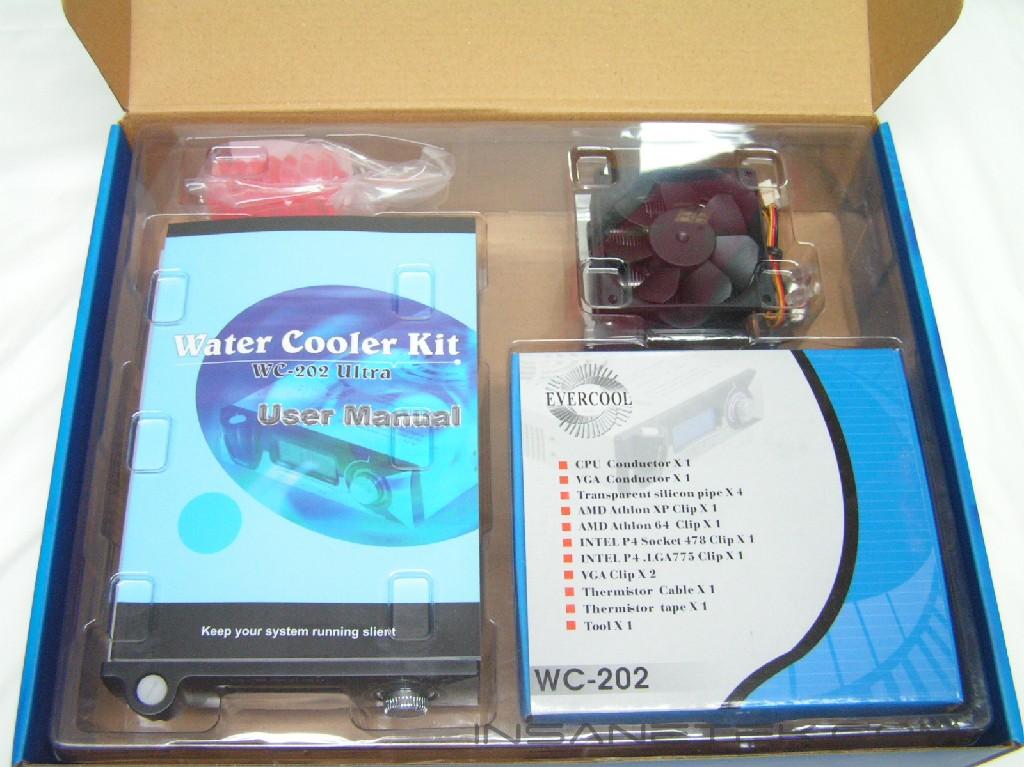
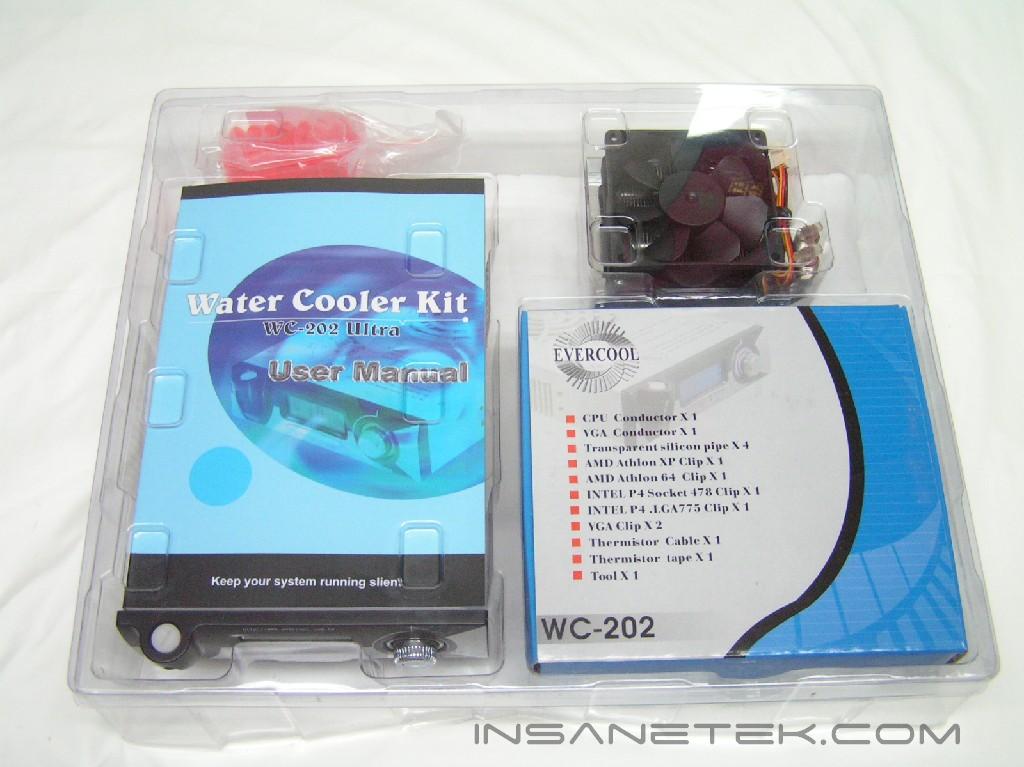
The Cooling Unit:
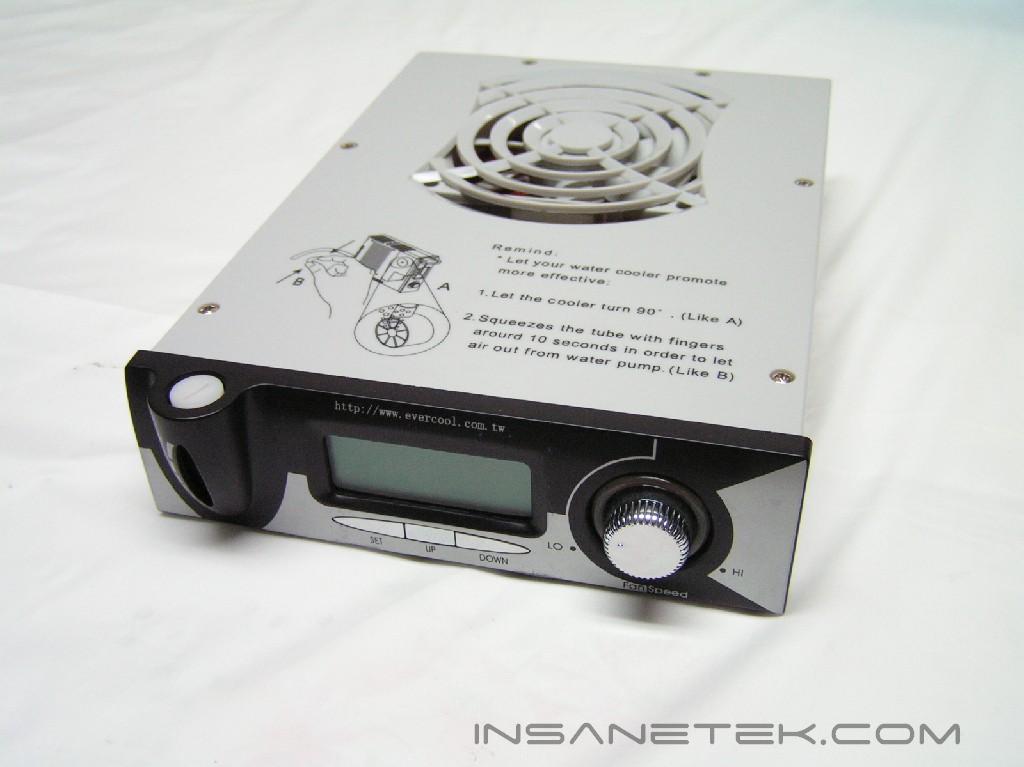
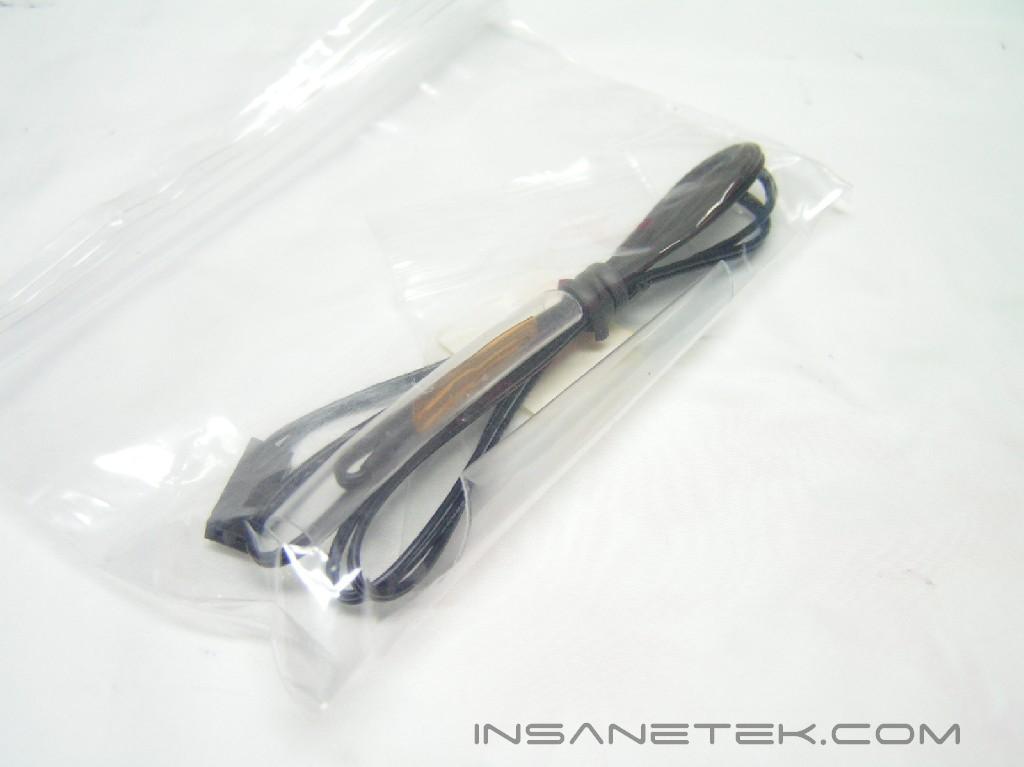
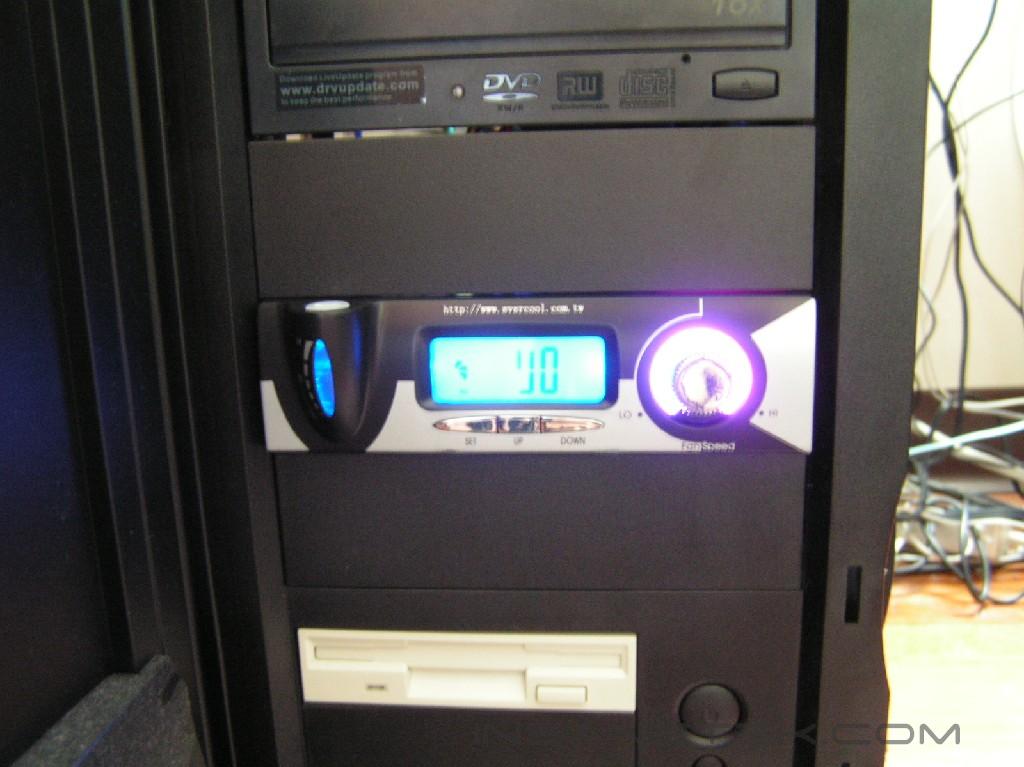
Unlike the Bianca cooler from TITAN, this box is internal and fits into a 5.25” bay. It has a fan controller knob to control the speed of both the internal fan and the fan on the second radiator. There is a water level indicator that indicates the need to refill water or that the water level is just right. In the middle, there is a LCD that shows the fan RPM speed and the temperature the attached sensor is reading. There is an alarm you can set to go off at a given temperature. On the top of the unit, there are instructions on how to improve heat dissipation and maximize your performance. Proceeding to the back of the unit, the intake and outtake holes are accompanied with a fan connector for the radiator fan, as well as a temperature sensor connector. On the far right is a power connector.
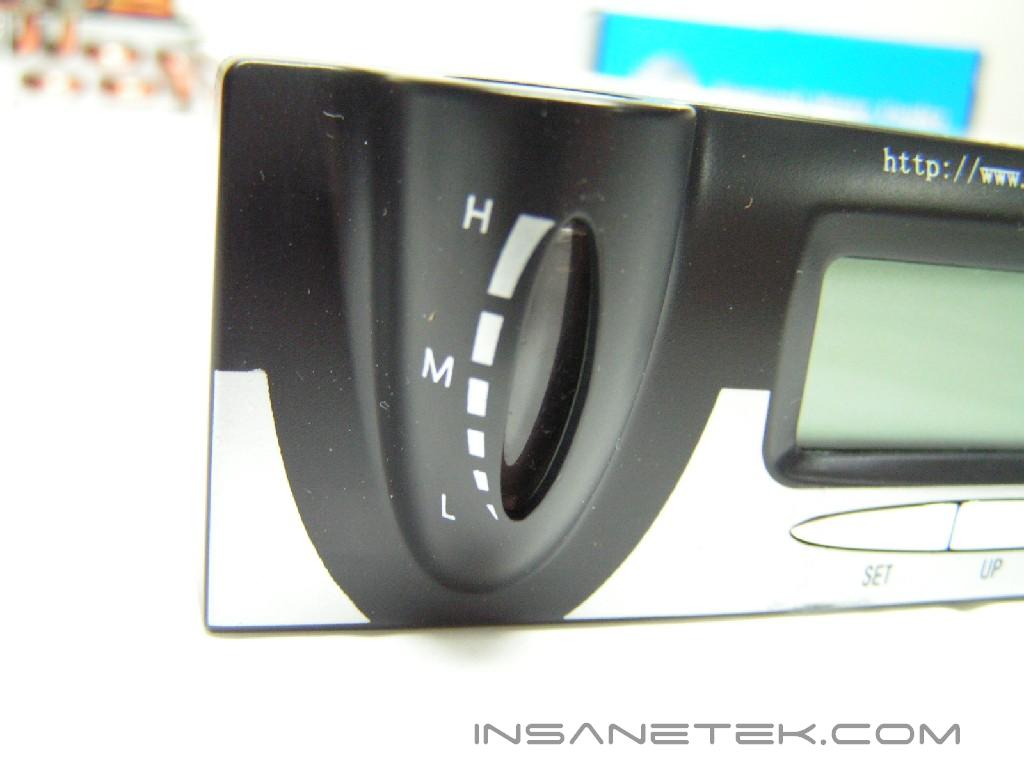
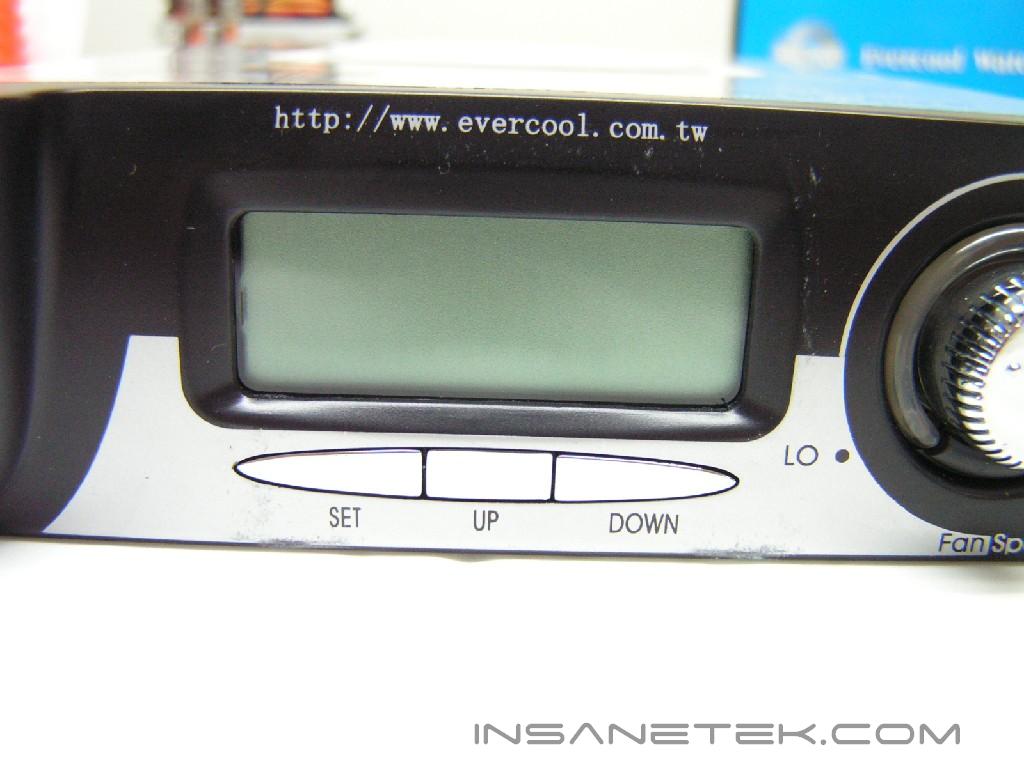
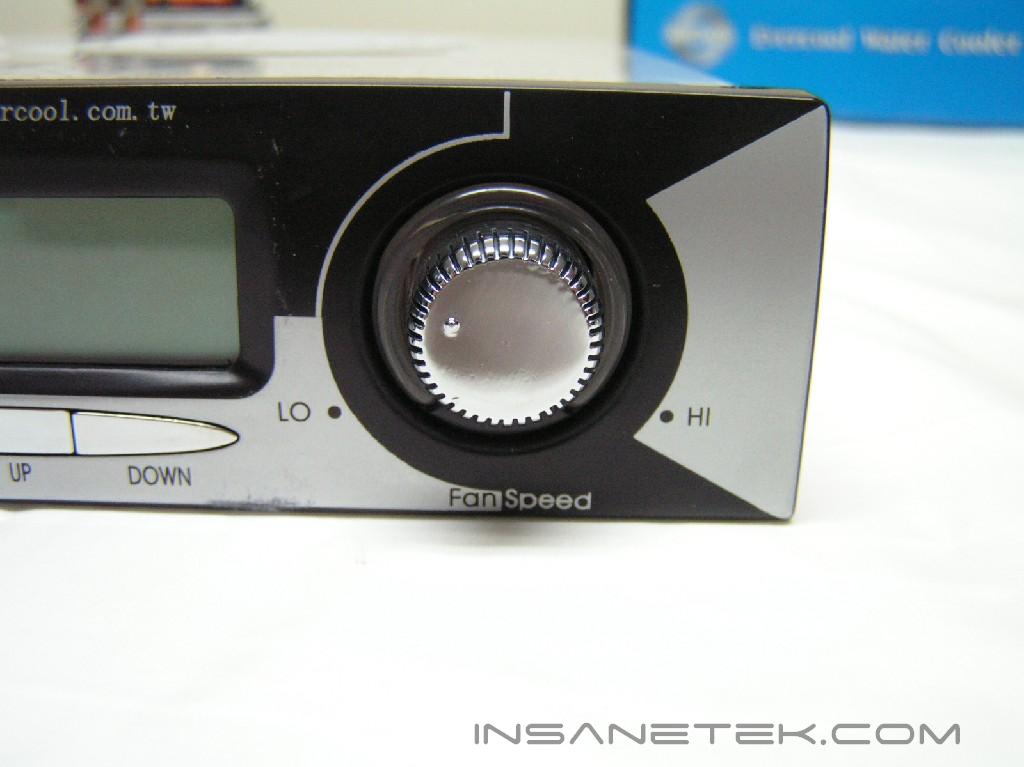
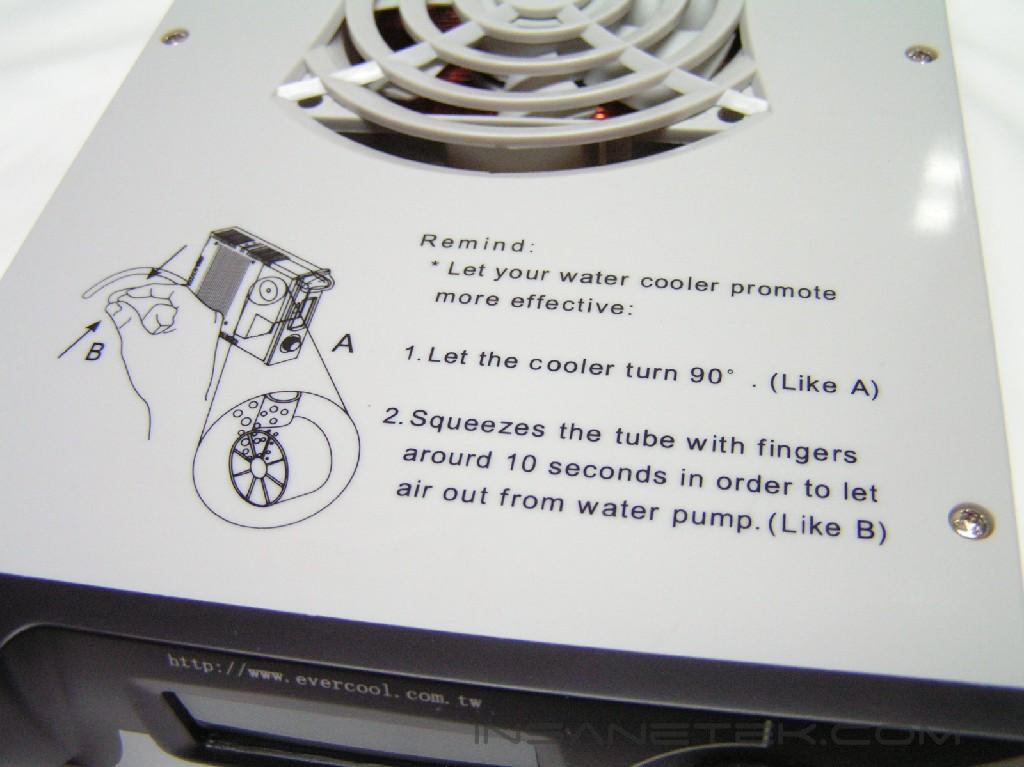
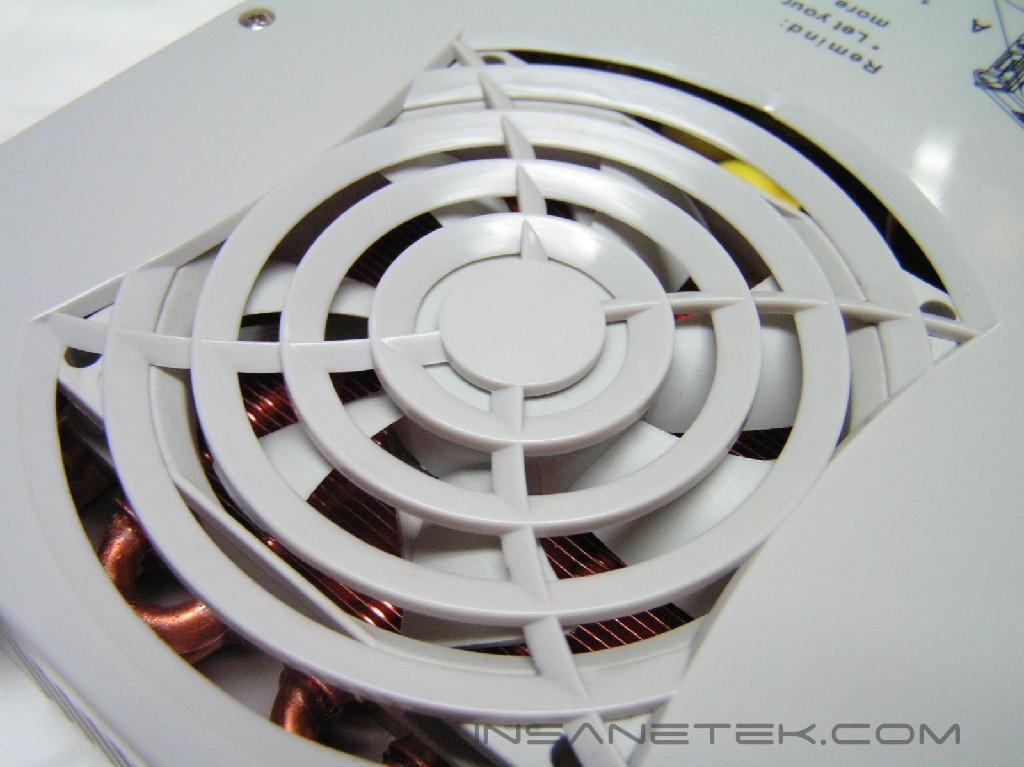
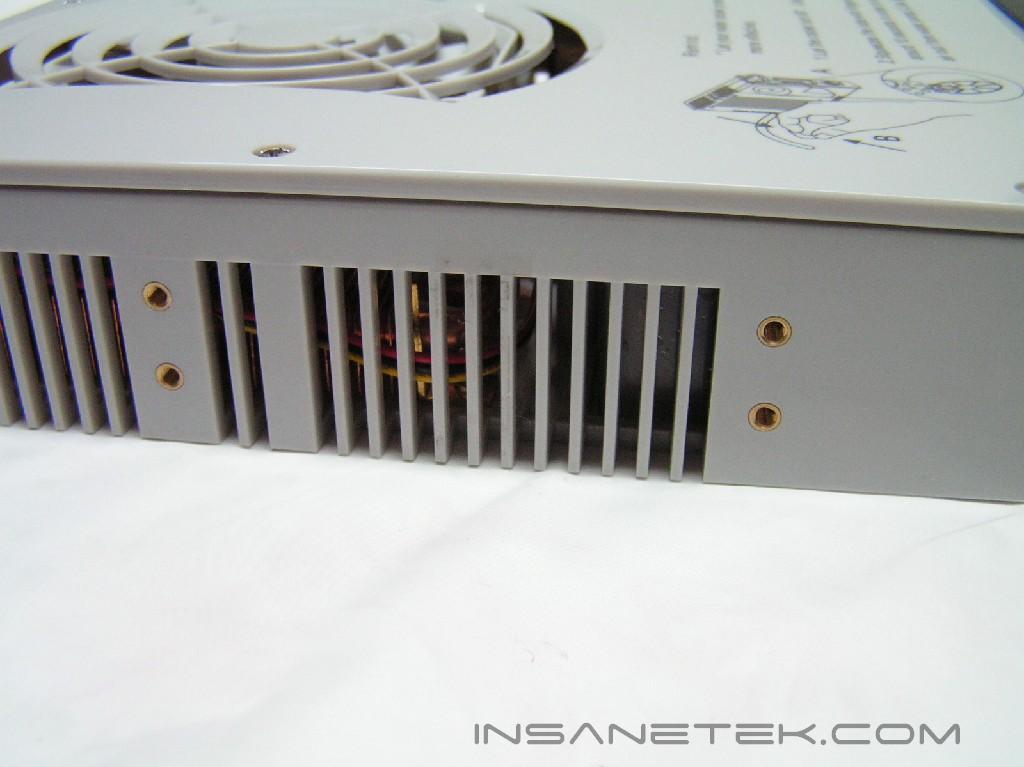
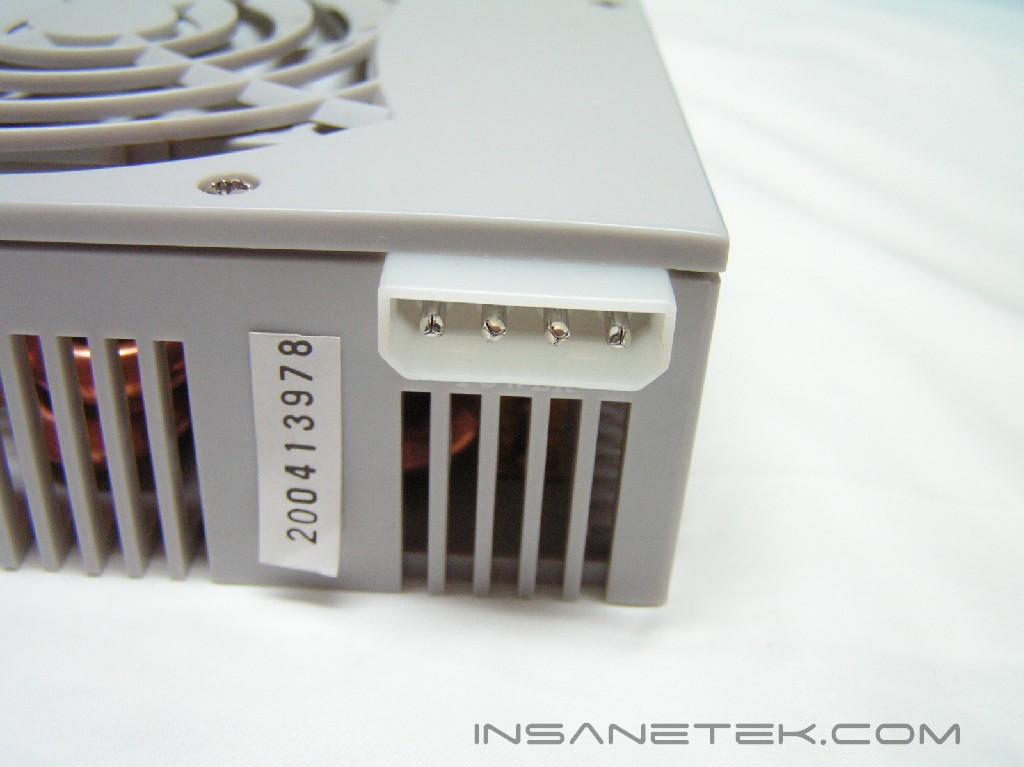
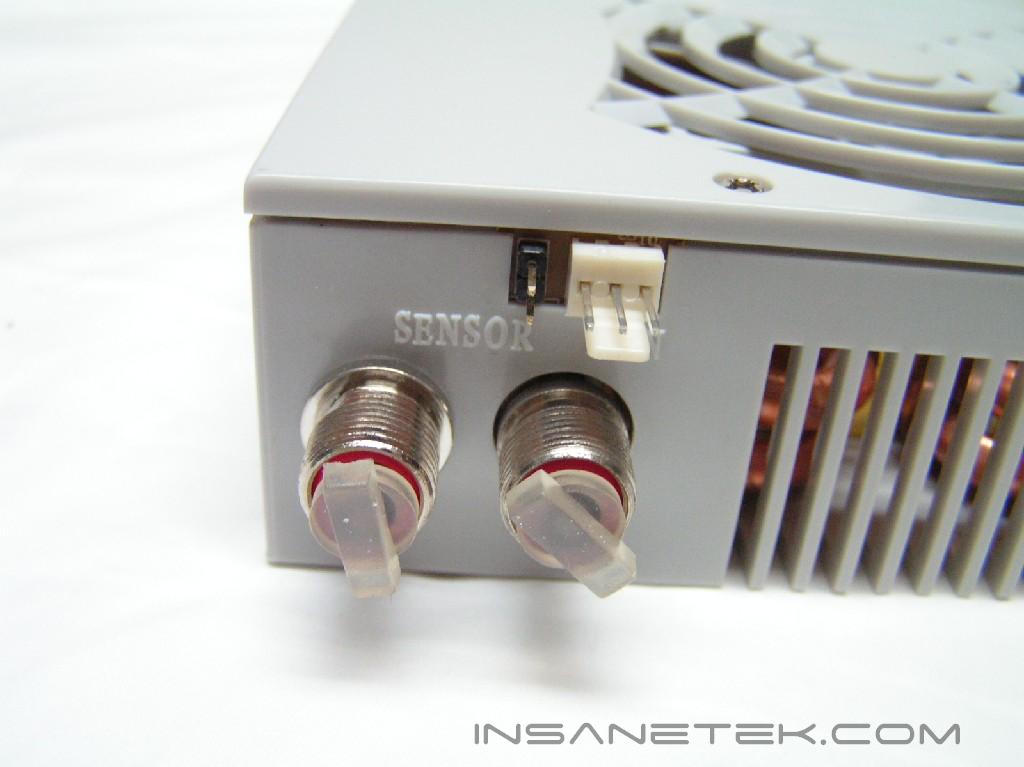
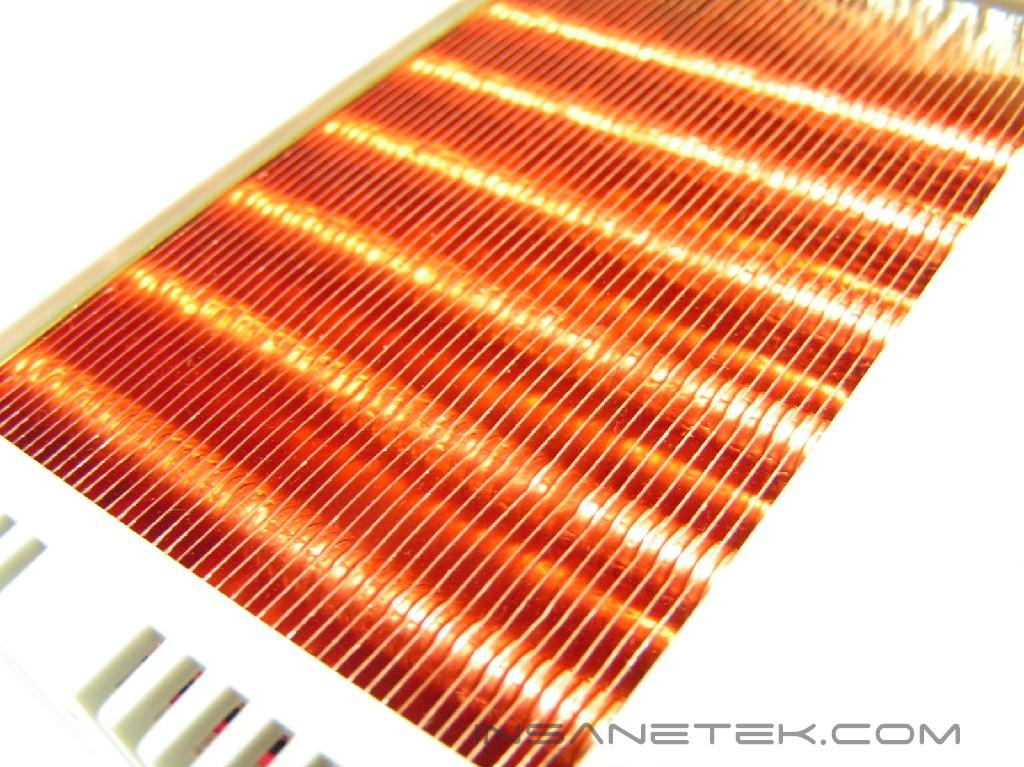
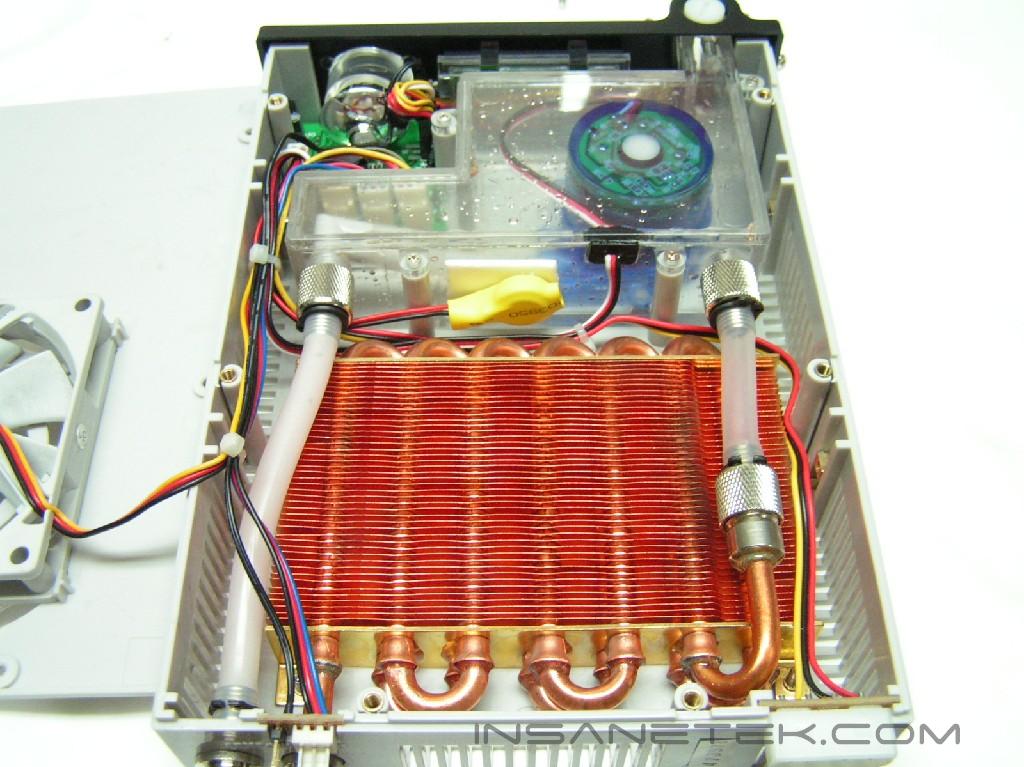
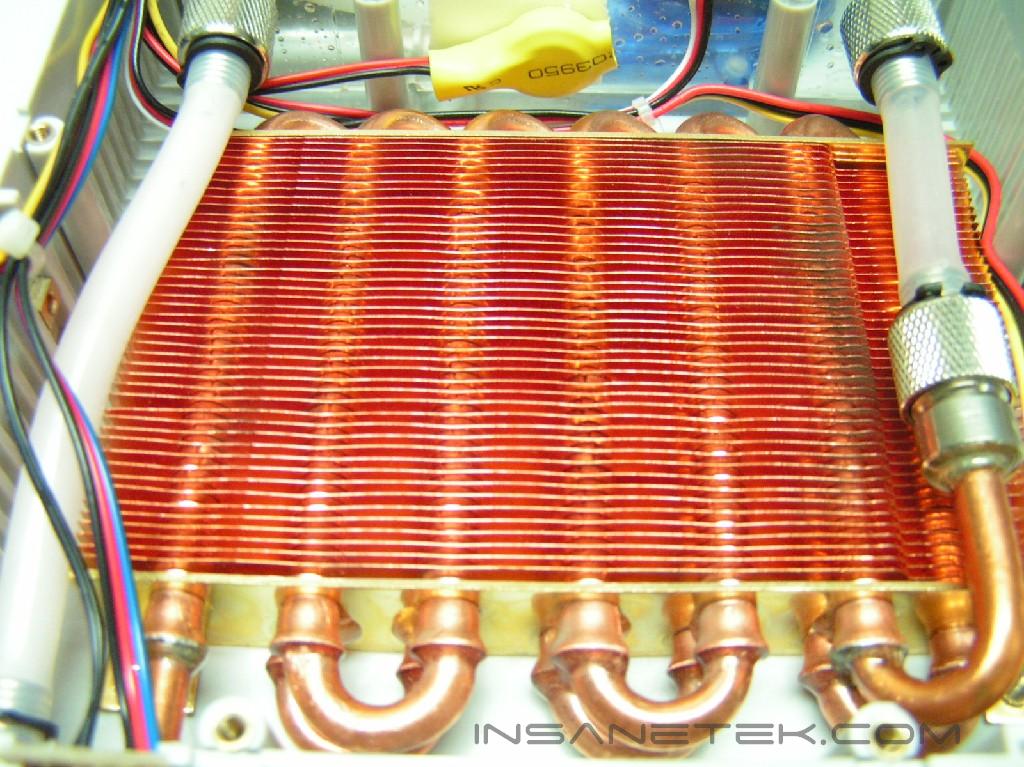
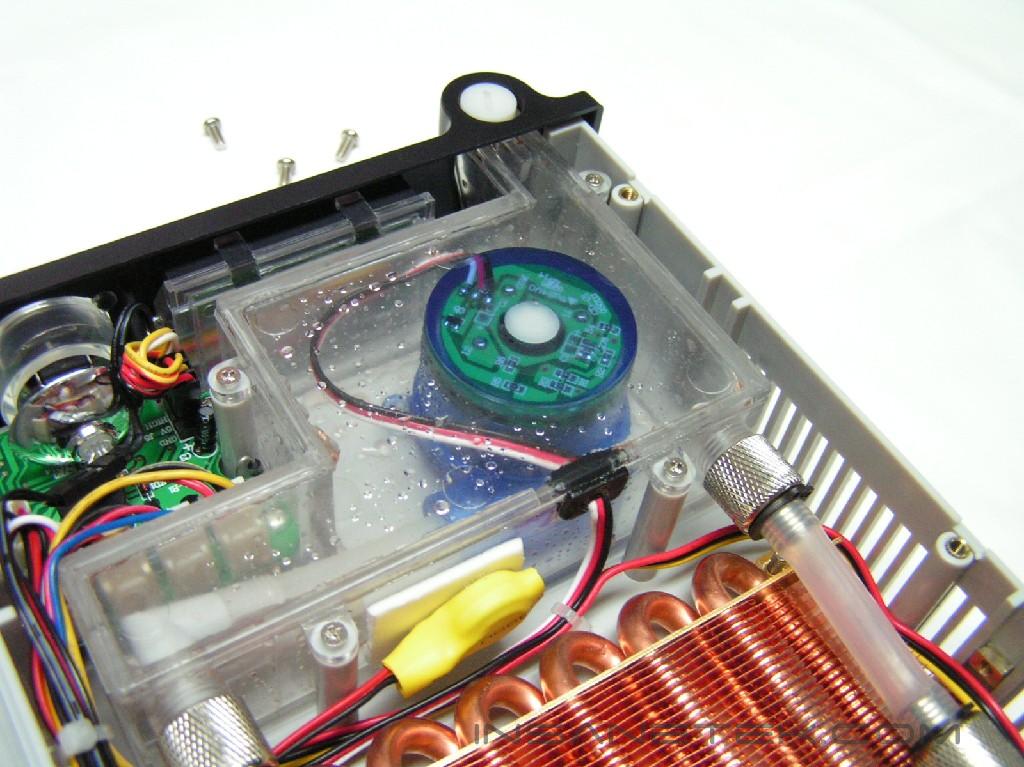
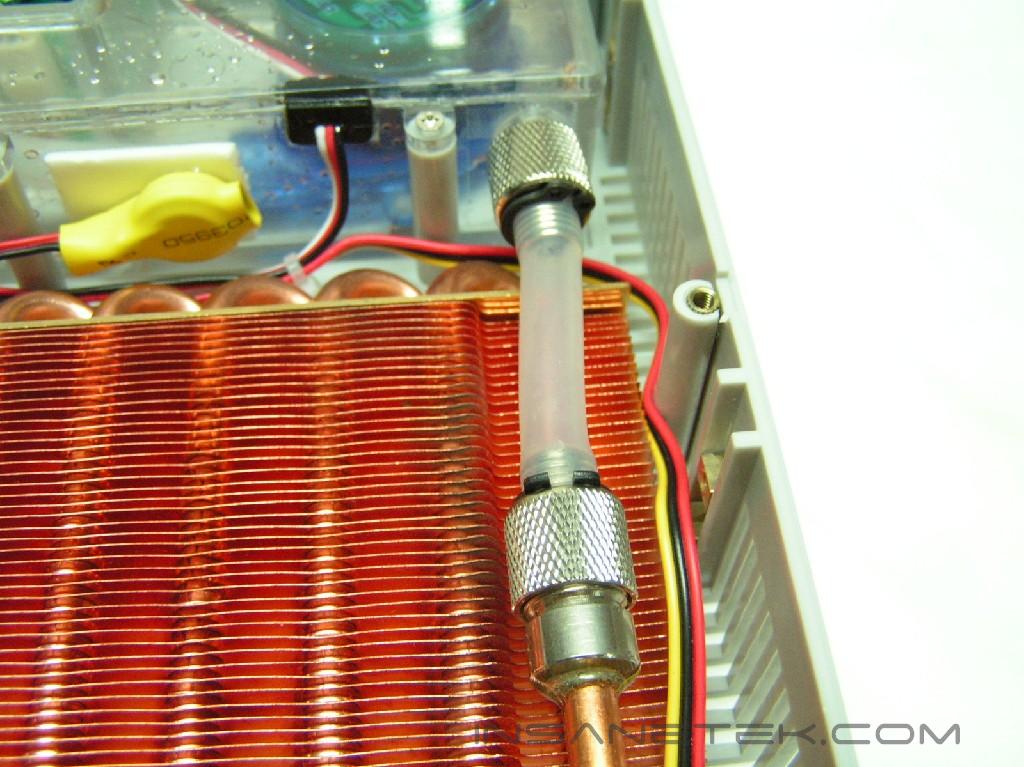
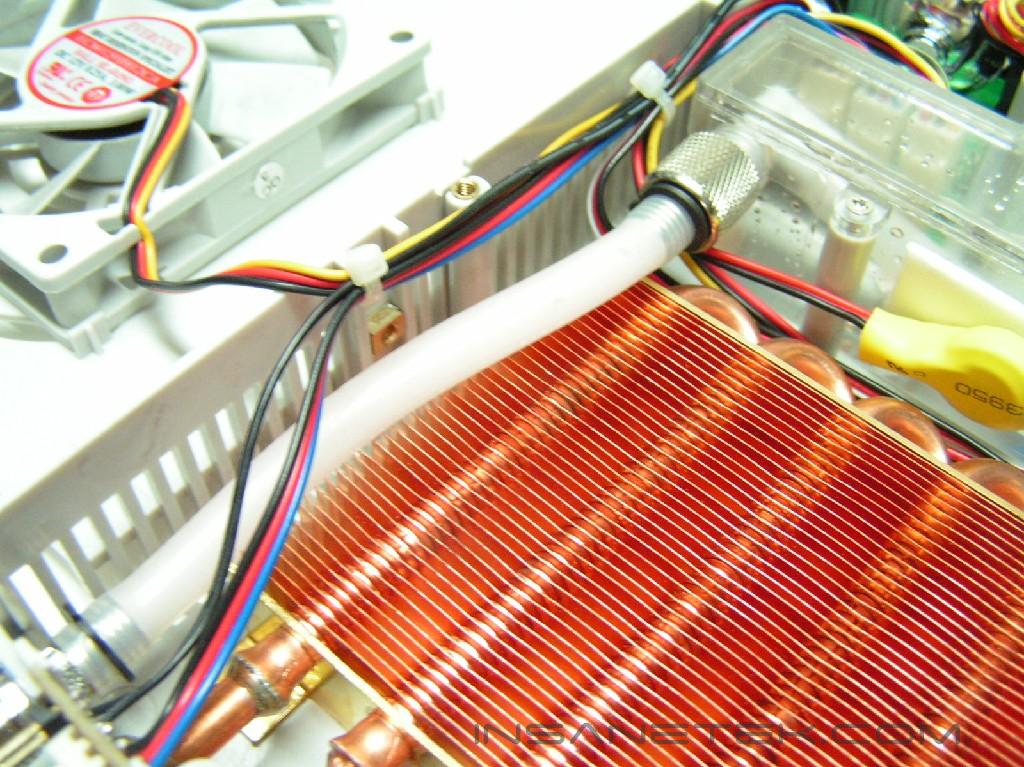
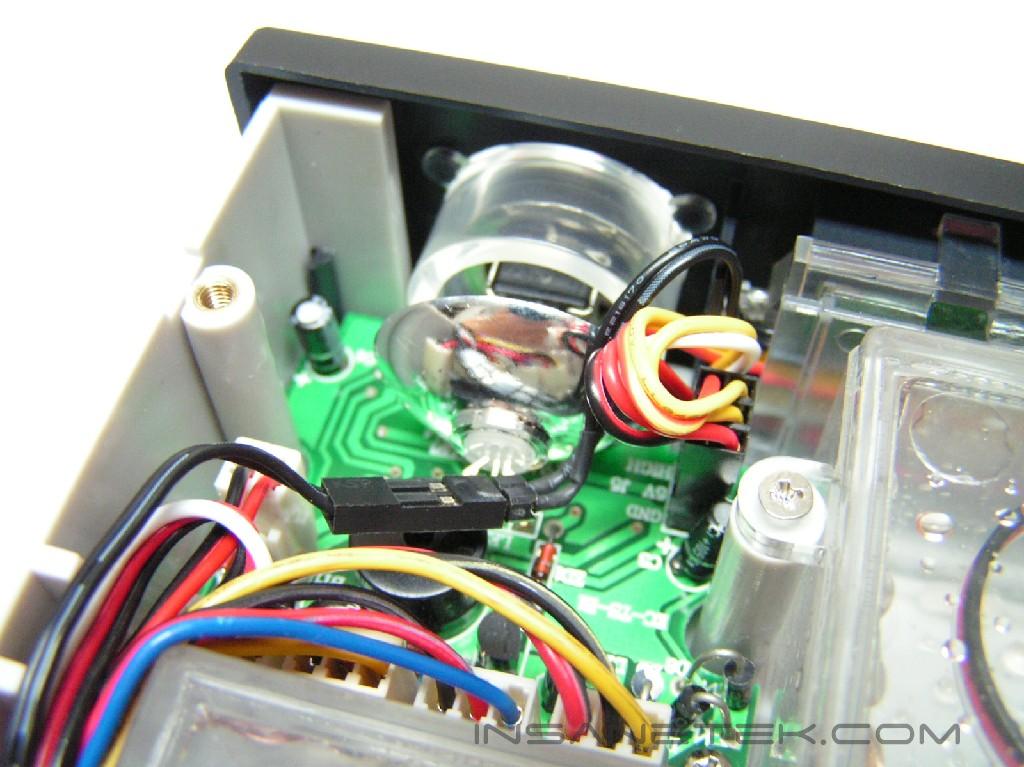
Taking the unit apart reveals a copper finned radiator and copper pipes. At one end, it is connected to the reservoir and pump by a silicon tube. At the other end, another silicon tube is attached for the pump to send water through the rest of the system. On the corner, behind the fan control knob, we can see a LED and a circuit board. This will control the different colors as you change the fan speed from low to high and vice versa.
The Second Radiator:
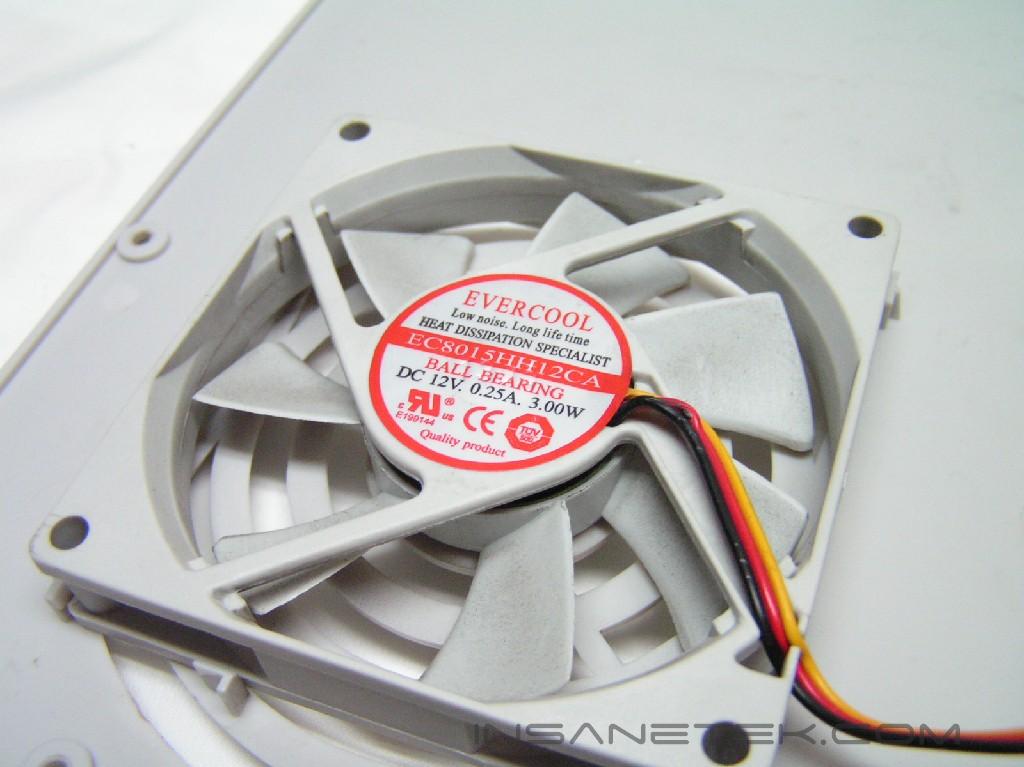
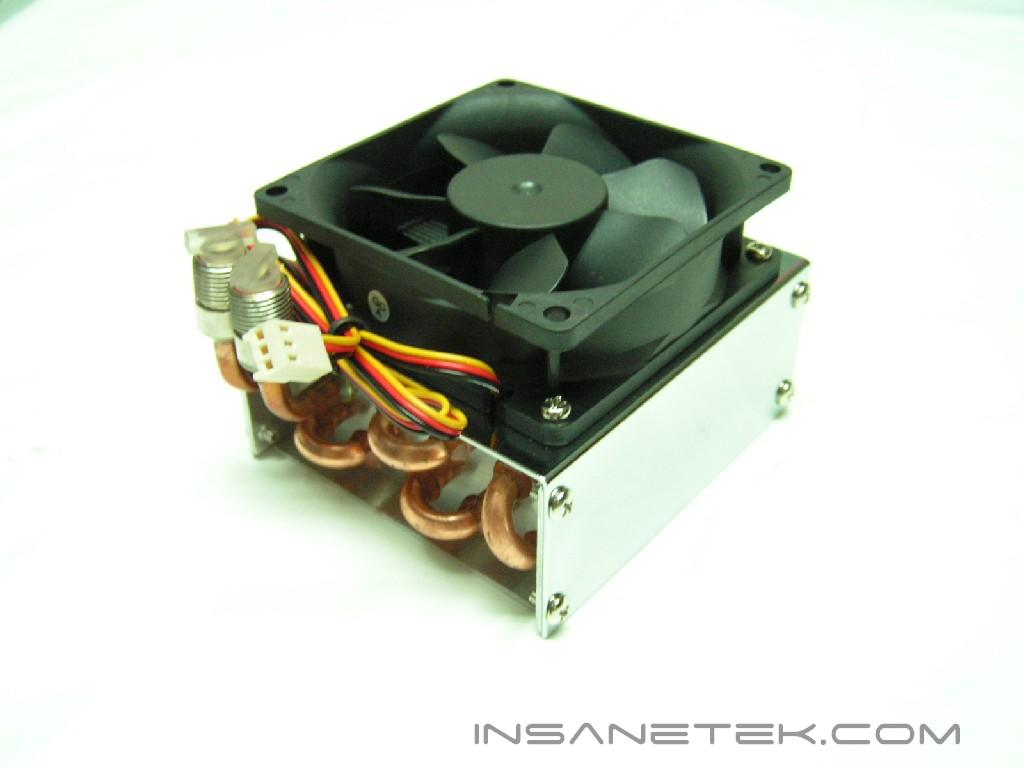
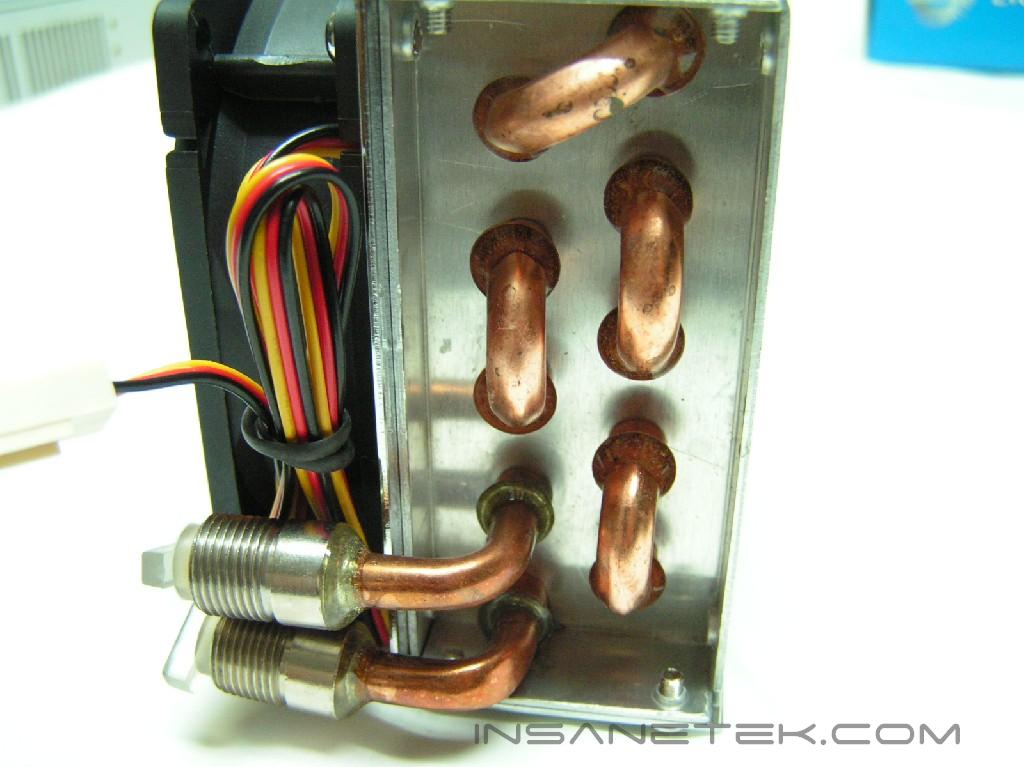
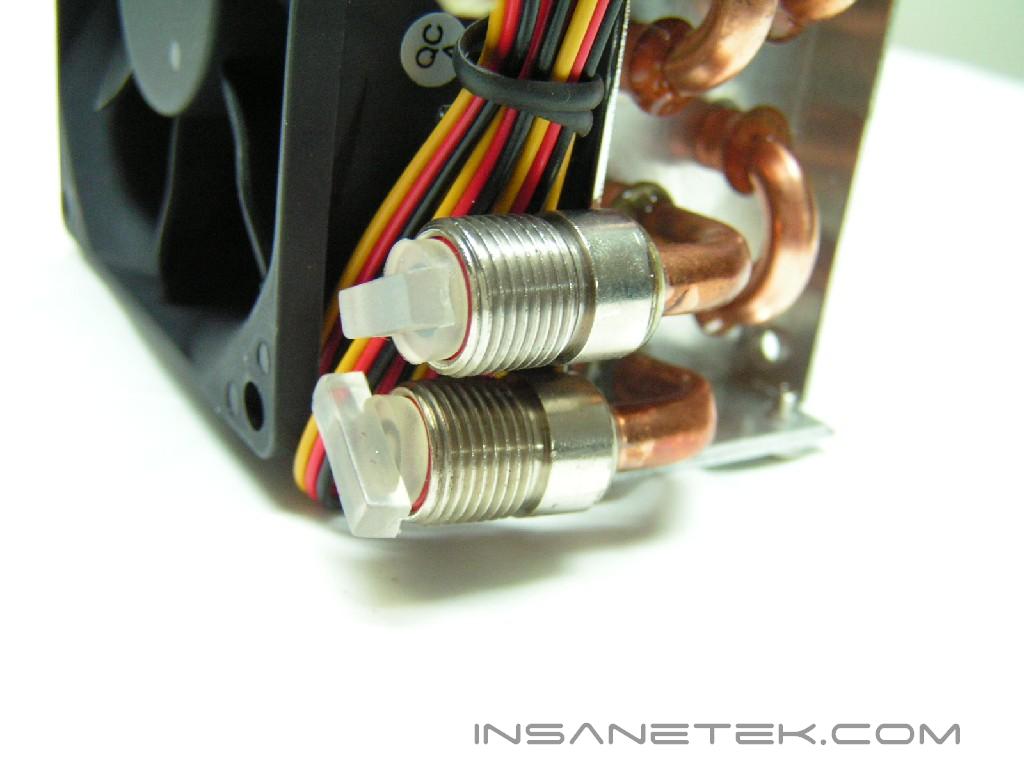
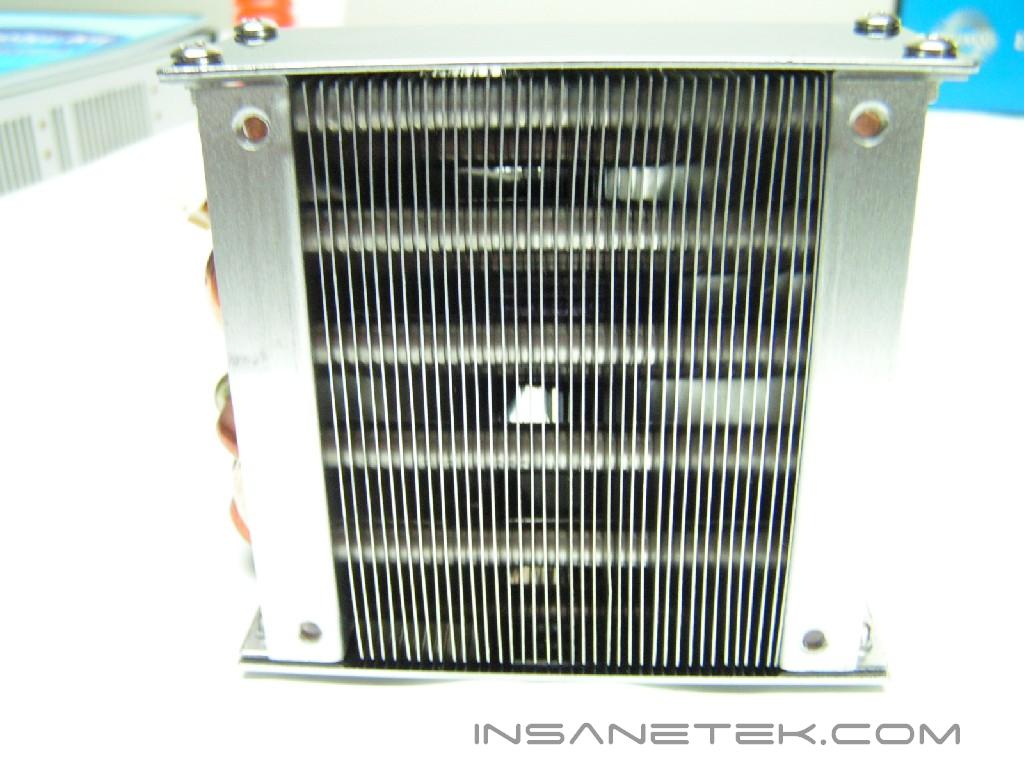
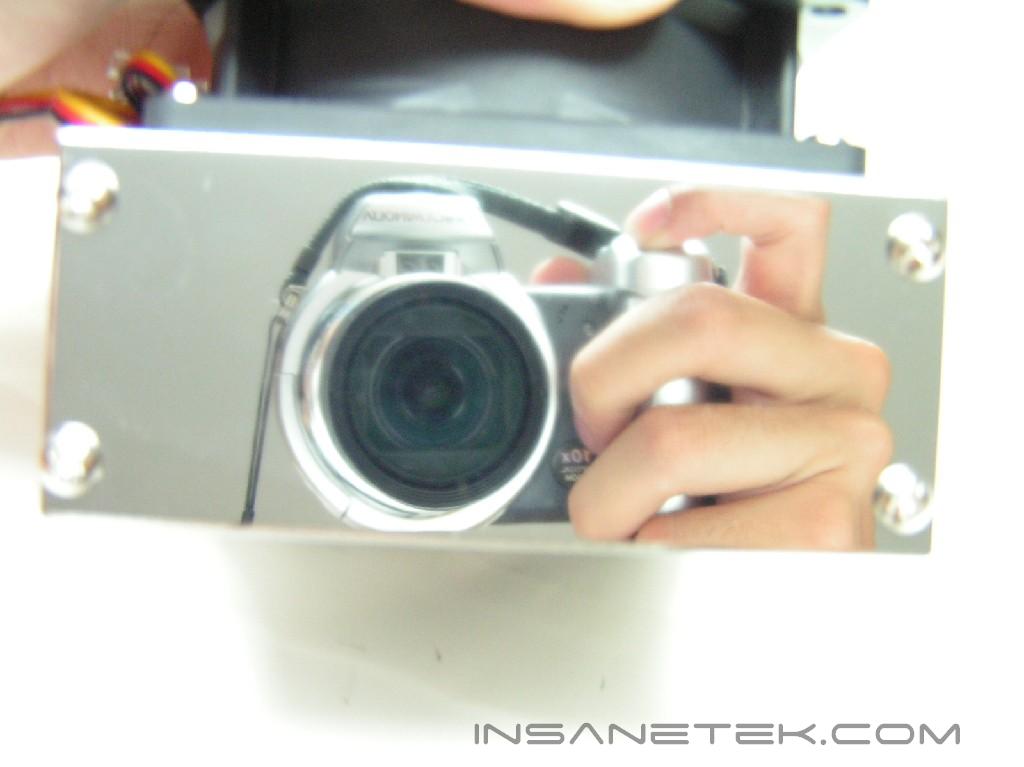
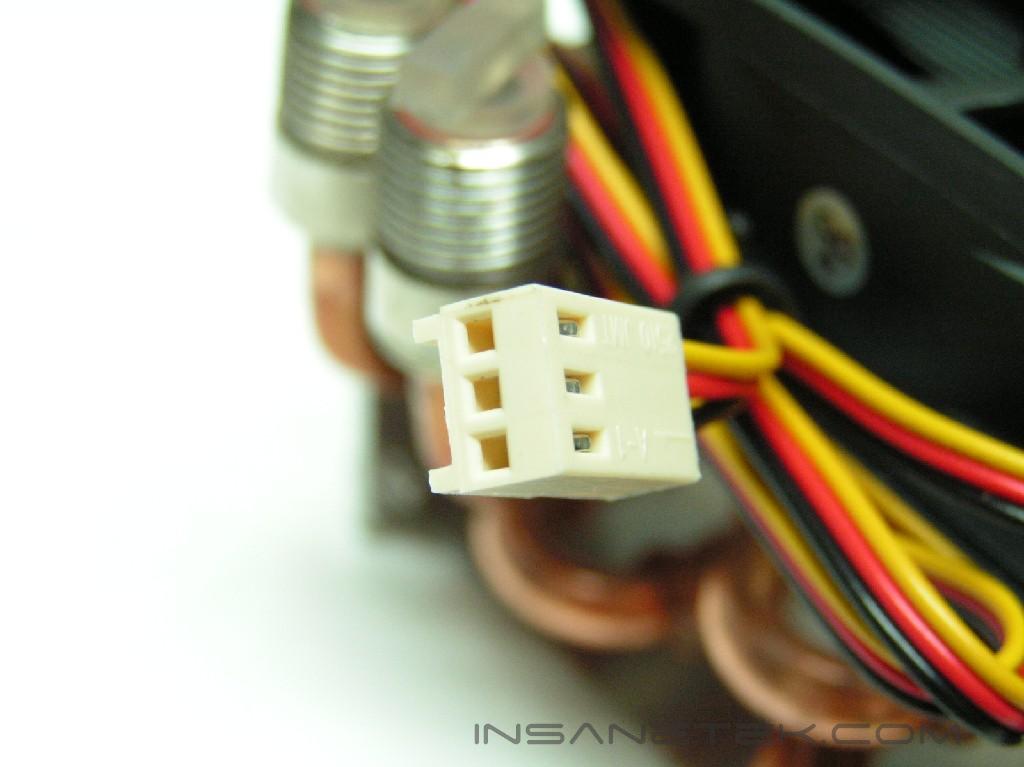
The other radiator provided in the package replaces a 80mm outtake fan in your case. It uses copper tubes connected to aluminum fins, which would give the water another place to cool off before being recycled to the pump. The fan on the radiator has a 3pin connector which should be plugged into the back of the main unit. The intake and outtake holes should be facing downwards when installed in the case. The sides are mirror-finished. If you’re like me, you will not want to mess it up with a fingerprint. There are four screw holes, but since I had a quick release attachment to hold the outtake fan, I did not have screws. Evercool didn’t provide those screws, which forced me to go searching for a few screws that fit.
Accessories and Waterblocks
The Accessories:
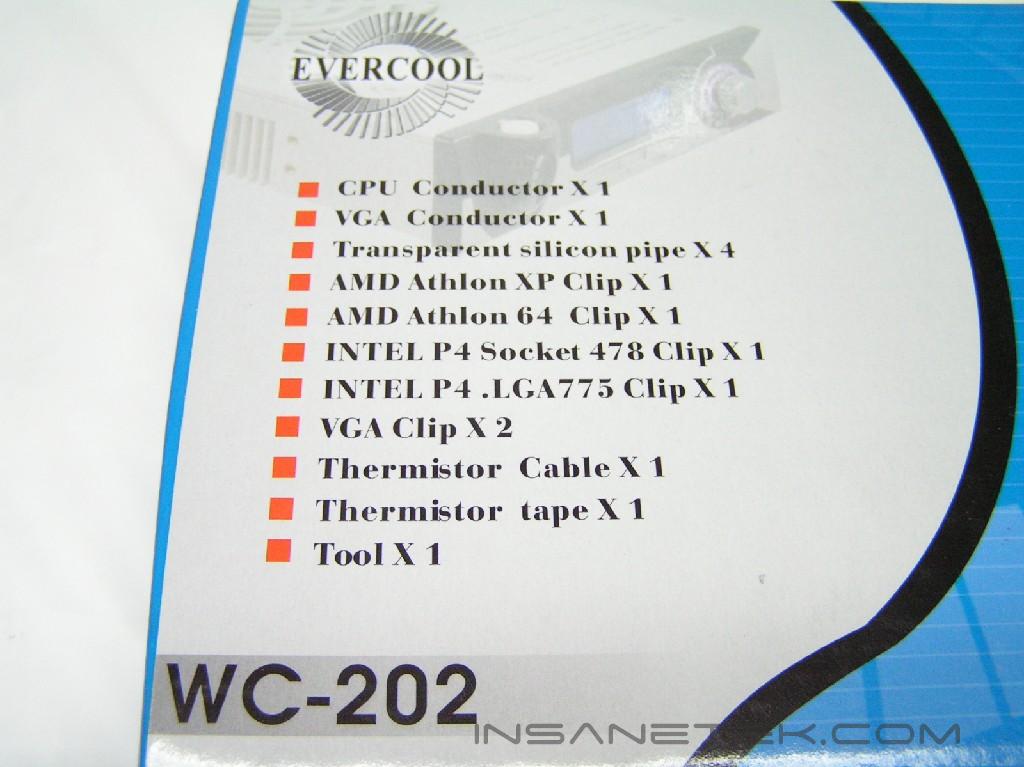
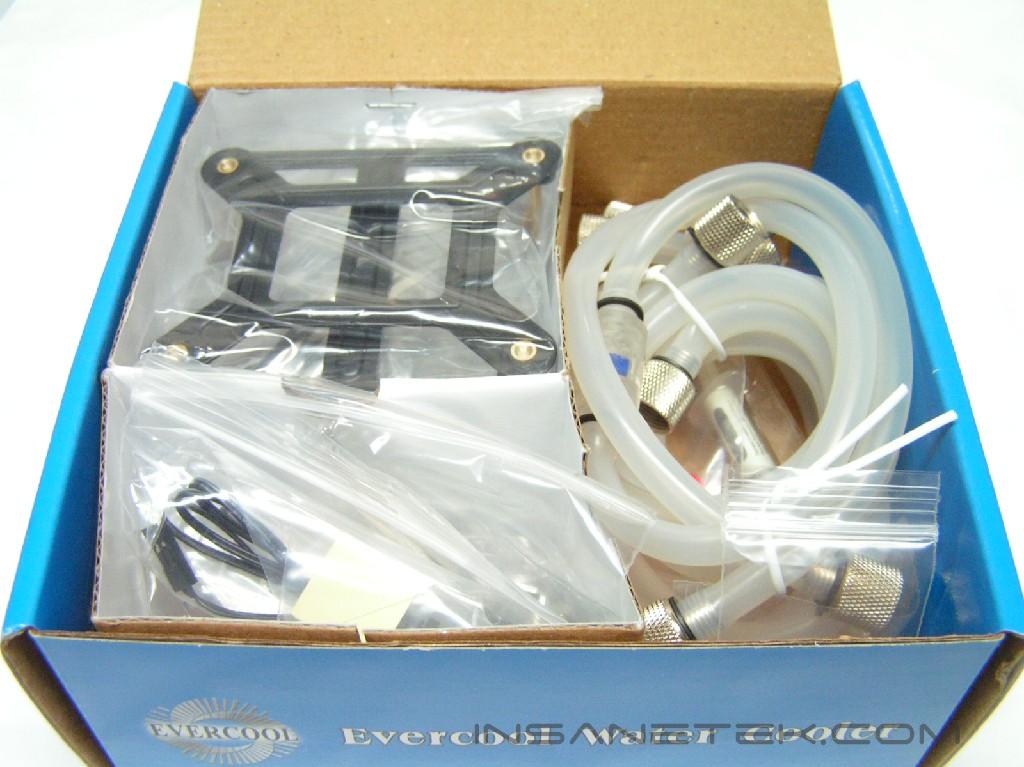
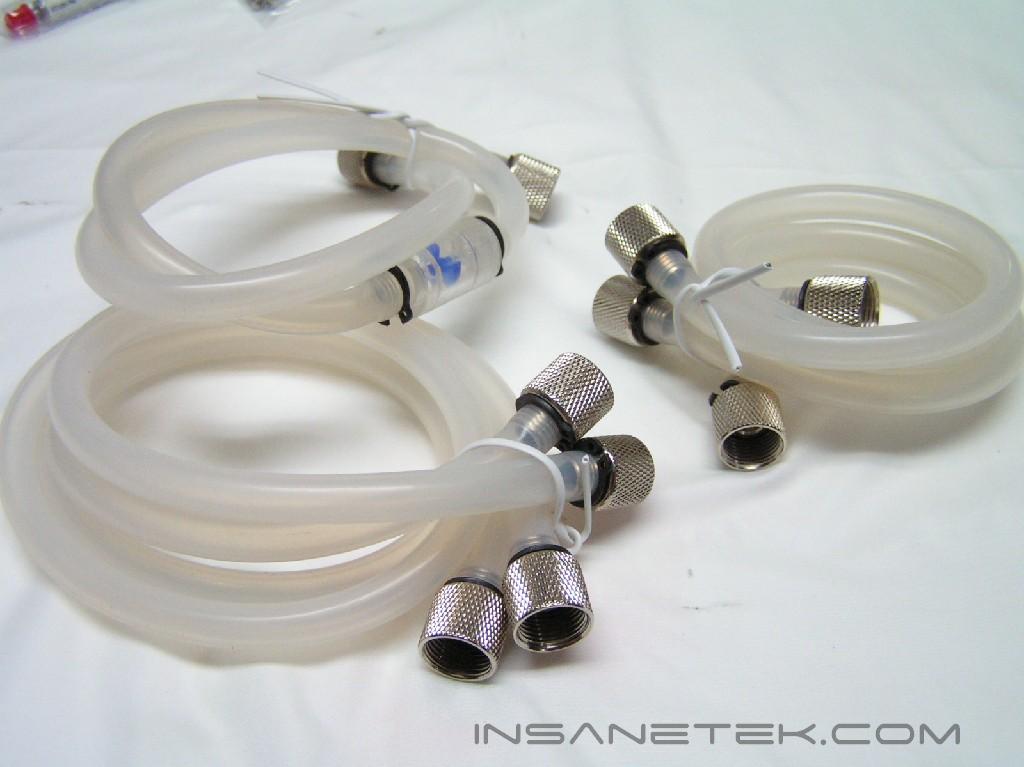
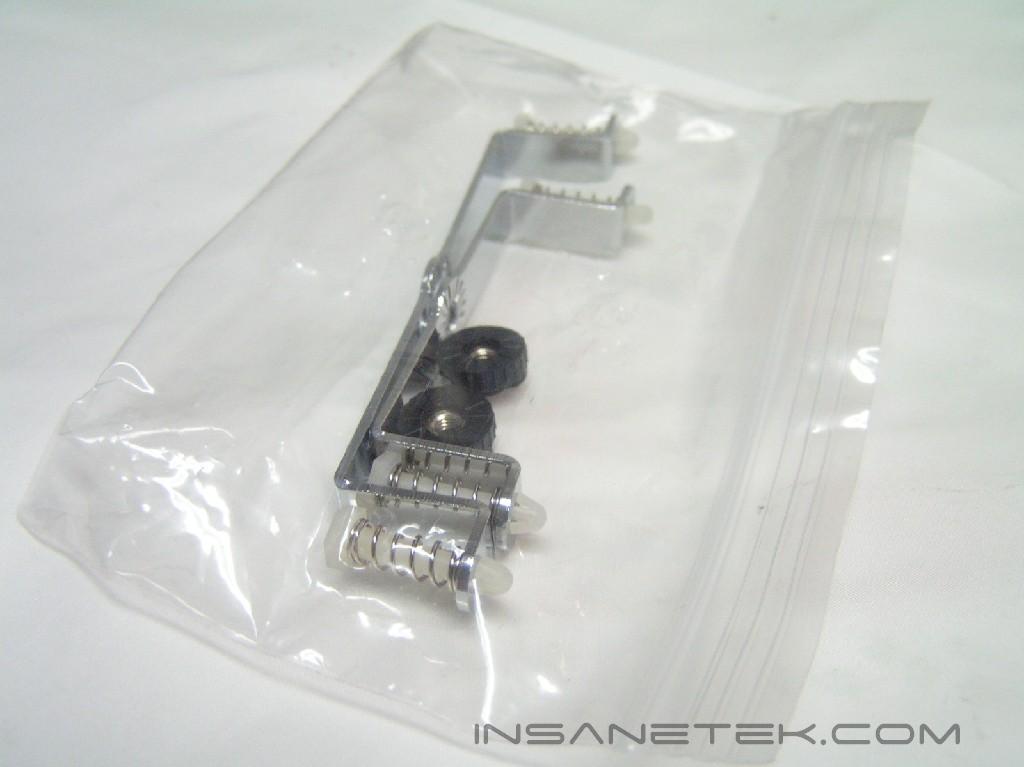
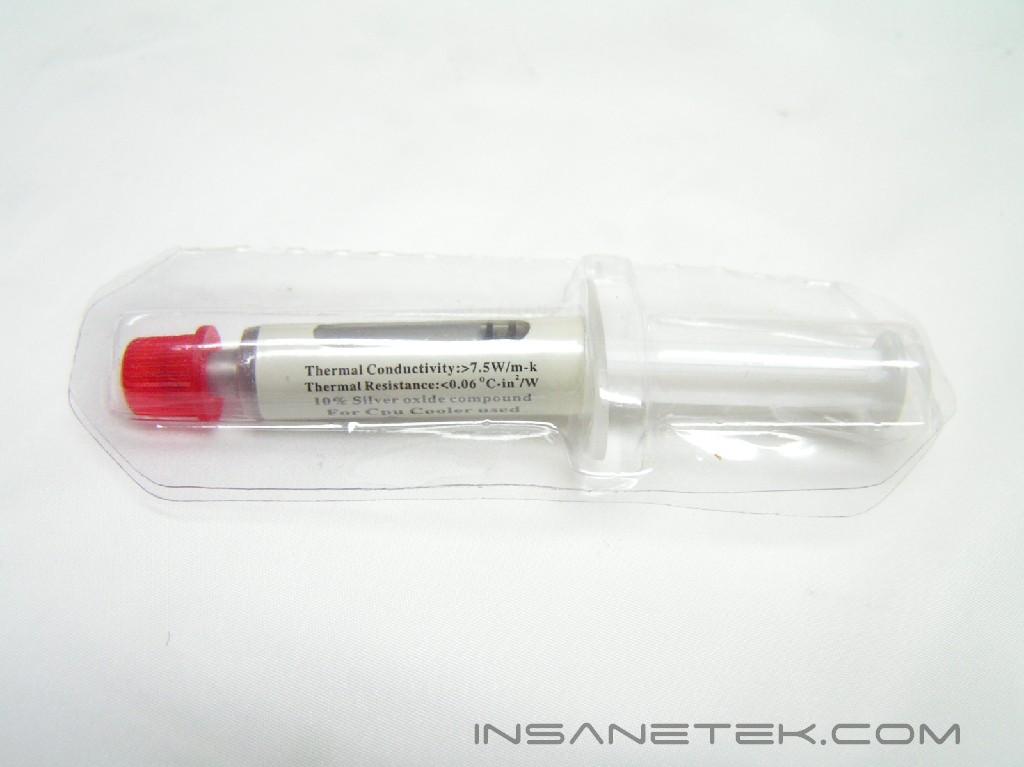
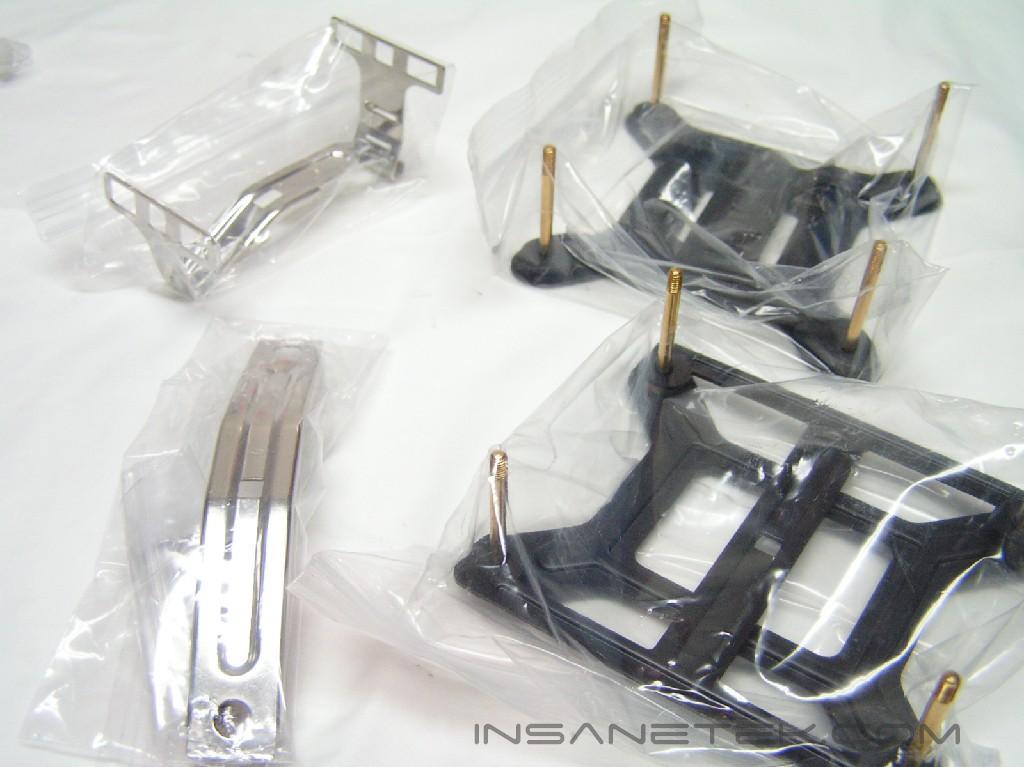
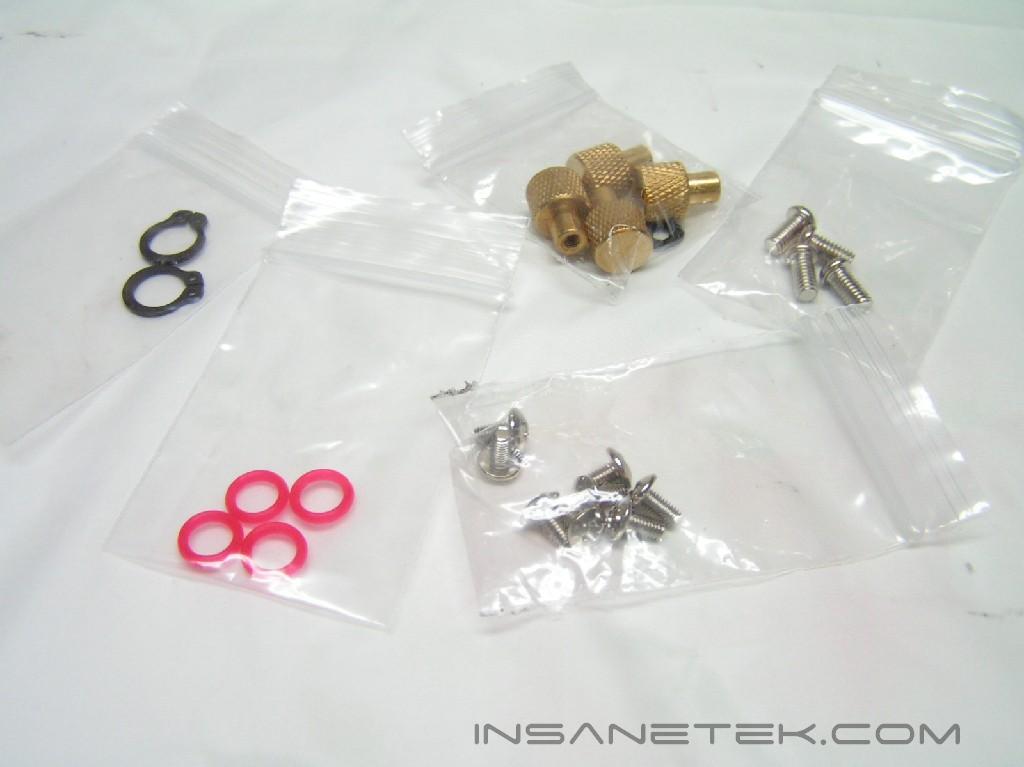
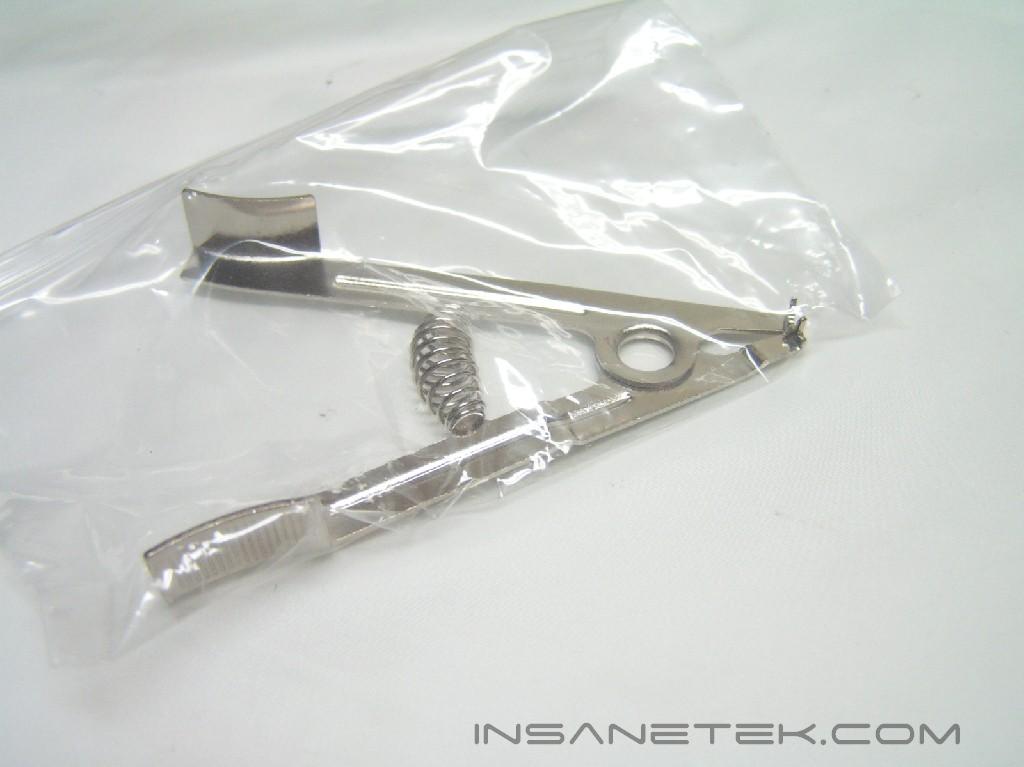
In the accessories box, you’ll immediately notice the silicon tubing. There are a total of five pieces of tubing, one with a water flow indicator, two long ones, and two short ones. I noticed that if you don’t have a HDD cooler, you’ll have one extra tube left over. There are mounting brackets for all different sockets, as well as necessary screws. Since the package also supports CPU and GPU cooling, there are two GPU mounting brackets. Extra pieces of red rubber and black tube clamps were provided in case a rubber piece is lost in a water hole or you needed to slice the silicon tubing. A tool is also provided to clamp the tube clamps onto the tube. A tube of thermal paste also comes in the package for use with the waterblocks. The last things included in the package were the CPU/GPU blocks.
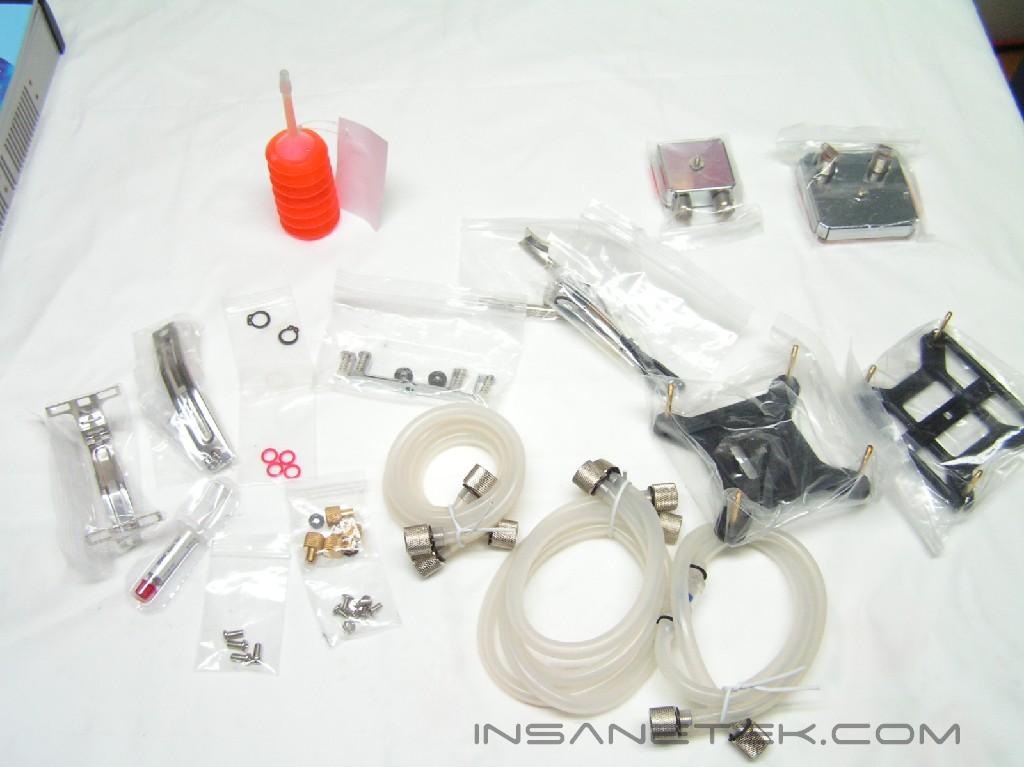
The CPU/GPU Blocks:
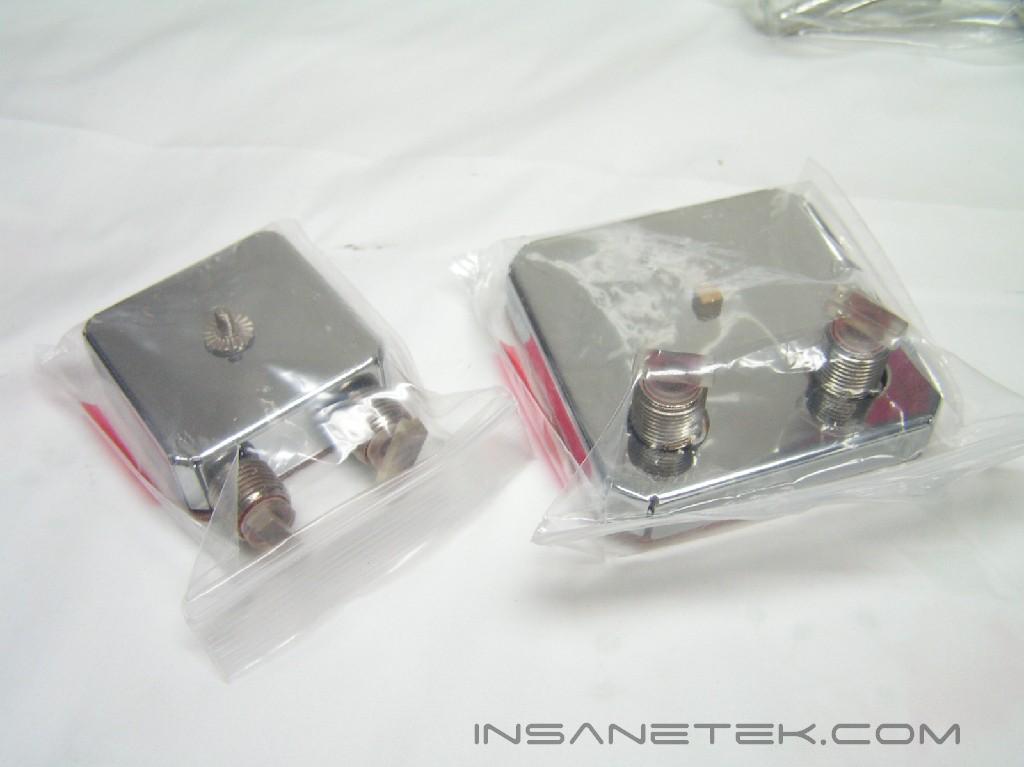
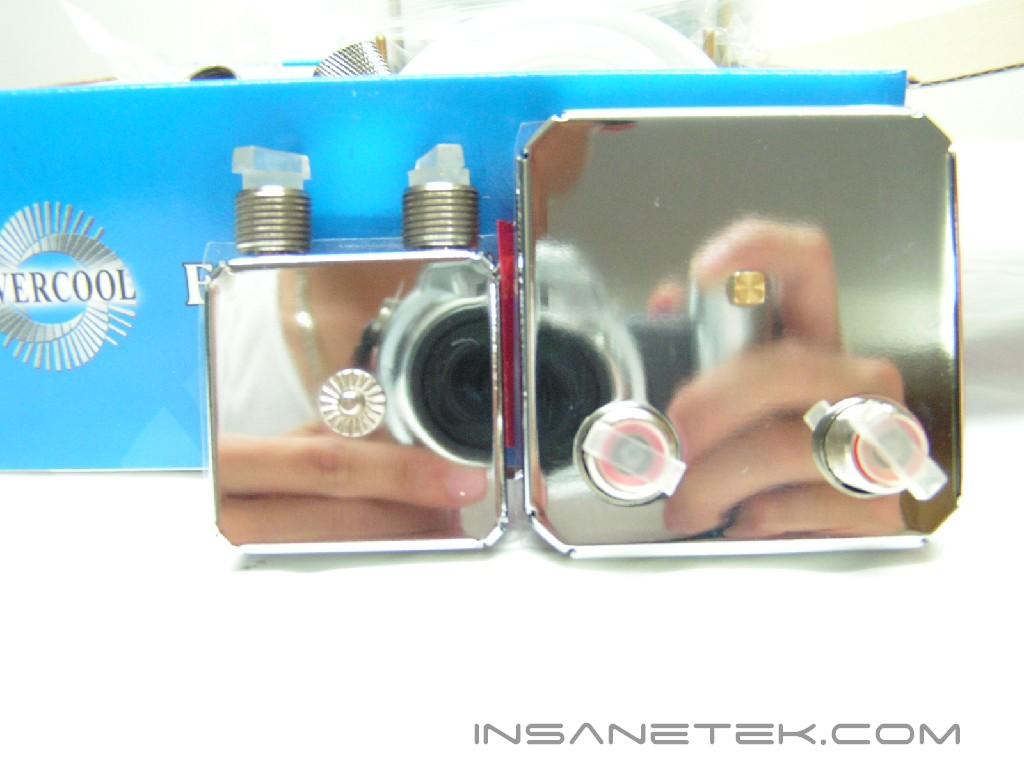
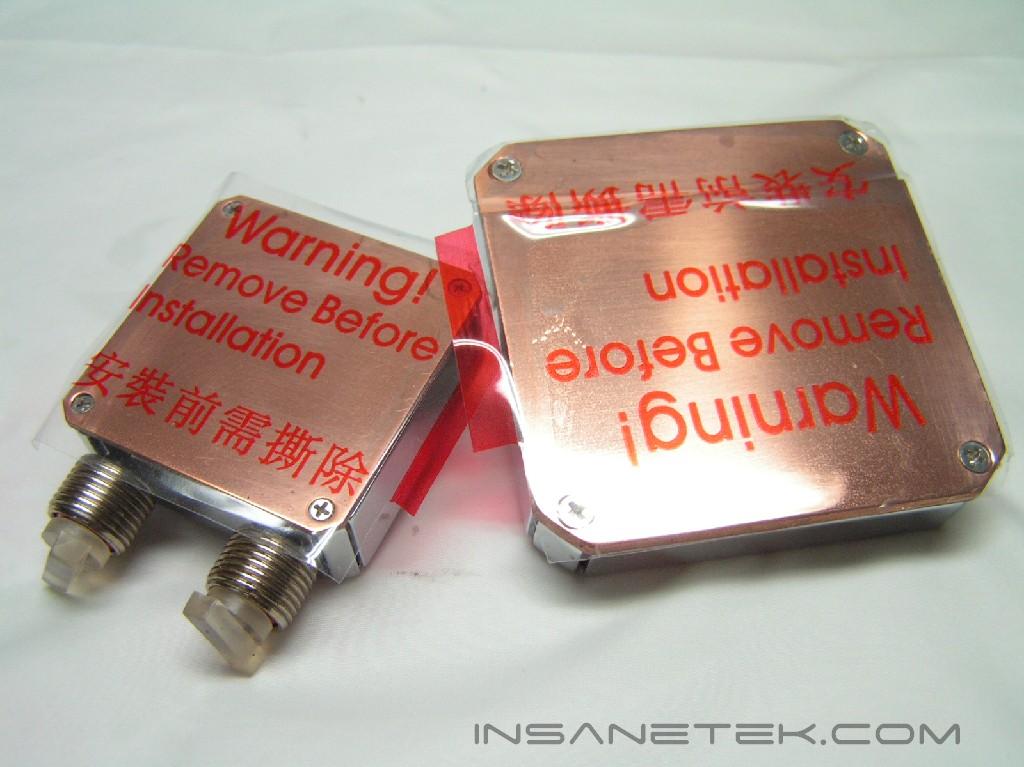
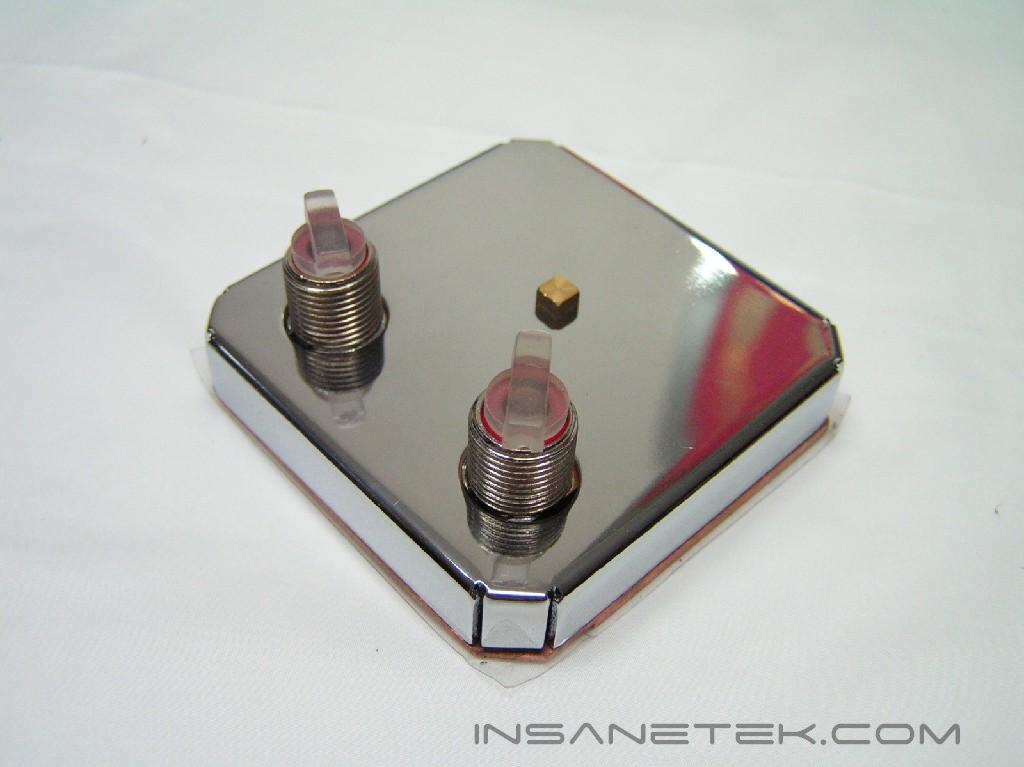
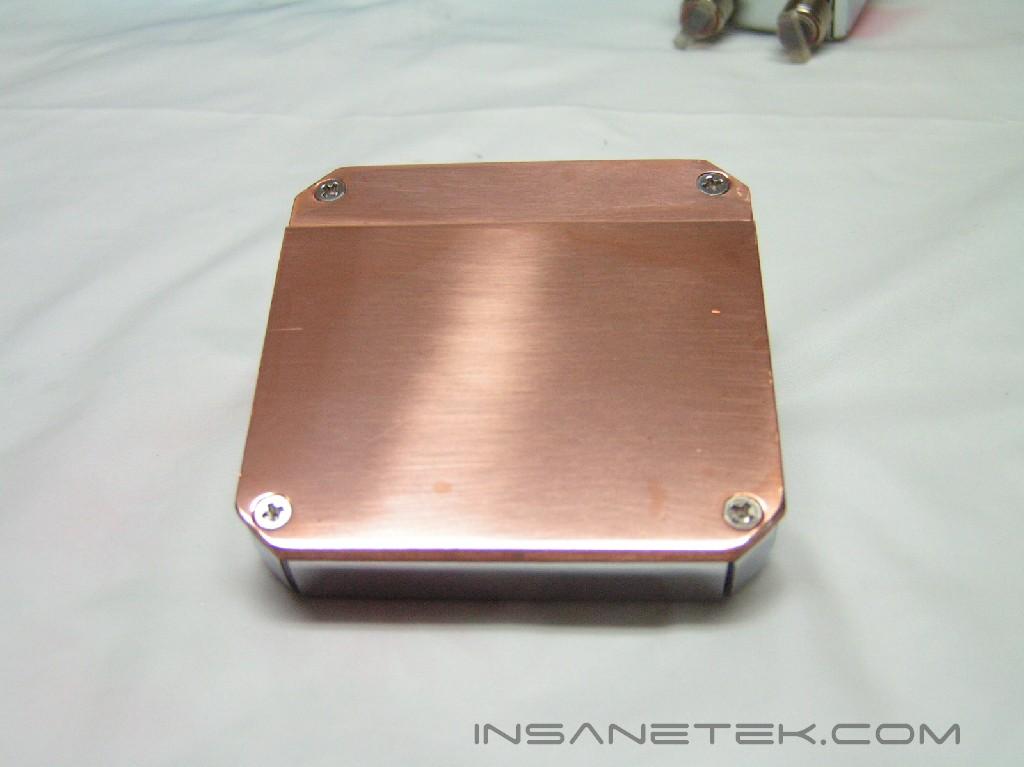
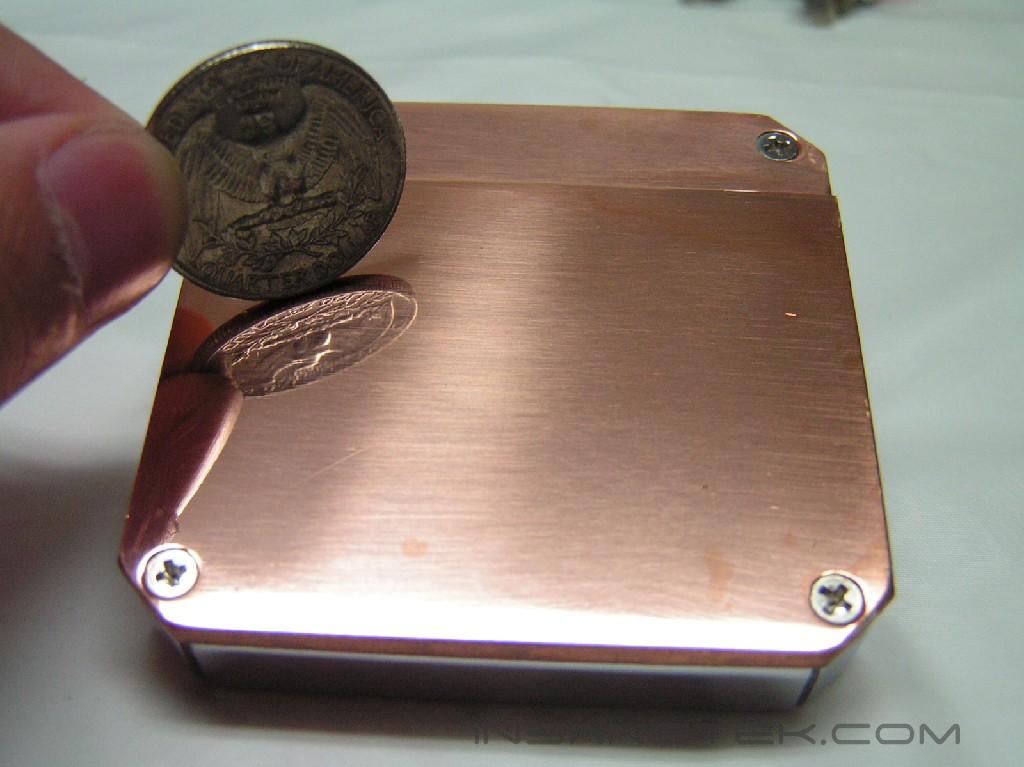
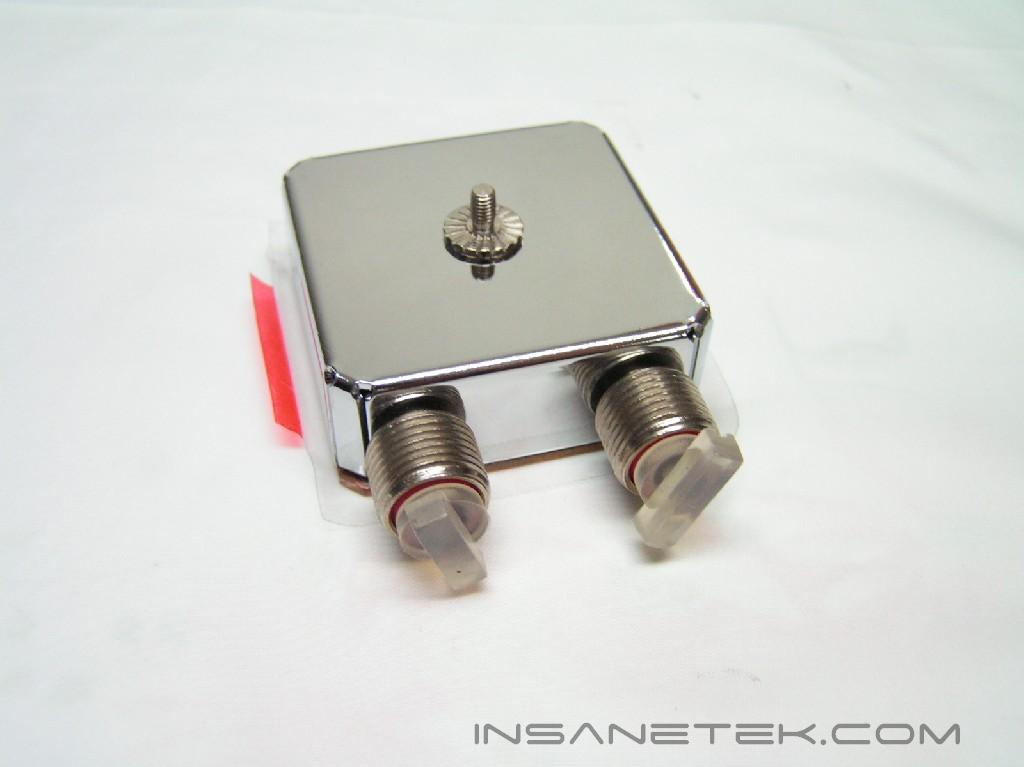
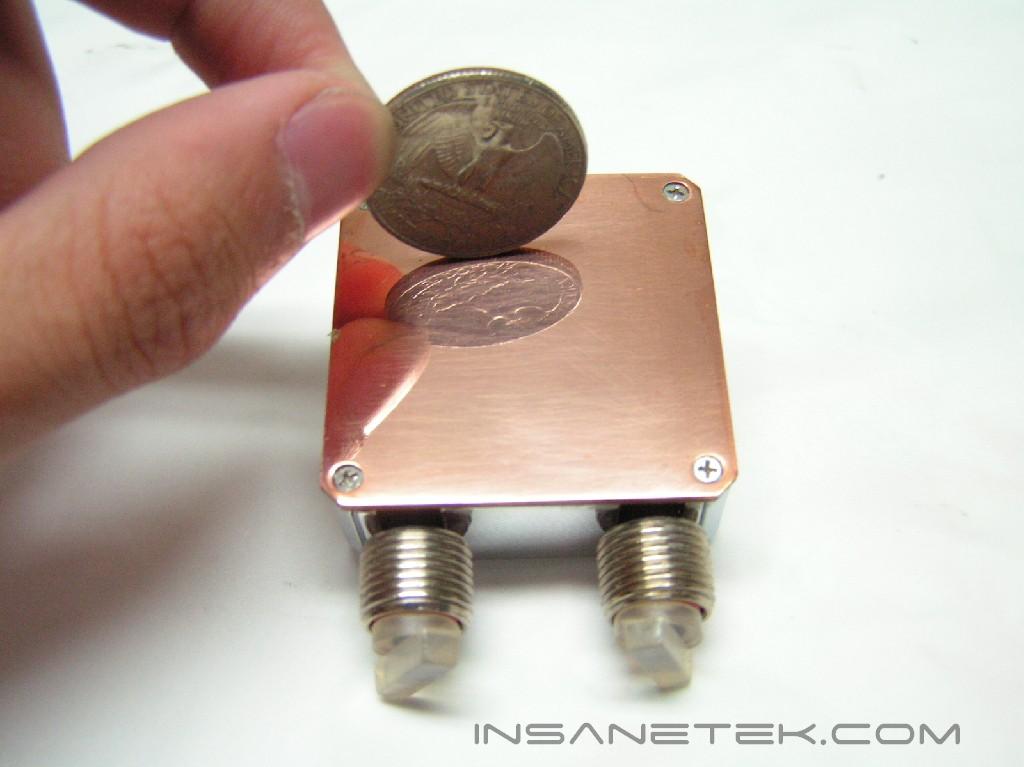
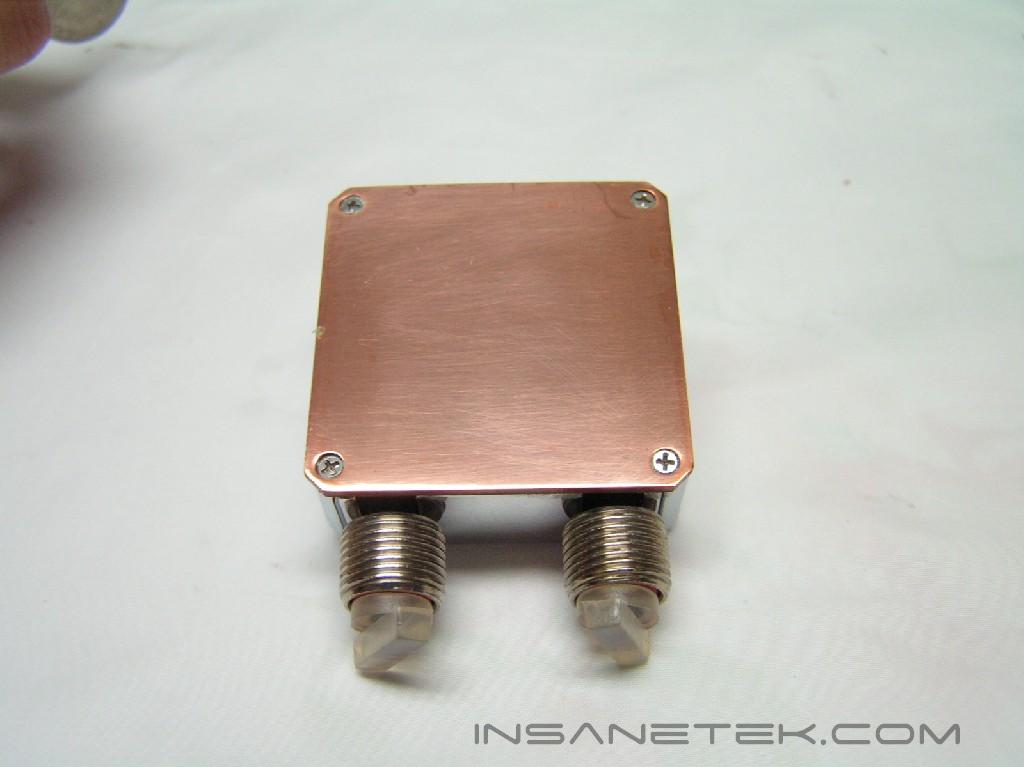
The CPU and GPU block have a lot in common. Both are reflective all over and have two holes. Both blocks had a plastic film protecting the base from being scratched. The only differences are the location of the holes and the block sizes. The one with two holes on the side is the GPU block. This piece will go onto your video card and cool its core. The other remaining block is the CPU block. It will be attached to the CPU and cooled with a bracket that is supported by your platform. The bases of these waterblocks are very reflective and flat, resulting in the best contact available with the CPU and GPU.
Features and Installation
Evercool WC-202 Features:
- 1 year warranty
- Eliminate the need for CPU/VGA fan, which directly removes the noise you make
- Super silent model
- Finest water cooler on the market. Its 30% more effective than the existing water cooling on the market
- Suitable for all types of CPU and VGA chips
- Easy to install. Special design to prevent water leakage.
- Pump has been coated with TI alloy which extends the life time of the pump
- You only need 1 set for water cooler since it has easy expandable ability. Additional accessories can be added.
Installation:
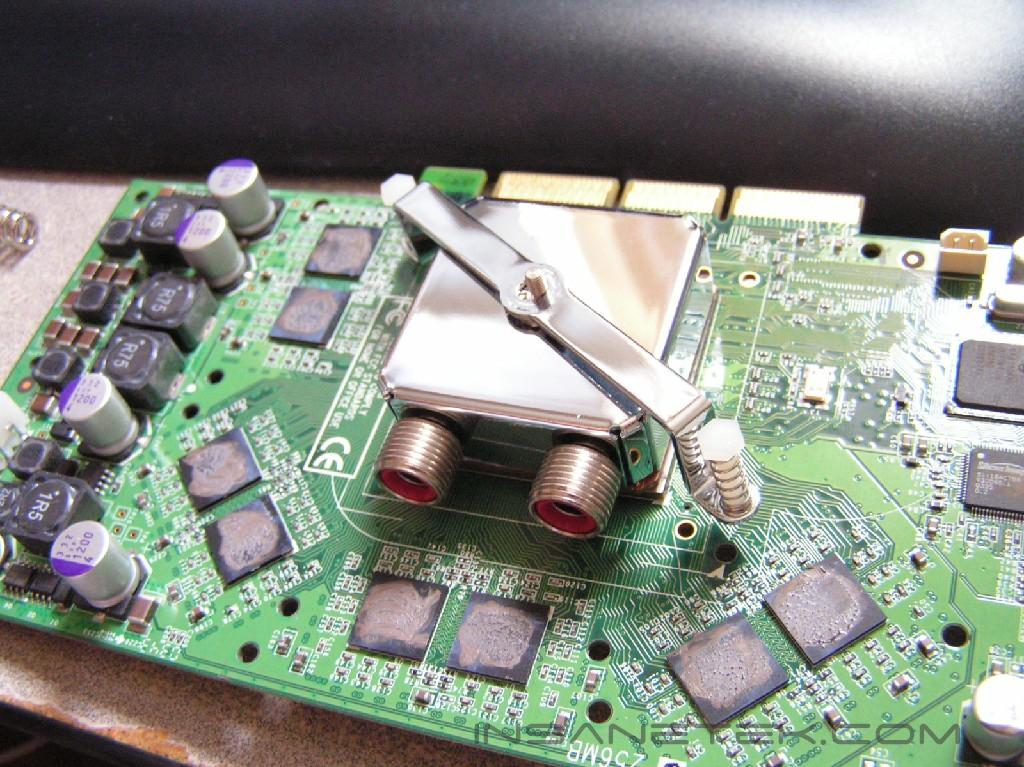
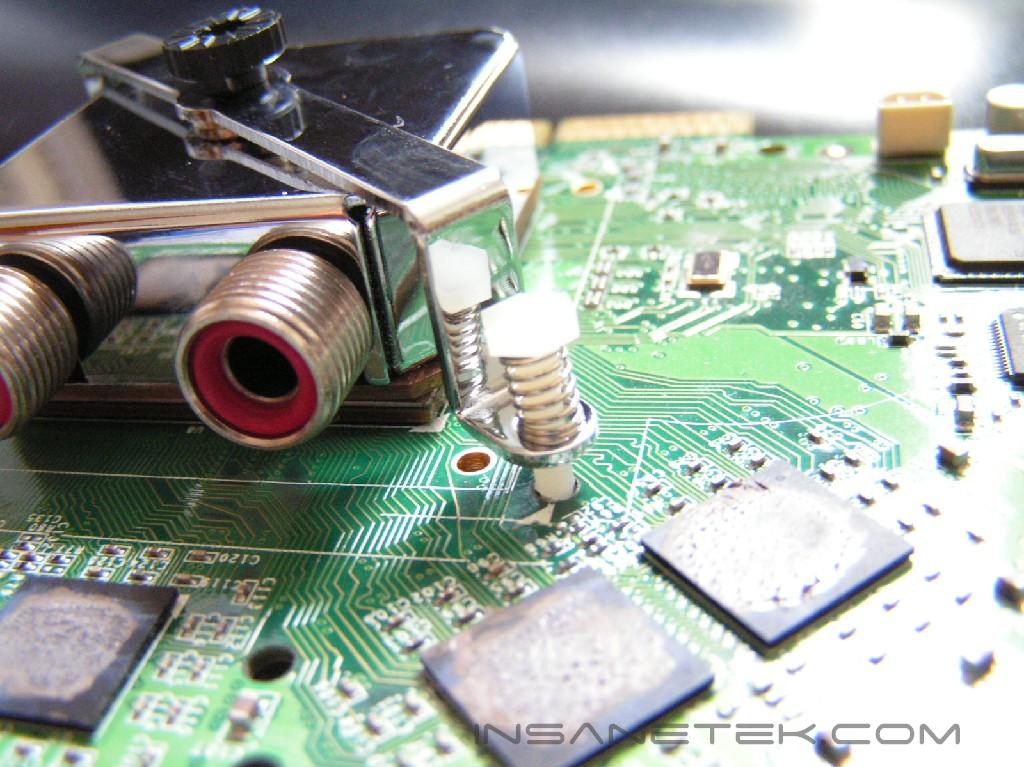
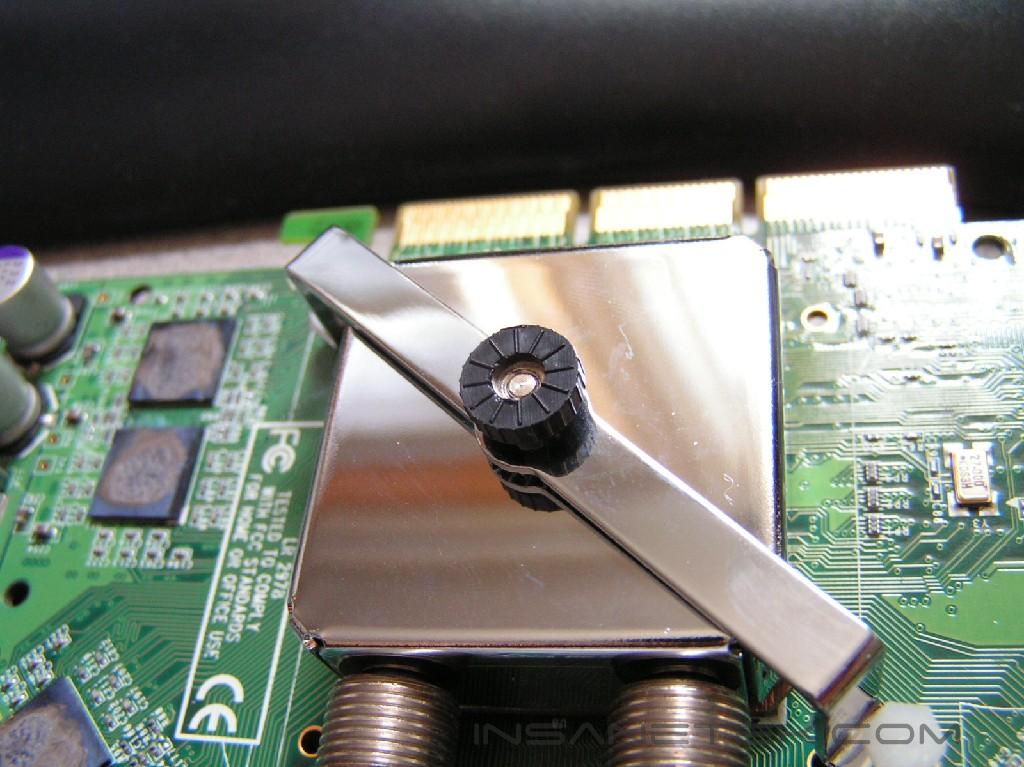
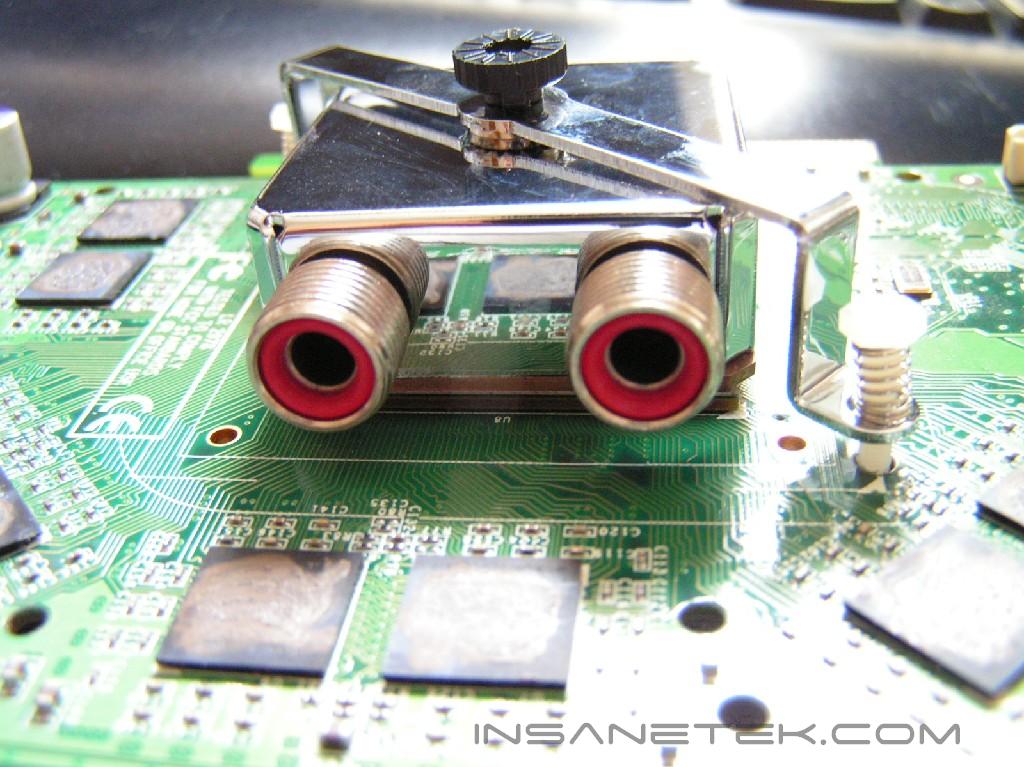
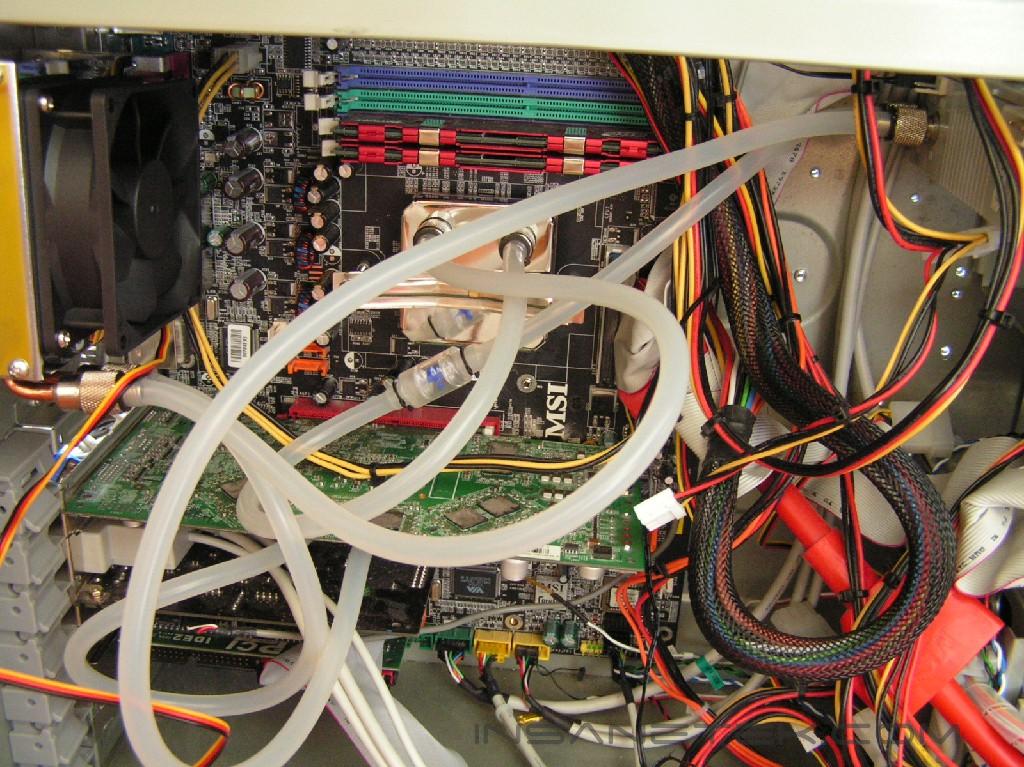
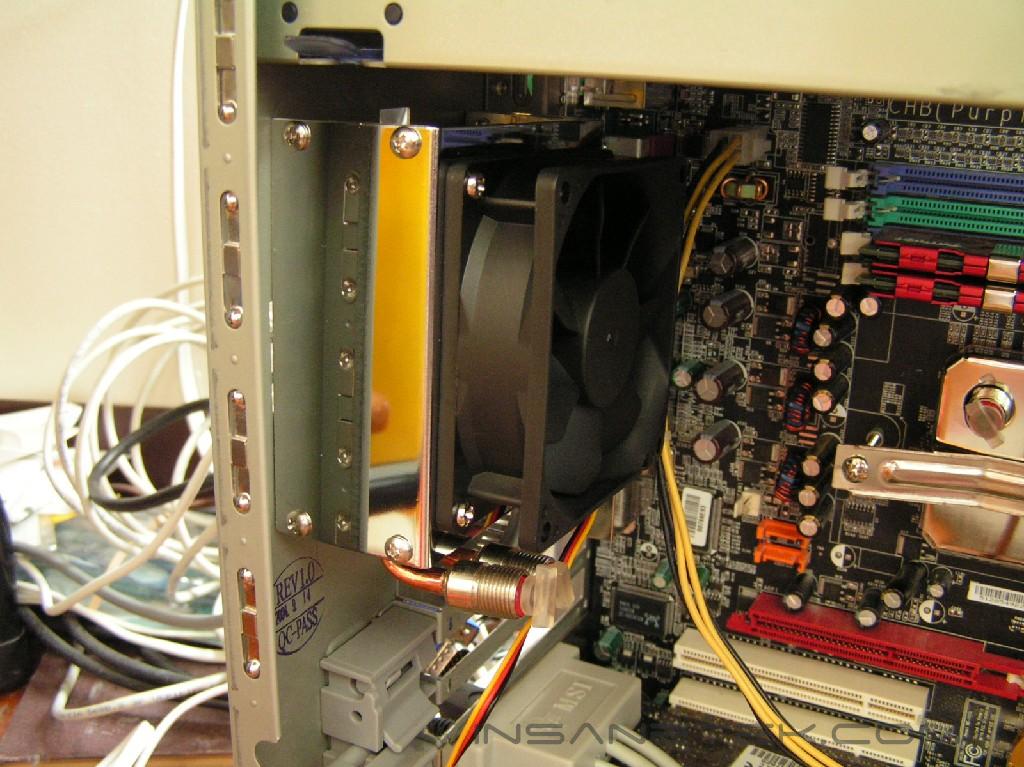
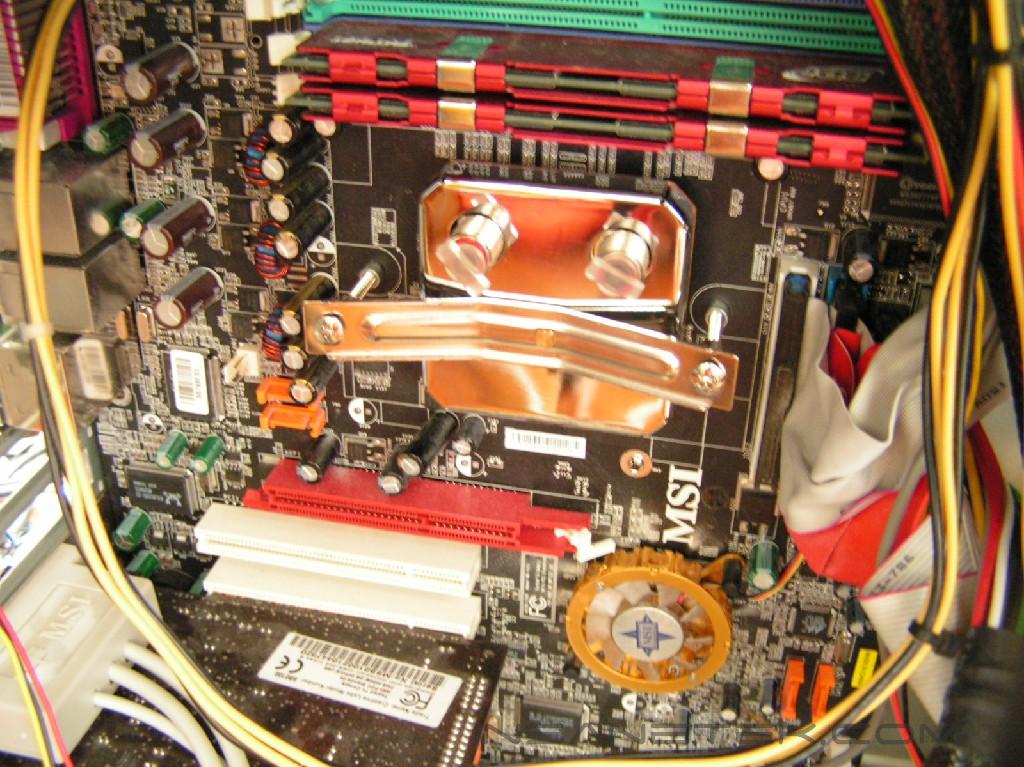
Installation was straightforward and to the point. I had to refer back to the instruction booklet a few times, but the answers were easily found. Before you go installing the kit, make sure all the tube clamps are tight and the red rubber rings are in each hole. The first thing you should do is not to place the main unit right into the 5.25” bay, but leave it right next to the open case. Take out your video card first and install the GPU block. Make sure that you evenly apply thermal paste on the core before you put on the GPU block. After that, you should mount the CPU block with the correct mounting bracket. Again, make sure thermal paste is evenly distributed across the CPU before placing the block on. Finally, mount the second radiator. The second radiator will fit into the outtake fan area of your case. Take out the 80mm fan and replace it with the second radiator. Make sure the two holes are facing downwards. Now it’s time to connect the tubes. For my setup, I connected the main unit’s outtake to the CPU’s intake. The CPU’s outtake was then connected to the intake of the second radiator. From there, the second radiator’s outtake was connected to the intake of the GPU block. It’s outtake was then connected back to the main unit’s intake hole.
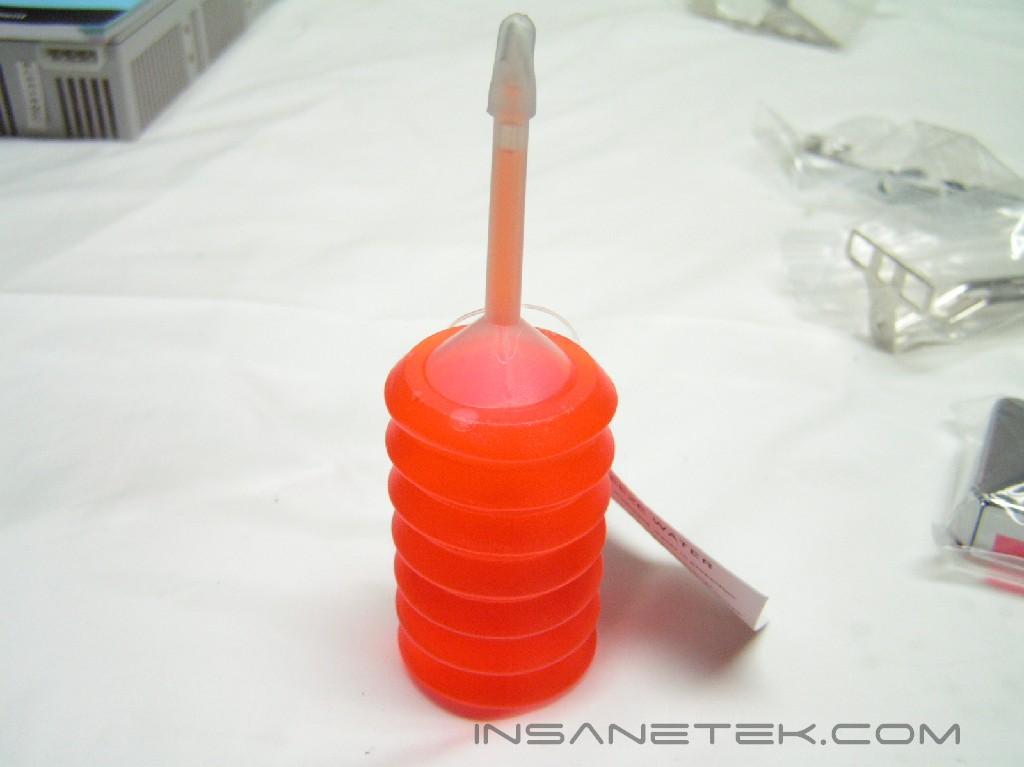
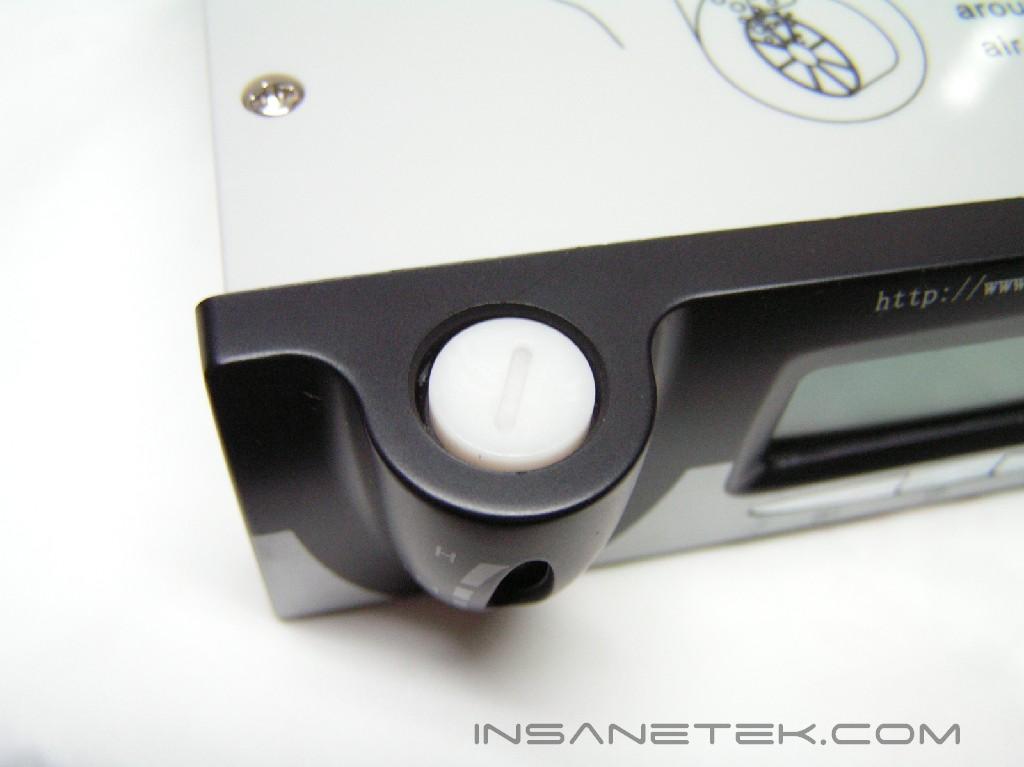
After setup was complete, it is time to fill the kit. First, unscrew the cover to the water-level indicator. Then, using the thin cap provided with the anti-freeze solution, cut off the top of the anti-freeze bottle and carefully fill the main unit. You must use the whole bottle. After the anti-freeze, you must use distilled water, such as Poland Spring or Aquafina, to fill the system. Make sure that it’s distilled, because if it’s not, the impurities in the water will harm the interior of your cooling kit. Turn the main unit 90 degrees such that the water filling hole is up. This allows you to fill the reservoir to the maximum level. Power it up for the first time and let the pump send water throughout your system. This will result in a drop in the water level so feel free to fill it up again with more water.
After installation, you must test the setup for leaks. This is a precaution you must take in order to keep your hardware safe. The easiest way to identify a leak is by laying out the parts on the floor with a paper towel under each part. If there is a leak, make sure the tube clamp is on tightly. Leave the kit running for a day or two to make sure you have no leaks.
Test Setup and Results
Test Setup and Method:
The GeForce FX5950 has a built-in temperature diode, which is what I will use to read the temperatures. A separate temperature probe would be used to record the temperature of the CPU. Arctic Silver 5 thermal paste was used in all tests. The ambient temperature was maintained at 22.3°C +/- 0.1°C. The temperatures of the CPU will be pitted against the TITAN Bianca TWC-A05 Watercooling Kit, while the GPU temperatures will be compared to the Thermaltake Schooner. The Bianca did not supply a GPU unit. The maximum overclock will be tested first and then temperatures will be recorded. The stress test will be conducted with five loops of 3dmark03. There will be no scientific experiments conducted, simply because I do not have the proper equipment.
Test Setup:
- AMD Athlon64 3000+ Winchester (9 x 275FSB = 2.475GHz @ 1.65v)
- MSI K8N Neo2 Platinum
- 2 x 512MB PDC1G3200+XBLK (2 x 512MB @ 2.5-3-3-7)
- Leadtek GeForce FX 5950 Winfast A380 Ultra (575MHz Core Frequency / 975MHz Memory Frequency)
- TTGI SF-450TS 450W Power Supply
Competition (CPU):
- TITAN Bianca TWC-A05 Watercooling Kit
- Evercool WC-202 Watercooling Kit
Competition (VGA):
- Thermaltake Schooner
- Evercool WC-202 Watercooling Kit
Test Procedures:
- Idling for 45 minutes on desktop
- Five loops of 3dmark03
Results:
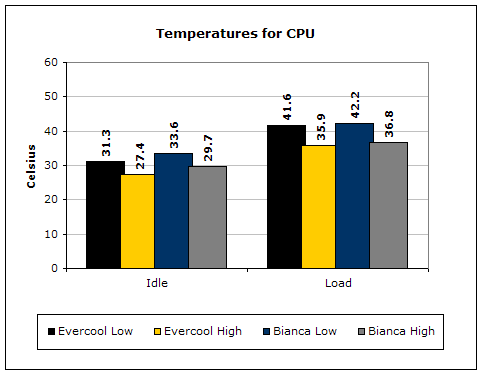
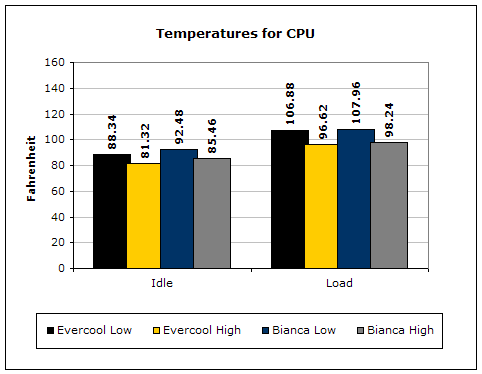
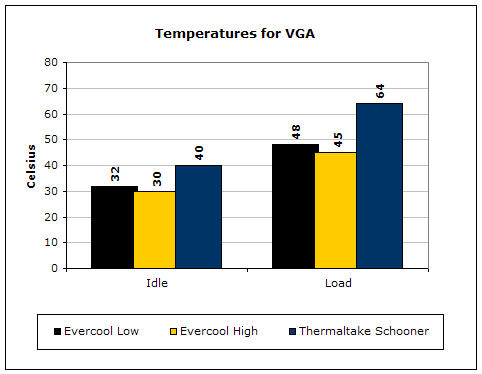
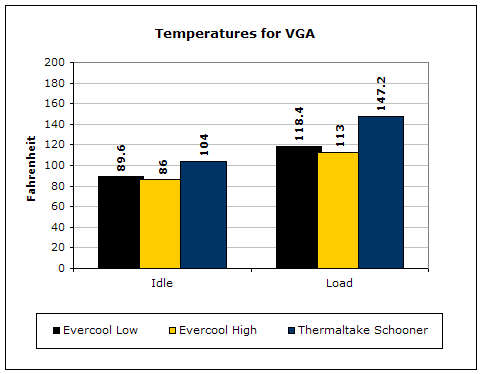
The Evercool kit manages to cool off the CPU as well as the Bianca, while also cooling the VGA card. This was made possible with the second radiator. Overclocking the CPU was not possible, as the CPU is at its maximum. The GPU’s memory was lowered because there was no cooling for it. It would not run at 1000MHz. However, the core frequency increased 75MHz, a total of 575MHz.
Conclusion and Thoughts
One of the greatest benefits about watercooling is the heat capacity of water. Water is able to hold more heat than air. These starter watercooling kits have proven to be well made and a perfect segue into a world of watercooling. The only turn off is the price tag. However, Evercool has helped to solve this problem with the WC-202. Its performance was superb. There should be concern from people that own a case with a front door. The door might not close on most cases. If you own the MGE Quantum, the door will close if you install it in a 5.25” bay. Although performance was great, there were a few things I didn’t like about it. The fans were pretty loud when turned on high. On my specific unit, the temperature sensor wasn’t working. I could not get the sensor working. I didn’t mind, but it would’ve been nice to have it working. Another thing was the lack of memory chip heatsinks for the VGA card. I had to lower the memory frequency down by 25 MHz for the VGA to work.
Evercool’s watercooling kit is a better stepping stone into the world of watercooling than the TITAN Bianca. It is around the same MSRP, yet Evercool includes a GPU block in their package. The Bianca lacked a GPU cooler, which made overclocking less enjoyable.
No matter the product, there will always be flaws. Yet, the flaws on the Evercool WC-202 should be tolerable. Heat was removed, installation was easy, and performance could’ve been better, but it is very satisfying to know that a beginner watercooling kit could provide such results.
Pros:
- Radiators use copper tubes (1st radiator with copper fins, 2nd with aluminum)
- Water-level indicator
- Fan controller
- Temperature sensor and alarm
- Front door on case can close with
- Compatibility with all video cards and CPUs
- 1 year warranty
- Raised core frequency
Cons:
- Inability to cool memory chips
- Fans are noisy at high speed
- Lack of ram sinks forced memory frequency to lower

We would like to thank Evercool for providing us the sample. If you have any questions or comments, feel free to hit us up in the forums. You can also check out more of our latest reviews on the front page.