

Evercool Nighthawk and Neon Crab
Introduction
Today we have a collection of Evercool’s newest cooling devices that intend to keep several of your system’s main components cool. Evercool’s VC-F117 Nighthawk is a graphics heatsink, which fits many NVIDIA and ATi cards, and the Neon Crab that cools system memory. When you overclock, you don’t only need improved cooling to further your overclock, but to make sure your components do not overheat. Evercool sets out to “keep your system running cool”. Each of these items is designed to reflect its respective name. Thus, the nighthawk looks exactly like a stealth fighter, and the Neon Crab looks like a crab. Will the gimmicks overshadow the performance?
Evercool Nighthawk
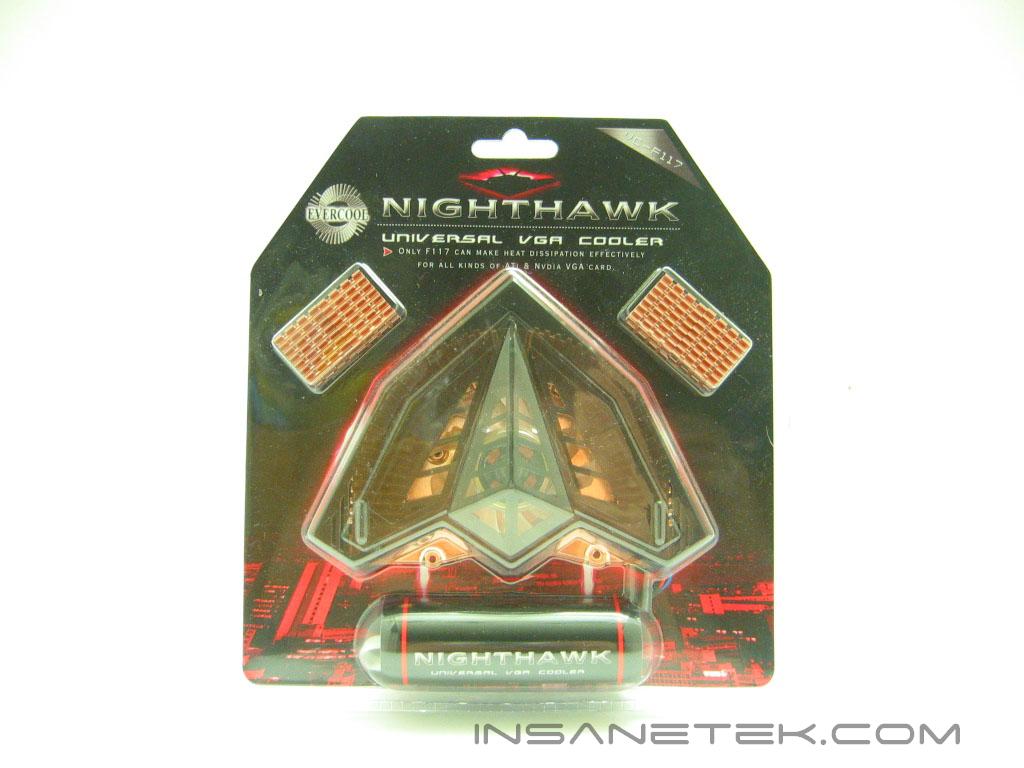
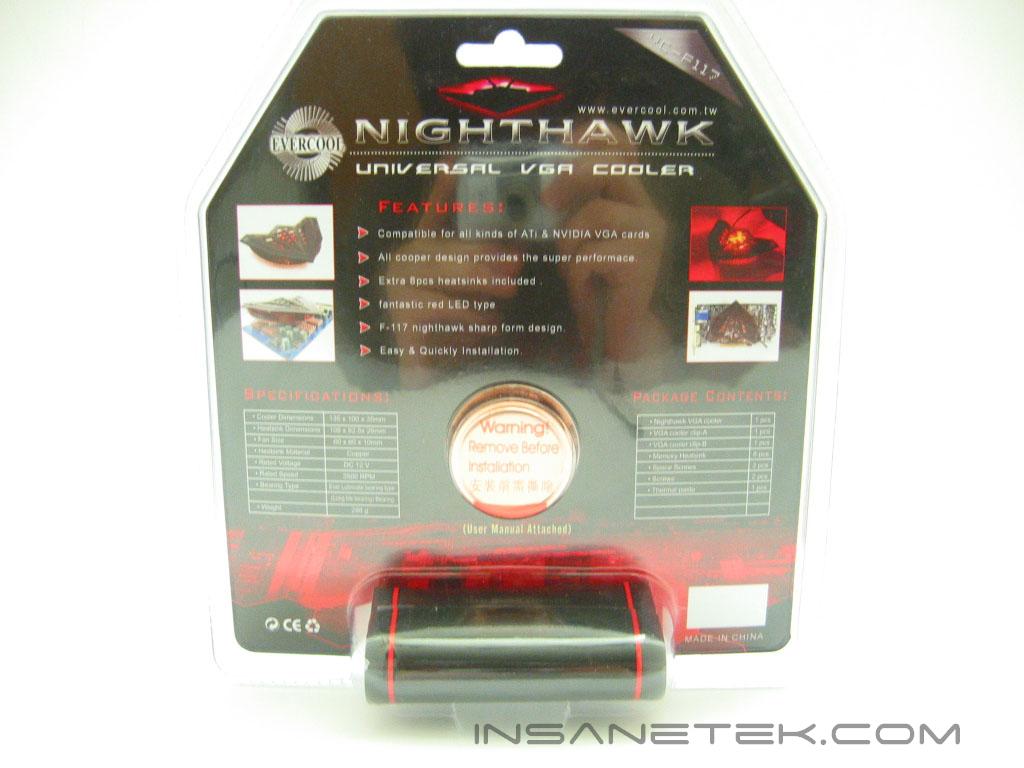
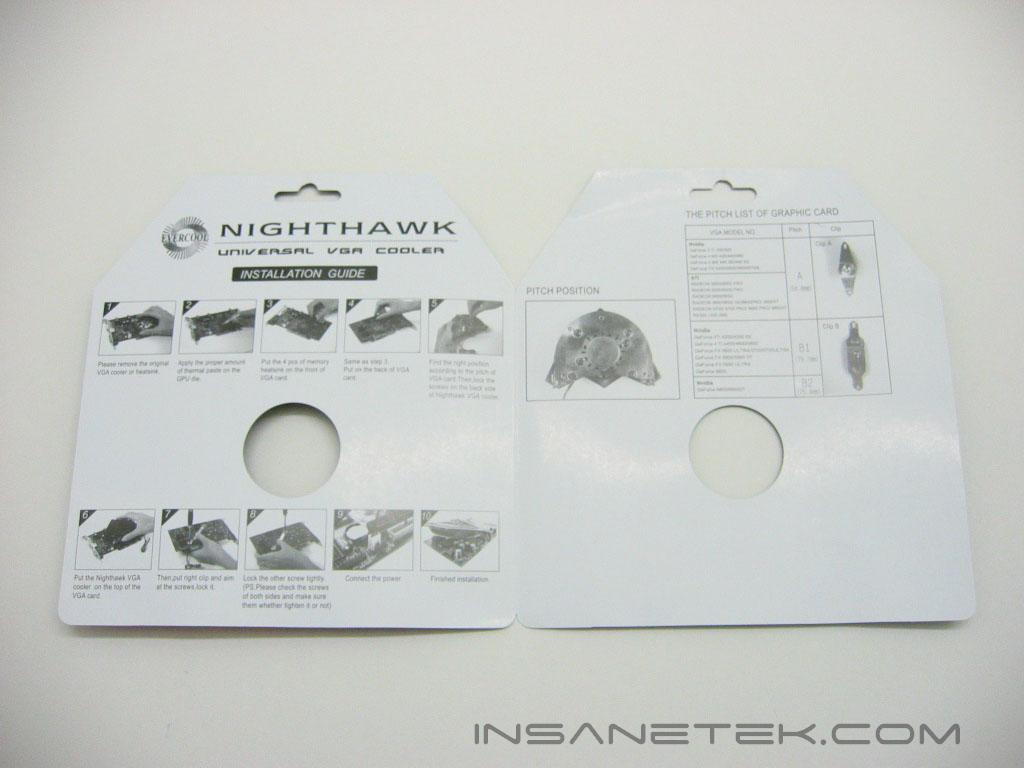
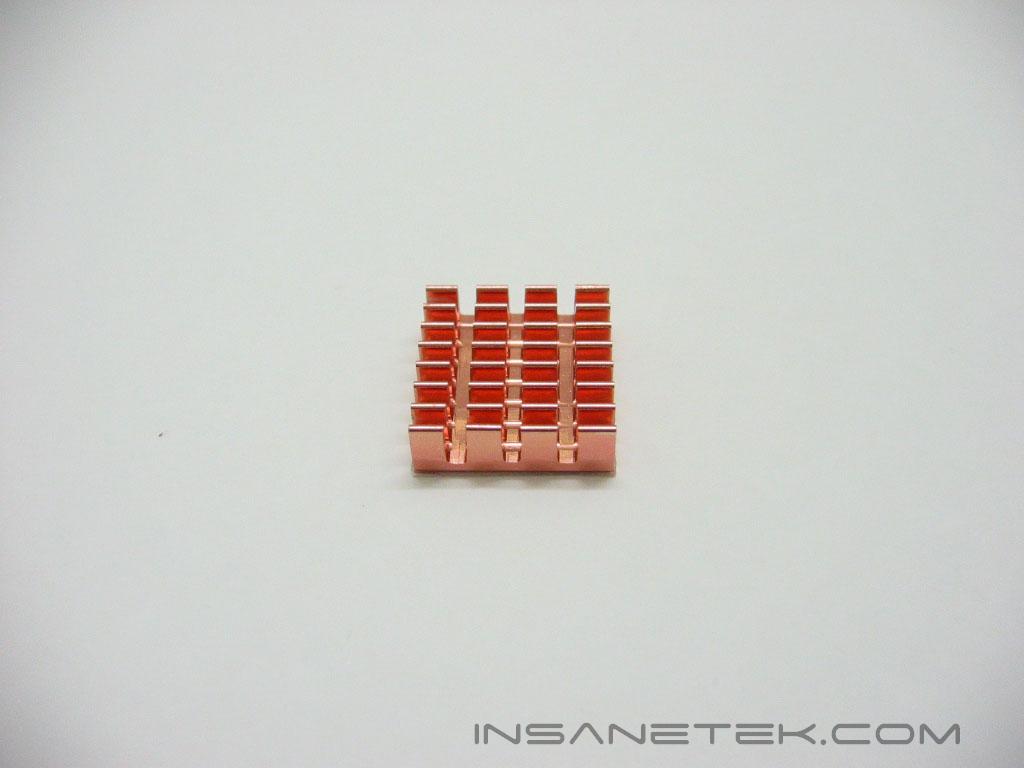
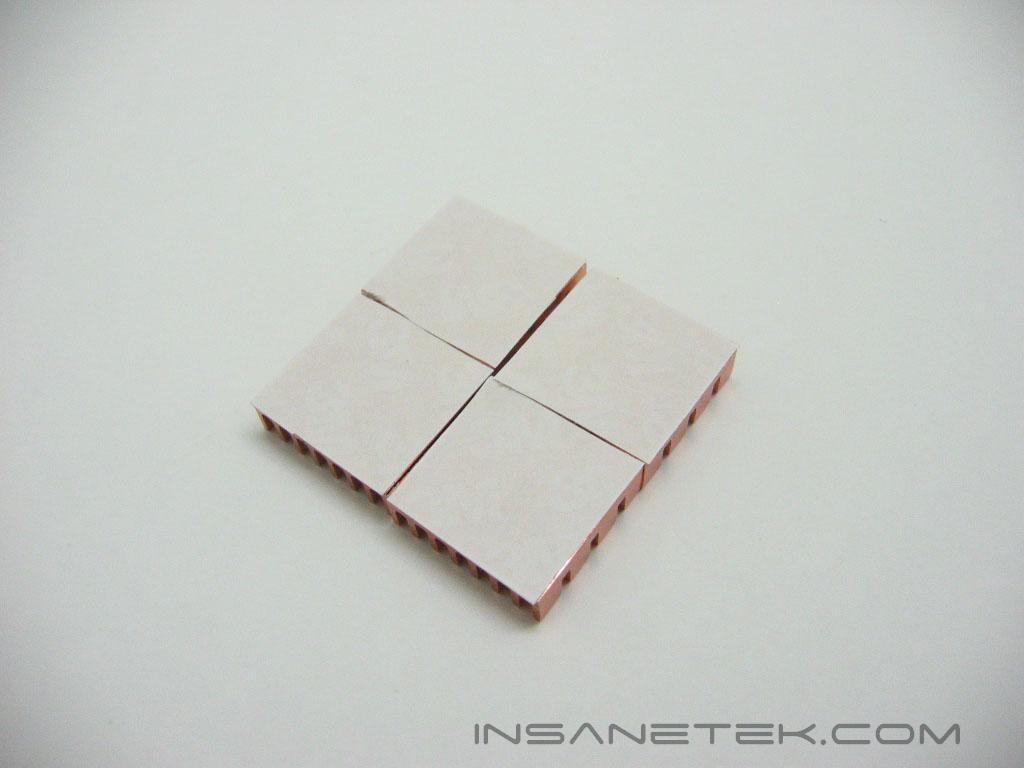
The Evercool Nighthawk graphics cooler is sealed in a plastic package with a cardboard insert, which describes its features and specifications. The design of the packaging should really give it some appeal on store shelves. The cardboard insert opens up to reveal installation instructions. The Nighthawk only actively cools the core of the video card, so Evercool provides eight memory heatsinks with pre-applied thermal tape. The memory heatsinks are a copper color, although they are extremely light. I would guess they are aluminum heatsinks that have been coated in a copper color paint.
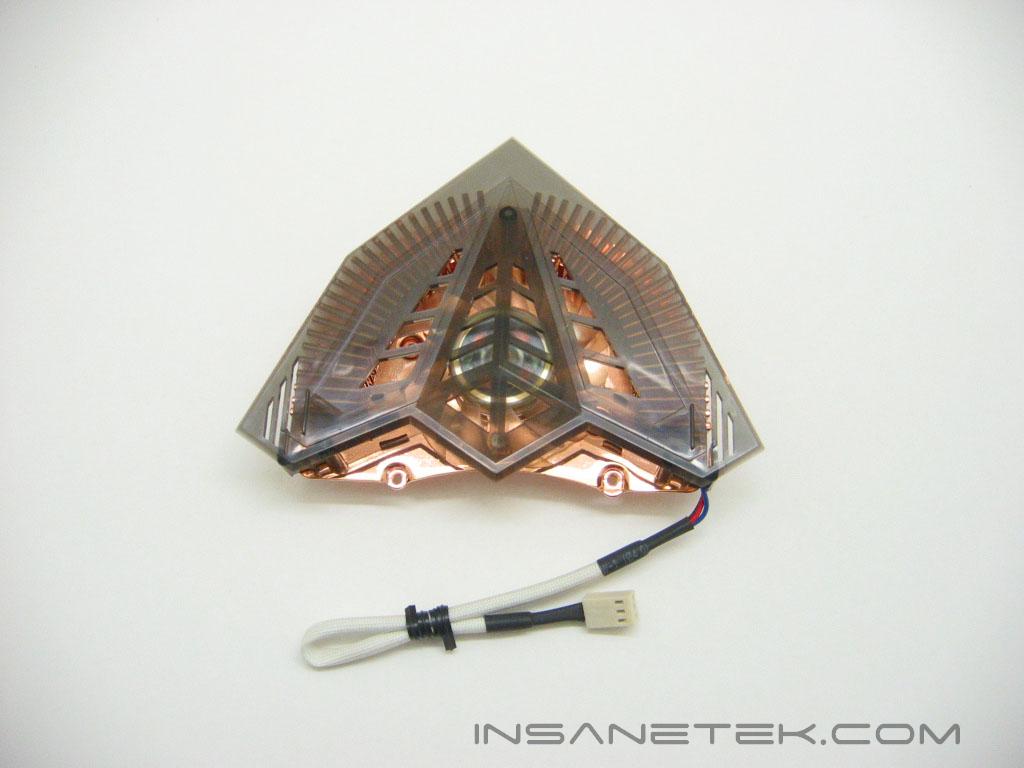
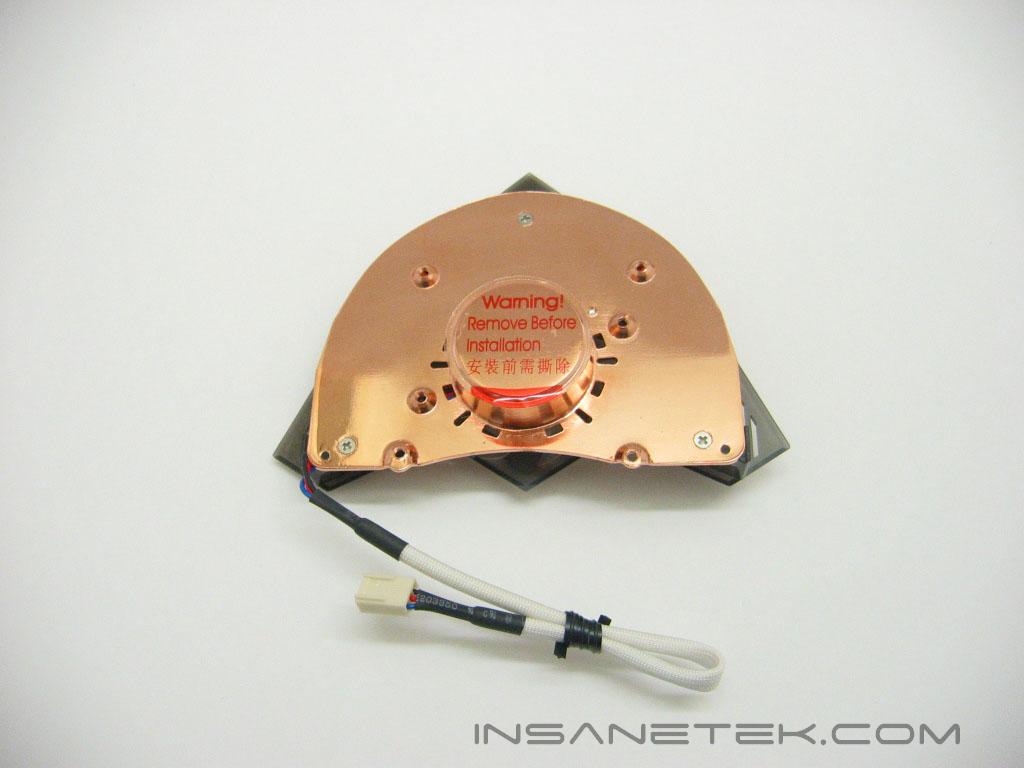
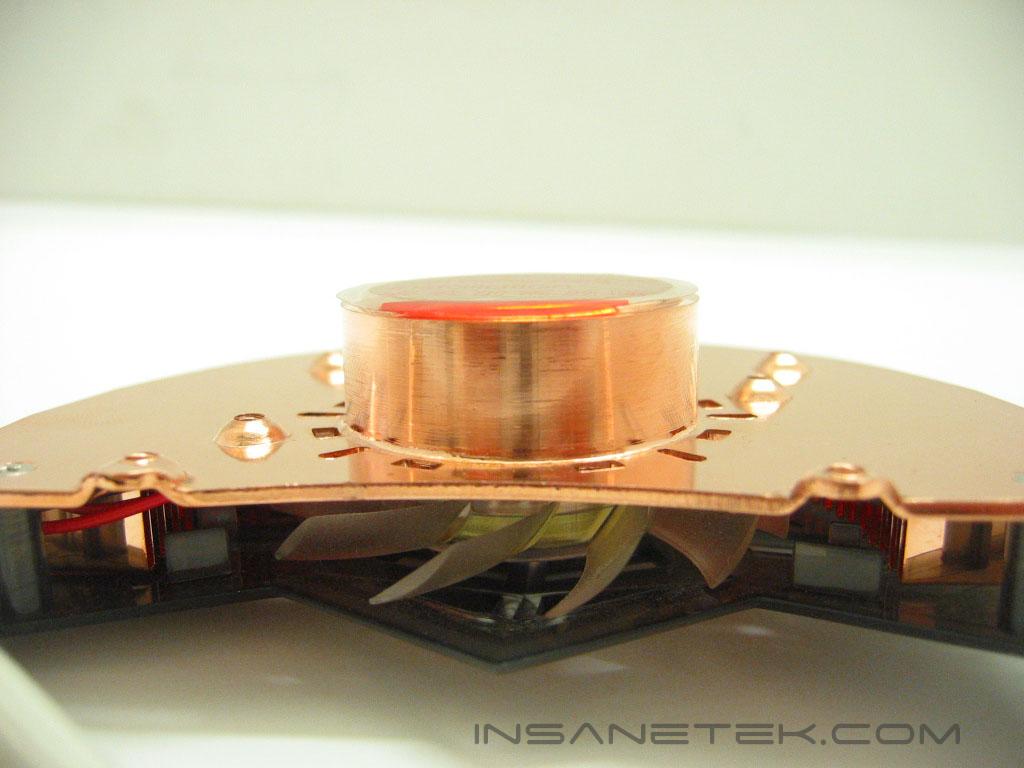
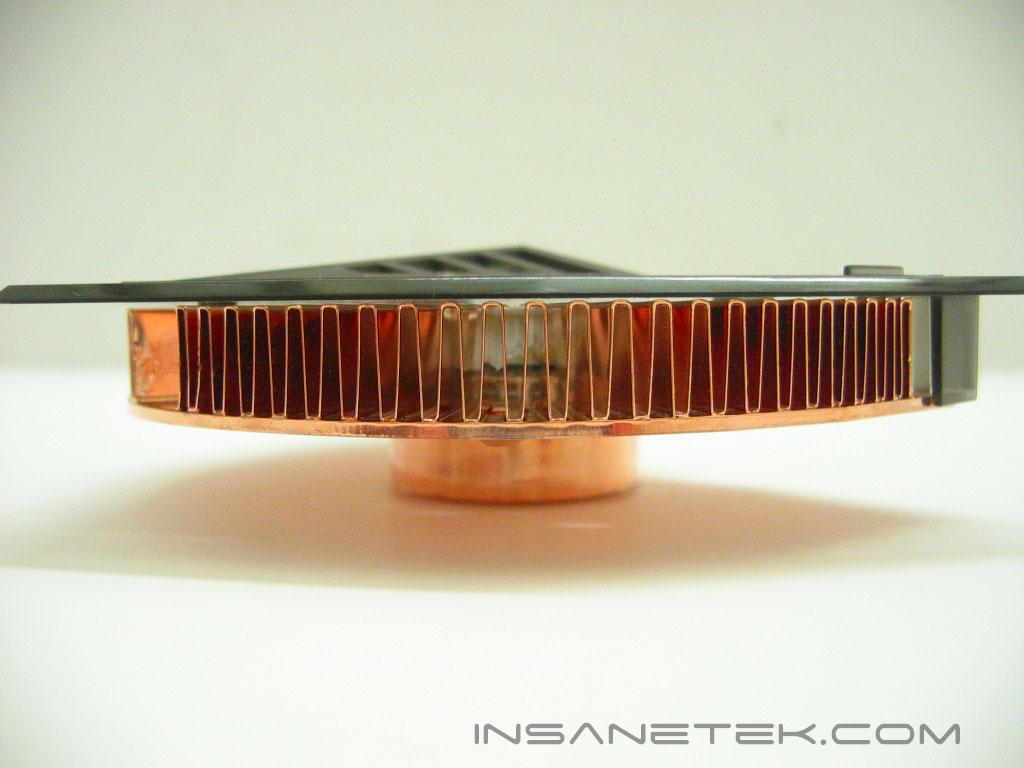
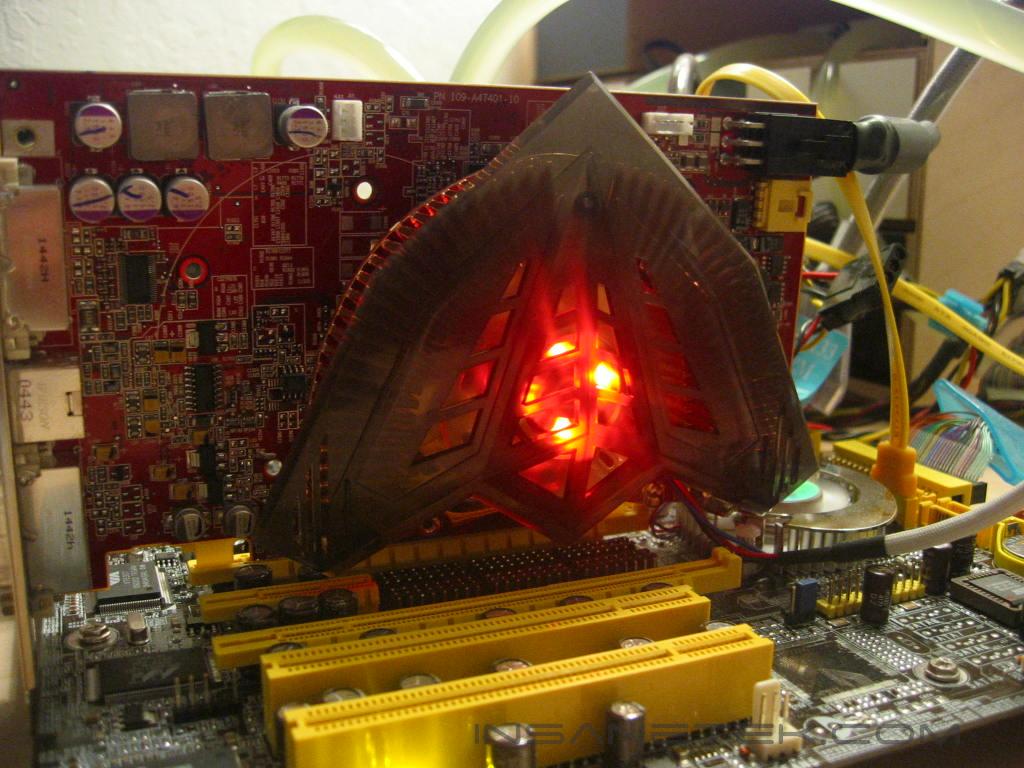
The Nighthawk is adorned with a translucent black plastic top that gives it its stealth fighter look. Beneath the top is a copper heatsink with a 40 millimeter fan. Looking at the bottom of the Nighthawk you can see the mounting holes; the middle holes on each side for ATi cards, and the top and bottom holes for NVIDIA cards. The base of the Nighthawk protrudes about a centimeter from the top of the heatsink, which makes heat travel quite a ways before being cooled by the fan. The base of the Nighthawk has a mirror finish and has no visible imperfections.
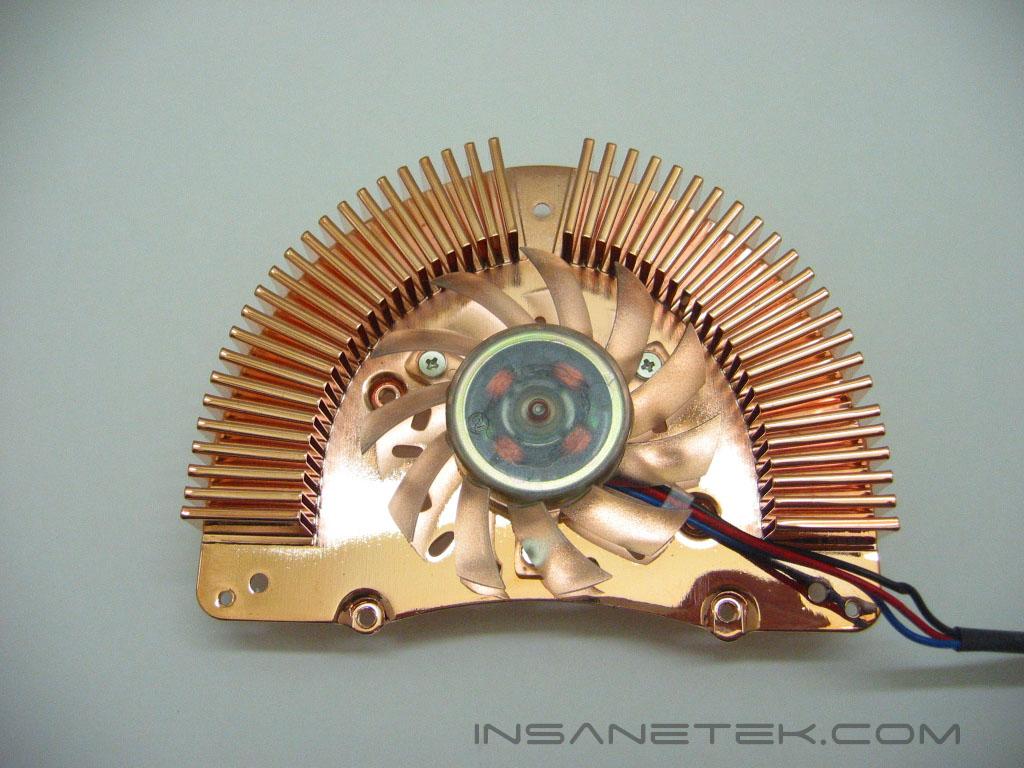
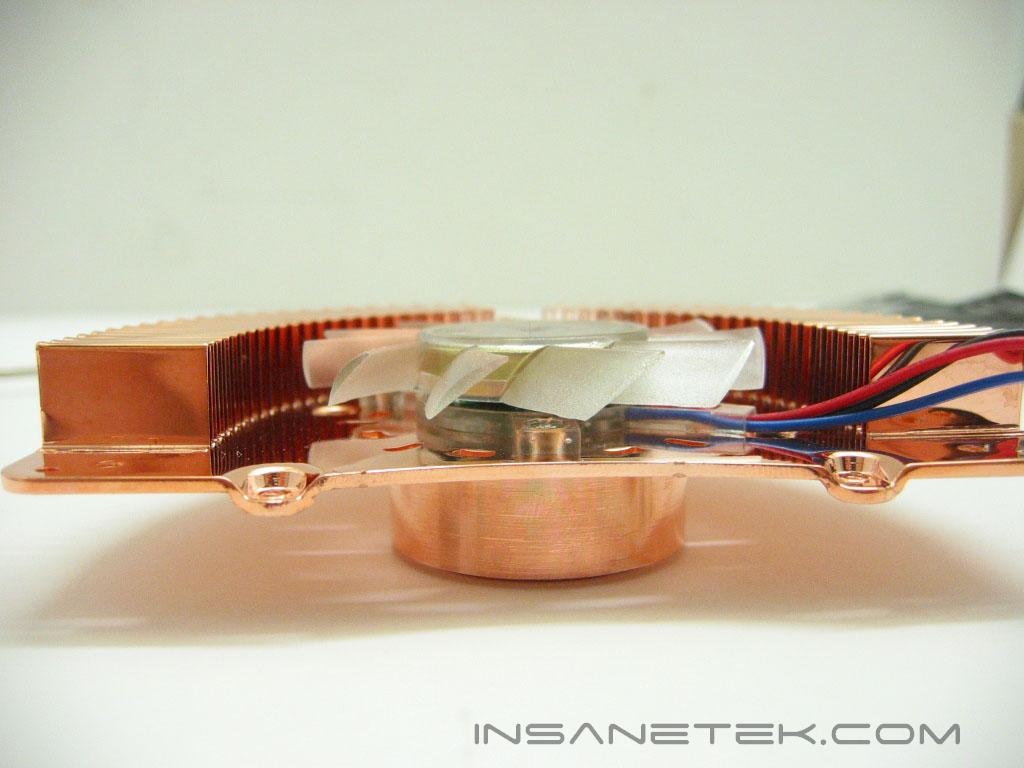
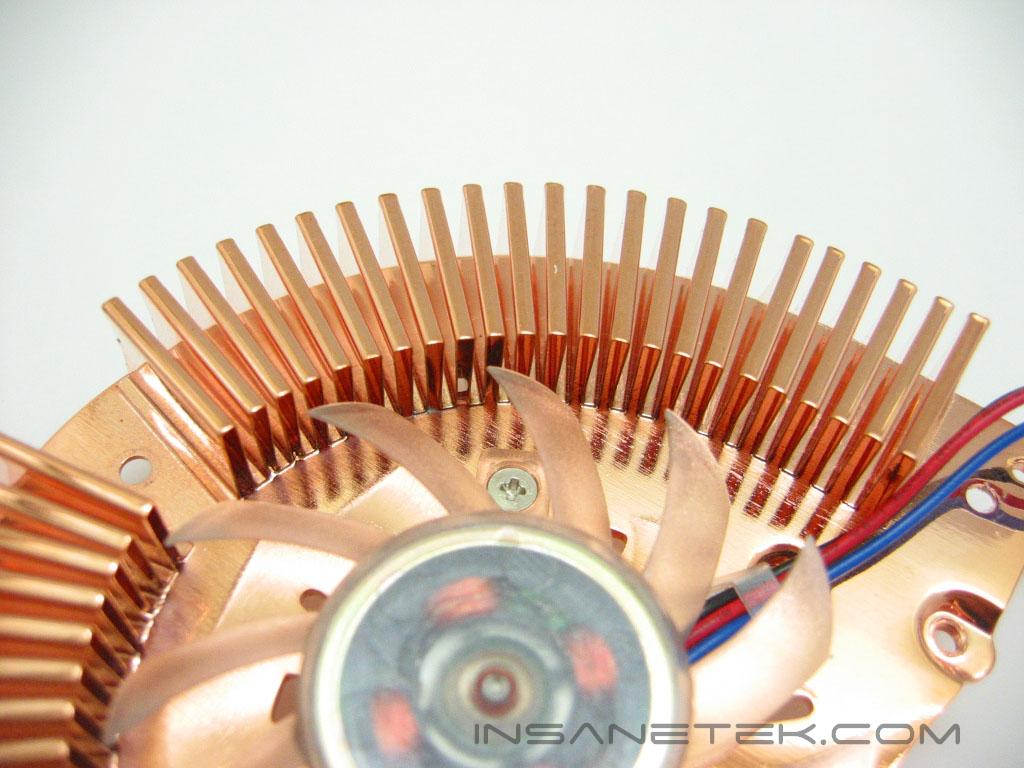
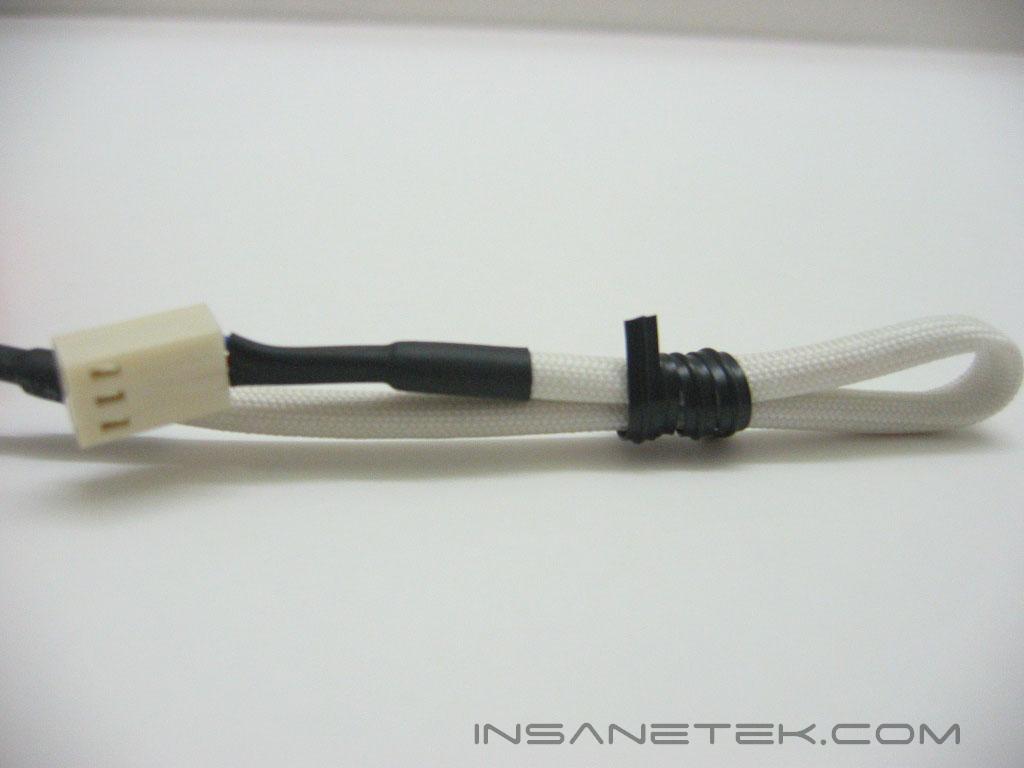
The Nighthawk, without its plastic top, looks surprisingly familiar. We have actually reviewed nearly the same heatsink from the manufacturer Jetart. The actual company which this heatsink design originated from is unclear, as many companies are selling the same basic heatsink. The Nighthawk uses a single row of fins in an arch to remove heat. The fins are made from a single sheet of copper. The fan’s wiring is covered by a white sleeving and uses a 3 pin connection for power.
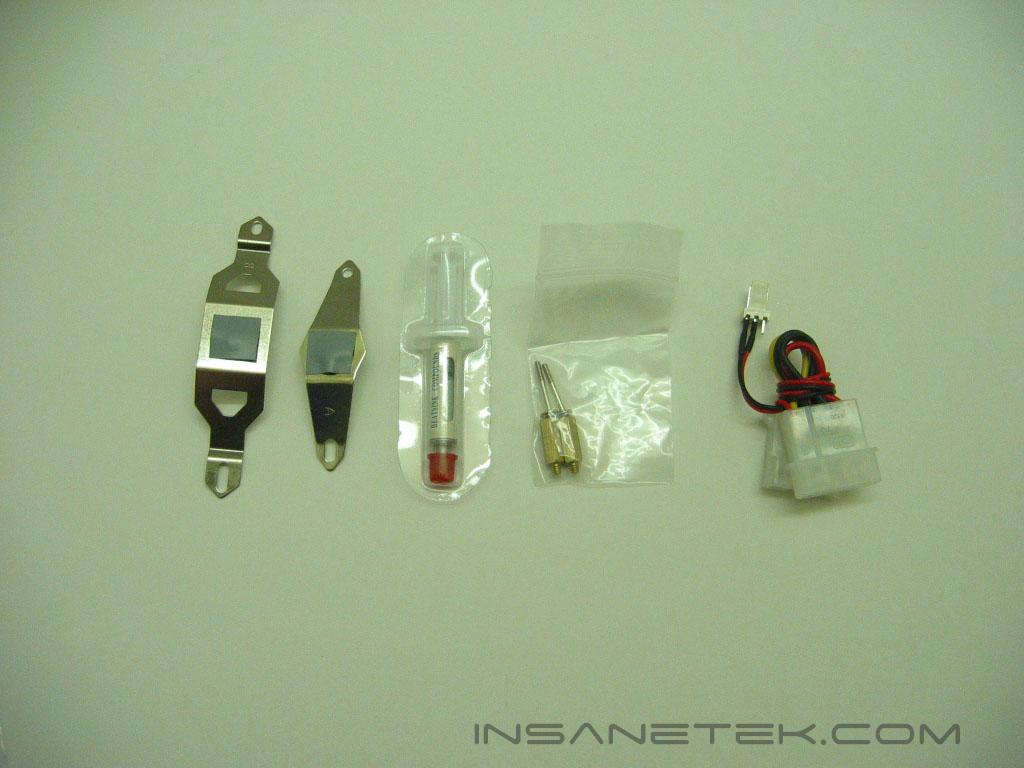
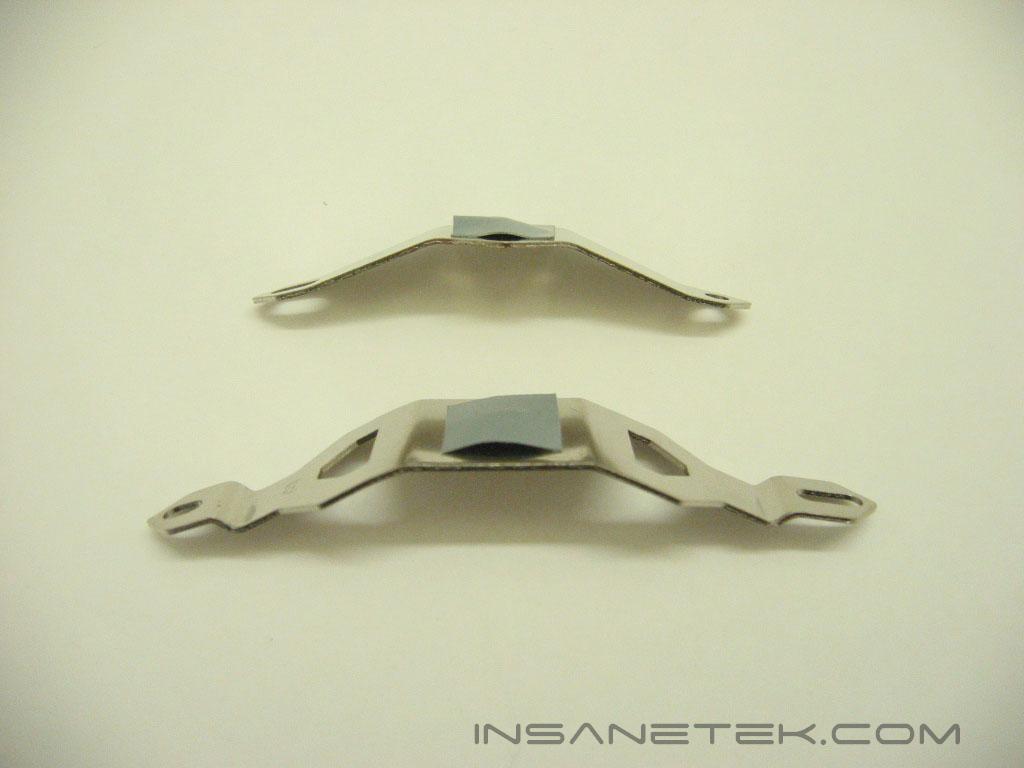
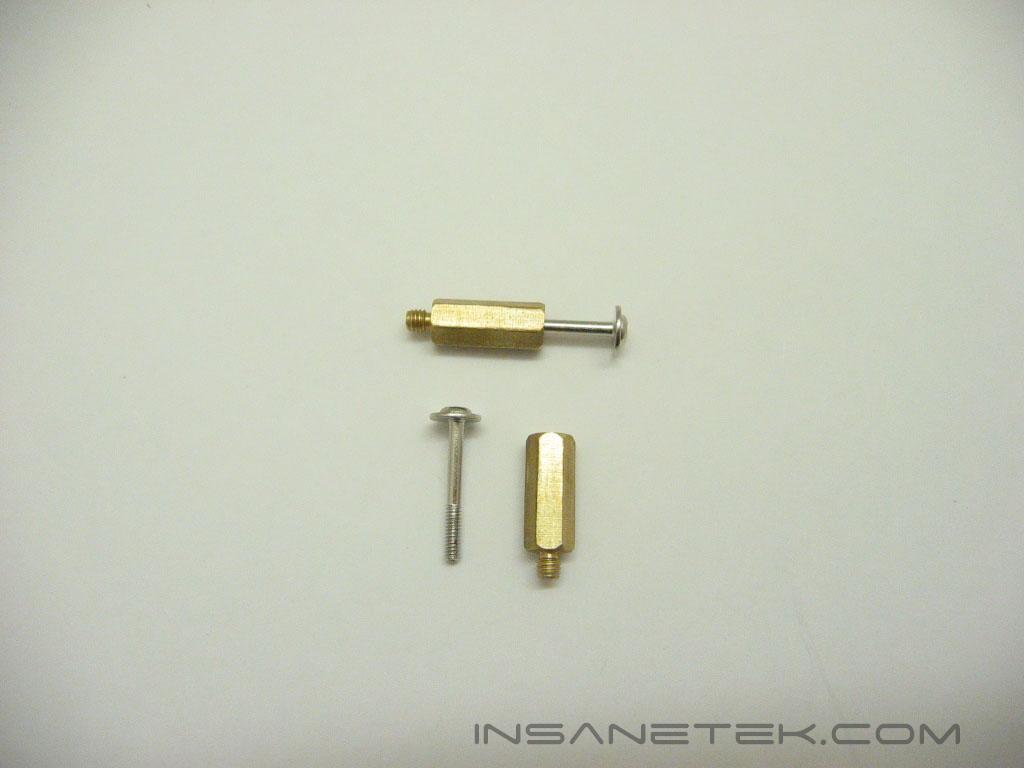
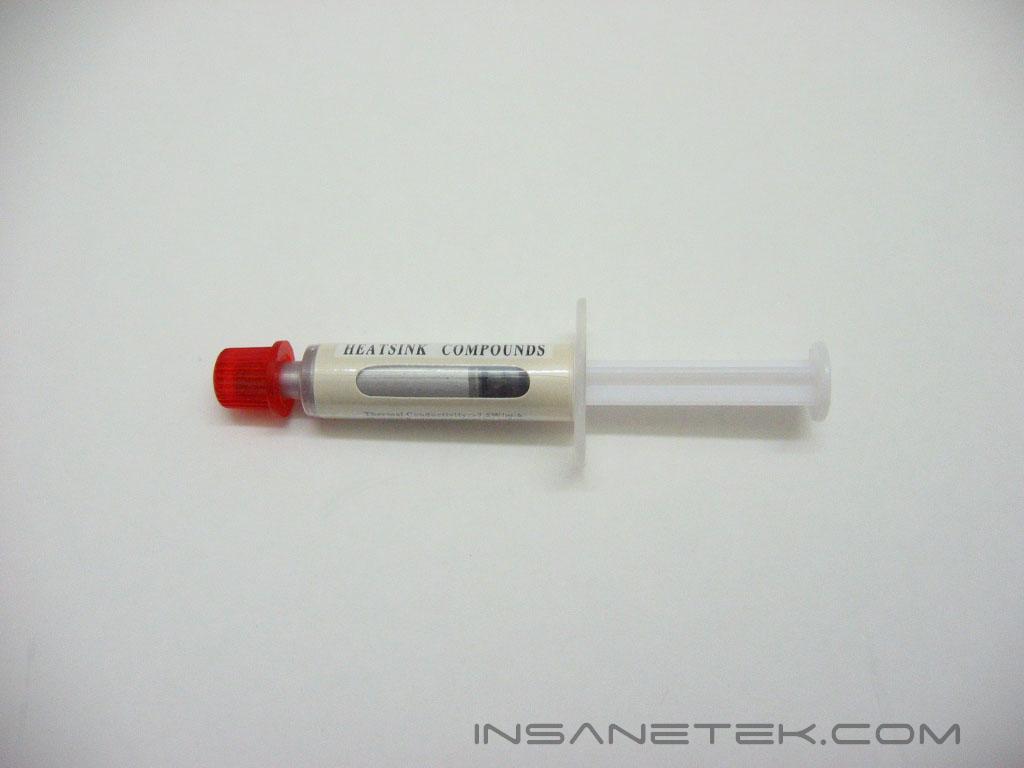
The accessories included with the Nighthawk are mounting brackets for ATi and NVIDIA cards, thermal paste, mounting screws, and a 3 pin to Molex converter. The shorter, smaller mounting bracket is for ATi and some NVIDIA cards, while the large one is only for NVIDIA cards. The Nighthawk is secured to the card by the use of two standoffs and screws.
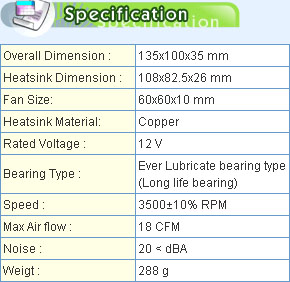
According to the Nighthawk’s manual, it can mount of the Radeon 9x00 and Xx00 series of video cards and the GeForce 3, 4, and FX series of cards as well as the 6600 and the 6800/GT/Ultra cards.
Nighthawk Installation
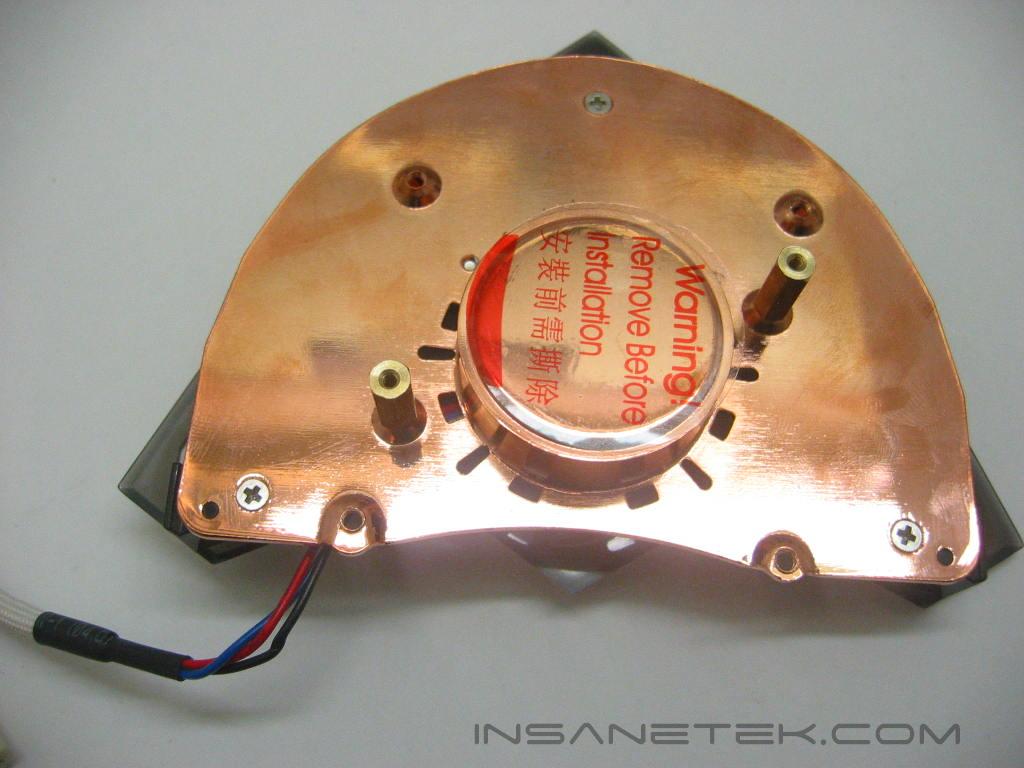
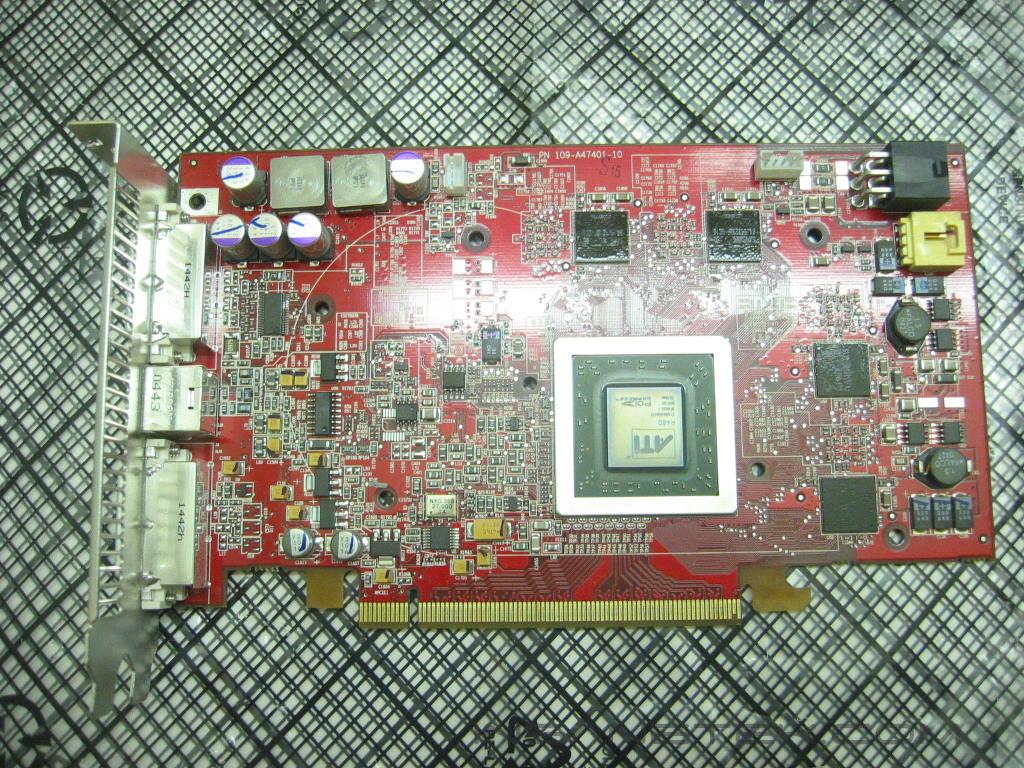
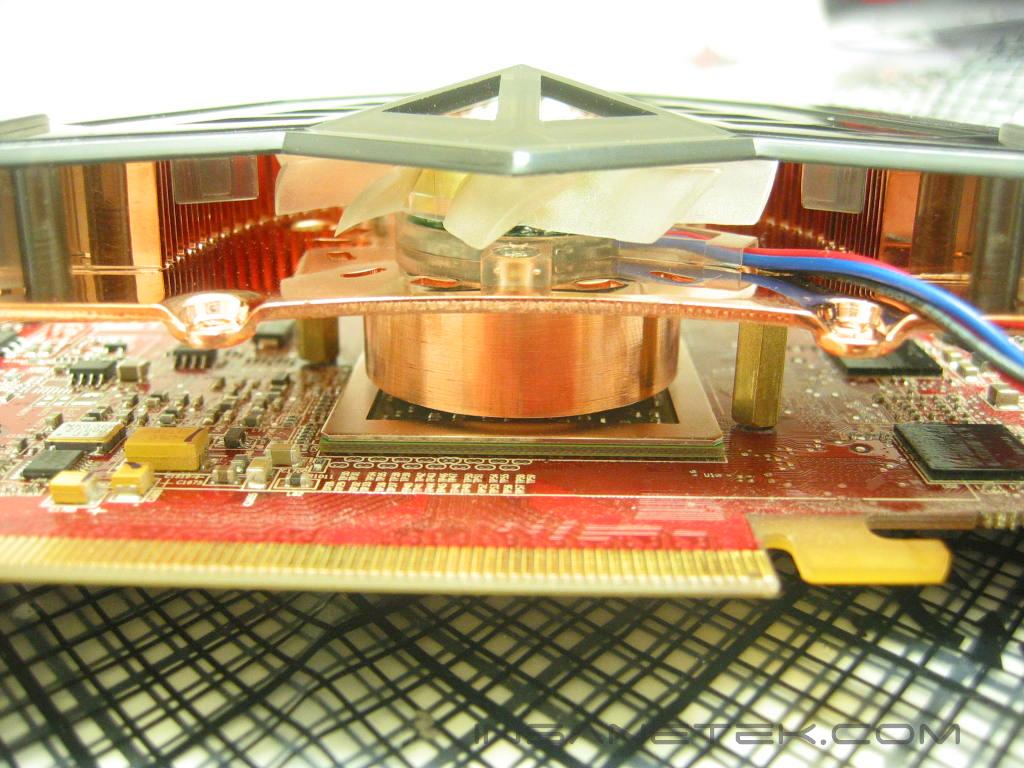
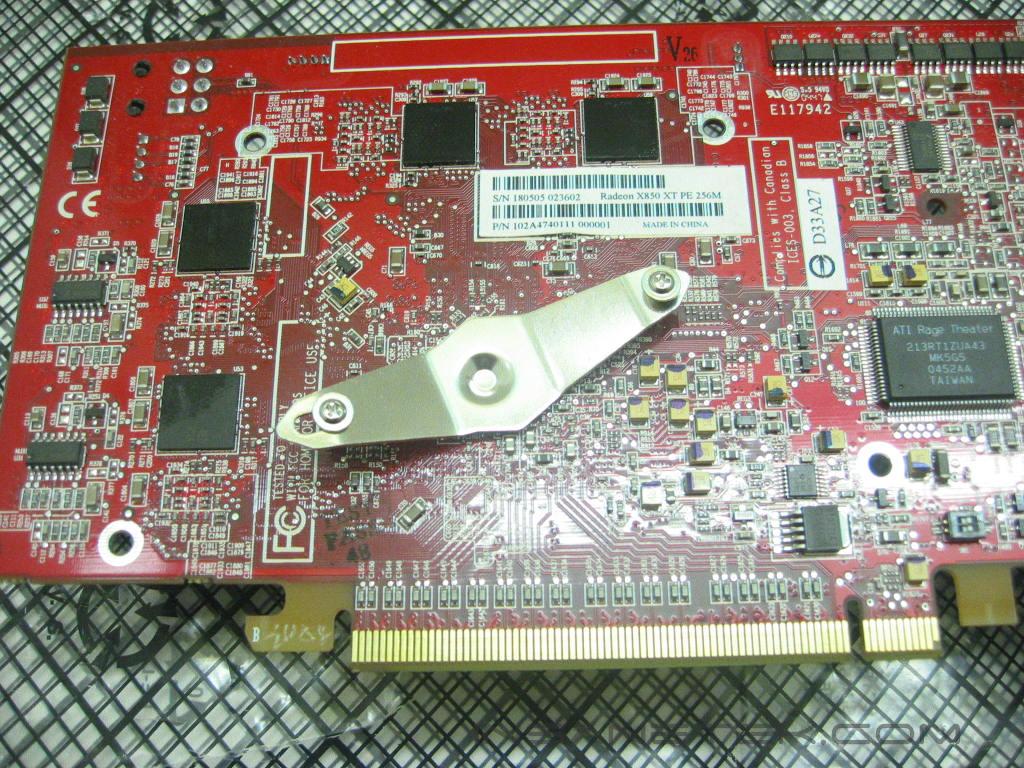
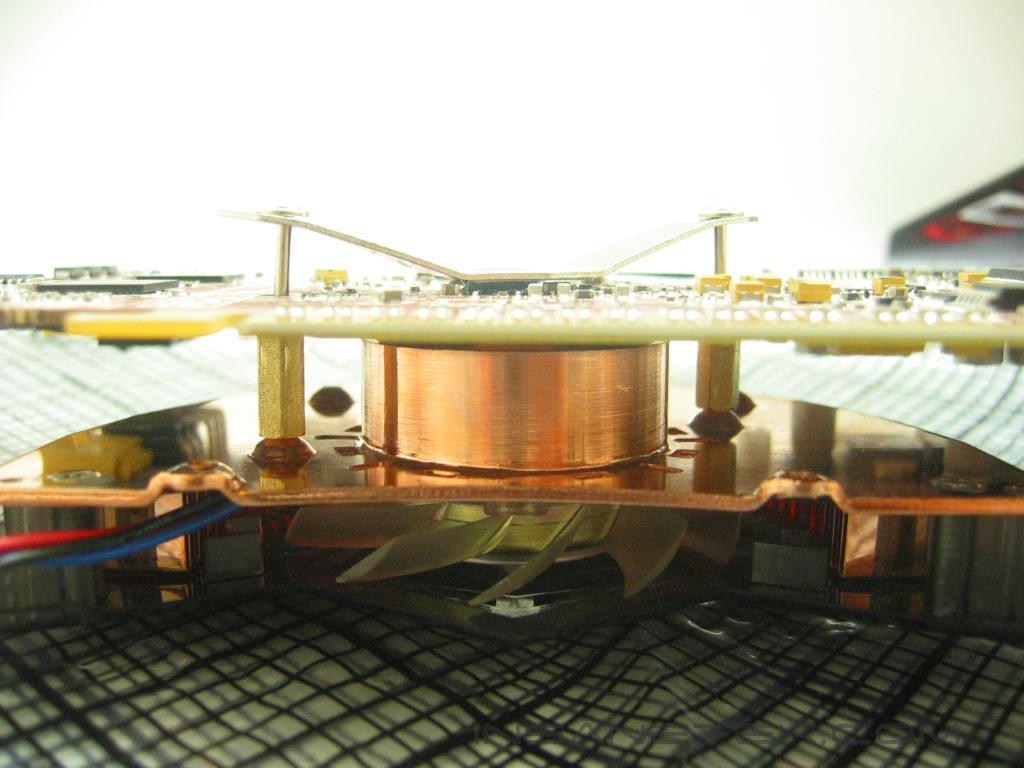
The first thing that is necessary to do is to determine which mounting holes to use on the Nighthawk. Since the Nighthawk will be installed on an ATi card, we will be using the center most holes for the standoffs. After removing the stock cooler and cleaning off the remaining thermal paste, you apply new paste to the core and mount the Nighthawk. After lining up the standoffs with the mounting holes on the video card, flip it over and place the bracket and screws on the back of the card. Thread the screws to secure the heatsink.
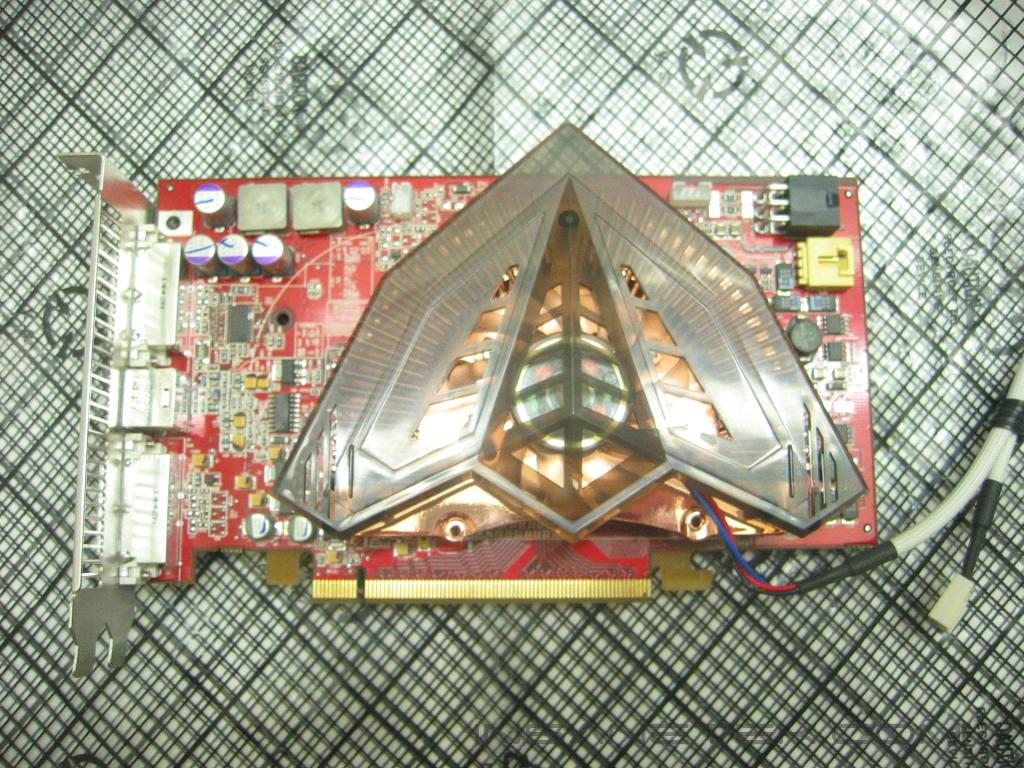
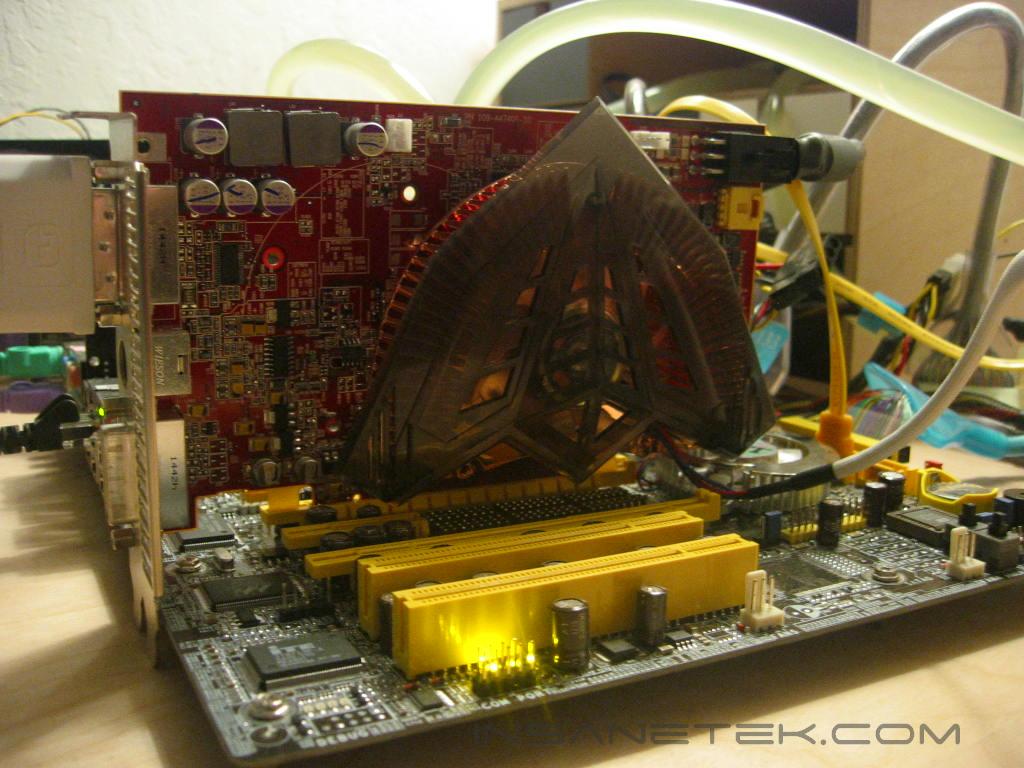
Here we have a photo of the Nighthawk installed. The Nighthawk is a perfect fit and does not interfere with any of the card’s components.
Evercool Neon Crab
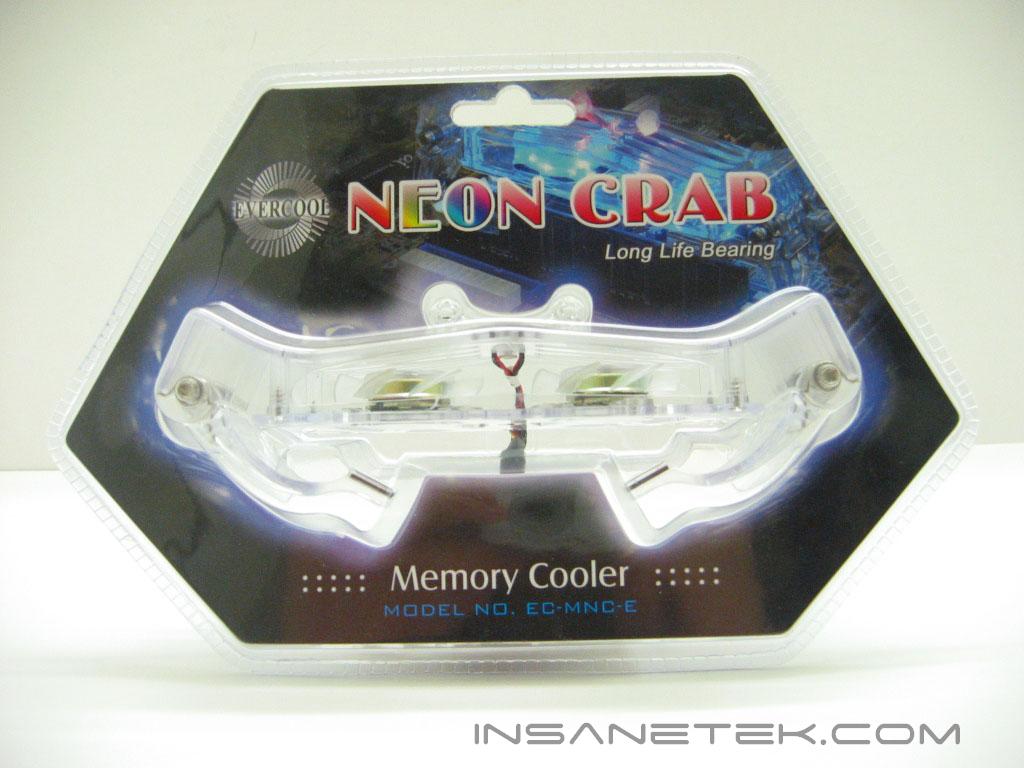
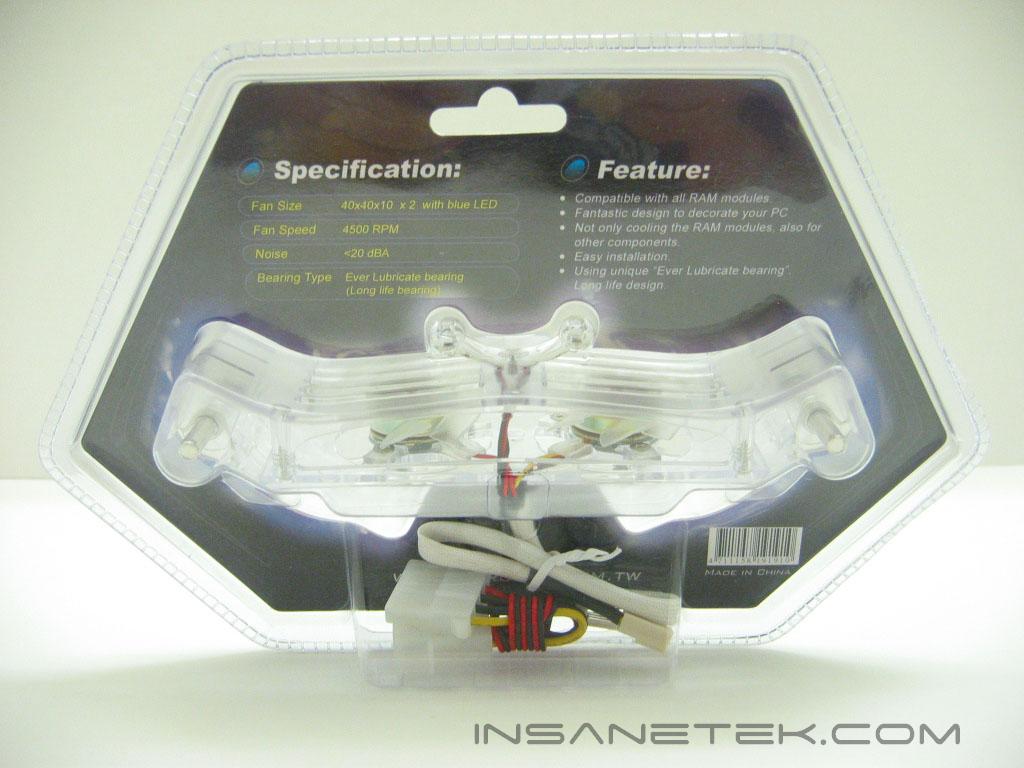
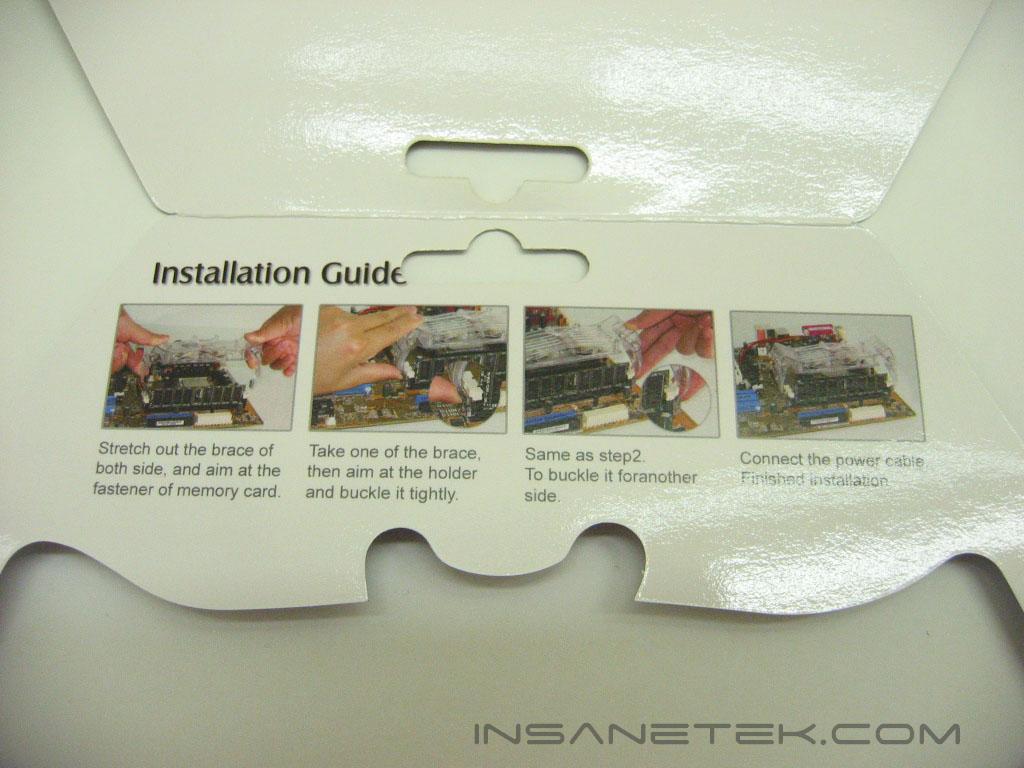
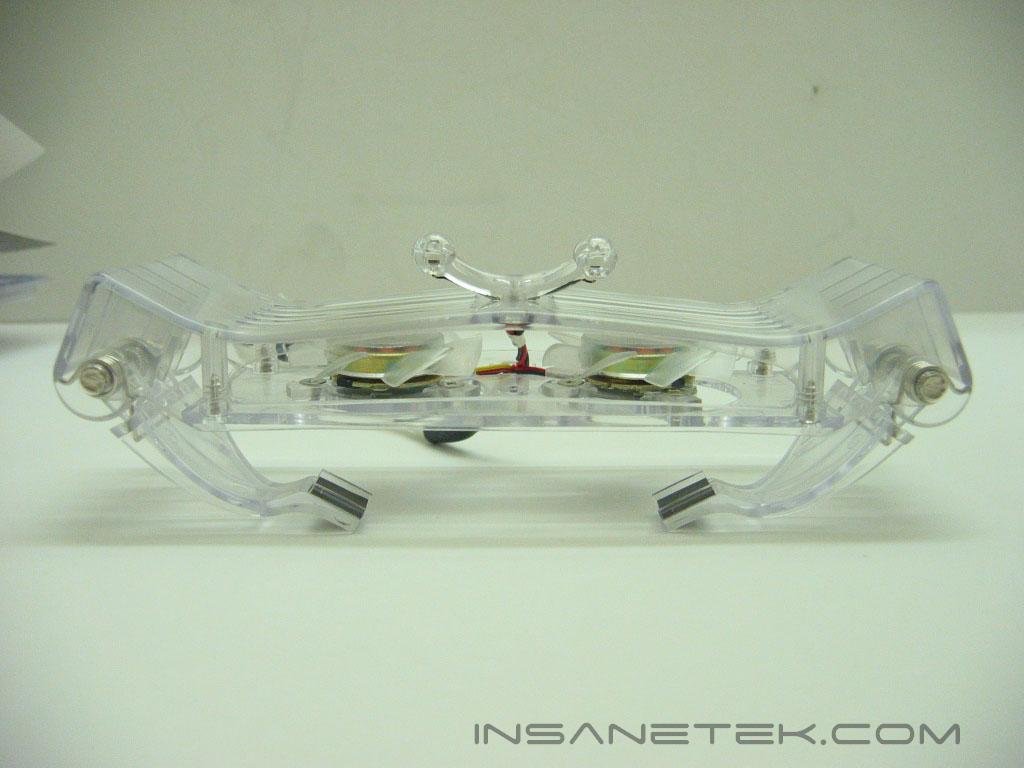
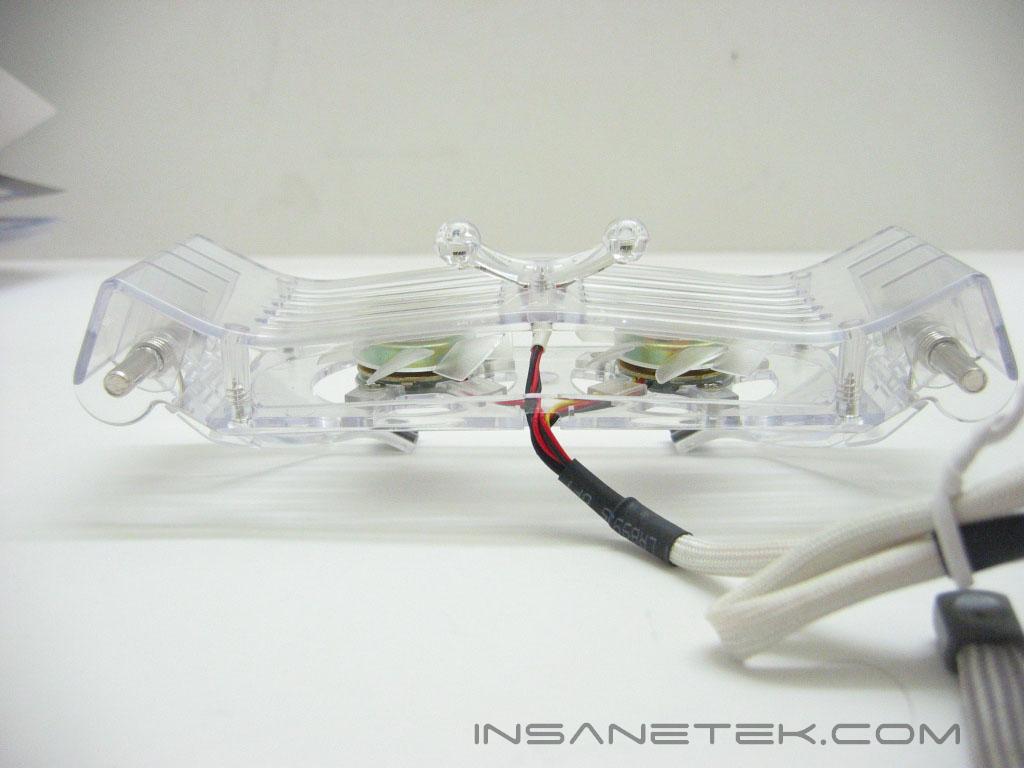
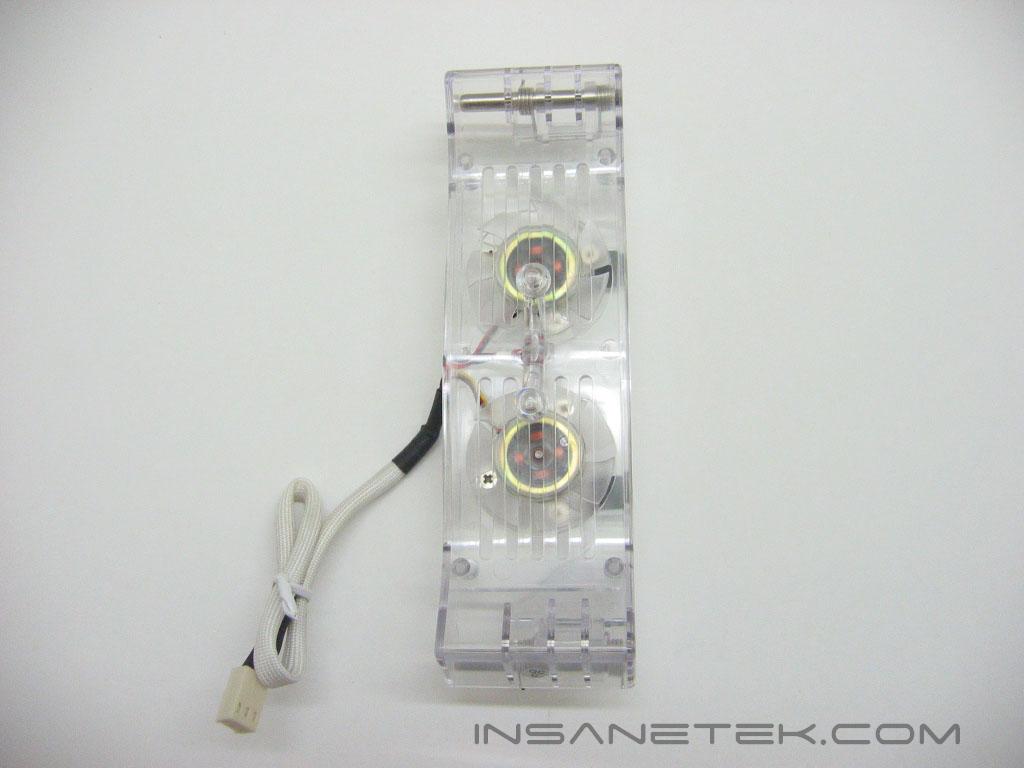
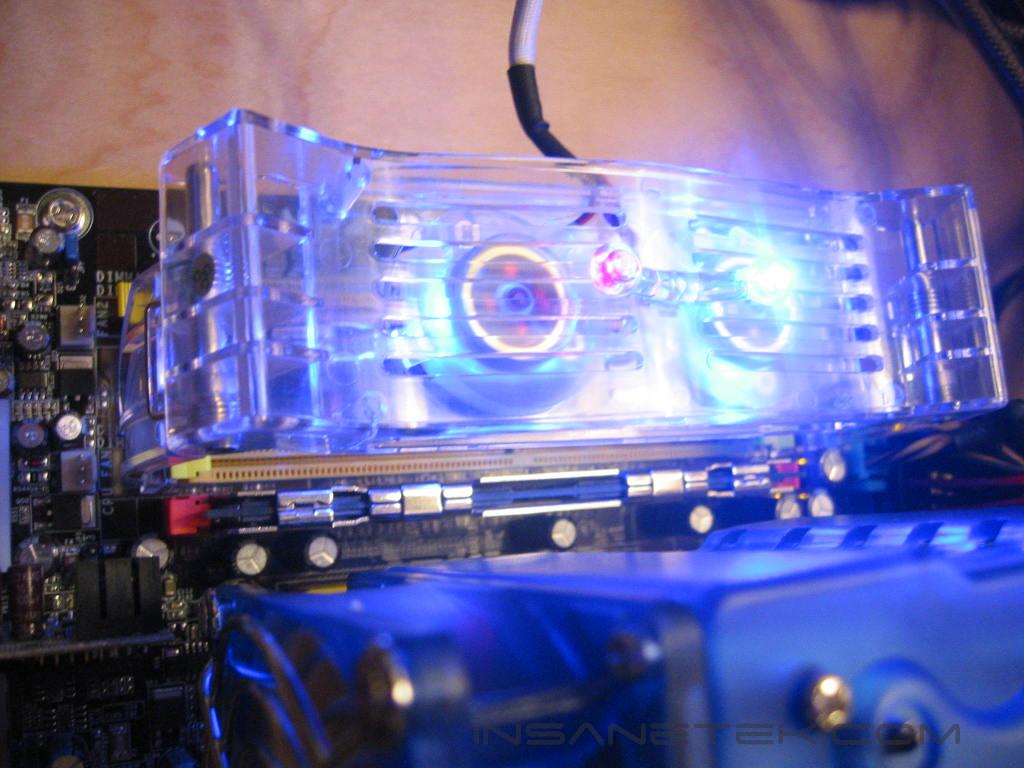
The Evercool Neon Crab memory cooler is packaged in the same type of formed plastic container that the Nighthawk is. The cardboard insert lists the features and specifications of Neon Crab. The installation instructions are located on the inside of the insert. The Neon Crab is made almost entirely of a clear acrylic. The acrylic casing is formed to look exactly like a crab, including its curved legs and antennae. LED’s are mounted in the Crab’s antennae, along within the fans themselves. The Crab is wide enough to fit over 4 dimm slots to provide cooling. The fans and LED’s are powered by a single 3 pin connection. The wiring is covered by a white sleeving.
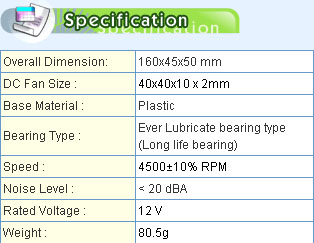
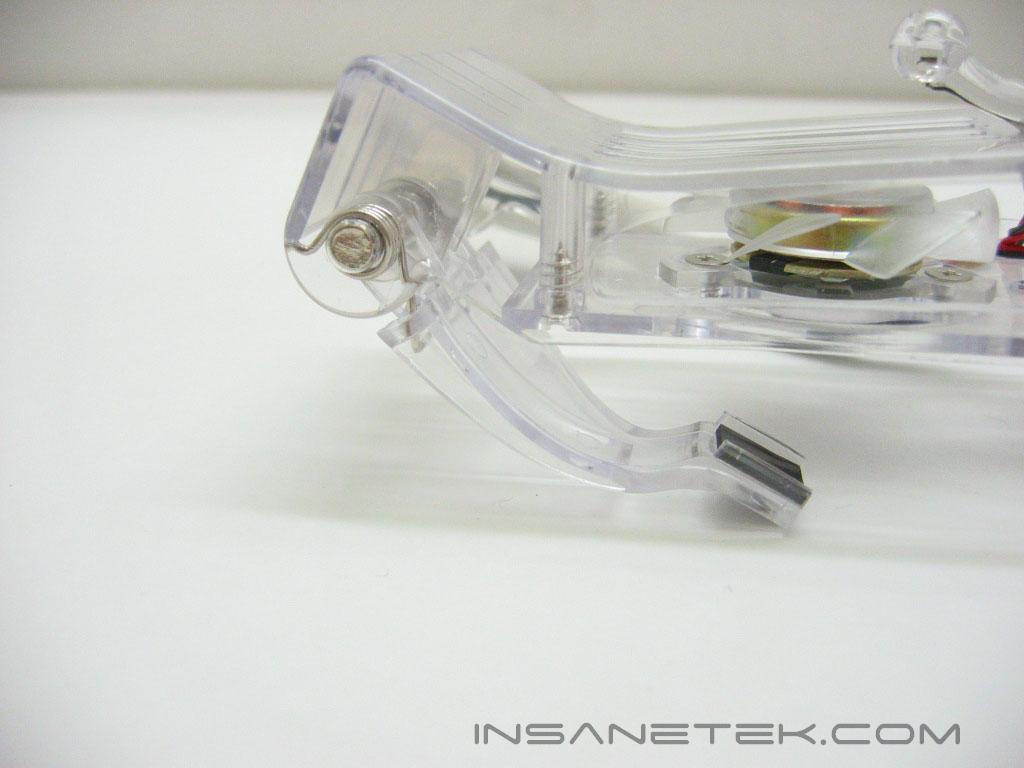
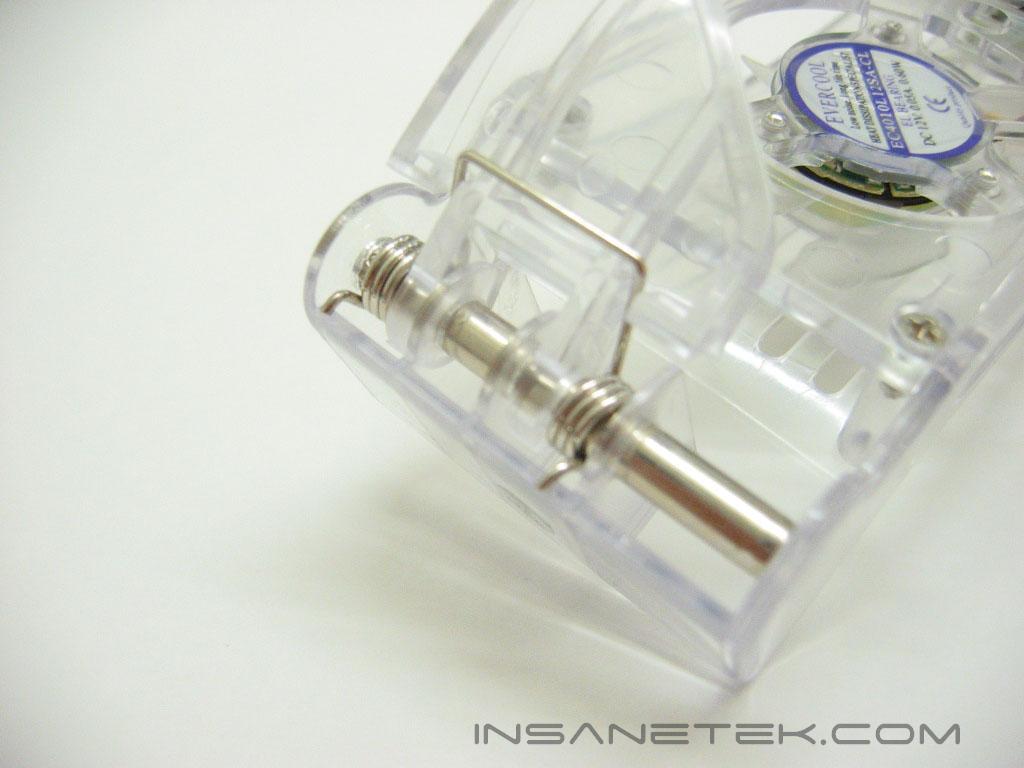
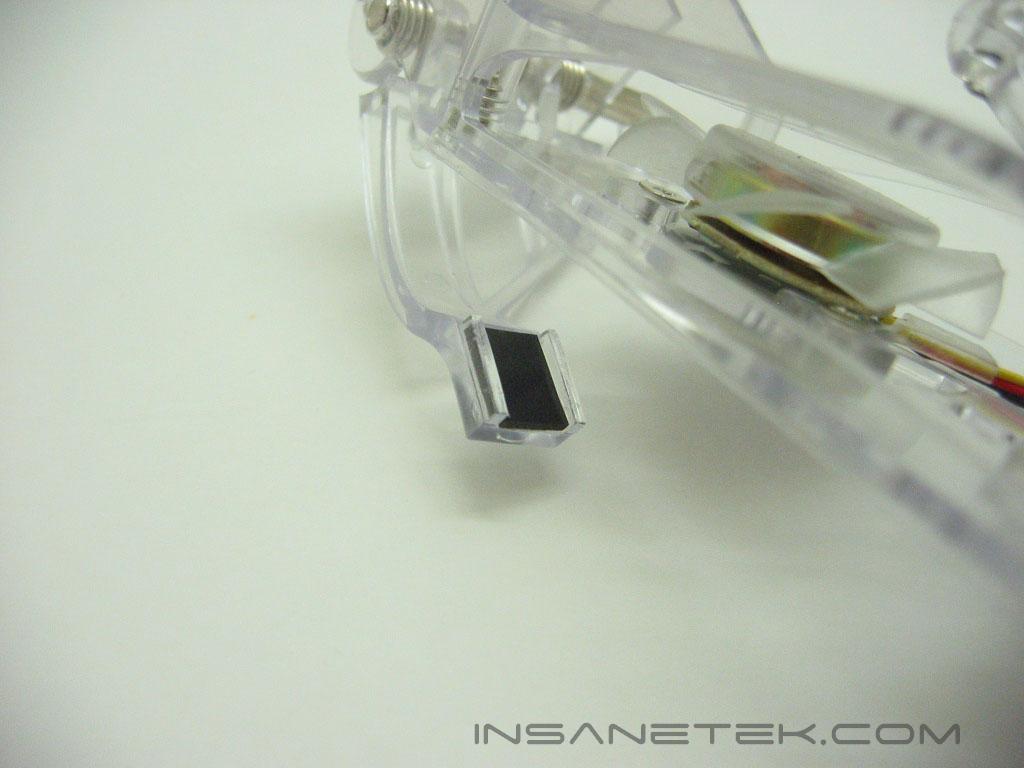
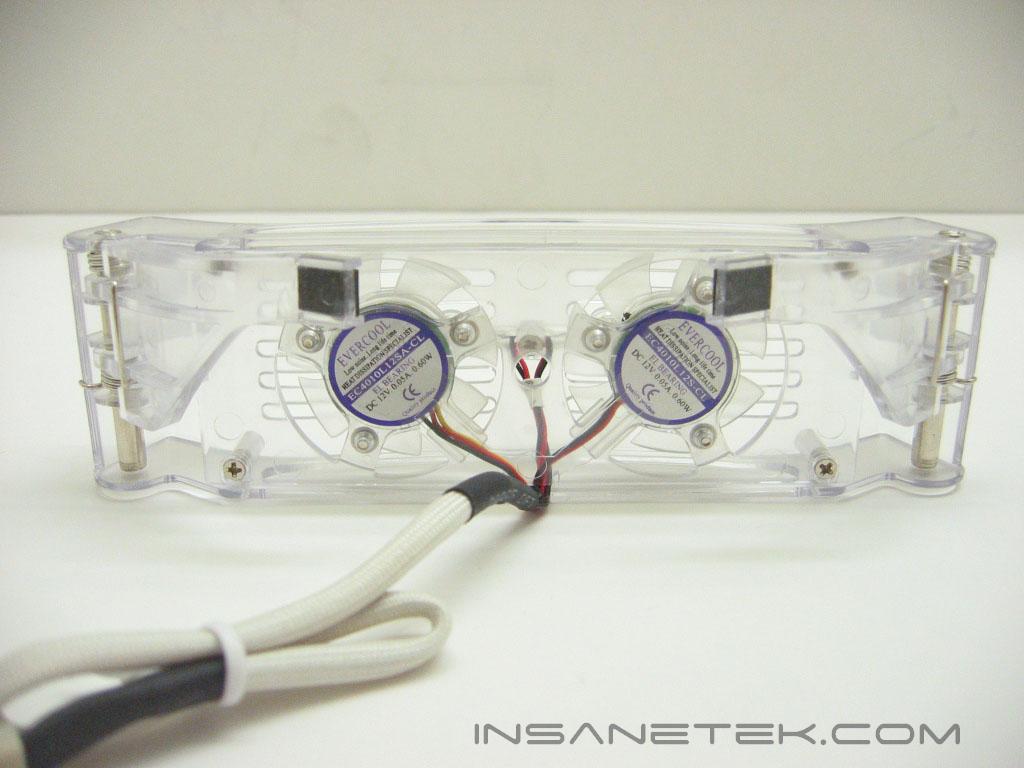
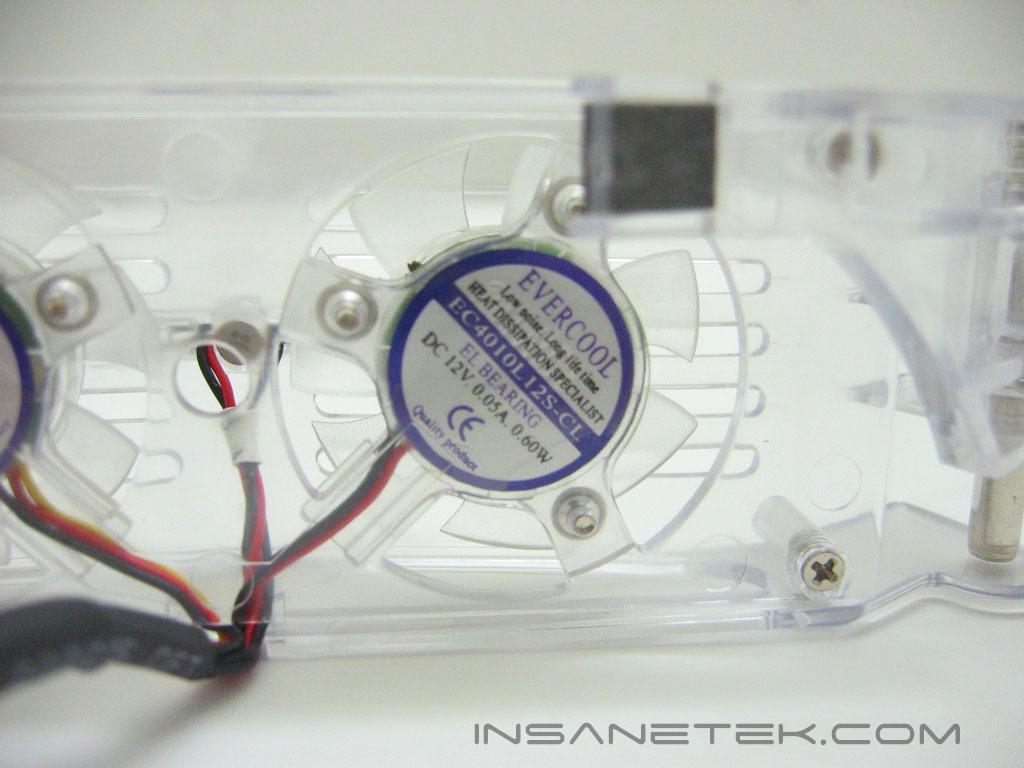
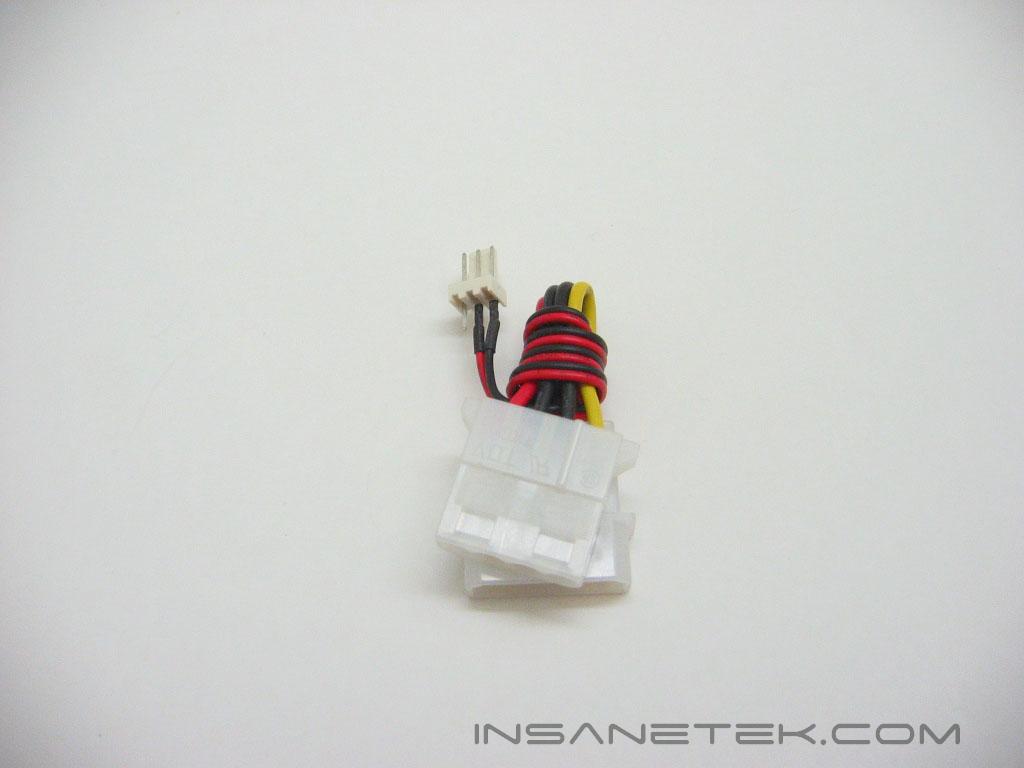
The Neon Crab attaches to the DIMM slot by using spring loaded legs and a rubber pad to keep it from slipping. It uses two forty millimeter fans to cool the memory. The fans are rated at less than twenty decibels and only require .05 amps to operate. Evercool includes a 3 pin to Molex converter if you have run out of 3 pin headers on your motherboard.
Neon Crab Installation
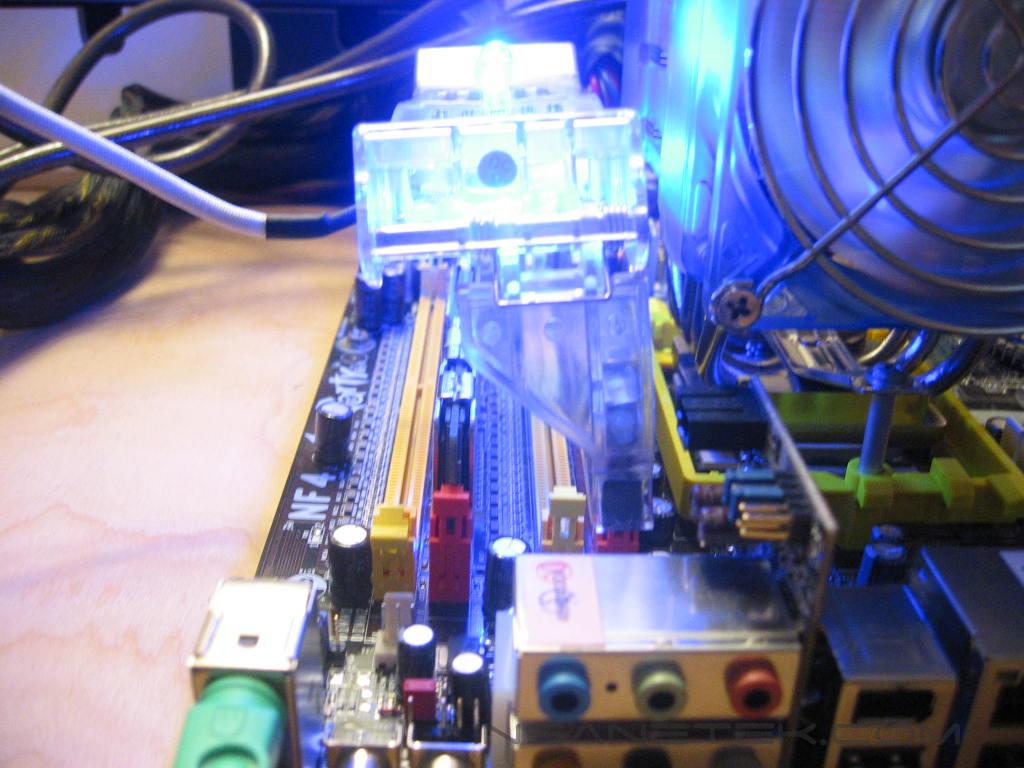
Installation of the Neon Crab is very simple, Just stretch apart the legs of the crab and attach it onto the clips of the dimm slot. When powered, the fans and antennae light up. The fans LED’s emit a blue light, while antennas LED’s flash blue, red, and green and give it a great look. The Crab is only supported by one leg on each side of the slots, which presents some serious stability issues. You can see in the photo above that the Neon Crab is leaning to the left under its own weight.
Testing Methods and Results
Test System:
- AMD Athlon 64 3700+ San Diego (stock at 11x200 = 2200MHZ @ 1.35v, overclocked at 11x246 = 2706MHZ @ 1.52v)
- DFI LANParty UT nF4 Ultra-D
- 2x512MB OCZ PC3200 Plat. Rev.2 1:1
- PowerColor Radeon X850XT PE at 600MHZ core / 600MHZ memory
- OCZ PowerStream 600W
Nighthawk Test Procedures:
- Idling at desktop for 15 minutes
- Full load with ATi Tool scanning for artifacts for 15 minutes
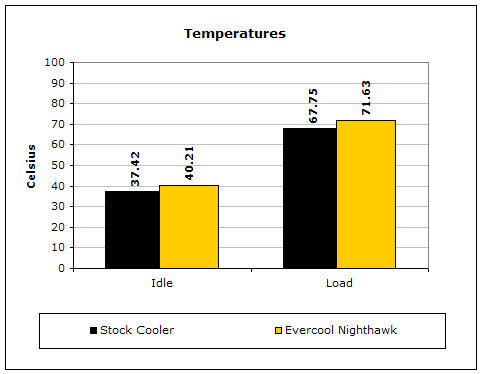
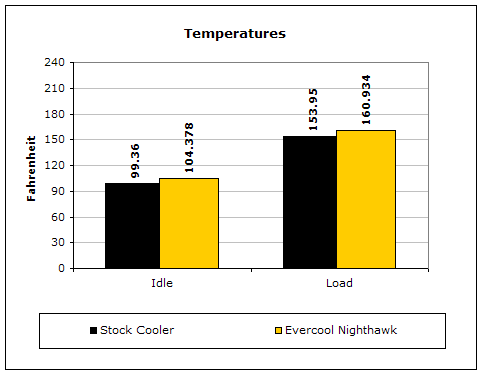
Temperatures will be measured by the card’s onboard temperature probe. The temperatures will be read by RivaTuner’s monitoring application. Ambient temperature was kept at 22°C with +/-0.1°C.
Results:
Conclusion and Thoughts
Evercool’s Nighthawk did not improve temperatures over the X850’s stock cooler in an overclocked environment. This may be because the X850’s cooler is already more than adequate, as it was designed for a card that has quite a large heat output. The Nighthawk would be much better suited for a card whose heatsink is lacking in cooling efficiency. The design of the Nighthawk requires the graphic card core’s heat to be transferred through the large piece of copper before it can be cooled by the fan. It would most likely be a more efficient design if it were slightly lower, so heat transfer to the fins would be faster. Yet, the height of the Nighthawk does give it an advantage: compatibility with all video cards, rather than just a select few. Its height ensures it will not interfere with any components on the card. If you’re feeling that your video cards heatsink isn’t up to the task, the Evercool VC-F117 Nighthawk could be useful.
Pros:
- Universal compatibility
- Silent
Cons:
- Some stock heatsinks may be more efficient in cooling

Neon Crab Conclusion and Thoughts:
The Evercool Neon Crab is a treat to look at, but the performance just isn’t there. The fans do not push nearly enough air to make an impact on the temperatures of the memory. A much better option would be an 80mm or 90mm fan blowing over the memory, or an LED fan if you are really set on adding more lighting to your setup. As light as the Neon Crab is, its spring loaded legs do not clip tight enough to attach it securely to the memory slot. I am not confident it would stay securely on the memory slots if the system was being transported around. With a price tag of around $15, the Evercool Neon Crab does not serve much purpose other than its lighting. I’ll stick with case fans to cool my memory.
Pros:
- Adds some extra lighting
- Silent
Cons:
- Unstable mounting
- Insufficient air flow
We would like to thank Evercool for providing us the sample. If you have any questions or comments, feel free to hit us up in the forums. You can also check out more of our recent reviews on the front page.