

Cooler Master Hyper 6+
Introduction
Heatpipes have been around for a long time. Yet, heatsink design has greatly improved the effectiveness of heatpipes. Recently, we reviewed the Sonic Tower and Big Typhoon from Thermaltake. Both heatsinks utilize six heatpipes and performed beyond our expectations. Cooler Master has also used the six heatpipe design, but they’ve been using that design before Thermaltake. Cooler Master’s products are carefully thought out and produced so that their effort is reflected in product performance.
It’s been a year since we’ve heard about the Cooler Master Hyper 6. It was Cooler Master’s original version and it was completely copper. It also featured the use of six heatpipes, supporting only the K8 and Socket 478 platforms. The performance was rated as one of the best ever in 2004, while giving the case interior a clean look and feel. Yet, the noise produced from the fan wasn’t a big issue until the Hyper 6. It wasn’t until recently that the Hyper 6+ was released, which is different in it’s design for the base and the use of aluminum to dissipate heat. We saw the wonderful performance of a copper and aluminum combination in the Thermaltake heatpipe series, but can this new design from Cooler Master match up to those numbers?
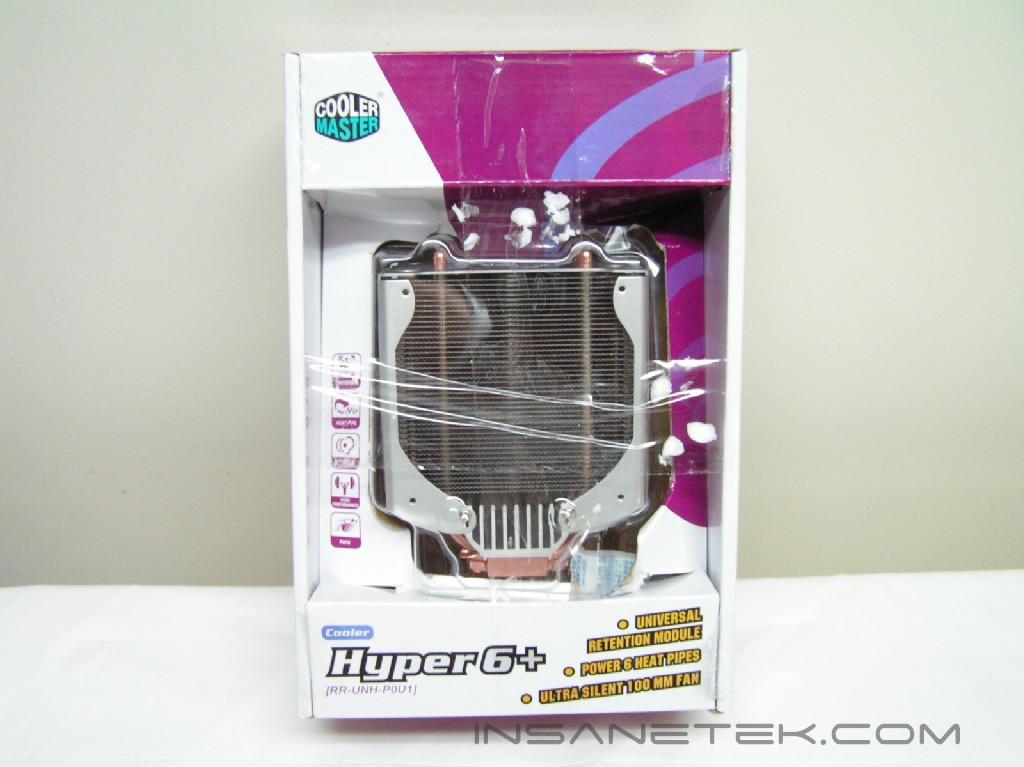
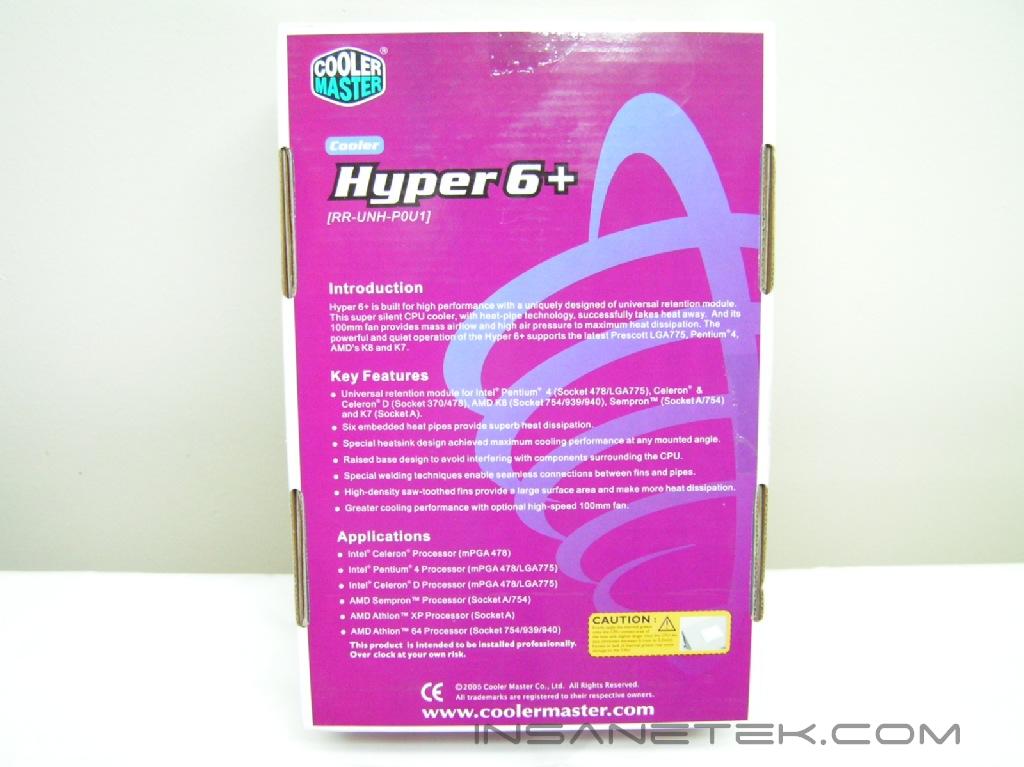
Cooler Master Hyper 6+
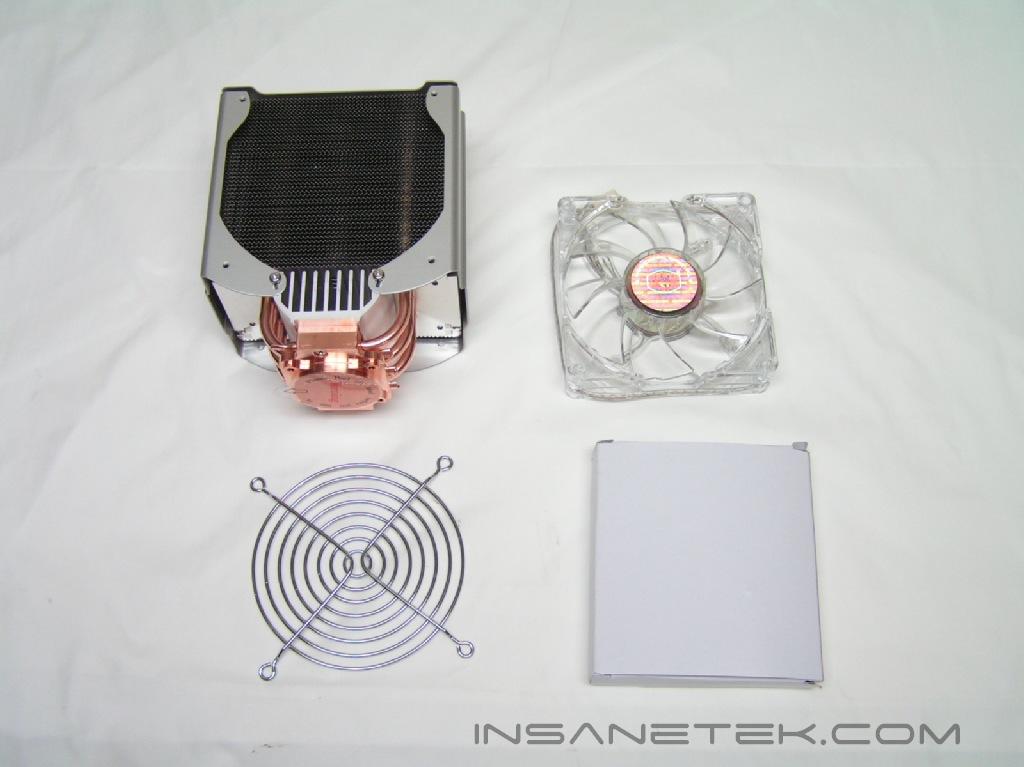
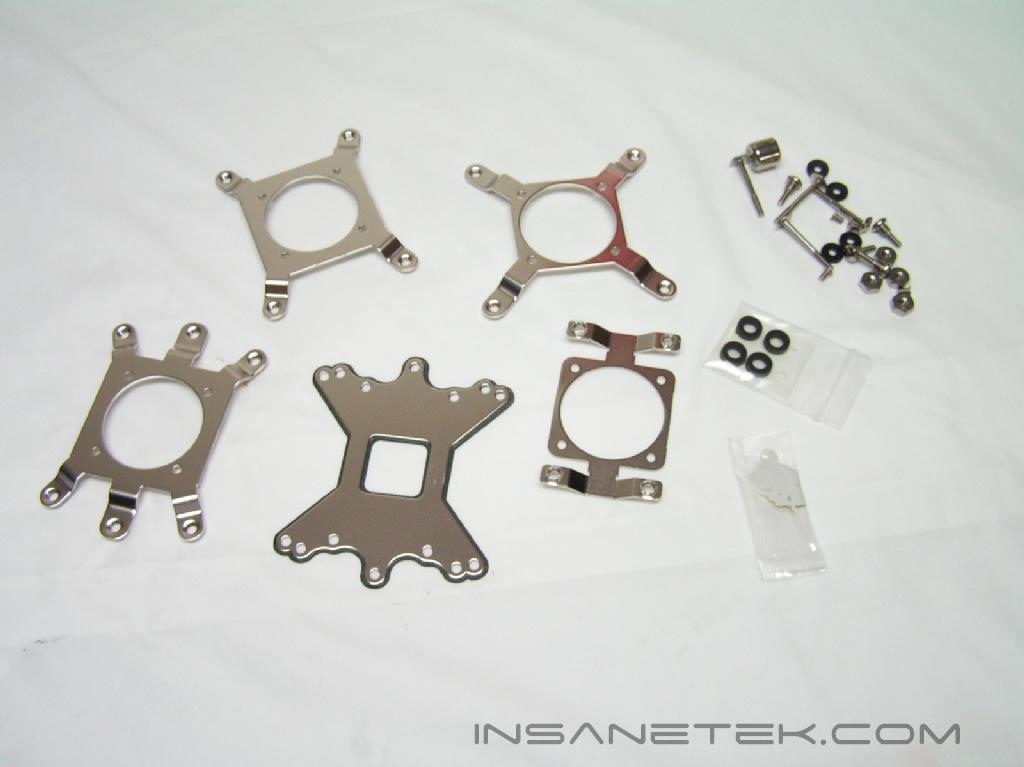
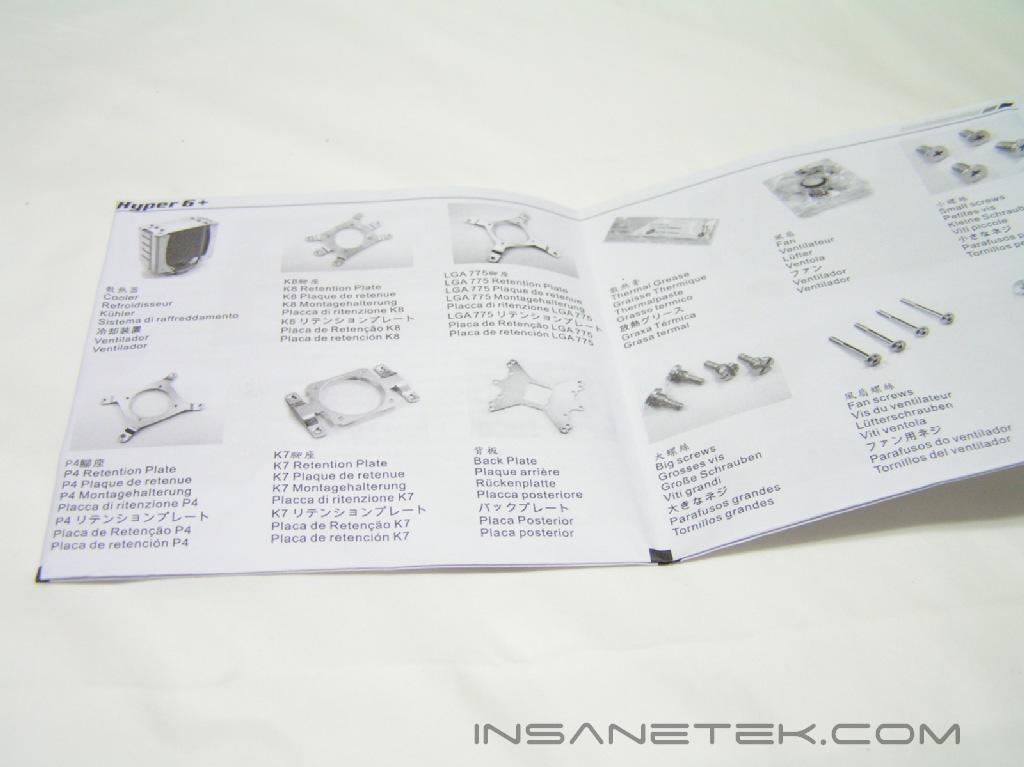
The packaging of the Hyper 6+ is nothing to brag about. It comes in a simple box that’s easy to open. The heatsink is the only thing that shows through the plastic. It is simply beautiful. The whole package includes an accessories box, the Hyper 6+ heatsink, a 100mm fan, and fan grill. This package was perhaps one of the simplest packages I’ve seen; it was extremely neat and organized. Inside the accessories box were the mounting brackets, a back-plate for the motherboard, screws, thermal paste, and an instruction manual. Unlike the Hyper 6, there was no rheostat included with the package. Perhaps the fan is silent enough during operation that a rheostat is not required.
The Heatsink:
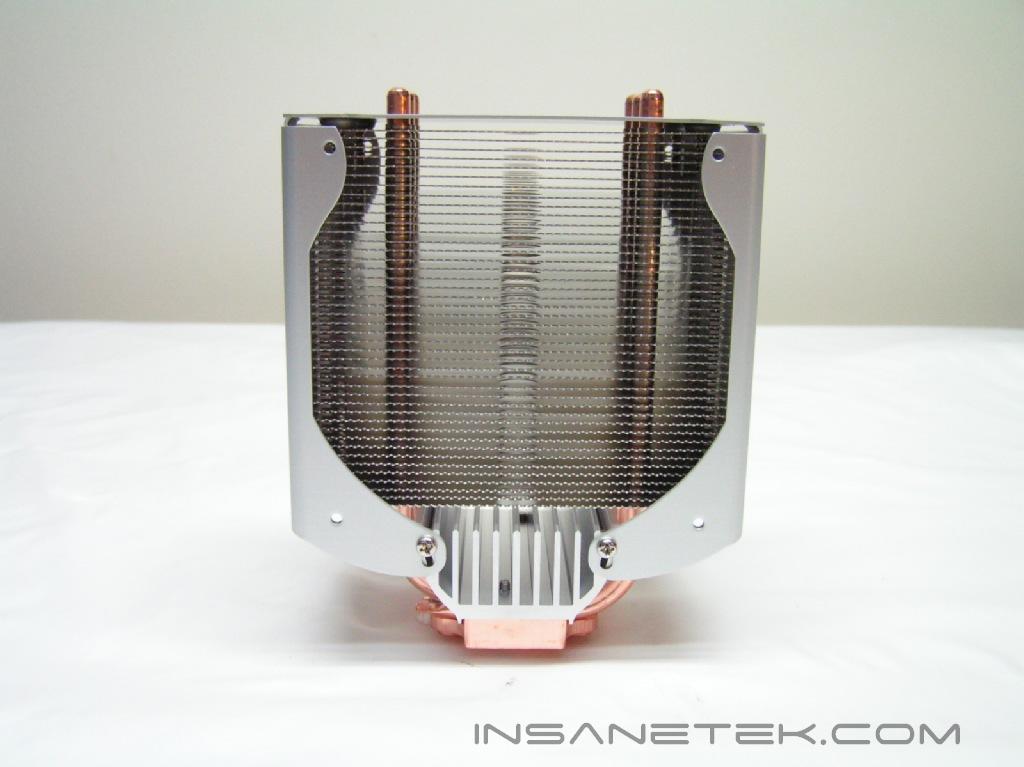
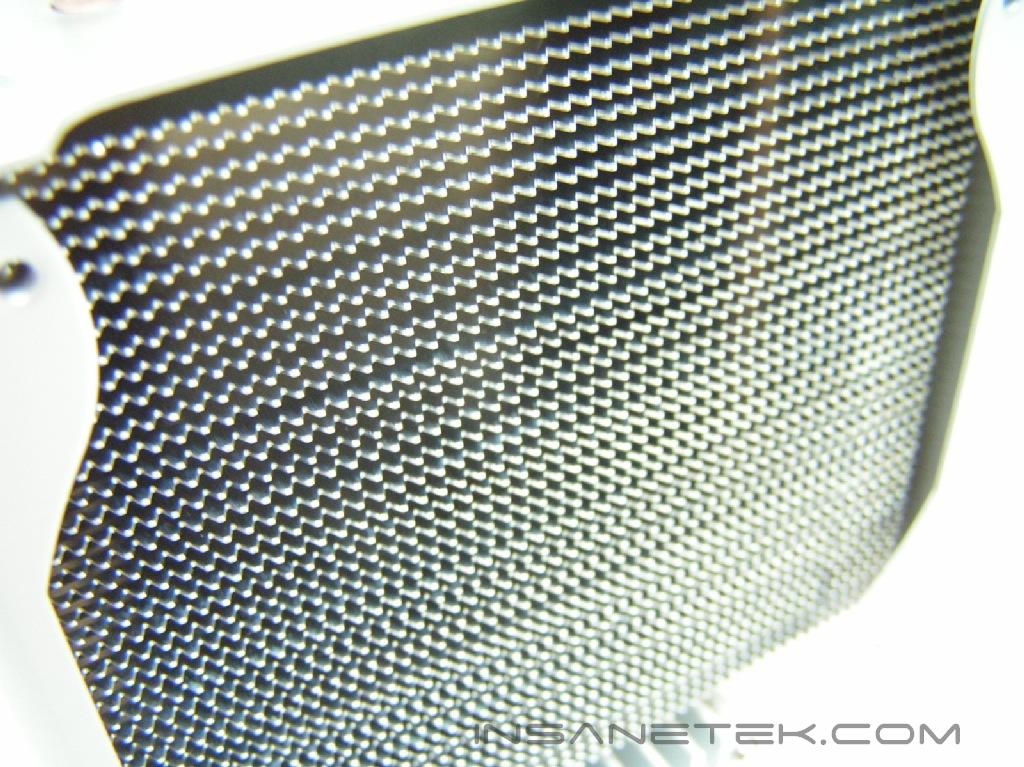
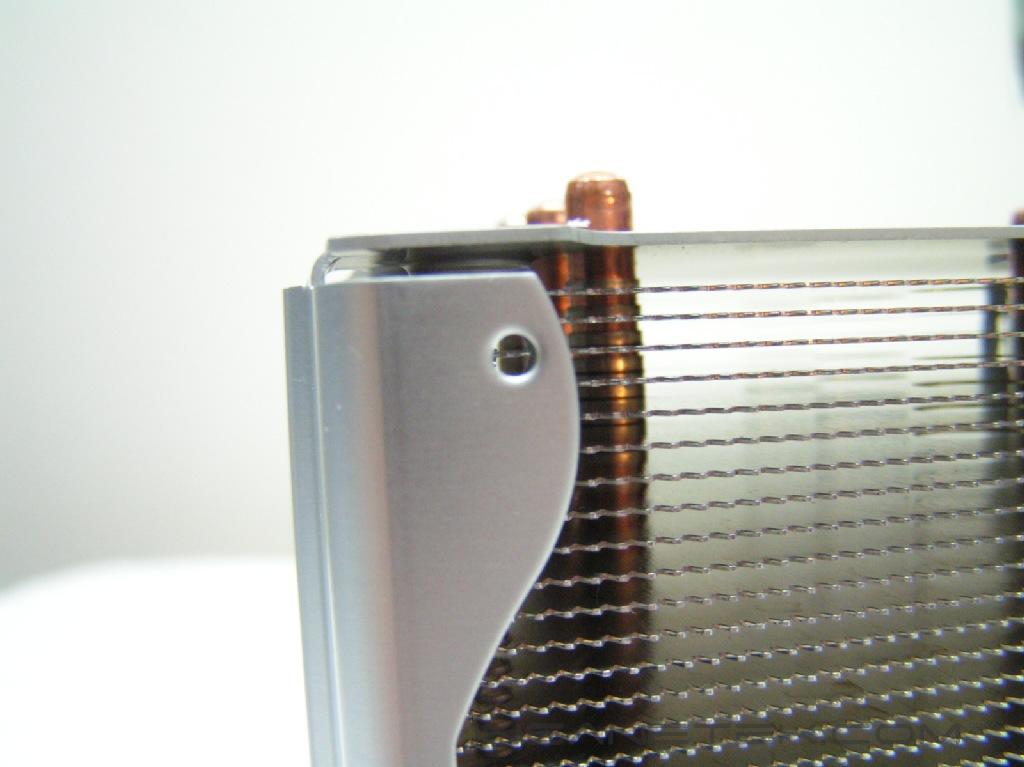
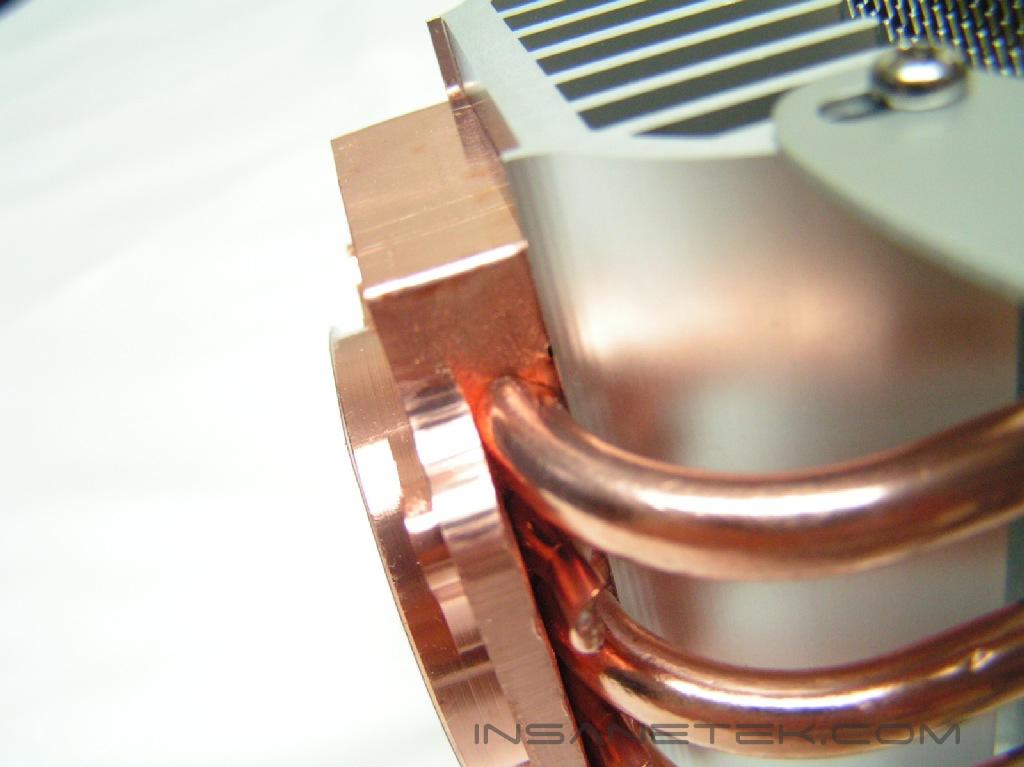
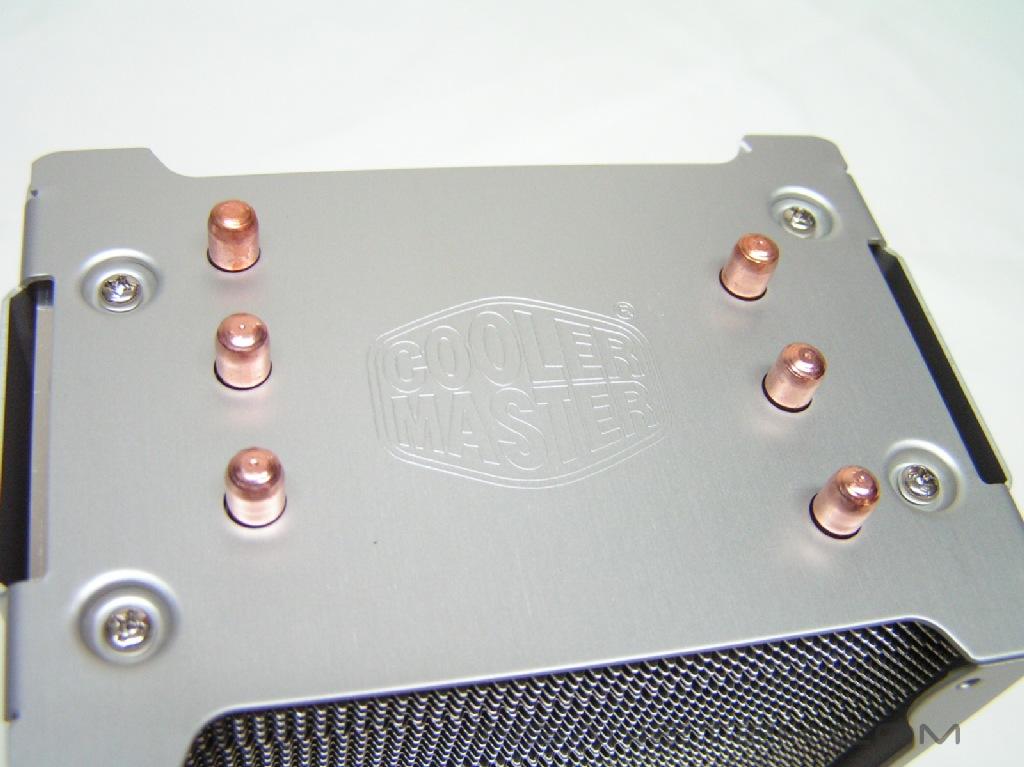
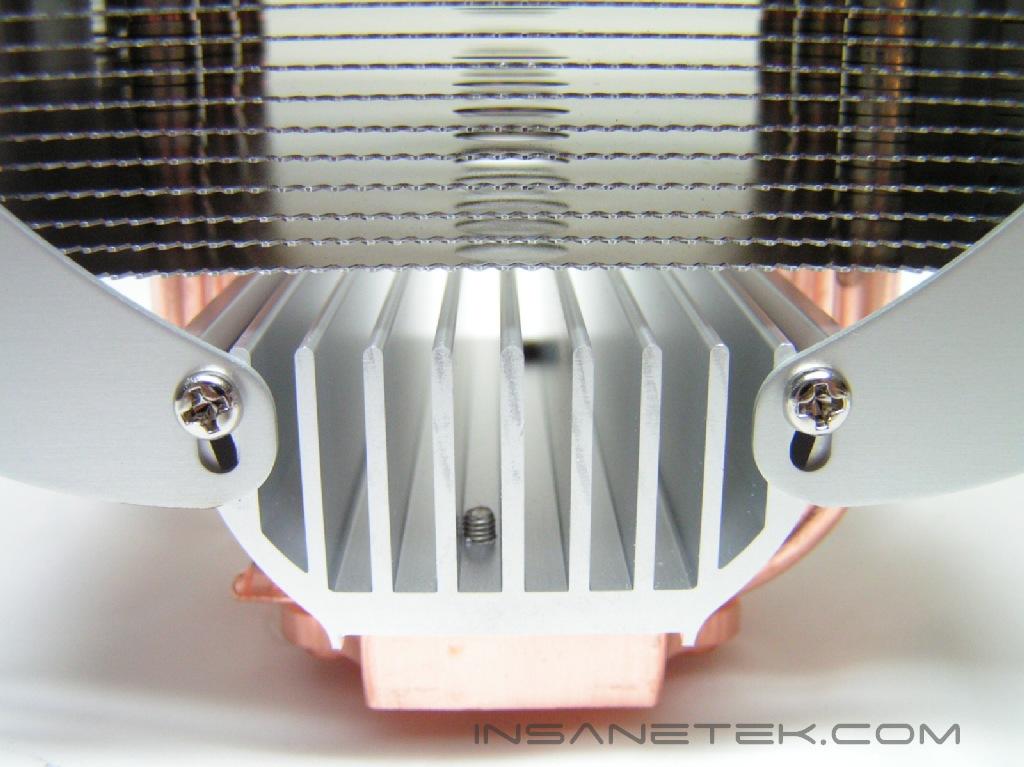
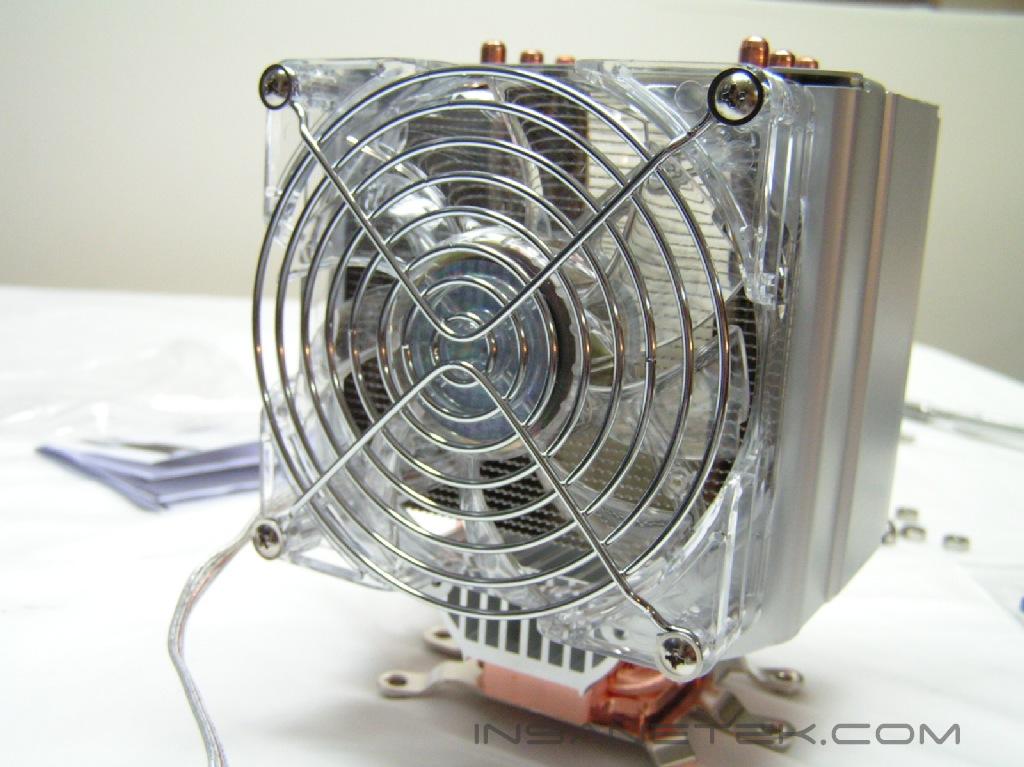
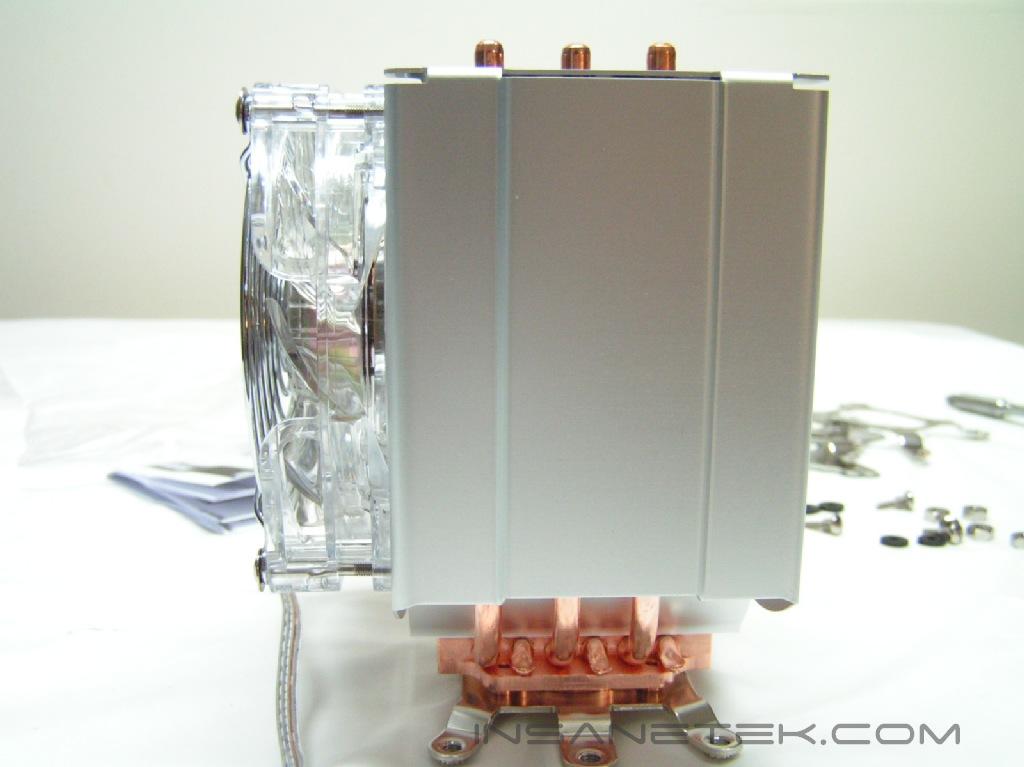
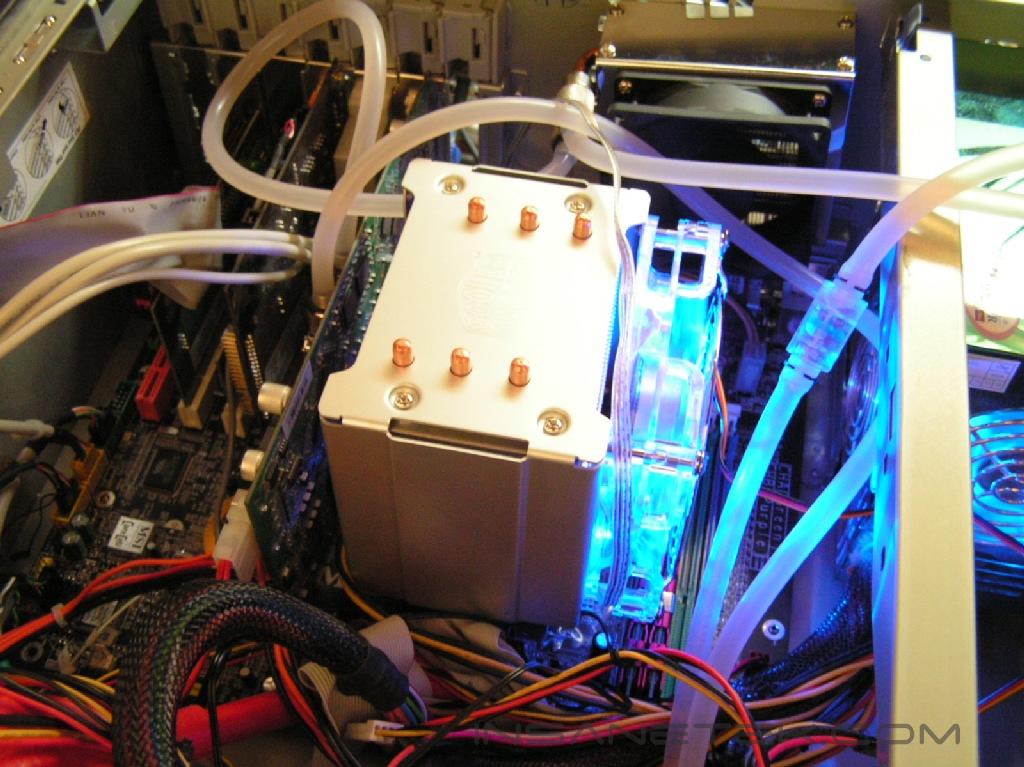
Overall, the size of the heatsink isn’t big and is comparable in size to the Sonic Tower. The heatsink has six heatpipes, which are welded to the base and extend through a series of aluminum fins. At the copper base, there are no gaps to ensure the best heat transfer. The aluminum fins are ridged to allow maximum performance when radiating heat. The heatsink is also covered with a brushed aluminum covering to allow mounting of the fan. Both sides of this covering have holes for fans, so a total of two fans may be used. This covering also forms a small air duct tunnel, so that air is efficiently used for cooling the aluminum fins. At the top of the heatsink, Cooler Master’s logo is cleanly engraved into the aluminum. Attached to the copper base is a thicker aluminum heatsink to quickly remove heat.
Hyper 6+ Continued
The Base:
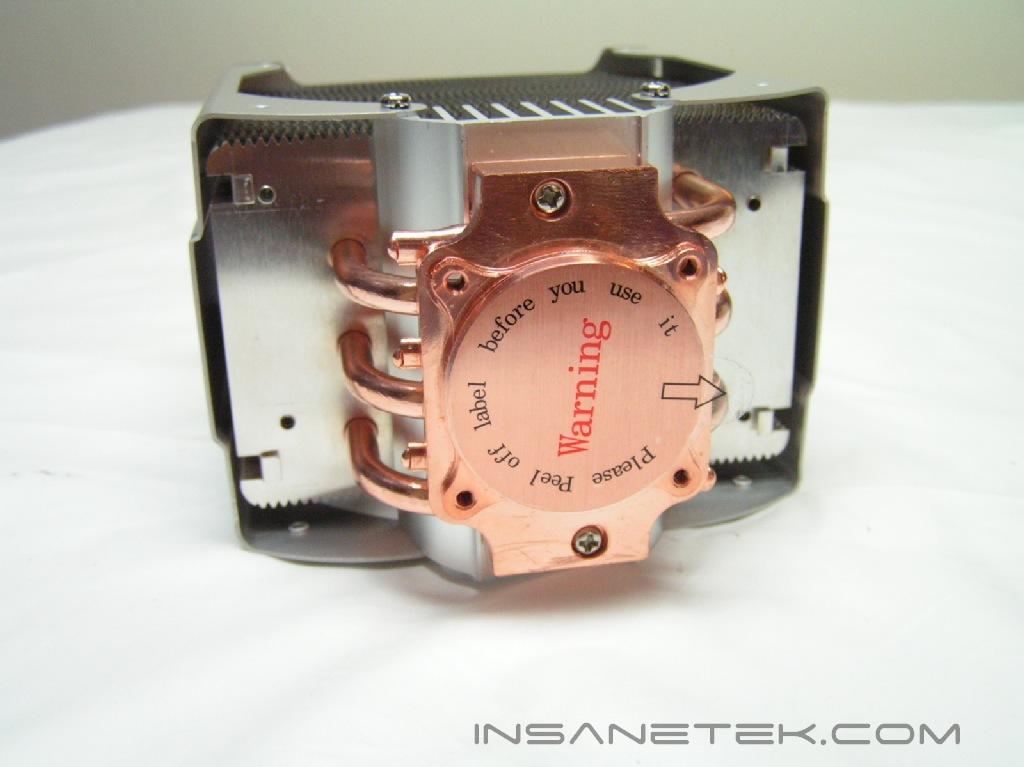
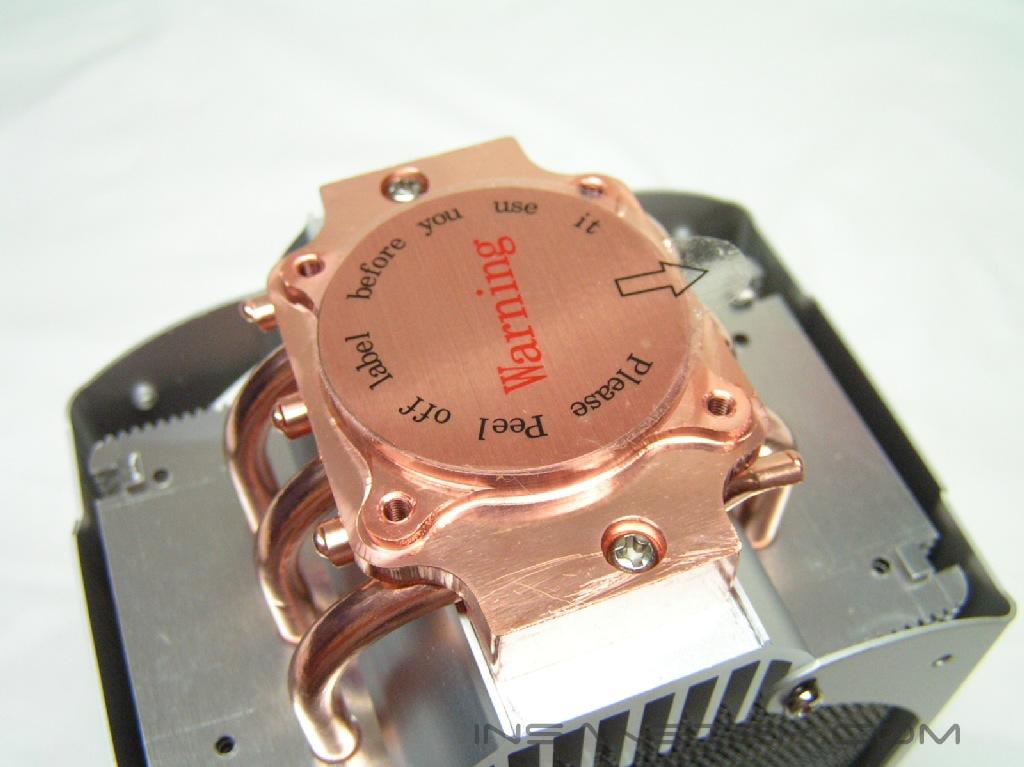
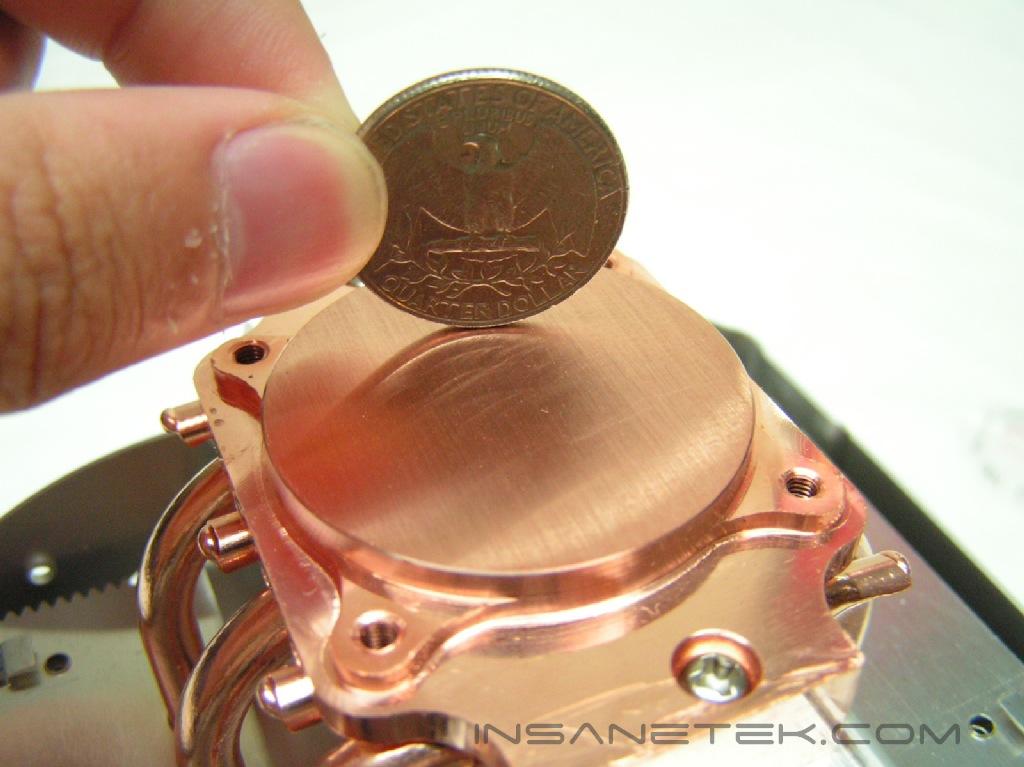
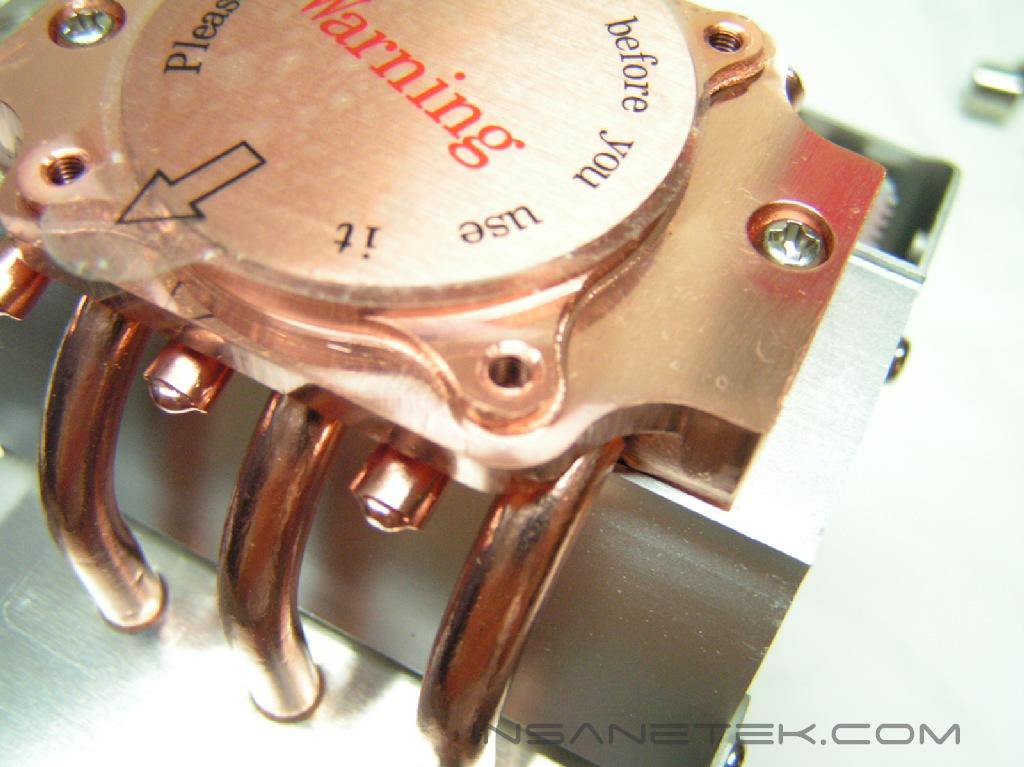
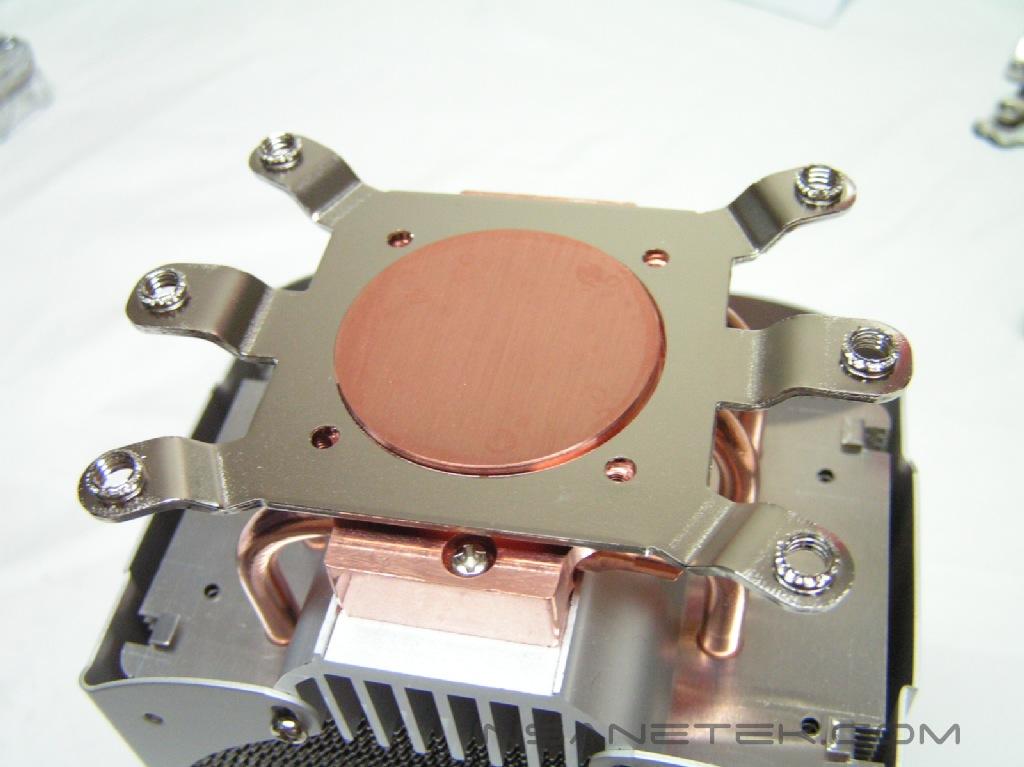
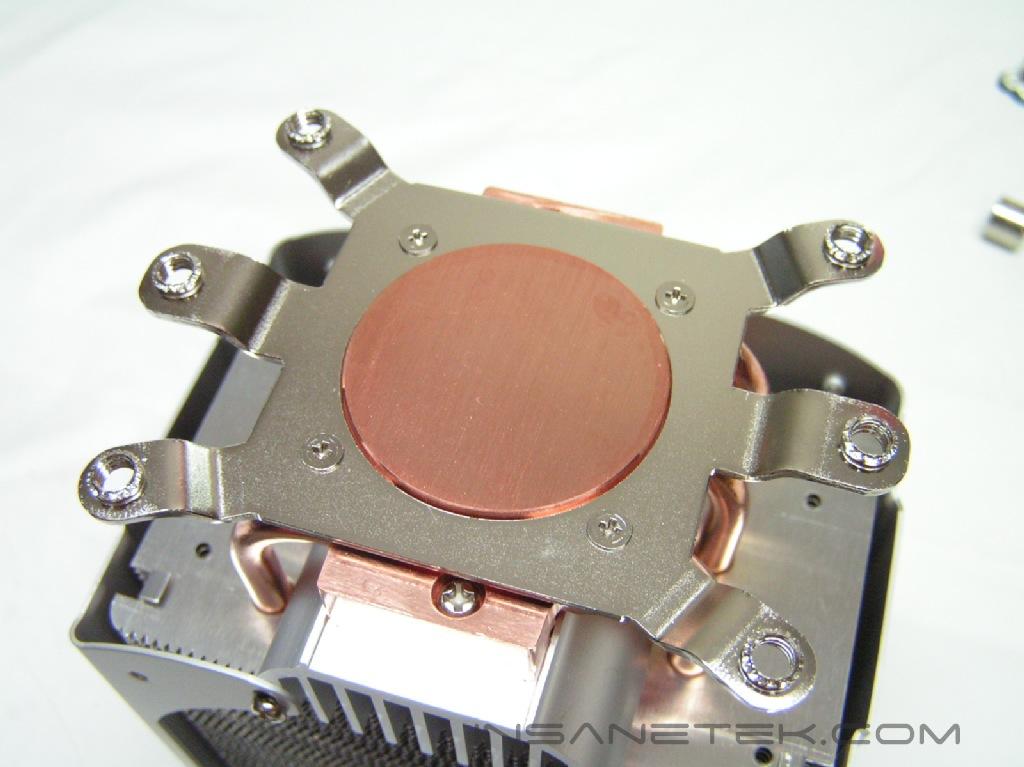
The base is essentially the most important part of a heatsink. It needs to completely flat and reflective for the best contact with the CPU. The Hyper 6+ had a protective sticker, which revealed a flat base and somewhat reflective surface when peeled off. There also weren’t many ridges to the base. Unlike the Hyper 6, the lap job was not radial. This isn’t a bad thing, but it would’ve been nice to see a radial lap on a circular base.
The Fan and Accessories:
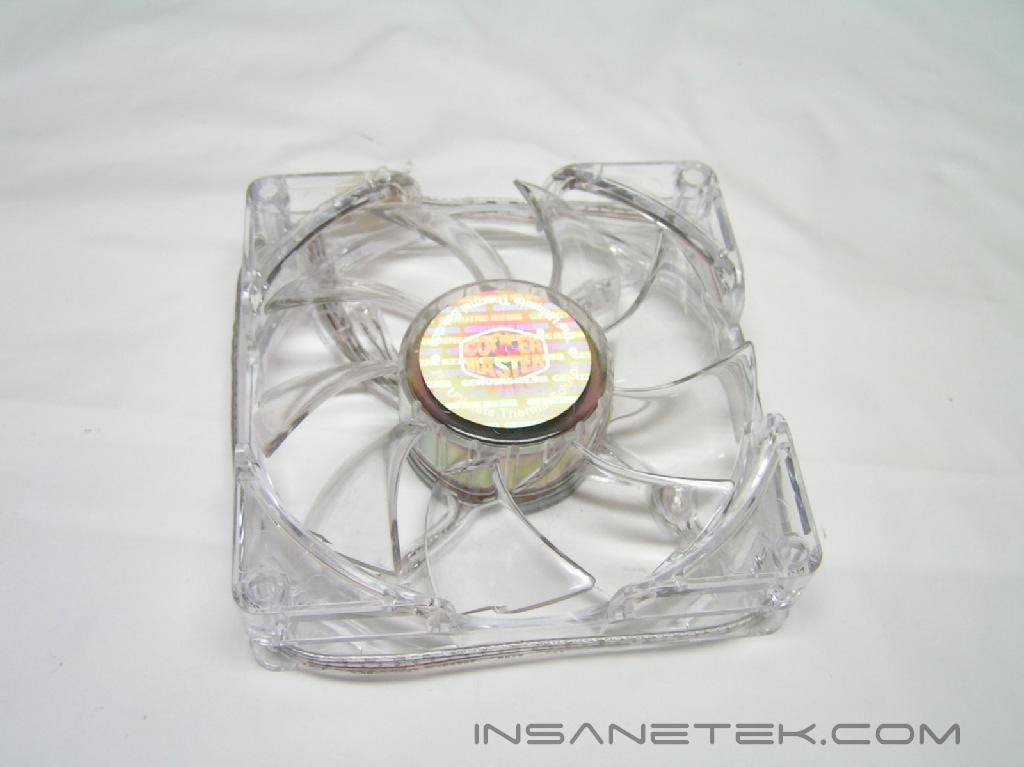
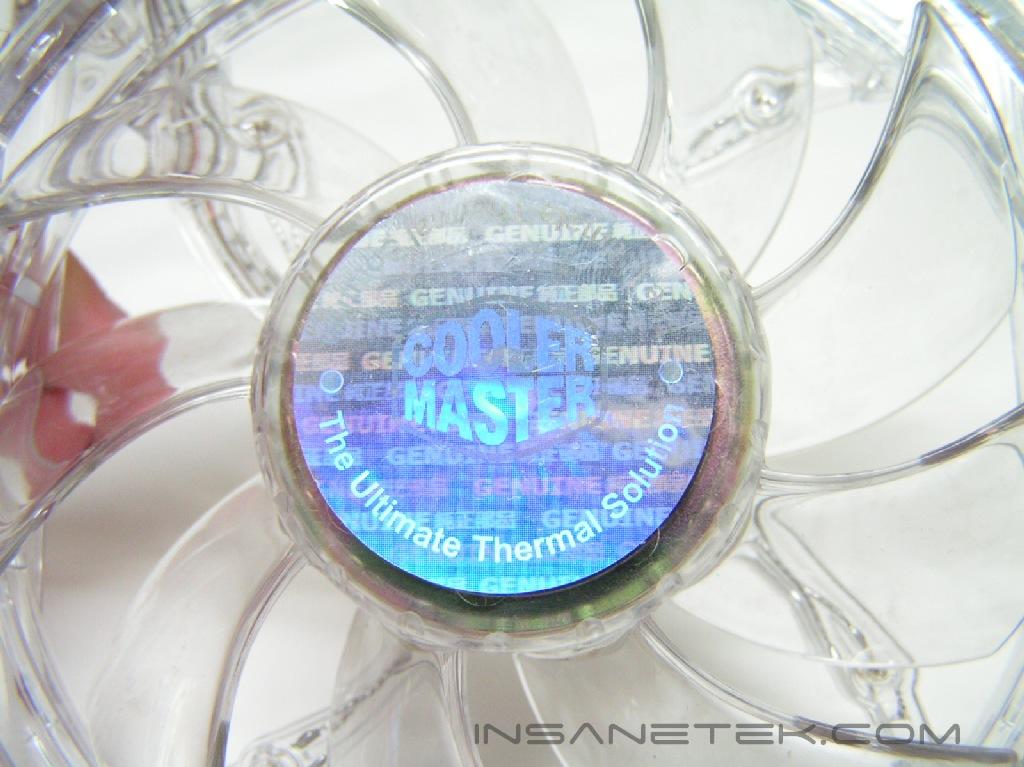
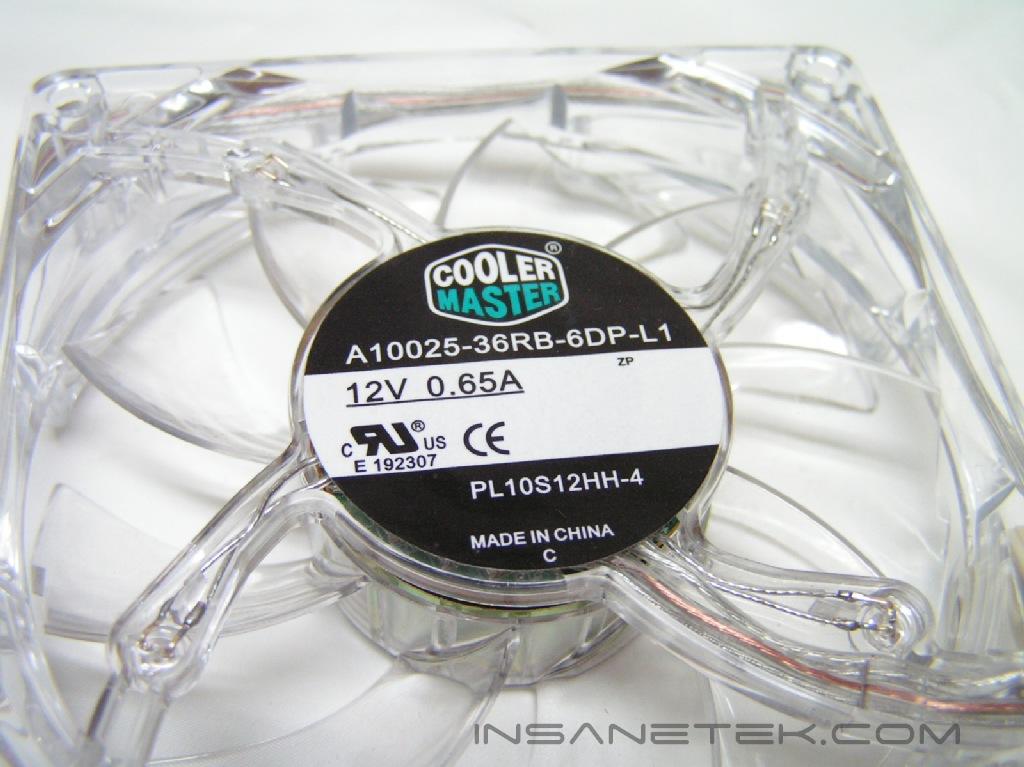
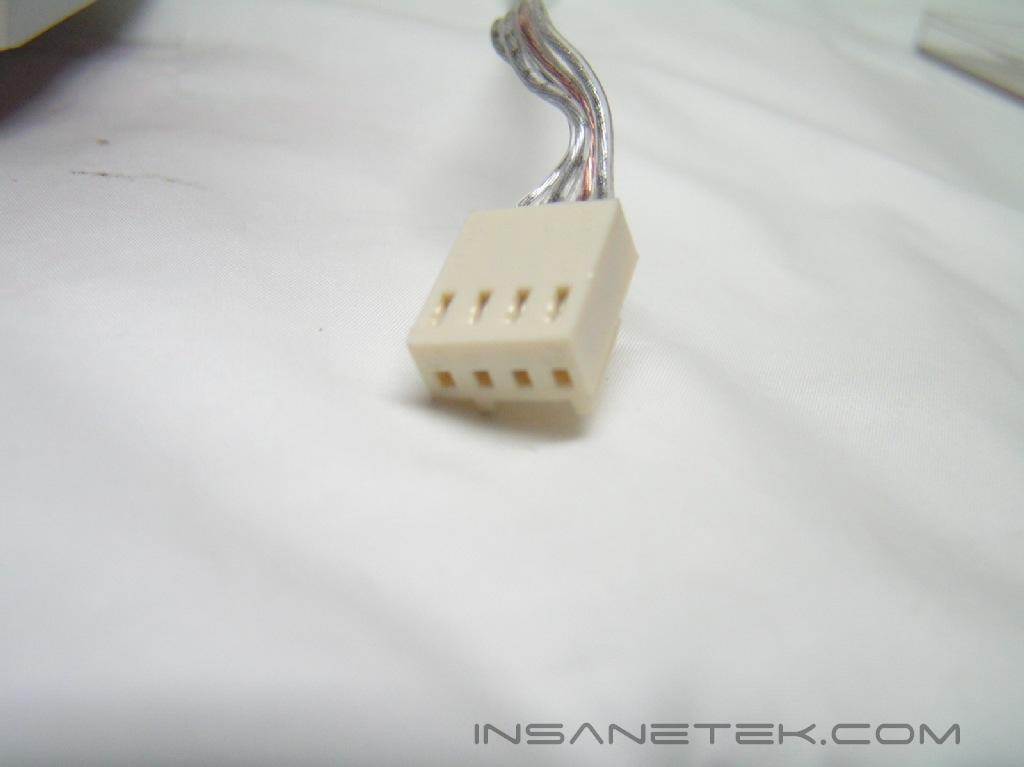
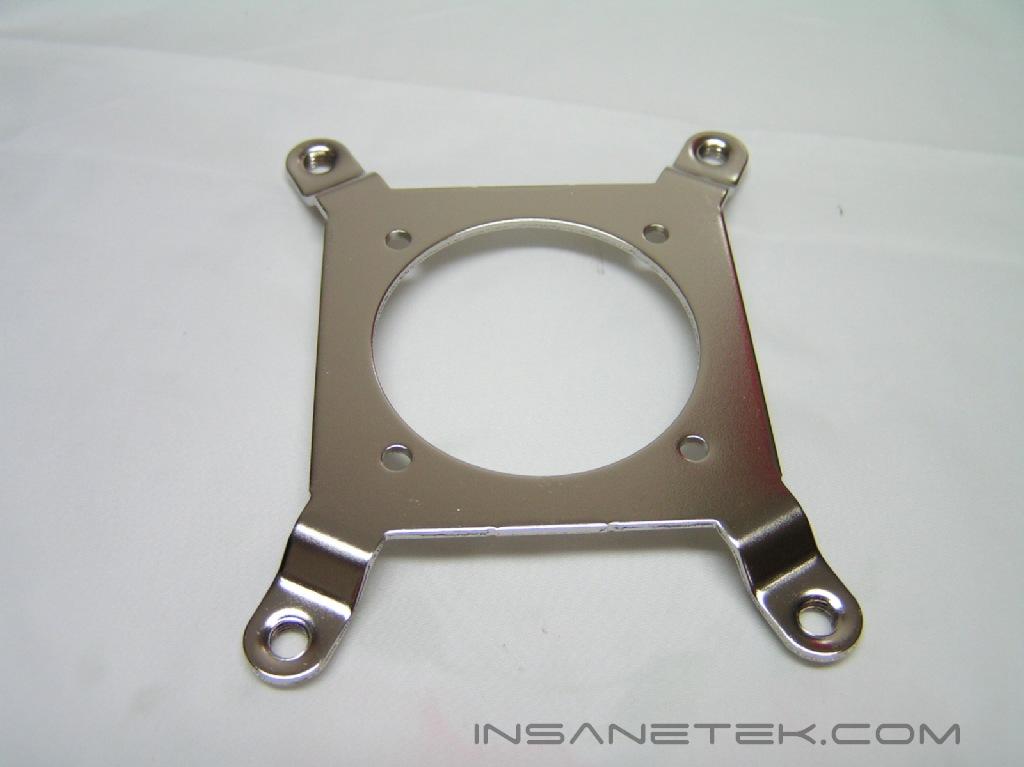
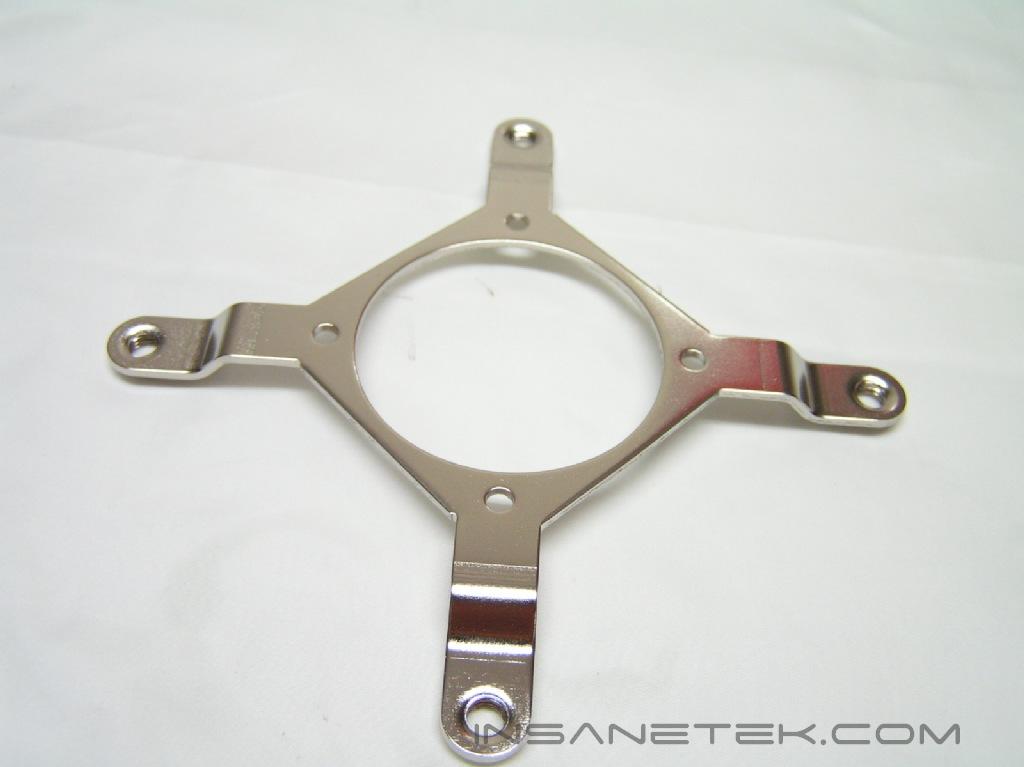
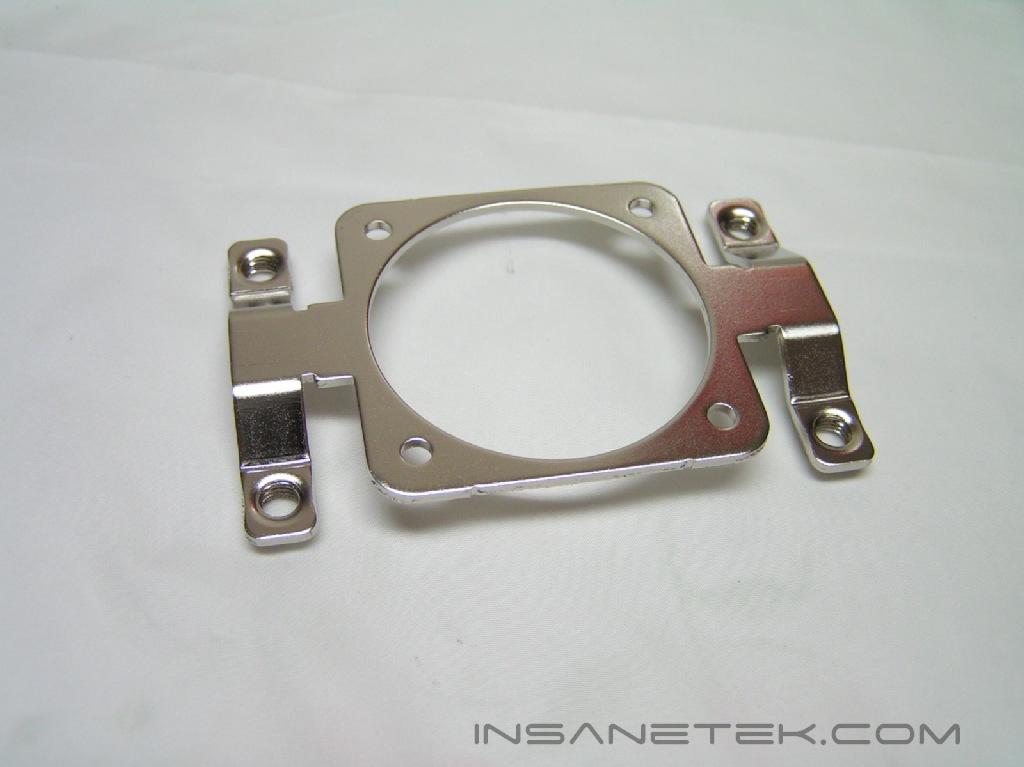
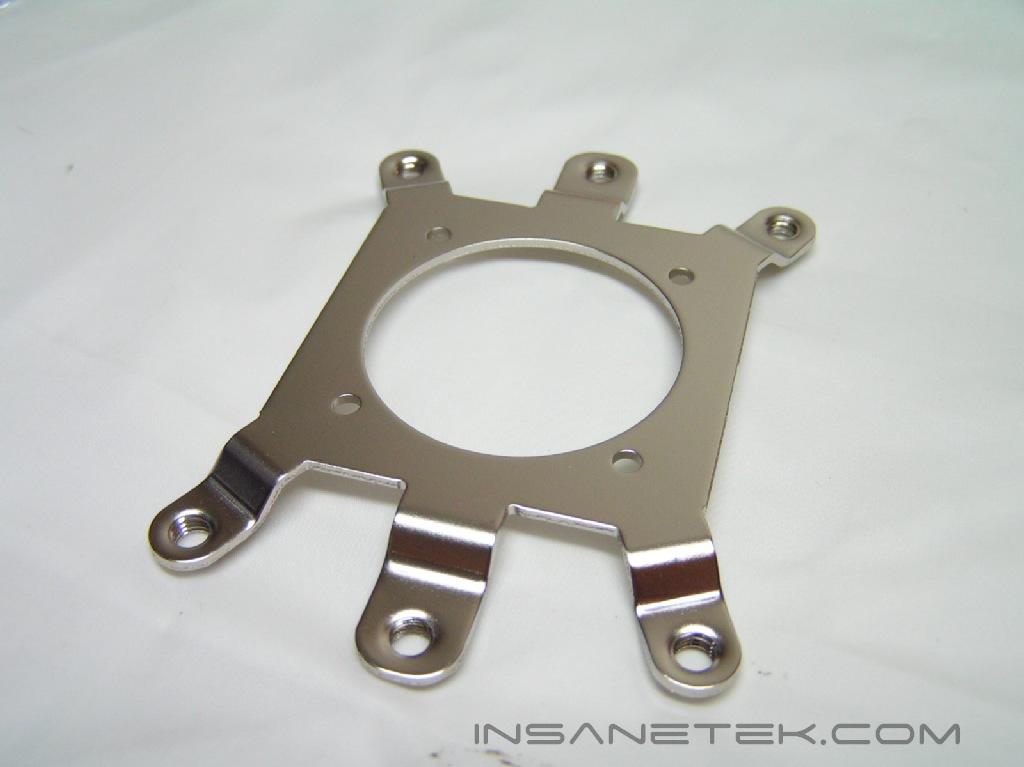
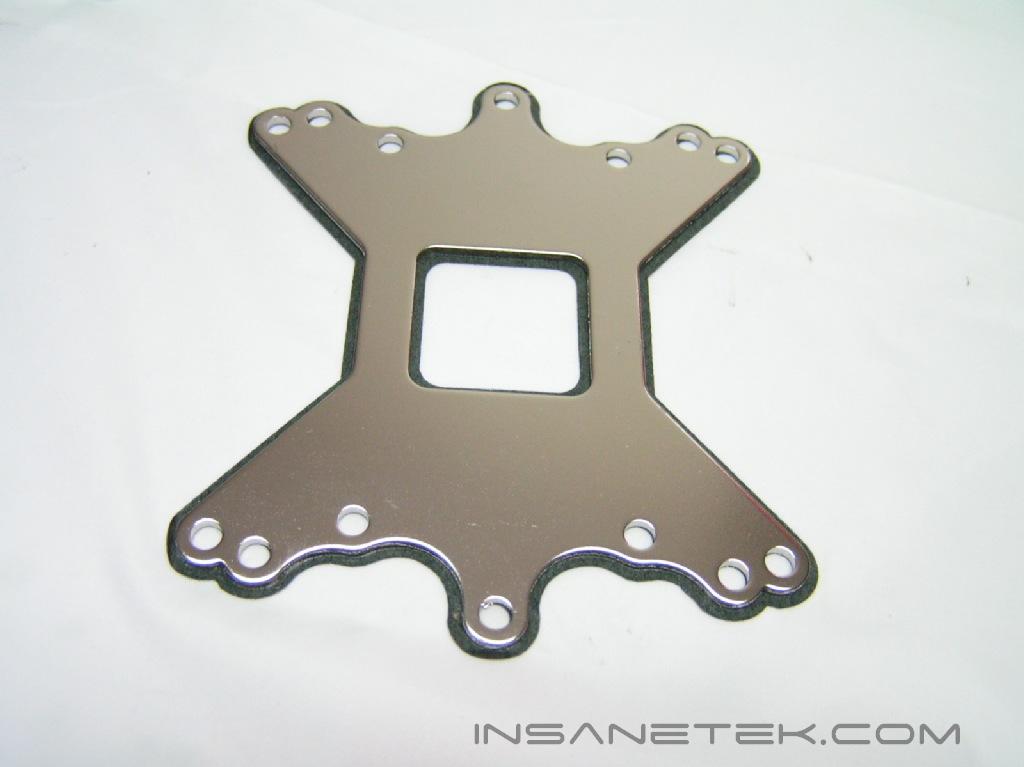
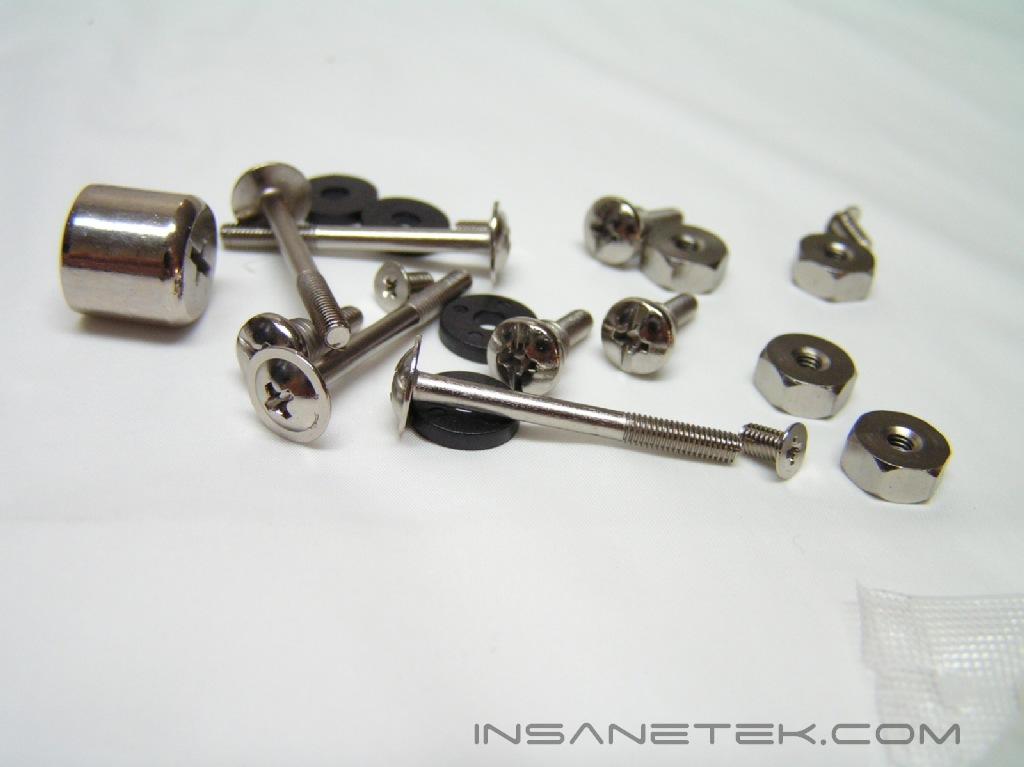
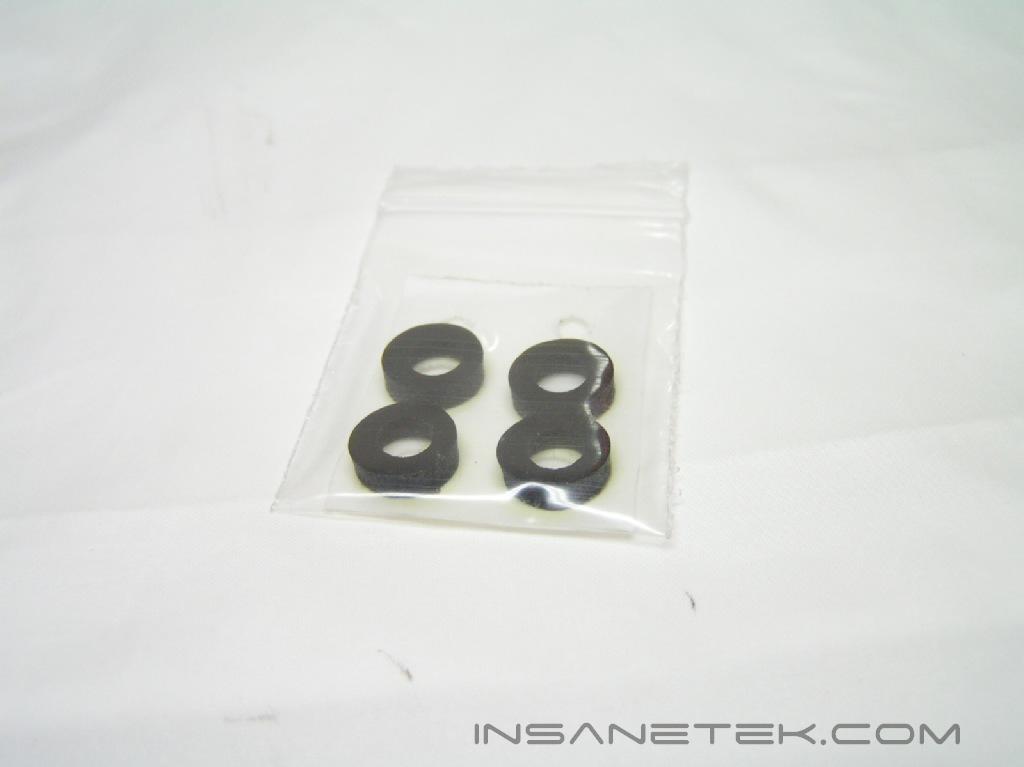
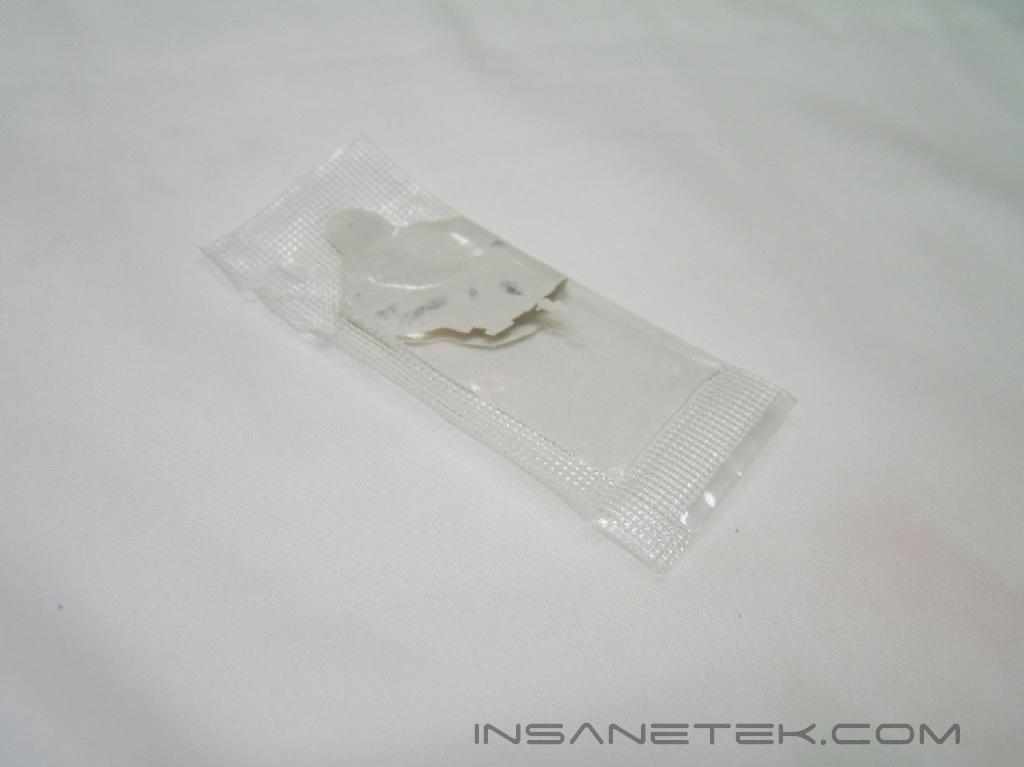
The fan and fan grill are both 100mm in size, bigger than the Hyper 6’s 80mm fan. A bigger fan usually means it will push more air while operating at a lower speed, significantly decreasing noise. There are blue LED’s attached to the clear fan. The fan utilizes a four pin connector for power input, three of which detect speed. The accessories that come in the white box are mounting brackets for the Socket A/370/462/478/754/939/940/LGA 775 platforms, a back-plate to support the heatsink for the motherboard, screws, an instruction booklet and a packet of thermal paste.
Specifications and Installation
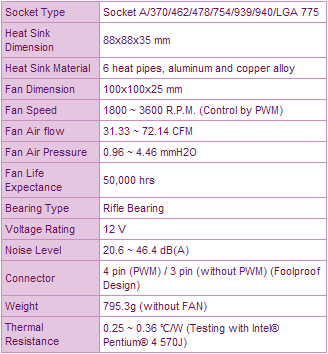
Specifications:
Installation:
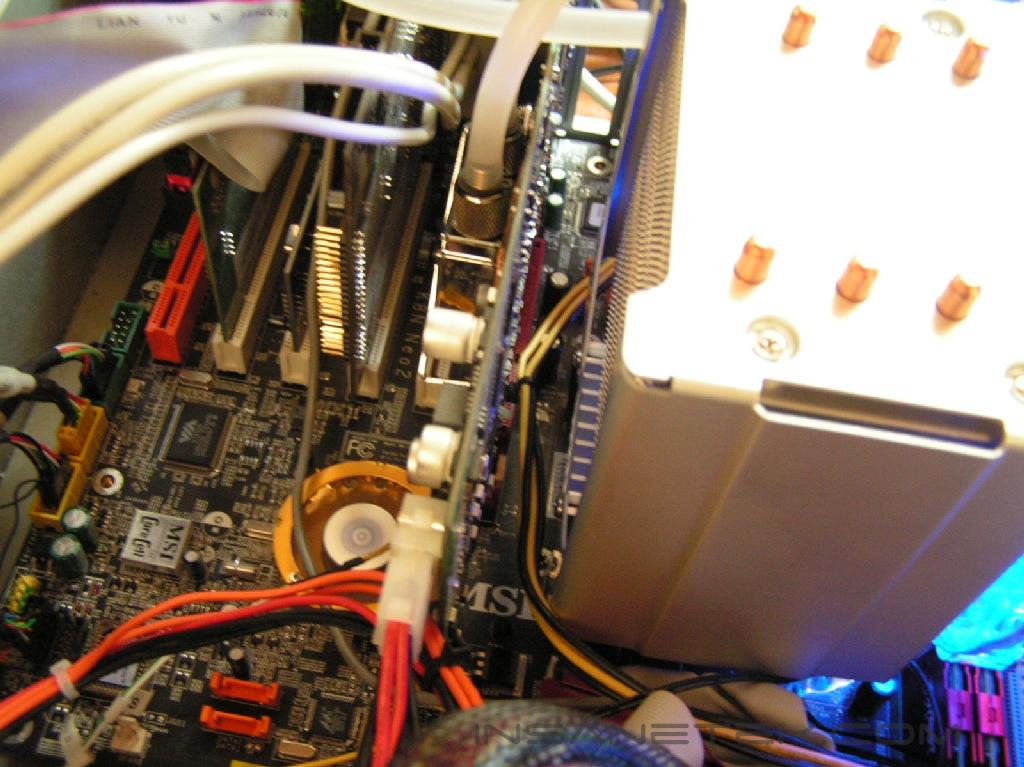
Installation of a heatsink is the same as every other heatsink, with the only difference stemming from the shape of the mounting bracket. As with any heatsink that requires a backplate, installation will be more time consuming. First, I took off my waterblock from the Evercool Watercooling Kit and reapplied a thin coating of Arctic Silver 5 thermal compound. I then took off the motherboard and put on the back-plate. This took an extra 15 minutes. This method is justified, as the heatsink is quite heavy at 795.3g. I personally enjoy taking my computer apart, but extra steps are annoying to repeat when done on a daily basis. What I liked about the design of this heatsink for installation was that the base is rounded and the mounting brackets allow for any position of the heatsink. You can turn the heatsink any direction desired, as long as it doesn’t touch any other piece of hardware. This is especially useful on motherboards, such as the MSI K8N Neo2 Platinum board, with bad placement of components. After the heatsink is secure, just plug the fan in. Since I wasn’t provided a rheostat in the package, I plugged the fan into the CPU fan pin on the motherboard.
Test Setup and Results
Test****Setup and Method:
Testing will be conducted on an overclocked K8 platform. The default fan will be used in the testing for the Hyper 6+. Tests will include noting of noise produced from operation of the fan, as well as temperature monitoring. Results of the Cooler Master Hyper 6+ will be pitted against the Thermaltake Sonic Tower and the Thermaltake Big Typhoon for a range of comparisons. Ambient temperature was kept at 26.3°C +/-0.1°C. Arctic Silver 5 thermal compound was used during the entire testing process. A temperature probe was placed on the side of the AMD Athlon64 chip’s heatspreader to measure CPU temperature. One instance of CPU Burn-in was used to create maximum load on the CPU. No scientific testing will be conducted. The purpose of this test was to determine the results a home end user would obtain.
Test Setup Specifications:
- AMD Athlon64 3000+ Winchester (9 x 275FSB = 2.475GHz @ 1.65v)
- MSI K8N Neo2 Platinum
- 2 x 512MB PDC1G3200+XBLK (2 x 512MB @ 2.5-3-3-7)
- Leadtek GeForce FX 5950 Winfast A380 Ultra (575MHz Core Frequency / 950MHz Memory Frequency)
- TTGI SF-450TS 450W Power Supply
Competition:
- Thermaltake Big Typhoon
- Thermaltake Sonic Tower
- Cooler Master Hyper 6+
Test Procedures:
- Idling for 45 minutes on desktop
- CPU Burn-in for 45 minutes
Results:
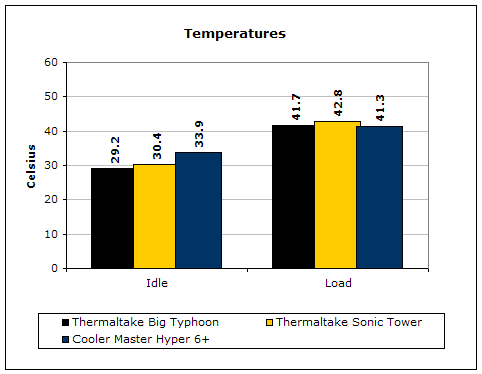
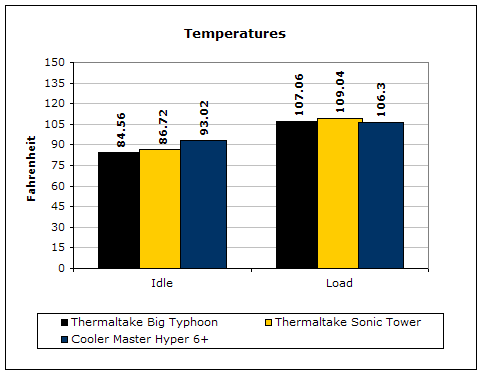
The Hyper 6+ has a little trouble keeping up with idle temperatures, however the load temperatures were on par with the competitors. While the fan was operating, noise was kept to a minimum. I heard the whining of the hard drive over the noise from the fan. Cooler Master has found silence in a bigger fan.
Conclusion and Thoughts
Cooler Master’s Hyper 6+ is certainly a step up from the Hyper 6. A new design and combination of two popular metals made the cooling process more successful. The Hyper 6+ shows us that performance doesn’t always have to come at the cost of noise. A simple change to a bigger fan will create a stronger air flow, while slowing the fan down to lessen the noise. The air tunnel created from the covering is another great idea. This heatsink is significantly smaller than those in Thermaltake’s line of heatpipe coolers, but performs similarly. The advantage to this cooler is that hardware conflicts are less likely to occur. As mentioned in our review of the Thermaltake Schooner, the Sonic Tower interfered. The Hyper 6+ is small enough to create the necessary space in order to allow you to use the Schooner. This cooler also supports all Socket platforms. With universal support for each CPU, it eliminates the need to upgrade to a new heatsink if you decide to buy new components.
The only annoying thing I found about this cooler was the back-plate. If there was a way to avoid the back-plate, I would recommend Cooler Master go with that route. Many people will find the back-plate to be an annoying step when installing the heatsink. This product still has evolving to do before it would be given the Essential award. However, it rates near the top of my list and will receive our Highly Praised award.
Pros:
- Compatible with both all platforms
- Combination of copper heatpipes and aluminum fins
- Six heat pipes for excellent performance
- Fan is near silent
- Beautiful look
- Fan and fan grill included
- Versatile design
- Uses a 100mm fan
Cons:
- Installation requires removal of motherboard and use of back-plate

We would like to thank Cooler Master for providing us the sample. If you have any questions or comments, feel free to hit us up in the forums. You can also check out more of our latest reviews on the front page.