

Asetek WaterChill KT03AT-12VX
Introduction
Asetek is one of the more prominent names in the the PC water cooling world. They have released an assortment of quality parts that are geared towards the extreme overclockers and gamers searching for a source of reliable cooling. The idea of introducing water inside a computer has always been a fascination for me. Traditional air cooling is sufficient for most mainstream users, but watercooling remains an alternative for those who want to squeeze out the last few drops of performance from their system, since watercooling is much more efficient than air cooling at dissipating heat. Quite frankly, aircooling just doesn’t give the kind of comfortable assurance against my CPU overheating that I’d like. All the numbers aside, because of the longer installation process associated with a watercooling kit, the ease of installation plays a big role when one decides between the traditional aircooling system or upgrading to a watercooling system.
Asetek continues to upgrade and bring new innovations to their WaterChill line that make it more effective and powerful at removing heat. They have introduced a 12v pump into the watercooling loop, and now we have the pleasure of testing it with their Black Ice Dual radiator and the Antarctica waterblock.
Asetek WaterChill KT03A-12VX Watercooling Kit
The WaterChill series of watercoolers has several versions, each supporting a different platform and/or using different Black Ice radiators. It supports LGA775 and S478/754/939/940 platforms and comes with either a single, dual, or triple 120mm fan radiator. Asetek organizes their coolers by the size of the black ice radiator and has dubbed them the High-End Kit, Power Kit, and Xtreme Kit, respectively. For review, we received the version that is supported on the AMD S939 platform and a dual 120mm Black Ice radiator. The organizational system may seem confusing initially when you browse their site, but it actually gives you more flexibility with what you can buy. The only downside to this is that you’re stuck with only one platform and would be forced to buy a new waterblock if you wished to switch to another platform. Other competitors include universal installation brackets which may give them a competitive advantage when it comes to enthusiasts who would rather not deal with compatibility issues.
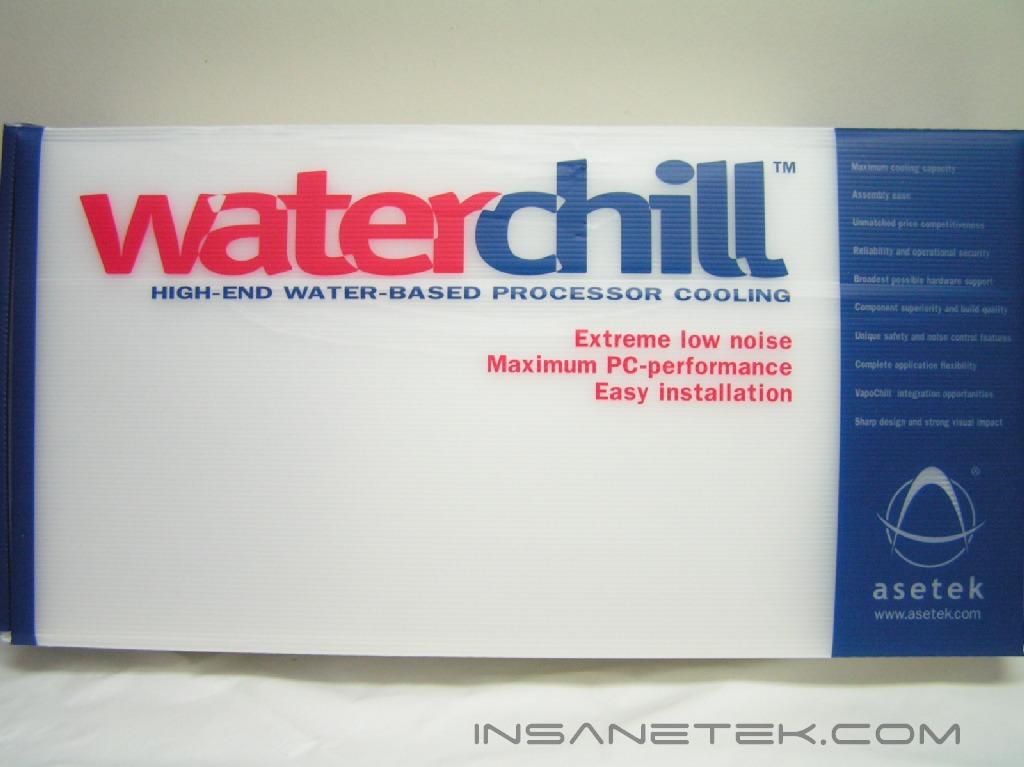
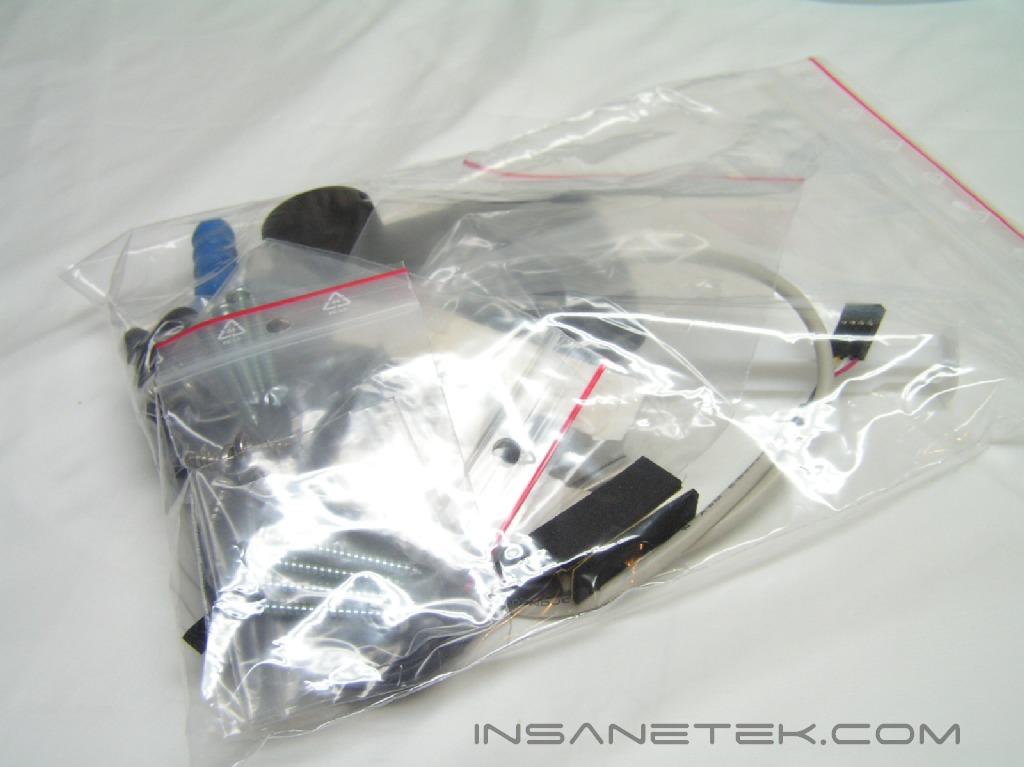
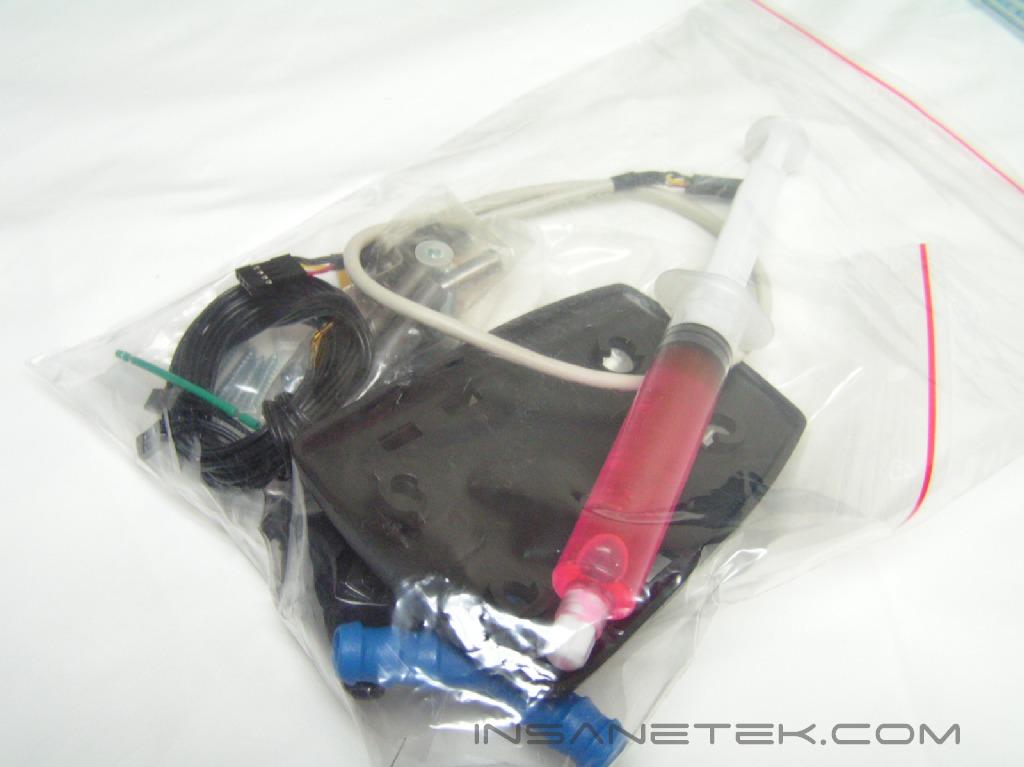
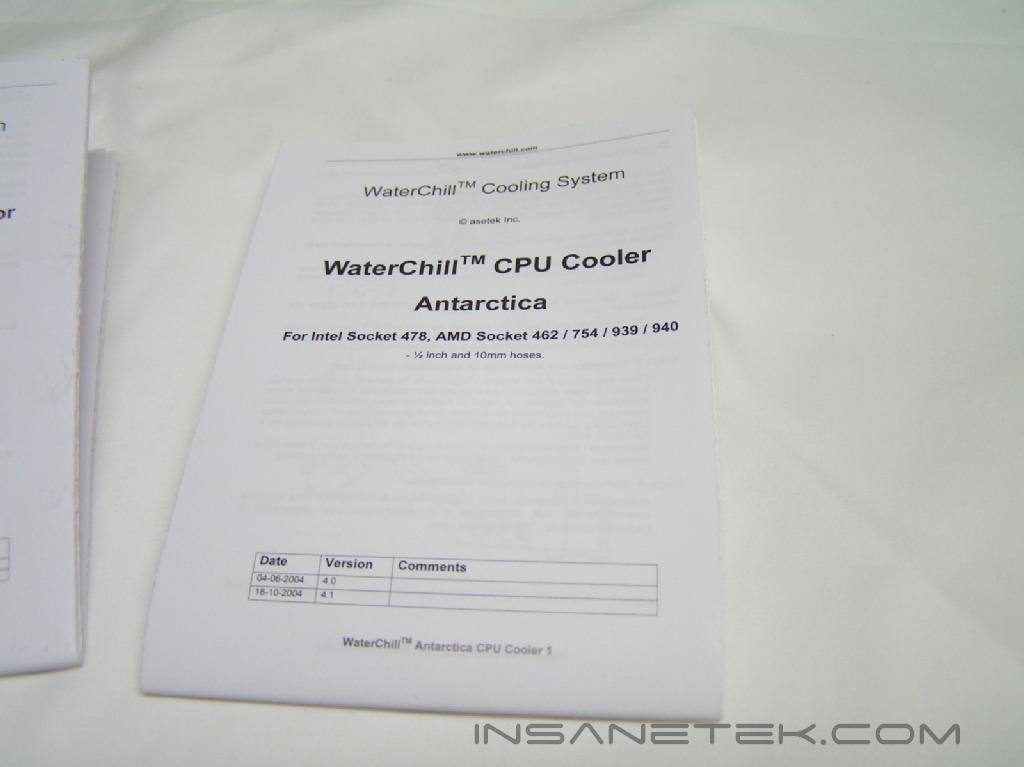
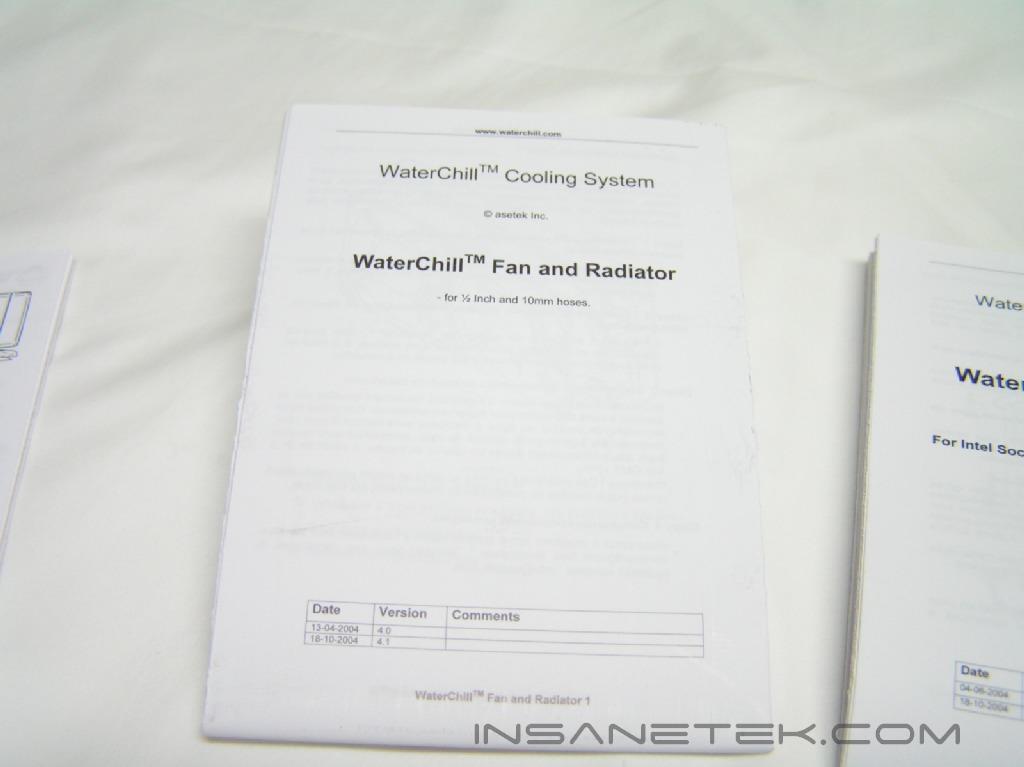
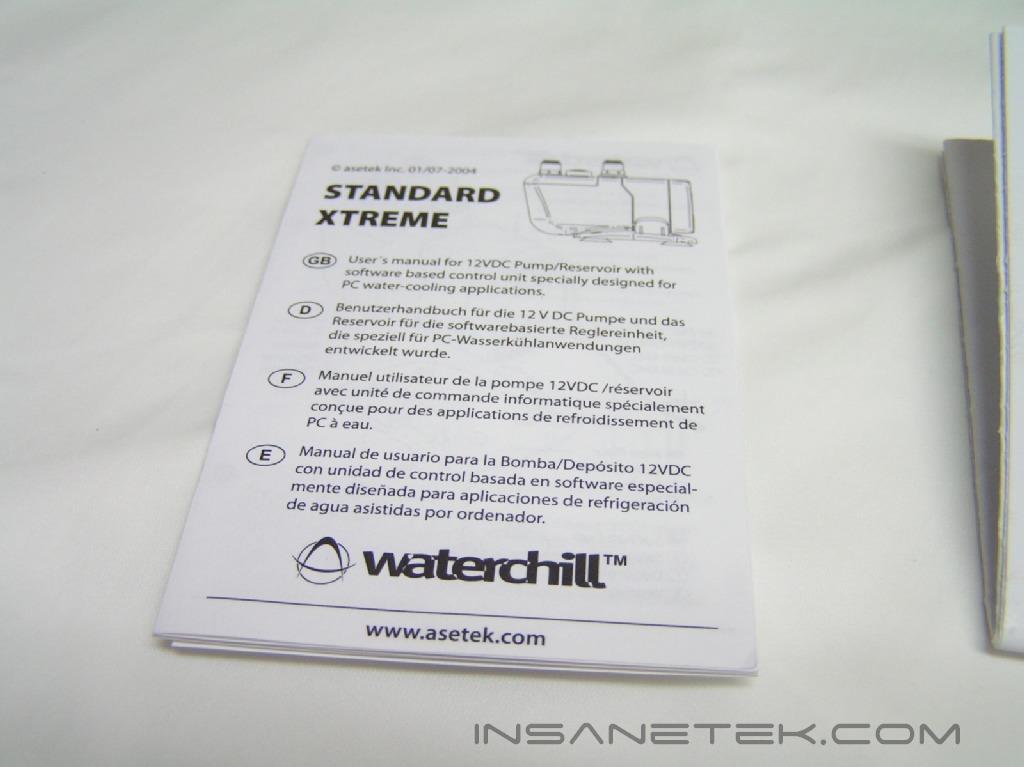
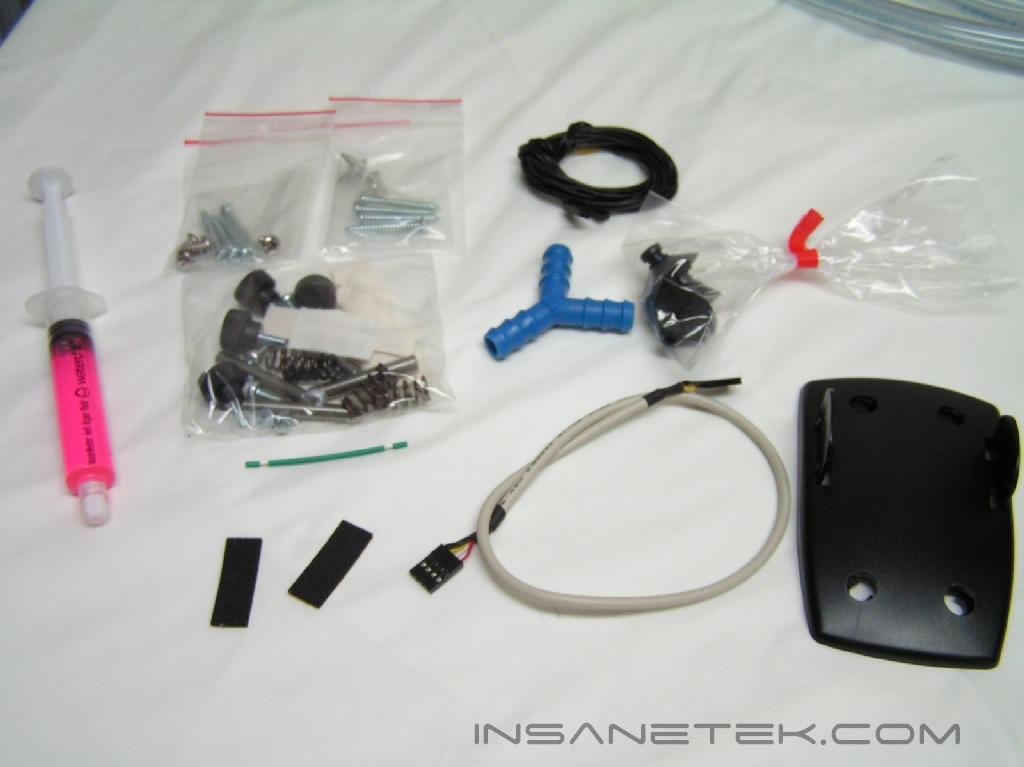
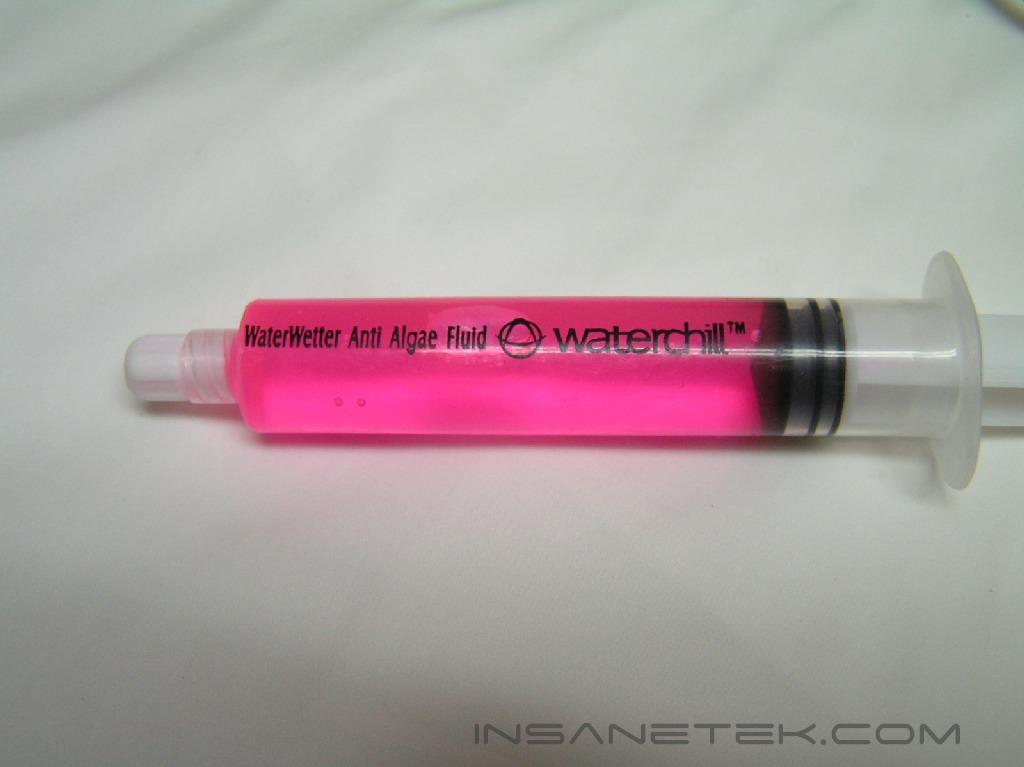
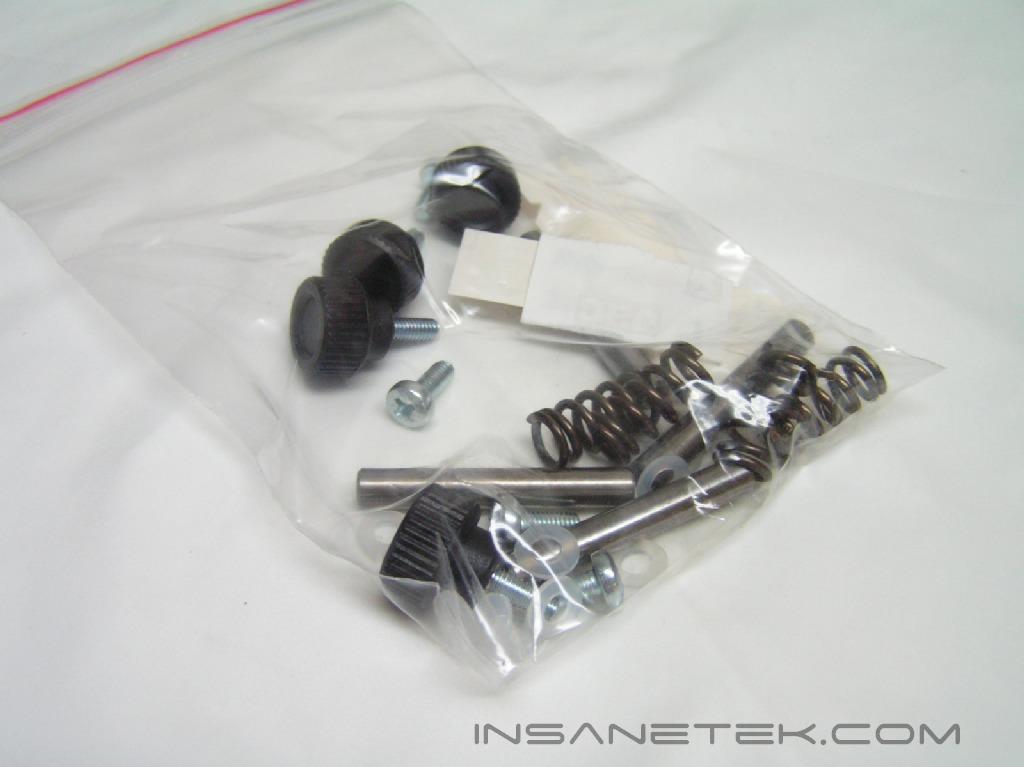
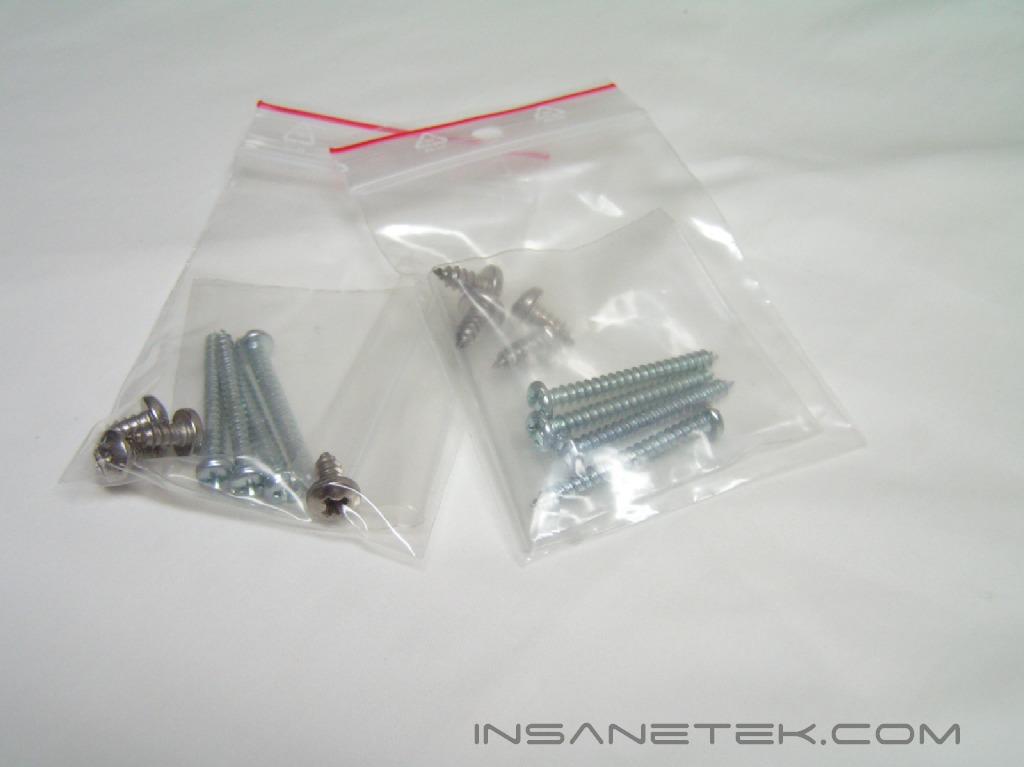
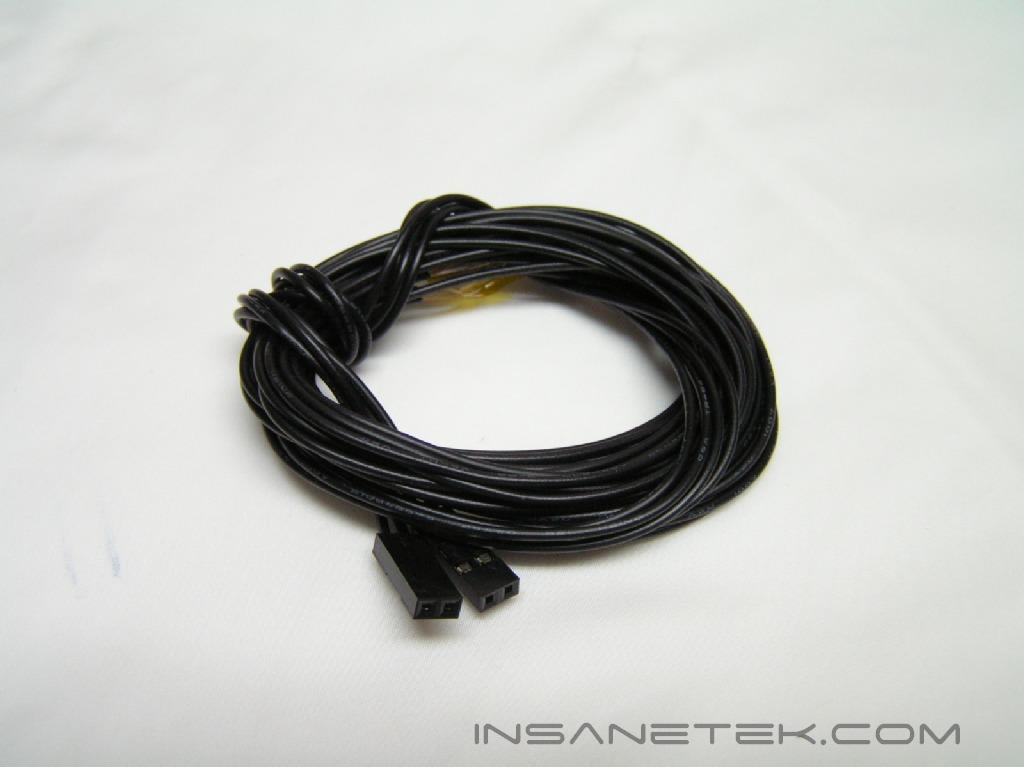
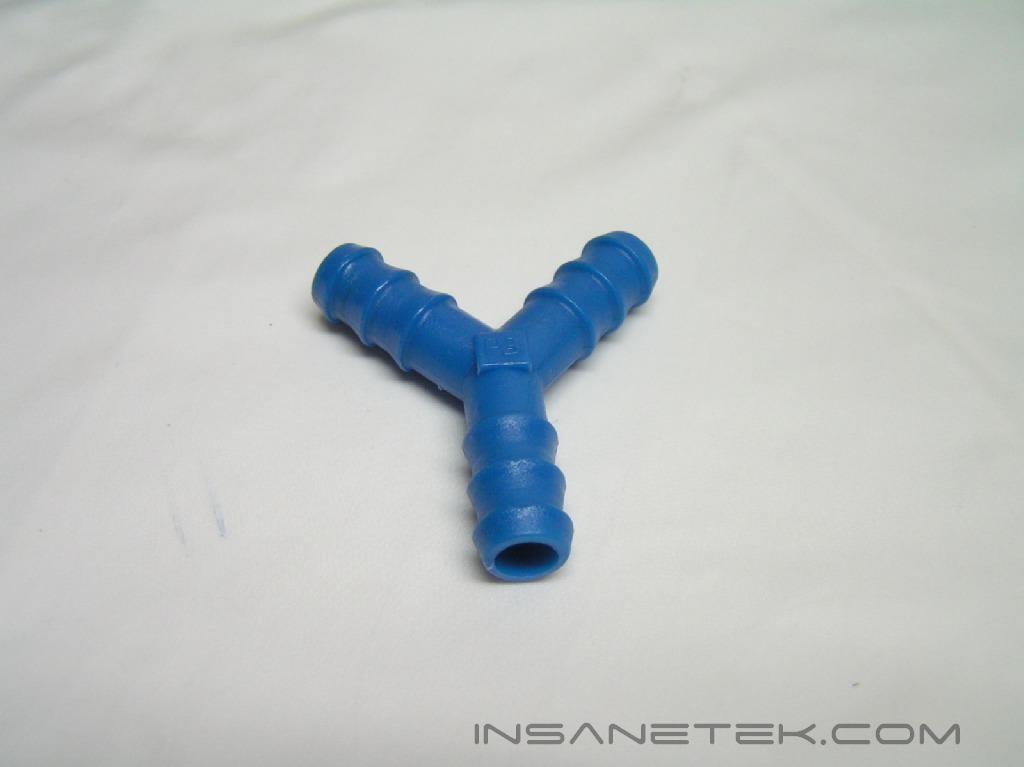
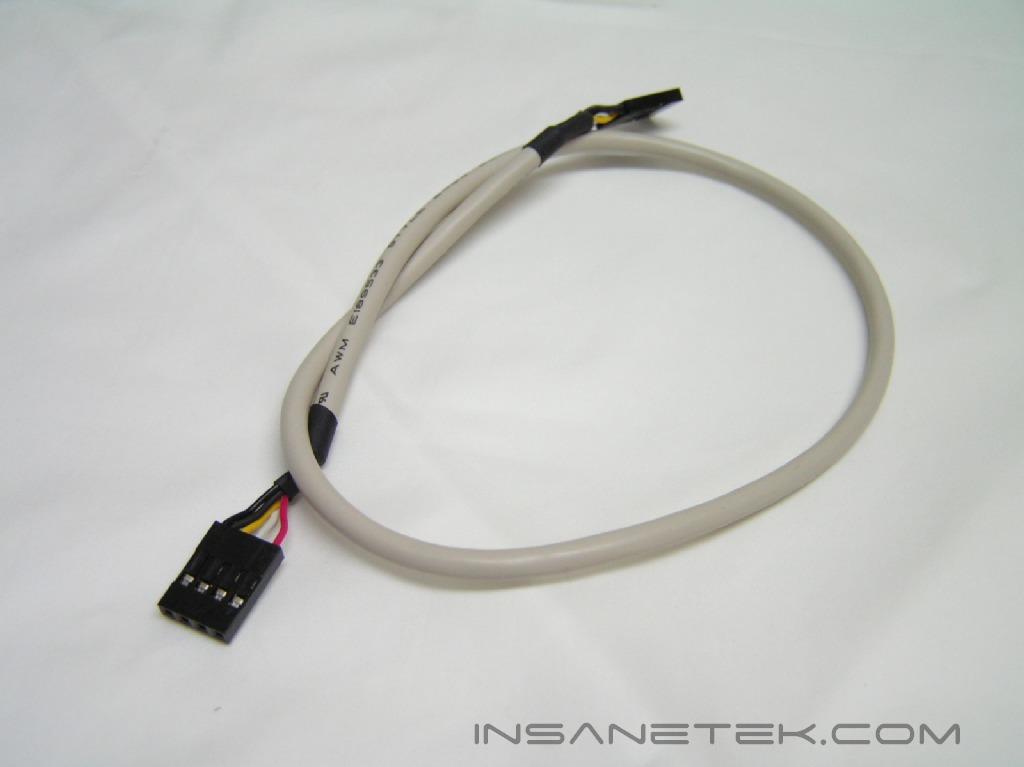
This WaterChill kit is a bare minimum kit with a powerful pump. The contents of the kit were very well protected with durable foam. Underneath the foam is a neat and organized pile of equipment awaiting to be assembled. Included in this package is the pump, several instruction manuals, a USB cable, two temperature probes, mounting brackets and screws, a jump-start wire, a syringe of anti-algae fluid, a S939 waterblock with interchangeable LGA775 replacement top, and 1 meter of tubing. There is an optional LCD display that displays the temperature and contribute a bit of catchy flair to your case. There are also optional color plates for the pump to match the color of your case and/or mods. These optional accessories were not included in the package sent to us for review.
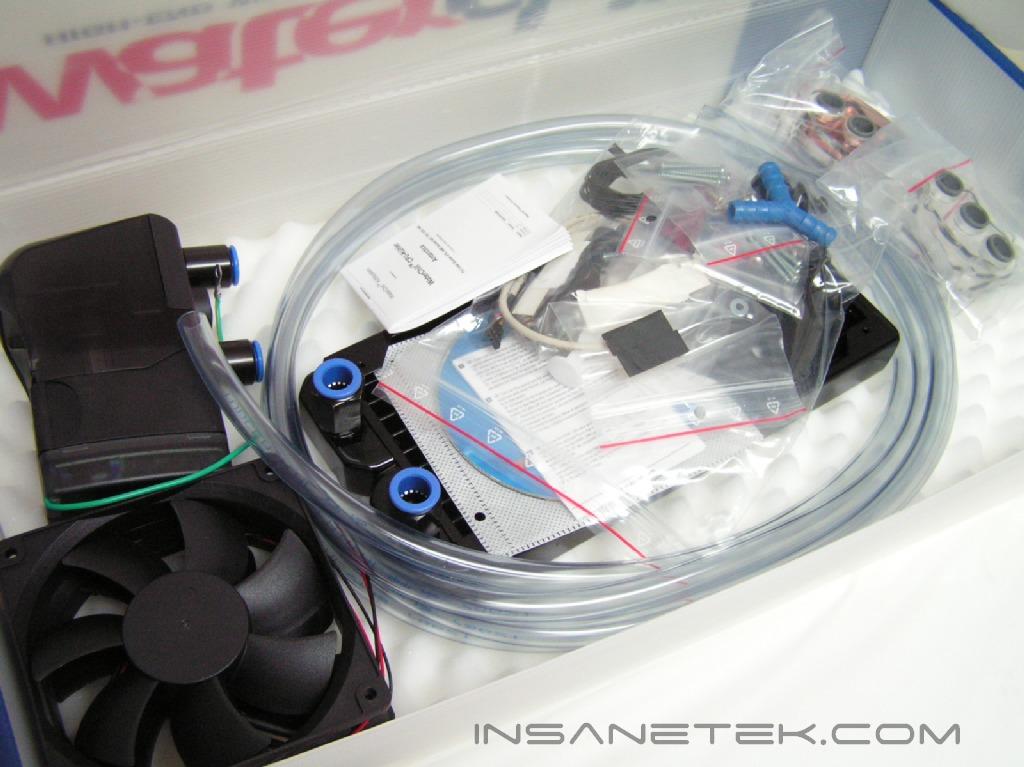
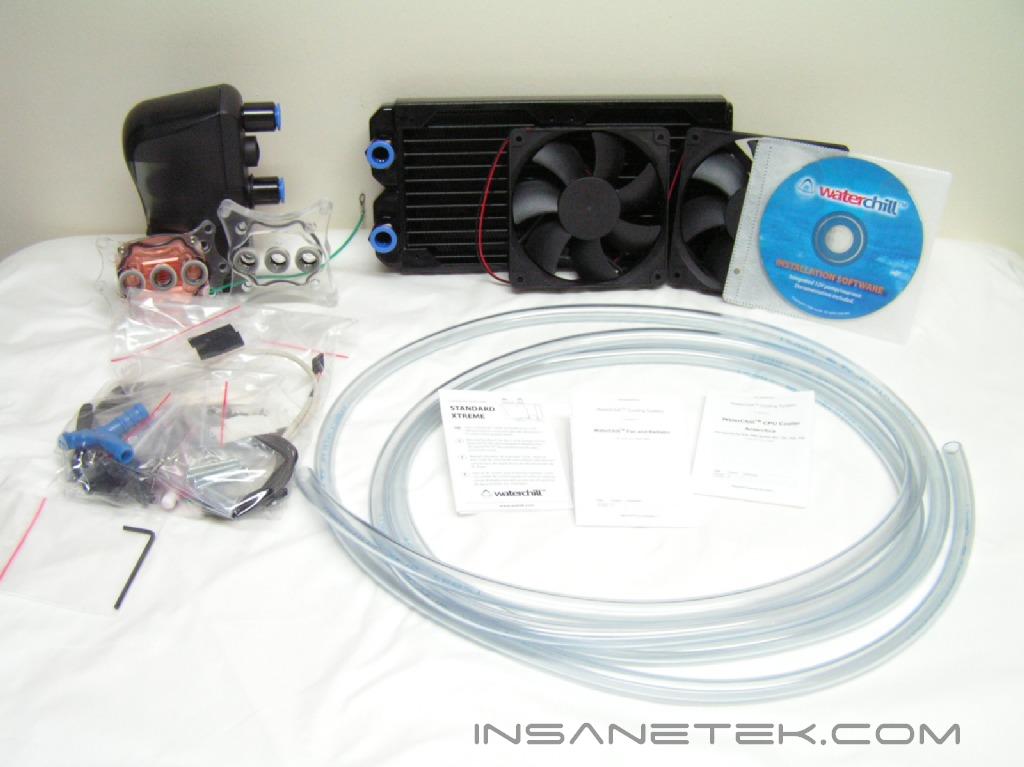

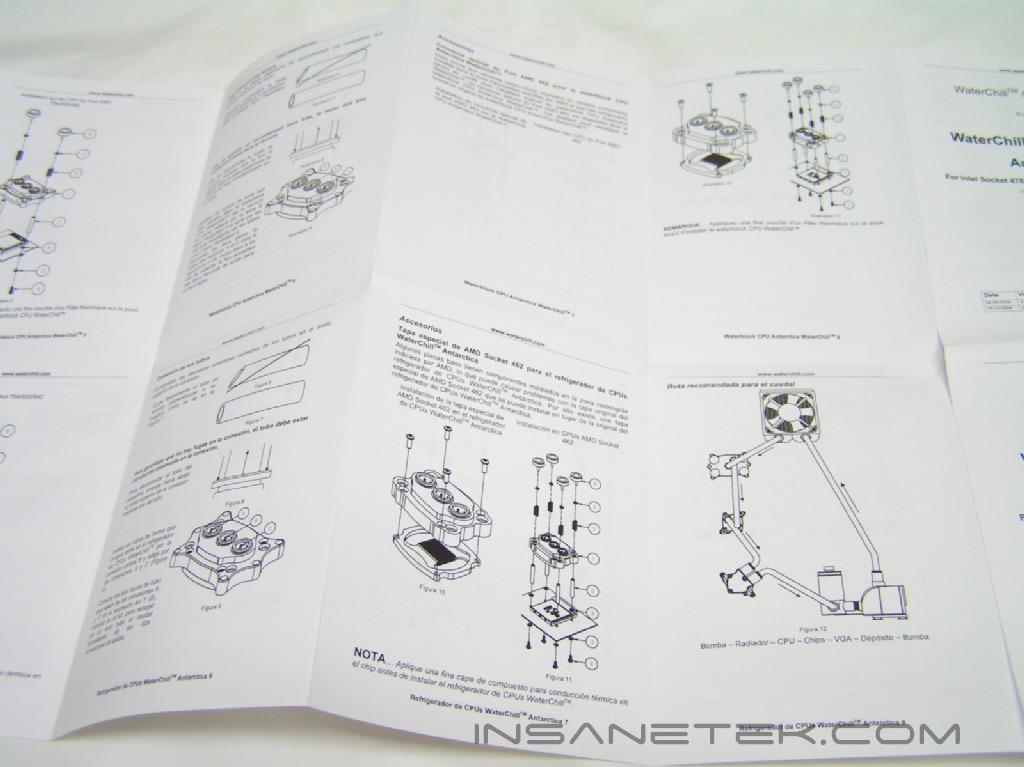
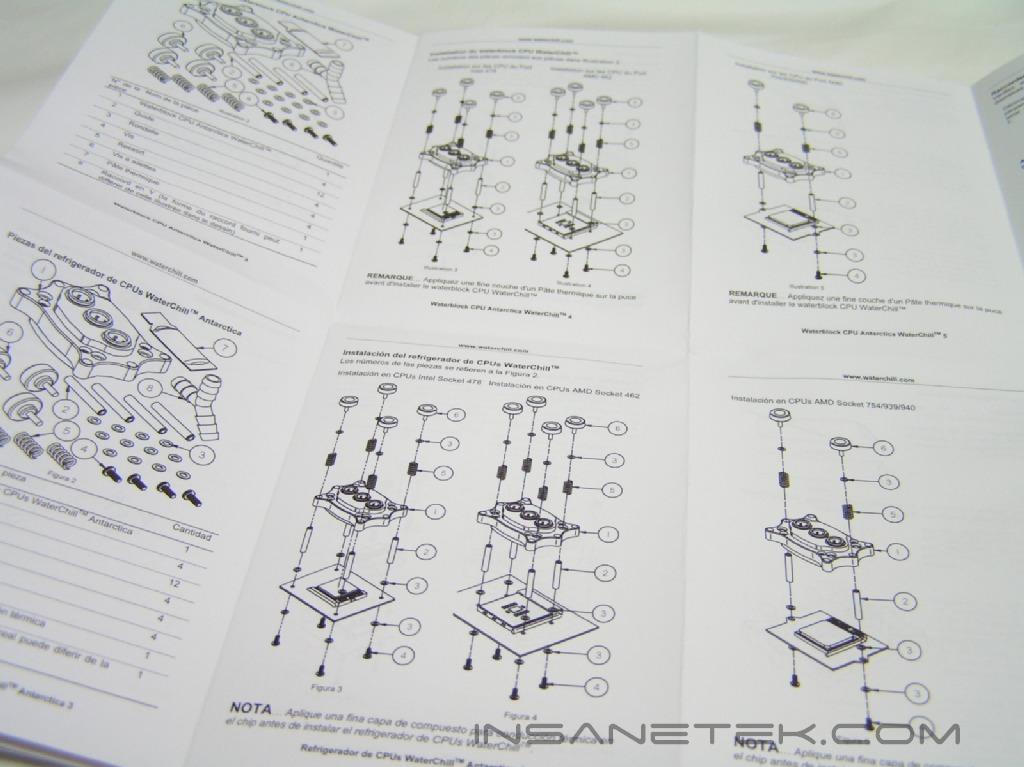
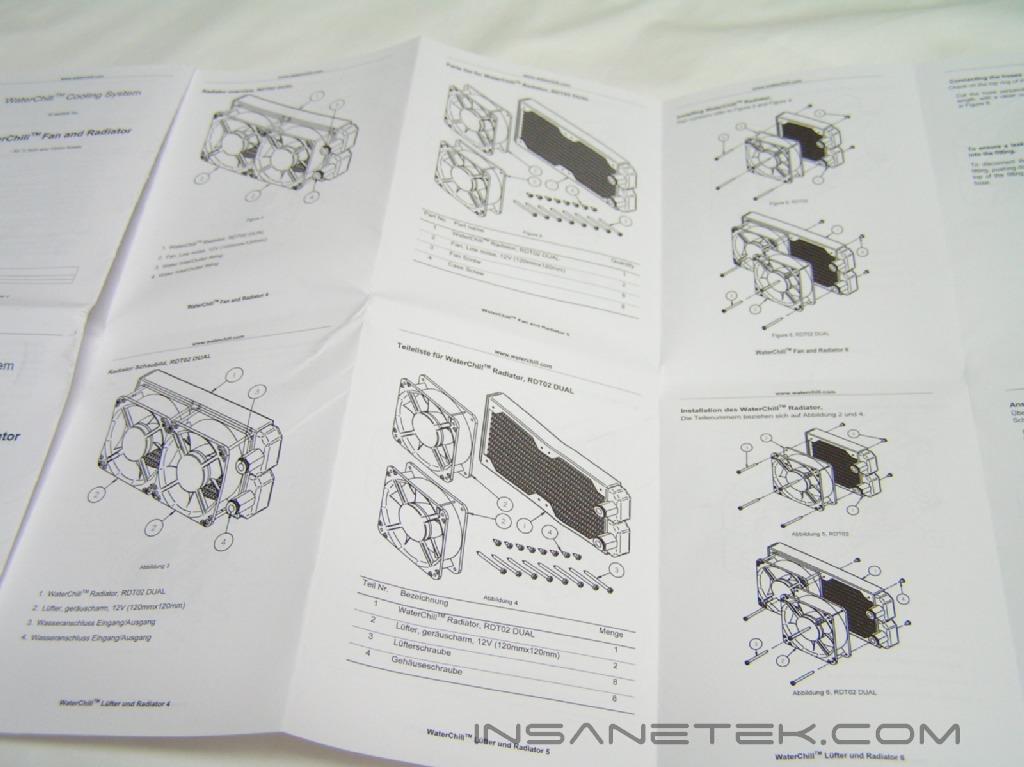
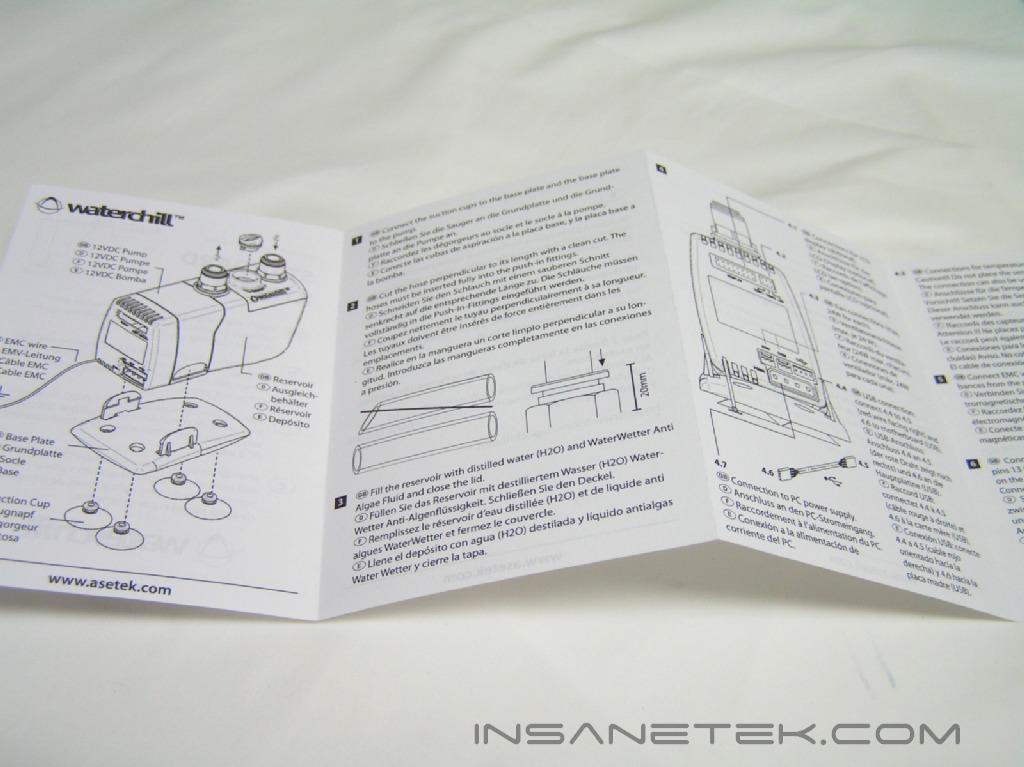
The Accessories
The CPU Waterblock:
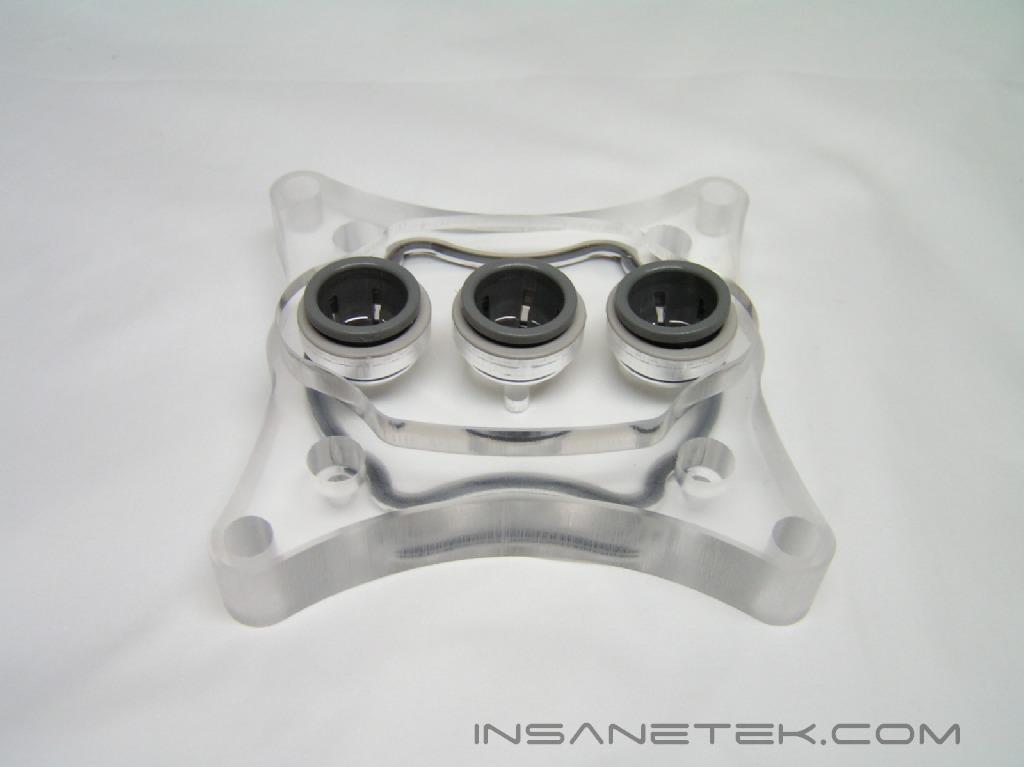
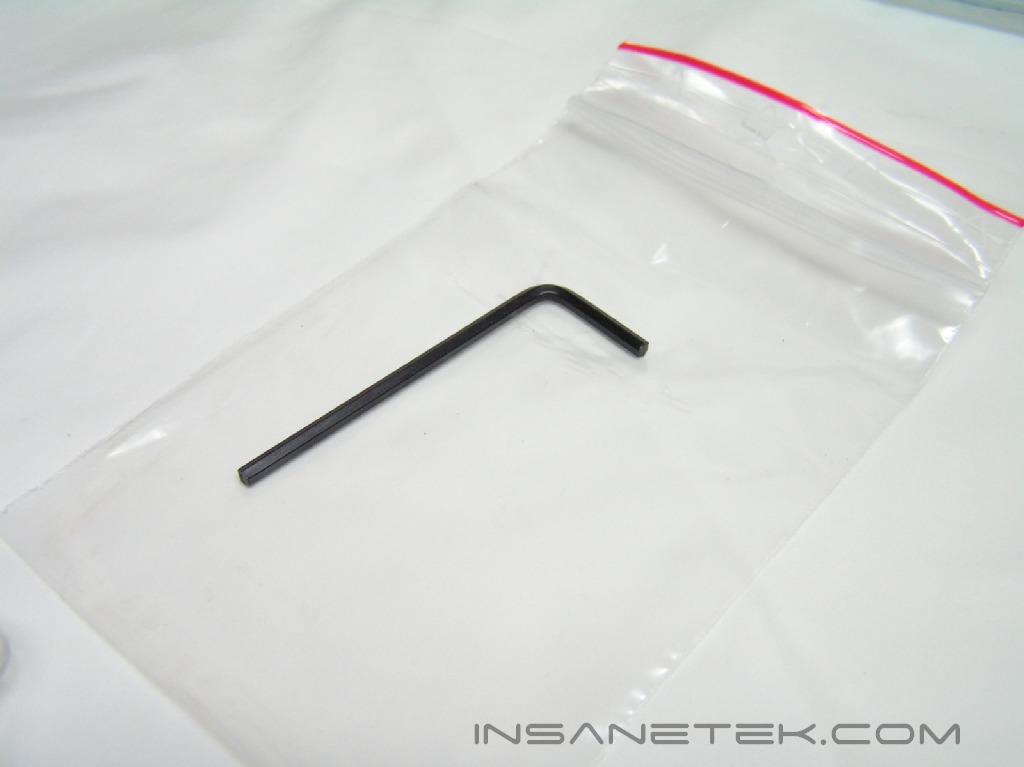
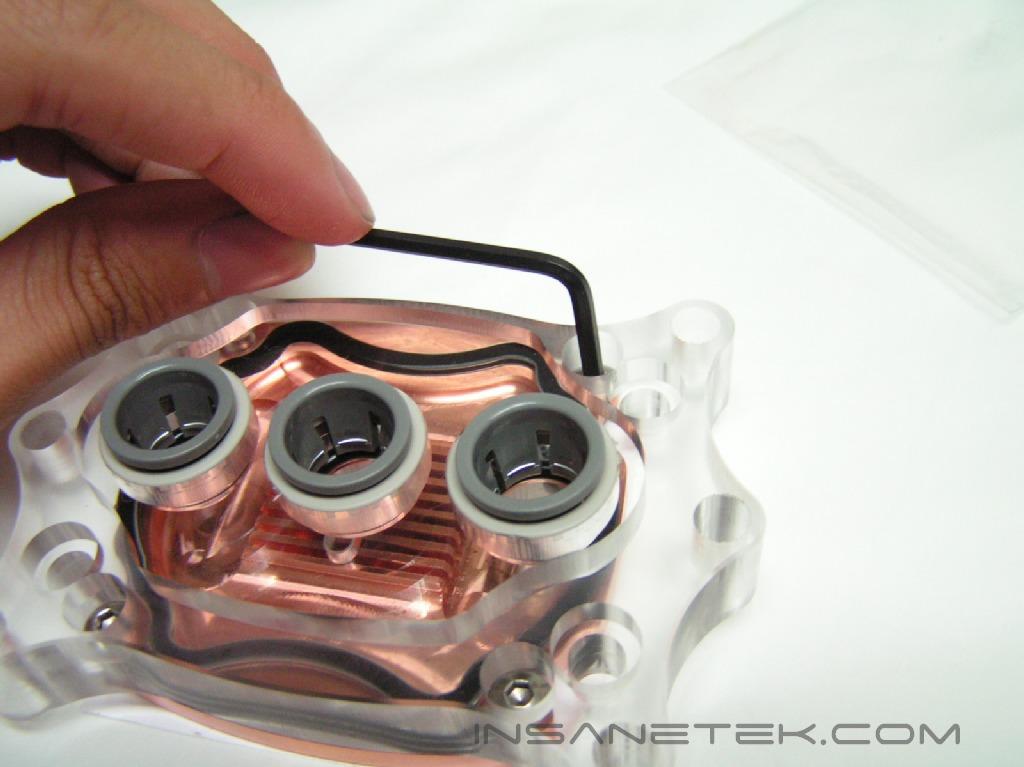
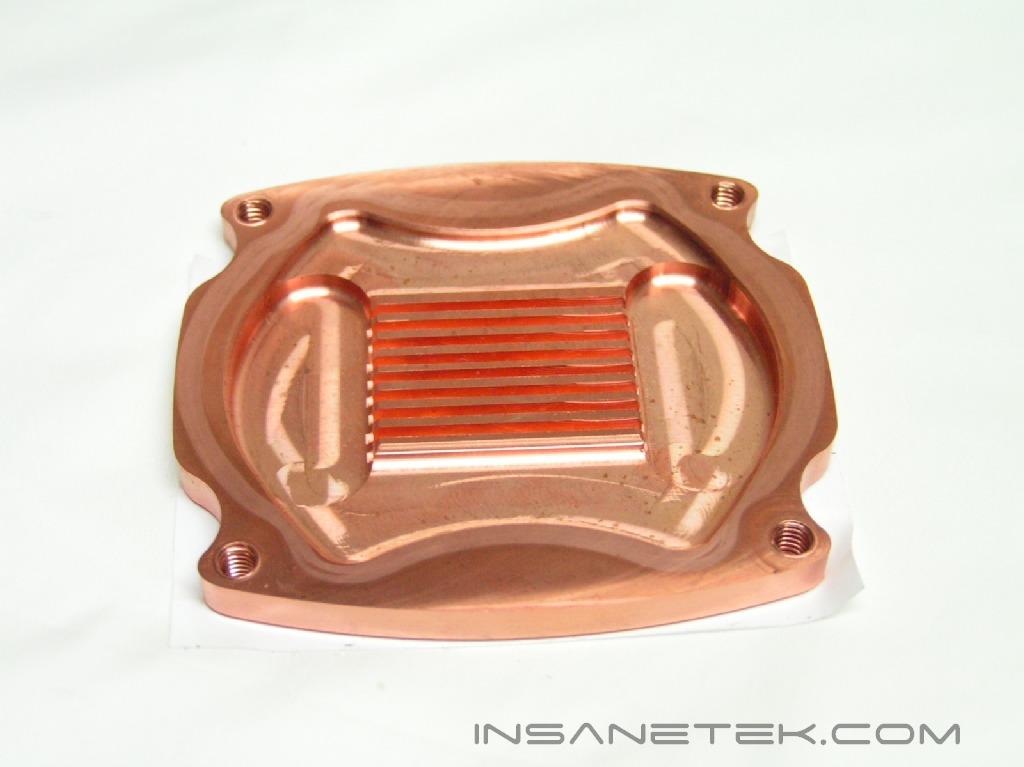
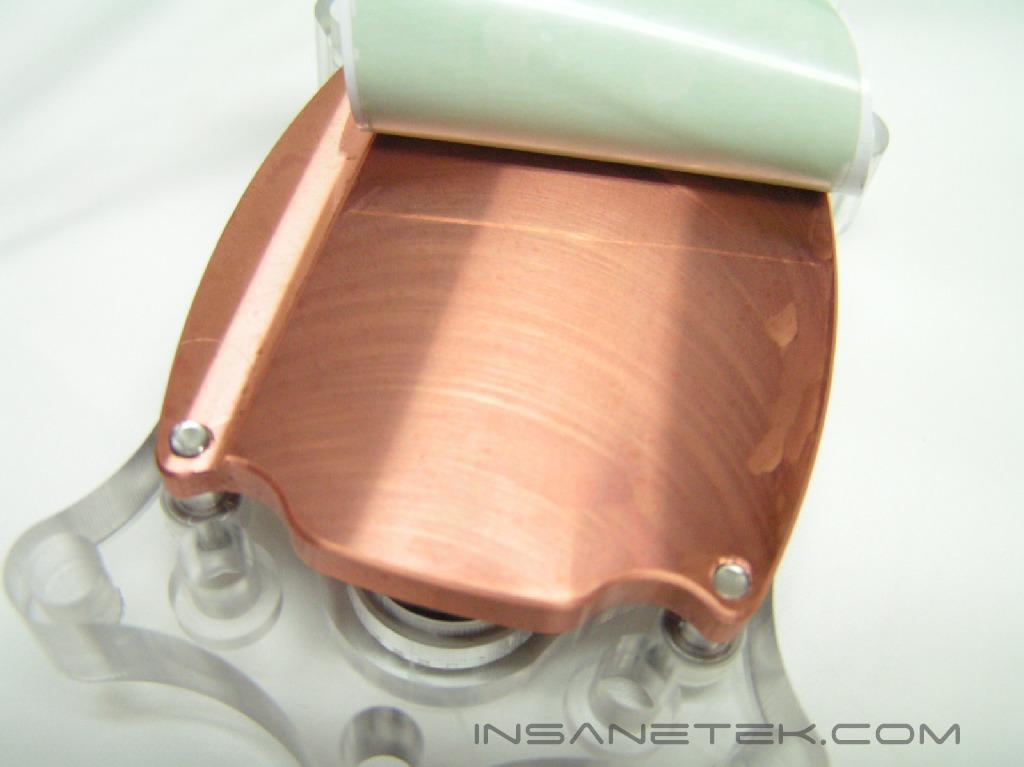
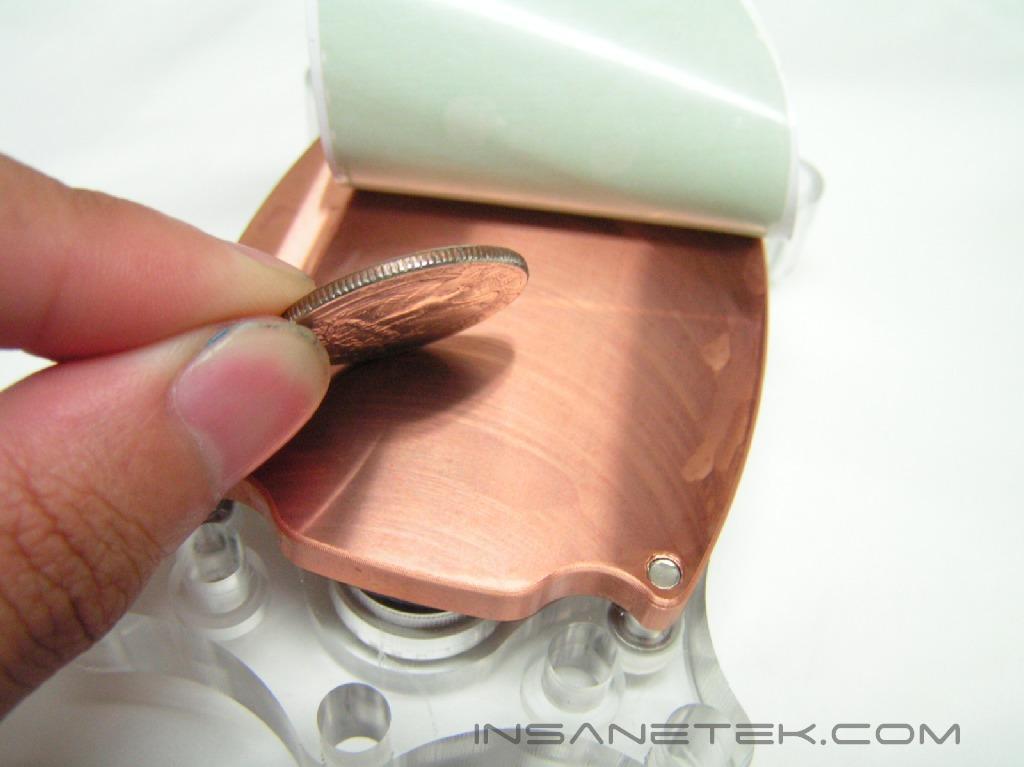
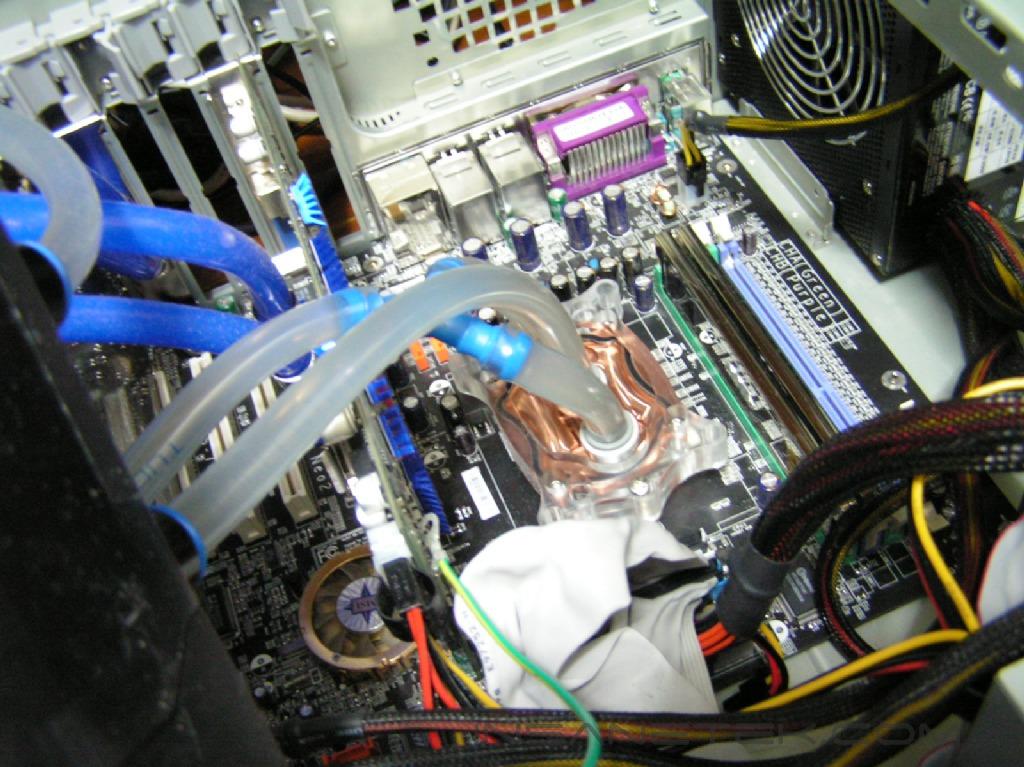
The CPU Waterblock that is included in this WaterChill kit is the renowned Antarctica waterblock. Asetek made sure that everything in this kit was in accordance with high standards. My specific waterblock came originally with a Socket 939 fitted top; however, it can easily be modified so that it is supported by LGA775 by using a tool they have provided to remove the top and screw on the replacement one. The CPU waterblock is protected with an adhesive that must be removed before mounting. Underneath the adhesive is an always important flat surface that lacked the mirror finish seen in rival watercooling kits.
Other Accessories:
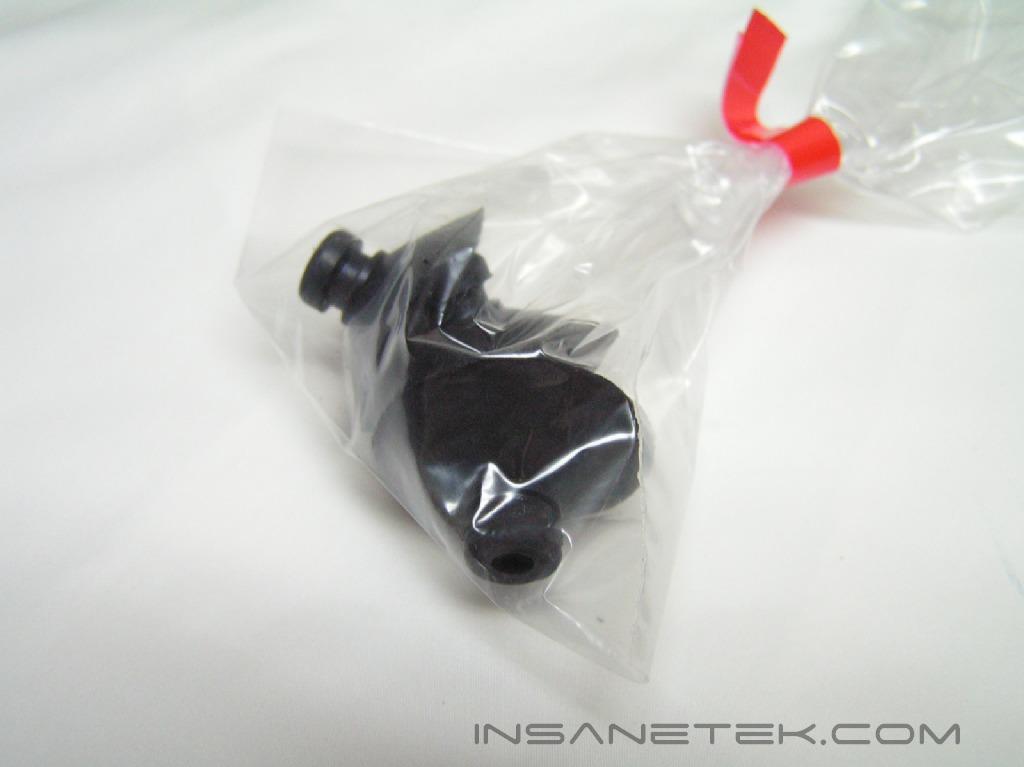
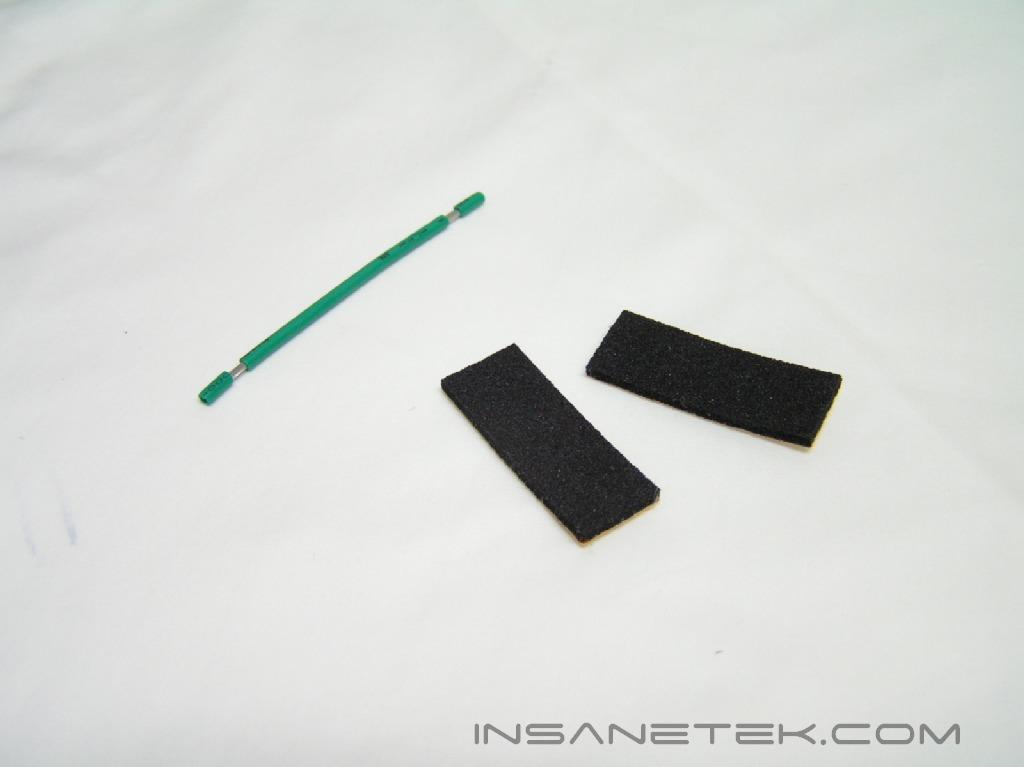
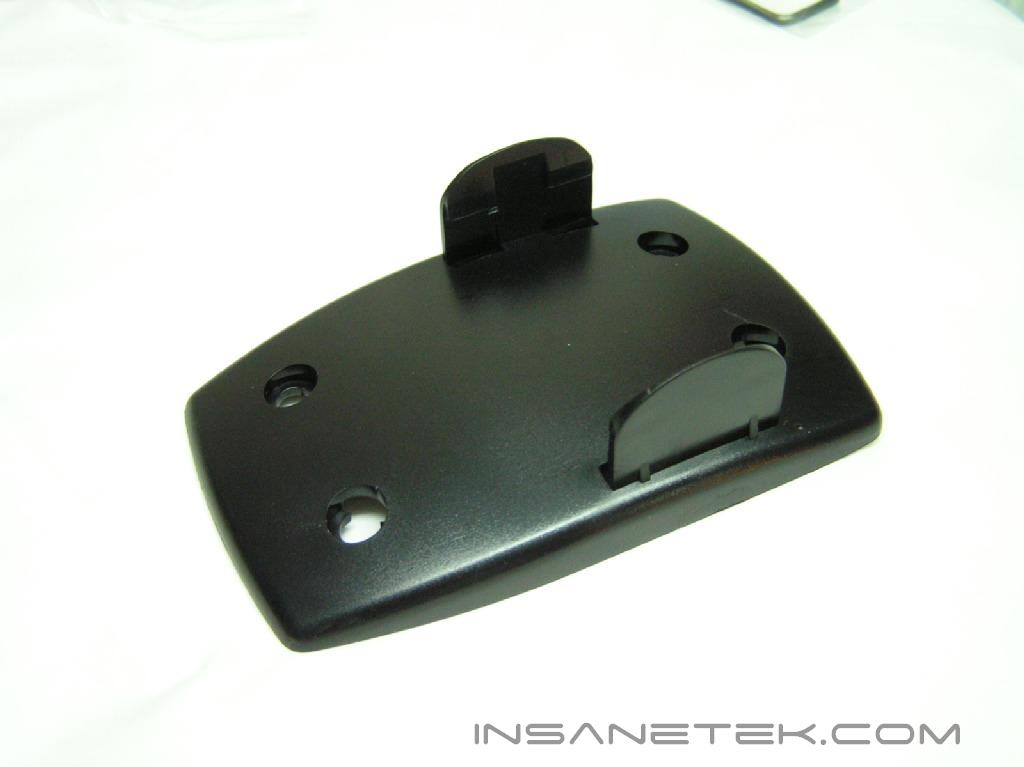
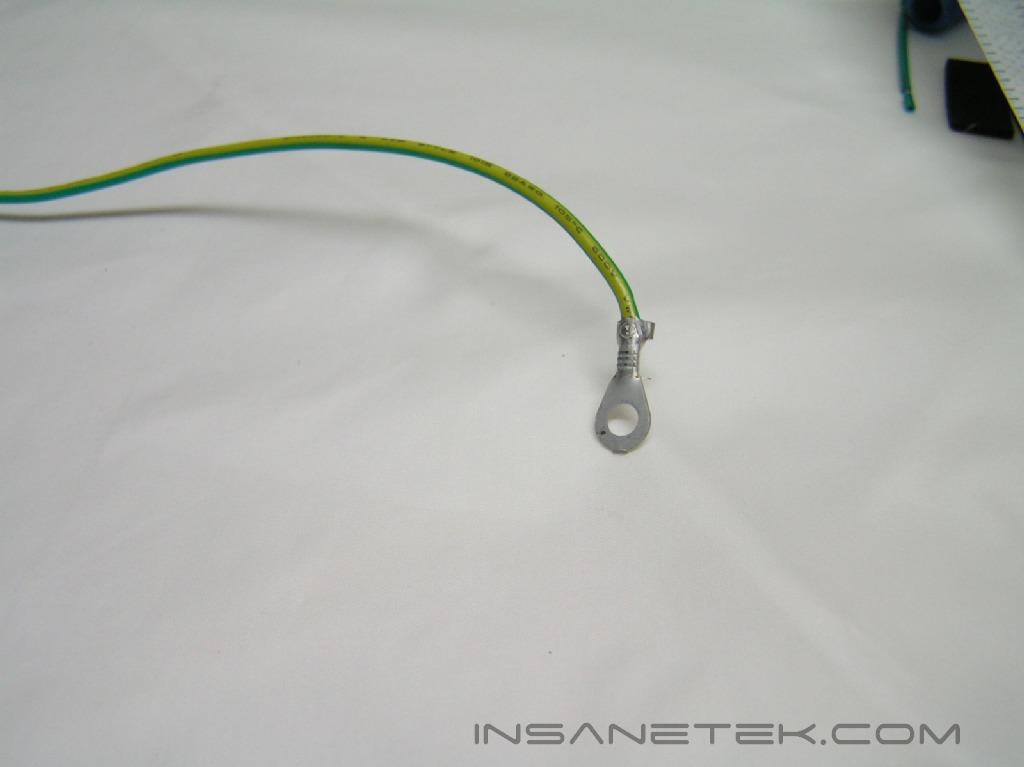
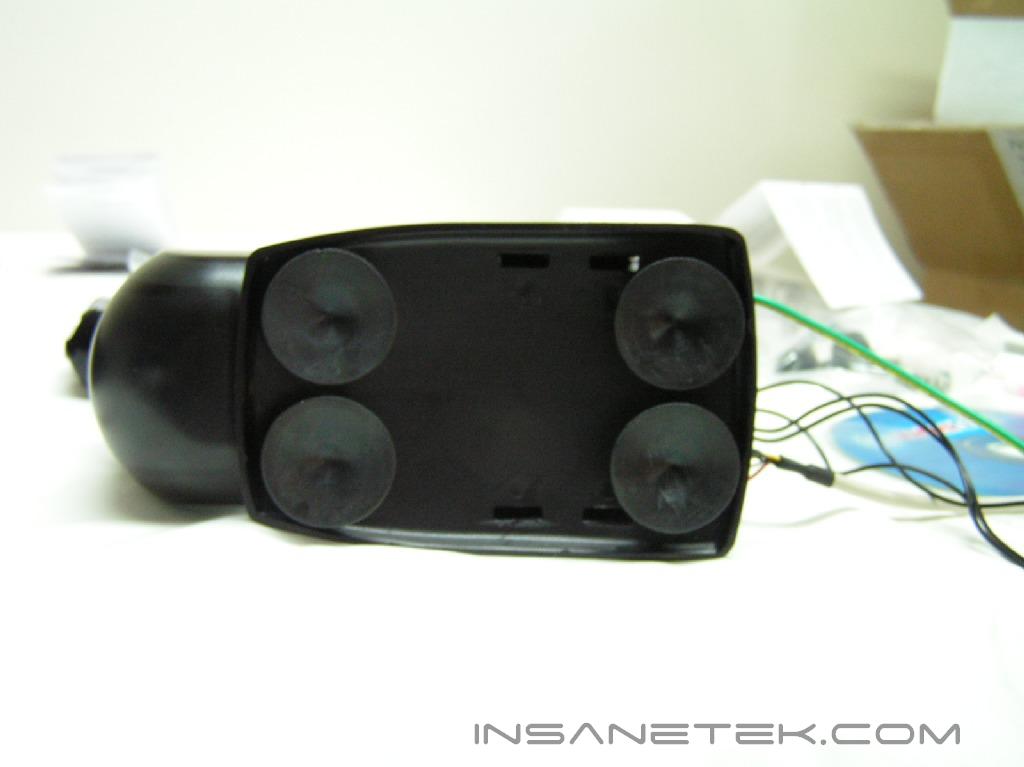
The other accessories that came with the watercooling kit were designed for use during installation. The pink injection tube of anti-algae fluid is mixed with distilled water to prevent microorganisms from growing inside the tubing of the watercooling system. The temperature probes can be connected to the 12v pump and can be used with the provided software to monitor the temperature of your system. The USB cable connects the pump to the computer. The mounting brackets and screws support both Socket 939 and LGA775 systems. The green wire is to “jumpstart” the pump and activate it without having to turn the computer on. There is also a pump stand to dampen any vibrations caused by the pump. Four rubber feet are provided to keep the pump in place.
The Radiator:
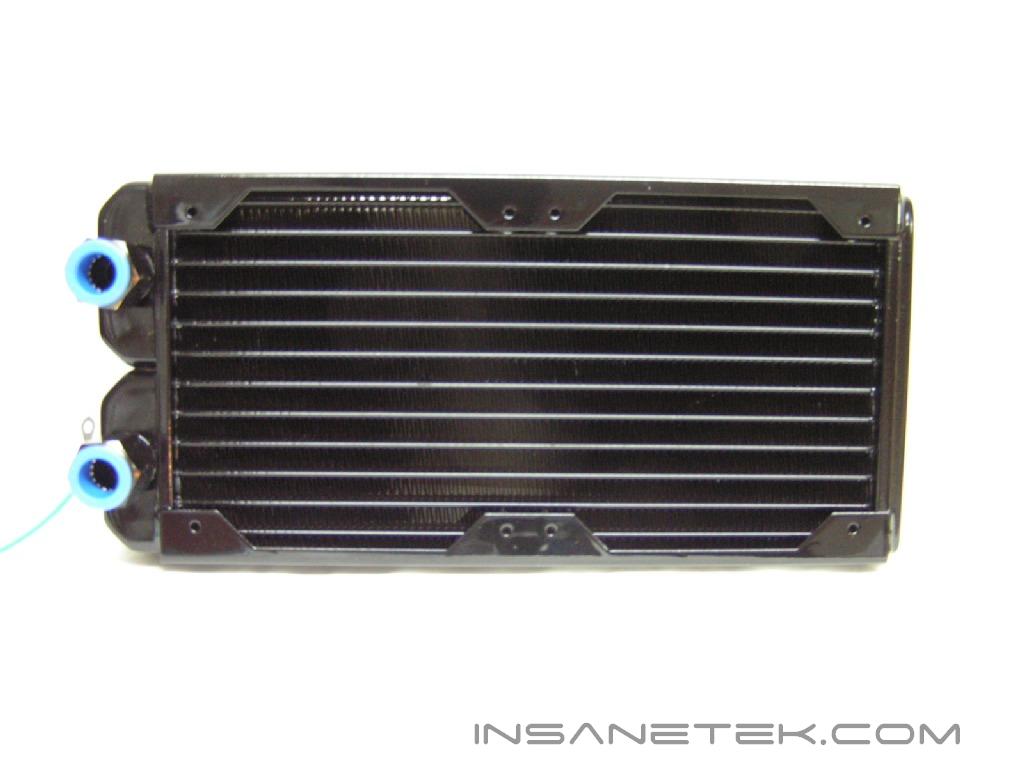
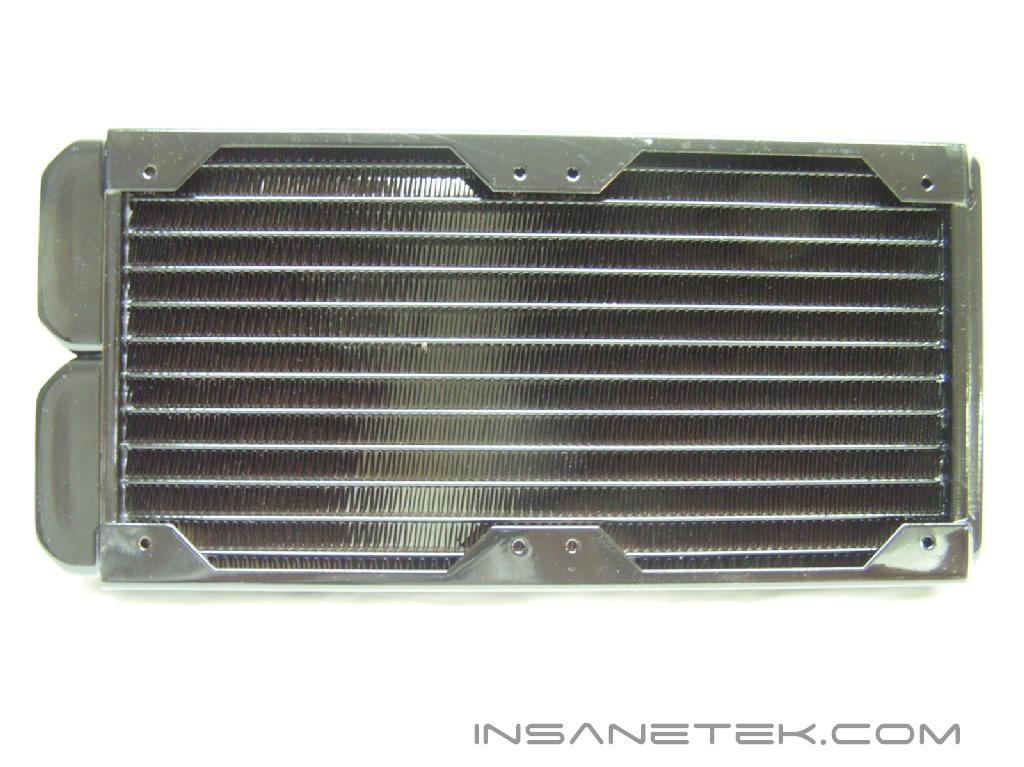
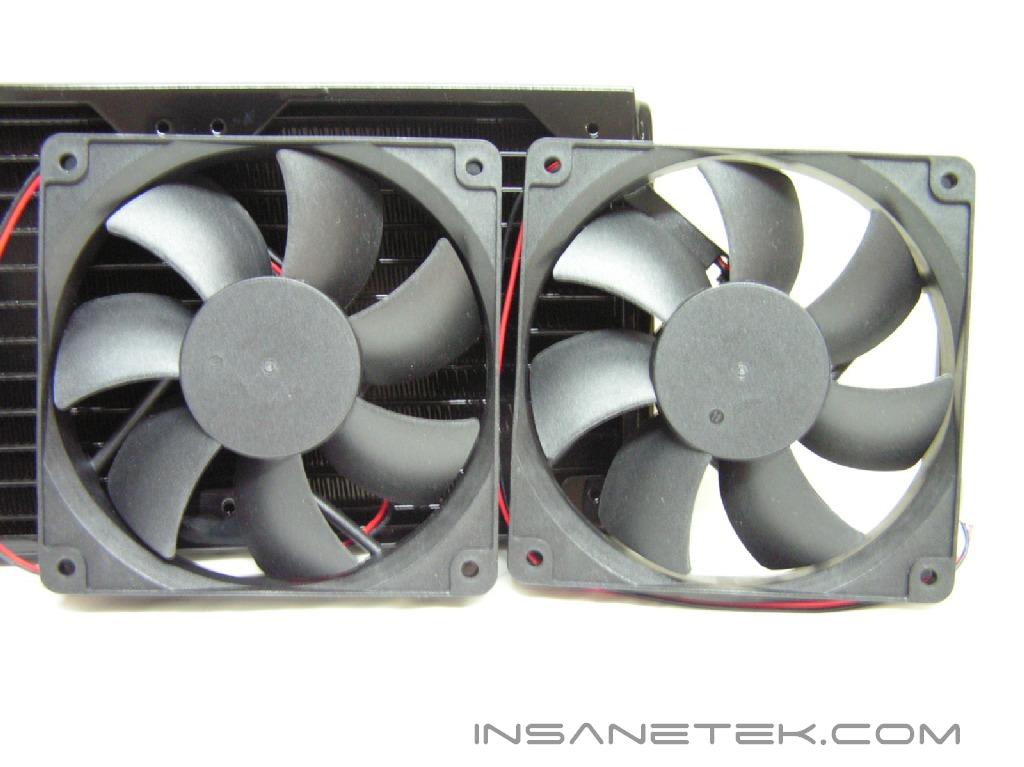
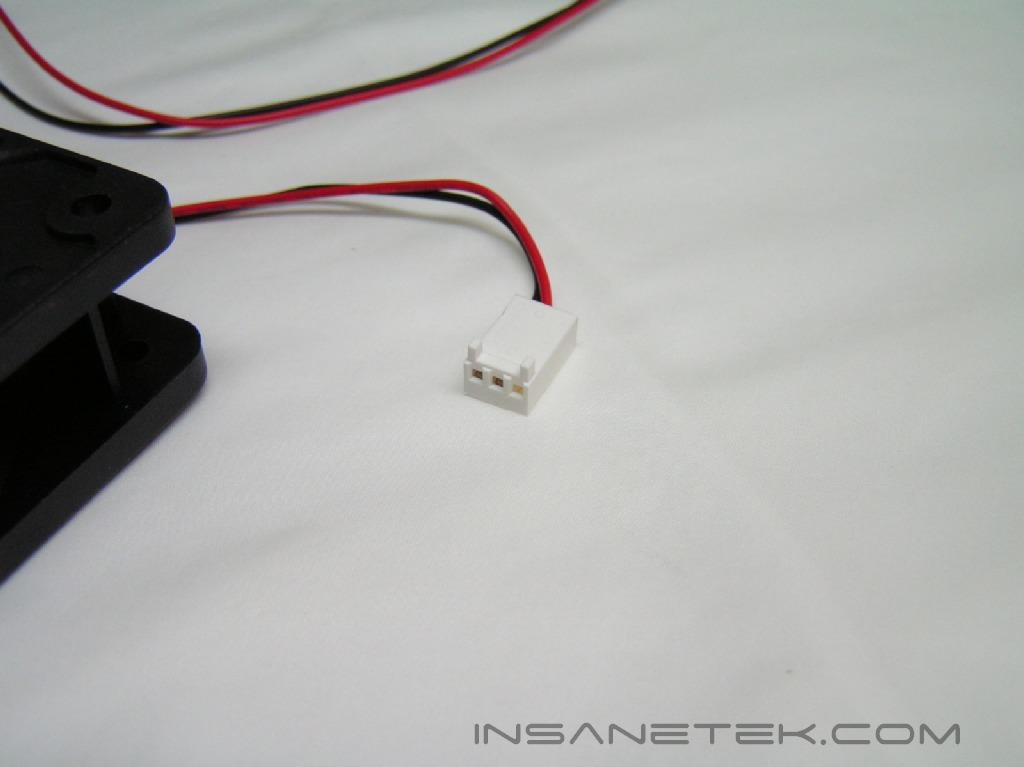
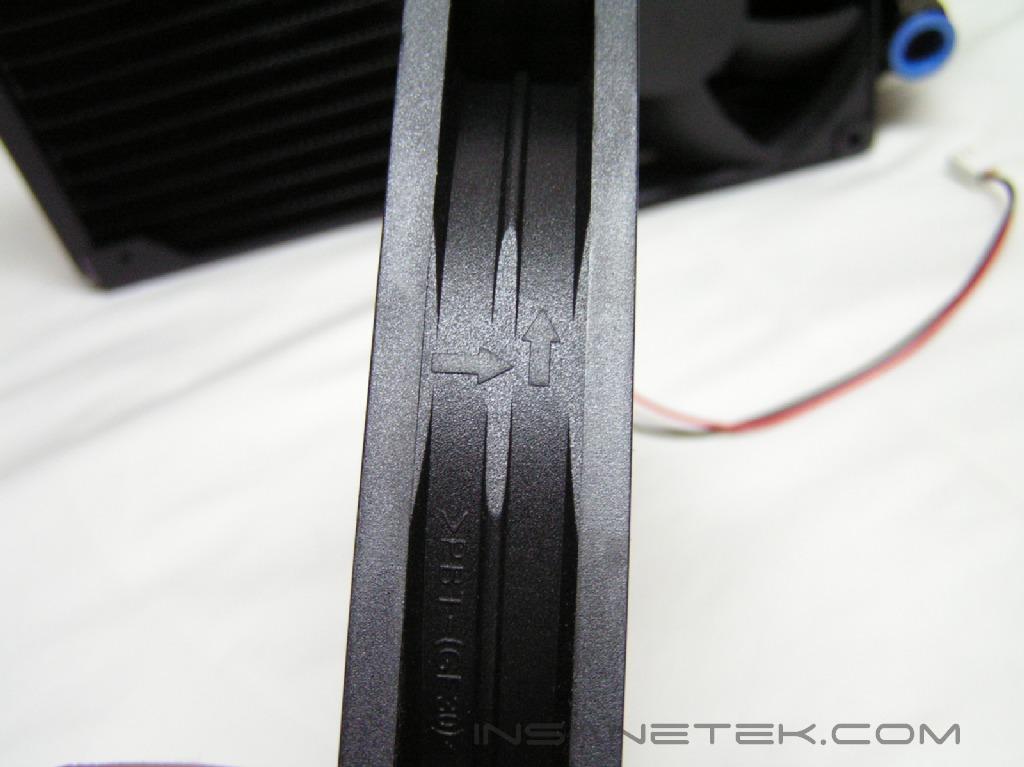
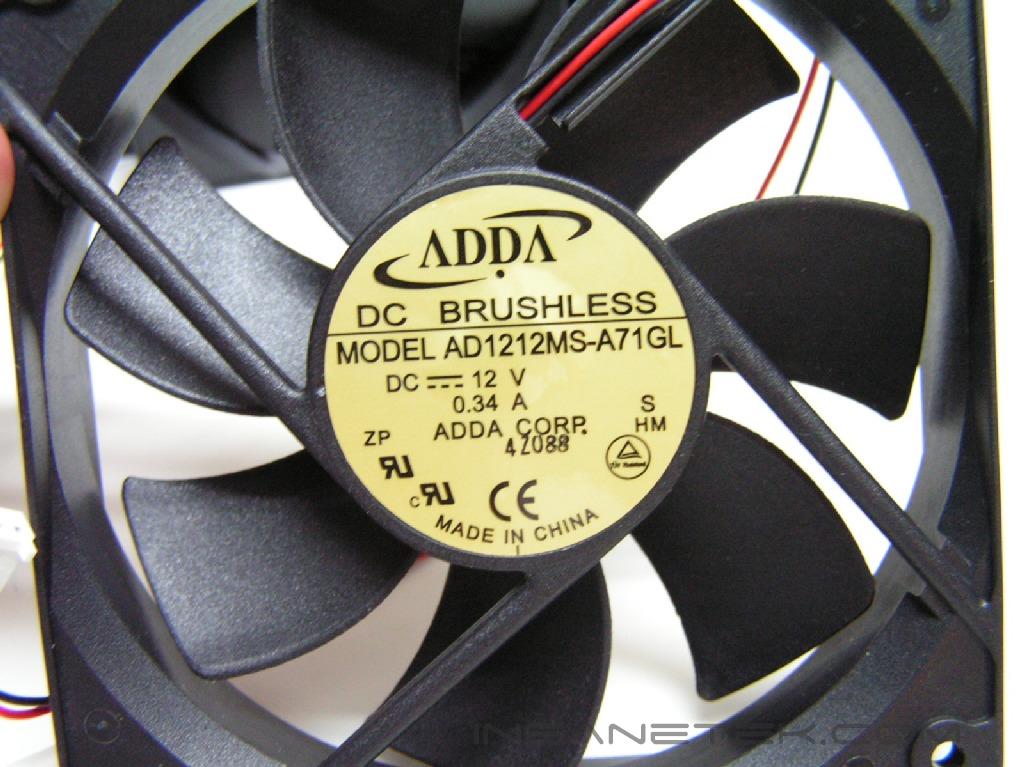
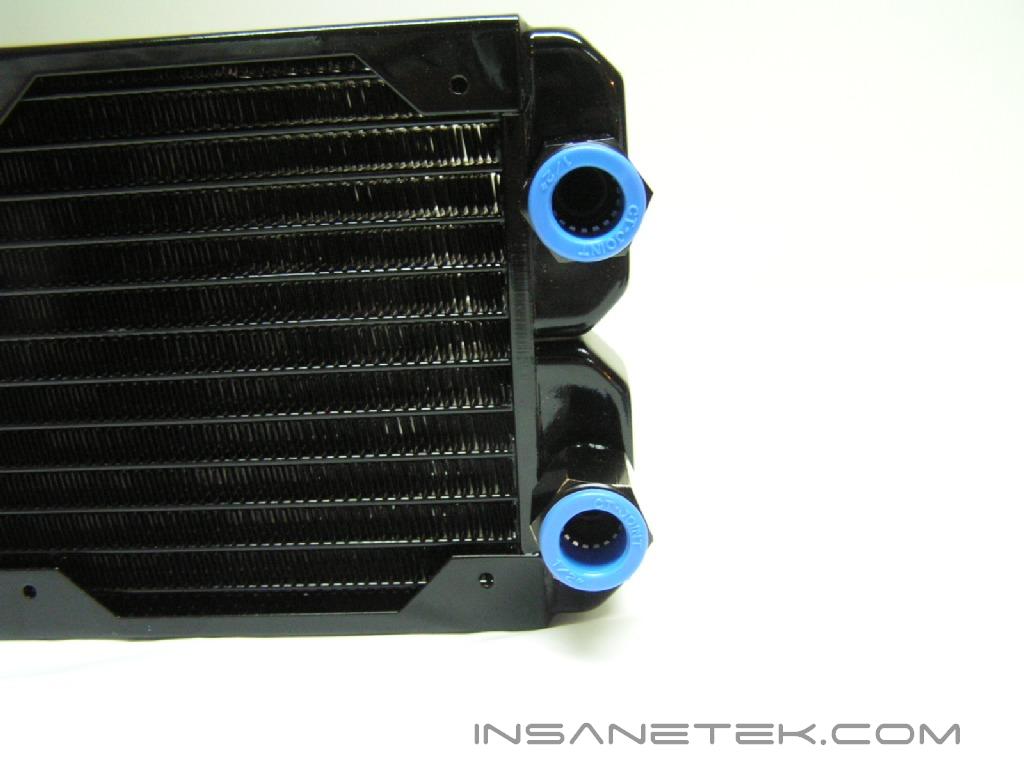
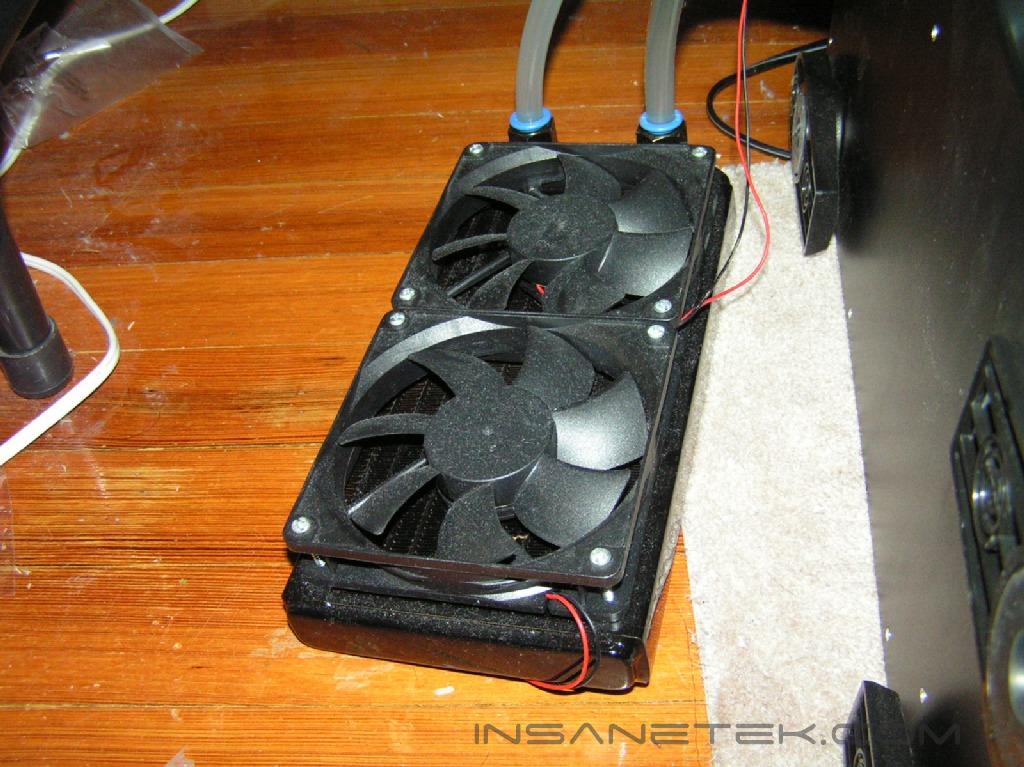
The radiator included with the kit is known as Black Ice Dual. The name comes from the number of fans the radiator can support. The single supports one fan, the dual two fans, the triple three fans, etc. In actuality, each radiator can support double the amount of fans stated because there are additional mounting holes located on the back. The fans are included and both use a 3pin connector to connect to the pump. This radiator has two holes for inflow and outflow of water. The water runs through the radiator, allowing for the heat to spread to the fins. One drawback about these radiators is that if you a model that is larger than the single, it is difficult to find a case big enough to house the radiator.
The Pump:
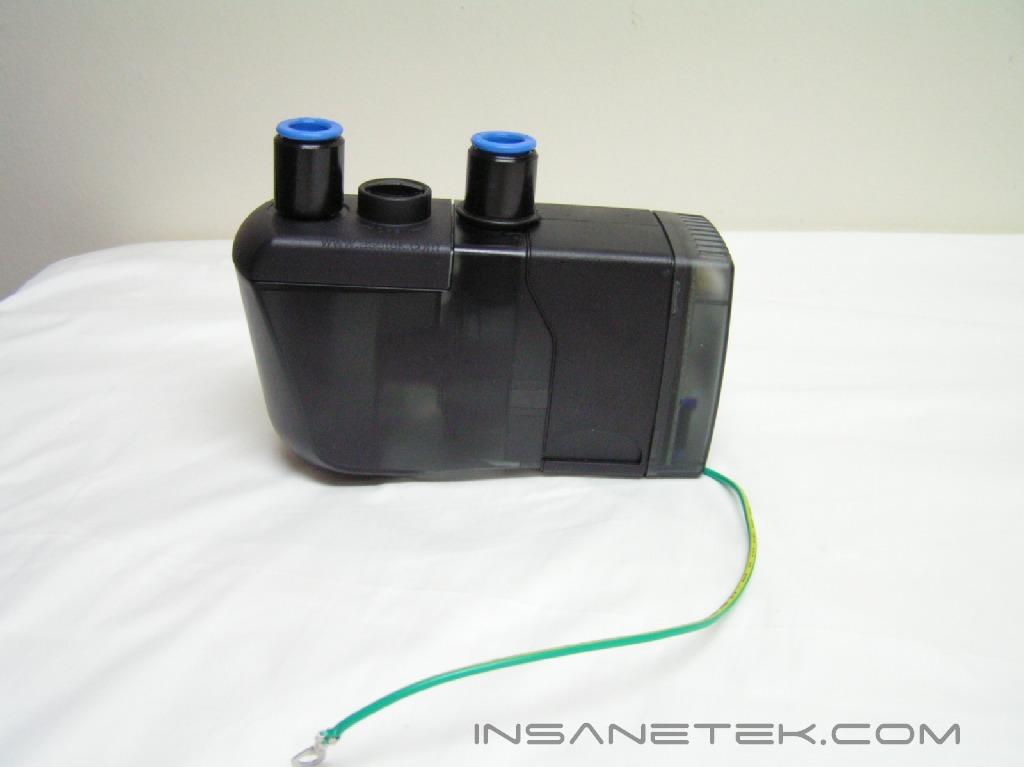
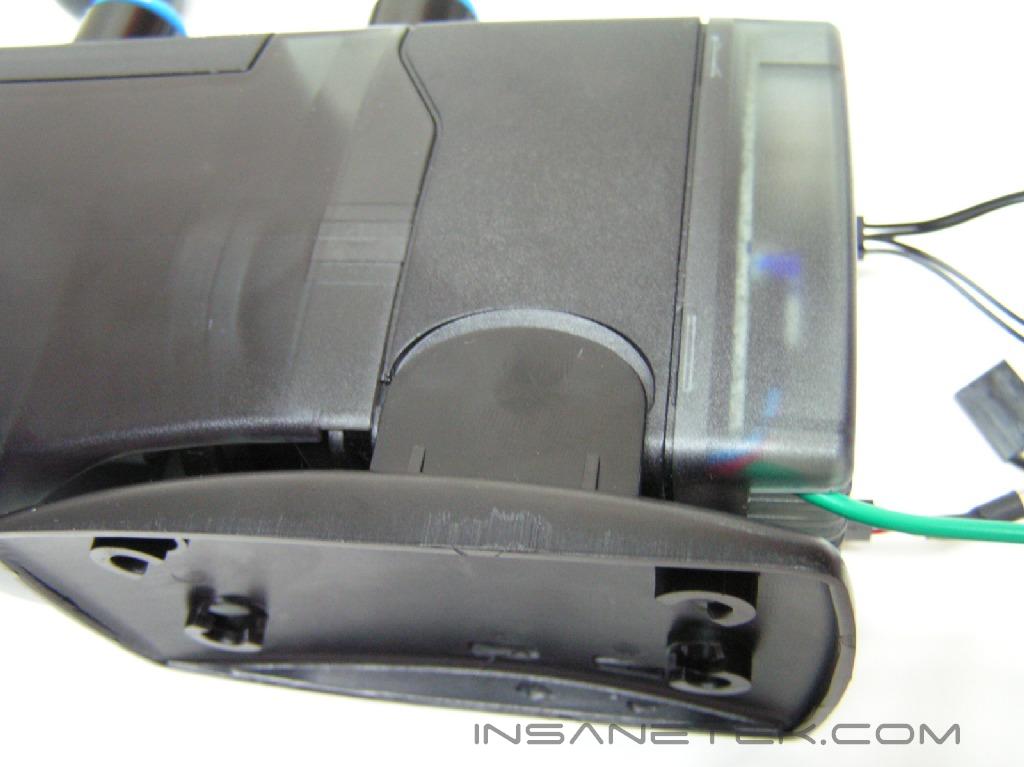
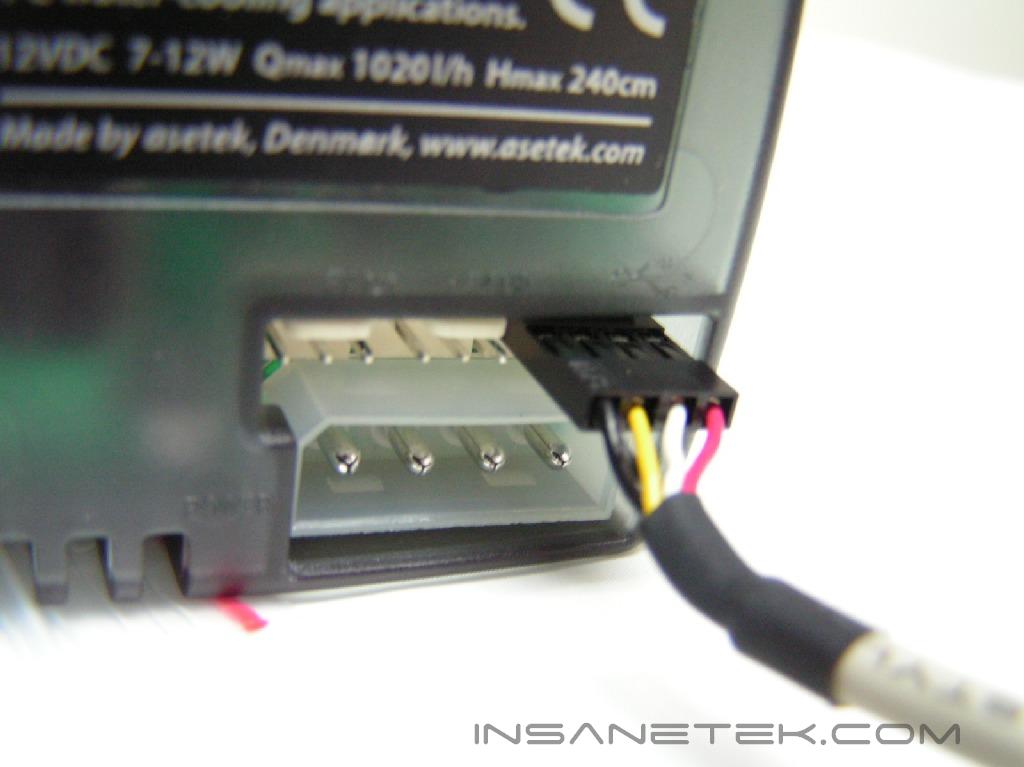
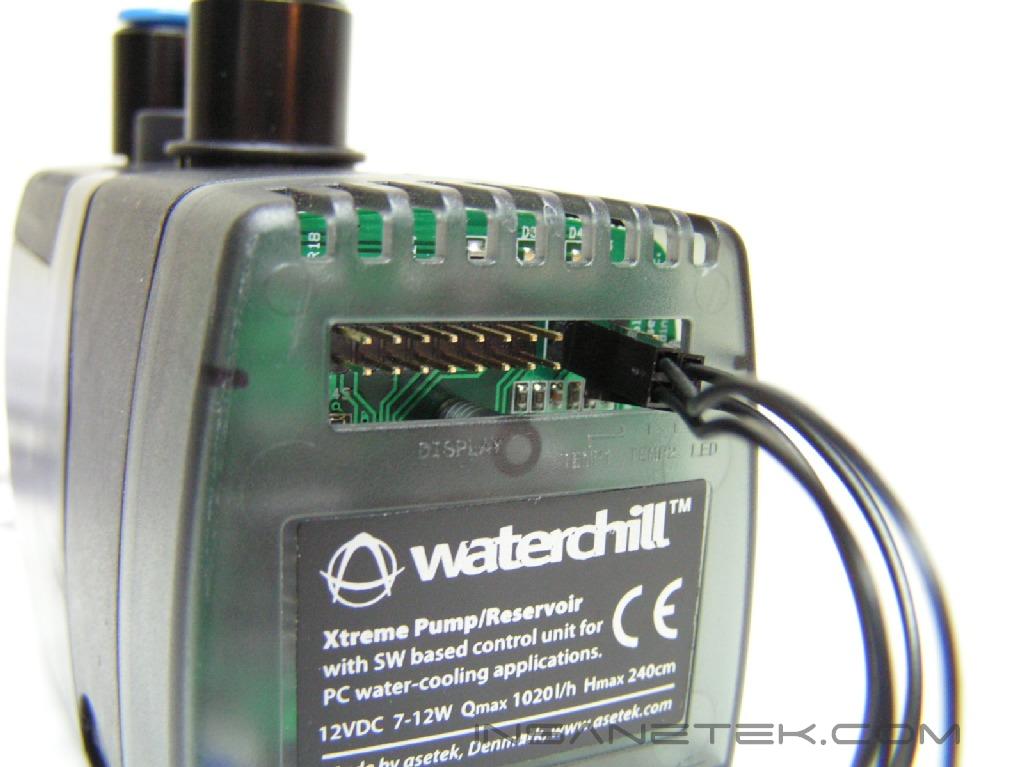
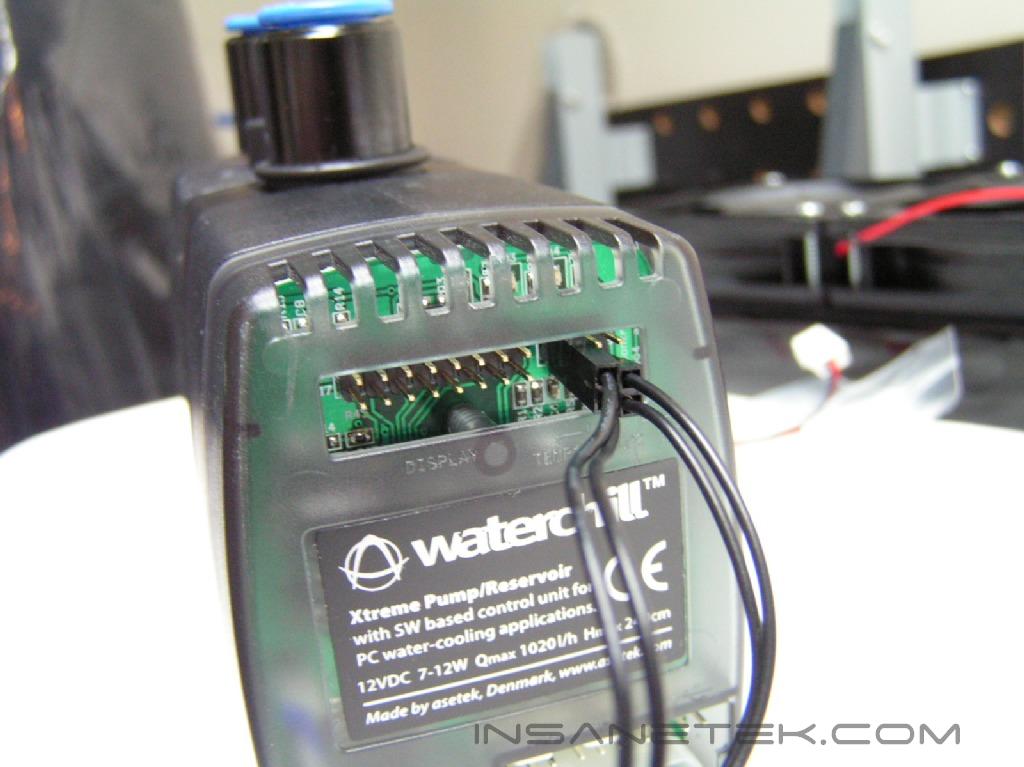
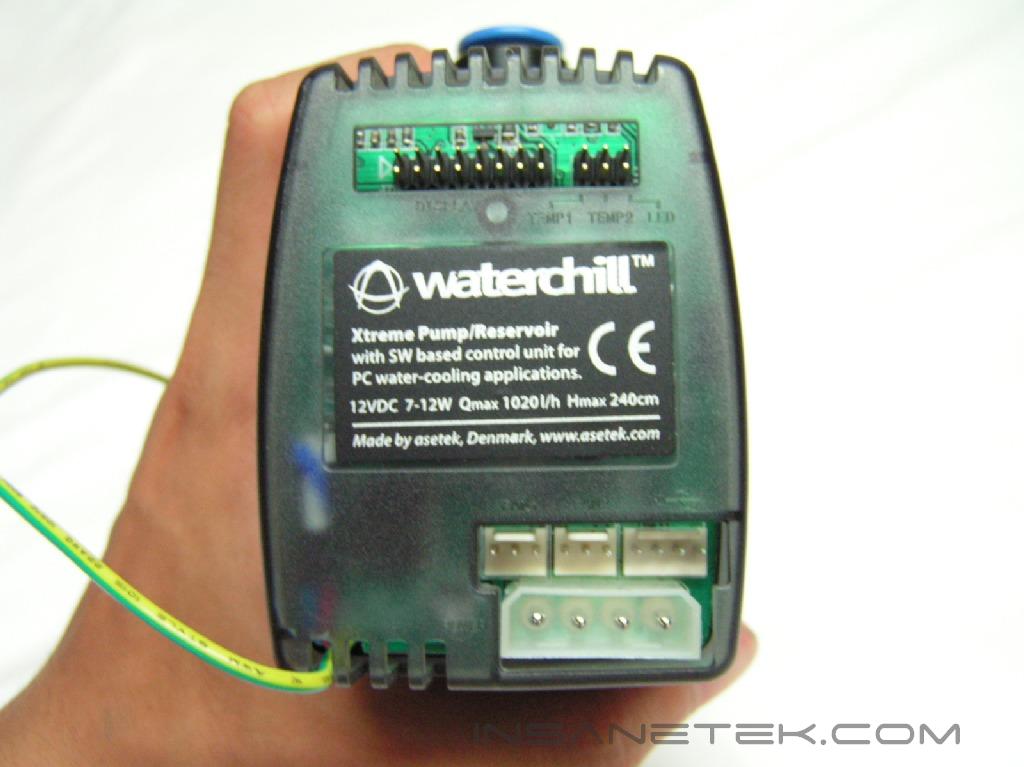
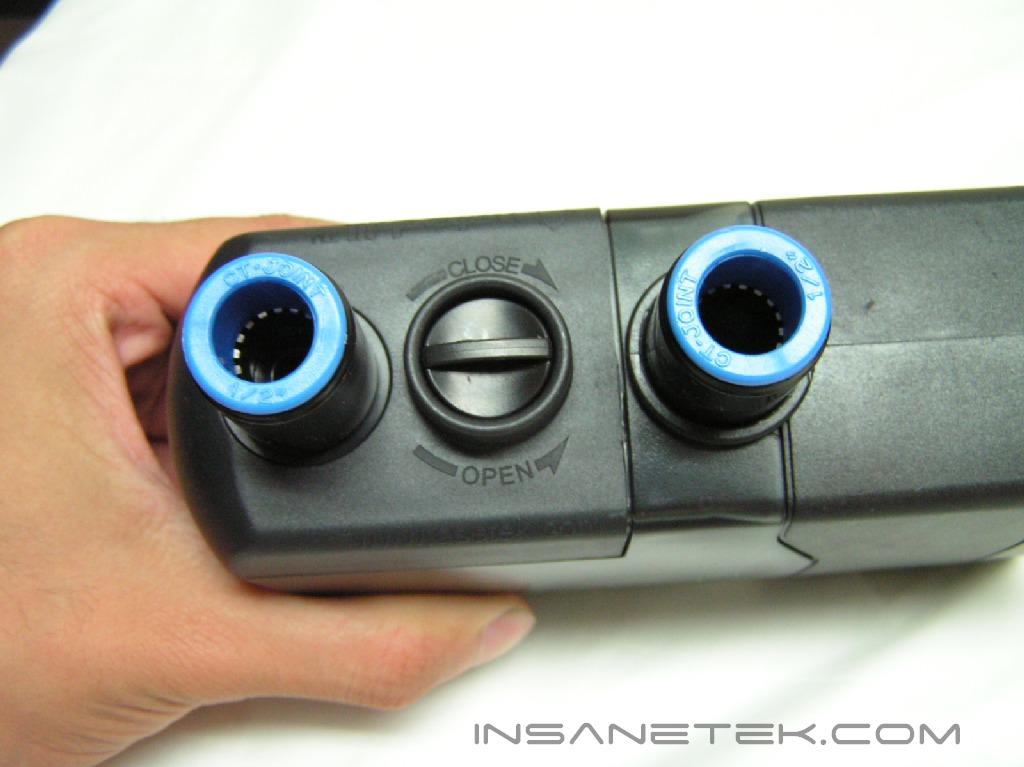
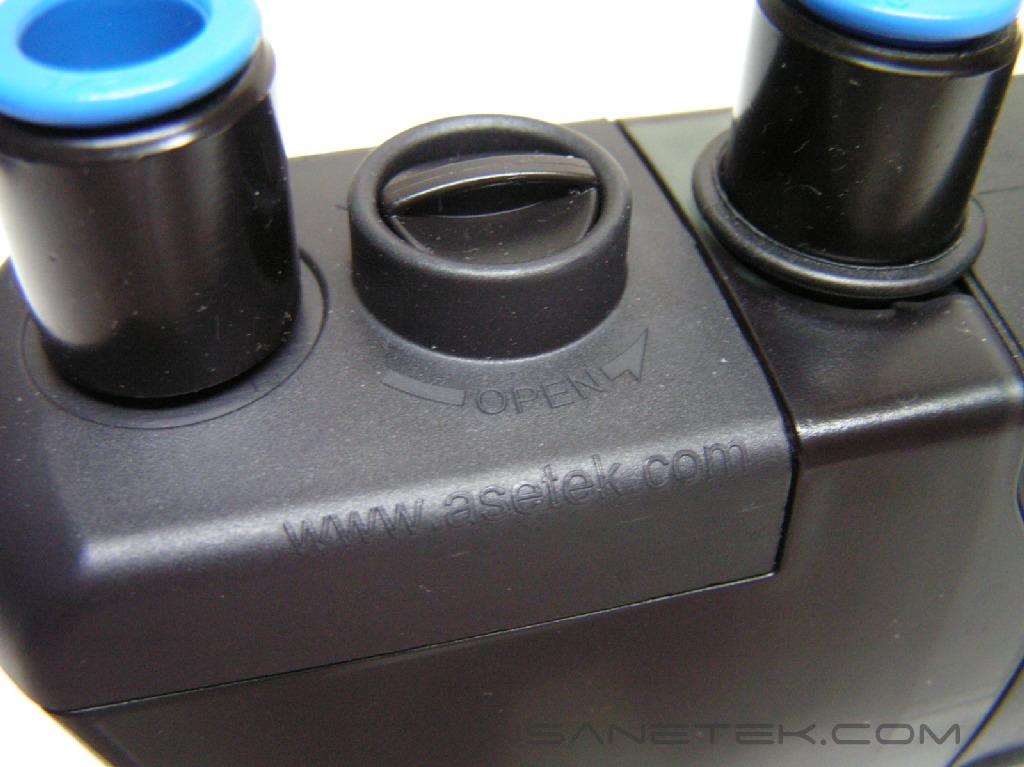
The pump is the center where everything runs through. All the connectors, including the fans, power, USB, temperature probes, and LED are to be connected to the pump. The optional LCD panel connector is also connected to the pump. For power, it runs off of a molex connector. There is an extra green wire that protrudes from one side. This green wire has a metal loop at the end, which can be screwed to a metal chassis of some kind so that if there is any EMI, it is kept at a minimal and grounded. The pump has an opening that is sealed with a cover and grants the user easy access when filling the system.
Installation
When you insert the software CD into your CD drive, the installation process will automatically begin. 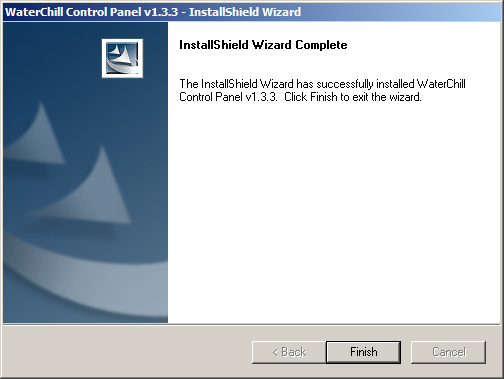
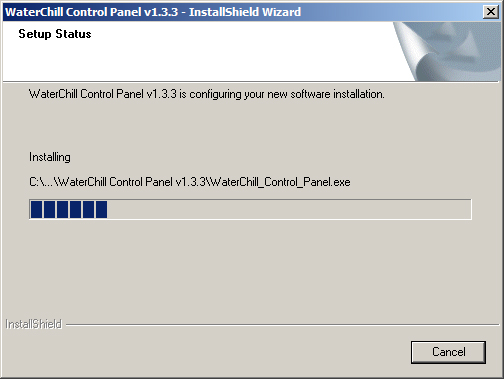
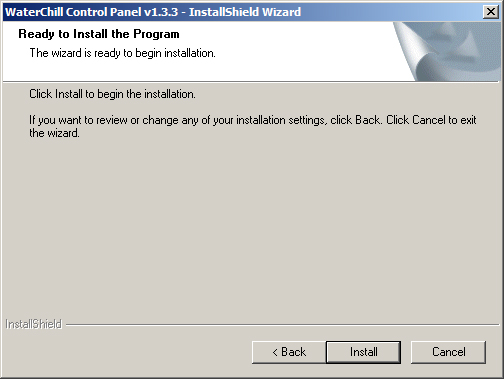
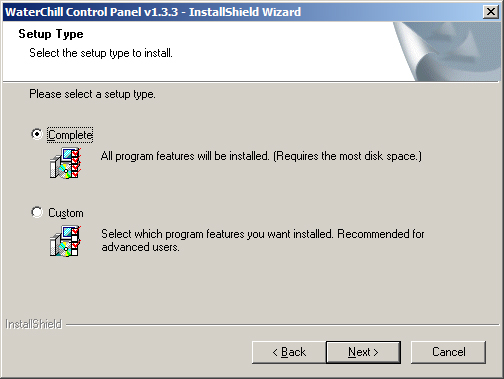
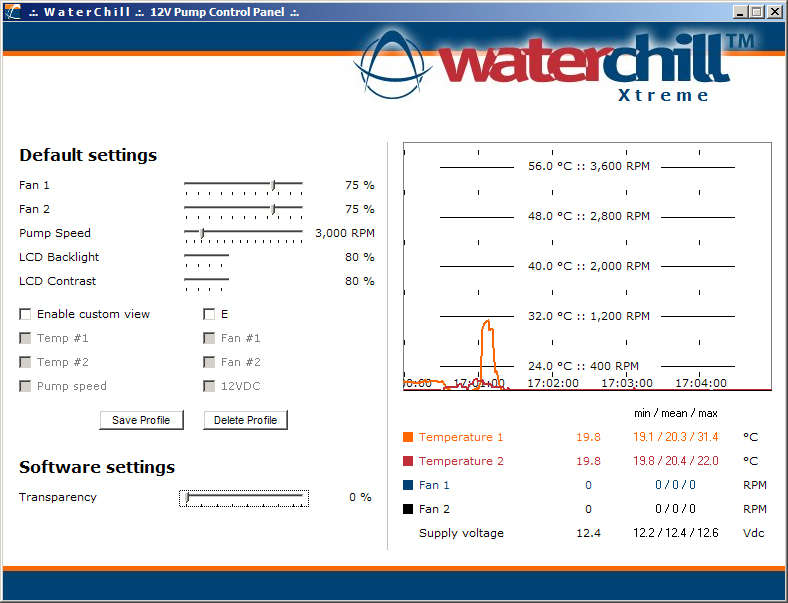
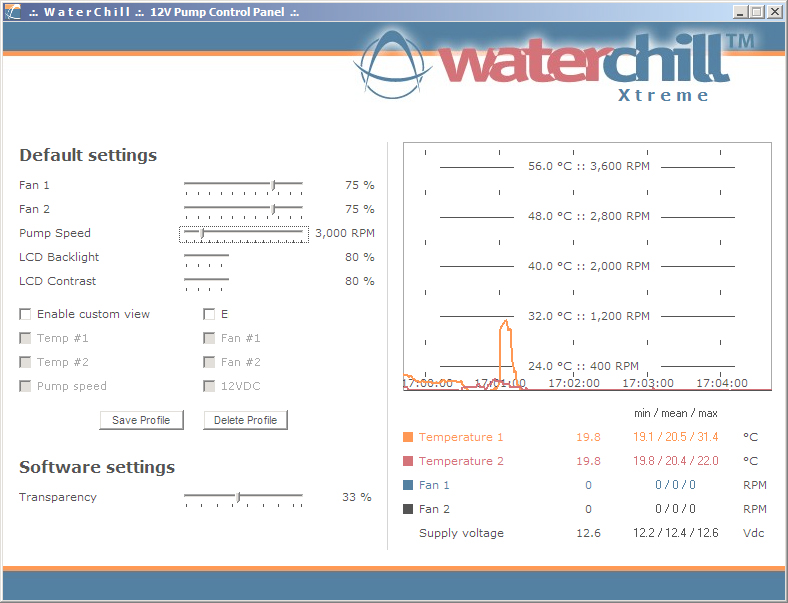
 After the install is finished, the Waterchill monitoring application can be launched from the start menu. The monitoring application allows the user to adjust several values including fan speed, pump speed, LCD backlight and contrast, and transparency settings. The temperature sensors and fan speed have an accompanying graph. If your 120mm fans do not have three wires connected to the fan connector, then you can not monitor the speeds of those fans.
Software
When you insert the software CD into your CD drive, the installation process will automatically begin. After the install is finished, the Waterchill monitoring application can be launched from the start menu. The monitoring application allows the user to adjust several values including fan speed, pump speed, LCD backlight and contrast, and transparency settings. The temperature sensors and fan speed have an accompanying graph. If your 120mm fans do not have three wires connected to the fan connector, then you can not monitor the speeds of those fans.
Test Setup and Results
Test Setup and Method:
Ambient temperature was kept at a consistent 22.0°C. Arctic Silver 5 thermal compound was used during the entire testing process. A temperature probe was placed on the side of the AMD heat-spreader to measure CPU temperature. One instance of CPU Burn-in was used to create maximum load on the CPU. The purpose of this test was to determine the results a home end user would obtain. There was no scientific testing conducted on temperature or water-flow, simply because I do not have the proper equipment.
Test System Specifications:
- AMD Athlon64 3000+ Venice (overclocked at 9x250 = 2250mhz @ 1.62v)
- MSI K8N Neo2 Platinum
- 2 x 512MB GeIL ONE PC4800
- Leadtek Geforce FX 5950 Winfast A380 Ultra (575MHz Core Frequency / 975MHz Memory Frequency)
- Hiper 480W Power Supply
Competition:
- Zalman Reserator 1 Plus
Test Procedures:
- Idling at desktop for 45 minutes
- Full load with one instance of CPU Burn-in for 45 minutes
Results:
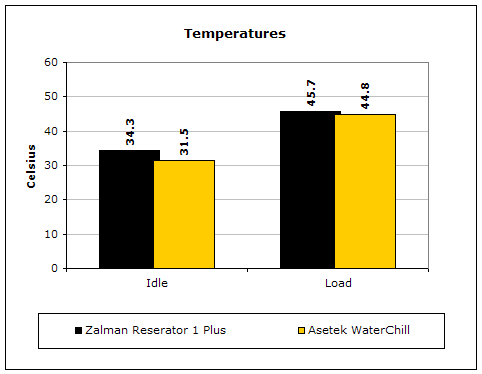
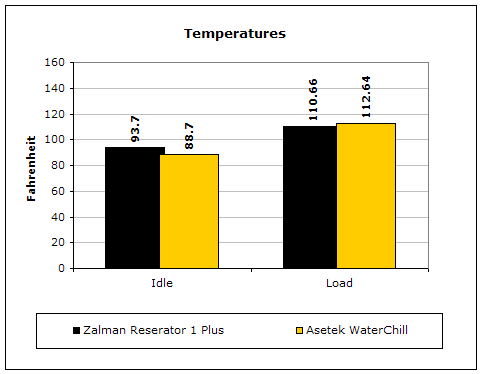
During testing, the noise level generated from the two fans were significant. It was noisy, but that is to be expected from two medium speed 120mm fans. Aside from the noise level, the difference in performance between the WaterChill and the Reserator was not as great as it should’ve been in terms of active and passive cooling.
Conclusion and Thoughts
Asetek definitely has a great product on their hands. With such a small radiator and two fans, it can outperform the giant Reserator and its passive cooling. For starters, the 12v pump definitely is critical to reaching that performance level. Finding a place to mount any of these parts was a pain. The MGE Quantum that I used to test the WaterChill did not have enough space to fit the BlackIce Dual radiator or the pump itself. The provided instructions were helpful, but would be better if it were organized in step-by-step format so that is more suitable for new users. Users more familiar to watercooling scene should not find the instructions to be a problem, however. If you have the extra cash and don’t mind a little noise coming from your computer, then this is the product for you.
Pros:
- Detailed instruction manuals
- Great performance
- Sufficient tubing length included in kit
- Connectors integrated into 12v pump
- Software monitor allow control of pump and fan speed
- Multiple platforms supported
- Reservoir integrated into pump
- Optional LCD component supported
Cons:
- Difficult to find mounting position
- Generates a decently loud humming noise
- No VGA block is included
- Price

We would like to thank Asetek for providing us the sample. If you have any questions or comments, feel free to hit us up in the forums. You can also check out more of our latest reviews on the front page.