

Alpha S-PAL8055 FU
Introduction
Heatsink manufacturers generally look to produce as much surface area as possible. They often make larger fins, ridged fins, or oddly shaped fins to fulfill their needs. Alpha Novatech was one of the first companies to deviate from the traditional fin based heatsink design. Alpha looked to use hexagonal shaped pins to create more surface area. This was indeed a good move, because the surface area increased and the hexagonal pins allowed for a more unobstructed airflow through the heatsink. Alpha’s PAL8045 was a great success at its time, but the company soon faded into the background after the heatsink was defeated by the Swiftech MCX462. Here is a picture of one of their top performing heatsinks during the Pentium III and Thunderbird era – the PAL6035 paired with the Papst fan.
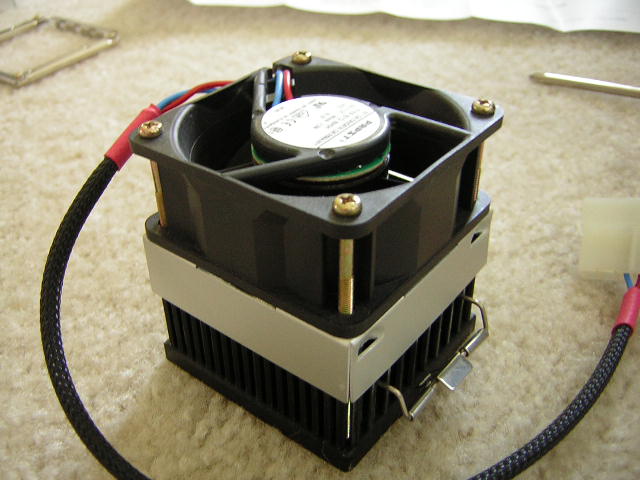
After the lengthy hiatus, Alpha came back with a new heatsink–the S-PAL8055. The heatsink has a few revisions, with the most important one being that installation no longer requires the motherboard to be removed from the case. The heatsink also uses some new pins, which allows for better airflow through the pins. With such a late appearance, Alpha will have a tough time beating out the Thermalright SP97.
Alpha S-PAL8055 FU
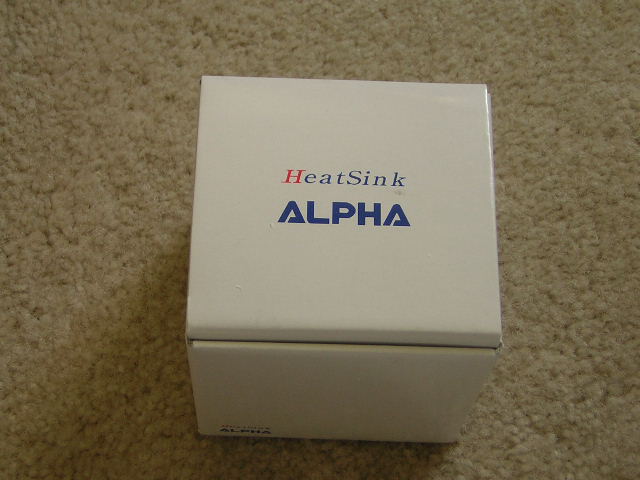
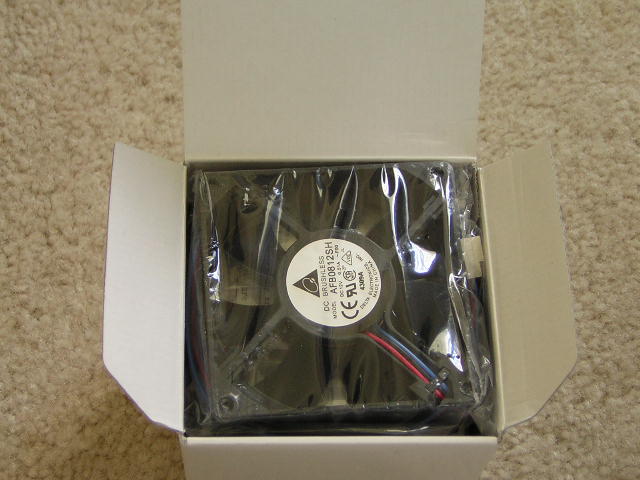
I received the S-PAL8055 in the same white box that housed the PAL8045. Inside the box were the stock fan, heatsink, shroud, and the installation accessories. The included instruction manual was very illustrative and easy to understand. I didn’t have to rely on the step-by-step instructions, but instead followed the pictures.
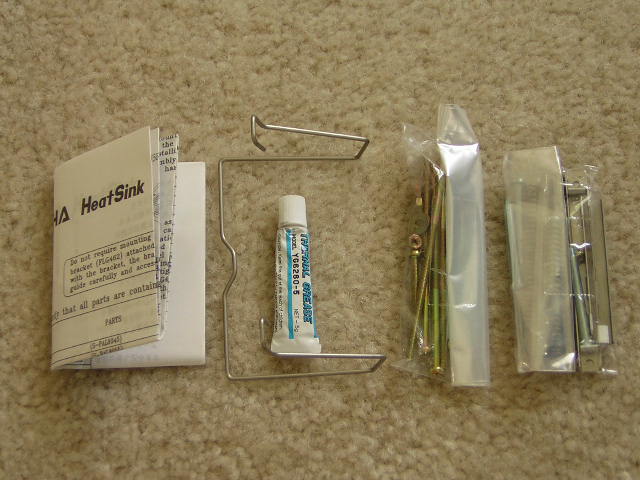
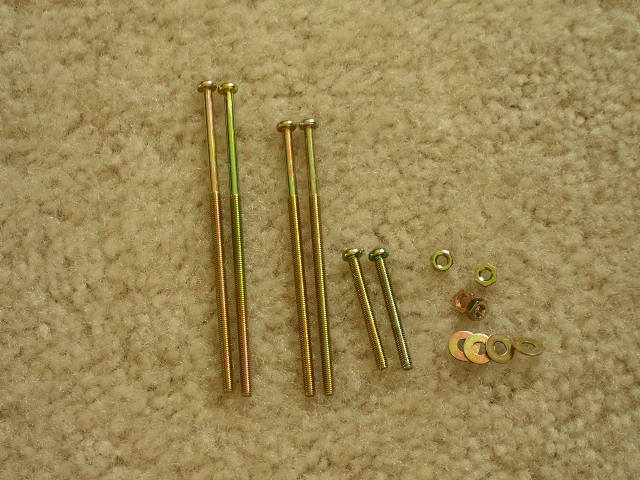
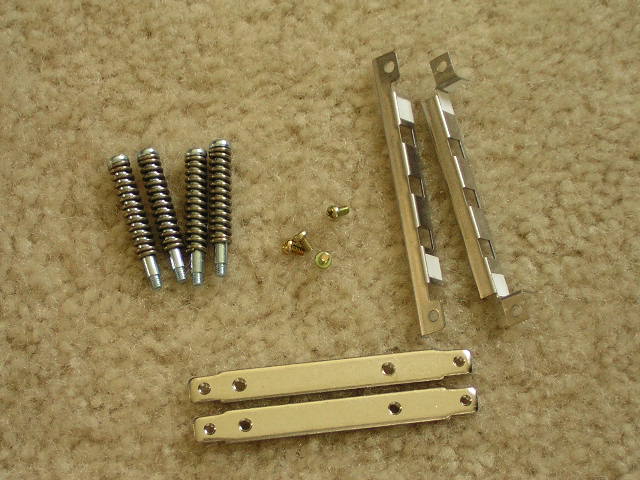
There were two bags of accessories – one was for installing the fan to the shroud, and the other for the mechanism to attach the heatsink to the motherboard.
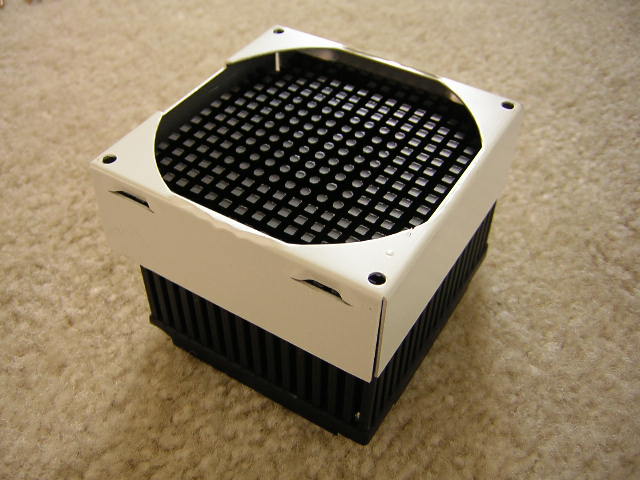
The first impression that came to mind when I held the heatsink was its relatively small size. It was smaller than the PAL8045. Why Alpha did this, I do not know. Another thing I noticed was that the pins near the center of the heatsink were the only ones that were hexagonal. The surrounding pins were rectangular. This design helps air circulate through the center and flow away from the core.
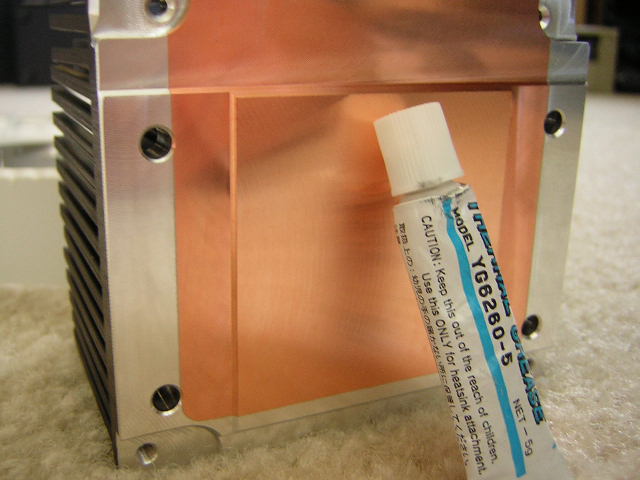
Here you can see that Alpha stuck with their traditional design of forging a copper base into an aluminum block. The base was not exactly a mirror finish but it was flat and stain free.
The Fan
The included stock fan is from the well known Delta company. They’re the company who started the trend of jet-engine fans that push enough air to blow you across the room, with blades as sharp as knifes. The fan in the sample is a medium fan that balances output (CFM) with noise level. The fan uses a 3-pin connector and is safe to plug into the motherboard.
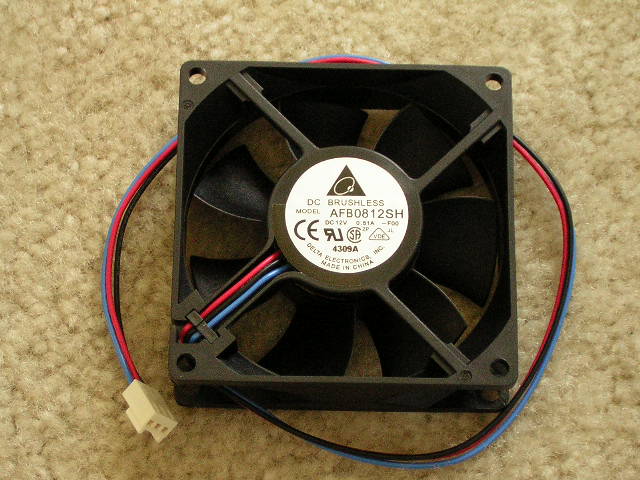
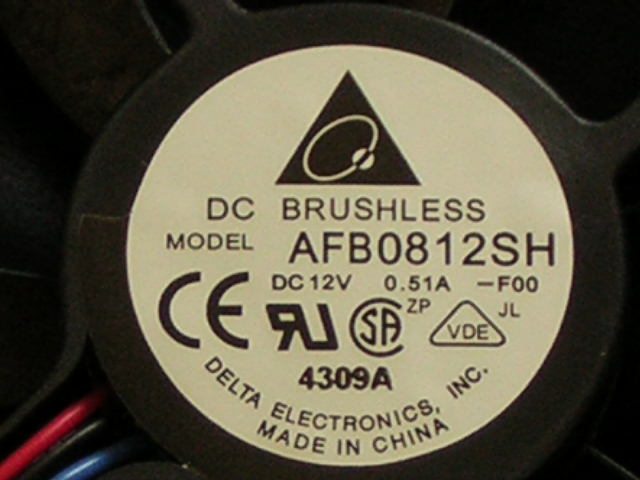
- 80mm x 80mm x 25mm
- 4000 RPM
- 46.1 CFM
- 40 dBA
Installation
As mentioned before, the major revision to the heatsink was the necessity of removing the motherboard for installation. While this is a good attempt at that, I found it was still easier to remove the motherboard for installation. It was after a few attempts that installation with the motherboard in the case became less difficult.
The hardest part of installation I found was attaching the fan to the shroud. Of course, there is a layer of plastic that needs to be removed first before you go any further.
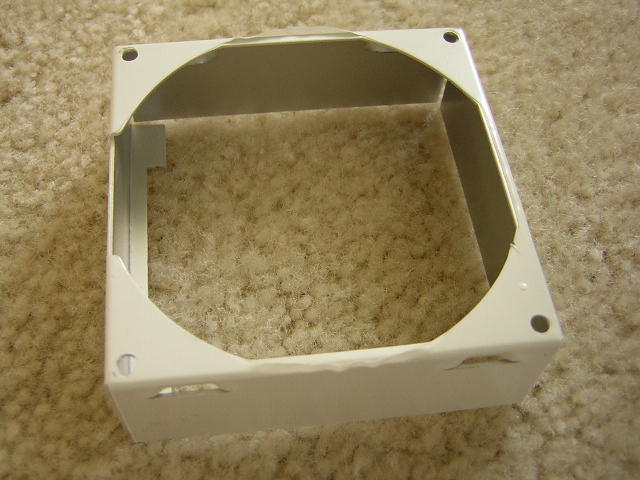
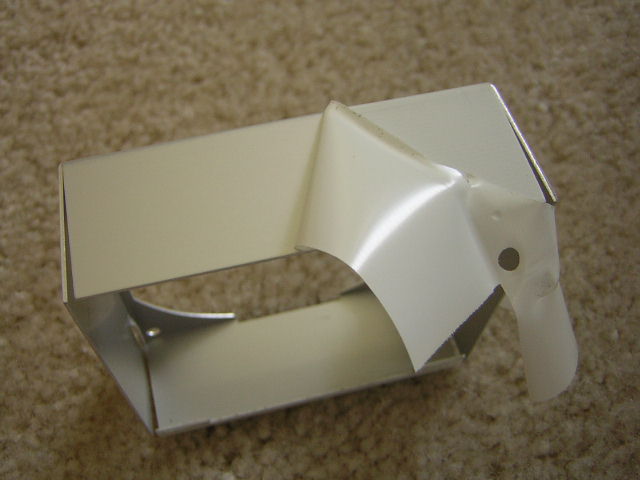
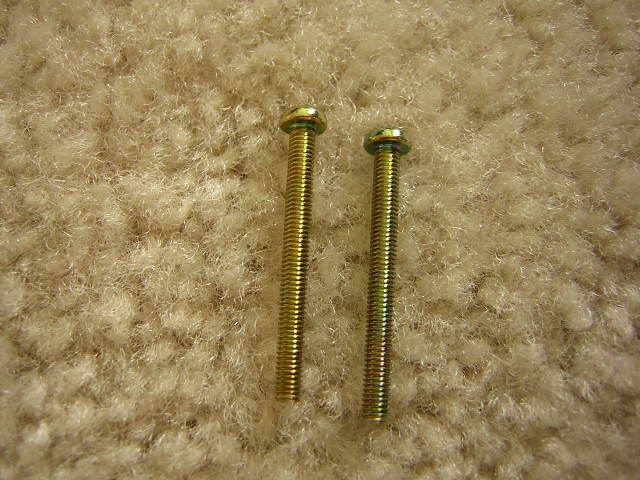
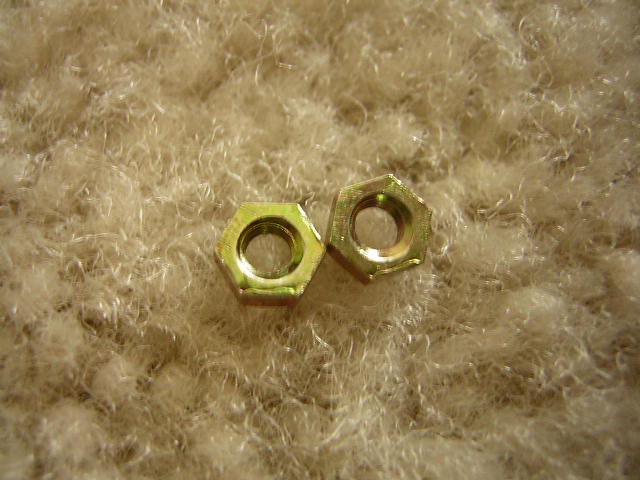
Now that the plastic has been removed, you can continue attaching the fan. First is to locate the two shortest screws and two hex nuts. Then, slip the screws through two adjacent fan holes with a washer in between. There is a side of the shroud that is different from the other three sides. That odd side is where the short fan screws will go through. After the screws are fit through the hole, turn the the whole thing over and secure the screw with the hex nut. This is where I found the most difficulty. It was hard to work with such a tiny corner with my small bare hands.
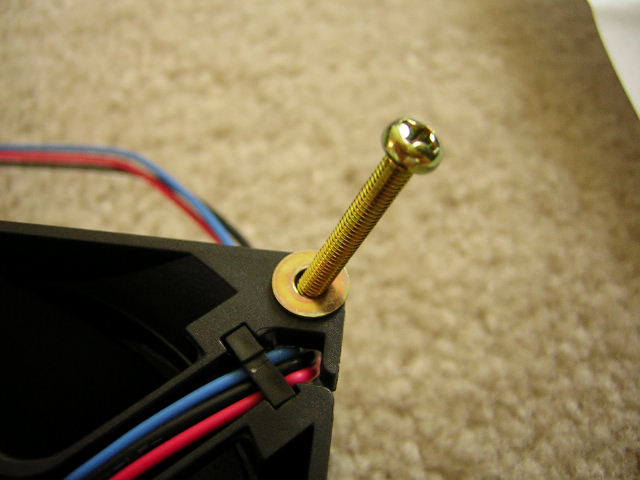
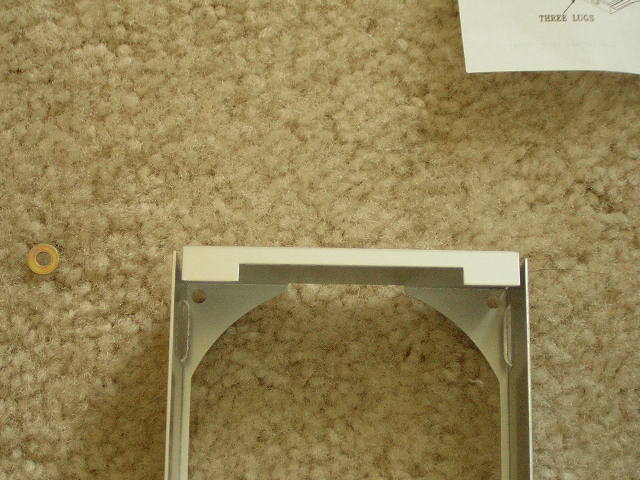
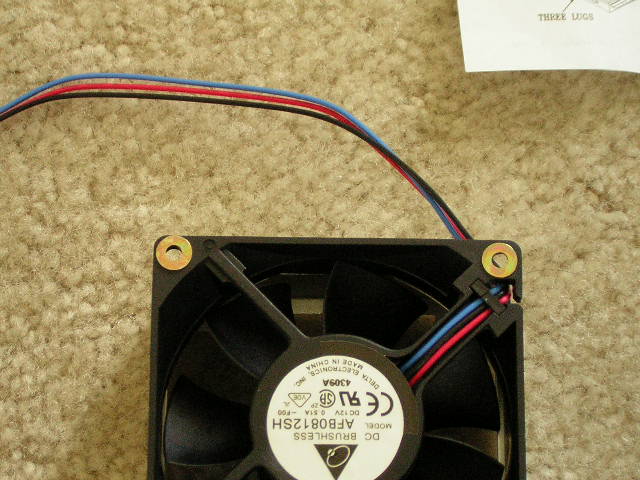
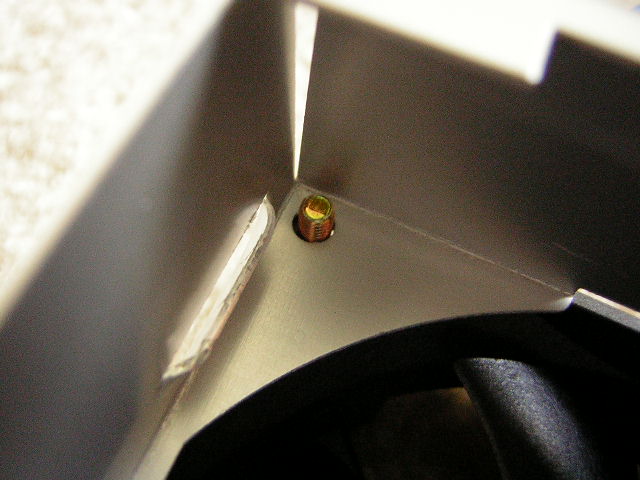
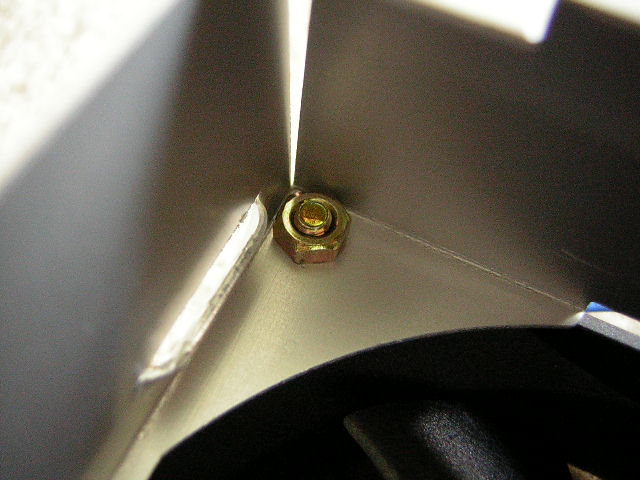
With the fan and shroud attached, set the whole thing aside, as you’ll need it later. The next step is to assemble Alpha’s Socket A heatsink bracket. Alpha’s instructions said to connect all four sides together first, then fit it over the motherboard socket. I found it easier to connect three sides first, connect it to the motherboard socket, then close off the fourth side. This heatsink bracket provides the four holes needed to screw in the heatsink. Users with motherboards that do not have the four holes no longer need to worry. The lack of motherboard holes has been the main reason why many enthusiasts do not own a SP97.
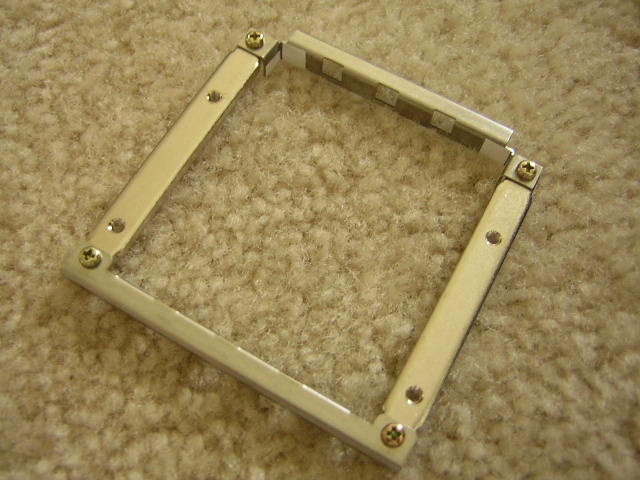
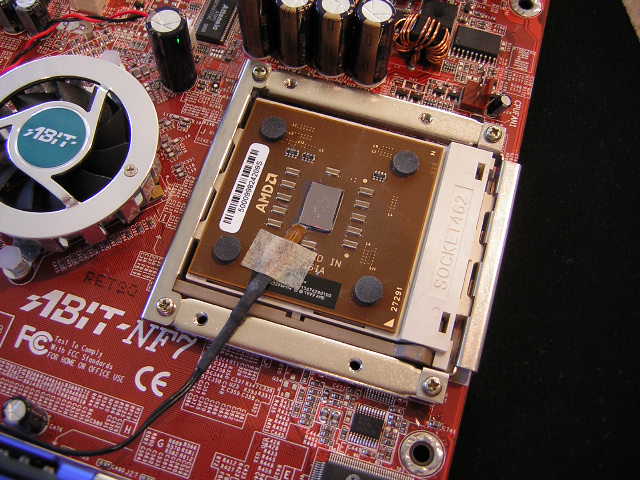
This heatsink has many oddities that answer themselves after the full complete installation. The included bracket is a perfect example. I had no idea what the bracket is used for, but continued with the installation as the manual instructed so. Slide the bracket through the side of the heatsink, the side that has the raised heatsink stepping for the motherboard socket. Secure the bracket through the two holes at the base and proceed to install the heatsink with the spring loaded screws.
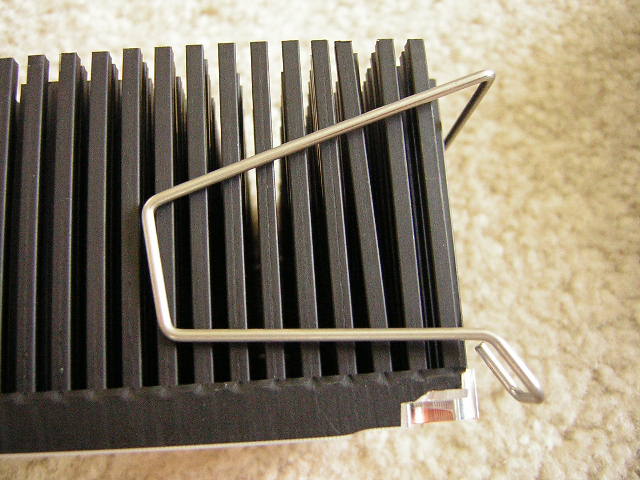
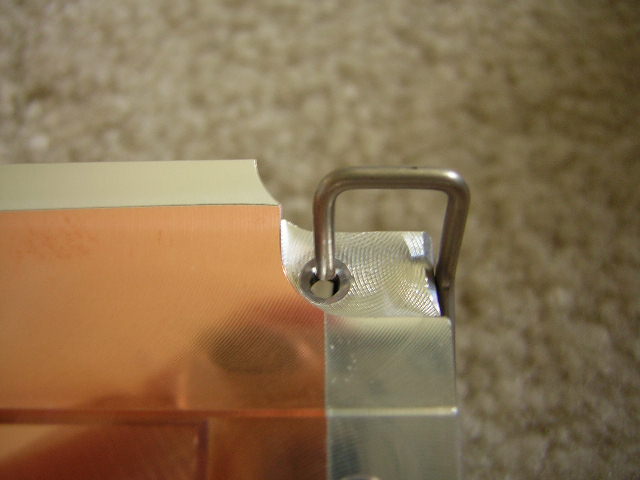
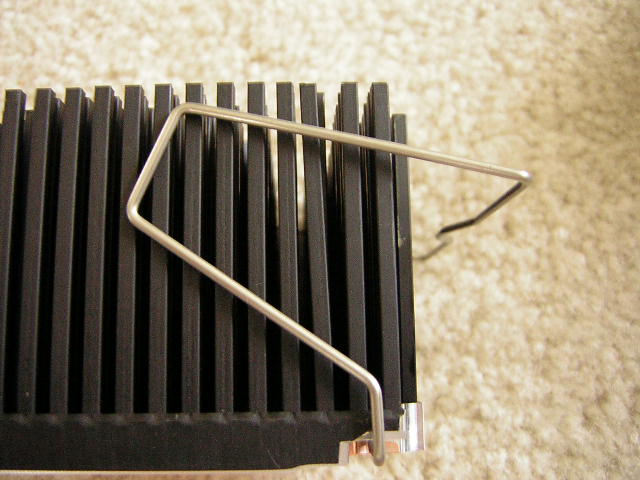
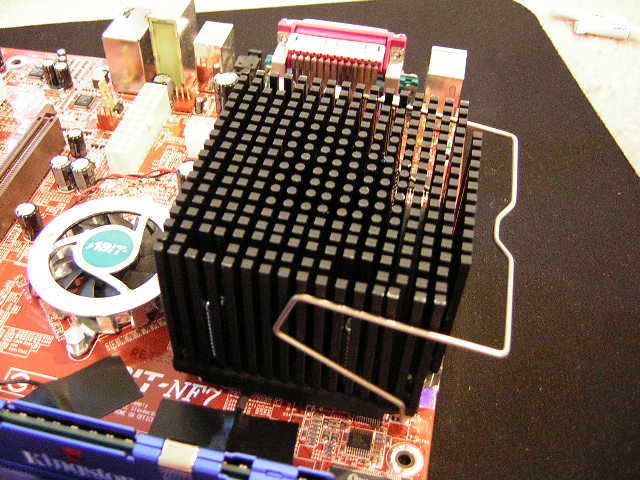
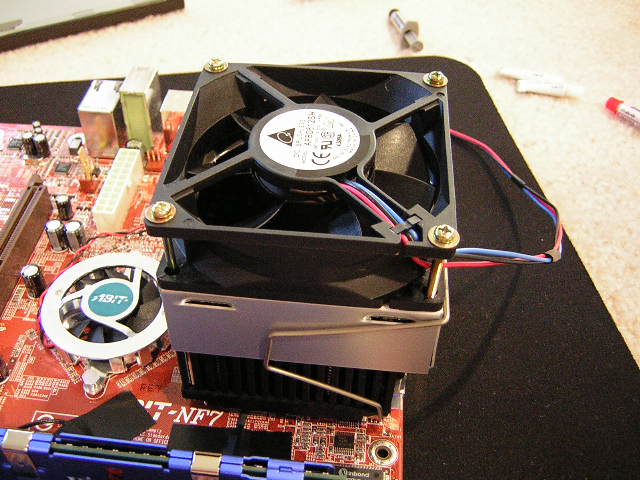
Finally, to finish off the installation, attach the fan shroud. Clamp the bracket so that it clips underneath the fan. This side has now been fastened with the bracket. The other side is fastened with the leftover screws; there should be two sets, one for 80mm x 25mm fans and one for 80mm x 15mm fans. Unfortunately for users who want to use a Tornado, there are no screws long enough to accommodate the height of a Tornado.
Testing Setup and Results
Testing Setup and Method:
To test the heat sink performance, I placed a thermal probe next to the core of the processor. This accurately measures the core surface temperature. The ambient temperature outside the case was kept at a constant 26°C. Arctic Silver 5 was used during the entire testing process.
Test system specifications:
- AMD XP1800+ (10 x 230FSB @ 1.75v)
- Abit NF7 v2.0
- 2 x 256MB KHX3200A
- XFX TI4200 128MB w/ Zalman 80C
- Cooler Master Centurion
- Antec 400w
Test procedures:
- Idling at desktop for 30 minutes
- Full load with Folding @ Home for 30 minutes
The Results:
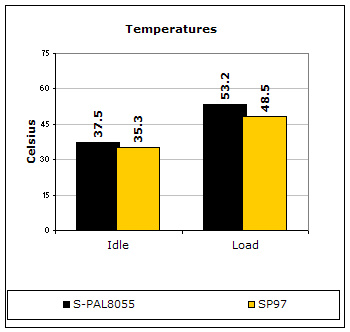
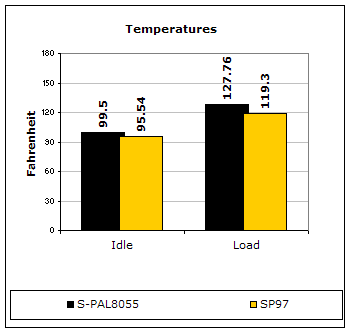
The results speak for themselves. The S-PAL8055 simply could not beat out the SP97. The all copper heatpipes of the SP97 bested the aluminum pins by a good 5°C. Perhaps results would have been better if the base was entirely copper.
Conclusion and Thoughts
Alpha finally made another appearance with the S-PAL8055, but was a step too late. If it came out on the market before the SP97 and remained the same size as the PAL8045, it would have attracted many more users. The most discouraging part of the heatsink was the installation process. It takes a bit of work, and honestly, I would rather have Alpha stick to their original method of installation – through the motherboard holes. The base should have been a solid piece of copper instead of the forged copper. Many heatsink companies have moved on to a solid copper base and Alpha should have done the same. With all the bad characteristics that I’m mentioning, it’s not necessarily a bad choice. The heatsink does perform well, better than the majority of the heatsinks on the market, but just does not match up to the SP97. The price difference of the two is about $10, with the Alpha including a fan. The major thing I like most about Alpha heatsinks is that it sucks air instead of blowing. Not many people will know this, but sucking air creates less noise than blowing. Blowing air creates air resistance when the airflow hits the base and bounces back, causing noise when the airflows collide. Users who look for silence can pair a quiet fan with the heatsink and end up with a silent system.
Pros:
- Decent performance
- Relatively cheap
- Package comes with fan
- Installation does not require motherboard removal (but highly suggested)
Cons:
- Appearance on the market is too late
- Included fan is loud
- Installation process is long
- Not much of an improvement over PAL8045
- No fan screws to accommodate large fans like the Tornado
We would like to thank Alpha Novatech for providing us the sample. If you have any questions or comments, feel free to hit us up in the forums. You can also check out more of our latest reviews on the front page.