

Alpha PAL8150T
Introduction
Alpha Novatech has been providing the enthusiast crowd with cooling products for years. They were one of the first manufacturers to use pins to increase the surface area of heatsinks. Rehashing some old designs, their latest heatsinks have implemented new designs along with compatibility for different sockets.
Most companies today have started using heatpipes to increase the heat dissipation, increasing cost. Alpha has stuck to the basics and this heatsink is no exception. The 8150T is designed to keep costs low while minimally sacrificing performance.
Alpha PAL8150T
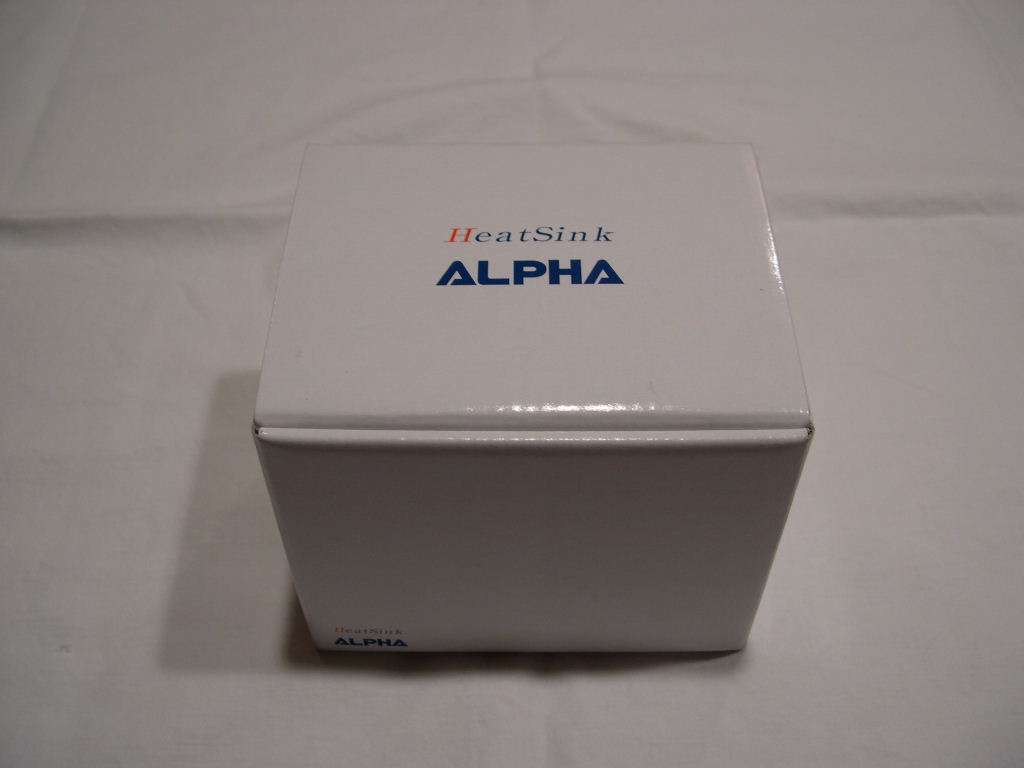
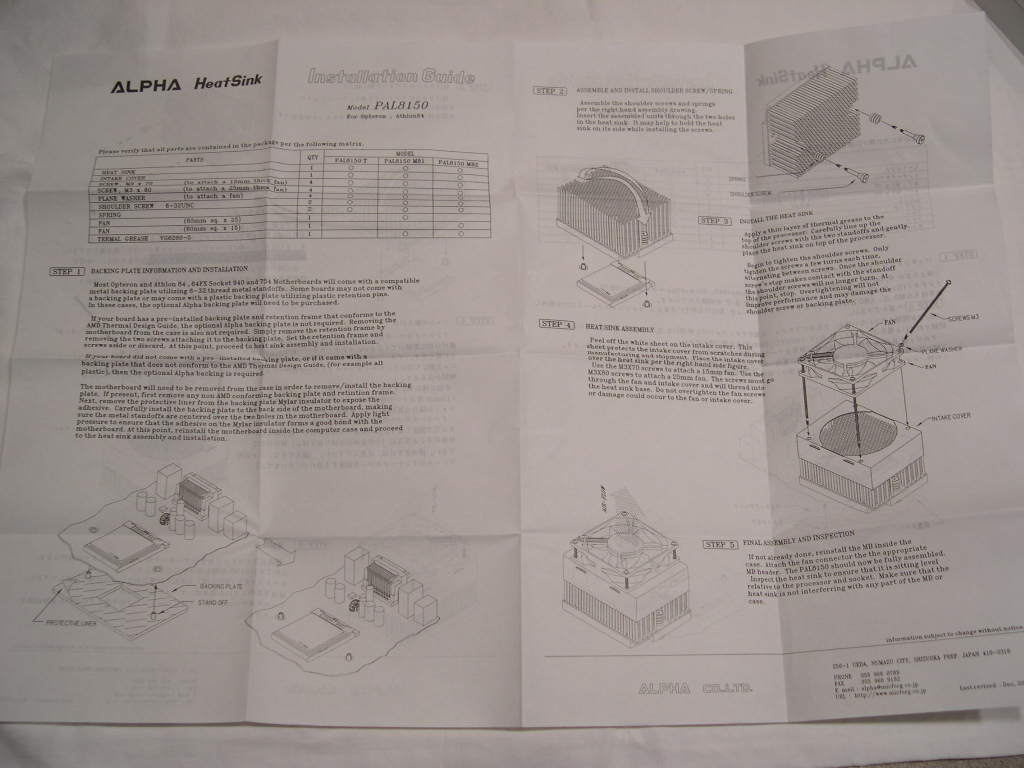
The white box contains the heatsink, shroud, and installation accessories. The heatsink also comes with a nicely detailed instruction manual that is translated in English and Japanese. This is great for all those Japanese folks.
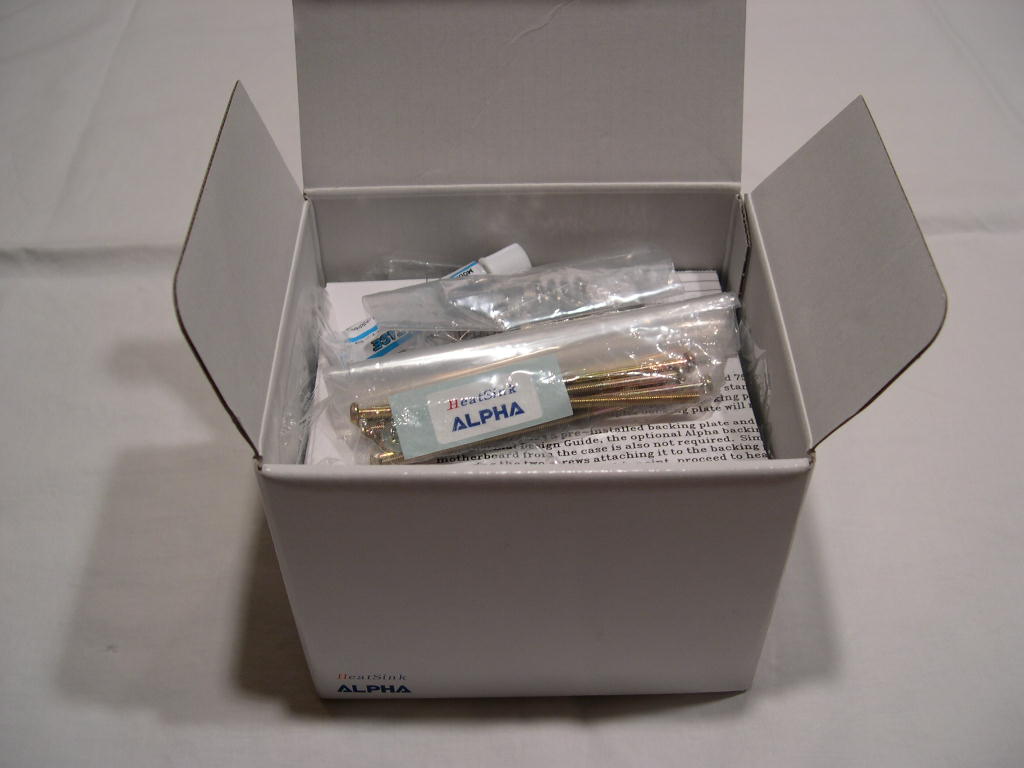
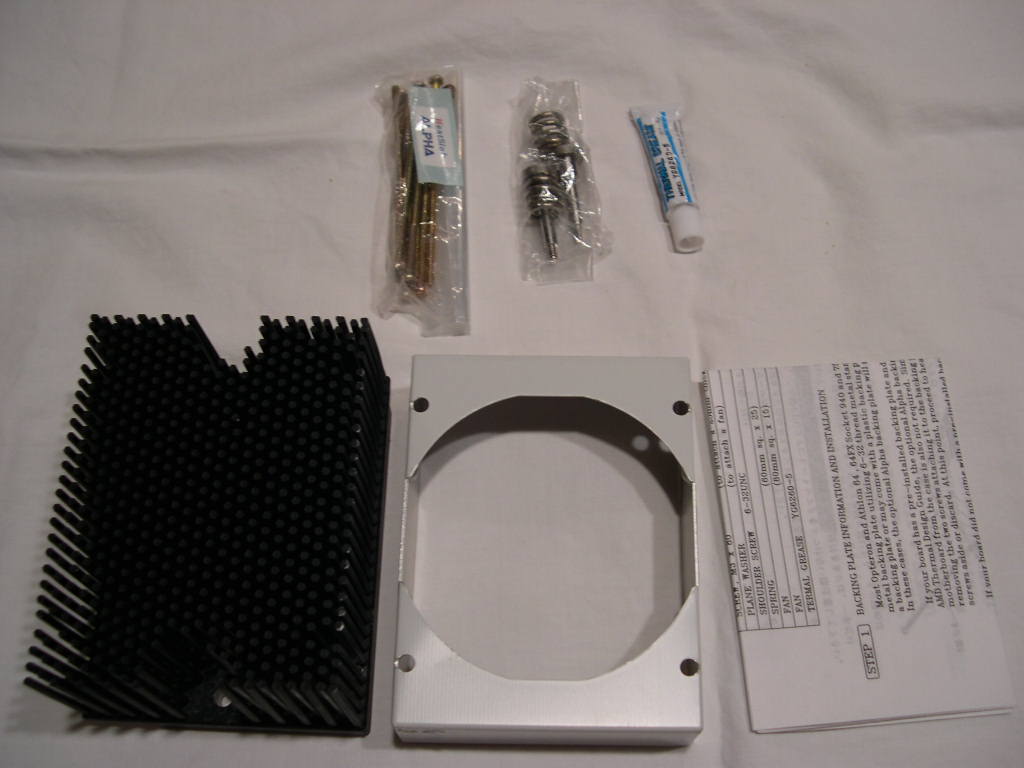
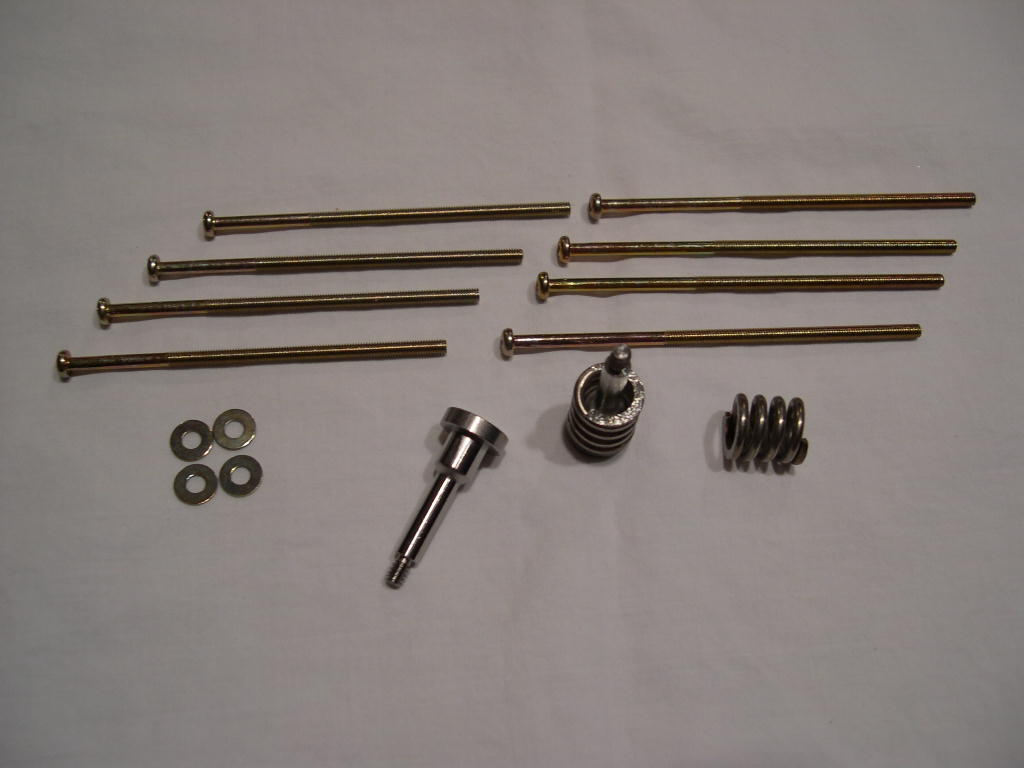
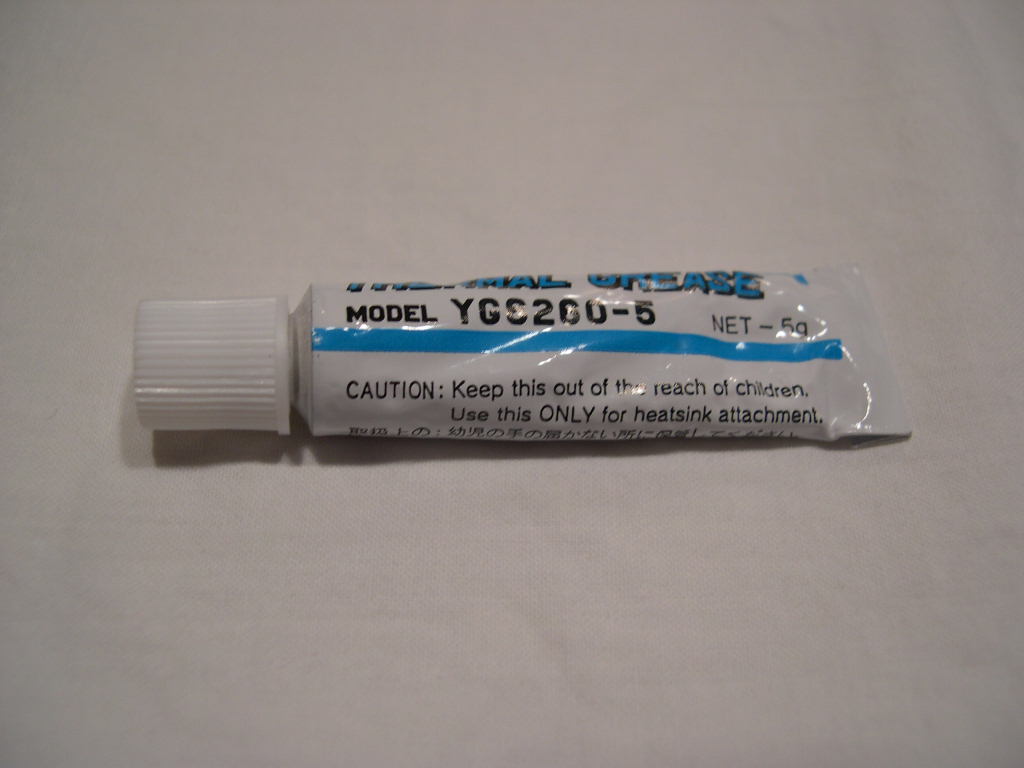
The two bags contain the installation hardware to attach the fan to the heatsink and the hardware to attach the heatsink to the motherboard. For some reason, Alpha included thermal grease in the box that I was sent. It isn’t listed in the contents for this particular model, so don’t expect any.
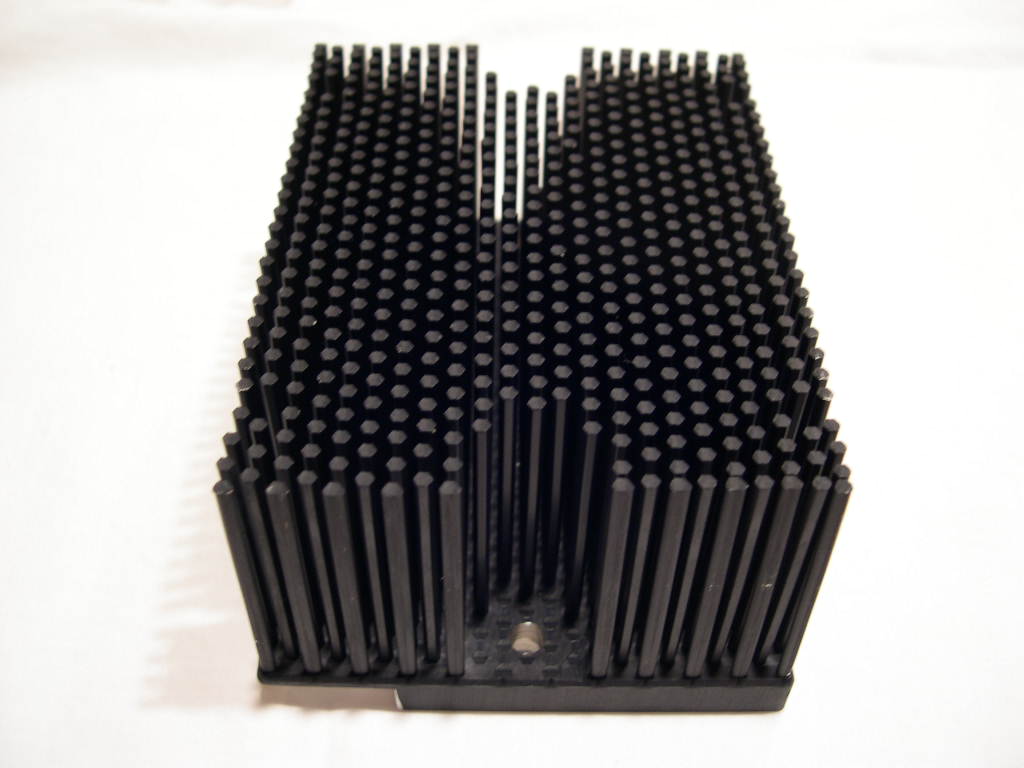
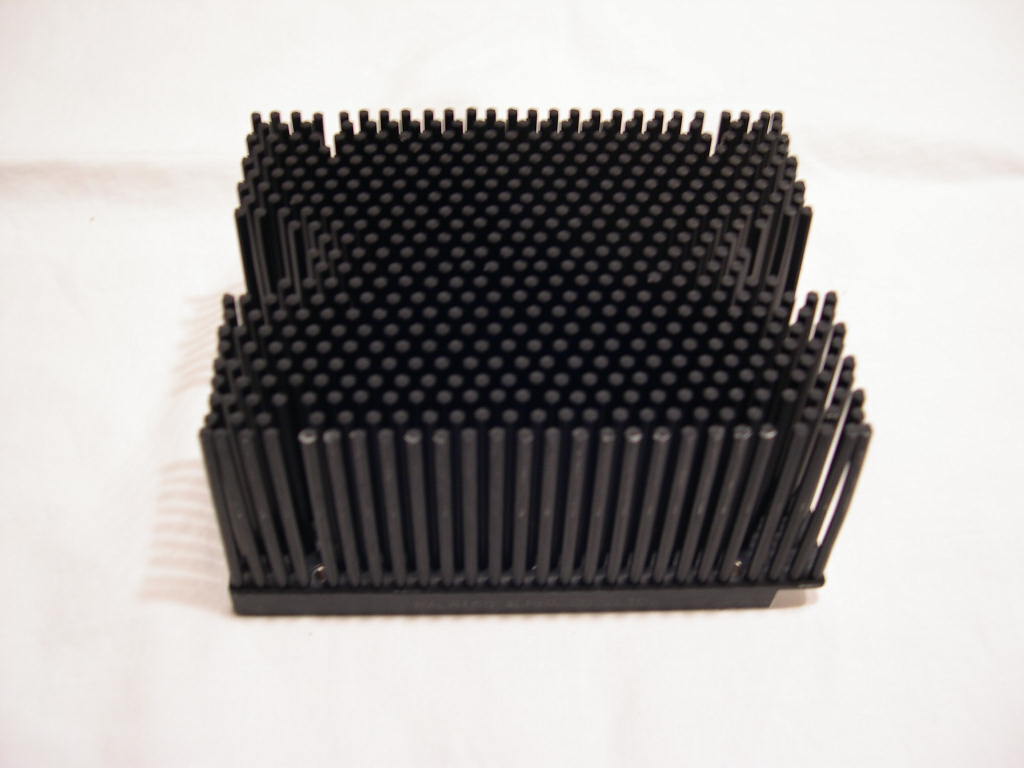
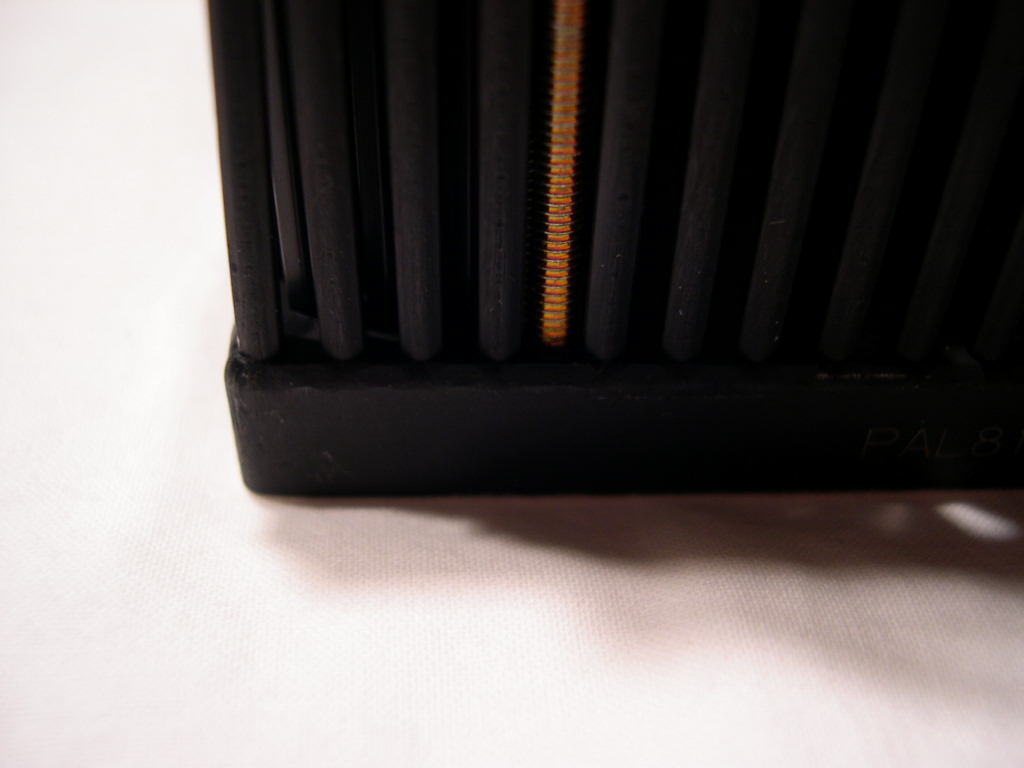
Alpha makes a lot of custom heatsinks for various types of electronics. The 8150T looks like something you might find in an OEM system. It has a solid feel and looks very well machined. The pins are bendable, but should not break off unless you try. Alpha doesn’t list the specifications for this model heatsink on their website.
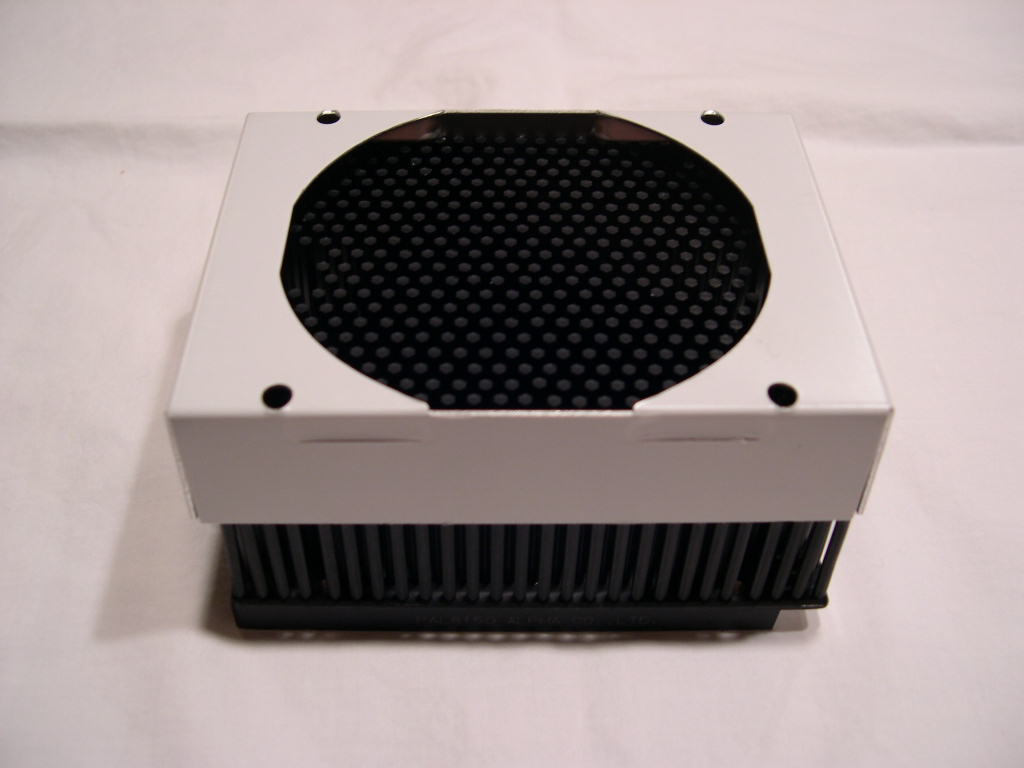
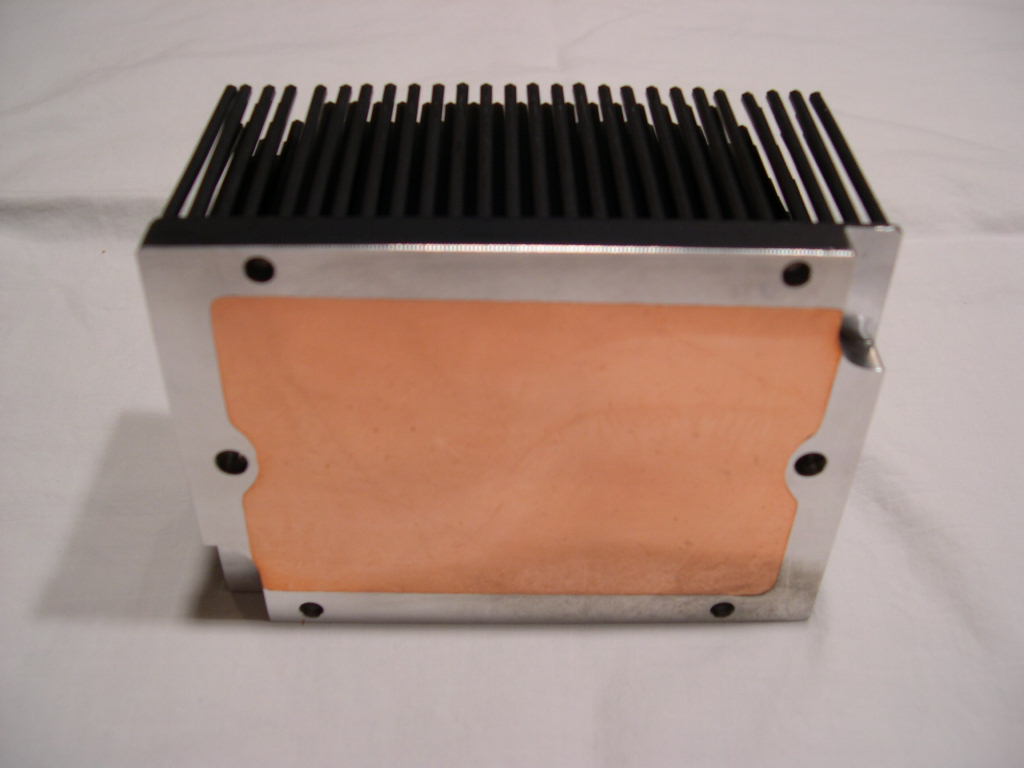
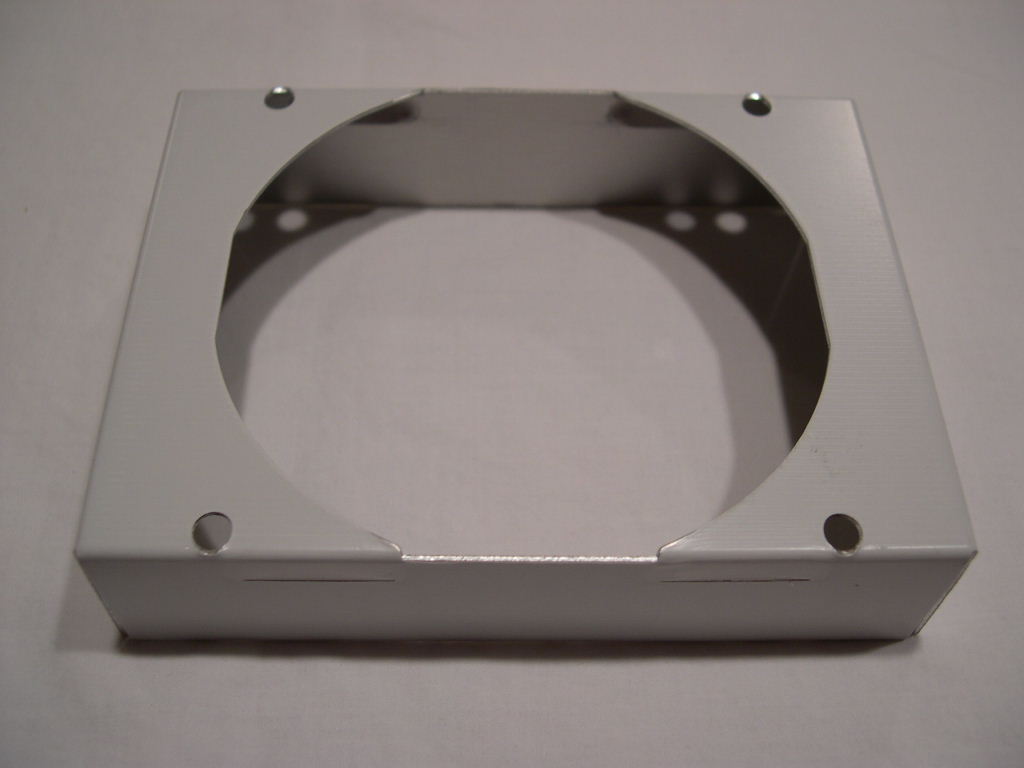
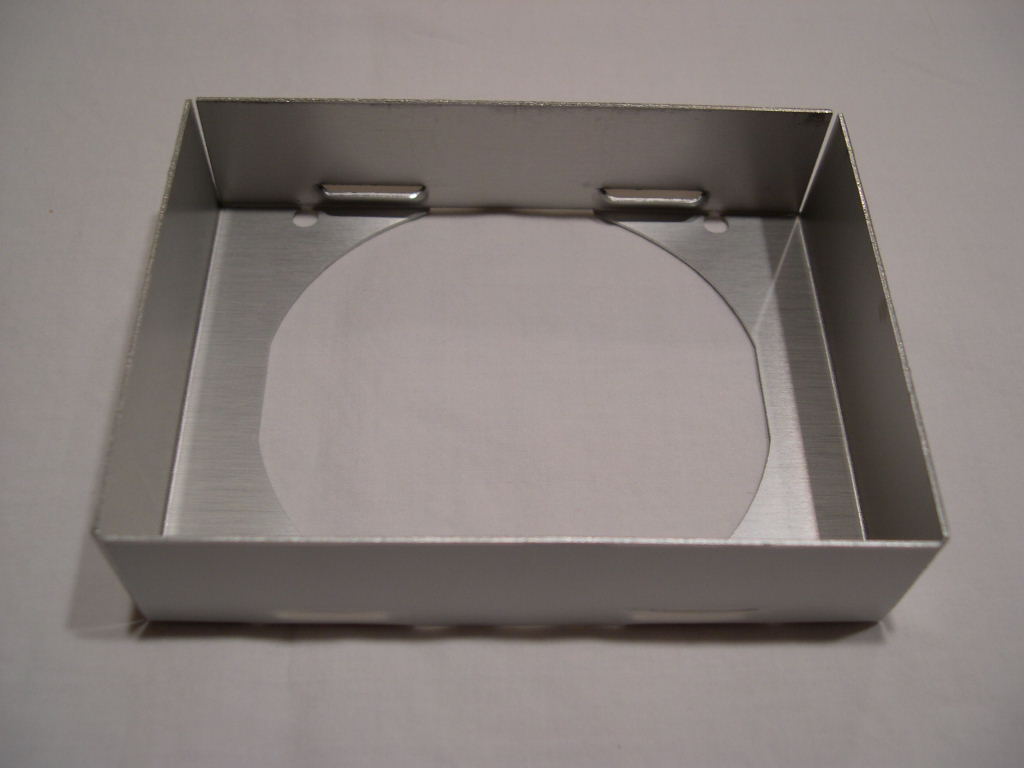
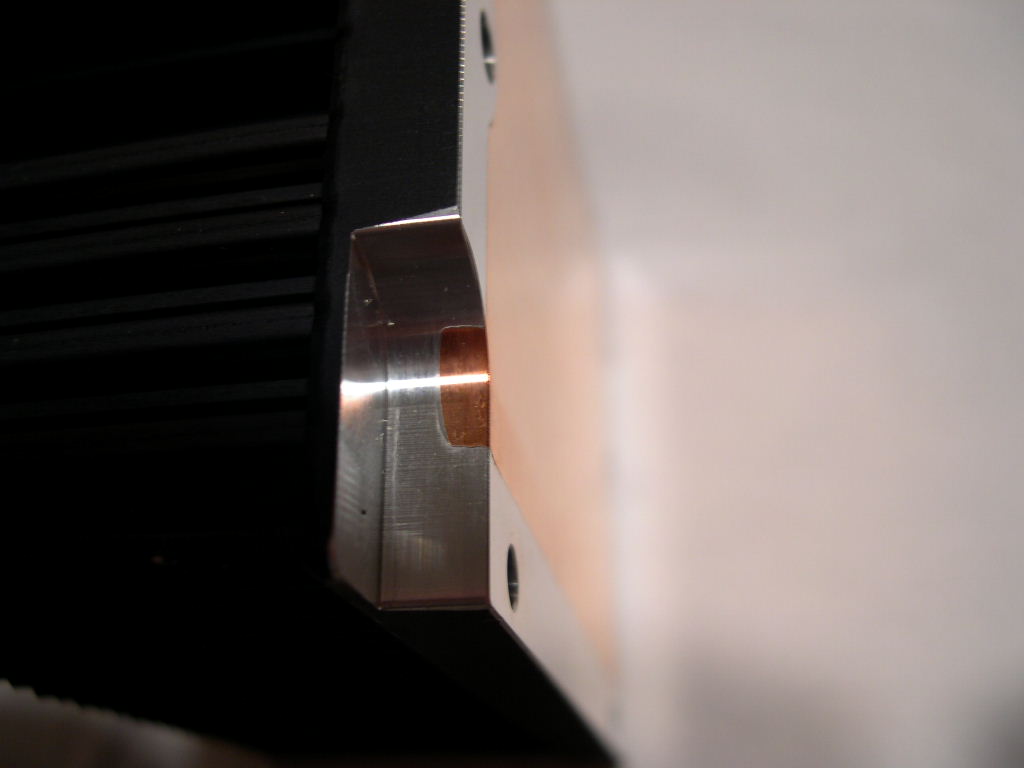
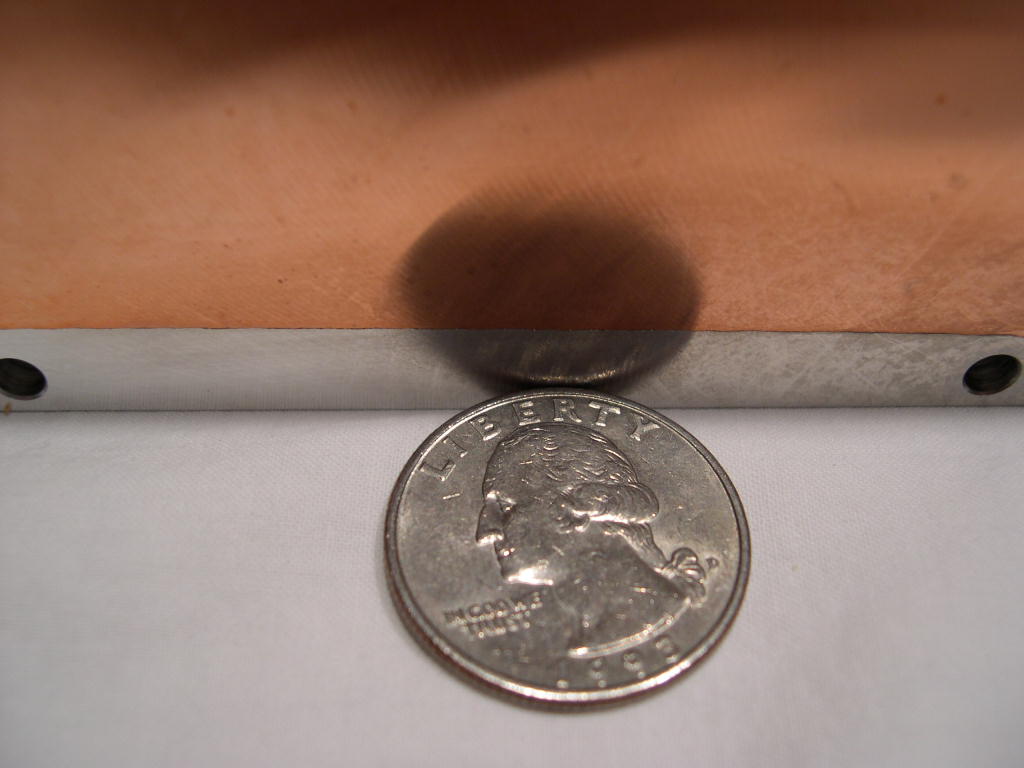
There is a copper base forged into the otherwise aluminum heatsink. The base is really big, which is why it can’t use a bracket mounting system. The base was not entirely reflective but it was flat, which matters most.
The Fan
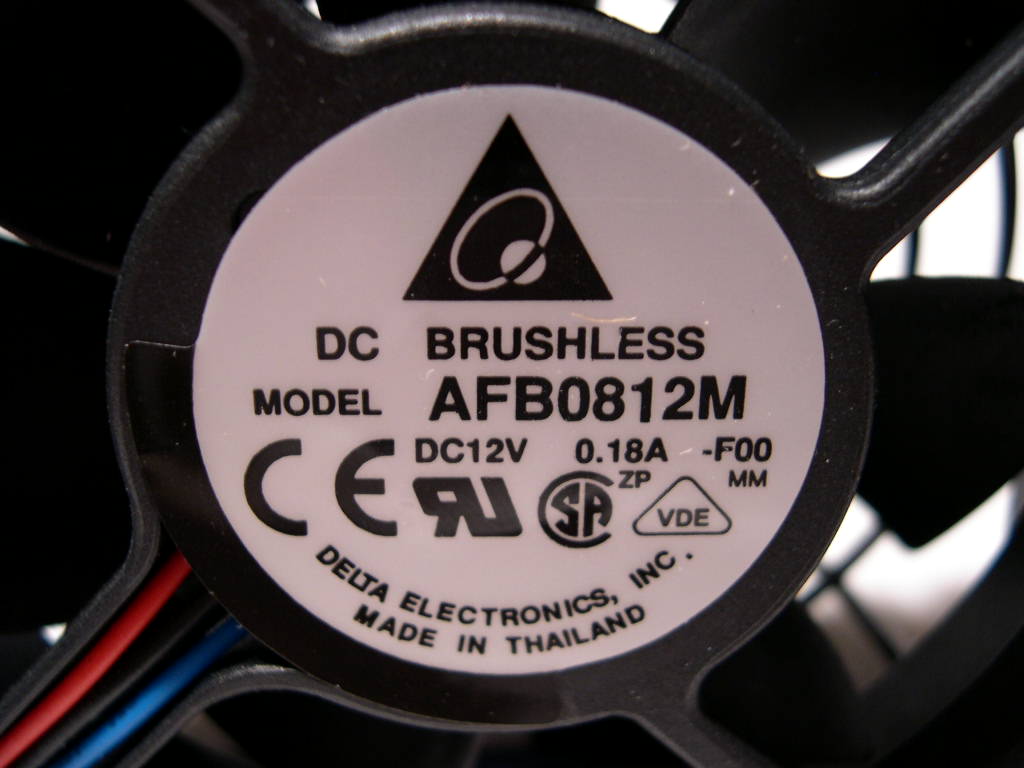
The 8150T does not include a fan, but the 8150 M81 and M82 models do. I will be using a Delta 80mm fan. At 28dBA it isn’t the most quiet, but it pushes a decent amount of air. 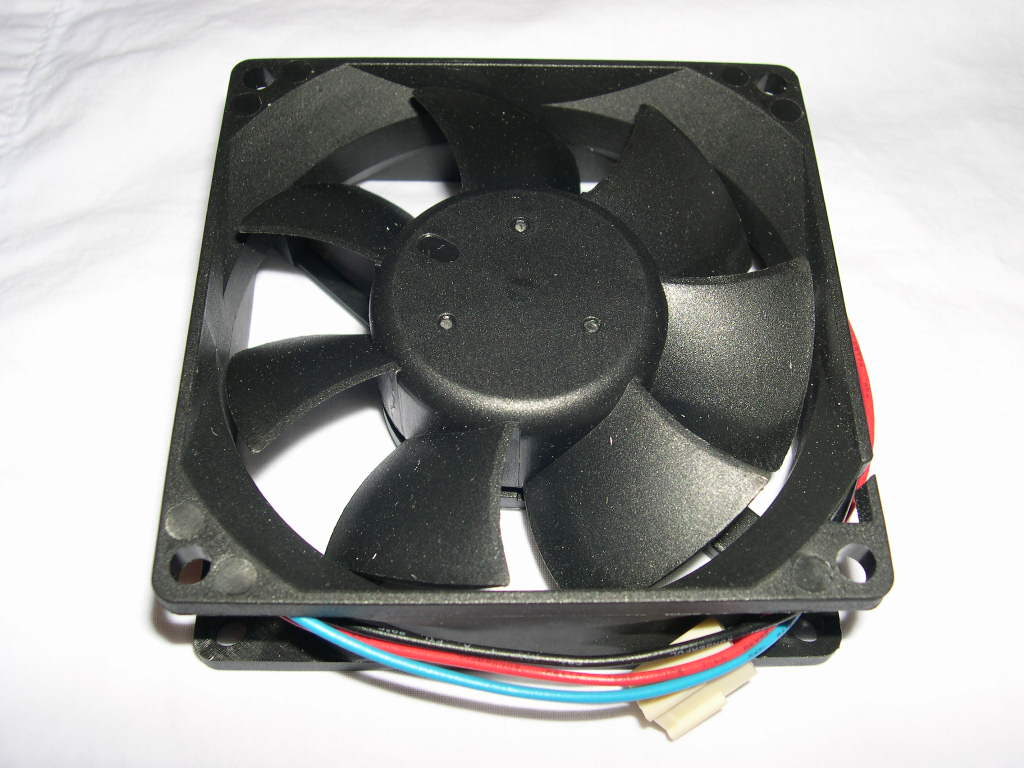
 Installation
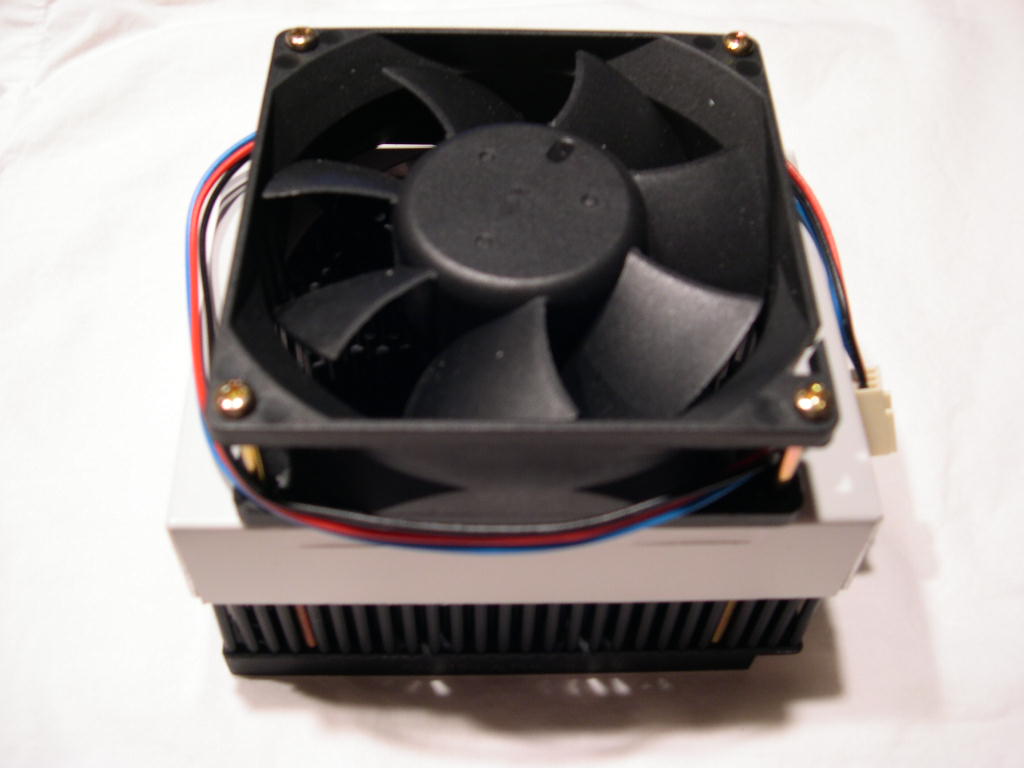
Installation is simple. Remove the top part of the heatsink bracket from your motherboard and screw the two screws through the spring, base, and into the back of the bracket under your motherboard. Then, with the shroud placed on the heatsink, install the fan by screwing 4 screws through the fan and into the base. Alpha includes 8 screws. There are 4 of one size and 4 of another. This is for different fan thicknesses. Make sure you install the heatsink before you attach the fan because you won’t be able to screw the mounting screws into the motherboard when the fan is attached. I mounted the fan blowing instead of sucking. From what I’ve read, the direction has no affect on performance. However, I’ve read blowing creates more noise.
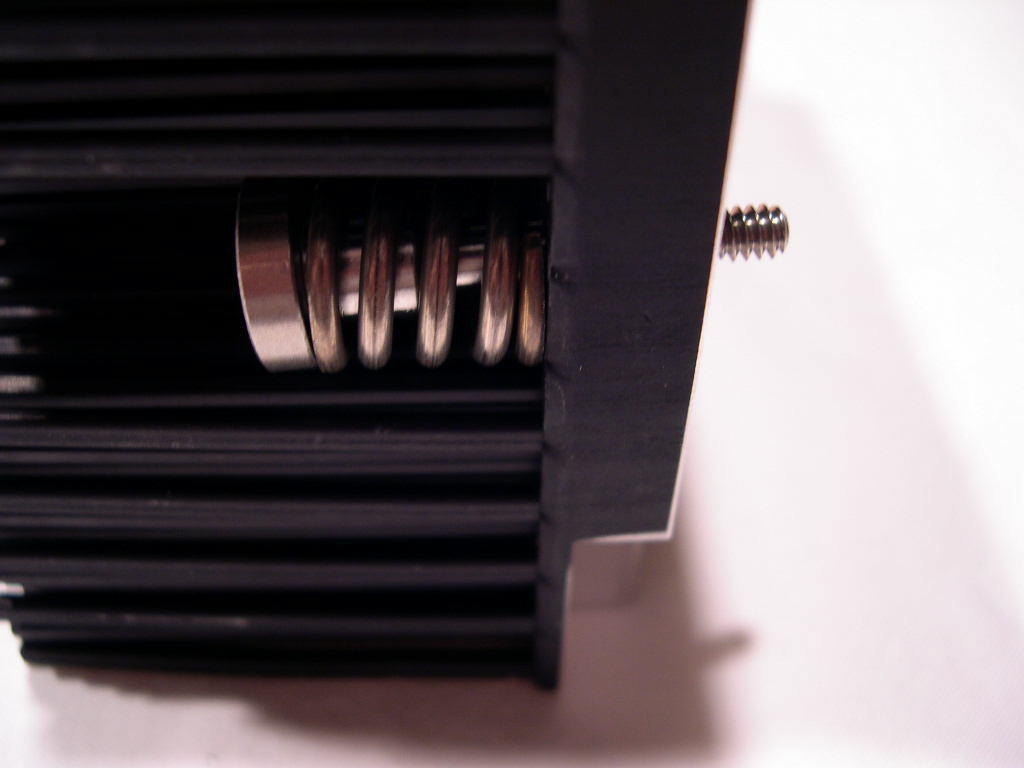
Make sure you have a heatsink bracket that uses screws and not plastic pins, or some other method. The stock bracket that came with my motherboard uses plastic pins instead of screws, so I had to use another bracket. I was lucky to have one lying around, but you may not, so check your motherboard before purchasing. Alpha makes note of this backing plate requirement on the front page of the installation guide. Alpha does sell a compatible back plate directly, so contact them if you need one. The installation does not require the removal of the motherboard, unless you need to swap the bracket.
A problem I found was the screws for mounting the heatsink weren’t long enough to screw into my bracket when the springs are used. The springs are very stiff and don’t have much compressibility unless you can get the screw started. I removed the springs and I was able to install the heatsink normally. I didn’t observe any negatives without the screws; the heatsink was tight against the CPU.
If your motherboard conforms to the AMD Thermal Design Guide than you should be fine, keep in mind that all motherboards don’t adhere to the standard though.
Testing Setup and Results
Testing Setup and Method:
For my testing results I used a Compunurse thermal probe fixed as near as possible to the core of the CPU (mobile Athlon 64’s do not have a heatspreader). I also used Giga-byte’s software probe for reference. Ambient temperature was at 21C for the testing process. Arctic Silver Ceramique was used.
Test system specifications:
- A64 2800+ Mobile Clawhammer 1mb - Stock Speeds (1.45 VCore)
- Giga-byte K8NS-Pro
- 2 x 512MB Crucial Ballistix
- ATI 9500 NP 64mb
- Silverstone TJ05
- TTGI 450W
Test procedures:
- Idling at desktop for 30 minutes
- Full load with Prime95 Torture Test (Large FFT’s) for 30 minutes
The Results:
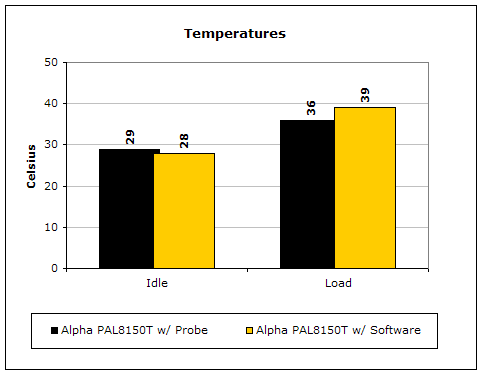
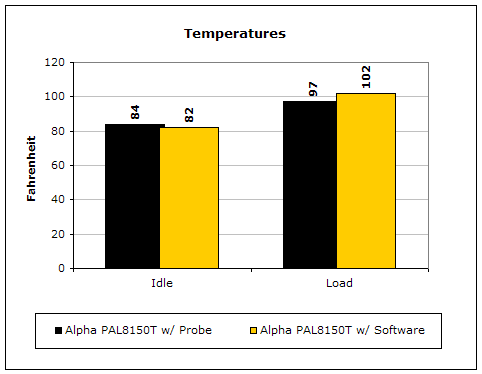
I am pleased with the results. The heatsink is able to cope with the heat well.
Conclusion and Thoughts
The 8150T is an excellent value at around $30. Yet at this cost, there are some compromises. The forged base does not use as much copper. There is no fan included. Not having a fan might be seem like a problem, but it means that you can go buy whatever fan you like. Pair this heatsink with a quiet fan and you have a cheap combo that will perform fairly well. There is more competition now with Thermalright’s new line of aluminum heatsinks in the same price range. I don’t have the data on which one performs better. They are priced closely, so be a smart buyer and research the product before you buy it. If you need a cheap heatsink for a low-noise system, then I have no problem suggesting the Alpha PAL8150T.
Pros:
- Good performance
- Cheap
- Installation does not require motherboard removal (but highly suggested)
Cons:
- No fan included
- Some installation issues with non-standard brackets

We would like to thank Alpha Novatech for providing us the sample. If you have any questions or comments, feel free to hit us up in the forums. You can also check out more of our latest reviews on the front page.