

Thermaltake Swing
There are so many choices for nowadays that it is quite hard to pick the perfect case. Overclockers want something that provides great airflow and easy access in and out of the case. Gamers want something that is light, portable, and sometimes flashy. What about the general computer user? No one wants the beige box look anymore that is for sure. Nice looking cases are certainly out of the typical computer system budget. That certainly narrows the choices down by quite a bit doesn’t it?
Thermaltake is known to be a top case and cooling manufacturer. All of their products are well known throughout the world. Their high end Kandalf case was certainly a winner, but it was also priced quite high. Although we did not get a chance to look at their new flagship Tai Chi case, a quick check at the price tag shows that it is not for everyone. No need to fret; Thermaltake has released a new case that not only comes with a stylish design, but also a comforting price.
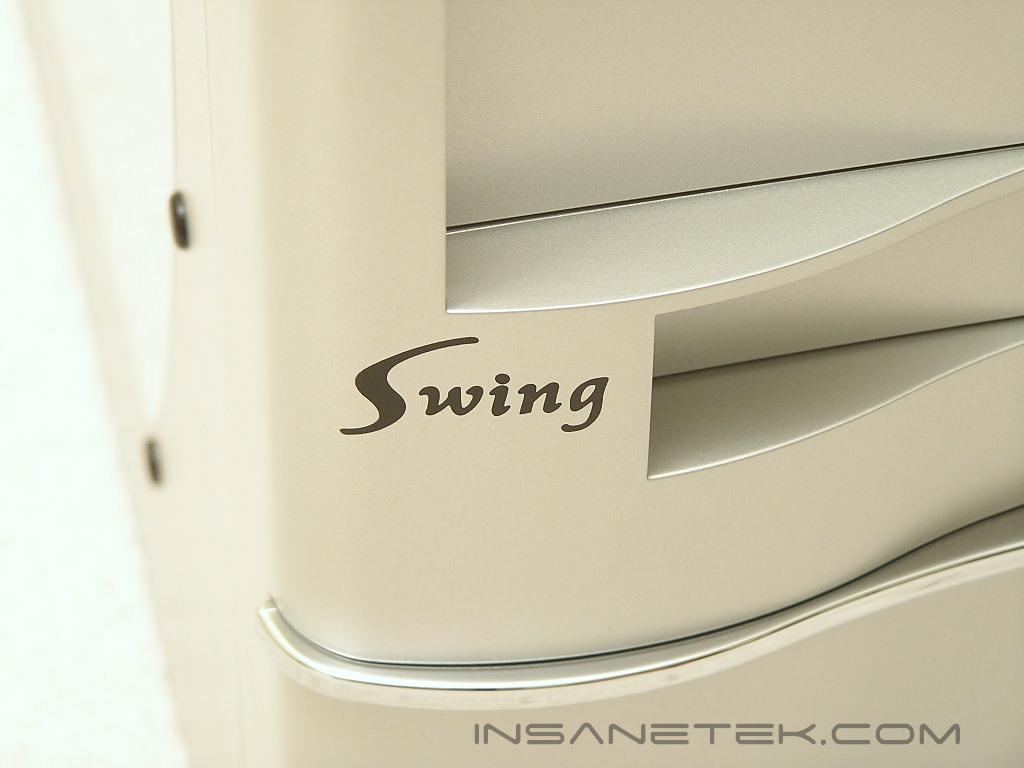
Thermaltake Swing External
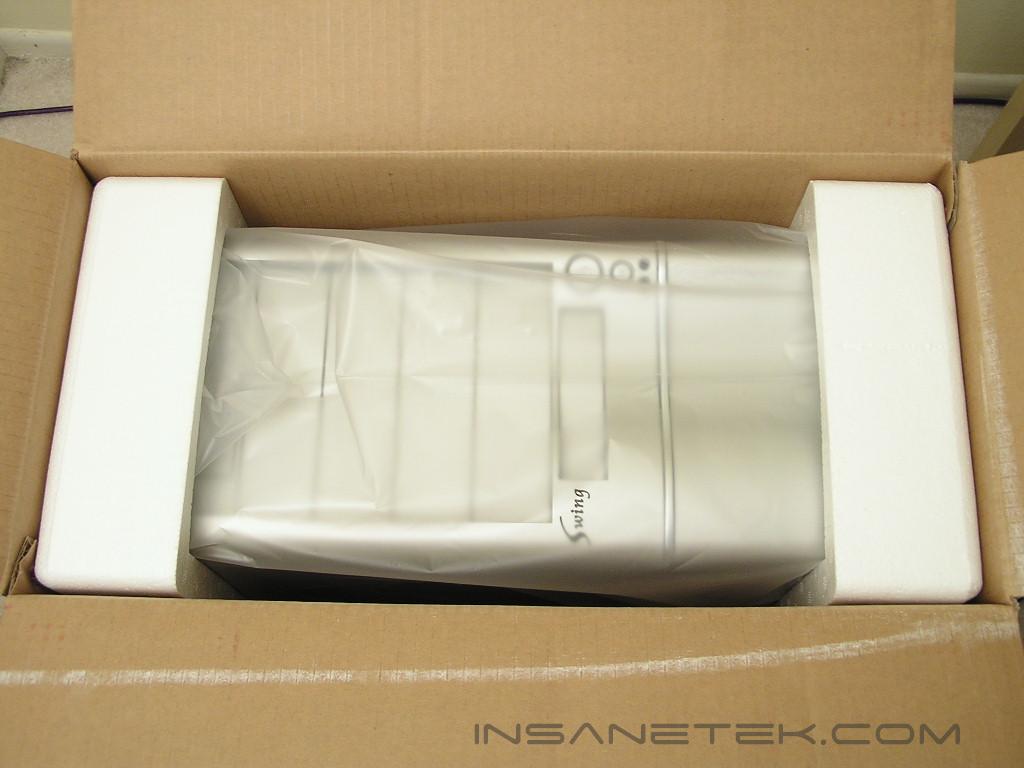
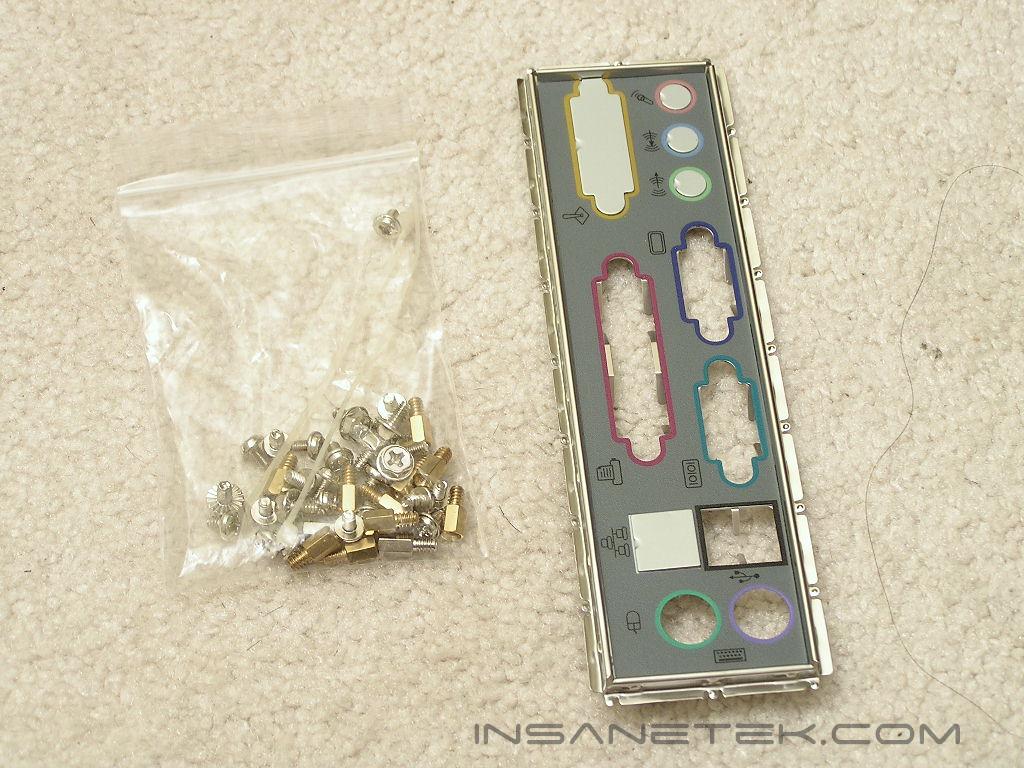
The Swing case came in a nicely packaged box. The case was protected by a plastic bag and covered with Styrofoam pads. There’s nothing exciting or unusual here. The case arrived safe and sound. Included inside the package was a small bag of accessories, a standard I/O backplate, and a user’s manual.
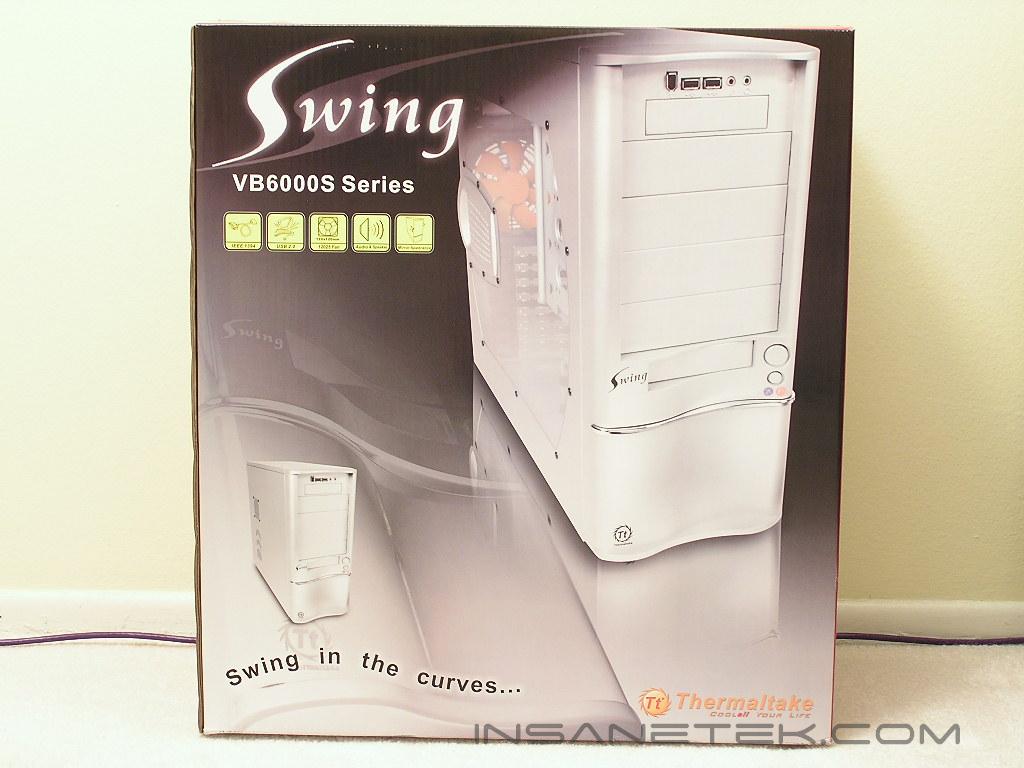
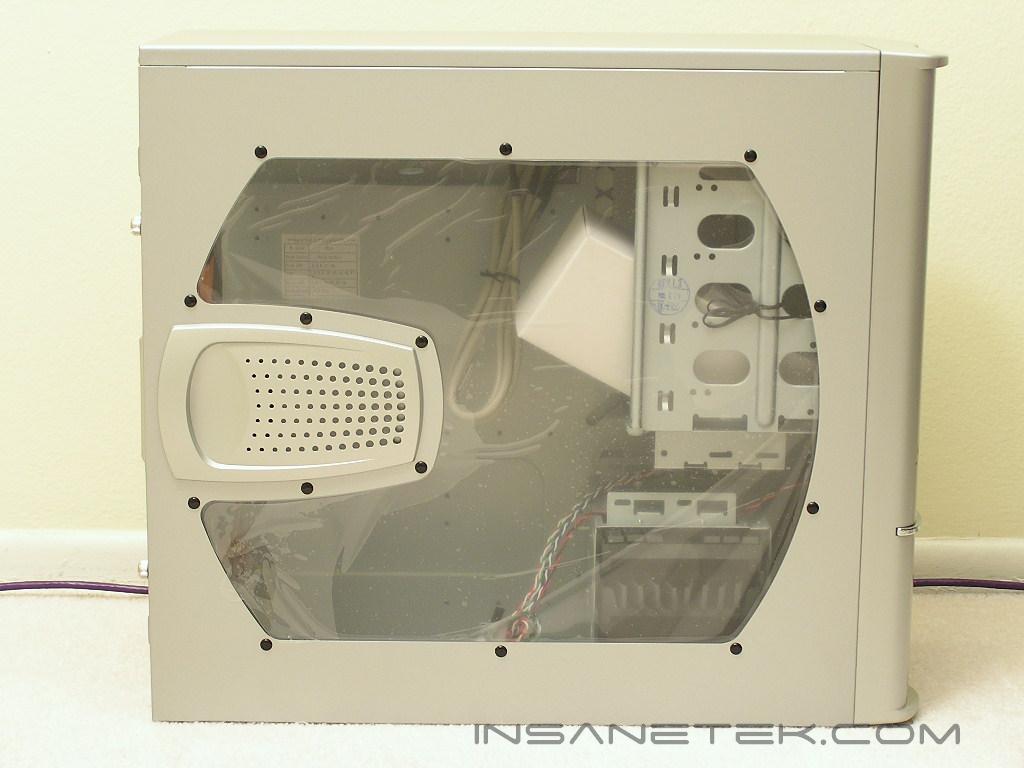
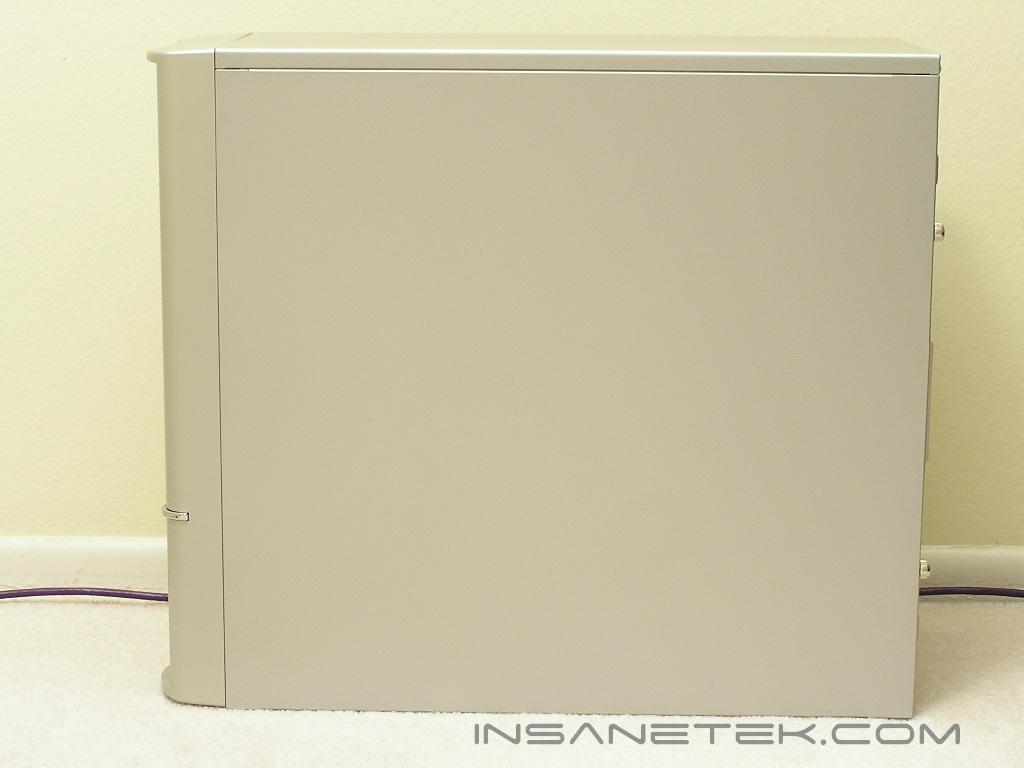
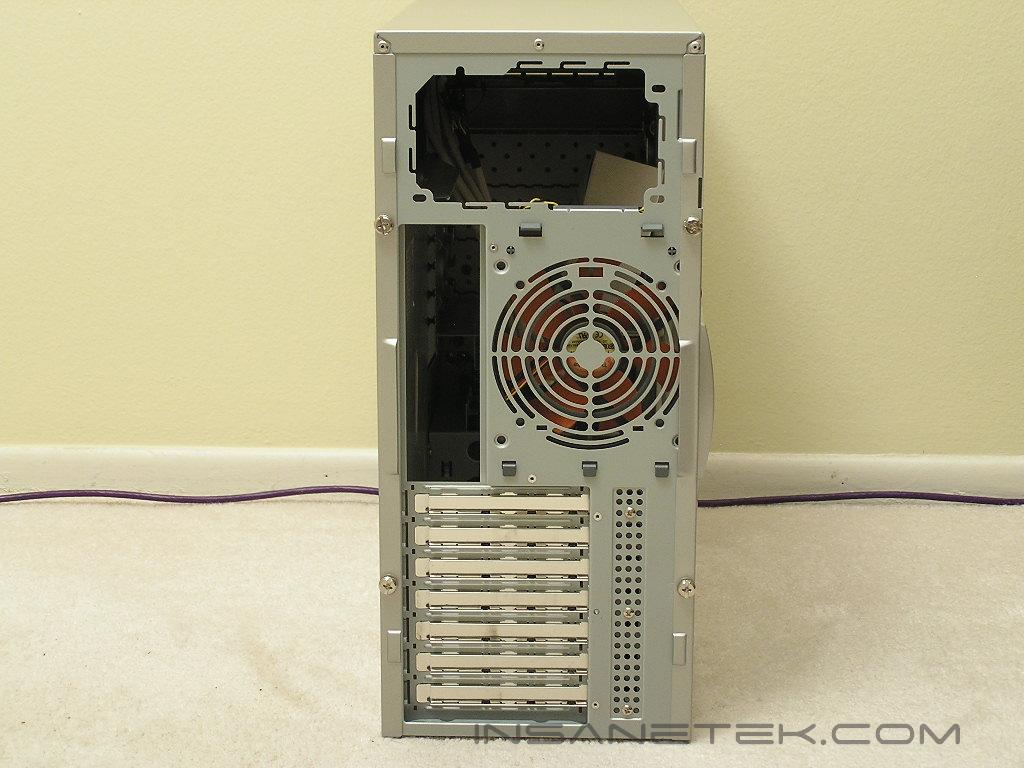
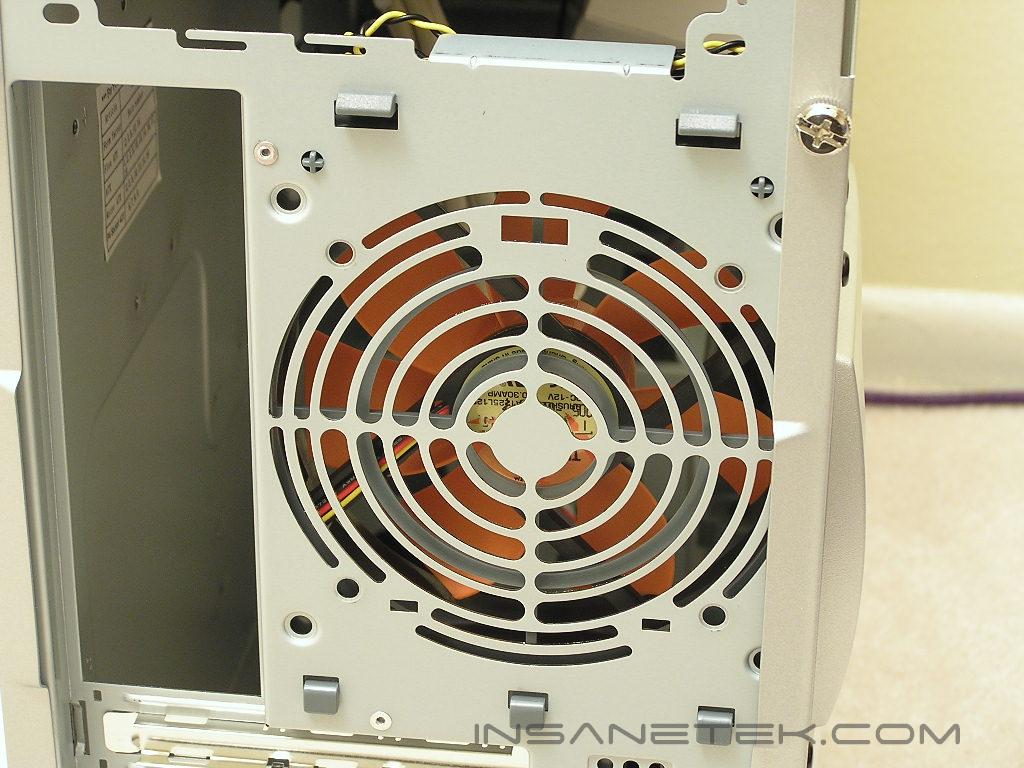
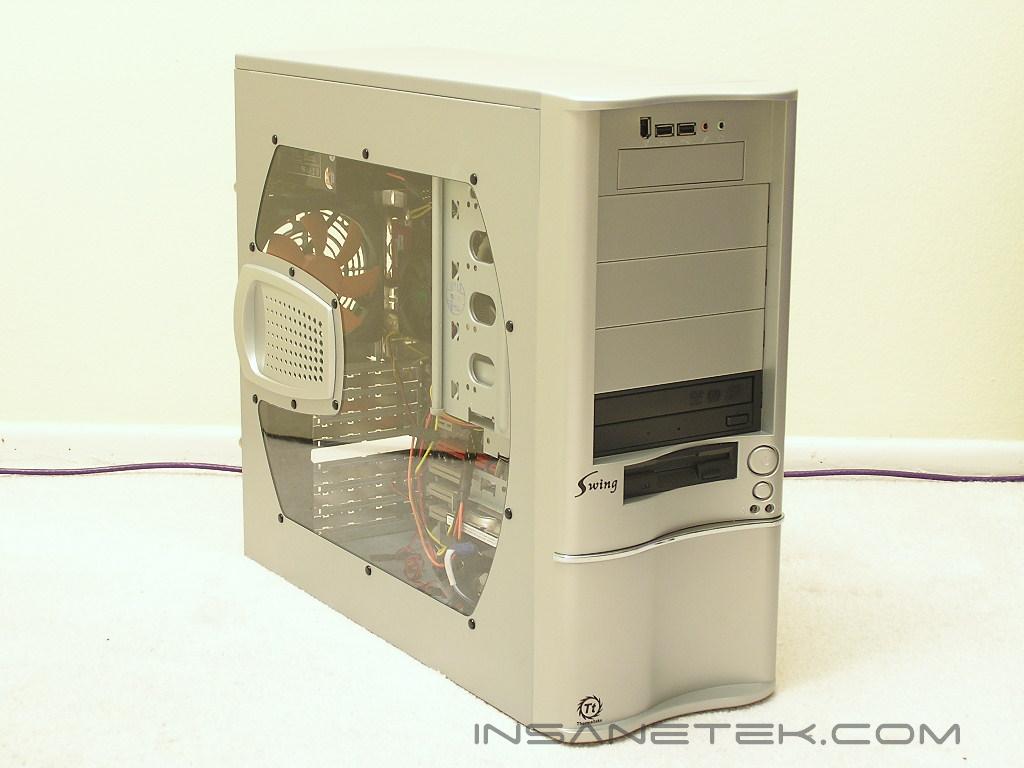
I am very sure that the majority of you will have one thought when you look at their new Swing case: “That looks like the Cooler Master Wavemaster”. That was the first thought I had in mind when I saw the release of the case. The Swing comes in an all steel construction and does not have a front panel door. This means that you cannot hide your non-matching optical drives. It does, however, give you easier access to your drives. The Swing provides four 5.25” drive bays and two external 3.5” bays, one at the top and one at the bottom. There are two color options for the Thermaltake Swing–silver and black. There are also two more choices for each color–side window or regular plain Jane. Fortunately for us, we received the version with a side panel window. Even though it’s not much, it does add more appeal to a case. The back of the case shows that there is a 120mm fan pre-installed into the case. Instead of the common honeycomb holes, the exhaust area are segments of circular slots. This still allows airflow to exit easily without much restriction.
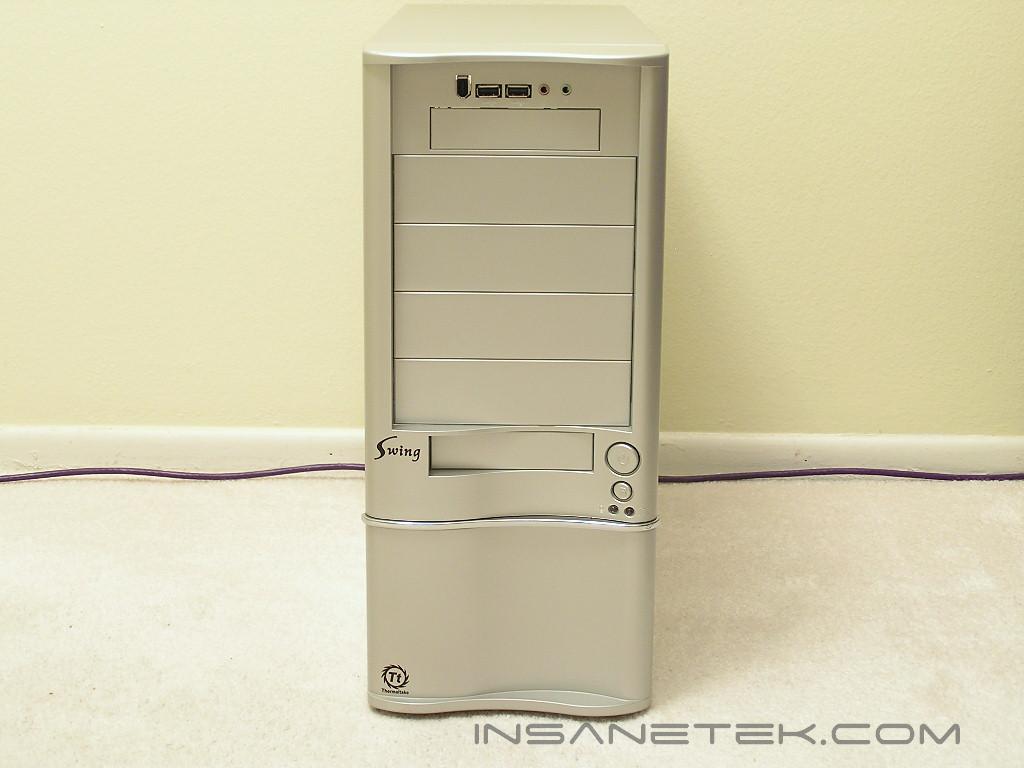
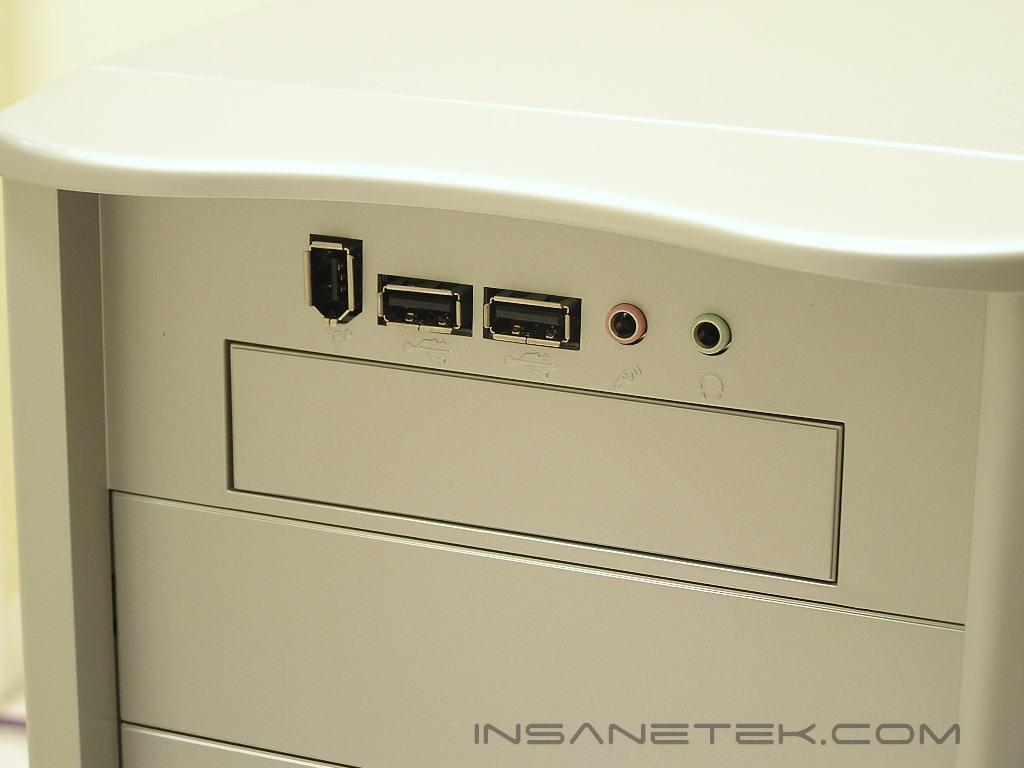
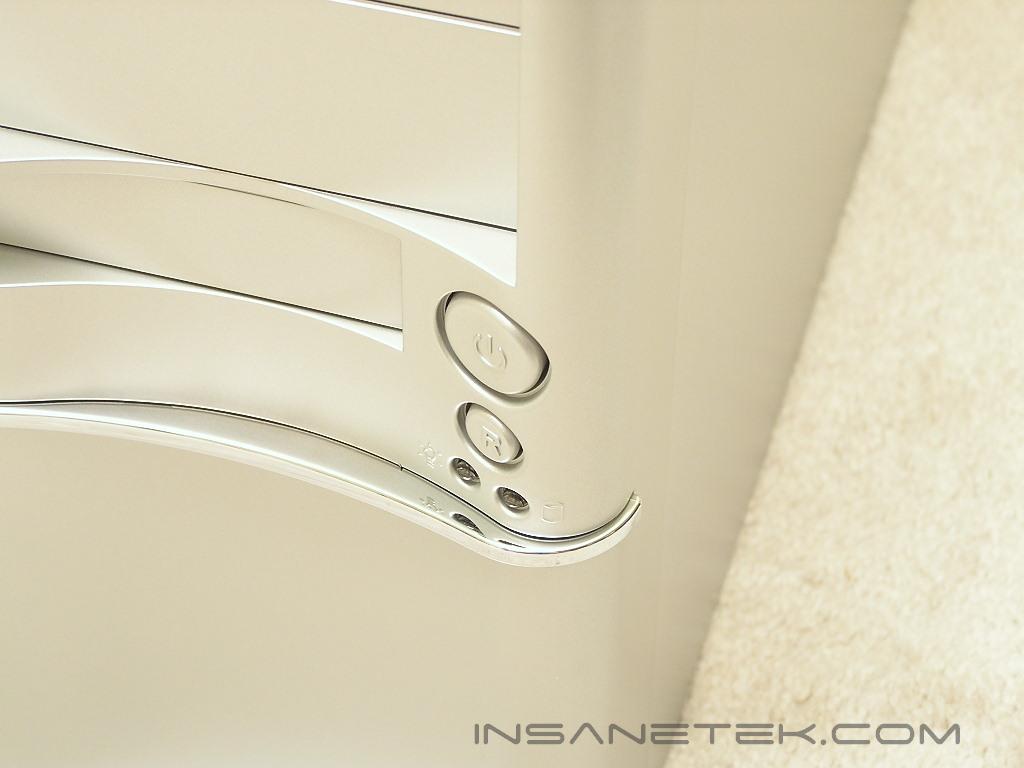
Instead of having front connections located at the bottom or on the side, Thermaltake placed it at the top of the case. It is easily accessible and well within reach. The placement of the top 3.5” bay is perfect for those who use fan controllers. The power and reset buttons are located to the right of the lower 3.5” drive bay, with LED lights below the buttons.
Thermaltake Swing Internal
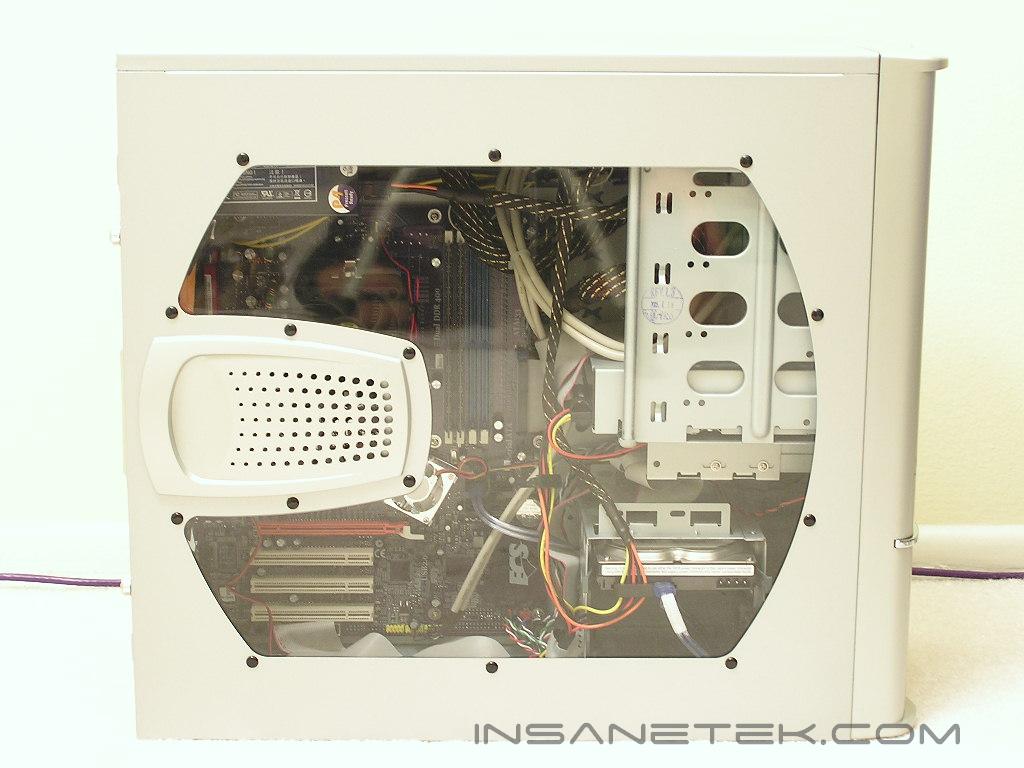
The guts of the Swing looks a bit different from what they normally use. The 5.25” drive bays do not look like they use tool-less installation, but they actually are. The hard drive cage at the bottom is placed perpendicular to the drive bays. Although the cables might be a little hard to hide, it does allow easier access to the hard drives when you do decide to add more storage. There is a fan holder right in front of the hard drive cage that allows an optional 120mm fan for intake. The PCI slots are designed to have tool-less installation as well. The tabs are easy to work and flip up easily.
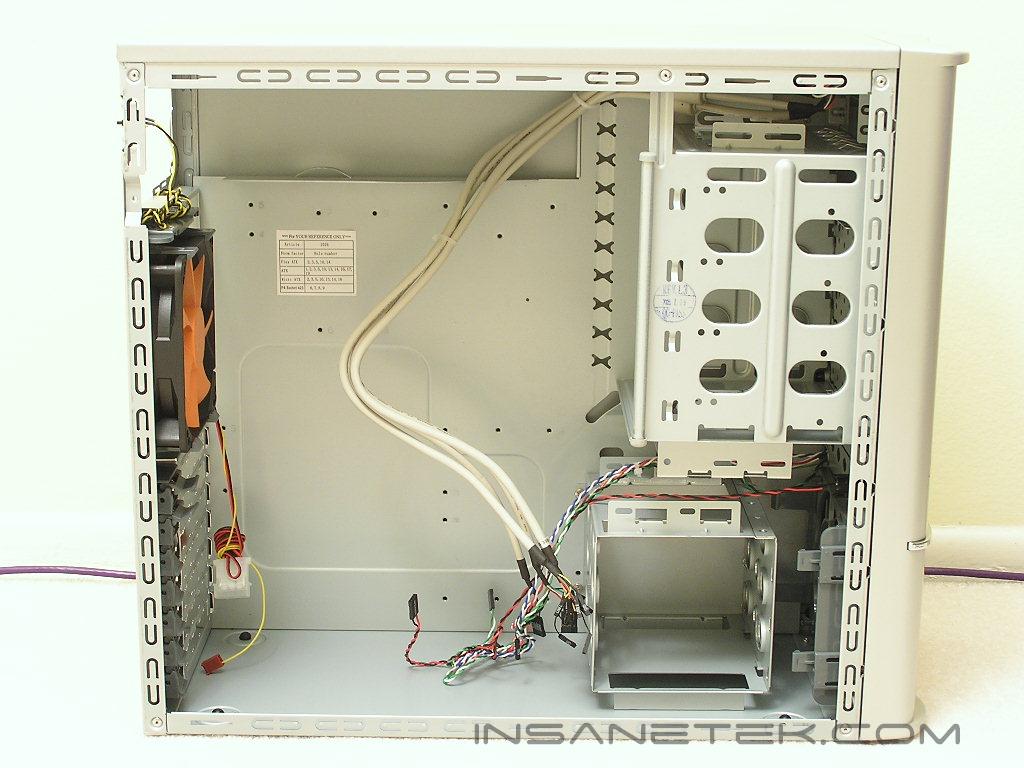
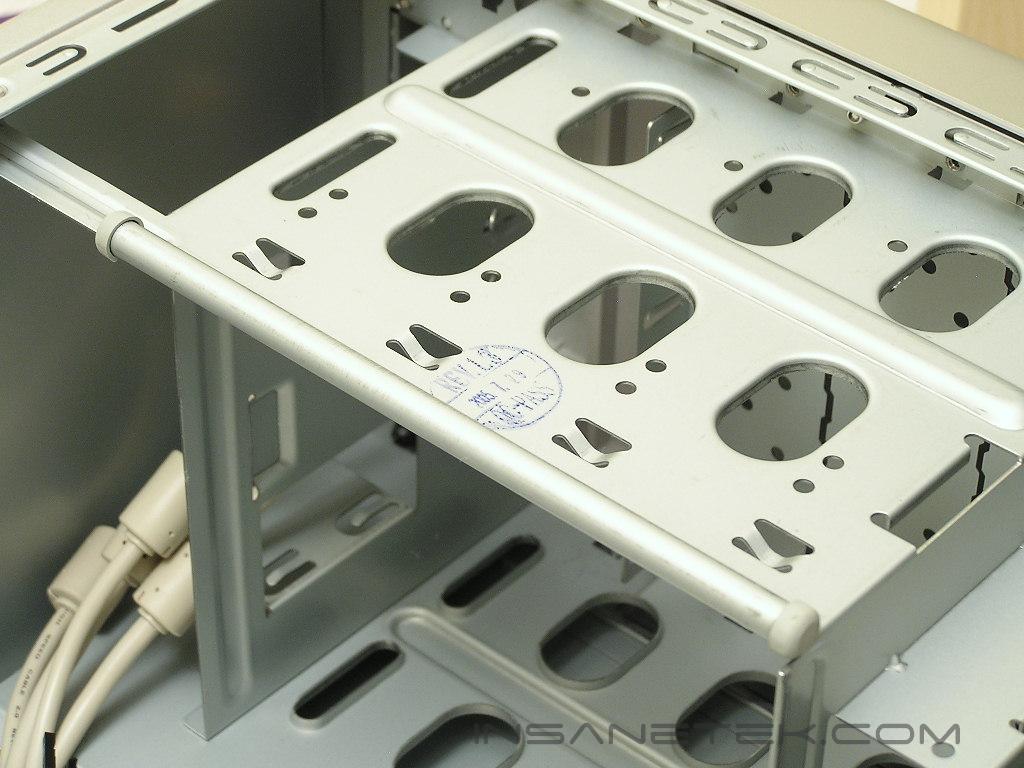
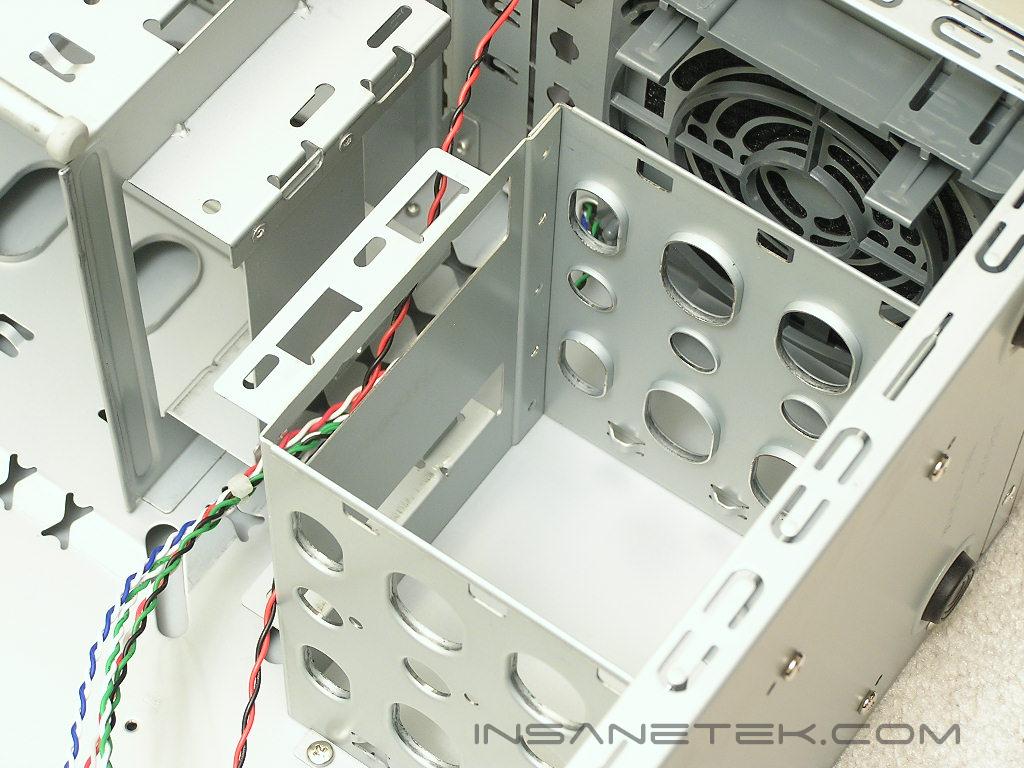
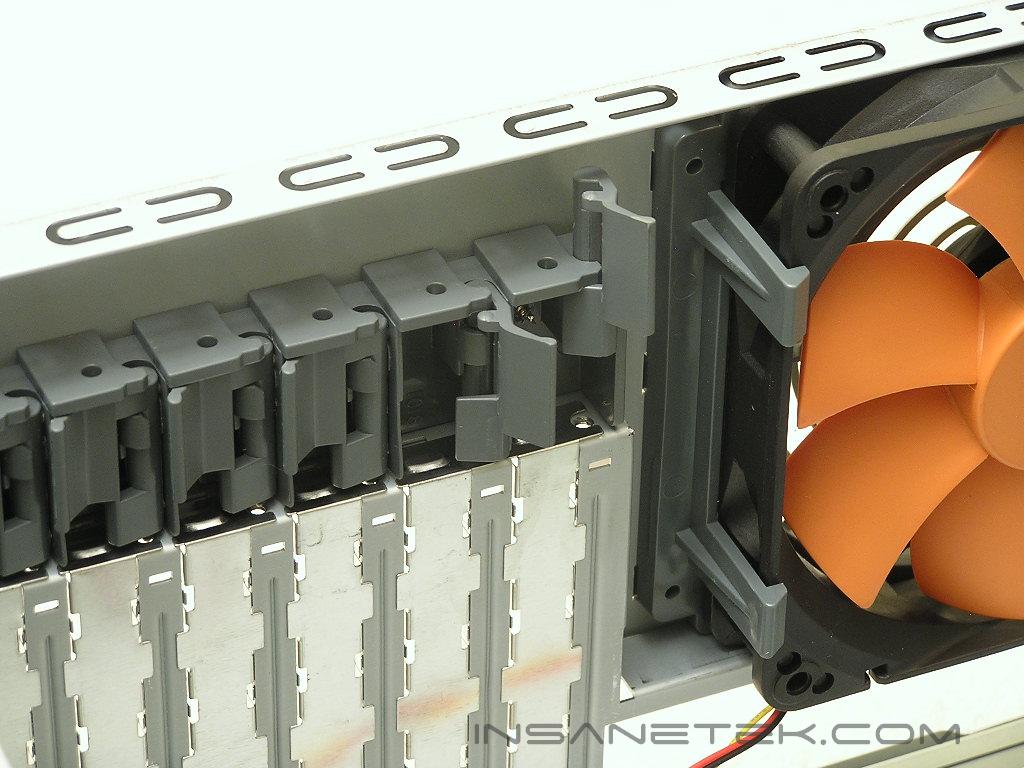
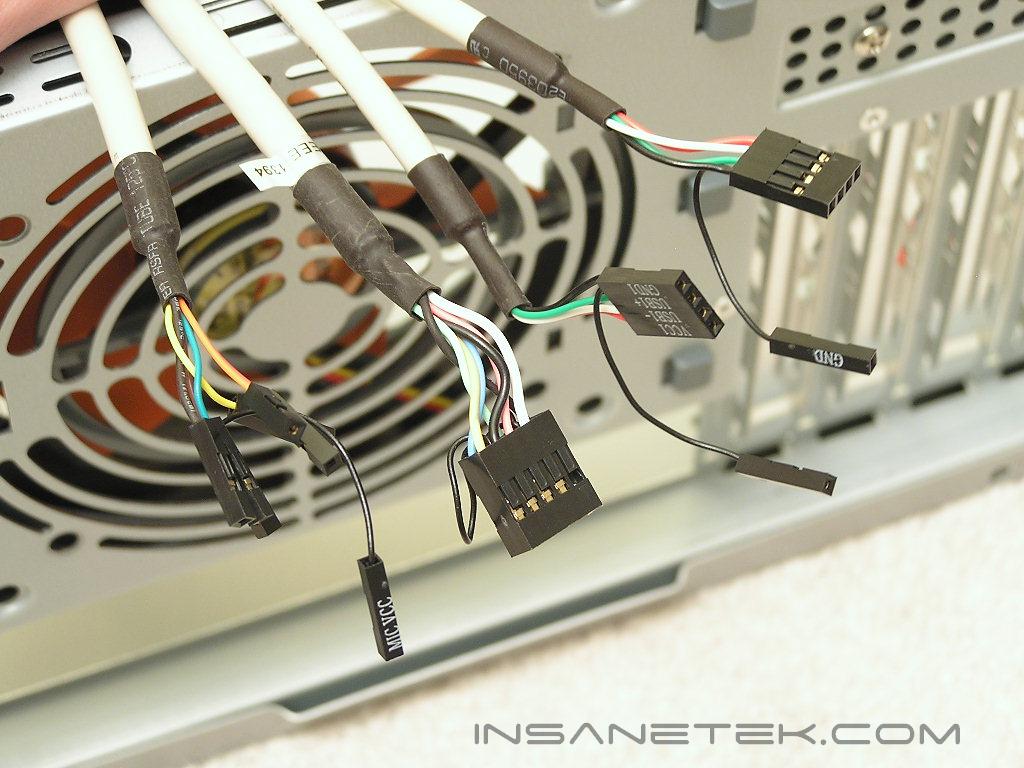
The front connectors are all as they should be–labeled and colored. The wires for the IEEE 1394 connector has been grouped together and eliminates the hassle of referring to the user manual for installation. The USB connectors are also grouped together, but it has been spliced into halves. The audio connectors are all loose wires and makes me not want to install them. I am sure all of you agree with me when I say that it is a pain to work with loose wires.
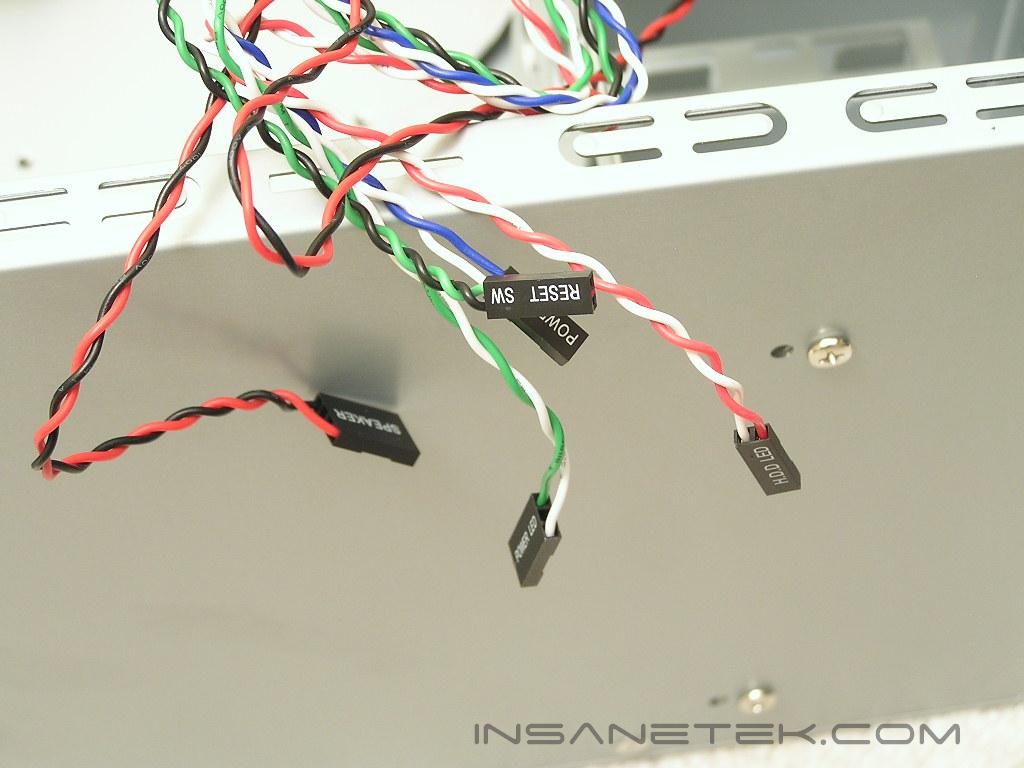
Specifications and Installation
Specifications:
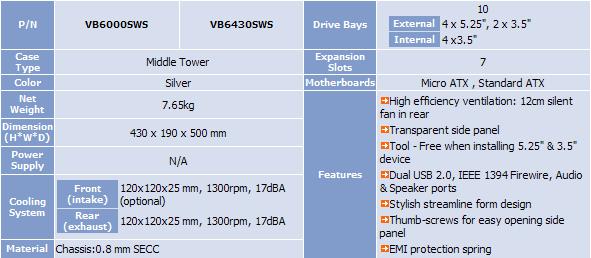
The included 120mm exhaust fan is rated to spin at 1300 RPM and produces roughly 17 dBA. That is certainly good news for silent enthusiasts. The stock AMD CPU fan installed was louder than the case fan. It also moves quite a bit of air might I add.
Installation:
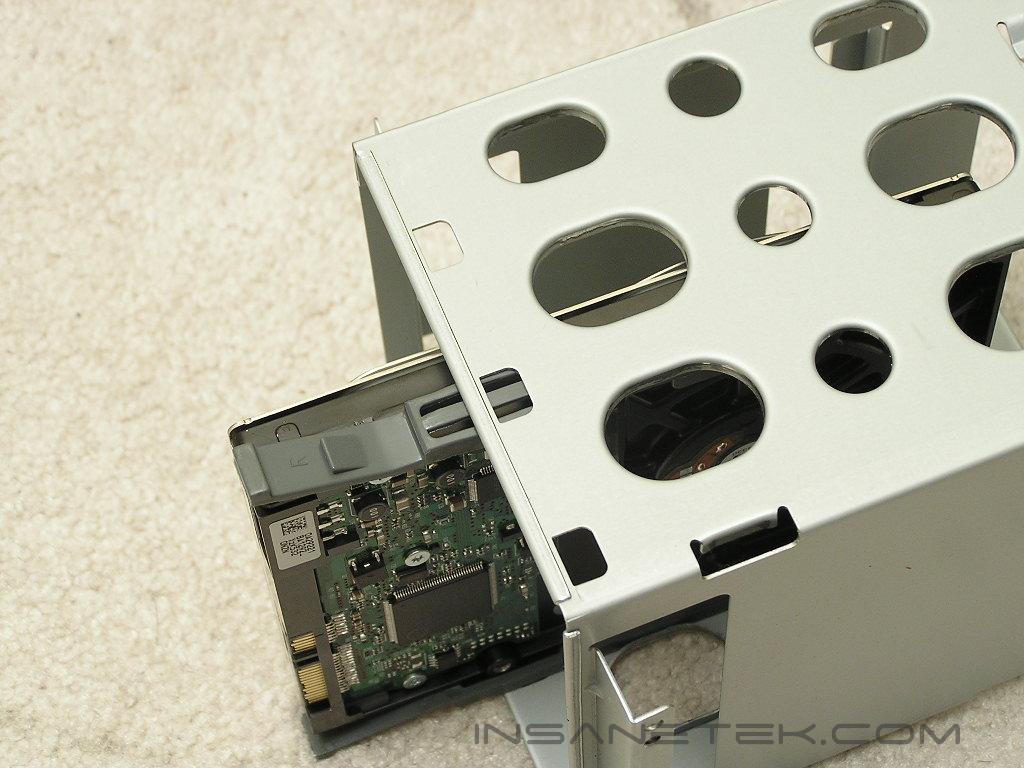
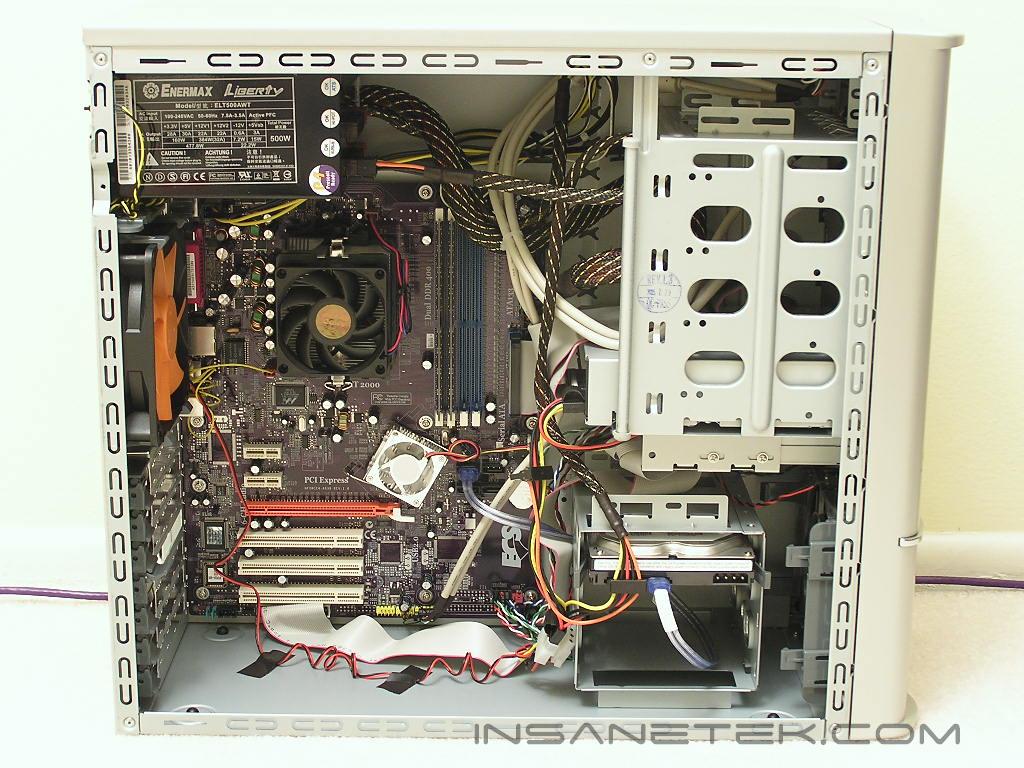
Installing all the components into the Swing was not as easy as I had hoped. In order to install the optical drives, you will have to remove the front panel. The front panel is not held by screws, but large push-pins at the side. It is a little hard to reach, but I found it easier to just hold the front panel by the sides and rip it off. That is my method though, certainly not something you want to do. It might just destroy the push pins if you are not careful enough. With the side panel removed, attach the sliding tabs onto your optical drives and slide it into your desired bay. This is the same for installing the hard drive. I found it easier to remove the hard drive cage before inserting the hard drives. It also lets me install a front 120mm intake and manage the wires for the front connections. Although the Swing does not have a removable motherboard tray, the motherboard area allowed plenty of space for me to work with.
Conclusion and Thoughts
Thermaltake has a pretty good budget case in their hands. The Swing is designed to be pretty stylish and comes with some great features that regular consumers can take advantage of. The tool-less installation methods are well implemented and allowed me to finish installing all my hardware within minutes. The 120mm fan options are great and allows good cooling performance for your components. The only gripe that I have would be the requirement to remove the front panel in order to install the optical drives. If it removed easily it would not have been a problem. Overall, the Swing is a good case for those who cannot shell out $100 or more for a chassis.
Pros:
- Tool-less installation
- Comes with 120mm exhaust fan
- Very affordable
- Motherboard area has lots of room to work with
- Front ports are located towards the top of the case for easy access
Cons:
- Need to remove front panel to install drives
- Only allows three hard drives in hard drive cage
- Only comes with one 120mm fan

We would like to thank Thermaltake for providing us the sample. If you have any questions or comments, feel free to hit us up in the forums. You can also check out more of our latest reviews on the front page.