

ThermalRock Circle
Never heard of ThermalRock? Surely you must know Thermaltake, though. No one really knows why Thermaltake decided to split off into a second name, but sure enough both of them are owned by the same people. This new name can only be good news for us. Why? We get to see more goodies, of course. With the announcement of the ThermalRock name, a couple of products have already been introduced and have become available for sale. Most of their products are cases, and if they follow Thermaltake’s case history, these cases should offer users plenty of space to work with as well as great cooling performance.
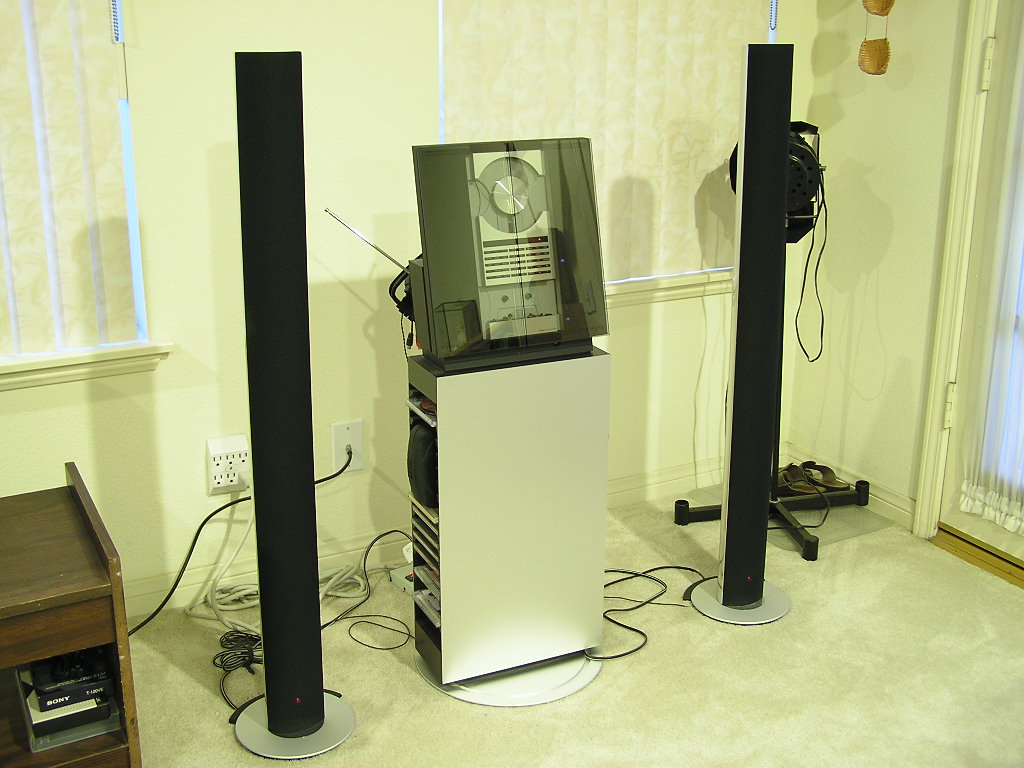
I must admit that I was immediately hooked on to the great internal designs of cases like the SilverStone TJ06 and Enermax MaxFlow. While the cases had the exact same internal structure, the difference that sets them apart is the external looks. Cases are a difficult decision when making a new system purchase, mainly because it involves so many opinions and personal preferences. While the inverted motherboard tray design is becoming more popular, many more companies are beginning to adopt the layout and while showing off their own unique approach. Today we settle on ThermalRock’s design. The first thought that came to mind when I laid eyes on the Circle case was Bang & Olufsen. Never heard of B&O? You definitely should check out some of their high tech goods. It’s pure beauty. B&O products always give me the sense of relaxation in a calm and soothing environment. Just take a look at B&O’s BeoSound 9000 and you’ll know what I mean.
ThermalRock Circle
The reason why I like B&O so much is because of the looks and the build quality, not to mention the sound. The stereo system has been in my house for the past few years and it’s always been a great pleasure whenever I load up some soft soothing music. Who’d be stupid enough to spend all that money on a stereo system? Well, all their products are hand built, meaning that their products are somewhat exclusive.
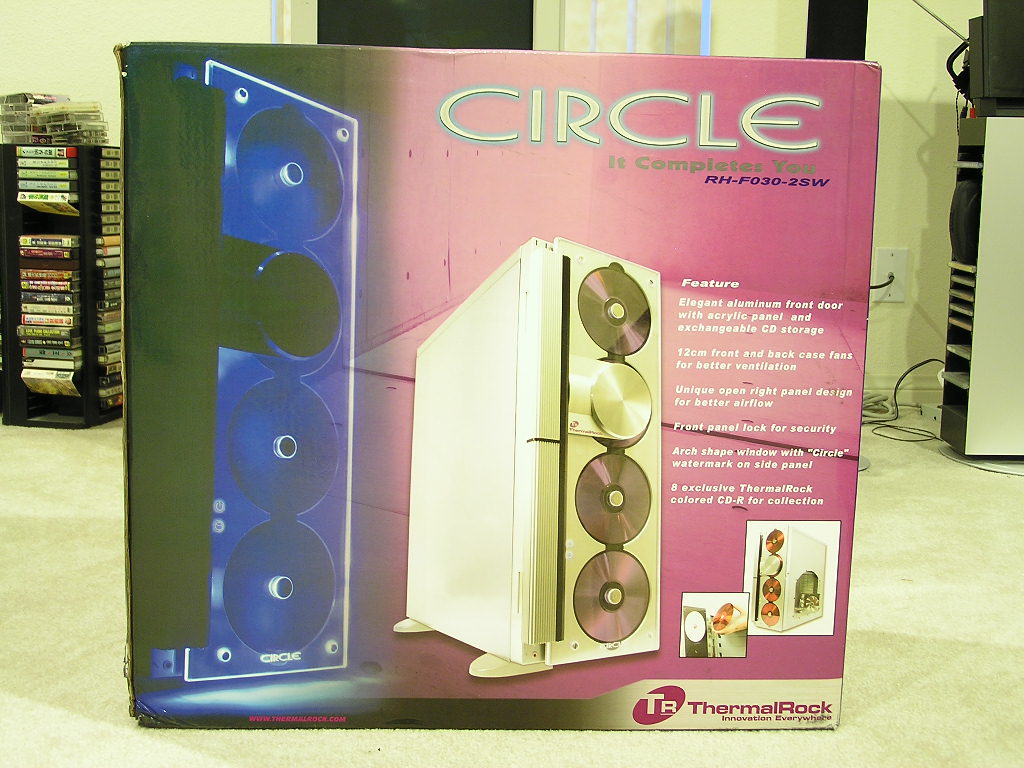
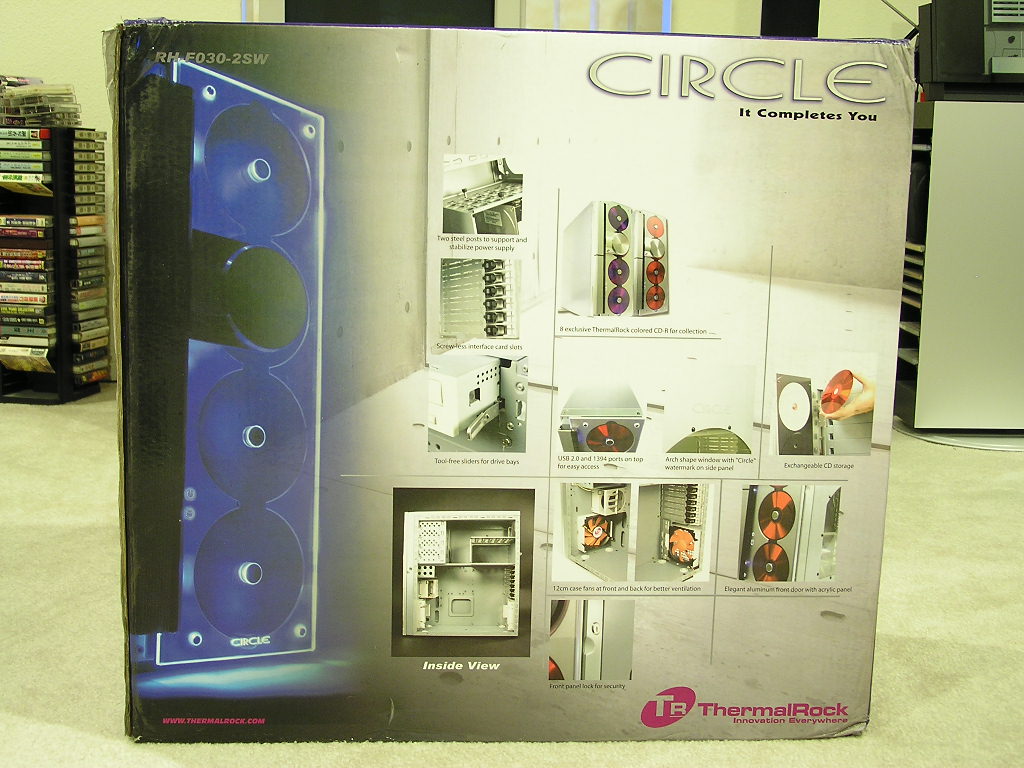
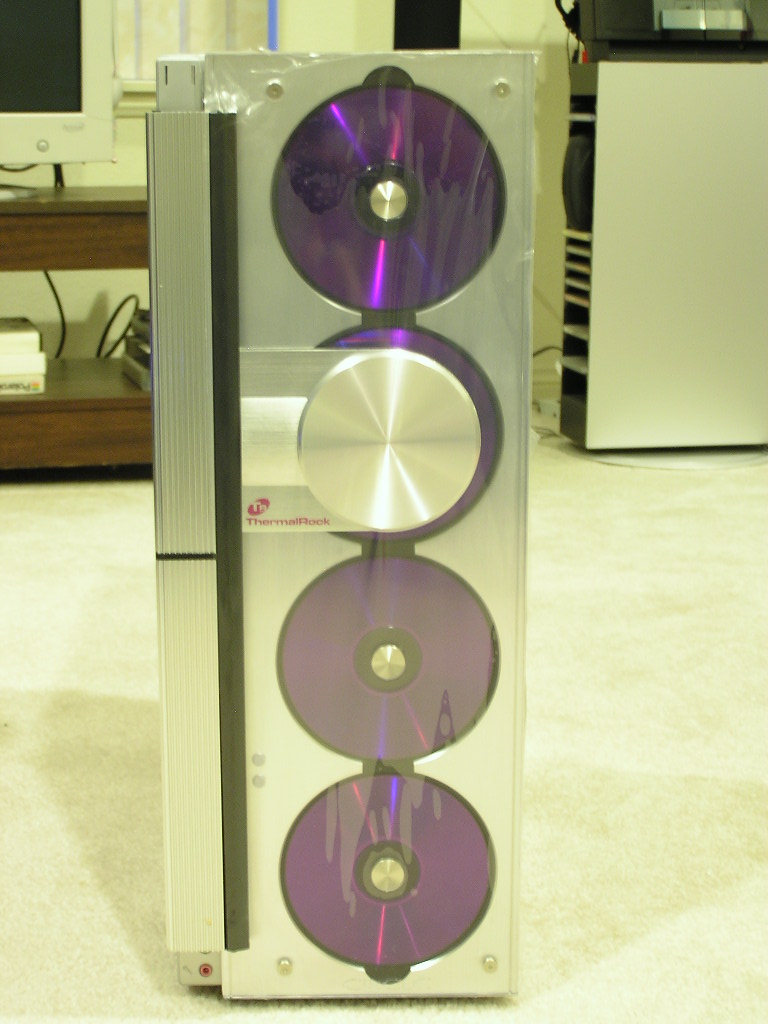
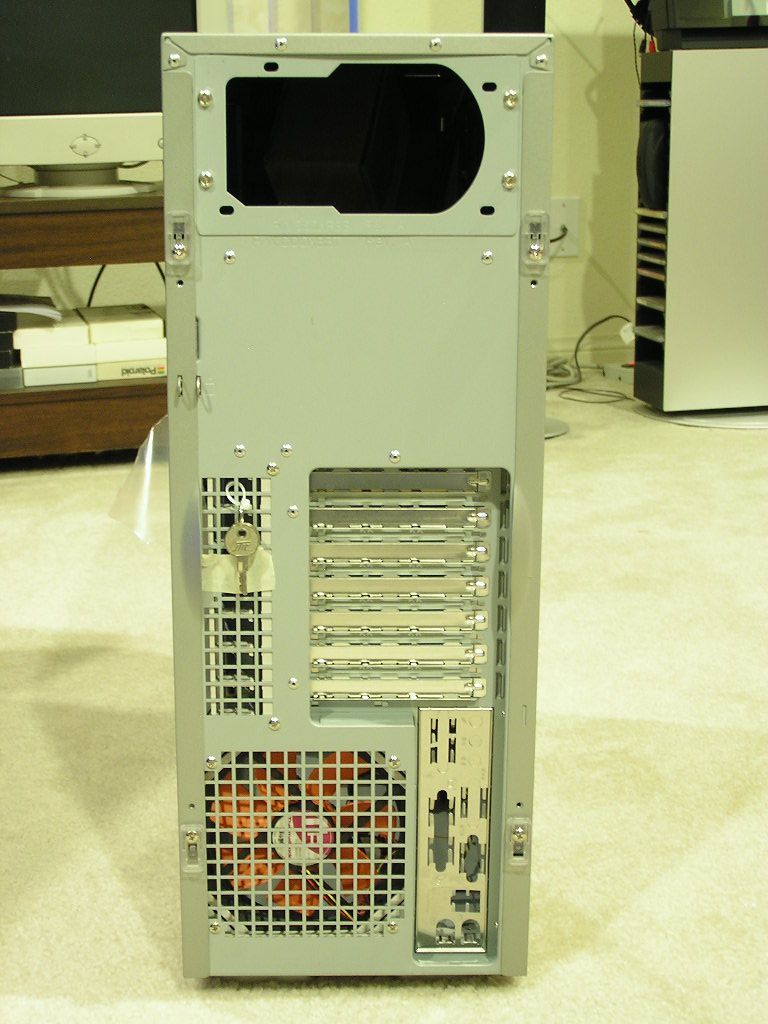
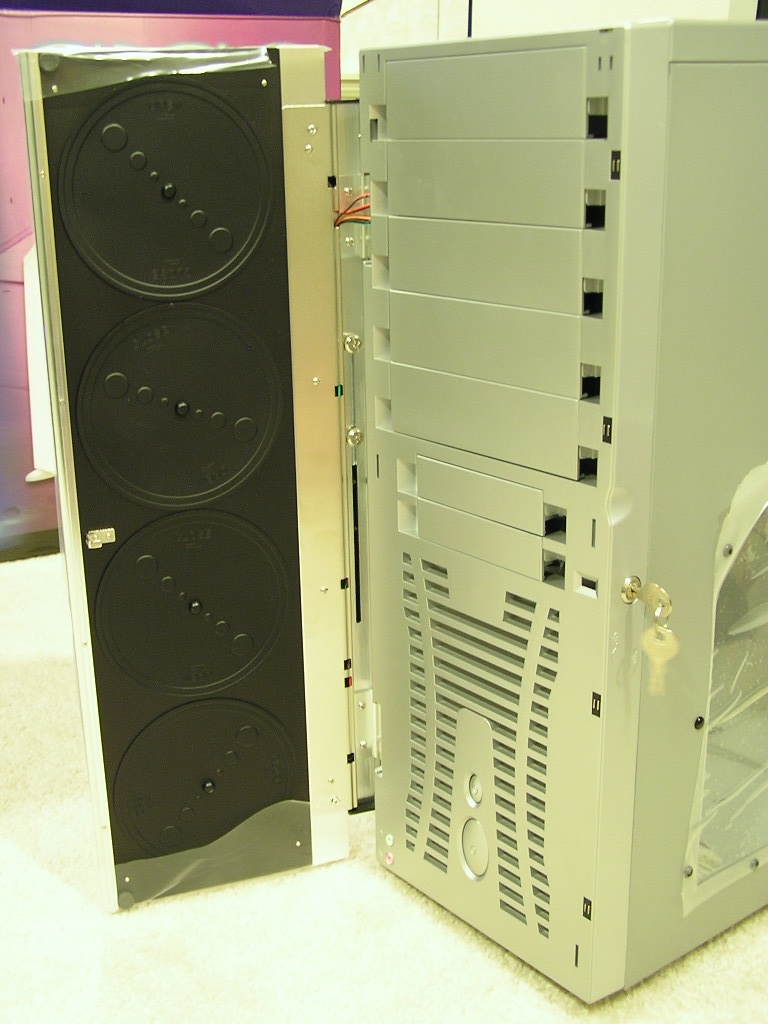
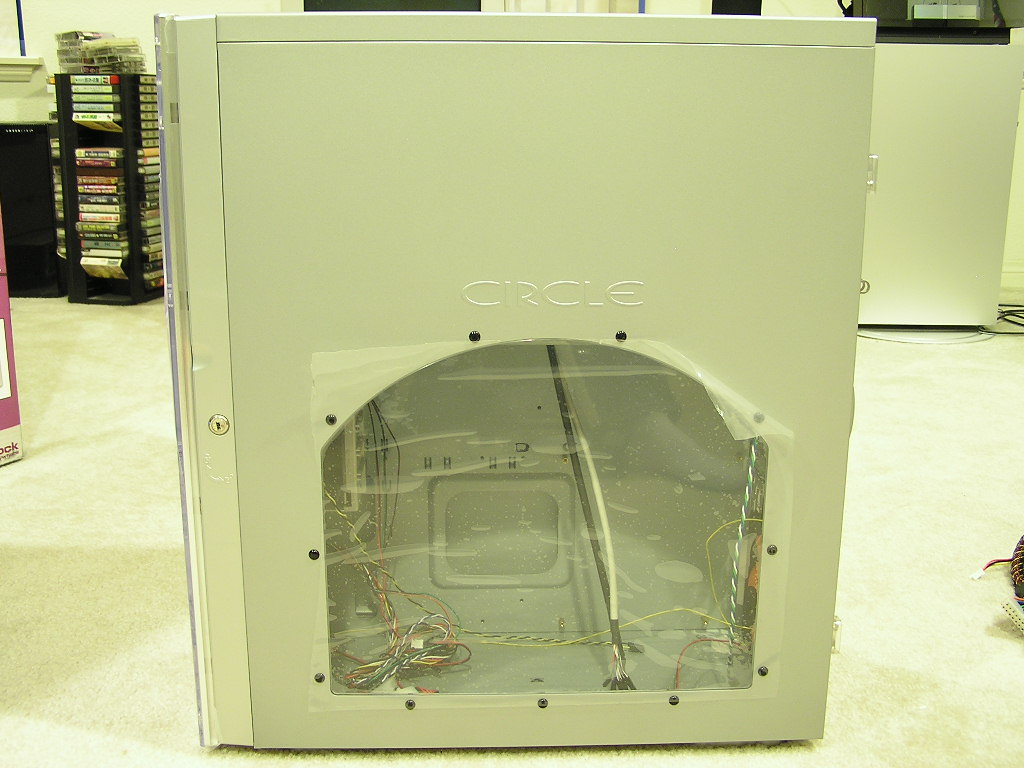
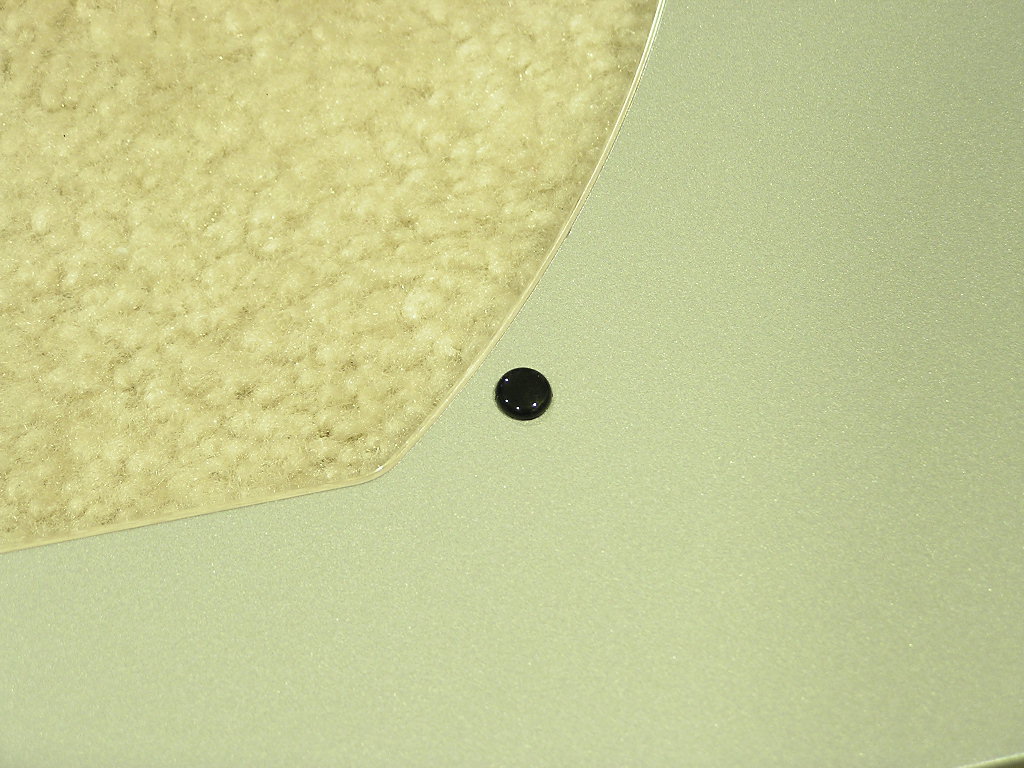
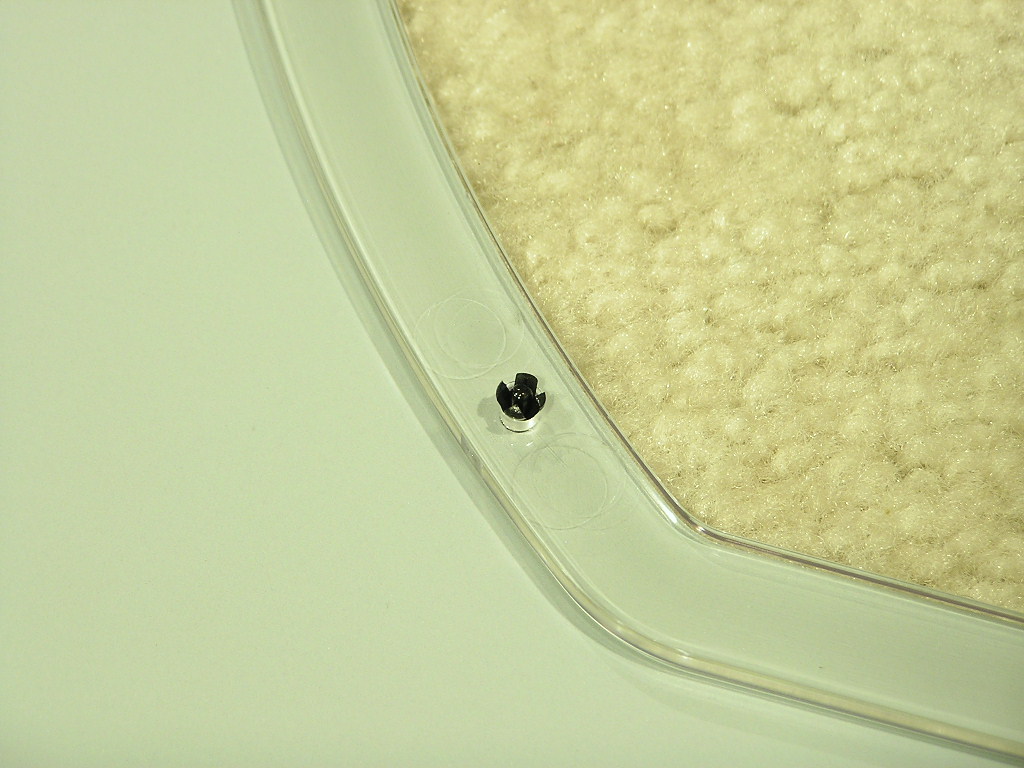
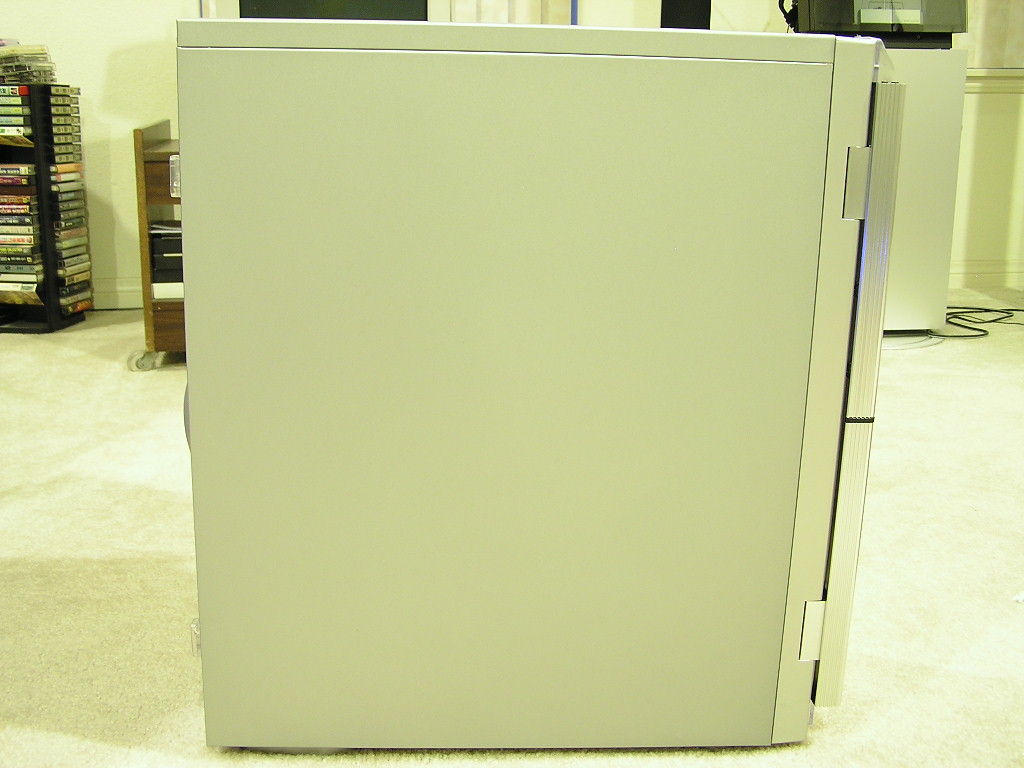
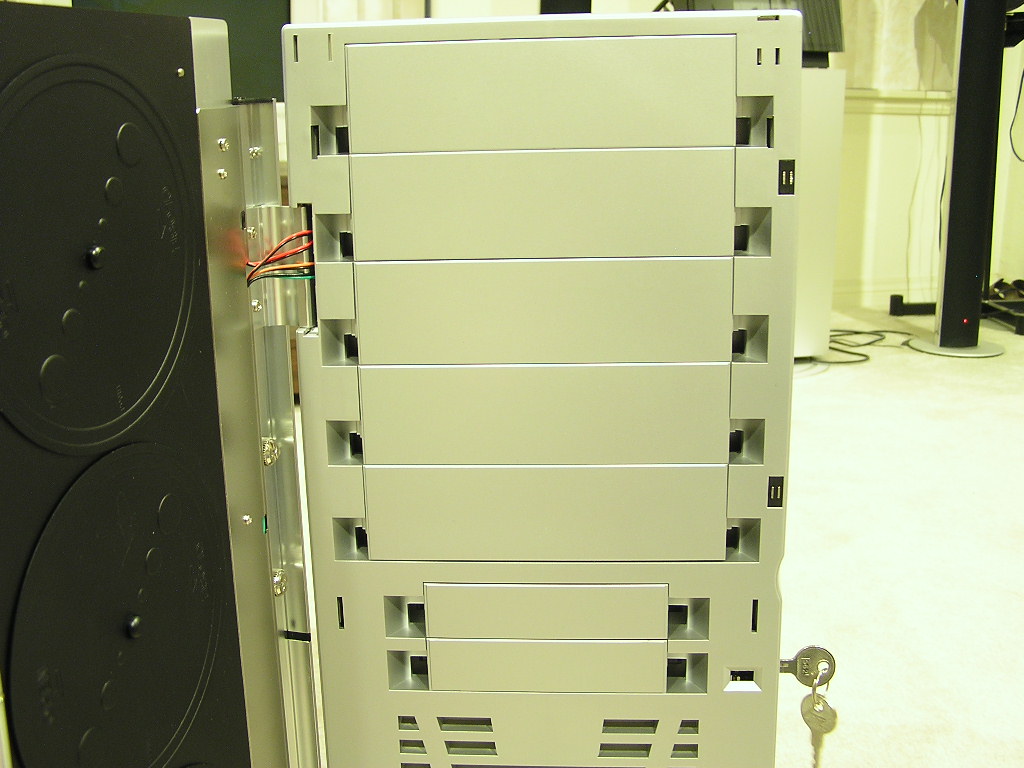
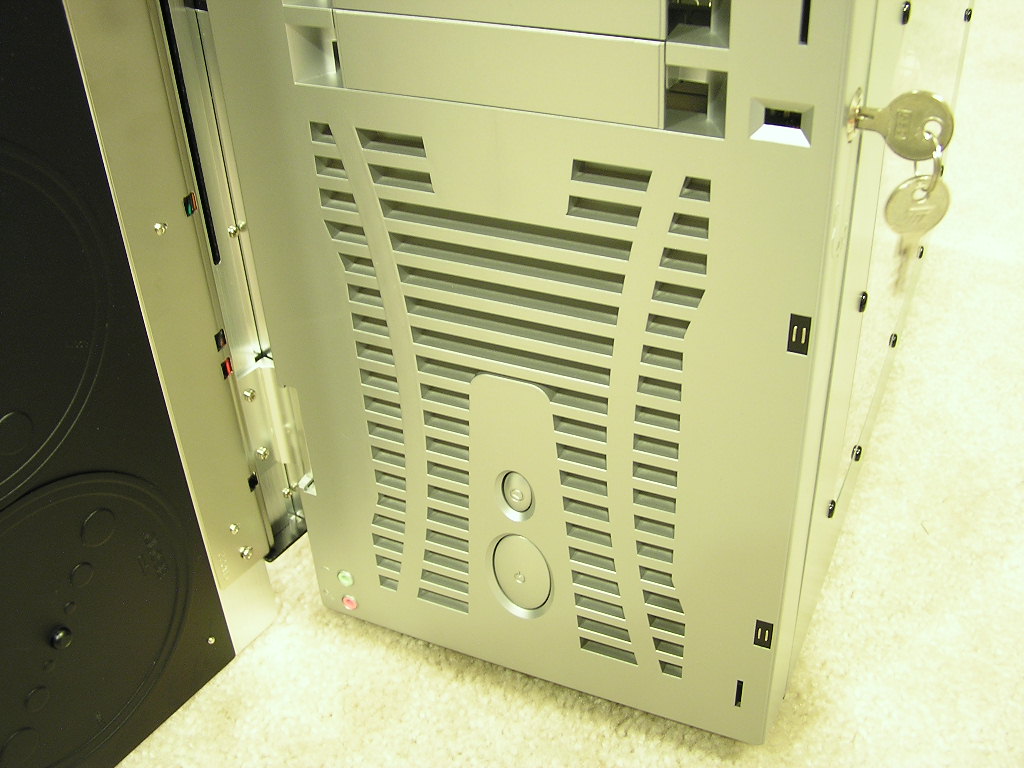
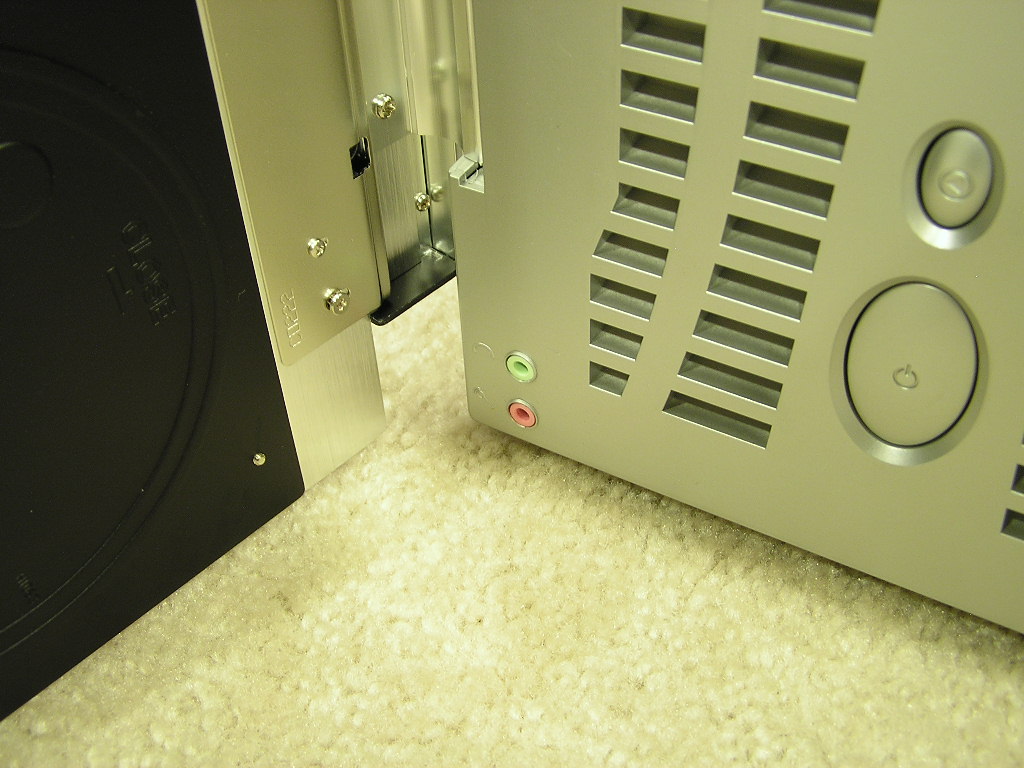
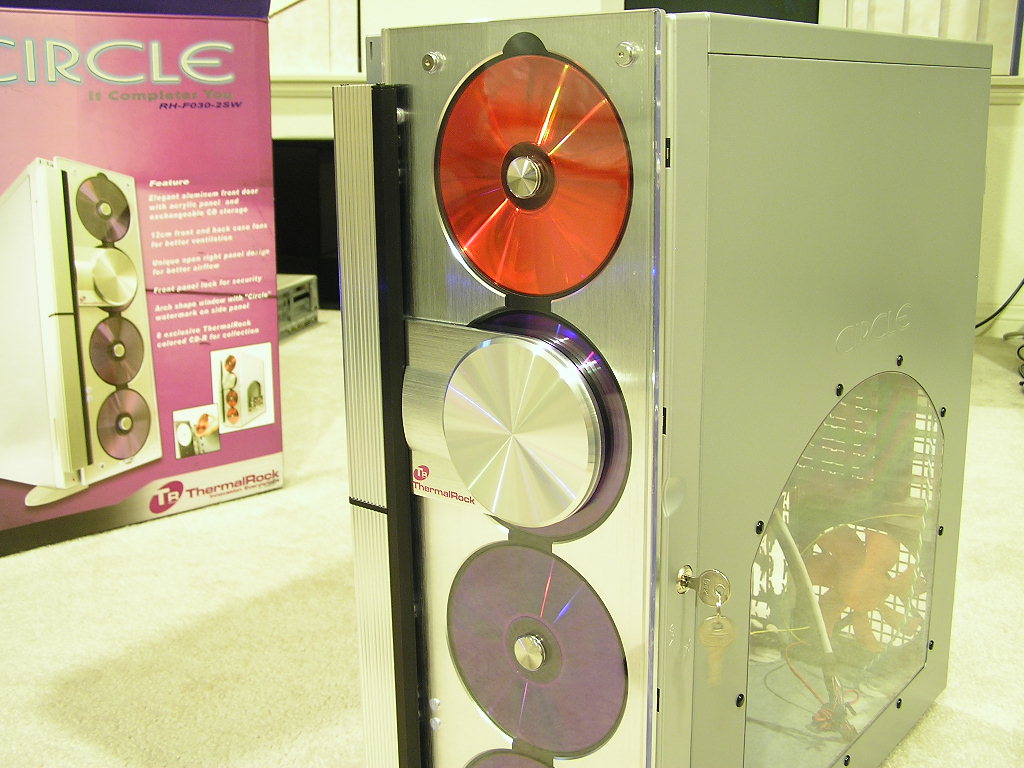
The ThermalRock Circle comes in a nice silver finish, and from the limited information I had from the box and website, I don’t think there are any other selections. The box does state that options for including a power supply, but the sample I received did not come with one. Personally I never buy a case with a power supply anyway. Most knowledgeable enthusiasts will stick with a separate power supply purchase. Because of the inverted motherboard tray design, the right panel will be the one you go in and out of. The panel comes with a clear acrylic window, with a nice “Circle” watermark up at the top. The window is not screwed on, but rather it’s attached via push pins. This is a great idea since windows are often cracked when screws are over-tightened. The window is nicely protected by a layer of plastic to avoid any possible scratches during shipping; and the same goes with the front acrylic door. The side panels are made of steel and are really strong and sturdy. The silver paint finish is very durable and didn’t scratch when I accidentally ran the tip of a screwdriver across the surface. Although the case is made of steel, it’s not very heavy. I compared it to my old Antec/Chieftec case and it was noticeably lighter, even though it felt somewhat bigger. The Circle comes with five 5.25” bays and two 3.5” floppy bays. Below the bays are vents for air intake and the power and reset buttons. There are many cases out there that come with power and reset buttons behind the front door, but I tend to get tired of swinging the door open just to turn on my system. I thought about this and came to the conclusion that the buttons should be located at the top right next to the Firewire port. It’d be much easier to turn on the system. Right at the very bottom left corner of the case are the line out and microphone jacks for gamers who use headphones. While it’s not a big issue to me, gamers will probably want the jacks positioned higher for easier access. Perhaps right next to the USB ports would be a suitable location.

ThermalRock Circle Continued
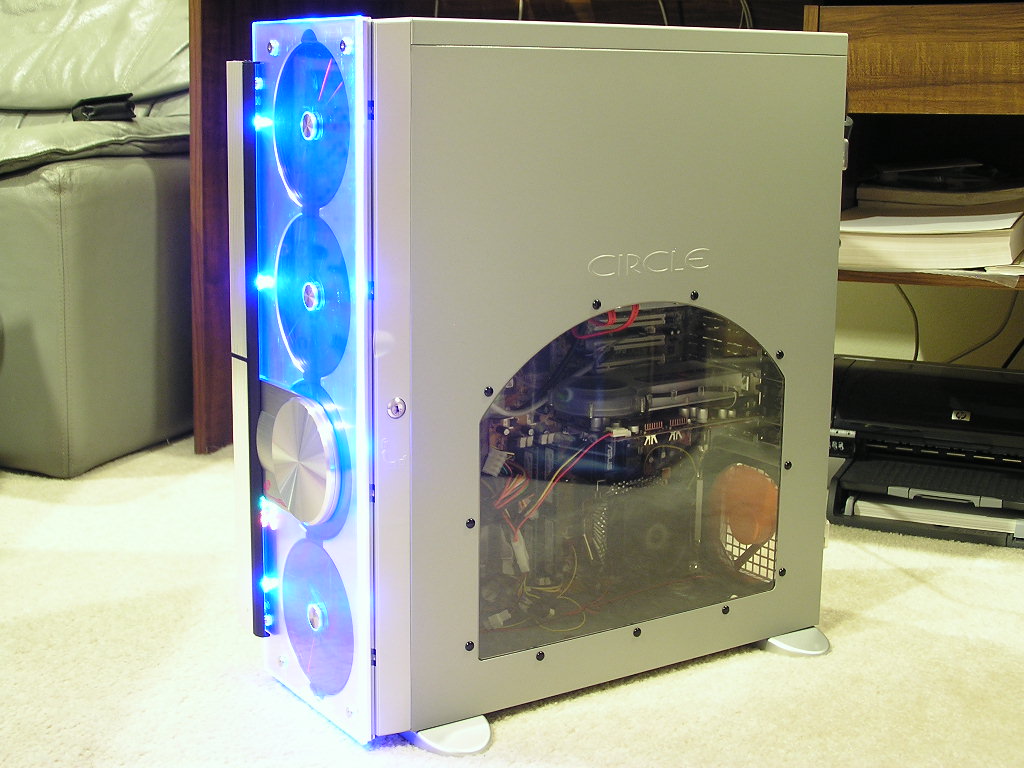
Like I mentioned before, because the same internal structure is used, companies are forced to design their own unique look at the front panel. This is the only way to differentiate and set them apart from the rest. The front panel is an all clear acrylic door that acts as a CD/DVD holder. There are two USB ports at the top left corner of the case and a Firewire port at the top right of the case. The CDs or DVDs are held by a small tray that screws on to the front panel. It’s easily removed by turning the tray according to the direction written on the tray.
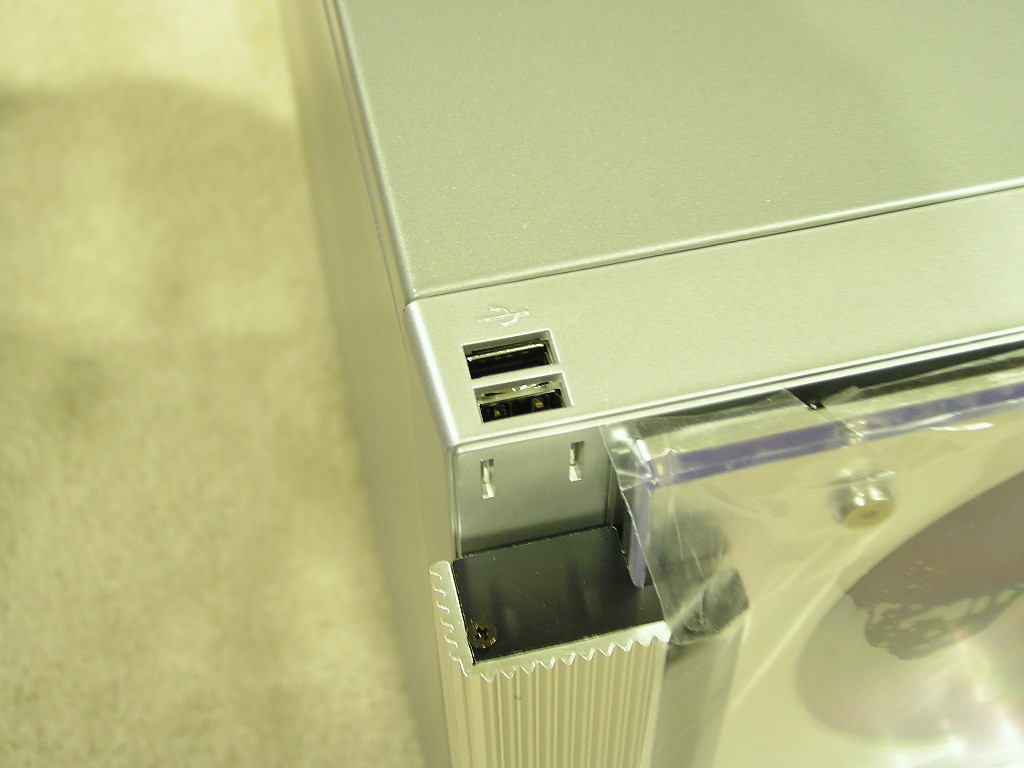
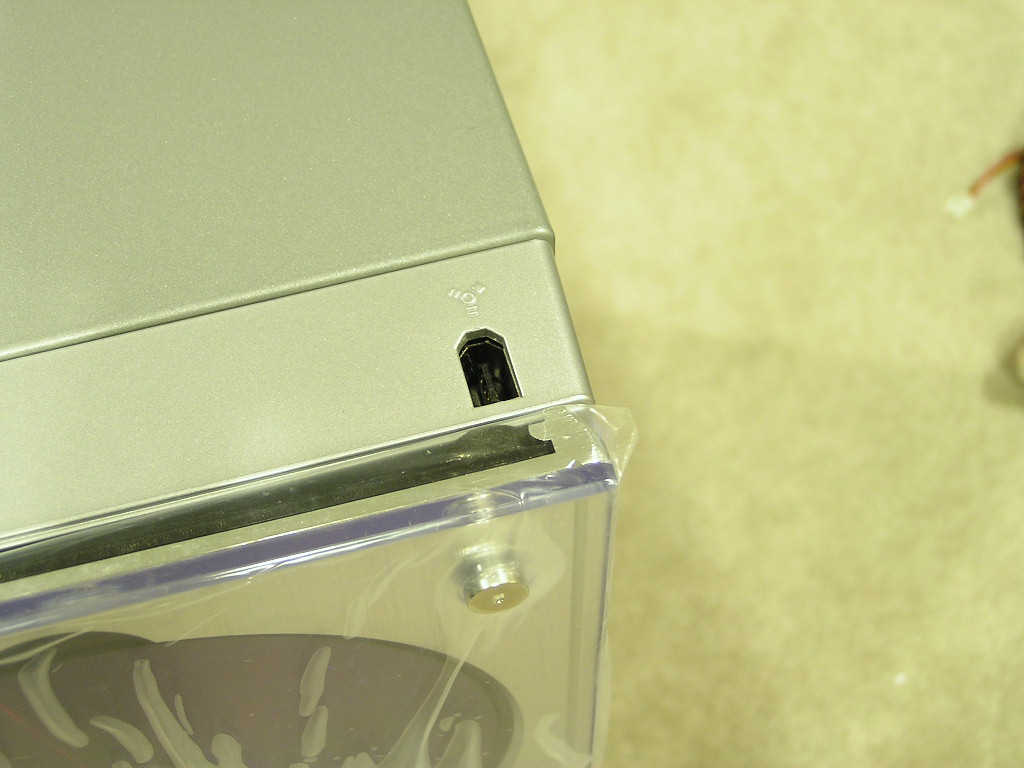
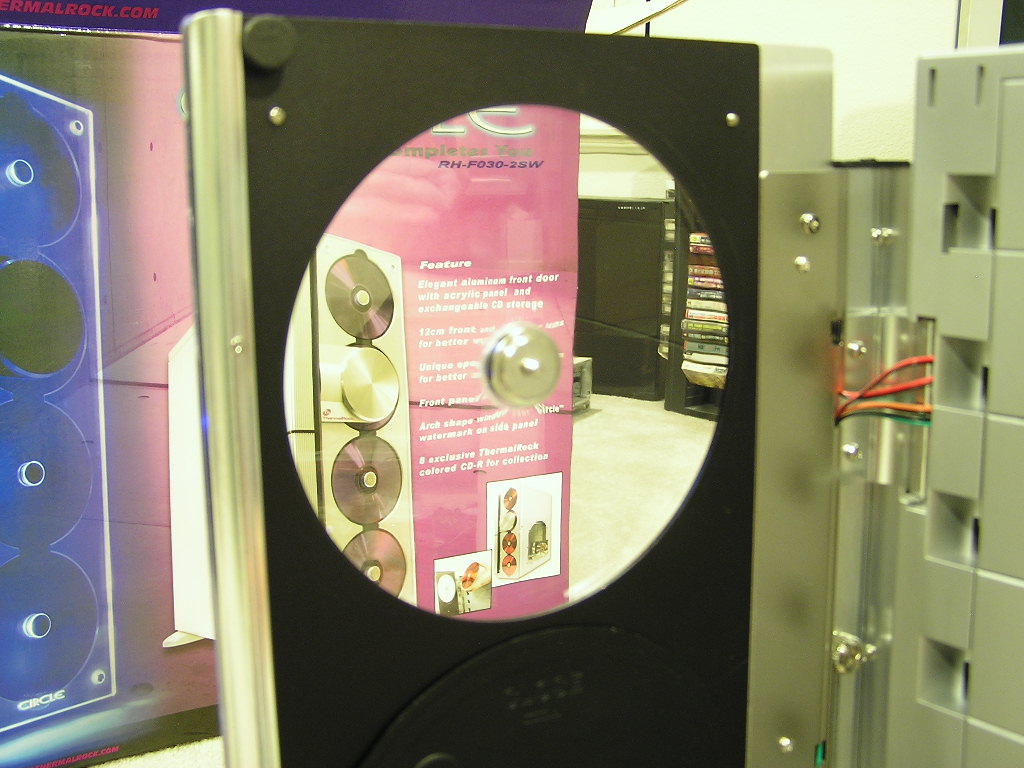

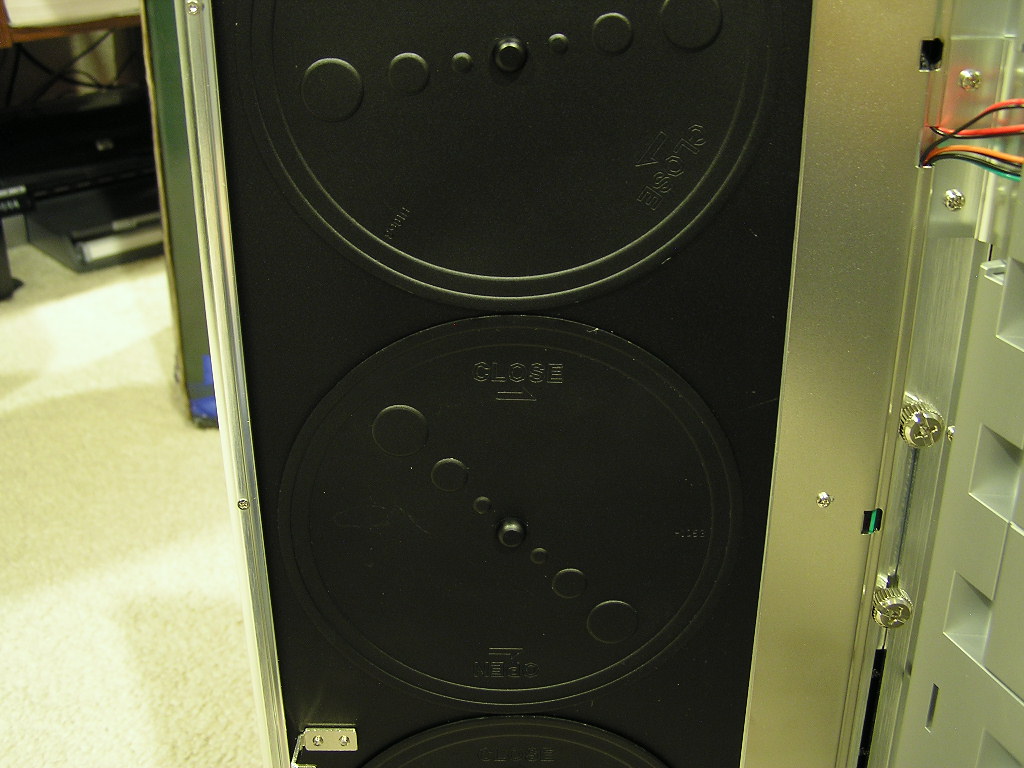
Like the TJ06 and MaxFlow I’ve reviewed, the Circle comes with a side lock to lock down the front panel. The immediate question I had was, wouldn’t it be annoying to keep unlocking the front panel just to access the optical drives? Well fortunately the front panel has small magnetic strips to hold the front door in place. This way, you can leave the lock unlocked all the time. The front silver circular thing that looks like some type of reader defaults to sitting at the second CD spot. It can be adjusted to move down to the third spot to give it a different look.

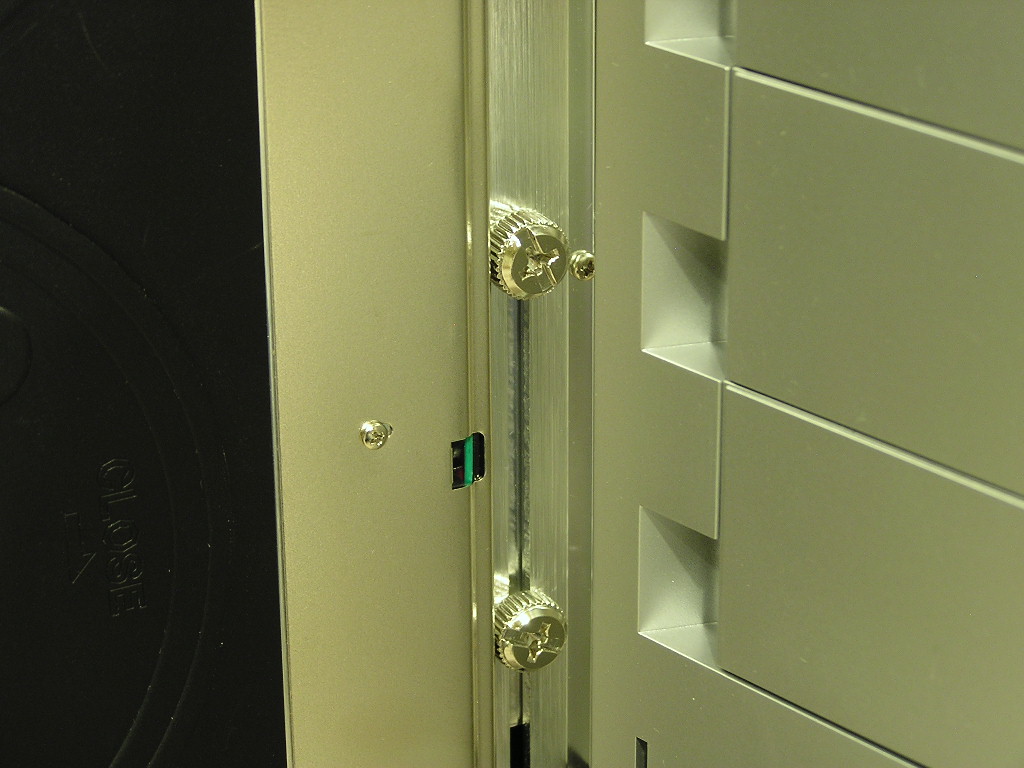
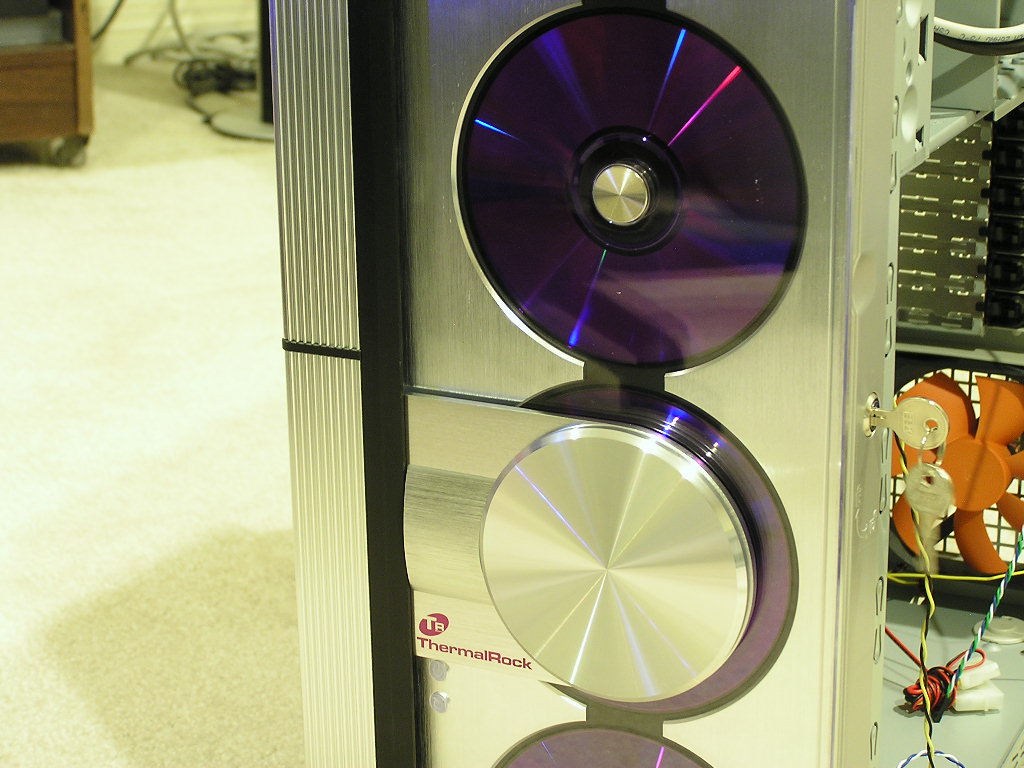
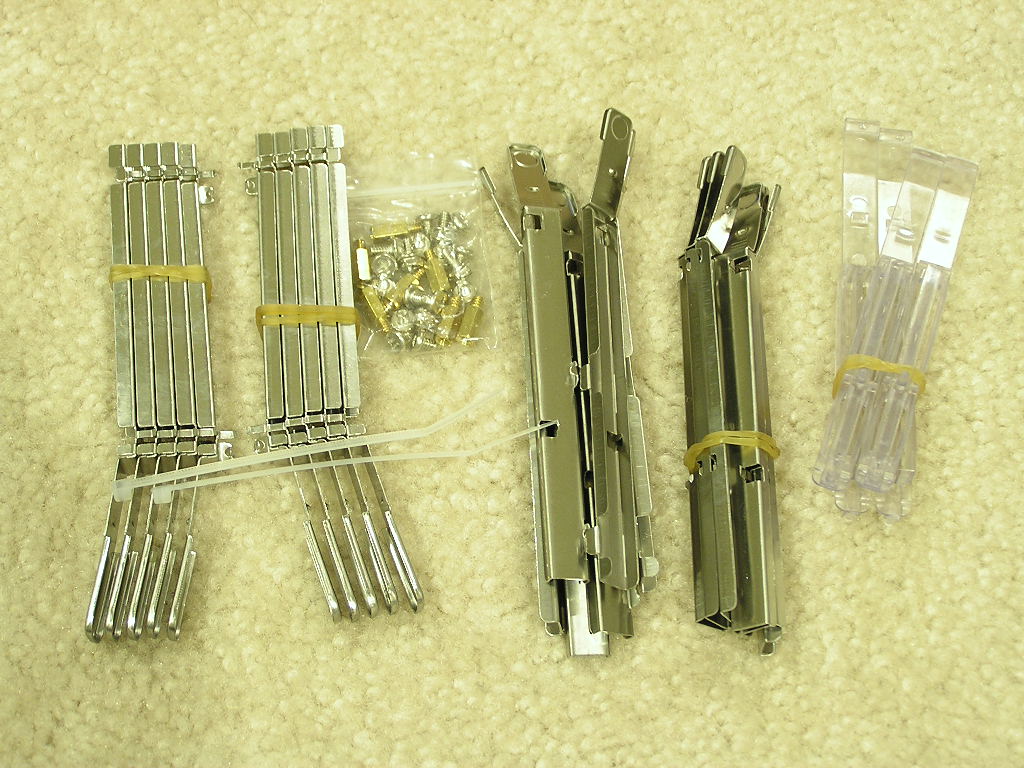
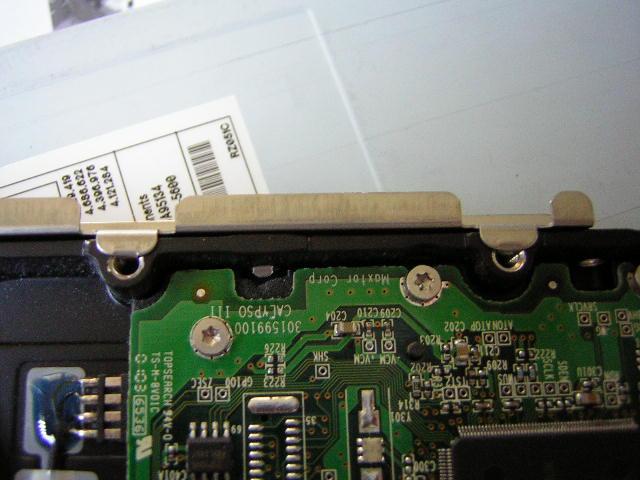
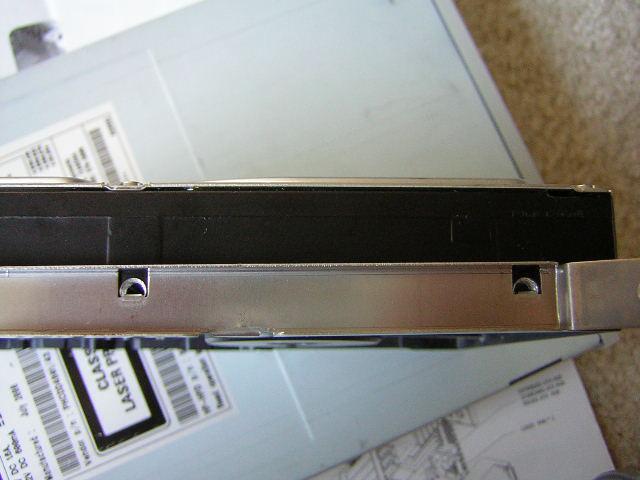
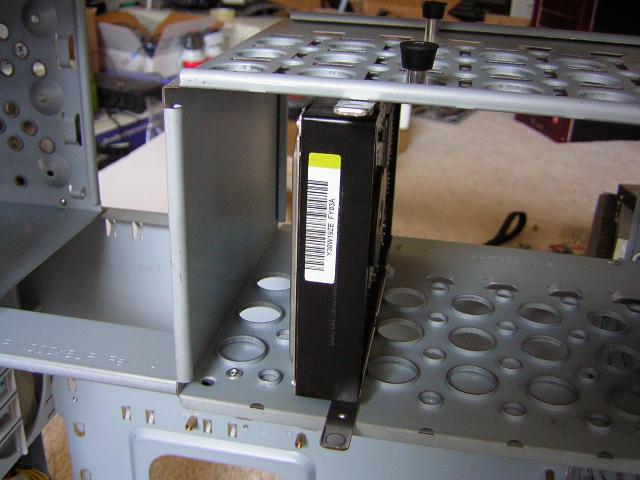
Included in the package are the box of installation accessories, a user’s manual, and some red blank CDRs. This makes a total of 8 blank CDRs included. You can switch out the purple ones for red ones or mix it up to your liking. While I found the purple to be very nice match, black would have probably given it the ultimate look. Installation is still the same as the other two cases, all tool-free. The floppy, optical, and hard drives all use clips that snap on easily and slide into the drive bays without much hassle. When inserting the drives, remember to remove the front panel.

ThermalRock Circle Continued
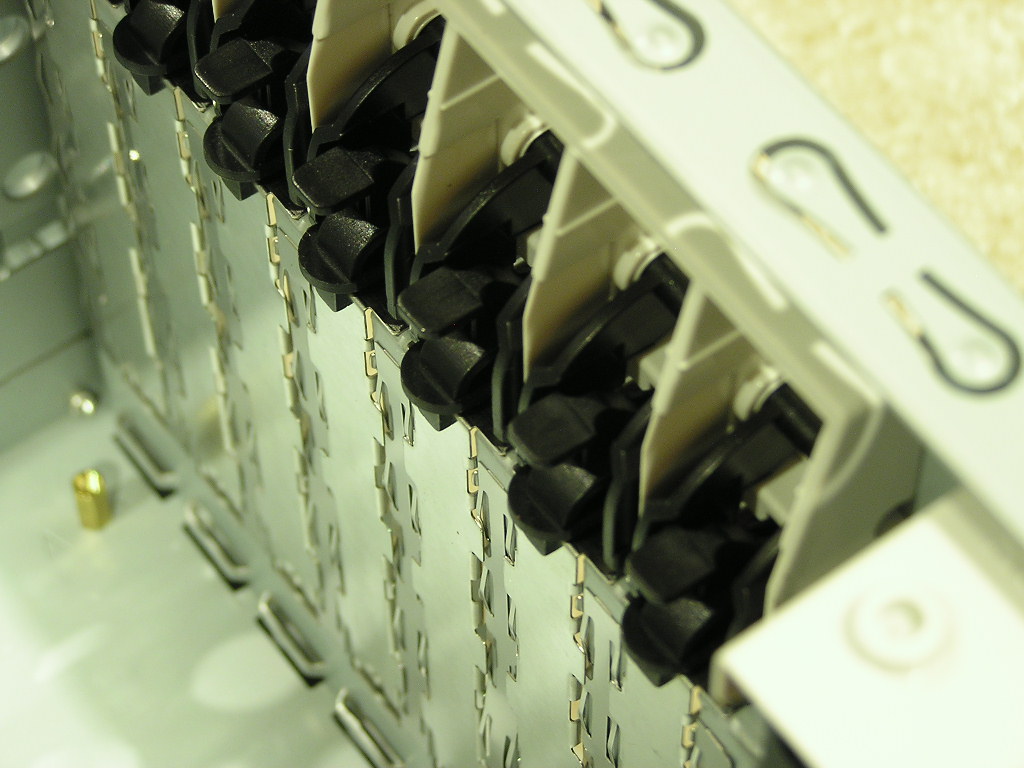
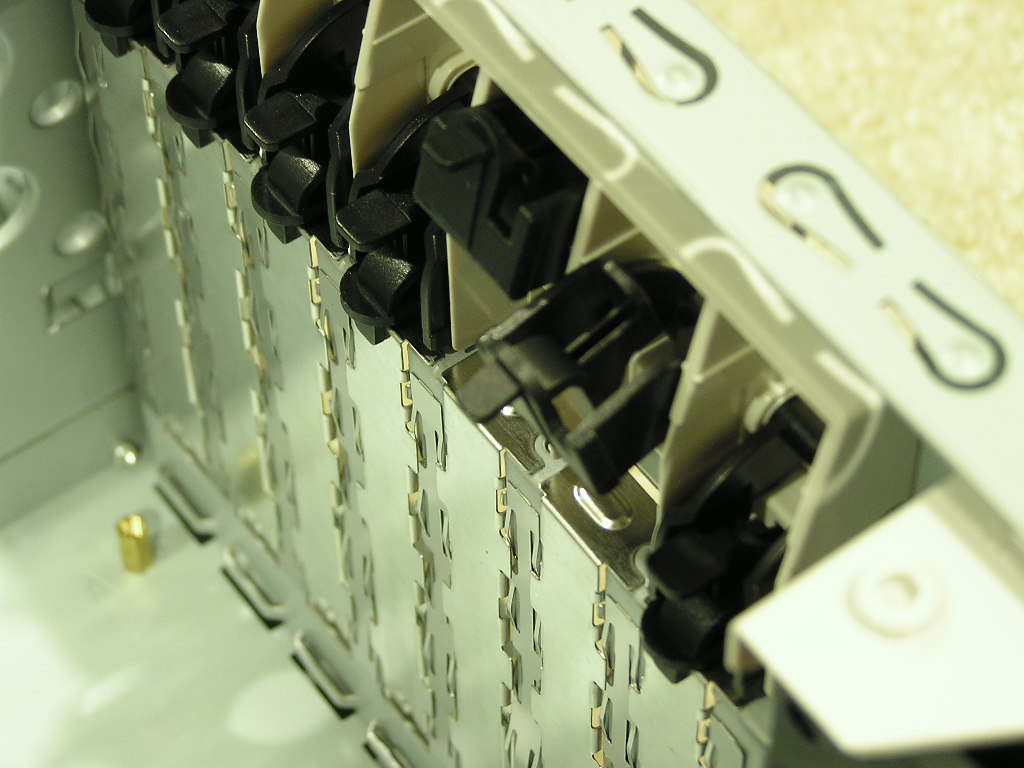
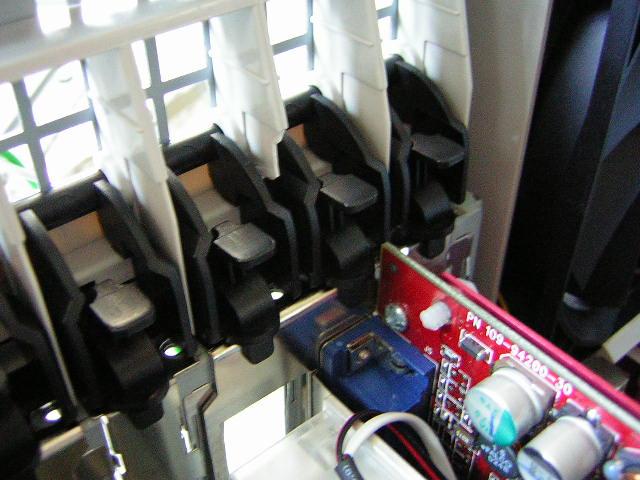
Speaking of tool-free, the PCI slots are also tool-free. They use tabs that lock down the cards. You’ll hear a click and actually “feel” the card being secured down. Now do you understand why I really like these cases?

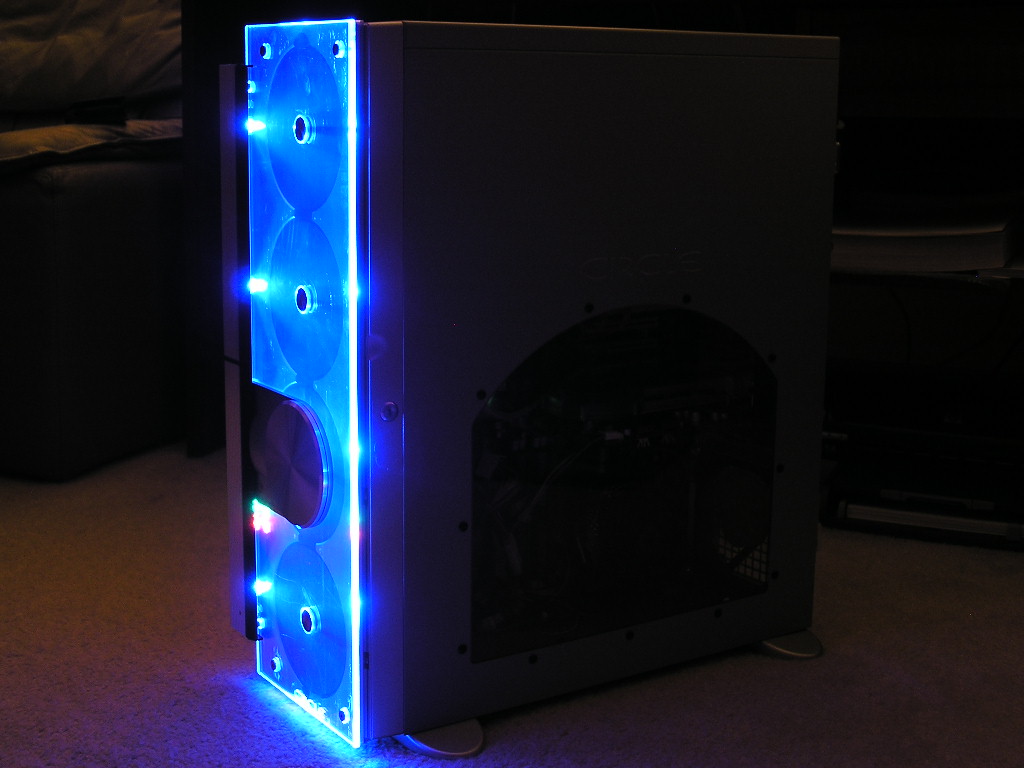
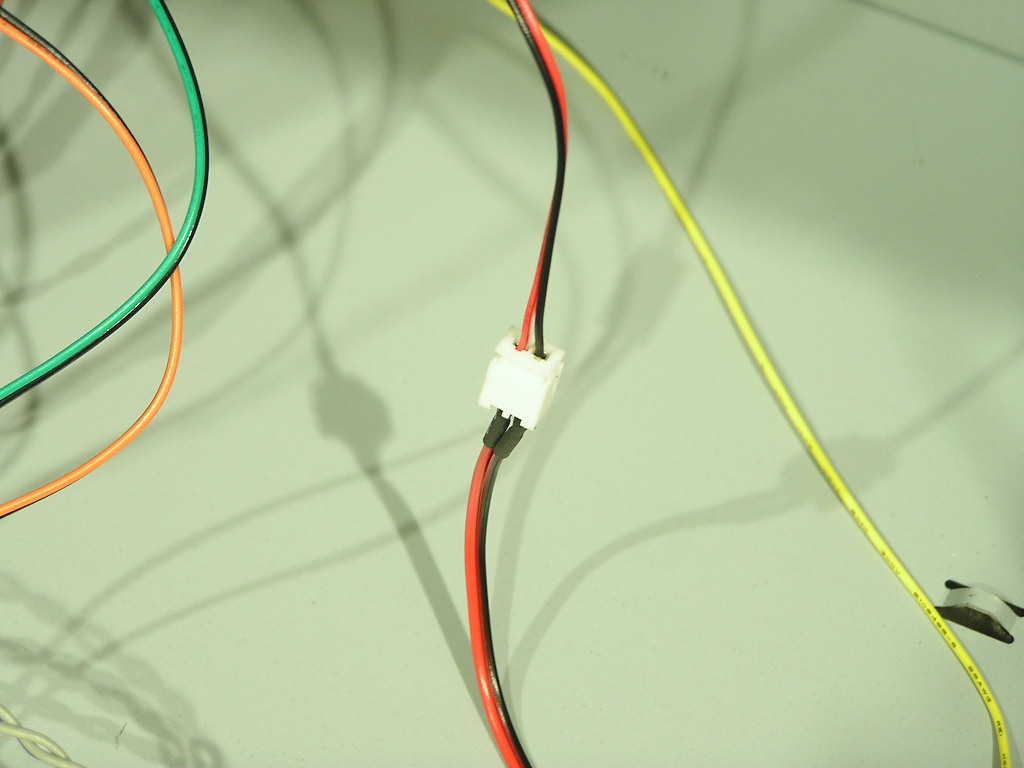
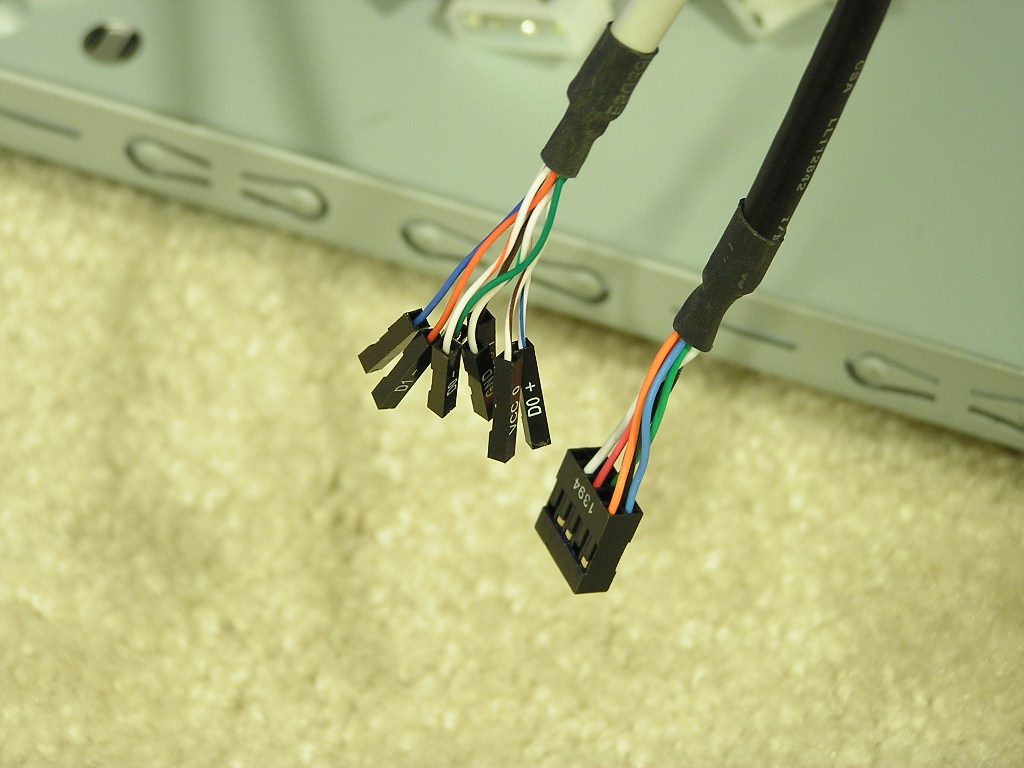
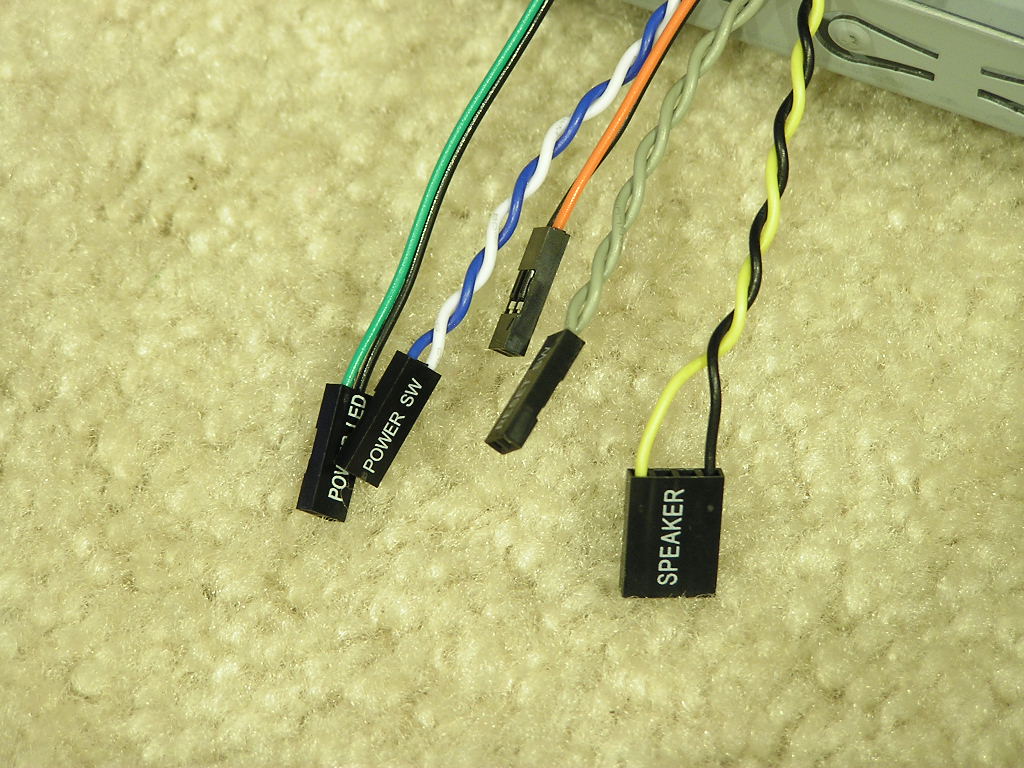
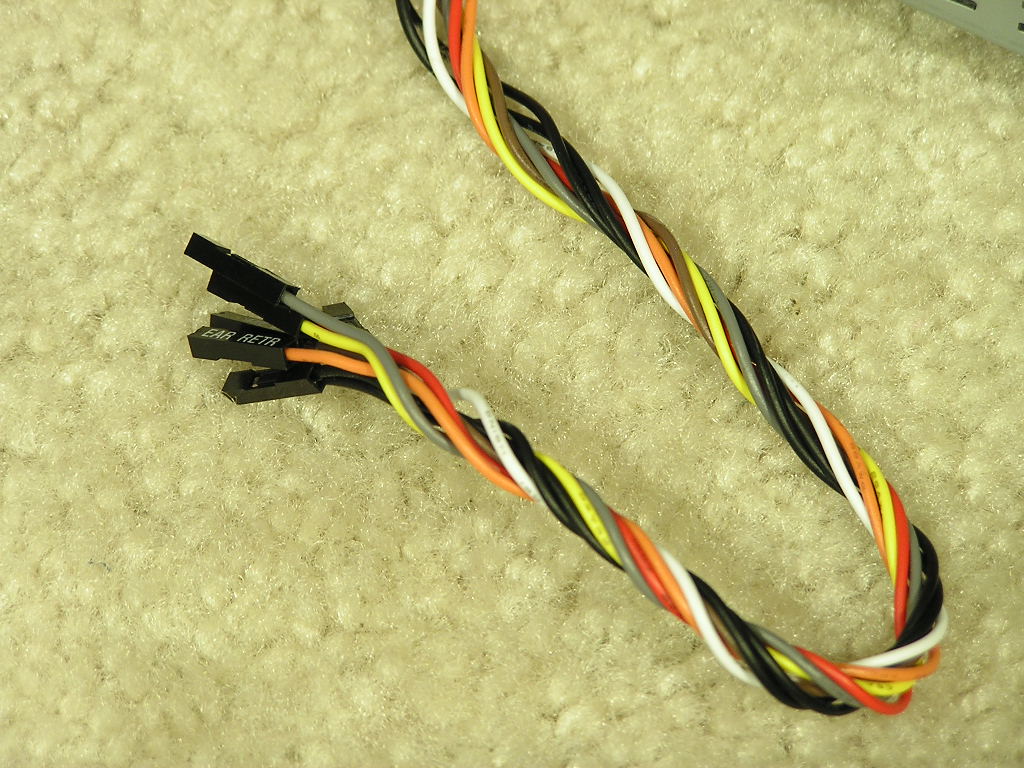
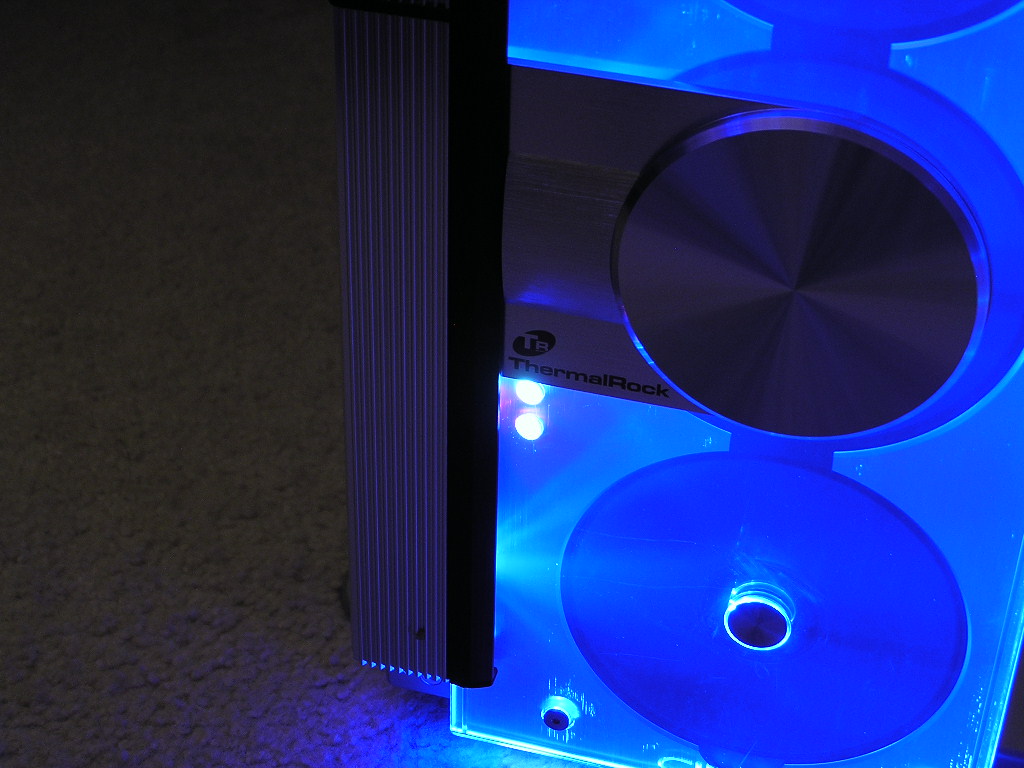
The Circle comes with one main unique feature that literally stands out. The front acrylic door lights up when the system is turned on. There are blue LEDs installed on the sides of the door. It provides a nice glow. The LEDs are powered on via a 4pin Molex connector. Other than the LED power, there are the typical power, reset, HD, power LED, and speaker jumpers. The audio jumpers are located at the bottom while the USB and Firewire jumpers are located at the top. The Firewire connection is nice because it comes already attached as a single plug. The USB connection is all loose and requires you to plug in each individual jumper. The power and HDD LEDs also light up when the system is turned on. It’s the usual green and red.
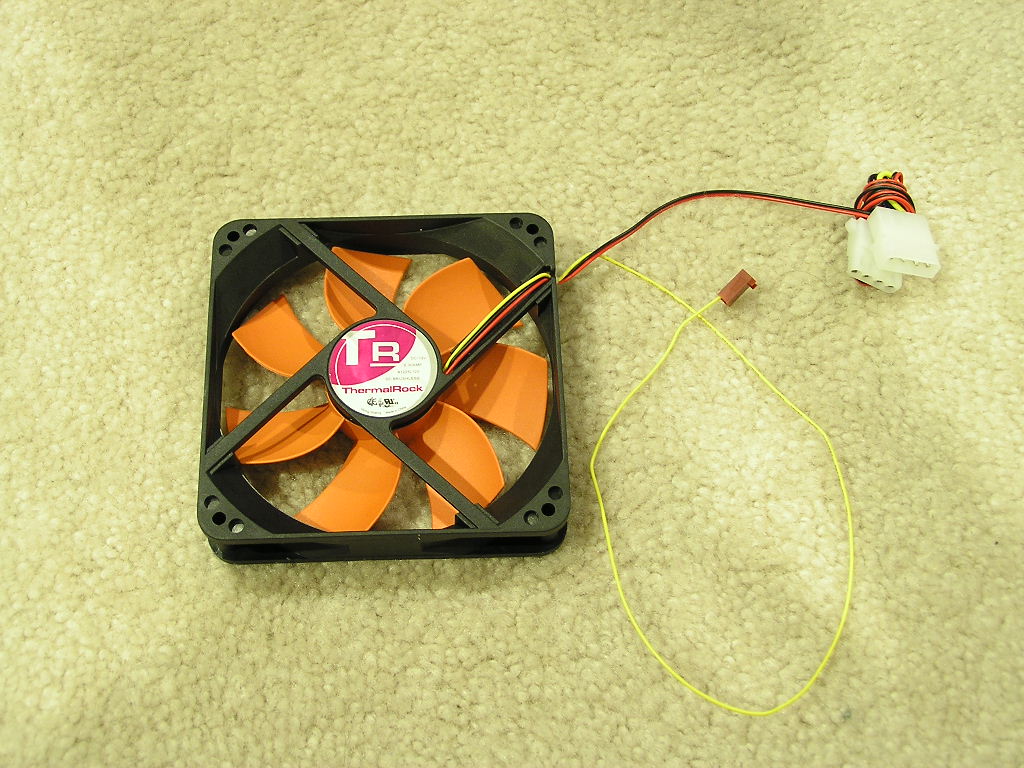
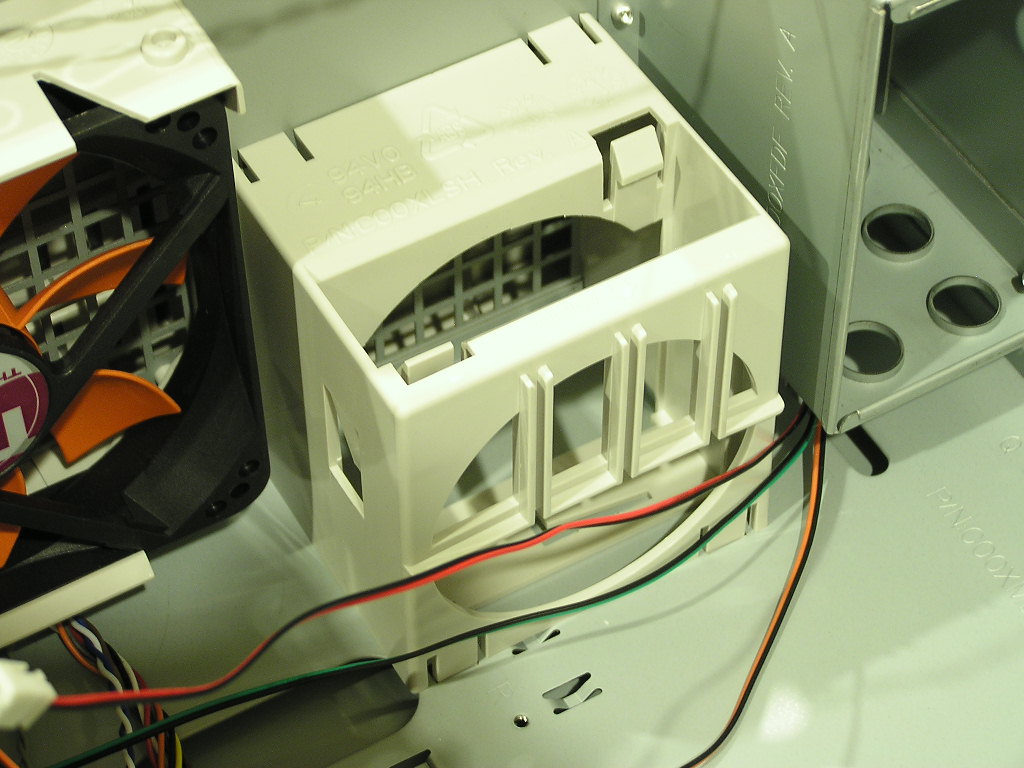
The internal structure was designed to mainly help increase cooling for the latest hot CPUs. Both the TJ06 and MaxFlow came with the patented wind tunnel technology, but the Circle didn’t. I’m not exactly all too sure why there wasn’t one included, but it didn’t really affect the system cooling that much. I only saw a slight increase of no more than 1°C in CPU temperature. System temps however gained some help. Because there’s no wind tunnel to restrict the airflow, the overall system temp had a drop of no more than 0.5°C. The fans included are 120mm in size and are very quiet. There is also an optional 80mm fan bracket is located at the front above the 120mm fan. Unfortunately, there was no fan pre-installed. I grabbed a Panaflo Ultra Quiet 80mm and slapped it inside.
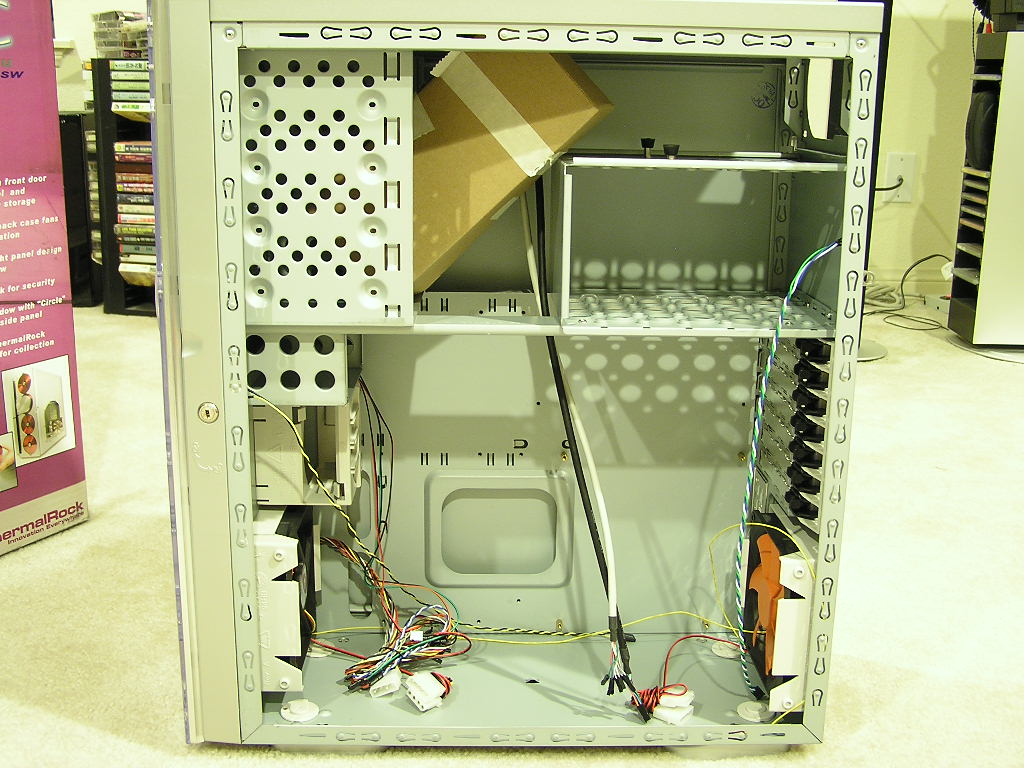
Here are a couple of shots with everything installed. It’s a nice looking window don’t you think?
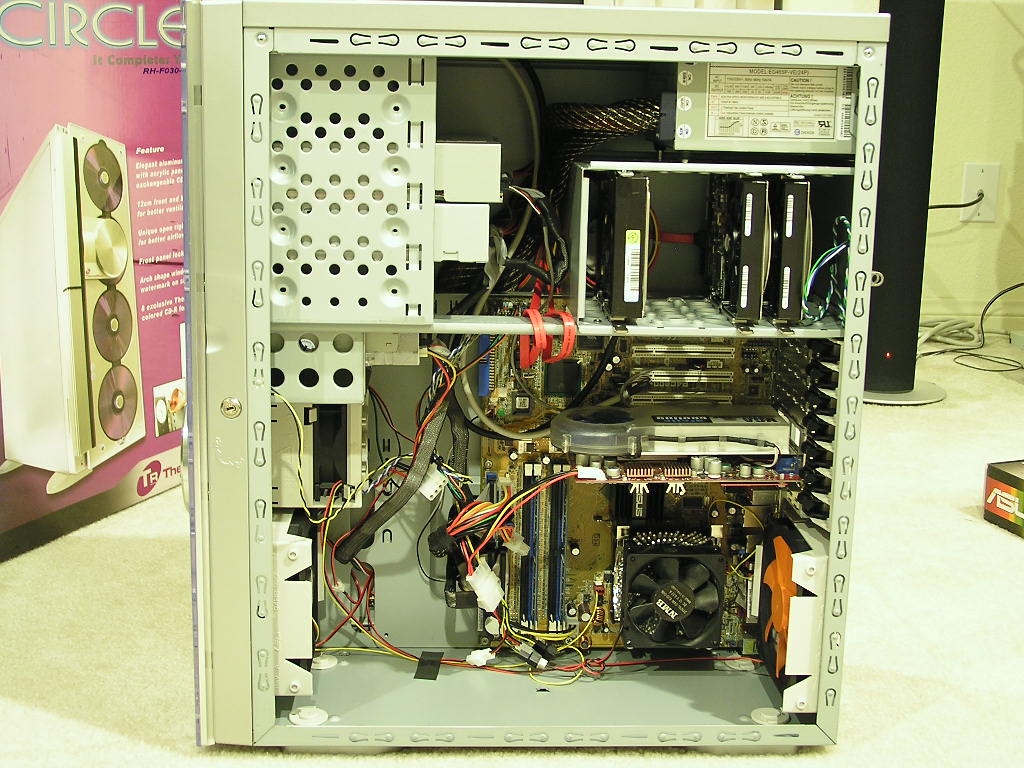
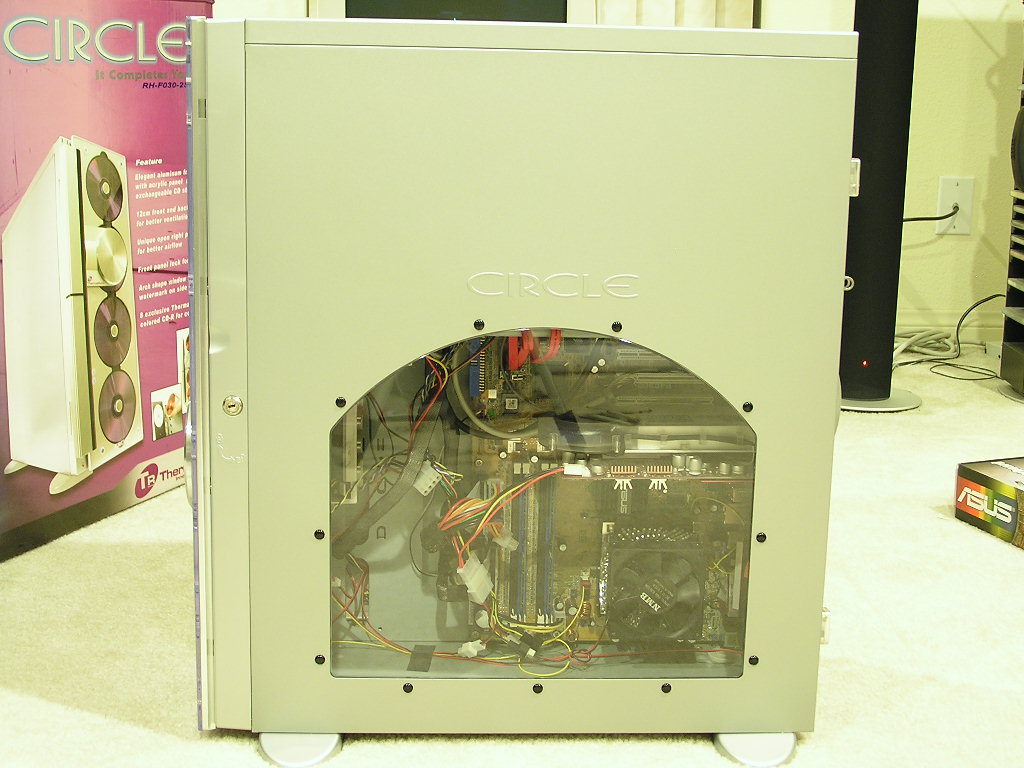
Specifications
| RH-F030-2SW | Motherboards | 12" x 9.6" (ATX), 9.6" x 9.6" (Micro ATX) , 12" x 13" (Extend ATX) | Expansion Slots | 7 Slots | |
| Case Type | Full Tower | Cooling System | Front - 120x120x25 mm fan 2000rpm (intake) Rear - 120x120x25 mm fan 2000rpm (exhaust) | Thermal Test | Tambient: 38°C Intel thermal requirement validated |
| Side Panel | Arch Shape Window | Color | Silver Coating | I/O Ports | USB2.0 x 2, IEEE1394 x 1, Micro phone & Ear phone ports |
| Dimension (H*W*D) | 205.0 mm ( W ) x 500.0 mm ( D ) x 540.0 mm ( H ) | Material | SECC 0.8mm (Chassis) Aluminum (Front Panel) | Carton Dimension (D x W x H) | 630 x 295 x 590 mm ( 219 pcs / 20' ; 441 pcs / 40'; 570 pcs / 40HQ ) |
Conclusion and Thoughts
For the TJ06 and MaxFlow reviews I included cooling results. I decided not to include them for the Circle, mainly because there was no wind tunnel included. Without it, the Circle case acts more like a regular chassis, just with an inverted motherboard tray. I did mention above that the CPU didn’t get as cool when installed in the other cases and the system did get slightly lower temps. It comes with both pros and cons. The ThermalRock Circle case is indeed an excellent case just like the rest. The uniqueness is the front acrylic door, which to me looks very sleek and stylish. Not many people agree with me on the looks, though, but that’s more of a personal preference than a performance fact. The position of the USB and Firewire ports is ideal, while the audio and microphone jacks are too low at the bottom. I don’t think it is too bad, considering that you wouldn’t want to use such a big case like this as a LAN system. Overall, the Circle is a great case to have, at least for me. If you’re the type who likes B&O’s style of products, then you’re certainly in luck. The Circle is a great addition to your entire entertainment system. The spacious room inside the case allows easy access in and out and the two 120mm fans provide silent and good airflow. There was a slogan for the Circle on the box, “It Completes You”. Sure enough it did complete me and the B&O stereo I have sitting in my family room.
Pros:
- Beautiful full tower
- Excellent paint job
- Acrylic front door with blue LEDs
- Tool-free installation
- Silent
- Spacious internal structure
- Includes two 120mm fans
- Great price
- Holds CDs/DVDs
- Nice arch-shaped side panel window
- Package comes with 8 blank CDRs
- Magnetic strips to keep acrylic door in place
Cons:
- No wind tunnel
- No 80mm fan included
- Heavy
- Not all power supplies will fit

We would like to thank ThermalRock for providing us the sample. If you have any questions or comments, feel free to hit us up in the forums. You can also check out more of our latest reviews on the front page.