

SilverStone Temjin TJ05S-TW
Since 2003, SilverStone has been a company devoted to quality computer cases. Some of their products look similar to Cooler Master, which makes sense, because SilverStone used to be Cooler Master’s ATC case division. SilverStone also produces power supplies, accessories, fans, and CPU coolers. Rather than copy another manufacturer’s design, they choose to innovate.
We recently reviewed the SilverStone TJ05B case, which unfortunately had some design problems. SilverStone has made revisions since then and let us revisit the case. This time they sent a TJ05S-TW, which is silver and comes with a window and thermal controller.
SilverStone Temjin TJ05
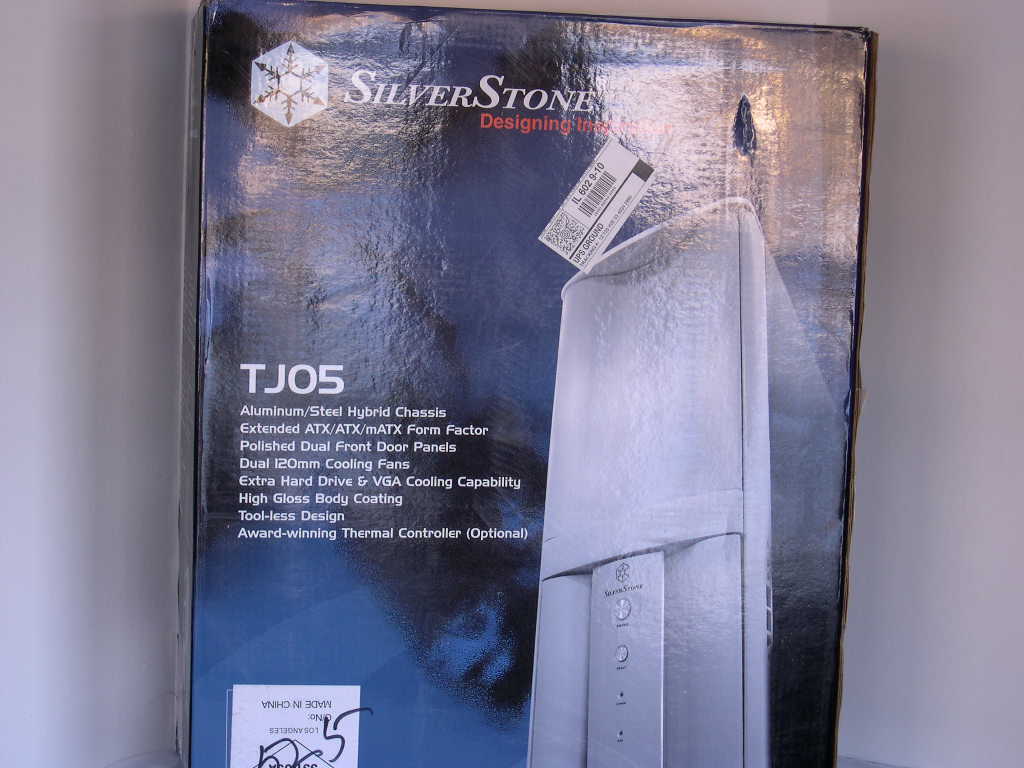
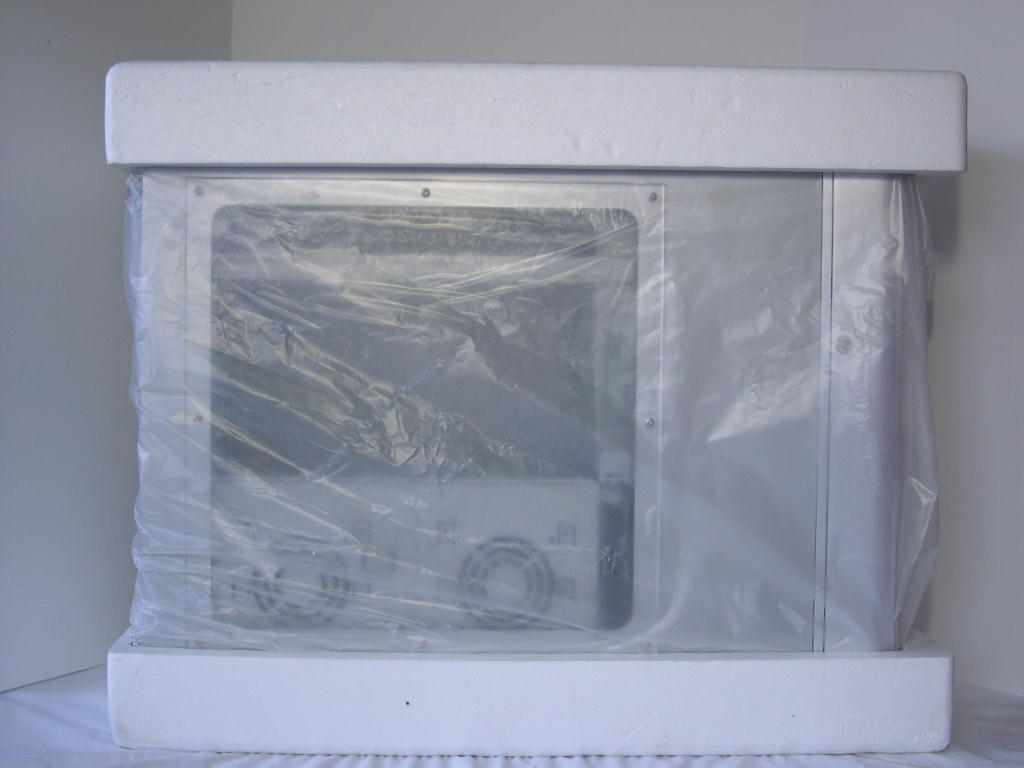
The box came in excellent condition. The case was packed in a plastic bag with Styrofoam blocks on the top and bottom to prevent movement during shipping.
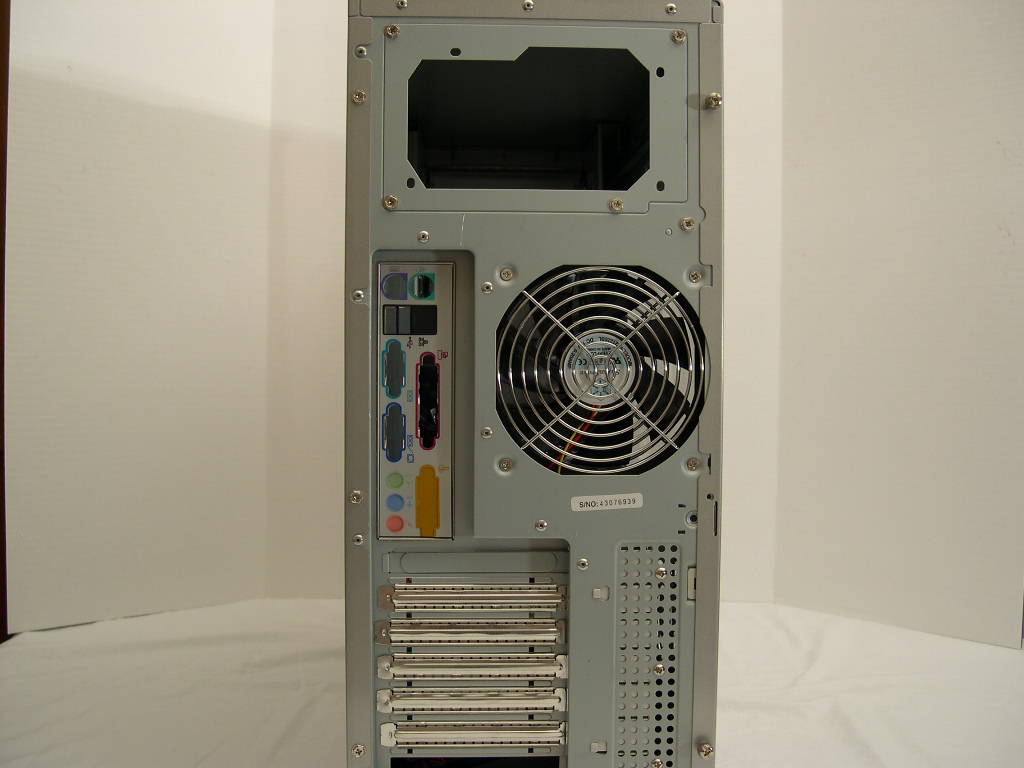
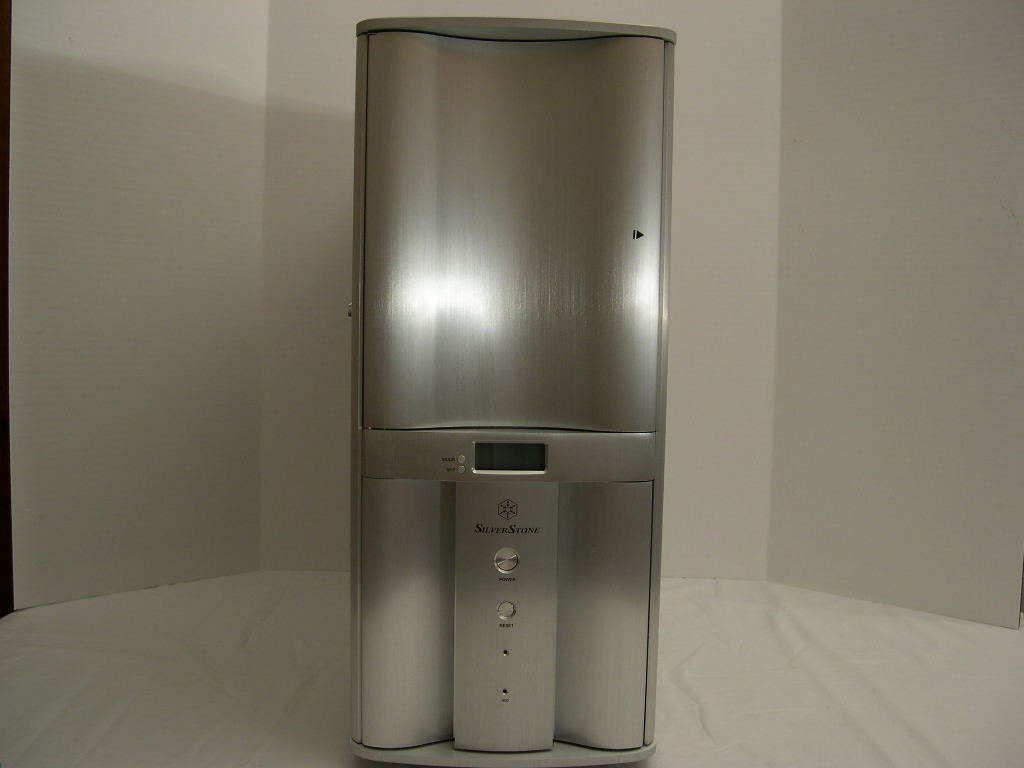
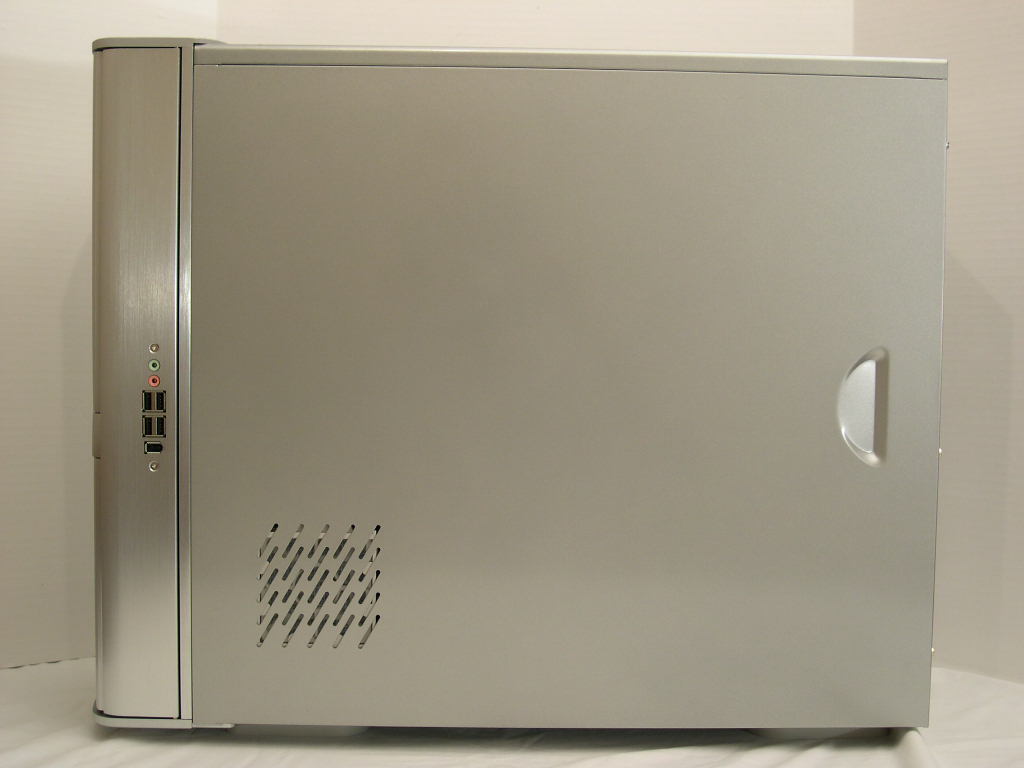
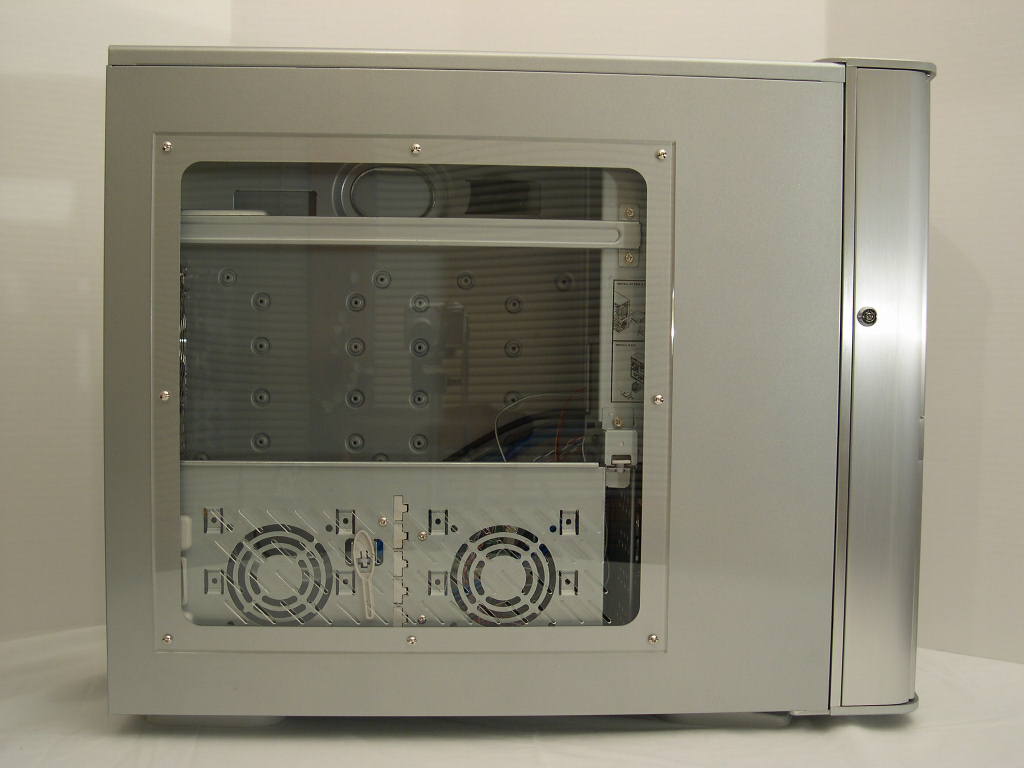
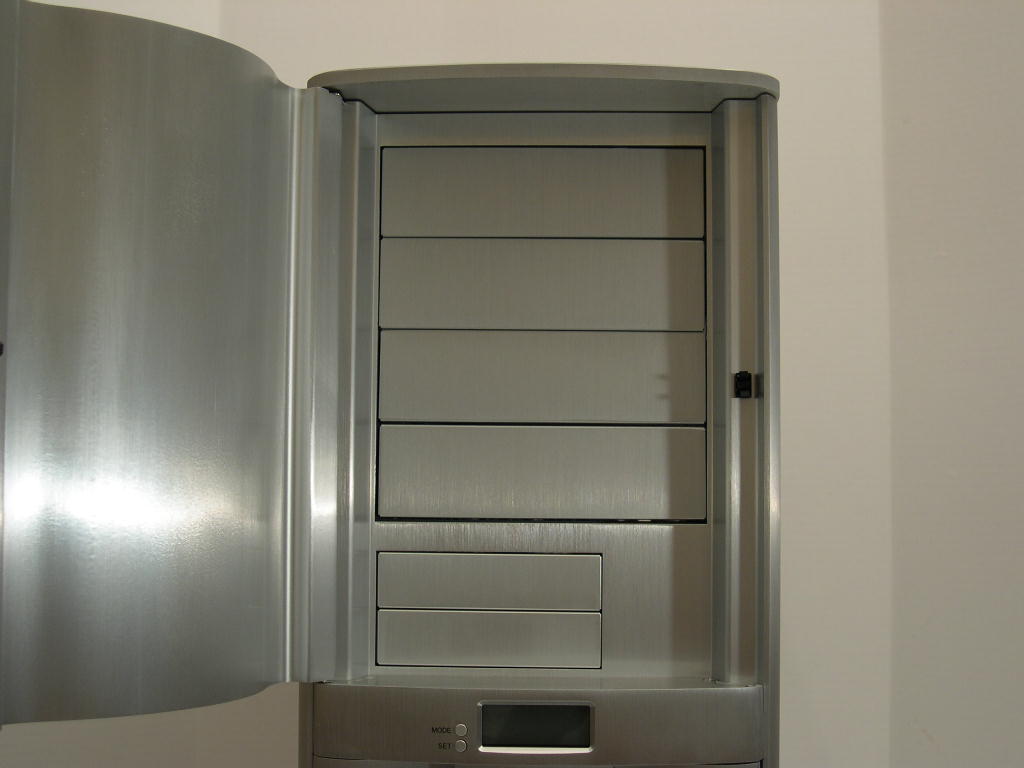
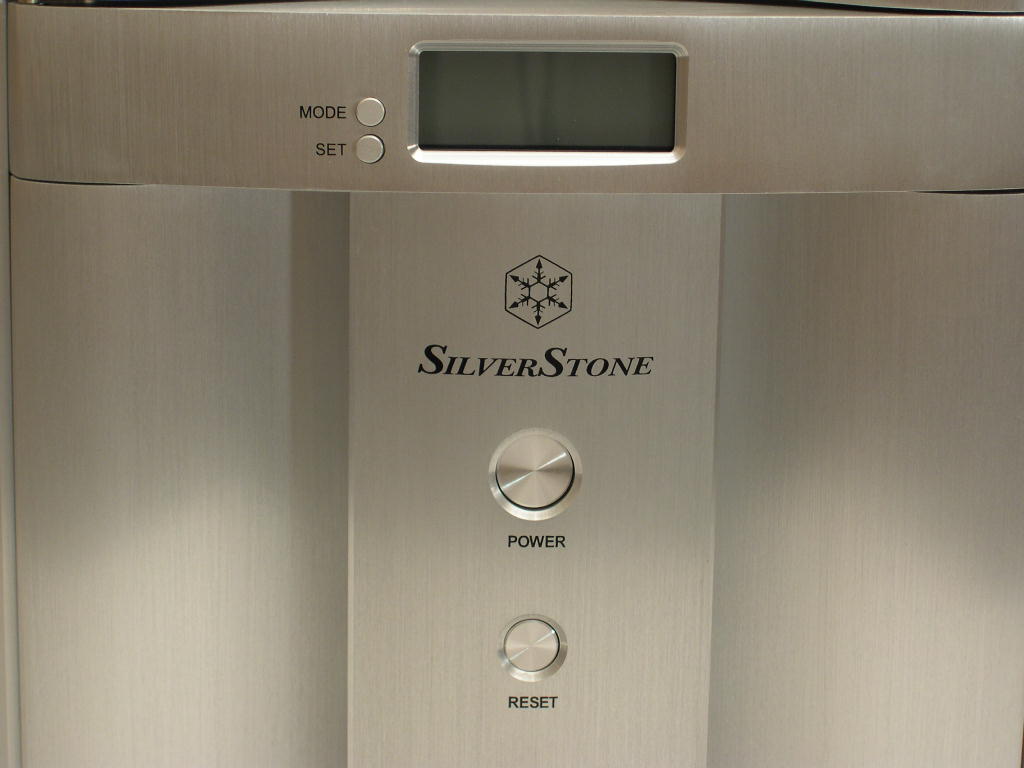
The case is very deep. It is very awkward to pick up and move, especially through doorways (watch your fingers!). The depth allows compatibility with Extended ATX motherboards, as well as SSI, ATX, and Micro ATX. If you are using the case for it’s intended mini-server use, then you likely won’t be moving the case around often. The case is made from 0.8mm SECC, which makes the case heavy. The advantage of steel to aluminum is less resonance, which makes for a quieter computer. Steel is also very strong and less expensive. The only real disadvantage to steel is it’s harder to cut and it’s heavier in weight. There is a power and reset switch, along with a blue power LED on the front of the case. The right side has 4 USB 2.0, 1 Firewire, an audio in, and an audio out. There is also ventilation for an optional 80mm fan, which blows across the hard drives. The front of the case swings out like one big door and is locked with a key. This is a pain to do, but is good if you are paranoid about security. There is also a intrusion detection mechanism, if your motherboard supports it.
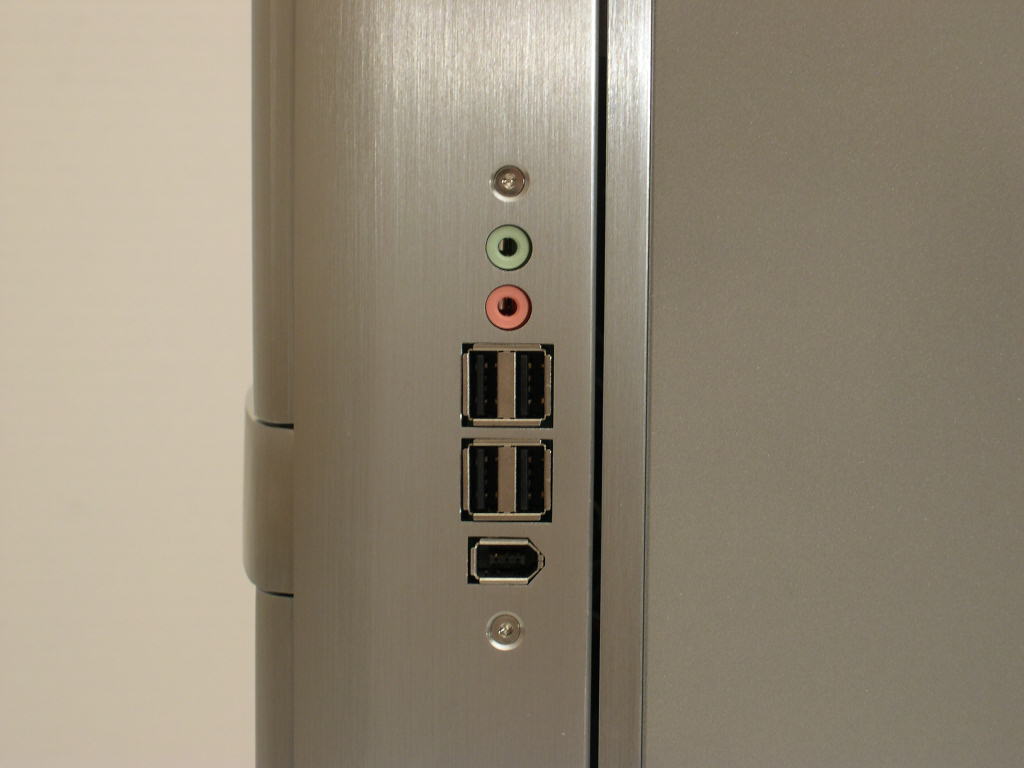
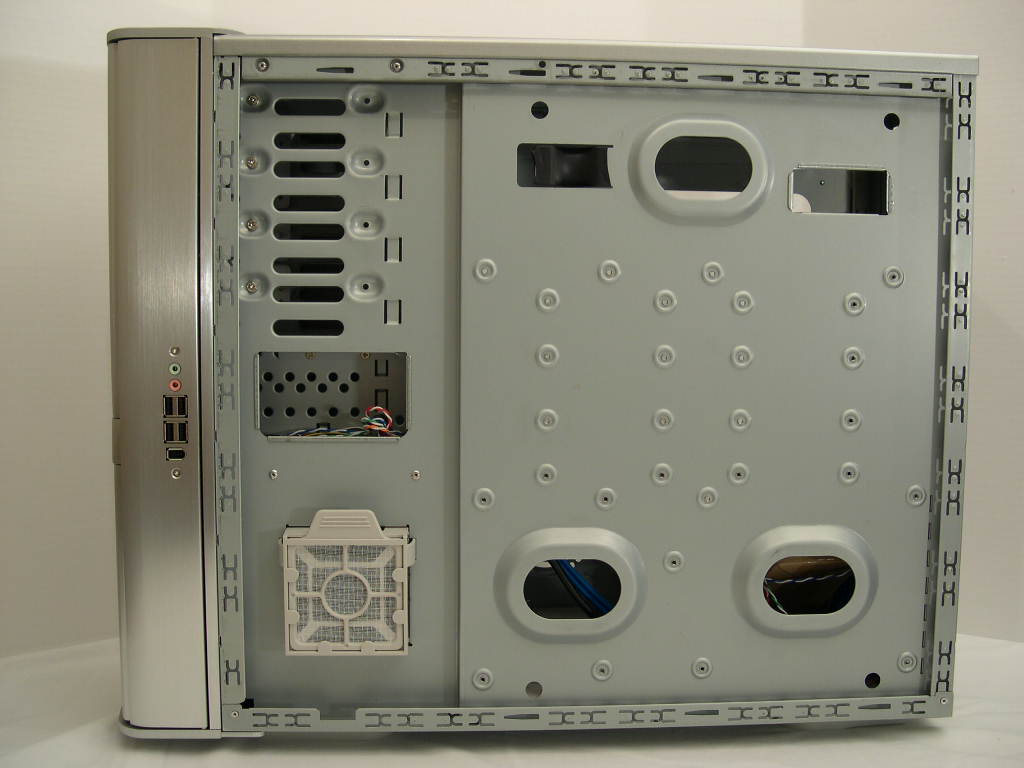
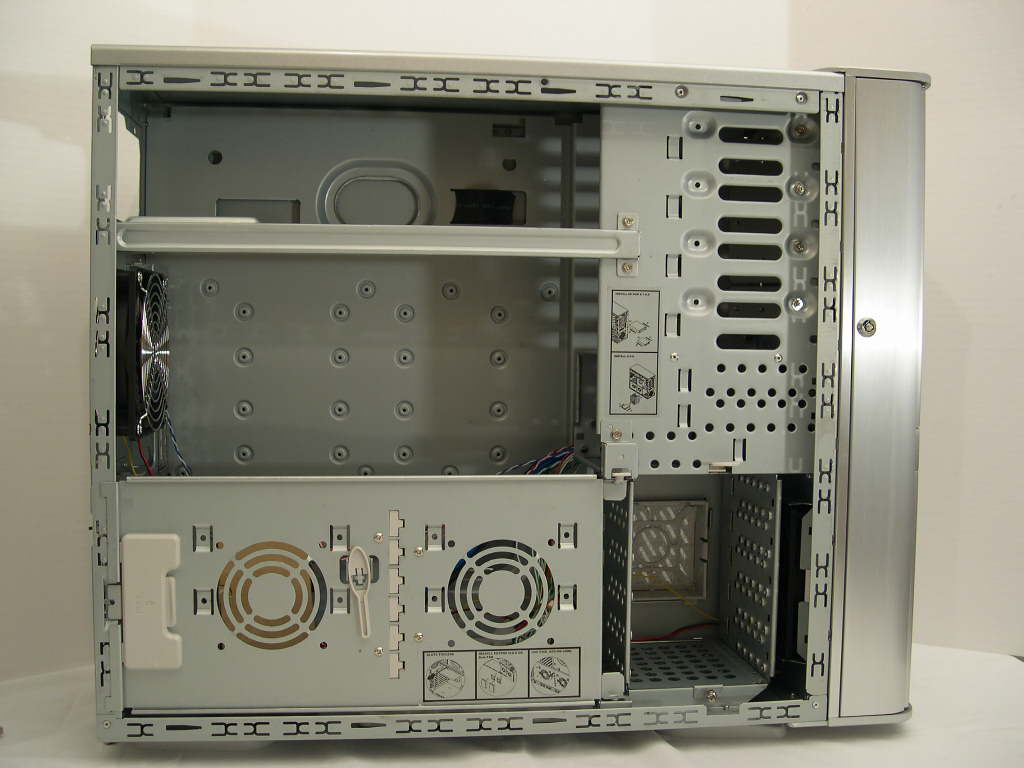
The paint finish is awesome. The silver makes it look space-age, if that is a description. The side panels, before I put my hands on them, were free of smudges and defect. Compared to the black version I previously used, I’m more impressed with silver. It doesn’t show smudges or dust as easily. The window came protected on both sides with a piece of plastic. SilverStone doesn’t overuse rivets on the window, which makes it look acceptable. It would be nice if a manufacturer could design a case which used an adhesive or other method so the window blends more. The window has a nice beveled edge which makes it look professional. The utility tray blocks a lot of the window, but it is removable if you don’t need it. The window is small, but looks nice if viewing the inside of your computer turns you on.
SilverStone Temjin TJ05 Continued
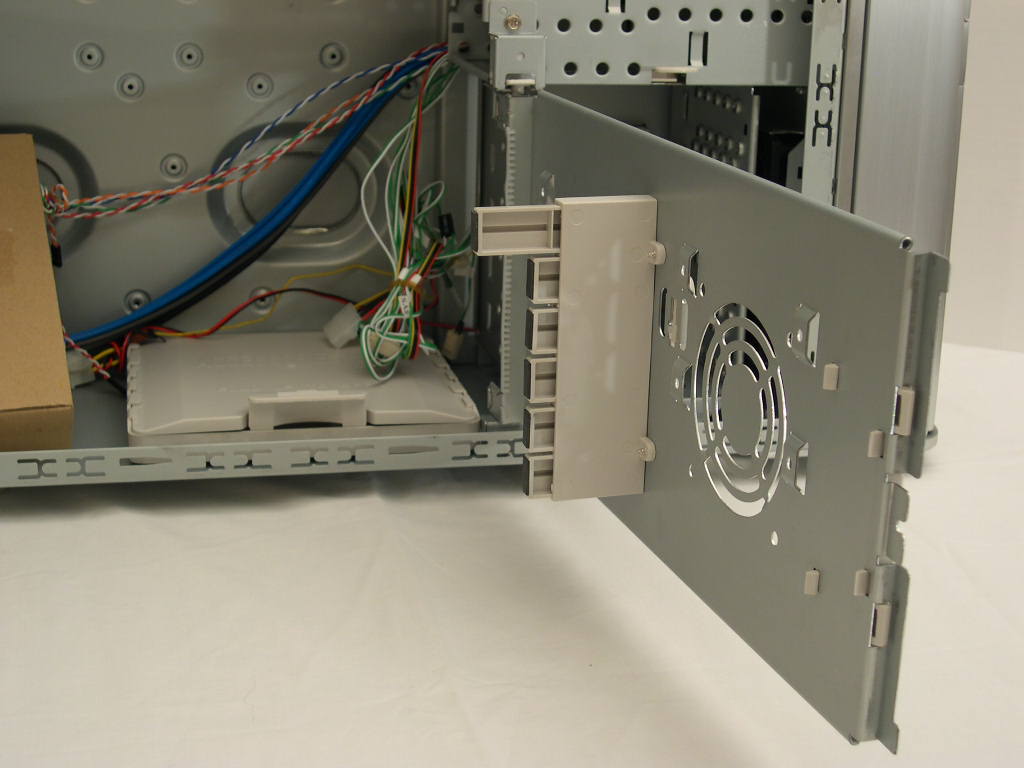
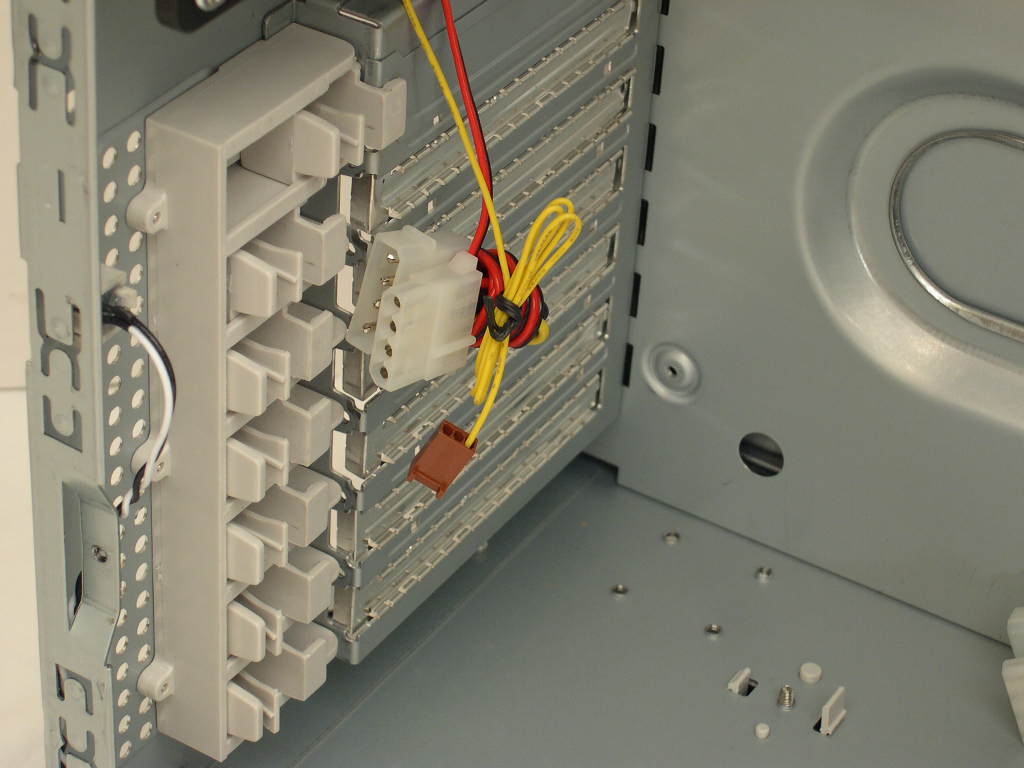
A small cardboard box holds the standard case accessories, case screws, case keys, and a PCI slot cover. The TJ05 has a special “utility tray” that swings out and is also removable. You can mount an extra 2 hard drives or 2 80mm fans. It also has extendable plastic guards that touch the edge of your PCI and graphics card, which keep them from bending in the expansion slots. The guards didn’t line up with my video card on this motherboard, though. In the last review, I used a different motherboard that worked perfectly.
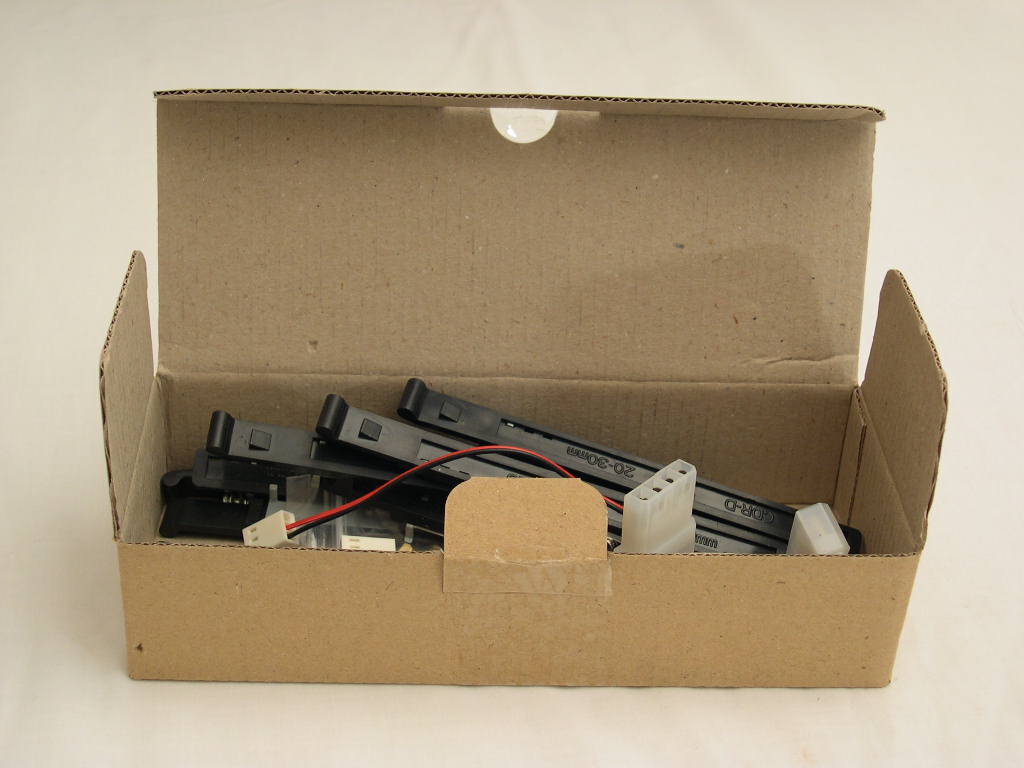
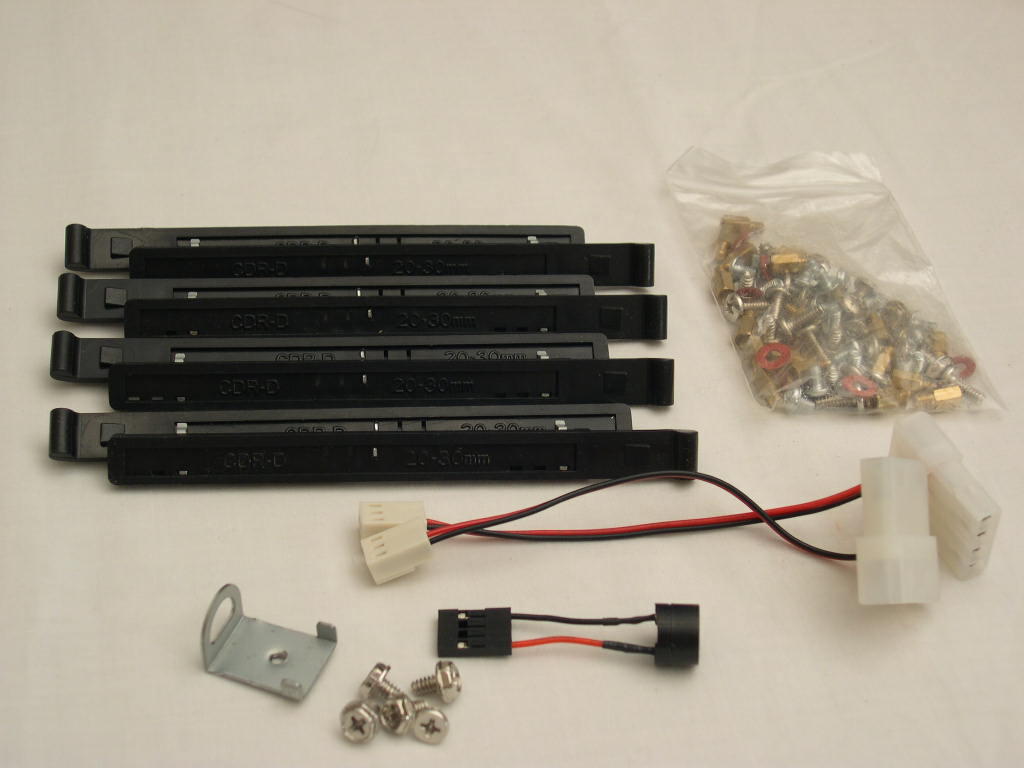
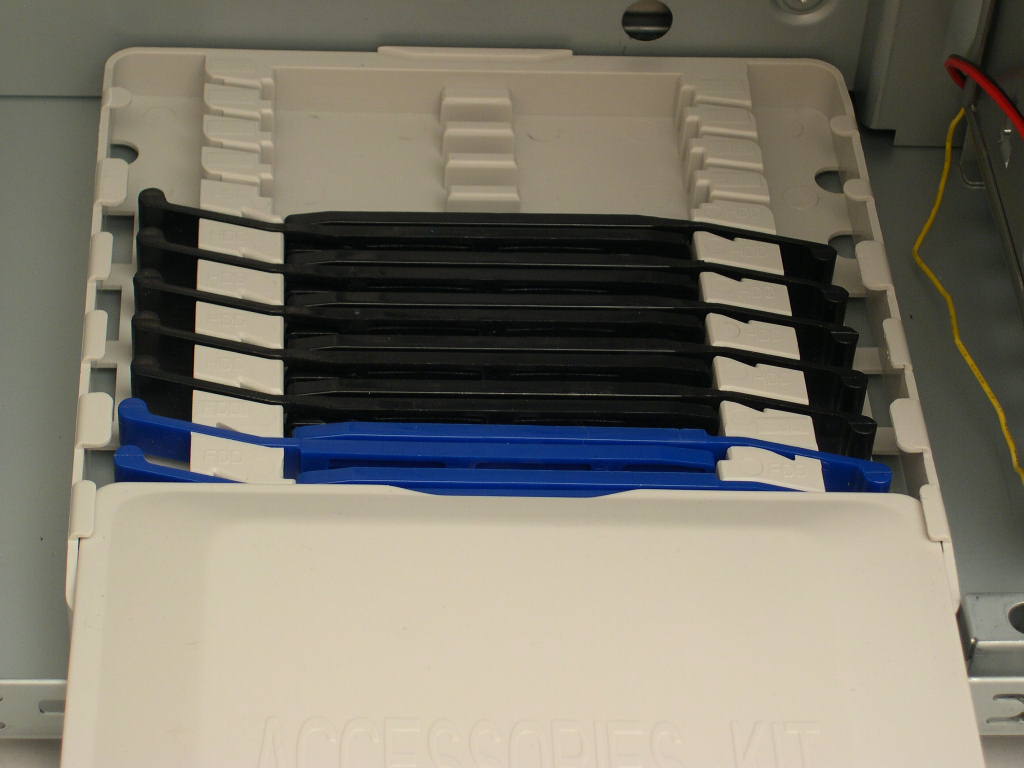
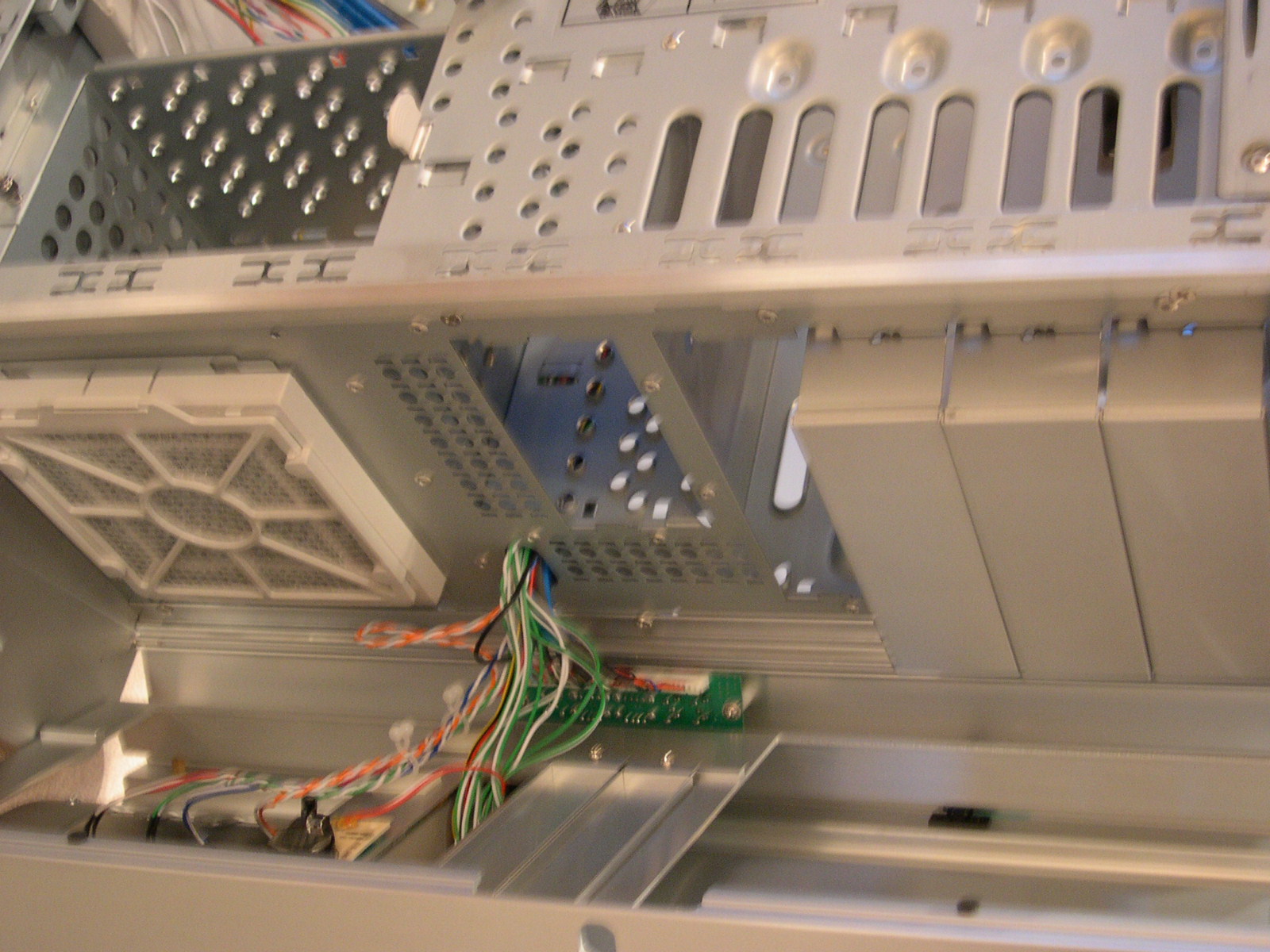
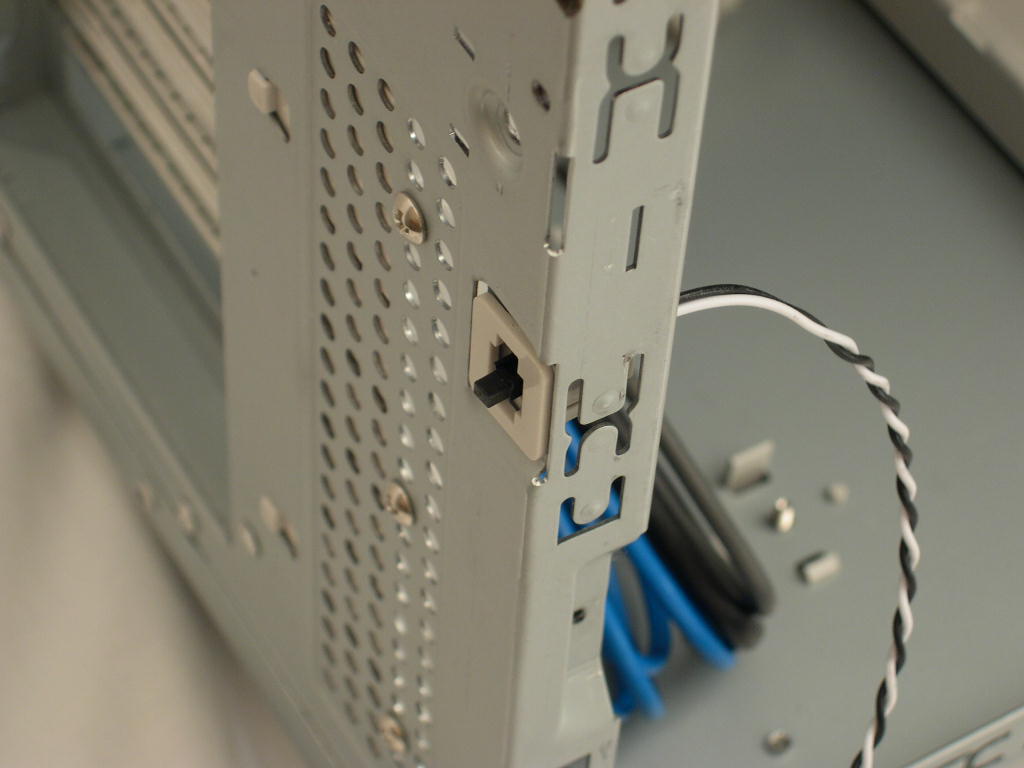
There are a lot of wires that connect to the front ports. The USB, Firewire, and Audio wires are all sleeved and the power, reset, and LED wires are braided. On the back of the case there is a little button with a wire and connector. This is an intrusion detection switch for motherboards with that option. When the computer boots up, the motherboard will inform you if the side panel has been opened since the it was last powered down. I don’t have a use for this, but maybe a more paranoid person would. On the bottom of the case is a little plastic box. Sliding the cover off reveals the drive rail storage. Also in the box is a little PC speaker that connects to your motherboard speaker headers.
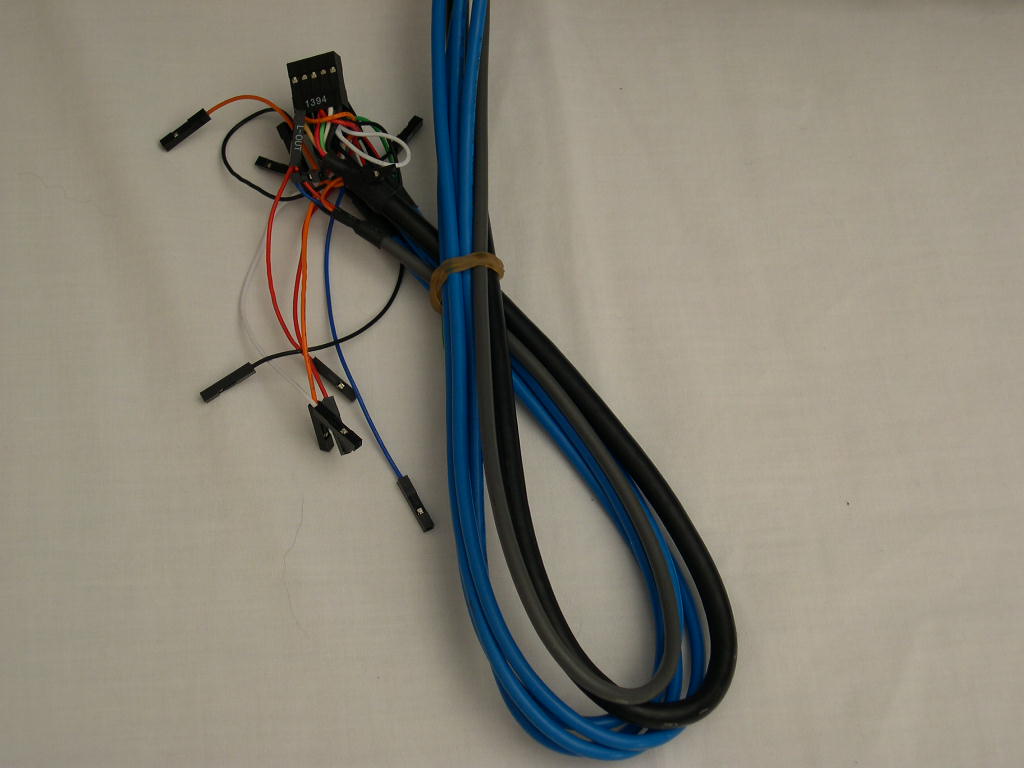
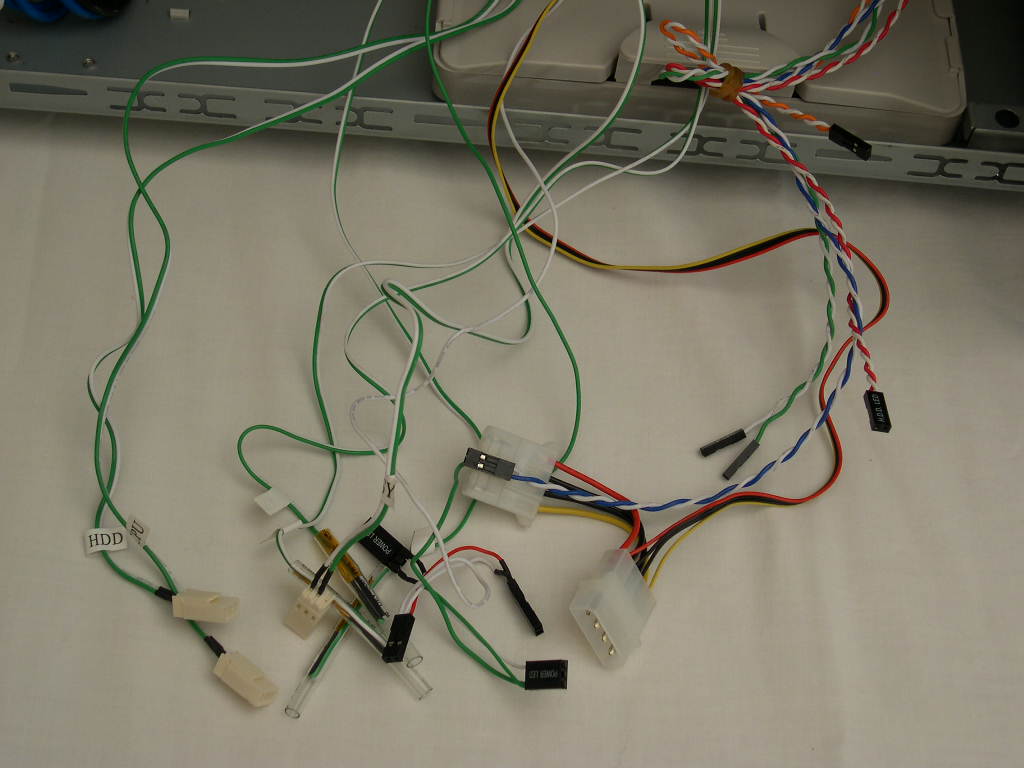
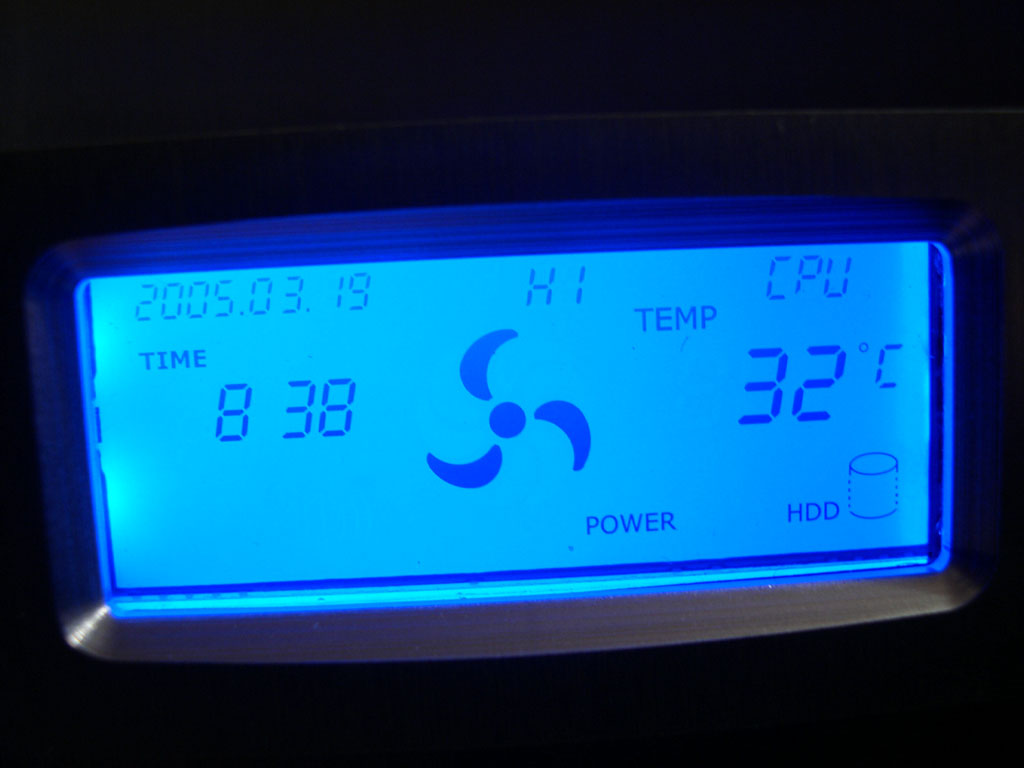
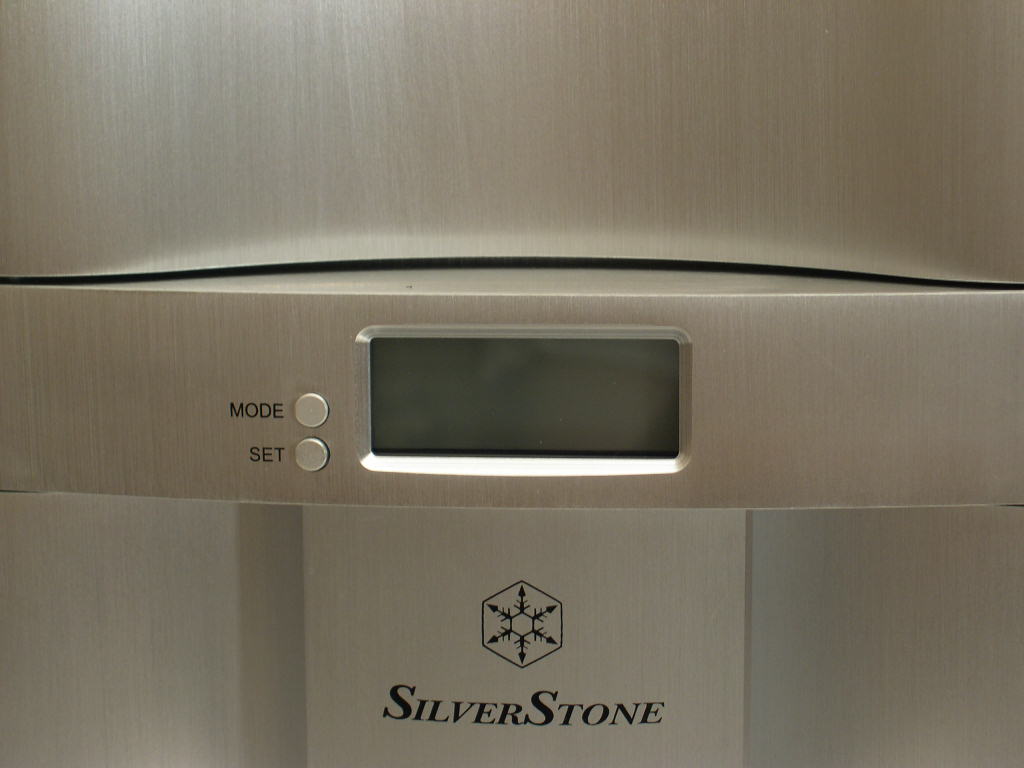
The thermal controller is optional. The LCD displays temperature, fan speed, date, time, and HDD activity. There are 3 temperature probes for the CPU, System, and HDD. The fans are attached using three pin connectors and automatically adjust fan speed according to the temperatures. If the HDD is getting too hot, then the fan connected to the HDD fan connector will increase. The included 120mm fans use 4-pin connectors, but SilverStone includes 4-pin to 3-pin connectors. The blue LCD looks awesome and accents the silver well. I would definitely recommend the controller option if you are thinking about purchasing this case. The only downside to the controller is the extra wires, which become a pain to work with if you want the inside to look nice through the window. It’s easy to configure, but it would be nice to have an installation guide included in print form, because the wires can be a little daunting. There is an annoying beep when the fan changes speed. I’m not sure if it can be disabled or not, but it would be nice to have that option.
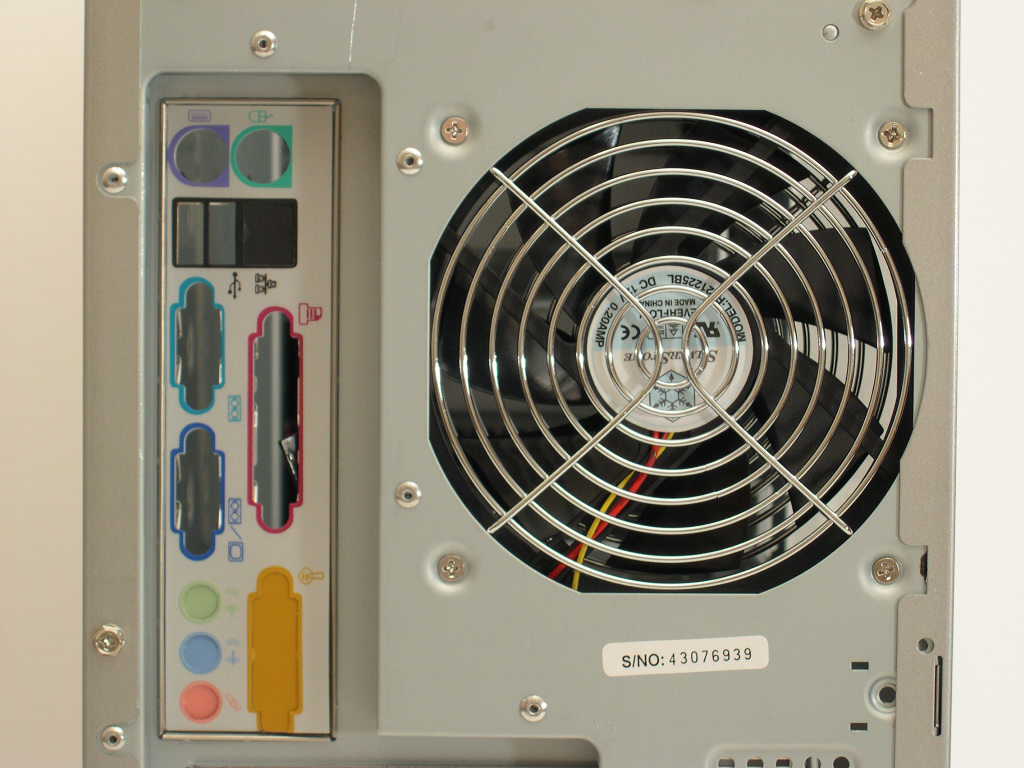
Two 120mm fans are included and there are places for 3 80mm fans (not included). The fans are rated at a quiet 21dBA, but use ball bearings, which sacrifice the lower noise of a sleeve bearing for longer fan life. The fans aren’t loud, but aren’t silent; at least the sound isn’t high-pitched. Unfortunately, the intake fan has horrible ventilation. There are only 8 small slits in the front. Most of the air entering the case comes through the 80mm vent on the side, which shouldn’t be the case. The exhaust fan now only can be used with 120mm and has an improved grill; the older revision had mounting holes for 80mm fans also. This is a good change because the noise turbulence is reduced. I’m glad that SilverStone is concerned with noise, but the fan needs better intake ventilation for better airflow.
Specifications
| Material | Aluminum front panel/door, 0.8mm SECC body | |
| Color | Black | |
| Silver | ||
| Motherboard | SSI, Extended ATX, ATX, Micro ATX | |
| Drive Bay | Exposed | 5.25” x 4 3.5” x 2 |
| Hidden | 3.5” x 8 | |
| Cooling System | Front | 120mm intake fan, 2200rpm, 21dBA |
| Rear | 120mm exhaust fan, 2200rpm, 21dBA | |
| Left side | 2 x 80mm fan (option) | |
| Right side | 80mm fan (option) | |
| Expansion Slot | 7 | |
| Front I/O Port | USB2.0 x 4 IEEE1394 x 1 audio x 1 ] MIC x 1 | |
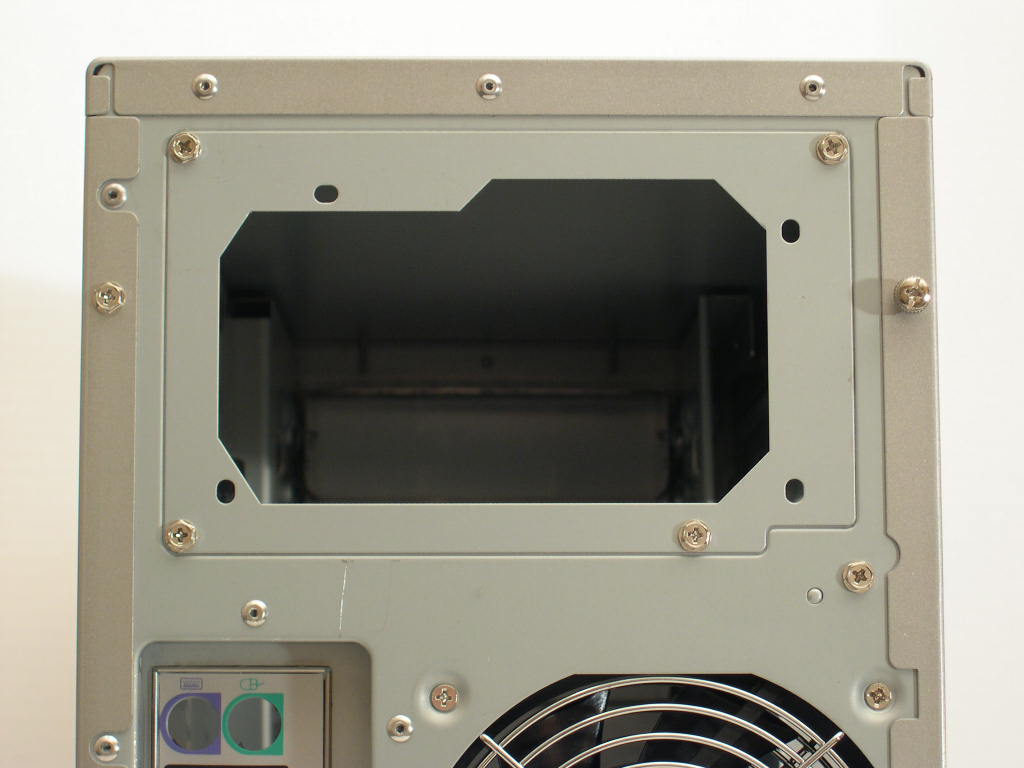
| Power Supply | Optional standard PS2 (ATX), Redundant PS2 | |
| Net Weight | 13.45 kg | |
| Dimension | 213 mm (W) x 504 mm (H) x 617 mm (D) | |
Installation
SilverStone uses thumb screws on the left panel, but not on the right. It would be nice if there were thumbscrews on both sides, as cleaning the right 80mm fan filter requires removal of the panel.
Pinch two little pieces of plastic and slide to lock in the PCI cards. This method is tool-less, but the plastic that the metal bracket slides into isn’t wide enough at the right spot, so it’s very frustrating to line up properly. I end up missing the AGP slot most of the time.
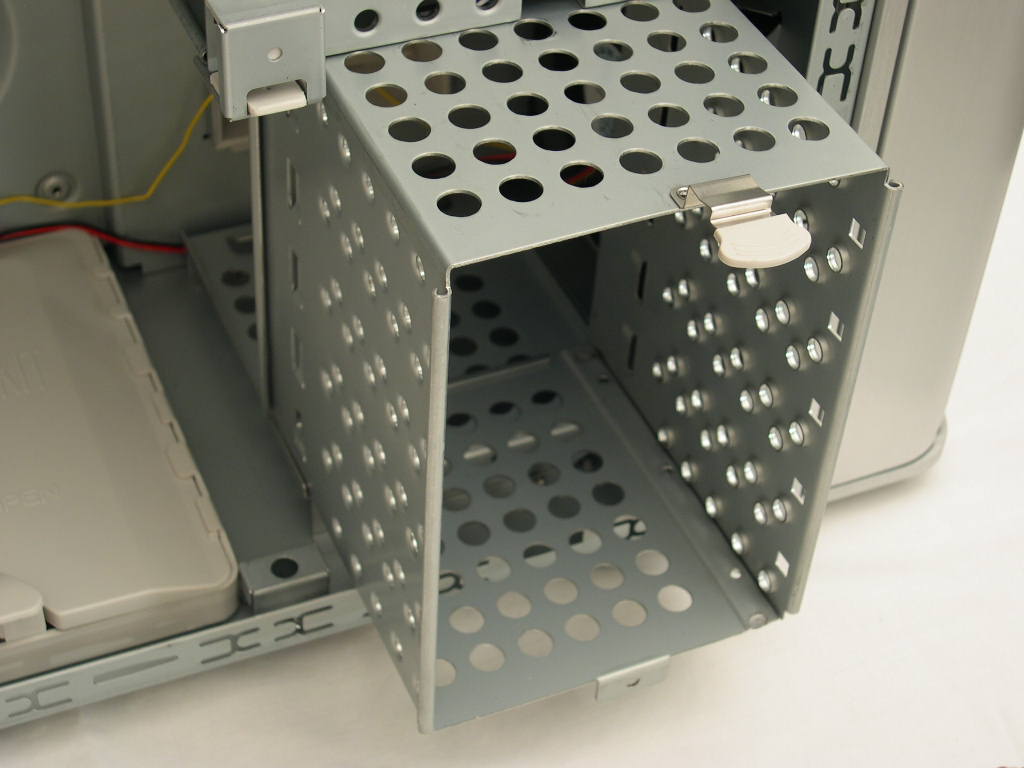
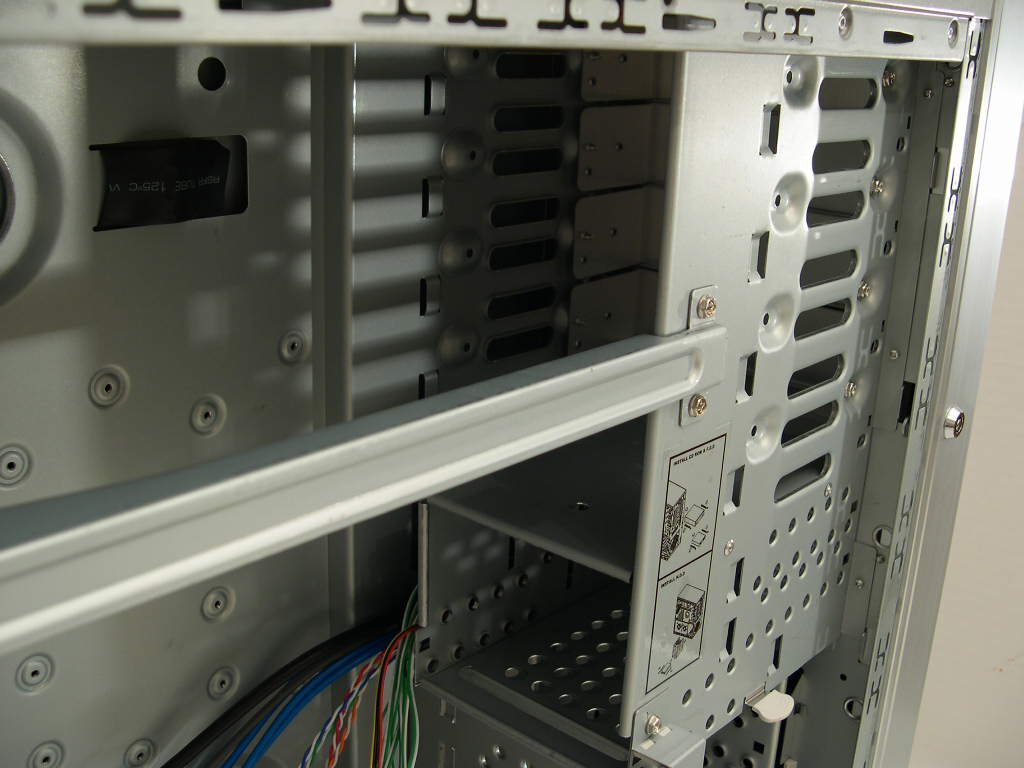
The drive bay covers are fastened with screws, which makes it time consuming to install drives because both side panels need to be removed. All drives have drive rails, though, so once the bay cover is removed, drives are easily removed and installed. The drive rails do not require screws which cuts down on time.
With the case being so huge, it is easy to work in. A cable clip helps tidy things up and there are holes in various places on the motherboard tray that provide a way to sneak cables around. Make sure you have long cables, because the case is long, especially with the way the hard drives are positioned.
The front USB and Firewire port motherboard connections are now grouped, instead of having to figure out where each individual pin goes every time you need to unplug them. This definitely saved some time. On the earlier revision, I gave up using the front ports after the first installation because it took too long to plug them in.
Conclusion and Thoughts
I have mixed feelings about this case. After receiving two samples with the same door rattle problem, I decided that it wasn’t caused by shipping. SilverStone asked me to try tightening the screw that keeps the door axle attached, but that didn’t help at all. Taping the door did fix the problem, but it looks ugly. Additionally, no one should need to do things to a $150+ case just to have it work as it is supposed to. The PSU bracket can’t be removed and installed on the PSU prior to installing the PSU in the case, because of clearance issues. The bracket also has a sharp edge. The door is still a pain in the butt to open because of the required key. I have to locate the key before I can access the drive bays or clean the filter. Yes, I could leave the keys in the case, but wouldn’t that defeat the benefit of a key in the first place? The intake fan airflow isn’t very good, which is disappointing. The case is large and awkward. It would be nice to see some sort of handle on a case this heavy. More thumbscrews on the back would be a good idea also.
The finish on the outside of the case is really nice and the window is of great quality. The wire clip is helpful in keeping the wires from inhibiting airflow. The utility tray is interesting and does help prevent the expansion cards from bending if your motherboard lines up correctly. The tray is removable, which is nice, because it doesn’t look too hot in the window. The thermal control unit is a nice option and looks really awesome. It’s small size means you probably won’t be able to glance at it fast and see what is displayed, especially if it’s on the floor, which is the place where I foresee this case being placed. The 120mm fans are great and may not even need to be replaced, depending on how sensitive you are to noise.
Overall, this case could be an option for someone looking for a good looking server case. If it weren’t for the poor ventilation, rattling door, PCI locking, and poor drive and fan filter access, this case would deserve a recommended award. I am glad that SilverStone is inclined to revise it’s products instead of leaving every problem unfixed. Hopefully they will attempt to fix some of the problems I found.
John’s Addition:
The TJ05 has gone through many revisions to bring itself closer and closer to perfection. I guess this current revision shouldn’t be considered the last. From what Luke mentioned, there are a few problems with the case. I wouldn’t be too fond of a case if the front panel door rattled. It wouldn’t help much if you were to build a silent system. One thing I do like about the case is that it has a longer body than typical cases. The longer body provides room for watercooling pumps and allows for better cable management. The extra length also ensures enthusiasts that your long 6800GT/Ultra won’t interfere with any other components. The side fan brackets allow for improved airflow, but with restricted air intake, the side fans will be somewhat suffocated. I’d personally opt for two fans directly installed on the side panel. All in all, the TJ05 seems to be a rather decent case. Unfortunately, as Luke mentioned, the rattling door is pretty unacceptable. Throw some more magnets on there and provide a strong hold, SilverStone!
Pros:
- Excellent finish and window
- Almost tool-free installation
- 120mm fans
- Plenty of room inside
- Compatible with extended ATX motherboards
- Compatible with redundant PSU’s
- Compatible with a range of motherboards
- Thermal controller
- Good wire management
- Side USB/Firewire/Audio ports
- Non-restrictive exhaust
Cons:
- Heavy
- Front panel has a poor locking system, requires a key
- No removable motherboard tray
- Some sharp edges
- Door rattles
- Poor intake ventilation
- Bad tool-less PCI locking method
We would like to thank SilverStone for providing us the sample. If you have any questions or comments, feel free to hit us up in the forums. You can also check out more of our latest reviews on the front page.