

SilverStone Temjin TJ05
The most noticeable aspect of your computer isn’t that latest graphics card or high-end CPU, but the chassis it is housed in. A new case can give your computer a whole new feel of satisfaction. Silverstone has been around since 2003. They are known for their well built, beautifully designed cases, but they also manufacture other products, such as power supplies, fans, CPU coolers, and case accessories. One of the best things about Silverstone is their attitude toward innovation. Silverstone has taken the computer enclosure industry head-on and made a name for themselves in a very short period of time.
Silverstone currently has six tower cases in it’s product line, in addition to nine desktop models. The product being reviewed today is the Temjin TJ05 case; it is designed for workstation and mini-server usage.
Silverstone Temjin TJ05
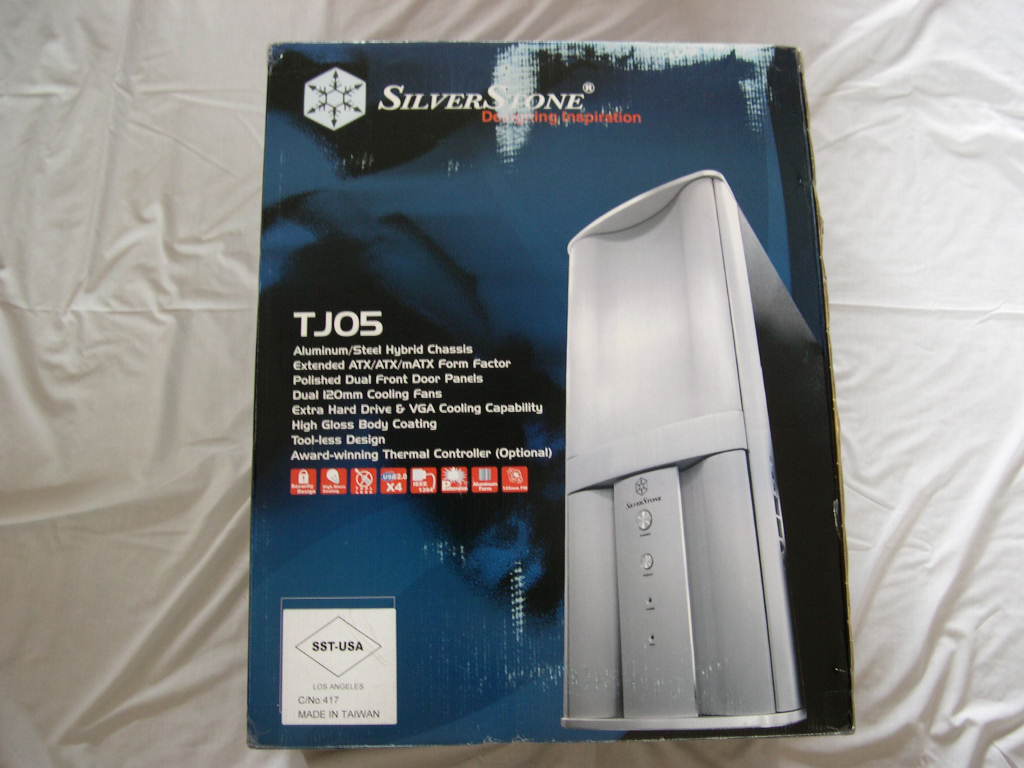
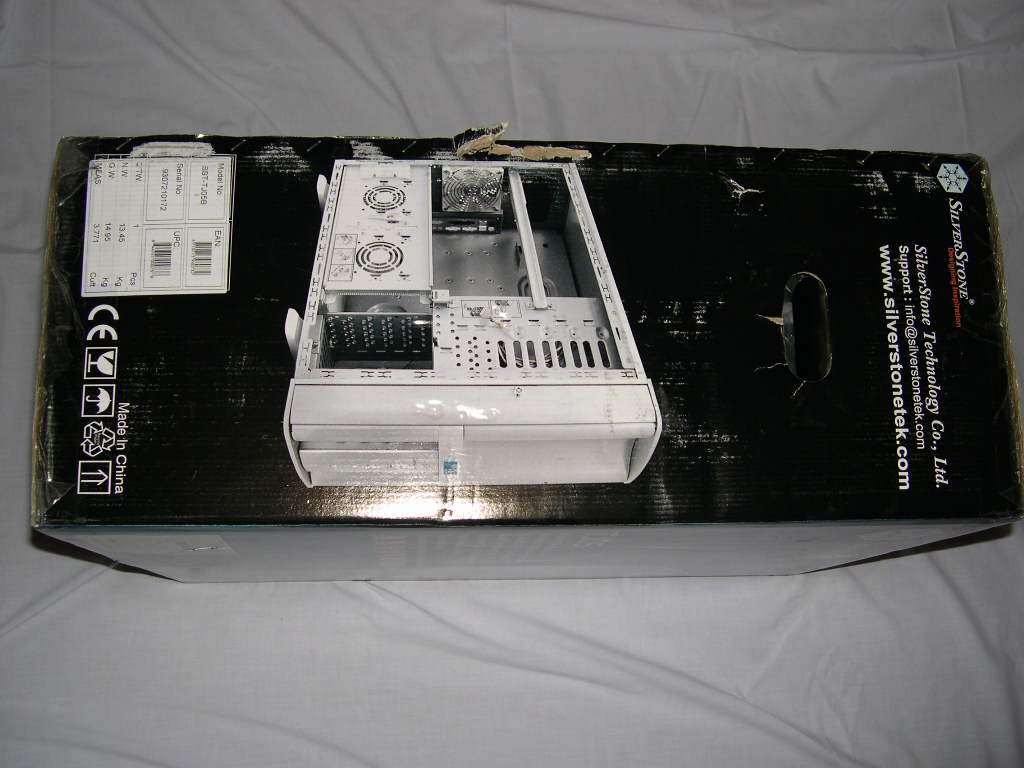
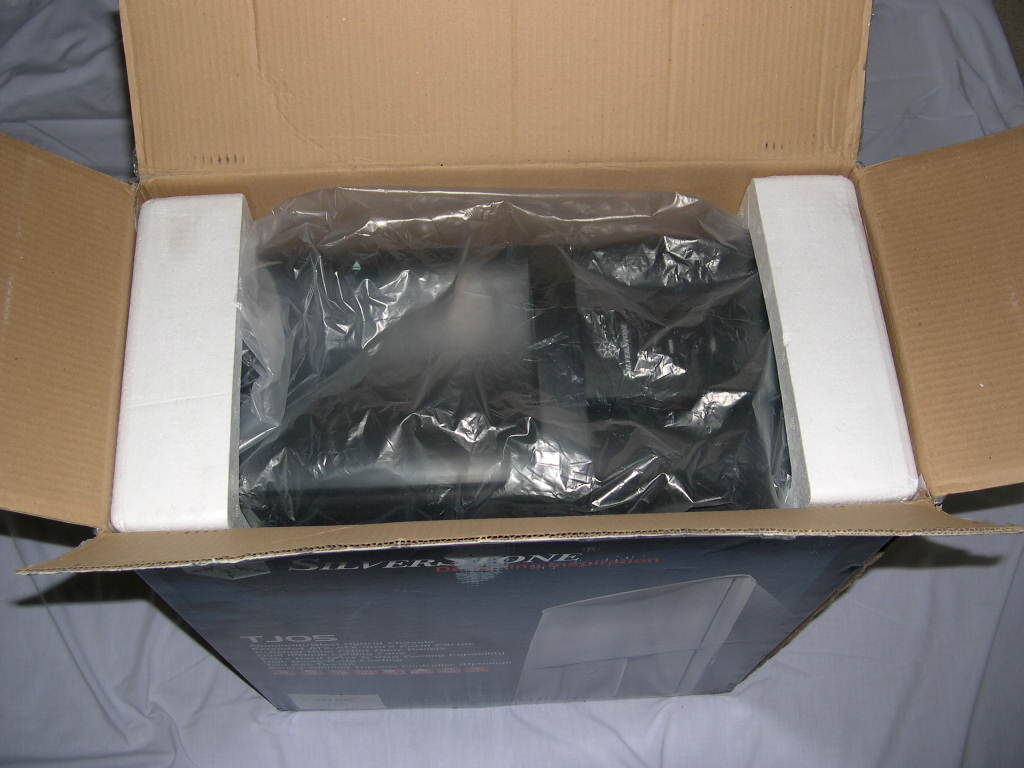
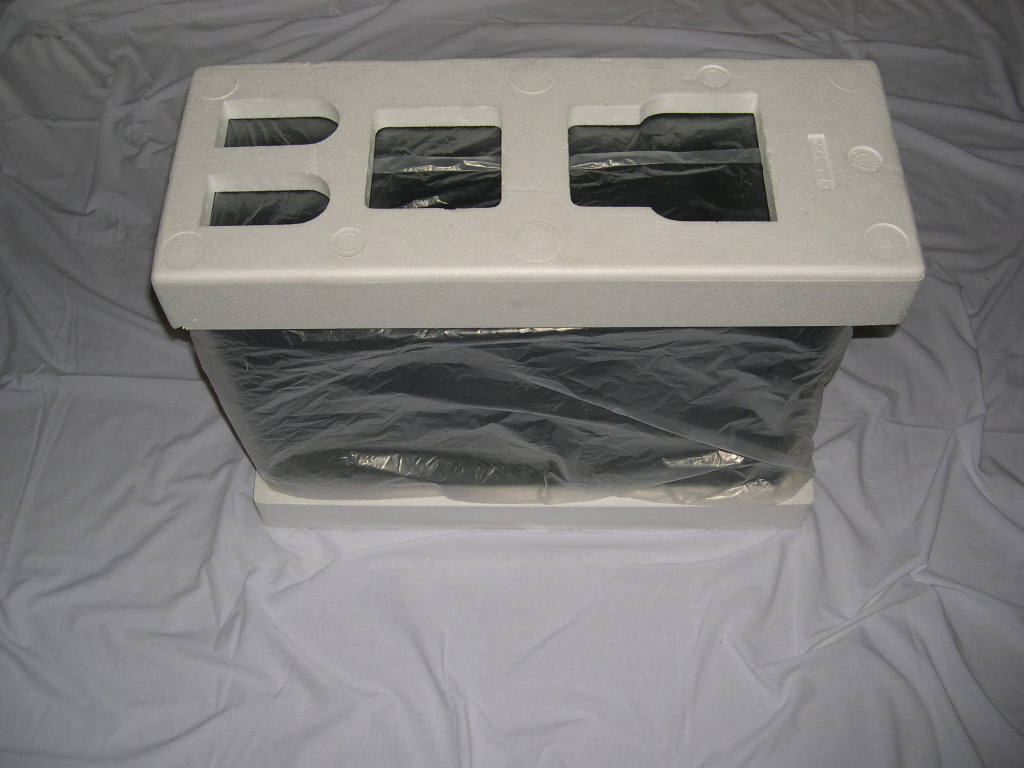
The case arrived in a cardboard box covered with Silverstone’s graphics. The case was wrapped in plastic and had two big Styrofoam blocks on the top and bottom.
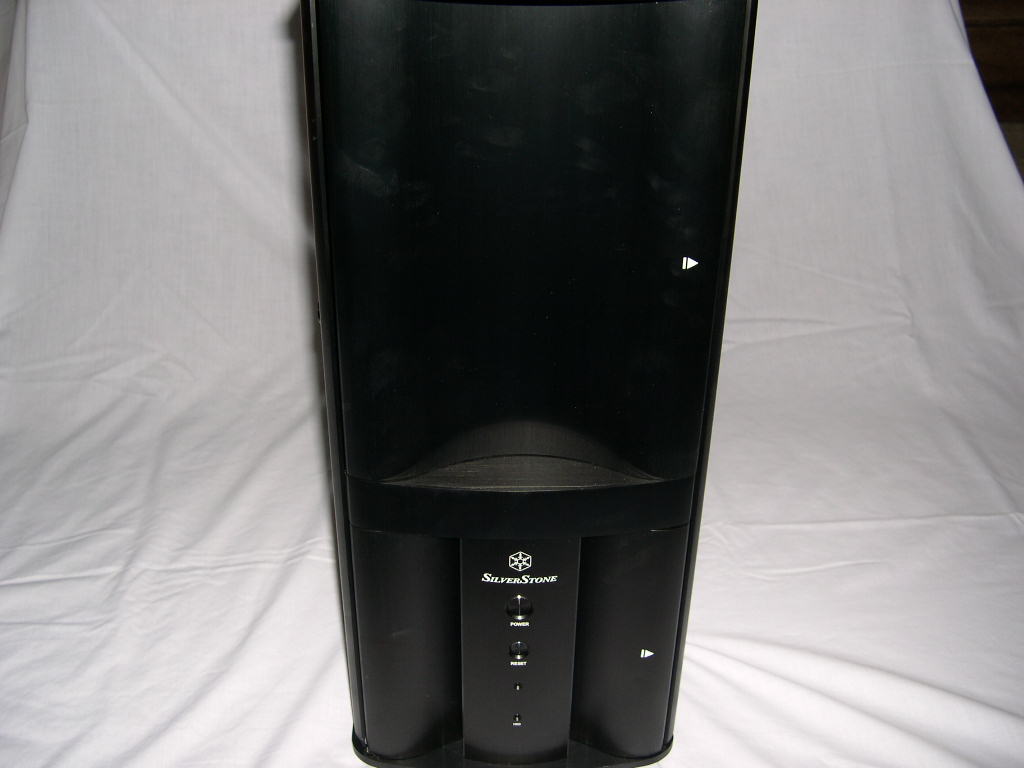
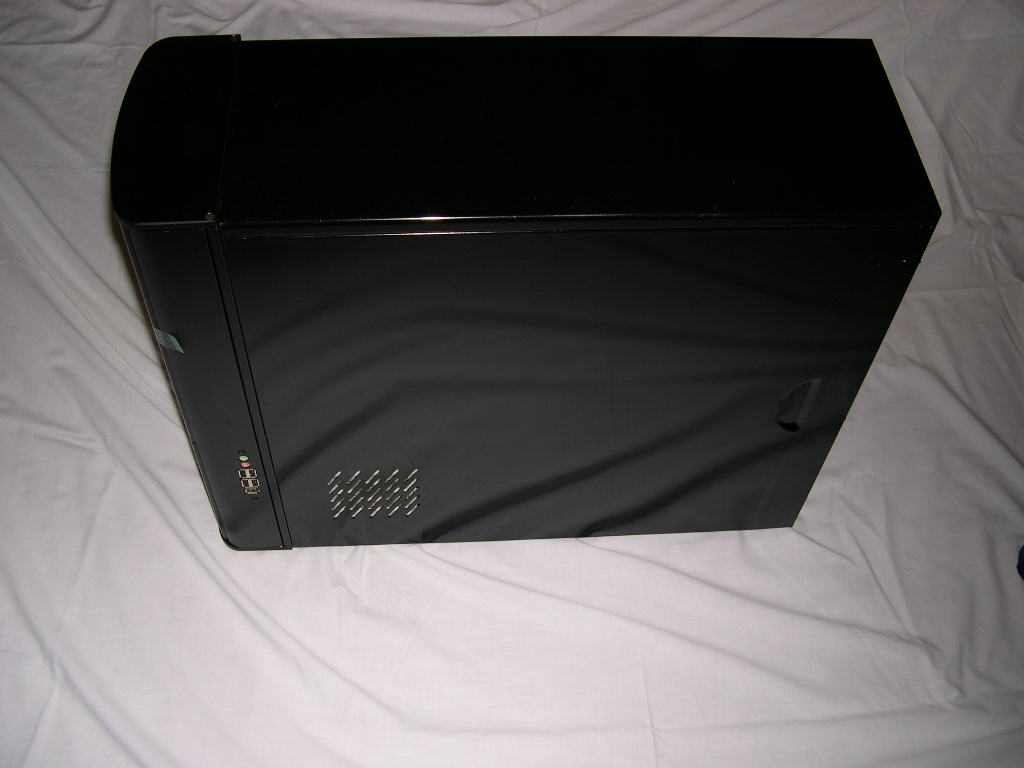
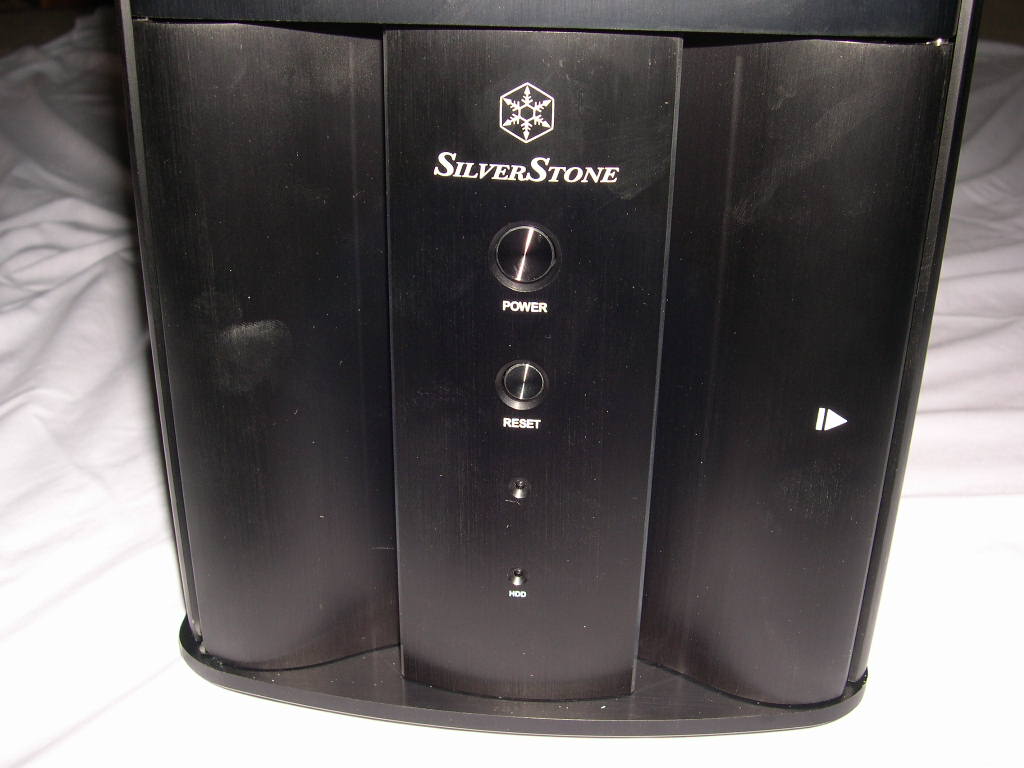
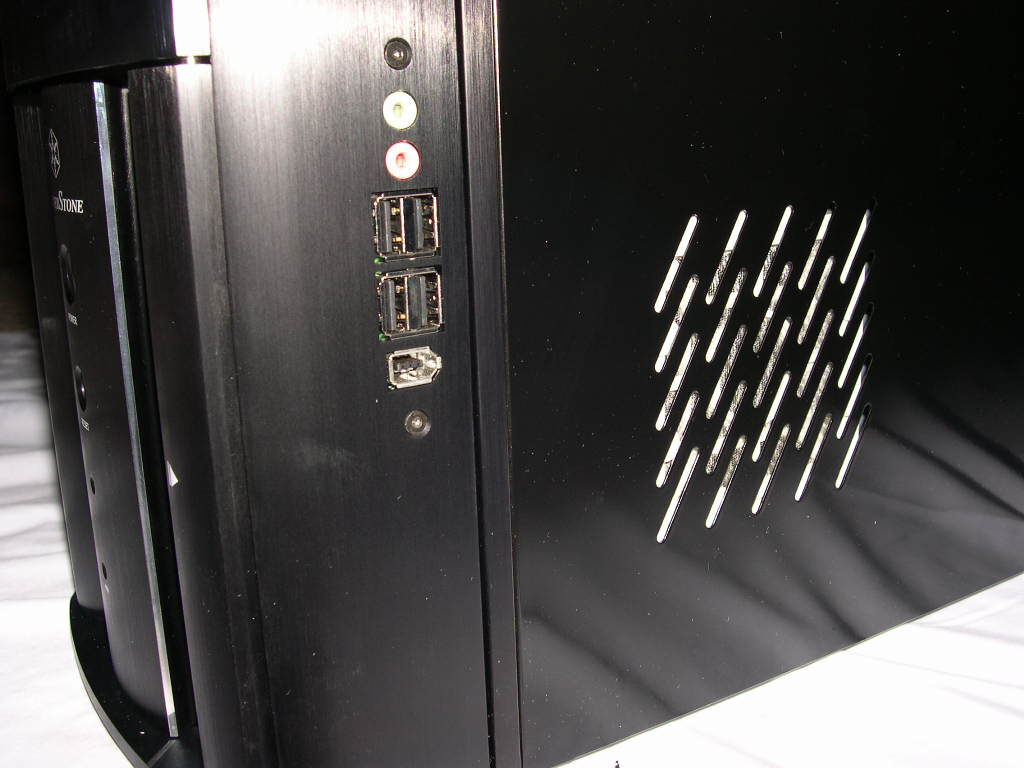
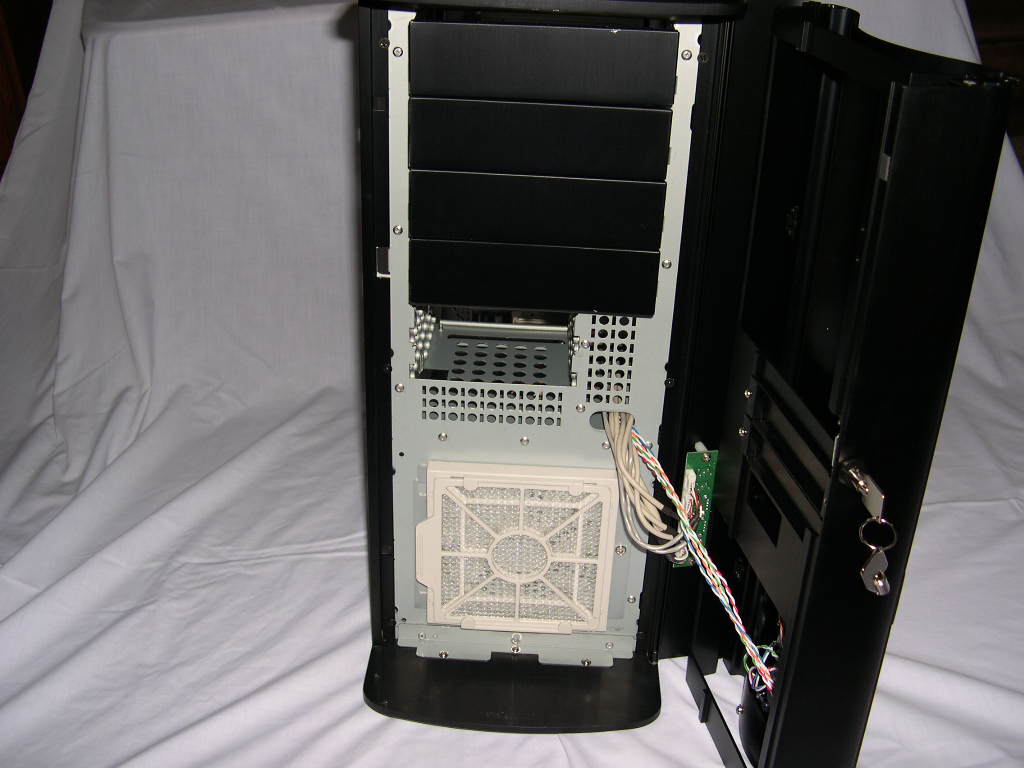
As I was pulling the case out of the box, the first thing I noticed was the length the case. It’s approximately 6 inches longer than my Chieftec mid-tower case. The length allows for compatibility with Extended ATX, SSI, ATX, and Micro ATX motherboards. The front of the case has a power and reset switch, along with a blue power LED. On the right side there are 4 USB 2.0, 1 Firewire, 1 Audio In, and 1 Audio Out ports. There is also a vent for an optional 80mm fan that blows across the hard drives. Above the power switch is an aluminum front door hiding the drive bays. The entire front panel of the case swings on a hinge like a door. The door is opened and closed with a key.
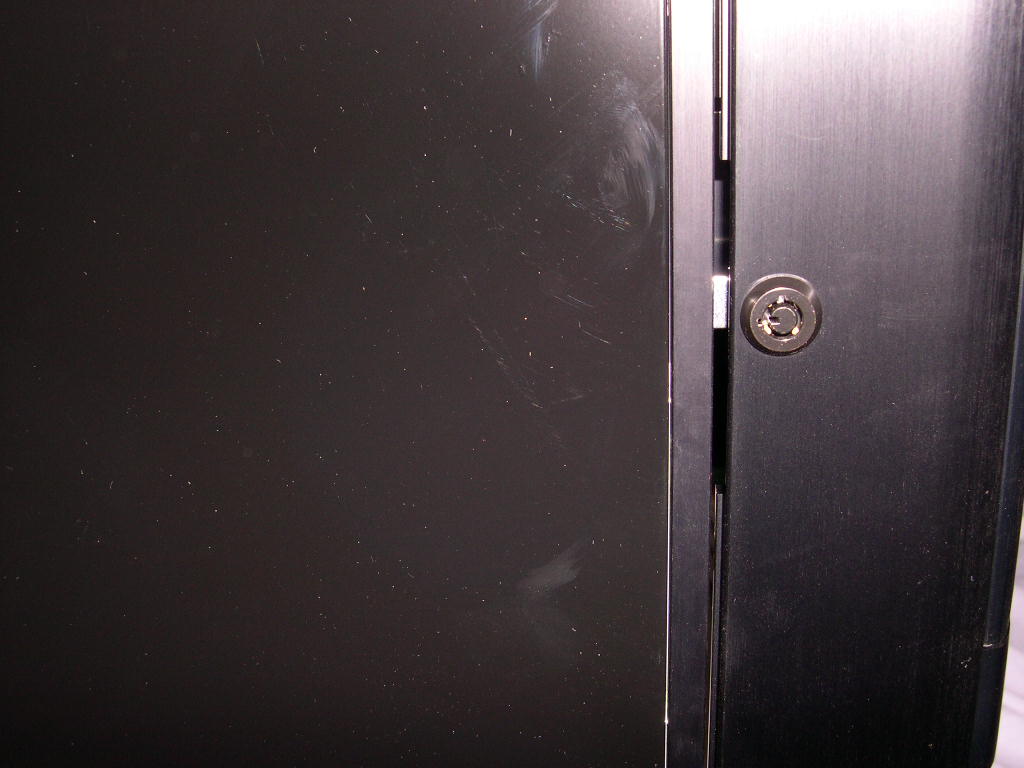
The black paint is astounding with a mirror-like finish. The front door is aluminum and is not painted. However, note that dust and other smudges show very easily due to the color. Thankfully, Silverstone also offers the case in silver.
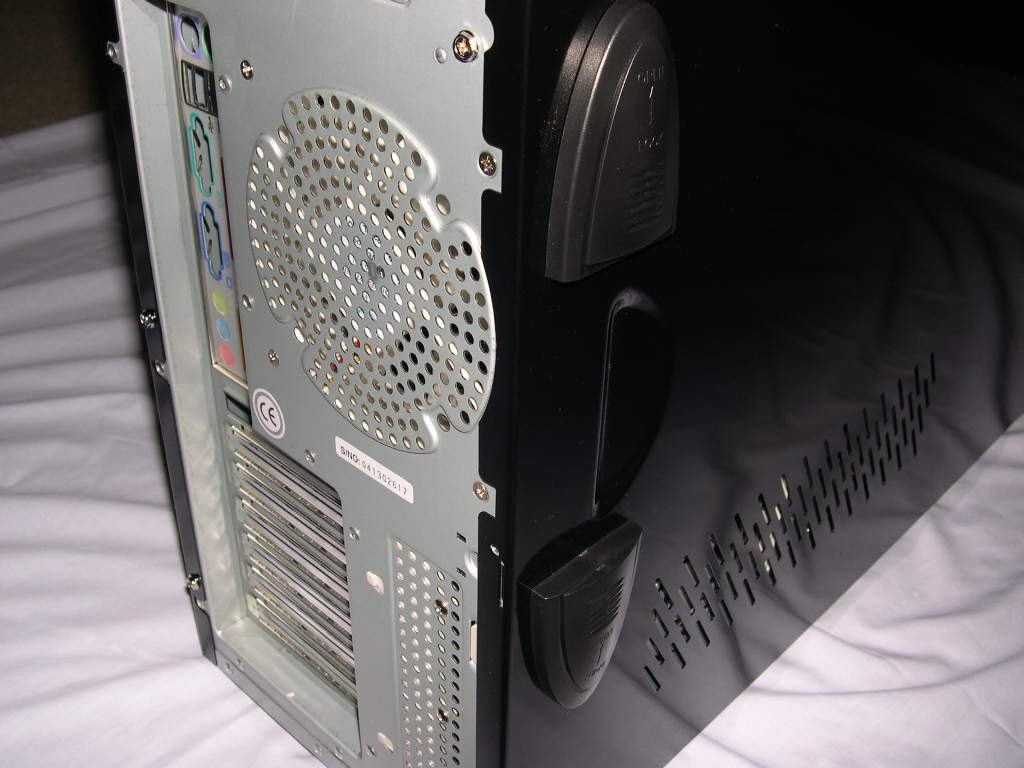
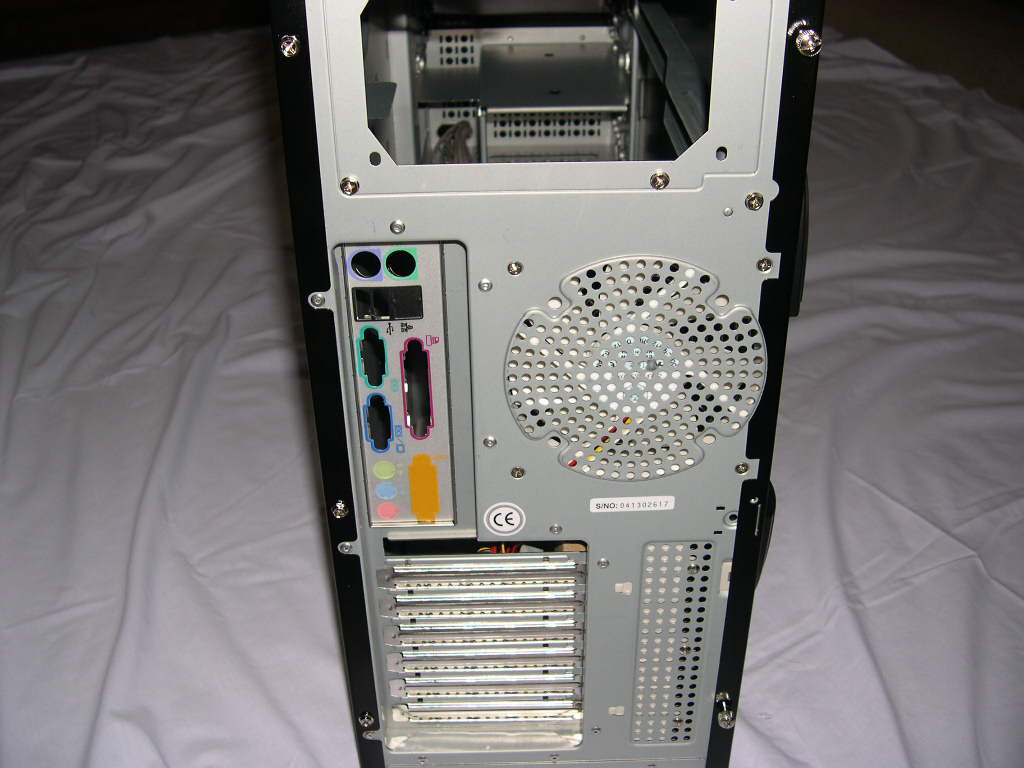
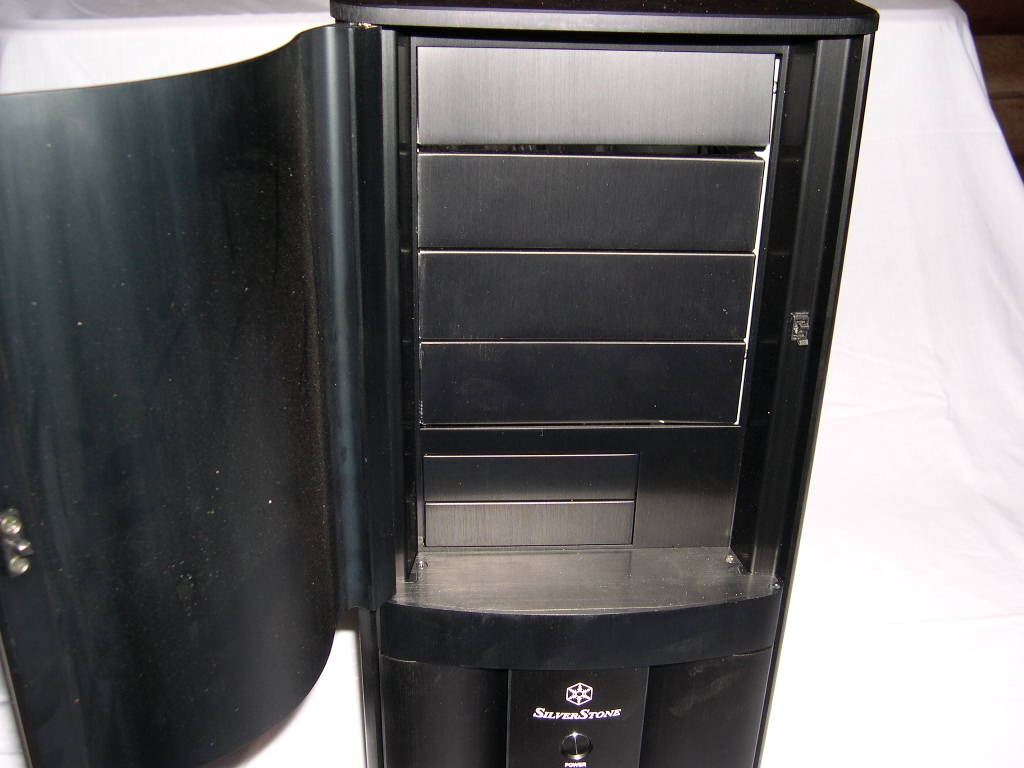
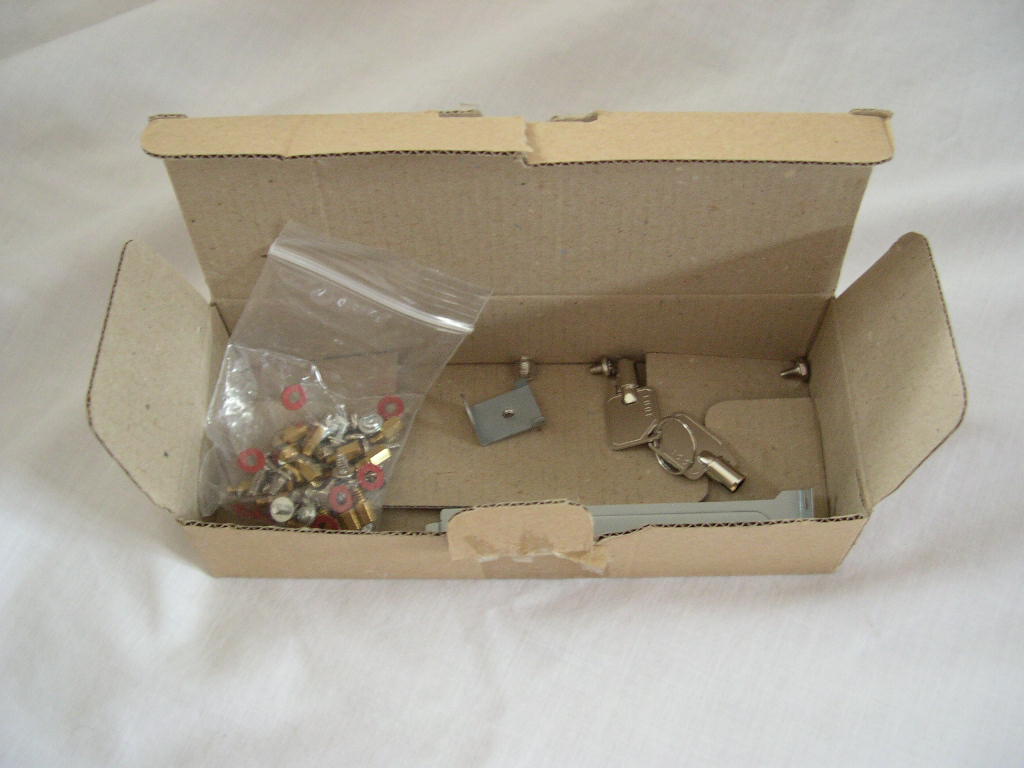
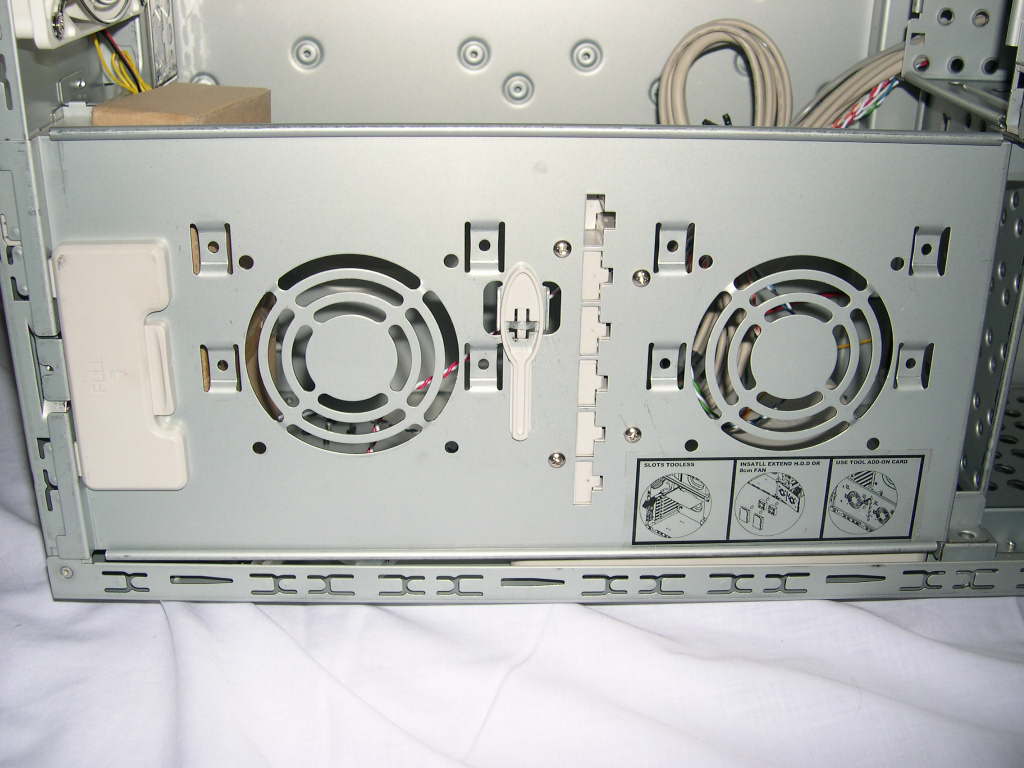
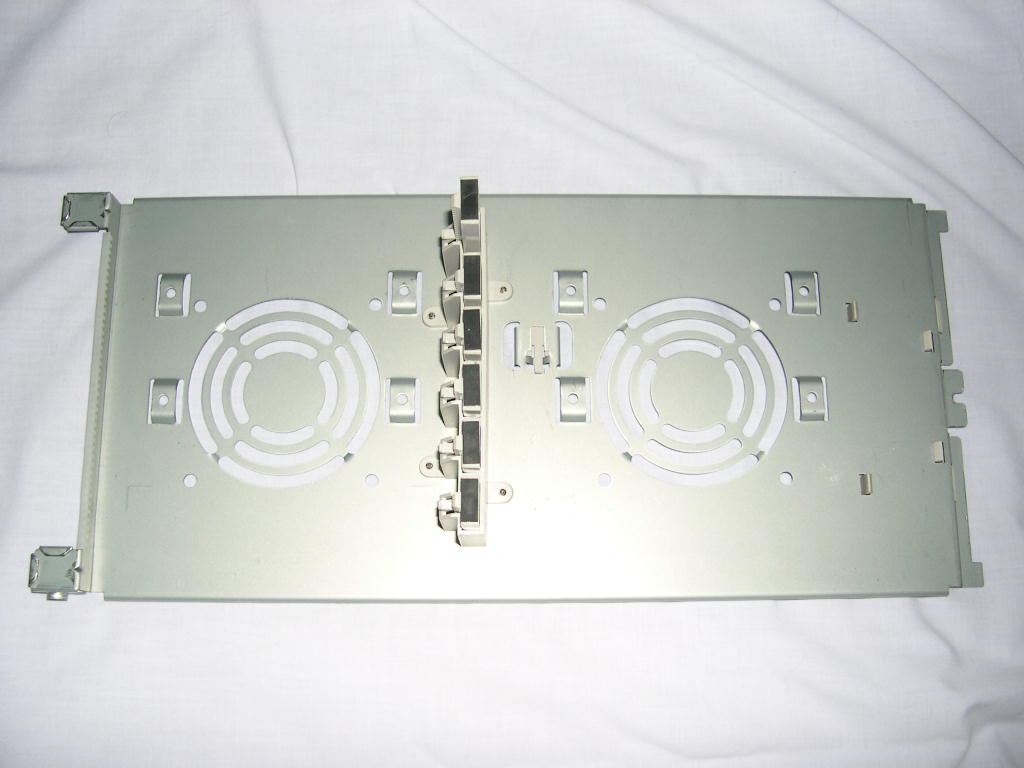
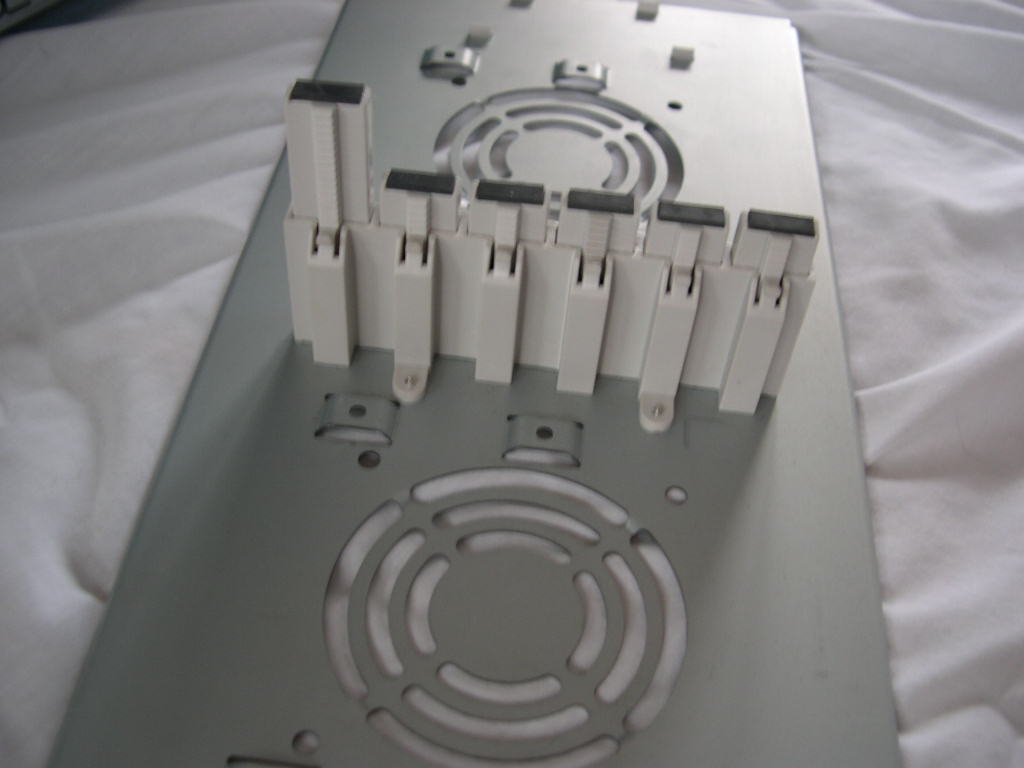
A small cardboard box holds the standard case accessories, case screws, case keys, and a PCI slot cover. The TJ05 has a special “utility tray” that swings out and is also removable, allowing you to add 2 hard drives or 2 80mm fans. It also has extendable plastic guards that touch the edge of your PCI and graphics card, which keep them from bending in the expansion slots. This is an excellent idea and works very well.
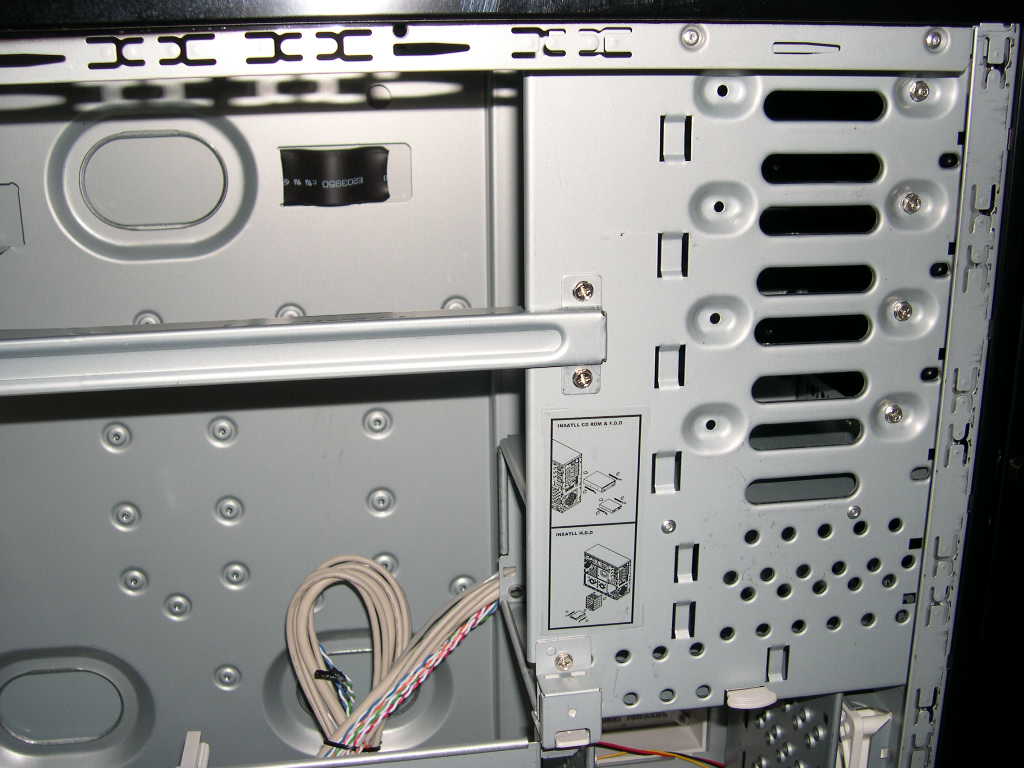
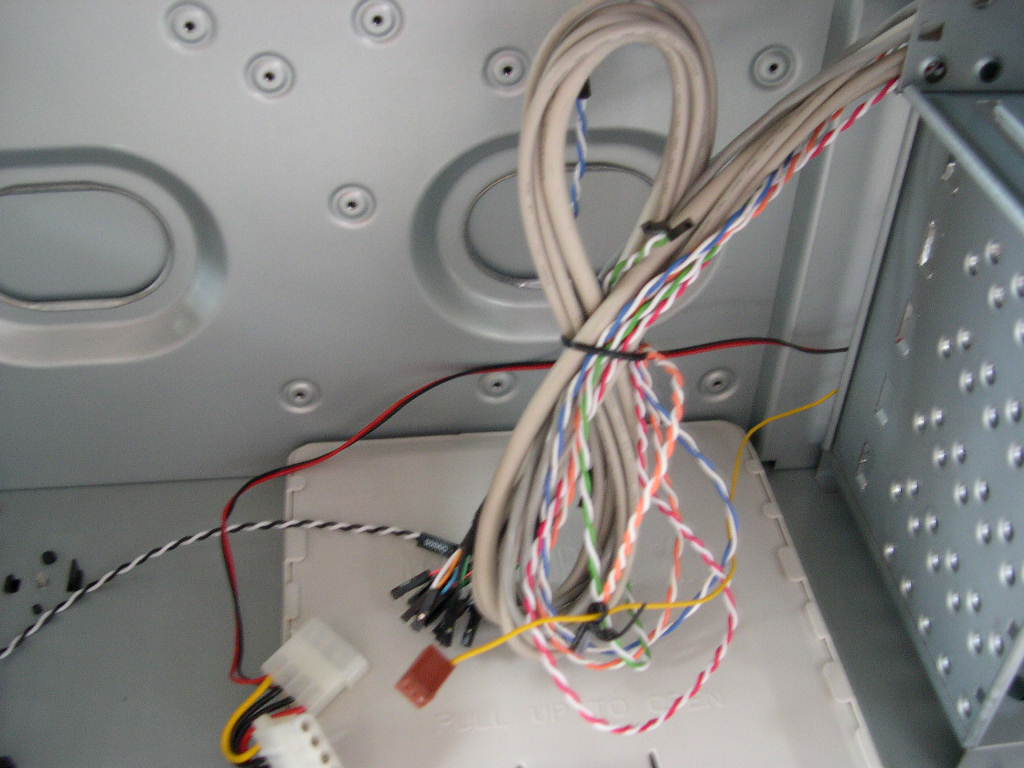
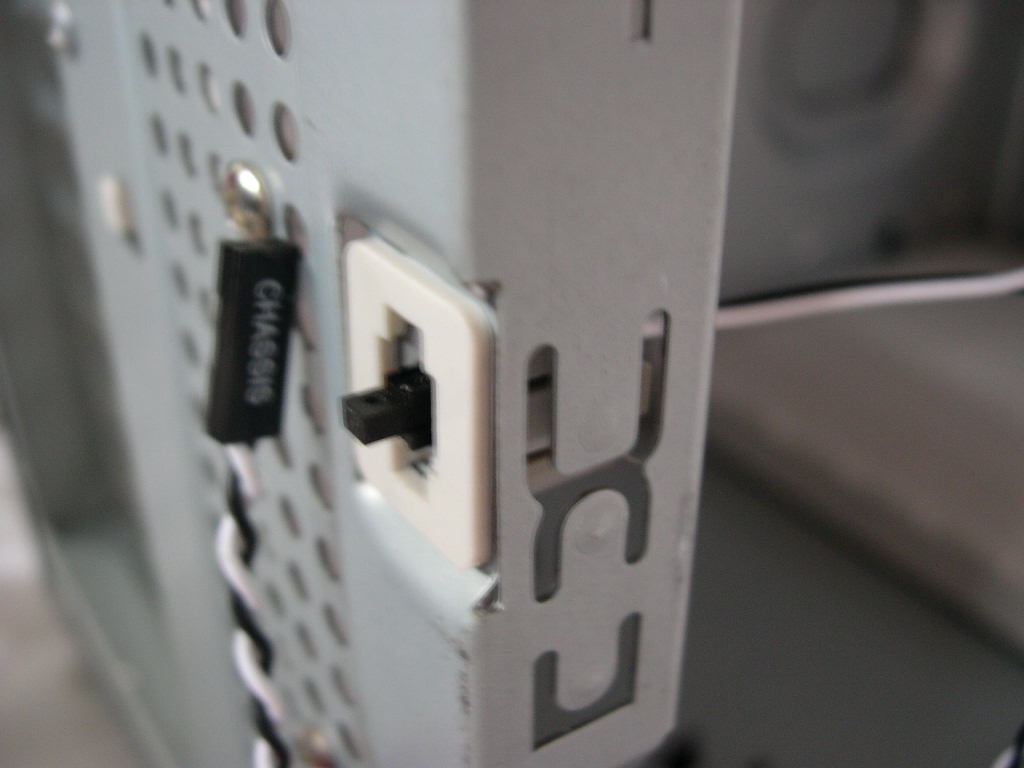
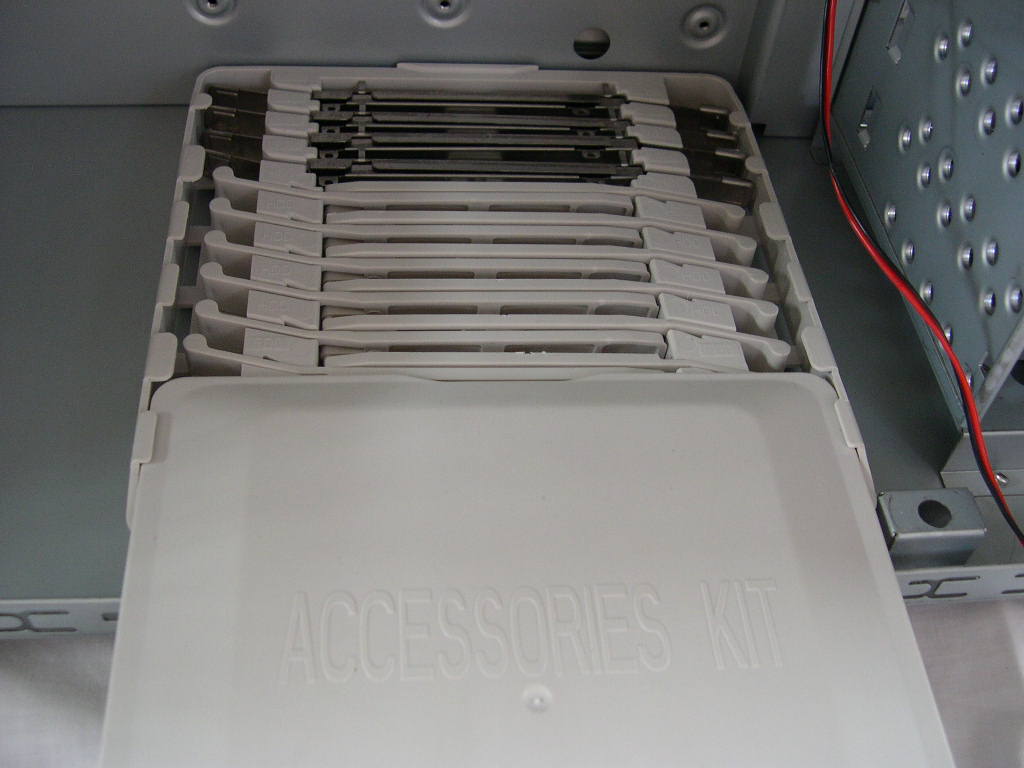
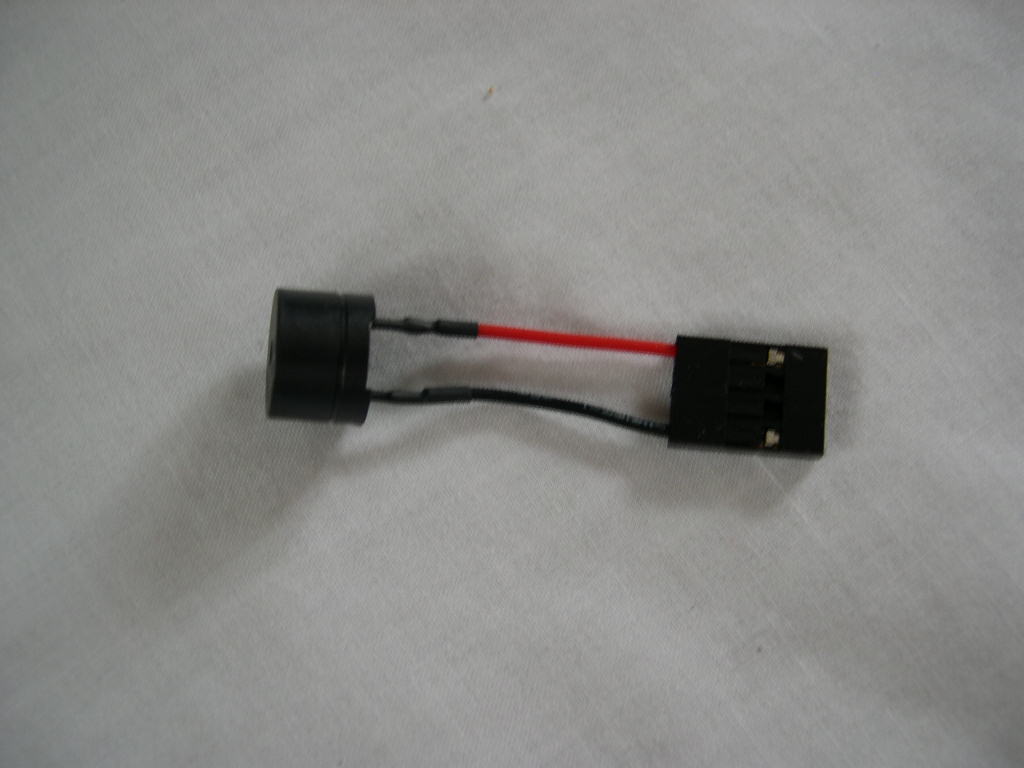
There are a lot of wires that connect to the front ports. The USB, Firewire, and Audio wires are all sleeved and the power, reset, and LED wires are braided. On the back of the case, there is a little button with a wire and connector. This is an intrusion detection switch, provided the motherboard supports that option. When the computer boots up, the motherboard will inform you if the side panel has been opened since the it was last powered down. On the bottom of the case is a little plastic box. Sliding the cover off reveals the drive rail storage. Also in the box was a little PC speaker that connects to your motherboard speaker headers.
Specifications
The only part of the case made of aluminum is the front door, the rest is made of steel. The case is not the lightest on the market and is definitely not something I would want to drag to a LAN party.
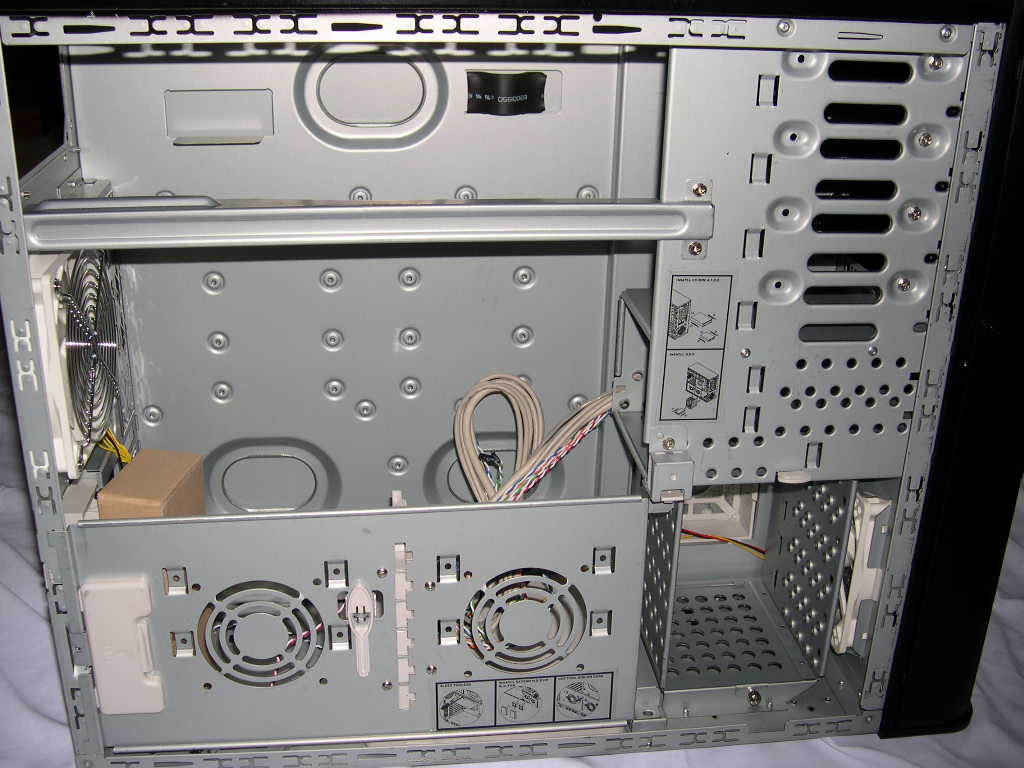
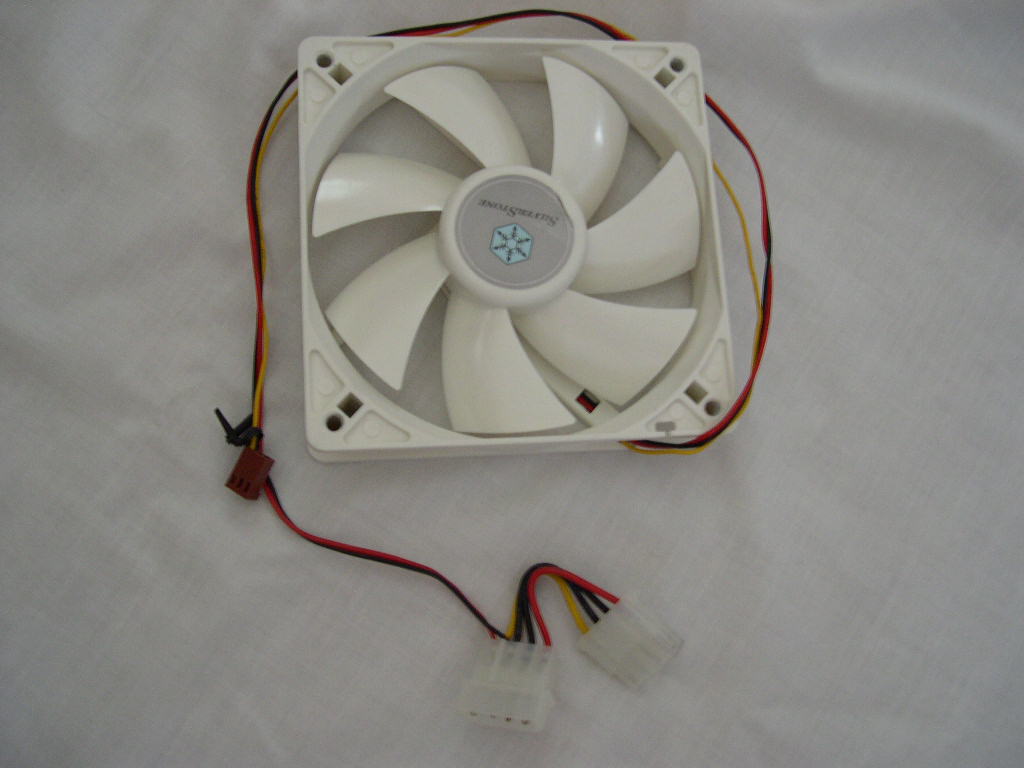
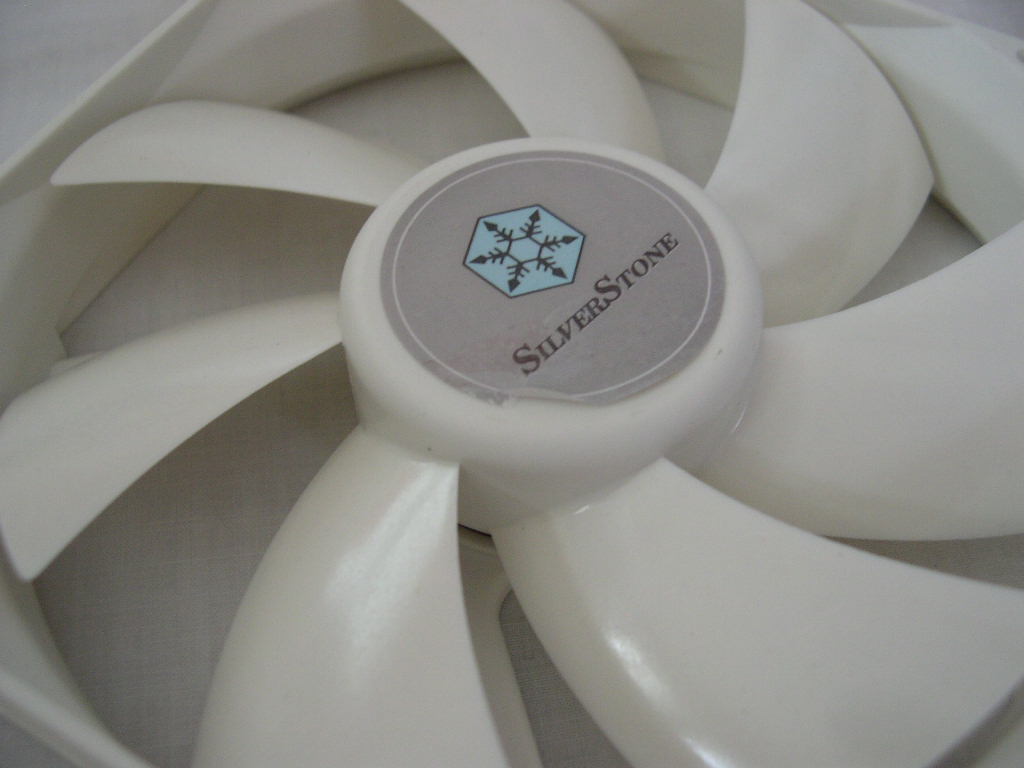
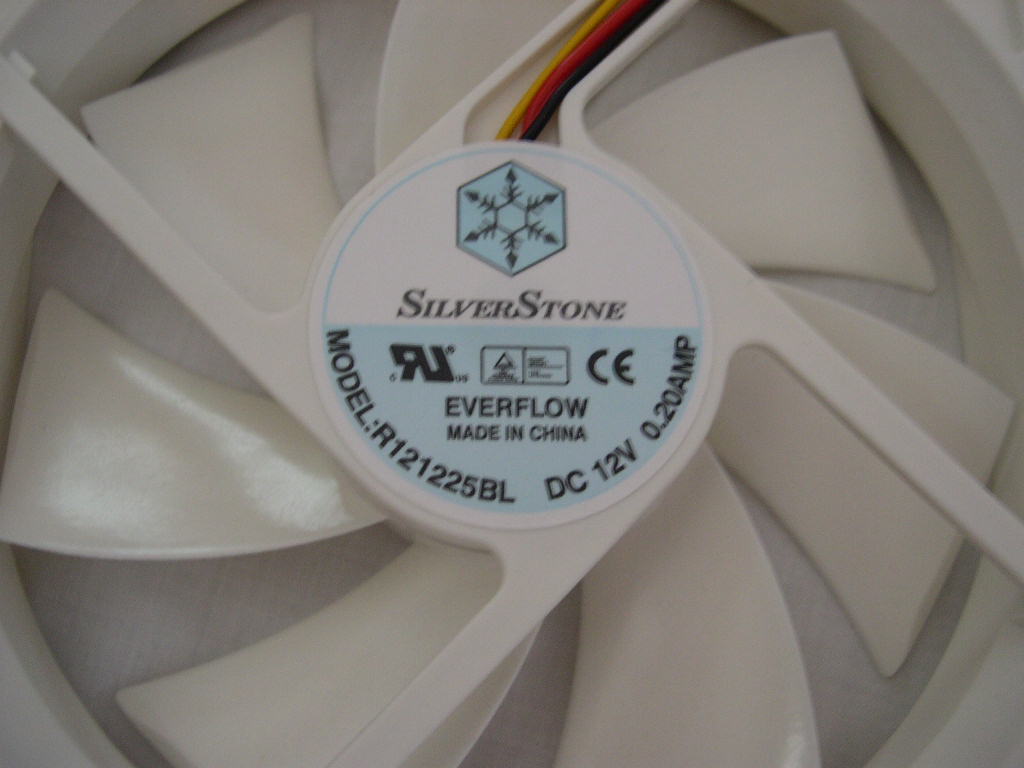
The TJ05 includes two 120mm fans which use a 4-pin Molex connector. The fans are rated at a very quiet 21dBA. I’m not sure why they chose white fans for a black case, but that’s their decision. If there is a need for more airflow and noise isn’t a concern, then you can swap out the fans for different ones. The case has room for 3 additional 80mm fans. The 120mm fan holes are also compatible with 80mm fans.
| Material | Aluminum front panel/door, 0.8mm SECC body | |
| Color | Black | |
| Silver | ||
| Motherboard | SSI, Extended ATX, ATX, Micro ATX | |
| Drive Bay | Exposed | 5.25” x 4 3.5” x 2 |
| Hidden | 3.5” x 8 | |
| Cooling System | Front | 120mm intake fan, 2200rpm, 21dBA |
| Rear | 120mm exhaust fan, 2200rpm, 21dBA | |
| Left side | 2 x 80mm fan (option) | |
| Right side | 80mm fan (option) | |
| Expansion Slot | 7 | |
| Front I/O Port | USB2.0 x 4 IEEE1394 x 1 audio x 1 ] MIC x 1 | |
| Power Supply | Optional standard PS2 (ATX), Redundant PS2 | |
| Net Weight | 13.45 kg | |
| Dimension | 213 mm (W) x 504 mm (H) x 617 mm (D) | |
Installation
The TJ05 makes installation very easy. The case has an almost tool-free design. The side panels use thumbscrews and the drives use screw-less drive rails which let you pop your drives in and out without screwing them down.
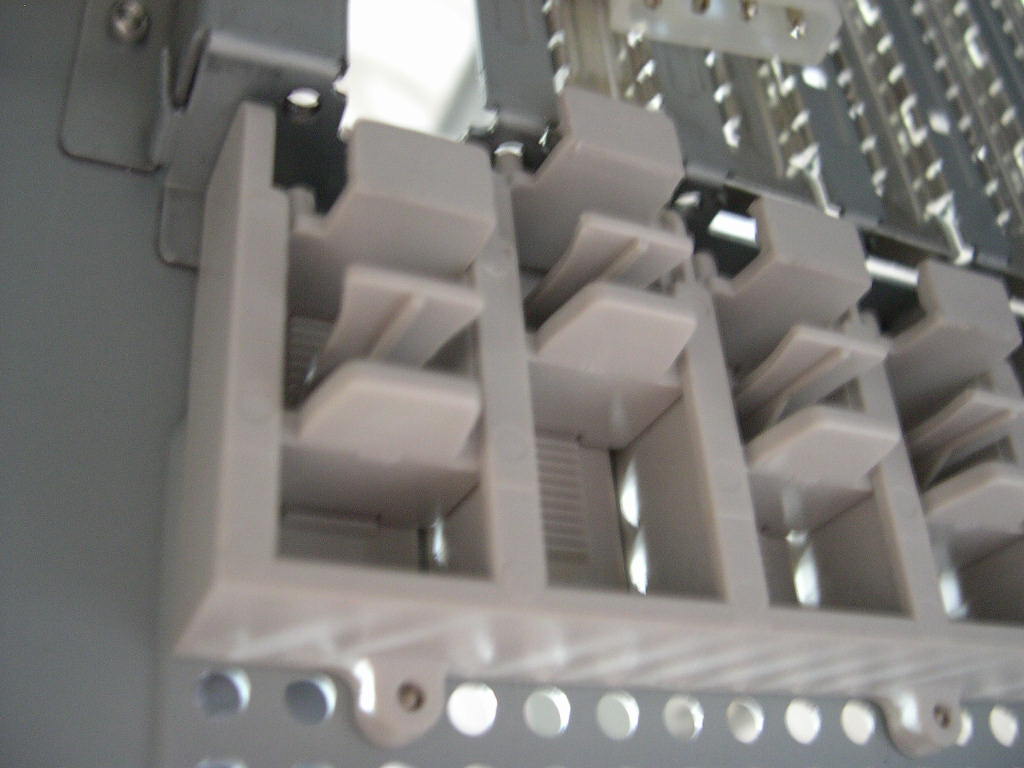
It seems like every case manufacturer has their own special way of making PCI card installation tool-less. Silverstone is no exception; you pinch the two little plastic tabs and slide it up against It’s very simple and much easier than using a screwdriver.
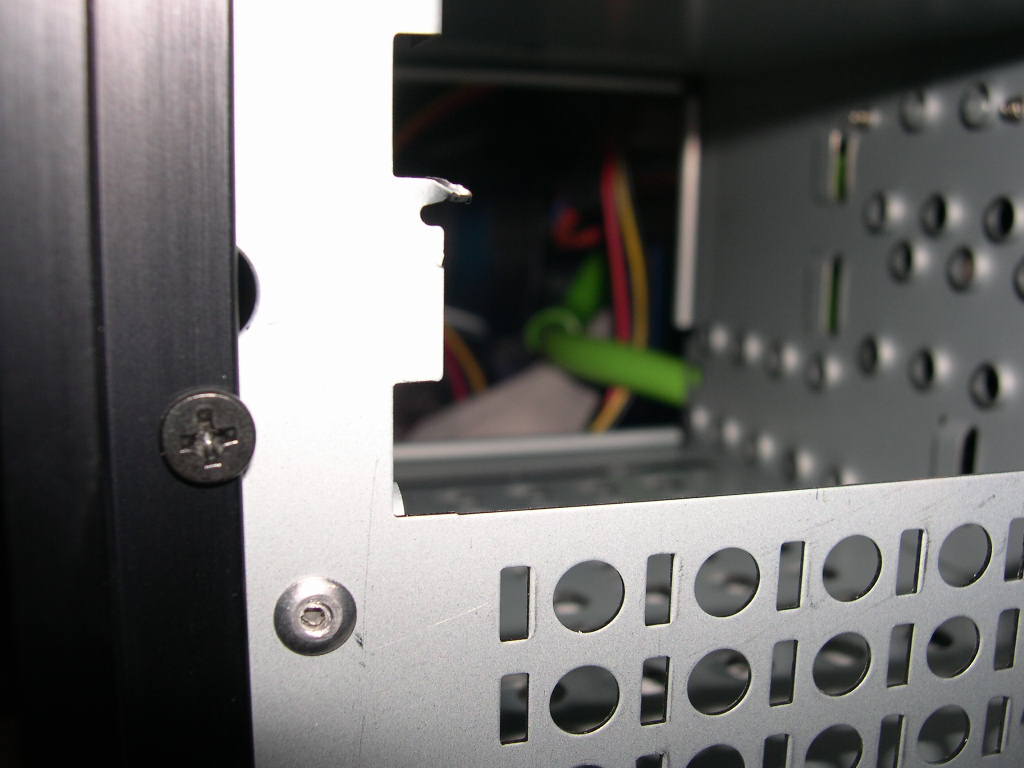
All the drive bays have the metal tabs punched out, so you don’t have to worry about prying them off and cutting yourself. There was one sharp bay unfortunately. The drive bay covers are screwed on, so I suppose you are going to need a screwdriver there.
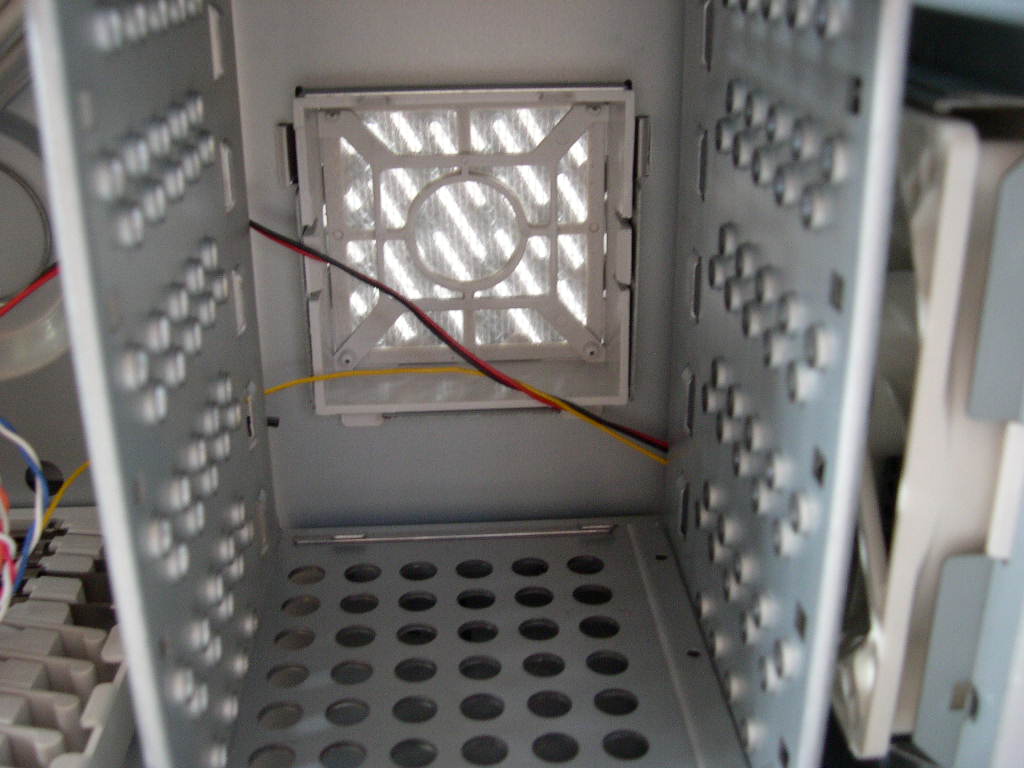
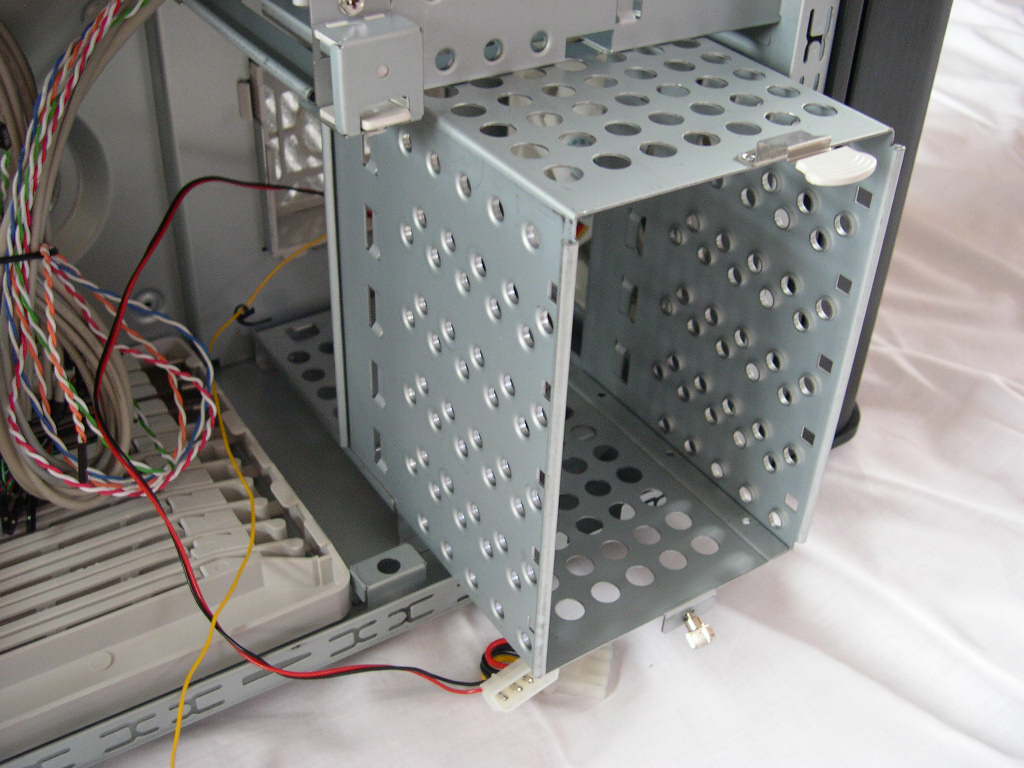
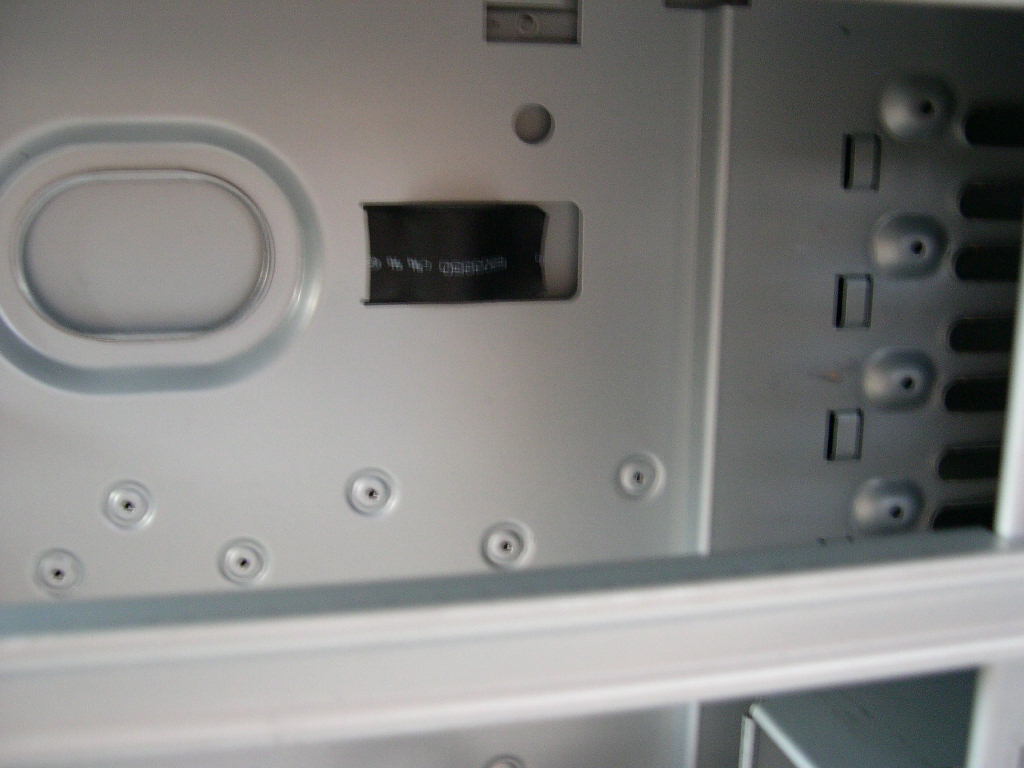
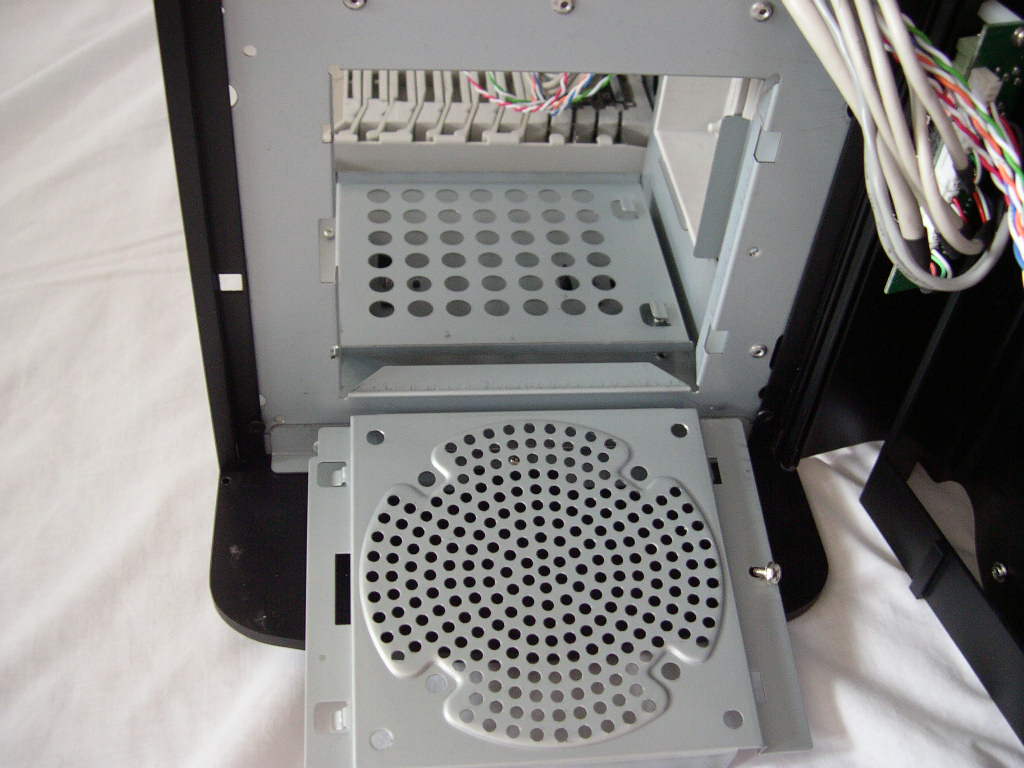
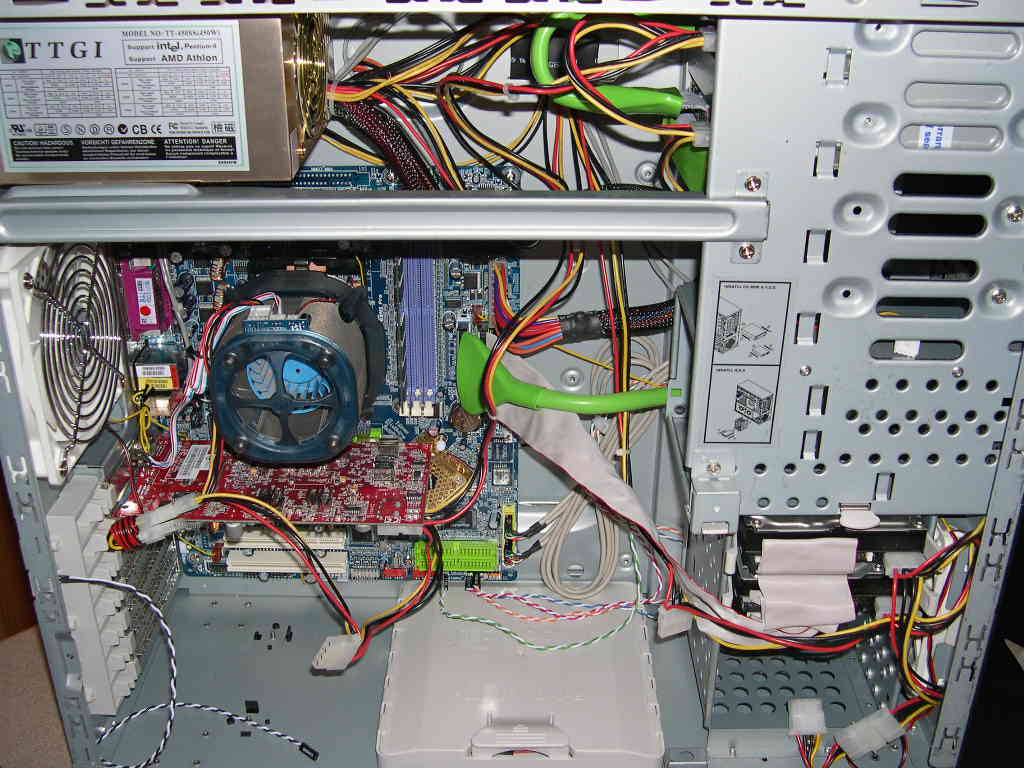
The 3.5” HDD cage is removable. You unscrew a thumbscrew at the bottom and press down a little clip to slide it out. It’s a little too tight to slide in and out easily, but it works with a little muscle. The little black thing in the center picture is a wire clip. You can tuck your wires underneath it so they don’t inhibit airflow. It would be nice if there were a couple more. Removing the right side panel, there are also plenty of holes and space to route cables.
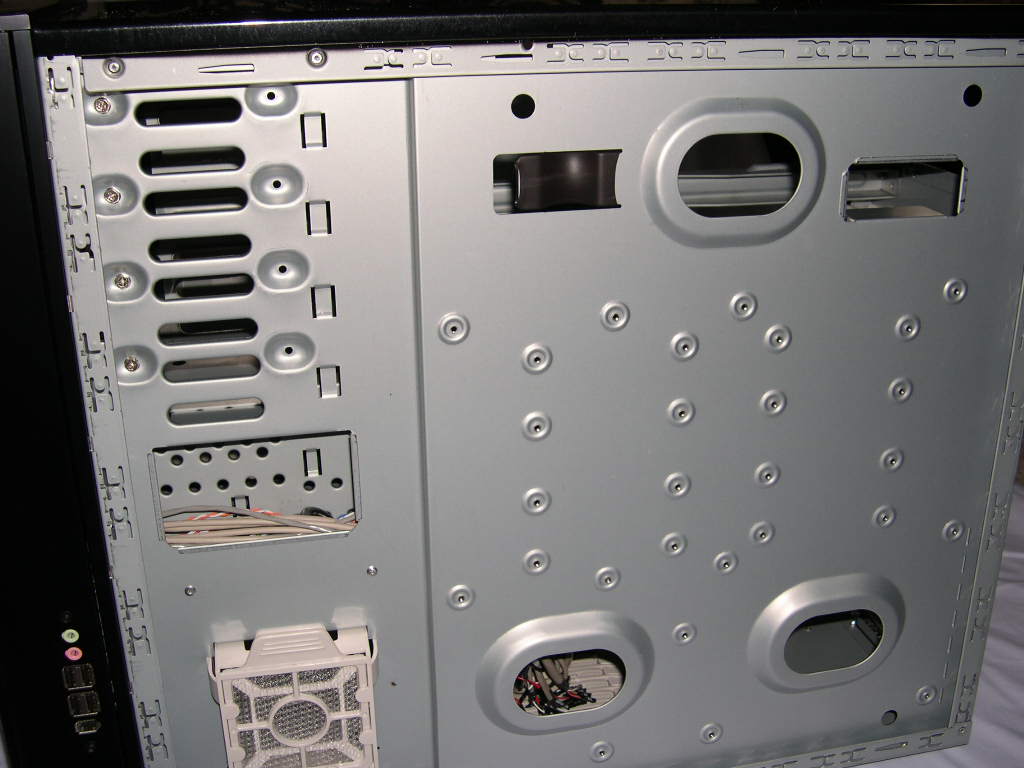
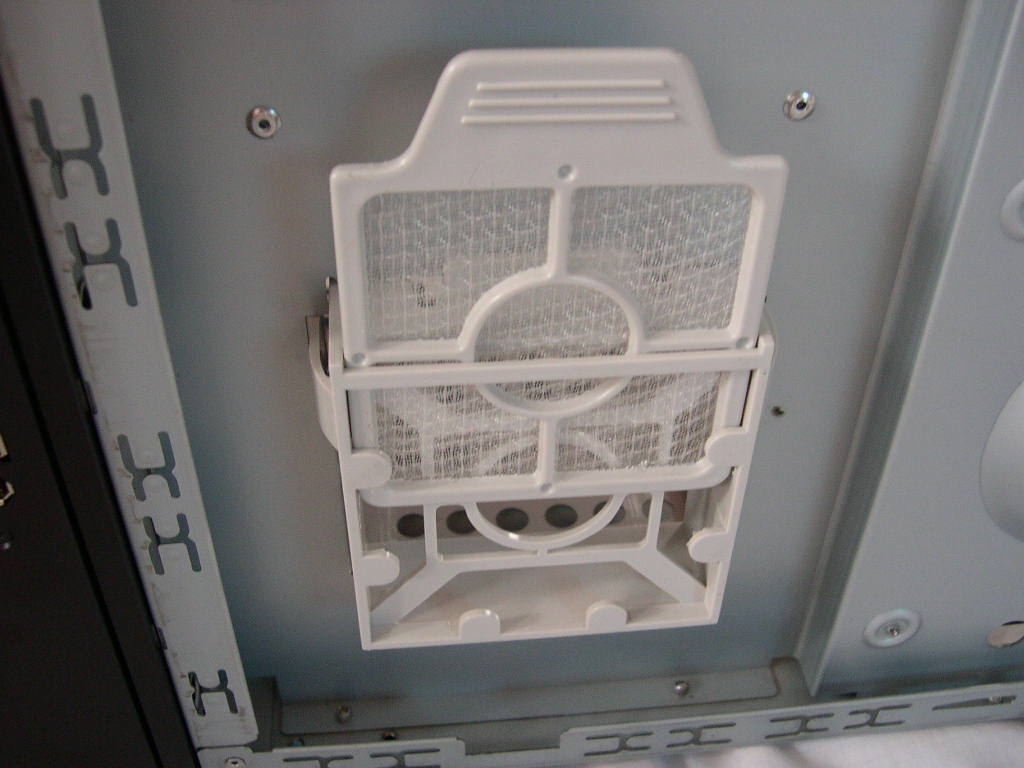
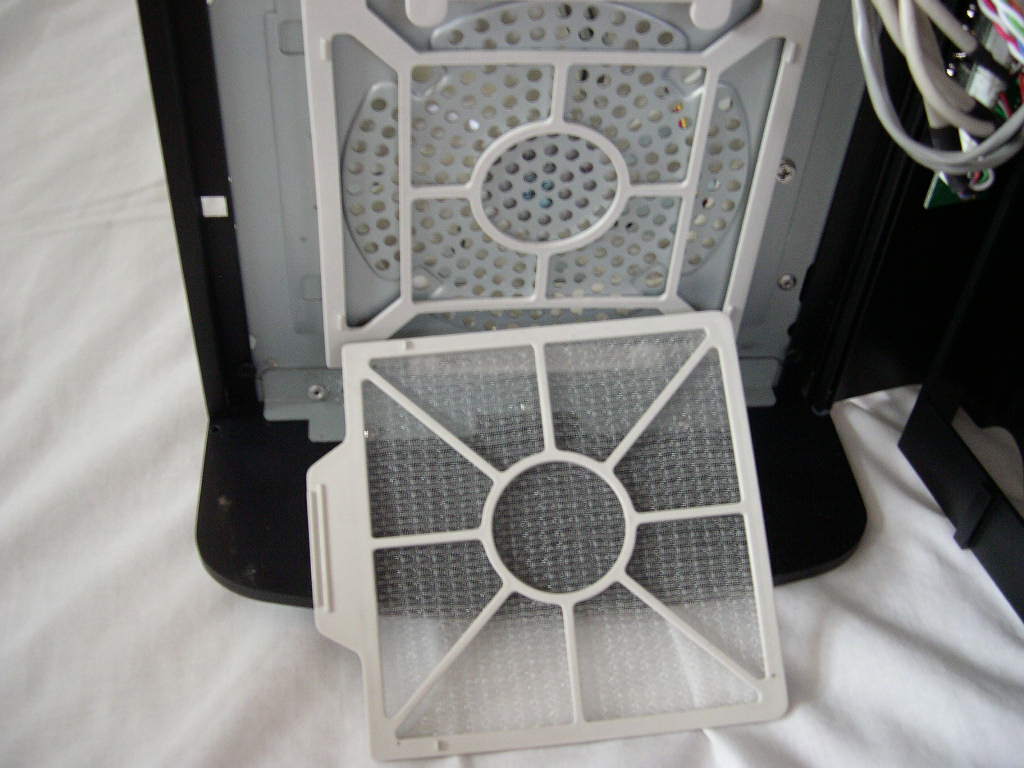
The front intake 120mm fan and optional side 80mm fan have fan filters. They are very easy to remove and clean. All you have to do to remove them is slide them out of their plastic cage. The side 80mm fan filter is a little more troublesome to access because you have to take off the right side panel, which doesn’t have thumb screws. The 120mm fan grill is removable along with the whole front assembly. I’m glad Silverstone didn’t rivet everything in place. Unfortunately there wasn’t enough room at the bottom of the case for my watercooling heatercore (Chevette ’86), even with the HDD cage removed. Yet, there is plenty of room at the top with a little modification. That isn’t something this case was designed for, so I’m not taking points off for that. I just thought I would let those who were wondering know.
The Bad
First I’ll start with the key to open and close the front door. It’s the only way to access the 120mm fan filter and the drive bays for drive installation. The extra security might be nice to protect your precious drives. In reality, most users will have this case in their house and the requirement of a key is more of a hassle than a benefit. The locking mechanism also allows too much movement of the front door, causes vibration noise, and scratches the paint. The problem mitigated after I installed a couple optical drives, but I could tell that it wasn’t totally fixed. The door also scratches the bay covers.
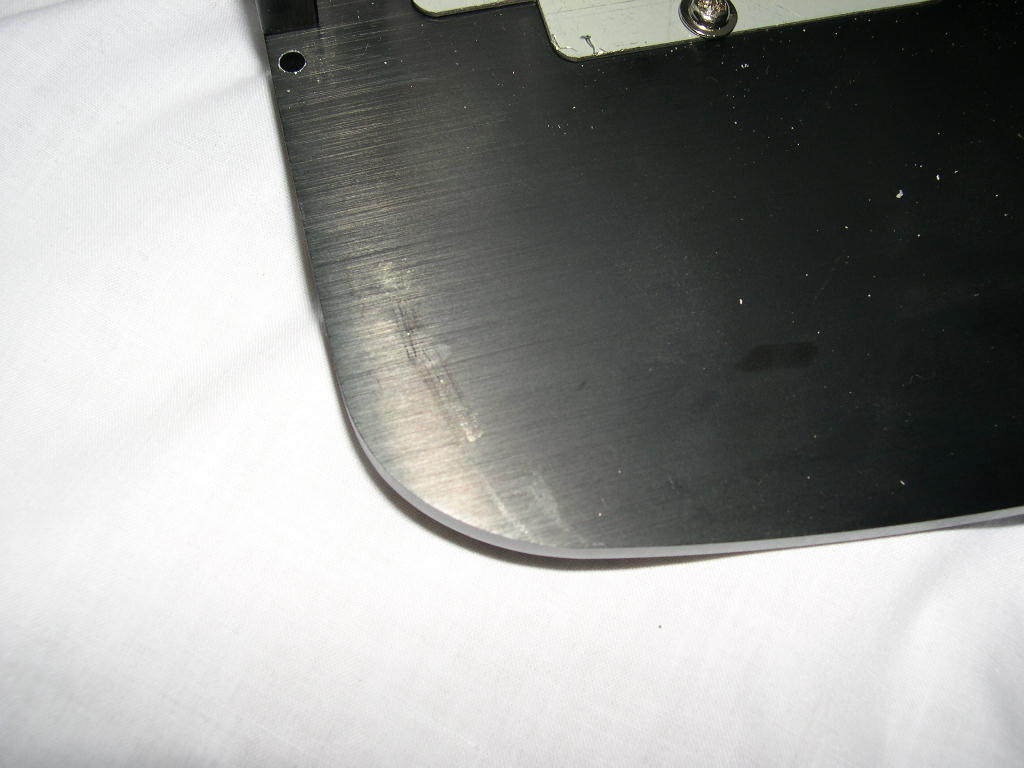
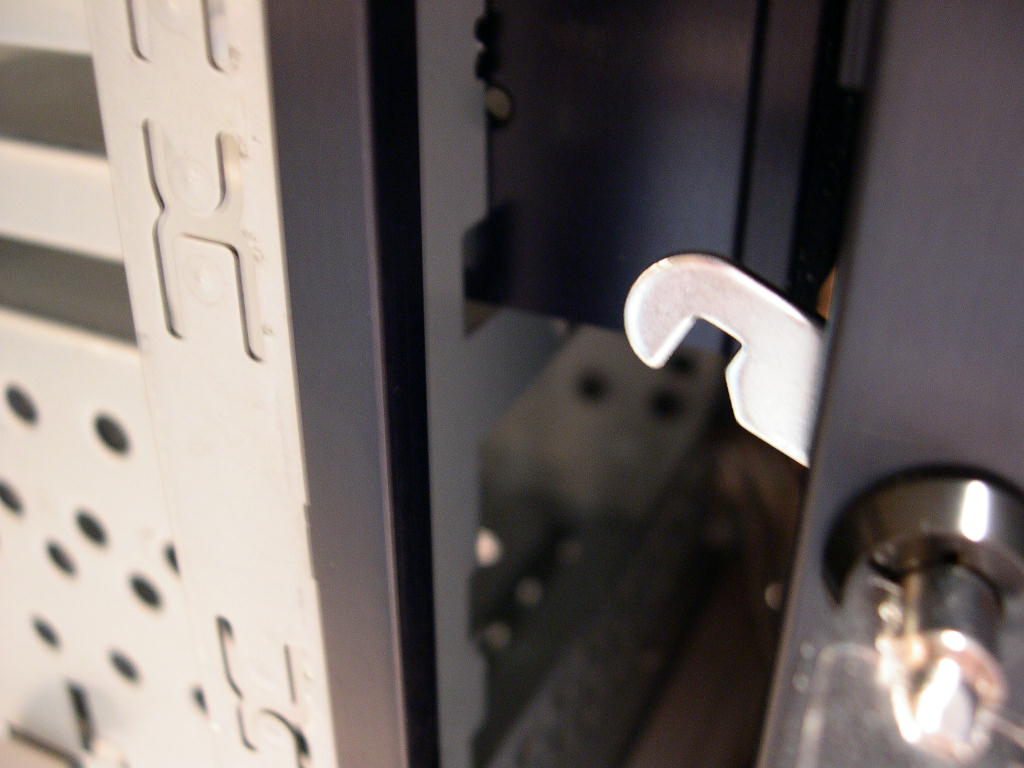
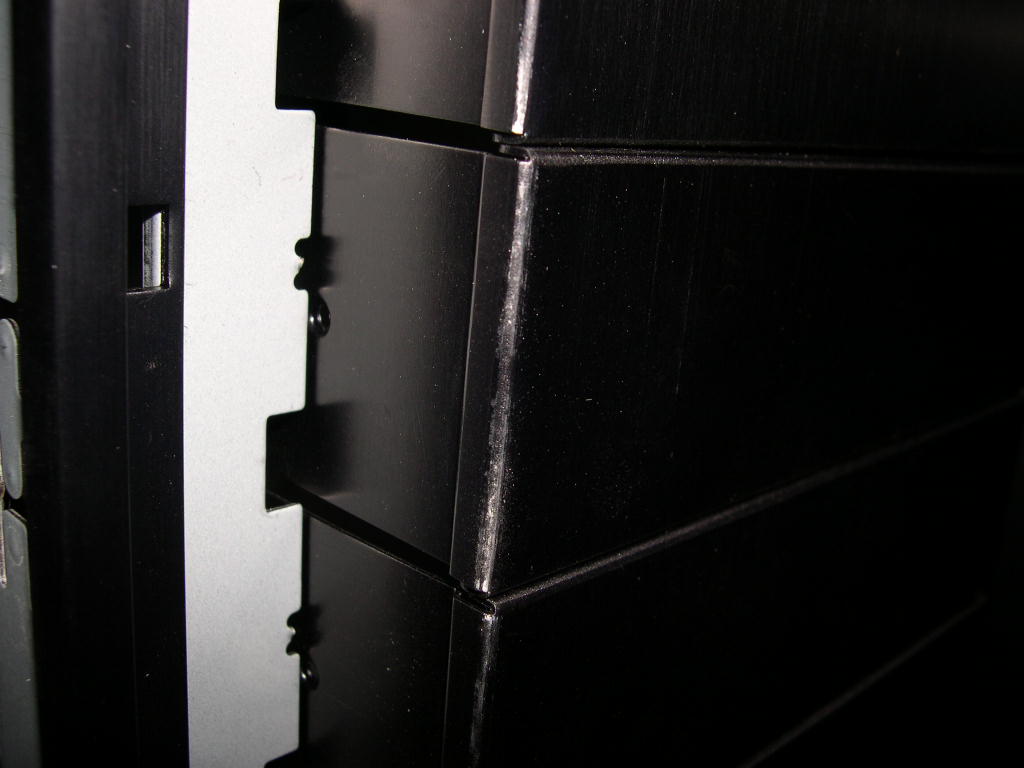
Also, the screw that holds the bay door isn’t tight and won’t tighten, allowing the door to rattle. This is most likely a result of shipping damages.
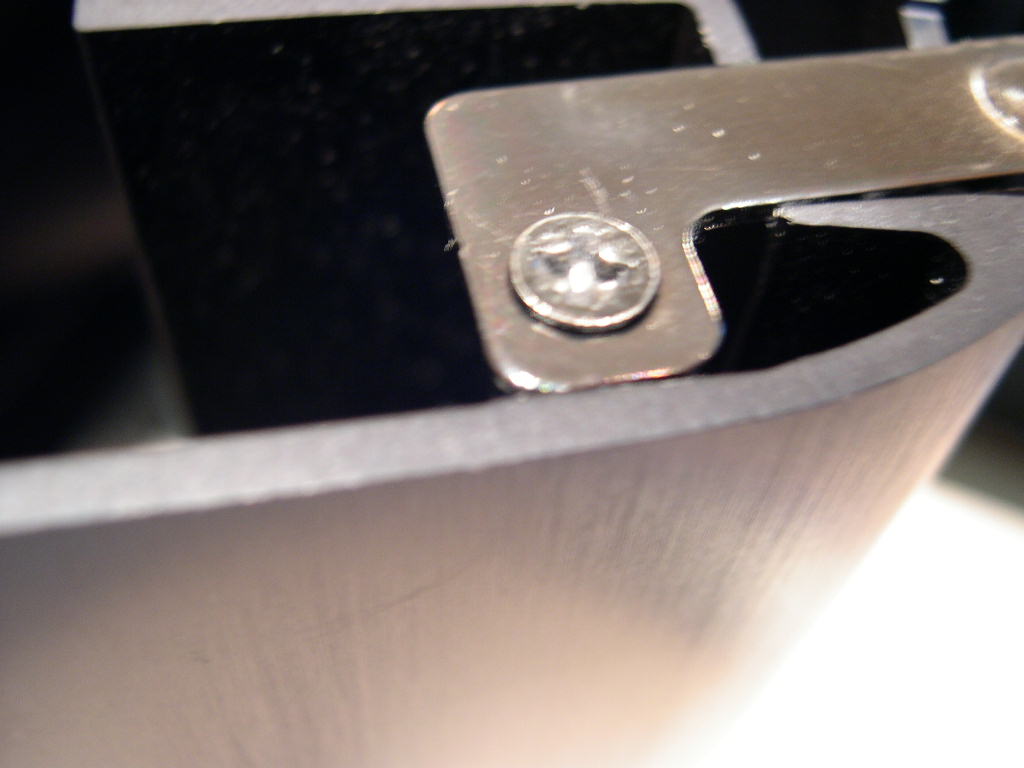
There is a little arrow on the bottom front of the case, just like the one on the bay door. The inside contained the same locking mechanism as the bay door. I assumed this was another door, but it wouldn’t open when I tried. I contacted Silverstone and they said it was a feature that wasn’t necessary, so they scrapped it.
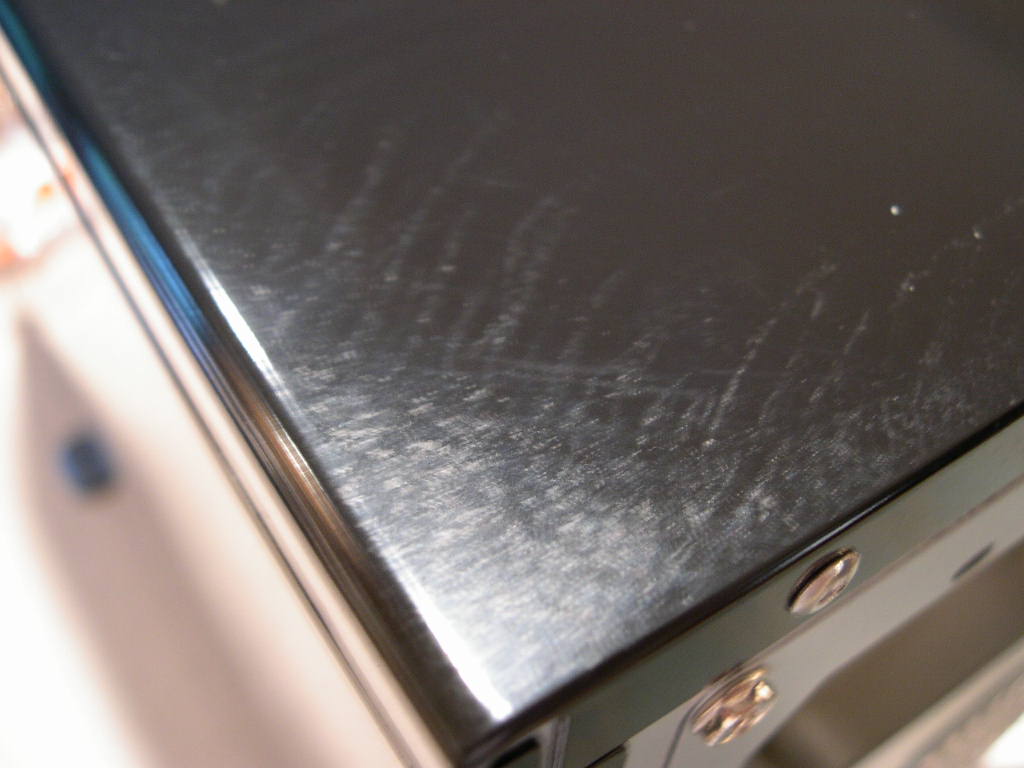
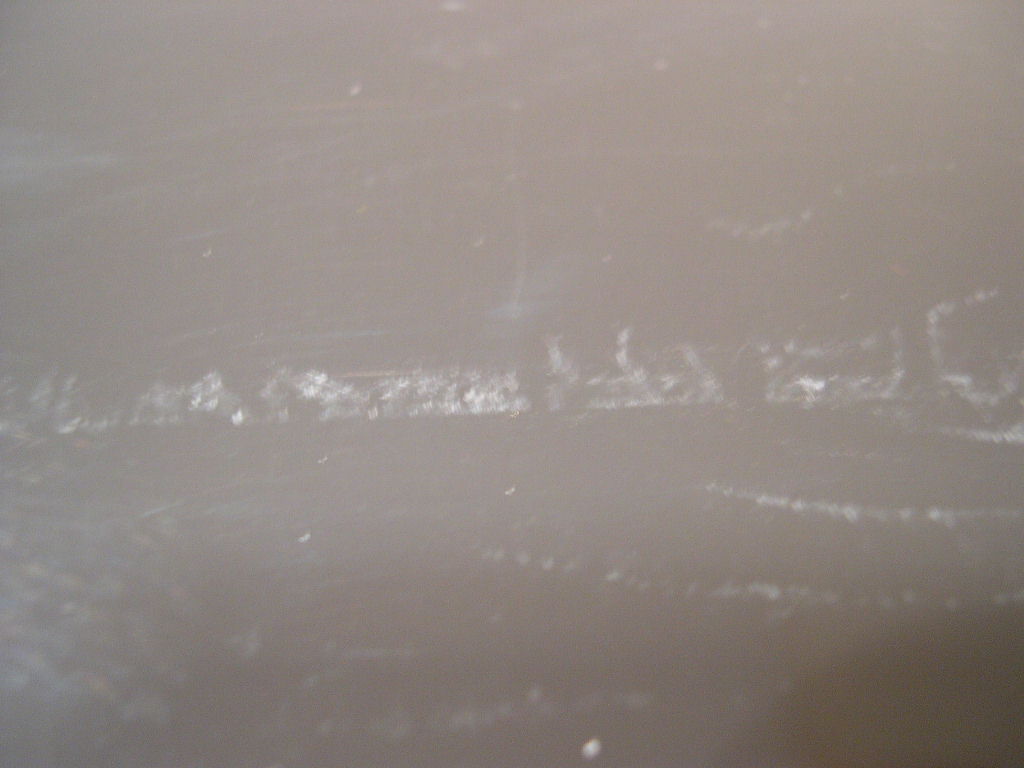
The black paint job looks nice, but there were a few imperfections on the top of the case. I also asked Silverstone about this and they said it was caused by shipping. They also told me that this was unacceptable and they would replace it




Conclusion and Thoughts
I really like this case, aside from the imperfections I found. The paint job on the side panels is excellent. The side mounted USB/Firewire/Audio ports are nice, although my USB memory stick looks a little awkward sticking out the side of my case. Using 120mm fans instead of the normal 80mm fans was a good decision; they are very quiet and still push an adequate amount of air. Installation was a breeze and there is plenty of room to work in the case. Unfortunately, that extra room on the inside makes the case rather large. If you are looking to purchase this case, make sure you have enough room. The wire clip is helpful and keep the wires from inhibiting airflow. The swinging panel on the inside is an interesting idea and it does help keep the expansion cards from bending. I also like that it’s removable, because it can get in the way when installing things. The almost tool-less design is a very nice feature, even though it is almost standard in cases today.
Silverstone impressed me with their service. No one should have any worries buying this case because Silverstone takes care of their customers. This case has an excellent design and is a nice addition to Silverstone’s product line. The TJ05 would make a great home for your computer.
Pros:
- Excellent design
- Good paint job
- Aluminum brushed front panel
- Almost tool-free installation
- Quiet/120mm fans
- A lot of room inside
- Compatible with a range of motherboards
- Compatible with redundant PSU’s
- Good wire management
- Side USB/Firewire/Audio ports
Cons:
- Heavy
- Front panel has a poor locking system, requires a key
- No removable motherboard tray

We would like to thank SilverStone for providing us the sample. If you have any questions or comments, feel free to hit us up in the forums. You can also check out more of our latest reviews on the front page.