

Raidmax X1
Raidmax has been one of the many manufacturers dedicated to producing computer cases and accessories. After their Scorpio line of cases, which was a huge success, their Samurai line also received many praises from consumers. As they release their new line of gaming cases, Raidmax tries to incorporate a rectangular case together with a slightly fancy look.
Elegance and looks are worth the most points, with ease-of-installation coming in second place. Reviewing cases is rather complicated, as looks are most important and everyone has their own opinions. From the advertisements that Raidmax has been putting out for the new X1 Gaming Case, I was eager to review it. The X1 attempts to satisfy those important points a case is required to have and more. What else does Raidmax include? A stock power supply for the average user. Straying from the looks, the X1 seems to be an all around case that will do its job. What features about this case will make it stand out against the rest?
Raidmax X1
The new X1 gaming case adds a bit of spice and stands out from Raidmax’s previous cases. While I don’t usually talk about packaging, the box which the X1 came in is exceptional. It has a very catchy and sleek design that displays the case very nicely. Aside from that, it was packed with the usual plastic bag and Styrofoam.
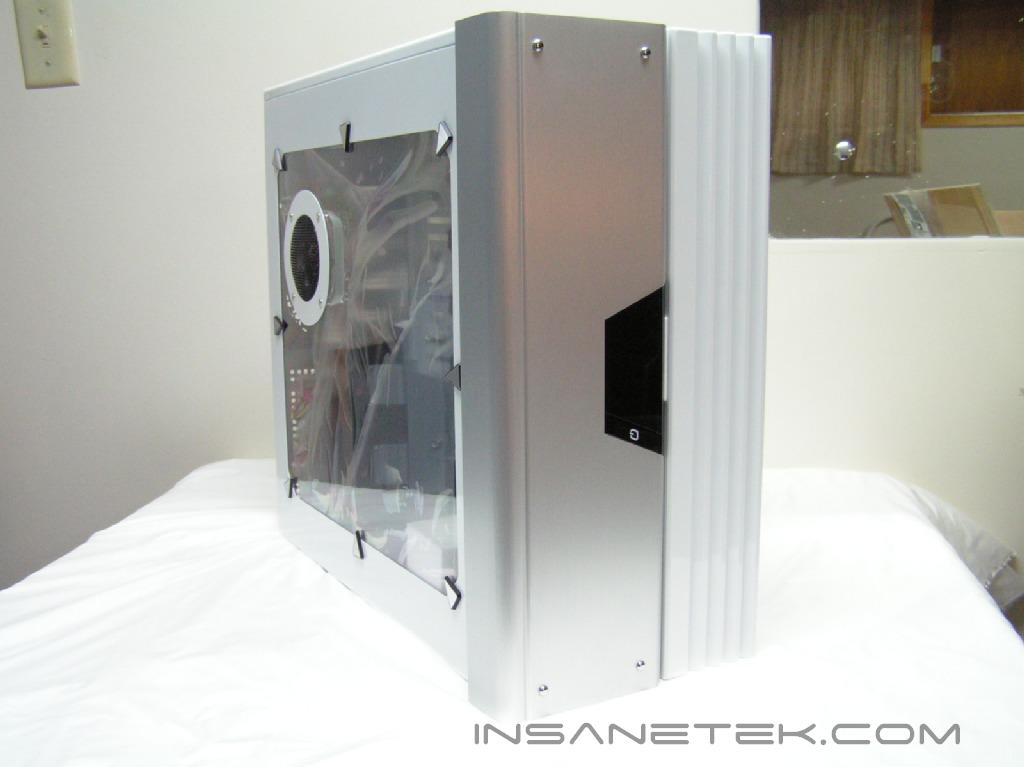
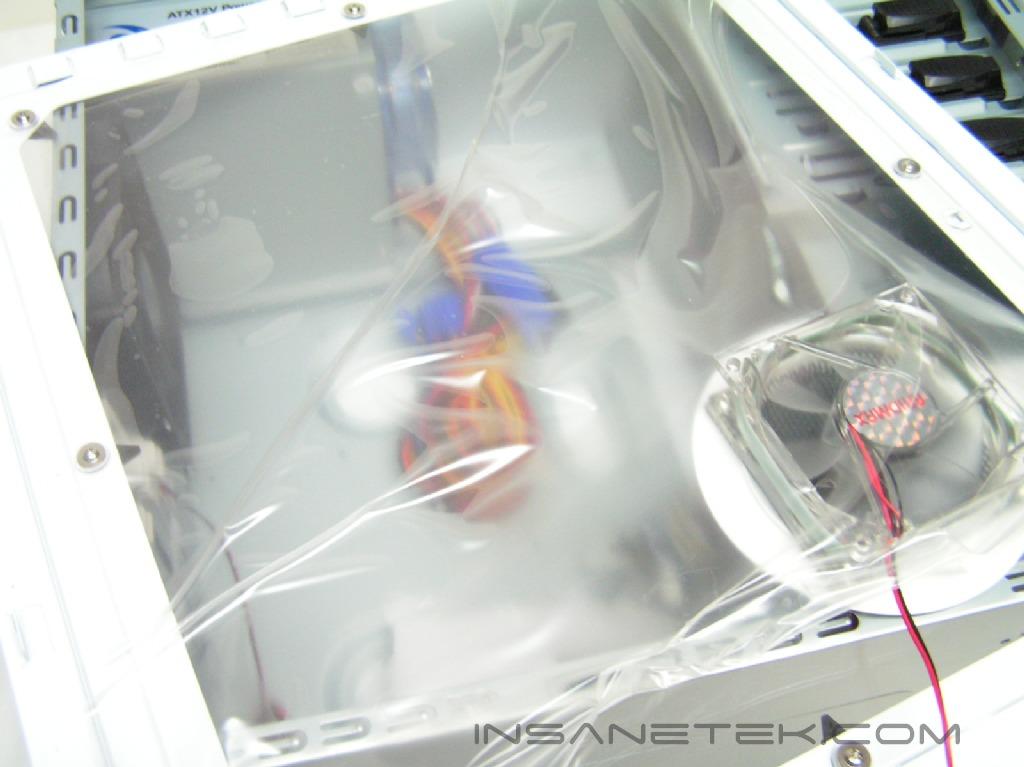
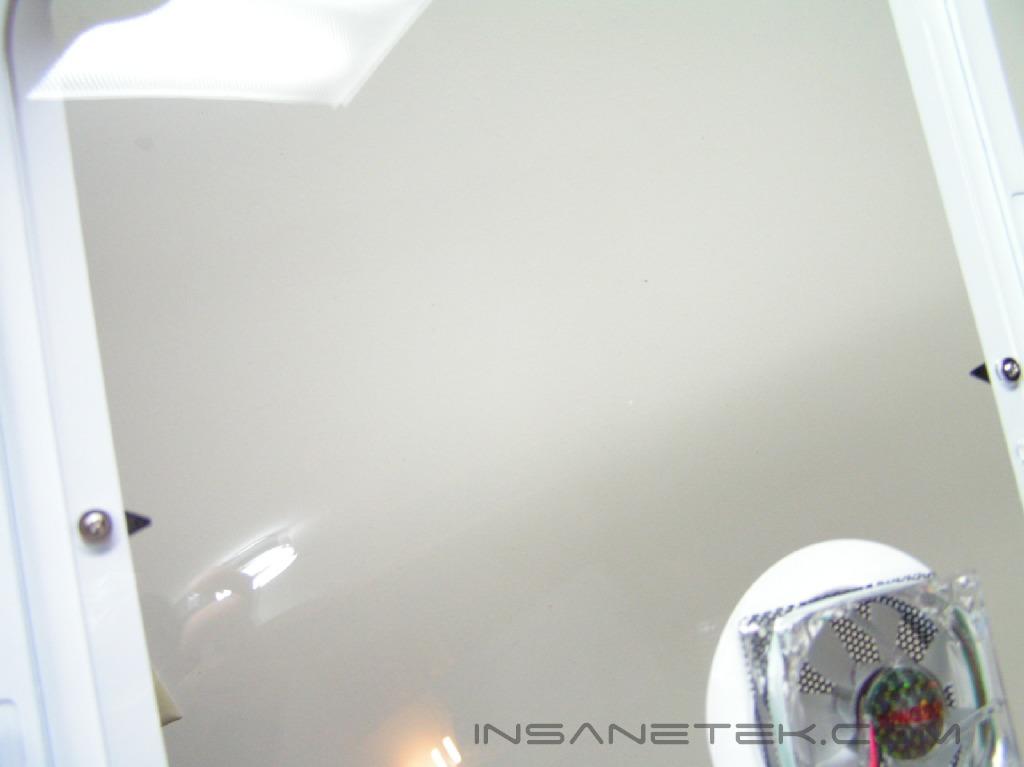
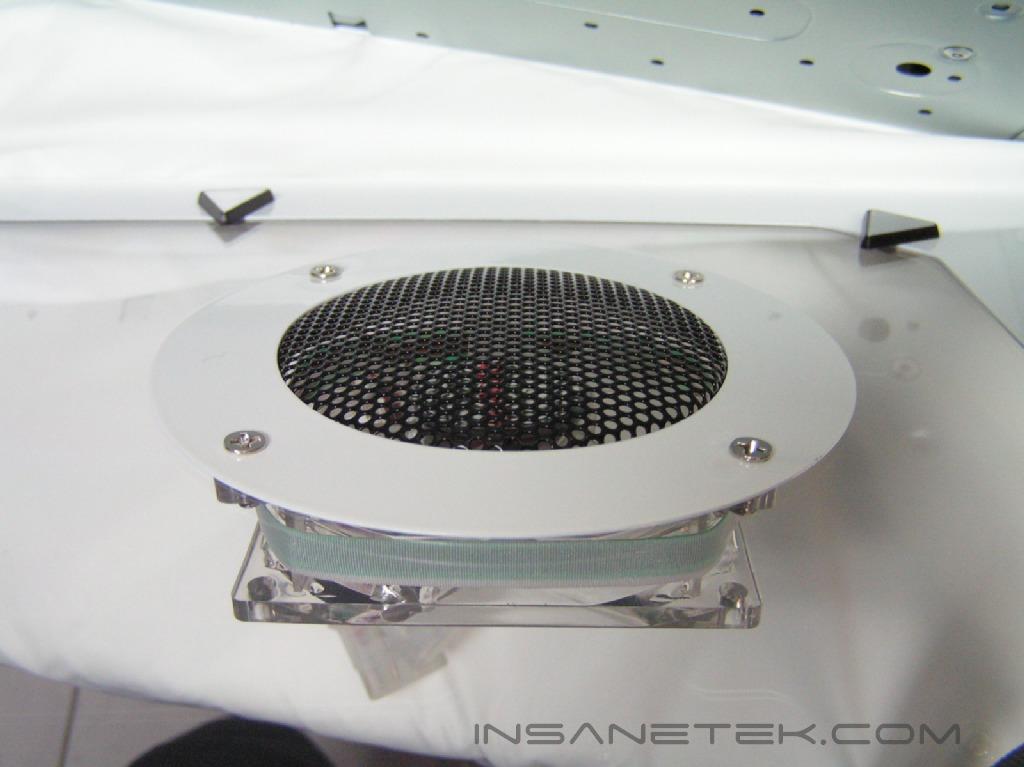
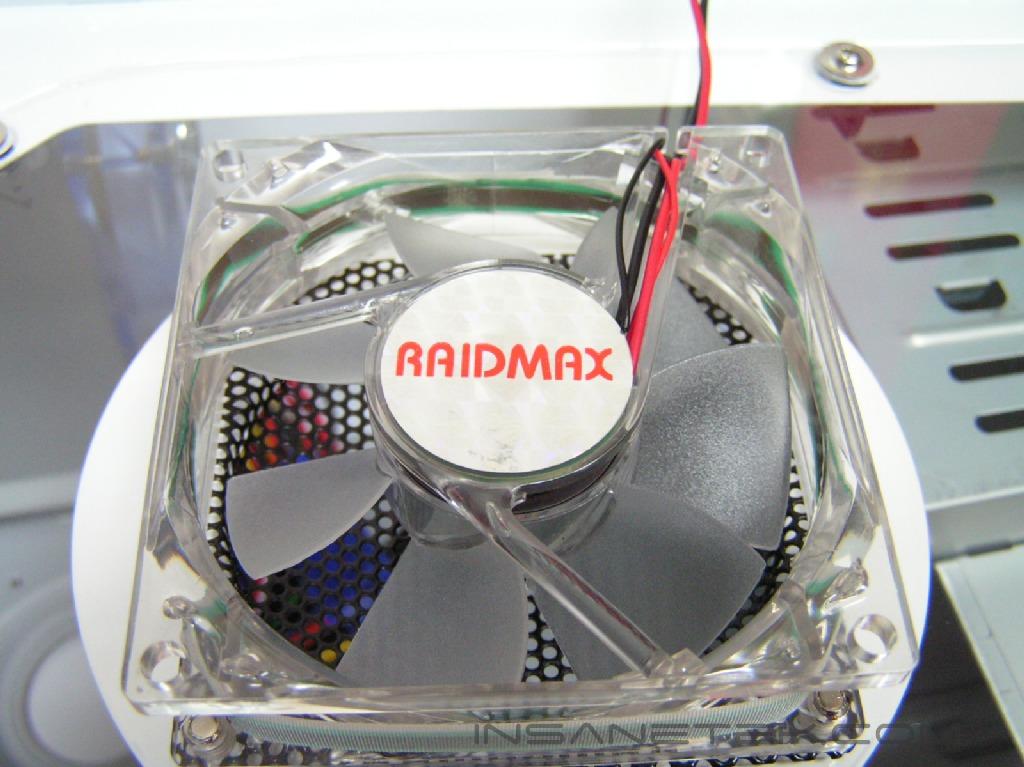
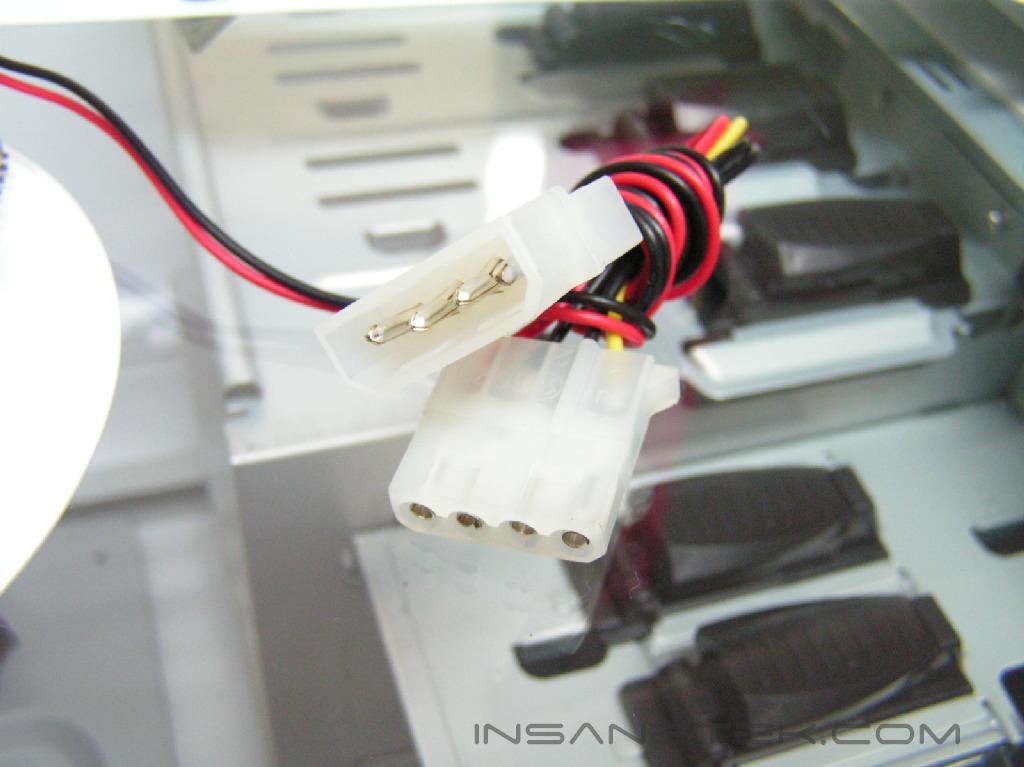
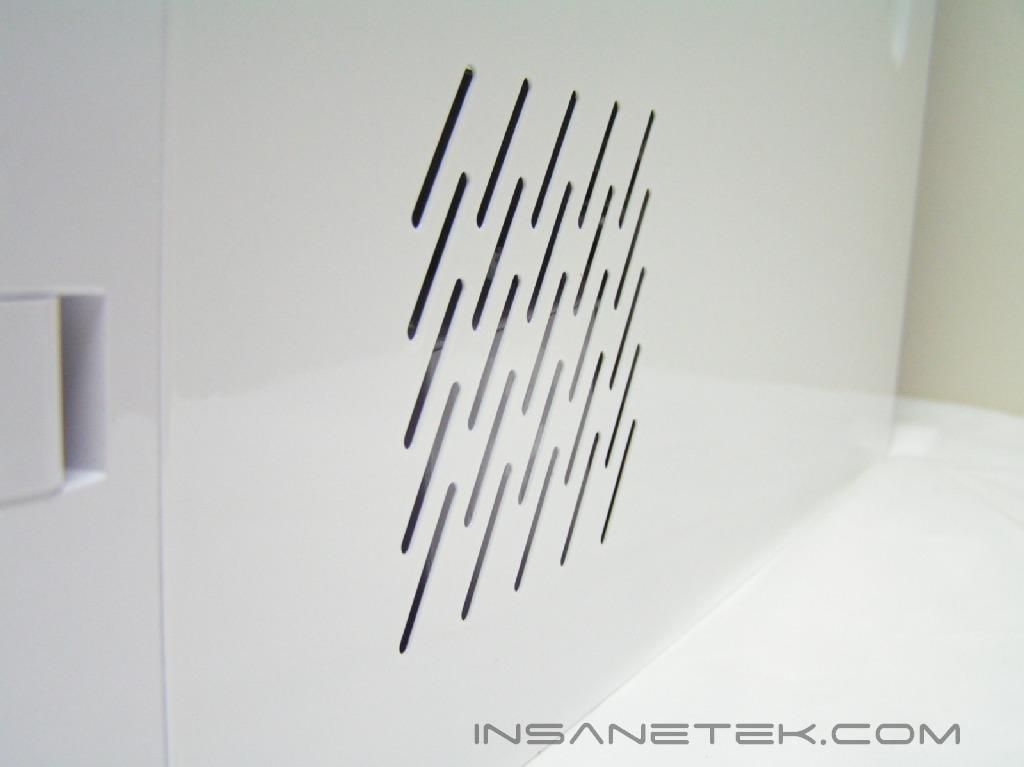
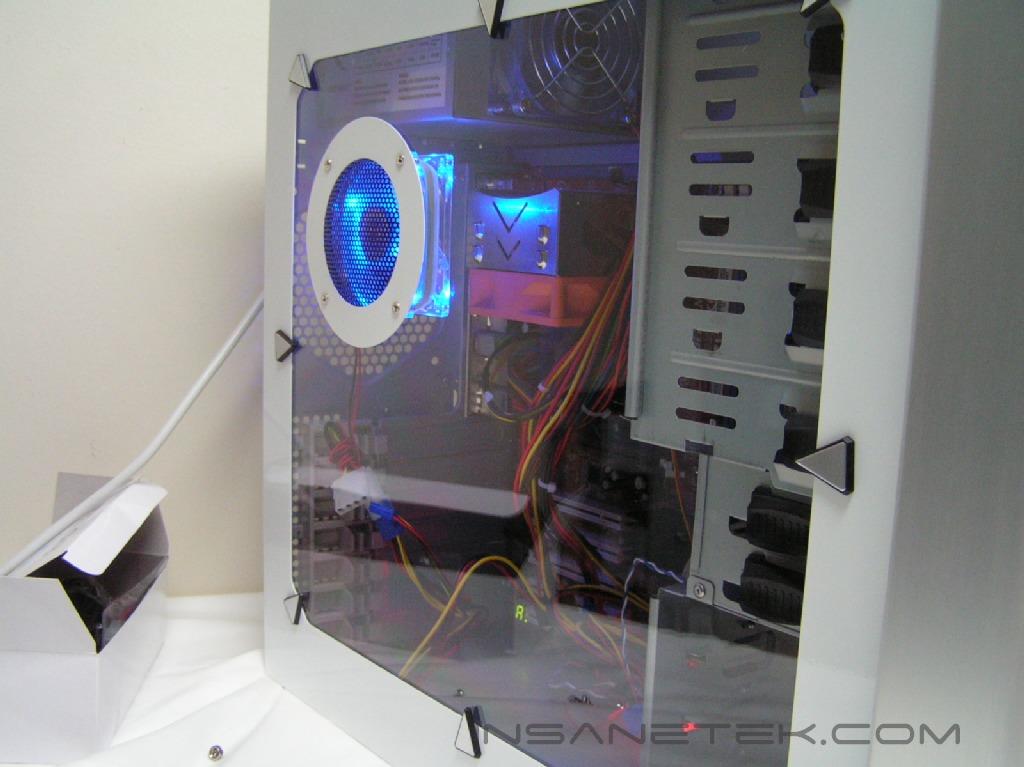
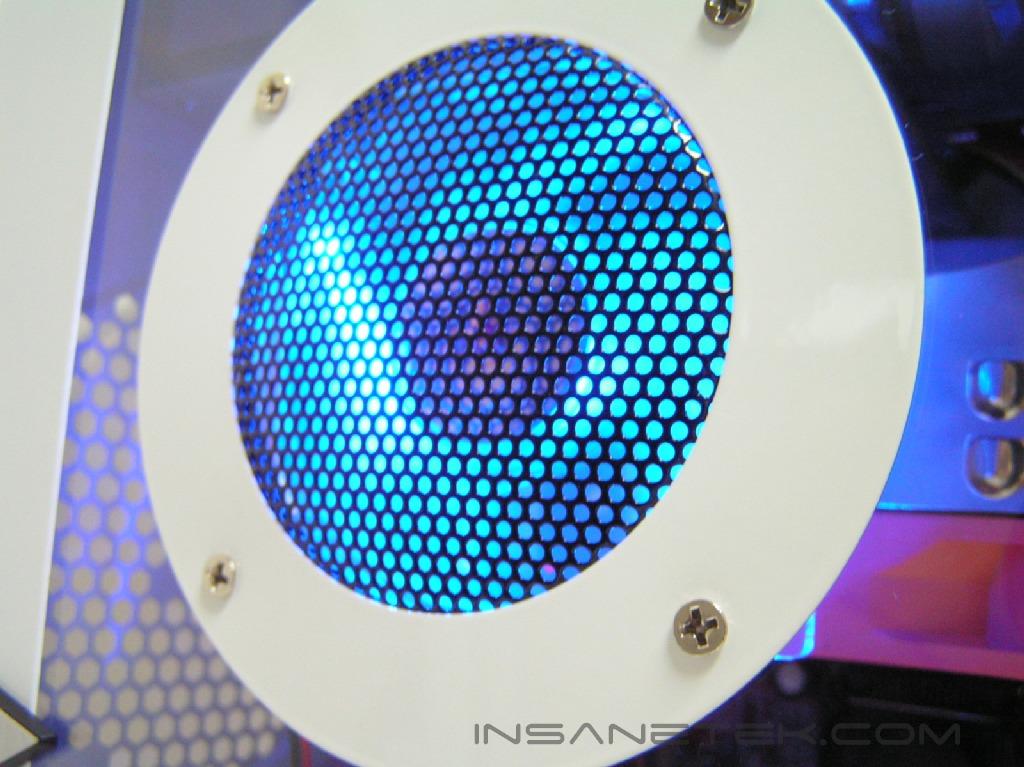
When the case is revealed, you’ll immediately notice the paint job and smooth feel the case gives off. The paint job is glossy and somewhat reflective. These are the type of cases that compel me to wear latex gloves to prevent fingerprints or grease smudges. When examining the huge side window first, there were two sheets of protective sticker. This protects the clear window from any scratches on both sides (exterior and interior) during shipping. On the side window, there is a fan grill with an 80mm intake case fan attached to it. It has blue LED’s, which will turn on once the system is powered up. The other side of the case is plain and has a few air ventilation holes at the bottom left hand corner.
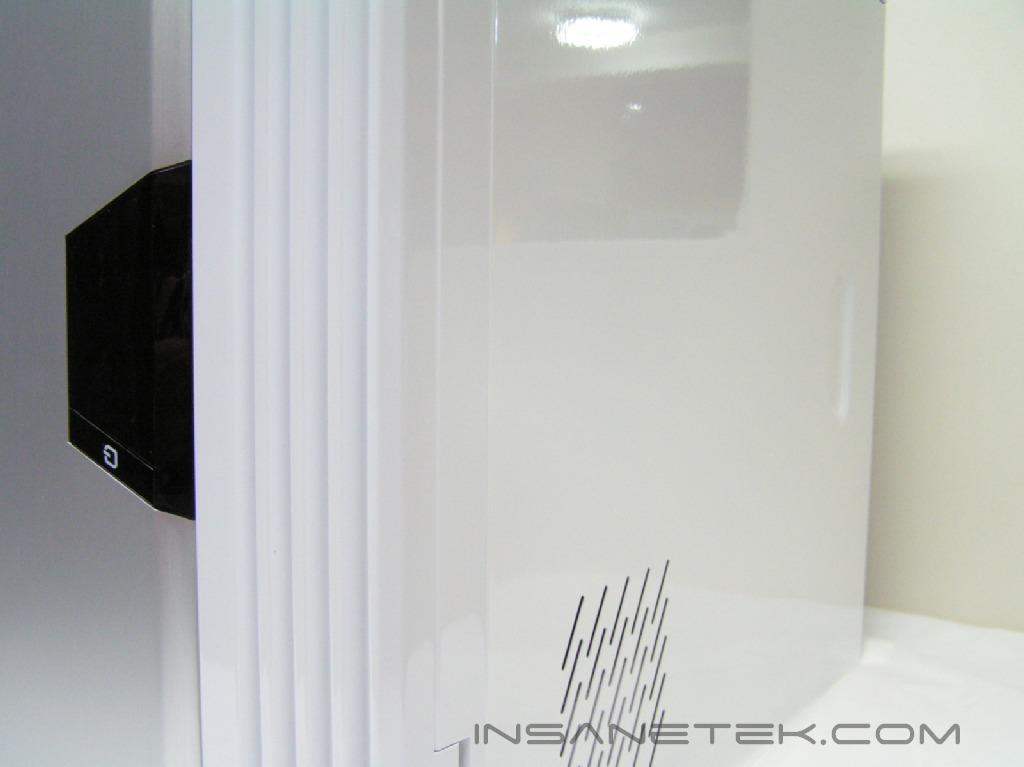
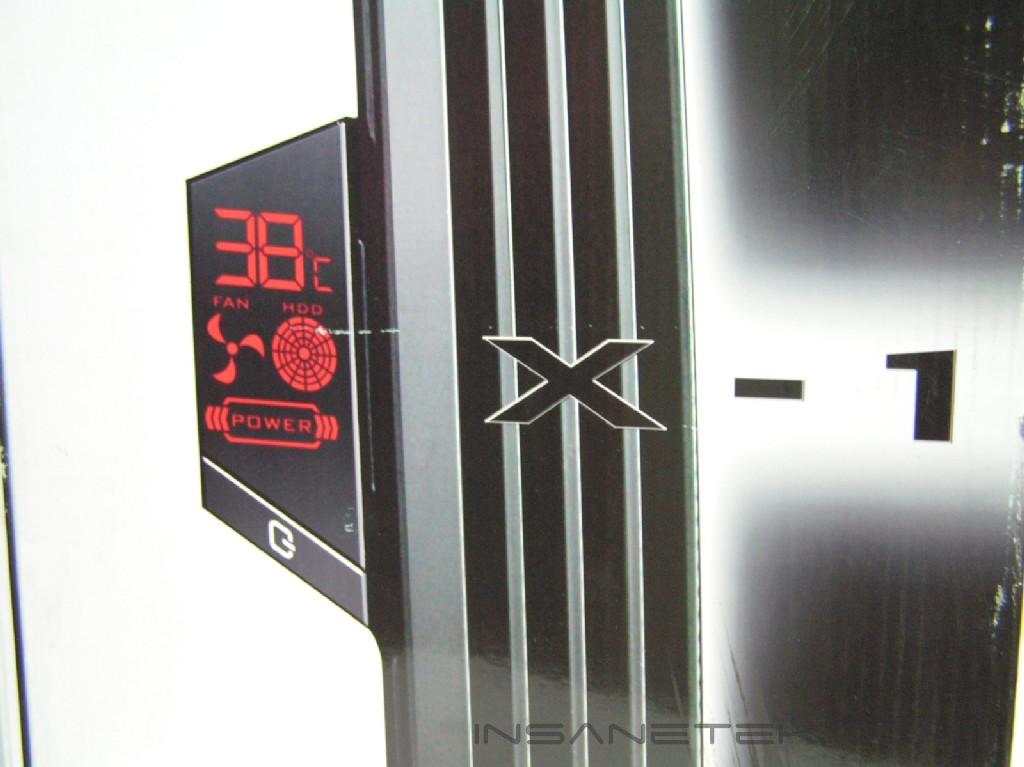
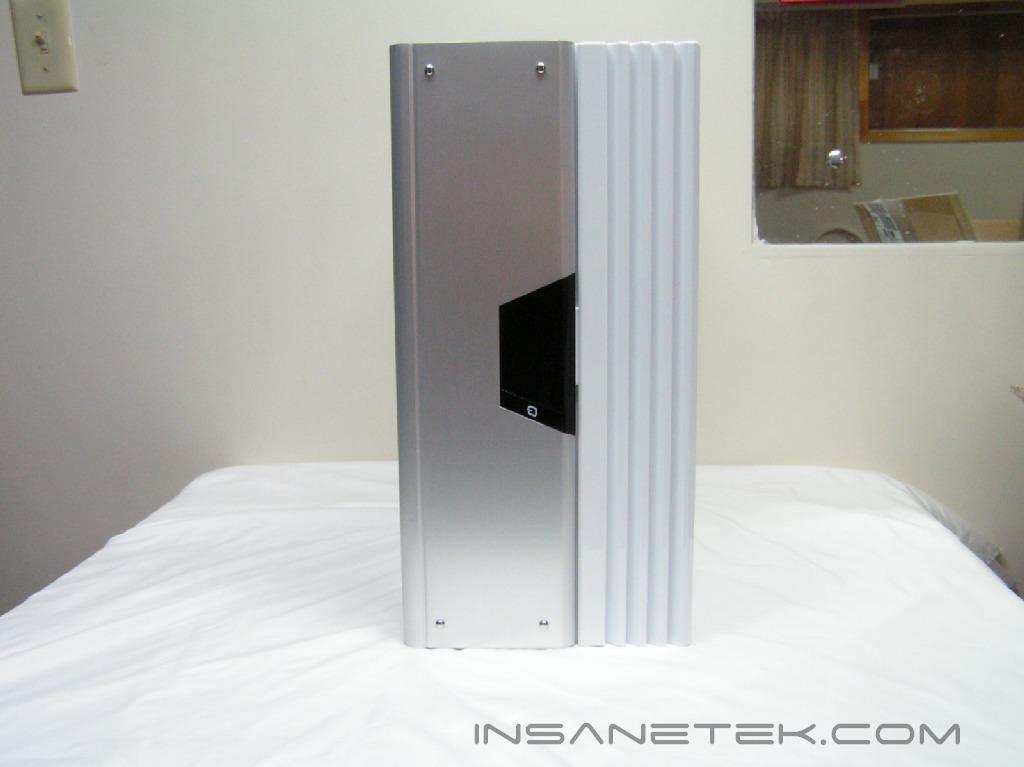
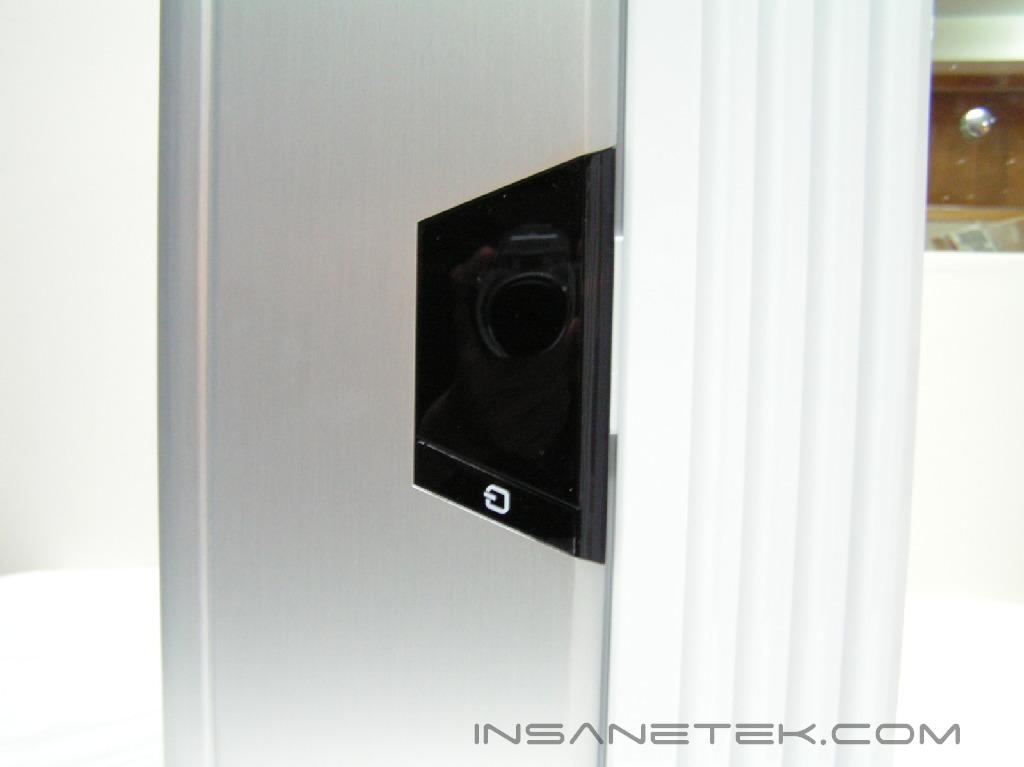
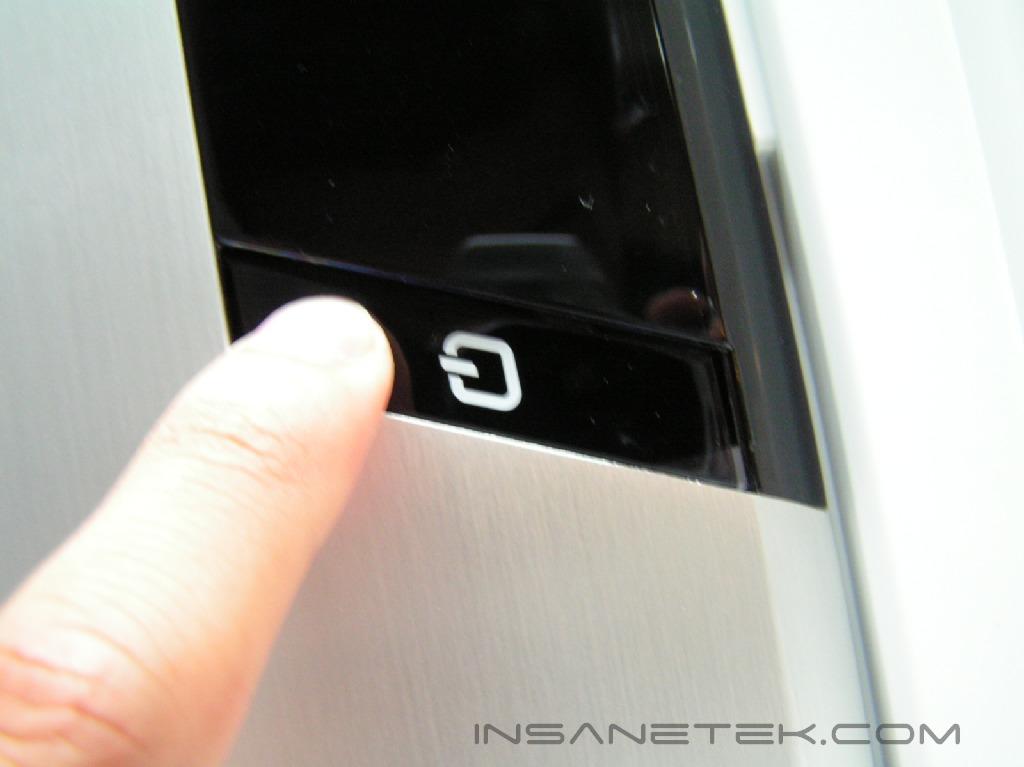
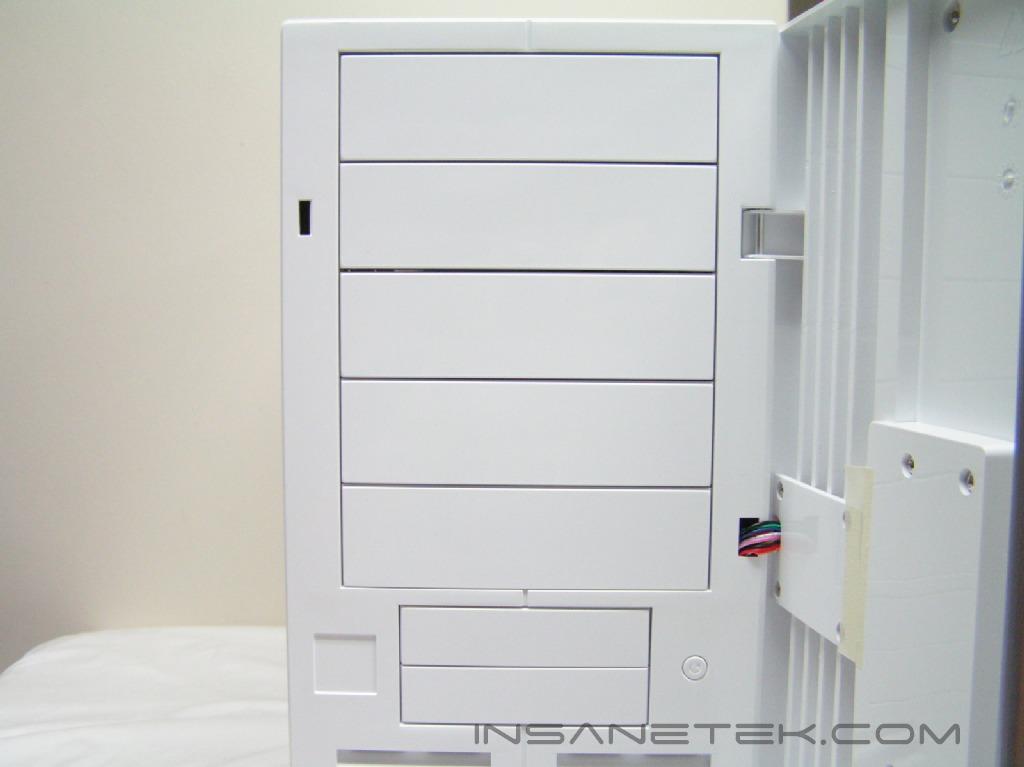
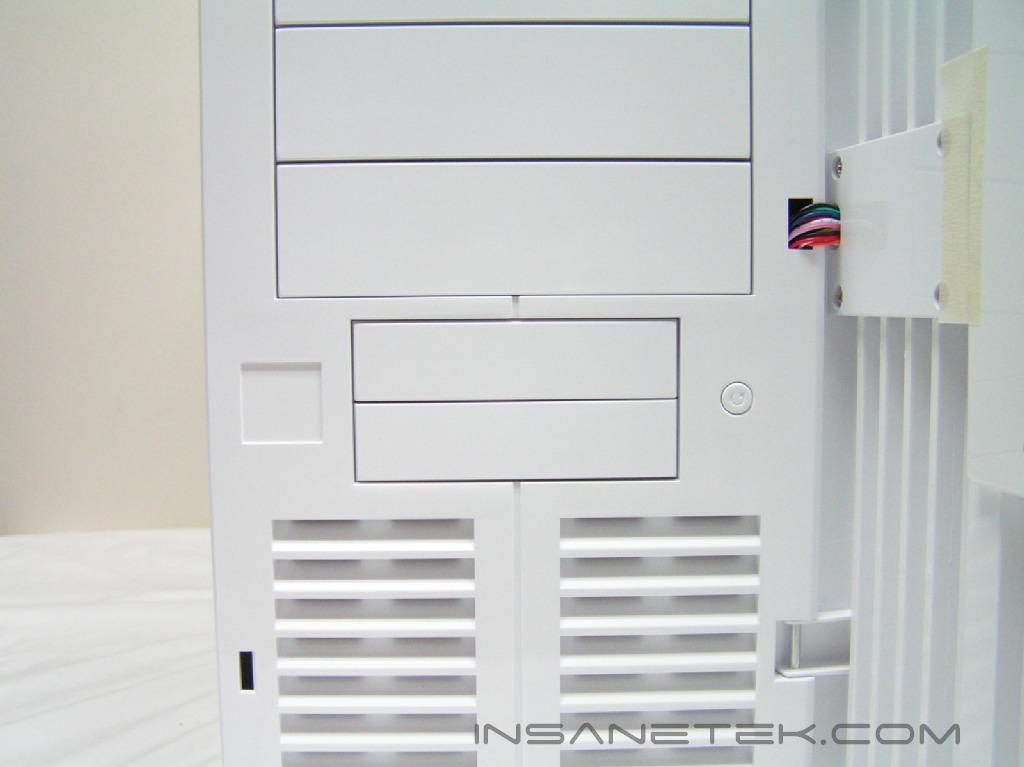
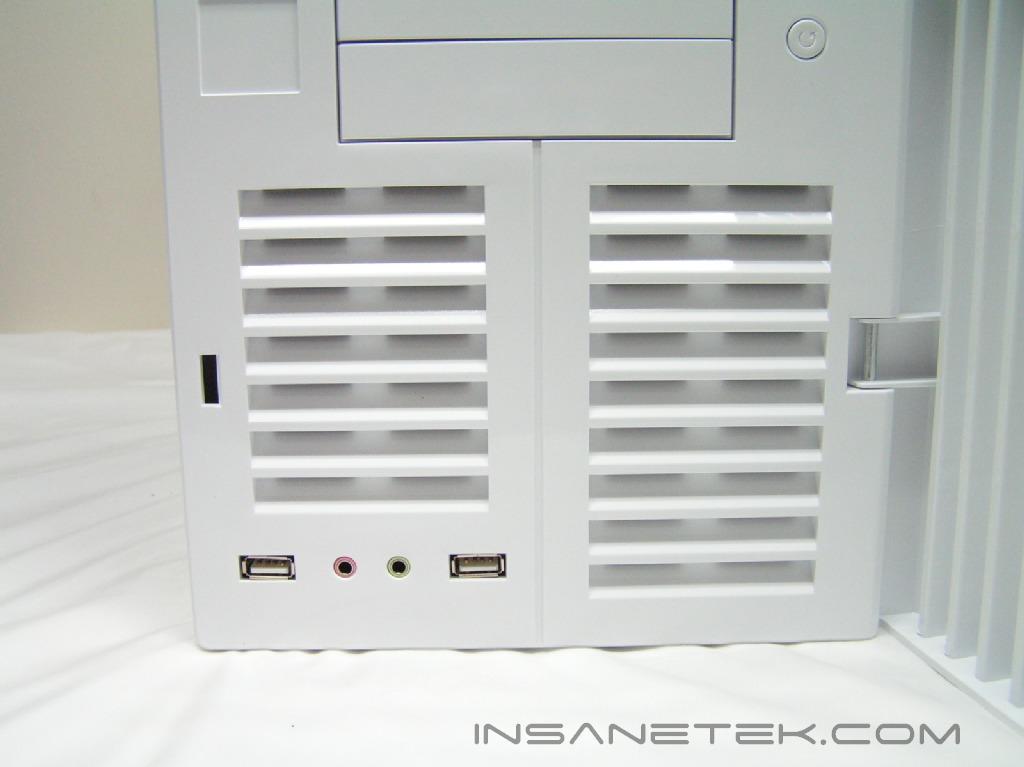
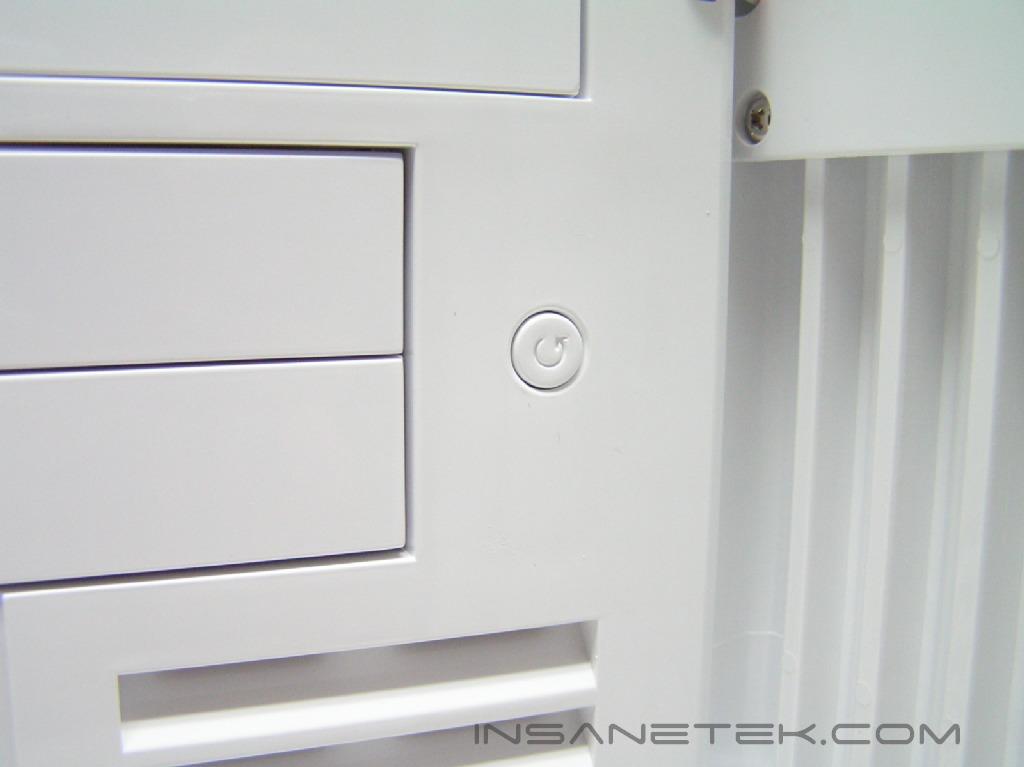
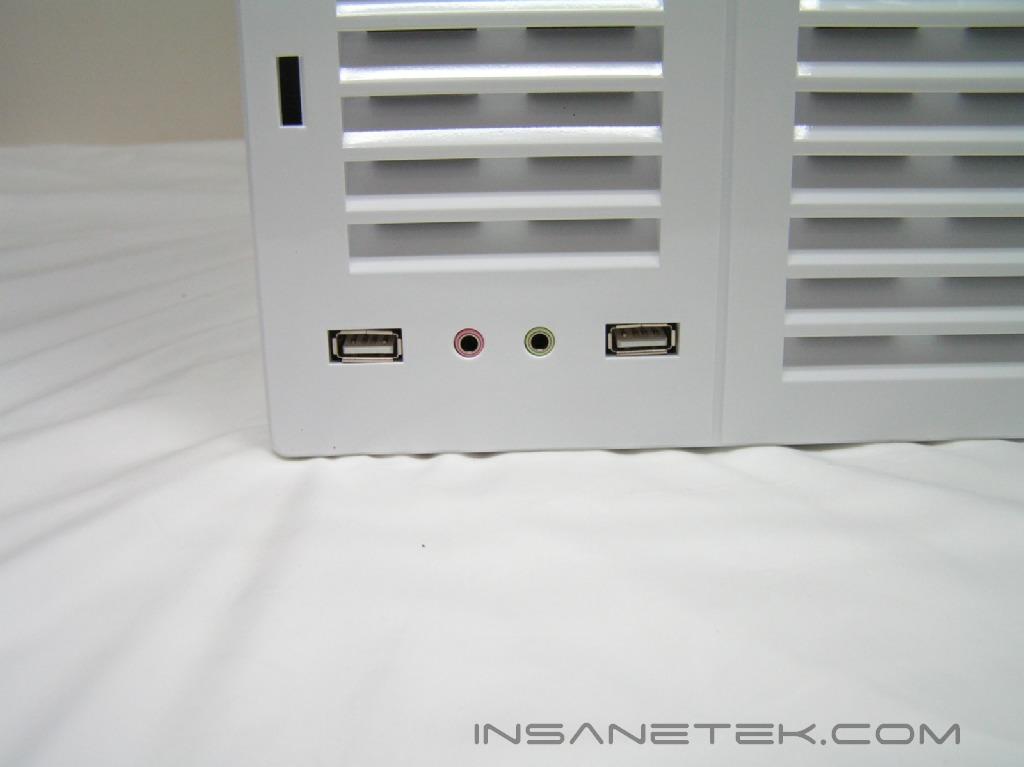
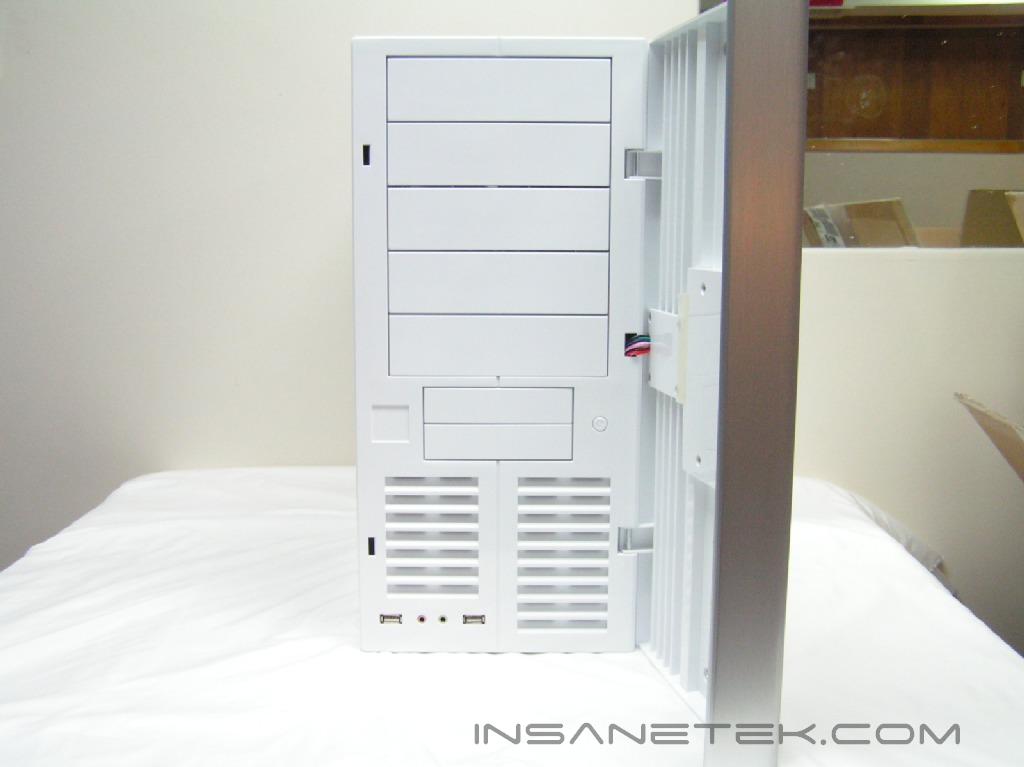
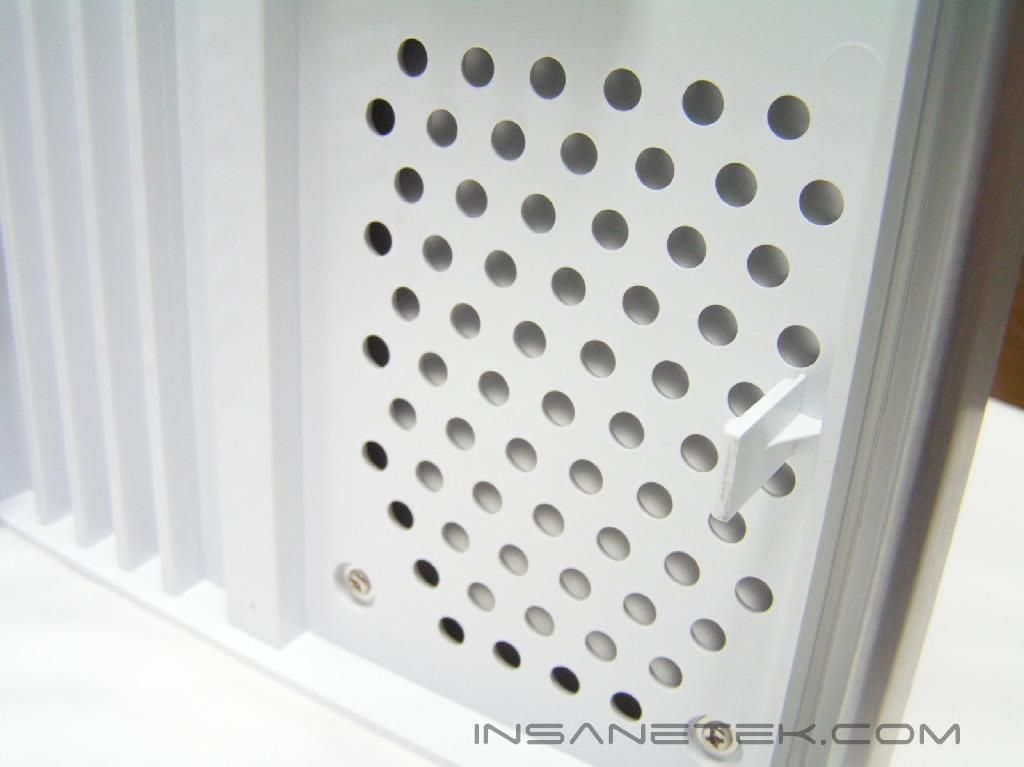
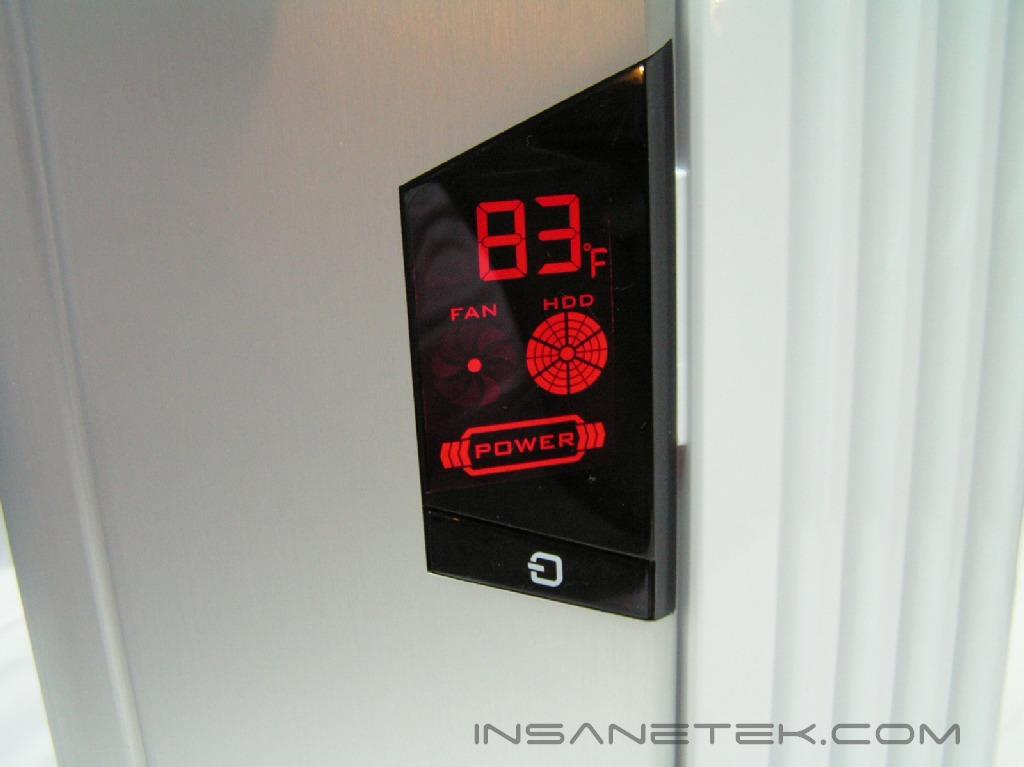
Focusing your attention on the front, the white side with ridges is made from plastic. The left side is an aluminum sheet that curves over the left edge and acts as a door handle. The black trapezoid in the aluminum is where the power button, temperature, fan and HDD activity LEDs are located. While physically attractive, I was wondering where the reset button was, if there was one at all. Opening up the door reveals five 5.25” and two 3.5” bays. The reset button is on the right side when the door is opened. There is an air vent towards the bottom for a 120mm fan to provide adequate cooling for the 3.5” hard drives. Please note that the 120mm intake fan is not included. At the very bottom is where the microphone/headphone and USB ports are located. Unfortunately, there is no Firewire port included.
Case Internals and Power Supply
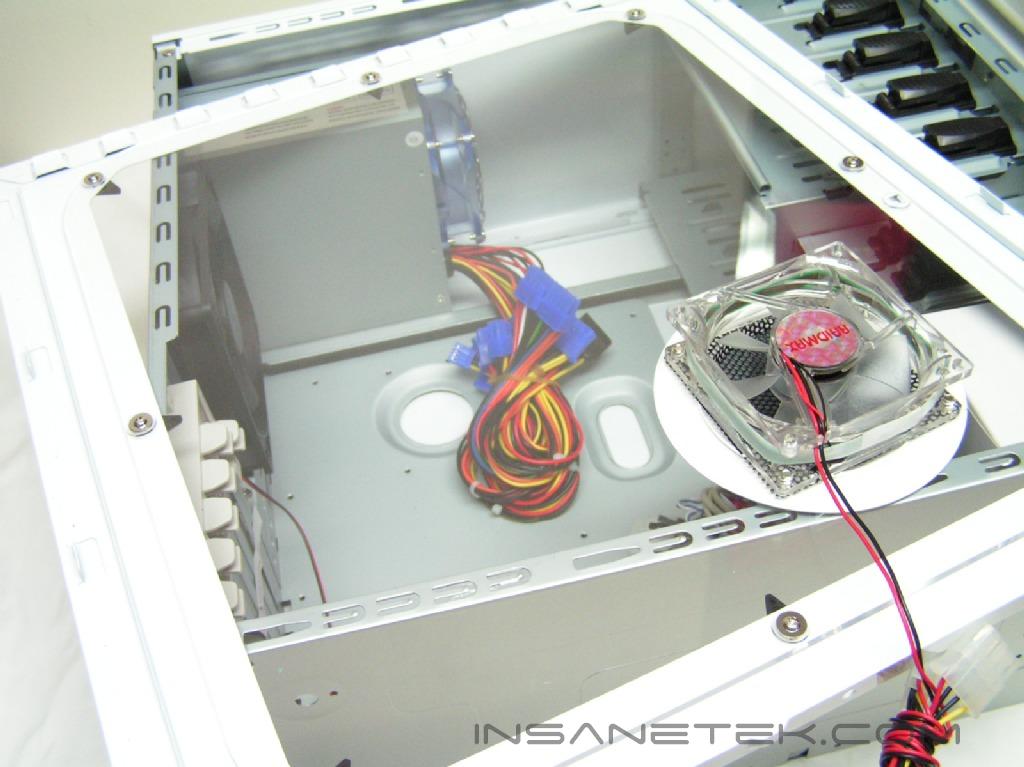
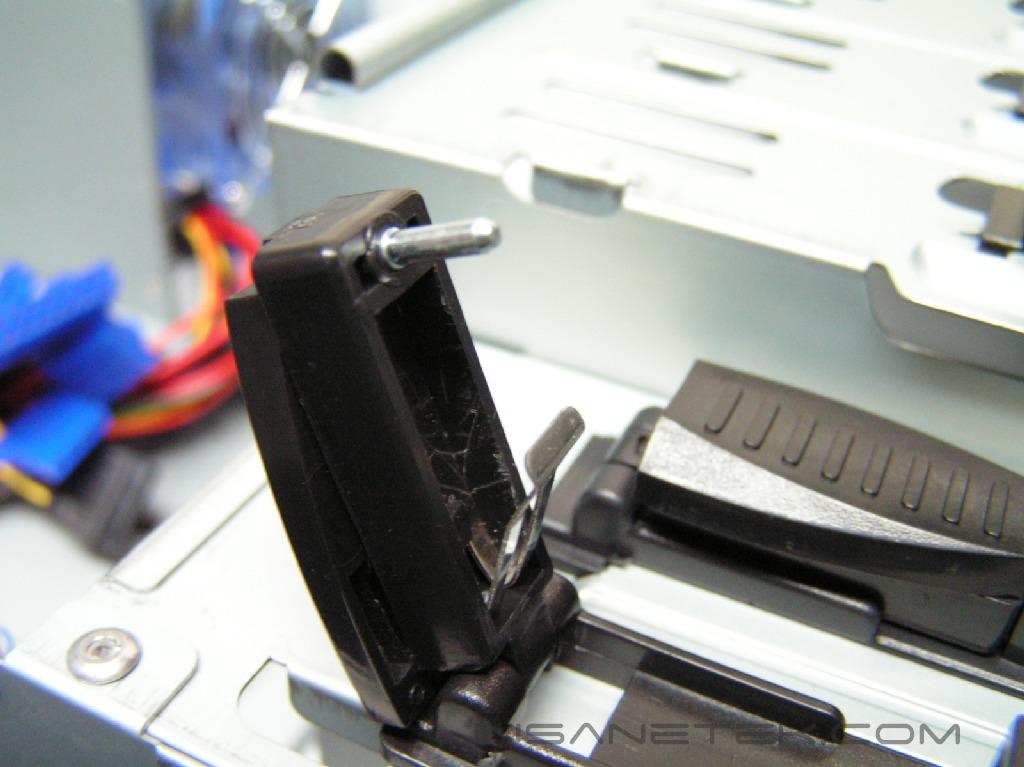
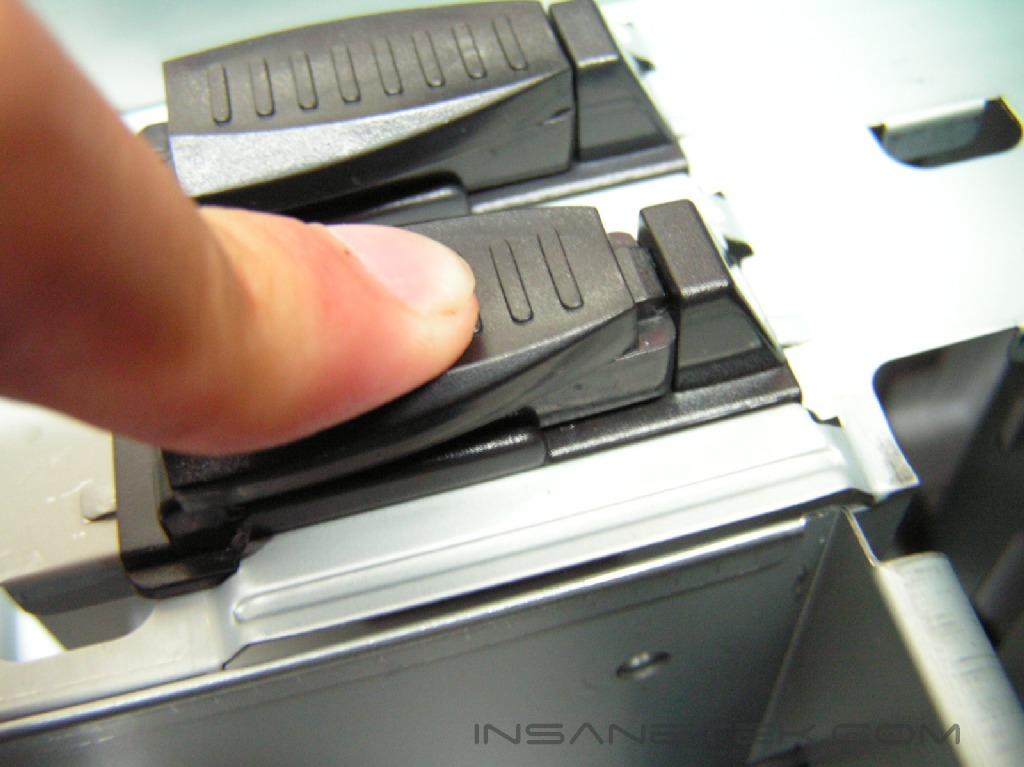
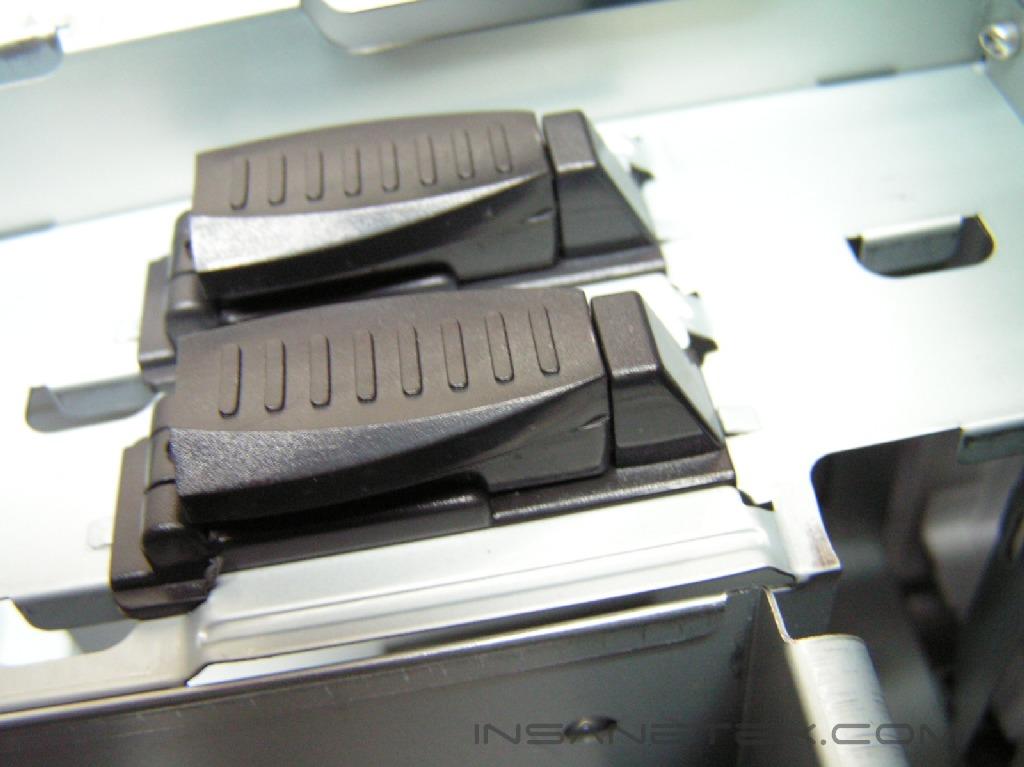
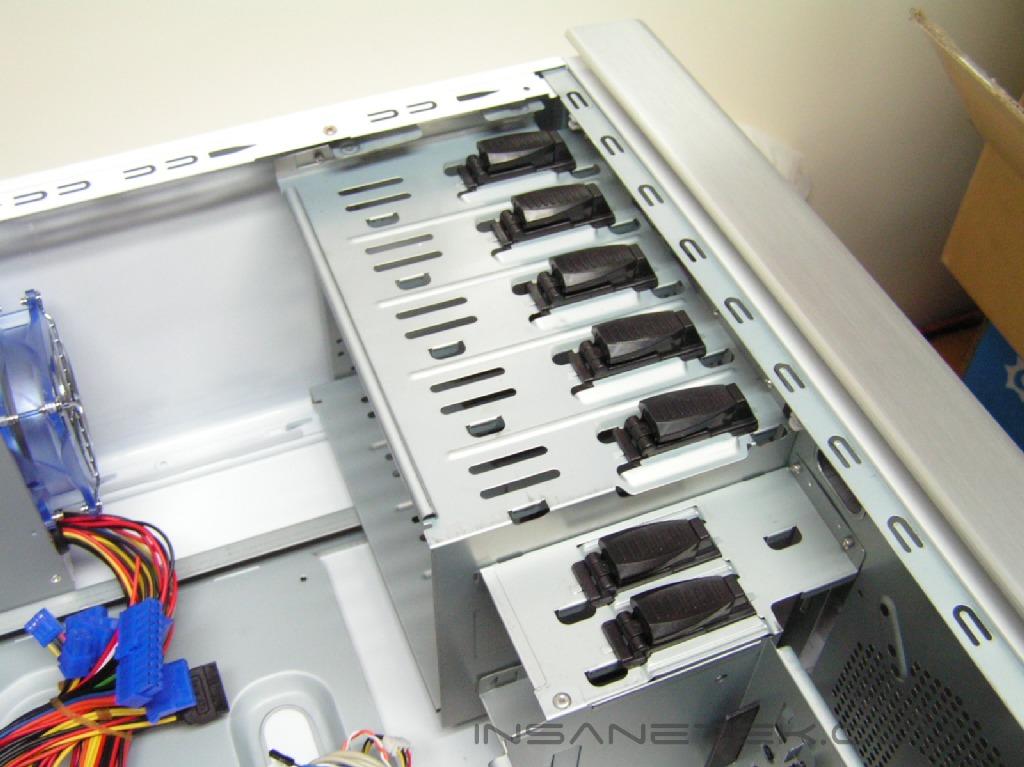
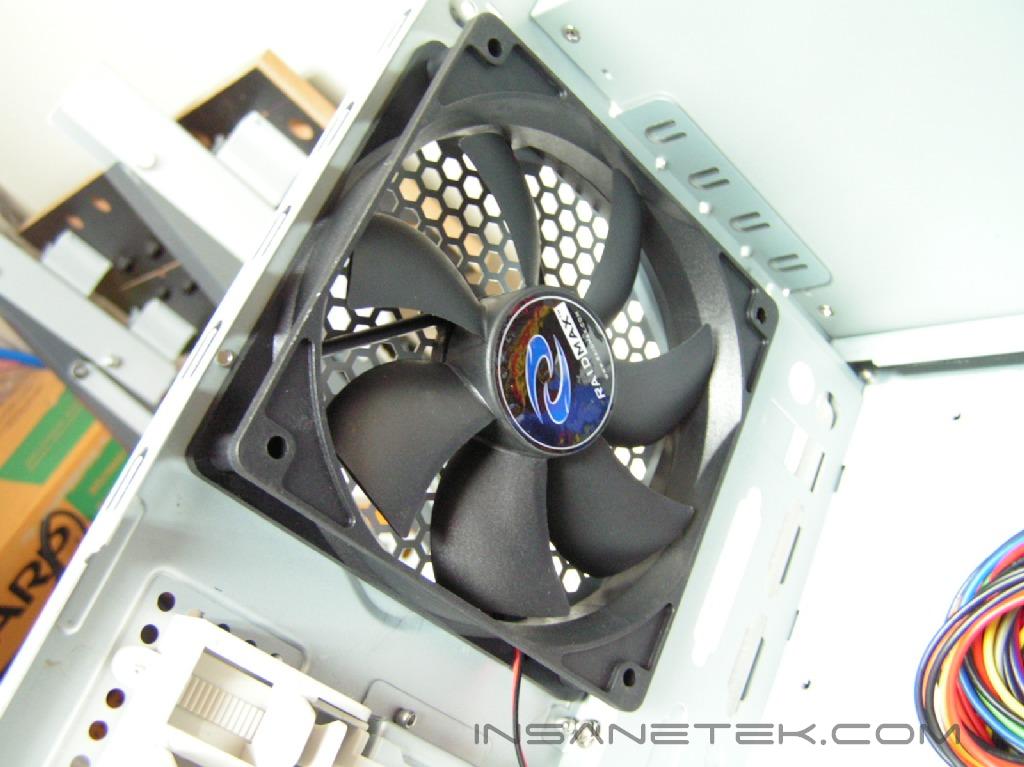
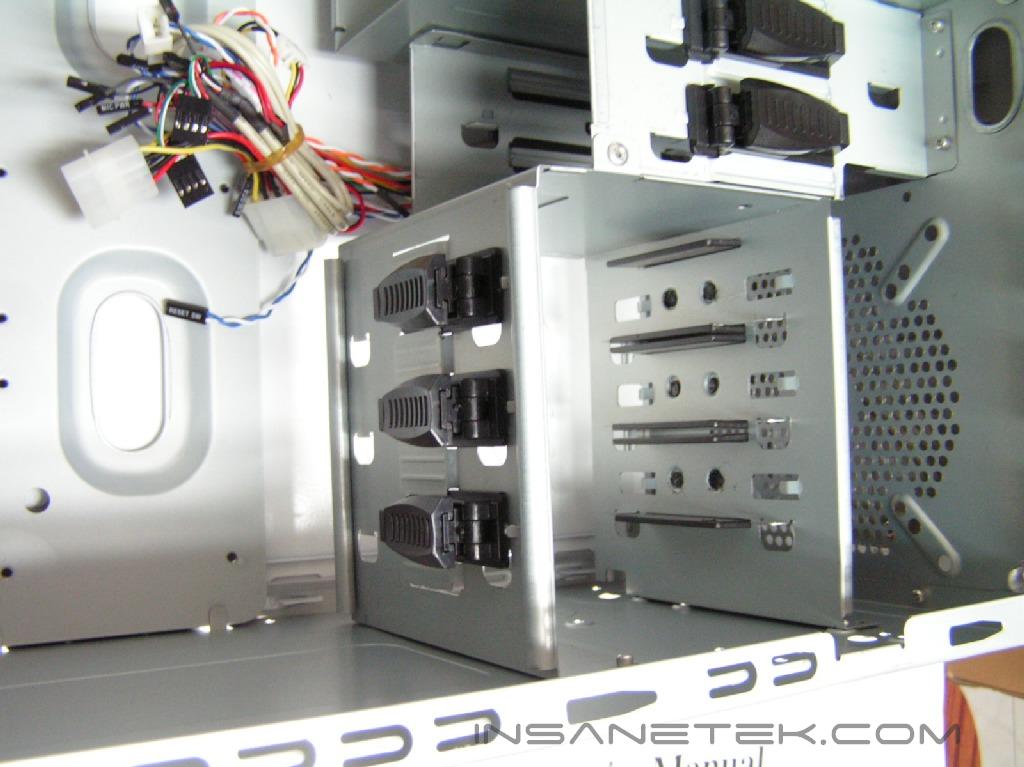
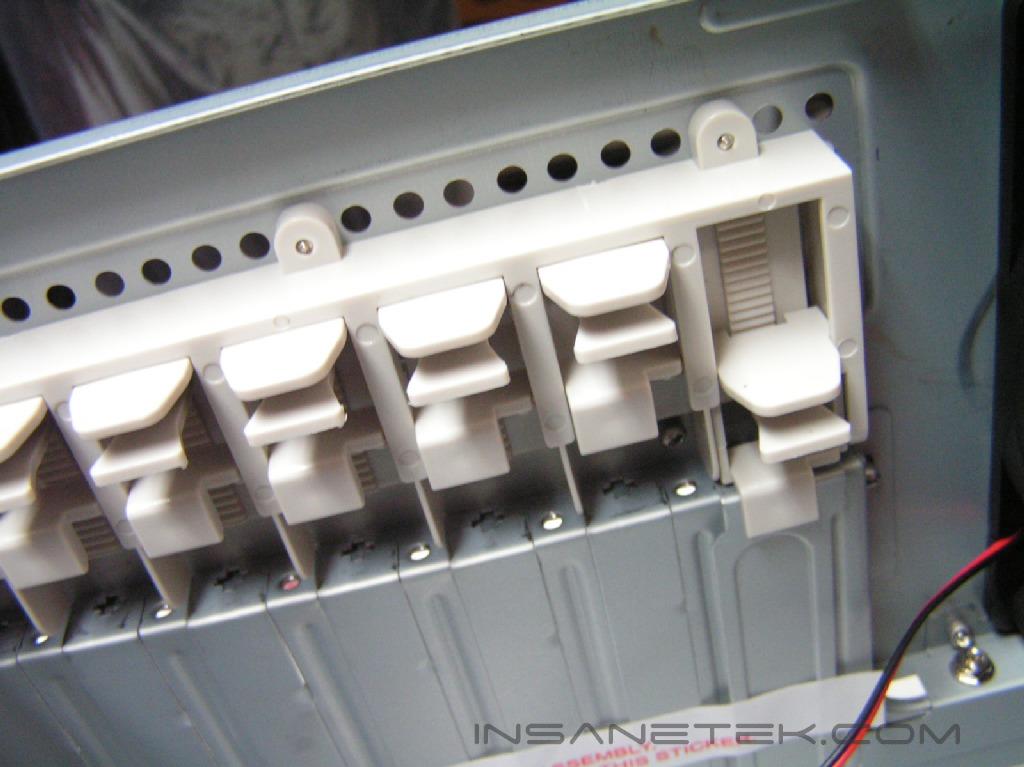
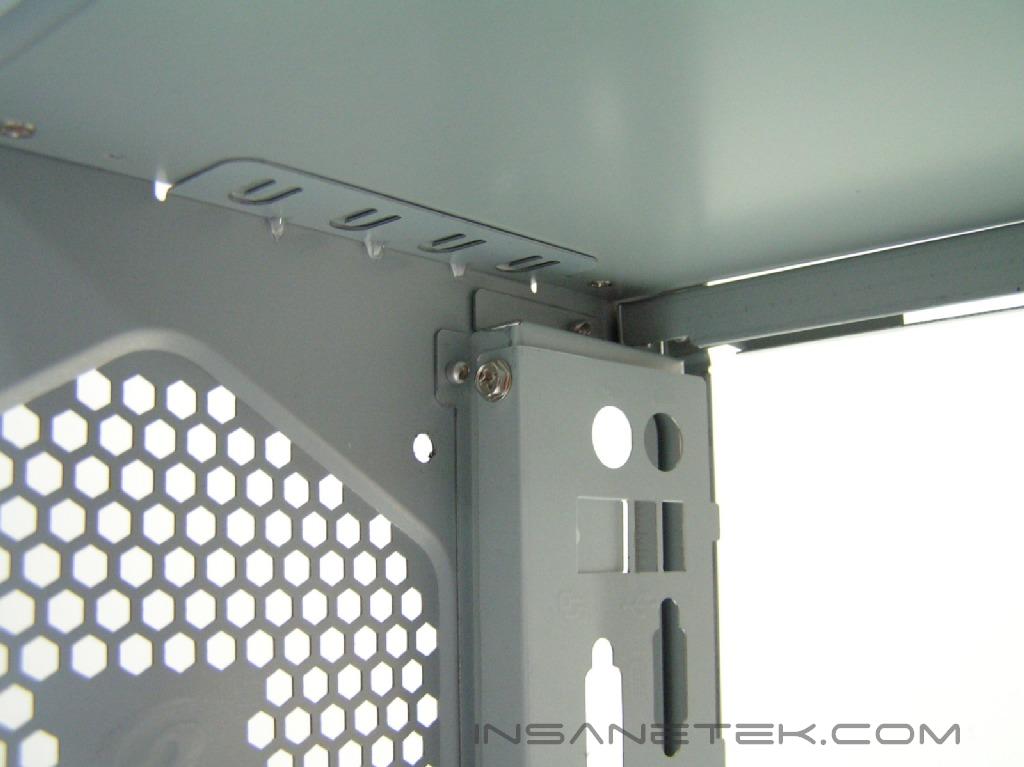
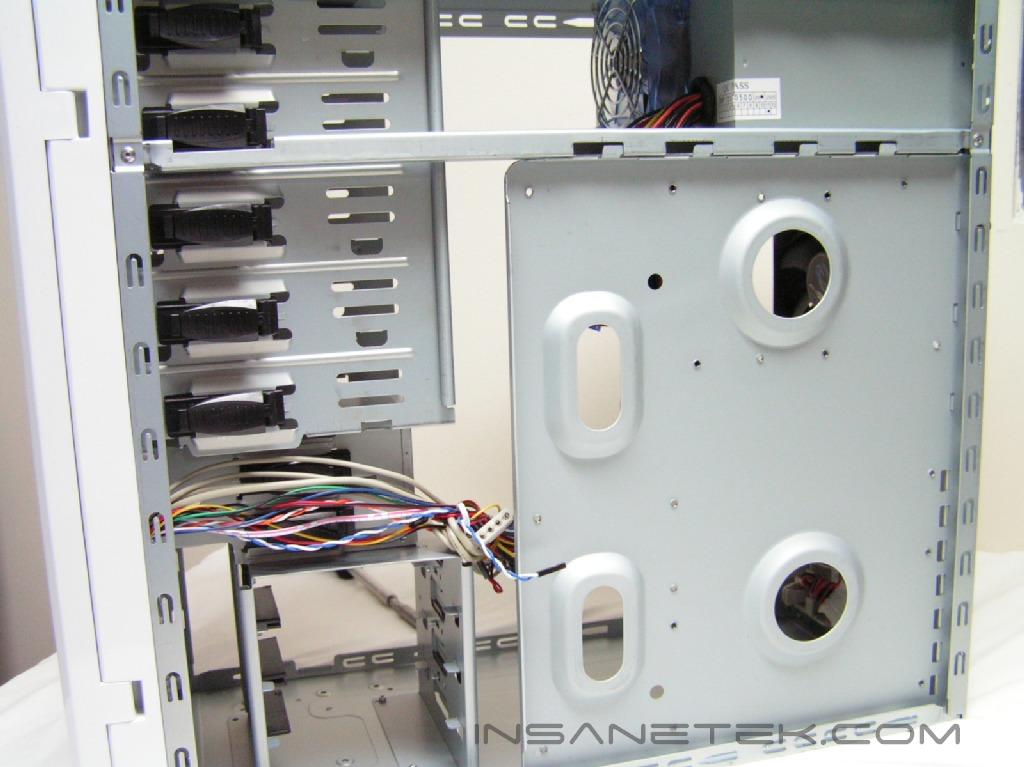
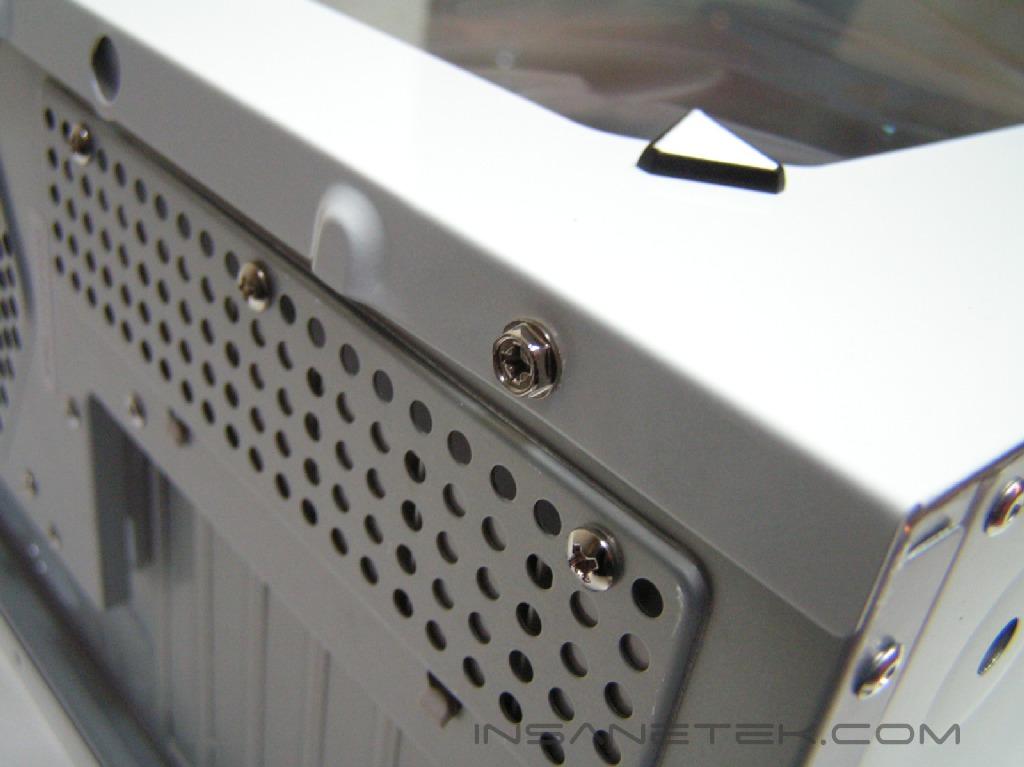
When you take a look at the interior of the X1, it might not seem different than any other case. The X1 offers tool free installation, except for the side panels and the motherboard installation. The PCI expansion and the drive bays use tool free mechanisms, so that you can quickly lock hardware in place. These mechanisms closely resemble the Samurai case. A 120mm outtake fan is included in the case and is held in place with four screws. To remove the I/O bracket, you must remove the fan and then unscrew it. Unlike previous cases, this design is for your convenience, so that you don’t need to pry it off and risk having sharp edges in your case. Turning the case around, I checked to see if the motherboard tray was removable. Surprisingly, it is. How many cases in the past have used a removable motherboard tray? Not many, I can assure you. A removable motherboard tray is very useful for those who constantly change their hardware, as it speeds up installation significantly. The front panel connectors included are the headphone/microphone, USB, temperature probe, and fan indicator. The accessories that came with the X1 where packed together in a white box. Inside you will find a user’s manual, a Molex to SATA power adapter, a power cable, and screws/rubber feet. The user manual was very organized and detailed, so it’s not easy to get lost.
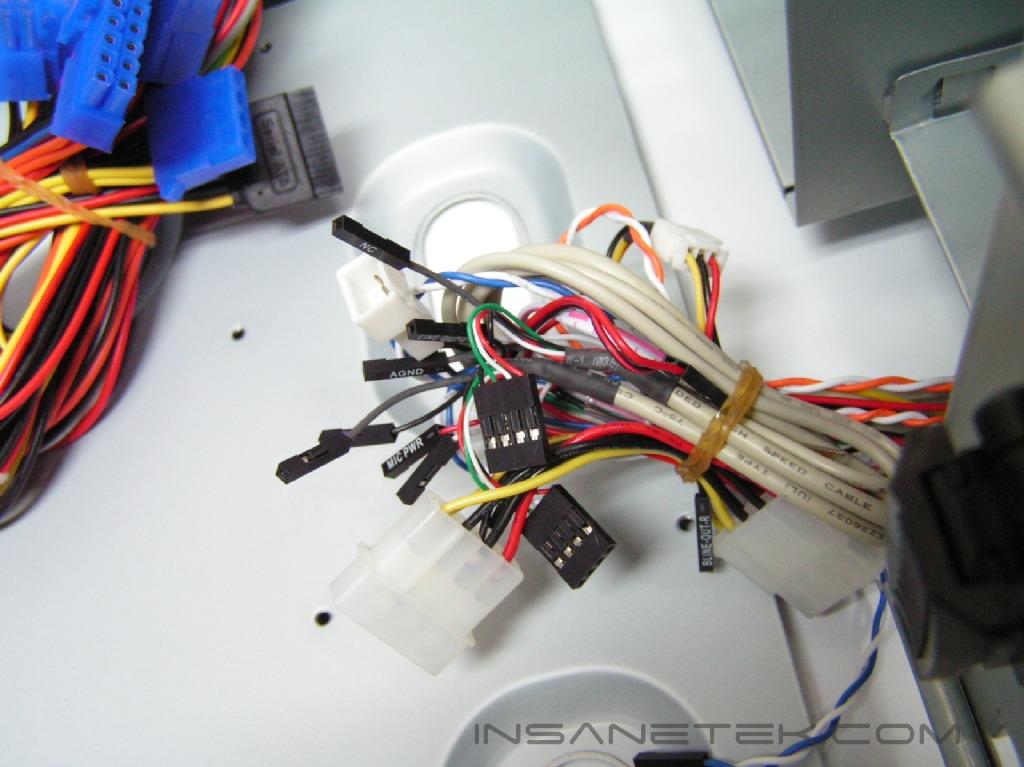
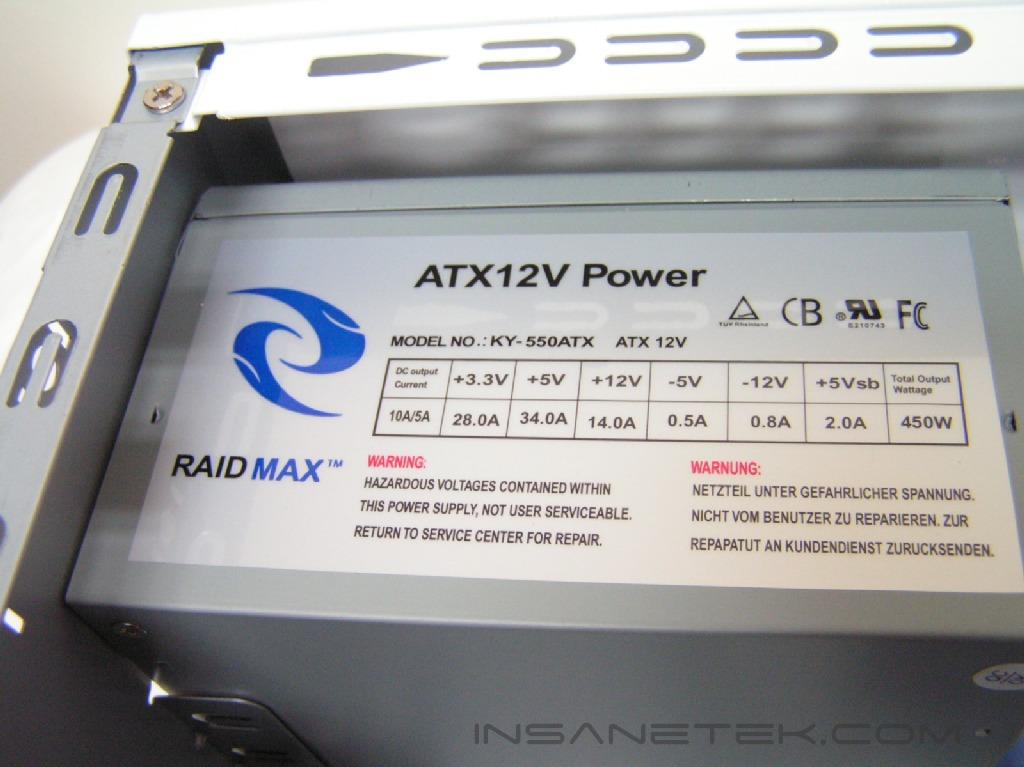
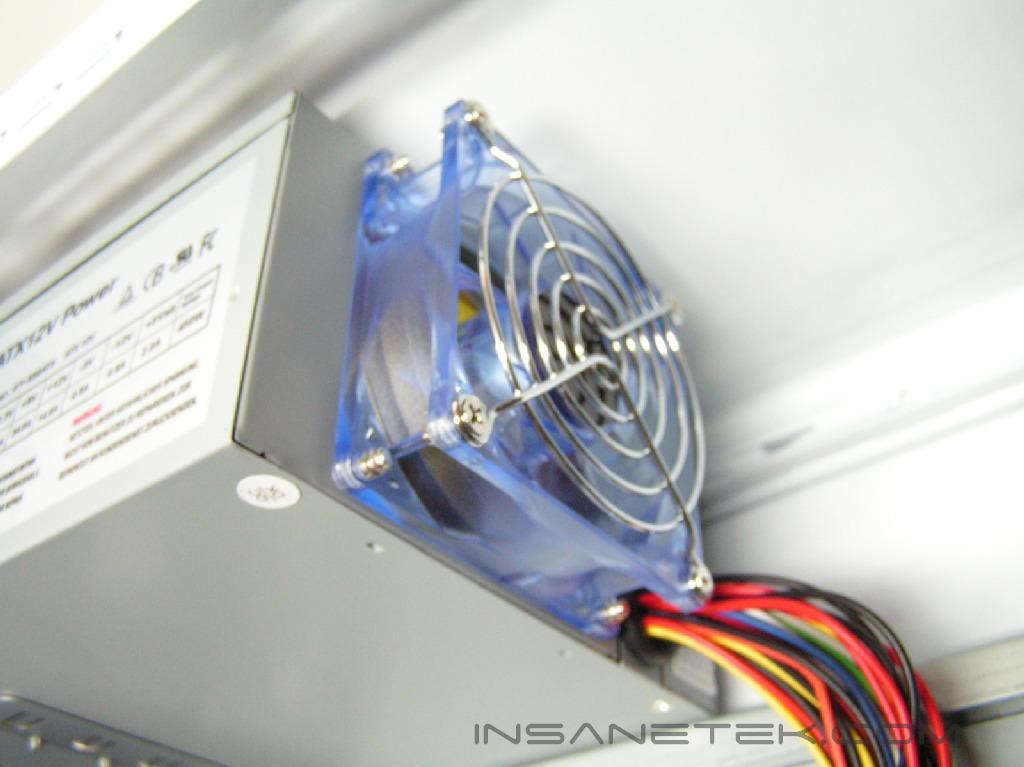
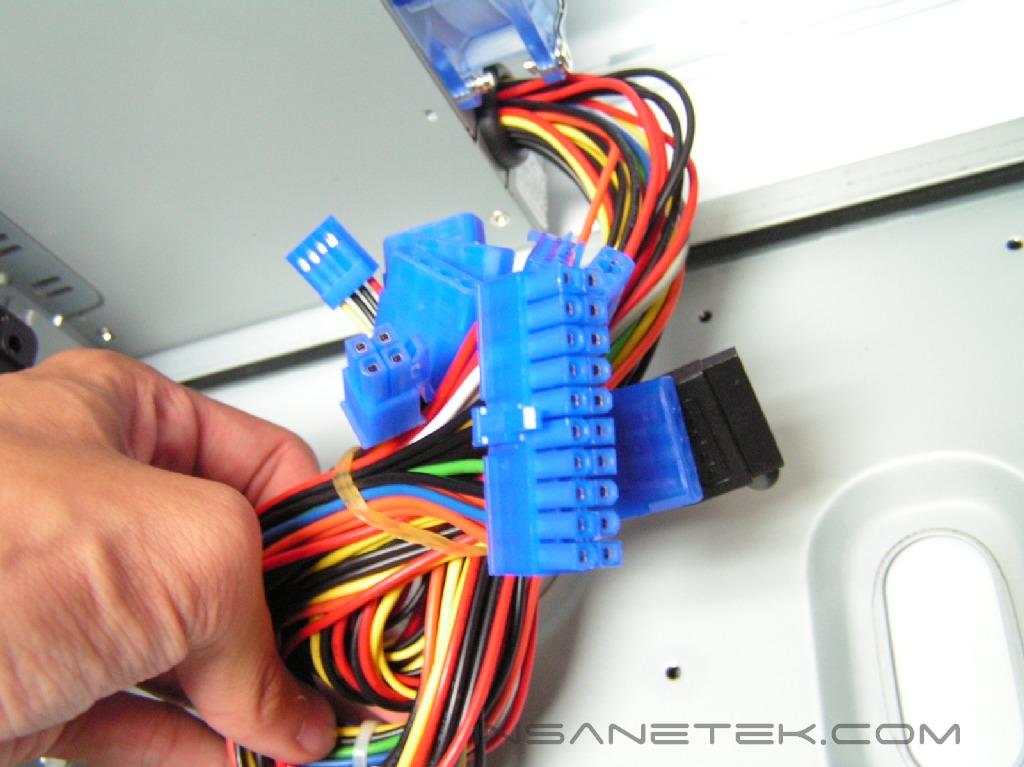
Like the Samurai, Raidmax included a power supply with the X1. It is rated to be 450W. It is the exact same power supply used in the Samurai. There is only 14A running to the 12v rail, which is insufficient for the overclocker and enthusiast with a lot of hardware. It will be fine if the system is running minimal hardware and is kept at stock speeds, like a desktop workstation. The powers supply included has six Molex connectors, two floppy connectors, a 20pin ATX connector, a 12v connector, a SATA connector, and an Aux connector. There is no PCI-E connector or adapter, making it impossible by default to provide power to an SLI board. I will not be testing this power supply, as my test setup is overclocked and has enough hardware to cause the system to be unstable.
Features and Installation
Case Features:
- Real Time Thermal LED temperature display
- Custom side panel window with LED fan
- 2 Front USB 2.0 access ports
- Front Audio jacks
- Super Silence 120mm case fan
- Temperature responsive cooling fans
- Meets Intel CAG Regulations
- Intel Prescott Ready
Installation:
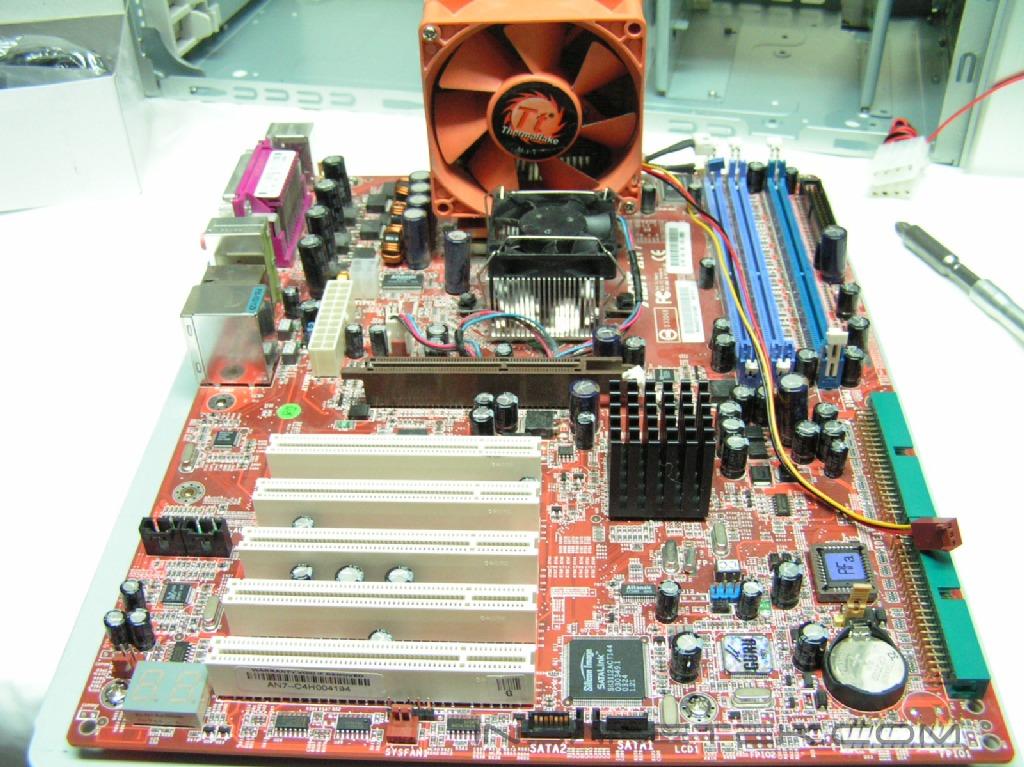
Installation was sped up by a whole lot with the removable motherboard tray. It made putting in the motherboard less of a hassle. The motherboard tray allows the motherboard to slide right into the I/O bracket. In previous cases, I would have a slightly difficult time struggling to align it correctly. The tool free mechanisms worked flawlessly when locking the hard drive and optical drives. The drive bays have a tab which you must first unlock and slide out. Insert the drive into the bay and line up the hole. Push the pin into the hole and slide the tab forward to lock it. The PCI tool free mechanism worked well. First, insert the card into the motherboard, squeeze the button to unlock it, and push down to secure the PCI device. The only thing I was confused about was the side panels. Raidmax could have used thumbscrews to make the process more “tools free”.
Conclusion and Thoughts
Overall, the feeling I have from the X1 gaming case was quite pleasant. I’m very strict when it comes to the looks of a case. It MUST be simple, but I have developed a strange liking for the X1 case. It was simple enough, yet retains a “gamer-case” feel.
The X1 has an intake and outtake fan, which provide the system with efficient airflow. There is also room for one more 120mm fan that cools the hard drives. Unlike the Samurai, which had plenty of plastic parts, the X1 has more aluminum parts. However, there is still a cheap plastic feel from the front panel. It would definitely be nice to see the whole front door made out of aluminum or steel, as it would add a bit of luxury to the case. There shouldn’t be cheap parts if cost does no increase significantly, since the case is the gamers’ pride at any gaming convention/LAN party.
A definite plus to this case is the removable motherboard tray. I cannot stress enough how useful this is for swapping out hardware for review purposes, or even for the normal enthusiast who upgrades every so often. The tool-free installation mechanisms are very handy, as they provide easy access to hardware if you ever need to swap it out. Finally, the temperature display on the front is a wonderful way to monitor the temperature of a specific piece of hardware. Would this case be worthy of a recommendation? The case includes tool-free mechanisms, a removable motherboard tray, and a handy temperature sensor/display at the front of the case. All of these interior features don’t stand out from previous cases that Raidmax has manufactured. What it all boils down to is the look on the outside. Attractive to you? Go for it.
Pros:
- Glossy finish
- Tool-free installation mechanisms
- Temperature display
- Removable motherboard tray
Cons:
- Power supply included is weak
- Usage of front panel ports restrict front door to be closed
- Temperature display can not switch to Celsius readings
We would like to thank Raidmax for providing us the sample. If you have any questions or comments, feel free to hit us up in the forums. You can also check out more of our latest reviews on the front page.