

Raidmax Samurai XE 901
Raidmax hit the jackpot when they released their Scorpio line of cases. Gamer’s and enthusiasts loved the look and the internal space it offered. Personally, I’m not attracted to all the fancy cases. I tend to like more traditional cases that don’t have excessive looks. Yet, there are always enthusiasts who prefer the “gaming” look and go for cases that aren’t regular rectangular boxes.
One case that I do really like is the Alienware case. It’s not too fancy and not too bland; a perfect mix of gaming and elegance. I simply love the case. It’s just a shame that the case can’t be bought separately from the hardware inside. Those who have thousands of dollars are the only ones who can own a nice looking case like that. Well that’s a little different now. Raidmax has a new case that features similarities to the Alienware case. Of course it’s not going to be exactly the same, because they’ll get sued left and right, but the general look is close enough. If you’re familiar with the Raidmax Samurai case, the new Samurai XE 901 will be familiar. There is only one major difference, and that is that the front door no longer has the fork looking symbol. It’s now smooth and bare.
Raidmax Samurai XE 901
The differences between the original Samurai case and the new XE version are minimal, but enough to be able to give the XE a whole new look. The only major differences would be the exclusion of the fork-shaped samurai symbol on the front door and the inclusion of a side window. That’s pretty much it. Such slight changes can do drastic wonders to a case.
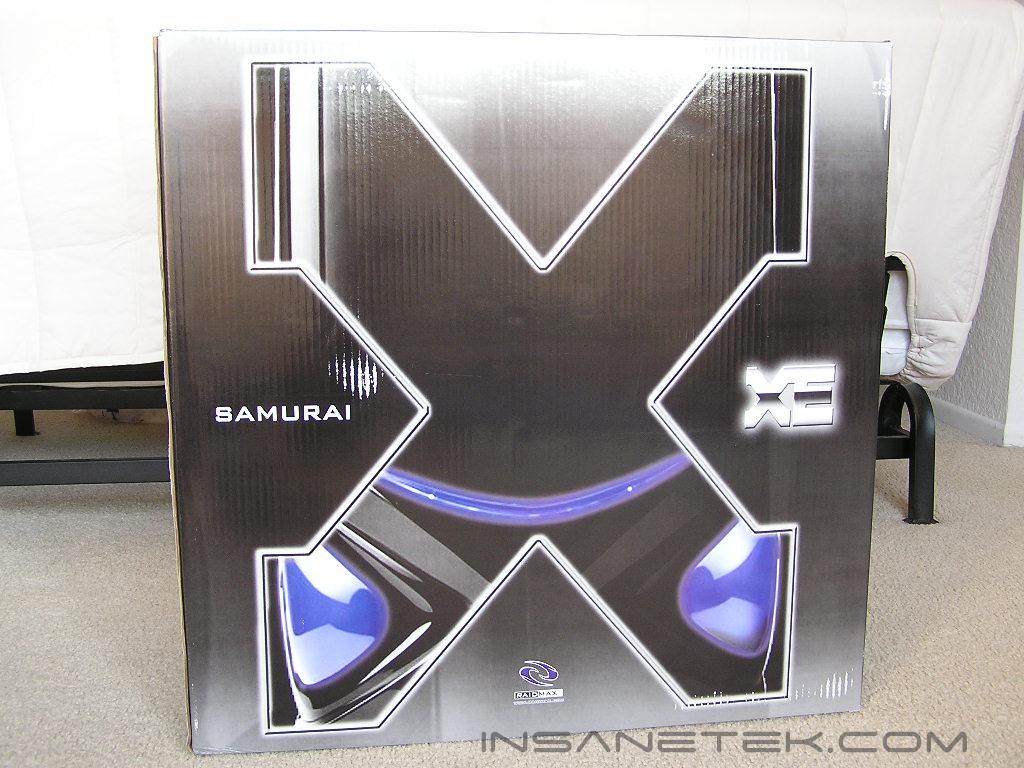
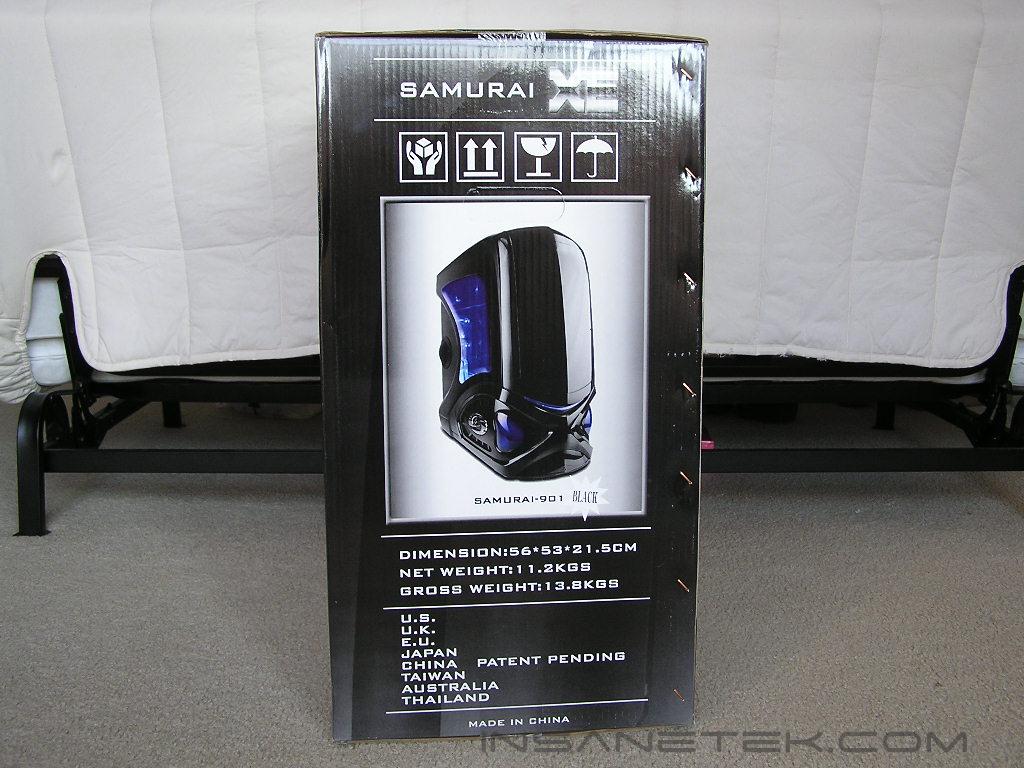
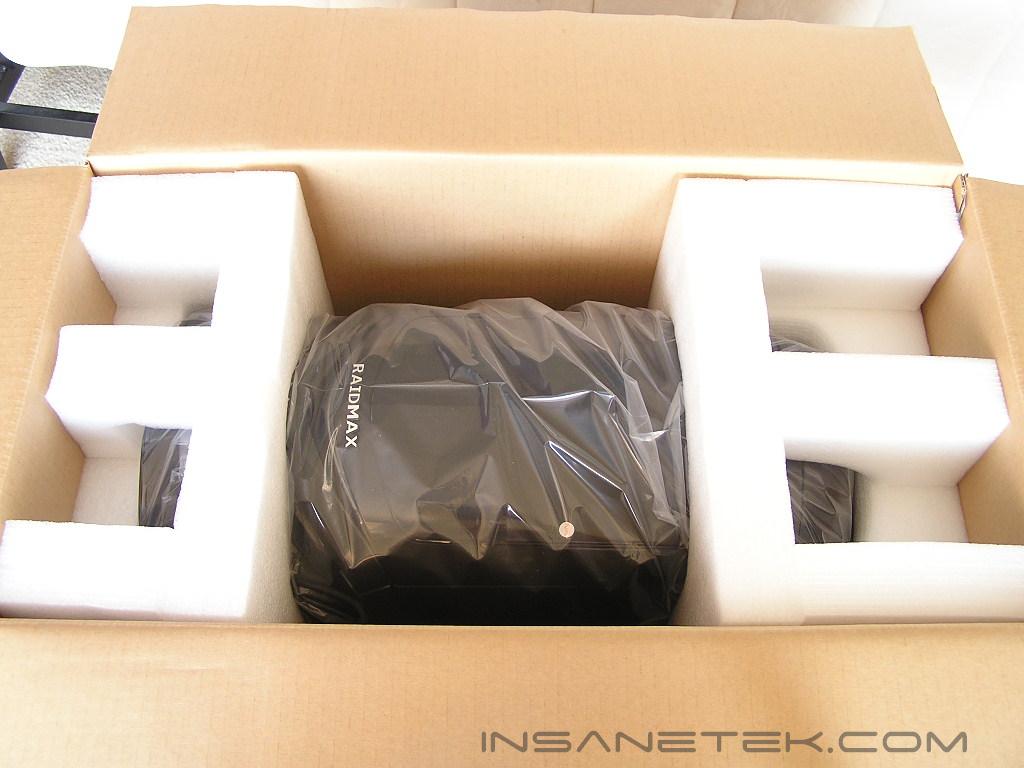
The box of the Samurai is something noteworthy. The artistic designs are catchy, but not the main thing I want to mention. The first immediate surprise was the sheer size of the whole package. Because of the slightly wider and taller body, the box was humongous. It’s a good thing that the case was well surrounded by soft Styrofoam.
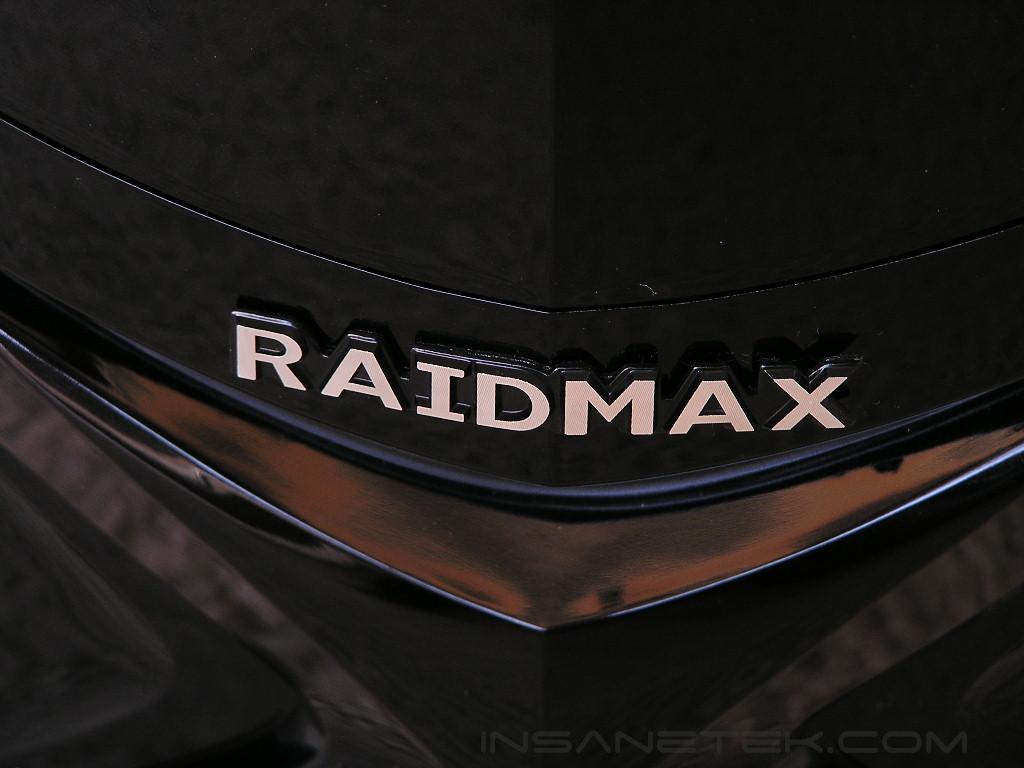
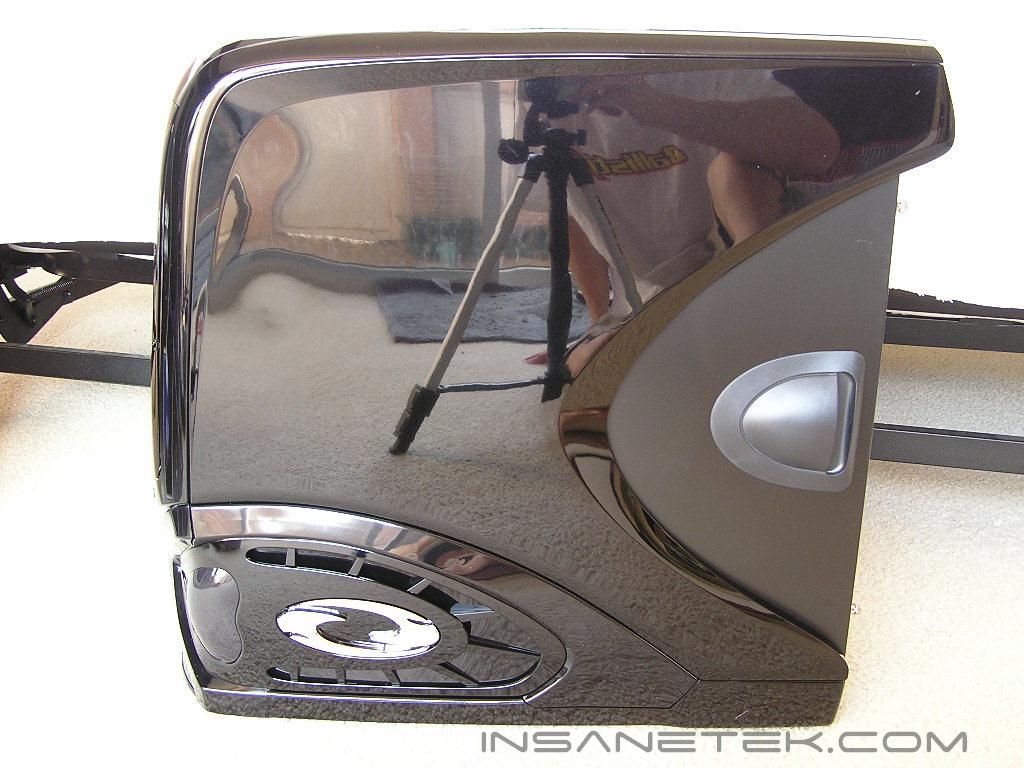
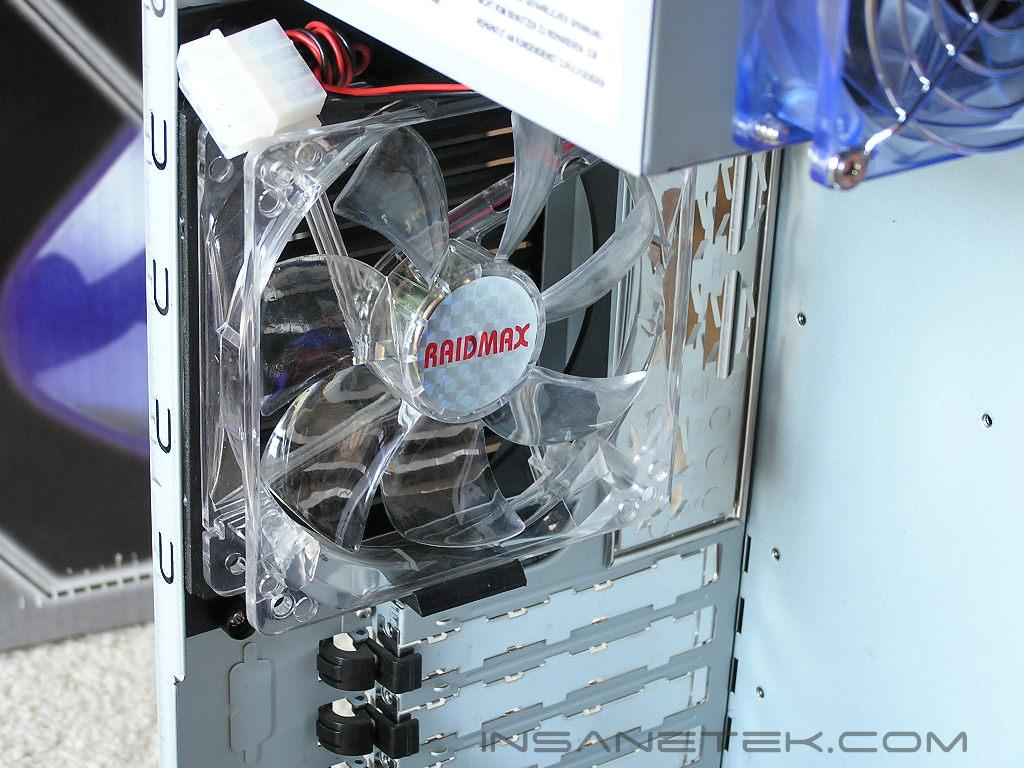
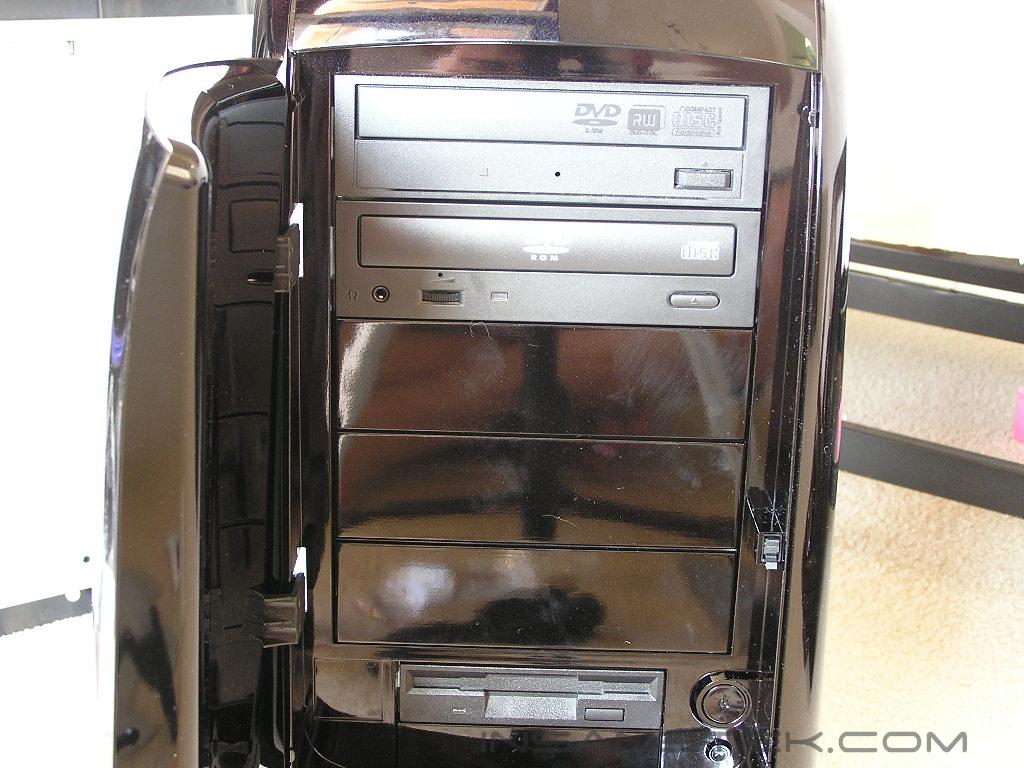
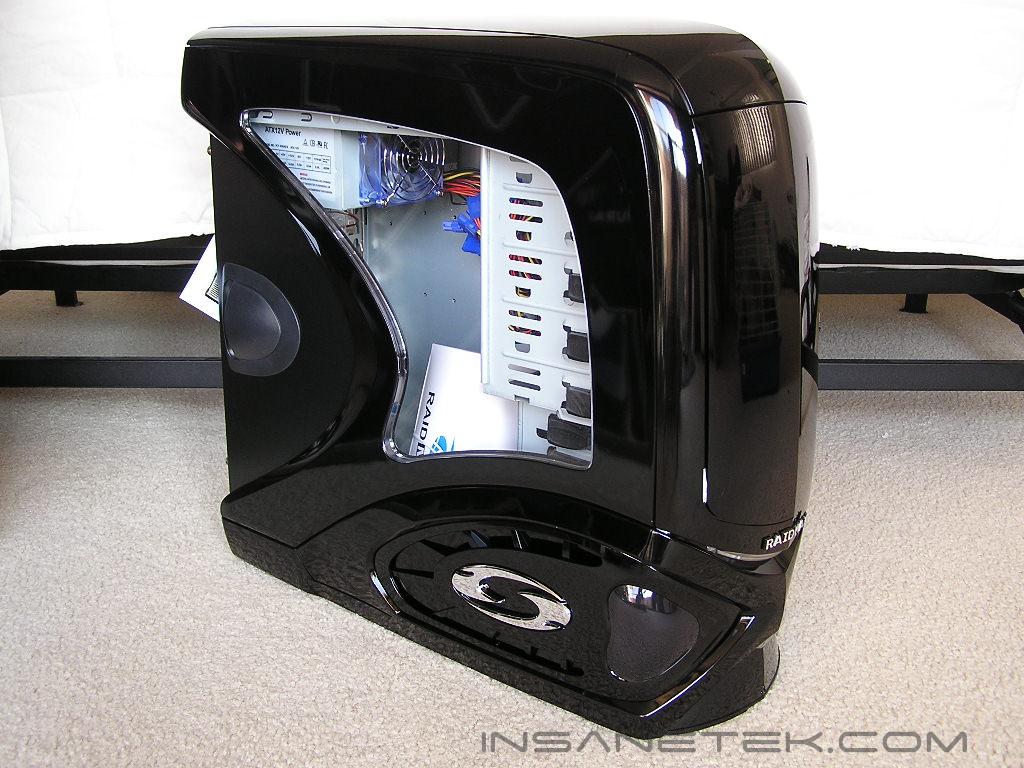
The paint job of the XE is of extremely high quality. It’s not just some cheap spray paint, but a show car paint job quality. The mirror finish is incredible. Such high quality finish has a love-hate relationship with me. It looks so nice, but I’m always afraid to leave fingerprints on it. Throughout the case examination, I had to use an old T-shirt and wipe down the case several times. If you look closely, you can see an image of me while I’m taking the pictures. The front door opens up to small piece of Styrofoam layered in between the door and the drive bays. Raidmax puts in all the small details to ensure that the case is not damaged in any way during shipping. On the back, you’ll notice a black ventilation panel that acts as the exhaust fan holder. Instead of going the traditional route of screwing on the fan, Raidmax uses a fan holder. While this allows easy installation and removal of fans, the ventilation path is angled so airflow is restricted from flowing out properly. It would actually be better to just drill a big hole for the fan and 4 small holes for the fan screws.
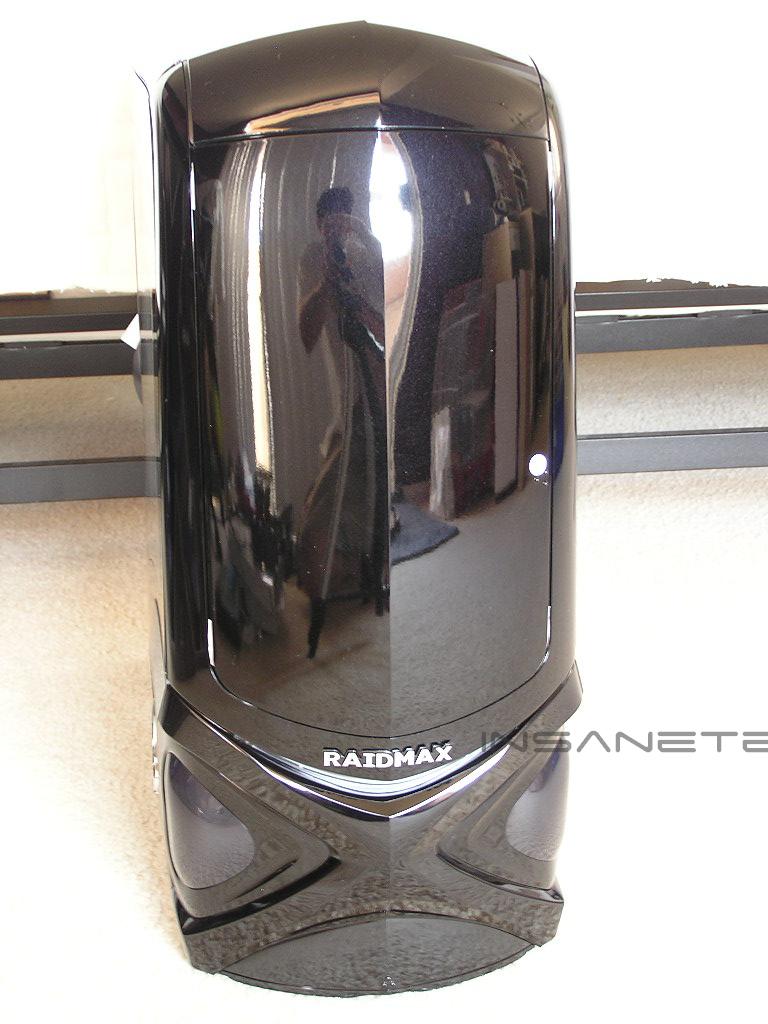
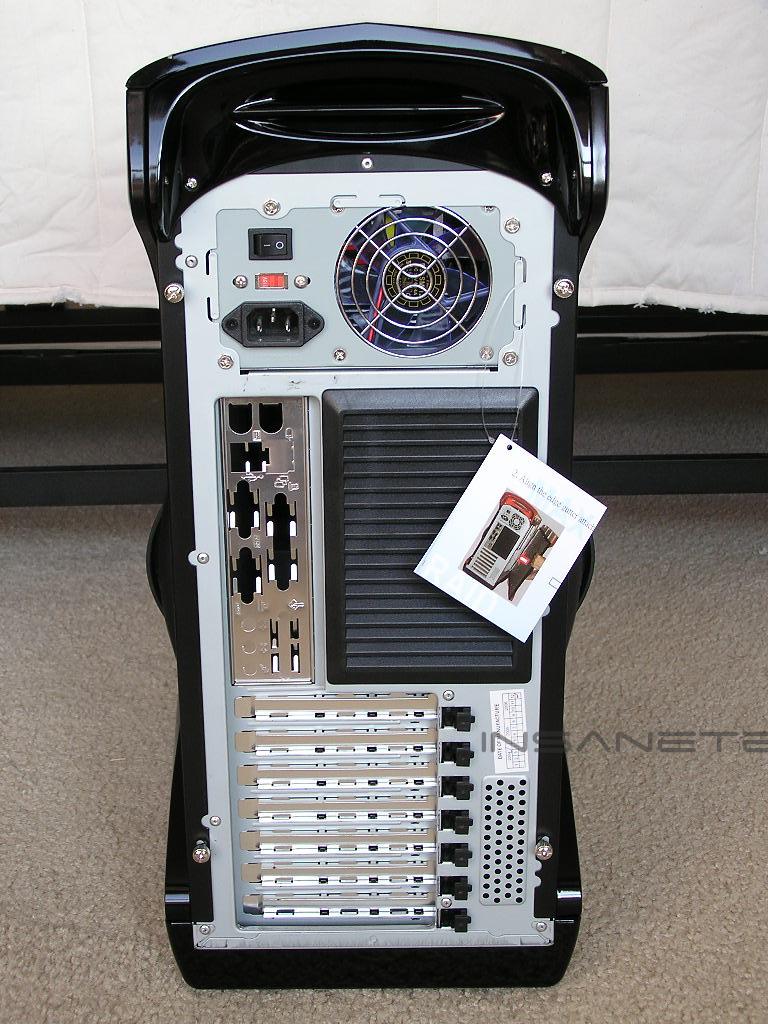
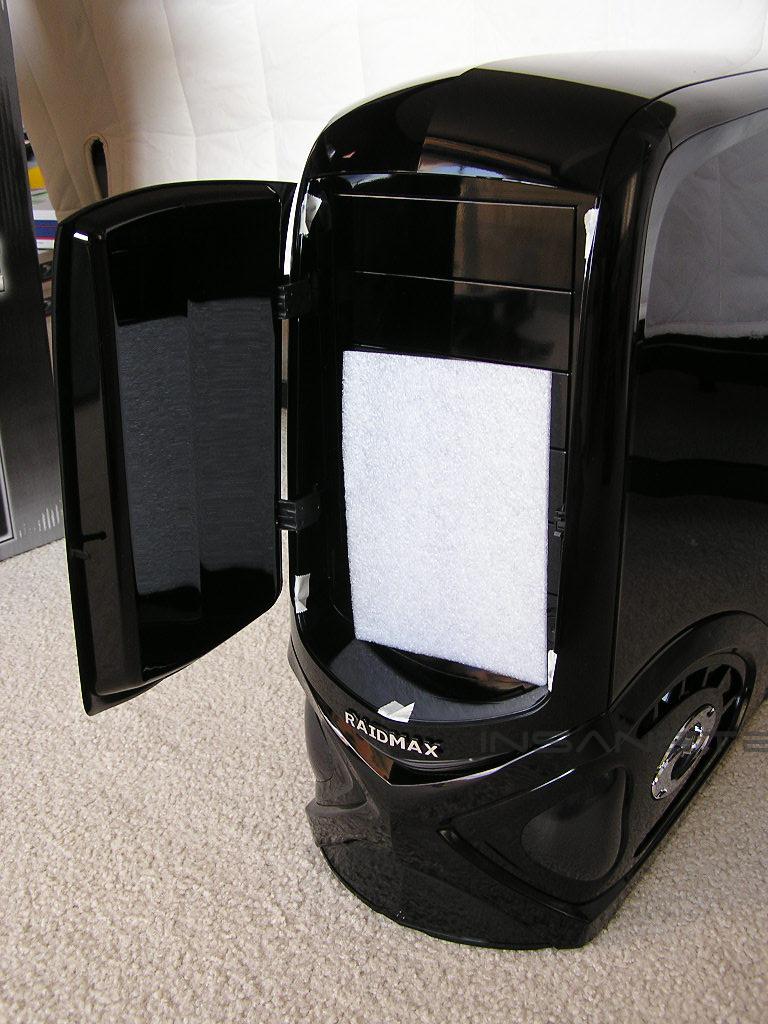
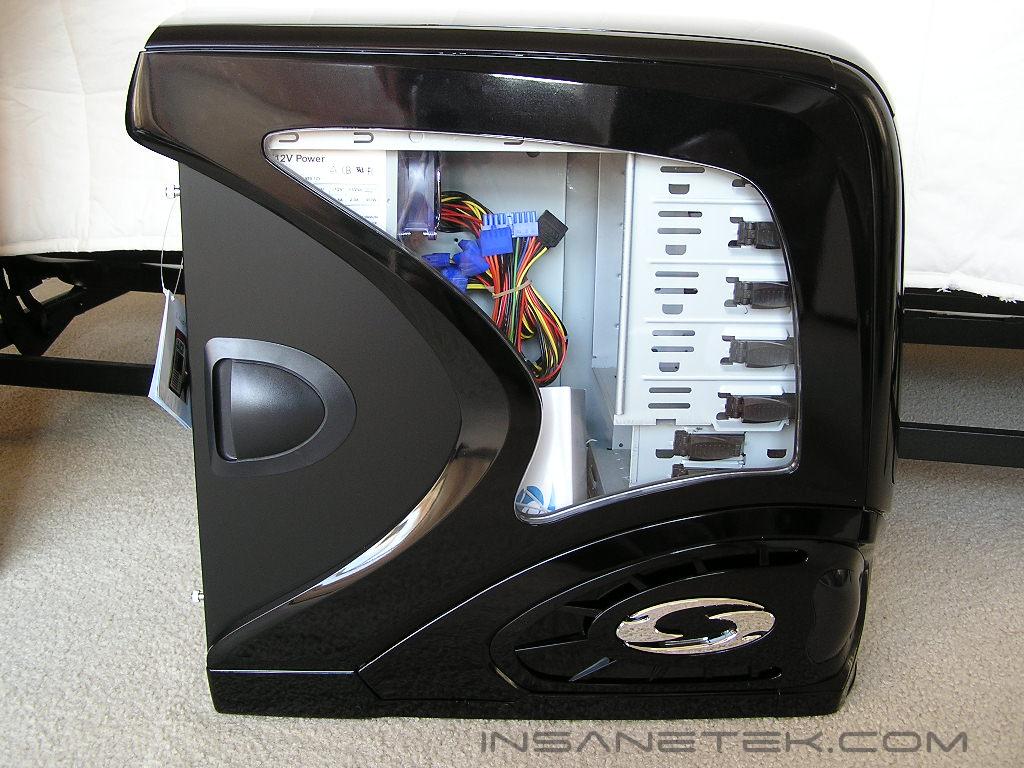
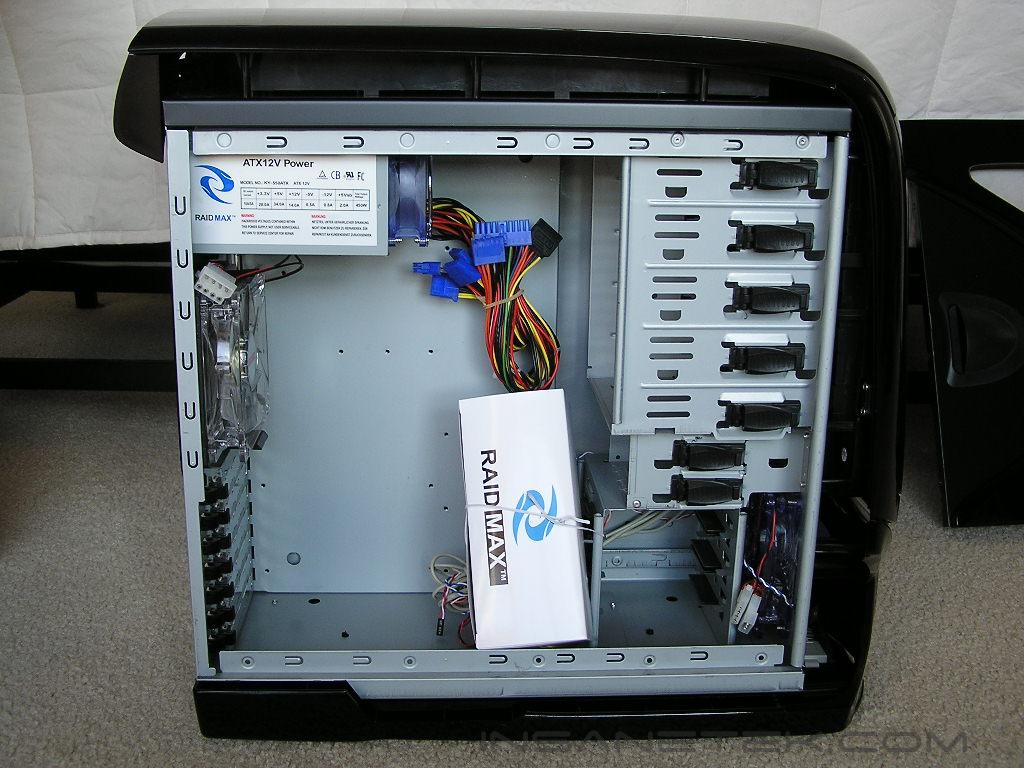
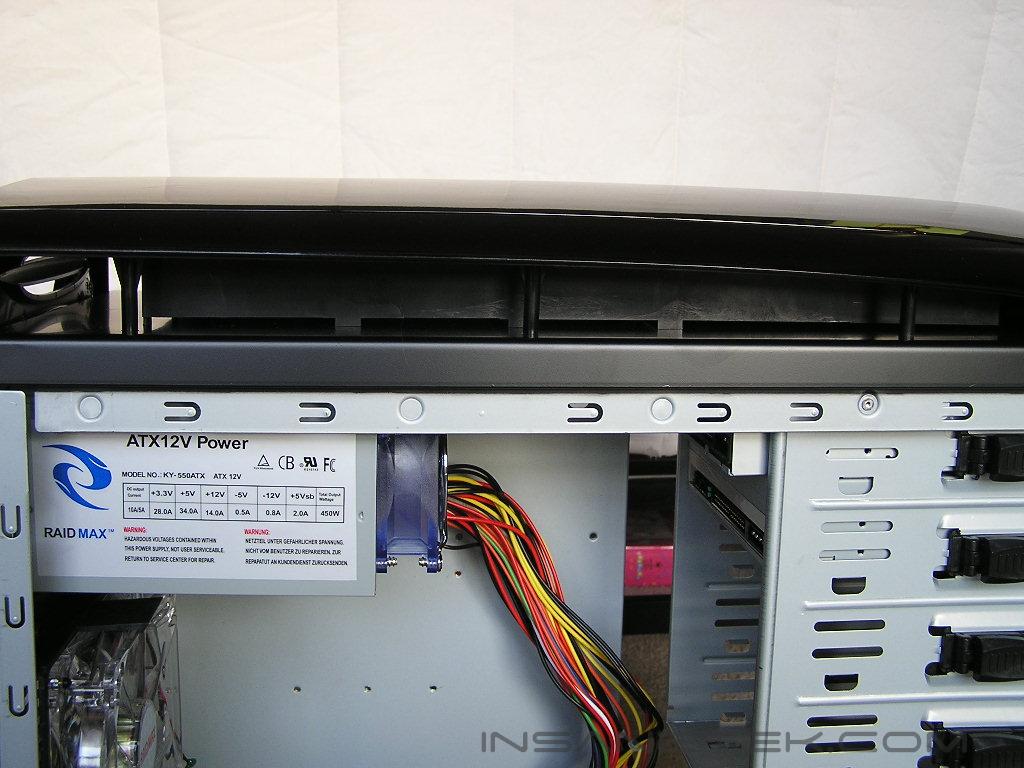
The nature of the Samurai design did not allow a metallic chassis, which forced Raidmax to go with plastic. While this isn’t ideal, it can’t be helped. Just imagine a case made of all metal in the physical shape of the Samurai. The cost would be outrageous! The whole build of the Samurai starts with the typical steel frame. Plastic parts are then added to the front, sides, and top to provide the physical shape. You can say that the case has a big shell on the exterior, much like the Alienware cases. From the last picture below, you can see that there are extra plastic parts in between the steel chassis and the plastic top to help keep the top from cracking or breaking.
Raidmax Samurai XE 901 Continued
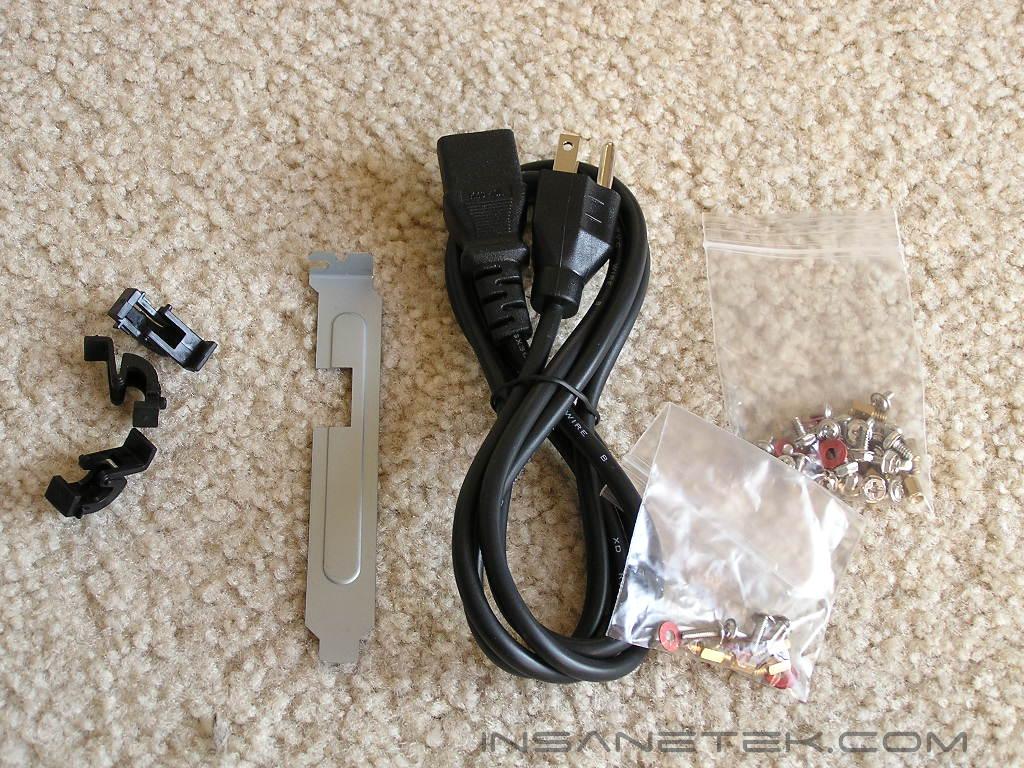
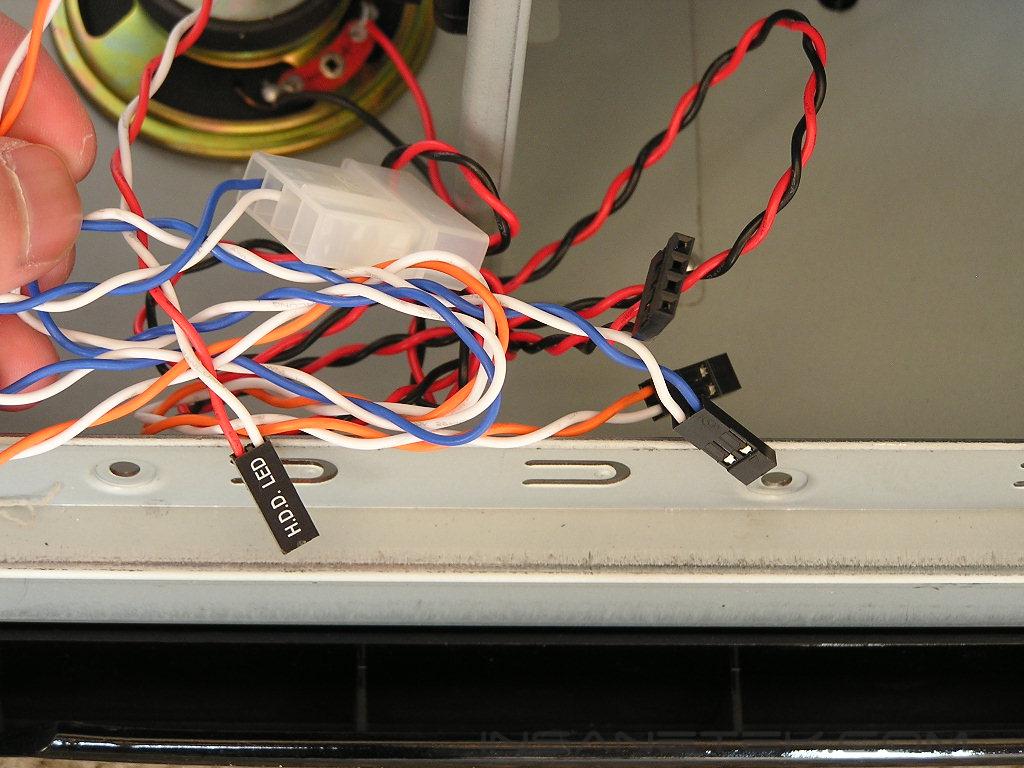
When you glance at the XE, you’ll probably ask why the case doesn’t offer the usual front USB ports and audio jacks. Either that, or you’ll wonder where the heck they’re located. Those front connections are located all the way at the bottom of the case, hidden by a cover. Simply place a finger on the 3 dotted triangle and lift up the cover to reveal the connections. Sorry, but there is no IEEE 1394 connection here. The USB pins are nicely joined as one large connection, instead of the usual separate loose pins that make installation a tedious task. Unlike many cases where front audio connections are in the form of pins, the XE comes with actual jacks that extend through the PCI slot into the actual output of the sound card. Most of the time I’ve been turned off from using front audio connections because of the numerous pins. The XE takes away that hard work of finding the right pins and allows easy audio extension from the back to the front. Included with the XE is a PCI bracket with a cut opening to allow the audio cables to exit through the back. The accessories package include the usual power cable, nuts, and screws. What’s interesting is that there are additional tabs included for the tool-free PCI slots.
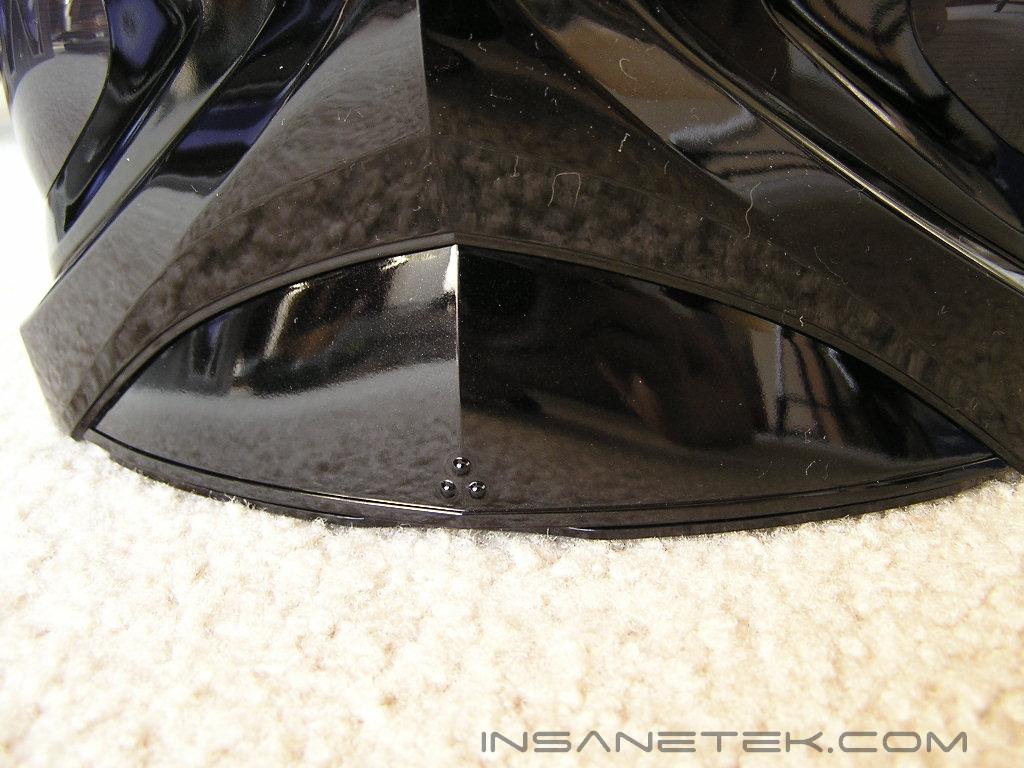
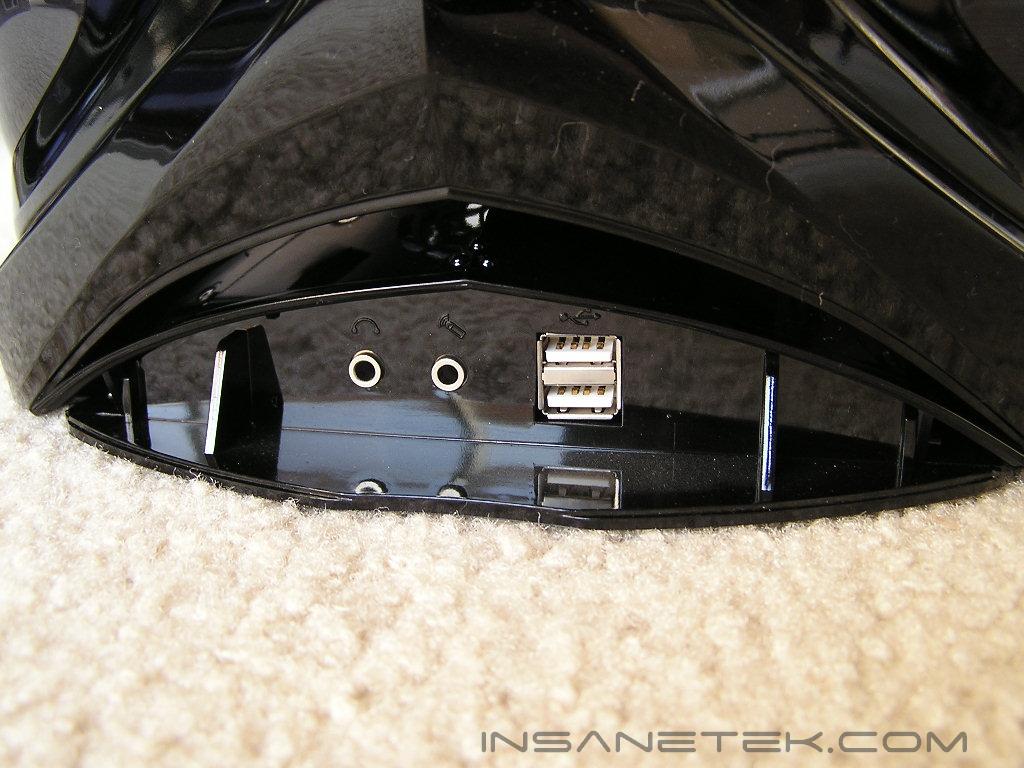
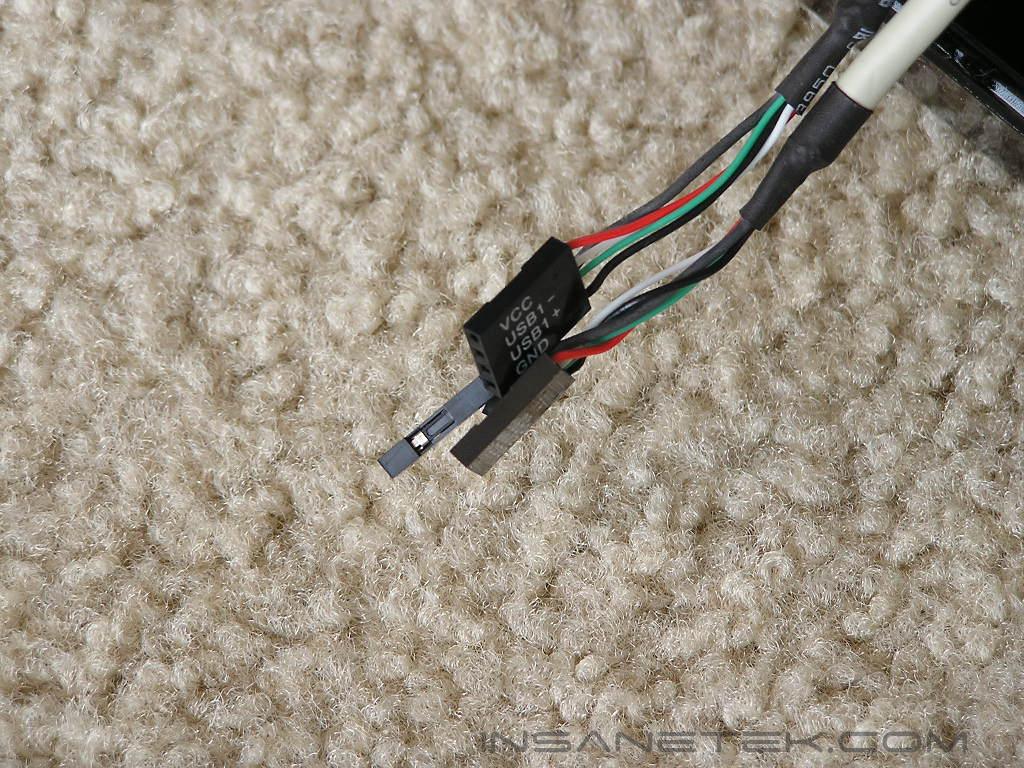
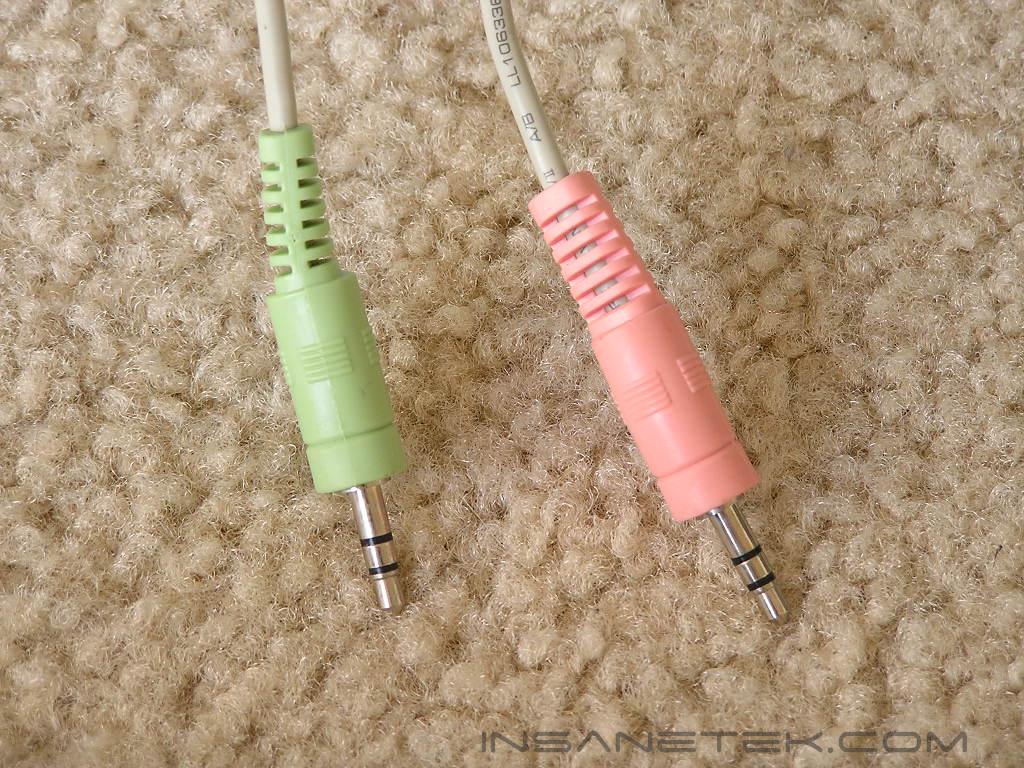
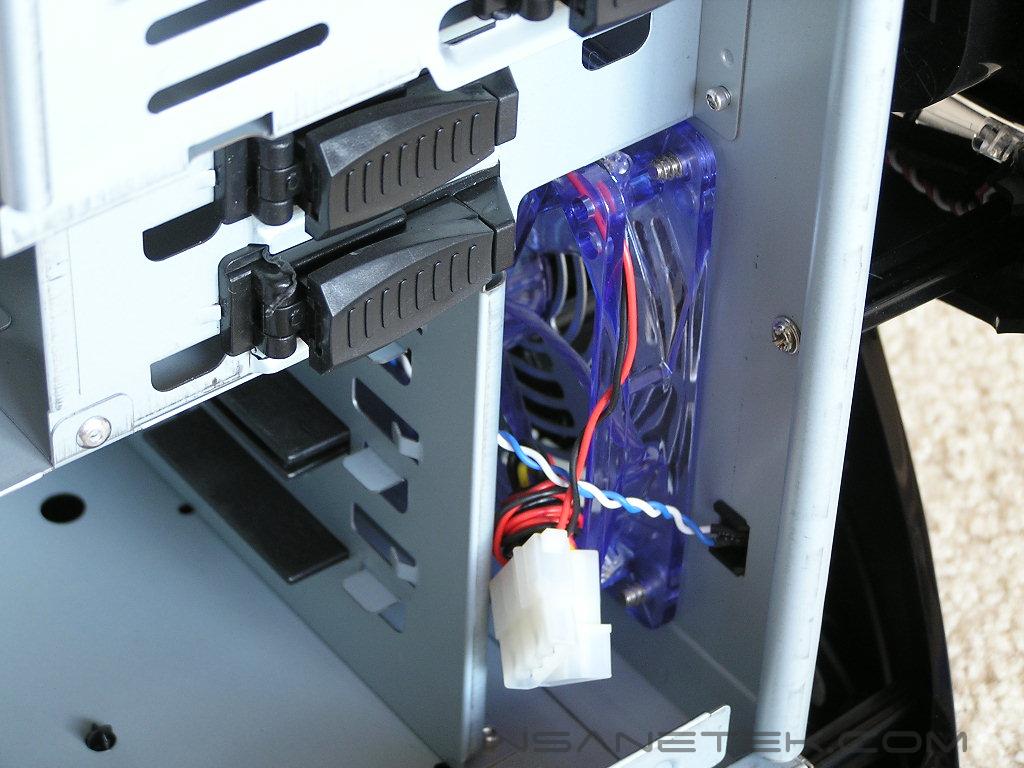
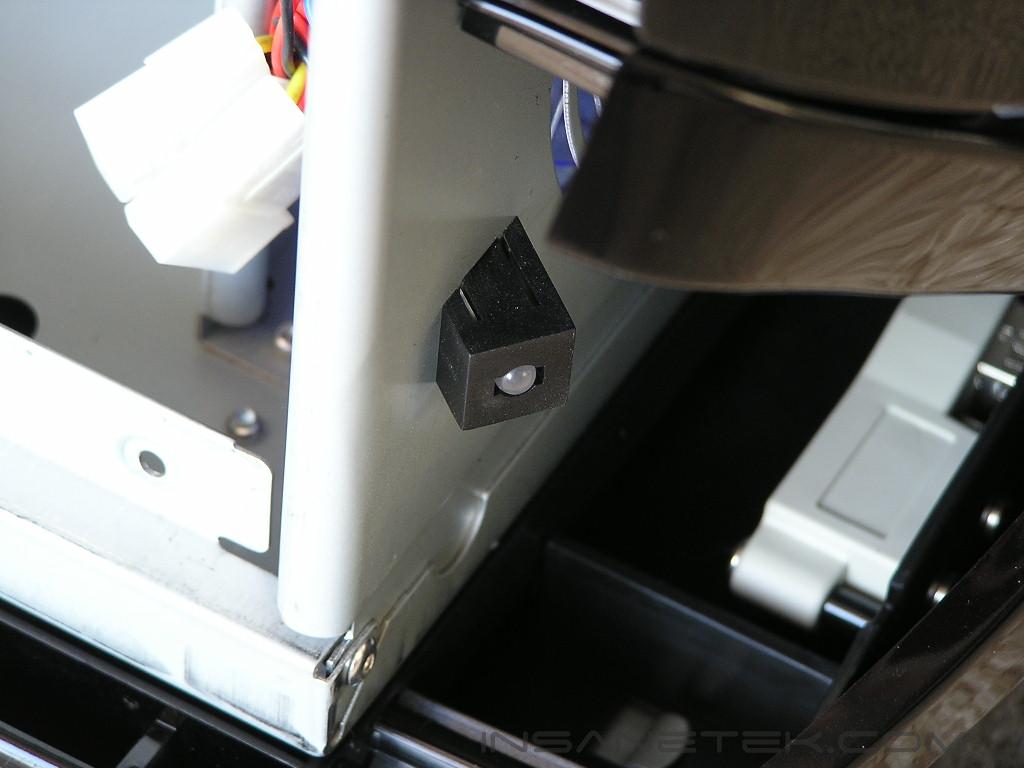
The Samurai XE case features the use of two large 120mm fans for intake and exhaust. The back 120mm fan has bright blue LED’s while the front has standalone LED’s that shine at the bottom. The front LED’s are connected to a 4pin Molex connector to draw power. As mentioned earlier, the exhaust fan is held via a fan holder rather than fan screws. At the front bottom are your usual front I/O connections nicely labeled.
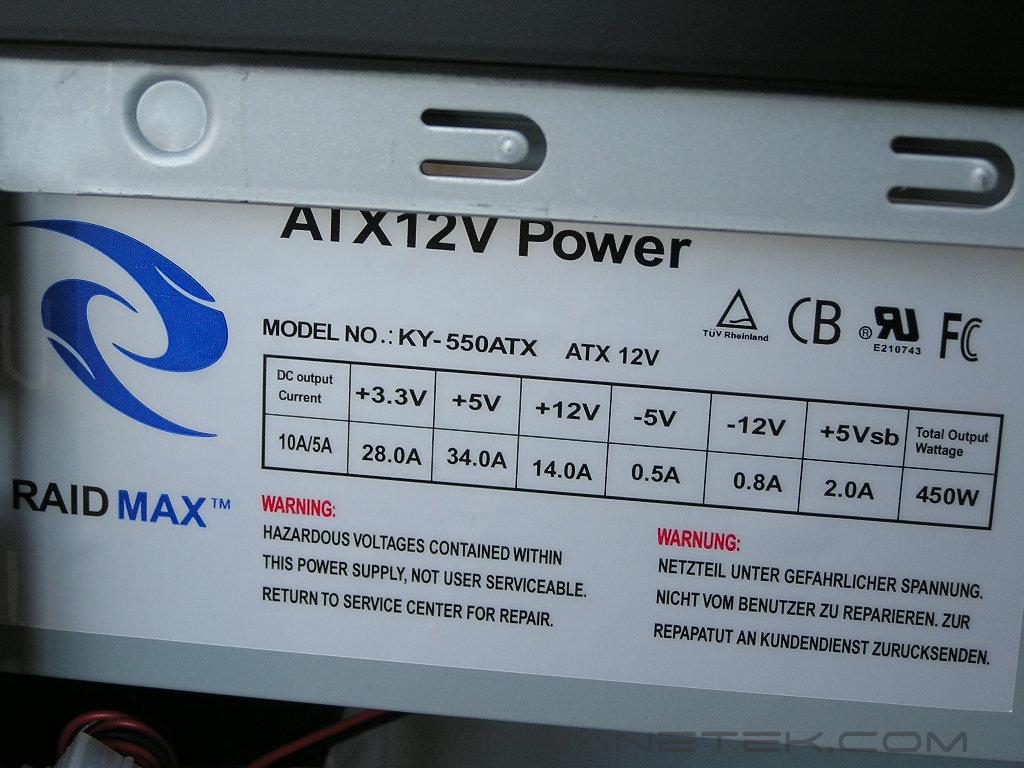
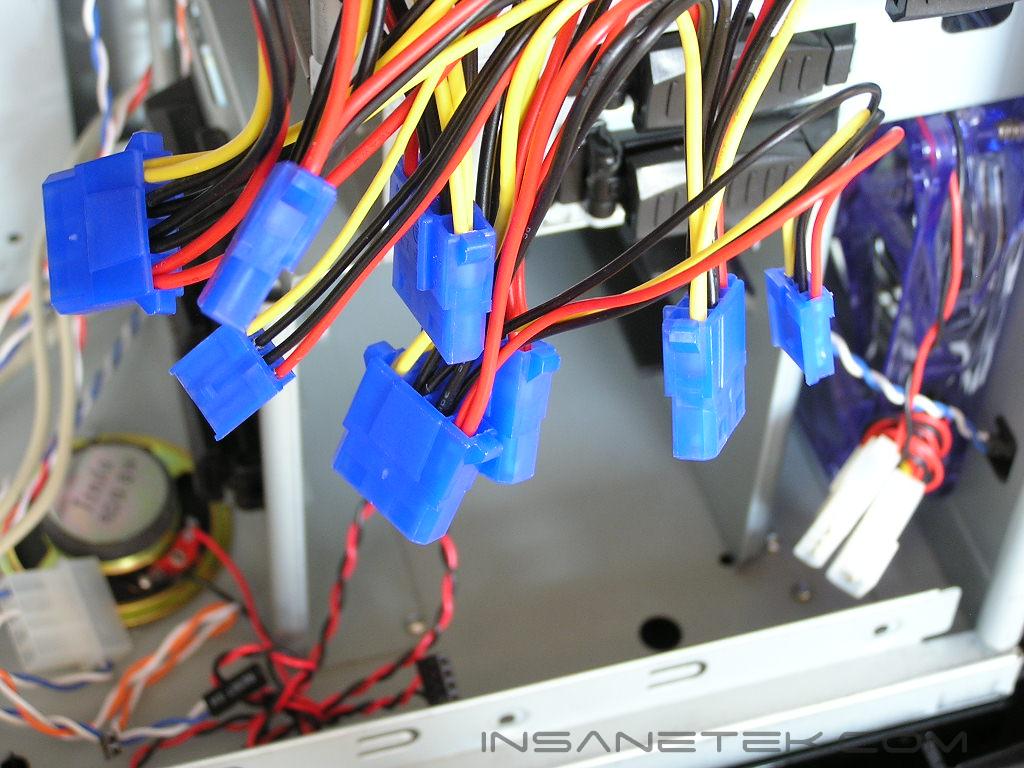
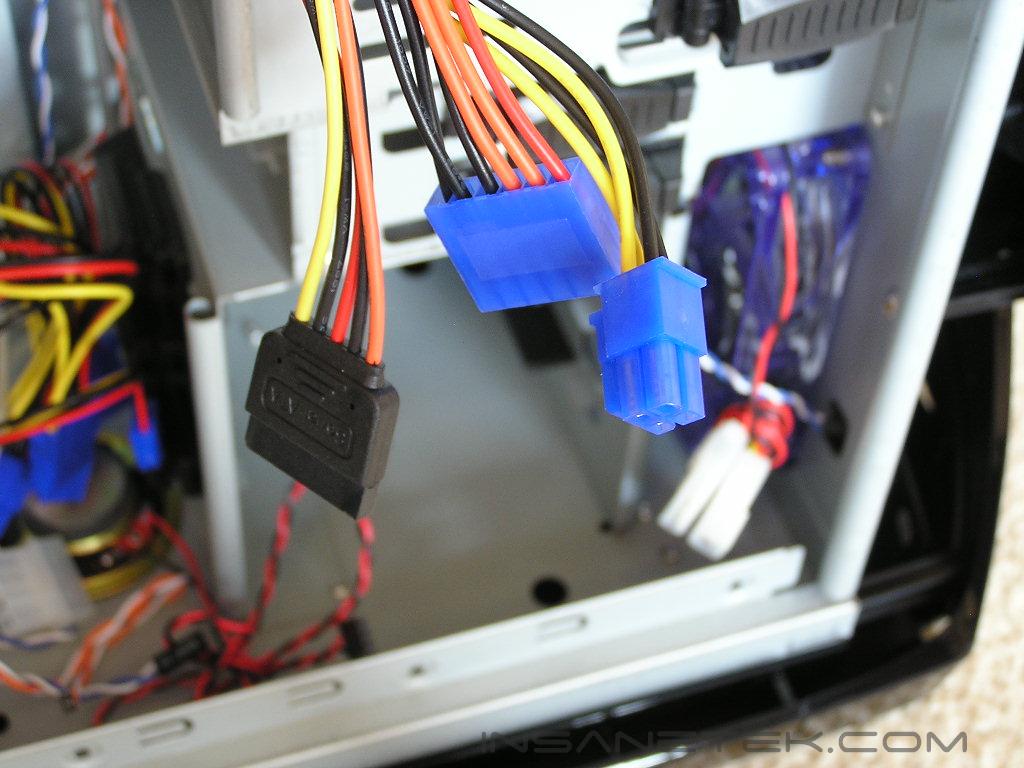
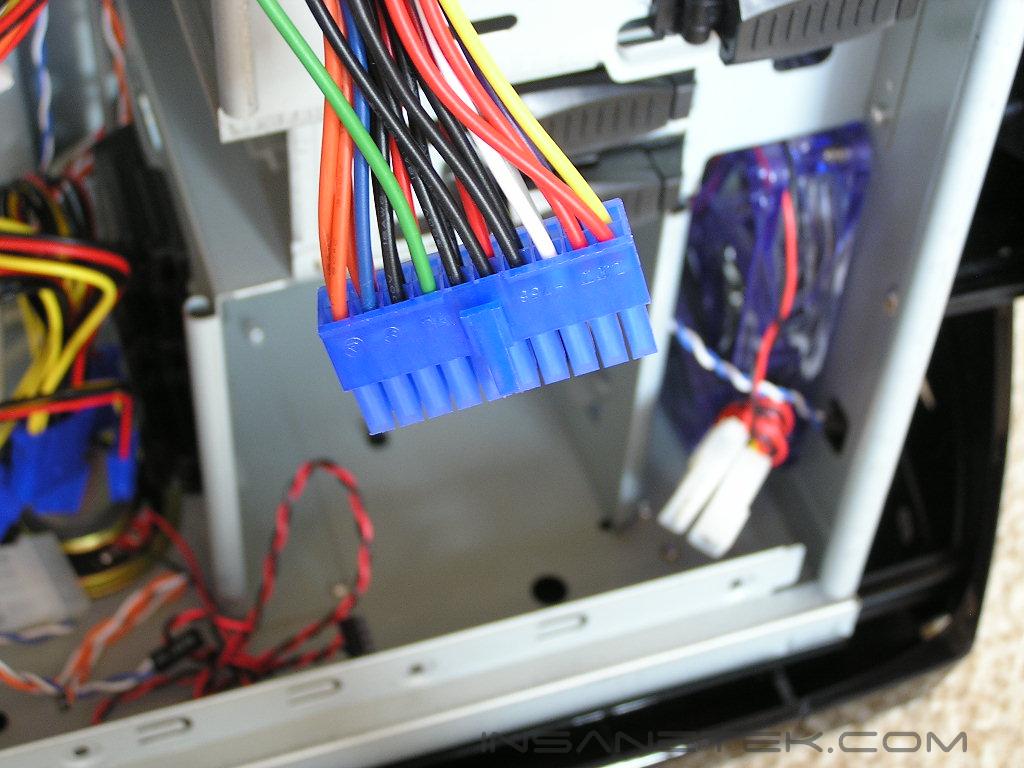
The XE comes with two versions, with or without the power supply. The power supply included is rated to be 450W. I can safely say that it is nowhere near capable of producing 450W. I’ve used Raidmax power supplies in the past, and although they’ve never failed on me, I won’t personally use it for overclocking. If someone was to build a simple system, then this will be fine. It’s quiet and it gets the job done. But because the 12v rail only has 14A supplied to the line, the power supply is lackluster for an overclocker. If you plan on running everything at stock and leaving the system alone, the included PSU will let you slide through. If you plan on overclocking, get yourself the case without the PSU and spend more on a good quality PSU. The included power supply comes with six 4pin Molex connectors, two 3pin floppy connectors, one 12v 4pin connector, a 20pin ATX connector, an AUX connector, and a single SATA connector. Immediately, you’ll notice that this power supply is not intended for a high end SLI system. There are no PCI-E connector here. I didn’t bother testing the power supply because I already know for a fact that the rails will be unstable in my overclocked test setup. The amps on the 12v are just not enough.
Installation
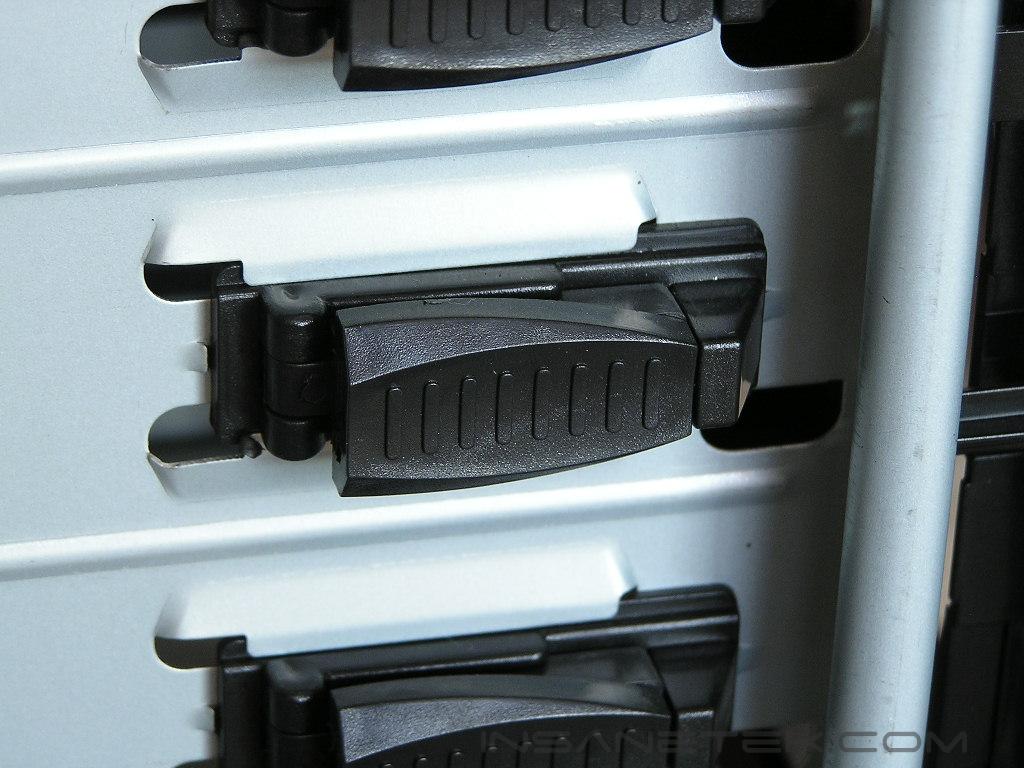
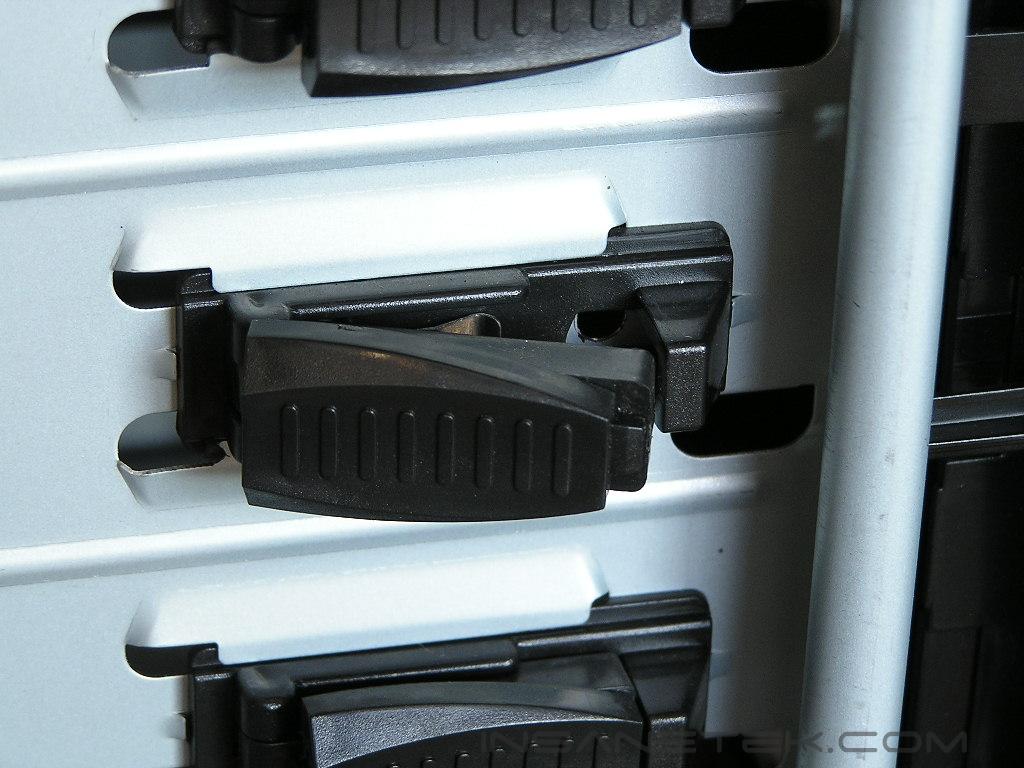
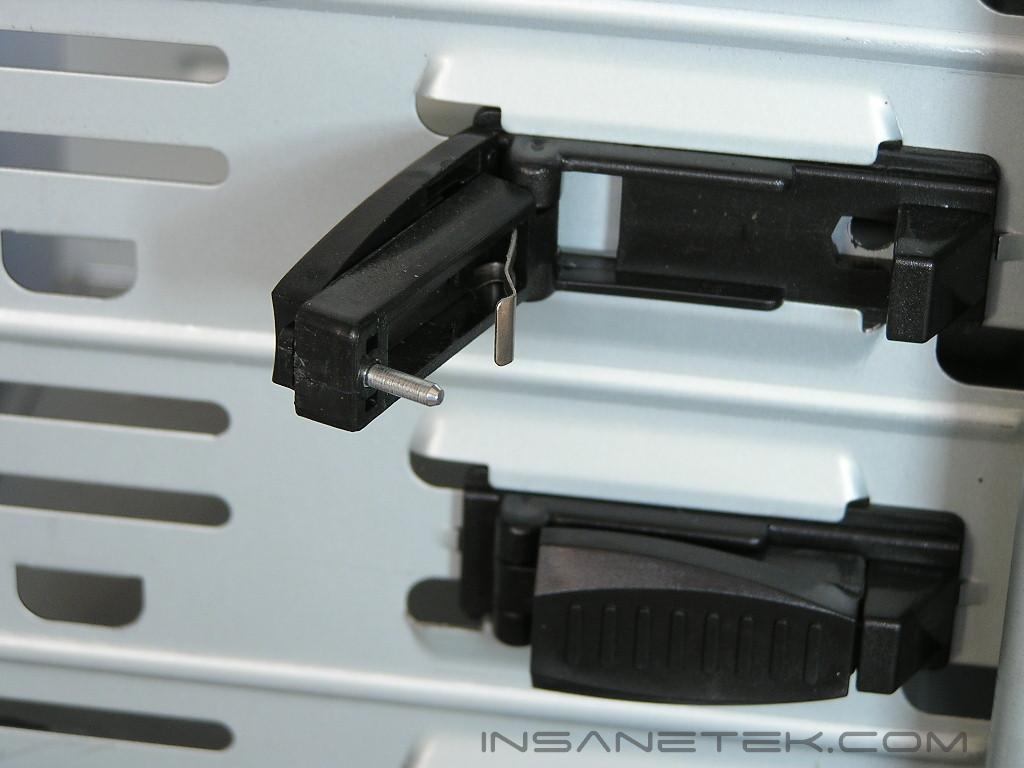
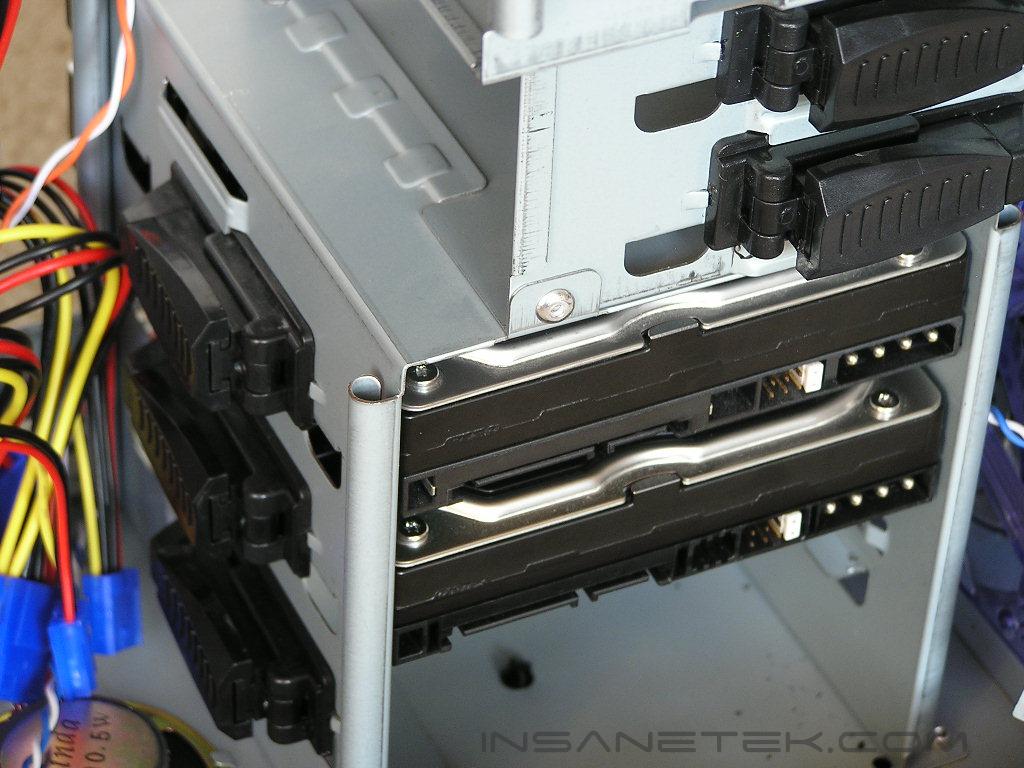
Much like many new cases released today, the Samurai XE features tool-free installation. Installing the motherboard still requires a screwdriver, but the other components, like your optical drives and add-on cards, can be installed without a tool. The drive bays all have slide out tabs. The tab unlocks when you slide it out and opens up to reveal a pin. To install an optical drive, simply unlock the tabs on both sides of the case, line up the holes with the pin, push the pin in the hole, and then lock the tabs. That’s the entire process and it’s very easy. The pins ensure the drives are in place and won’t move around. The only hard part was with the hard drives. Because of the position of the hard drive cage, it’s a bit hard to line up the hard drive hole with the pin correctly. It took a little more time than usual, but the process was still easy.
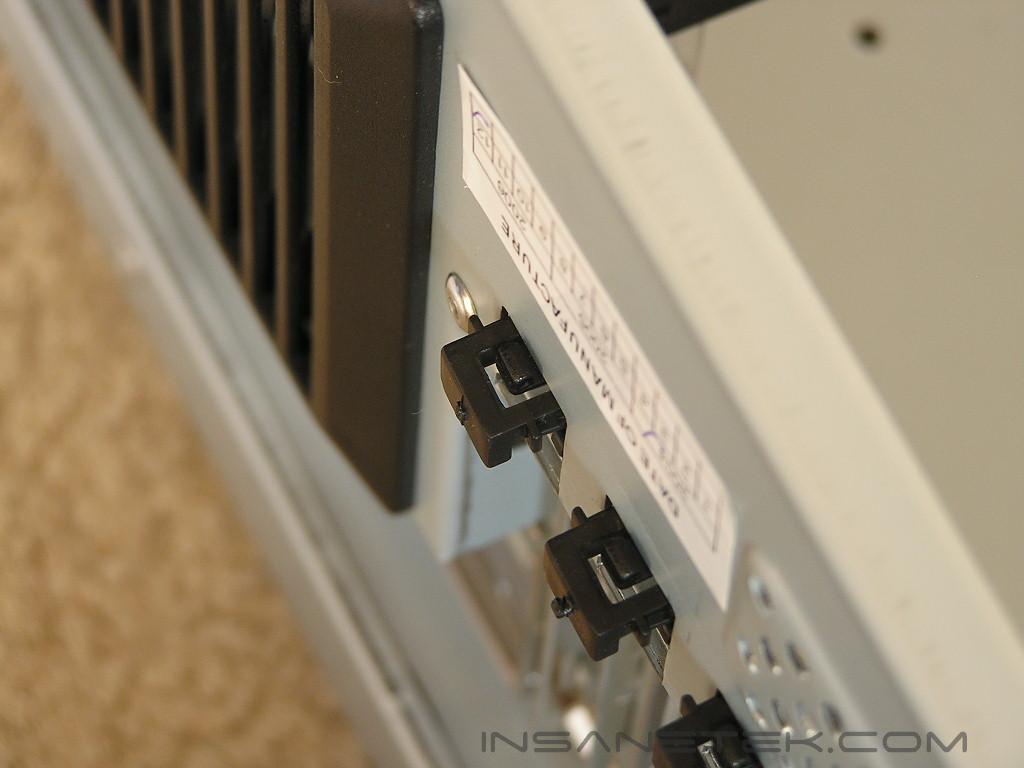
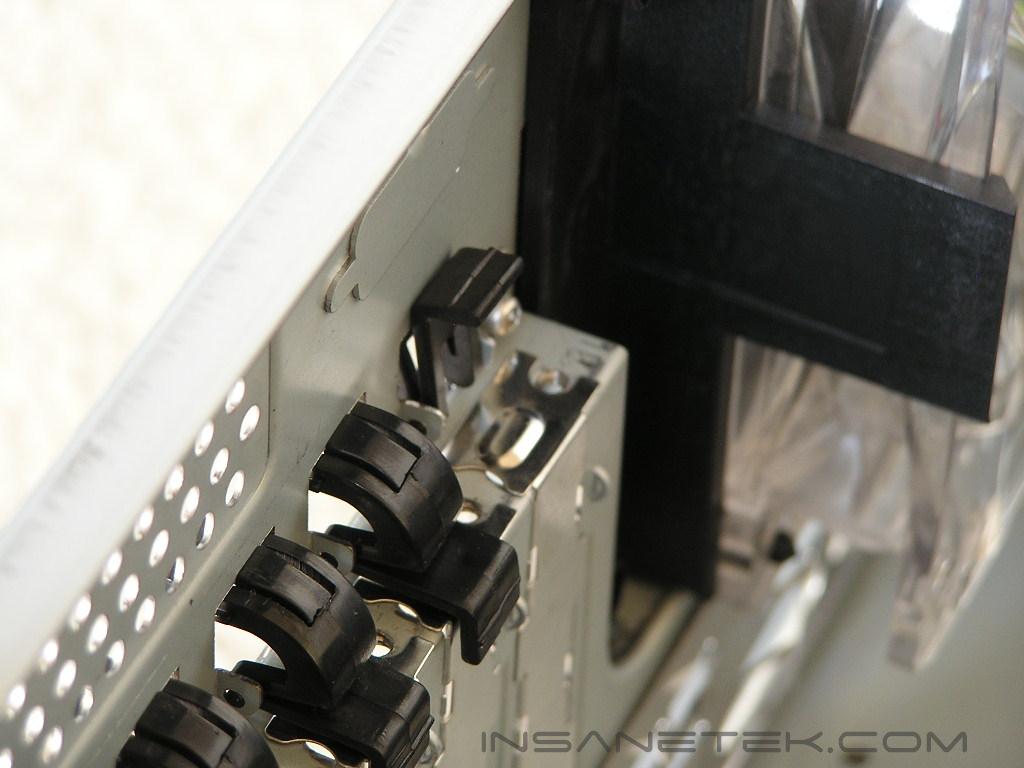
The PCI slots also use a tool-free design. The tabs are used to lock the add-on cards into place so that the cards won’t move around. To unlock the tab, simply push it down from the back side and lift up from the front. Raidmax did include 3 additional spare tabs if you were to break the tabs. I broke a tab because I used too much force and cracked it in half. Thankfully there are spares to replace it.
Conclusion and Thoughts
The overall experience with the case was rather decent. The case looks great, and I don’t typically like cases that look all fancy. The design of the Samurai XE shows close similarities with the Alienware case. The overall shape and physical features makes the Samurai XE a good solution for Alienware case lovers.
The case is nicely cooled by dual 120mm fans. This is the ideal intake and exhaust fan size. Unfortunately, the exhaust fan holder prevents airflow from exiting the case properly. That would probably be the only gripe about the cooling aspect of the case. Drilling a large hole and installing the 120mm fan with fan screws would be ideal. I must admit that the case won’t be a great appeal to many because of the excessive use of plastic parts. While it really can’t be helped, plastic parts do feel “weak” and vulnerable. It would definitely have been better to see an all metal case, whether it be aluminum or steel. Due to cost considerations, such a goal is unlikely.
The internals of the case are much like a typical mid-tower case. The case provides the “usual” amount of space to work with and is not overly crowded, nor is it open wide. There are five 5.25” drive bays to allow multiple drives and front panel accessories to be used. The hard drive cage allows installation of up to three hard drives, and while it is suitable for the majority of enthusiasts out there, it can be lacking to some. The tool-free installation methods used for the drive bays and PCI slots are great. It allows easy installation and removal of parts without the need to find a tool, hence the term tool-free.
Would I recommend a case like this to all of you? Unlike regular hardware components, cases are looked at on a different level. The actual cooling aspect, installation process, and internal space would be the key areas to cover. I believe that the case should be judged according to those factors and not based on looks. The the appeal of the aesthetics vary from one person to another, and there is no “correct” way to judge. The interior of the case is adequate at most. It provides enough room for you to work with and allows easy tool-free installation methods. There is no extra wide body or special cooling feature. The interior is very simple. As for the exterior features, I’ll let you decide. I personally find the design rather attractive. If you can deal with having a case surrounded by plastic parts and like the looks of the Alienware case, then the Samurai XE is the case you’re looking for.
Pros:
- Physically attractive
- Dual 120mm fans for intake and exhaust
- Tool-free installation methods
- Excellent paint finish
Cons:
- Exhaust fan holder blocks airflow
- Shell is all plastic (can’t really be helped though)
- Included 450W power supply is weak (just get the one without the PSU and save yourself a couple of bucks)
We would like to thank Raidmax for providing us the sample. If you have any questions or comments, feel free to hit us up in the forums. You can also check out more of our latest reviews on the front page.