

Raidmax Ninja
Raidmax has always been known to cater to the gaming enthusiasts. Their most successful case was the Scorpio and it sold like hotcakes. I see people buying them everywhere, especially Fry’s. Their previous attempt to launch another heavy hitter was the Samurai series. The case looked pretty decent to me, but the excessive use of plastic parts around the case was not very welcoming. Their next attempt was the X1 and it focused on elegance and style rather than the gaming theme. Just a little while ago, they released yet another model. The Ninja resembles closely to the Samurai, but comes in a smaller form and uses less plastic parts, although still an overall steel chassis.
Raidmax Ninja External
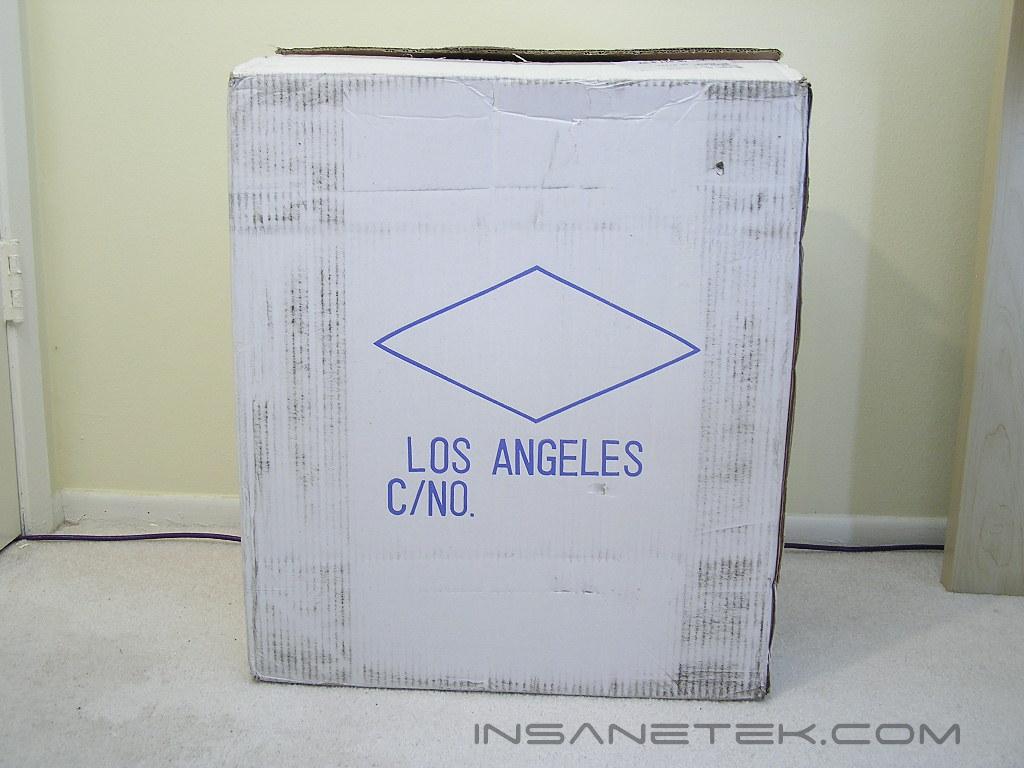
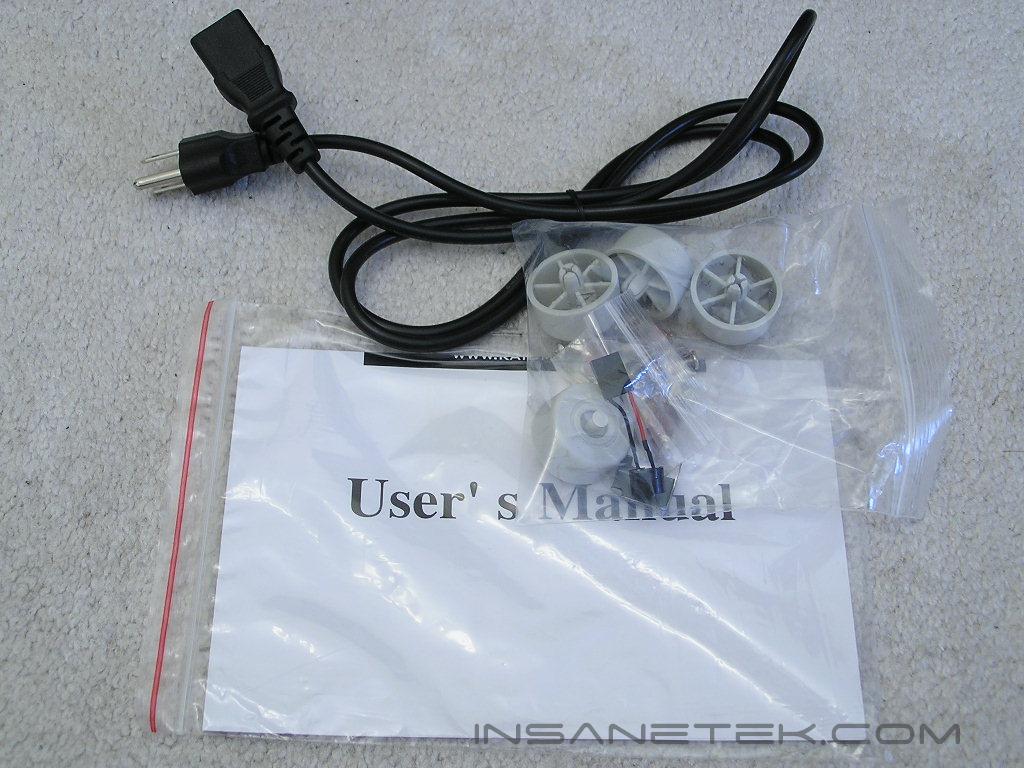
Unlike the Samurai that came in a fancy artistic box, the Ninja arrived in a regular cardboard box. The case is wrapped in a large plastic bag and protected by two Styrofoam pads. The accessories are nothing fancy: an AC adapter, case screws, case feet, and a user’s manual.
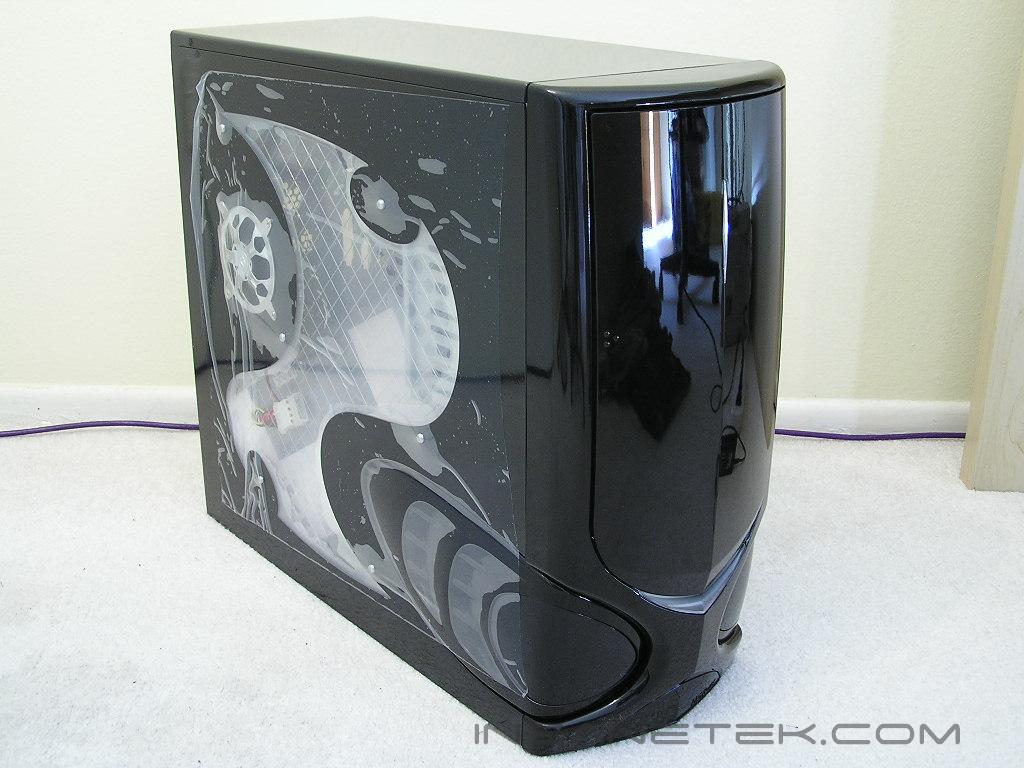
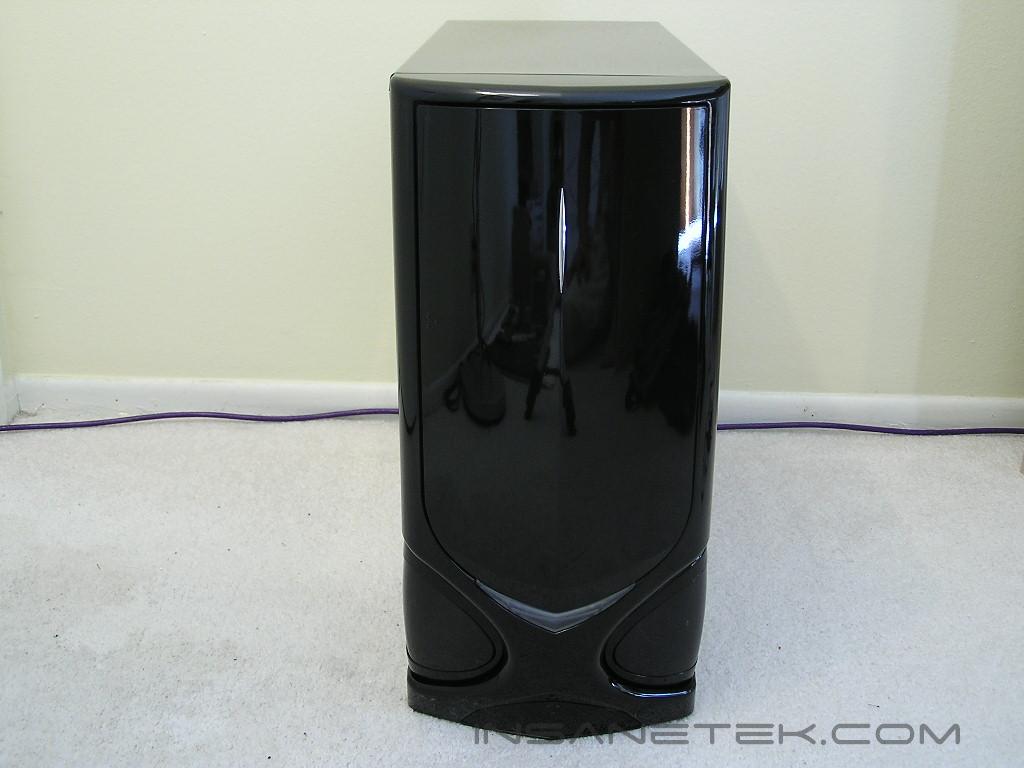
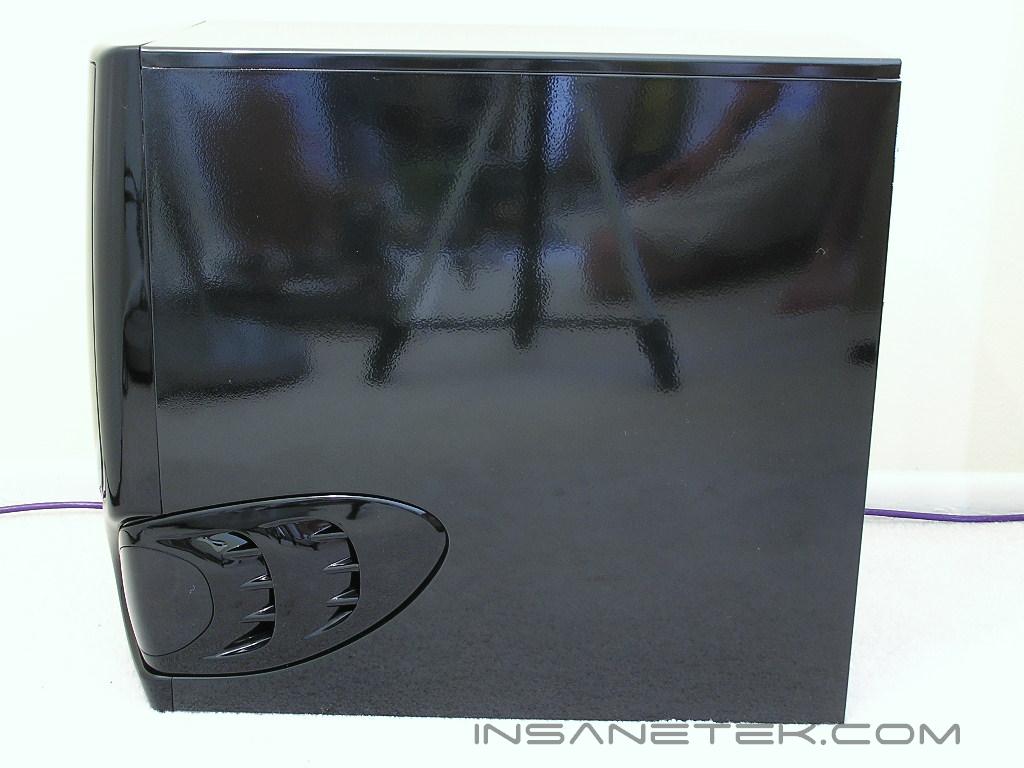
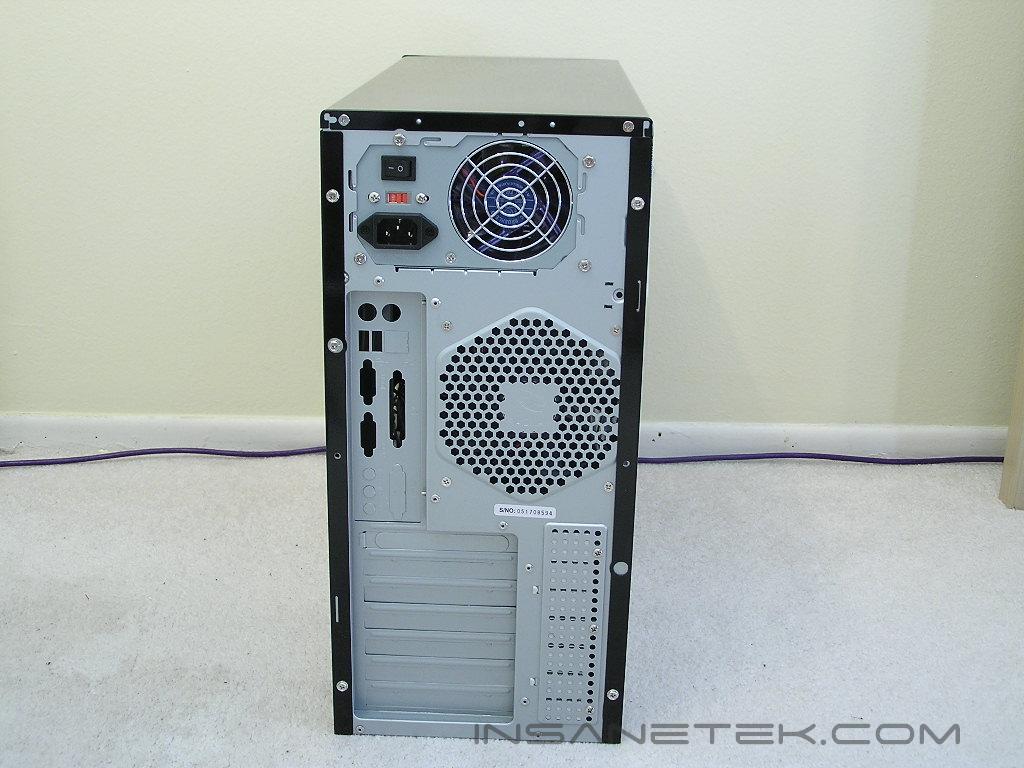
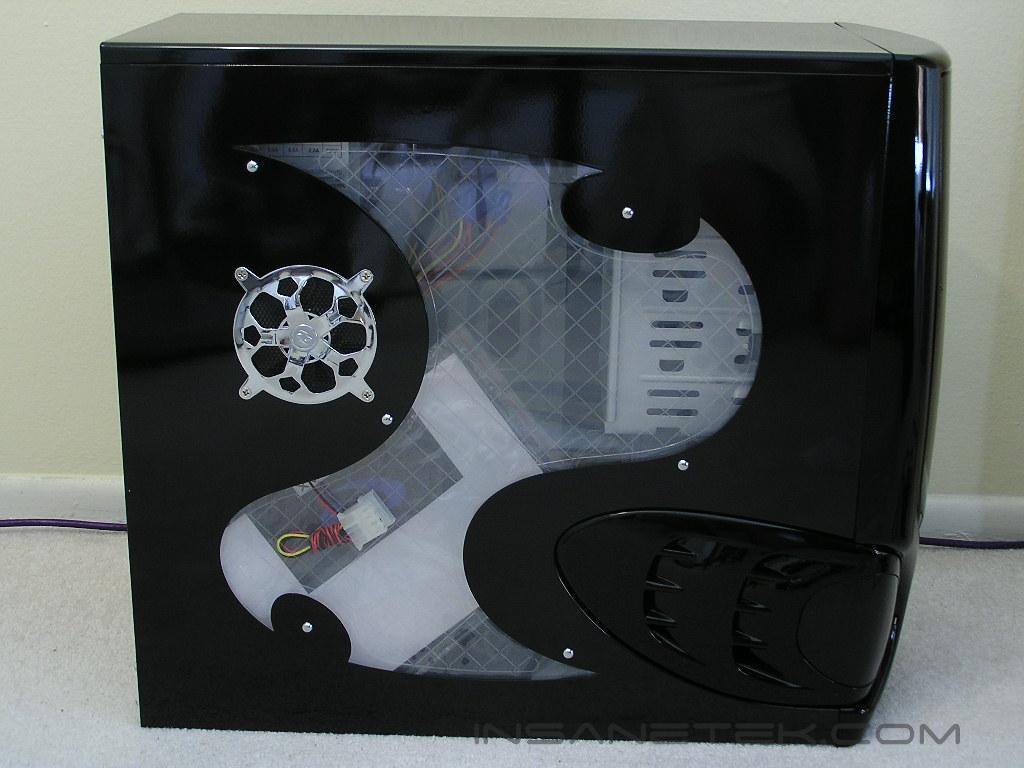
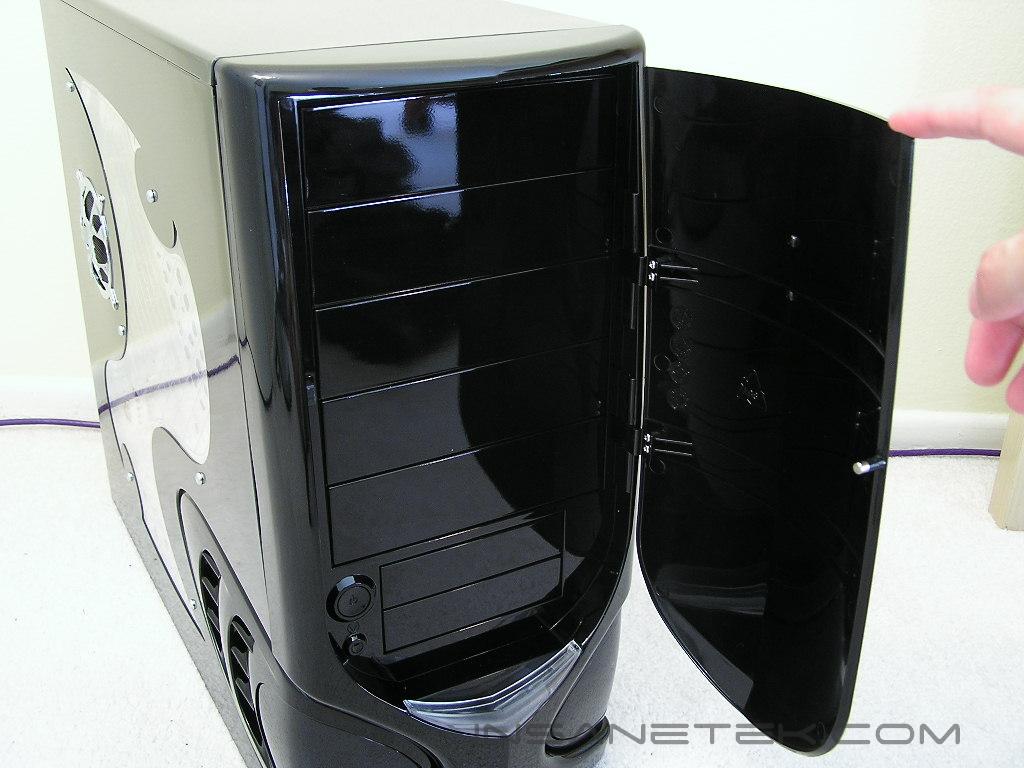
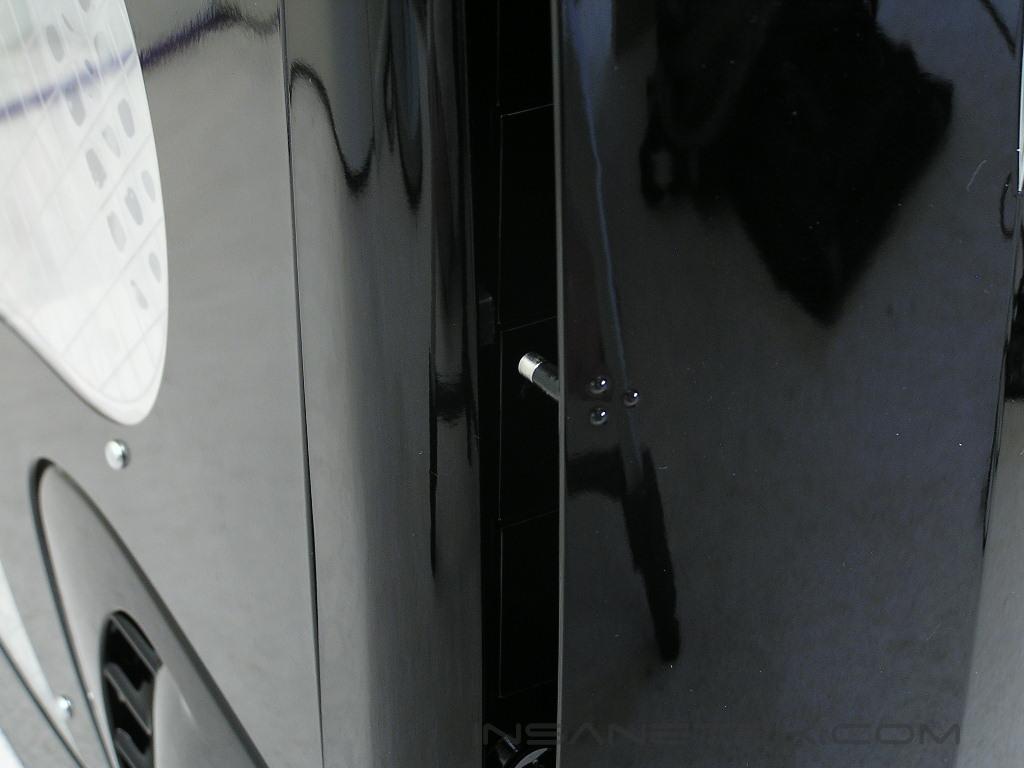
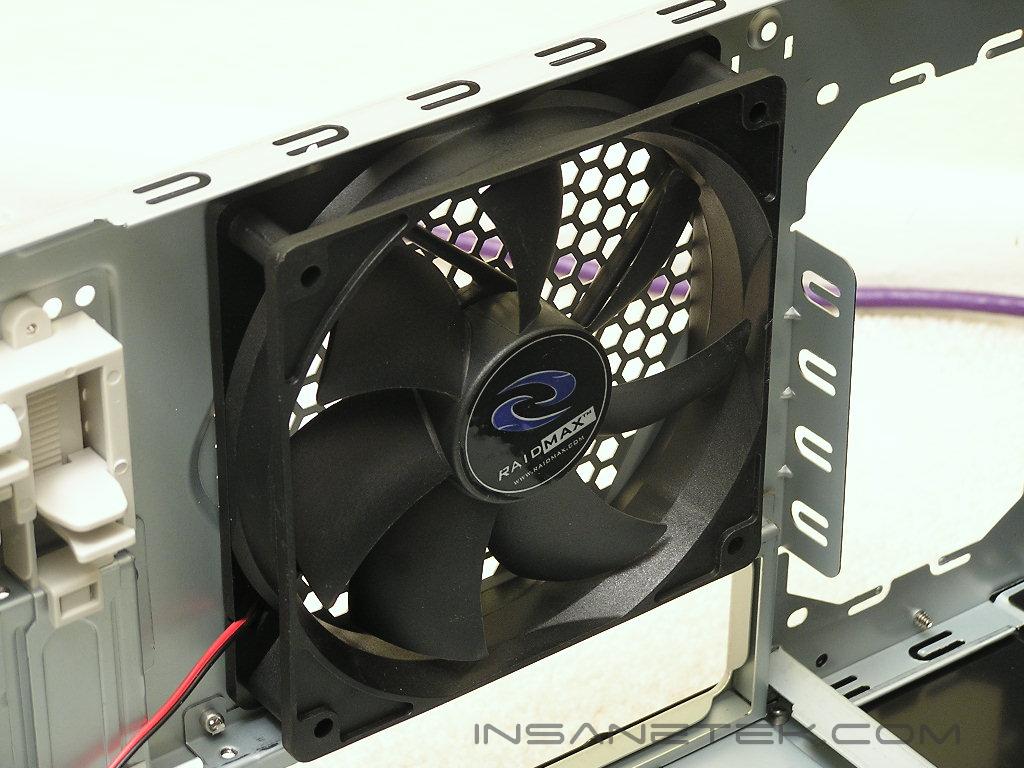
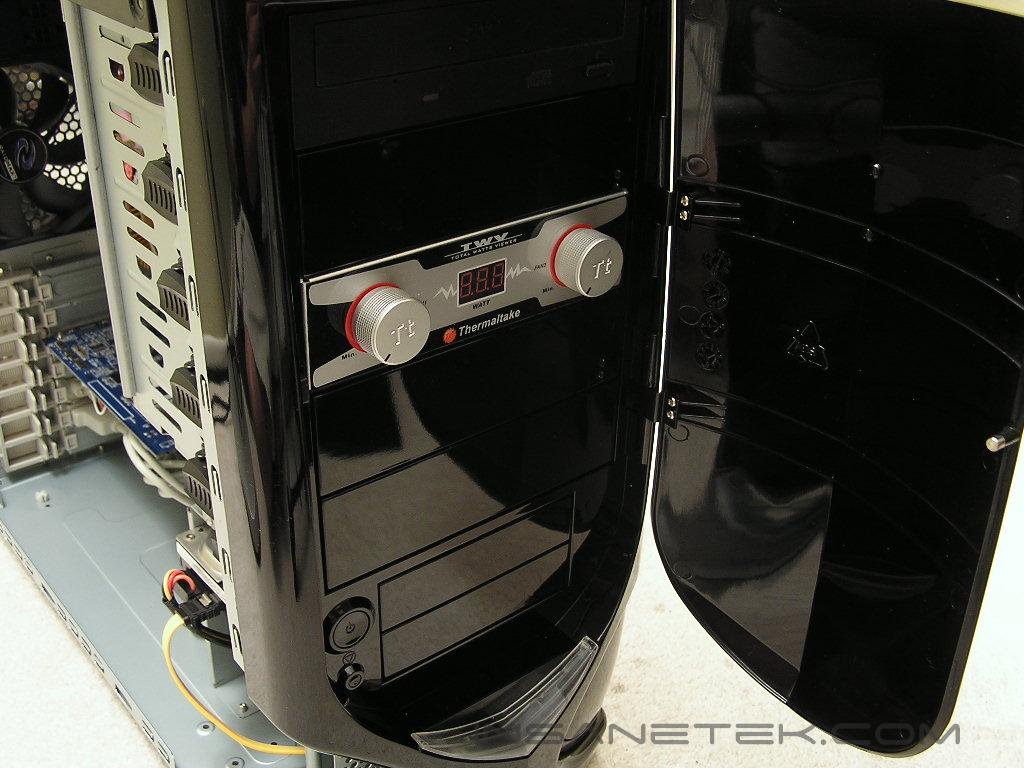
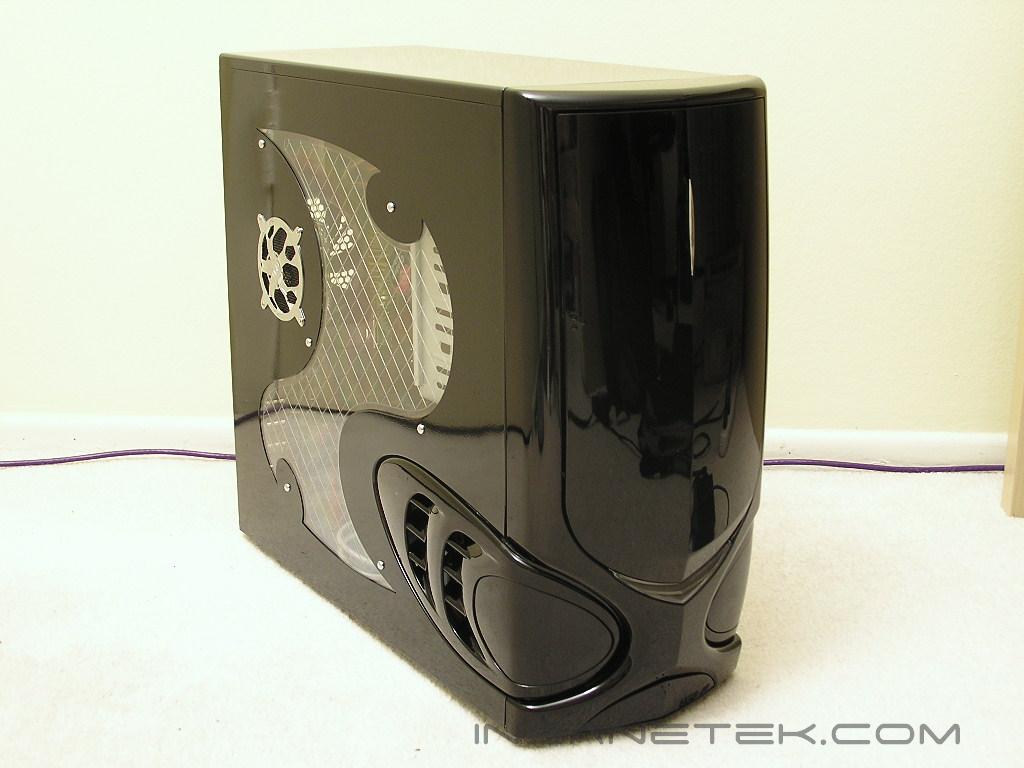
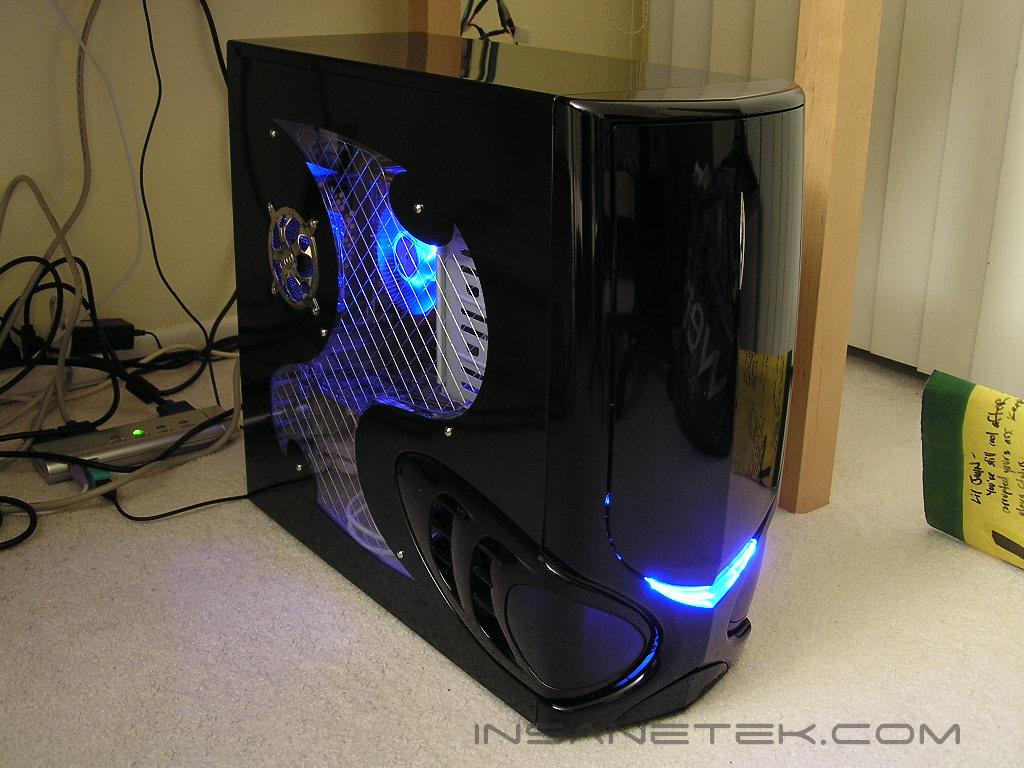
My friend saw that case and he immediately liked it. The first thing that came to his mind was Darth Vader. After staring at the case for a little while, it does start to resemble Darth Vader. One reason why I like this case is because it has an appealing gaming theme without being overly excessive. There are many “gaming” towers out there that come with extreme fancy looks that they often become ugly. The entire Ninja chassis has a black mirror-finish paint job. The paint job is excellent, but it attracts fingerprints. We all know how annoying it is to clean up your beloved system. The Ninja is not only available in black. Enthusiasts who favor silver are in for a treat as well. I tend to think black cases look better. The Ninja comes with a pre-installed 120mm fan for exhaust. There is also an 80mm fan pre-installed on the side panel. The location is positioned right over where the CPU area tends to be and will definitely help with CPU cooling. The intake is left bare, but there is a spot for either an 80mm, 92mm, or 120mm fan. In order to install a front intake fan, you must remove the front panel to gain access. Speaking of the front panel, the Ninja comes with a door to hide all the drive bays. The case allows five 5.25” drive bays and two external 3.5” drive bays. With the inclusion of a front panel door, your non-matching ugly drives will no longer be a shame. The location of the button to push to open the front door is a bit tricky. There are three small dots on the left side of the door, indicating the area where you should push to open the door. It is a bit confusing at first, but after a few tries, you will get the hang of it. The power and reset buttons are located behind the front door, which means that you will have to open the door every time you turn on the computer or have to force a system reset. The reset button is very small and even my tiny fingers can barely push it.
Raidmax Ninja Internal
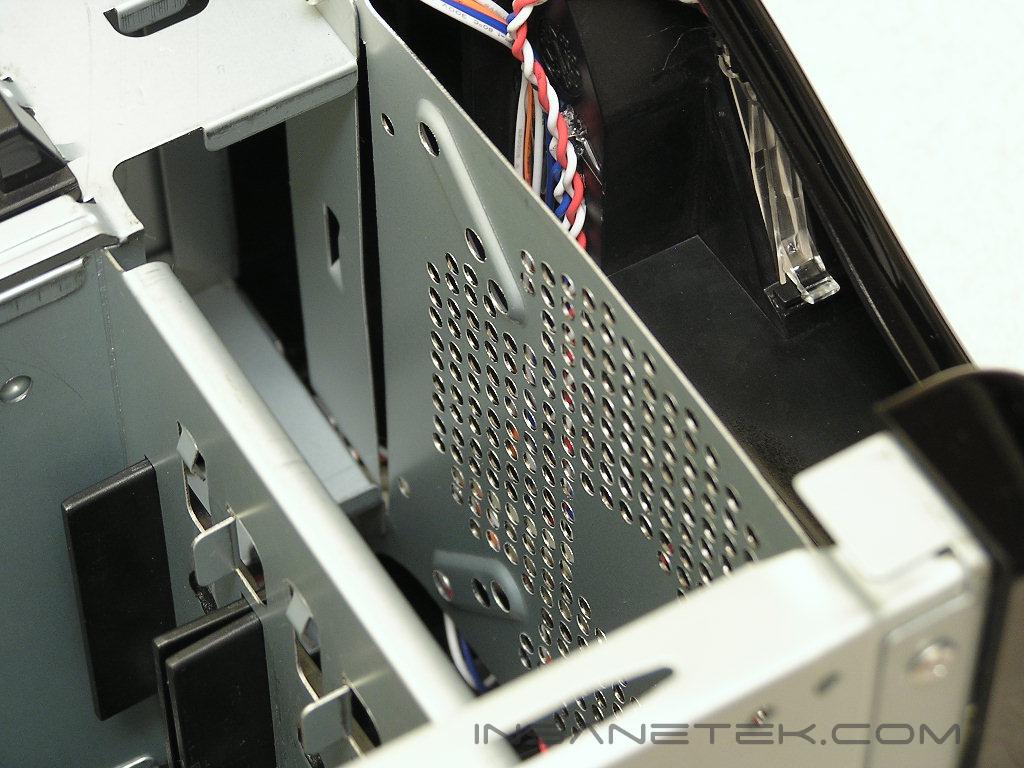
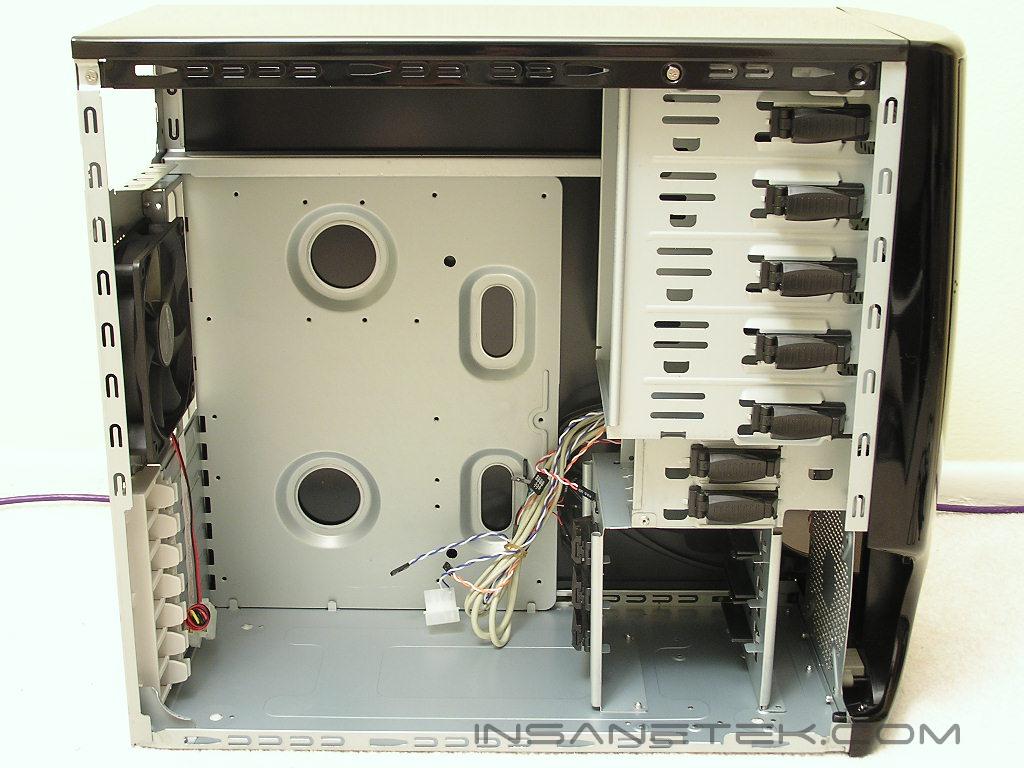
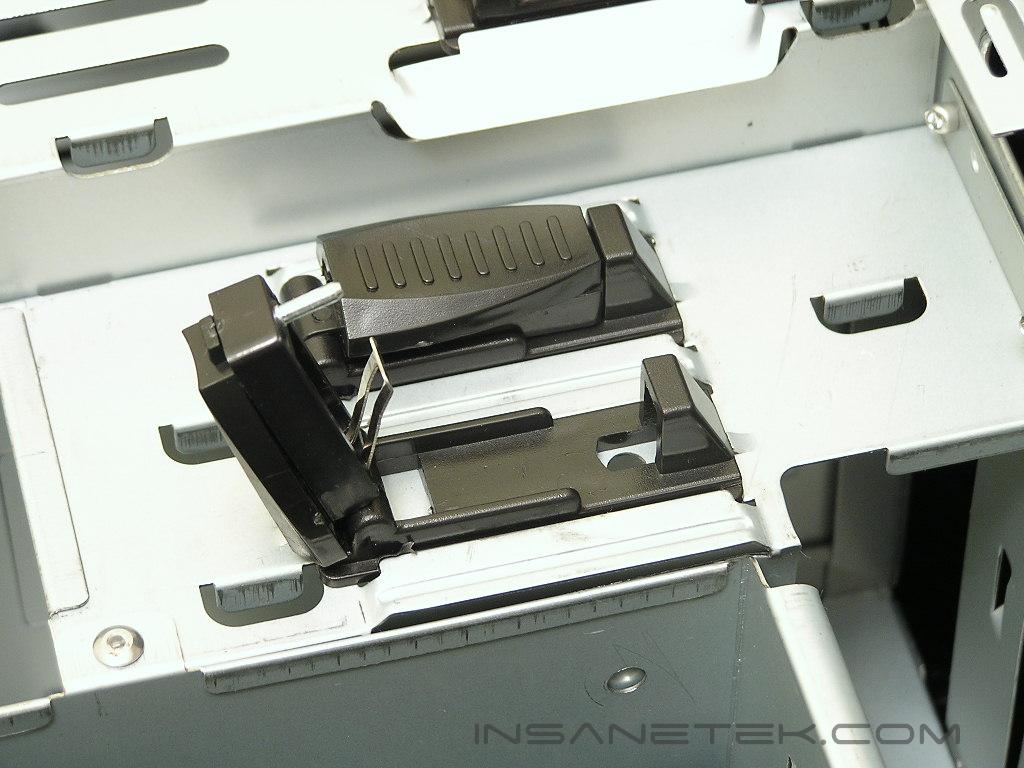
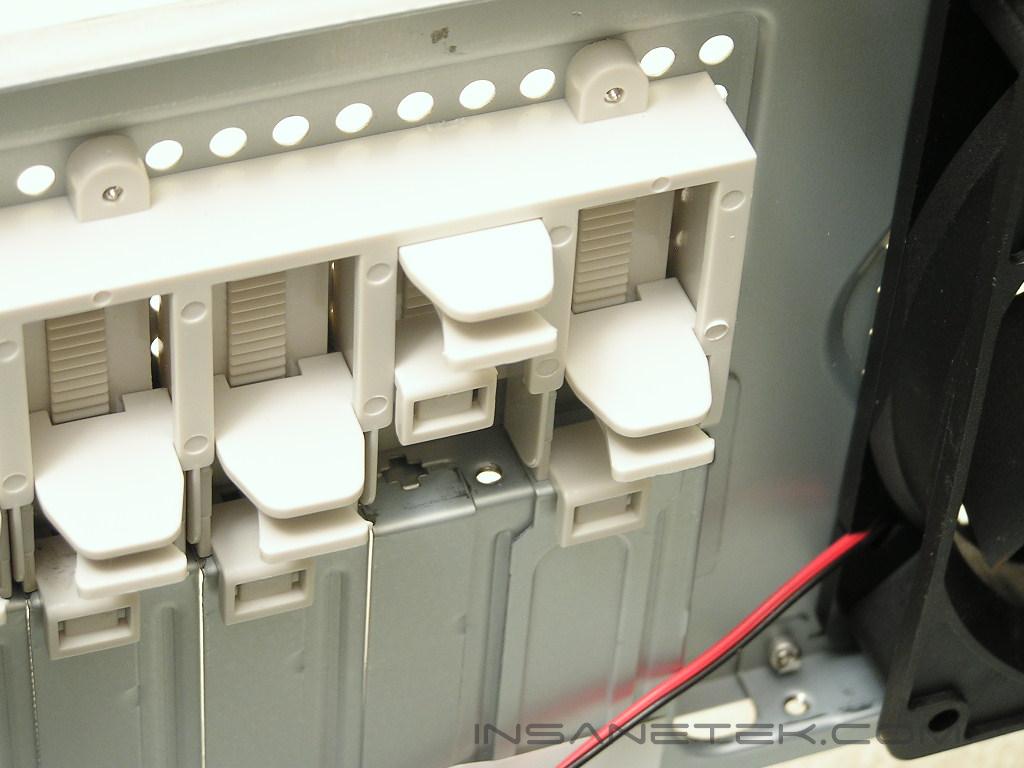
Raidmax seems to be using the same internal design for all of their new cases. The layout is the same as the X1 and Samurai cases. Raidmax continues to use their tool-free design and it greatly reduces the time to install all the hardware. Raidmax’s method is simple and effective and should not cause your parts to fall out of place, at least it worked well for me. The drive bays install with a sliding tab. The end of the tab has a pin that inserts through your drives and locks the drive in place. The add-on cards are held by sliding tabs that squeeze your cards in place, preventing them from moving around. The hard drive cage only allows three hard drives to be installed, which can be a little lacking for some enthusiasts, but there is always space above where the floppy drive is located.
Power Supply and Installation
Included Power Supply:
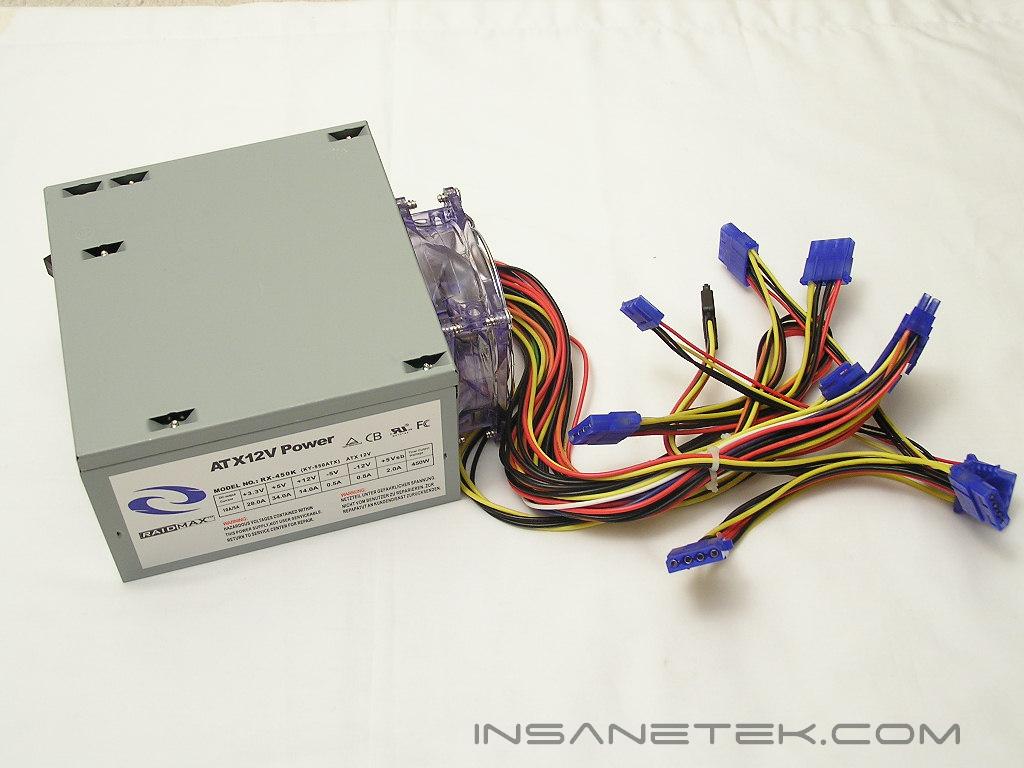
The included power supply is rated to provide 450W. It comes with six 4pin Molex connectors, one floppy connector, one SATA connector, a 12v 4pin CPU-dedicated connector, and a native 24pin ATX connector. Although 450W seems to be good enough for a typical system, the amps for the rails on this Raidmax power supply is quite lacking. The 12v rail only has 14A! 18A on the 12v rail is the absolute minimum required for a decent power supply to handle a gaming system. 14A is just way too low, especially when the majority of components in a computer system draw power from the 12v rail. Because my test system is comprised of high end overclocked parts, this power supply will not be tested. I do not recommend using the included power supply to do any overclocking. The only time I would use it would be to run a typical low end system at stock speeds.
Installation:
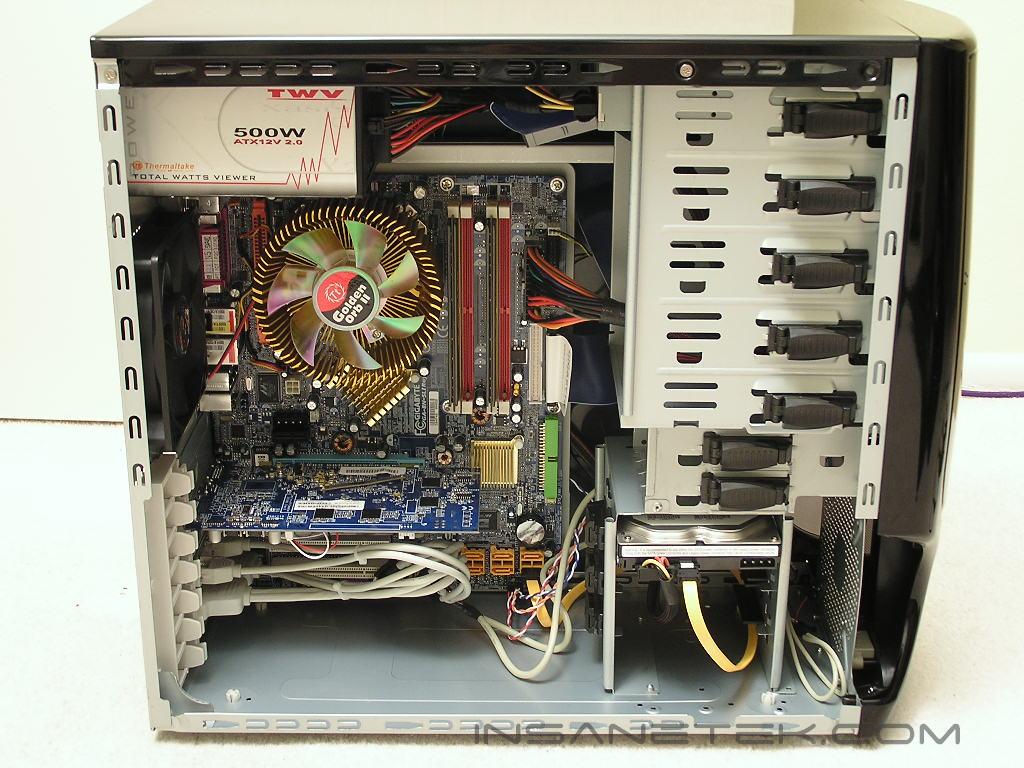
Installing parts into the Ninja was rather easy. The only part that proved to be a little difficult was installing the hard drives into the hard drive cage. Because of the position, it was hard to align the holes on the hard drive with the pin on the sliding lock tab. If you install extra accessories like a fan controller on the 5.25” drive bay, rest assure that the front panel door closes just fine. The Ninja does not come with power or HDD activity LEDs, but there are blue LEDs at the front of the case that lights up when the system is turned on. These blue LEDs act as power LEDs. When the HDD is being activated, there are LEDs inside that flashing, giving a look resembling of Knight Rider. Pretty cool ideas I must say.
Conclusion and Thoughts
Raidmax has done a great job on toning down the use of plastic parts and still providing a good looking case catering to the tastes of gaming enthusiasts. The looks are not bland and not too excessive and takes away the bore that often come with computer towers. Installing parts into the Ninja is very easy and hassle free, with the exception of the hard drive cage. It is not completely bad, but it does take a little longer than usual. A minute or two does not hurt, does it? The upgraded use of 120mm fans over the standard 80mm fans is a great plus and helps with case airflow. The coolest looking part about the Ninja is the “power LED” light. It is definitely different from the traditional green LED, and in a good way too.
Pros:
- Great paint job
- Cool looking “power LED” light
- Tool-free installation
- Affordable
- Includes a power supply
Cons:
- Power supply comes with low ratings
- Front door is all plastic
- Steel material feels a bit “cheap”
We would like to thank Raidmax for providing us the sample. If you have any questions or comments, feel free to hit us up in the forums. You can also check out more of our latest reviews on the front page.