

MGE Quantum
Introduction
When consumers look for cases, they are attracted by its looks. Hopefully, the pretty case will be built with high quality materials. MGE strives to meet these standards with their new cases. MGE Company (Manufacturer of Great Electronics) was first started in 1990, but has not made a huge impression in the computer world. A recent poll in our forums reflects the relatively low recognition of the brand. Yet, they have introduced many products over the years, ranging from CPU coolers to computer cases. Today we’ll be looking at one of their newest products: the MGE Quantum Black Mid-Tower.
MGE Quantum Black Mid-Tower
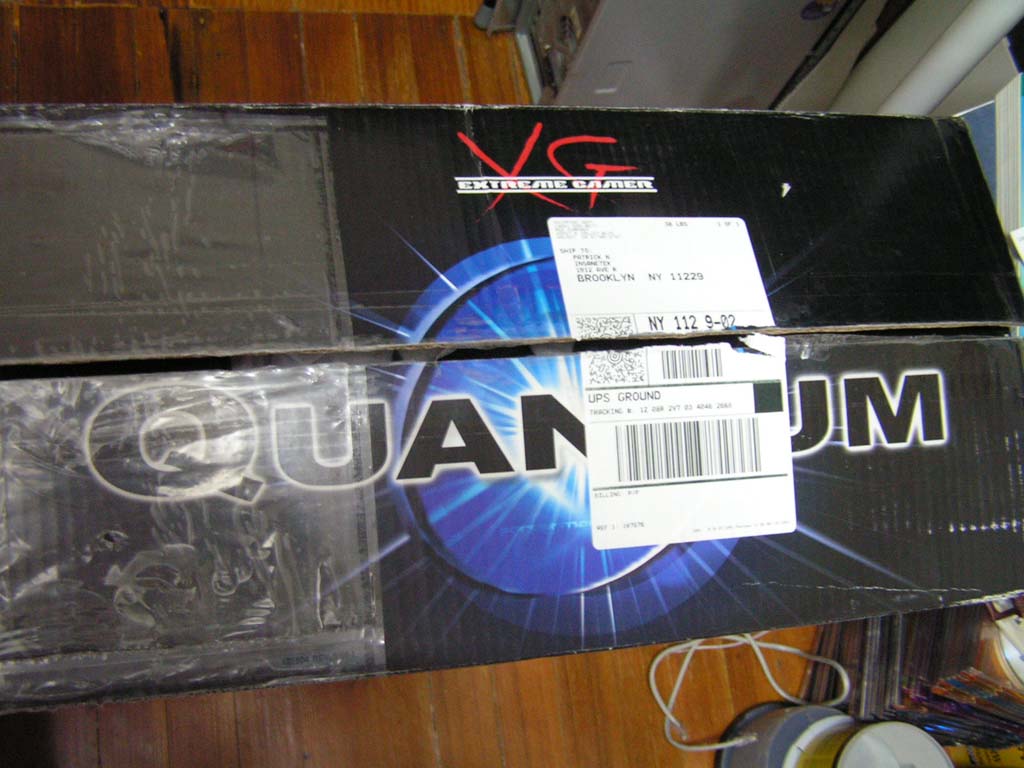
The Quantum case was shipped like many other cases, via a thick cardboard box. From past experiences with computer cases, I expected a lightweight box. I was in for a surprise, as the box was quite heavy and required more attention. The box had handles so it was much easier to carry up the stairs. Inside the box, the case is protected with Styrofoam and foam peanuts. The case itself was wrapped in plastic.
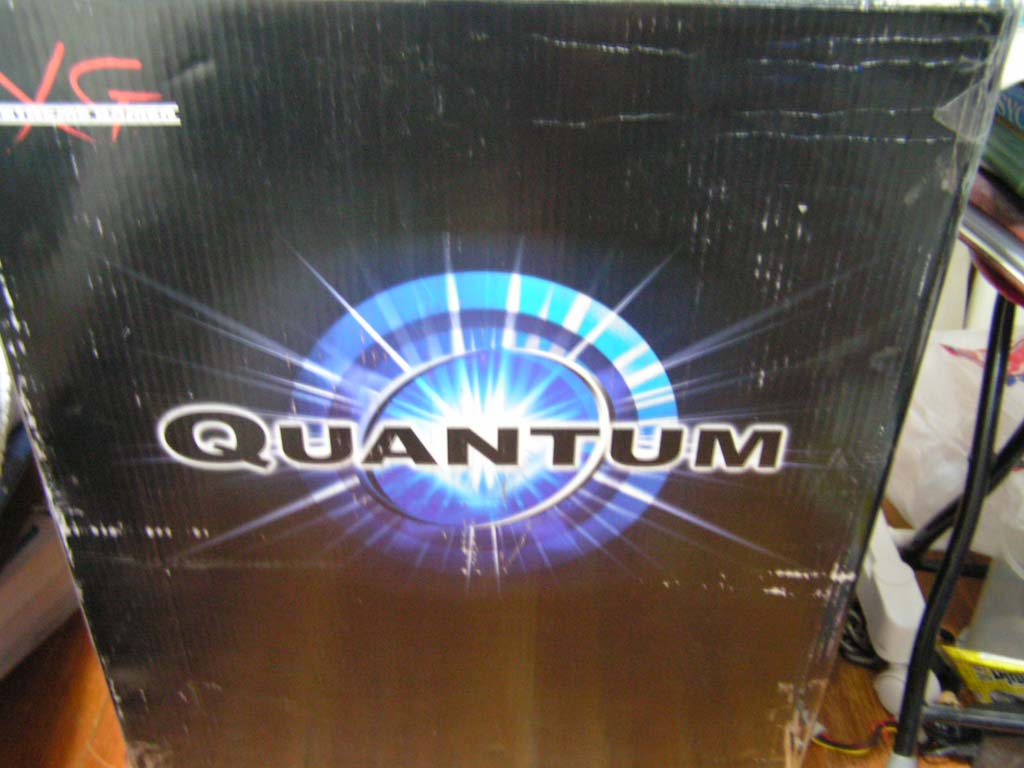

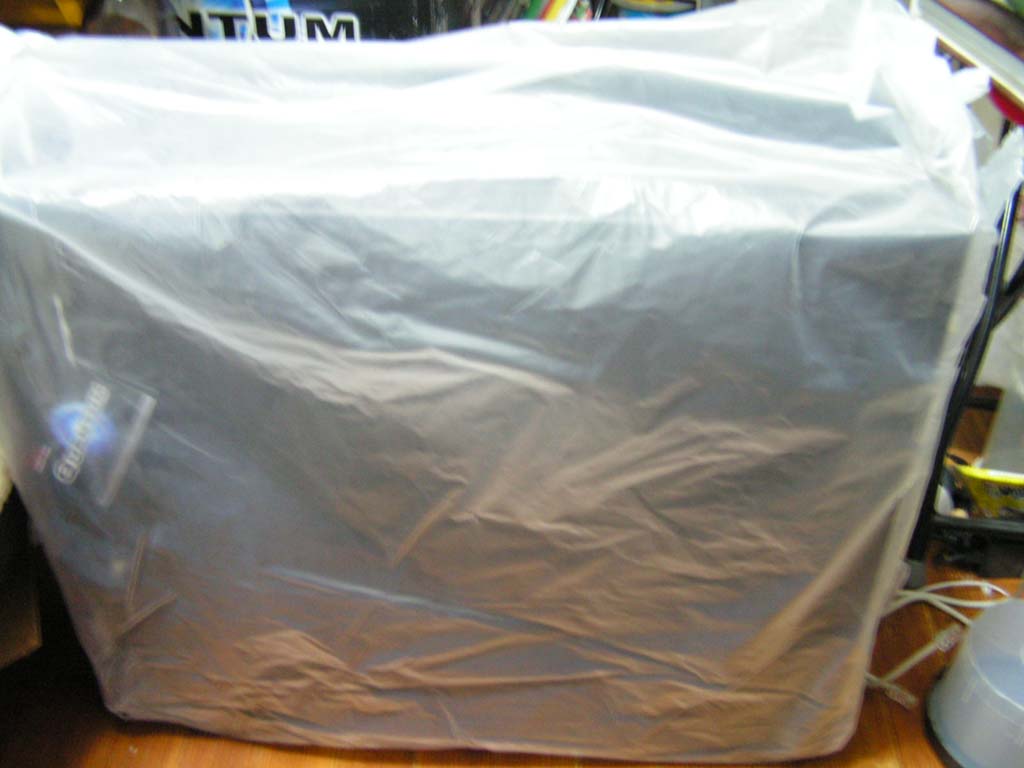
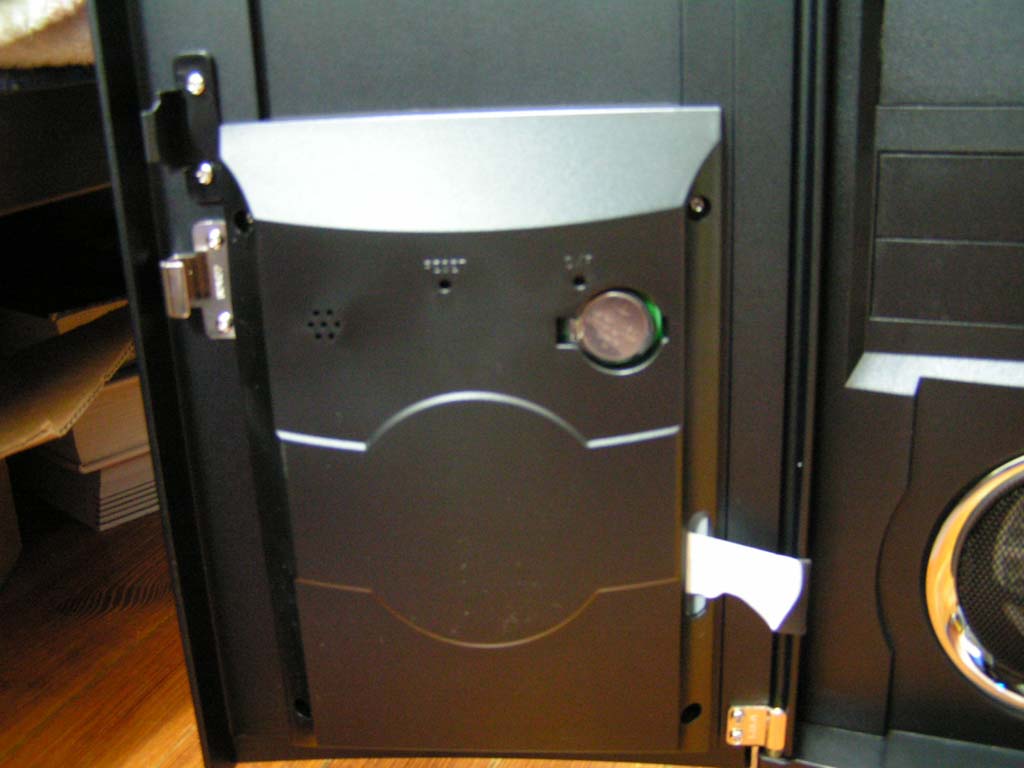
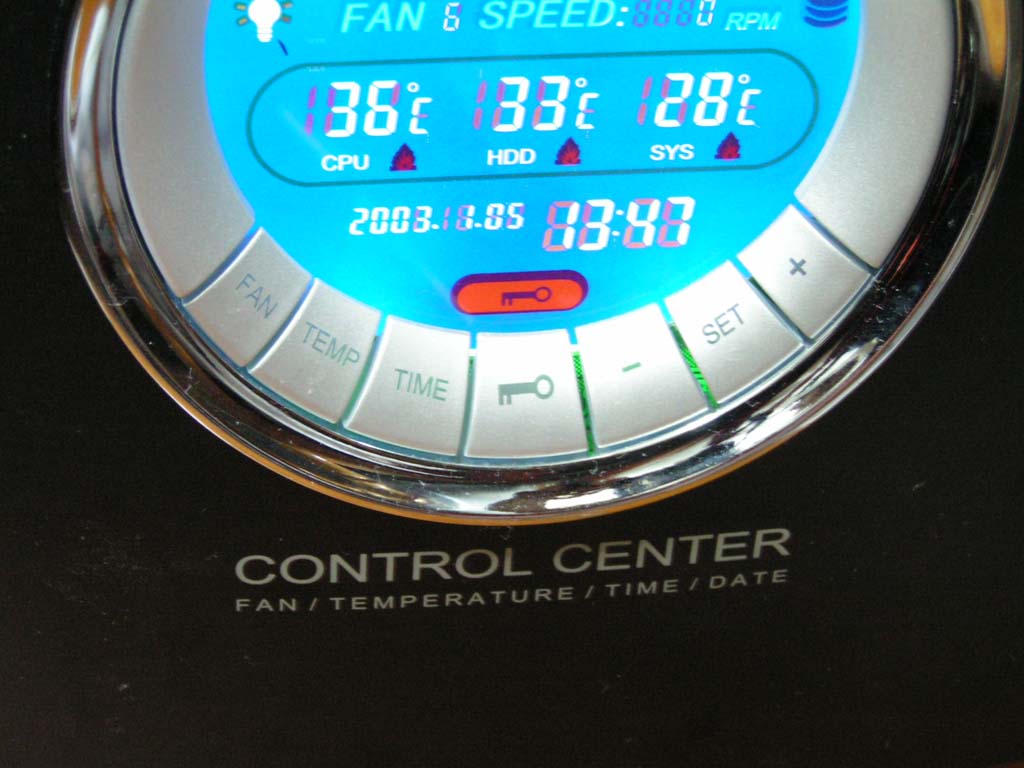
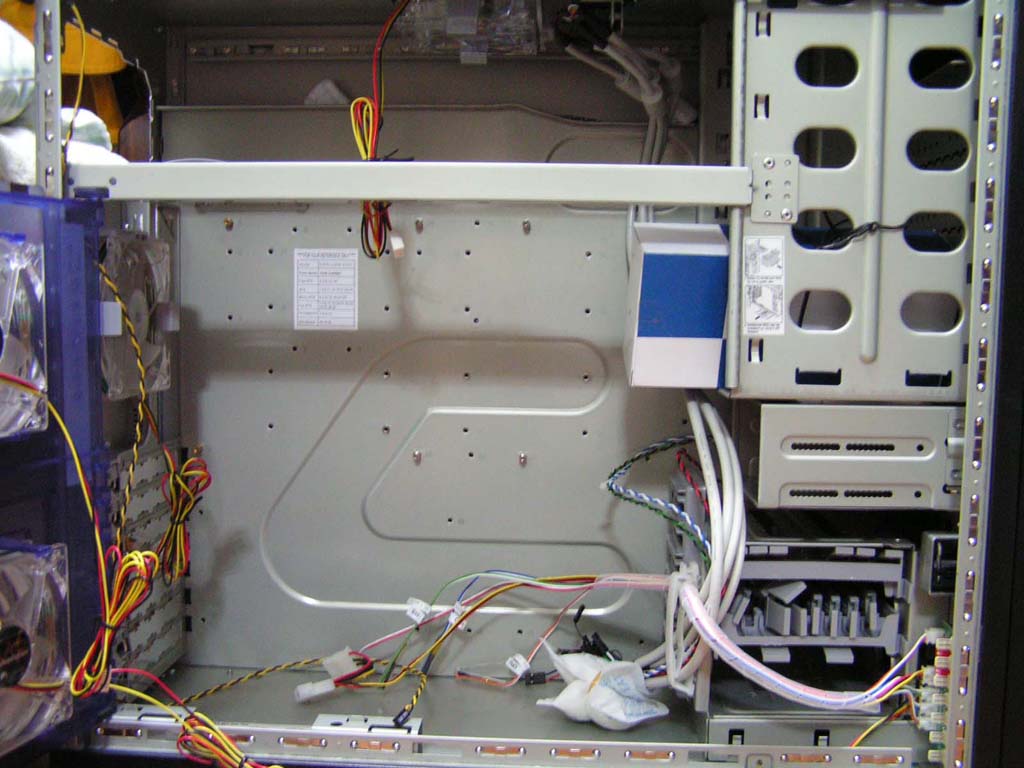
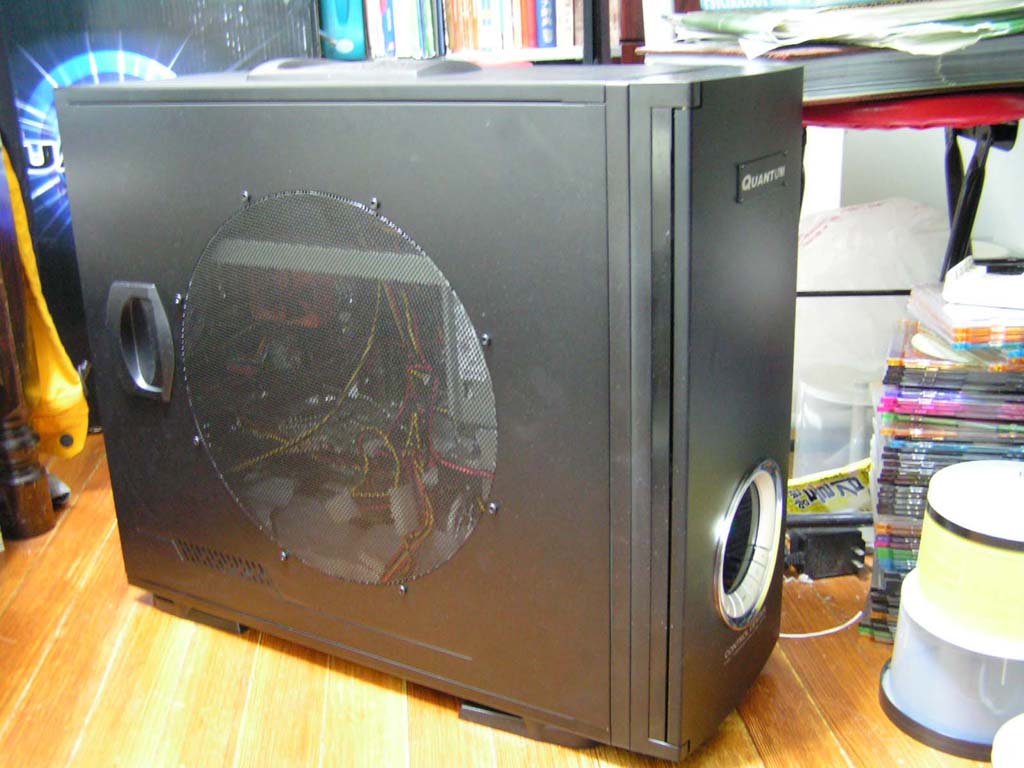
Compared to the other mid-tower cases I own, this one was the longest and tallest. It stands at 558 x 219 x 477 mm (18.9 x 7.5 x 17.2 in) and weighs approximately 30 lbs. There was no grip or handle on the case, so it was very difficult to handle. Upon removing the plastic, I immediately noticed that the two side panels had vents instead of an acrylic window. A Quantum badge decorates the aluminum front case plate, along with a LCD screen on the bottom. Opening the front case plate unveils the five 5.25” bays, two 3.5” bays, a power and reset button, and an air vent. There are no green power and red activity LEDs on this case. The battery and circuit board for the LCD screen are located the back of the first case plate. Removing the interior face plate reveals the chassis of the case.
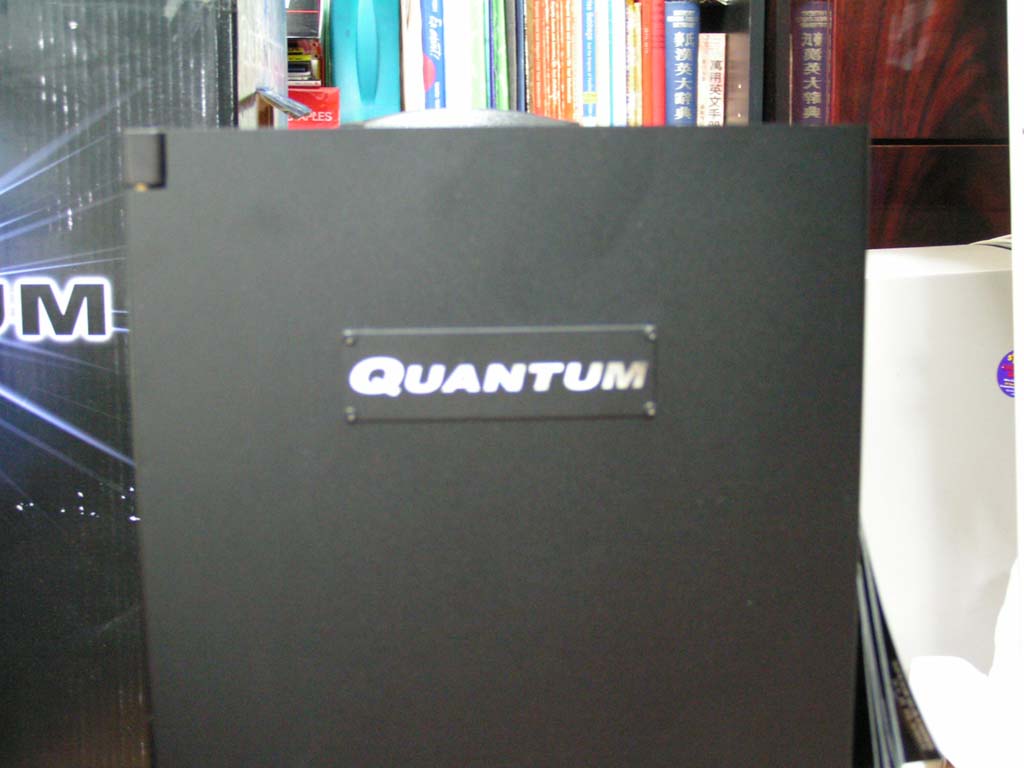
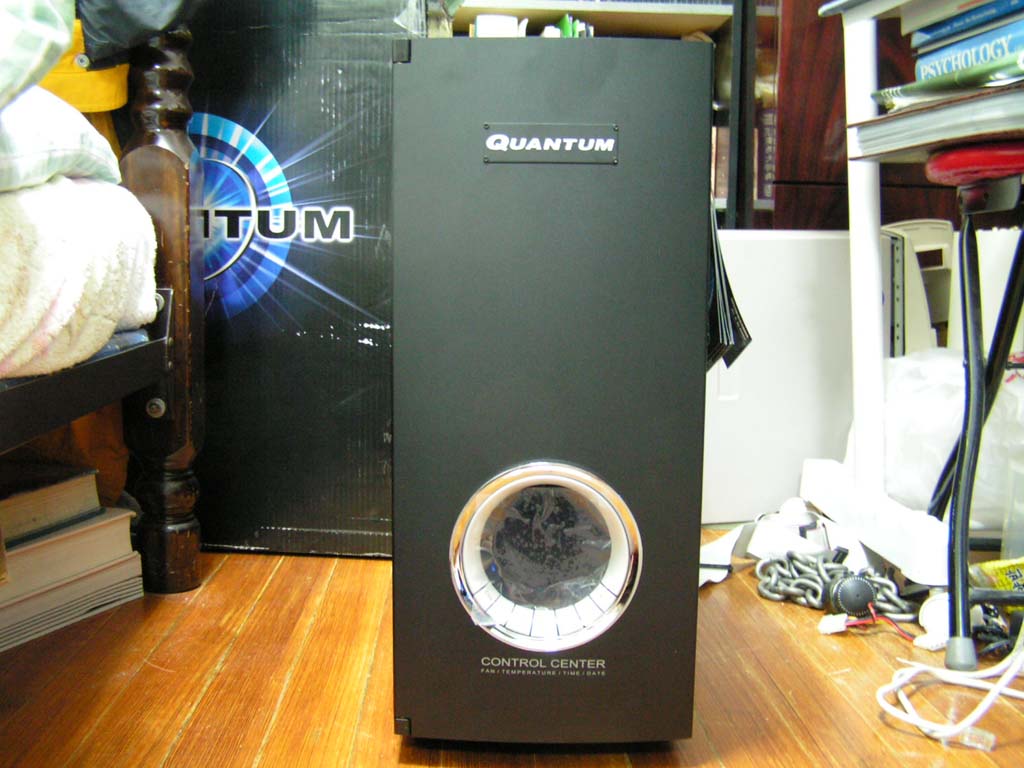
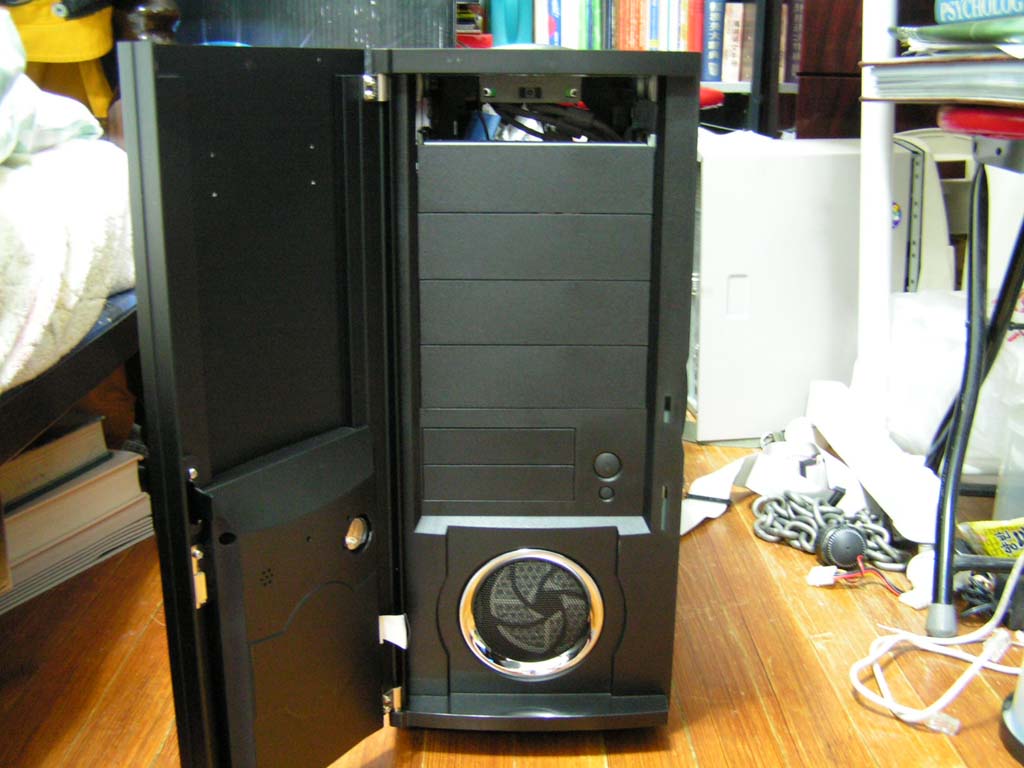
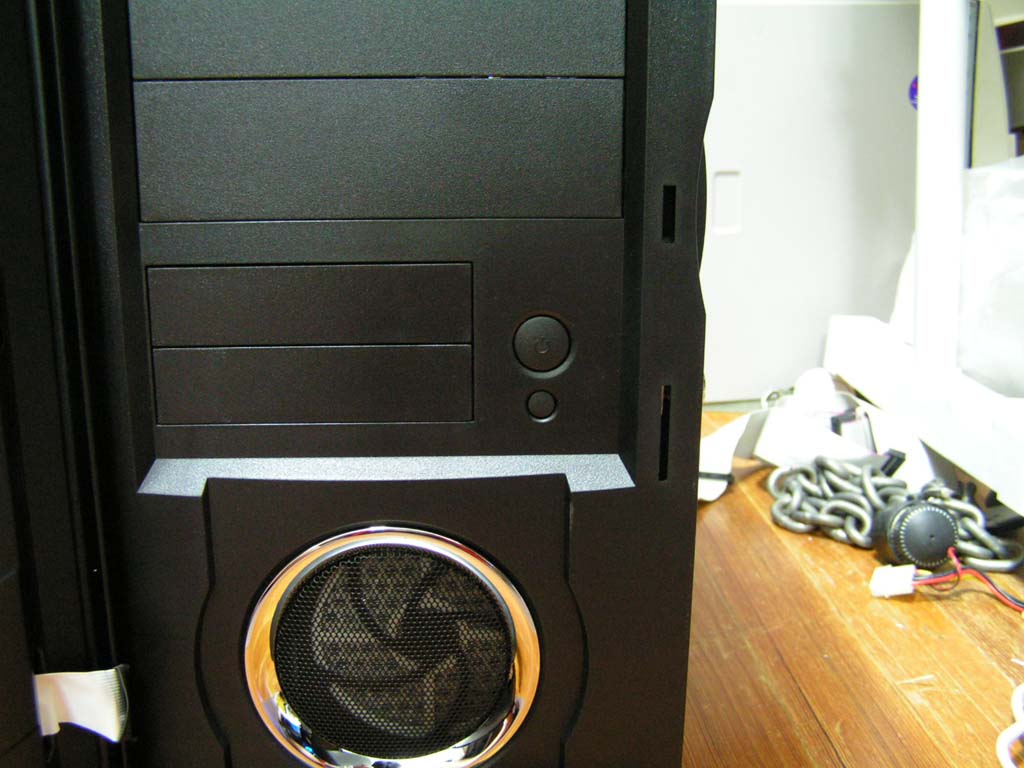
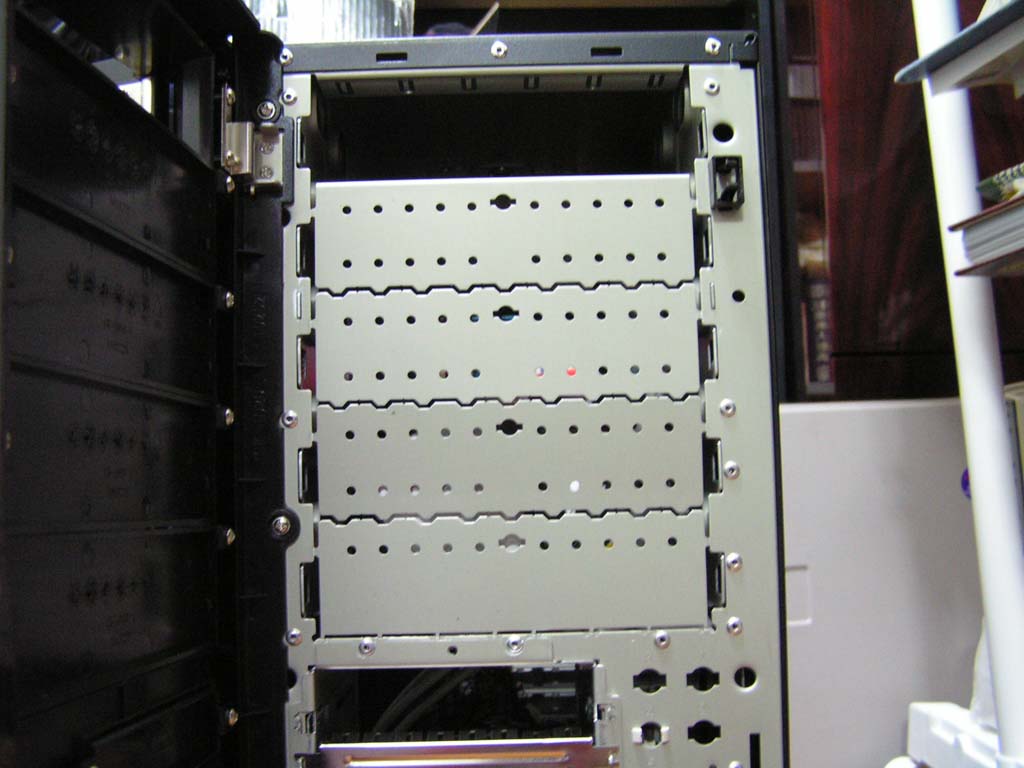
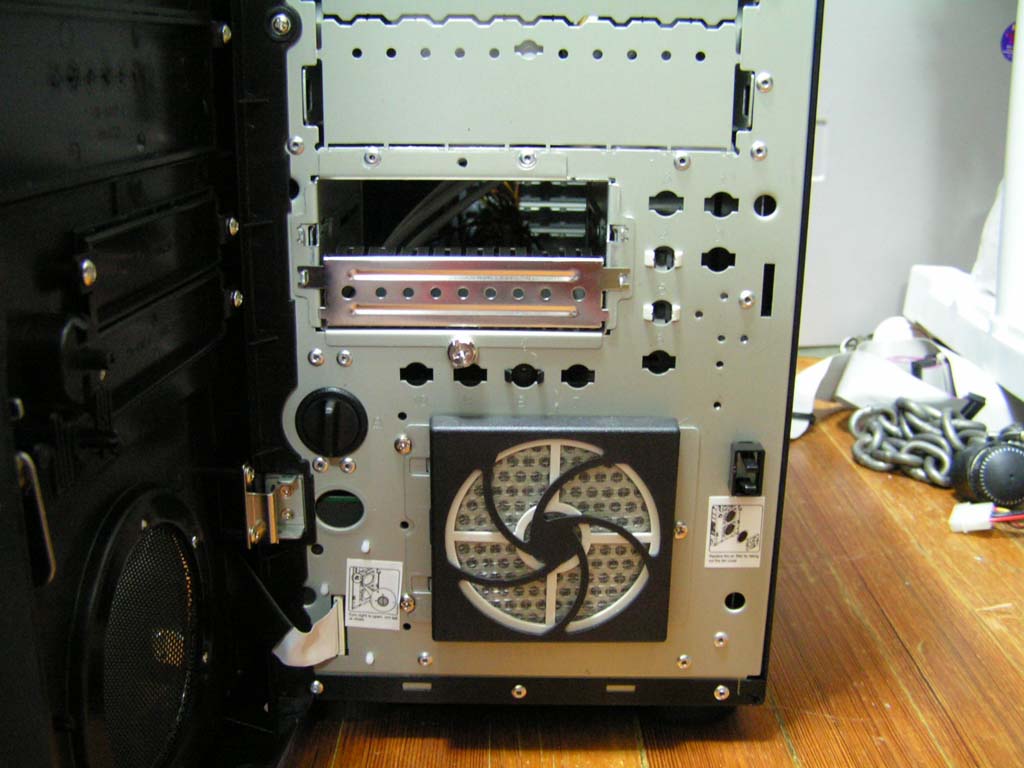
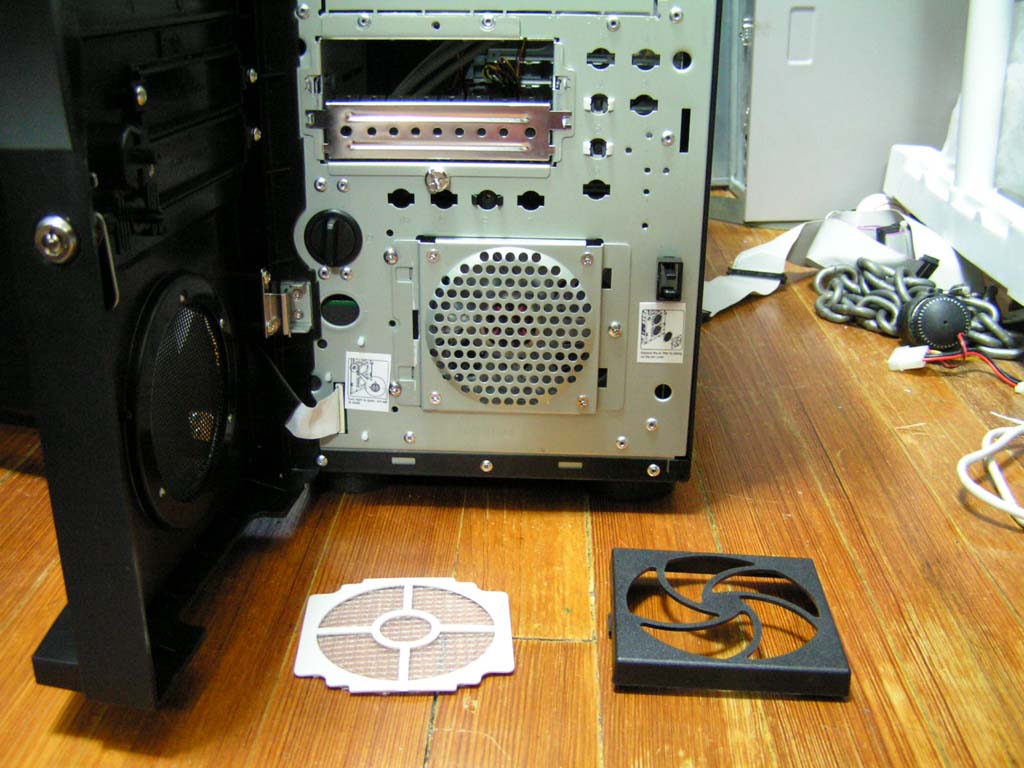
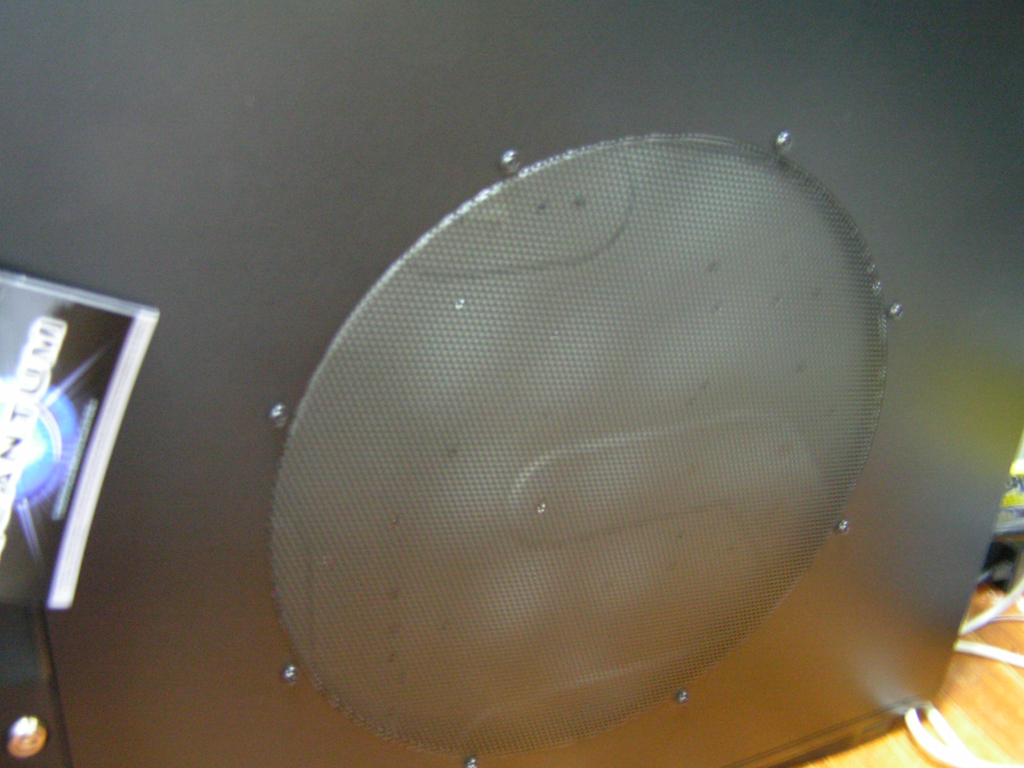
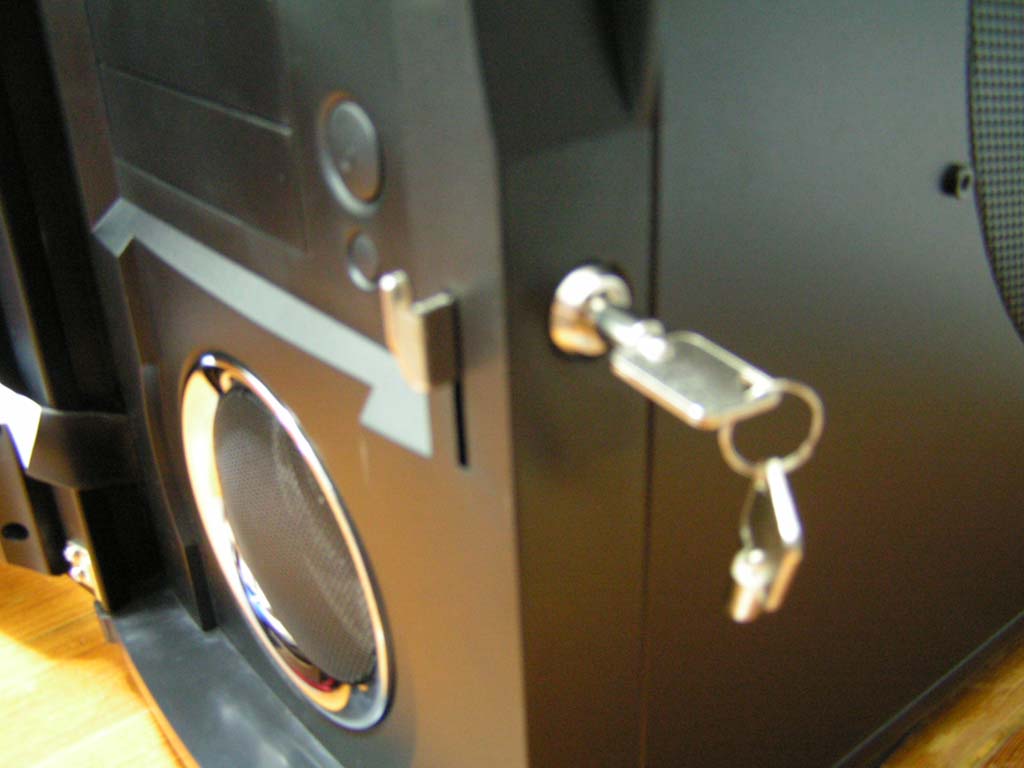
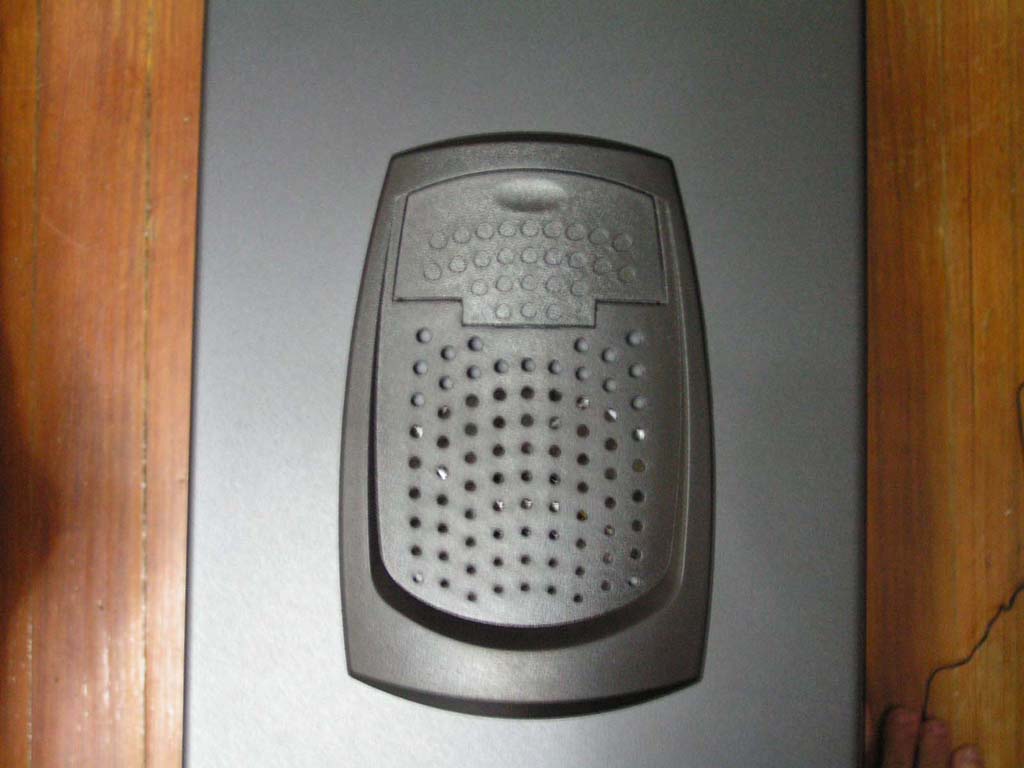
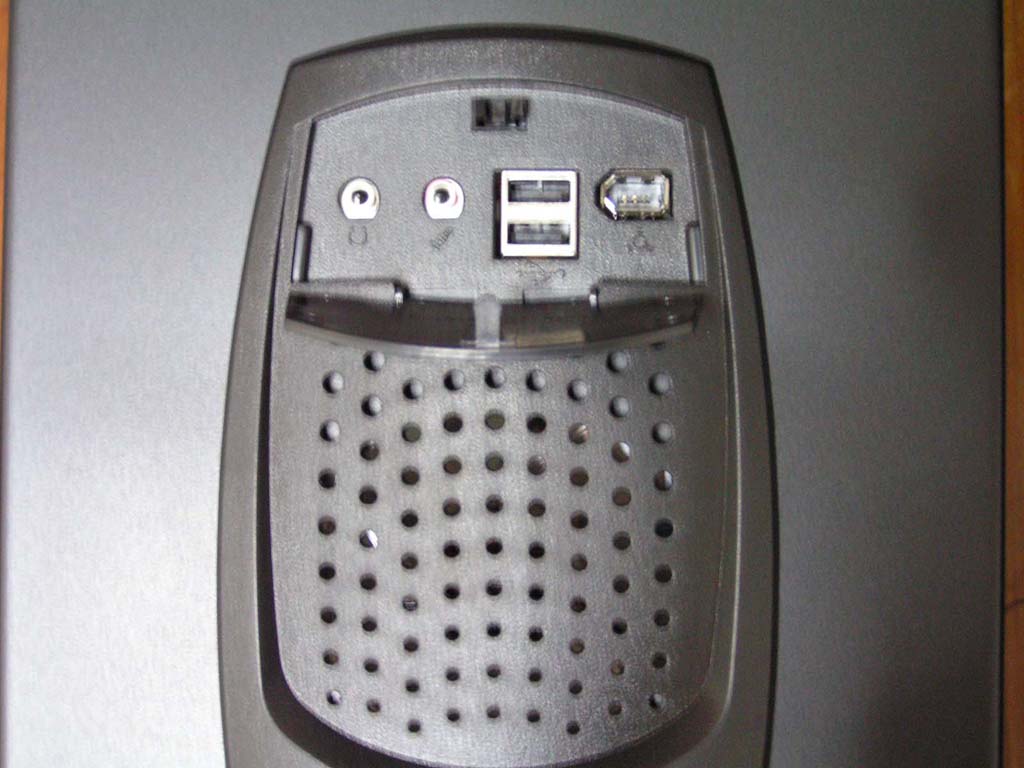
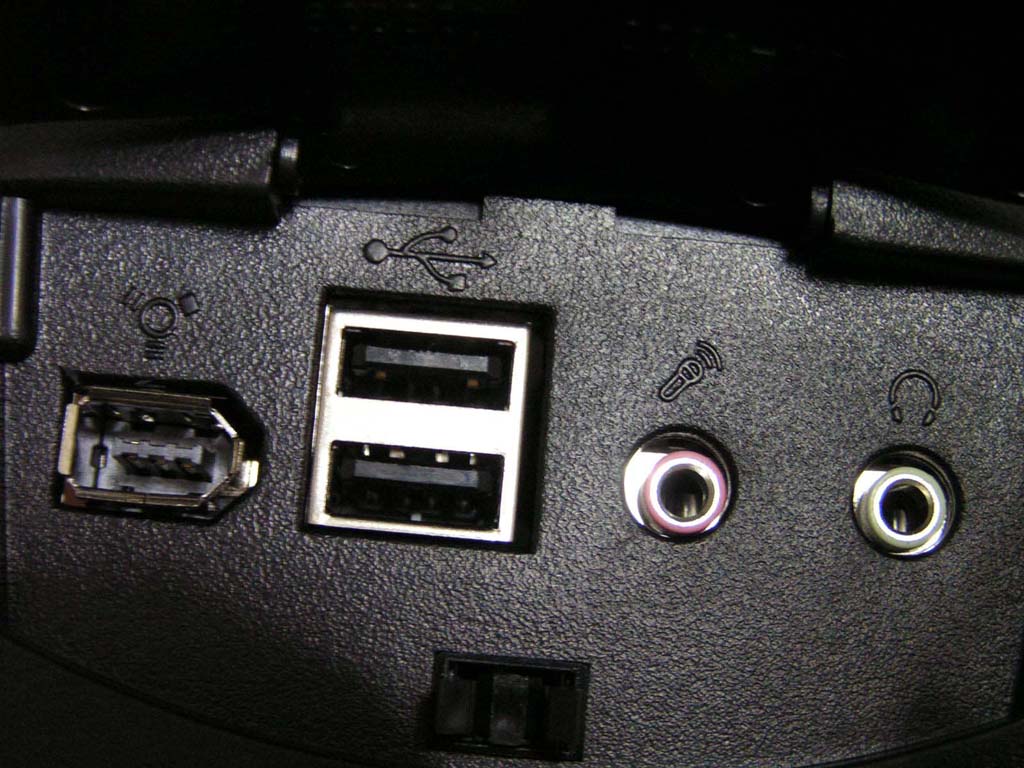
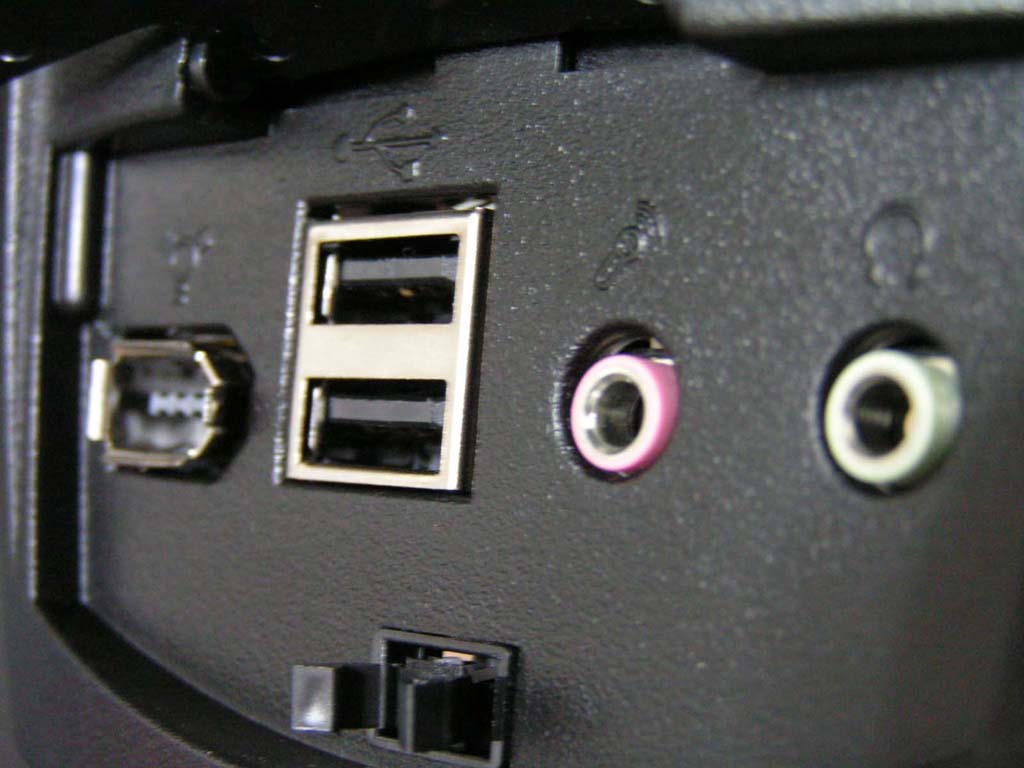
MGE uses a different type of side window in the Quantum. Instead of acrylic glass, the window is meshed to provide more air flow. These air vents are on both sides. On the right side panel, there is a key hole and lock for the two swinging face plates. On the top of the case, there are connectors for audio and USB/Firewire ports. The ports are under a door, which can be opened by pushing down. The top panel also has a vent, so users can mount another fan.
MGE Quantum Black Mid-Tower Continued
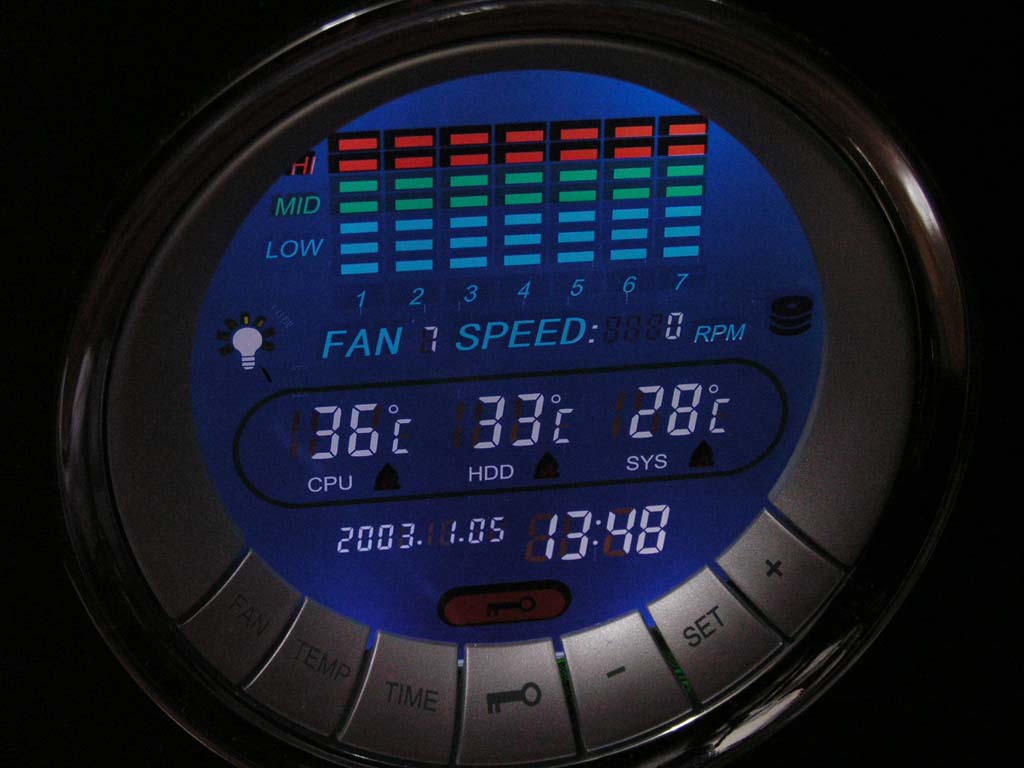
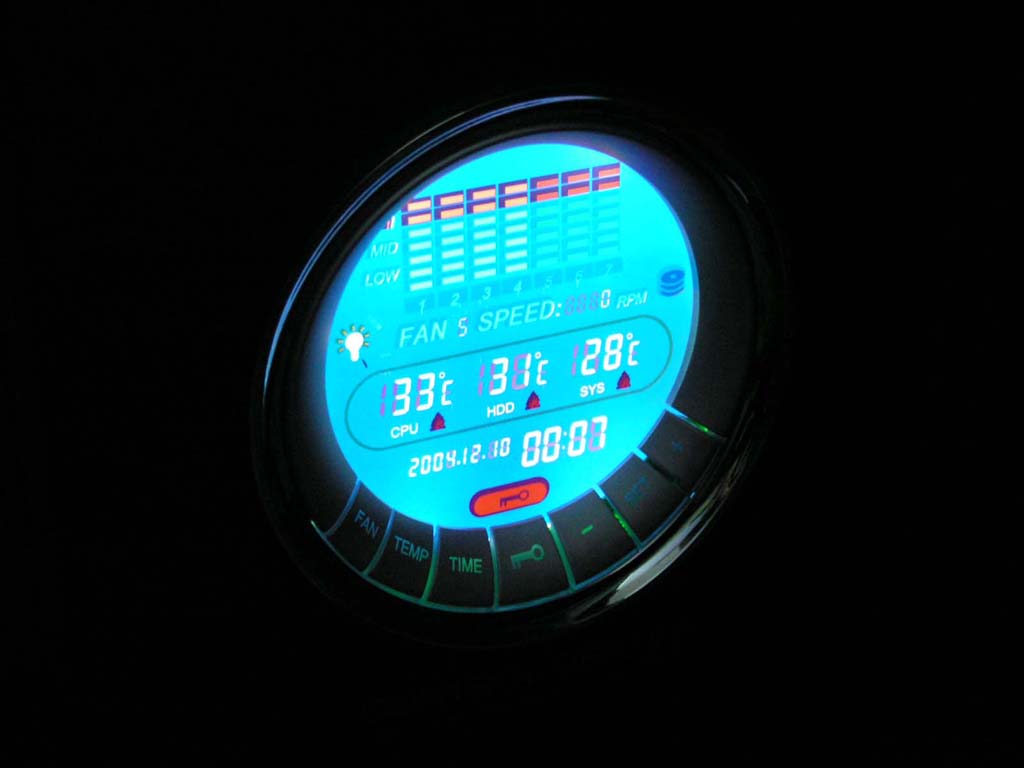
The LCD Control Center on the front of the case has many functions. It can control up to 7 fans, monitor temperatures, and provide the time and date. It has an alarm function, which utilizes the four-pin front panel speaker. The speaker will make loud beeps if the specified temperature is reached. The control center also has a function to digitally prevent tampering with the keys.
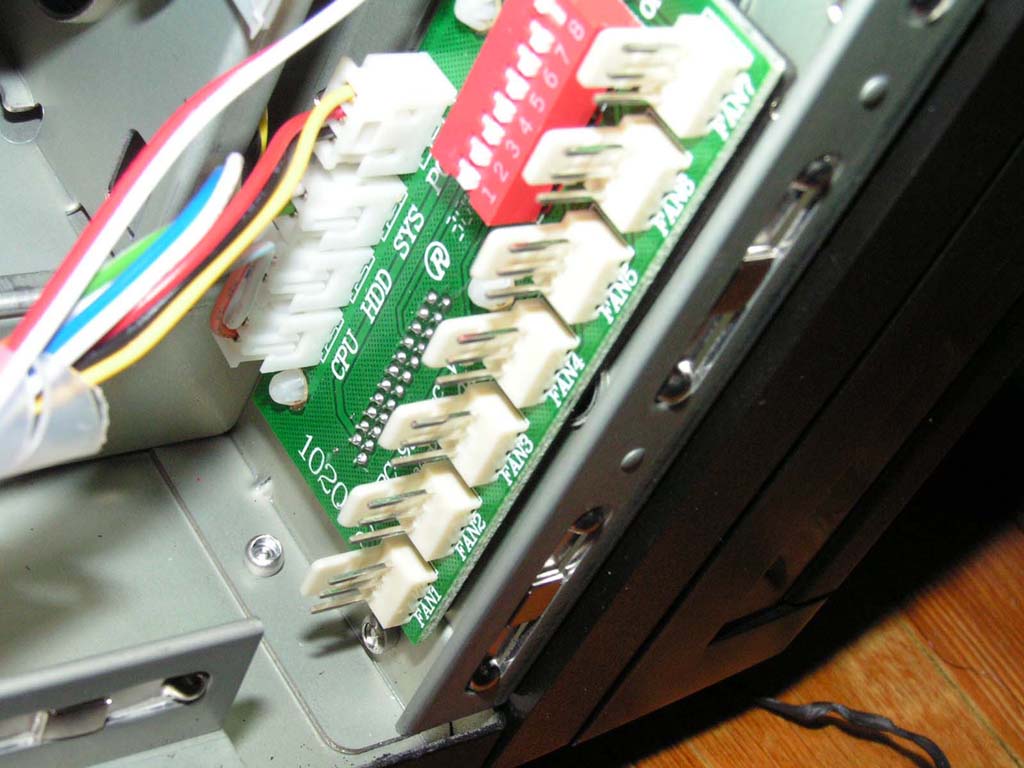
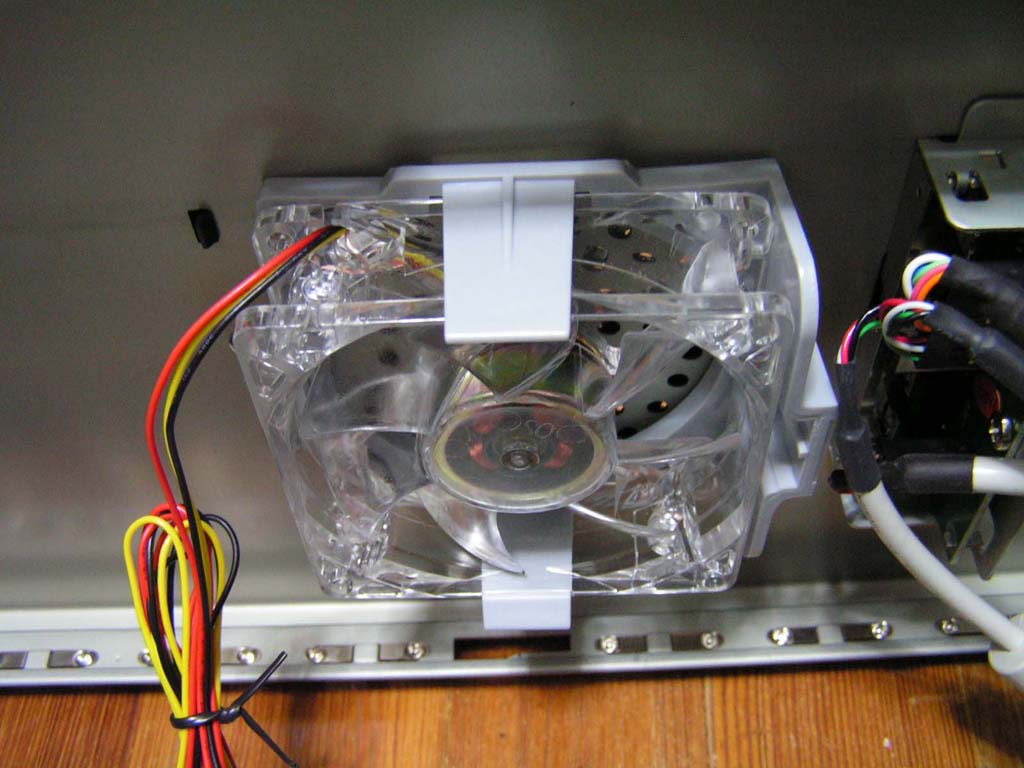
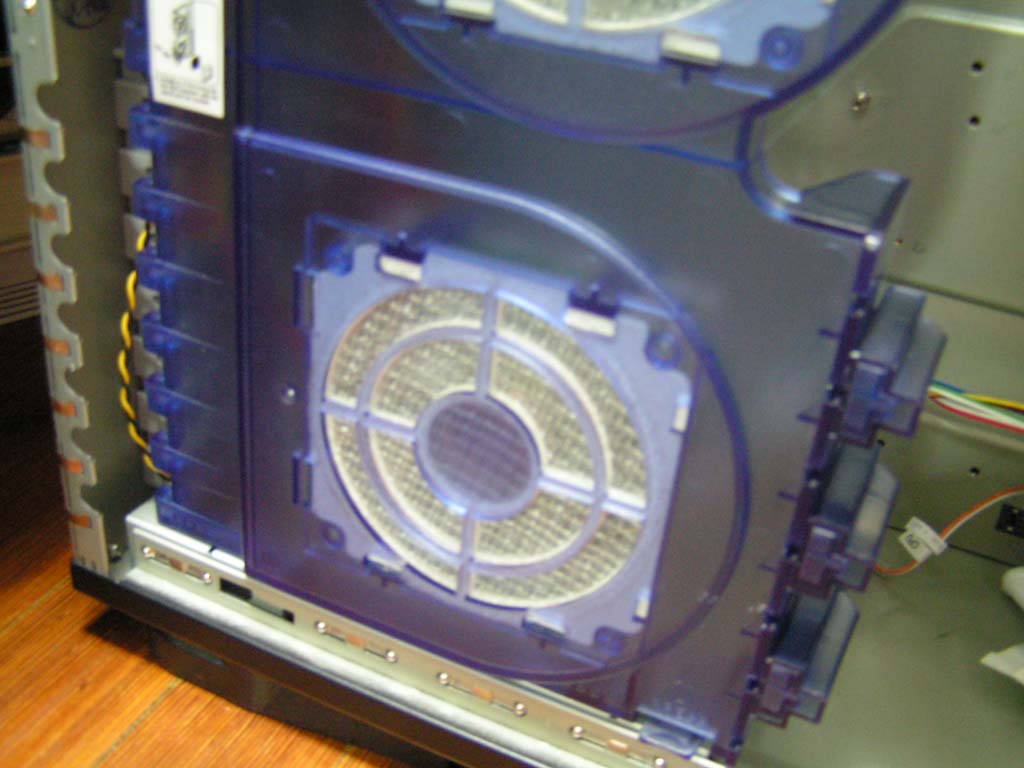
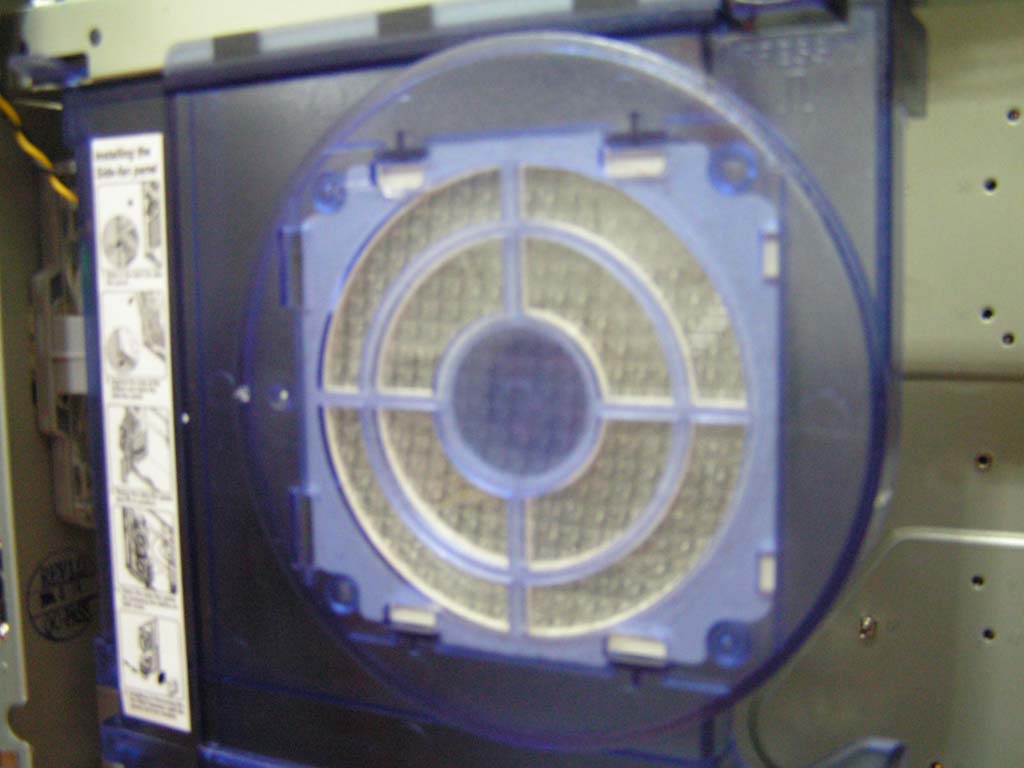
MGE did not skimp on providing fans, adding fans on the interior side panel and the two side panels. However, the fans are of very low rpm and should be replaced if you have higher-performance fans that can push more air into and out of your system. MGE has also provided a total of three dust filters for the case. The case also comes with screws, an I/O panel, drive and PCI bay tool-free slots, and a graphical user’s manual.
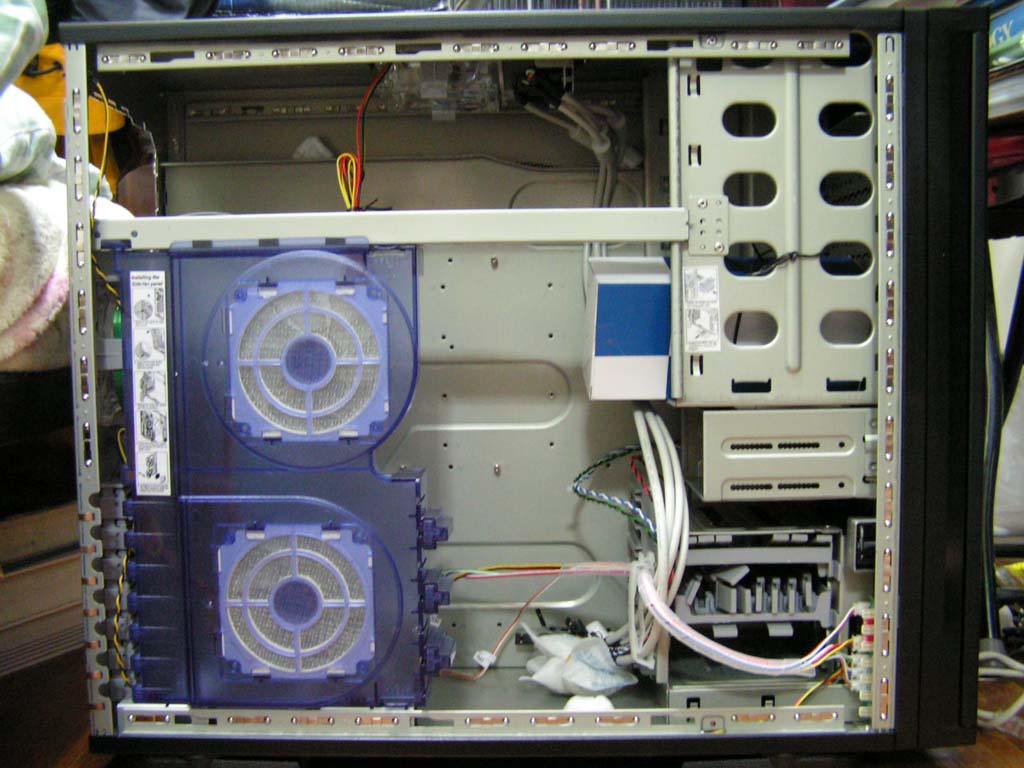
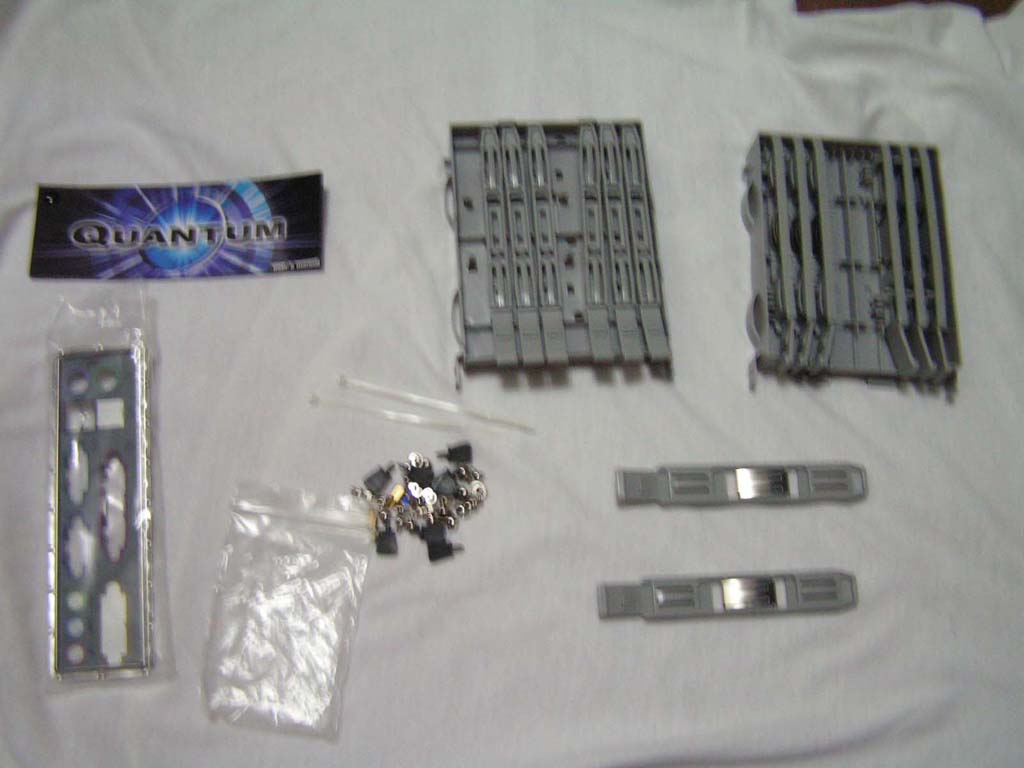
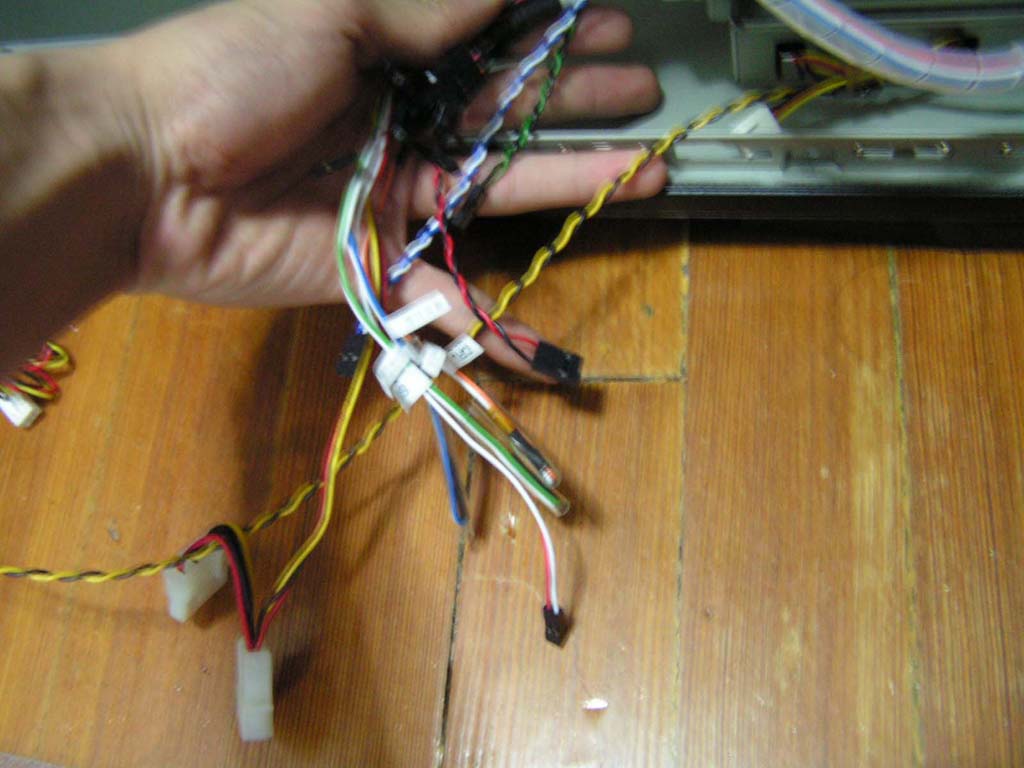
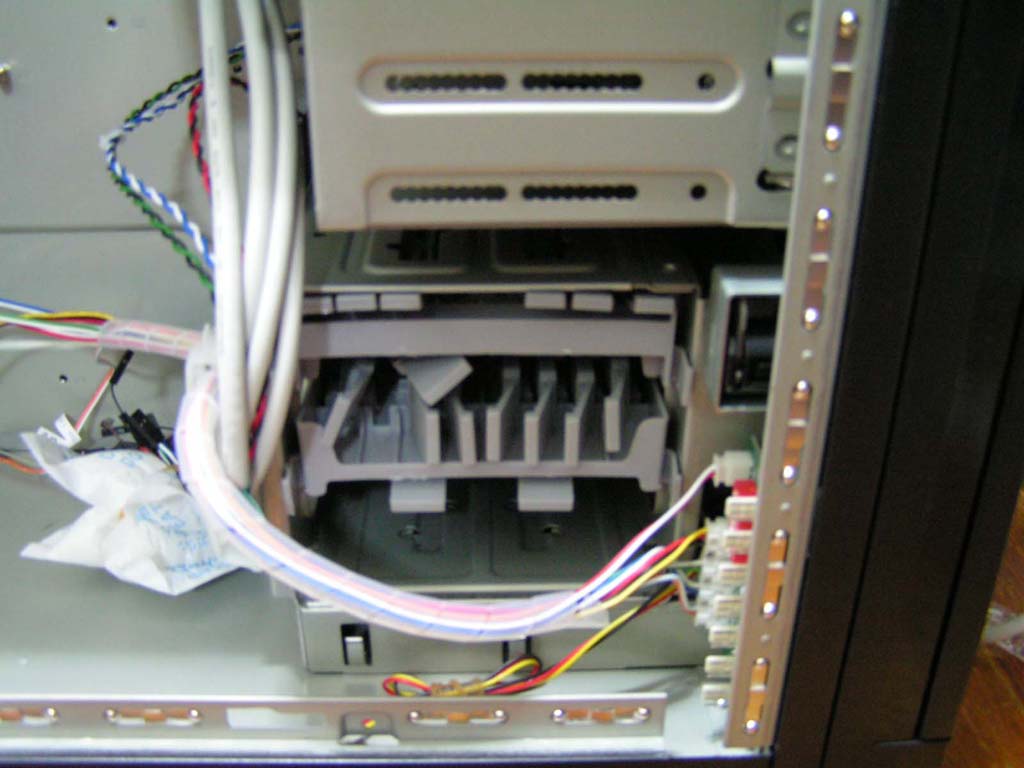
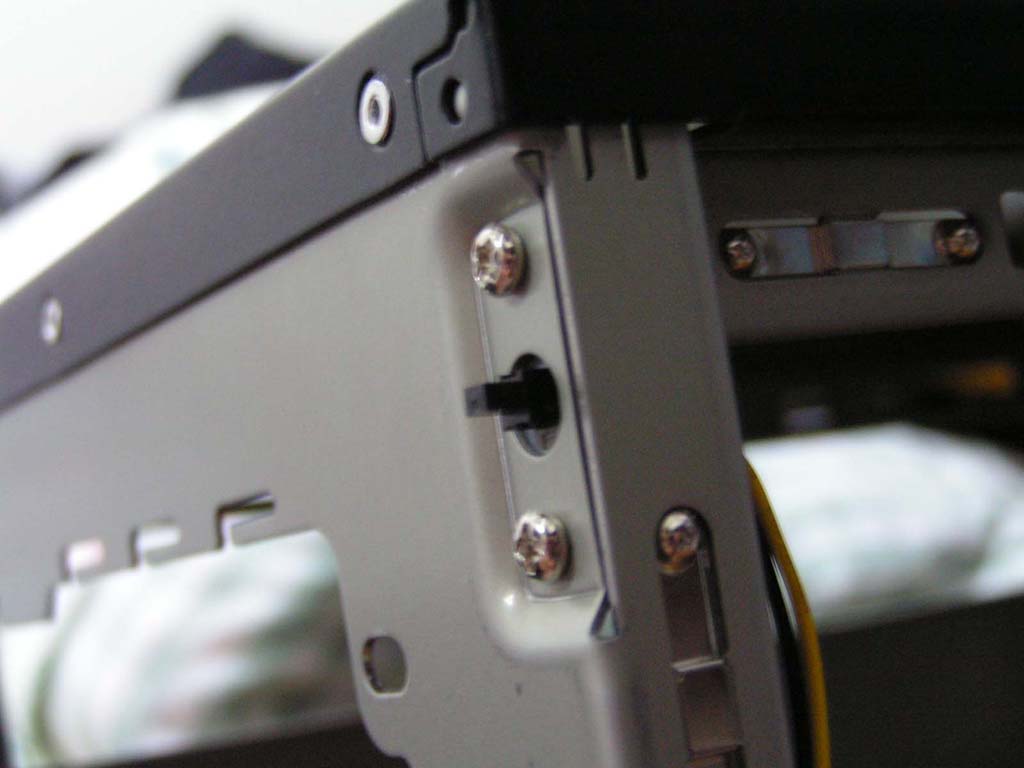
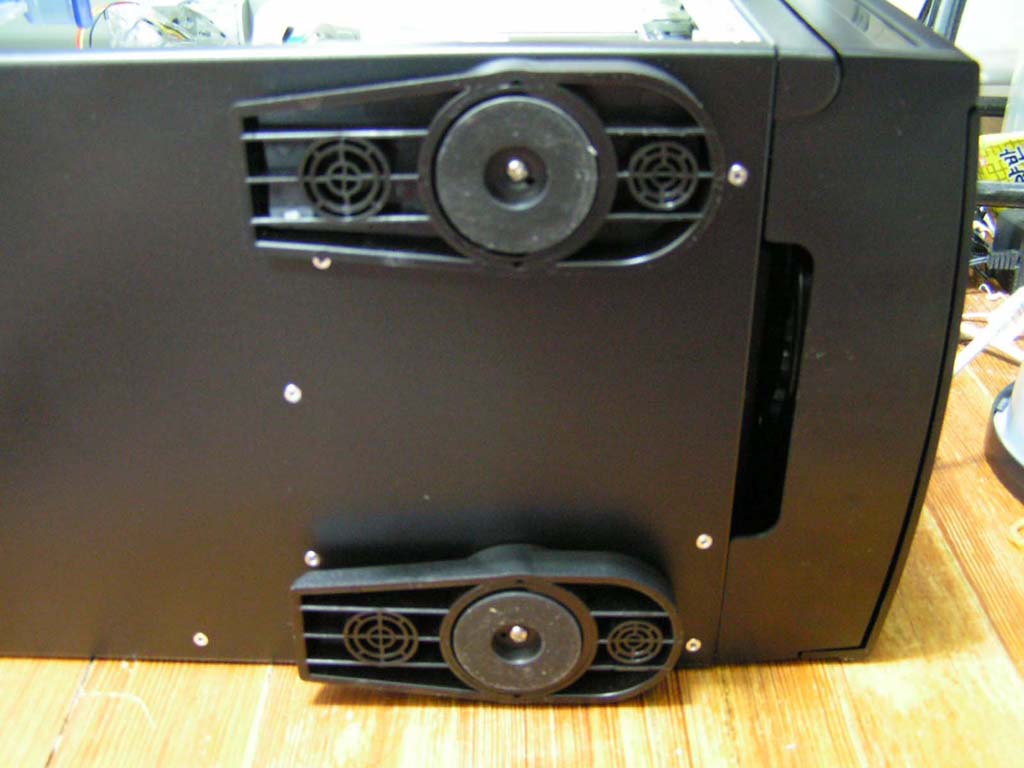
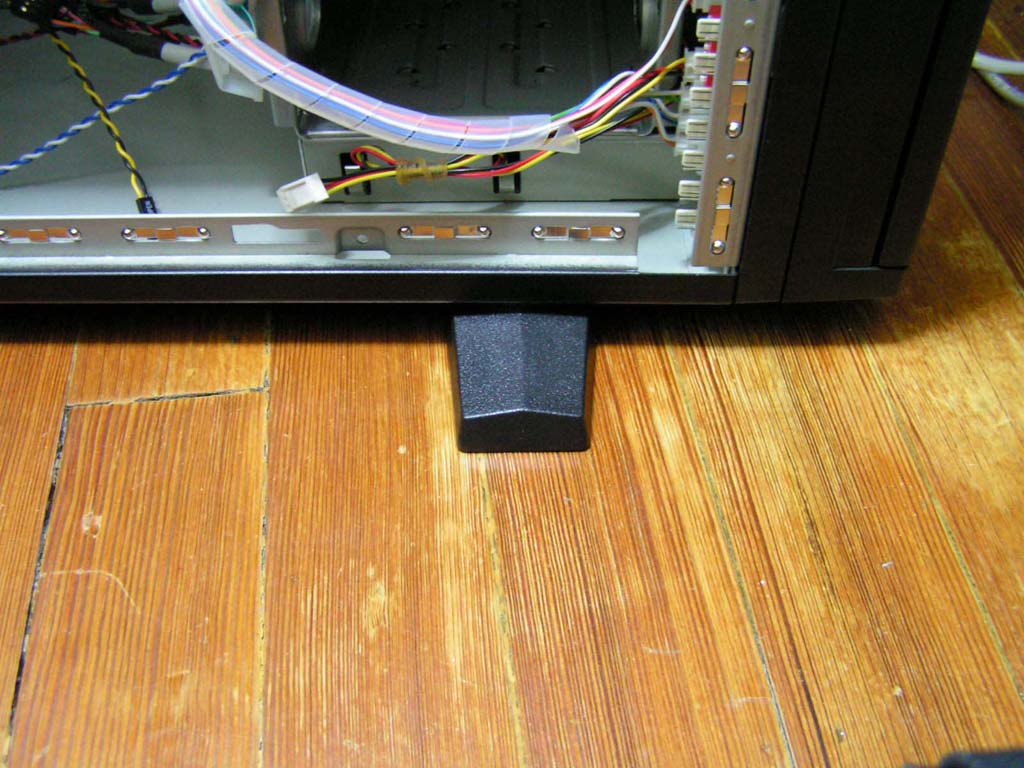
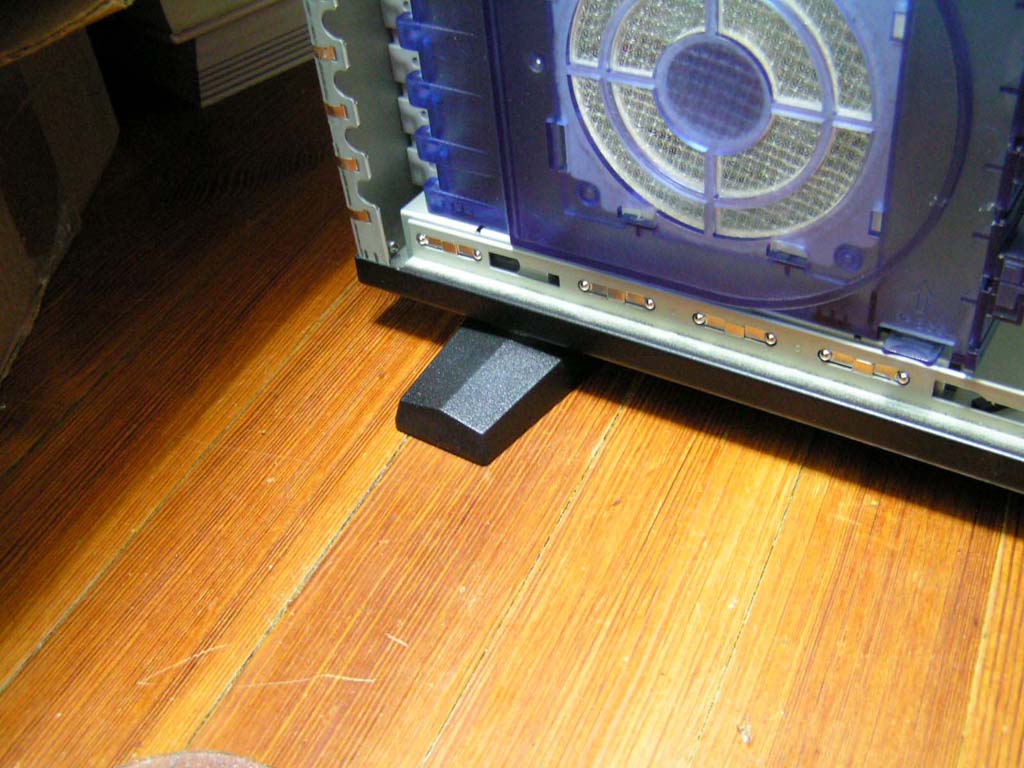
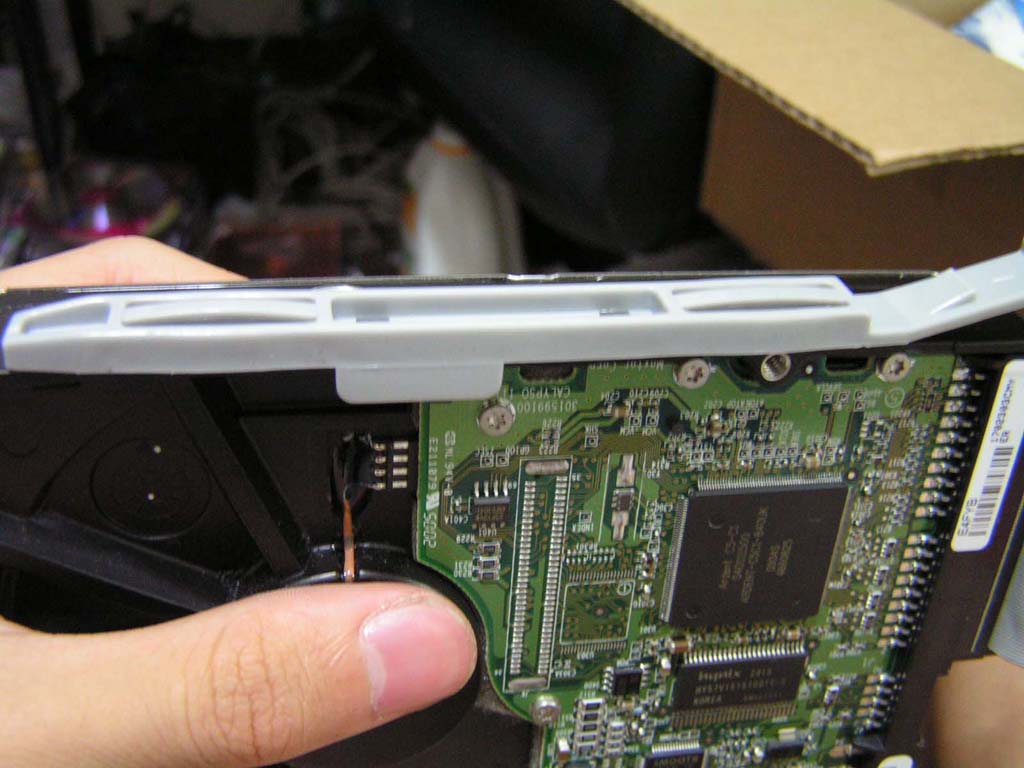
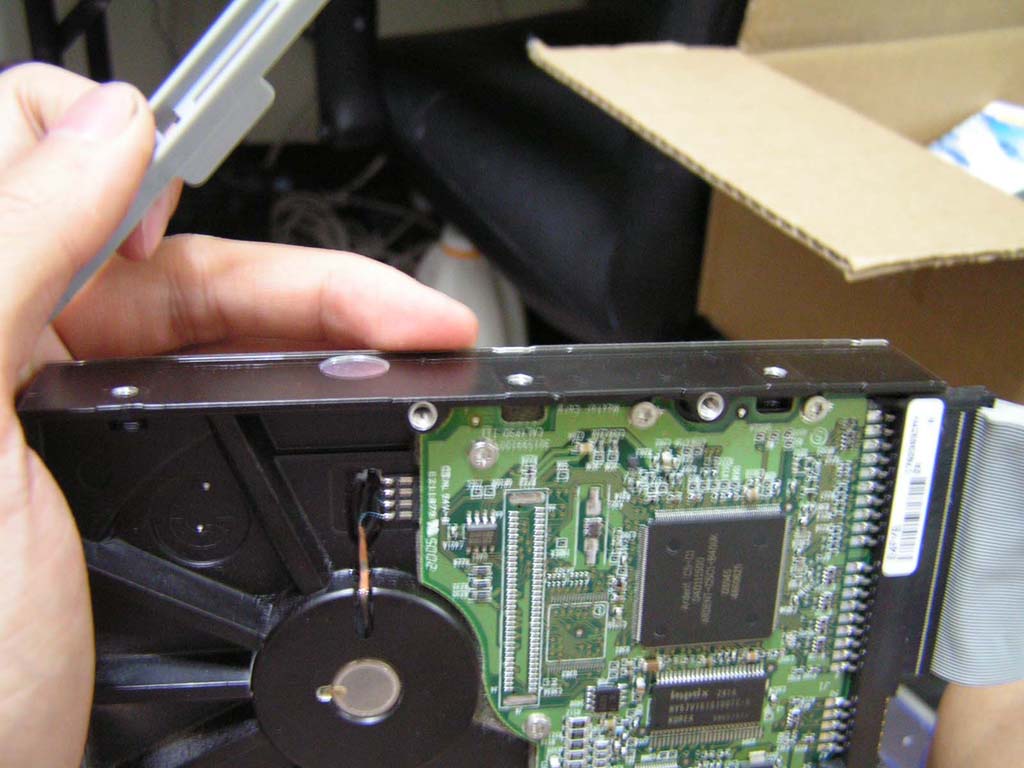
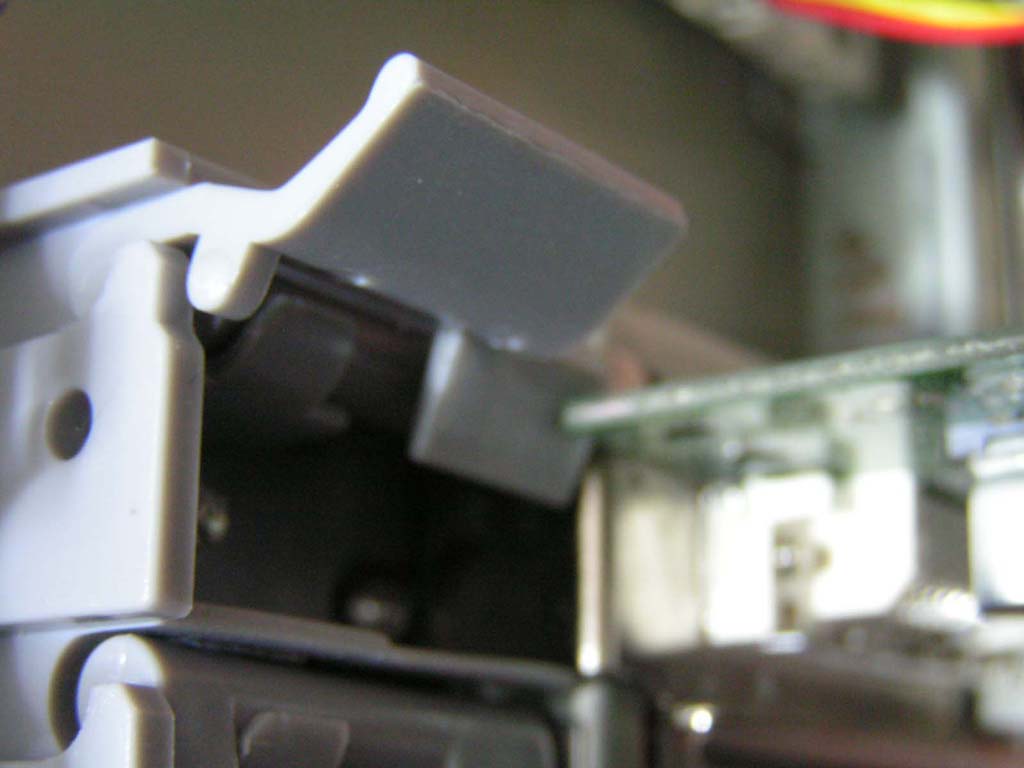
The front panel connectors were all there, except for the power LED and the HDD LED, as there are no power and HDD LEDs. The wires for the top panel connectors were neatly wrapped with a long plastic sleeve. This case has a case open/intrusion detection switch, which is located behind the main side panel. The Quantum uses screw-free PCI and drive slots for convenience. These drive slots were conveniently placed in a plastic crate in the 3.5” bays. However, there are only a limited amount of pairs. I have five hard drives and needed the extra ones, but they only provided three pairs. The Quantum also offers 7 PCI expansion slots with tool-free clips. Finally, the bottom of the case has attached feet, which can be rotated 360°.
Specifications
|
Installation
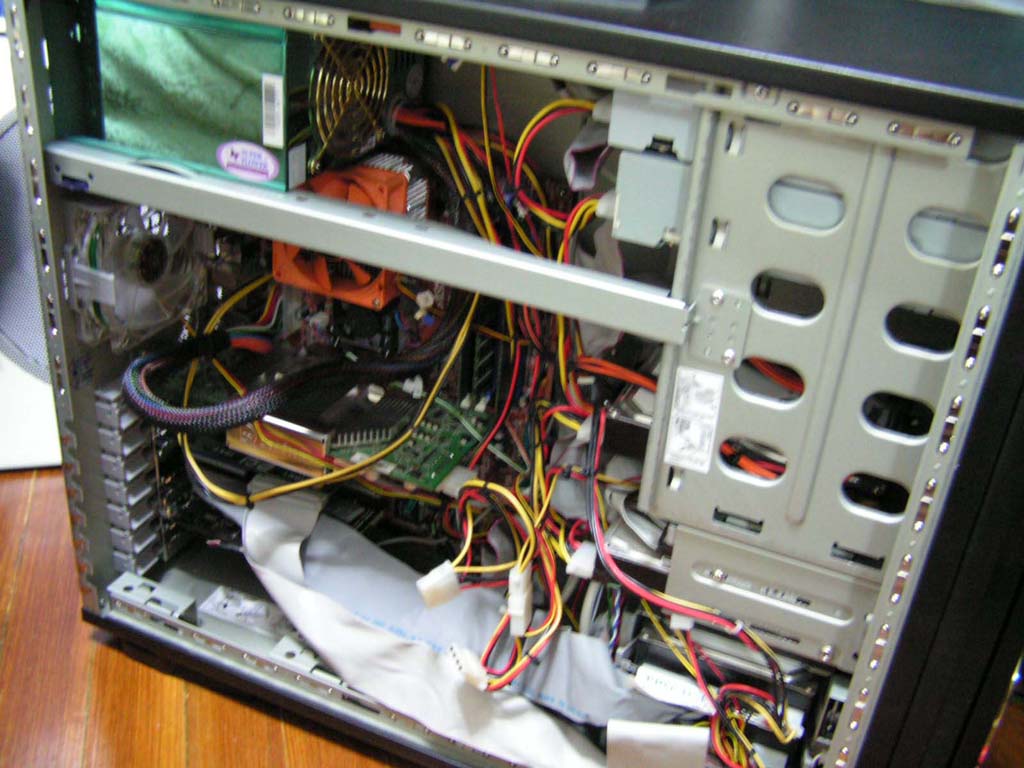
The near tool-free design that the Quantum utilizes makes life easier. Although the side panels have thumbscrews, I see no point in them because there is a lock in the front of the case. The motherboard installation was quick and flawless. There are pins that secure the extra holes of your motherboard, so that you don’t need to fiddle around with a bunch of screws.
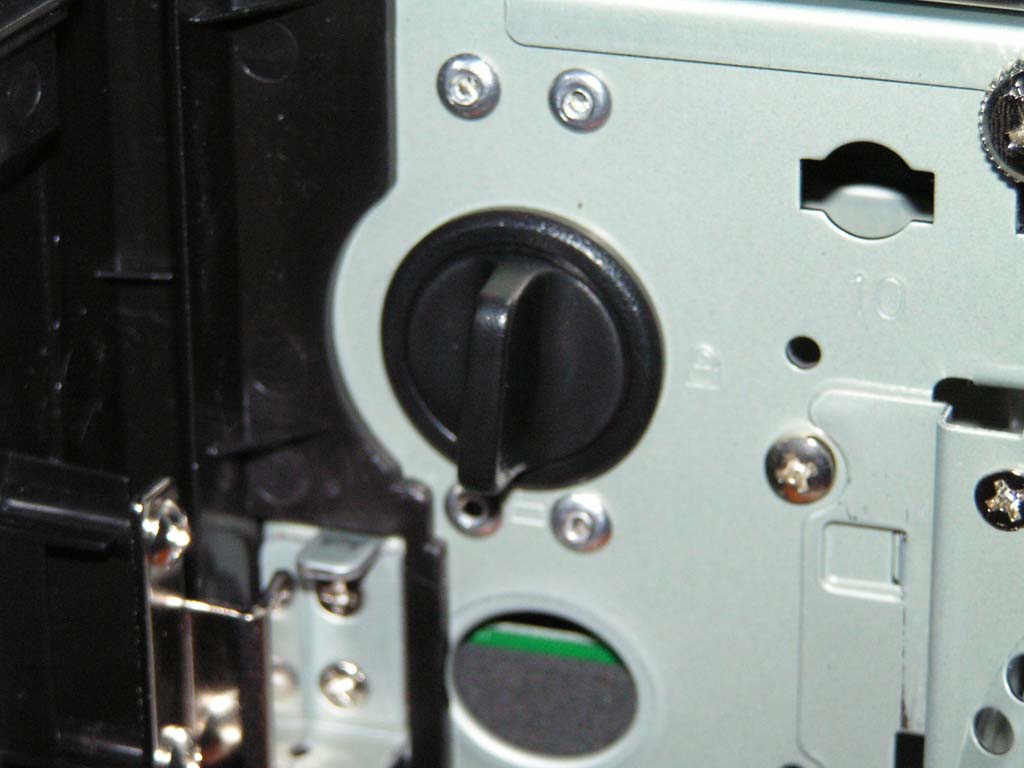
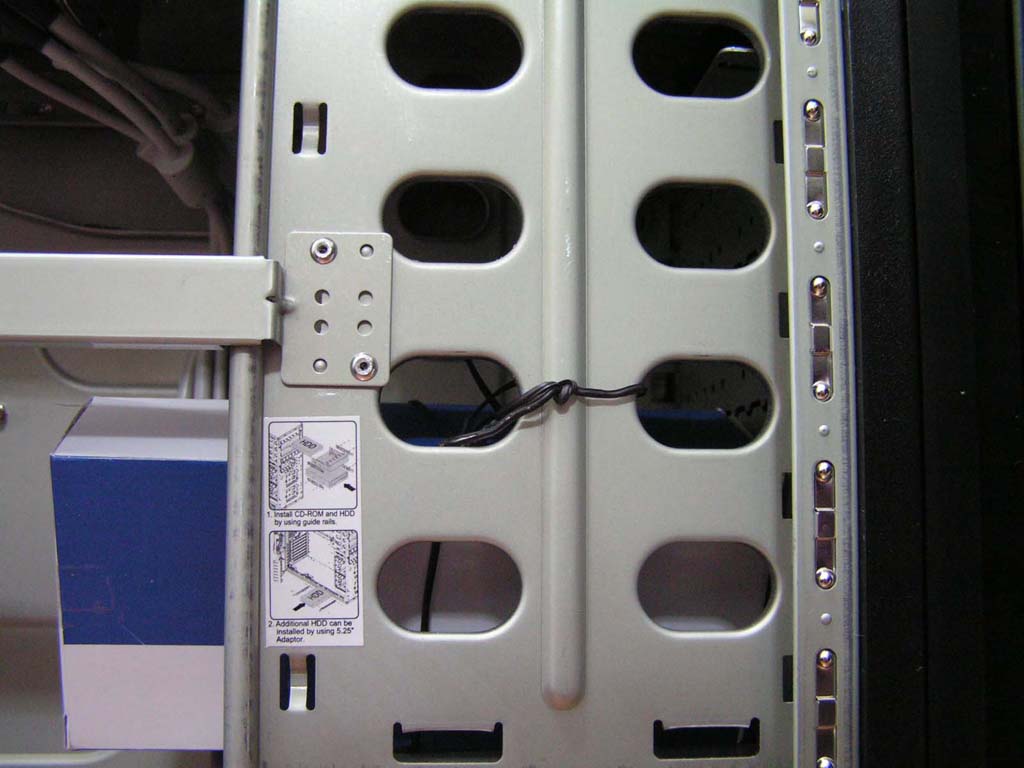
The drive bays on the Quantum were easy to snap off. However, the bottom one was secured too tightly on three of the four possible sides, making it extremely difficult to even bend it down. If you have a dremel, you can carefully cut off the tabs that are securing the sides and you can bend it down. Unfortunately I did not have a dremel, so I was forced to bend it down with a screwdriver in the middle hole. It bent the case a little but did not affect drive installation.
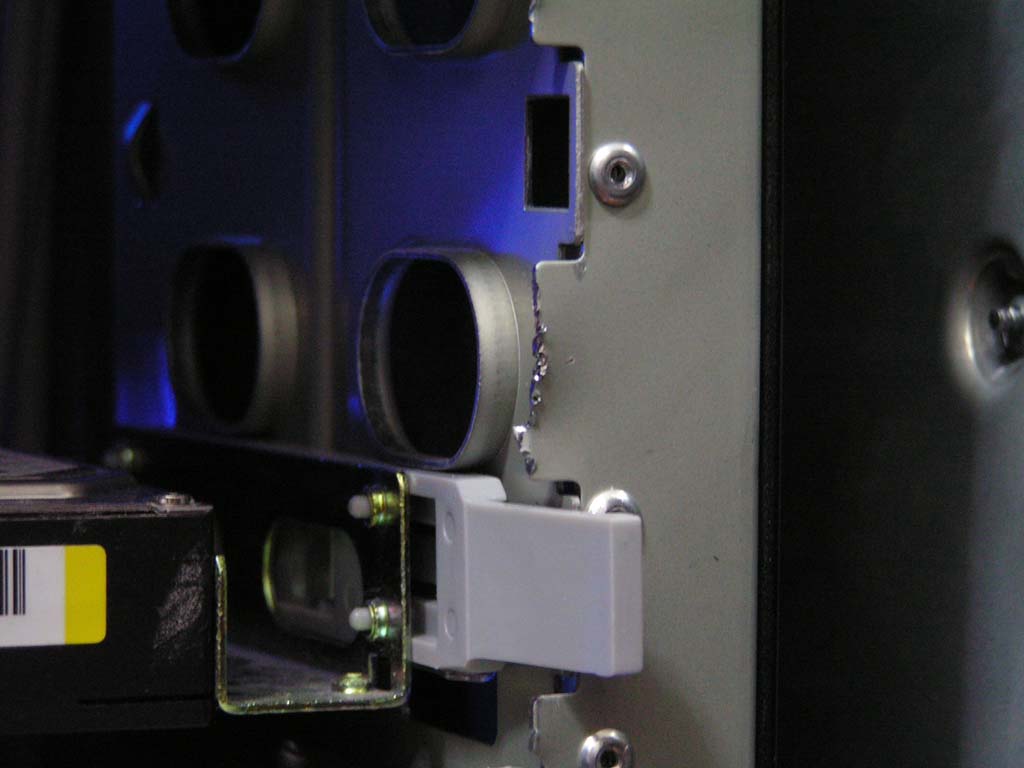
Although the tool-free design simplifies the installation process by a huge margin, there were a few things that were not so smooth. The drive slots that were supposed to be inserted into the hard drives and CD drives were not tight and fully secure. The drives would fall out with a light touch. Additionally, The PCI slots were perfect until I installed the graphics card. The Leadtek Geforce FX 5950 Ultra is a big card and had restricted the clip. Perhaps if MGE made the clip a little bit thinner, the card would avoid the thin area to move just fine. Lastly, the last three 3.5” bays requires elongated IDE cables. Otherwise, each hard drive needs to have its own cable.
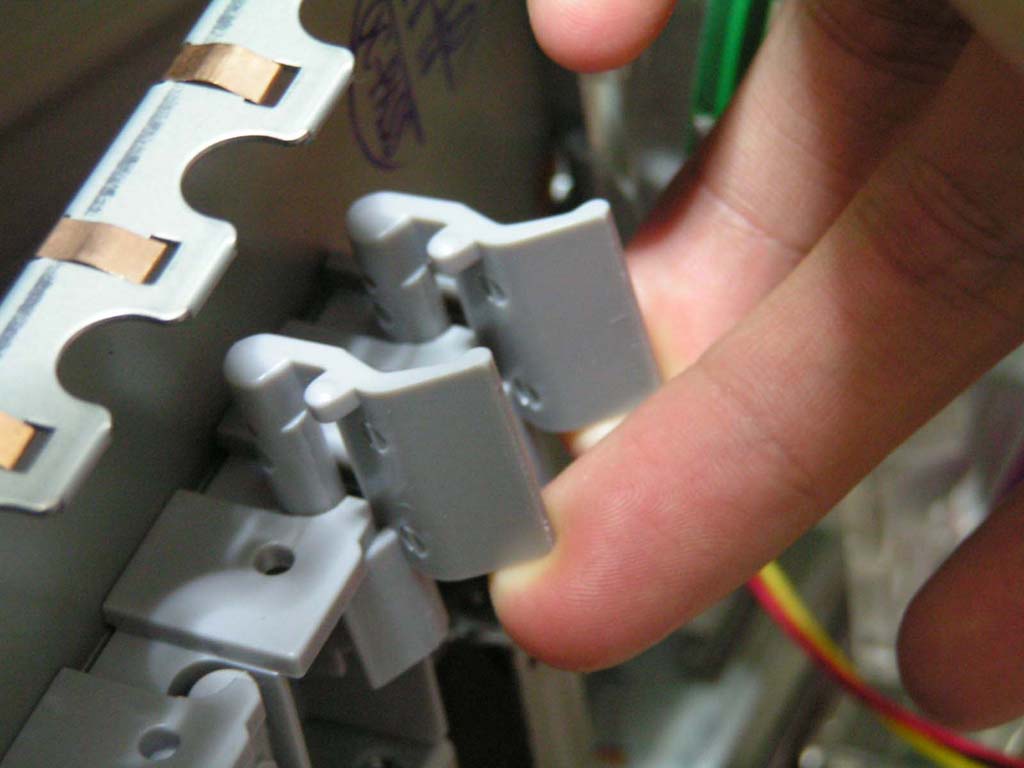
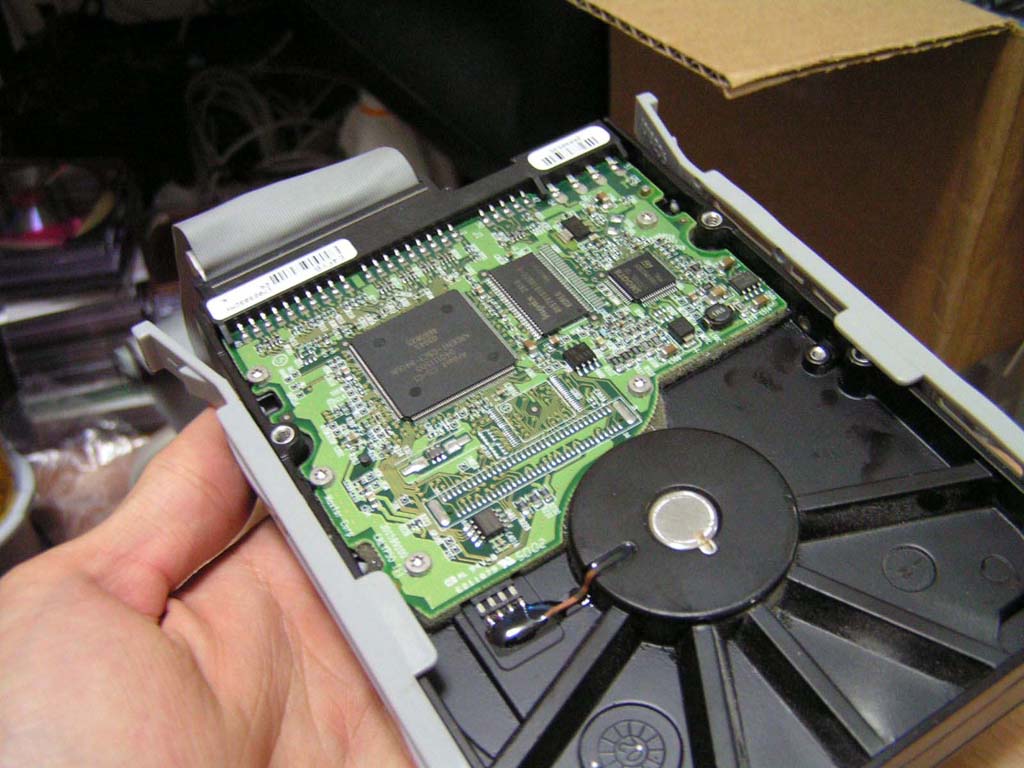
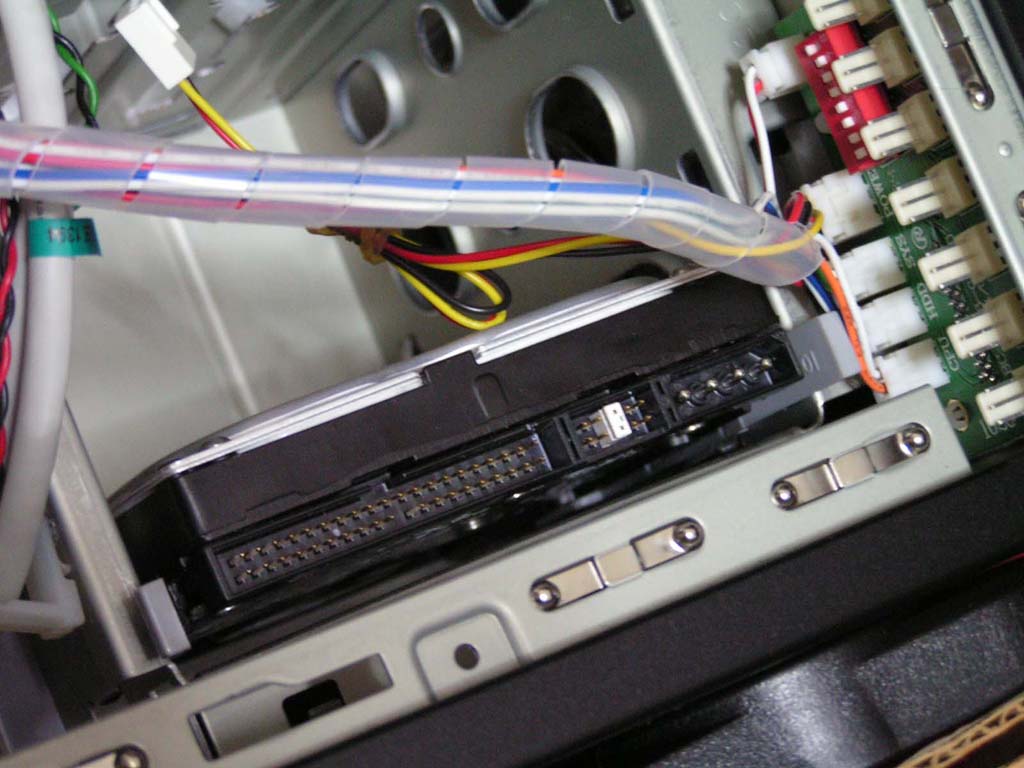
Here are a few shots of the finished product. As mentioned before, the case weighs about 30 lbs empty. After it was filled with the necessary hardware, the weight came out to be 65 lbs.
Conclusion and Thoughts
Overall, this case gave me a good impression. Although there were a few details that could be enhanced, it’s a quality case with good looks. The extra room in the case leaves adequate room for watercooling tubes. The dual sided air ventilation system allows cool air to flow in at a higher rate, regardless of wires. If you are a user that has many hard drives and requires the use of those bays, make sure you have long cables. Also, the cable management clip that the Quantum provides was almost useless. It organizes small wires and is a waste of space. I would recommend this case to those who have a maximum of 2 hard drives. However, users looking for a quality case will not be disappointed with MGE’s Quantum case.
Pros:
- Lots of room inside the case
- Provides fans and filters
- Tool-free design and installation
- Top case audio and USB/Firewire ports
- Dual side air ventilation
- LCD fan controller of up to 7 fans
- Case open/intrusion alert for supported motherboards
Cons:
- Extremely heavy
- Poor position of bottom drive bays; leaves standard-sized IDE cables tugging
- Weak tool-free drive slots
- Slight incompatibility of the tool-free PCI clips and some graphics cards

We would like to thank MGE for providing us the sample. If you have any questions or comments, feel free to hit us up in the forums. You can also check out more of our latest reviews on the front page.