

Cooler Master Centurion 531
Introduction
With the enormous amount of heat that our processors, video cards, memory, and even hard drives are producing, heatsinks aren’t the only thing necessary to keep them at an acceptable temperature. Case design is more important than ever. Intel is well aware of this problem and that is why with their BTX standard, they have a greater heat dissipation than the ATX standard we’ve all come accustomed to.
As their slogan states, Cooler Master focuses on providing the “ultimate thermal solution,” whether it be in the form of a computer case or a heatsink. Cooler Master’s cases have always had a gorgeous, well crafted design and look, but most all have also come at a heavier price. Cooler Master’s Centurion line of cases is geared toward the mid-range section of the market. A nice looking design can be had cheaply; with the affordability of the Centurion line, can Cooler Master maintain the quality they’re known for?
Centurion 531 Exterior
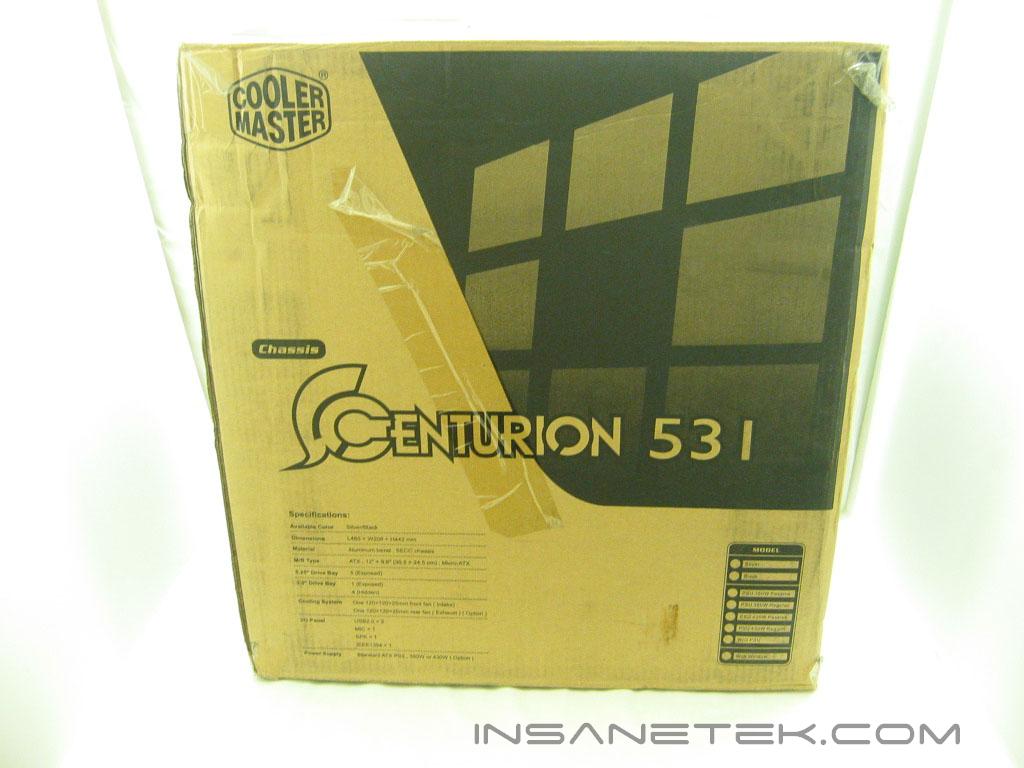
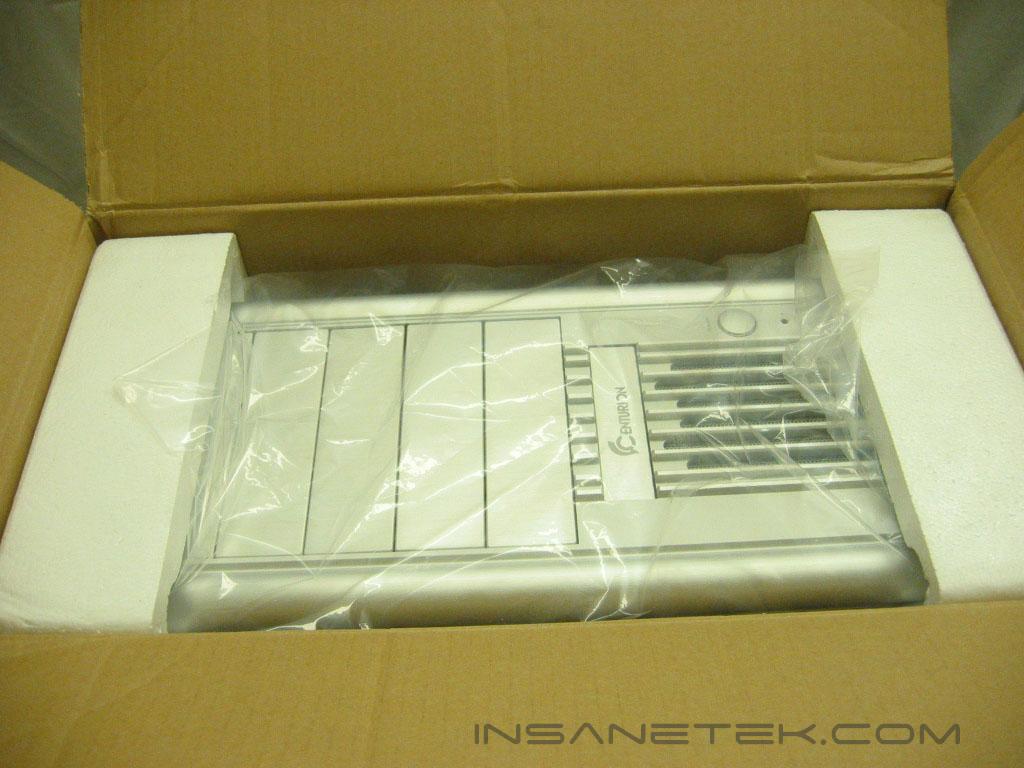
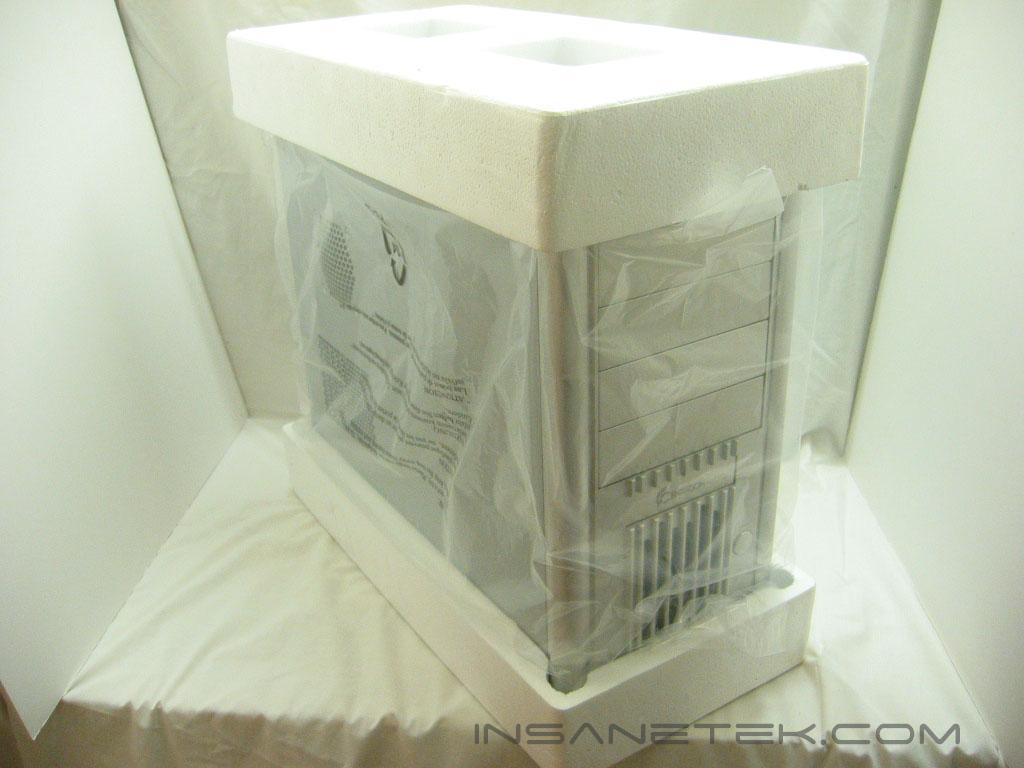
The shipping box for the Centurion was not unlike any other case box; enough room for the case and packing material. The box itself lists the specifications of the Centurion 531, but their is no image or graphic that indicates the styling of the case. The case is placed in a plastic bag and snugly cradled between two pieces of Styrofoam to keep it safe throughout shipment.
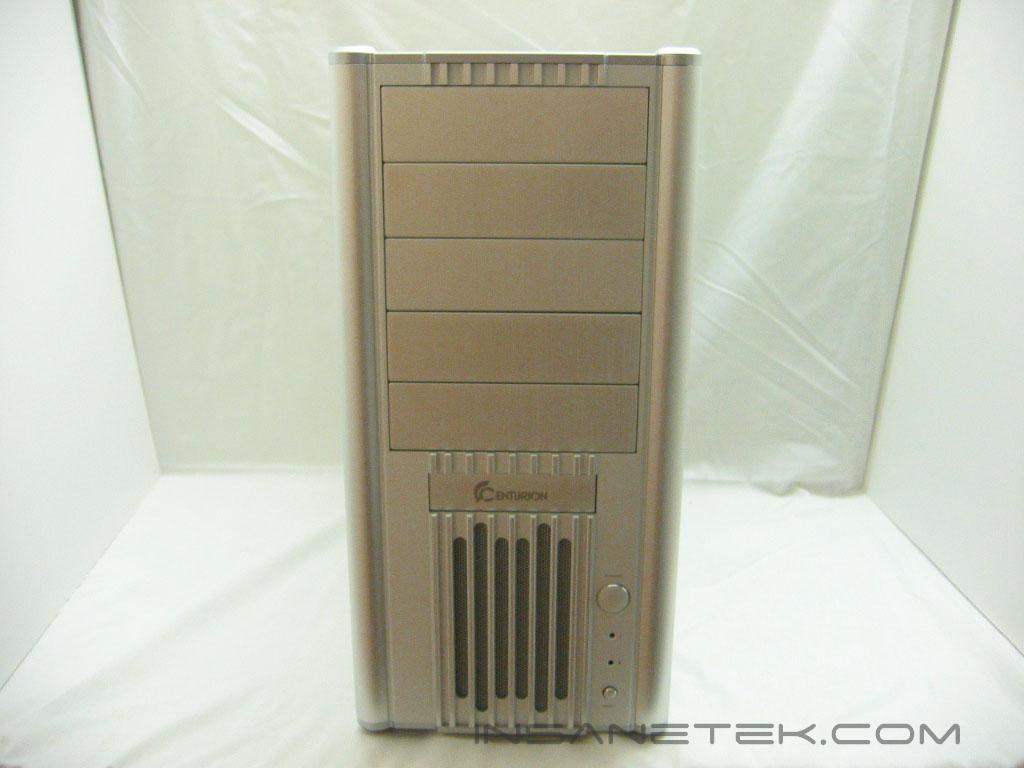
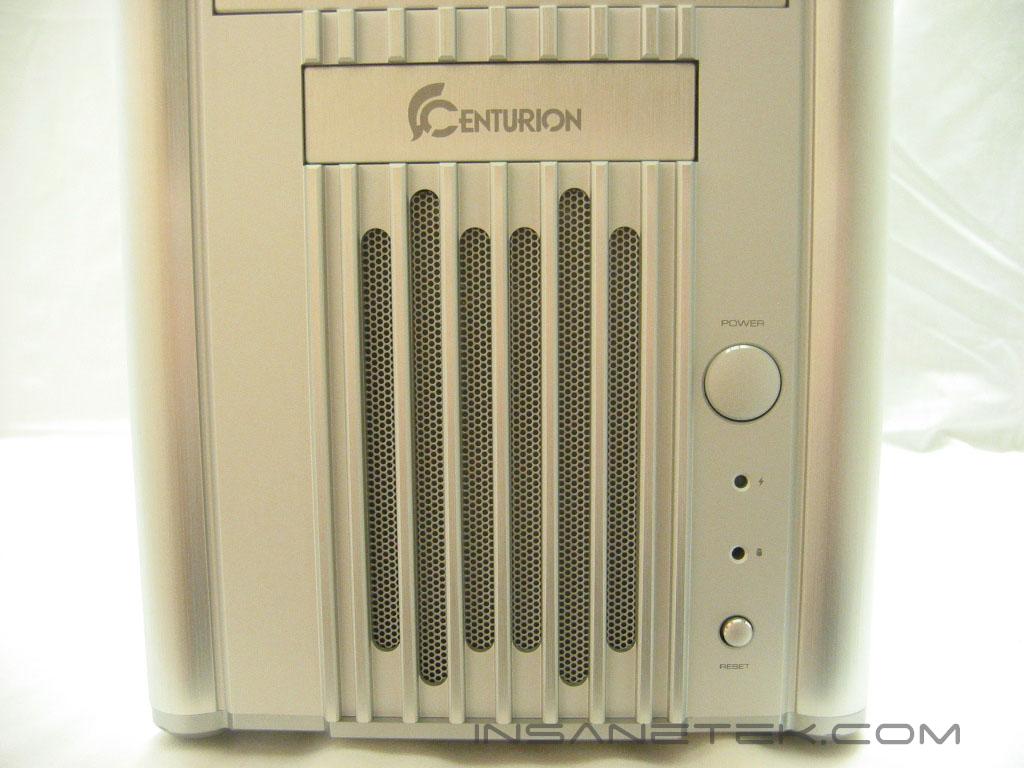
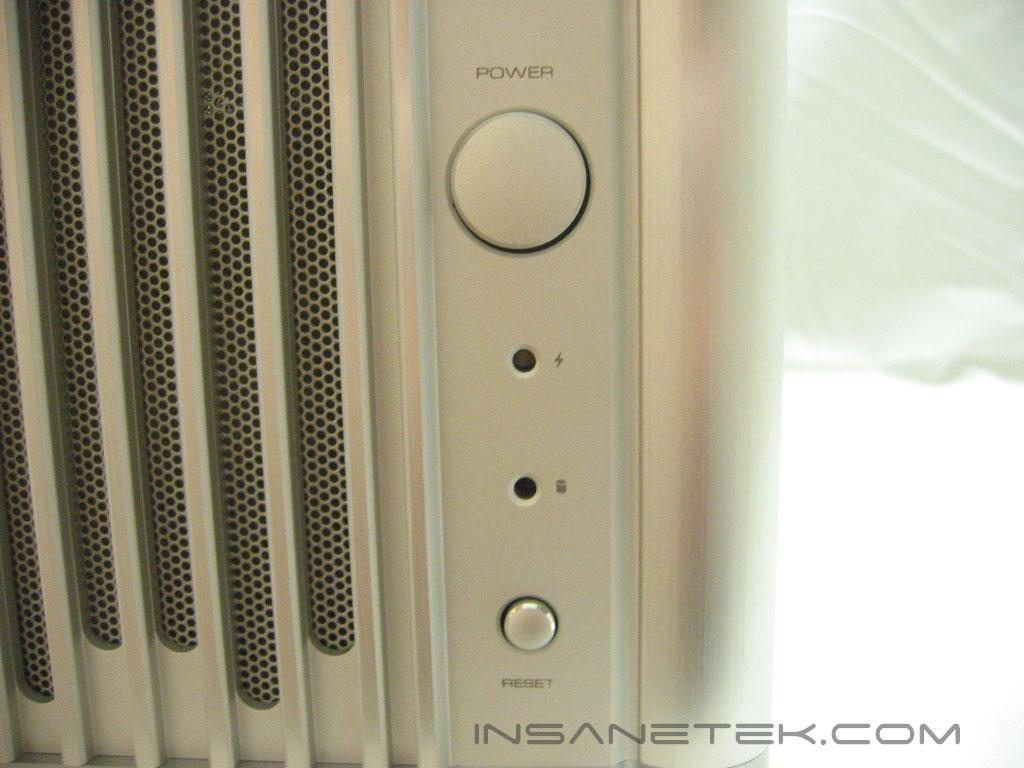
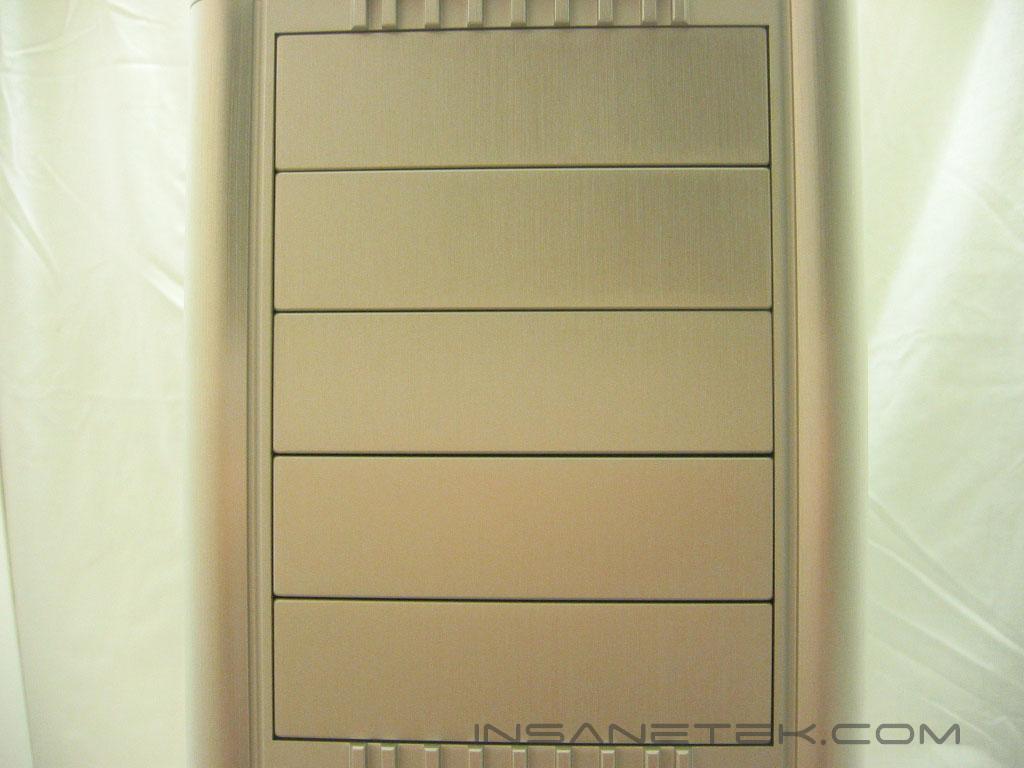
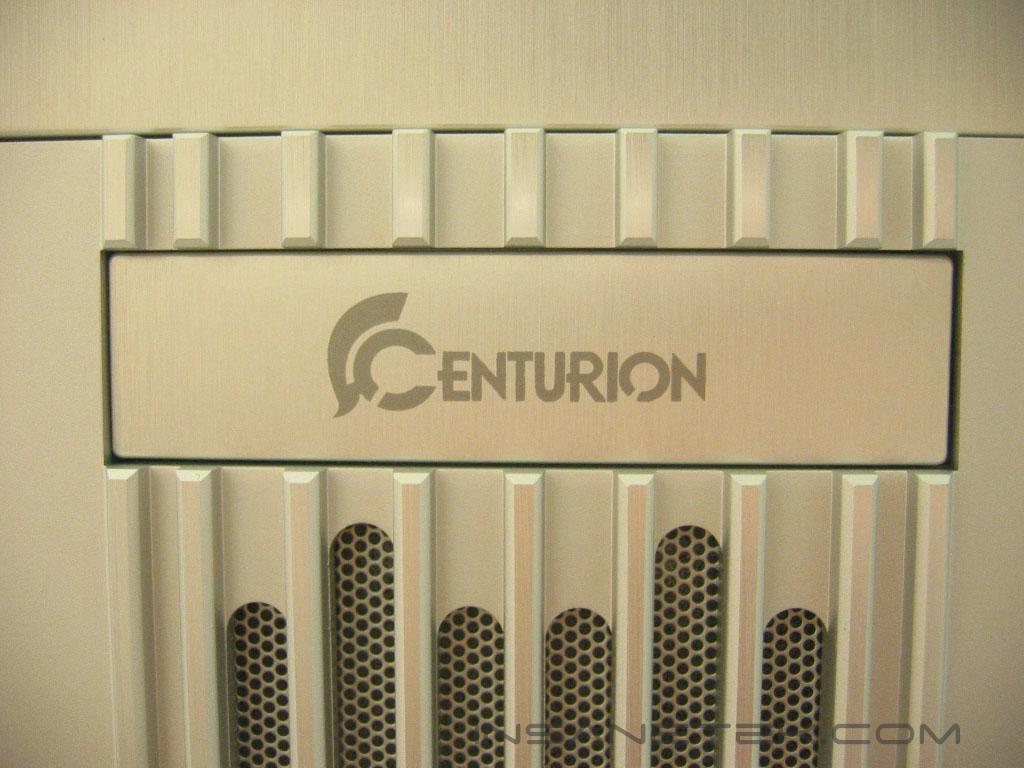
The entire front bezel of the Centurion 531 is constructed out of aluminum. The edges, drive covers, and grill have a brushed finish, while the finish of the inset portion of the bezel is flat. The edges of the 531 are like two large pillars. The 531 has several slot openings for the intake fan. A metal grating behind the grill acts as a filter for dust or any other large particles. The power and reset buttons are placed next to the grill. In-between the buttons are the power hard drive activity lights. The Centurion 531 has room for five 5.25” drives, yet only one external 3.5” drive. Cooler Master placed the centurion logo on the drive cover of the 3.5” bay; taking it off and placing a floppy drive in would remove the front of the case of any branding.
Centurion 531 Exterior Continued
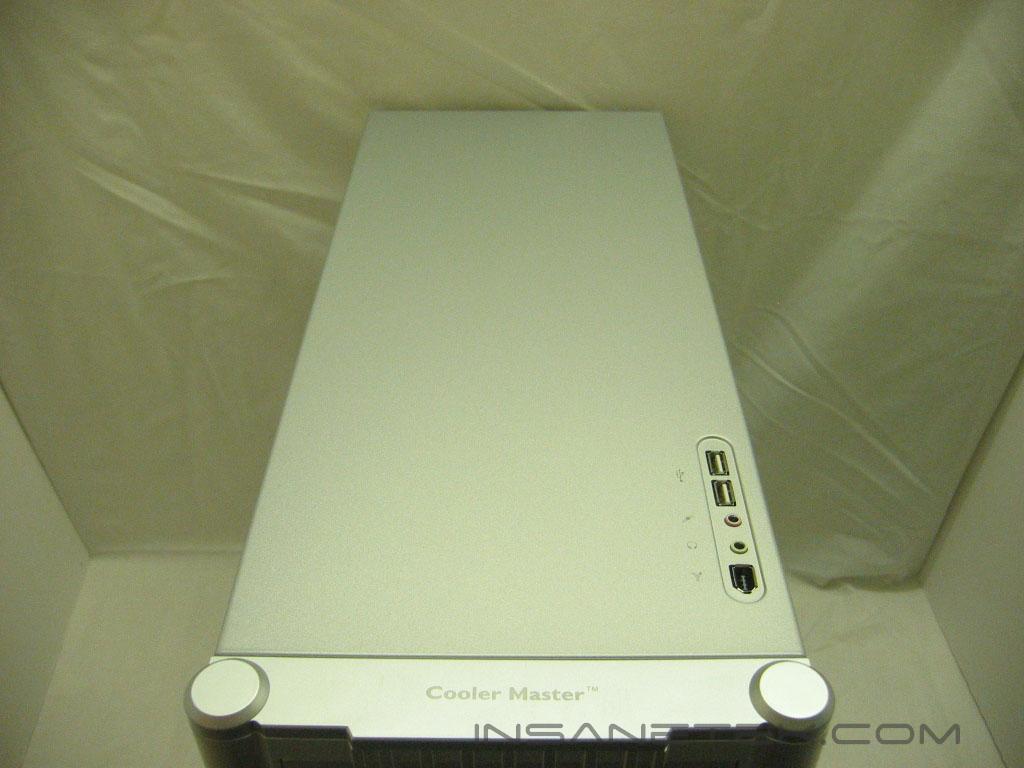
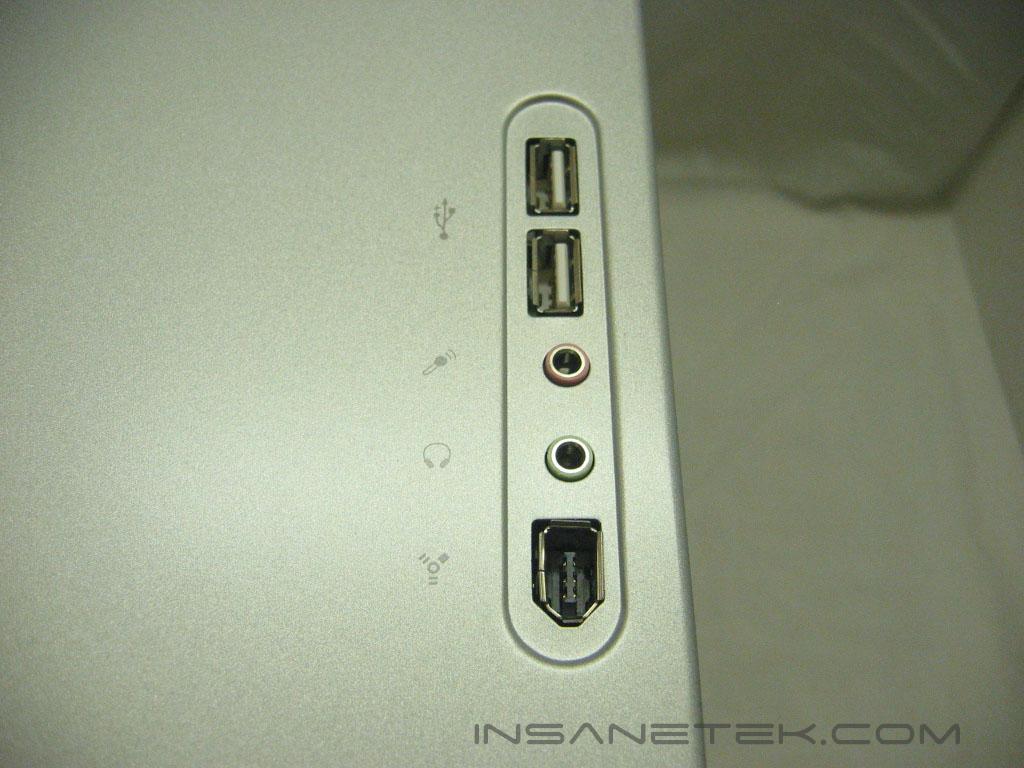
The top of the Centurion 531 has a panel for USB, Firewire, headphone, and microphone connections. The Cooler Master logo is placed on the top of the front bezel.
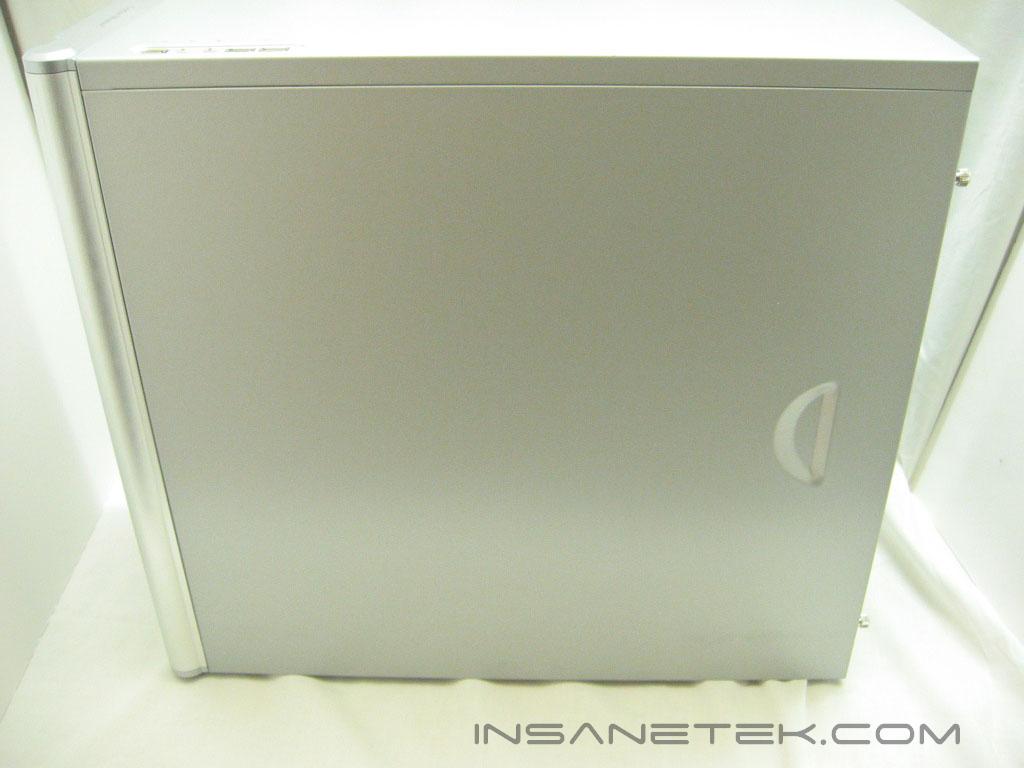
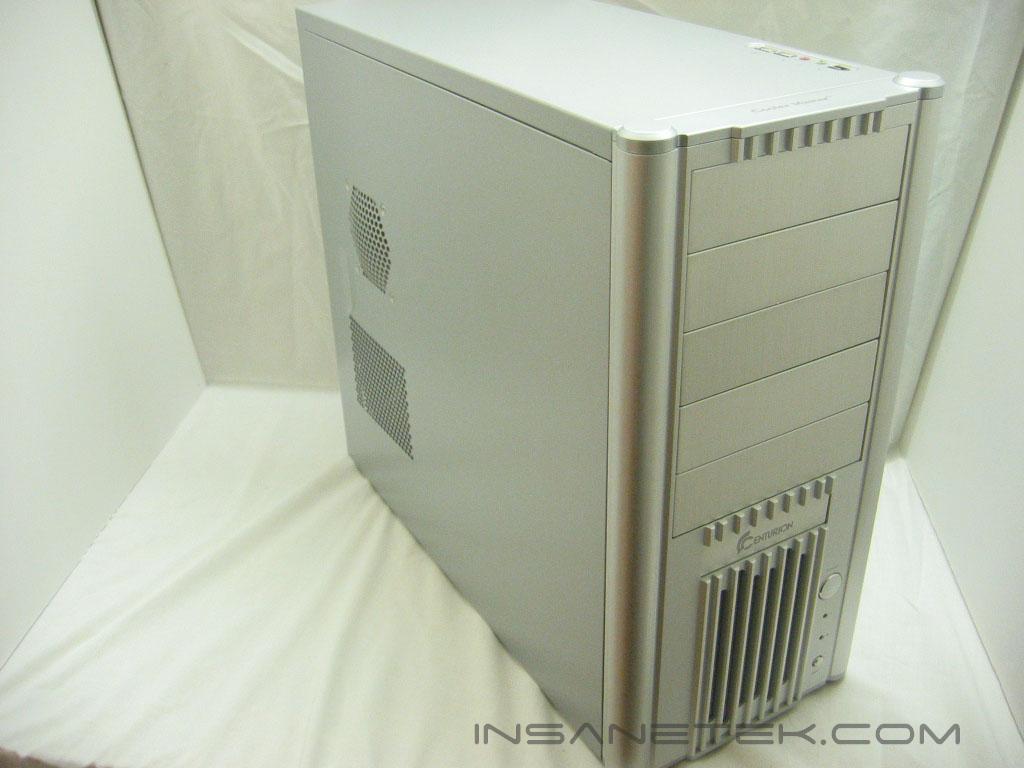
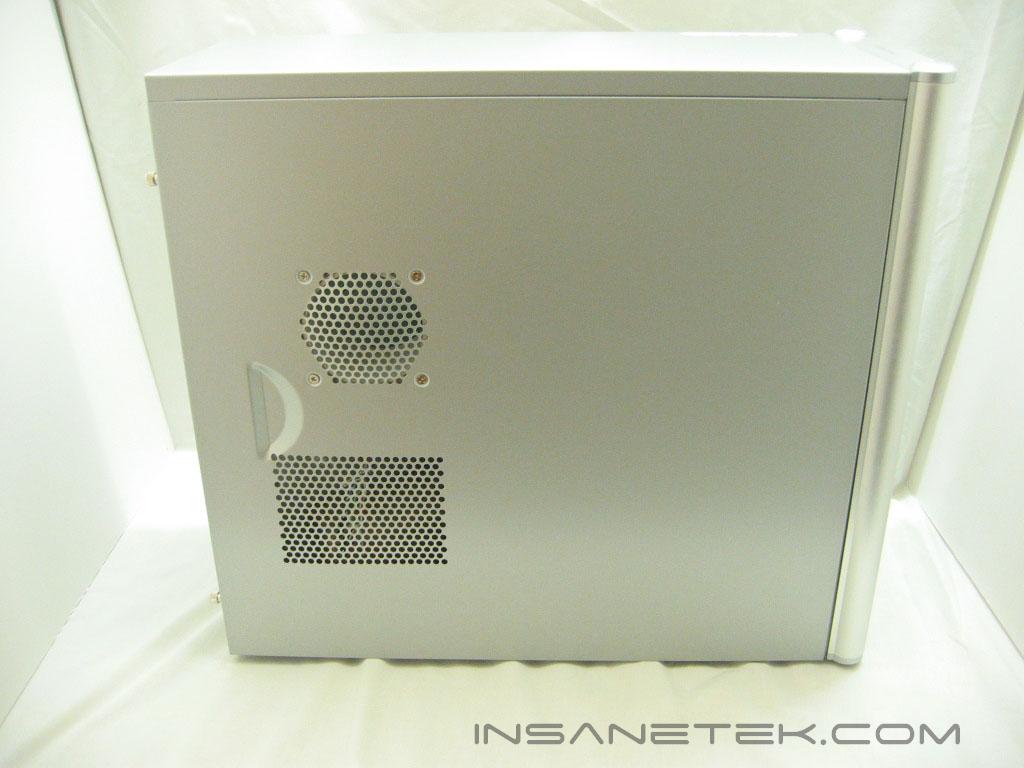
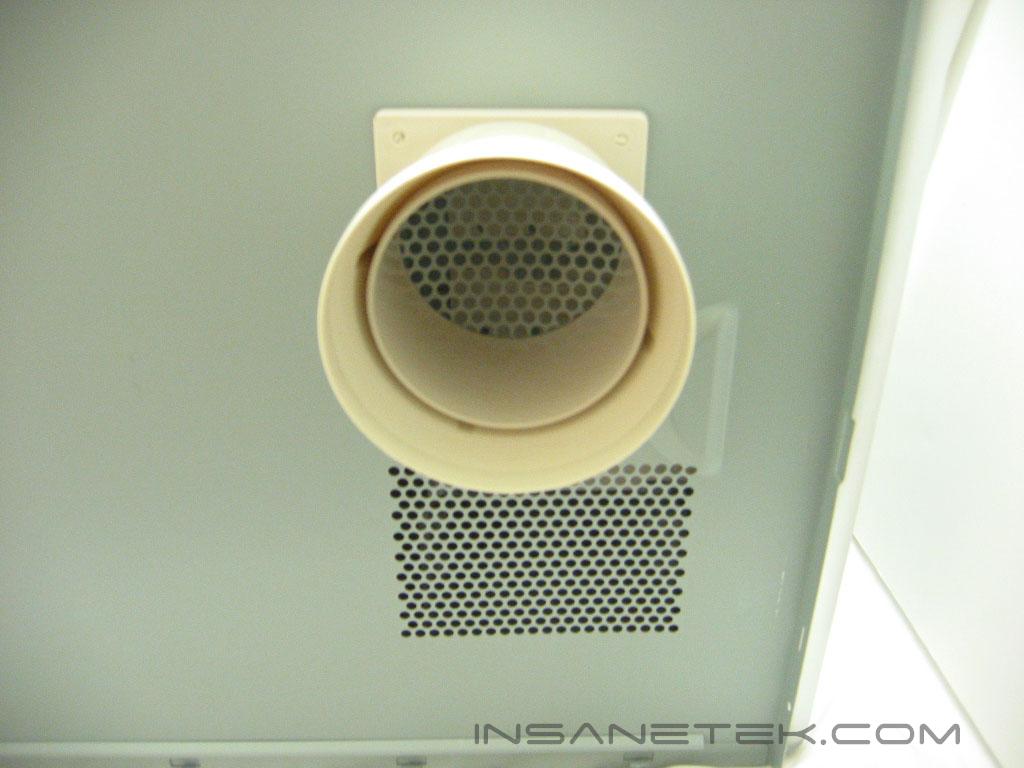
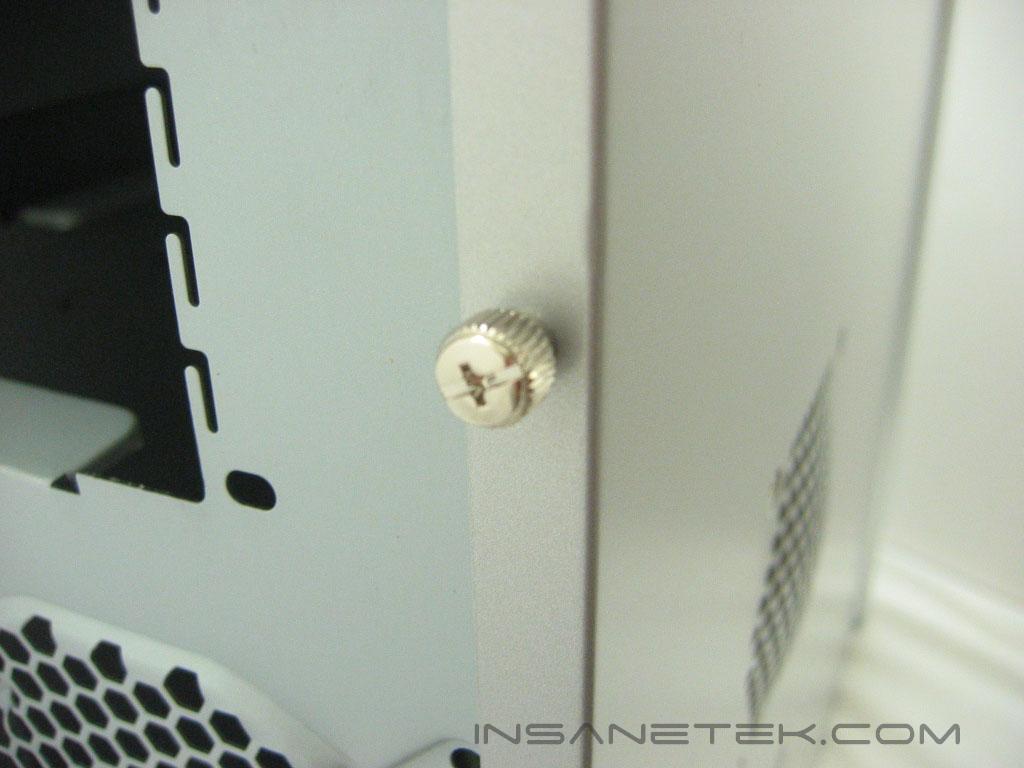
The left panel of the Centurion 531 is bare, except for the handle indentation. The right panel of the Centurion 531 has the same indentation along with two grills. The lower, rectangular grill is used as a vent, while the circular grill has a duct connected to it that will allow the processor heatsink to draw air from outside of the case. Of course, that is only if your heatsink doesn’t have any clearance issues with the duct installed. If it does not fit, it can be taken out and a regular 80mm fan can be put in its place. Cooler Master includes thumb screws on the side panels to make removing them a snap.
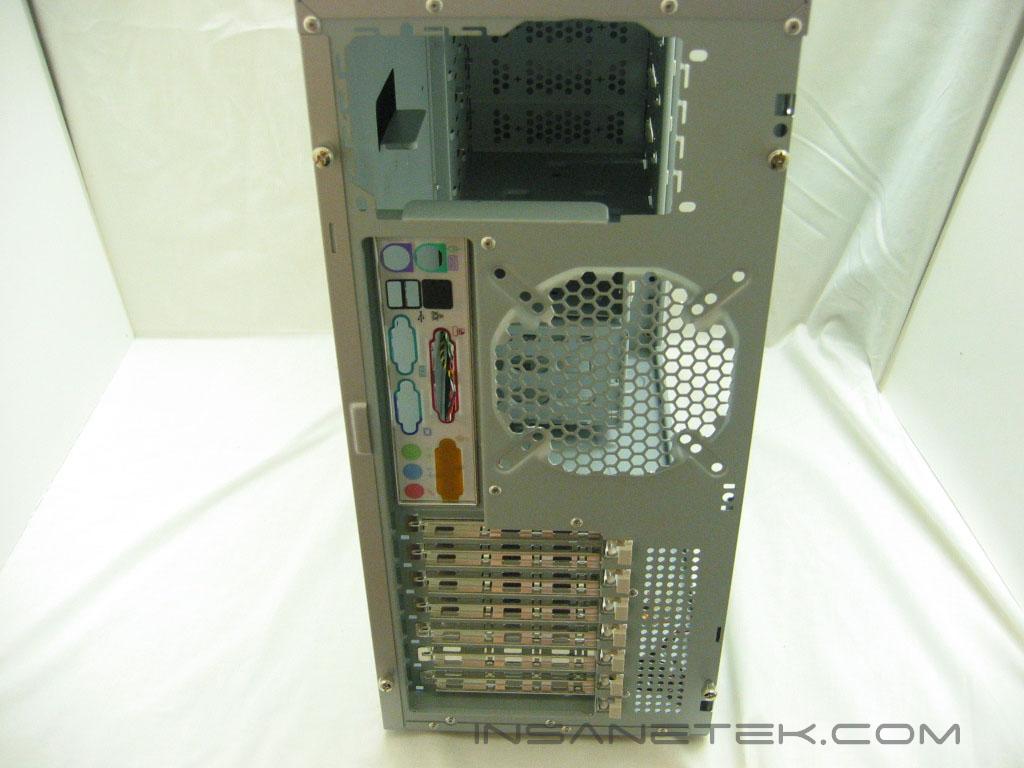
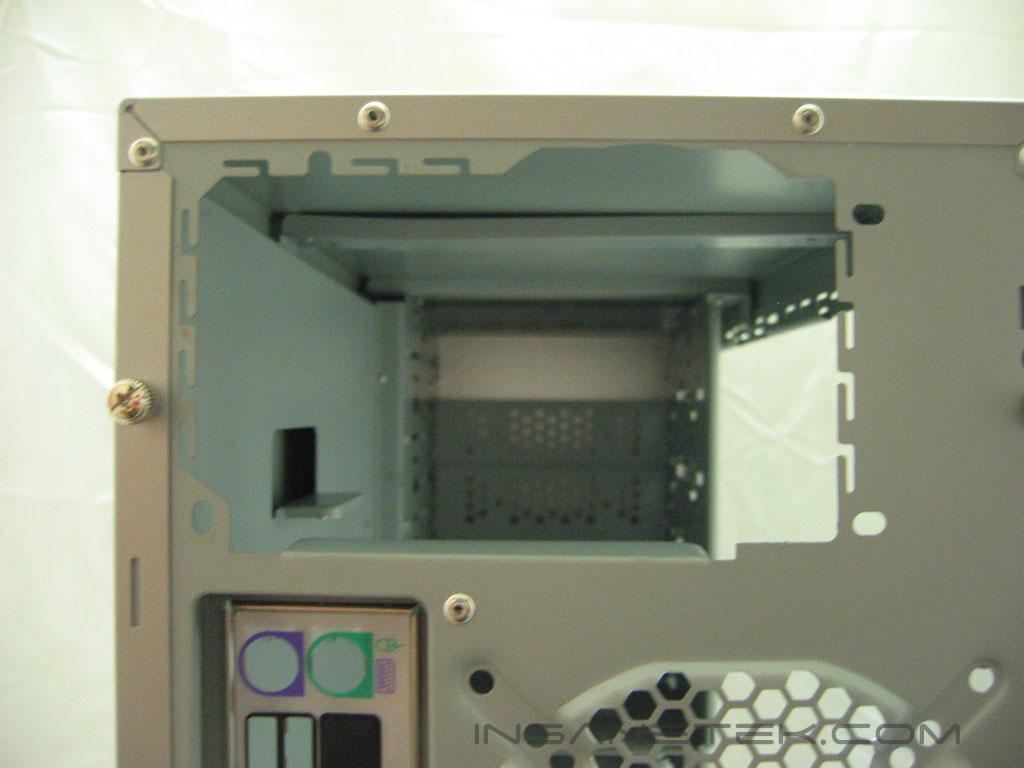
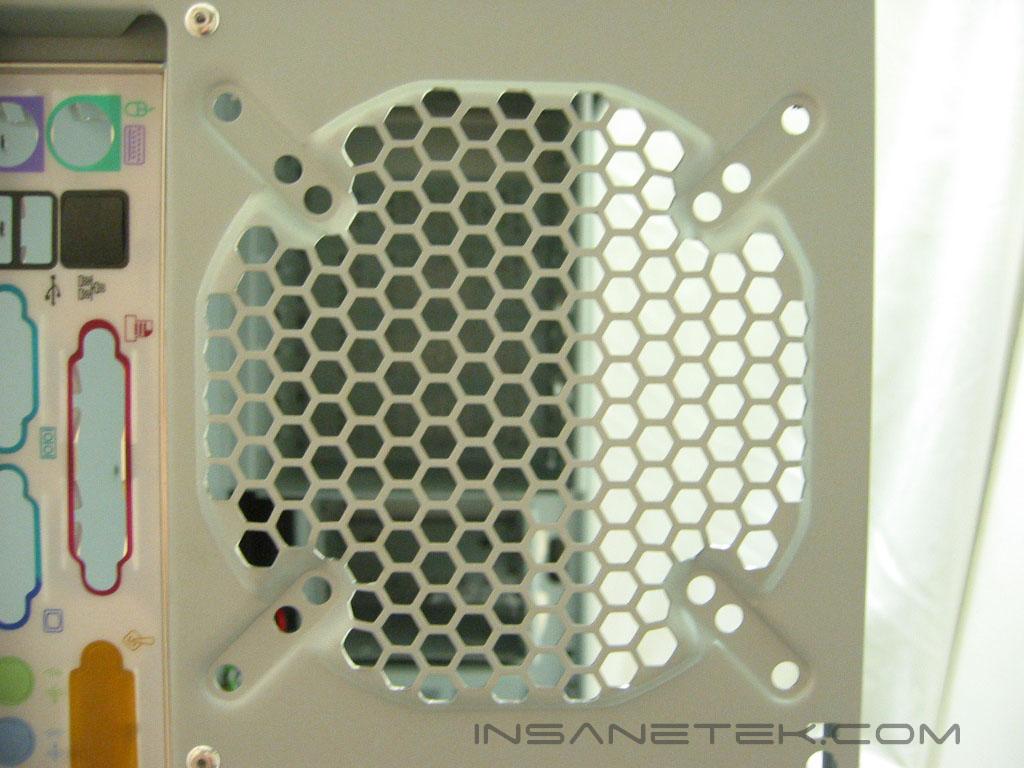
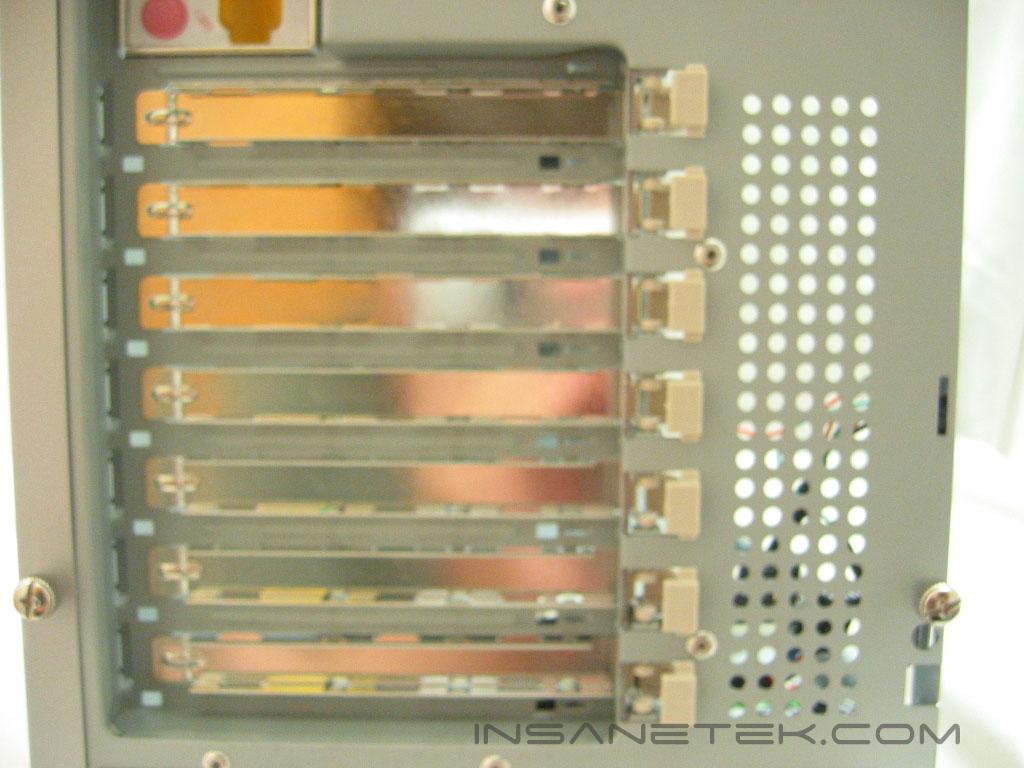
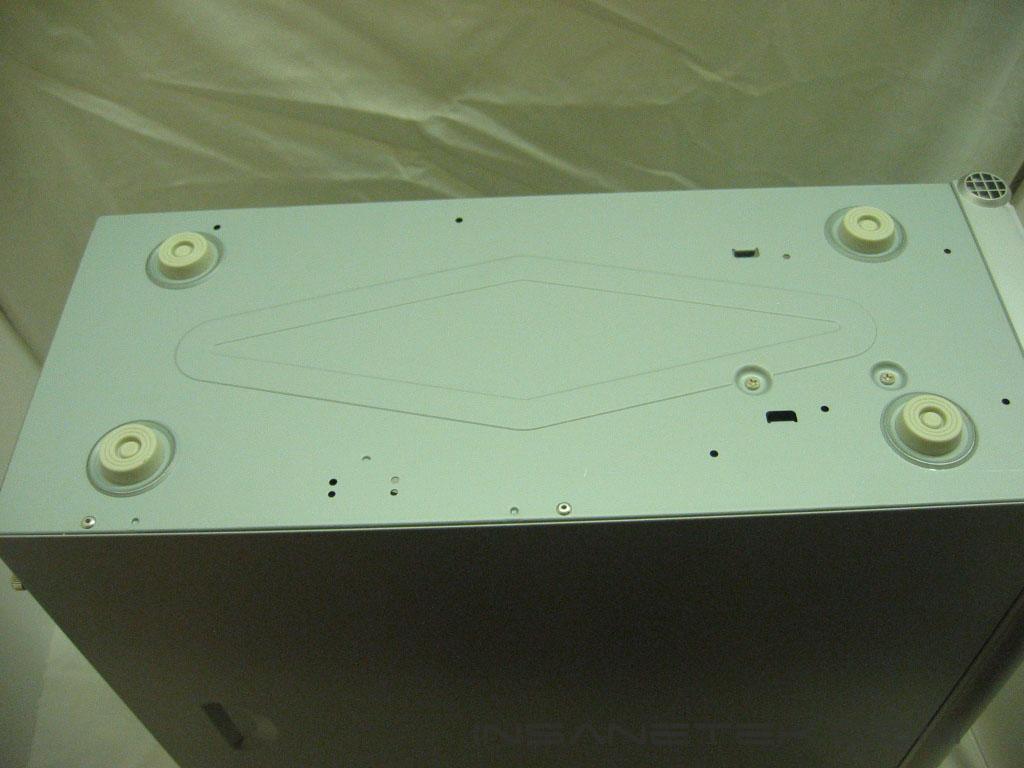
The Centurion 531 is able to use a 120mm, 92mm, or 80mm exhaust fan. Cooler Master does not include an exhaust fan with the 531, only an intake. It’s nice to have the ability to use whatever fan you like, but it would be nice to have a fan that is included. The cream plastic pieces next to the PCI slots are parts of the clips that lock the cards in place. The 531’s feet are made out of plastic rather than the preferred rubber feet, which could cause the case to slide around on smooth surfaces.
Centurion 531 Interior
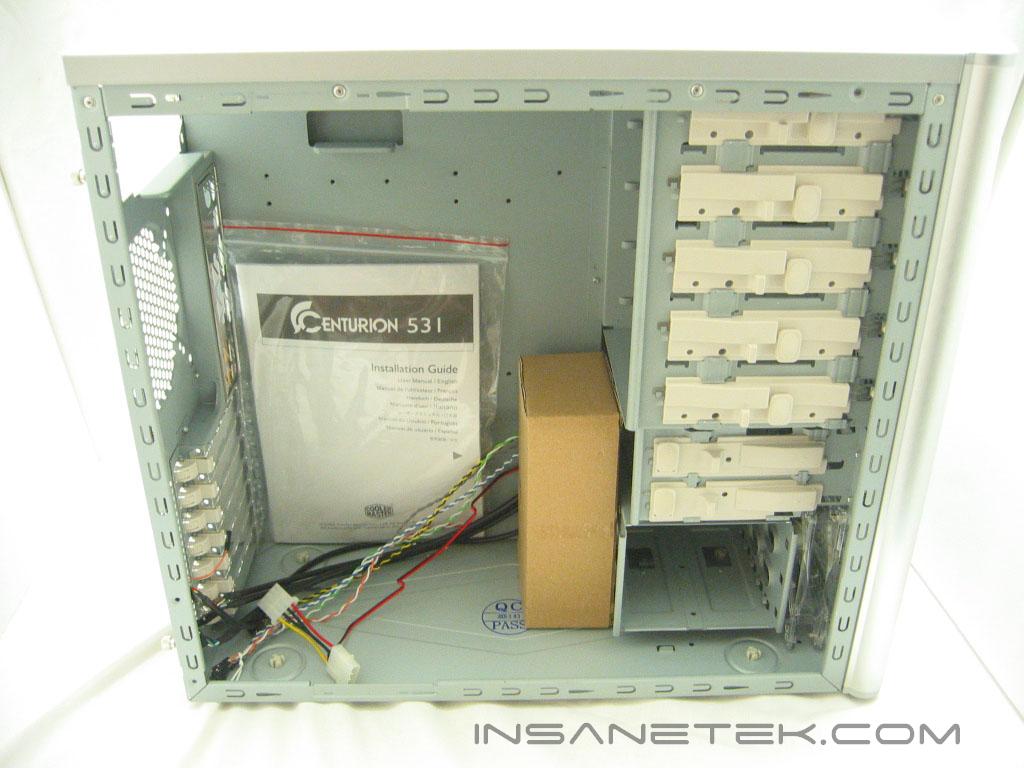
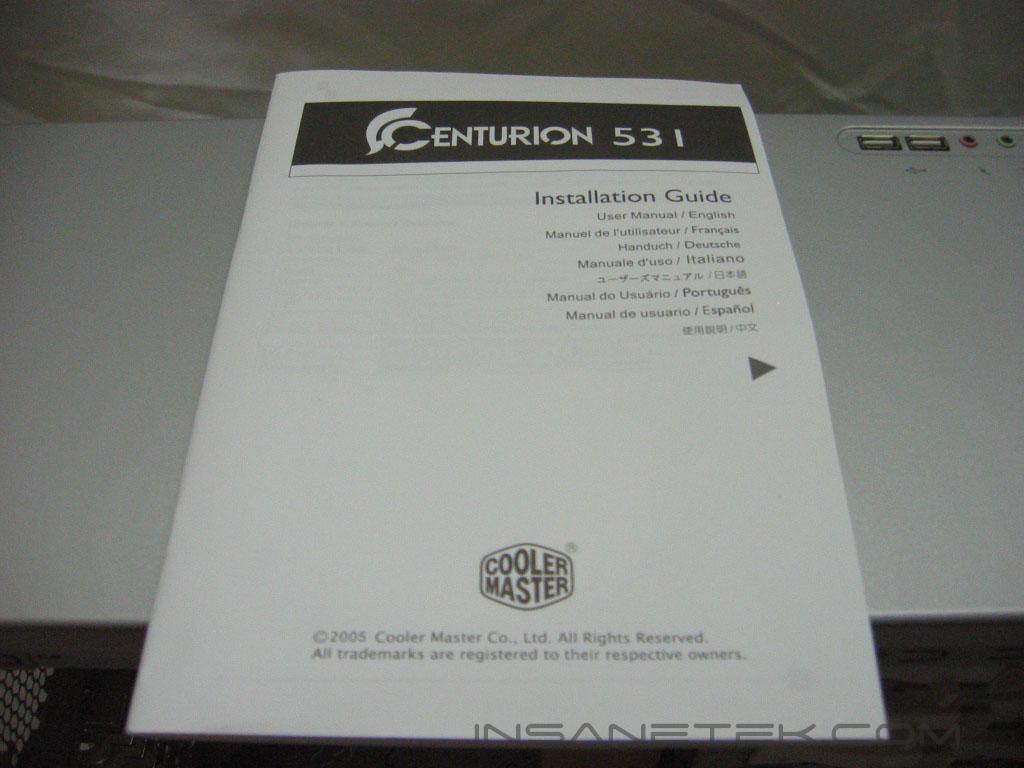
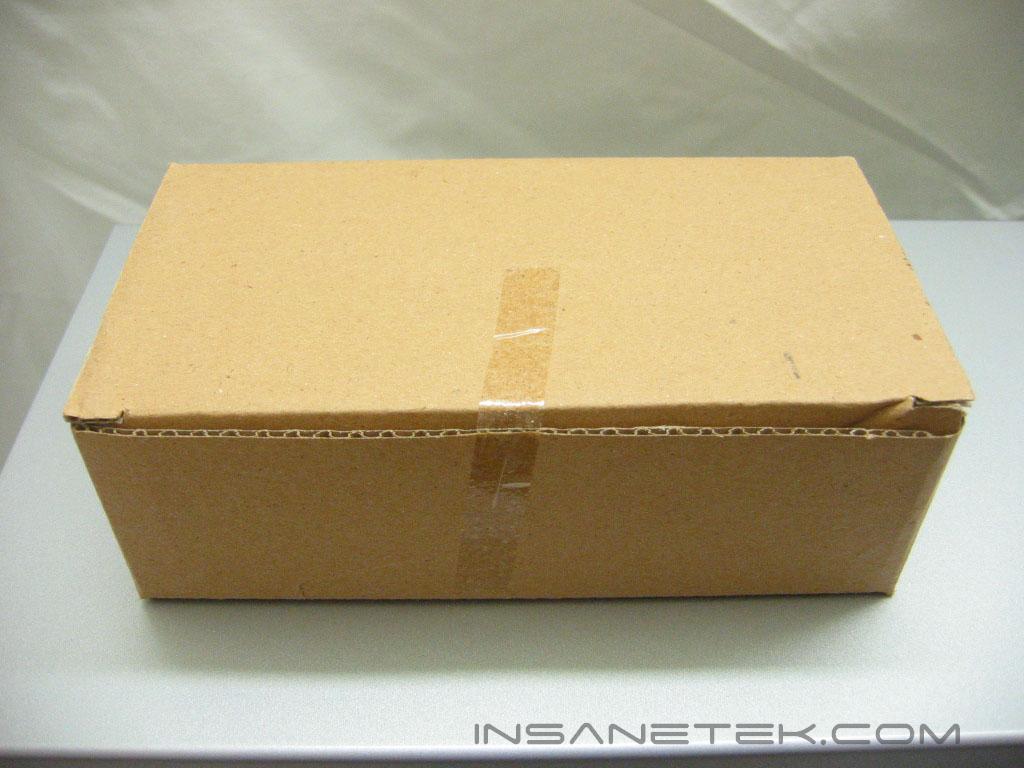
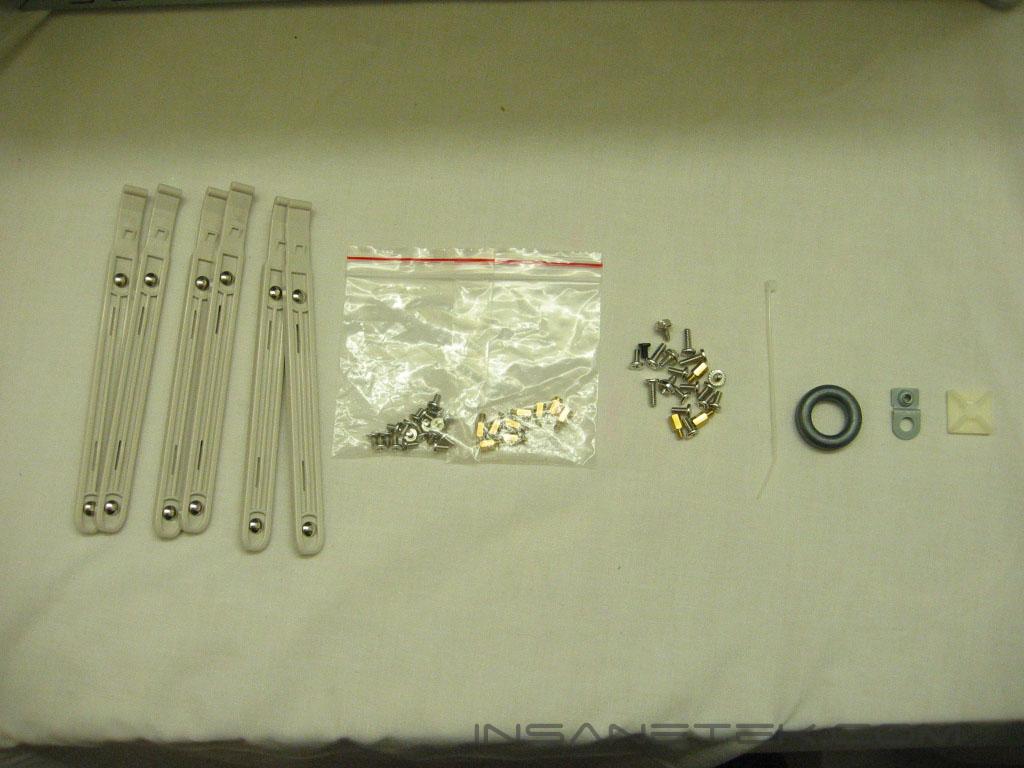
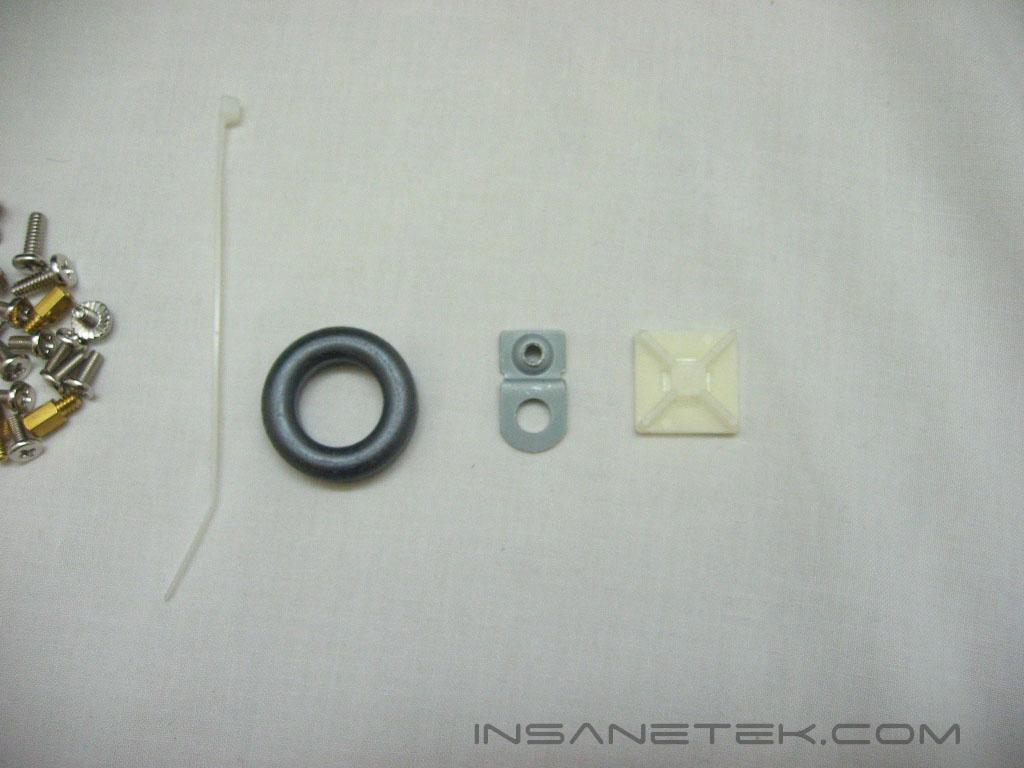
The manual and accessories are packed inside the case. The manual goes over the installation in eight different languages. The accessory box includes hard drive rails, mother board standoffs, various screws, and several other items. The zip tie and adhesive plastic piece help in cable management. The metal ring and tab’s use I’m not sure of, nor does the manual go over their use. Mystery prizes!
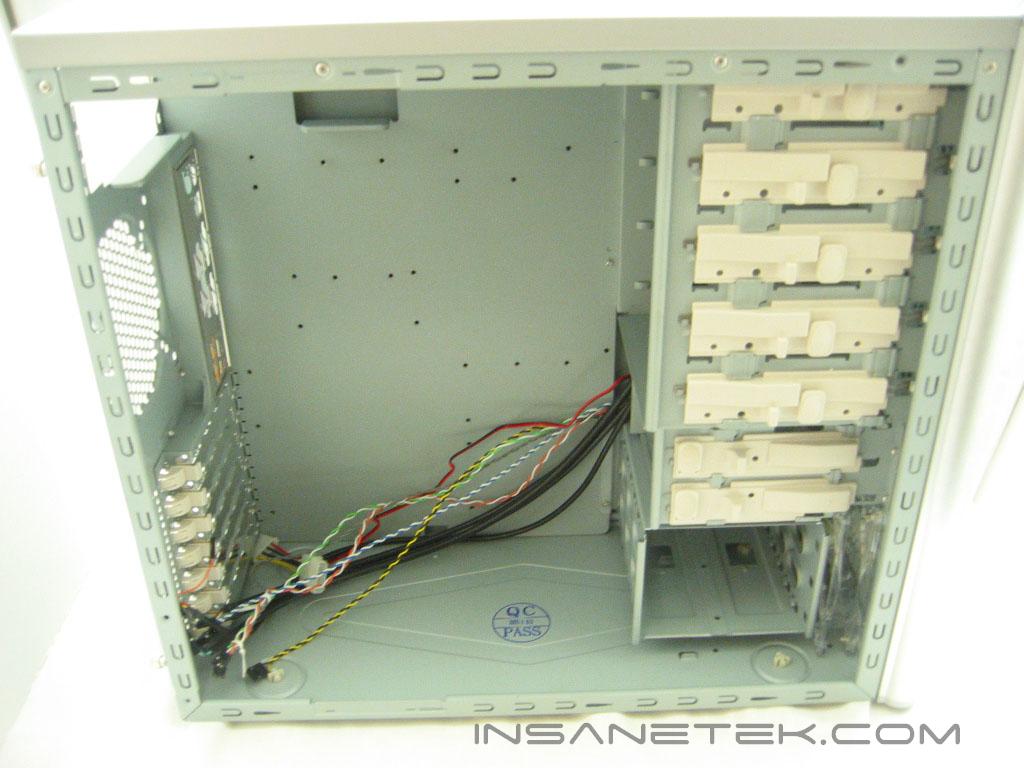
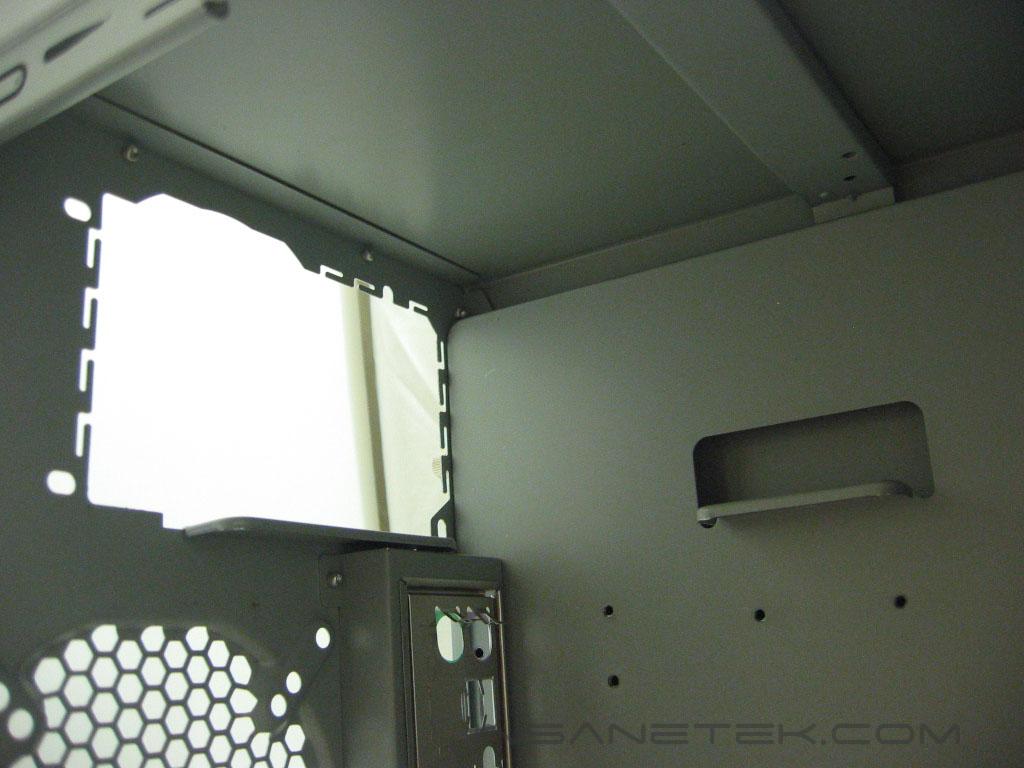
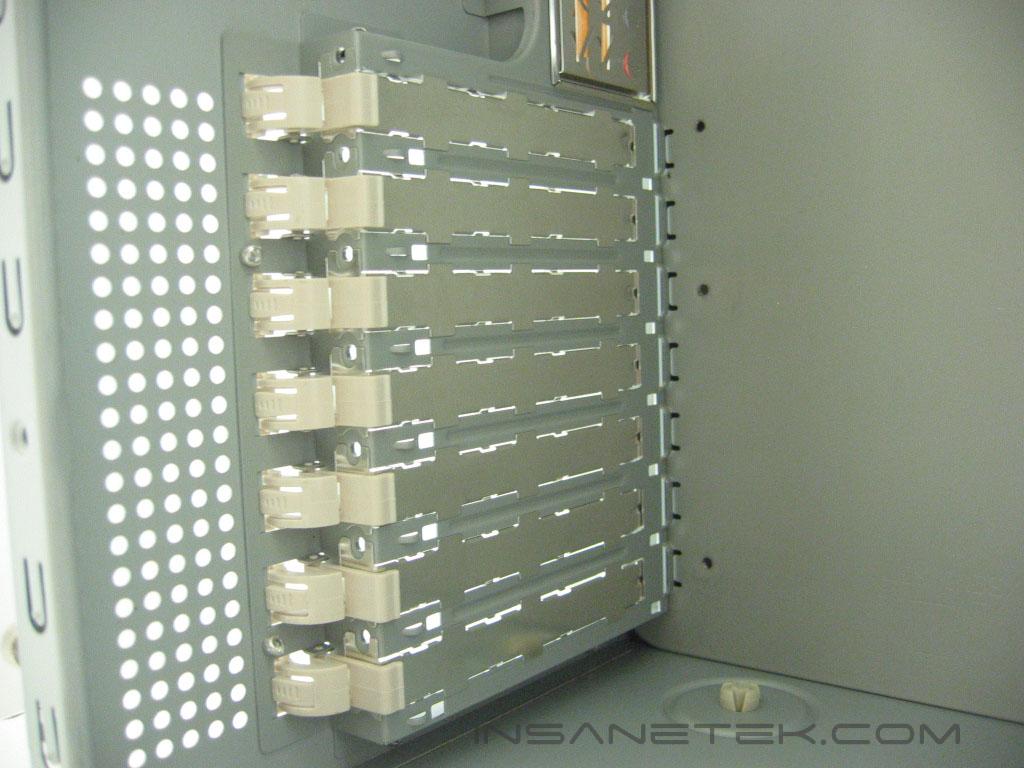
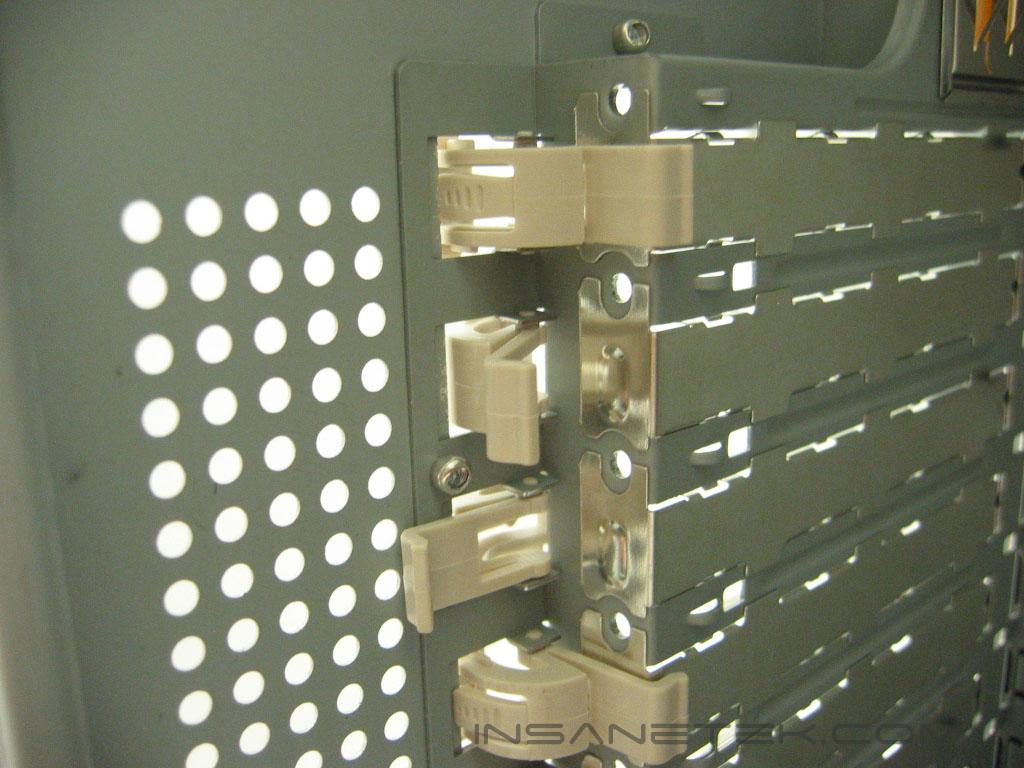
The internal structure of the Centurion 531 does not deviate from a normal ATX case layout. The power supply is supported by two metal tabs. There are a total of seven PCI slots. Each of the slots use a tool-less mounting by use of plastic clips. If you feel the clips do not hold the cards securely, screws can still be used.
Centurion 531 Interior Continued
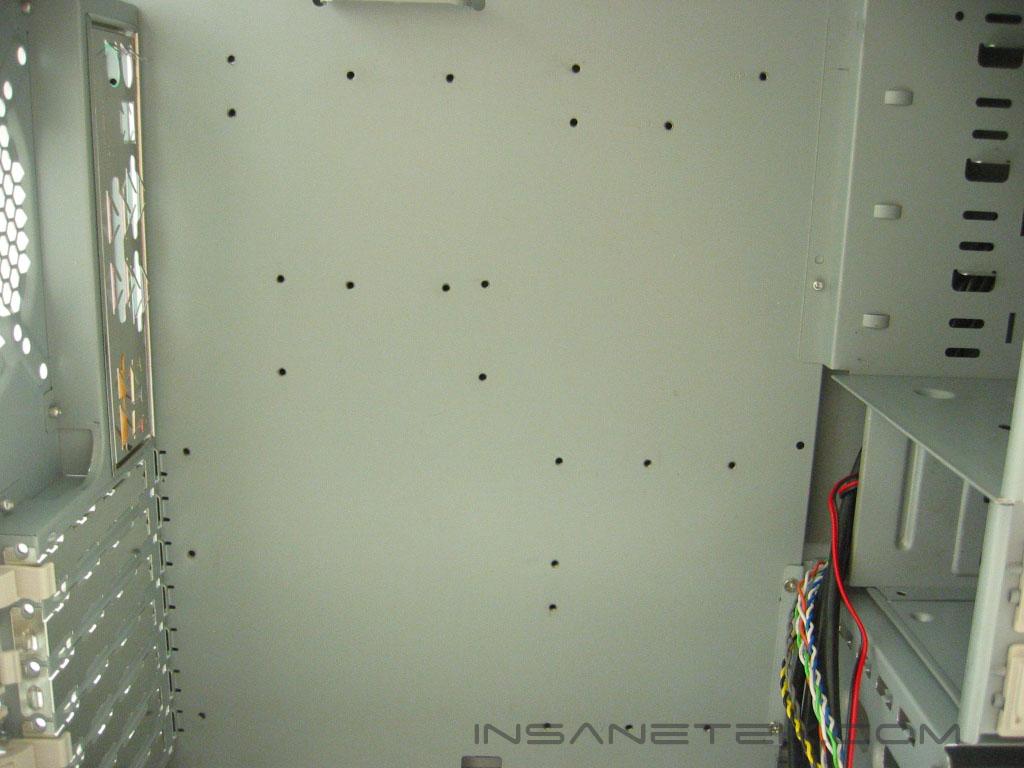
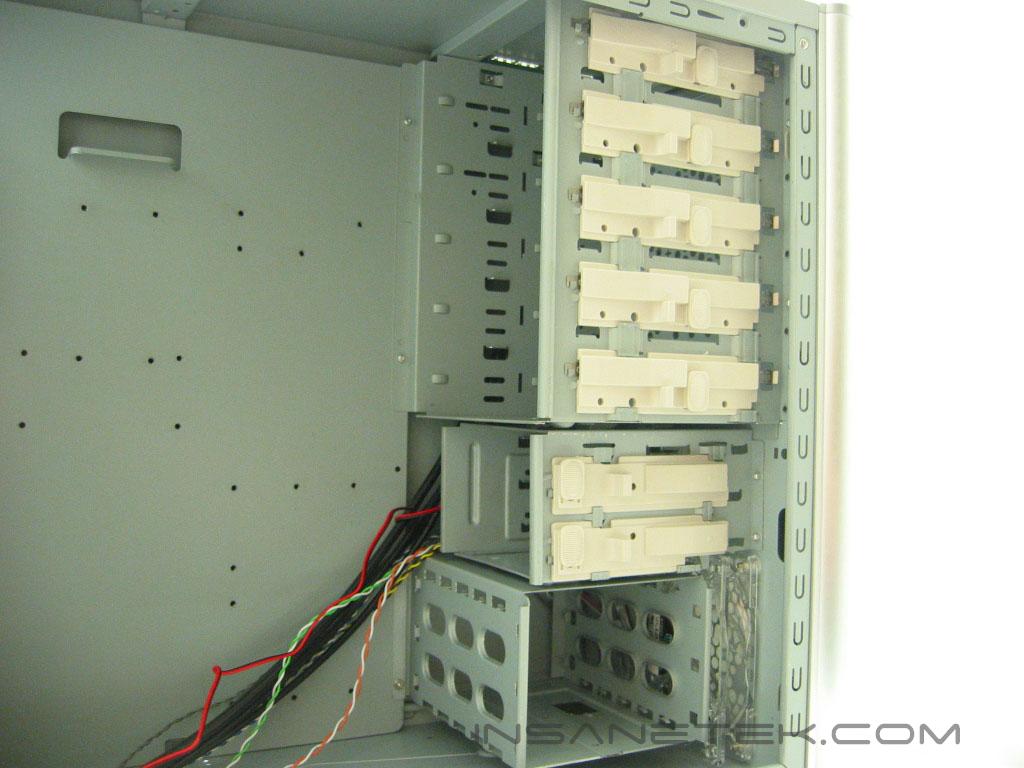
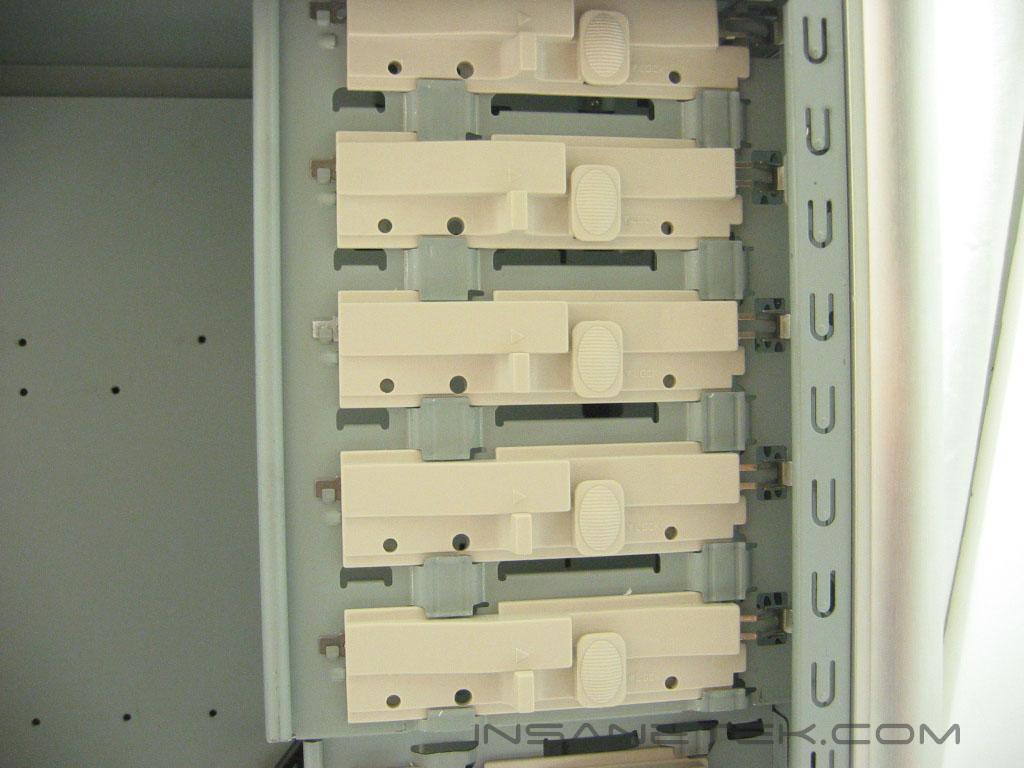
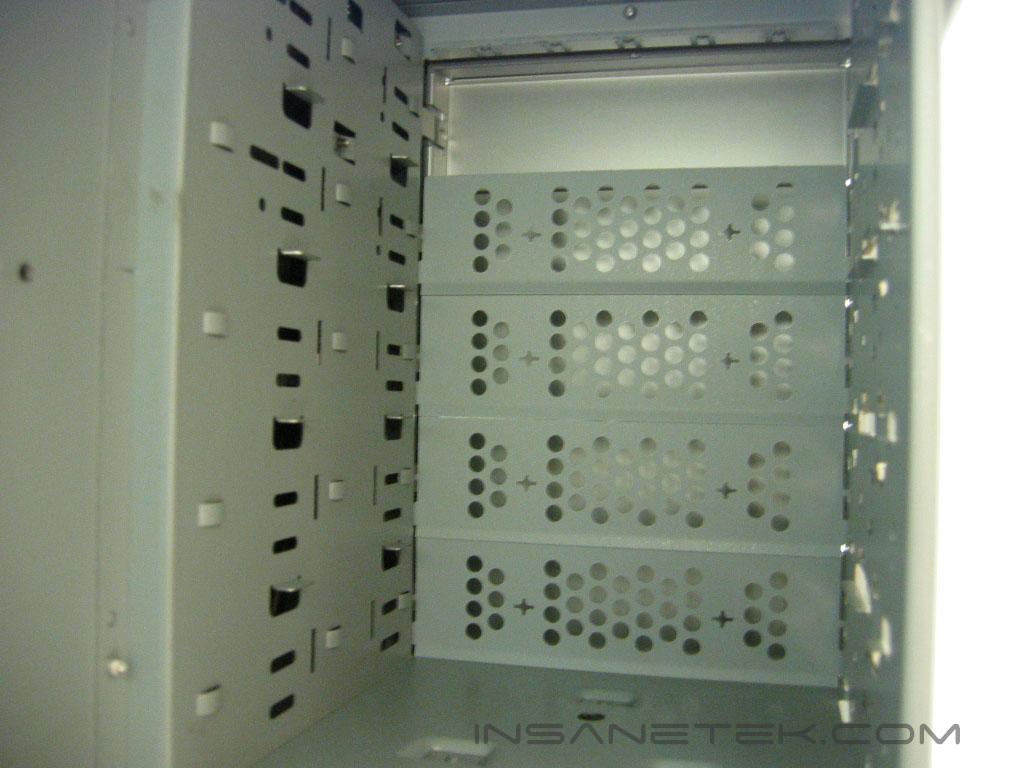
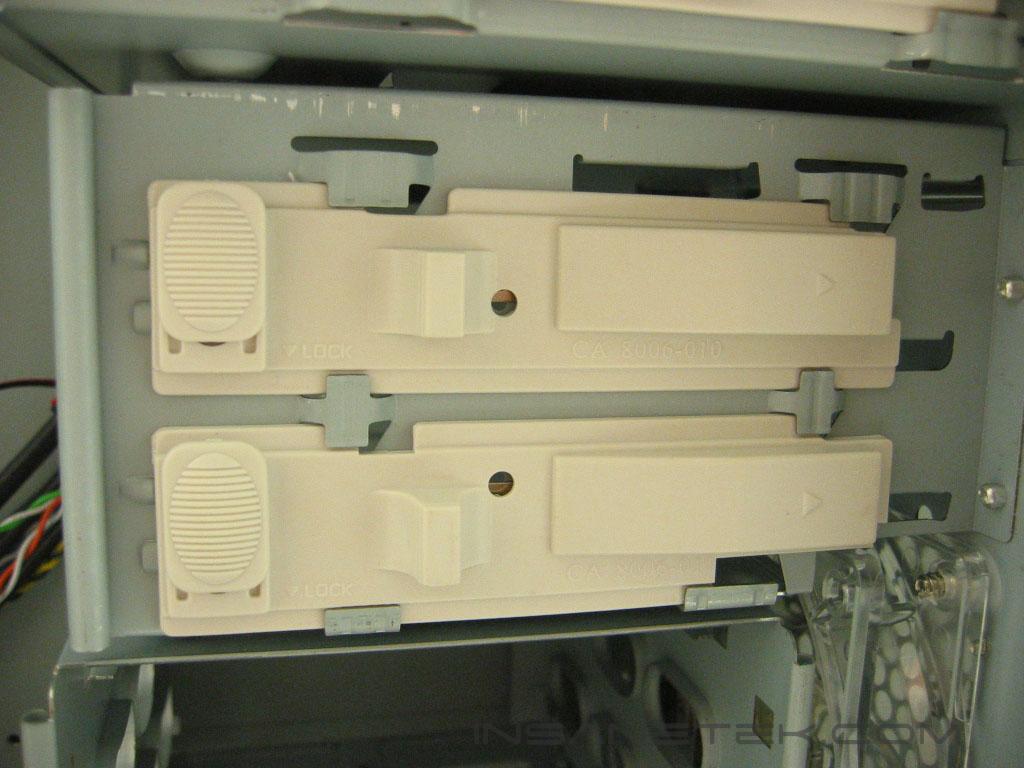
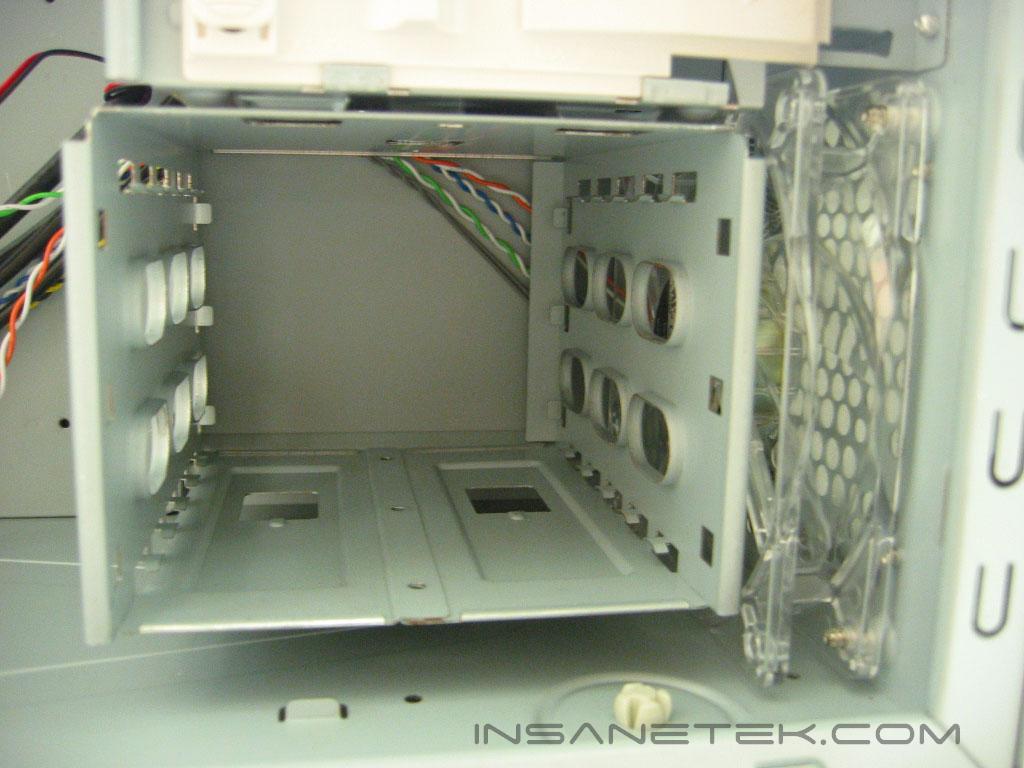
The Centurion 531 uses tool less mounts for the 5.25”, 3.5”, and hard drive bays. The hard drives mount on a rail system while the 5.25” and 3.5” devices use a mounting mechanism that is attached to the case. Their is room for only three hard drives in the cage, but since only one of the 3.5” drive bay is accessible from the front bezel you are able to place a hard drive in that bay, bringing the total to four. The intake fan is 120mm in size with blue LED’s. It blows directly over the hard drives to keep them from over heating, but blowing directly onto the cage restricts air flow.
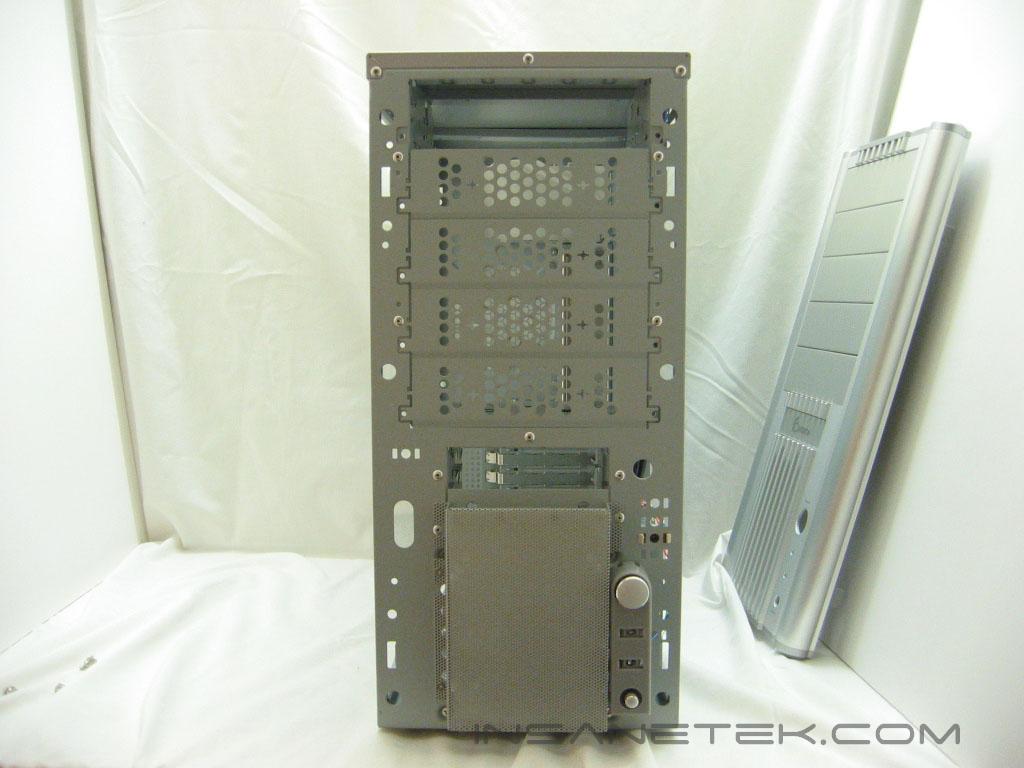
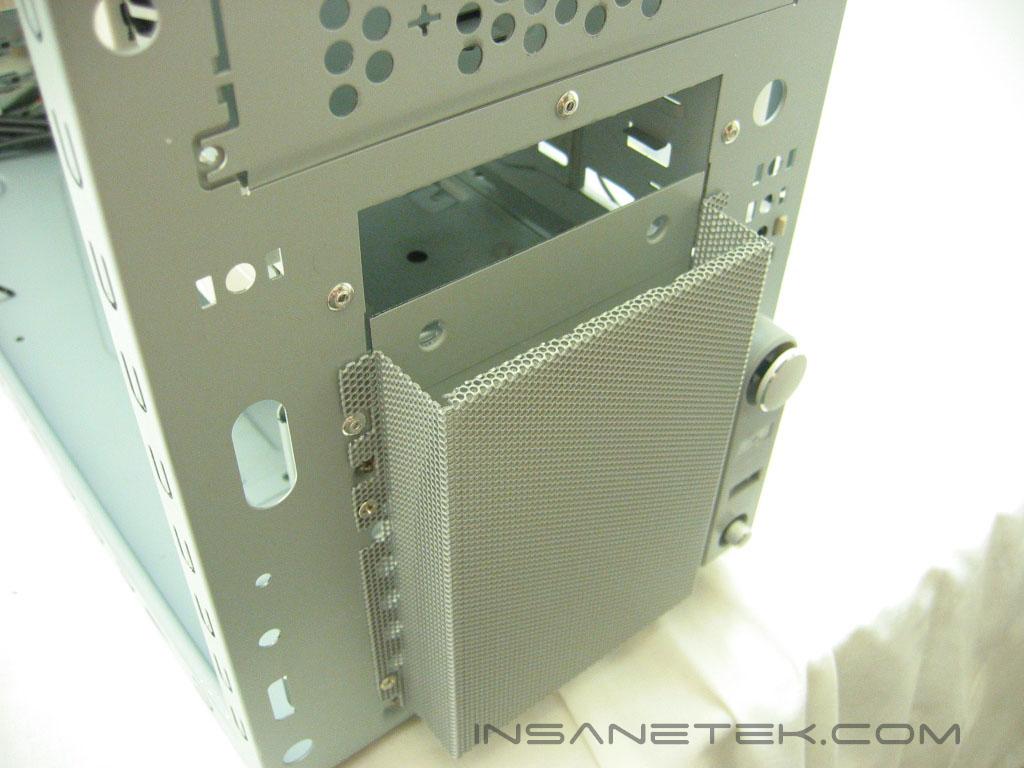
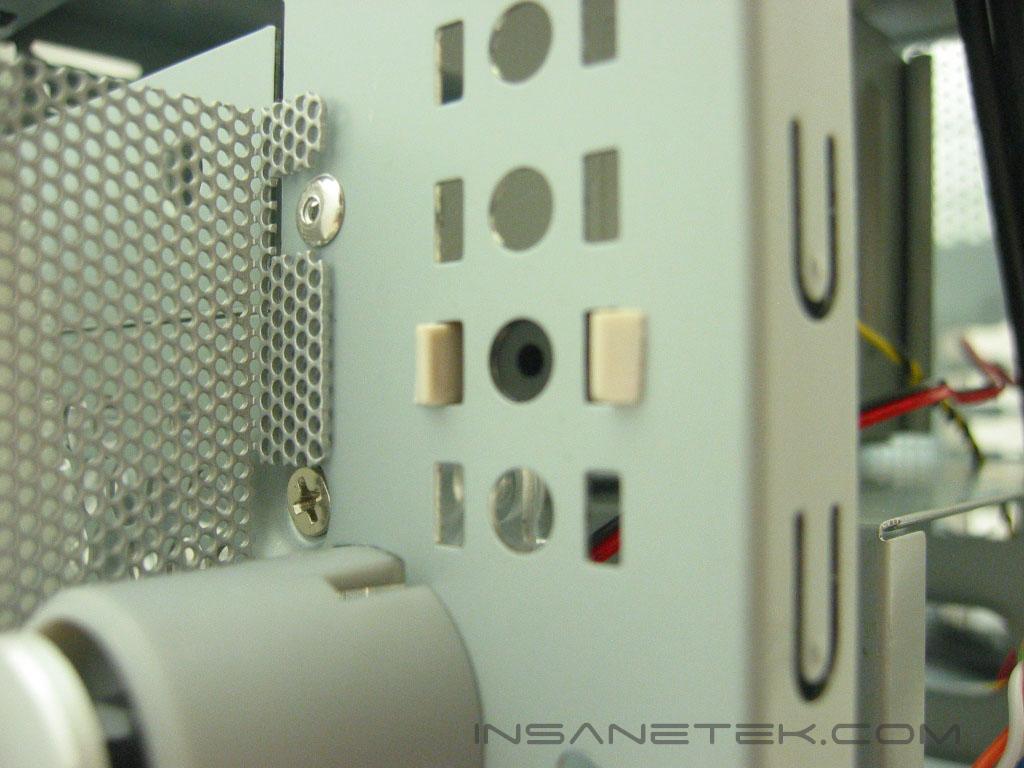
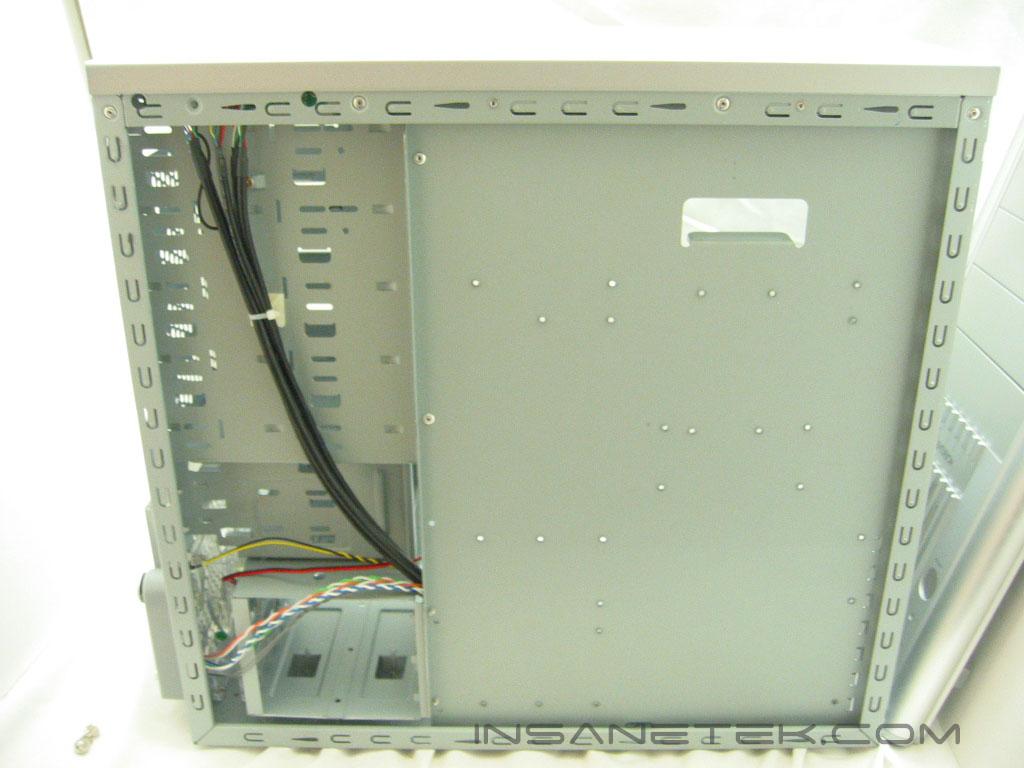
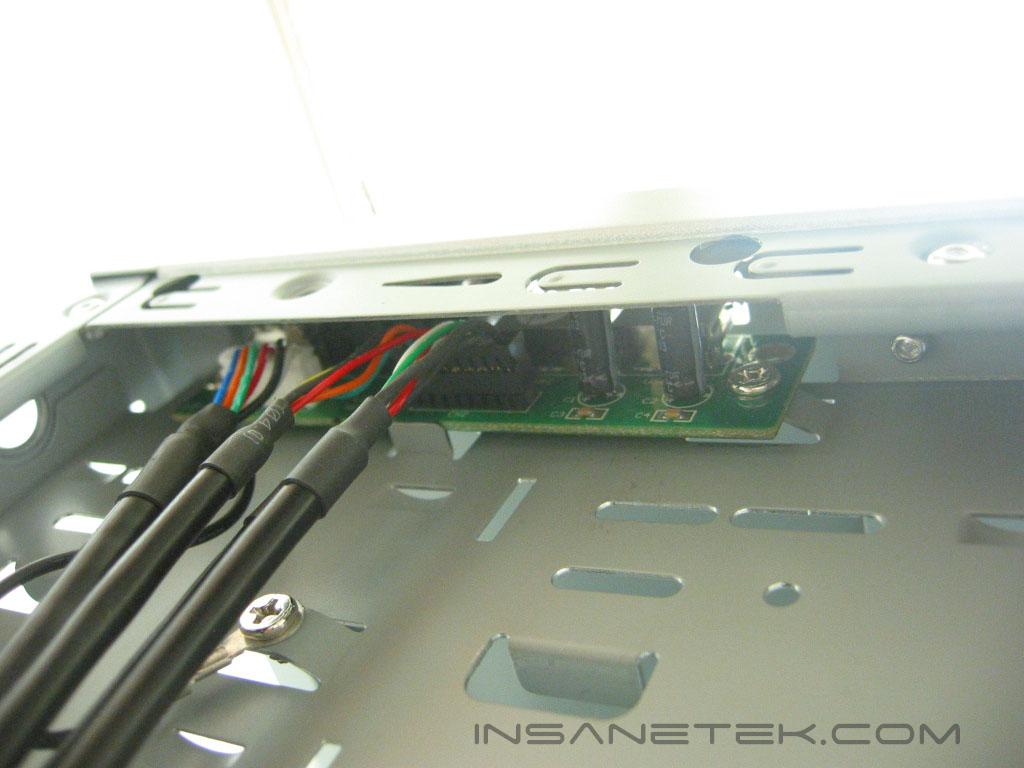
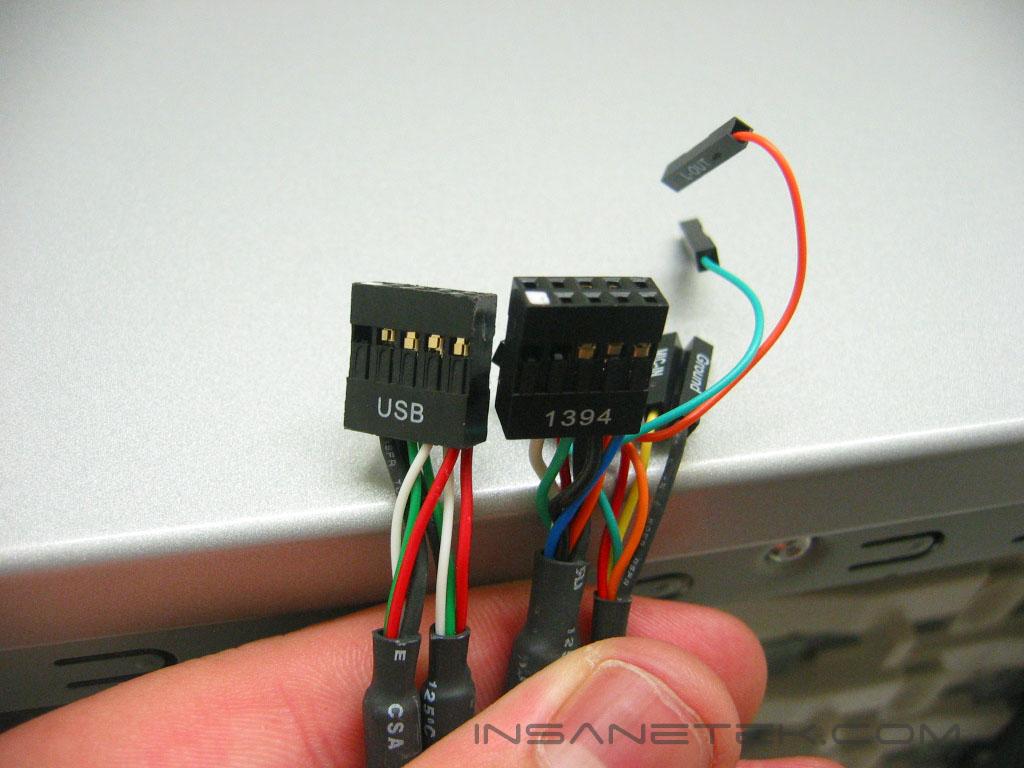
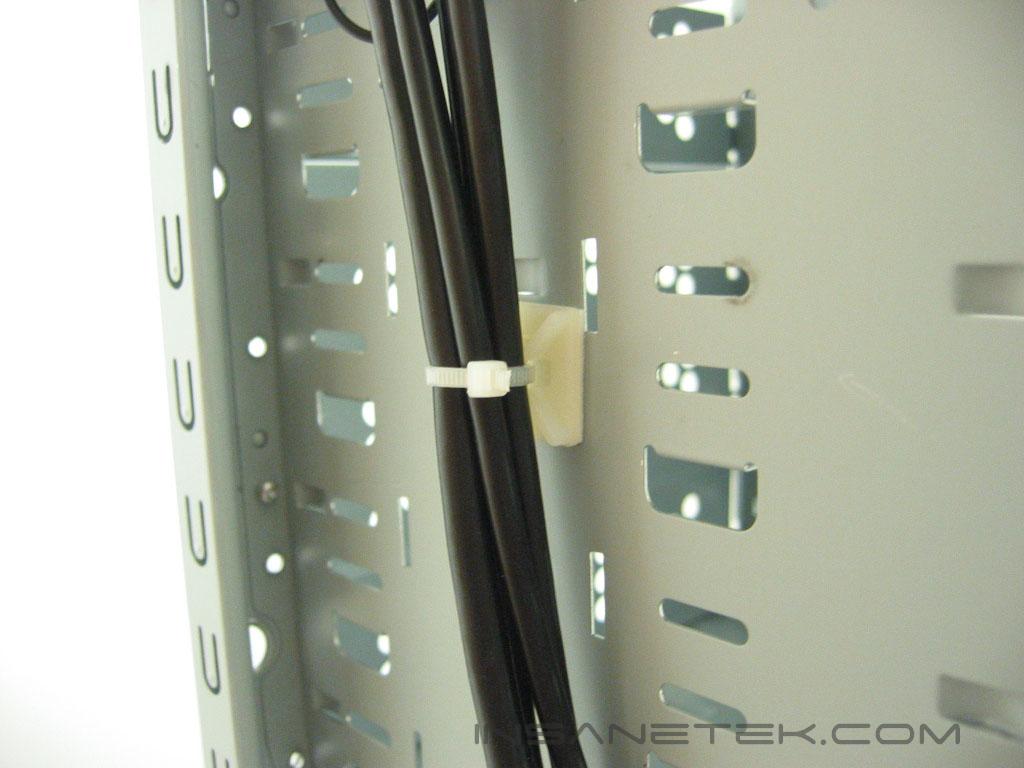
The power and reset buttons are attached to the chassis rather than the bezel. The grating is attached to the chassis and can be easily cleaned of dust. The speaker is located above the power button of the chassis. The black sleeved cables reach to the top of the case where the USB and Firewire connections are.
Specifications and Installation
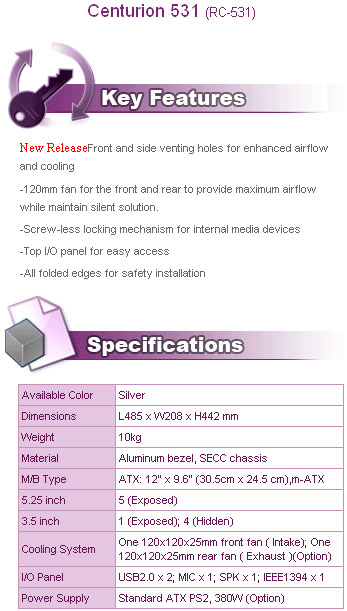
Specifications and Features:
Installation:
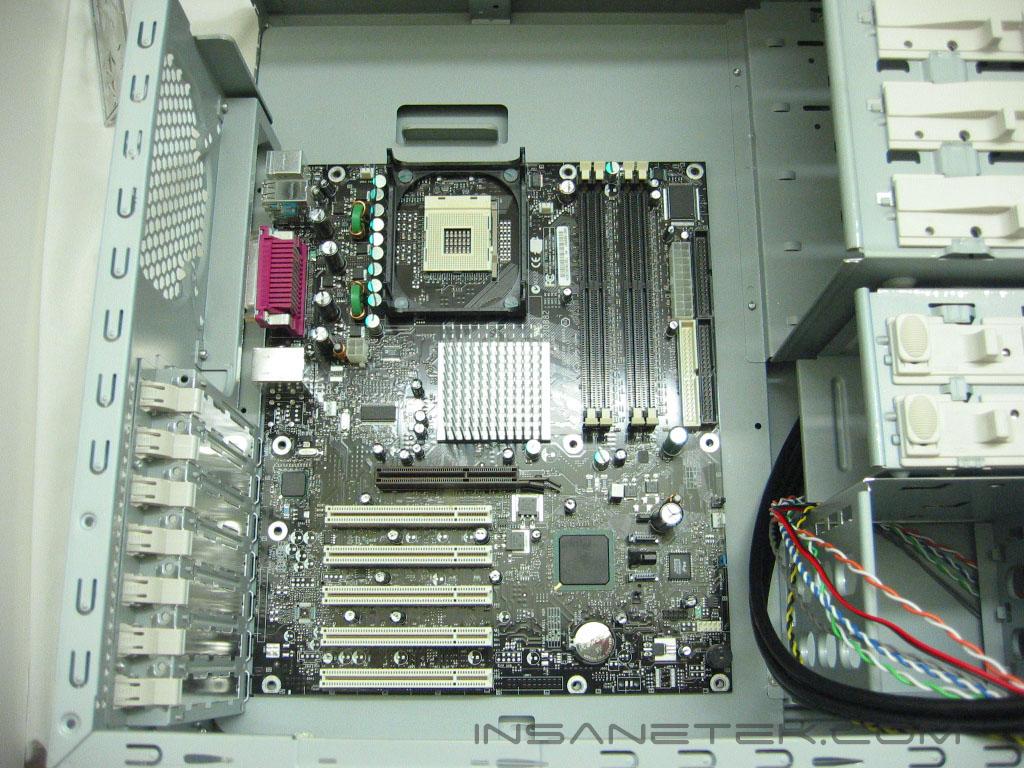
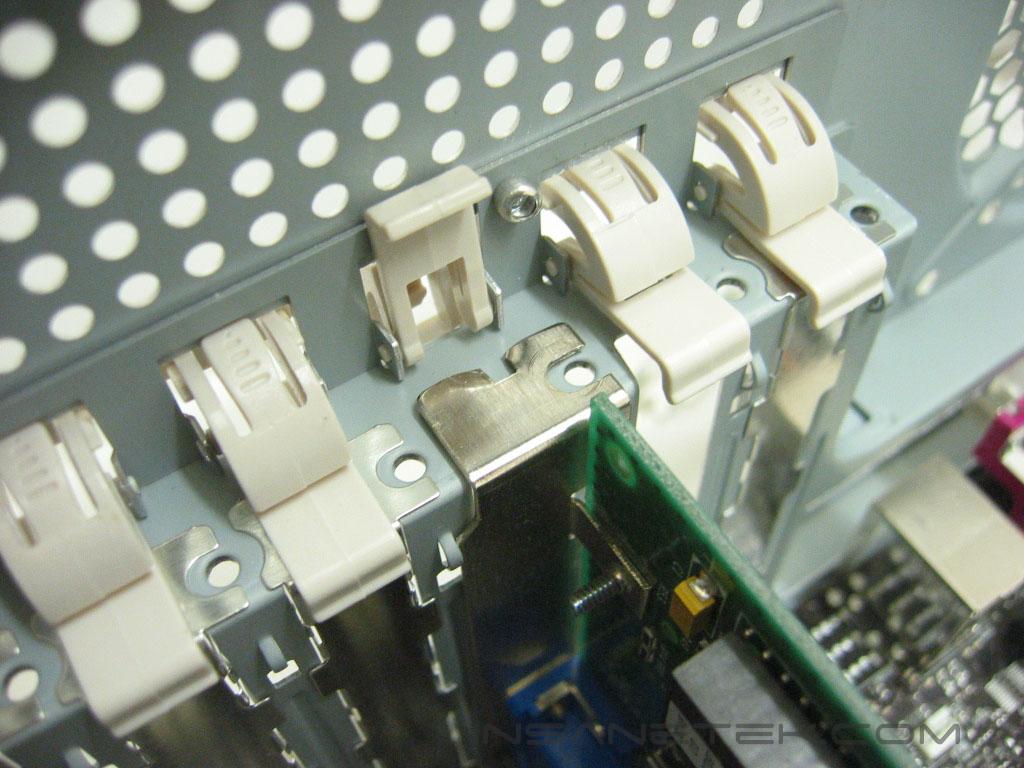
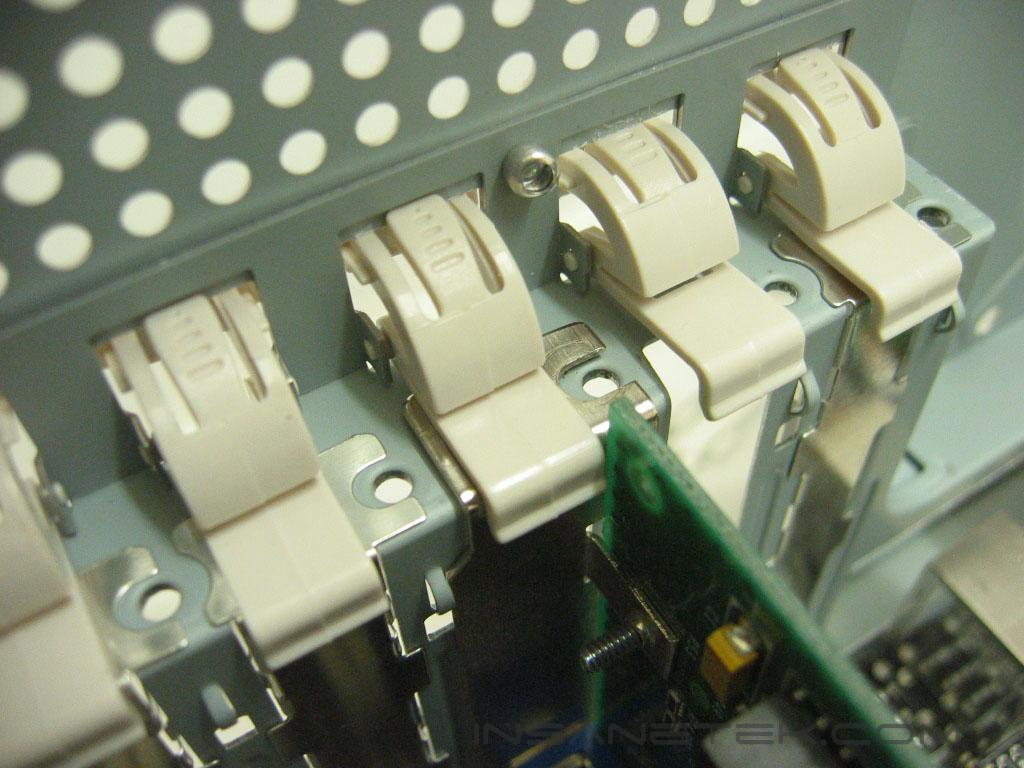
I didn’t run into any clearance issues with the 531. There is plenty of room around the motherboard for routing power and drive cables. Installation of PCI cards are very simple. Press the center tab of the latch in, lift the latch up, insert the card, then clip the latch down to secure it. The PCI clips fit snugly; the card didn’t rattle around when shaken. If a clip did fit somewhat loosely, screws can still be used to fasten the cards.
Conclusion and Thoughts
The Cooler Master Centurion 531 turned out to be a nice case that proved quality didn’t have to come at a high price. The case has options for plenty airflow, supporting two 120mm fans and one 80mm fan. Cooler Master did a good job in giving the Centurion 531’s all aluminum front panel visual appeal, but that’s where they stopped. I would really like to have seen something done to the rest of the case than just some perforations. The tool less mounting of drives works very well and it’s very easy to swap the drives out in a hurry. I wouldn’t expect a budget case to include a power supply, I wish they wouldn’t, but they do, and most have lack-luster performance. I’m glad that Cooler Master made a power supply an option rather than including it. The Cooler Master Centurion 531 has a great price tag, great build quality, but it doesn’t have anything that really makes it stick out. If you are looking for a solid case and you don’t need all the glitz and glamour, the Cooler Master Centurion 531 is right up your alley.
Pros:
- Good ventilation
- Solid, sturdy build
- Tool less installation of drives and add-on cards
Cons:
- Only one fan included
- Hard drive cage only fits three drives

We would like to thank Cooler Master for providing us the sample. If you have any questions or comments, feel free to hit us up in the forums. You can also check out more of our latest reviews on the front page.