

Cooler Master Ammo 533
Introduction
Ever since Shuttle released their SFF systems, enthusiasts have been jumping onboard to take advantage of the small size and excellent portability. The main attraction of the Shuttle SFF system is the portability. LAN gamers should know the tedious hauling of heavy cases just to get in on some fragging action. Case manufacturers have one more goal on their check list to make a good gaming case–portability. The SilverStone SG01 we looked over was a great case. It was light, small, and had plenty of room inside to work with. A small form factor case is one solution to making a portable system. Unfortunately, it does come with some downsides. The main misfortune would be the inability to use standard ATX motherboards. This means that overclocking will be at a minimum, provided that your Micro-ATX motherboard comes with overclocking options.
Cooler Master has a different approach to gaming cases. Their solution resulted with the Ammo 533 case. This new case specifically targets gamers on the go. Instead of the stylish and sleek designs that we have been accustomed to, the Ammo 533 comes with fancy looks and added features.

Cooler Master Ammo 533 External
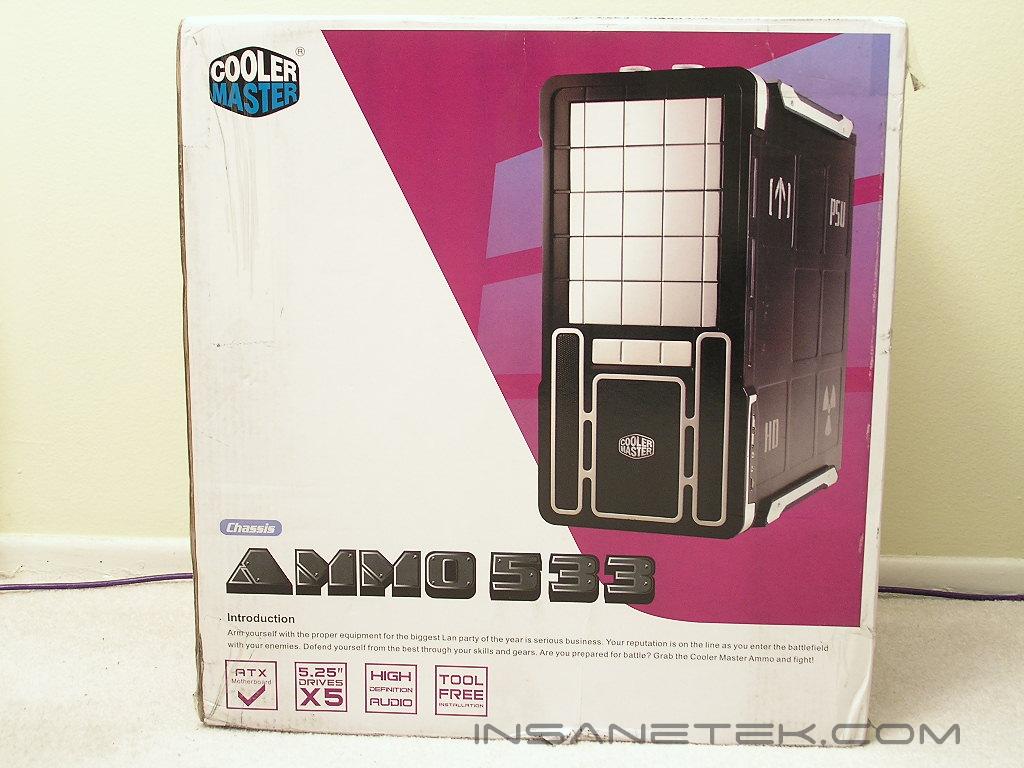
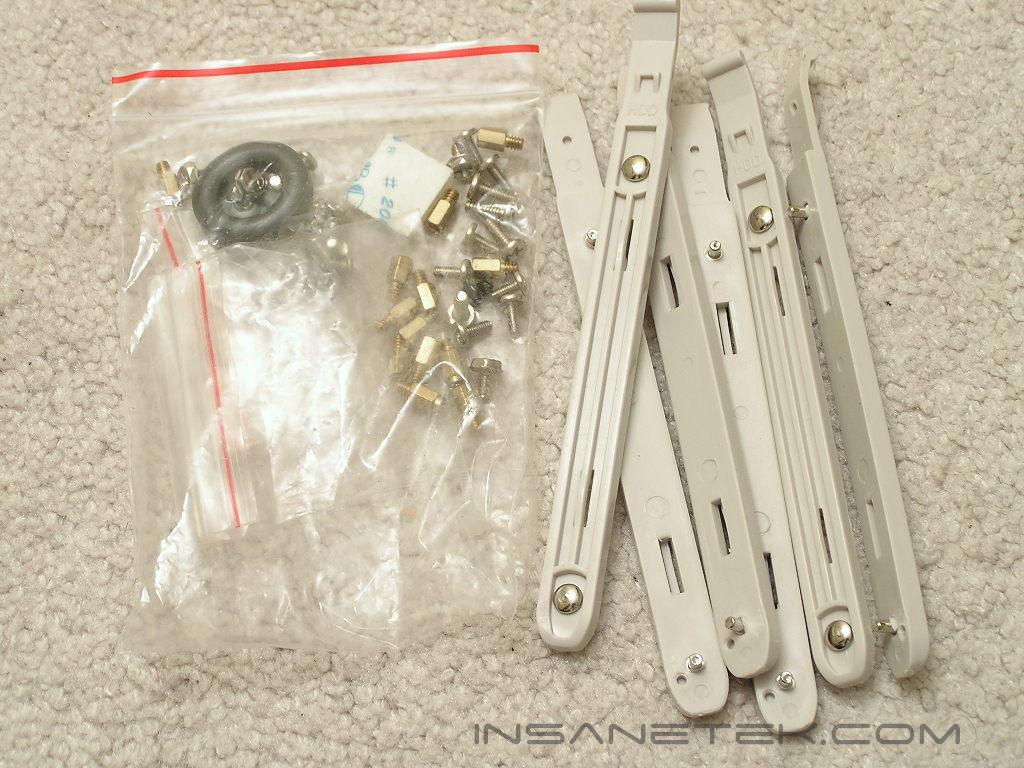
The Ammo 533 package came well packed with the case well protected by Styrofoam pads. Included with the package are the necessary screws and hard drive installation tabs.
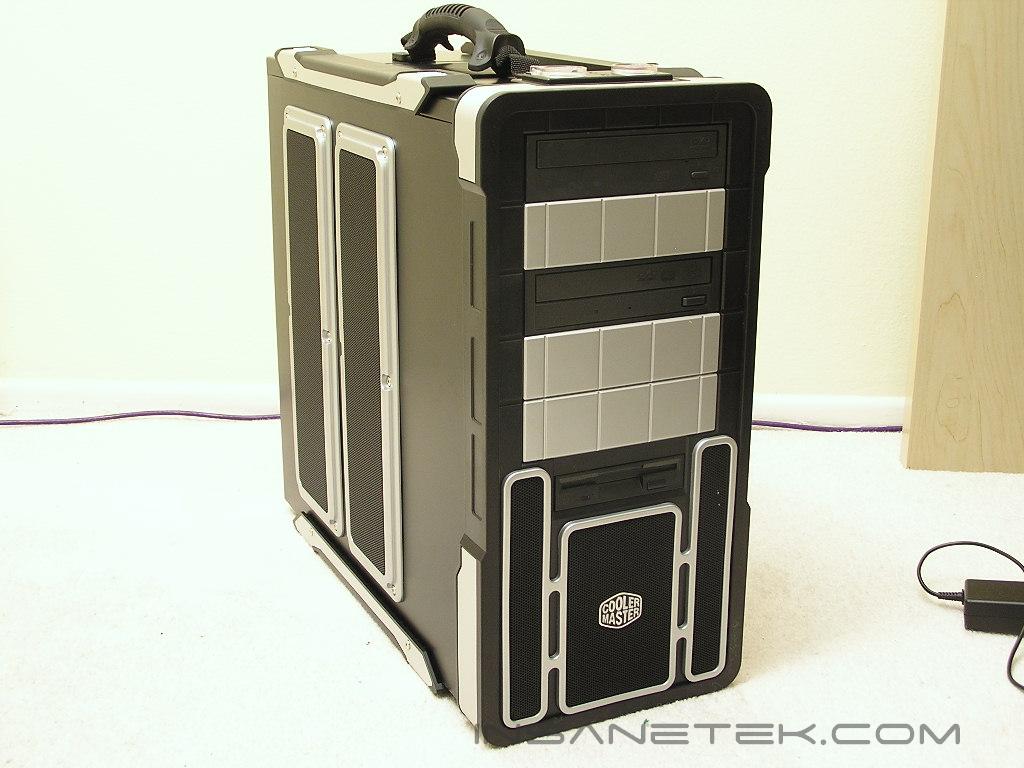
The Ammo 533 comes in a mixture of black and silver. The Ammo 533 comes with five 5.25” drive bays and one external 3.5” bay. The entire chassis is constructed of steel, but that did not make the case all that heavy. Of course aluminum would have been ideal, but it would make the case rather expensive. The left side panel of the Ammo 533 has small ventilation holes that allow air to flow in for increased cooling performance. The right side of the Ammo 533 has some markings to show where the hard drives and power supply should be located. There is also an “up” arrow to denote the way the case should be standing up. The additional USB ports, IEEE 1394 port, line out, and microphone jack are located at the left corner of the right side. The Ammo 533 did not come with an exhaust fan but it does allow room for an 80mm, 92mm, or 120mm fan of your choice.
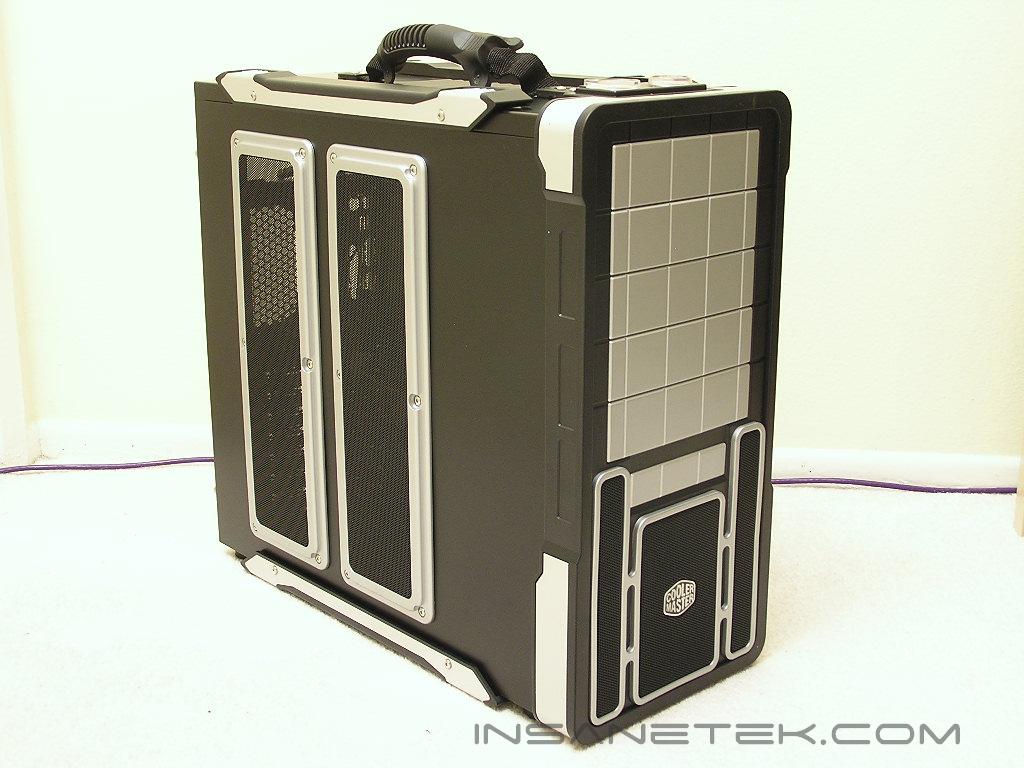
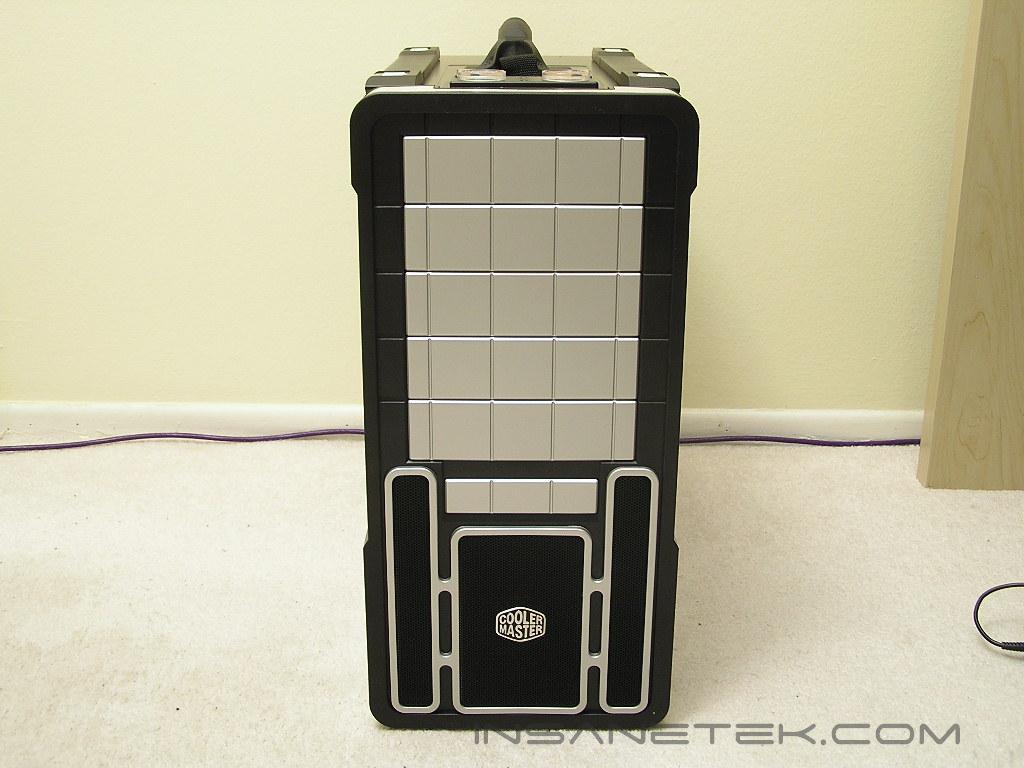
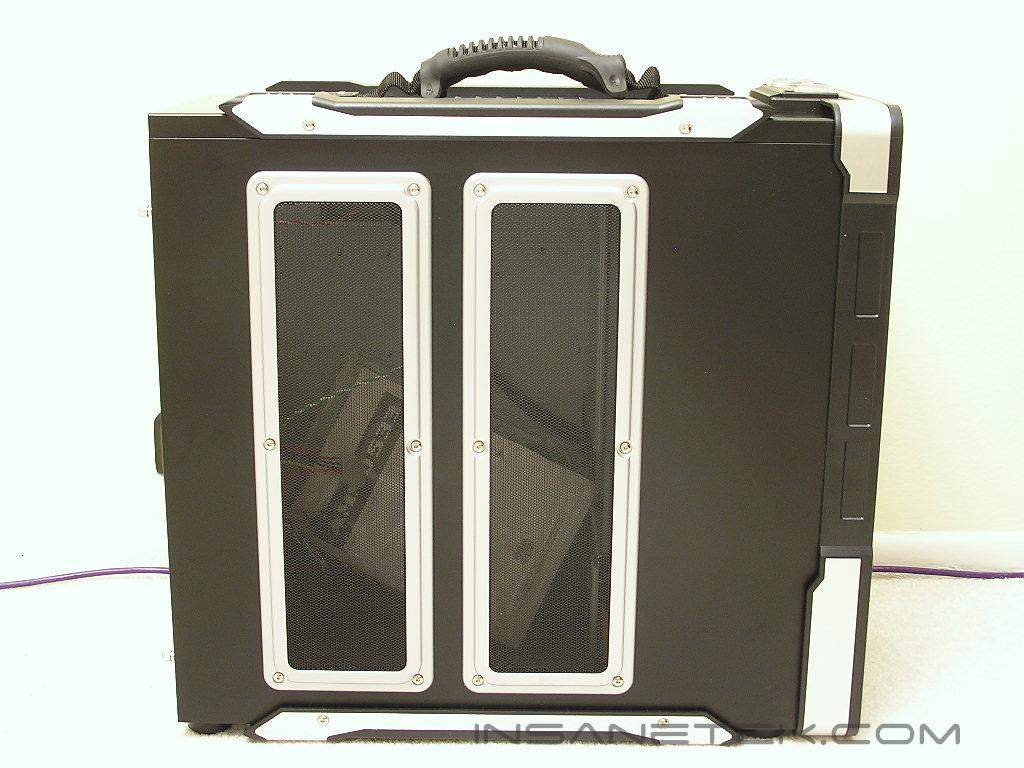
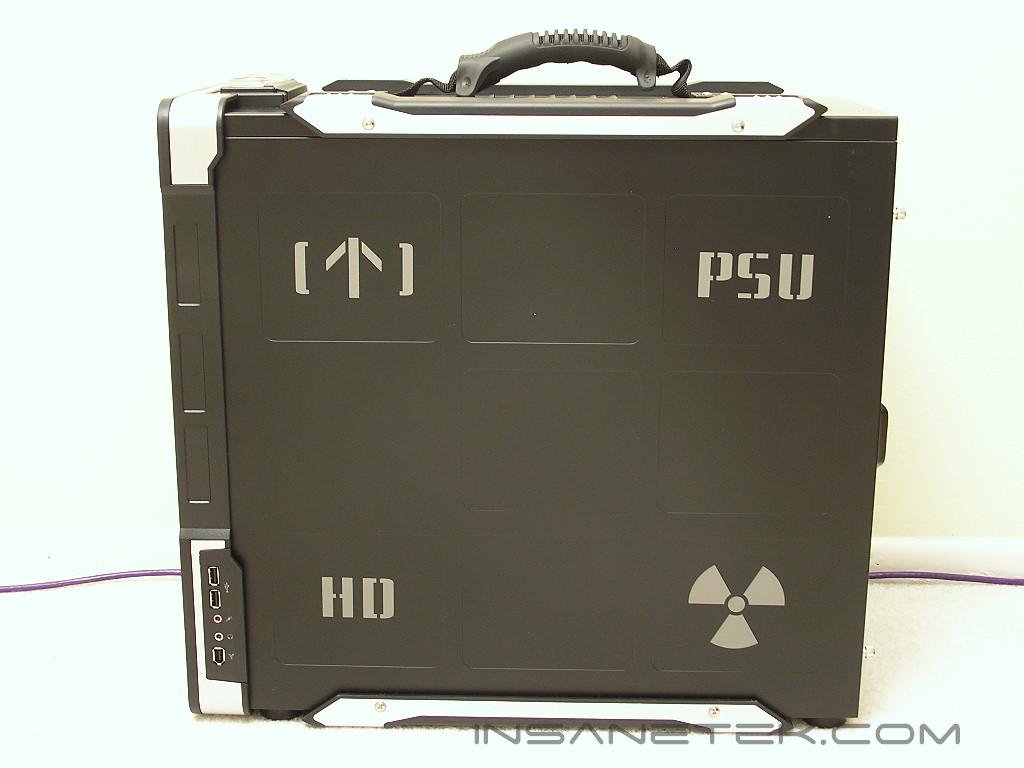
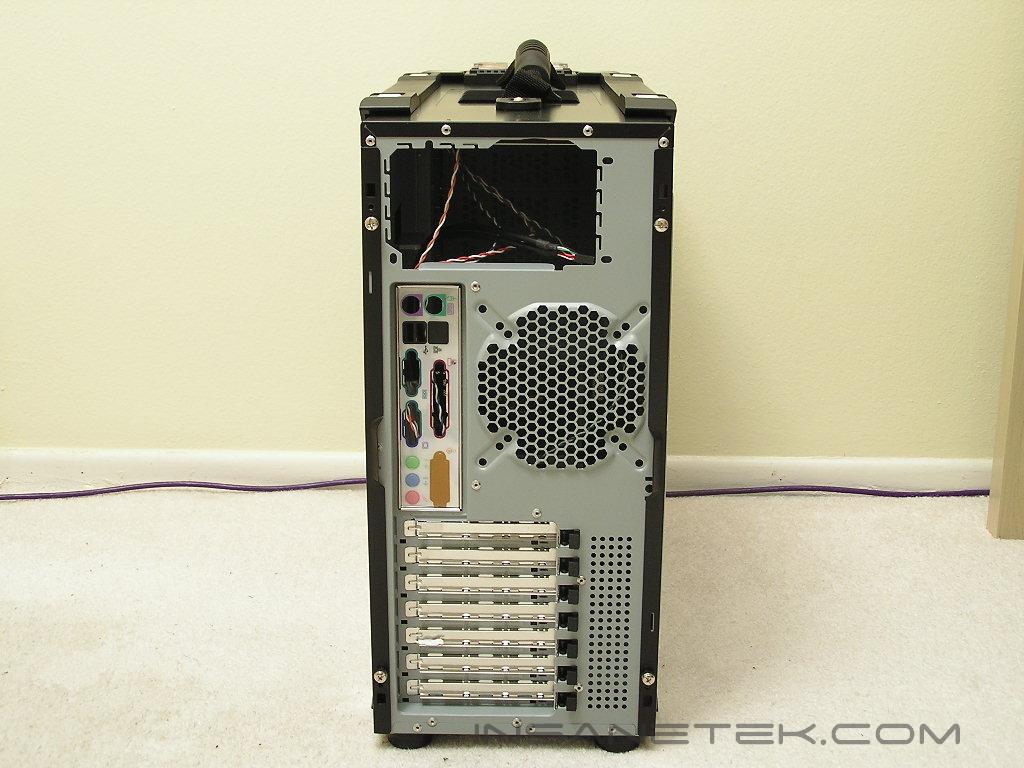
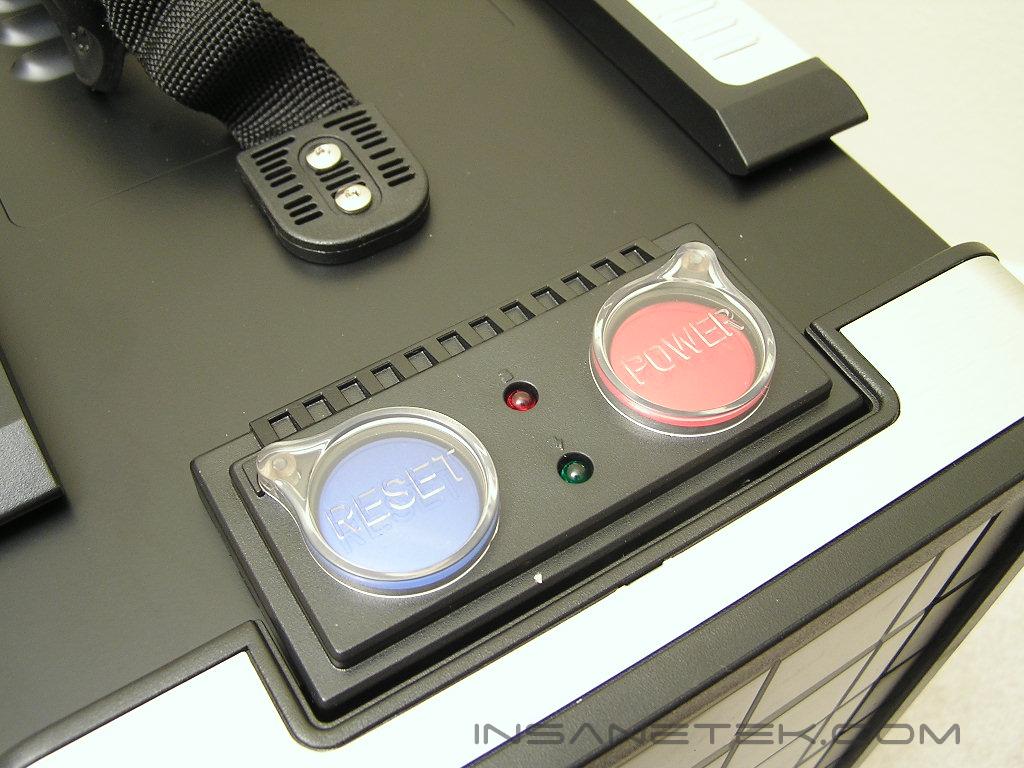
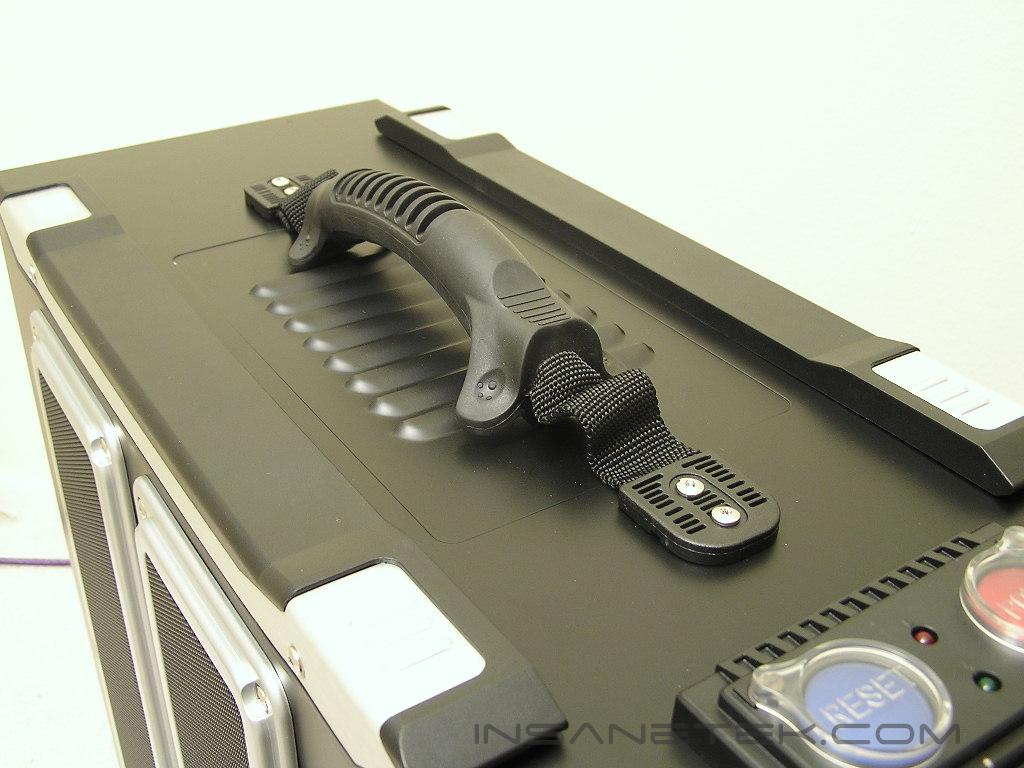
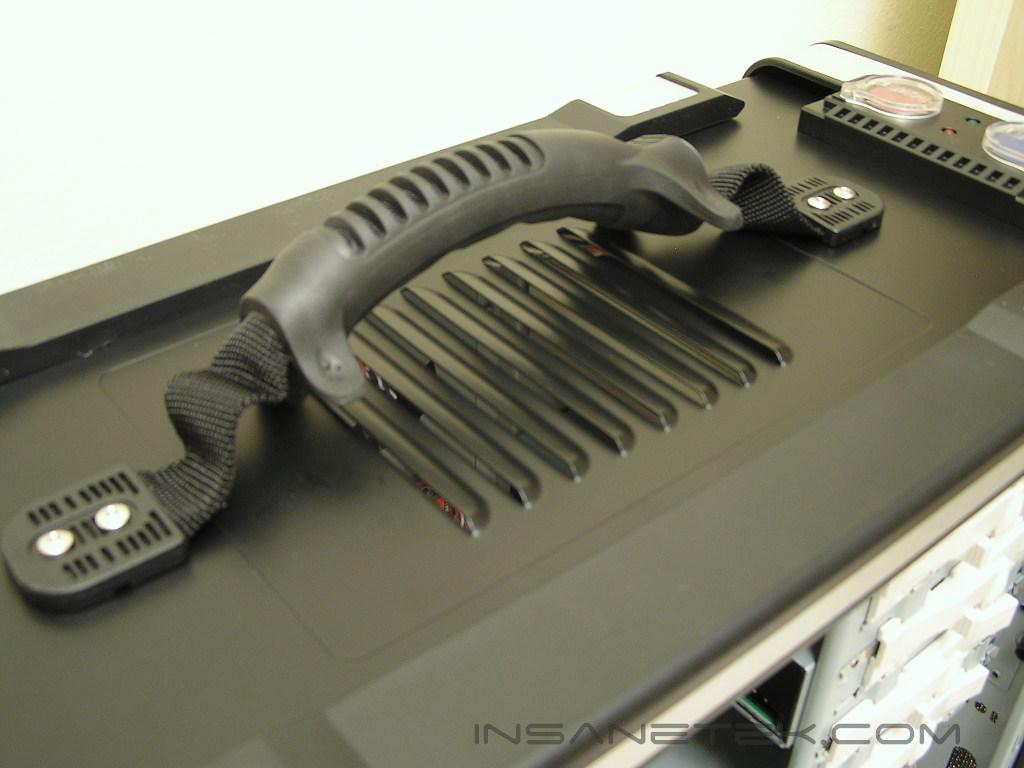
The special features of the Ammo 533 would be the design of the power and reset buttons and the handle. The power and reset buttons are color coded blue and red and have clear caps that cover over the buttons to prevent from accidents. You certainly do not want anyone accidentally pressing your reset button while you’re fragging intensely in a heated battle. The handle is perhaps the greatest part of the Ammo 533 case. It has been securely tightened to the case and does not hurt your hand while you lug the case around. Right below the handle is the top blowhole exhaust panel. The exhaust only allows natural hot air to exit and does not allow installation of an extra fan.
Cooler Master Ammo 533 Internal
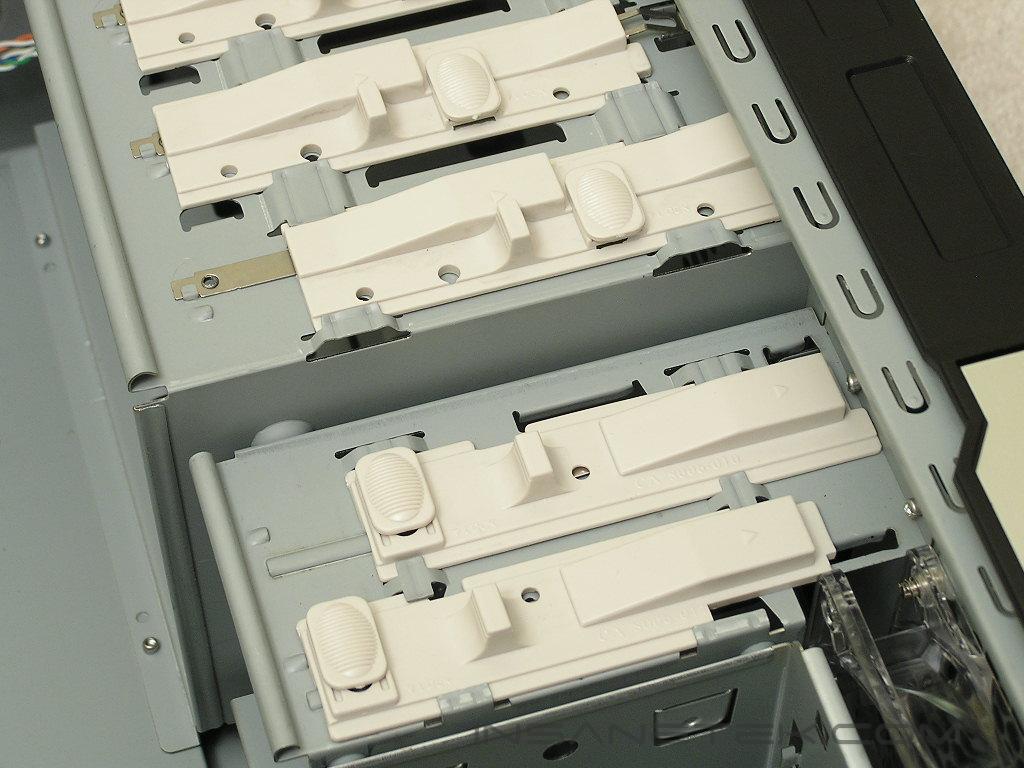
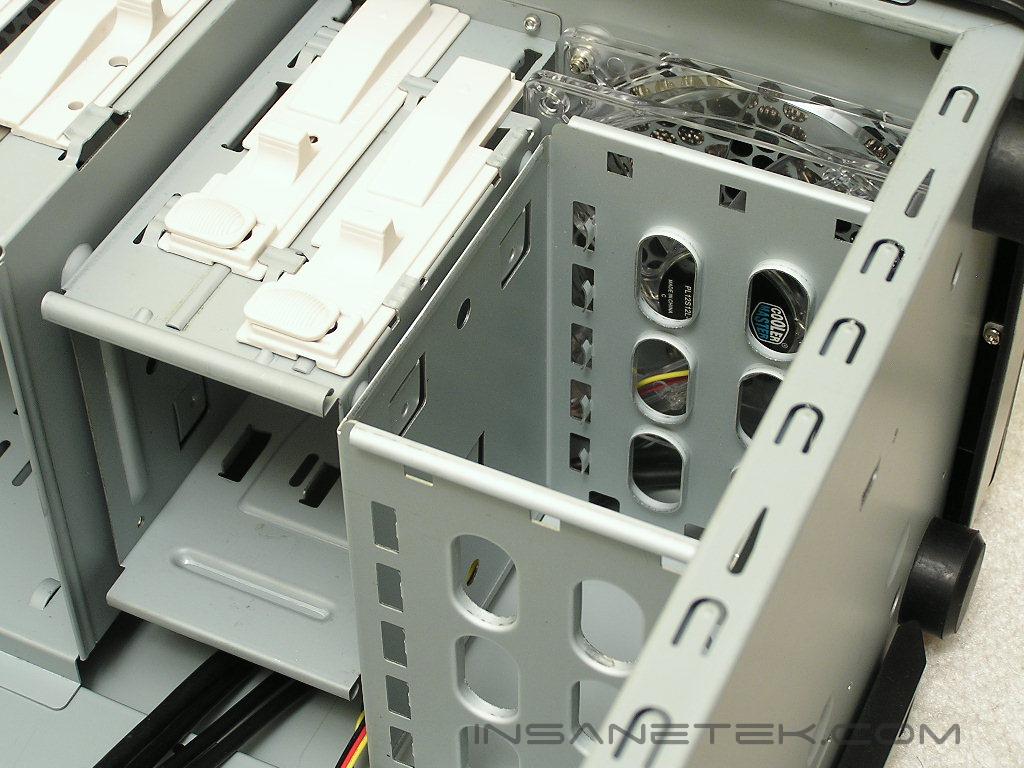
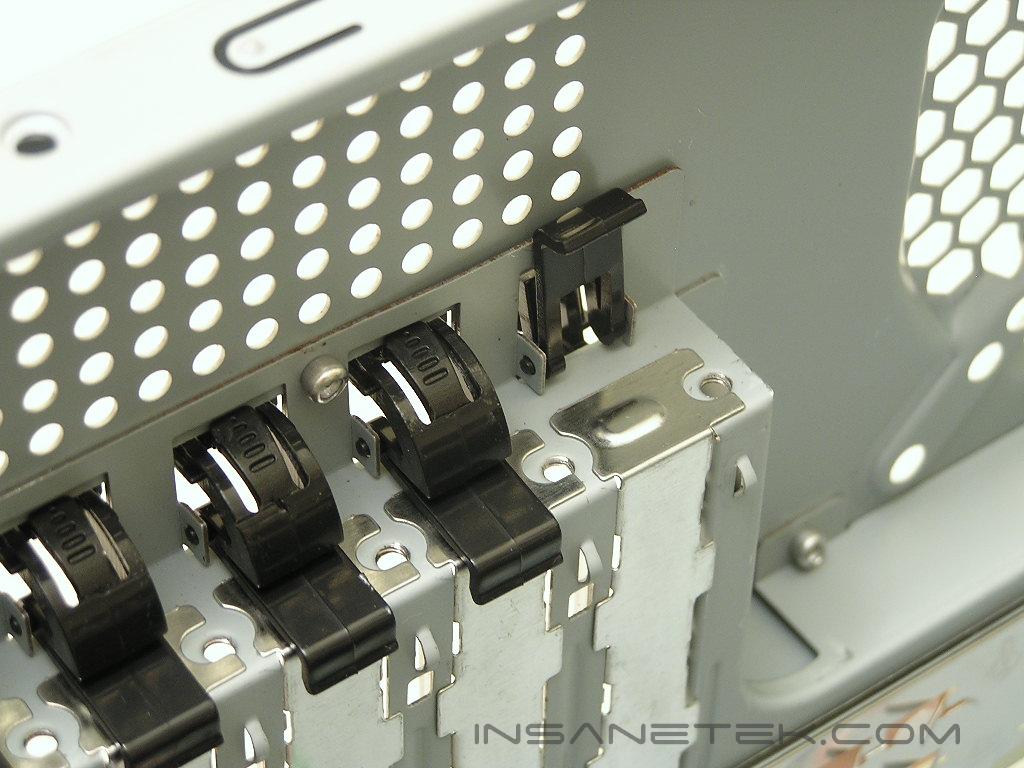
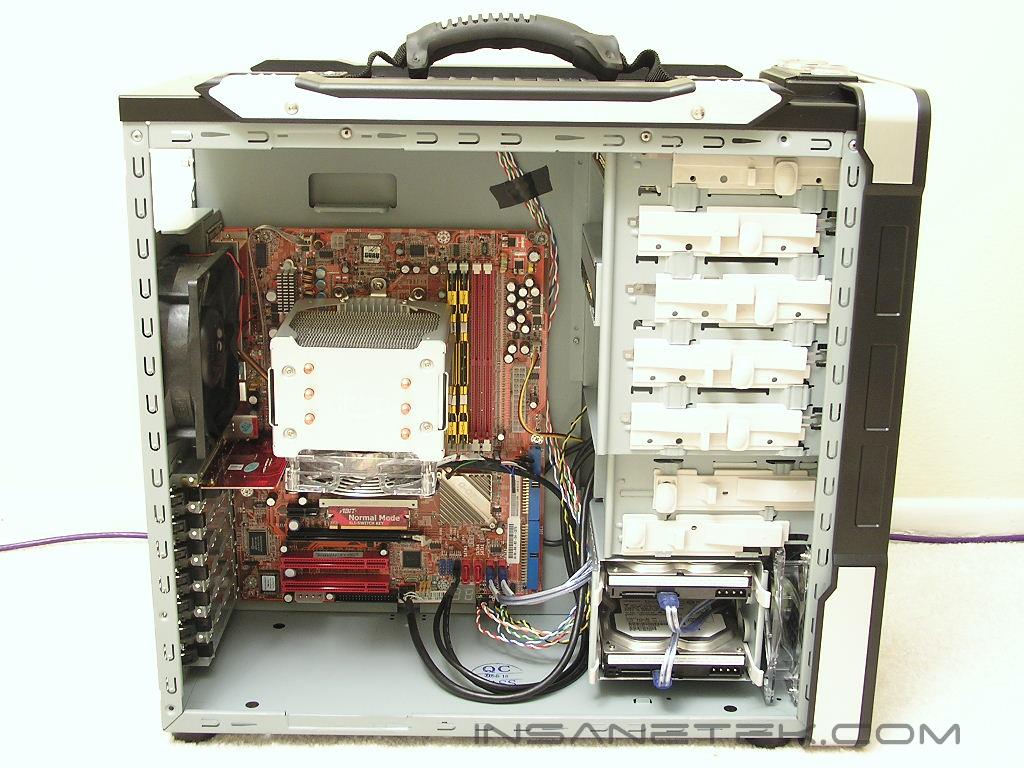
Internally, the Ammo 533 looks just like any of Cooler Master’s recent cases. All the drive bays use the tool-less sliding locks. The hard drive cage has a blue LED 120mm fan at the front for intake and immediate cooling. The hard drive cage only allows three hard drives to be installed, and to some, it is a little bit lacking. Having space for four or more hard drives would be much better. The PCI slots also use the tool-less design. The black clips may seem a bit loose, but it does secure the cards tightly. For those who are still a bit concerned, there are holes provided so you can tighten the cards down with a screw. Sadly, the Ammo 533 does not come with a removable motherboard tray. I guess the internal design does not really allow one; it might be the big exhaust fan option that prevents the case from using a removable motherboard tray. I would take the bigger exhaust fan option over the tray any time.
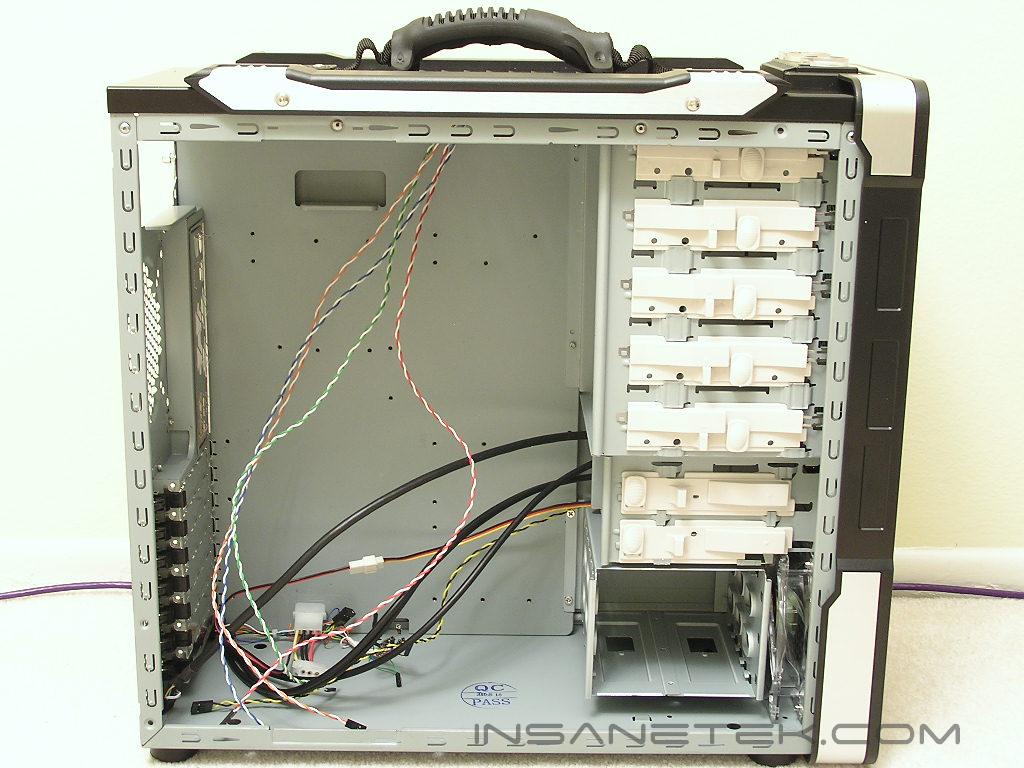
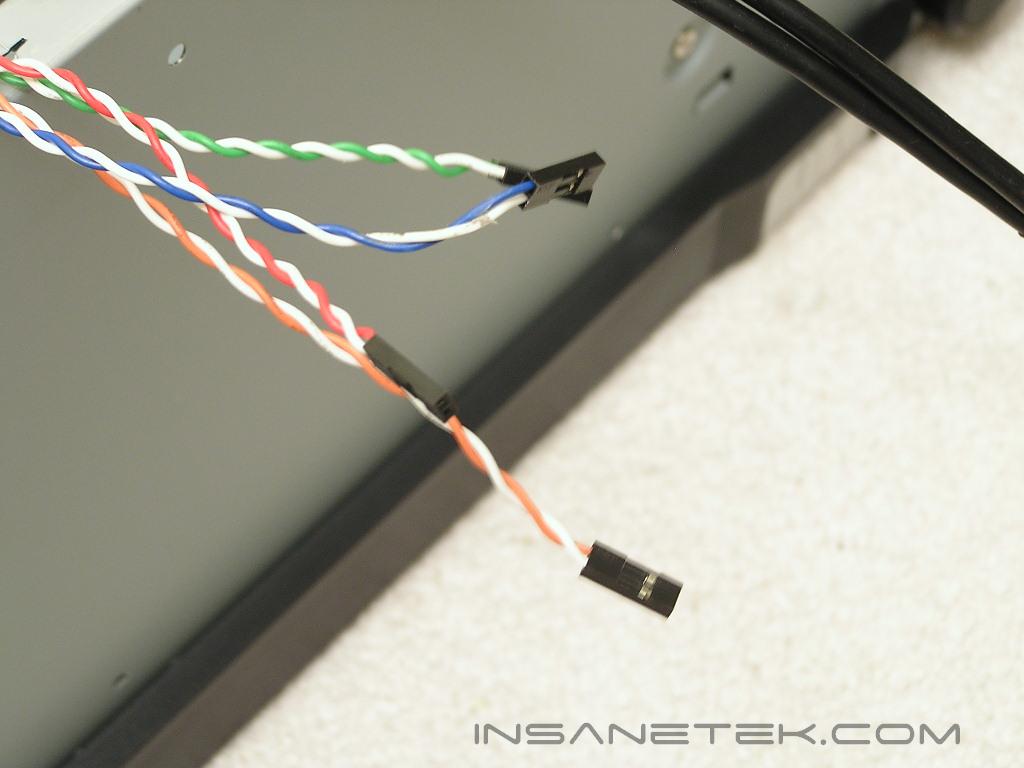
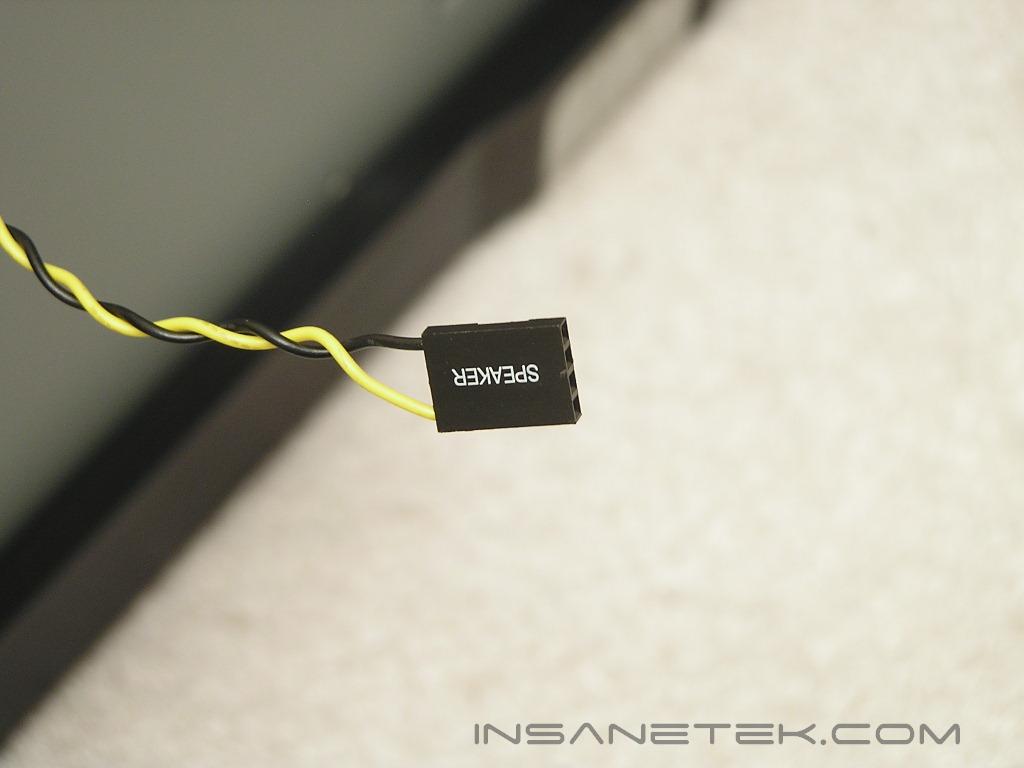
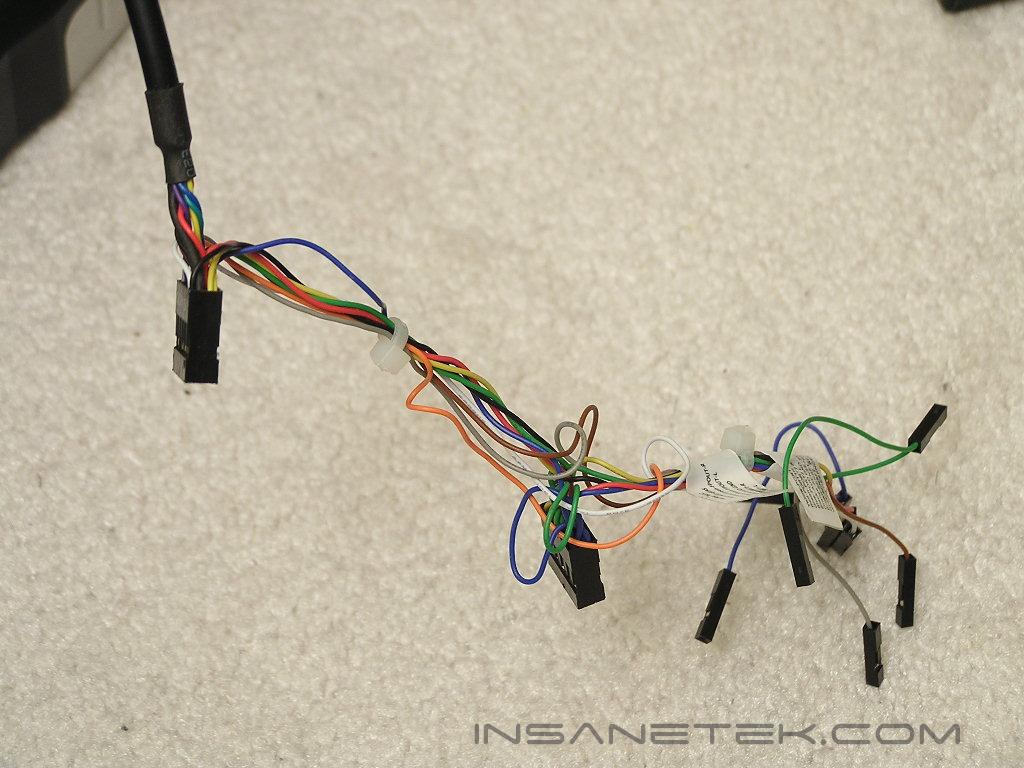
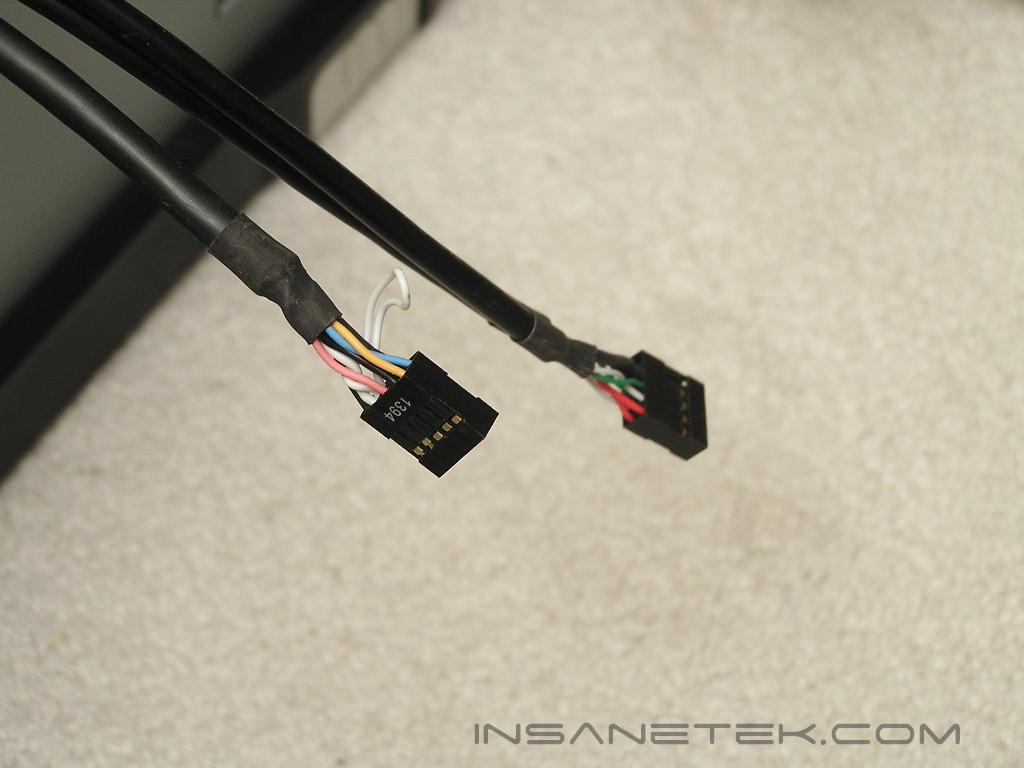
A case is useless without the front connections wires. The usual HD LED, power LED, reset, power, and speaker wires are all color coded and nicely labeled. For the front audio extension, Cooler Master was nice enough to bundle the wires together into one connection port. Enthusiasts still have the option to use the loose wires and arrange it themselves. The IEEE 1394 and USB wires are all grouped together nicely into a single connector head. This makes life so much easier.
Specifications and Installation
Specifications:
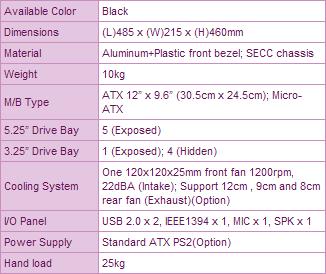
From the specifications provided by Cooler Master, the front 120mm fan produces very low noise. I turned on the system and was barely able to hear anything. The hard drive spun louder than the fan!
Installation:
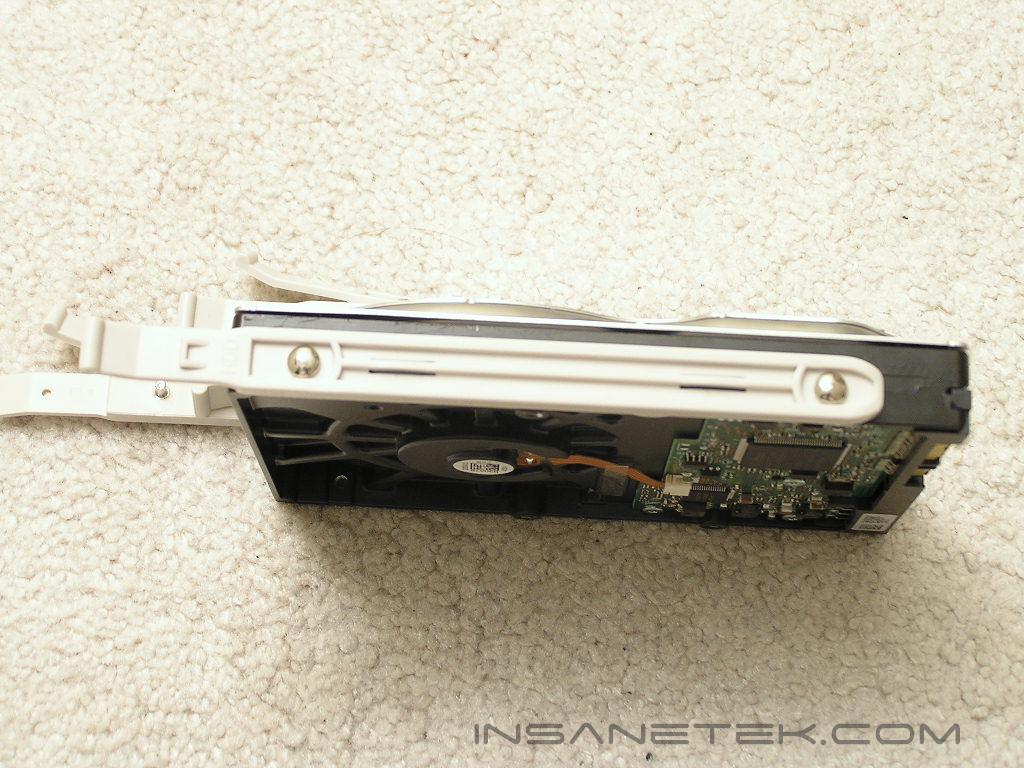
Installing all the components into the case was straightforward and easy. The motherboard area might be a little cramped for moving the motherboard in and out, but it is doable with a little patience. Since sliding lock tabs are used for optical drives, there are no accessories or screws needed. The hard drive, however, requires a tab to be placed. It snaps easily into the hard drive holes without a problem. I also dug through my pile of fans and found a 120mm Panaflo and installed it into the case. If you plan to install an exhaust fan, be sure to have fan screws. The small bag of screws did not come with any.
Conclusion and Thoughts
The catch phrase of the Ammo 533 is: “Are you prepared for battle?” You certainly need to be if you plan on going to an LAN party and win. Internally, the Ammo 533 is just another good case from Cooler Master. Installation of components was easy and very straightforward. There were no problems in fitting anything into the case, even with the extra long 7800 GT video card.
What about externally? The Ammo 533 reminds me of a black transformer that can turn into a tank. It definitely “looks” like it can take on anything you throw at it. My favorite feature of the case is the handle. It lets me move the system around with ease; it lugs around just like a briefcase. The power and reset buttons are also nice too. I tend to place my systems on the floor so having the buttons at the top makes turning on the system well within my reach.
Cooler Master has done a good job with their solution to gaming enthusiasts. The Ammo 533 allows good airflow with the 120mm intake fan, ventilated side panels, and the optional exhaust fan. LAN gamers can definitely take advantage with the built-in handle. If you like the looks, go for it. The case is very affordable under $100.
Pros:
- Comes with 120mm fans for airflow
- Ventilated side panel allows for increased cooling performance
- Tool-less installation
- Case handle is very handy
- Power and reset buttons are covered to prevent from accidents
- Very affordable
Cons:
- Looks?
- Motherboard area a bit tight
- Only allows three hard drives in the hard drive cage
- Only comes with one 120mm fan

We would like to thank Cooler Master for providing us the sample. If you have any questions or comments, feel free to hit us up in the forums. You can also check out more of our latest reviews on the front page.