

Arctic Cooling Silentium T1
Introduction
By now, you should all be very familiar with Arctic Cooling products and their capabilities. Their cooling solutions make computing in silence a reality. The VGA silencers are winning awards at every site and their Freezer coolers are now the preferred choice for my test bed. With VGA coolers, CPU coolers, and case fans already set, what’s the next step in providing a cool computing environment? The case. Arctic Cooling’s step into the case category was somewhat surprising, considering that the majority of new cases today cater towards gamers. All those cases focus mainly on looks and not any increased cooling performance. Arctic Cooling has a different approach. They look to provide better cooling performance while still maintaining the low level of noise they’re very well known for. With the goals in mind, they created the Silentium T1 and T2.
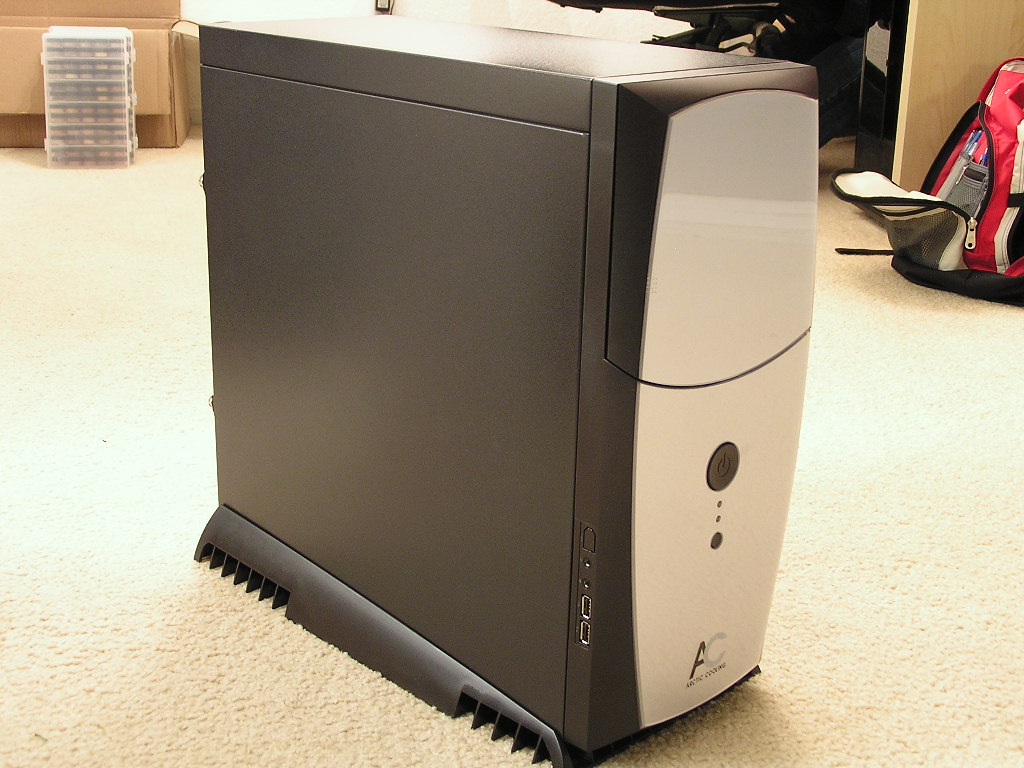
The Silentium cases have the exact same internal design and differ with the external shell. Many will agree right off the bat that the Silentium T2 looks much more stylish than the T1 brother. I have to agree as well. The T2 is definitely more eye catching and gives that “high end tech” feeling. Frankly, I thought the T1 version was ugly. It looked like a regular black box with a cheap front panel. My impressions changed when I received the sample. It looks 200 percent better in person. The look of the T1 caters much better for the HTPC community.
With pure cooling performance in mind, Arctic Cooling deviated from the traditional intake and exhaust system and came up with something much more different.
Arctic Cooling Silentium T1
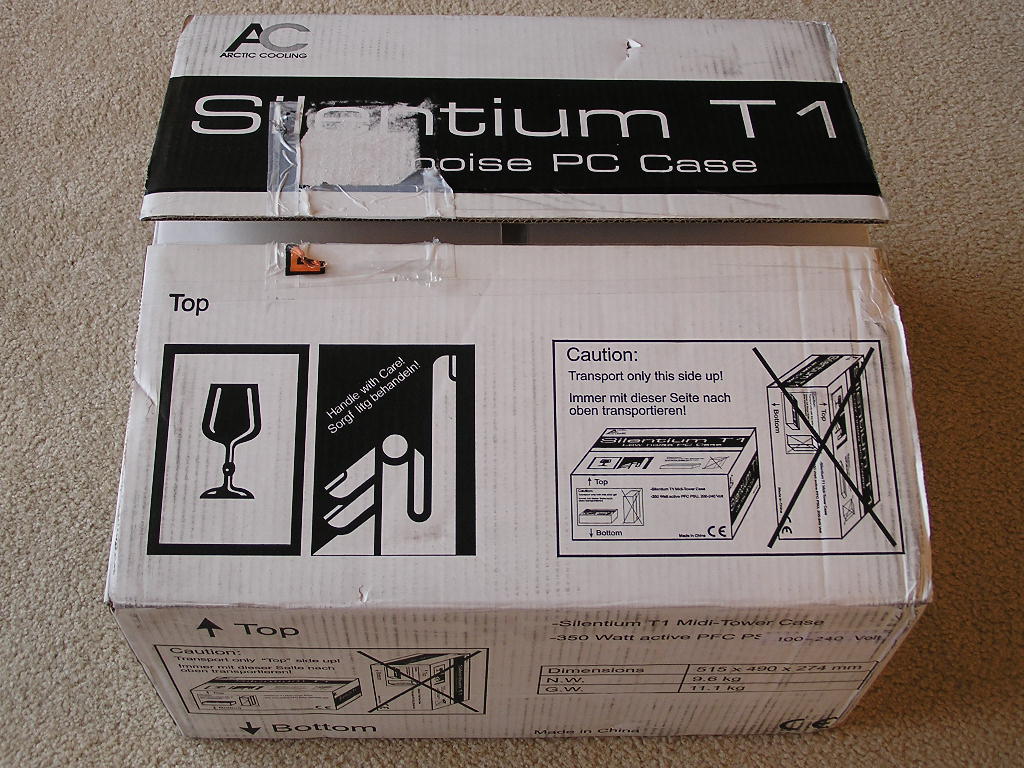
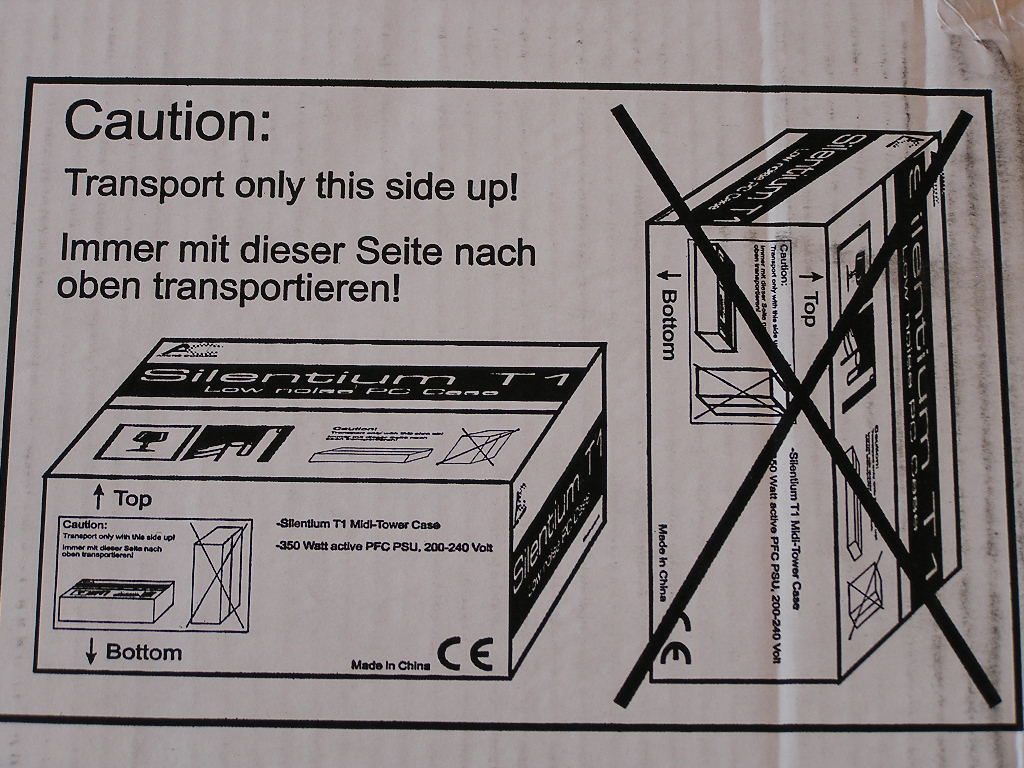
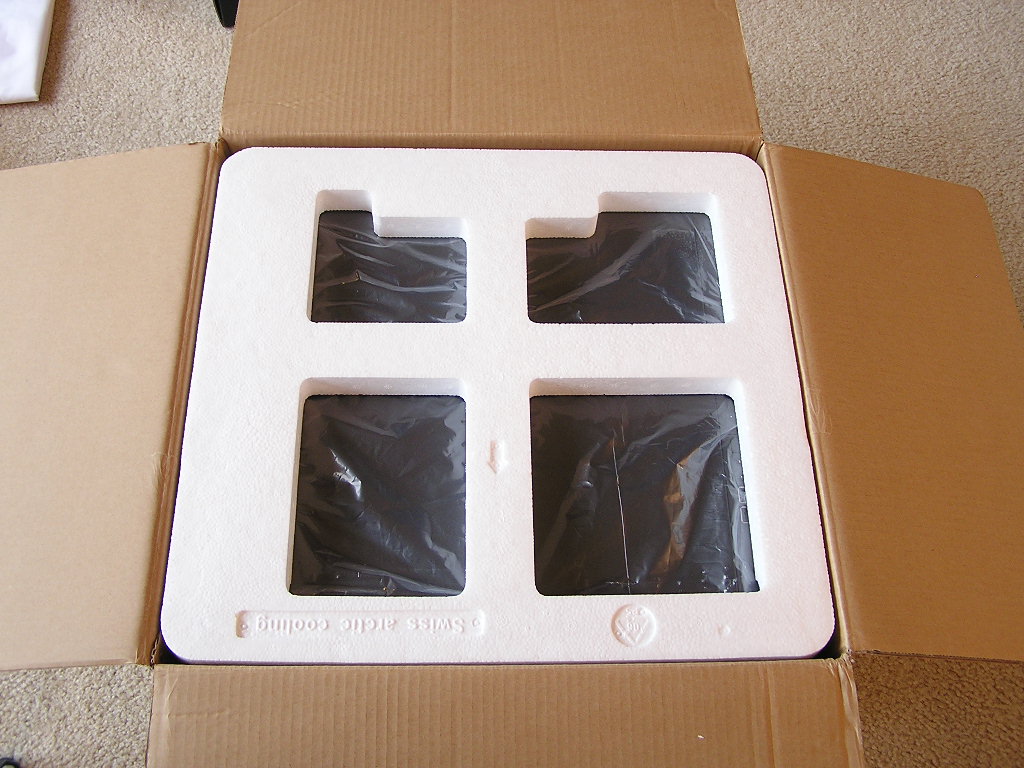
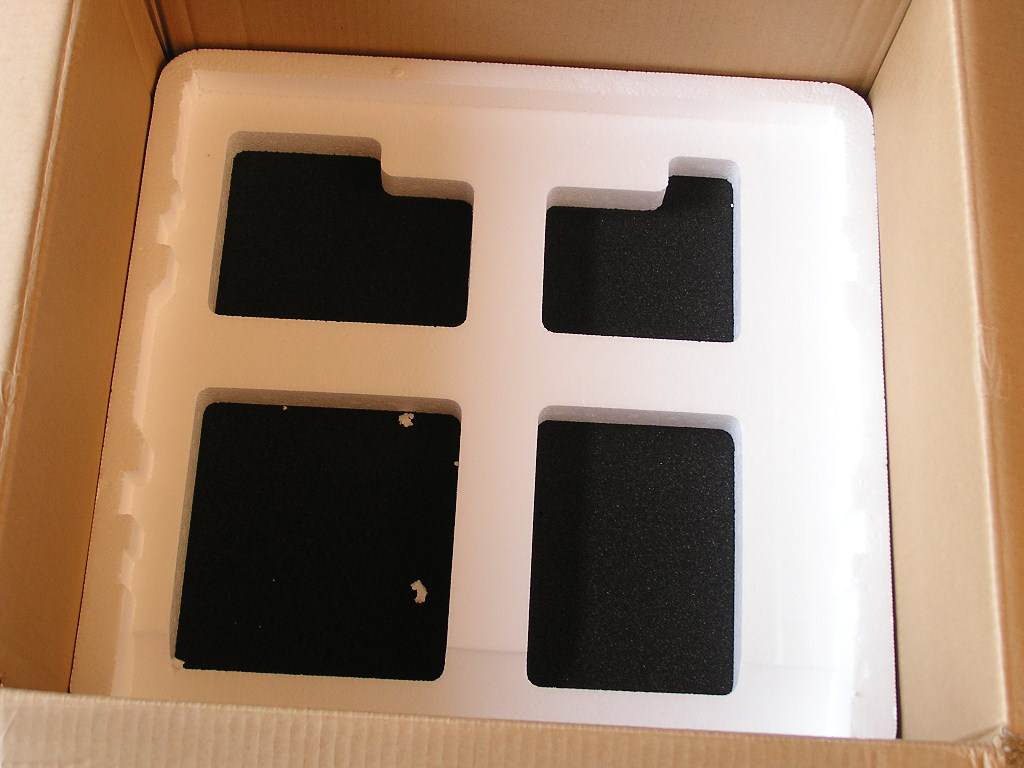
Normally, talking about the packaging job of a case means nothing. All cases come in a cardboard box covered by two Styrofoam covers. Arctic Cooling puts in extra attention in the packaging details. Like the regular case packaging, the case is covered by two Styrofoam covers. The difference is that Arctic Cooling specifies sitting the box horizontally instead of vertically. On the bottom side of the box, there is a layer of foam to absorb shock in transit.
Sadly, the Silentium T1 is constructed with pure steel and no aluminum parts. It’s not a big deal to me, because the case itself is not heavy. To some, it can be a turnoff. The case looks very plain and simple. The front panel is plastic, but has a layer of acrylic to provide that classy feel. The side panels are black and are very sturdy. I accidentally bumped it and scratched it a couple times and the paint still did not scratch off. The Silentium cases provide two 5.25” external drive bays, two 3.5” external drive bays, one 3.5” internal drive bay, and one HDD damped HDD cover. The number of 5.25” drive bays is very limited, as most systems use at least two of these drive bays. This leaves out the option of using a fan controller, any type of LCD monitoring device, or even a reservoir for watercooling assemblies.
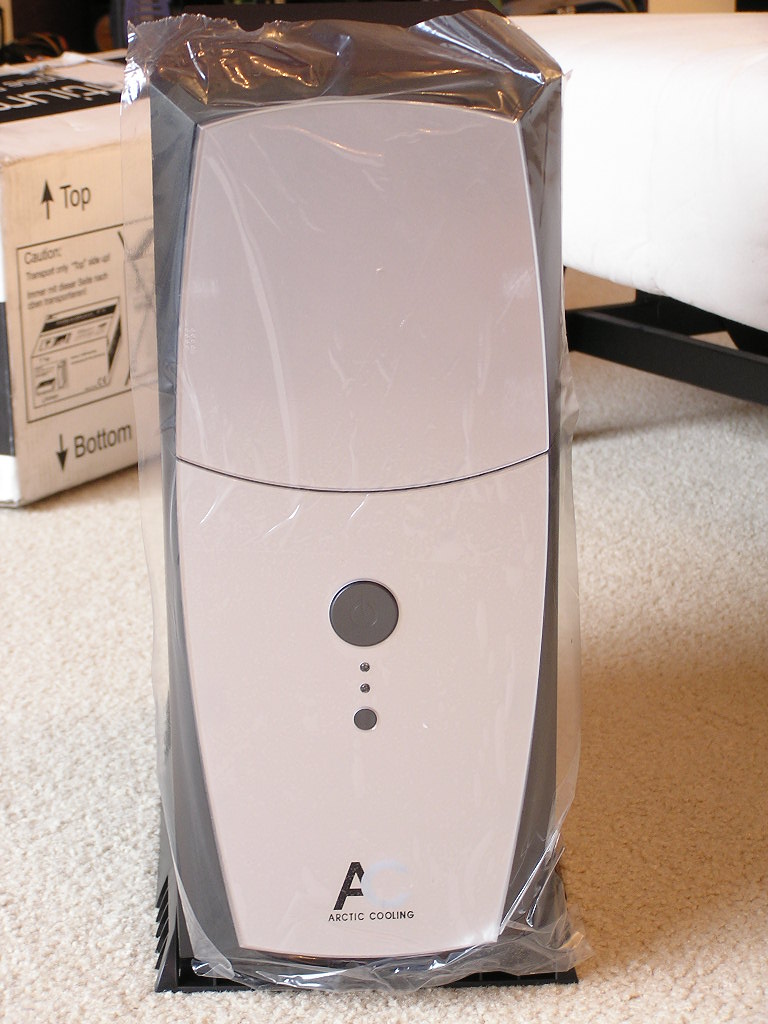
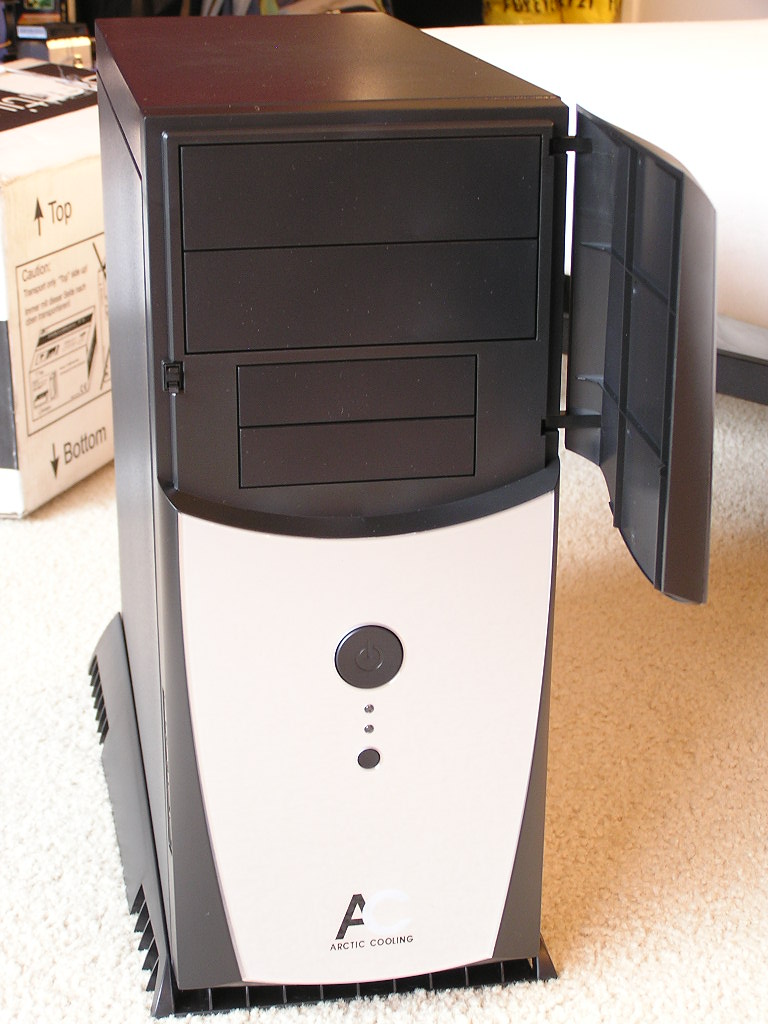
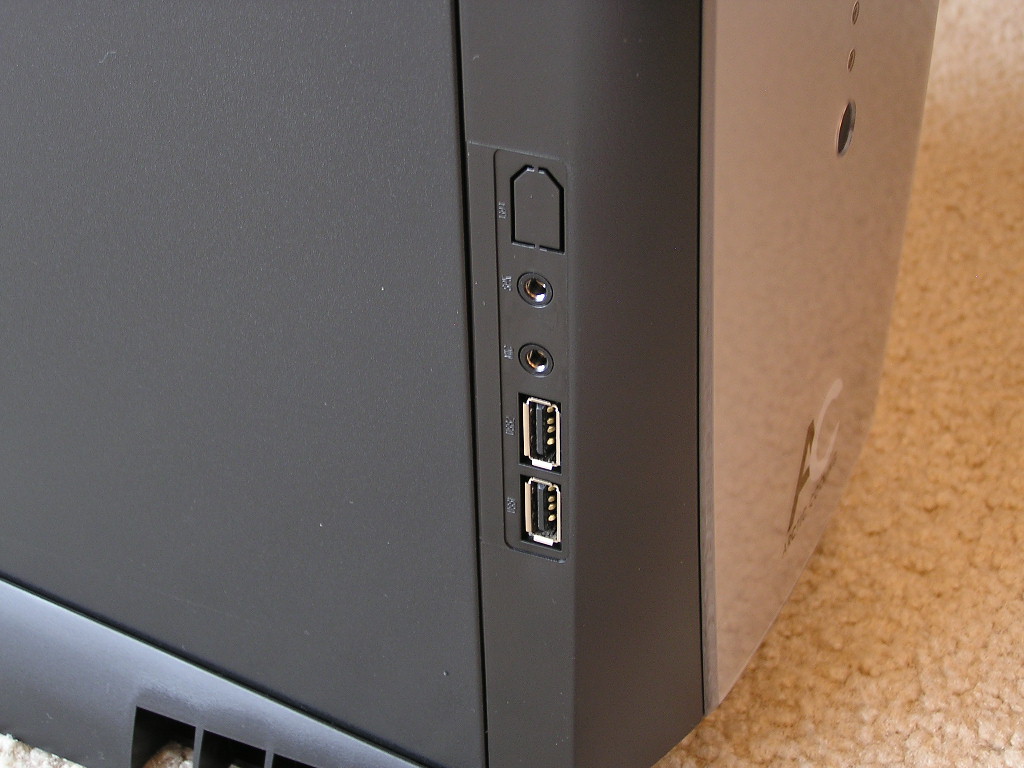
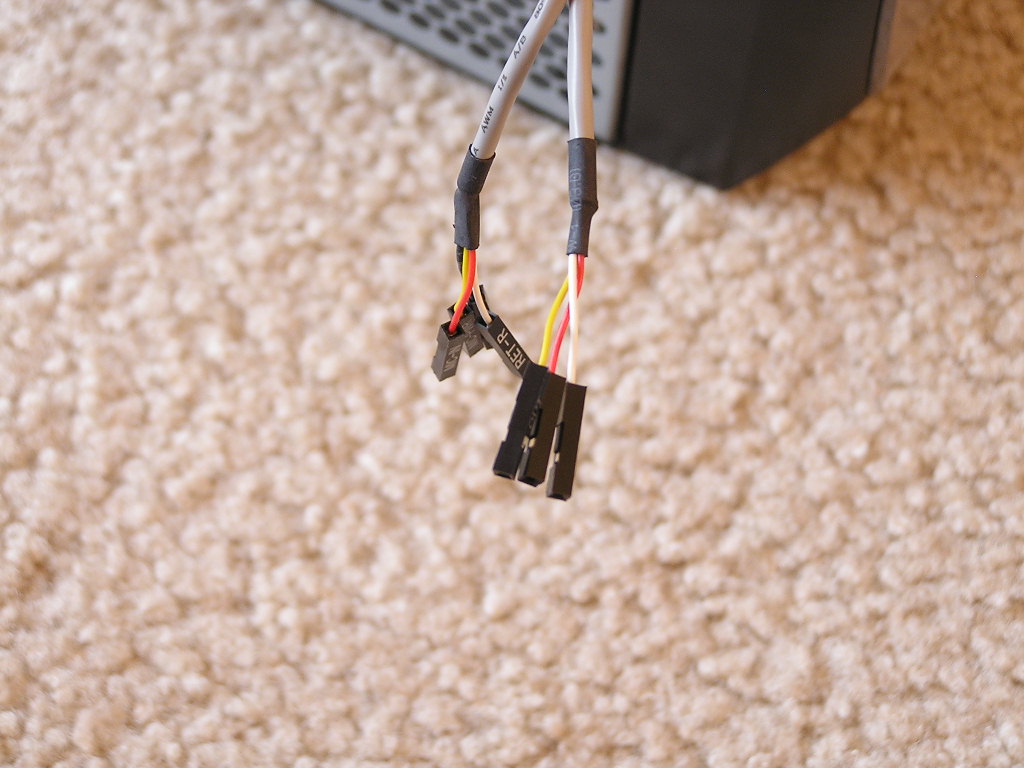
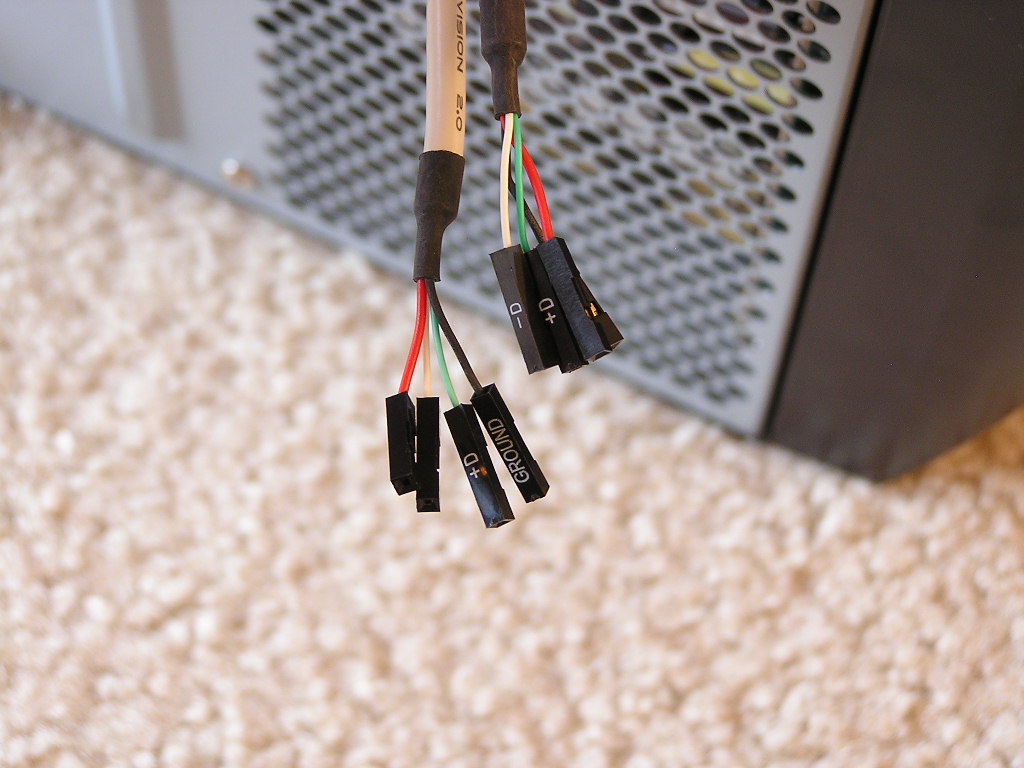
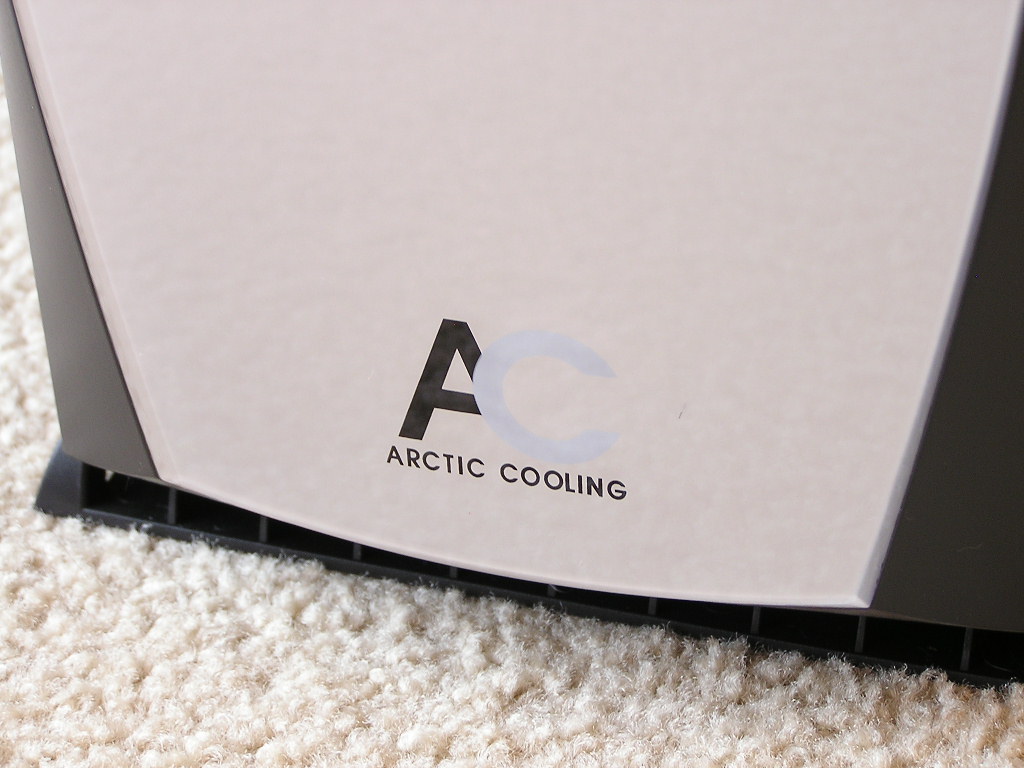
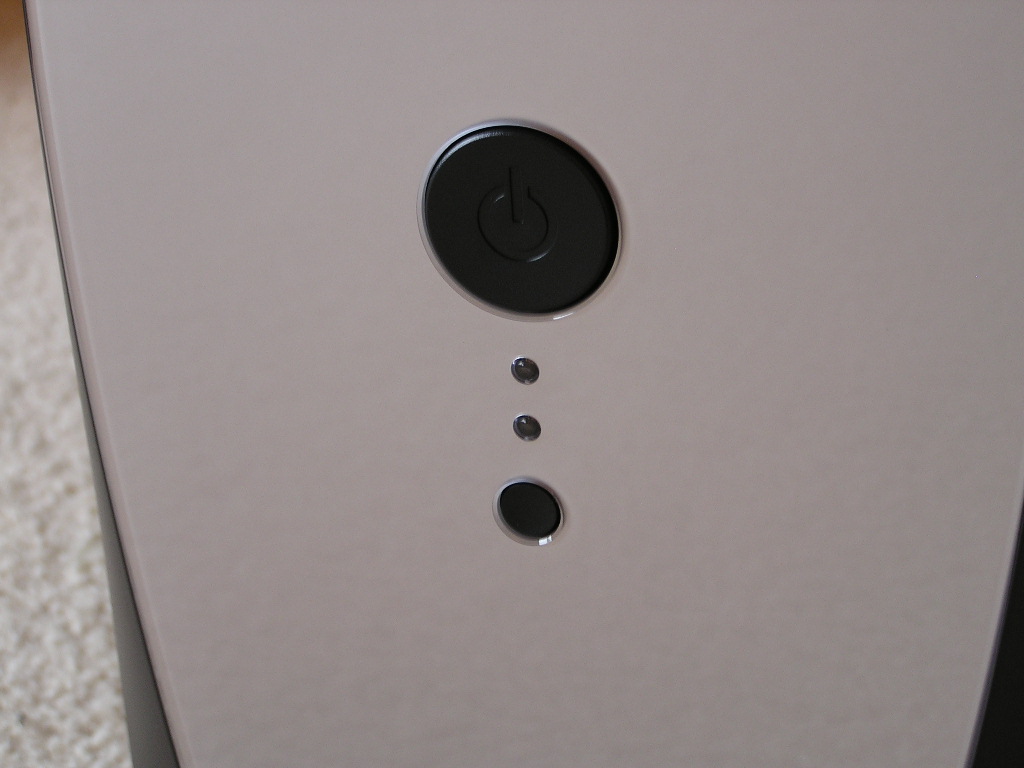
At the bottom left corner are the front accessible ports. There are two USB 2.0 ports, audio out and microphone jack, and an optional IEEE 1394 port. The front bottom has a nice watermark of the Arctic Cooling logo, and above that, the power and reset buttons.
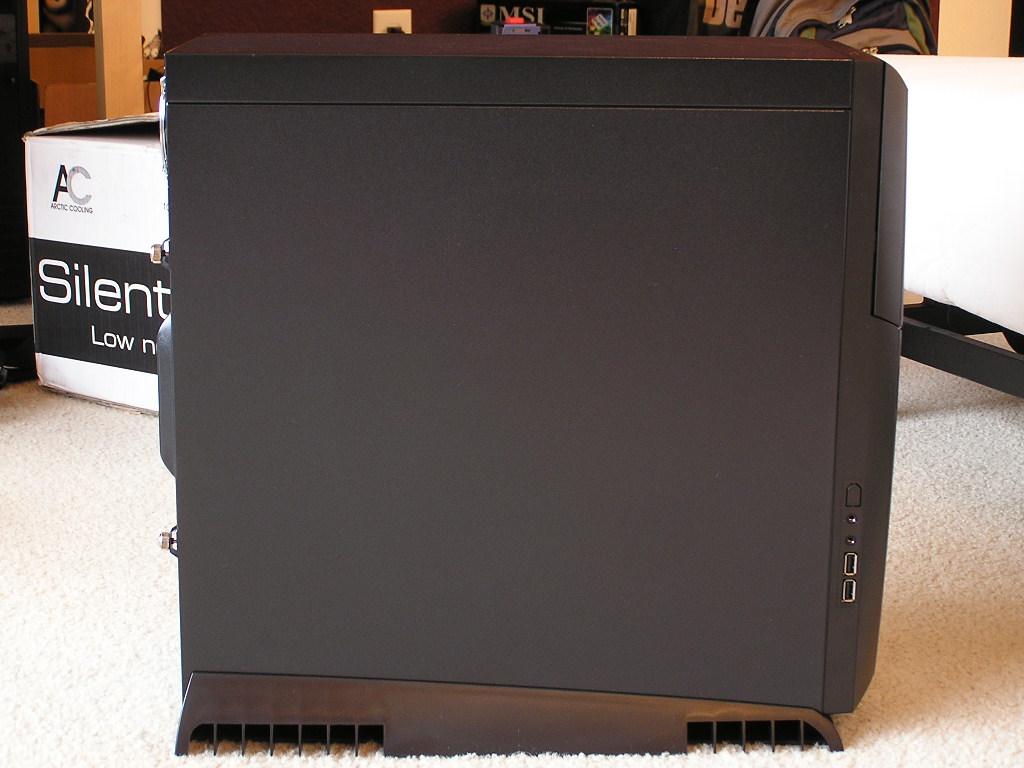
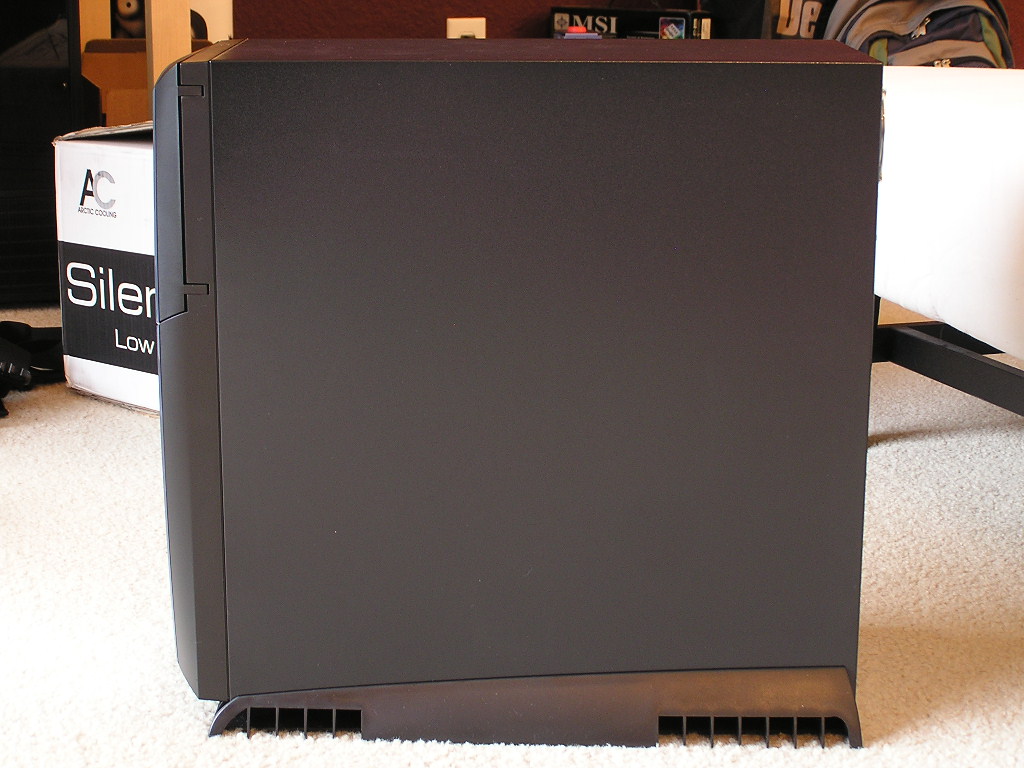
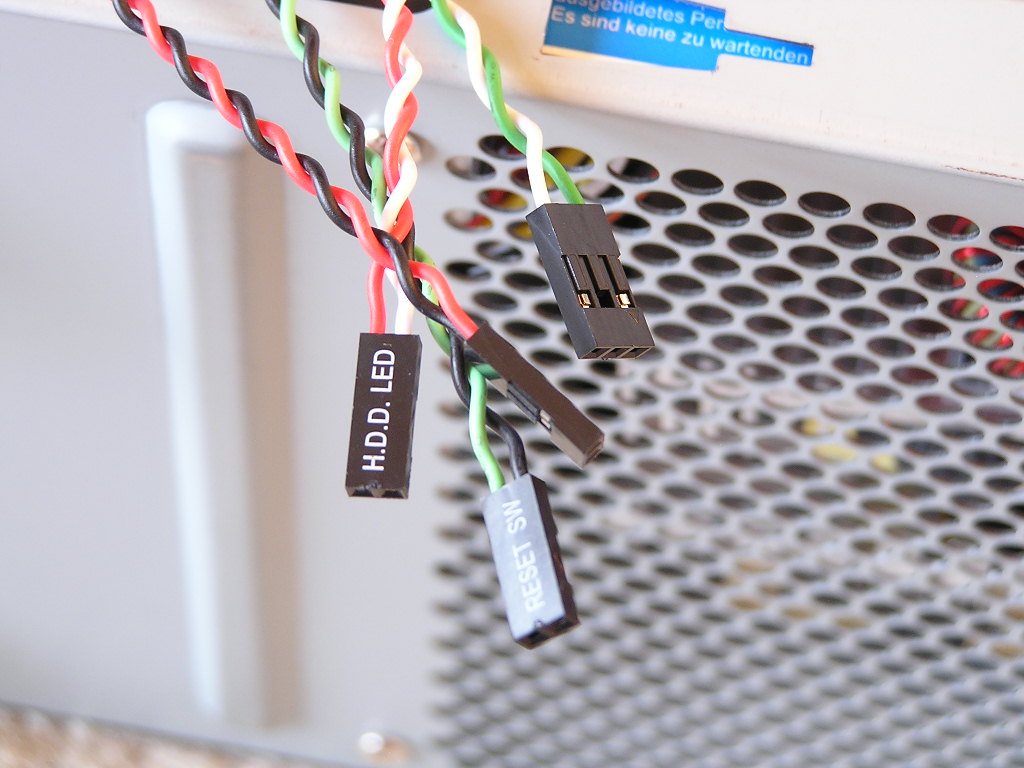
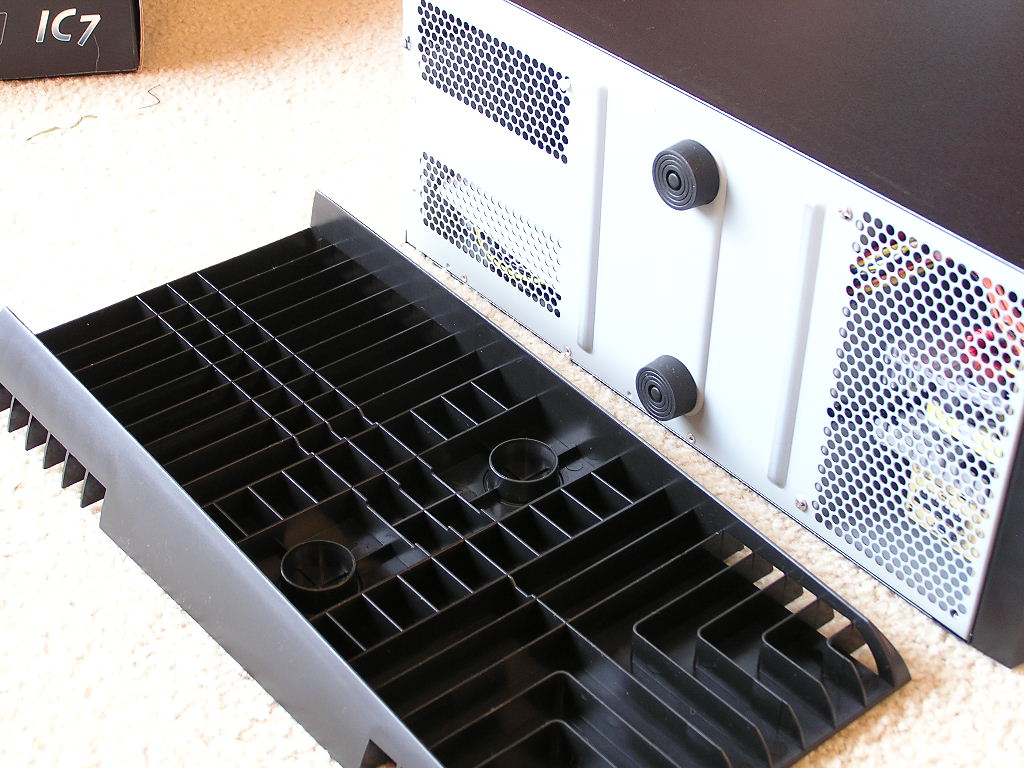
Like the Playstation PS2 optional stand, The Silentium T-series comes with a case stand at the bottom. The case standoff is to provide a slight rise off the floor to make room for airflow. The Silentium T-series is designed to allow cool air at the bottom to flow into the case. The vents at the back of the base allow cool air to rise into the case while the front vents allow the power supply heat to escape.
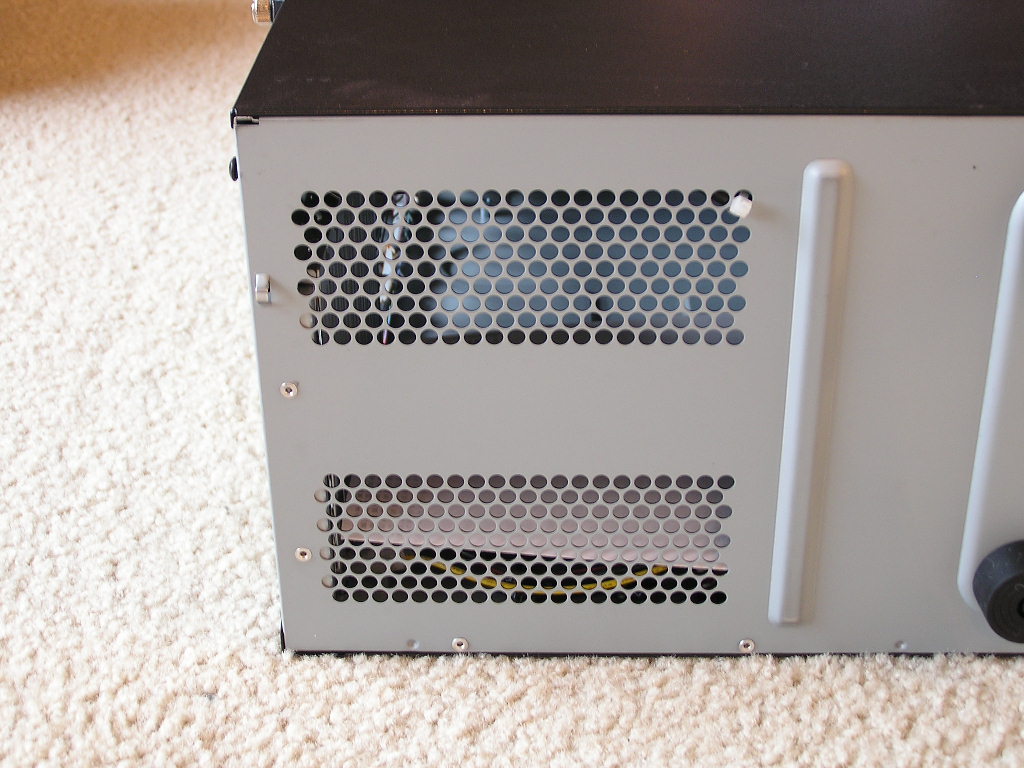
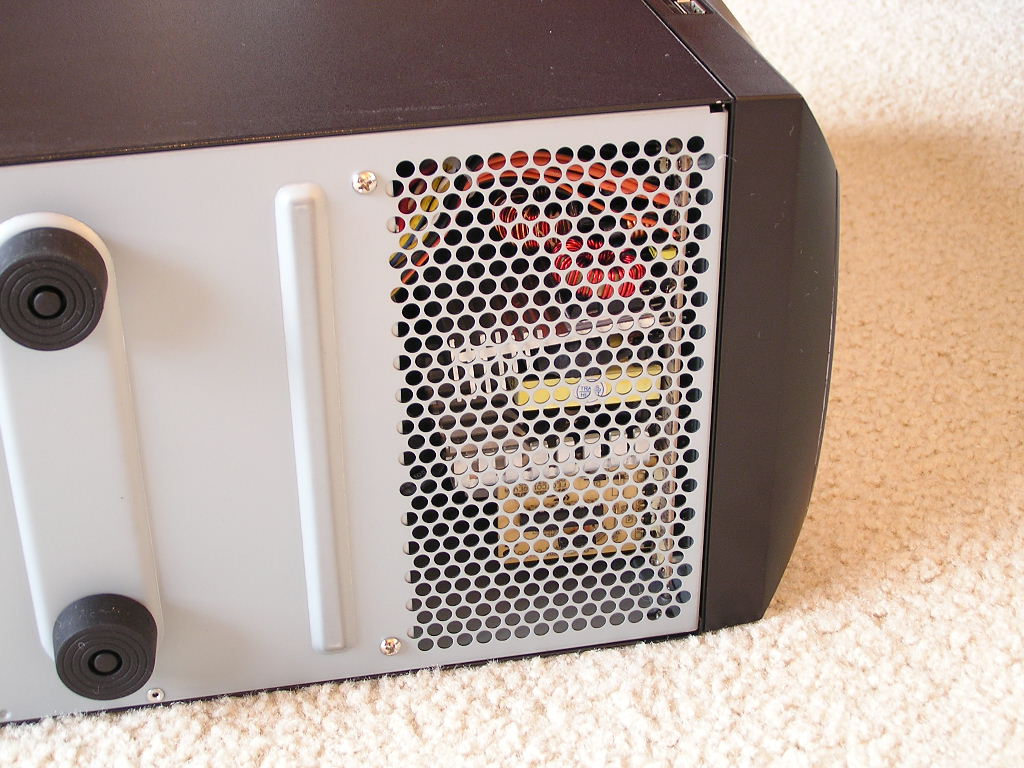
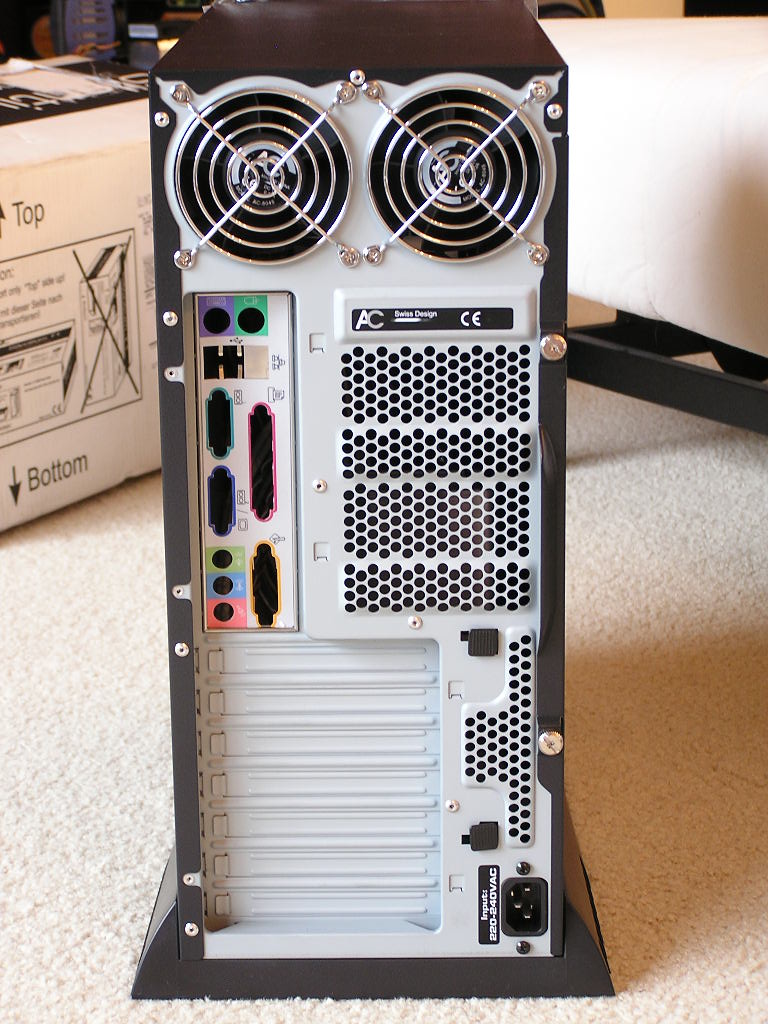
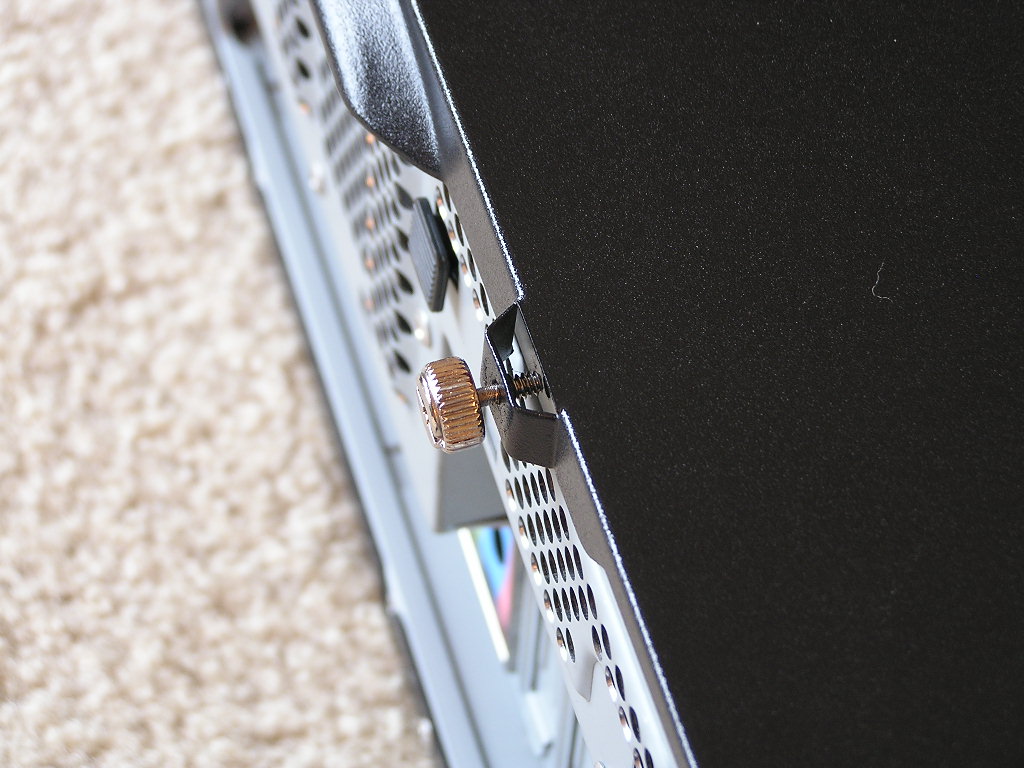
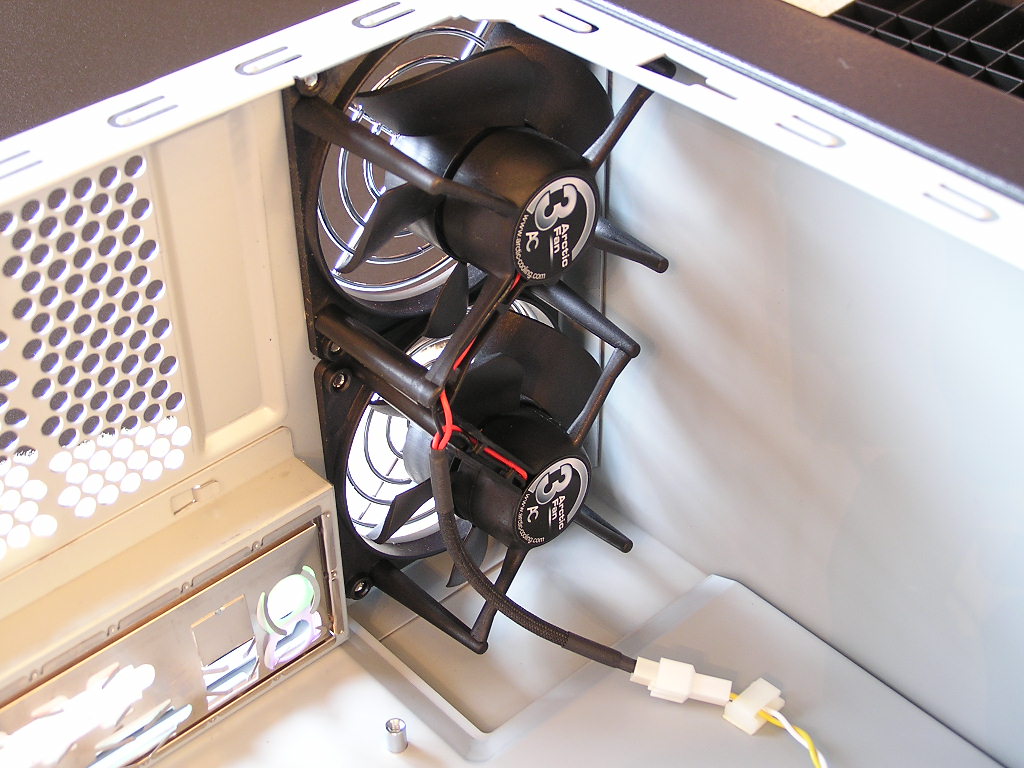
The left side panel is the only side panel you have to remove for installation of hardware. To make your life a bit easier, Arctic Cooling includes an extra “screw holder” where the thumbscrews are located. This is so that after you unscrew the side panel, the thumbscrews can just sit on the side panel. You’ll never lose your thumbscrews again. A look at the motherboard trays immediately shows that the case is going to be cramped. Arctic Cooling provides just enough room for the motherboard. The immediate difference between the Silentium T-series and a standard ATX case is the location of hardware parts. Power supplies that normally sit at the top left corner now sit at the bottom right corner. There are two thermal controlled fans at the top left to help with system heat dissipation. One interesting thing about the Silentium cases is that there are no intake fans installed and no options to install one either. For airflow, the case relies on pure natural airflow; from the bottom and backside of the case. The front bottom corner, where front intake fans are usually located, is the power supply and a hard drive muffler. The power supply faces downwards and has two thermal controlled fans to help with heat exhaustion. The HDD muffler sits right next to the power supply and is held in air by thick rubber bands. This is to help kill the noise generated by hard drives. The power supply is designed by Arctic Cooling and built by Seasonic, a reputable brand for power supplies. The rated wattage is a measly 350W. Although it sounds ridiculously low compared to the high end power supplies available today, Arctic Cooling claims that it can handle the latest processors and graphic cards. They tested it with an Intel Pentium 4 3.8GHZ and a Geforce 6800 Ultra.
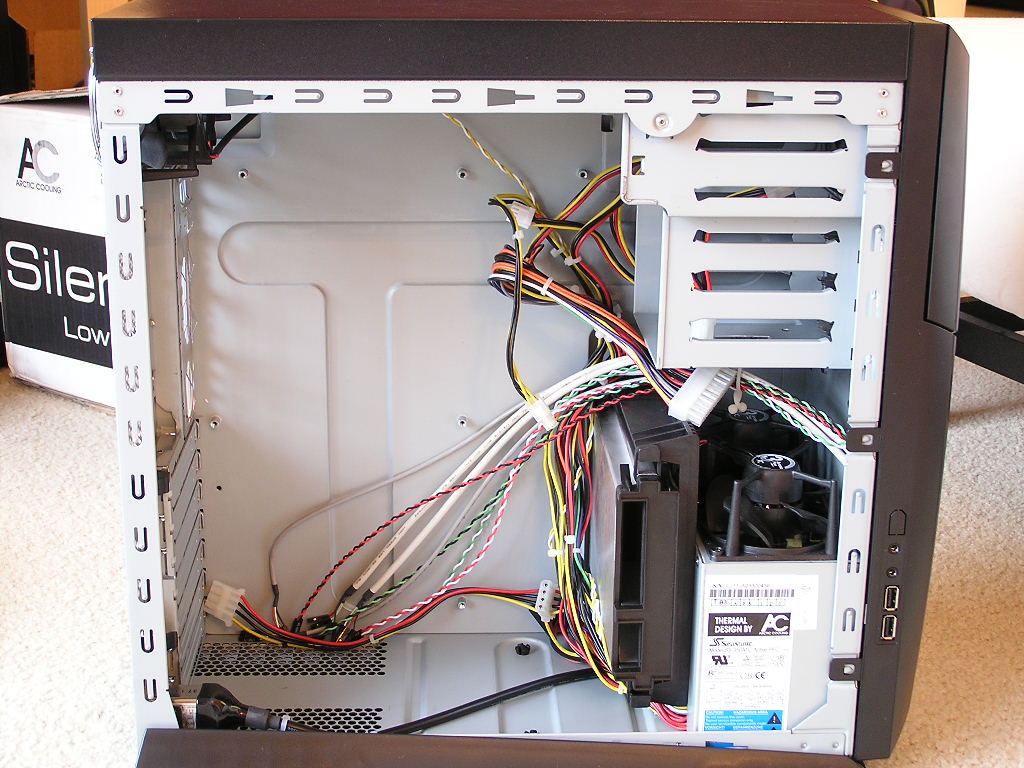
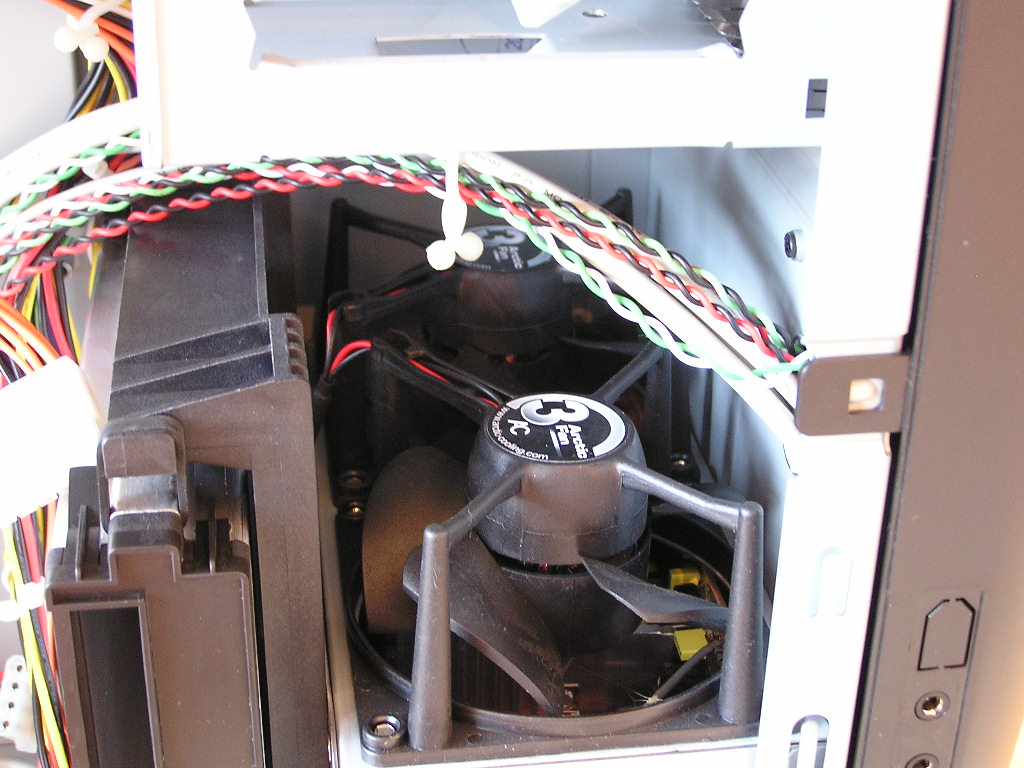
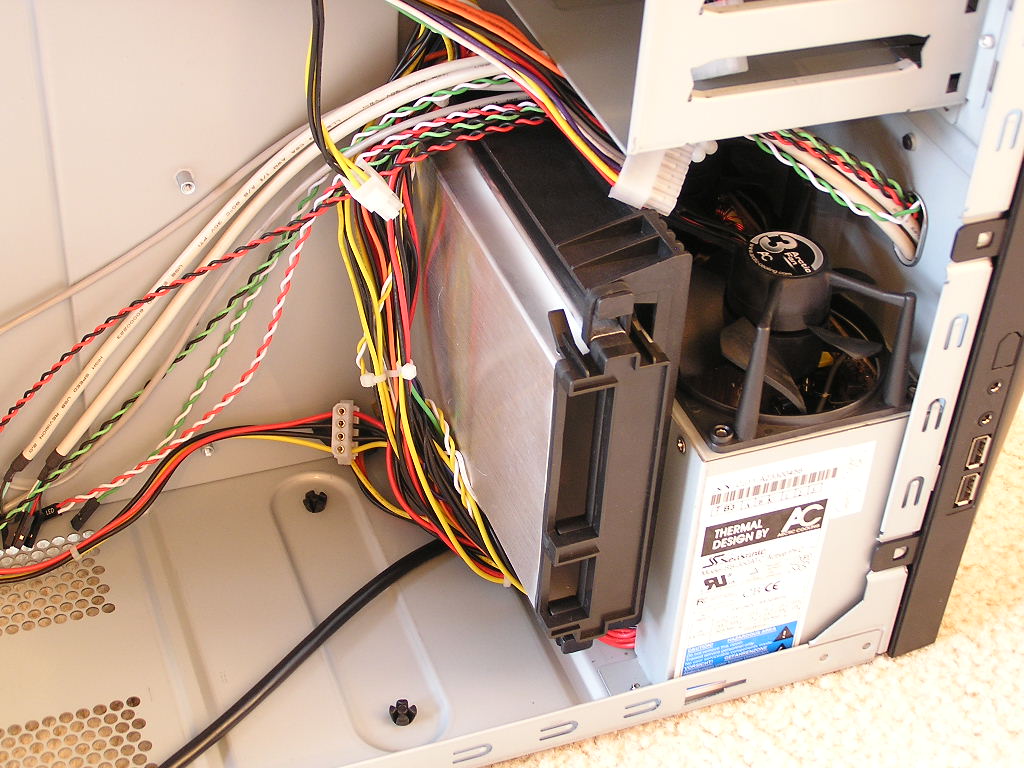
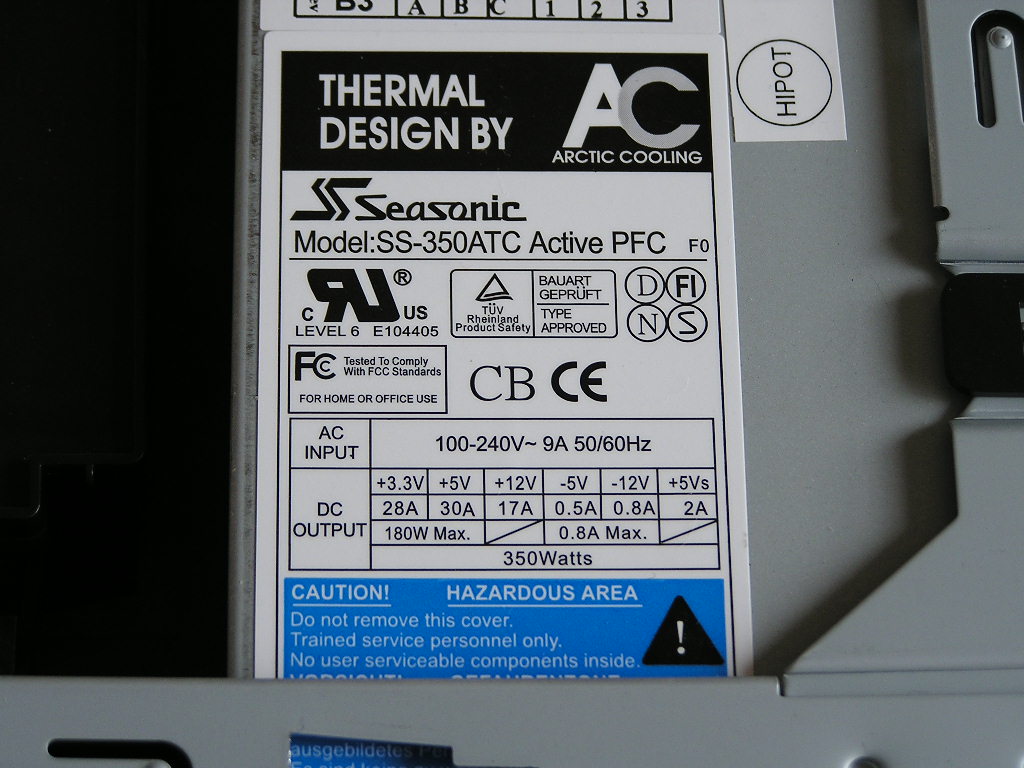
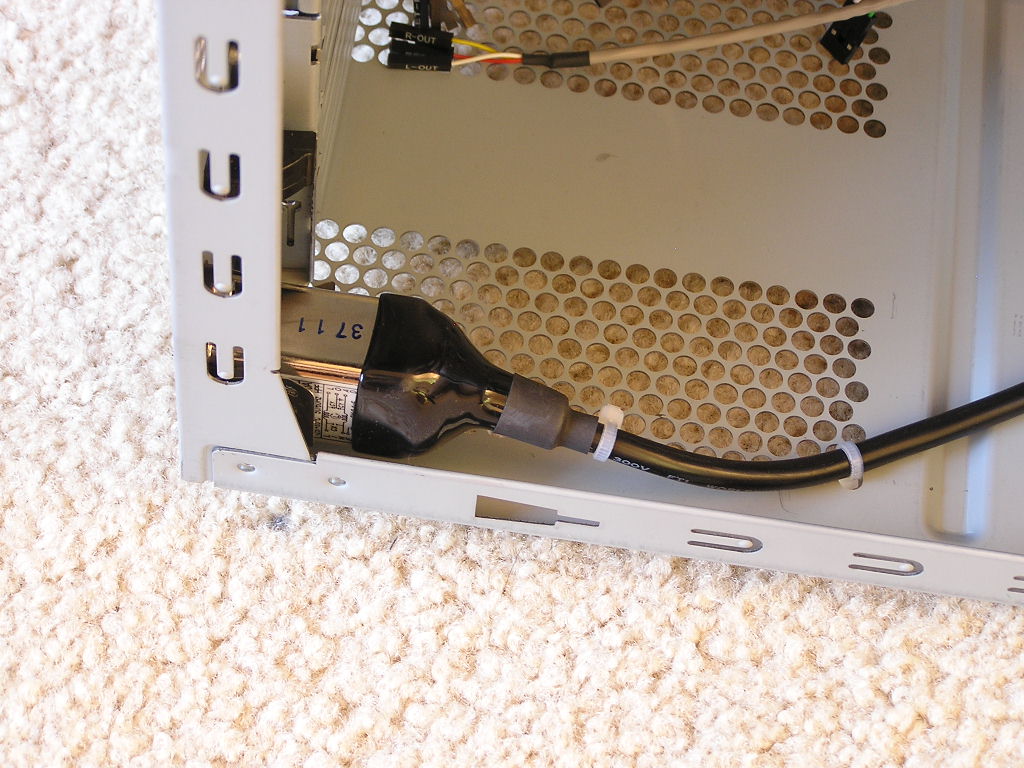
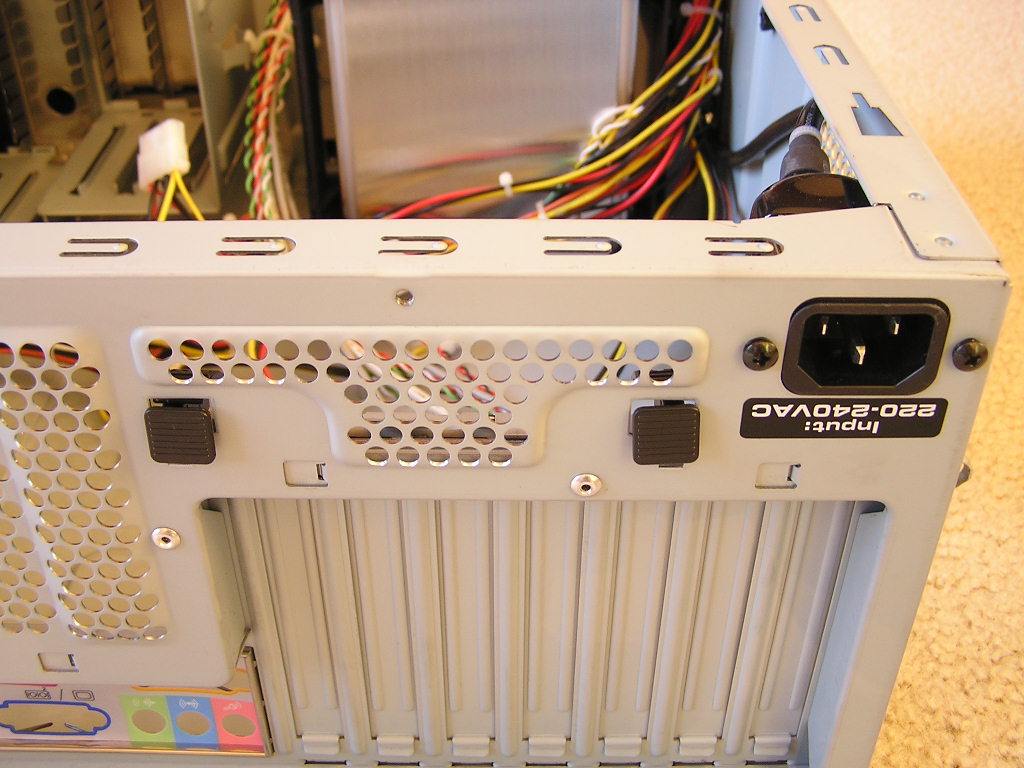
The power supply comes with just enough cables for an entire system setup. There are six 4pin Molex connectors; four at the top and two at the bottom. There is a single SATA connector for only one SATA drive and a single 3pin connector for a single floppy. There is also the usual 4pin 12v connector and a 20pin ATX connector. The power supply’s AC connection is located at the back, at the bottom right corner. The power supply comes with active PFC and has high efficiency rating. Although not specified the exact efficiency, it has to be high in order to supply a continuous 350W that can support the latest high end hardware.
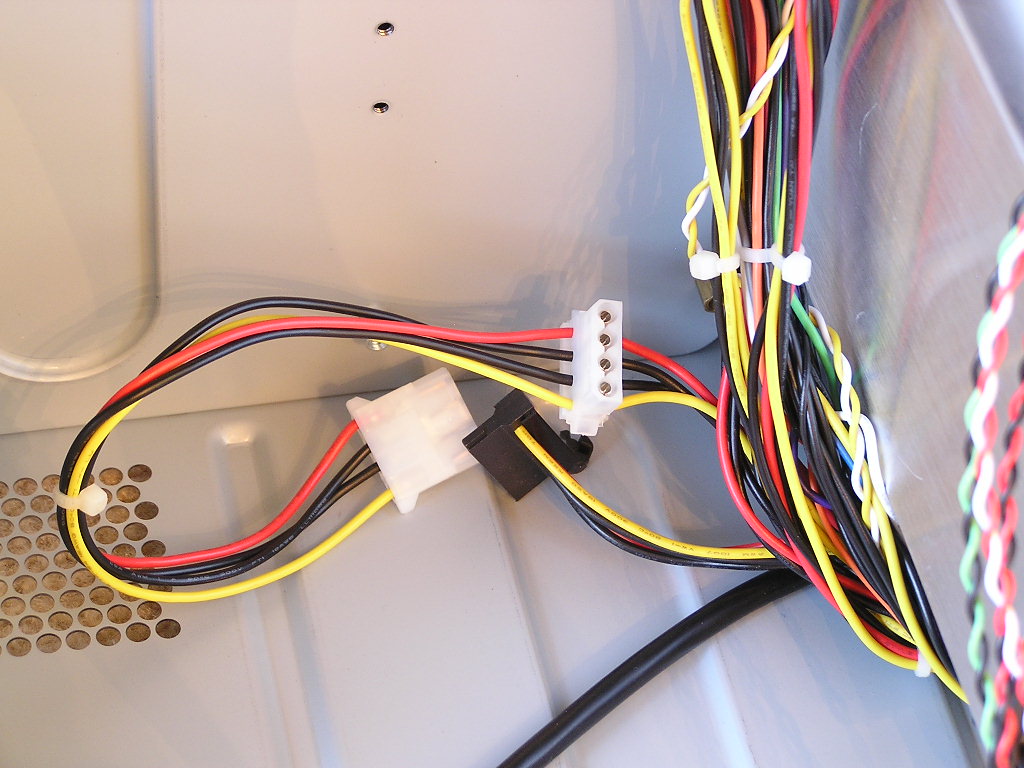
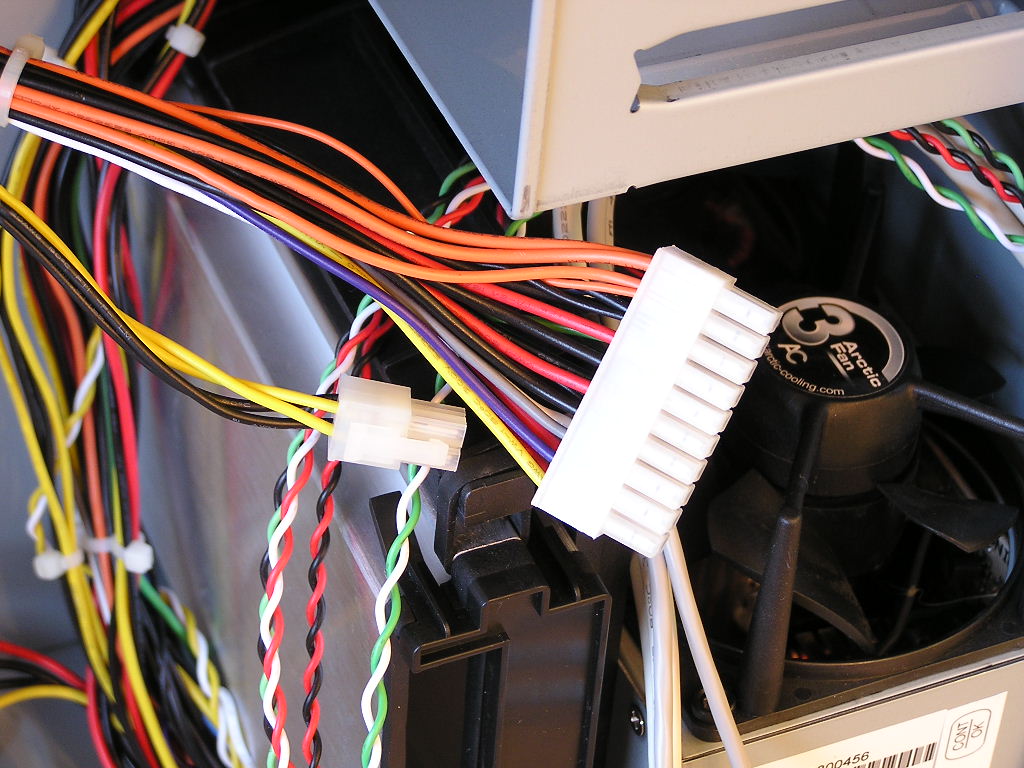
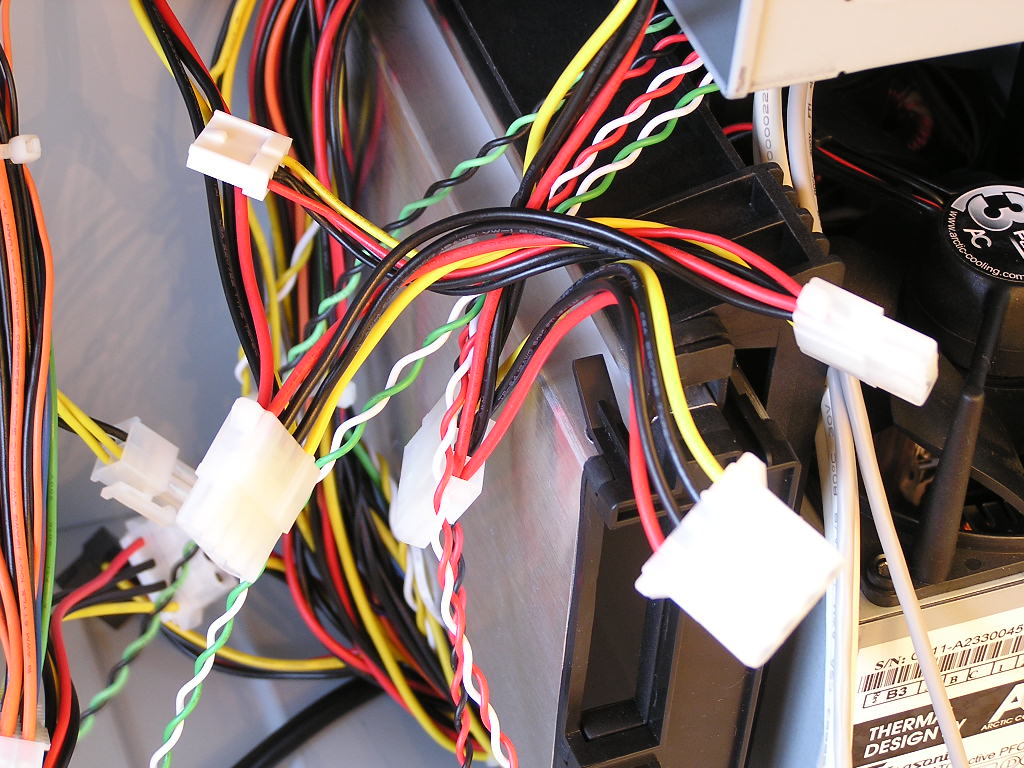
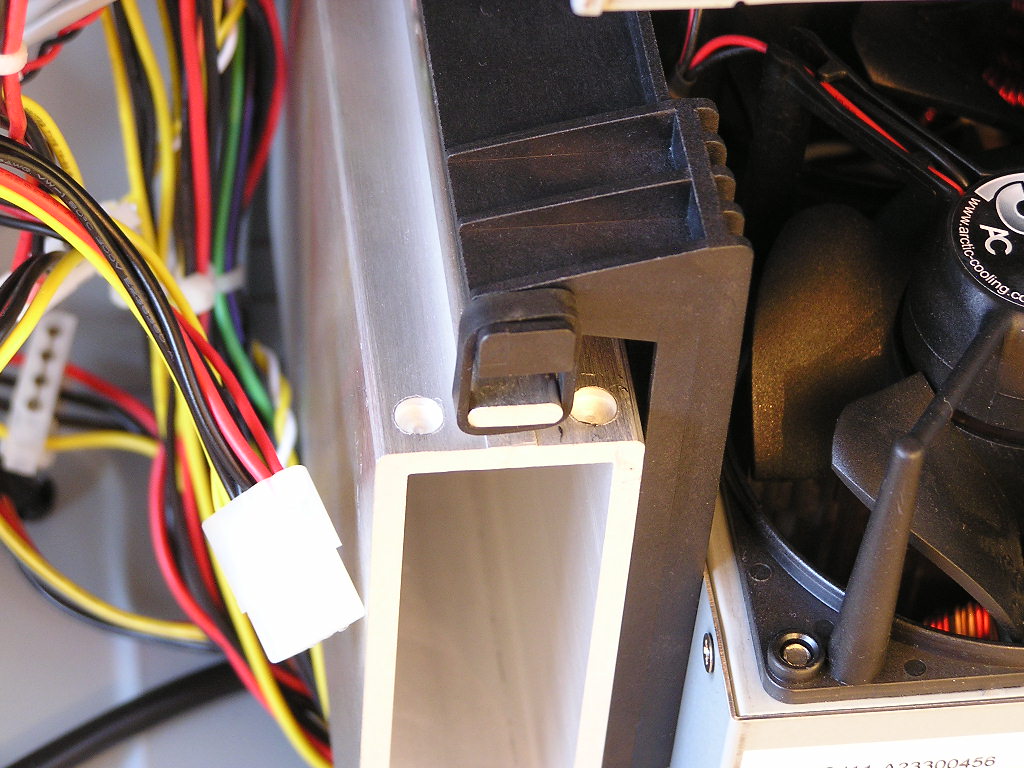
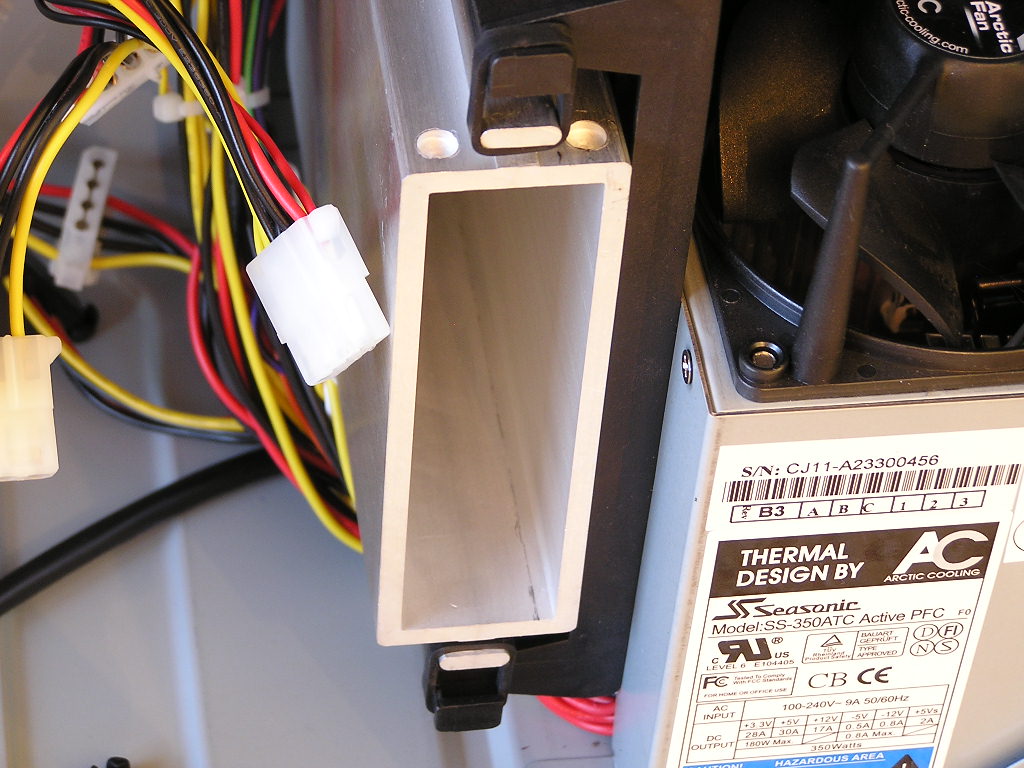
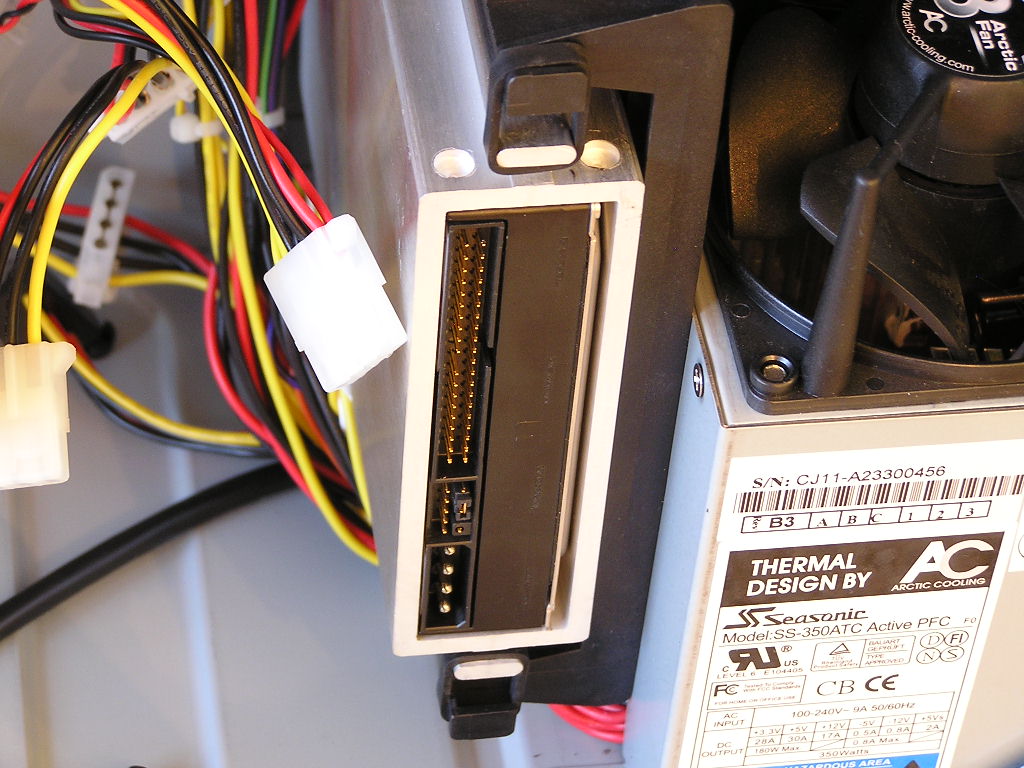
As mentioned earlier, the HDD muffler is suspended in air and strapped on by thick rubber bands. The rubber bands are used to absorb any kind of vibrations from the hard drives to eliminate all possible noise. The hard drive cage provides enough space for a snug fit. There will be extra space for thinner hard drives like the Hitachi 80GB SATA, but it’s nothing big to worry about. The extra room doesn’t permit the hard drive to slam around and cause damage. Right where the HDD muffler sits are power connections for the hard drive. I installed a Western Digital Raptor and wanted to use the SATA power connector, but it didn’t reach. I had to use resort to the 4pin Molex connector instead. This is not good news for hard drives with SATA power connection only. Sure you can cut the zip tie around the cables, but you’ll create a big mess and that won’t be too pleasant.
Installation
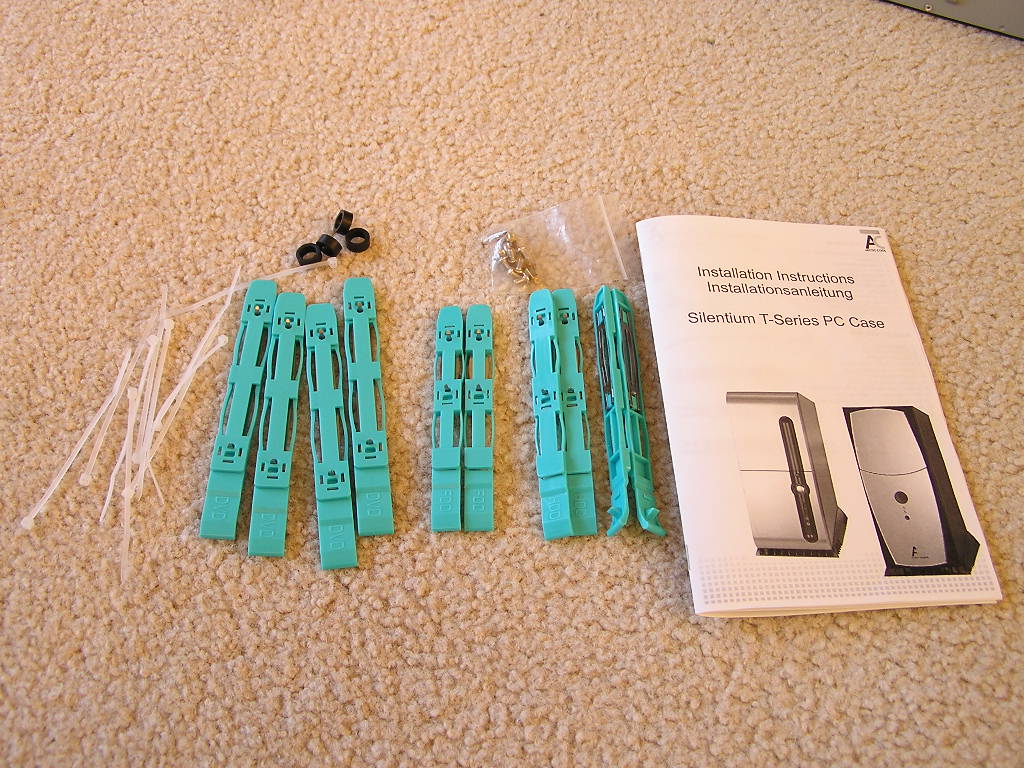
One of the main features of a case is to provide users the ease for installation. The Silentium was a bit far from that. The motherboard tray was designed so tightly that it made installing and removing the motherboard very hard. I spent a good 10 minutes just trying to get the motherboard to sit on top of my motherboard standoffs. Arctic Cooling warns that motherboards with ports that extend from the motherboard should not be used in this case. It just simply won’t fit. You can read about the full detailed warning HERE. The floppy and optical drives were very easy to install with the included tool-free clips. Simply snap it on the drives and insert it into the appropriate bays. But before you insert the drives, remember to remove the front panel so that the clips can snap on correctly.
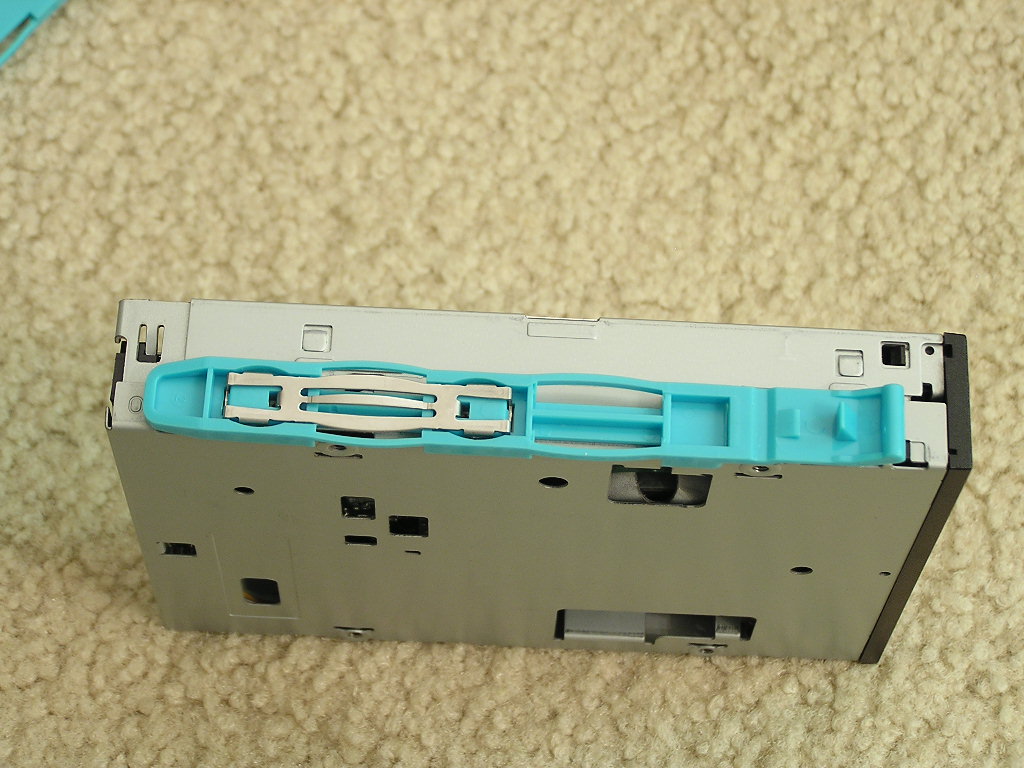
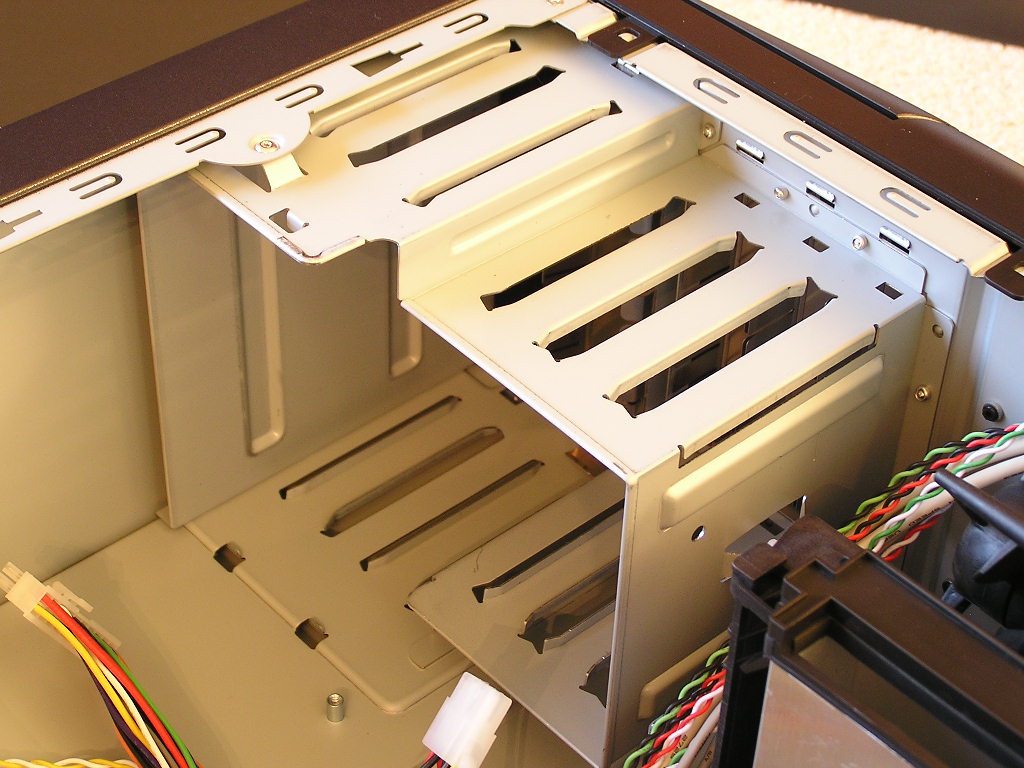
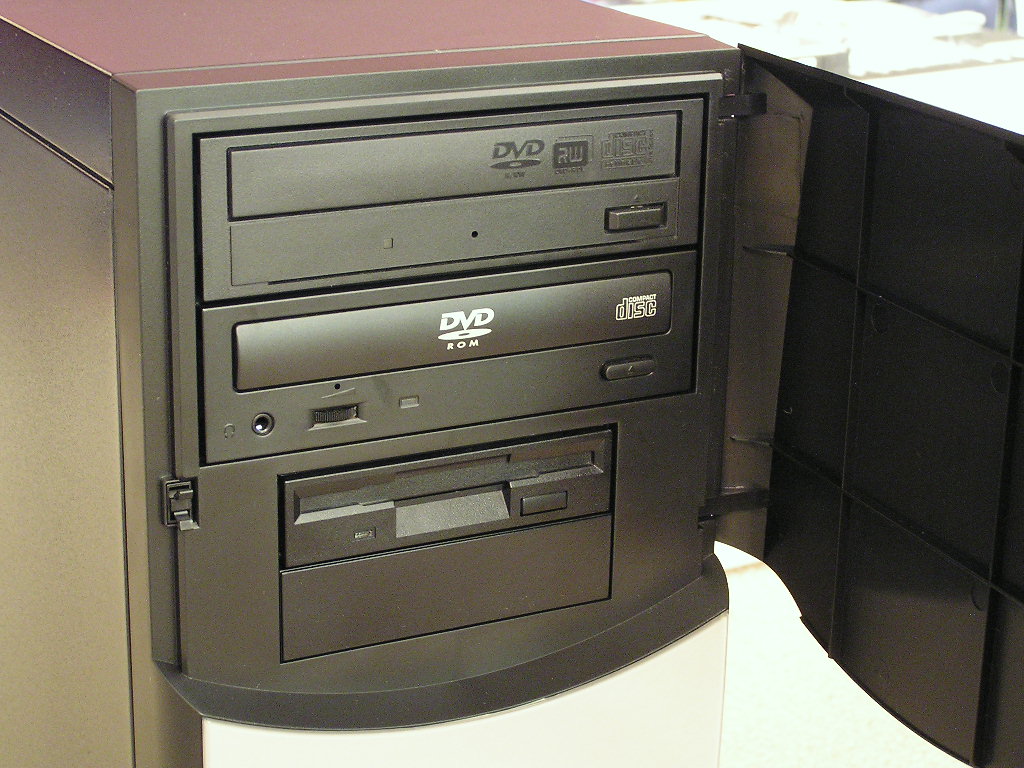
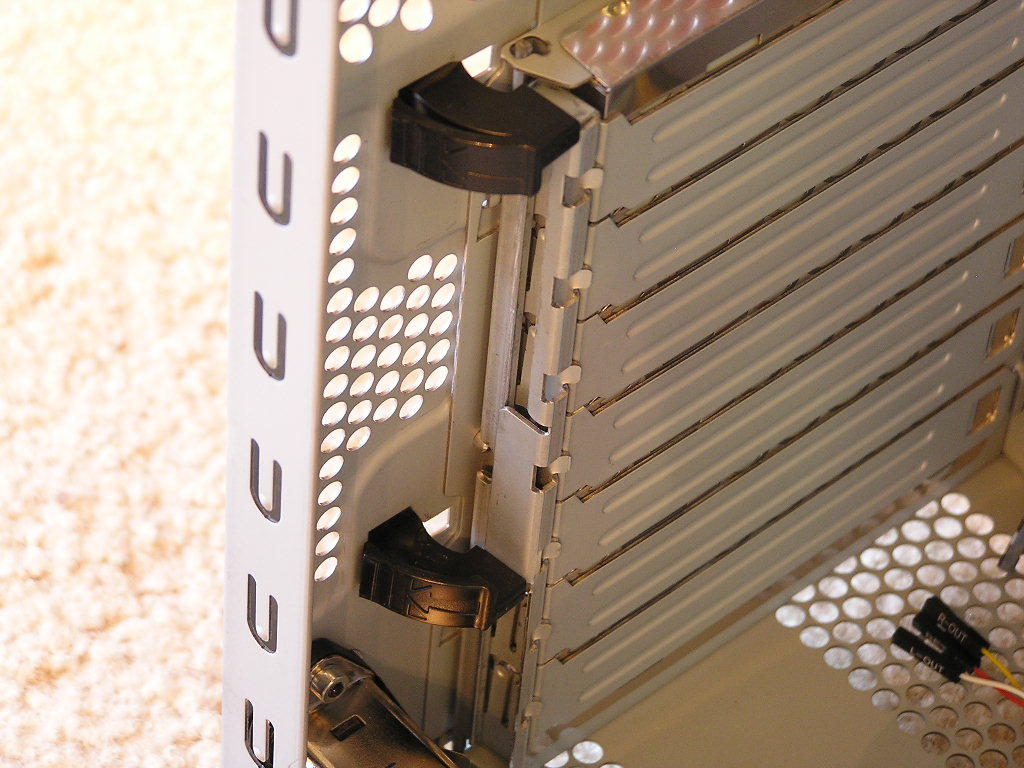
Like other tool-free cases, the Silentium T-series comes with PCI lock tabs to lock in graphic and add-on cards. There is no more fiddling with small screws just to swap out a card or two.
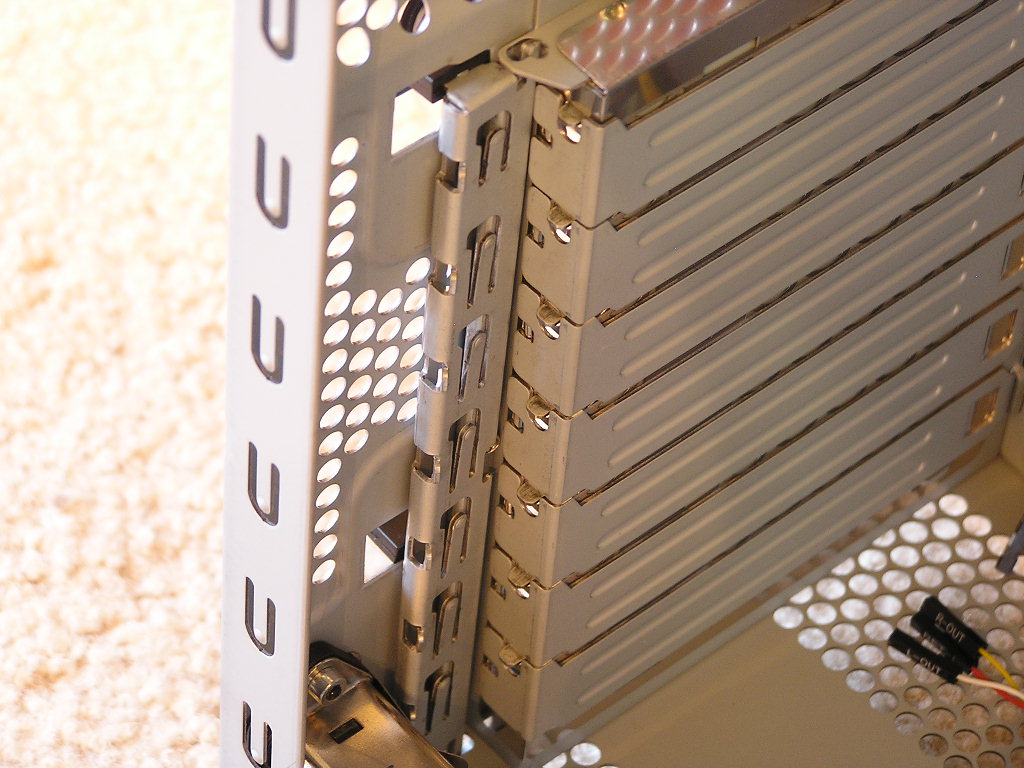
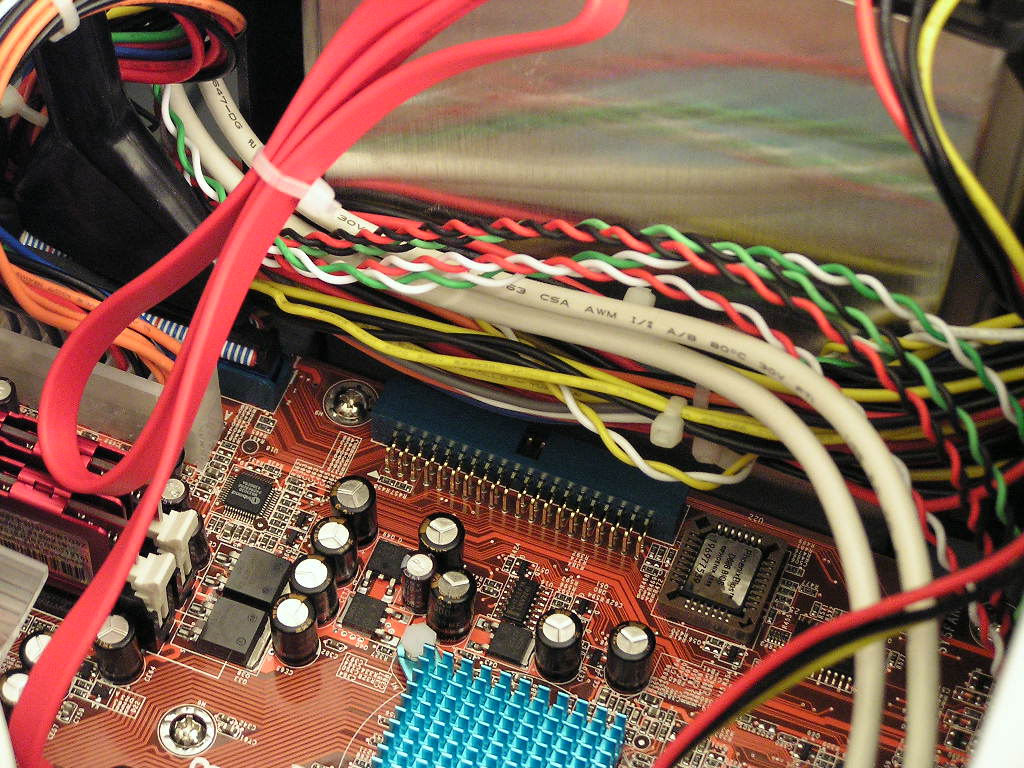
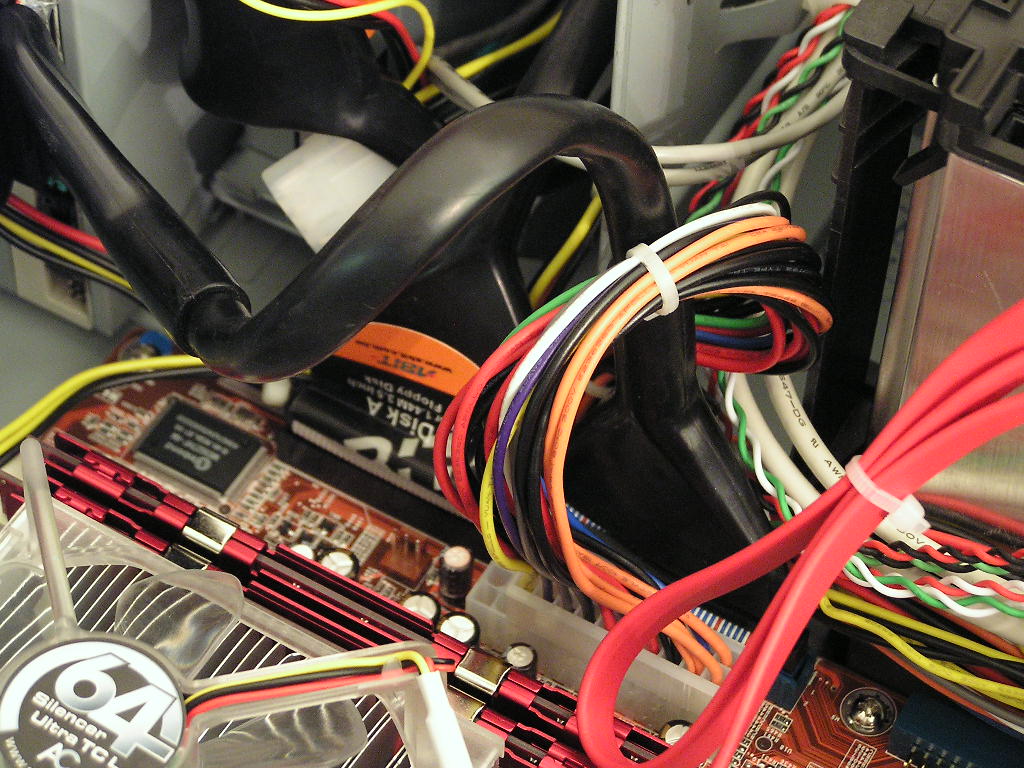
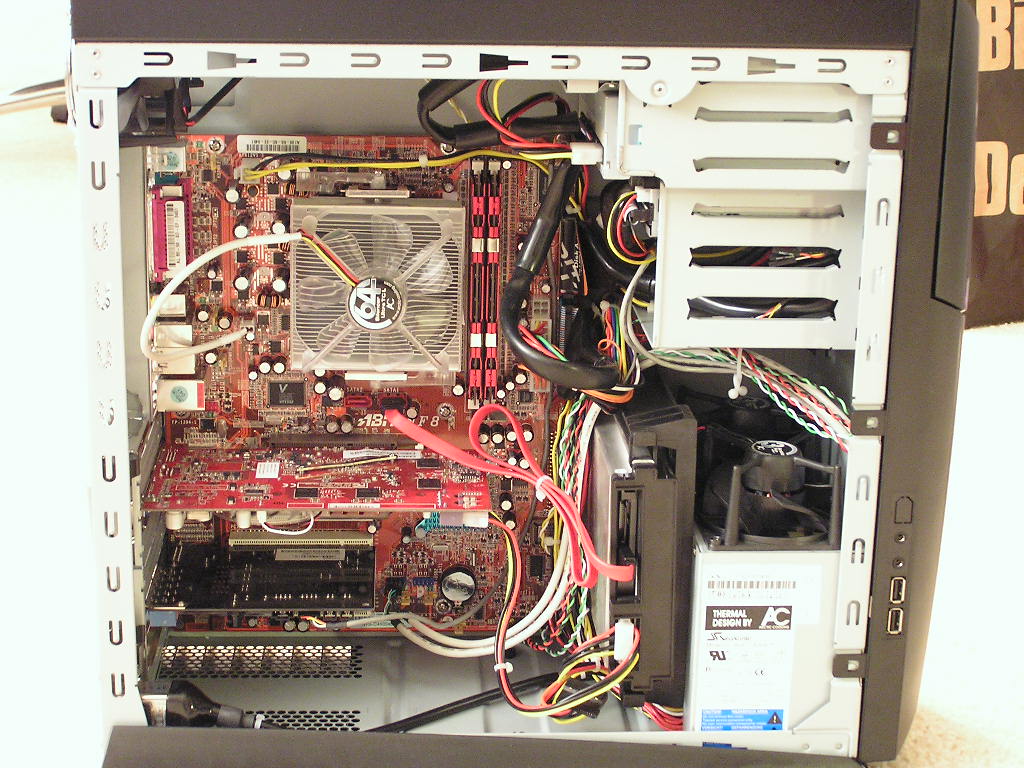
With everything installed and plugged, the system is ready to go. Here are a couple of shots of the tight quarters inside the case. Because of the 0° angle of the IDE port on the NF8, I was unable to use that IDE port and had to use the secondary instead of the primary. Because of the few wires inside the case, the finished project provides a cleaner and neater look than typical boxes.
Specifications
| M/B Form factor: | Micro & Full ATX | |
| Dimensions: | 18 (W) x 43.5 (H) x 45 (D) cm | |
| Net to weight: | 11.5 kg | |
| Bruttoweight: | 13.8 kg | |
| 6 drive bays: | 2x5.25 (open) | |
| 2x 3.5 (open) | ||
| 1x 3.5 (internal) | ||
| 1x 3.5 damped HDD cover | ||
| Power Supply: | Seasonic/ARCTIC, active PFC | |
| 450 Watt peak / 350 Watt continuous Power | ||
| Fans: | 4x ARCTIC Fan 3, 1000 - 1900 RPM | |
| Bearing: | ARCTIC Ceramic Bearing, MTBF@70°C=163000h | |
| Front panel I/O: | 2x USB 2.0, 2 x Audio, IEEE 1394 (optional) | |
| Steel Quality: | 0.8 mm SECC | |
| Warranty: | 2 Years |
Power Supply and Cooling Results
Normally, I don’t believe in the cooling performance of a case. All cases will perform well if there are intake and exhaust fans for proper airflow. Since the Silentium was designed with cooling performance in mind, I decided to compare it to a standard ATX case. A thermal probe was placed next to the CPU to measure CPU temps, and a probe is left hanging inside the middle of the case for case temperatures. Room ambient temperature was kept consistent at 23°C. Arctic Silver Ceramique was used for the CPU. Testing was done without high end equipment simply because I do not have them. It is just considered a rough estimate of the cooling performance you would get as you would test it yourself at home. There is no scientific testing here.
Test System:
- AMD Athlon64 3000+ Newcastle
- Abit NF8
- 2 x 512MB Centon Low Latency PC3200
- ATI Radeon X800 Pro
- NEC DVD-RW
- Sony DVD-Rom
- Sony Floppy
- 1 x 36GB Western Digital Raptor
- Arctic Cooling Silencer 64 Ultra TCL
Test Procedures for System Cooling:
- Idling at desktop for 30 minutes
- Full load with CPU Burn-in and 3DMark2001SE for 60 minutes
Test Procedures for Voltage Readings:
- Idling at desktop for 30 minutes
- Full load with CPU Burn-in, 3DMark2001SE Nature test, and Prime95 torture test for maximum power
Running Stock:
- AMD Athlon64 3000+ – 2.0GHZ @ 1.5v
- Centon Low Latency PC3200 – 200HTT 1:1 200MHZ @ 2.5v
- ATI Radeon X800 Pro – 475/450
- VAGP 1.5v
Running Overclocked:
- AMD Athlon64 3000+ – 2.5GHZ @ 1.7v
- Centon Low Latency PC3200 – 250HTT 1:1 250MHZ @ 2.8v
- ATI Radeon X800 Pro – 500/500
- VAGP 1.6v
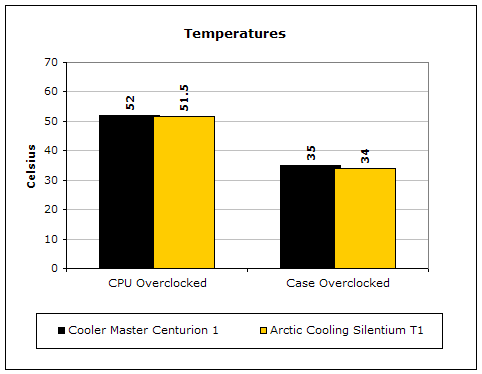
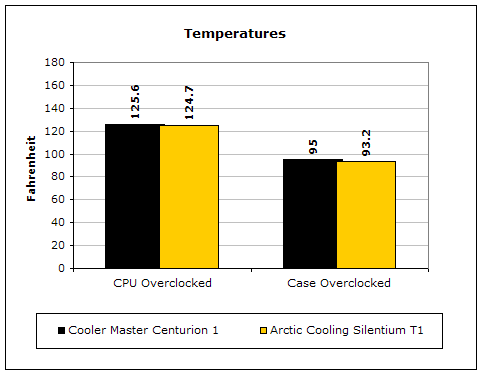
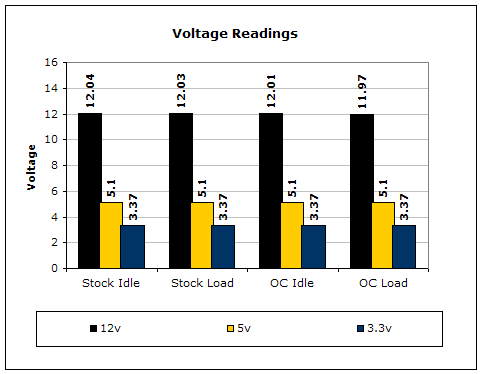
From the cooling performance, it doesn’t seem like the Silentium does that much better than a regular ATX case. But keep in mind that the Silentium does not have any intake fans to bring in cool air. It relies solely on the natural flow of air through the vents at the bottom and at the back for cooling. Fortunately, the vents at the back are located right at the CPU area, allowing the CPU cooler to suck in cool air and not too much rising heat from the graphic card. The performance of the power supply can be considered decent. None of the rails fell below the 5% safety range. One interesting thing about Arctic Cooling’s highly acclaimed power supply is that I would get booting troubles when I installed a more power hungry BFG 6800 OC. The system would boot fine on a cold boot, but would not POST if the system was restarted. I switched it out to a lower end Radeon 9250 and everything went back to normal. Although it did keep the X800 Pro stable, I wouldn’t recommend the use of anything more power hungry than a Radeon X800 Pro.
Conclusion and Thoughts
With the gaming industry growing at a rapid rate, companies are smothering the market with “gaming” cases that come with flashy looks. Arctic Cooling is one of the few companies that actually try to improve upon what’s really important–cooling. A case that provides good cooling is very important, but as long as you have the proper intake and exhaust fans, you really have nothing to worry about. The downside of providing proper case airflow is the noise level. Sometimes a system can be too loud due to the extra case fans. Arctic Cooling stepped in and designed a different case with pure cooling performance in mind. Although the performance isn’t much to brag about, the noise level is. The system was very tolerable during the entire testing process. At idle, the system was silent. Only a slight hum was audible, and that was only from sitting next to the case. The system did get louder under full load but still more tolerable than a regular ATX case with intake and exhaust fans.
Like many companies on a first attempt, Arctic Cooling’s Silentium T-series comes with many flaws. The main imperfection is the motherboard tray. There just isn’t enough space for ease of installation. It wouldn’t hurt to add an inch to the width so that the motherboard can slip in easier. The second is the number of drive bays available. With so many accessories available today, it’s not very surprising to see enthusiasts take up more than two 5.25” drive bays. The last major flaw would be the included power supply. Although Arctic Cooling claims to be able to power a 3.8GHZ and a 6800 Ultra, the moment I installed a BFG 6800 OC, the system showed instability. The problem wasn’t with the graphic card either; I made sure of that. Arctic Cooling sure gets a good pat on the back for their great innovations, but they need to do a lot of work to fix these flaws.
Pros:
- Sturdy construction
- Decent price with included power supply
- Provides quite computing
- Tool-free installation
- Decent cooling performance without many fans
Cons:
- Motherboard tray too cramped for easy installation
- Power supply couldn’t keep a 6800 OC stable
- Not many drive bays available
We would like to thank Arctic Cooling for providing us the sample. If you have any questions or comments, feel free to hit us up in the forums. You can also check out more of our latest reviews on the front page.