

InsaneTek's Ultimate Gaming Rig, May 2005
Introduction
Although InsaneTek has been extremely successful in its first year, we do not have the privilege of reviewing all of the latest and greatest hardware components. The staffers at InsaneTek work hard to afford new testing components, and we understand the importance of budgeting when building a custom gaming rig. Rather than expending a gluttonous amount of money on an awesome gaming rig, InsaneTek has taken the time to build an Ultimate Gaming Rig… on a budget. Our goal is to build a gaming rig that is both eye-catching enough for a gamer and performance-minded enough for an overclocker, all while keeping costs to a minimum. After months of selecting and waiting for the most valued parts, we are ready to unveil InsaneTek’s Ultimate Gaming Rig. Keep in mind we are not modding professionals, nor are we the extreme of the extremist overclockers, but we are just normal enthusiasts who love a little bit of modding and overclocking. This article will cover each of the components that we chose and discuss exactly why we chose each component, in light of both performance and cost efficiency.
Case and Power Supply
Case:
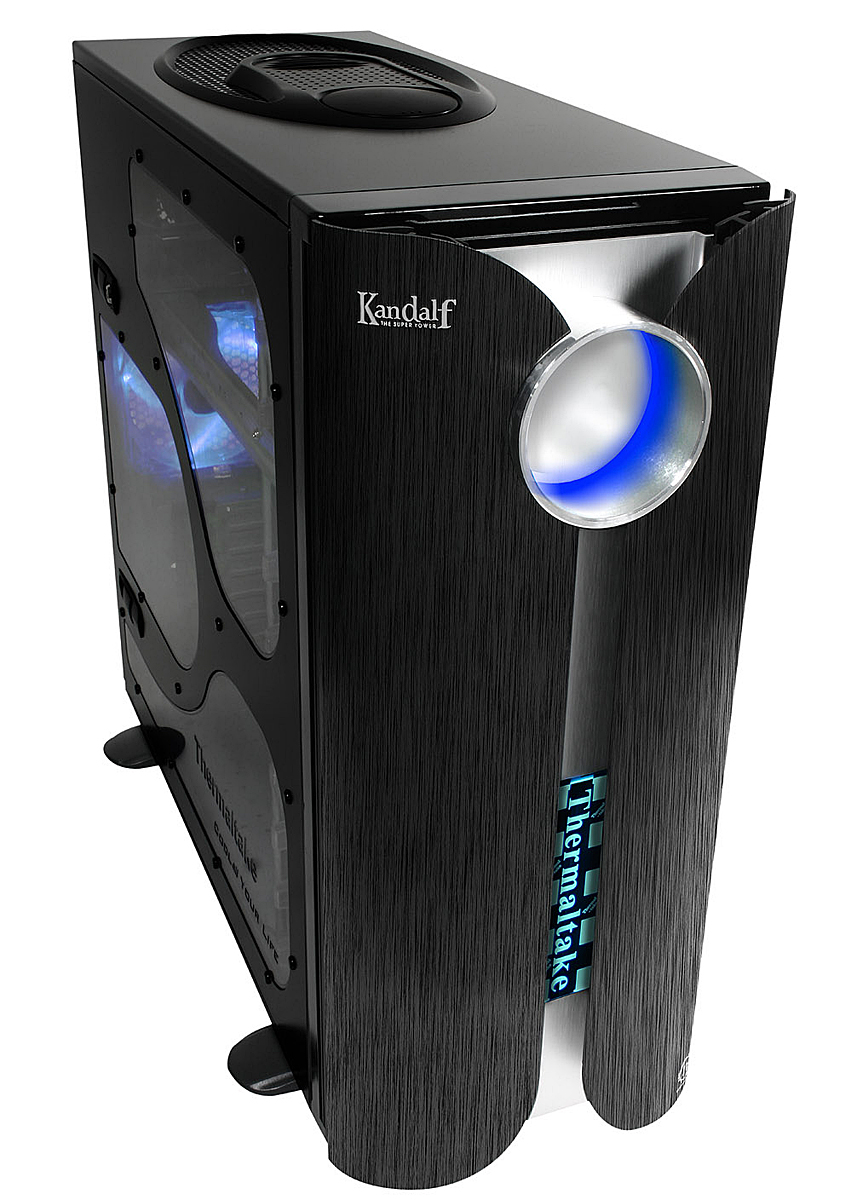
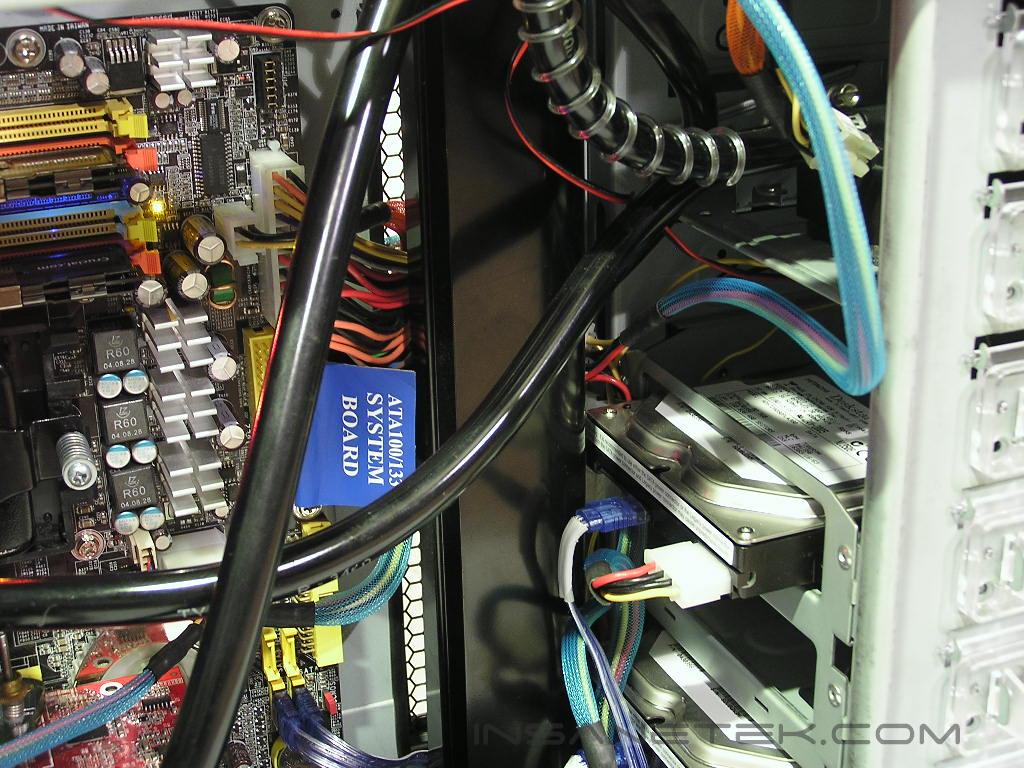
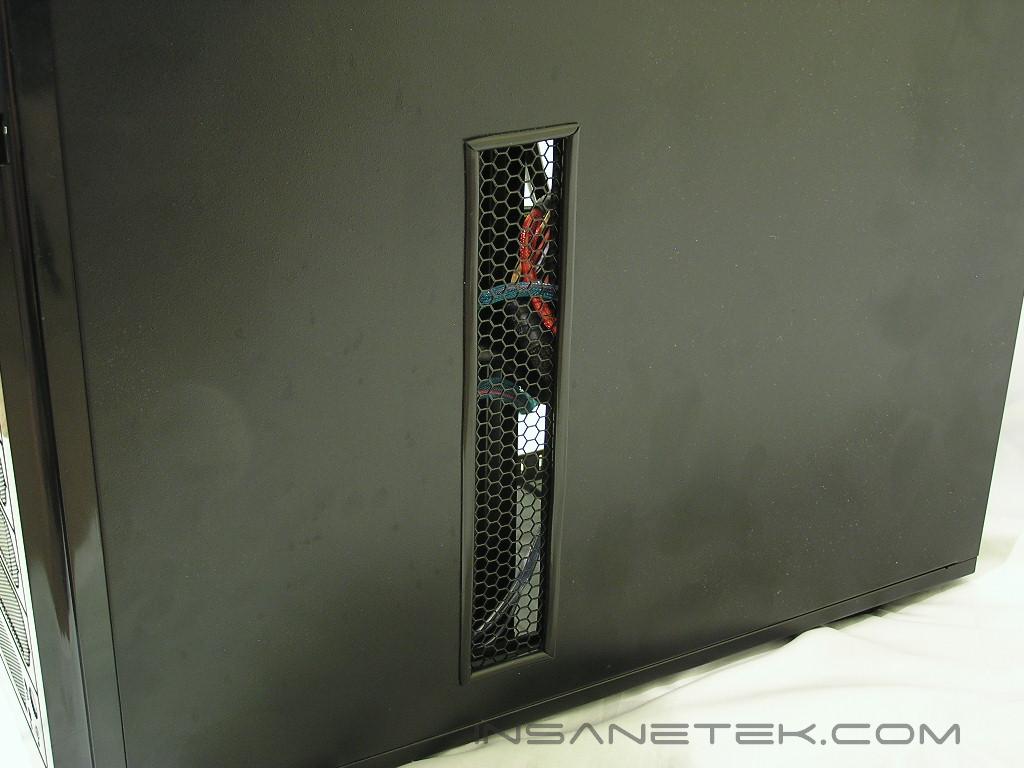
If you are on a budget, the best option for a case would be to utilize one that you already have and mod the hell out of it to add a personal touch. For those who would rather devote time to something else, many companies make tricked-out cases for enthusiasts not in the mood for modding. Fortunately, I’ve had both. I had an unused Thermaltake Kandalf case that is already tricked out enough to look modded. Now I needed to add a few features of my own to give it a personal touch. The Thermaltake Kandalf is ideal for an Ultimate Gaming rig because of its sheer size, providing room for ventilation and future mods. However, I felt that the front aluminum panel was too flashy for my taste, so I took it off in favor of revealing the vented drive bays. I then placed a piece of black spray-painted plexi-glass to cover the multiple holes on the bottom of the case. I also added a Cooler Master Crossflow fan behind the motherboard, because it was laying around doing nothing. To provide a vent for the Crossflow fan, I cut a rectanglular hole in the back case door and the tray itself, added black rubber molding, and added modder’s mesh for a professional look. I then spray-painted the window with black in order to cover up the cable clutter and ugly drive bays.
Power Supply:
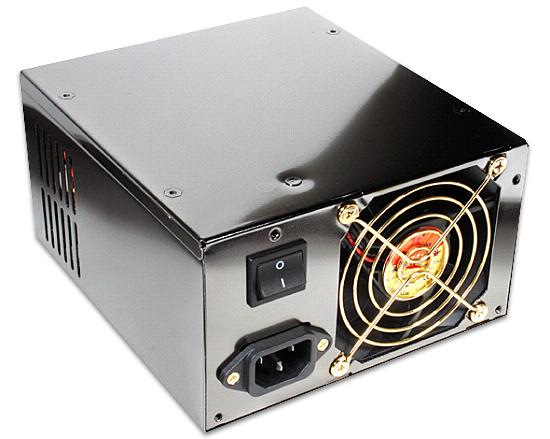
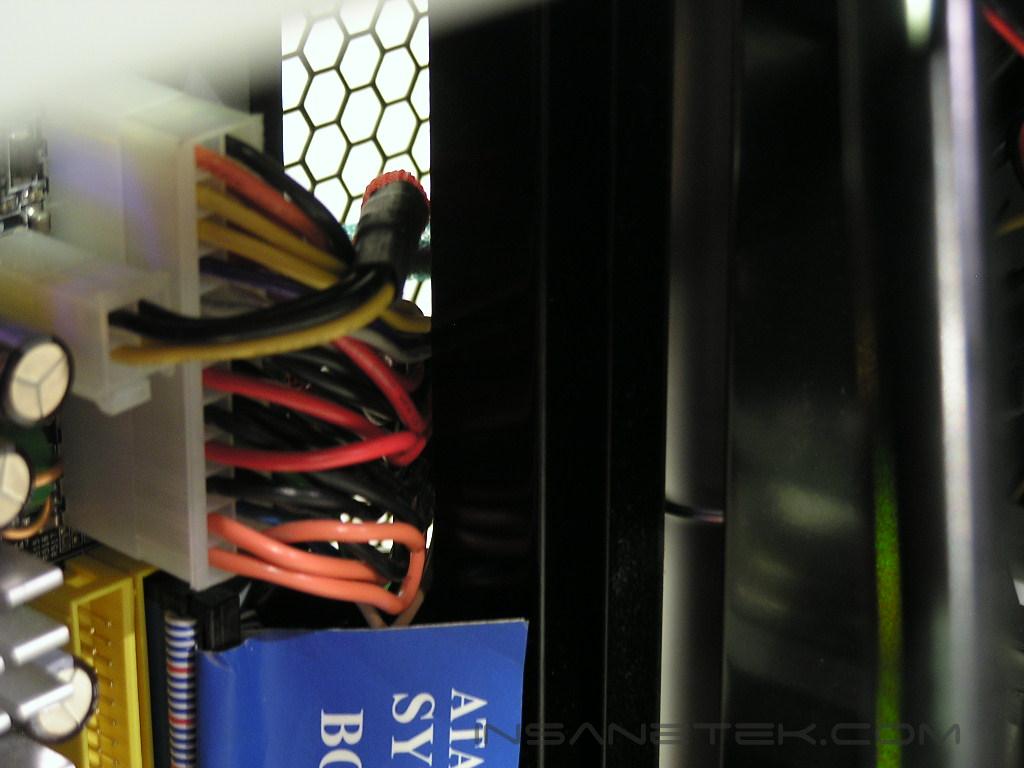
An optimal power supply for an Ultimate Gaming Rig would be a power supply that supports the latest hardware, as well as future hardware. Therefore, it is important to choose a power supply that packs enough rails and wattage for hardware, such as a nForce4 board and a possible SLI setup. However, not everyone has the money to afford a 200 dollar power supply, so I opted to use the Thermaltake 680w power supply. The power supply has enough wattage and rails to support current hardware and enough features to support technology, such as SLI, in case I wanted to take that route in the future. At a price 50 dollars less than OCZ’s 600w PSU and 70 dollars less than PC Power and Cooling’s 510 SLI PSU, the Thermaltake PurePower 680w will save you some money without sacrificing power.
Amount Saved: 70 dollars
Processor and Video Card
CPU:
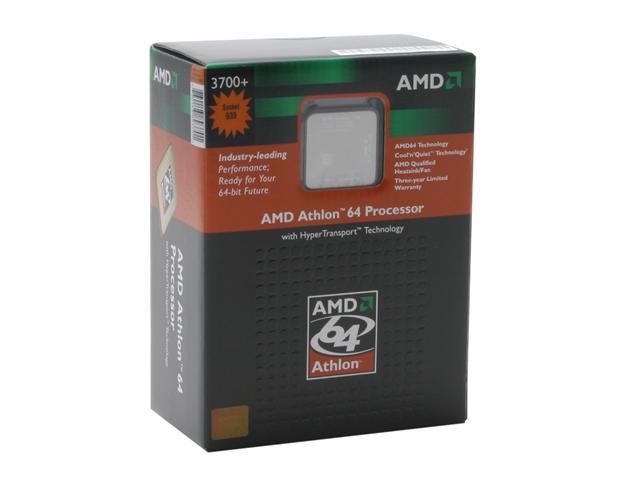
Perhaps the most recently anticipated processor has been AMD’s Venice and San Diego core, which have started selling since the end of April and beginning of May. The Venice and San Diego cores have better memory controllers, as well as added SSE3 instructions for better performance in applications. More importantly, people have been able to overclock these newer cores to near FX-57 speeds. In comparison, non 0448SPAW Winchesters couldn’t even touch 2.8Ghz. Ideally, the best performing CPU on the market for games is the FX-55, which can cost you around 800 dollars, even 1,000 dollars at some stores. For this price, I better get Jessica Alba along with the processor. Now wouldn’t that be awesome? I decided to go with the 3700+ San Diego, as it was the least expensive, but still supported 1MB L2 Cache. Overclocking it will give me the same performance as the FX-57 and better performance than a stock FX-55. At only 300 dollars OEM, I can save 500 dollars and not have to survive on Top Ramen for two months.
Amount Saved: 500 dollars
Video Card:
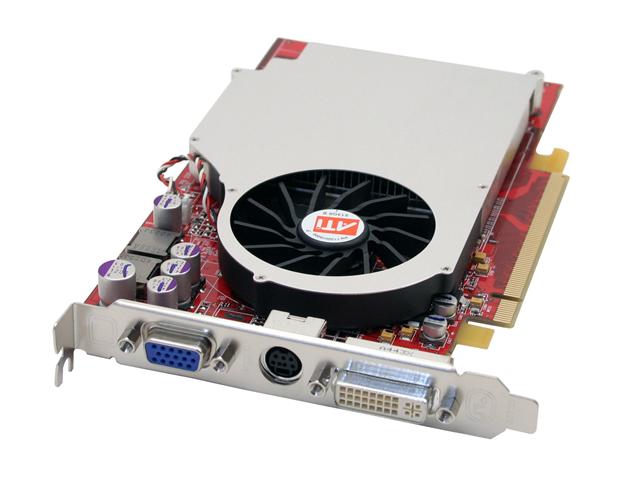
Perhaps the most crucial aspect of a gaming rig, the video card is essential in delivering enough frames-per-second for you to enjoy shooting down Terrorists or casting buffing spells on an opposing necromancer. The video card can also be the one component that empties your wallet, considering a dual 6800 Ultra SLI setup can cost you well over a grand. That’s enough money for a down payment towards a car. If you are one of those people who has a Dual 6800 Ultra setup, but still request rides from friends, then you have some serious social problems. That said, a single video card has more than enough GPU power to handle current games, but even the top single card GPU solutions can cost you well over 500 dollars. Fortunately with enough overclocking and cooling, you can achieve results similar to a X850XT PE or 6800 Ultra with midrange cards, such as the X800XL and 6800GT. I chose the X800XL, as it offers performance similar to a 6800GT and costs a 100 dollars less. I chose an ATI X800XL over the high-end video cards and saved myself over 250 dollars.
Amount Saved: 250 dollars
Motherboard and Hard Drive
Motherboard:

For a gaming platform, I wanted to choose an AMD 939 nForce4 setup because this combination currently can’t be beat by any Intel offering for gaming. On a gaming note, I wanted to choose a motherboard that had awesome performance as well as good looks. I did not want SLI, as I see no benefit in terms of cost, so I chose the non SLI nForce4 boards. I narrowed it down to the Abit AN8 Fatality and the DFI NF4 Ultra-D, but decided to go with the DFI board because of its ability to run up to 4.0v. This feature is important in case I ever wanted to purchase any UTT-based memory in the future. By not purchasing an SLI board, I saved myself an additional 50 dollars.
Amount Saved: 50 dollars
Hard Drives:
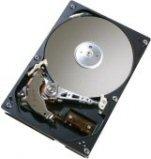
The fastest hard drives on the market are Western Digital’s SATA Raptors, which operate at an astonishingly fast speed of 10,000 rpm. However, one 74GB drive can cost nearly 200 dollars. To run RAID, I am not about to fork over the amount of money it costs for a video card to get a set of hard drives. I decided to test out Hitachi’s new SATA II 7K80 hard drives, which can be purchased at Allstarshop.com for only 57 dollars each. Running two of these in RAID 0, I saw performance in Sandra’s HD test near the Western Digital’s Raptors. Not bad for a set of 80 gig hard drives that are almost 300 dollars less that two WD 74GB raptors.
Amount Saved: 300 dollars
Cooling and Memory
Cooling:
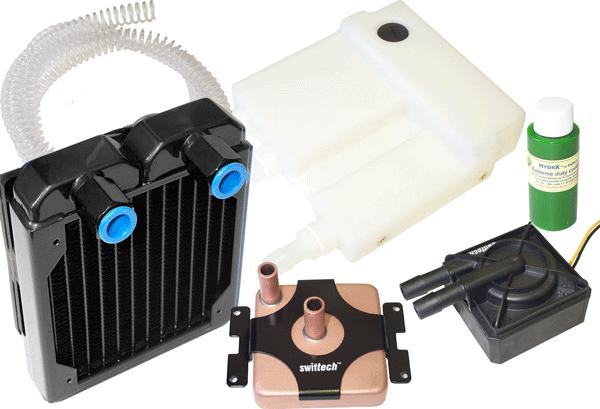
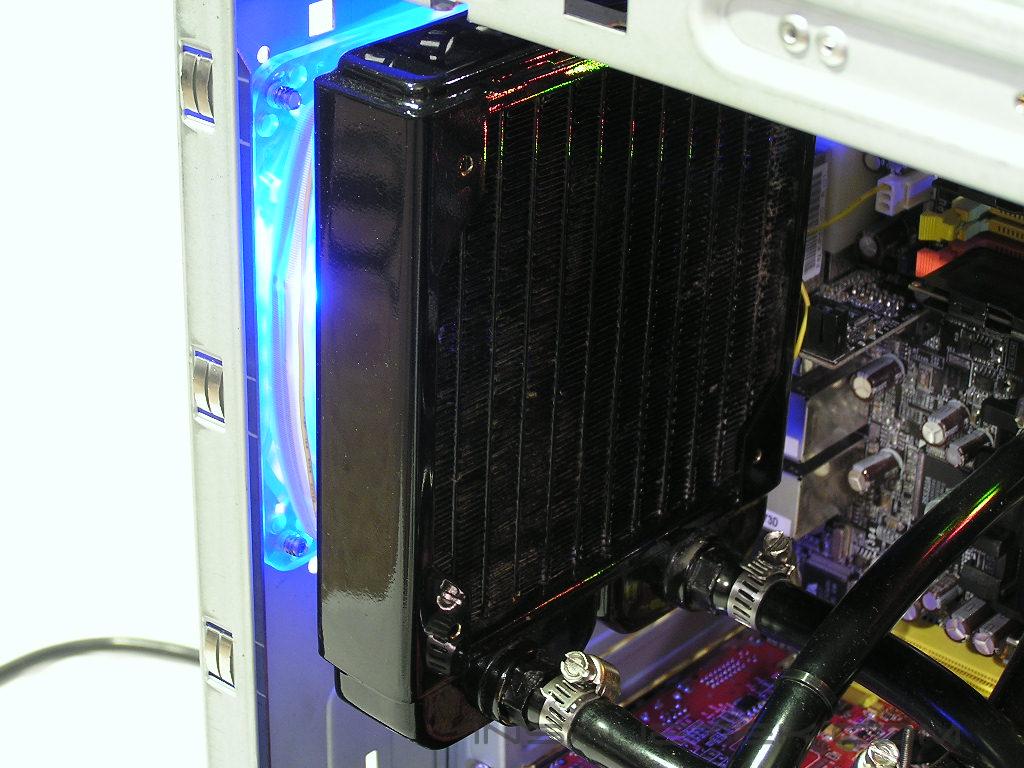
While the air cooling from the modded Kandalf is enough for a stock system, I wanted to overclock my X800XL and 3700+ San Diego. This required better cooling. I also did not want to add to the fan noise that I already had with the Kandalf case and the Thermaltake 680w PSU. Since I saved almost 1200 dollars, the excess money for a good watercooling system is justified for low noise, good overclocking, and awesome looks. I decided to go with Swiftech’s newest 939 cooling kit, which comes with the newer PCM350 pump and a black socket plate. However, I felt the copper look and the green coolant took away from the black and sleek look of the Thermaltake, so I changed the tubing to black Tygon tubing. I then added DangerDen’s newer GPU Maze4 block with the black acetal top. I am sure I will be able to overclock both my X800XL and San Diego to my desired speeds without excess noise. To match the black look, I then spray-painted the copper on the MCW6000 to black. Overall, the look of the watercooling and black CrossFlow fan give the insides a strong and sleek look.
Memory:
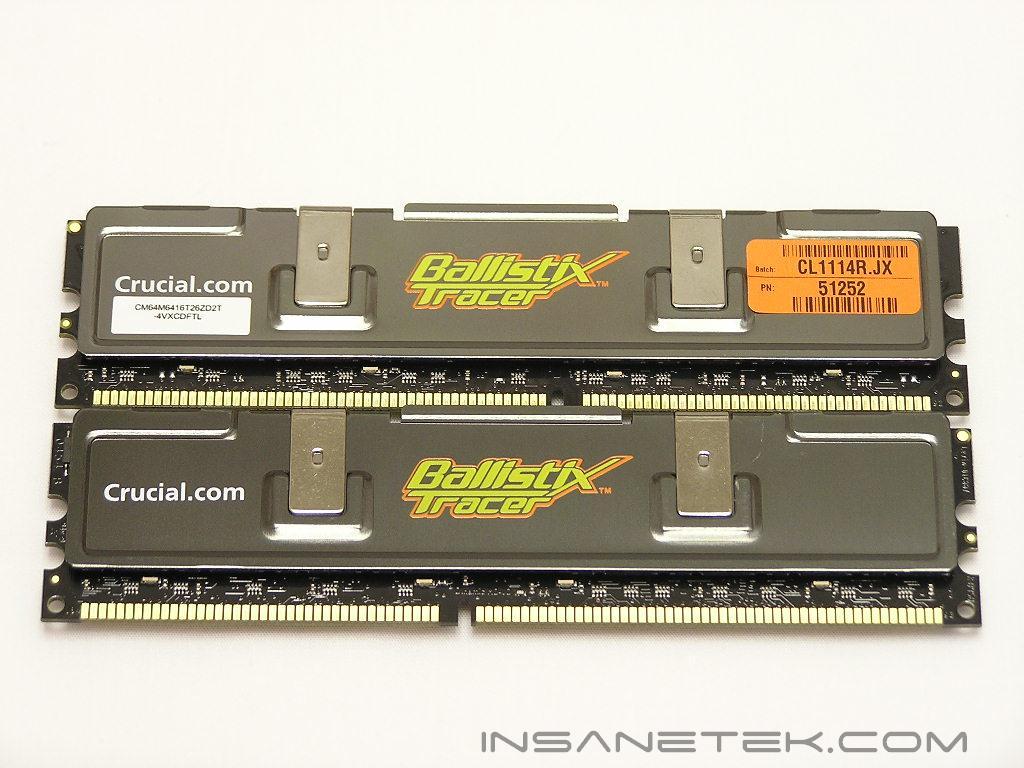
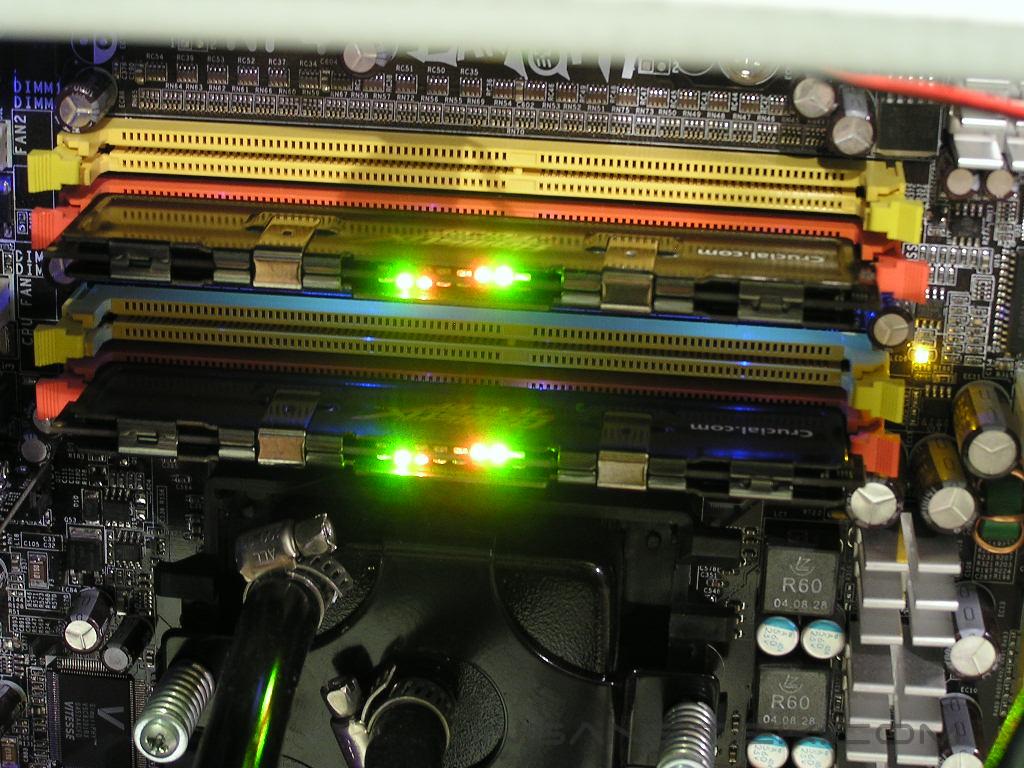
This part of the building process was perhaps the most difficult, considering the abundance of quality memory on the market. However, we were looking for memory that provided performance as well as good looks, and we decided to go with Crucial’s PC4000 Tracers. With a maximum overclock of 270MHZ at decent timings, the Tracers will work well with the 11x max multiplier of the 3700+, while offering looks that no other memory modules can match. The Tracers have the cool Nightrider effect and add to the sleek look of the Ultimate Gaming Rig. At a cost of around 260 dollars, the Tracers are no more expensive than your typical high-end memory.
Ultimate Gaming Rig
And now for the unveiling of InsaneTek’s Ultimate Gaming Rig… on a budget. Some of the pictures might not be detailed enough for everyone’s convenience, but we tried to take the best pictures we could for every possible component.
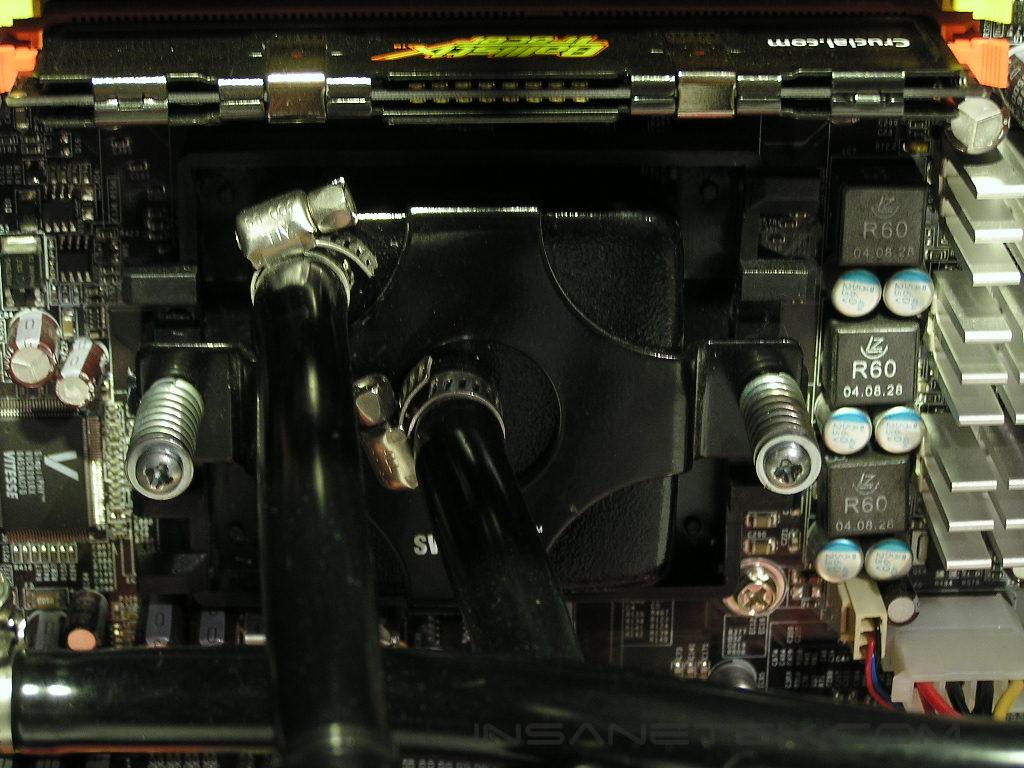
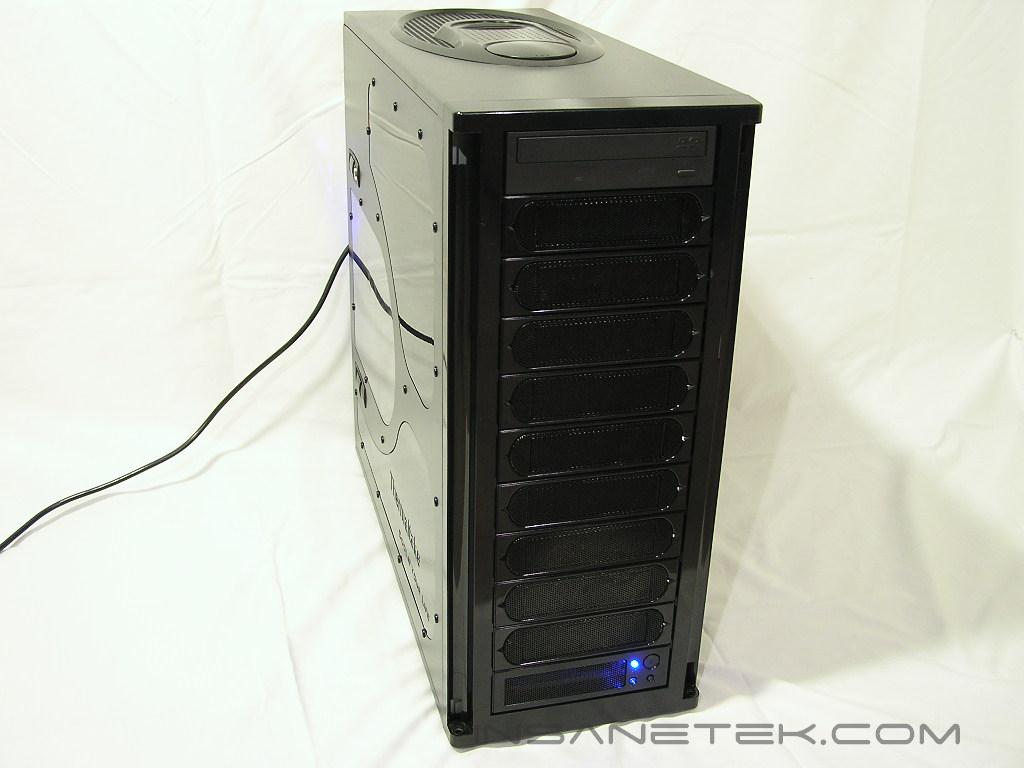
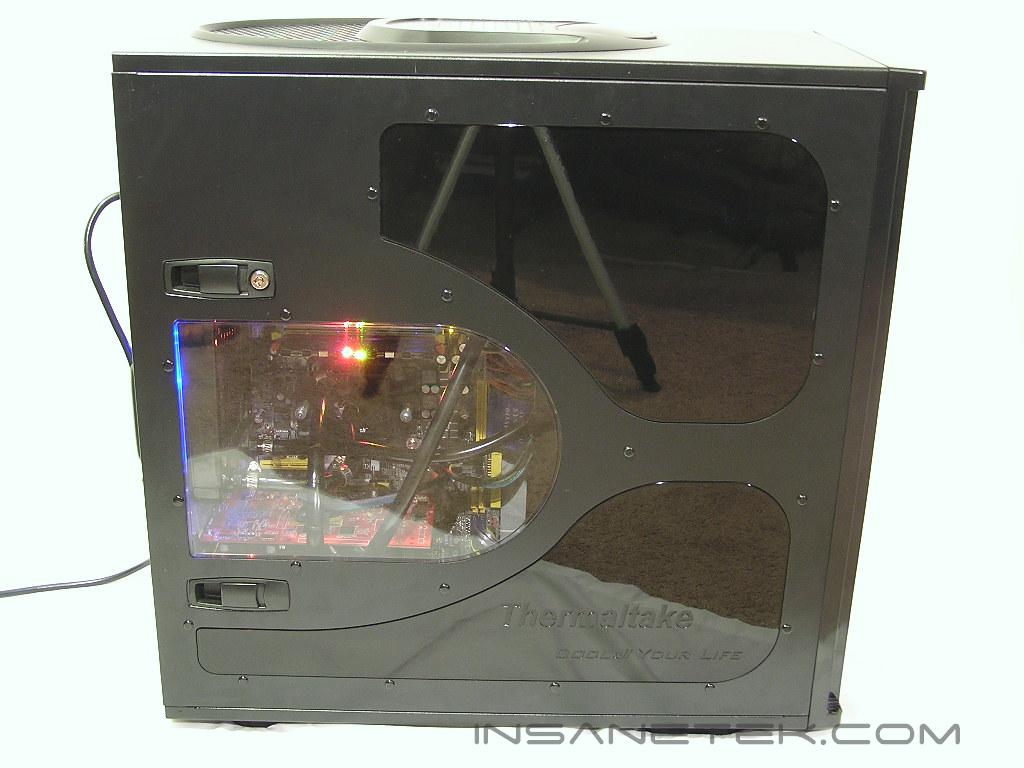
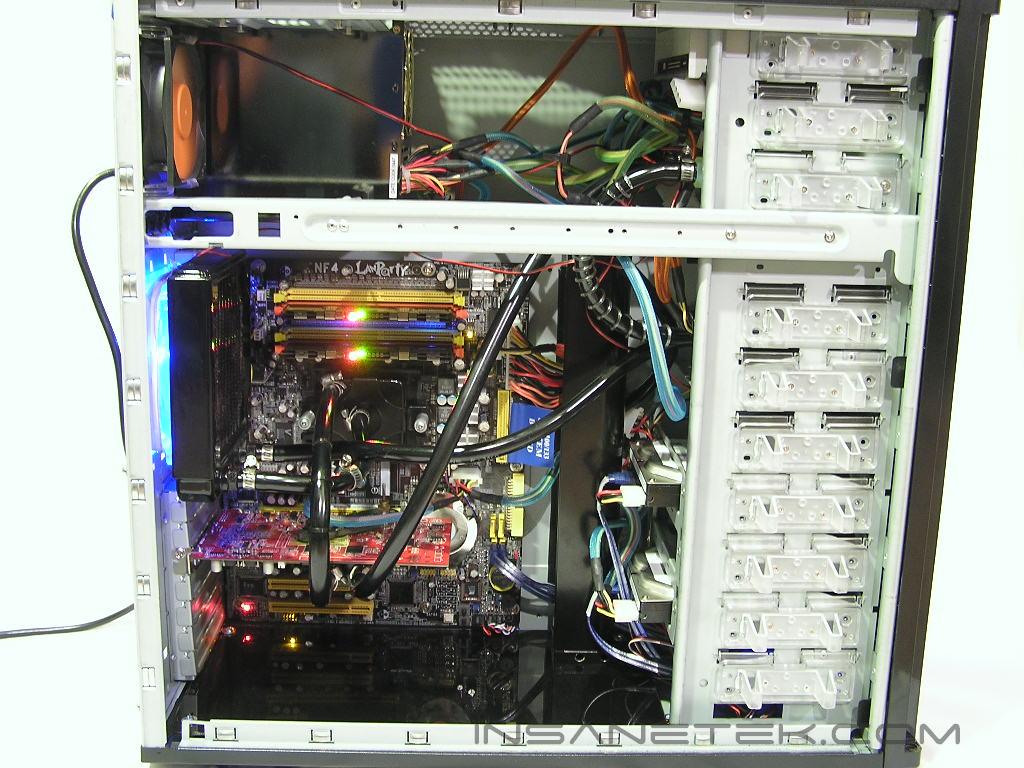
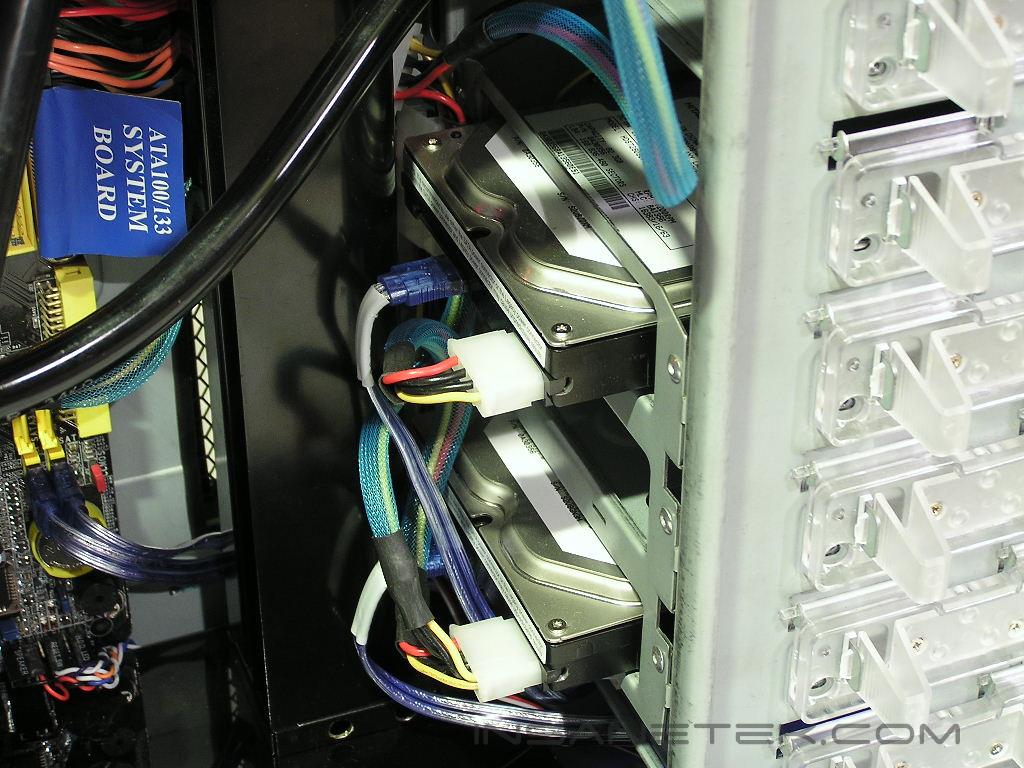
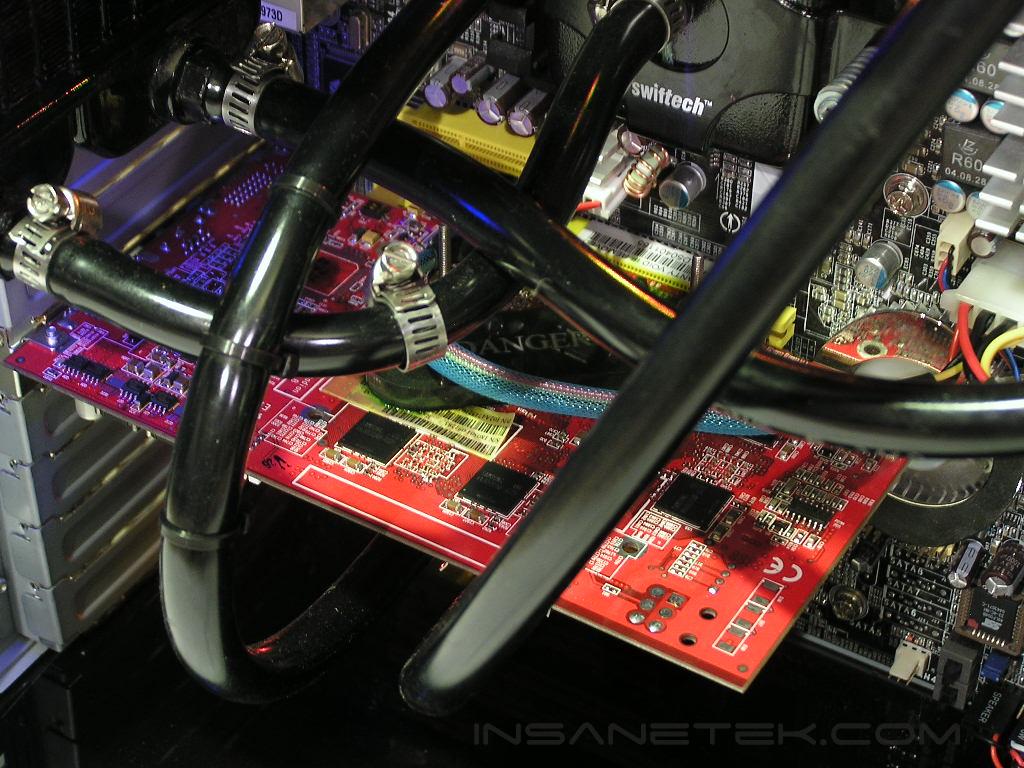
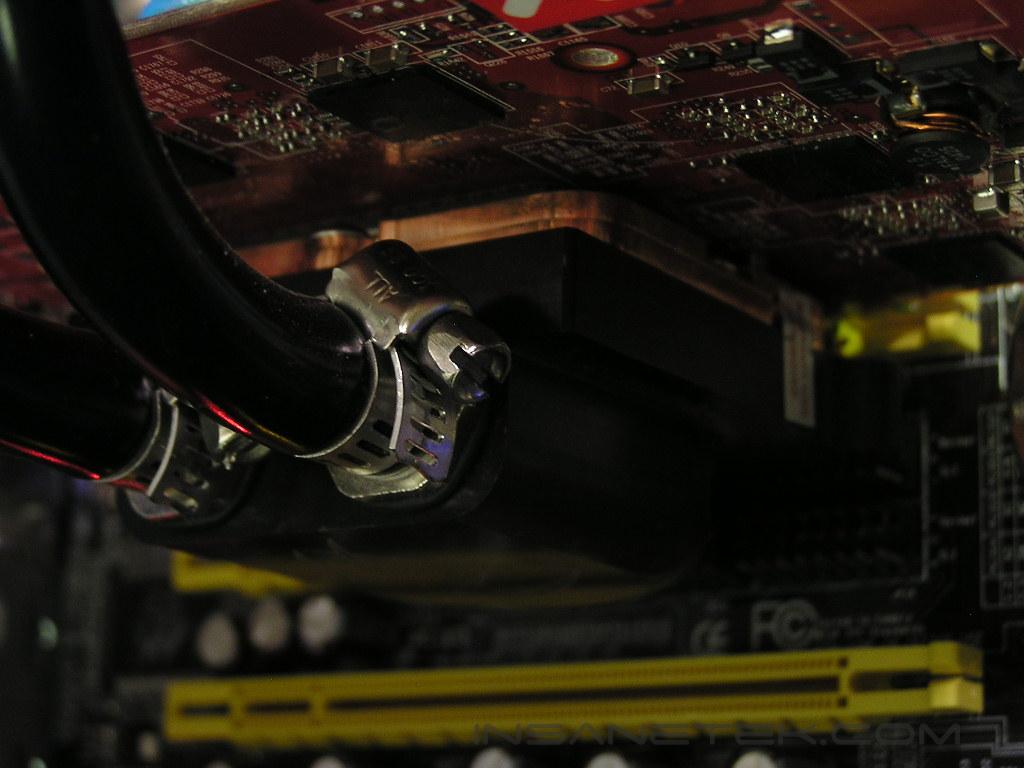
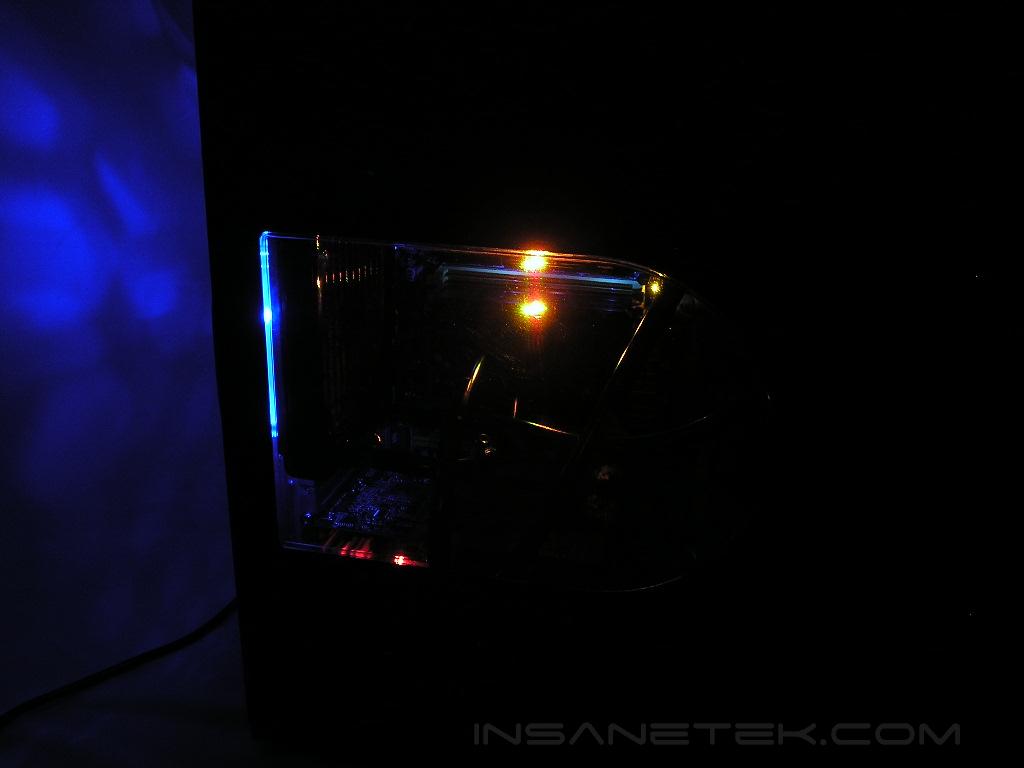
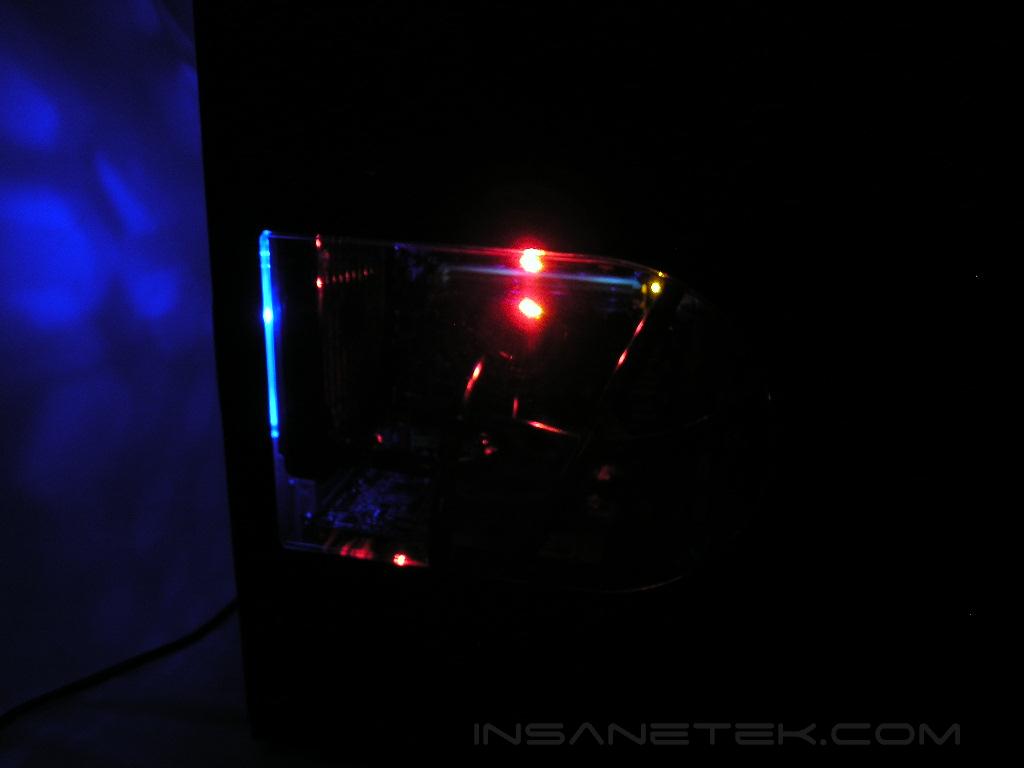
The Ultimate Gaming Rig is proof that you do not need to fork over 5,000 dollars for a rig that is capable of playing the latest games, while having the looks of a high-end gaming PC. This article is mainly for those people out there who are thinking about investing in an Alienware or Voodoo PC, yet oblivious to the art of DIY PCs. We managed to clock our 3700+ San Diego up to 2.8GHz, Prime and SuperPi, stable and our ATI X800XL up to 445MHZ core / 520MHZ memory. The Tracers were running at 254MHZ at 2.5-3-3-7, with a multiplier of 11. In conjunction with the airflow of the CrossFlow fan and the Kandalf cooling, my system temps were low and my processor never crept above 45 degrees Celsius. Overall, for thousands of dollars less, I bet you our system can compete head to head with any single GPU Alienware PC on the market. Of course, I did not include the keyboard and mouse, the monitor, and the speakers, but even those components can be purchased wisely without going for the best stuff. Our readers here at InsaneTek enjoy building custom PCs and would gladly help anyone whose itching to click the “Add to Cart” button for a Dell XPS PC or Alienware Area 51. Save yourself the money and buy something for your girlfriend, who thinks you spend more time and money on your PC than on her.

If you have any questions or comments, feel free to hit us up in the forums. You can also check out more of our latest reviews on the front page.