

Thermaltake Water Level Indicator and Water Temperature Indicator
I’m sure every enthusiast has at least one accessory in their case, whether it be a set of cold cathode lights or a fan controller. Companies strive to design new and exciting accessories that will stir interest in enthusiasts. One company at the forefront of accessory development is Thermaltake.
Thermaltake has recently introduced several new accessories to their watercooling catalogue. Among these accessories include a flow indicator, added waterblocks, a series of parts that fit into 5.25” drive bays, and more. Thermaltake’s accessories have been known to focus more on novelty and vanity than practicality. Today, we test Thermaltake’s water level indicator and water temperature indicator to find out if their new products have functionality and worth.
Thermaltake Water Level Indicator
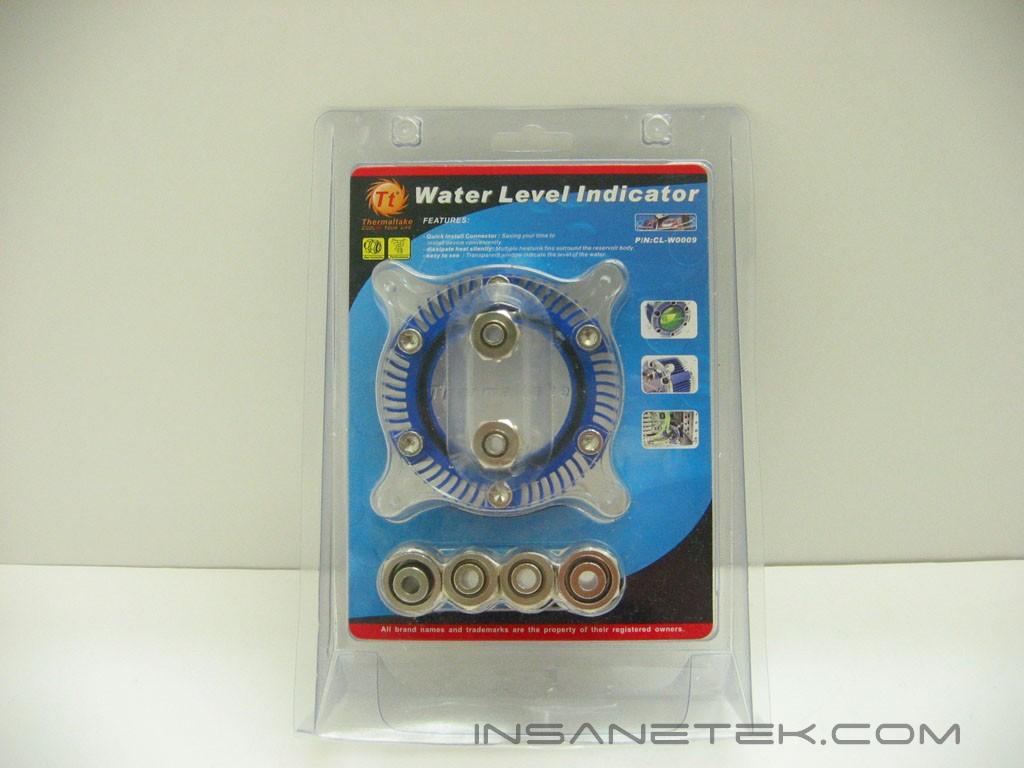
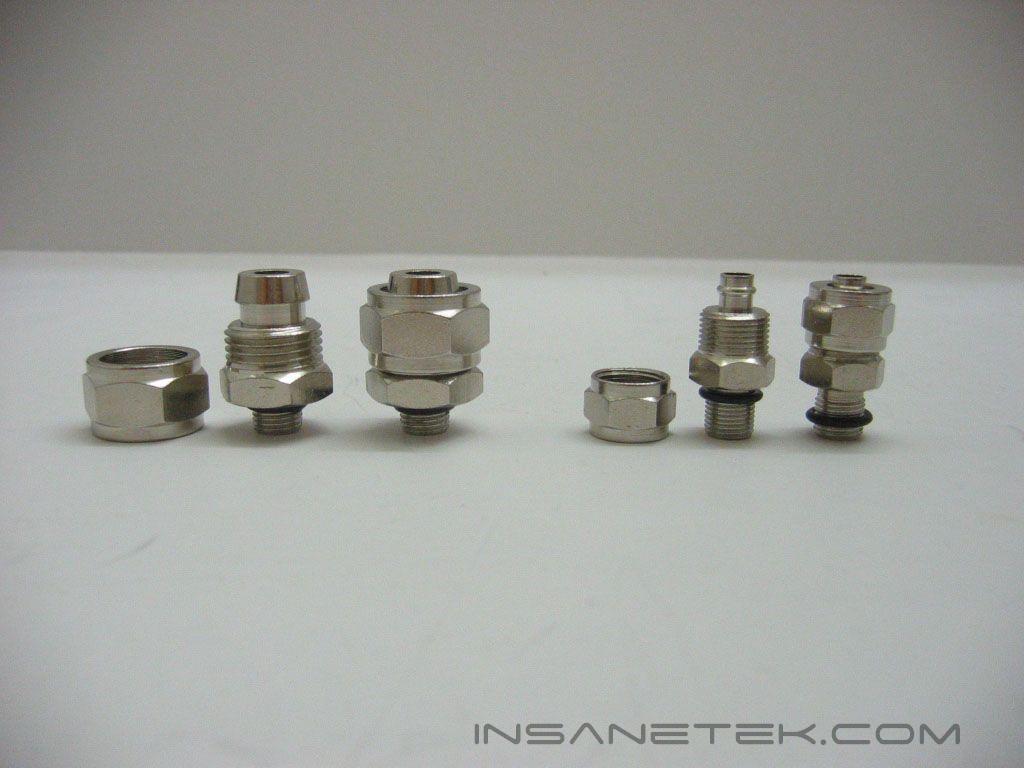
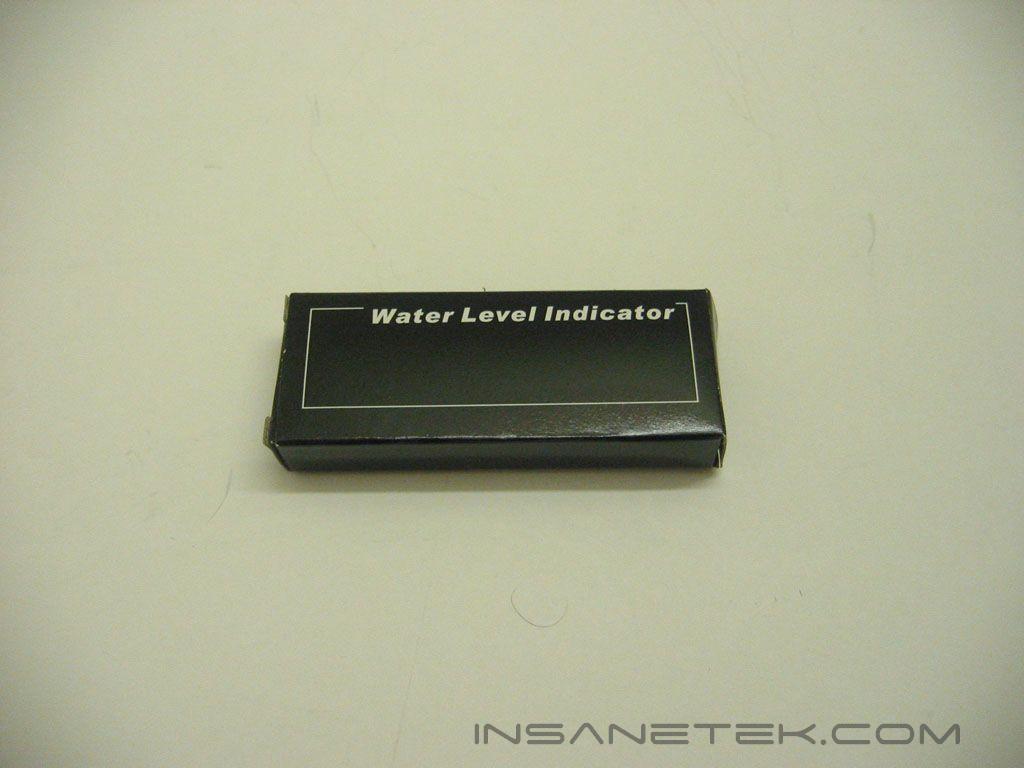
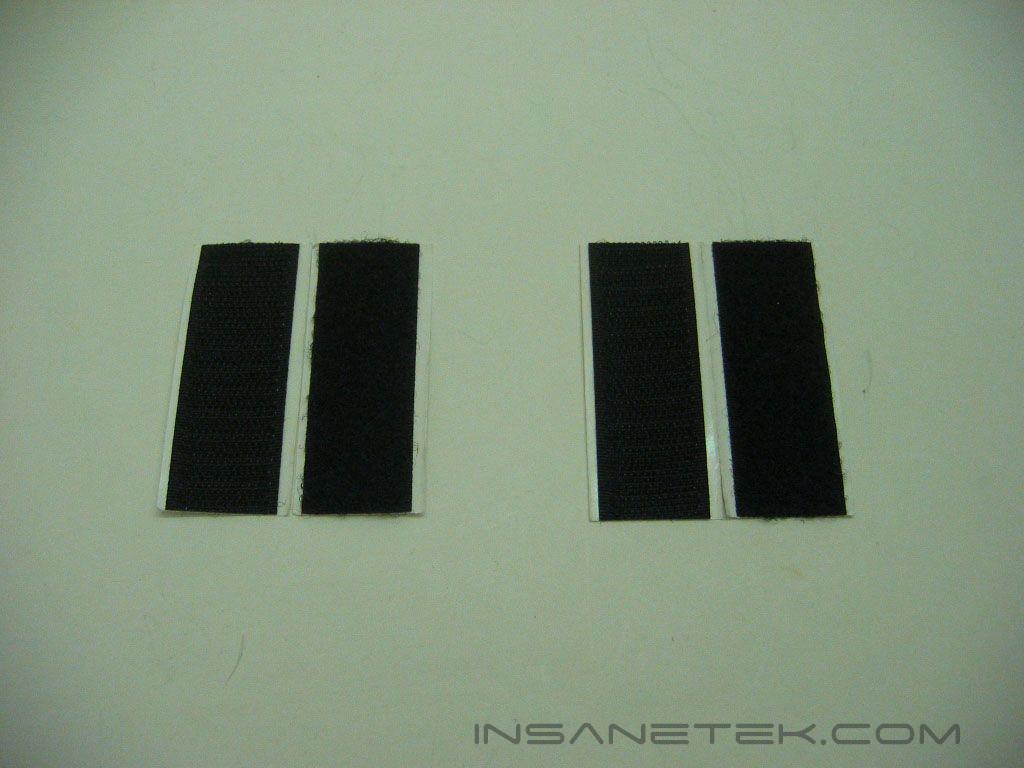
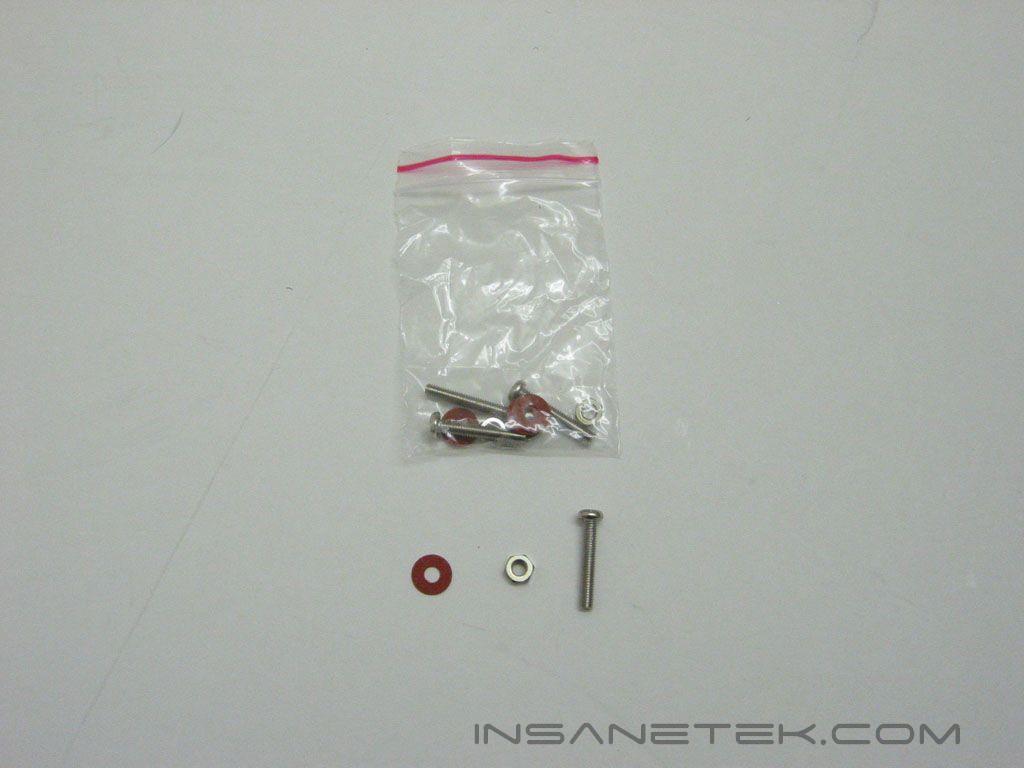
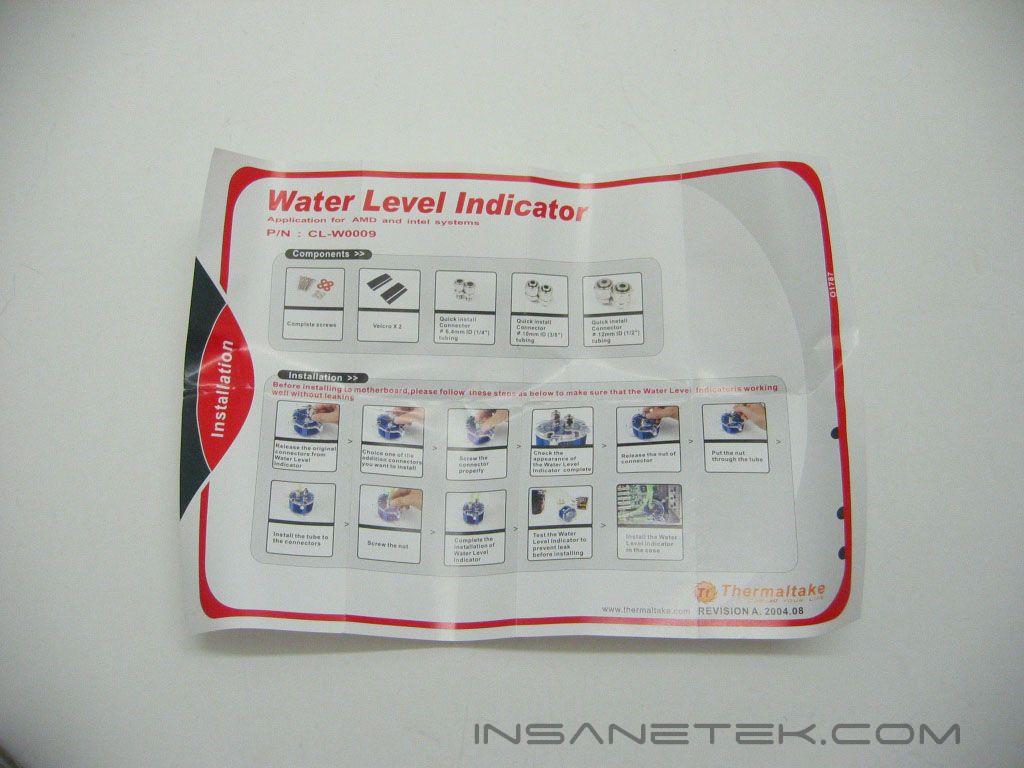
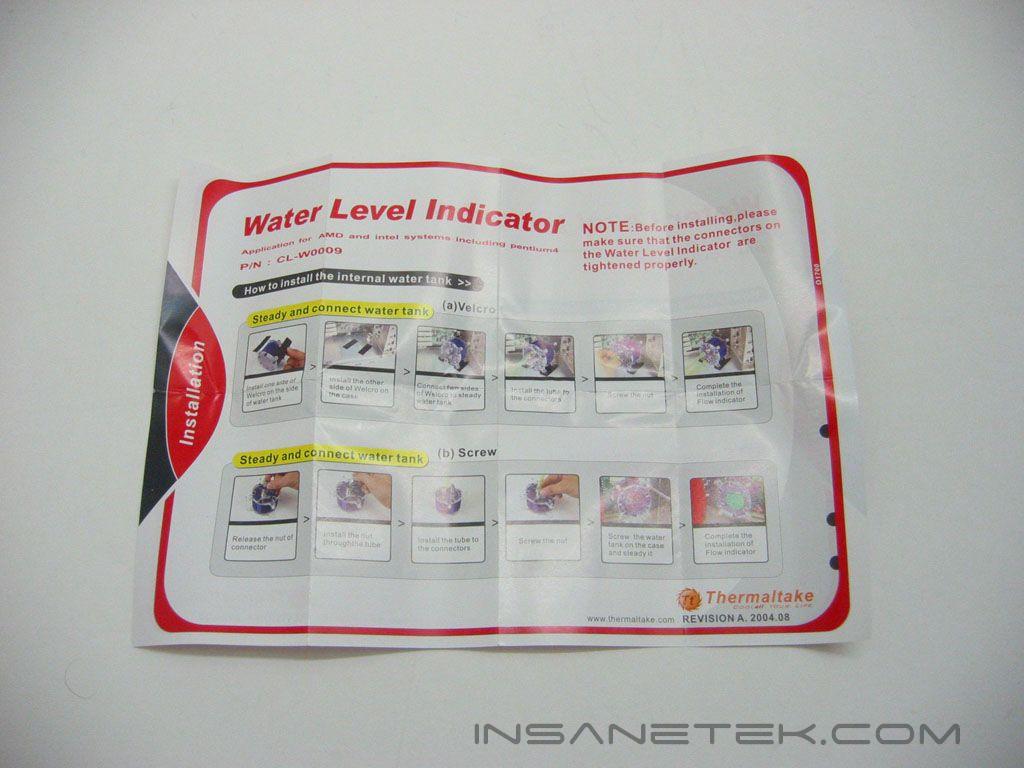
Thermaltake’s water level indicator was produced so that watercooling users can keep an eye on the amount of water in their loop. Thermaltake’s water level indicator comes packaged in plastic, formed to the shape of the indicator. The packaging provides a clear view of the entire unit. The cardboard insert lists the features, specifications, and images of the part installed. The water level indicator includes “quick install” fittings for 1/4”, 3/8”, and 1/2” tubing. The small black box contains adhesive Velcro strips for mounting, a bag containing screws, nuts, and washers, and installation instructions. The manual provides step-by-step instructions for installing the water level indicator into a case and connecting it to a loop.
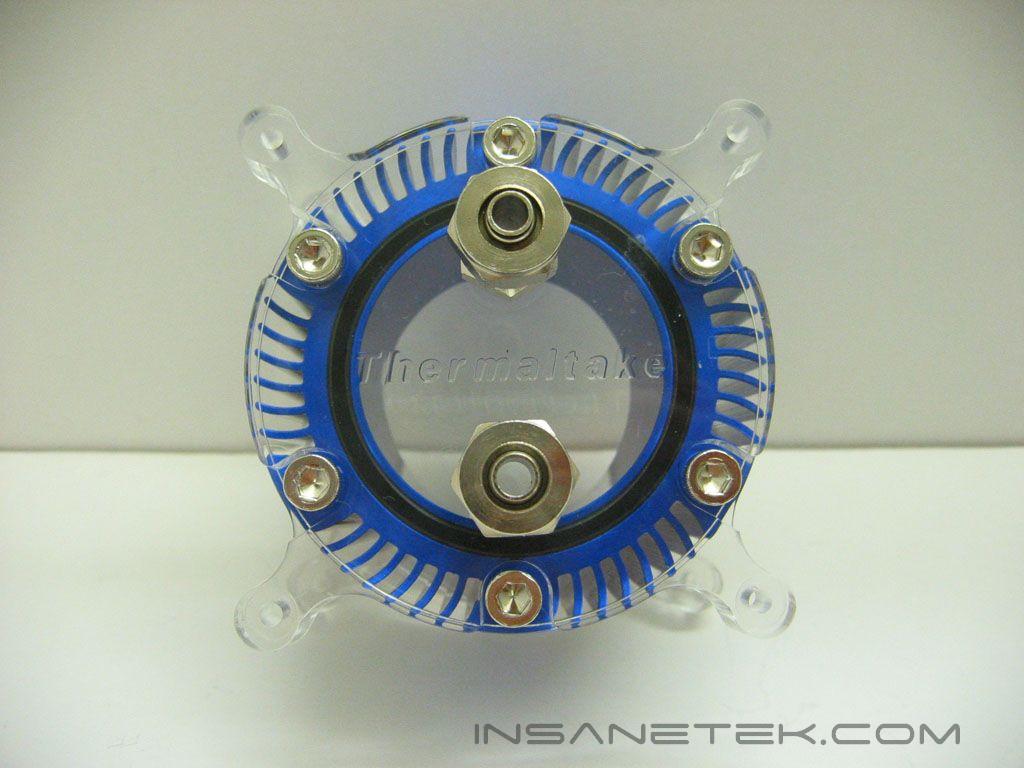
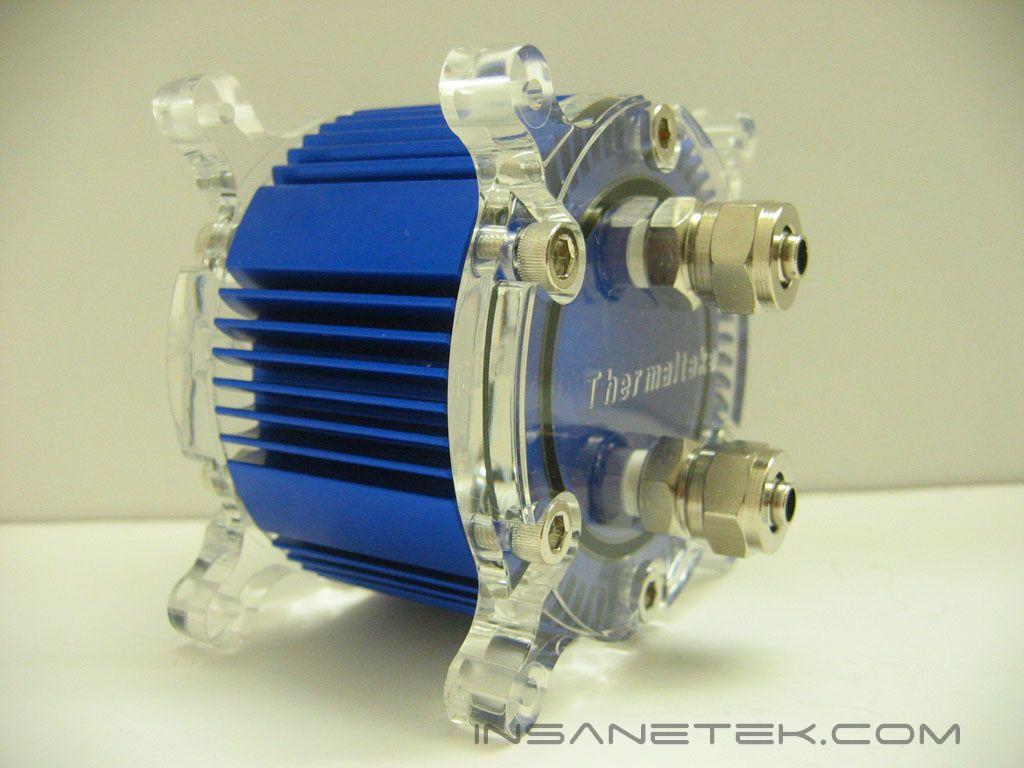
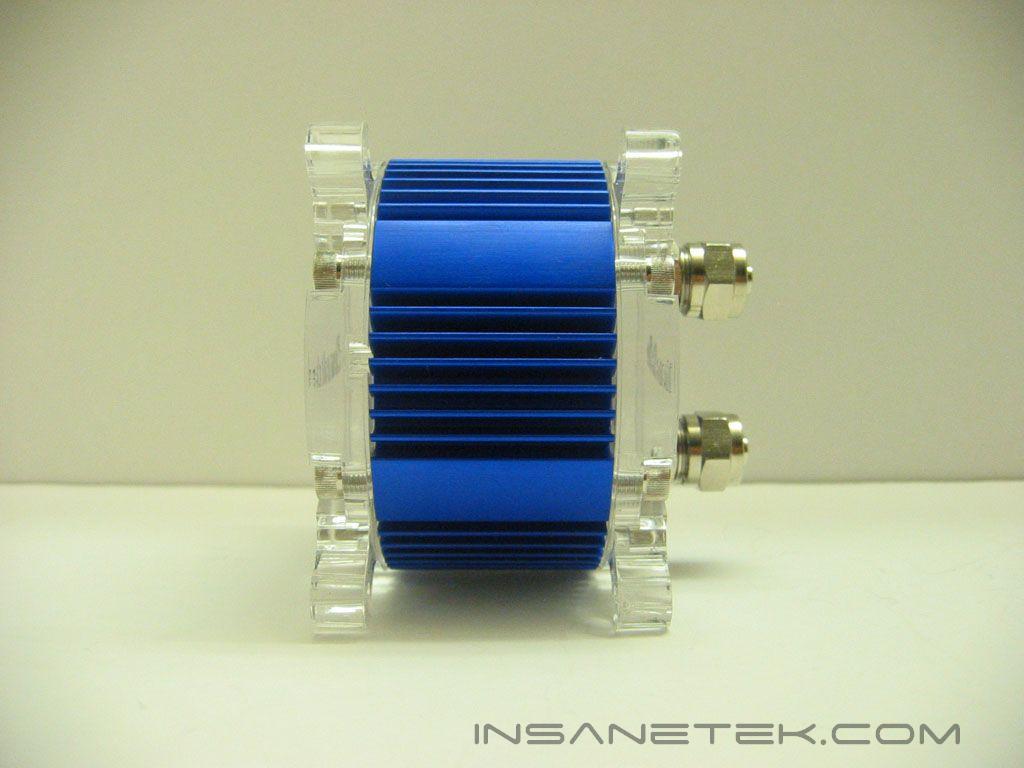
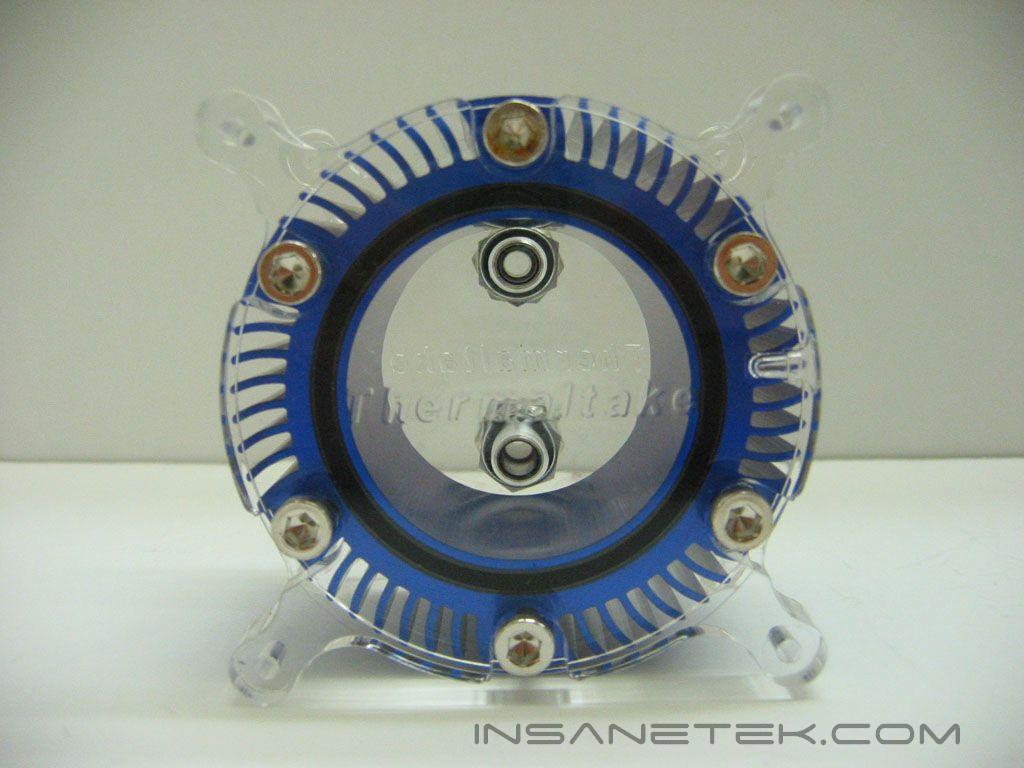
The water level indicator is constructed out of aluminum with acrylic end covers. The aluminum is anodized in blue and has curved fins that give it a unique look. Thermaltake’s logo is imprinted on both acrylic ends very subtly and blends in very nicely. The water level indicator is made to be mounted in an 80mm fan mount, but it can also be mounted with the included Velcro in a different location. The plastic is fastened to the aluminum by screws with hexagonal heads. The water level indicator is kept watertight with a rubber o-ring between the plastic and aluminum.
Water Level Indicator Specifications and Installation
Specifications:
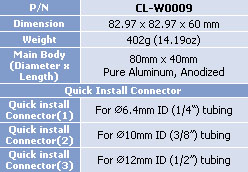
Installation:
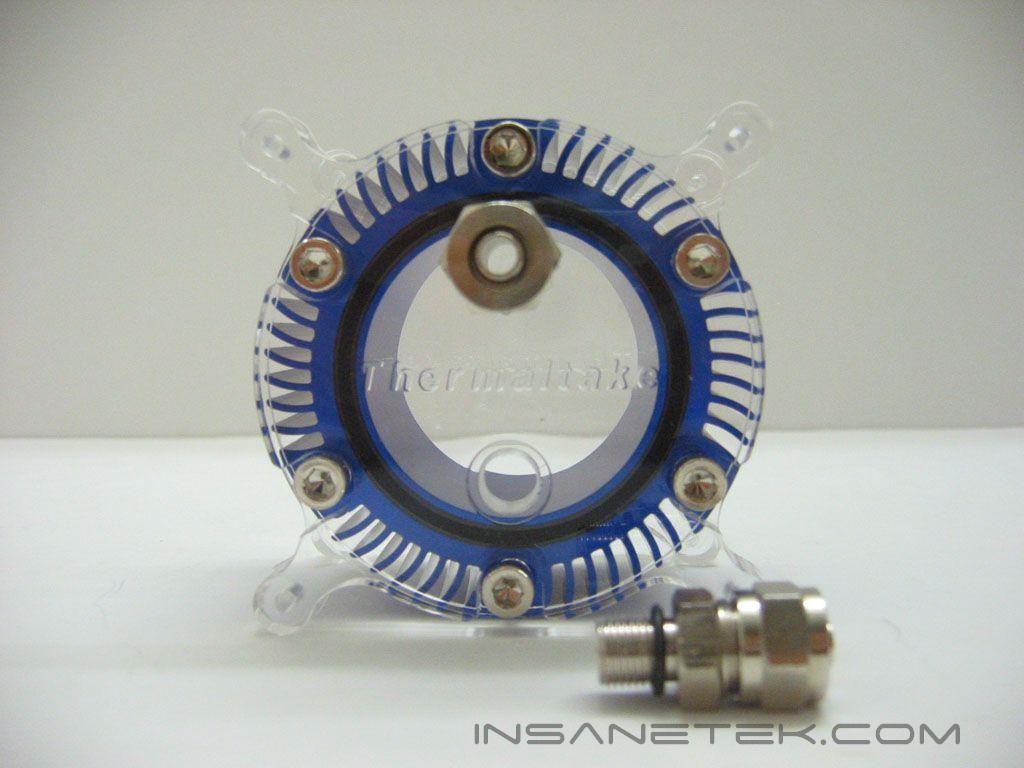
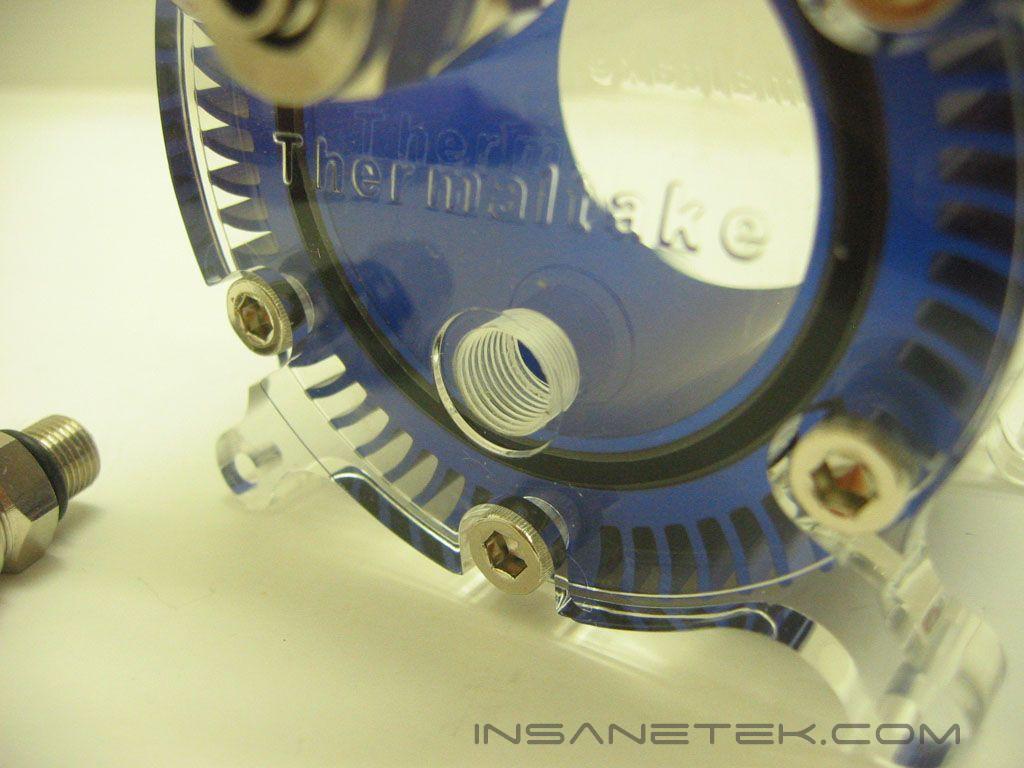
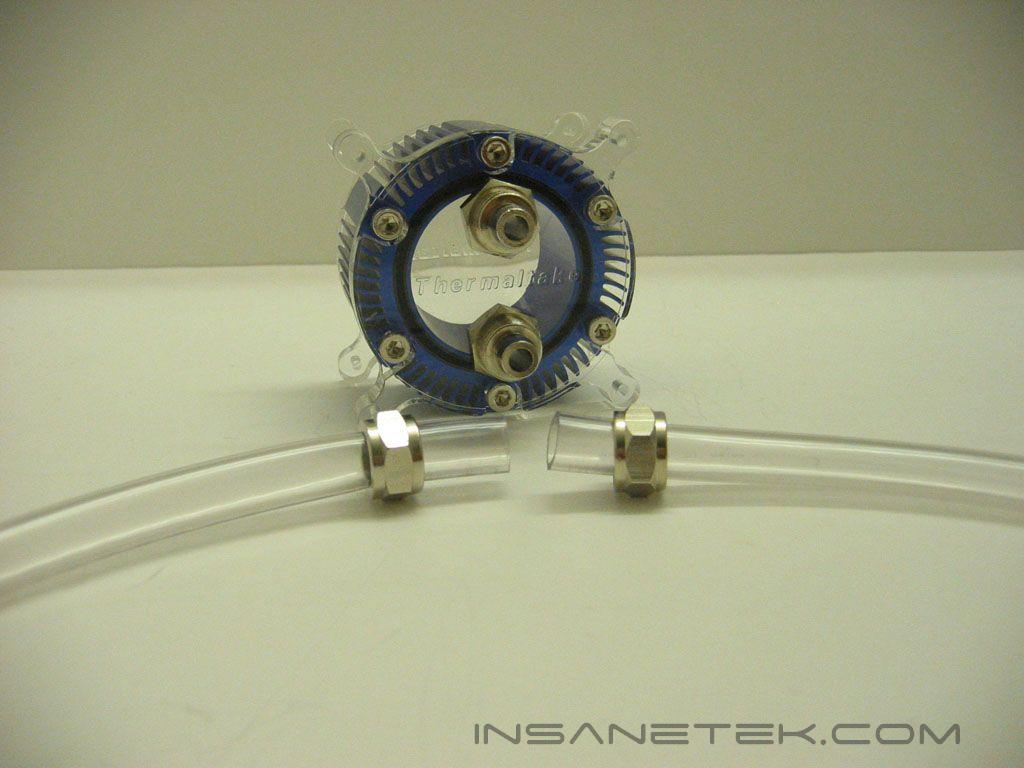
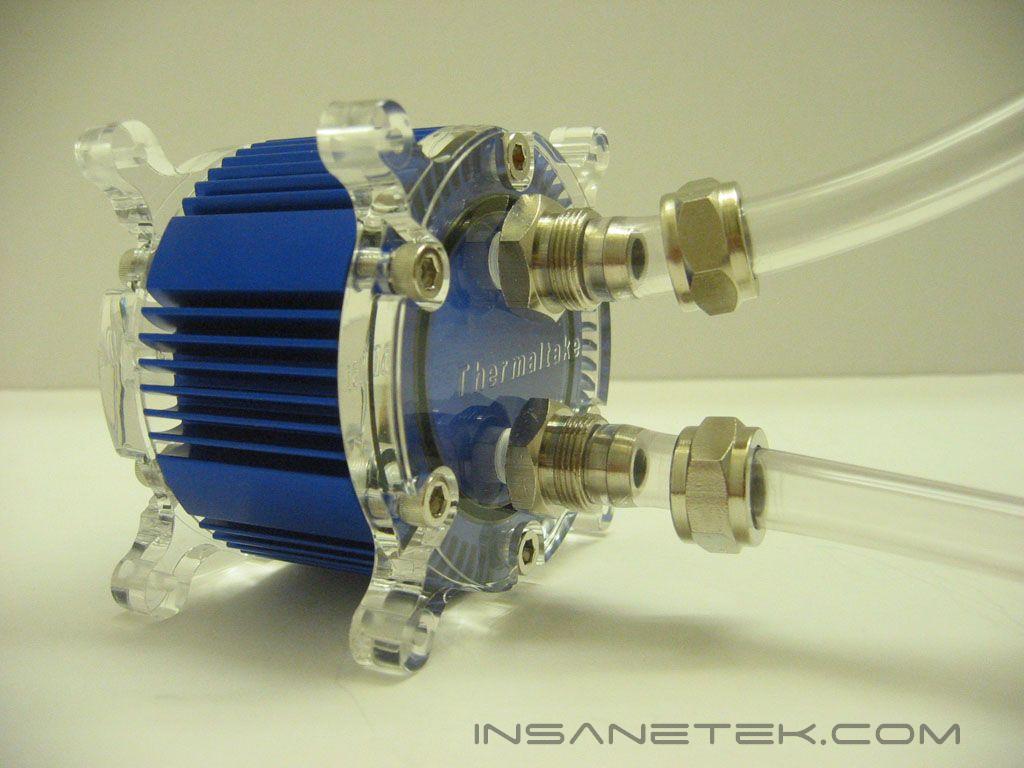
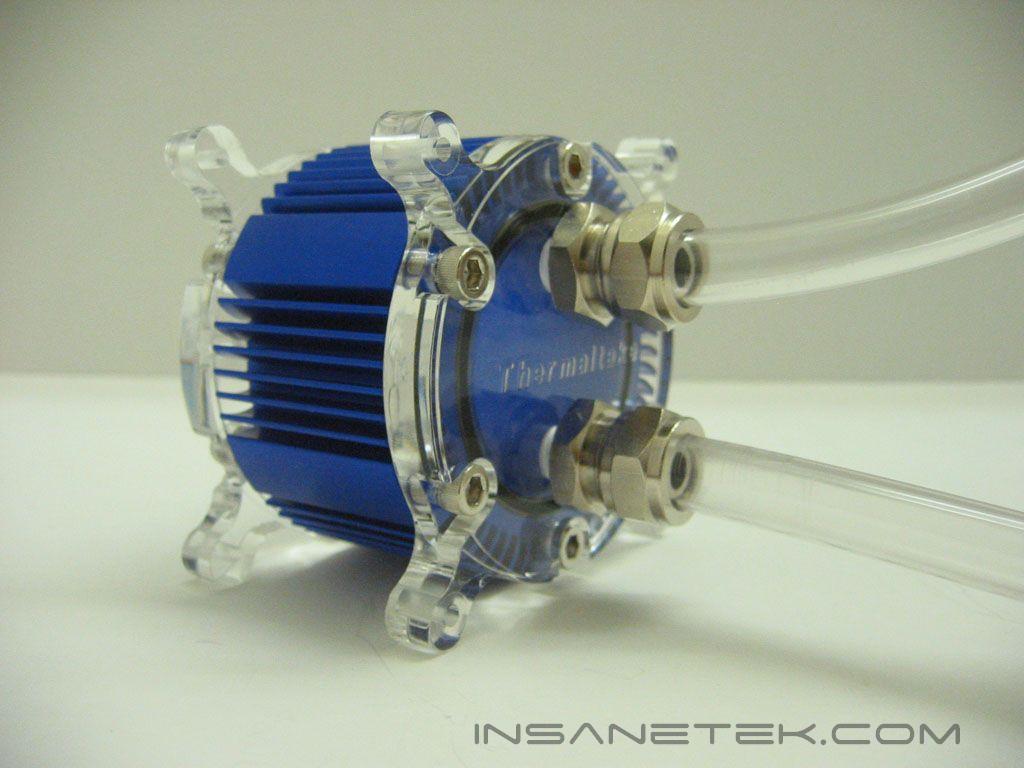
The water level indicator ships with 1/4” fittings; if 3/8” or 1/2” tubing is used, the first thing to be done is to mount the correctly sized fittings on the unit. The fittings were screwed on tightly, so a wrench was needed to loosen them. They then unscrewed easily. To connect tubing to the water level indicator, slide the screw top onto the tubing, connect the tubing to the barbs, and then secure the tubing by fastening down the tops.
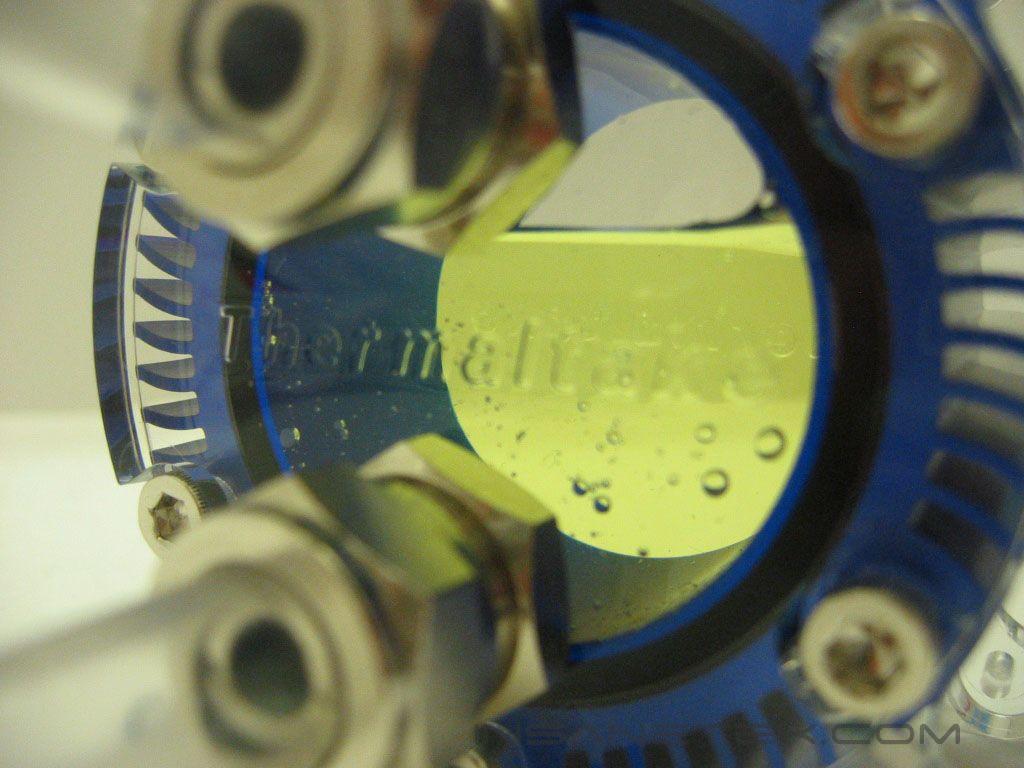
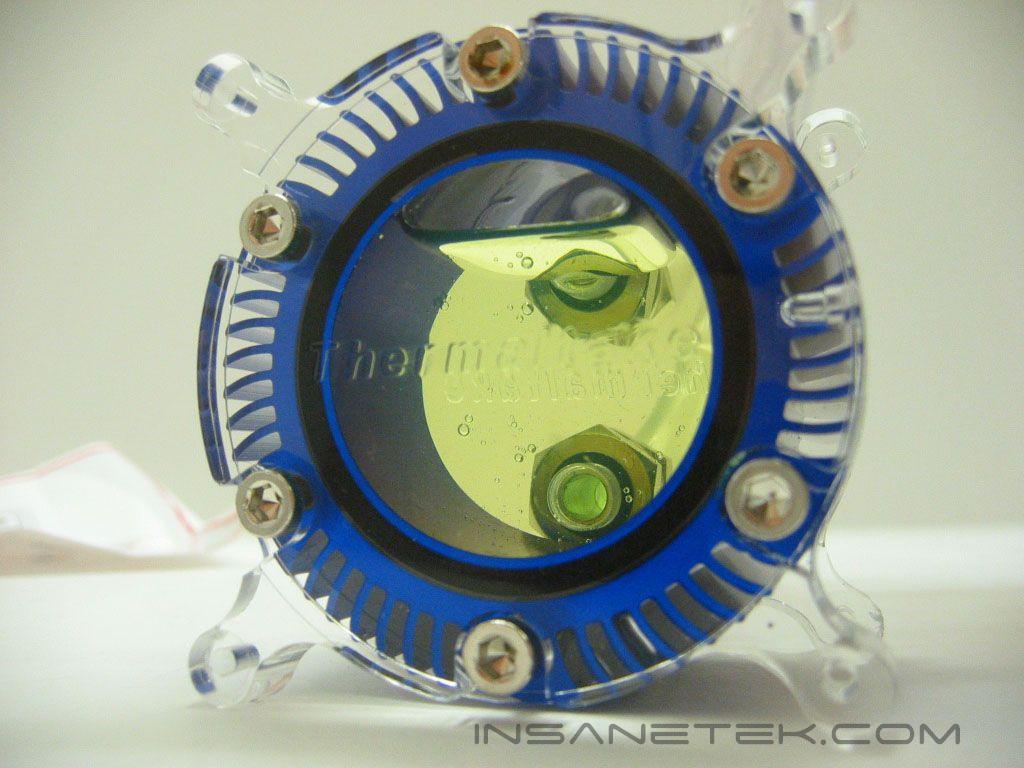
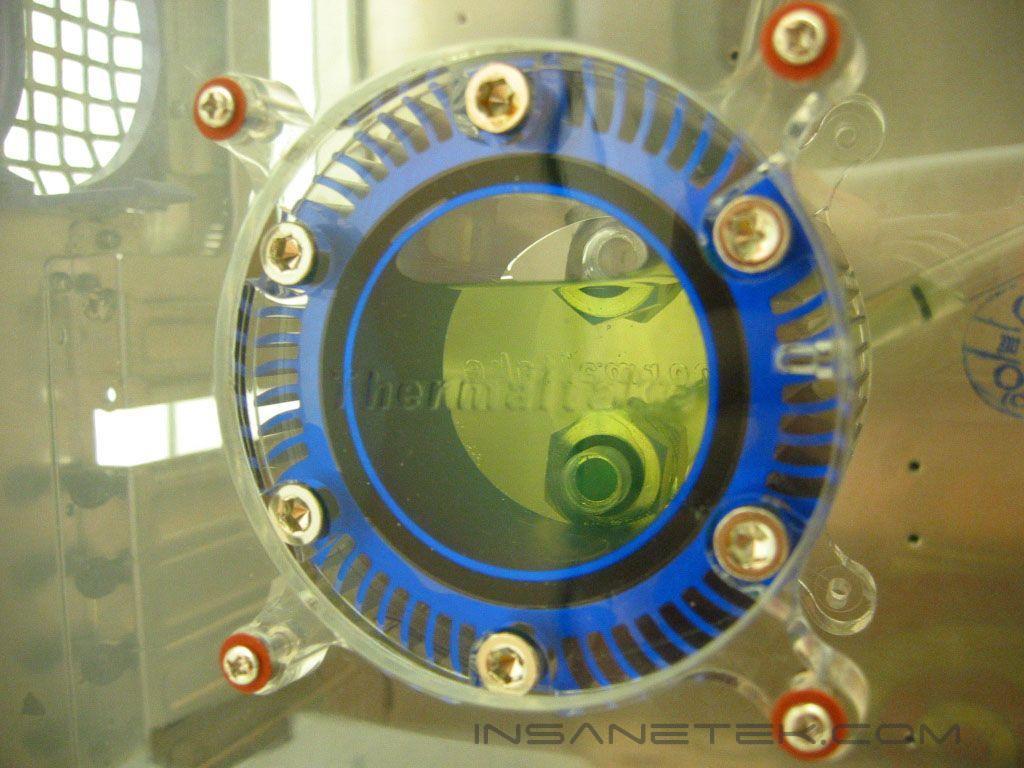
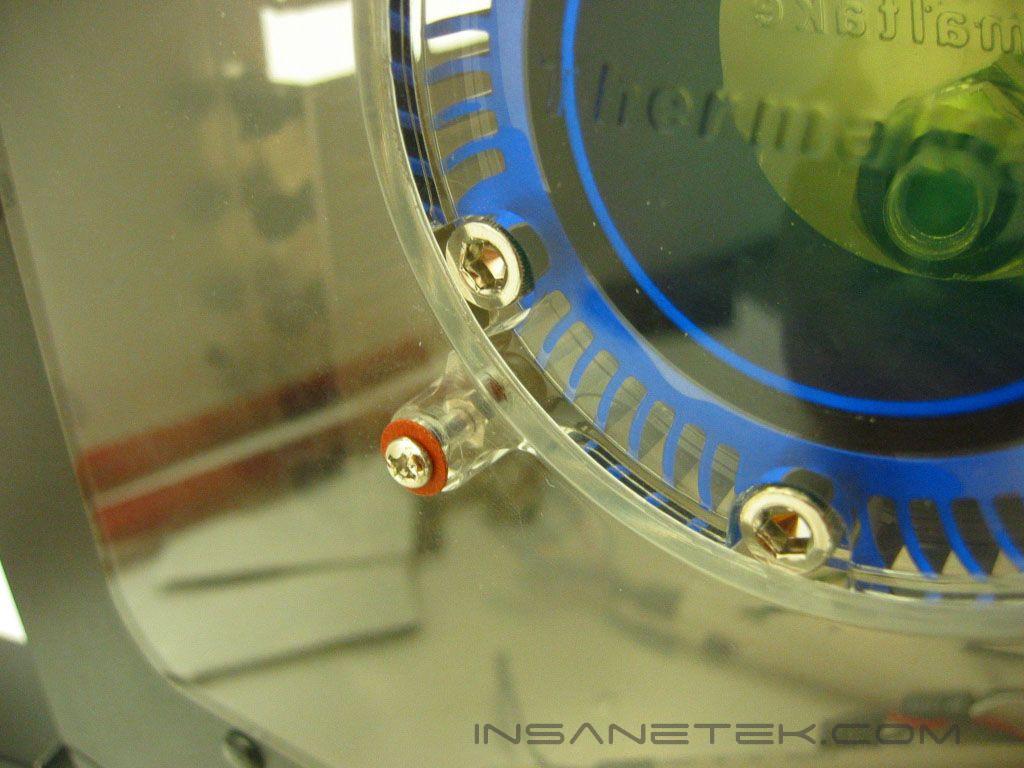
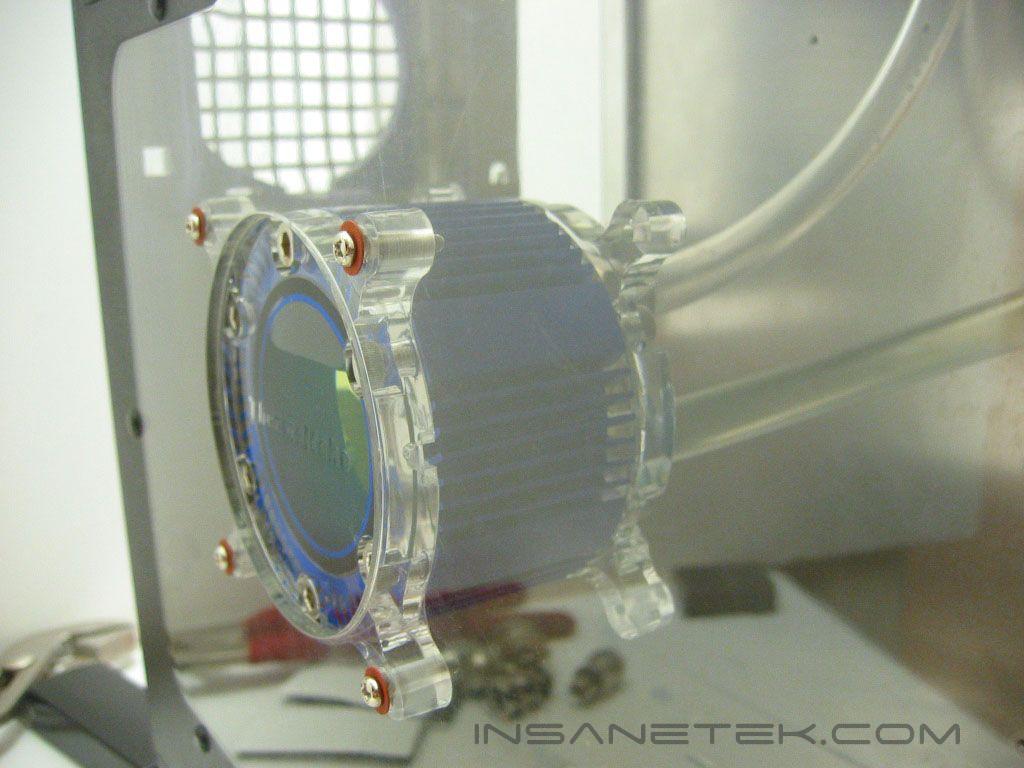
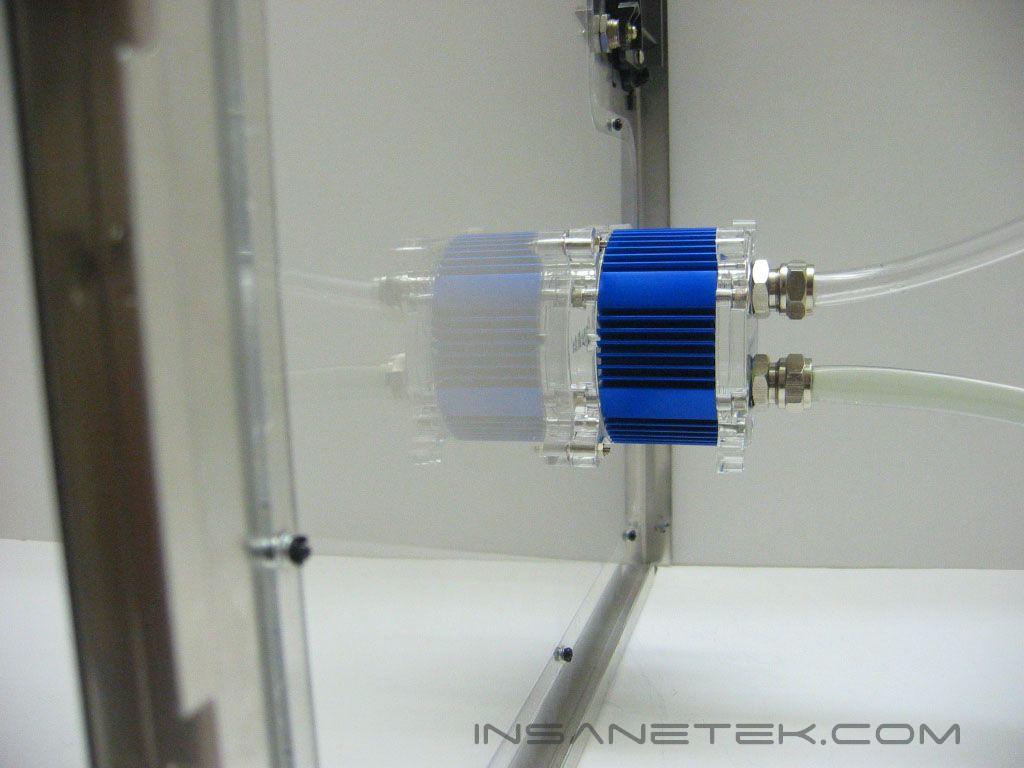
The water level indicator mounts to an 80mm fan hole by four screws. The screws do not thread into the unit’s mounts; they are fastened by nuts. Without the washers, the screws can slip through the fan screw holes, as they are not the same diameter as the fan screws. Like fans, the water level indicator does not protrude through the fan hole. Yet, there isn’t a solid color around the cutout, so the gap is very noticeable. Since the unit sticks out so far, routing 1/2” tubing could be difficult, pending the width of the case.
Thermaltake Water Temperature Indicator
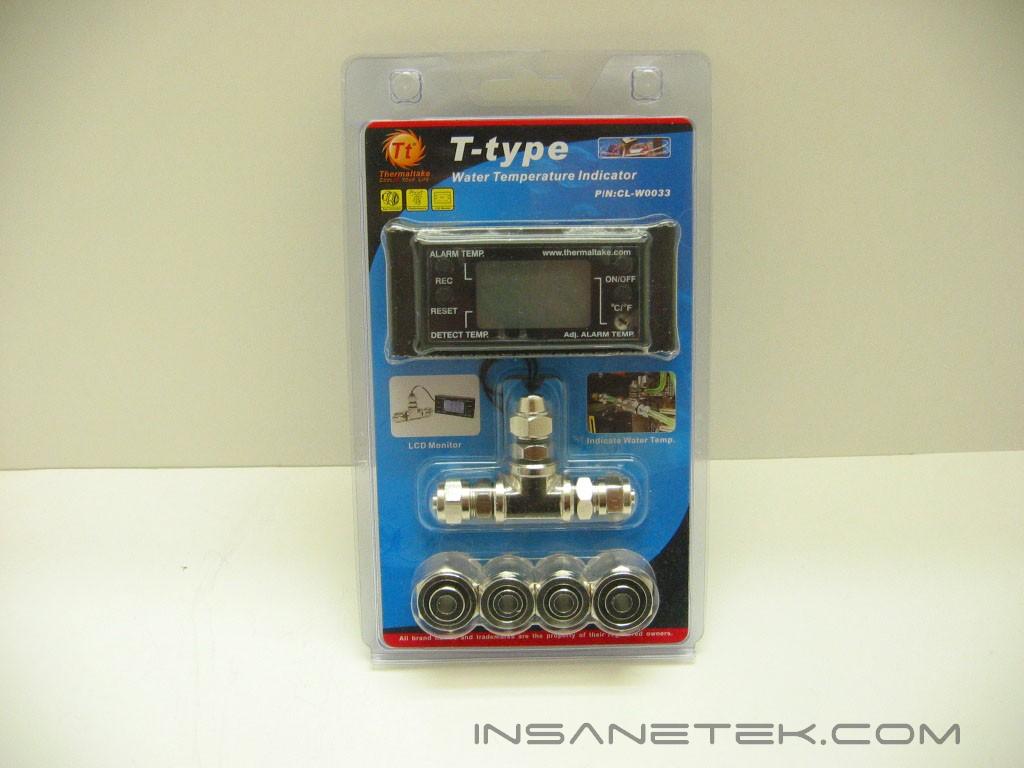
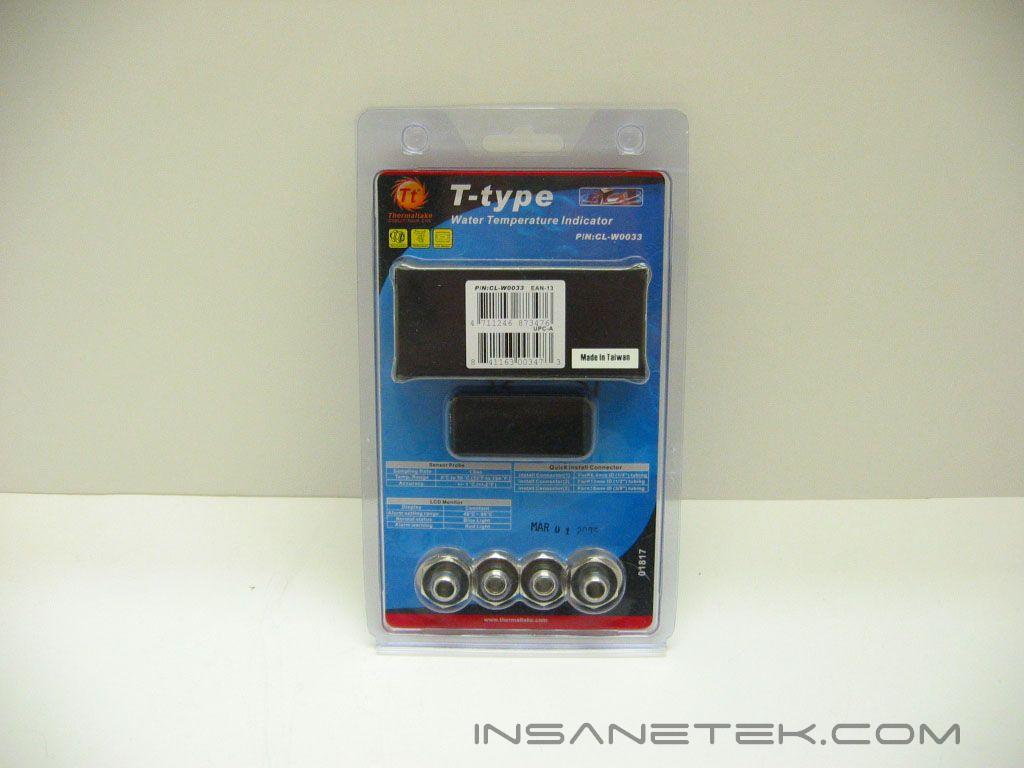
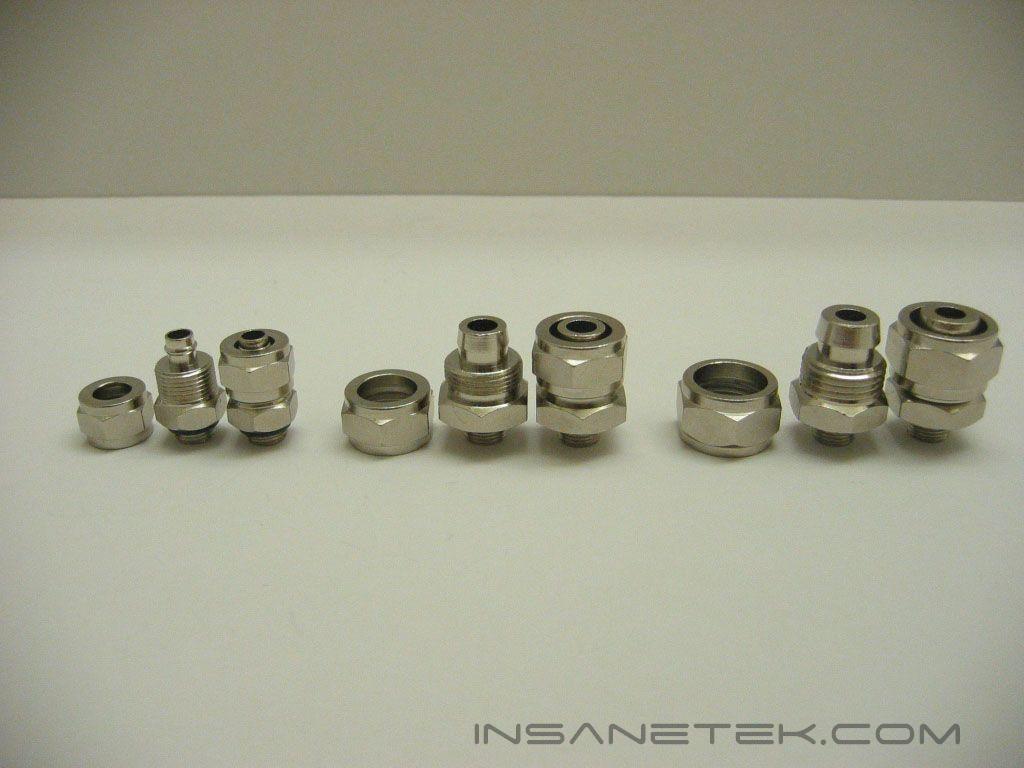
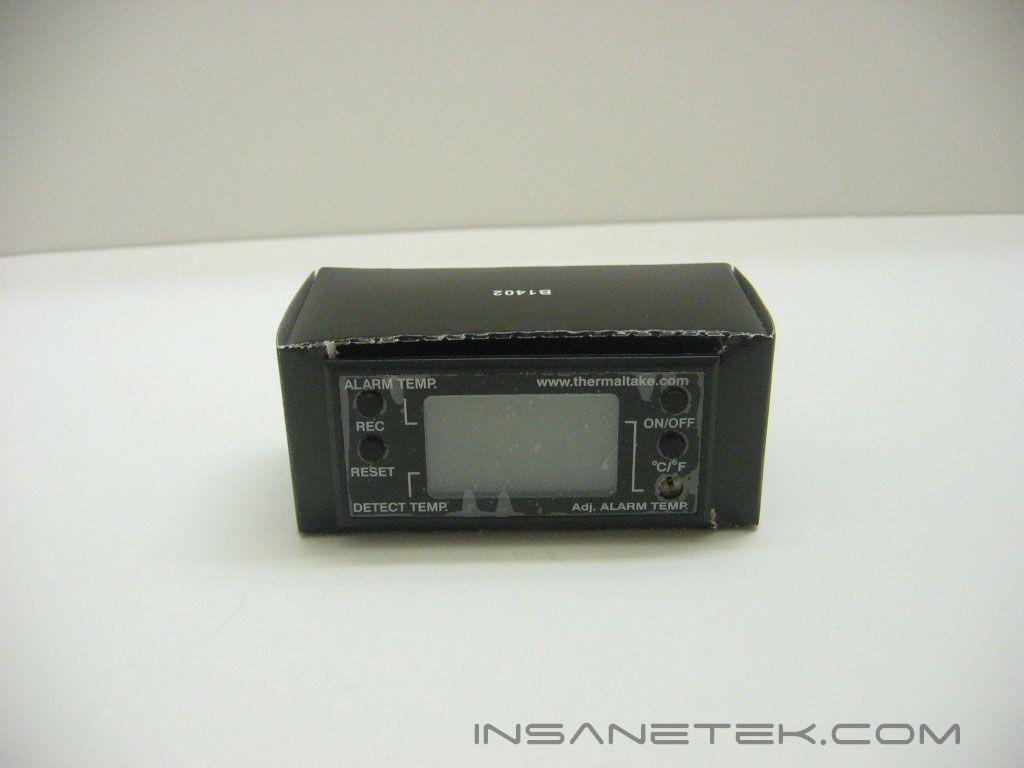
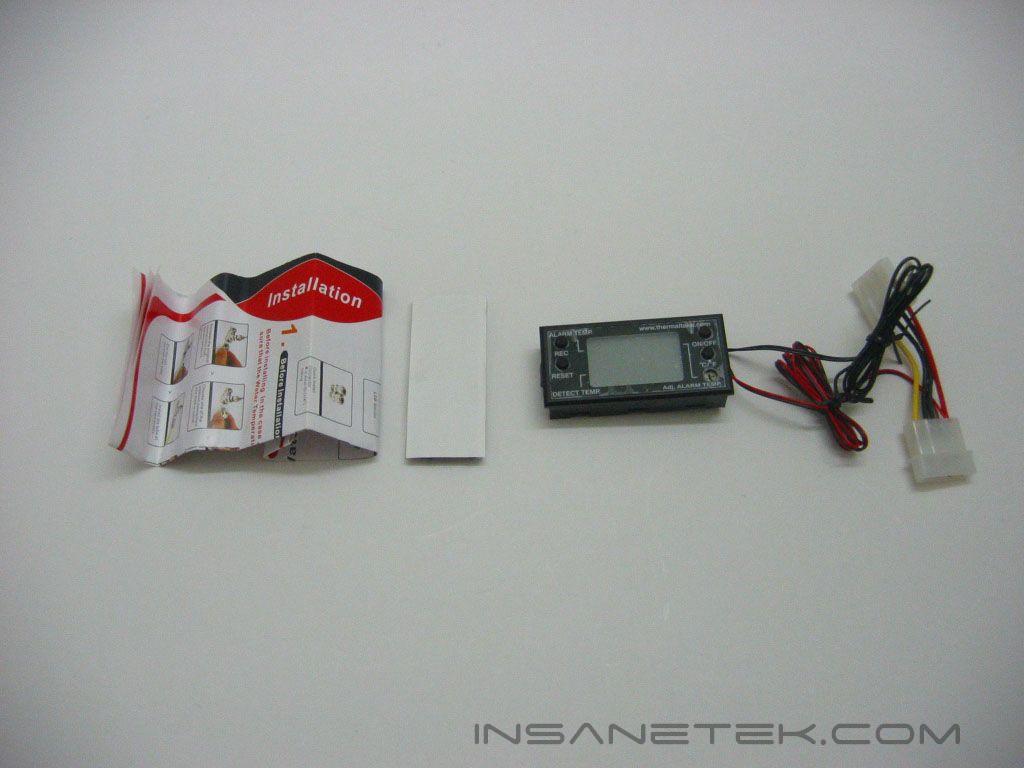
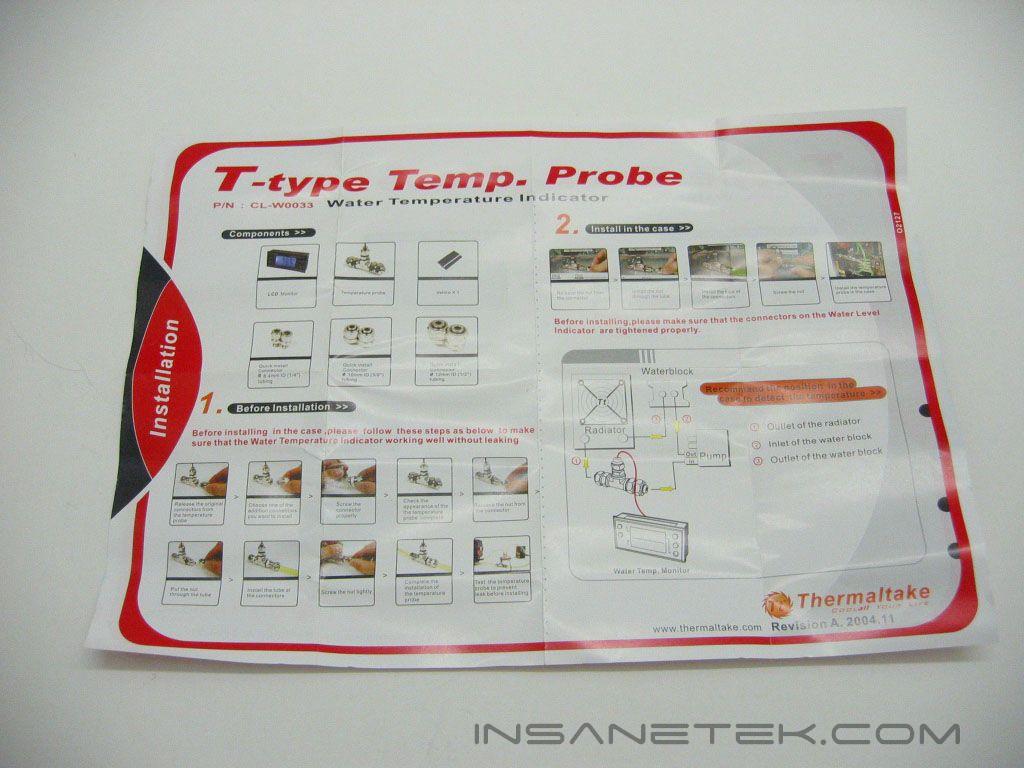
The water temperature indicator is a temperature probe for a watercooling loop. It measures the temperature of the water flowing through. The temperature indicator’s packaging is similar to that of the water level indicator; a formed plastic package with a colorful insert providing images and specifications. The water temperature indicator includes quick install fittings for 1/4”, 3/8”, and 1/2” tubing. The box holds the temperature display, installation instructions, and Velcro for mounting the display. The instructions go over how to connect the probe to a loop, mounting the display into a case, and adjusting settings on the display.
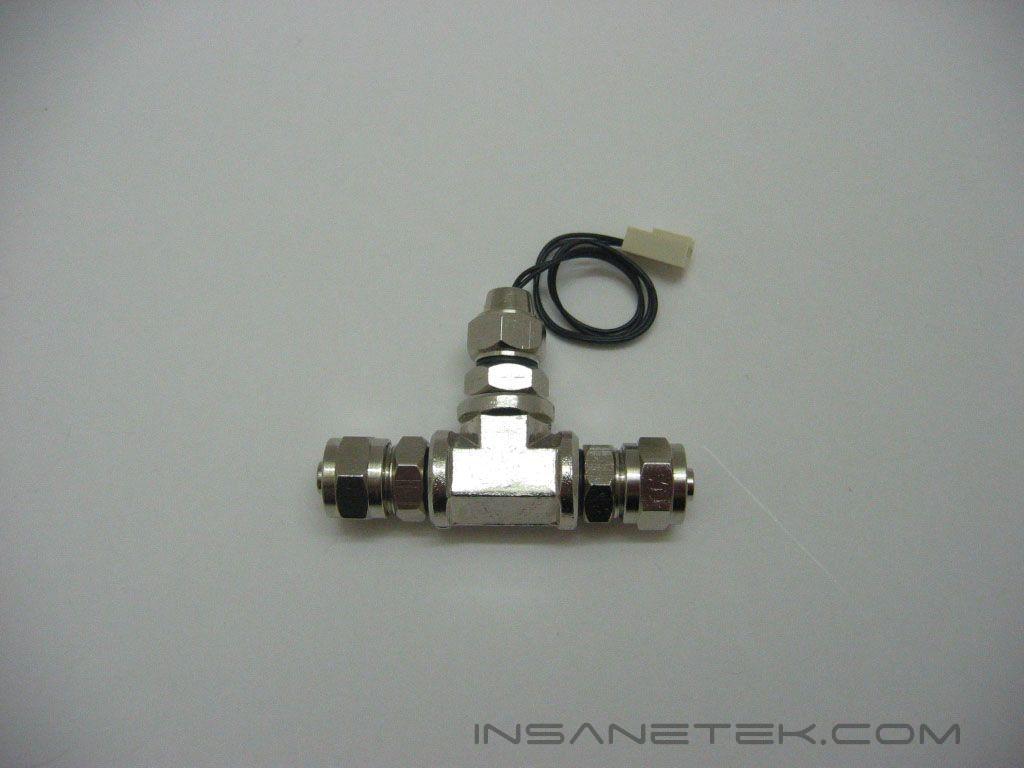
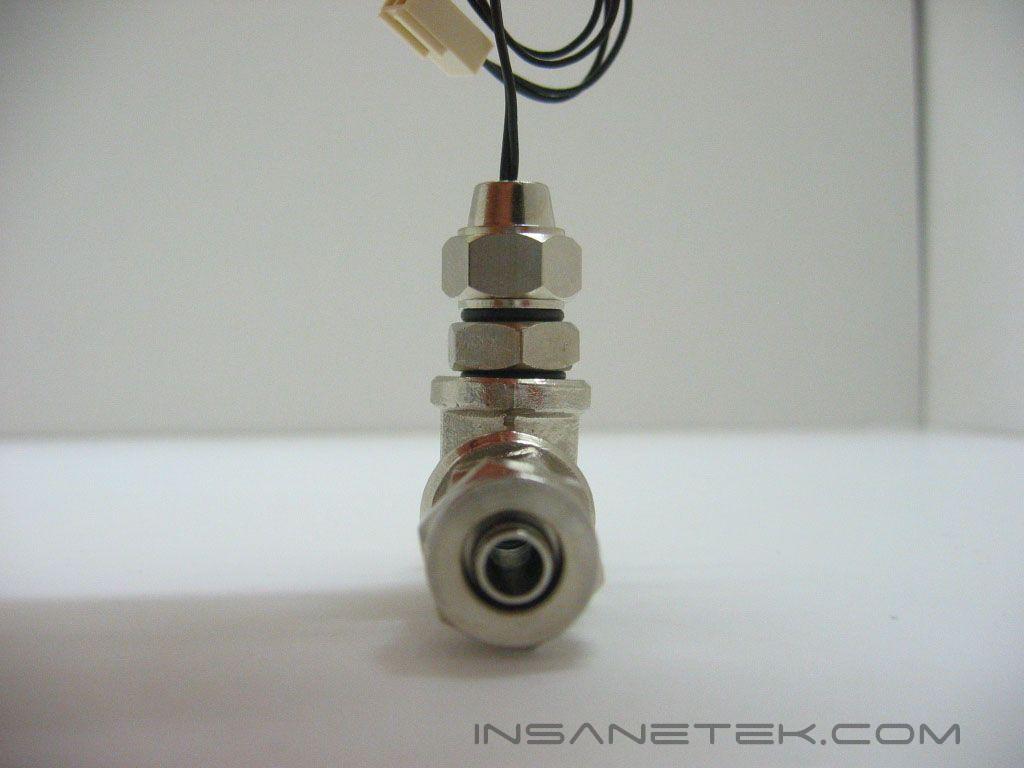
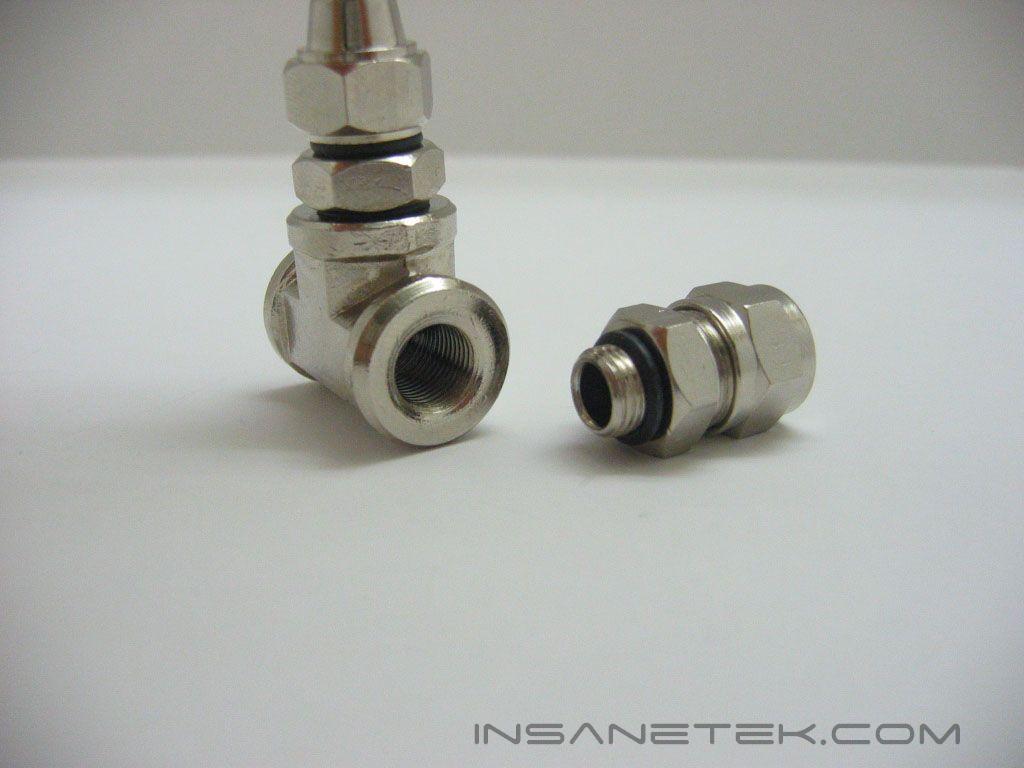
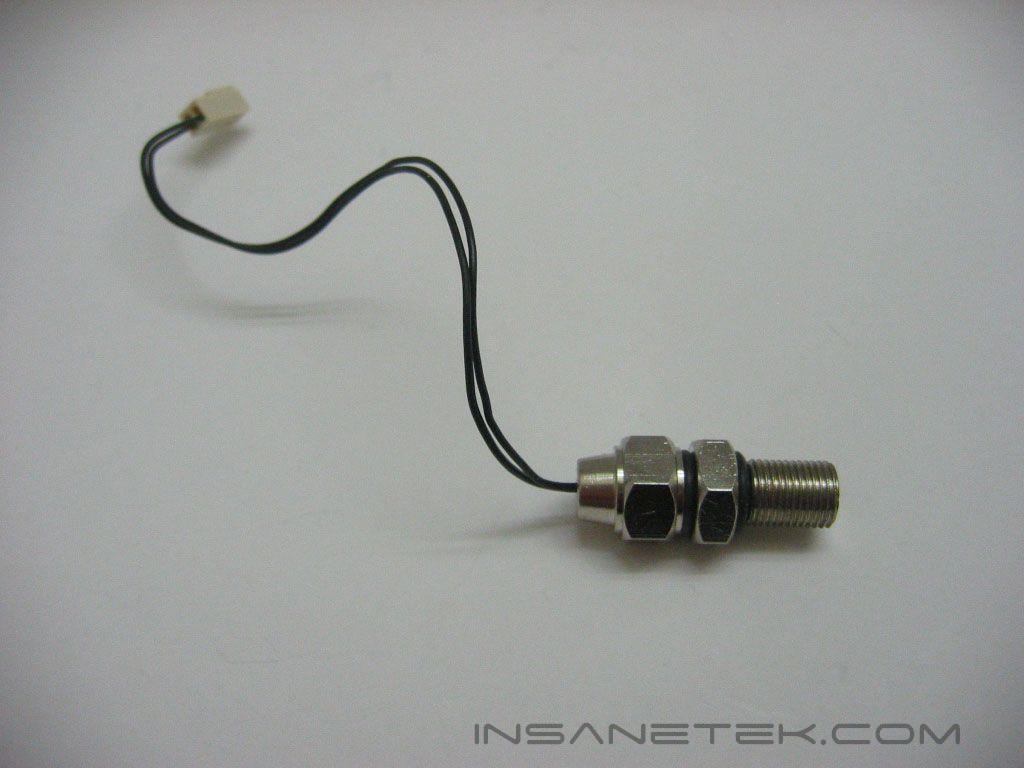
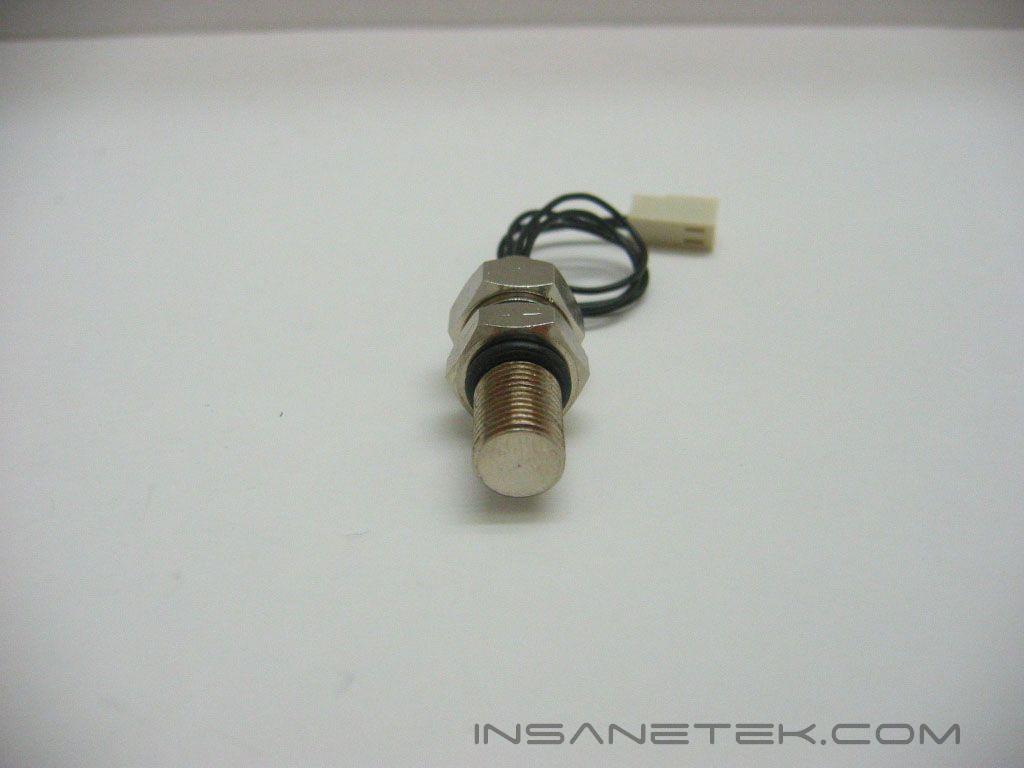
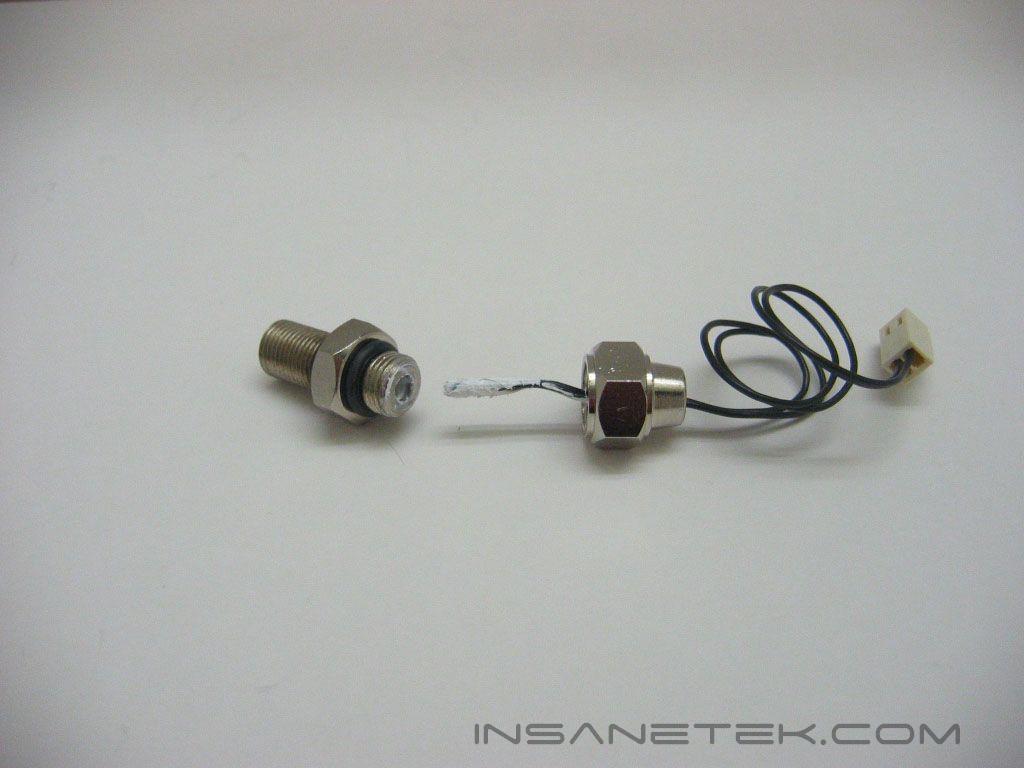
The probe’s design is very simple. The water flows through a t-line and a temperature probe measures the temperature of the water. The probe is not submerged in the water itself, but is placed in a fitting immersed in the water. The fitting is filled with thermal paste to aid in the transfer of heat to the probe. The probe connects to the temperature display through a two pin header.
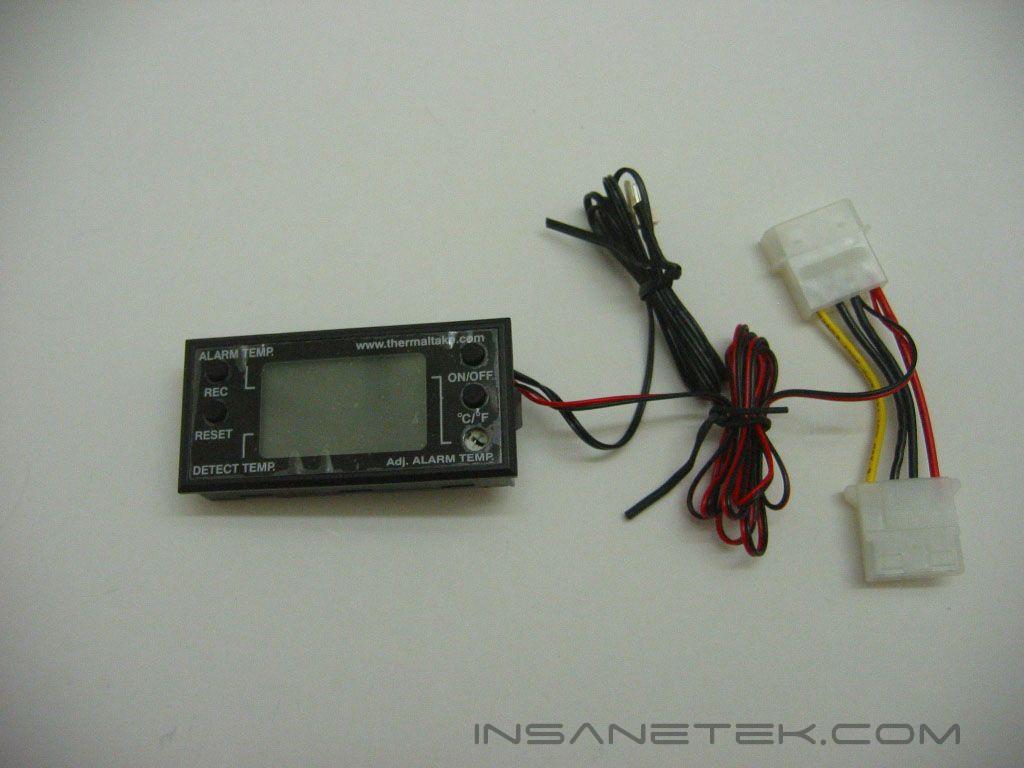
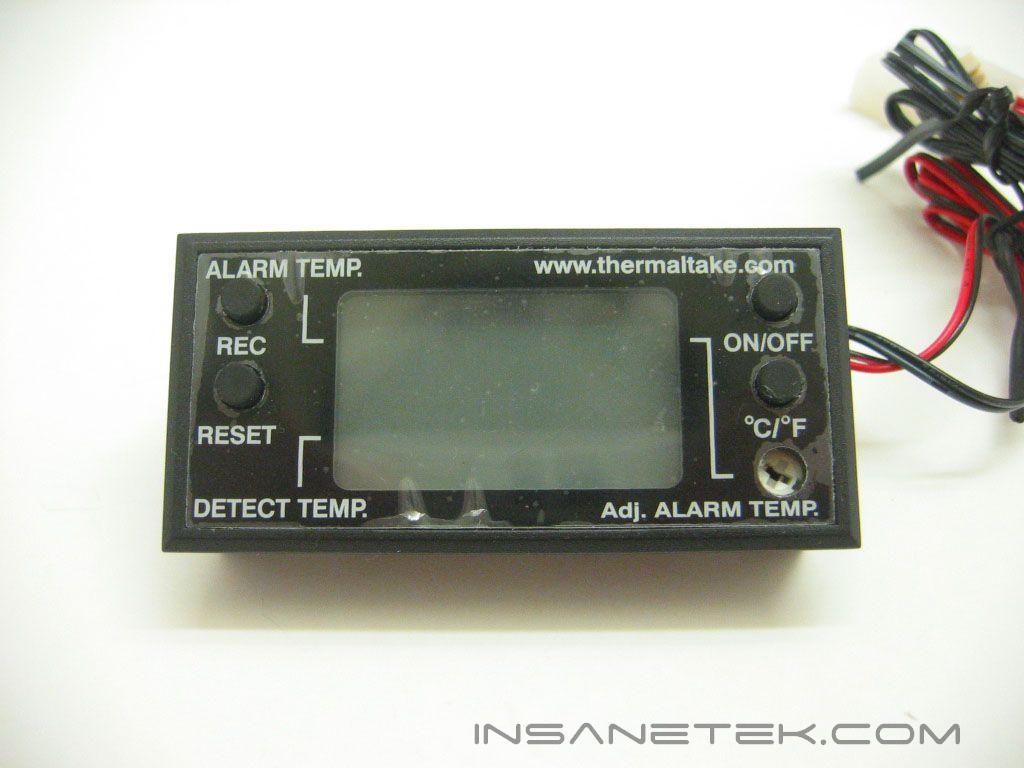
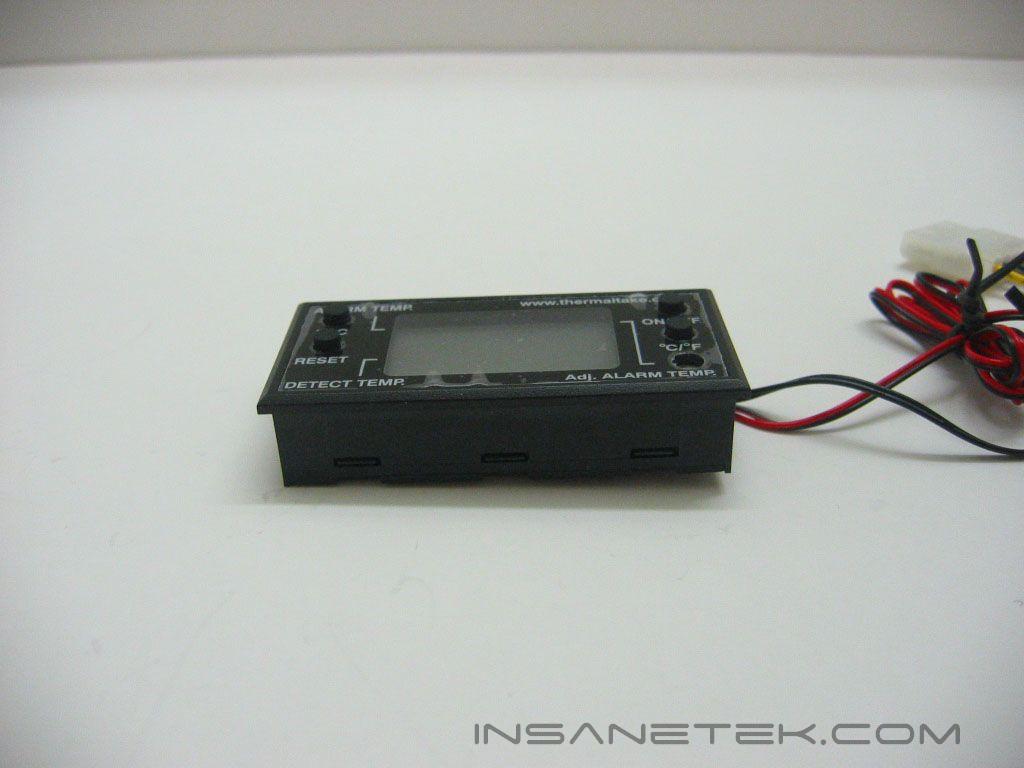

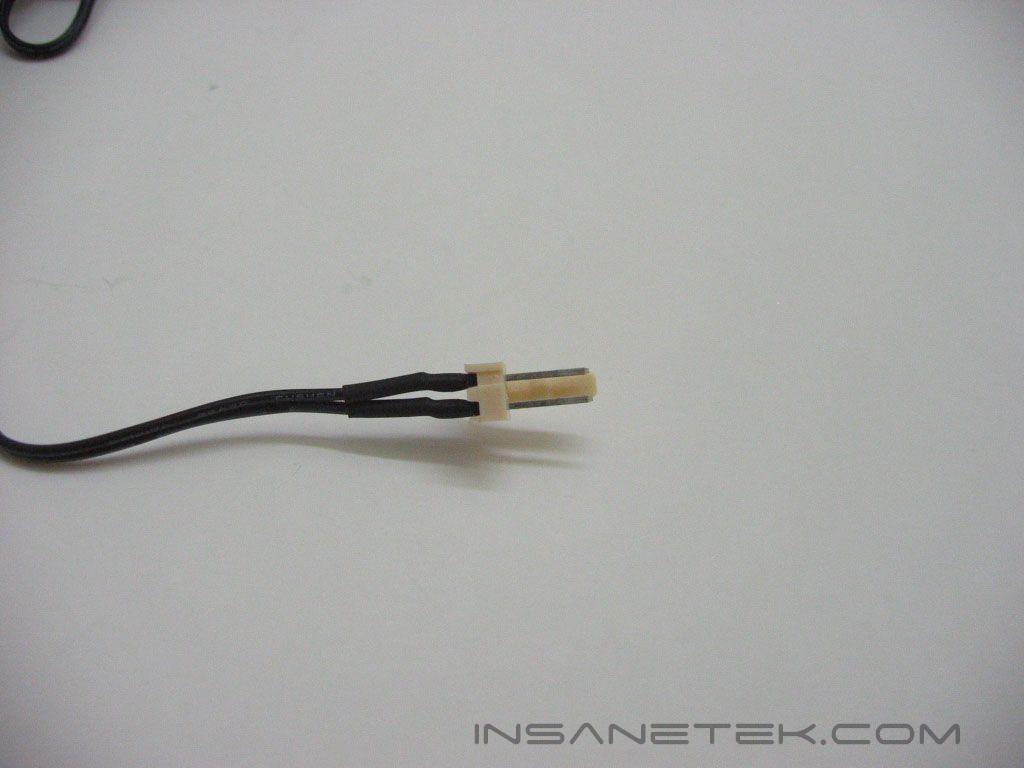
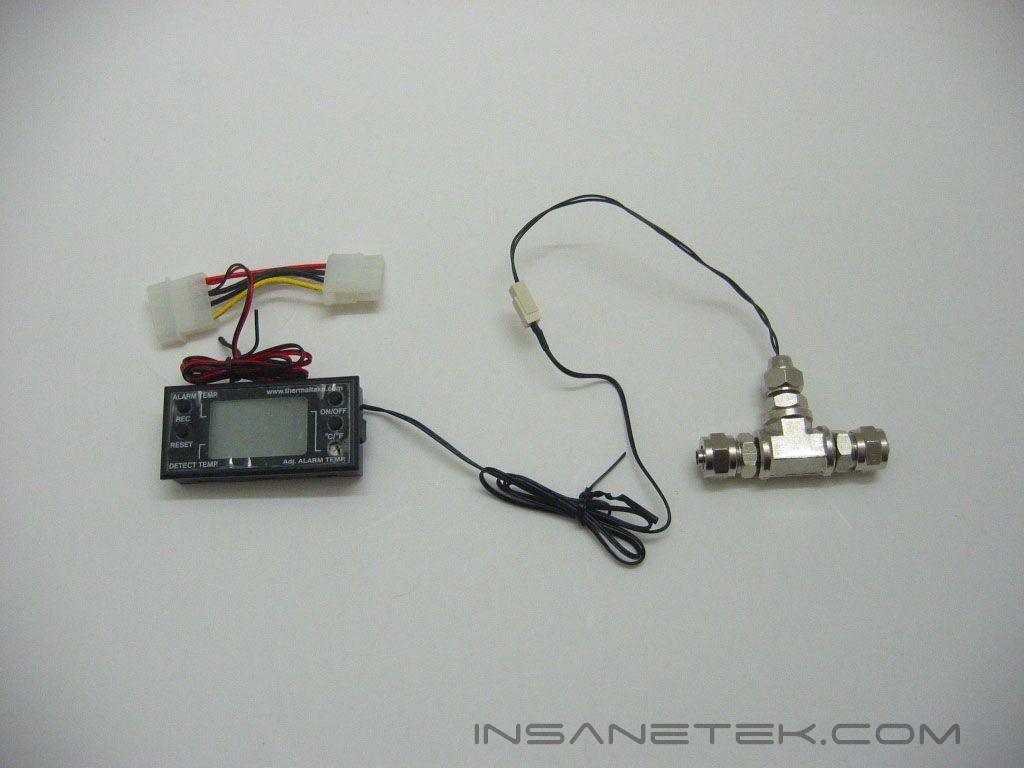
The temperature display has a small footprint and can be mounted just about anywhere in a case. The display has several buttons; an on/off button, a button to change the readout from Celsius for Fahrenheit, a button to record the temperature, and a button to reset the sensor. The adjustment screw changes the alarm temperature. If the alarm temperature is reached, an alarm goes off. The alarm speaker is located at the back of the display. The display is powered through a Molex connection and connects to the probe with a male two pin connection.
Water Temperature Indicator Specifications and Installation
Specifications:
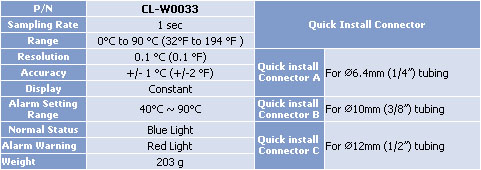
Installation:
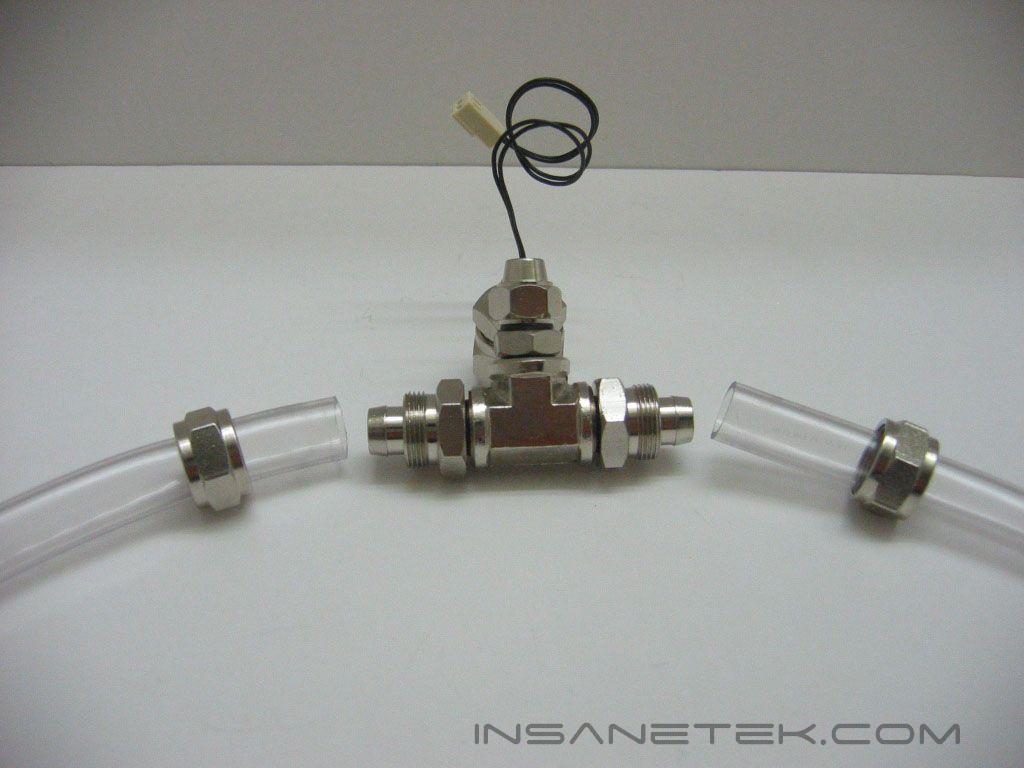
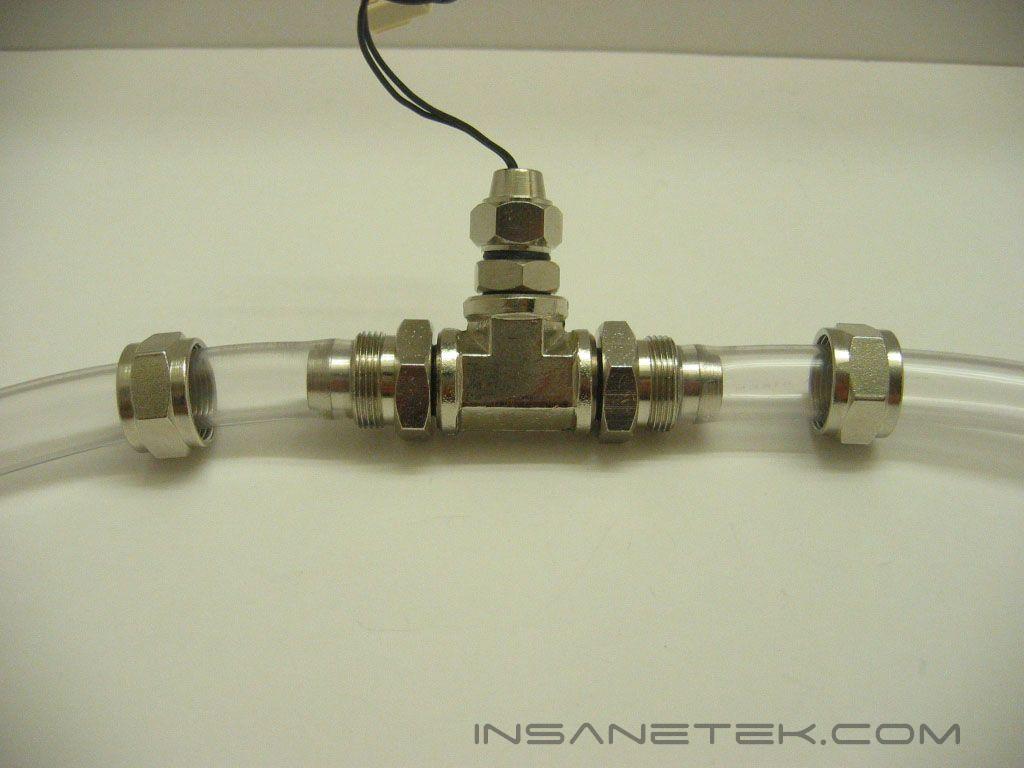
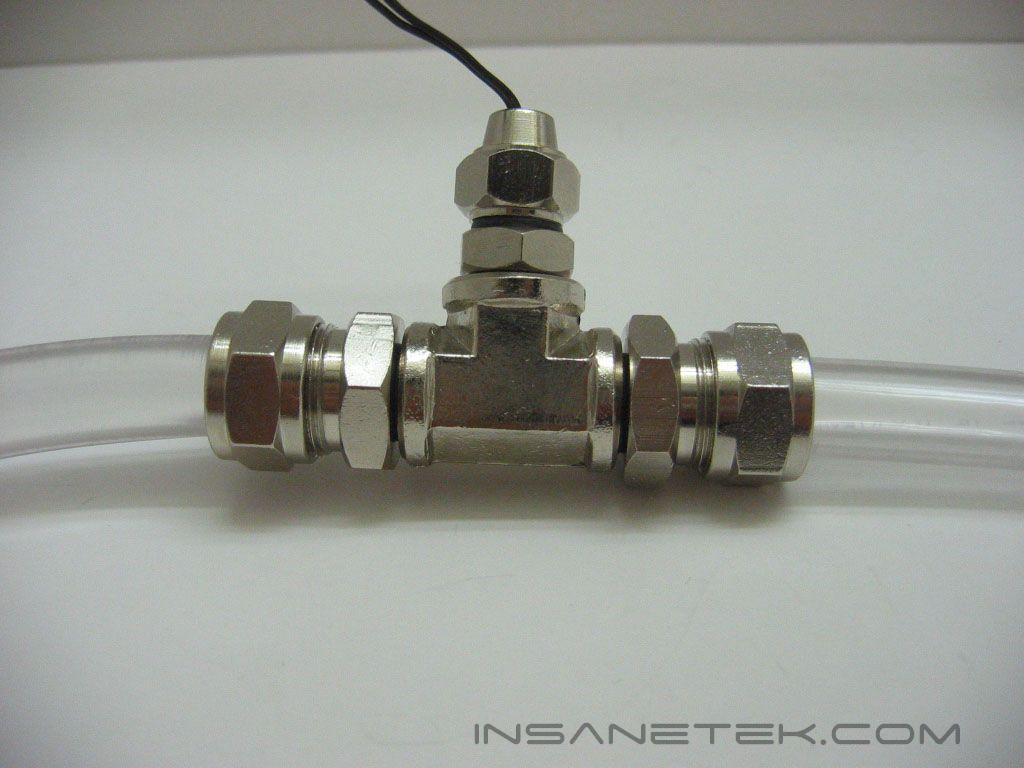
The probe connects to a loop the same way the water level indicator does. Like the water level indicator, the probe comes with 1/4” fittings attached, so they need to be changed to the same size as the tubing they will be connected to. To connect tubing to the water level indicator, slide the screw top onto the tubing, connect the tubing to the barbs, and secure the tubing by fastening down the tops.
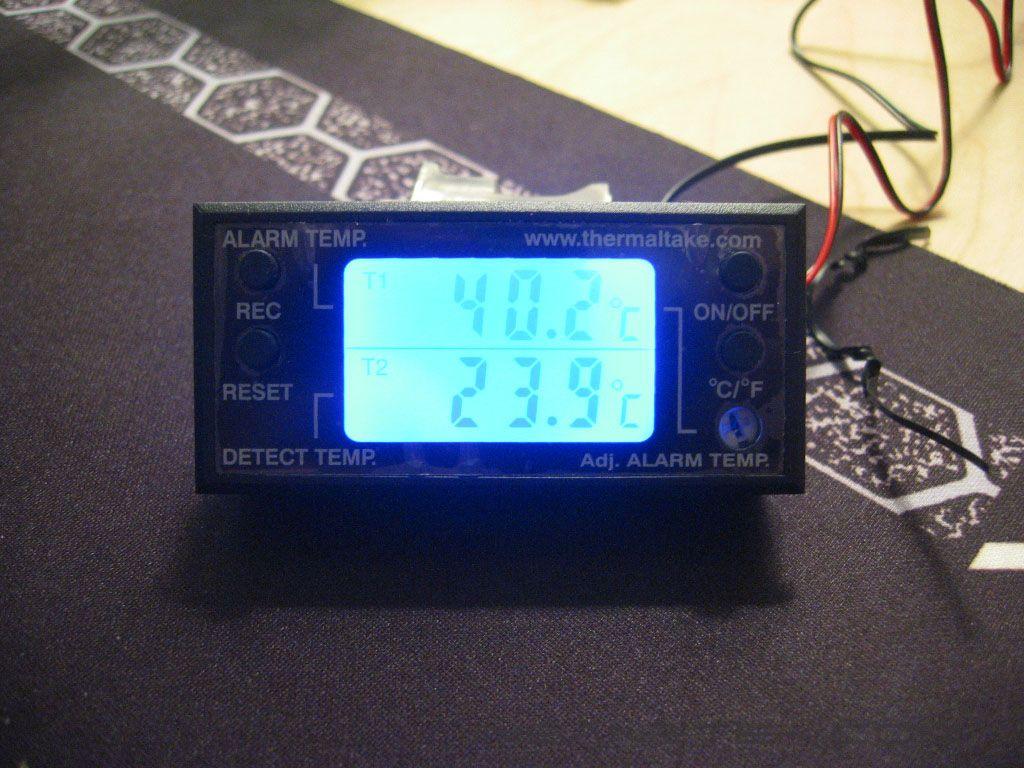
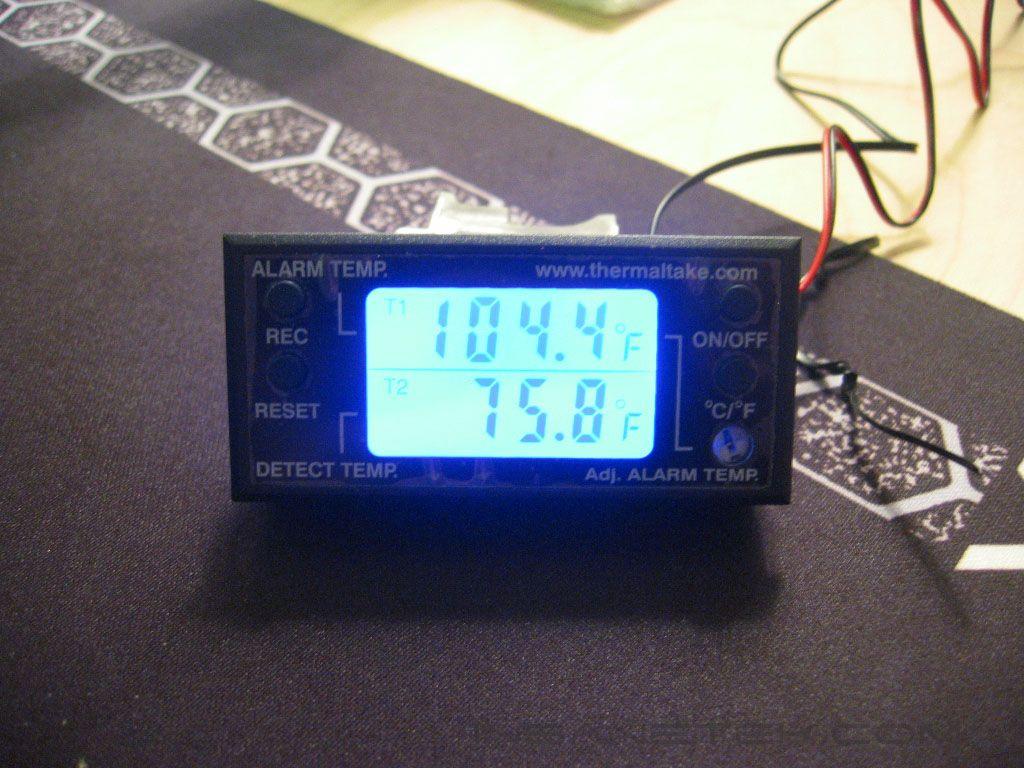
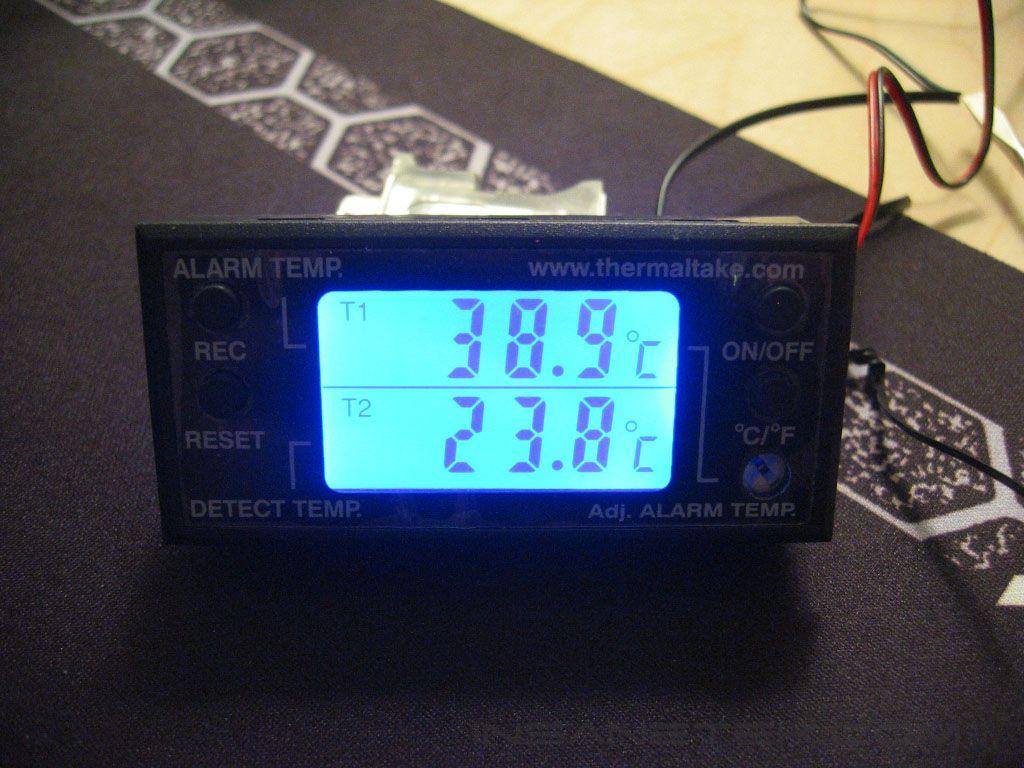
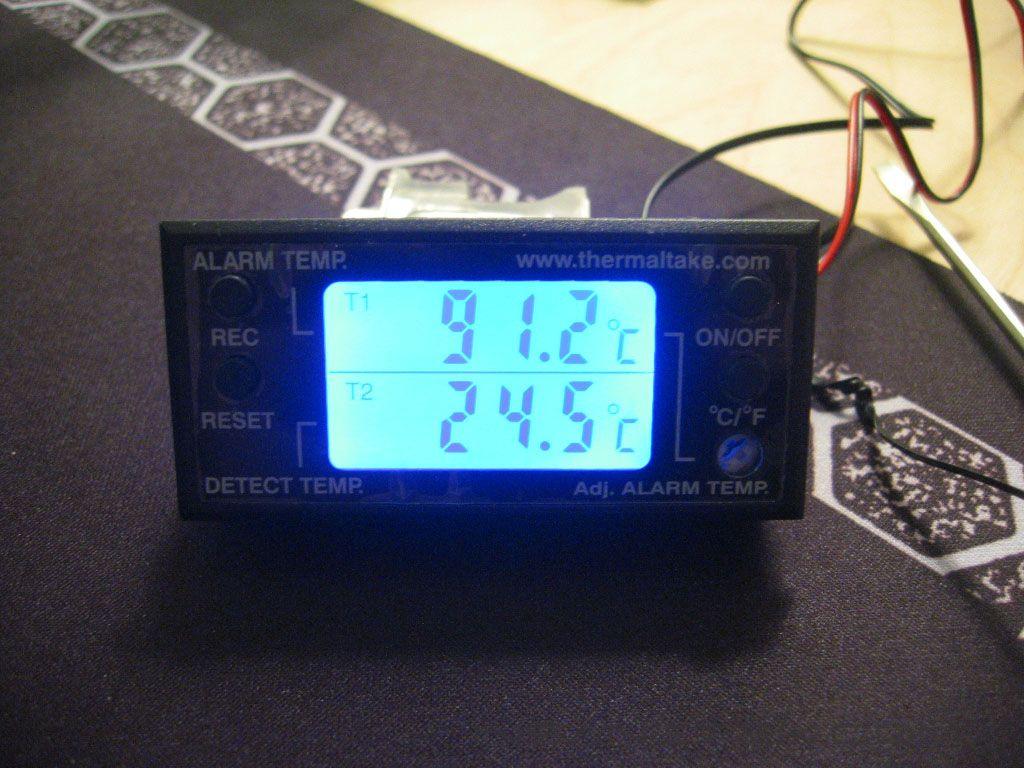
The display is backlit by blue LED’s. The first two images show the change from Celsius to Fahrenheit. The last two show the minimum and maximum alarm temperatures.
Conclusion and Thoughts
Water Level Indicator:
Thermaltake’s water level indicator is a solidly constructed unit with great aesthetics. The aluminum is anodized to prevent aluminum ions from being released into the water. Most waterblocks and radiators are copper. When copper is in the same loop as aluminum, the battery effect will occur and corrosion will increase. Anodizing the aluminum, or using anticorrosive coolant, can halt this. Ideally, use anti-corrosion additives along with the anti-algae coolant. The water level indicator is not a reservoir, so I can’t judge it as one. Not being a reservoir, it does not have a port to fill the loop. A fill point or reservoir will already have to be in the loop, so you would already have a point to gauge the amount of water in the loop. This fact leaves the water level indicator with only its aesthetic appeal. Does it do what it’s advertised to do? Yes. Is it worth having the water level indicator in your loop? In my opinion, no.
Pros:
- Universal fittings
- Easy installation
- Mounts in 80mm fan mount
- Solid and attractive construction
Cons:
- Restricts flow on 3/8” and 1/2” tubing systems
- No fill point

Water Temperature Indicator:
The water temperature indicator has only one fault, and it shares it with the water level indicator. Both the water level indicator and the temperature indicator have the option to use 1/4”, 3/8”, and 1/2” tubing. To allow the use of these different size tubing, the fittings must all have the same screw size, the large 1/2” the same as the small 1/4”. This will give loops with 3/8” or 1/2” tubing a restriction in flow. The water temperature indicator has such a simple design that it has no other faults.
Pros:
- Universal fittings
- Solid construction
- Easy installation
- Display can be mounted anywhere in the case
Cons:
- Restricts flow on 3/8” and 1/2” tubing systems

We would like to thank CrazyPC for providing us the sample. If you have any questions or comments, feel free to hit us up in the forums. You can also check out more of our latest reviews on the front page.