

Sansun LED Keyboard
Having the latest hardware is not the only necessity for a high performance gaming system. Everything might run smoothly, but what good is that if you have poor control? Logitech seems to have taken over with their high precision gaming mice, both wired and wireless. Their new MX518 is definitely attractive and arguably the best gaming mouse out right now. I personally love my MX500. What about the keyboard? There is no best or perfect keyboard, because they’re all about the same in one way or another. As long as the keys work, you can get used to just about any keyboard available. I have friends who still prefer the aging IBM keyboards that weigh more than their towers. I know plenty of users who like that “clicky” feeling whenever a key is pressed. Then there are those who swear by laptop keys. Laptop keys are definitely nice and easy to press, but it can get annoying when you do some serious fragging. For me, it’s much better to actually feel each individual key for precise movement.
Those who go to LAN parties with pimped out systems now have an extra piece of hardware to show off–the keyboard. What we have today is an LED keyboard from Sansun. The keyboard has built in blue LED’s that glow when the system is turned on. It certainly looks great, but what about the functionality? There’s no point if something looks good but performs poorly, right?
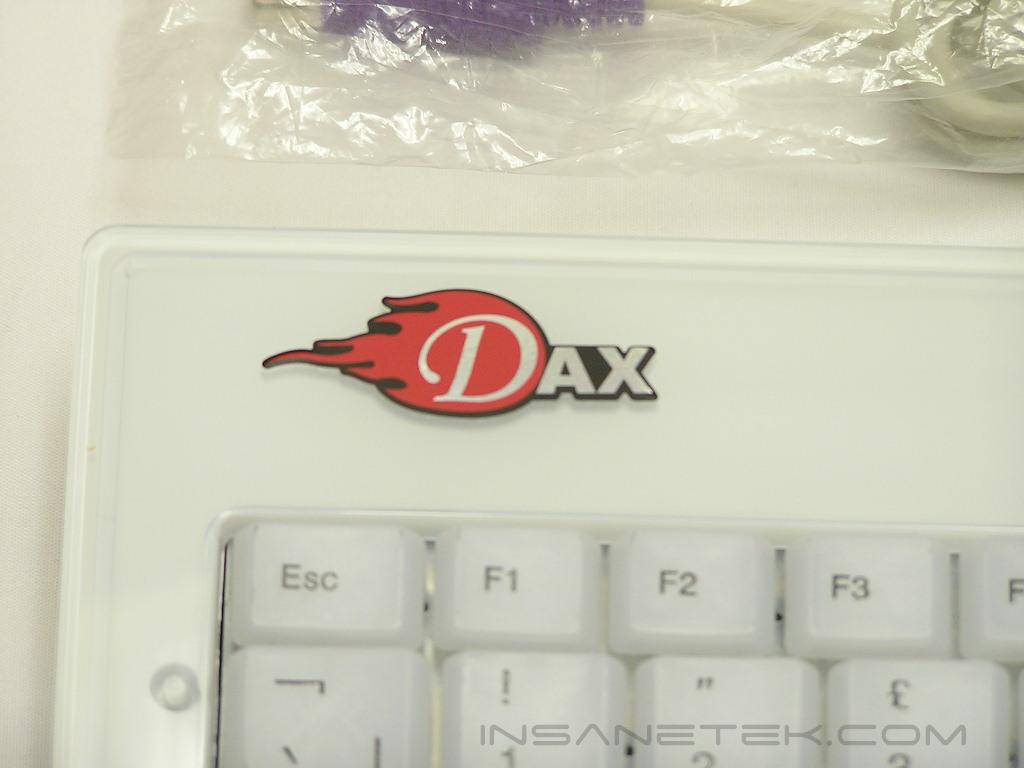
Sansun LED Keyboard
The keyboard package is very simple. There are no manuals and no drivers. It’s 100% plug-n-play. The blue LED’s light up when the keyboard is plugged into the PS2 keyboard port. If you ever get sick of the blue LED’s and want some peace for your eyes, you can always use the ON/OFF button located at the upper right. The layout of the keyboard is the standard QWERTY keyboard. There are 104 keys in total, but the design is different from the average keyboard. Normal keyboards have 3 sections; the regular A-Z keys on the left, the arrows and DELETE, END, HOME keys in the middle, and the number pad on the right. Because the LED keyboard has no middle section, the arrows, DELETE, END, HOME, and INS keys are combined with the A-Z key section. This makes everything a bit crowded. The right SHIFT button is smaller also than usual. Users with large fingers may accidentally press the UP arrow instead. If you notice carefully, there are keys that are mislabeled. The number 2 key on the upper row shows “ instead of @. We all know that you get @ when you press SHIFT + 2 together. Why they mislabeled it is beyond my understanding.
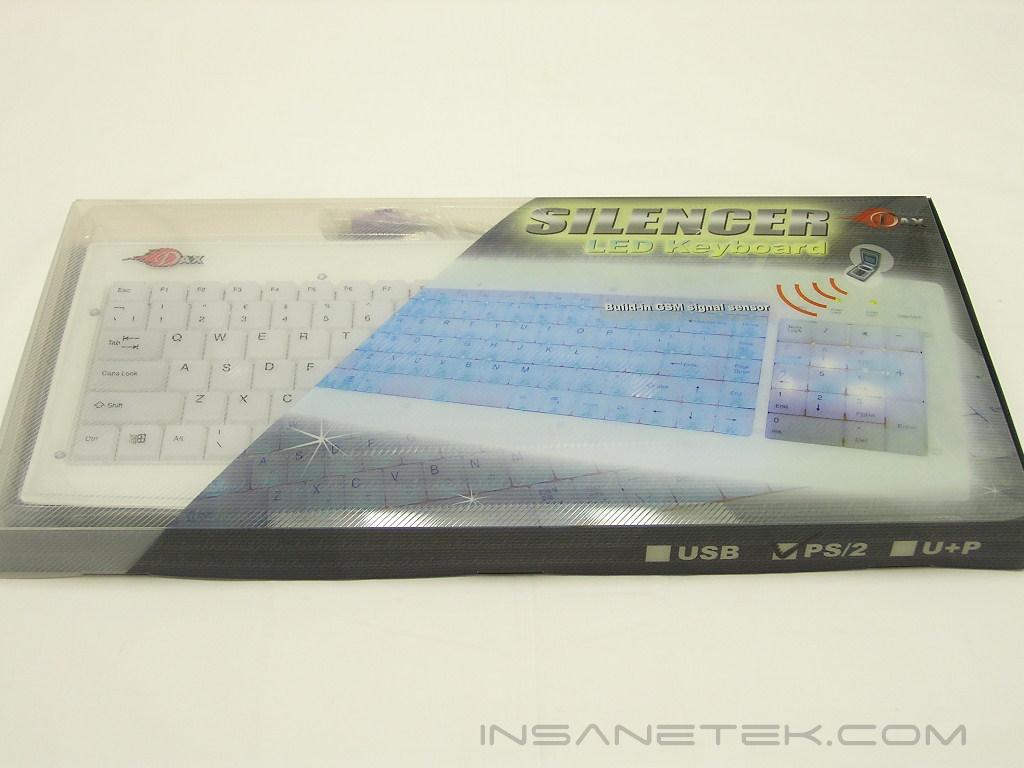
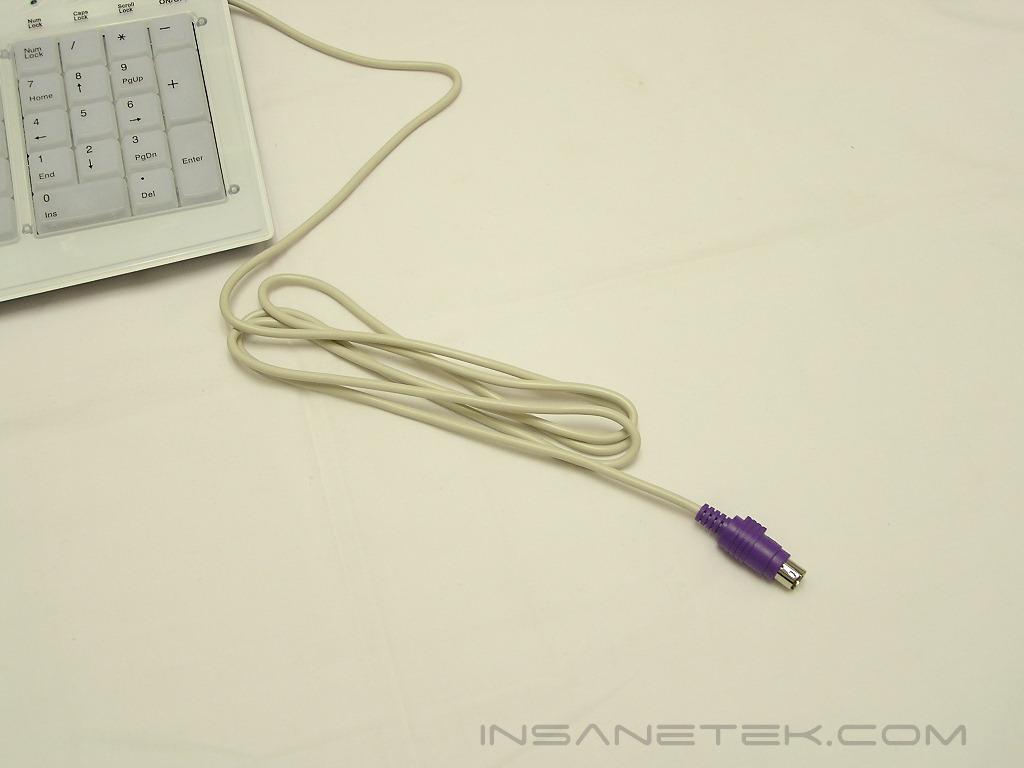
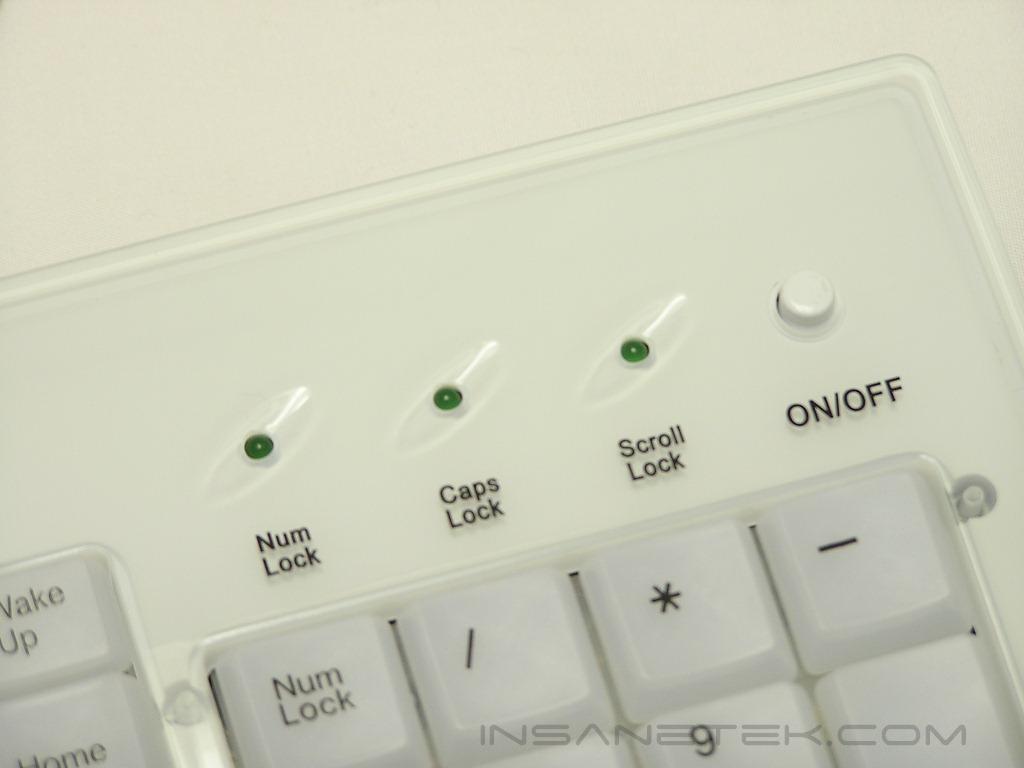
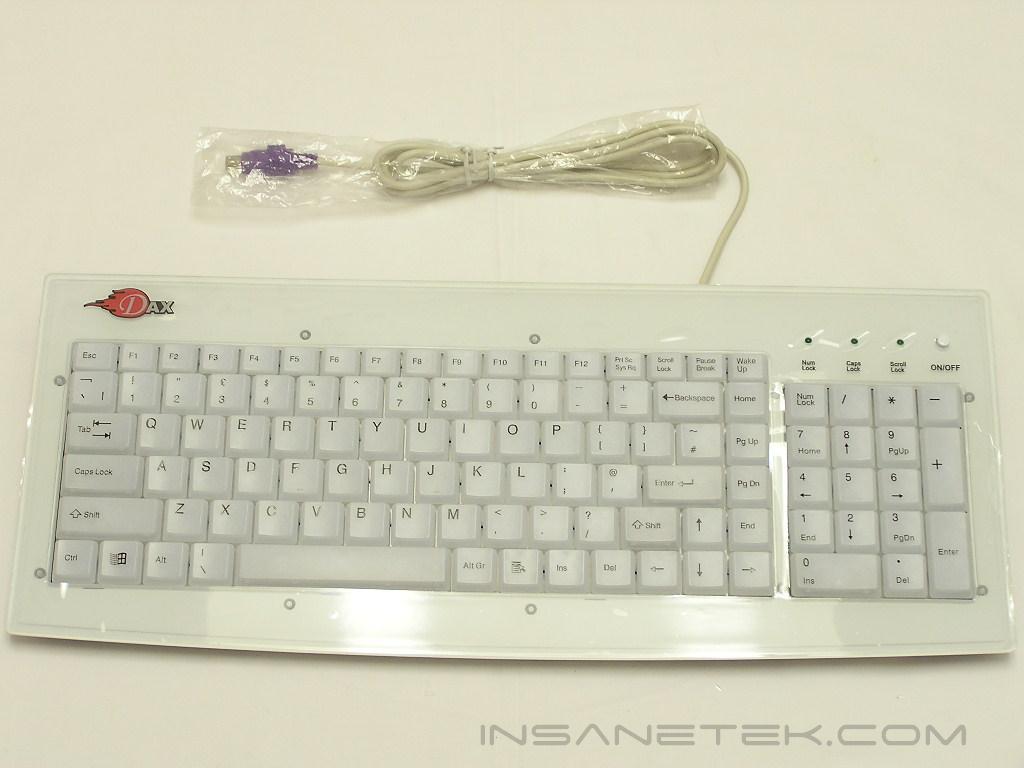
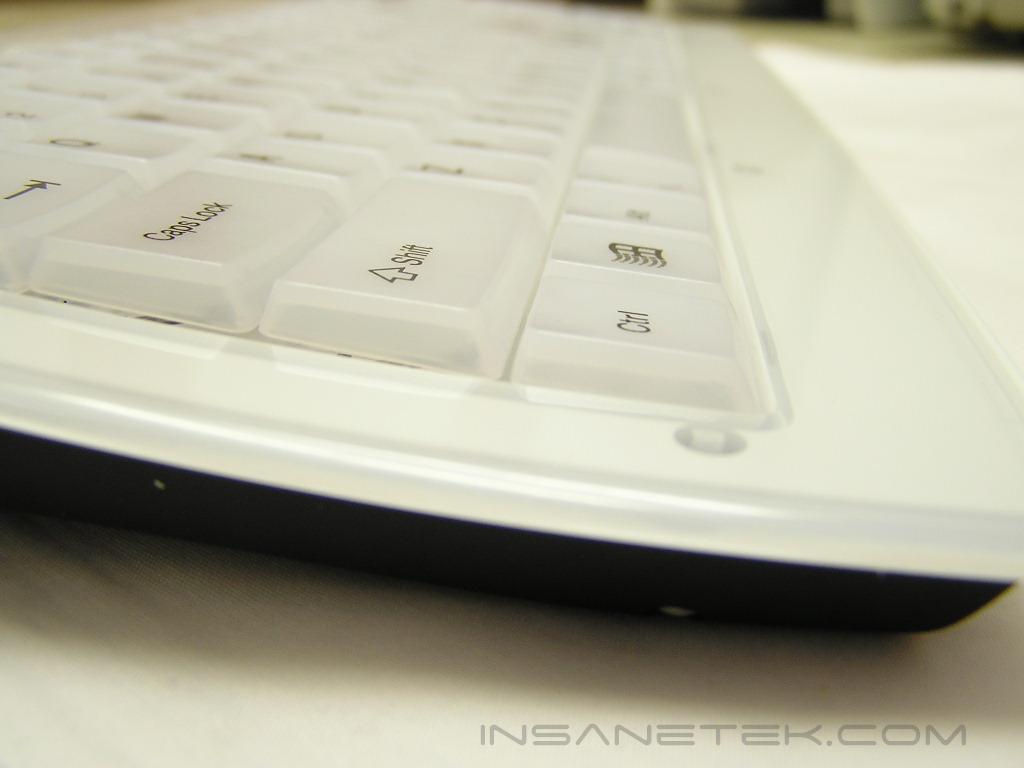
The keyboard has no height adjustment stands and lies flat on its back. It’s not ideal to have a keyboard with no height adjustments. It can cause discomfort to wrists, depending on your working environment. The keys are plastic and are very smooth. For testing the keyboard, I gave it to my girlfriend for her daily email and internet use. After a couple of days, she tells me that the D button doesn’t function very well and wanted her Microsoft keyboard back. Extra force was required to make the button work. I took the keyboard back and used it for a couple of days, fragging in Counter-Strike: Source. I ended up dying multiple times due to the cramped keys and the malfunctioning D button. It’s quite amusing to see how Sansun mentions that it is “suitable for gamers”.
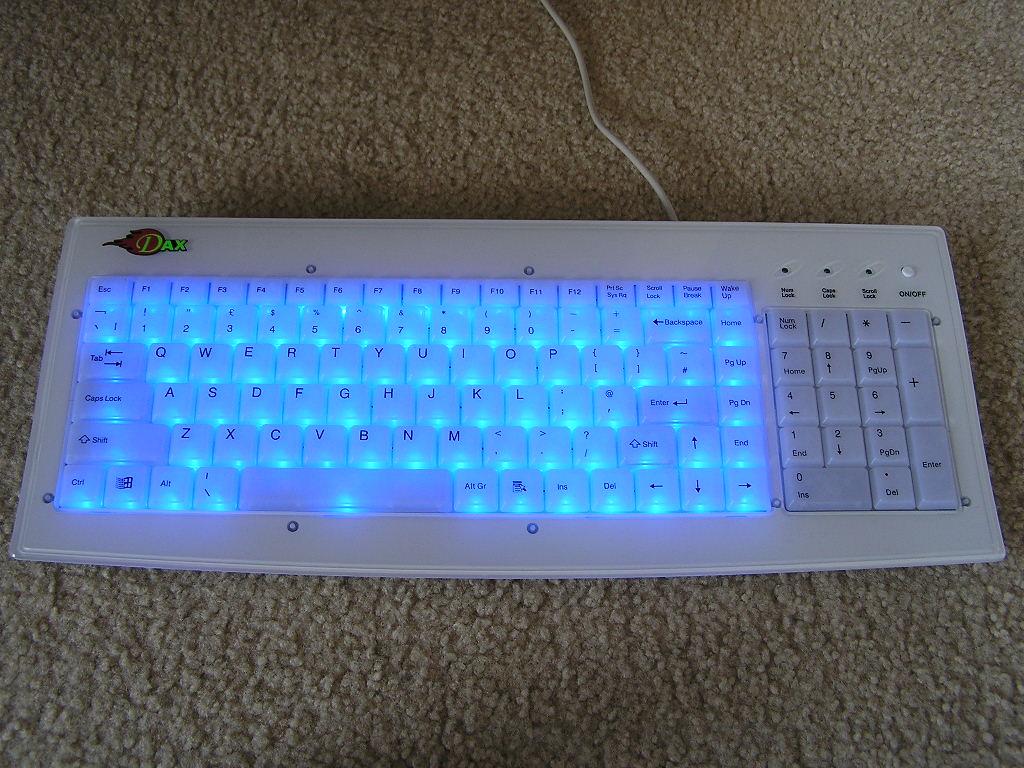
The main attraction of the keyboard is the blue LED lights. The standard left section lights up when the system is turned on. The number pad area only lights up when your cell phone goes off. The number pad LED’s are GSM sensitive. I recorded a small video clip of the lights in action.
Please note that you must have Quicktime installed to view the following clip. (2.04 MBs)
Conclusion and Thoughts
Sansun does have an attractive keyboard on their hands, but there are too many problems for it to be suitable for gamers. The cramped keys makes precise button pressing rather hard, especially for large fingers. My hands and fingers are small and I still had problems. The lack of height adjustments is another big issue. The keyboard is the main component in computers that causes serious health problems, such as arthritis, lower back pains, and Carpel Tunnel Syndrome. The keyboard position is critical for relieving and preventing wrist pains. Lastly, the mislabeling of keys can confuse users. Although it’s not a big deal, the keys shouldn’t be mislabeled in the first place. Keyboards have been around for such a long time that there is no reason to mess up on something like this. Did I like the keyboard? Not really. While I do like the flashing lights and the GSM sensitive number pad, the lack of comfort is a big turn off for me.
Pros:
- Flashy blue LED lights
- GSM sensitive number pad
Cons:
- Keys are crowded
- D button requires hard pressing
- Lack of height adjustment
- Not suitable for gamers
- Mislabeled keys
We would like to thank Sansun for providing us the sample. If you have any questions or comments, feel free to hit us up in the forums. You can also check out more of our latest reviews on the front page.