

Hiper Clavier Aluminum Keyboard
Keyboards and mice are perhaps the most essential components for a gamer. A stuck key or a low precision mouse could cost your team the game in a tournament or LAN party. When we think of a mouse and keyboard, the company Logitech often pops up because they’re the leading manufacturer. We’ve reviewed a few keyboards here at InsaneTek. Although they were physically appealing, their respective performance did not meet our expectations. When will one keyboard actually meet our criteria? We have here a keyboard from Hiper, which has made a nice first impression with its appearance.
Hiper is short for High Performance Group and is a somewhat new company that produces fans, power supplies, keyboards, and media center cases. They have offices located in a few parts of the world, including China and the United Kingdom. Striving to keep up with competitors by providing consumers quality products, they have produced a few lines of products. While the keyboard they sent us has a stunning appearance, does it live up to our expectations? The last thing I would want is to be fragged by a newbie in a game because the keyboard was unreliable.
Hiper Clavier Aluminum Keyboard
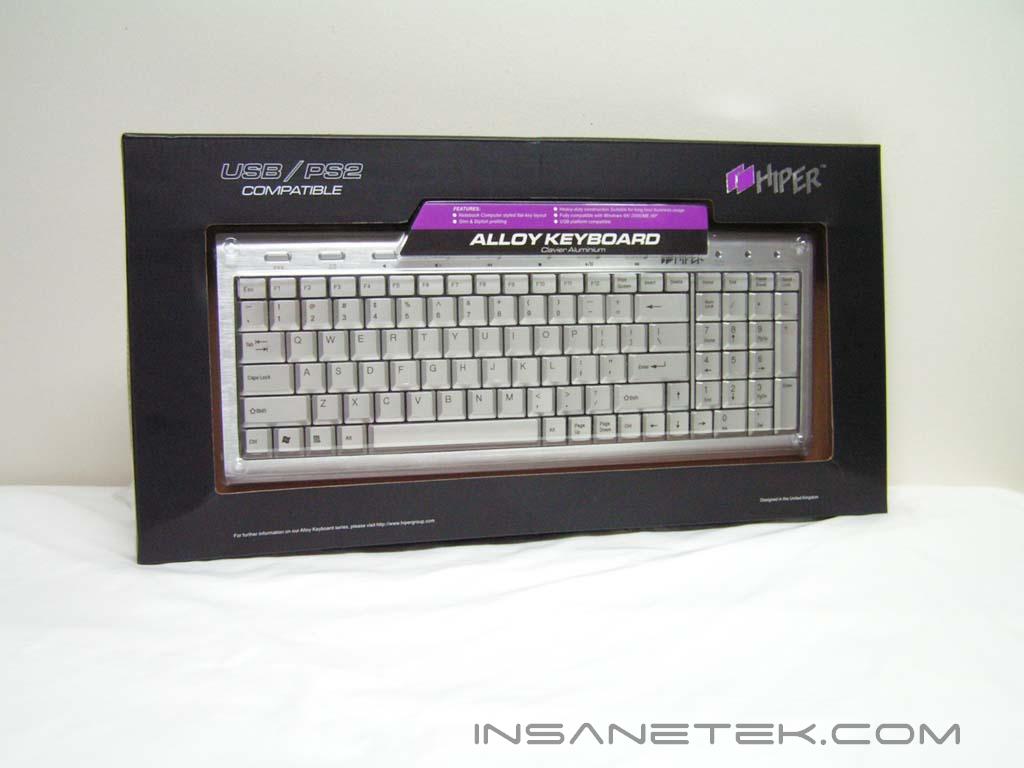
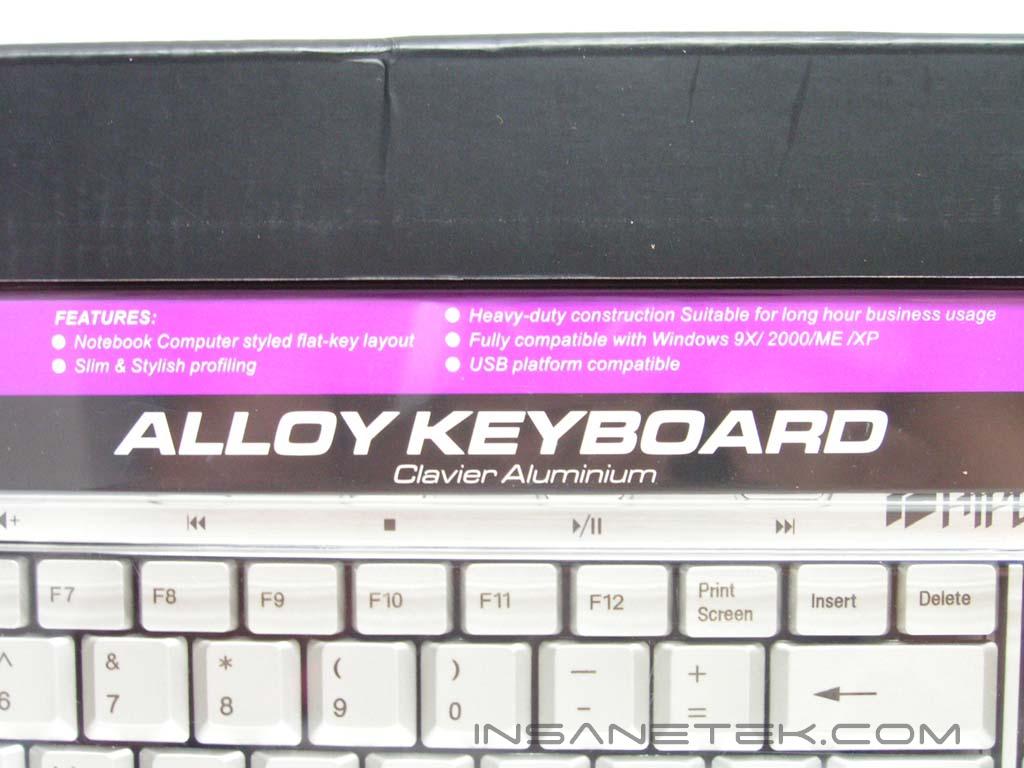
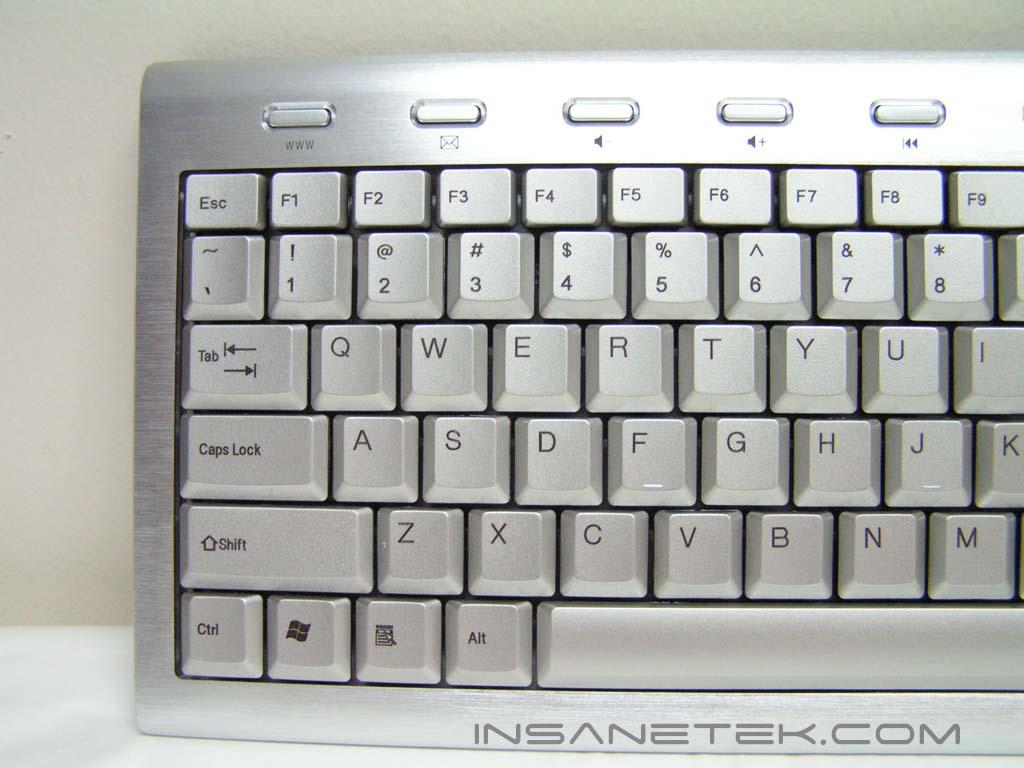
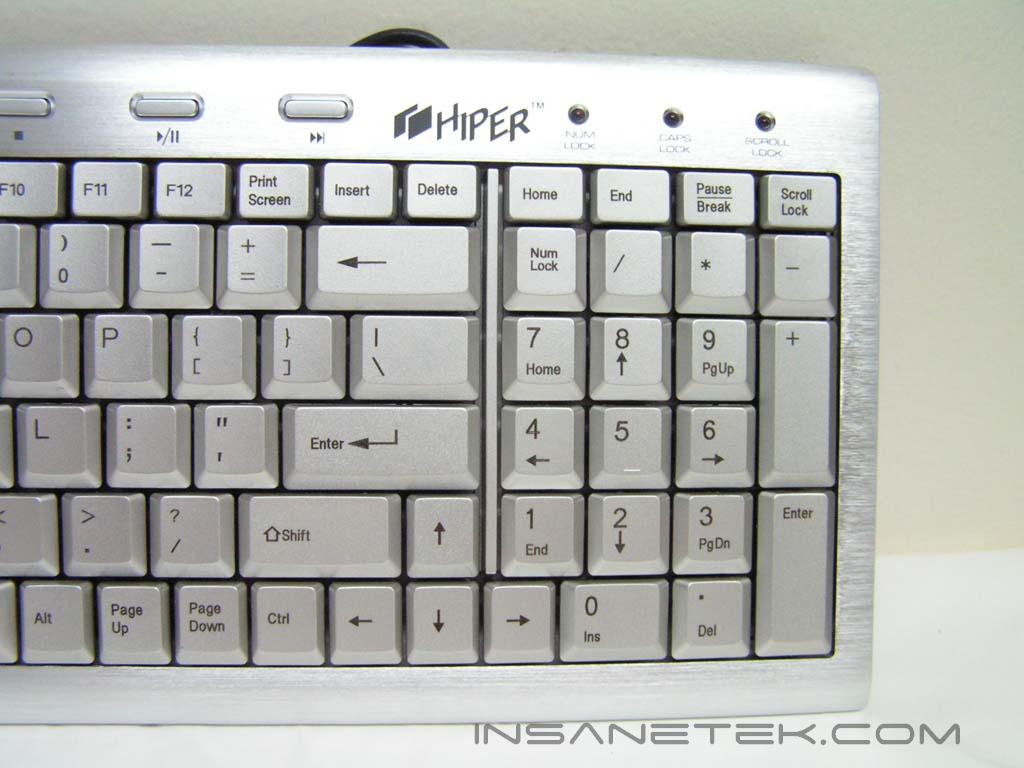
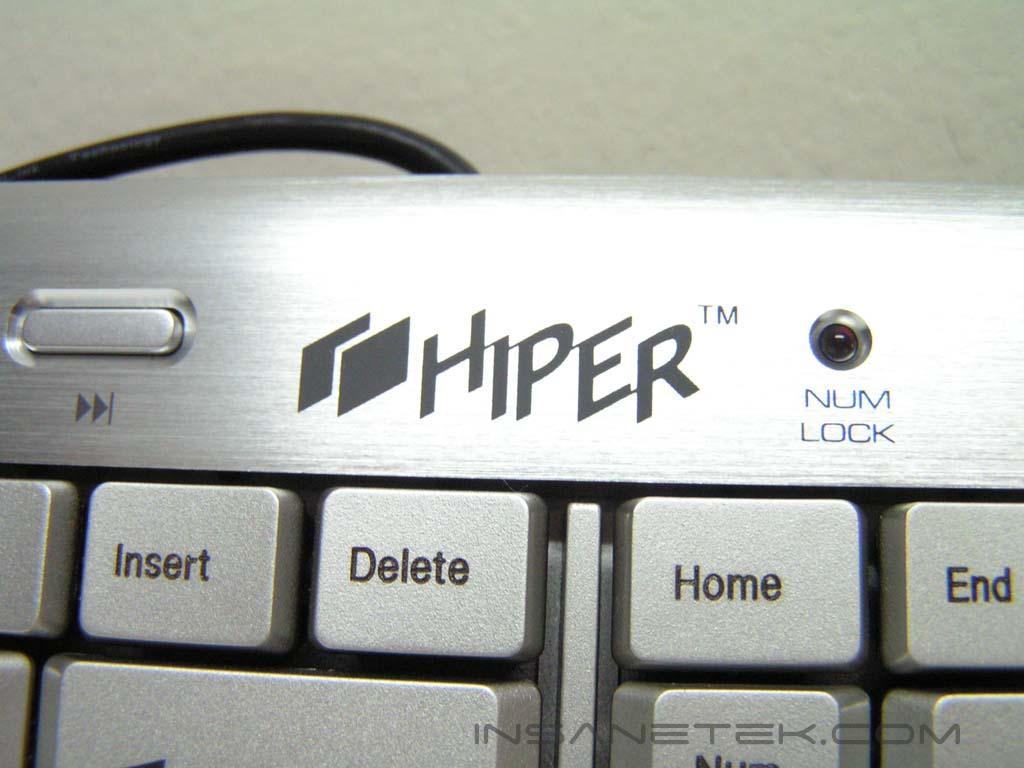
The package for the keyboard was not fancy. It’s a plain keyboard. There is no manual booklet or driver CD. From the packaging, the main part of the keyboard is revealed to show off the absolutely gorgeous looks. The keyboard is aluminum, for the most part. It is brushed to make it look clean and appealing. This keyboard isn’t like a regular keyboard. It was designed to have a laptop feel, so there are only two sections; the regular letters and the number pad. The Page UP, Page DOWN, HOME, END, INSERT and DELETE keys are split up and are placed around the arrow and backspace keys. This keyboard was designed to also allow the user to have some control over multimedia functions, such as open email, browser, and to play, stop, fast forward or rewind a music file or movie. Unlike the rest of the keyboard, these regular keys and the multimedia buttons are plastic.
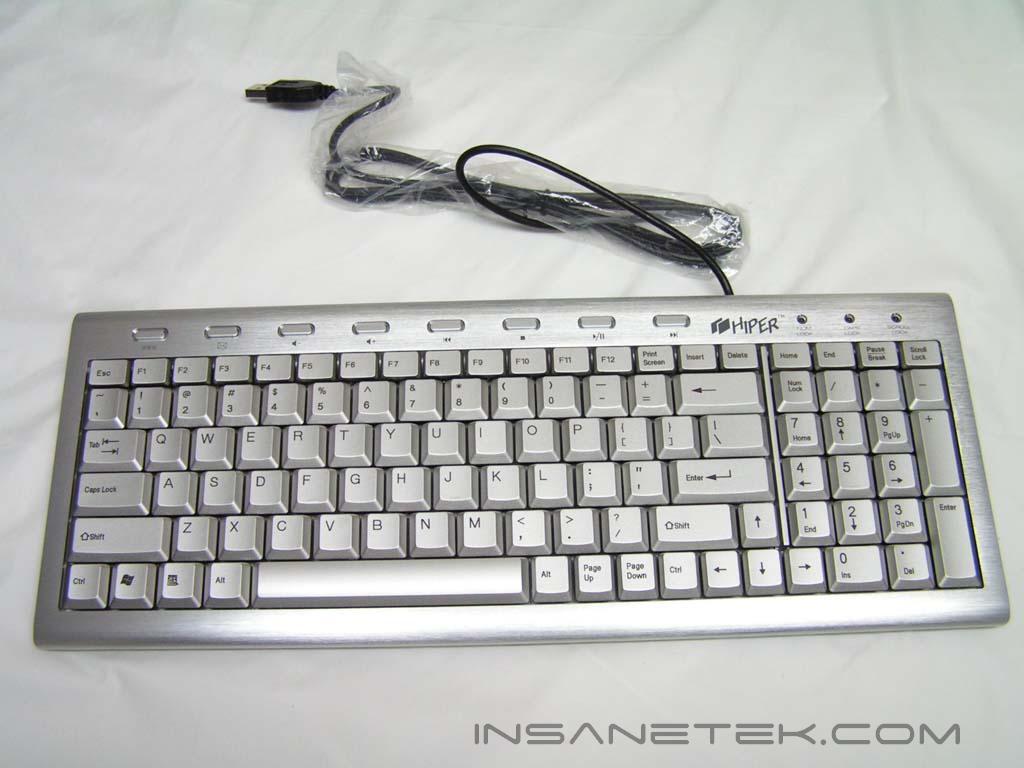
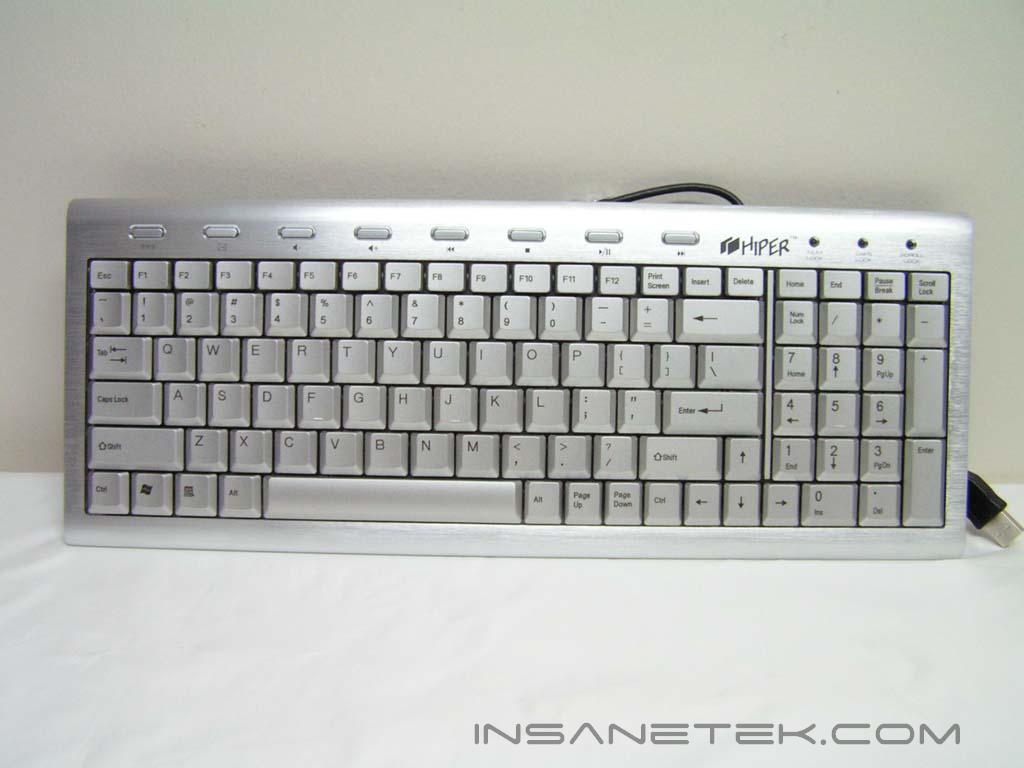
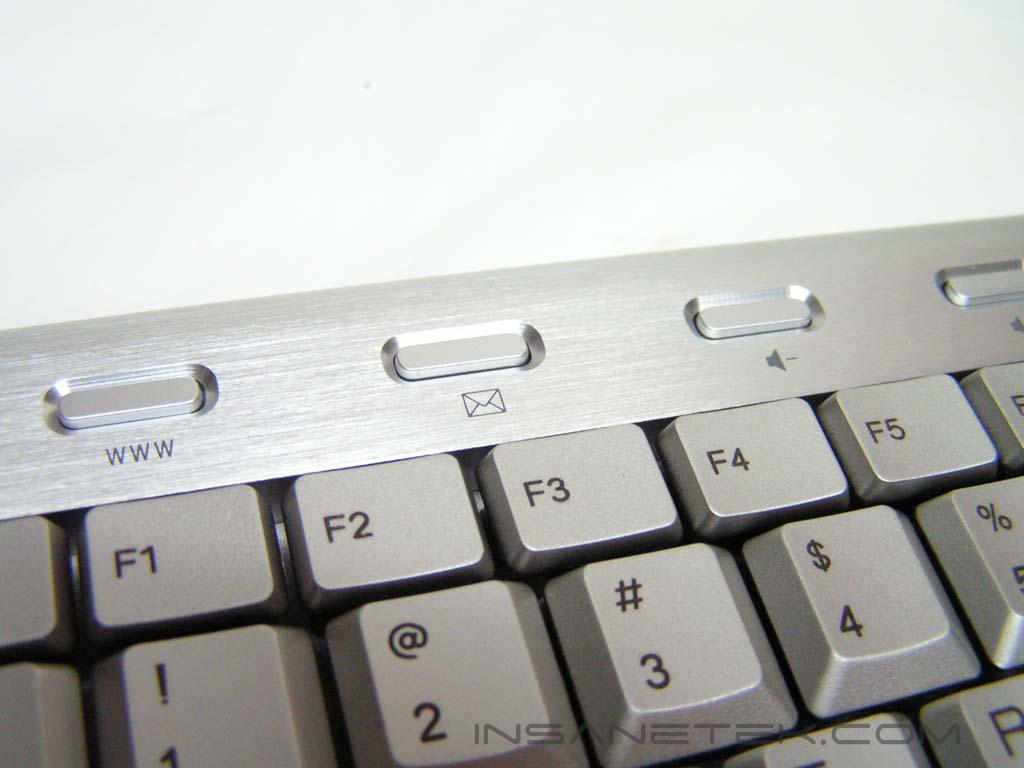
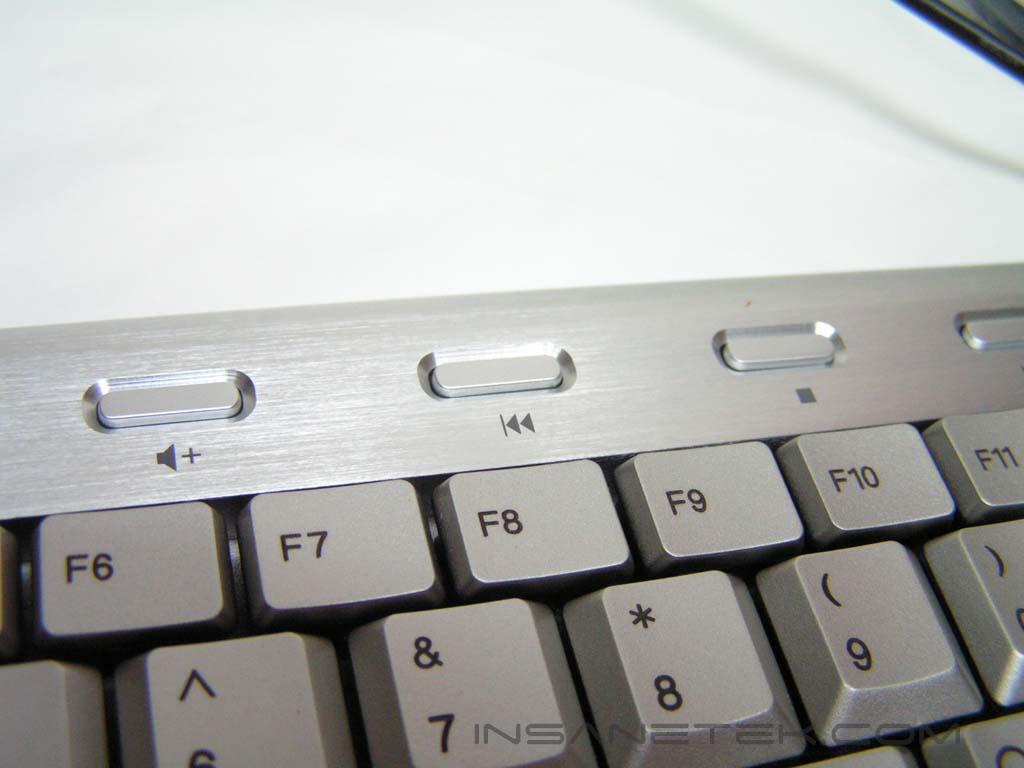
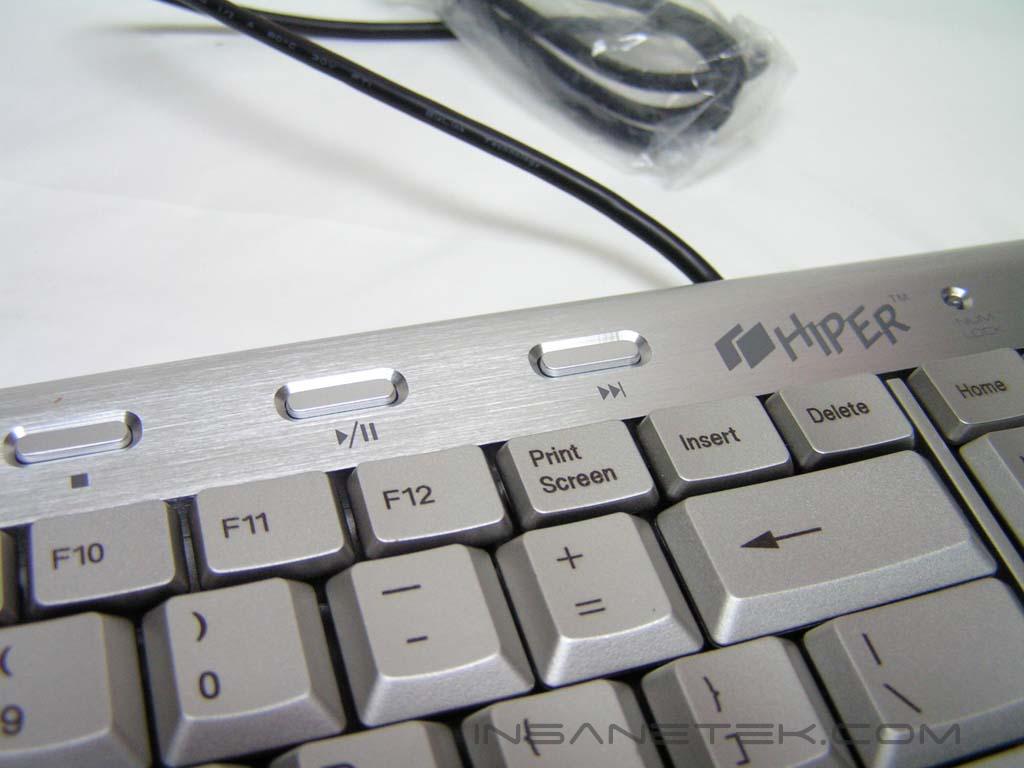
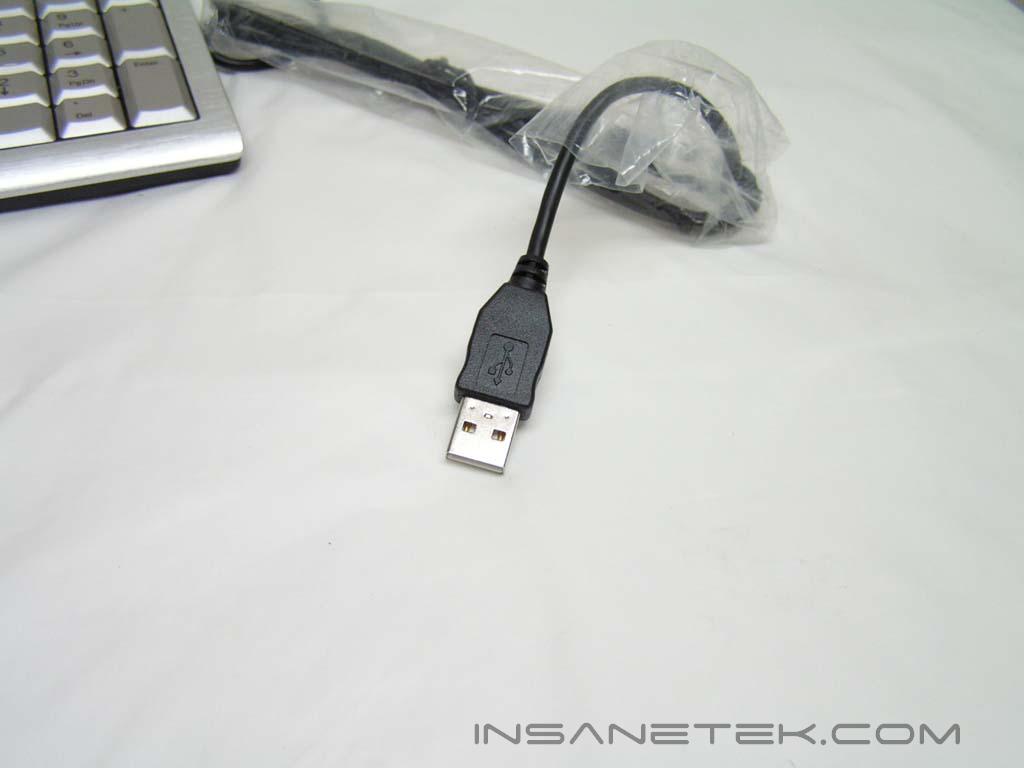
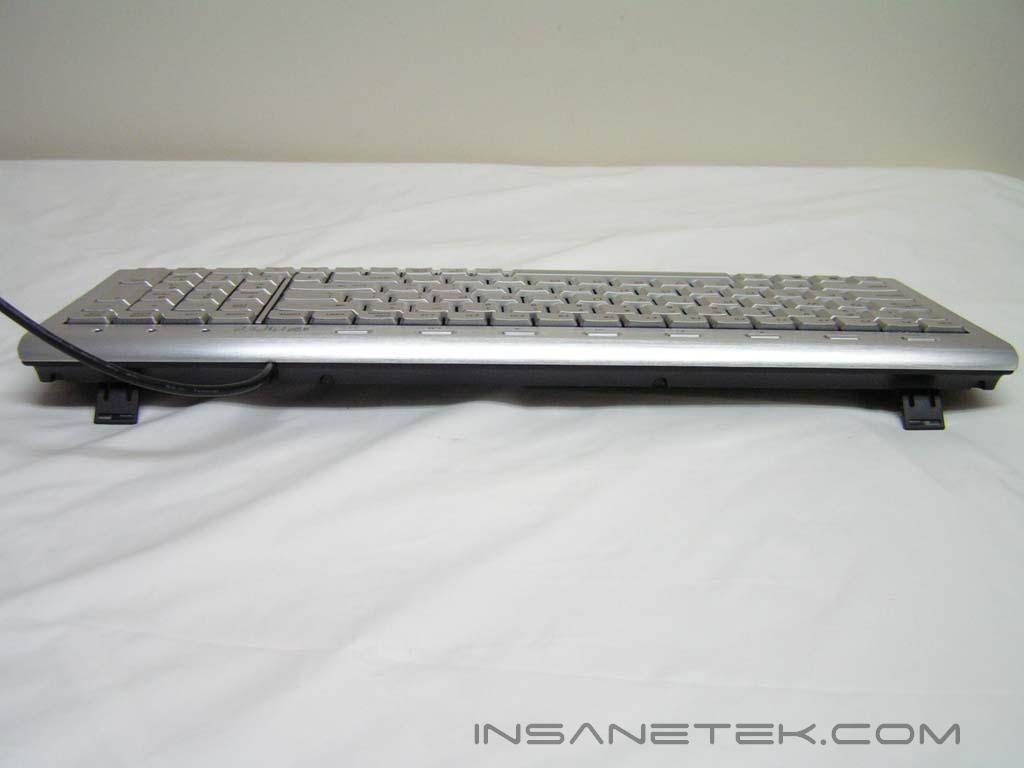
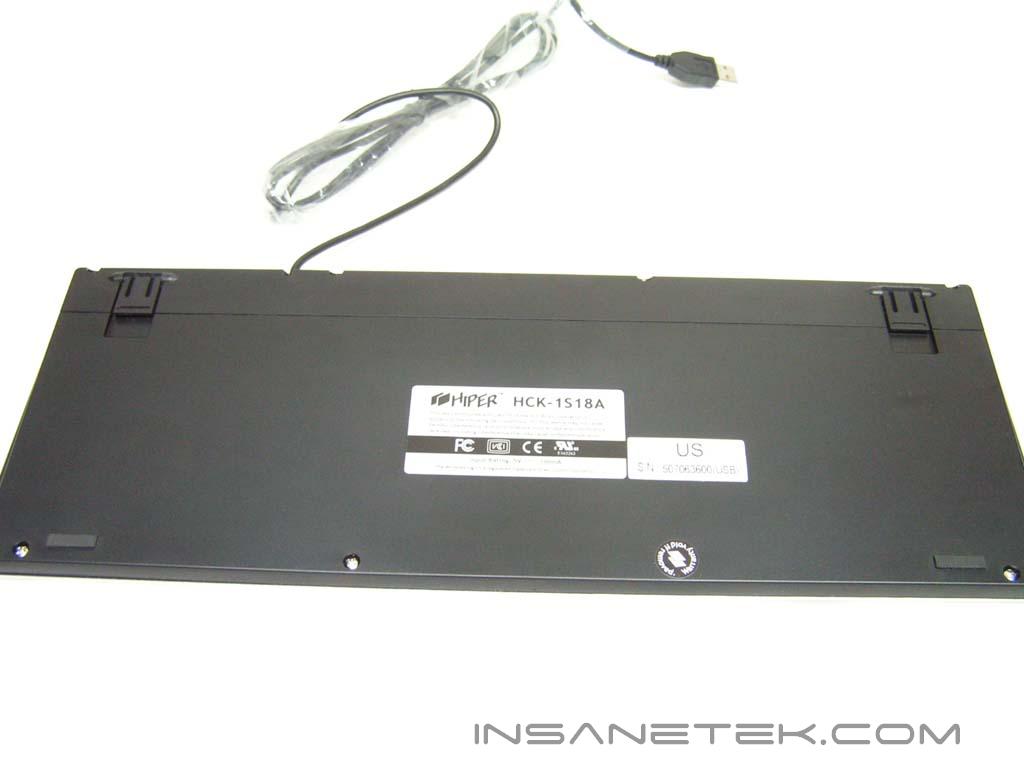
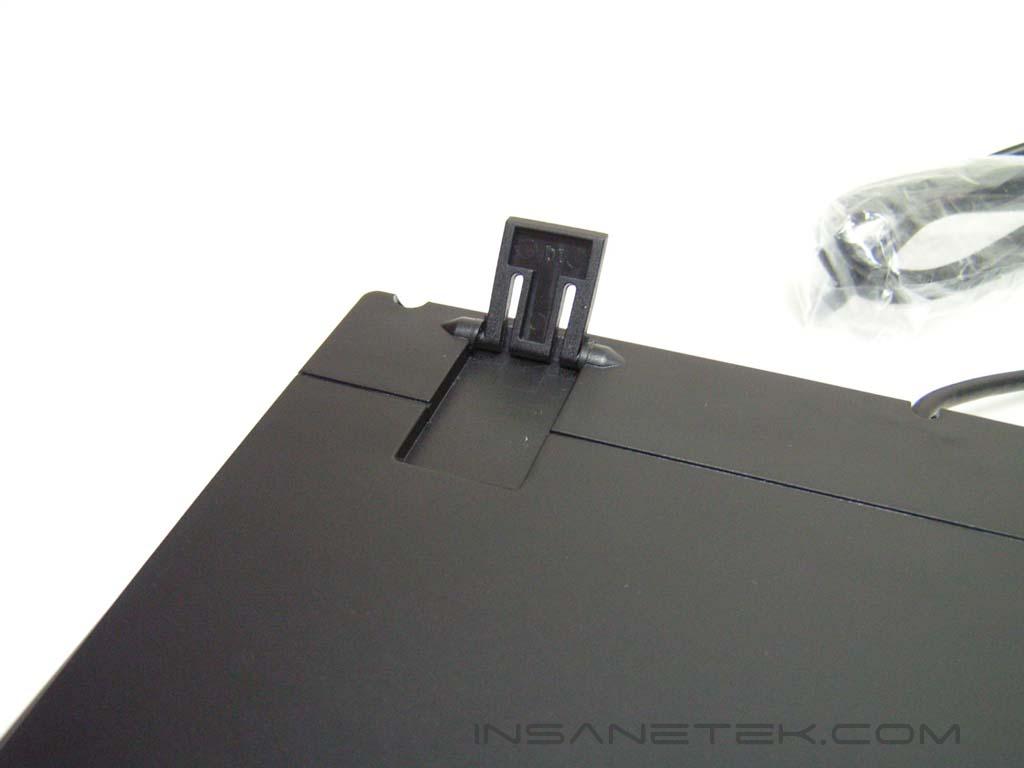
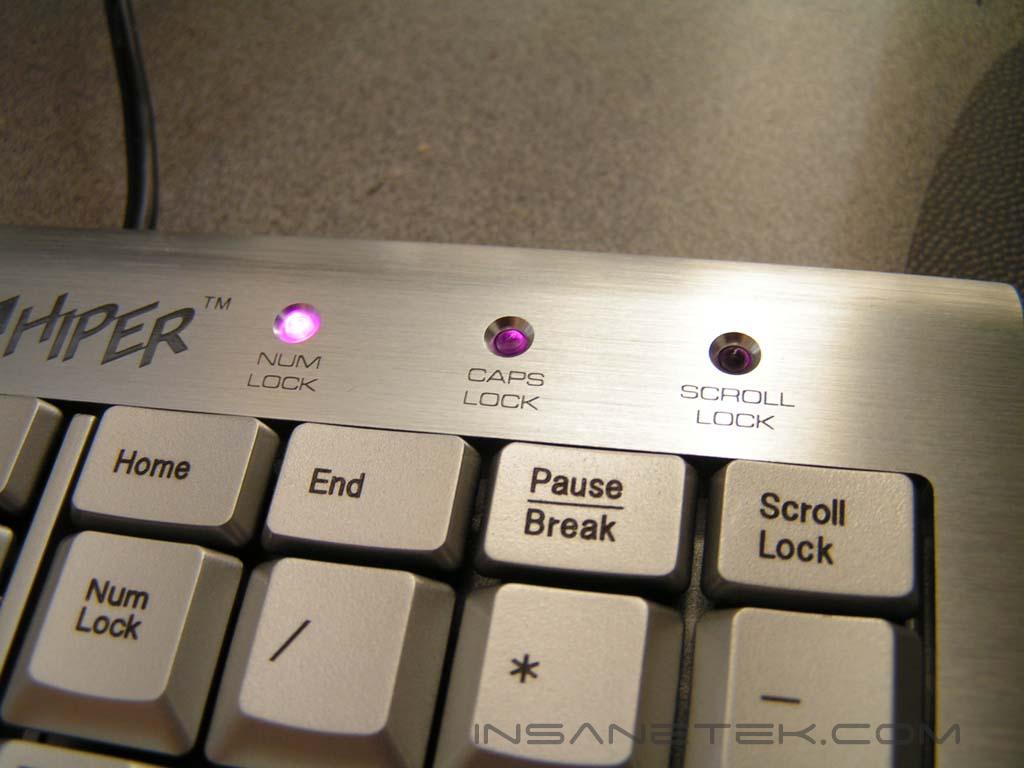
This keyboard uses a USB connection and does not come with a USB-to-PS/2 connector. On the bottom of the keyboard, there are two rubber feet to prevent the keyboard from moving while in use. There are also two adjustable feet that allow you to raise the keyboard slightly for a different style or comfort. I noticed that while laying the keyboard down without the adjustable feet, the keyboard was not fully balanced and would rock a little whenever I type. With the use of the adjustable feet the problem was solved, but it was slightly uncomfortable for my wrists. When the keyboard is plugged in, the lights at the top right hand corner should light up. When they light up, a beautiful purple is revealed. I was amazed how the multimedia buttons worked without any drivers. The email and browser buttons worked with no problems, but the rest require the media player to be opened and on your active screen (not in the background or minimized) before they will work. Occasionally, they might get stuck, but it is not hard to fix. While typing, there is almost no feel to it. I needed to mash the buttons hard in order to acknowledge that the corresponding key was already pressed. When playing games, I did not need to use force to mash the buttons and it was no different than my old keyboard.
Conclusion and Thoughts
Hiper’s first keyboard is definitely attractive. However, there are a few problems which might deter users from buying it. The buttons are smaller than a usual keyboard, making it harder for people with big hands or fingers to comfortably type without making many typographical errors. The multimedia keys were also very small and needed to be pushed all the way down before they would respond. Occasionally, they would get stuck, but it wasn’t a permanent problem. For a user replacing a regular keyboard with three sections with the Hiper keyboard, he or she might find themselves looking for the keys’ new location. Personally, I need a keyboard with keys that gives me a sense of acknowledgement. I need to feel that I have pressed the key in order to be efficient in word processing. The Hiper keyboard required me to use a lot more force into pressing the keys so that I was sure it was pressed. It wasn’t quite the laptop keyboard feel, either. Of course, the keyboard was eye-candy with its brushed aluminum and purple NUM/CAPS/SCROLL-Lock LED’s, but wait for improvements to this product before investing in it.
Pros:
- Beautiful brushed aluminum
- Bright purple LED’s
- Height-adjustable feet
Cons:
- Multimedia keys can get stuck
- Keys do not assure you that it has been pressed
- Small keys
- Does not come with USB-to-PS/2 converter
We would like to thank Hiper for providing us the sample. If you have any questions or comments, feel free to hit us up in the forums. You can also check out more of our latest reviews on the front page.